
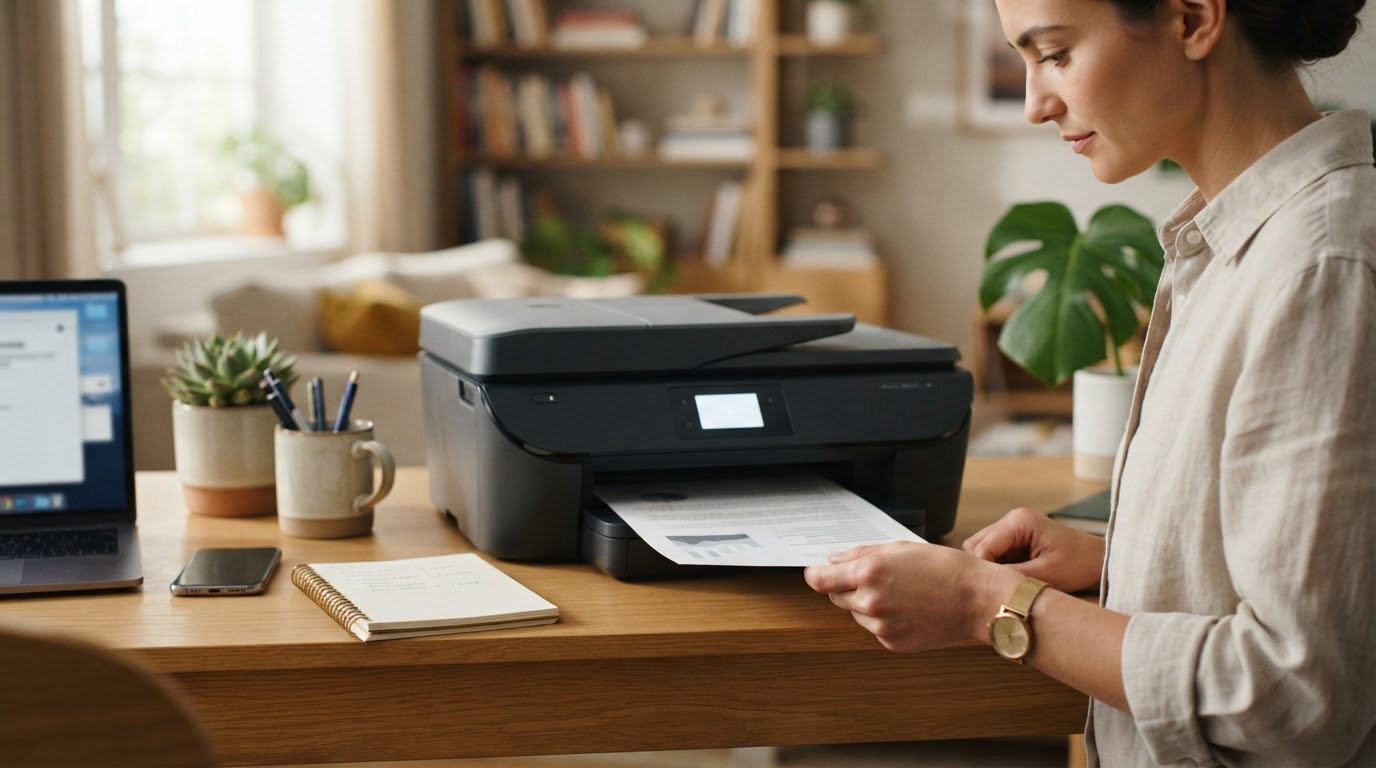
Printers are the purchases people regret most often, usually because they bought a cheap box and then paid cartridge prices for three years. The Epson EcoTank ET-2800 is the model at the top of this shortlist for that reason: refillable ink bottles, 10 ppm black, a flatbed scanner and the most owner reviews in the group. The Canon MegaTank G3270 covers almost the same ground with a little more speed and a backlit screen, and the Brother DCP-L2640DW is the pick when the job is paperwork, not photos.
Amazon’s Prime Big Deal Days event runs October 6-7, 2026, and most of the offers on printers need an active Prime membership. Prices move through the event, so treat this as a shortlist to watch rather than a list of confirmed discounts.
Table of Contents
Our Top 3 Picks for Best Amazon Prime Big Deal Days Printer Deals (October 2026)

Epson EcoTank ET-2800
- Refillable EcoTank ink bottles
- Flatbed scanner and copier
- 10 ppm black and 5 ppm color
- Up to two years of ink in the box

Canon MegaTank G3270
- 6000 black and 7700 color pages per ink set
- Print copy and scan
- 11 ppm black and 6 ppm color
- Backlit 1.35-inch LCD

Brother DCP-L2640DW
- 36 ppm monochrome laser
- 50-page automatic document feeder
- Automatic duplex printing
- 250-sheet paper tray
The Epson leads on volume of owner feedback, which is what tells us the ink system holds up over years rather than months. The Canon trades a slightly deeper tank for a backlit display and faster color. The Brother changes category entirely: a monochrome laser with a 50-page feeder for people who print contracts, invoices and forms rather than photographs.
Best Amazon Prime Big Deal Days Printer Deals Compared
| Product | Specifications | Action |
|---|---|---|
| Epson EcoTank ET-2800 |
|
Check Deal Price |
| Canon MegaTank G3270 |
|
Check Deal Price |
| Brother DCP-L2640DW |
|
Check Deal Price |
 Canon PIXMA TS3720 Canon PIXMA TS3720 |
|
Check Deal Price |
 Brother HL-L2460DW Brother HL-L2460DW |
|
Check Deal Price |
 Canon PIXMA TS6520 Canon PIXMA TS6520 |
|
Check Deal Price |
 Brother HL-L2405W Brother HL-L2405W |
|
Check Deal Price |
 HP LaserJet Pro MFP 3101sdw HP LaserJet Pro MFP 3101sdw |
|
Check Deal Price |
 HP Envy 6155 HP Envy 6155 |
|
Check Deal Price |
 HP Smart Tank 5003 HP Smart Tank 5003 |
|
Check Deal Price |
How We Chose
Every printer here was compared on the specs that decide daily use: printer type, black and color speed, duplex handling, paper capacity, ink or toner system, warranty, plus the Amazon rating and the number of owner reviews behind it. We checked the data on October 2026. The picks cover refillable ink tanks, cartridge inkjets, monochrome laser and small-team all-in-ones so every kind of household has a real option rather than a compromise.
1. Epson EcoTank ET-2800: Our Editor’s Choice Pick
- Refillable EcoTank bottles instead of cartridges
- Up to 4500 black and 7500 color pages per ink set
- Sharp 5760 x 1440 dpi color output
- Flatbed scanner and copier built in
- Single-sided printing only
- 10 ppm black and 5 ppm color is modest
- No automatic document feeder
The one to buy if ink bills are what burned you before. Owners rank it at 4 stars across more than 18,000 reviews, and the pattern in those reviews is consistent: refill intervals are long, colour is sharp for the class, and nobody is replacing a cartridge every few weeks.
One ink set covers up to 4,500 black pages or 7,500 colour pages, and up to two years of ink come in the box. Resolution runs to 5760 x 1440 dpi in colour, and a 100-sheet tray plus flatbed scanner and copier handles homework, recipes and the occasional photo print.
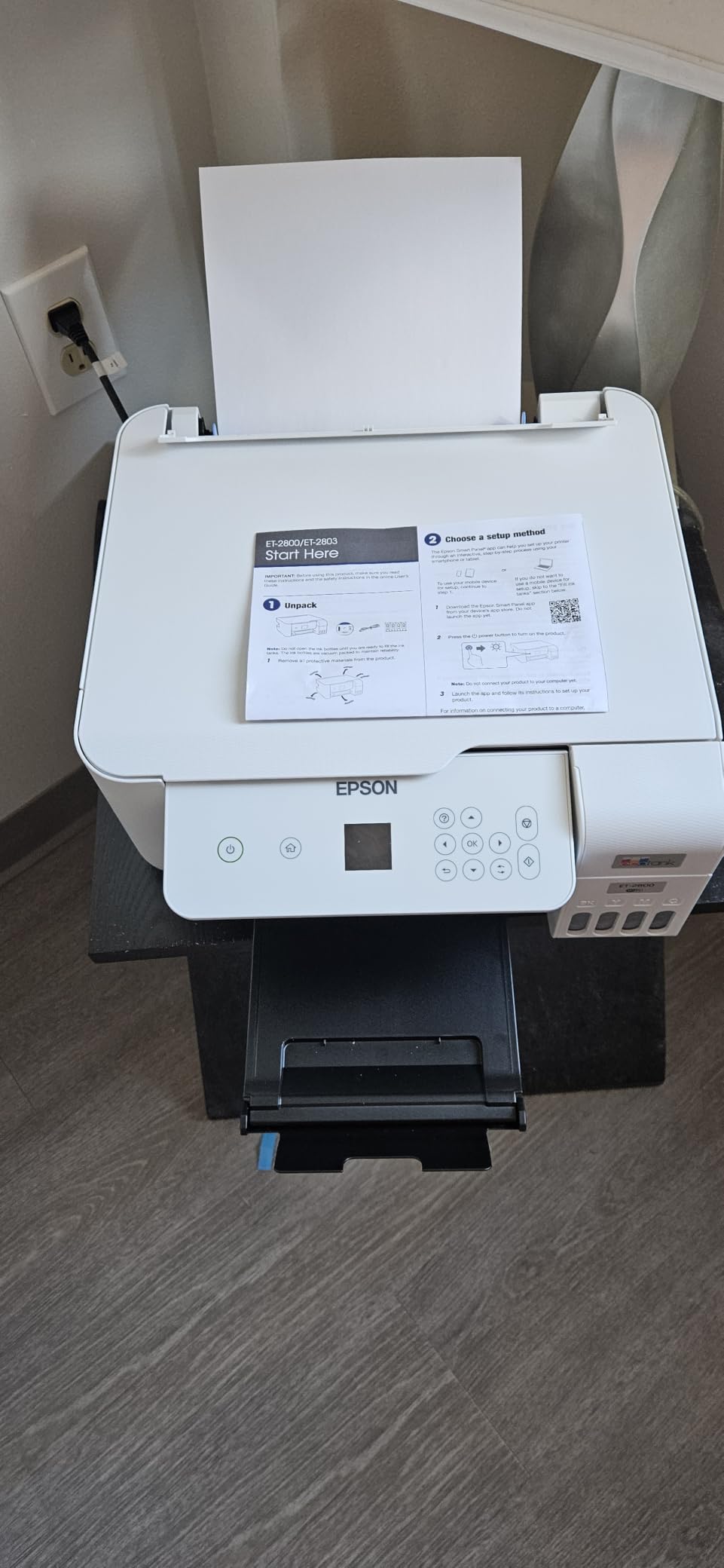
- Refillable EcoTank bottles rather than cartridges, so nothing gets thrown away with a printhead attached
- 10 ppm black and 5 ppm color, with a first page in seconds rather than a coffee break
- USB and Wi-Fi, with a one-year limited warranty
- 11.4 pounds and a flat LCD, so it fits on a small desk
Compared with the Canon MegaTank G3270, the Epson runs one page per minute slower in black and gives up the backlit screen, but it prints at a higher colour resolution and has the larger review base. Against the cartridge Canon PIXMA TS3720, the running cost difference over a year of regular printing is the whole argument.
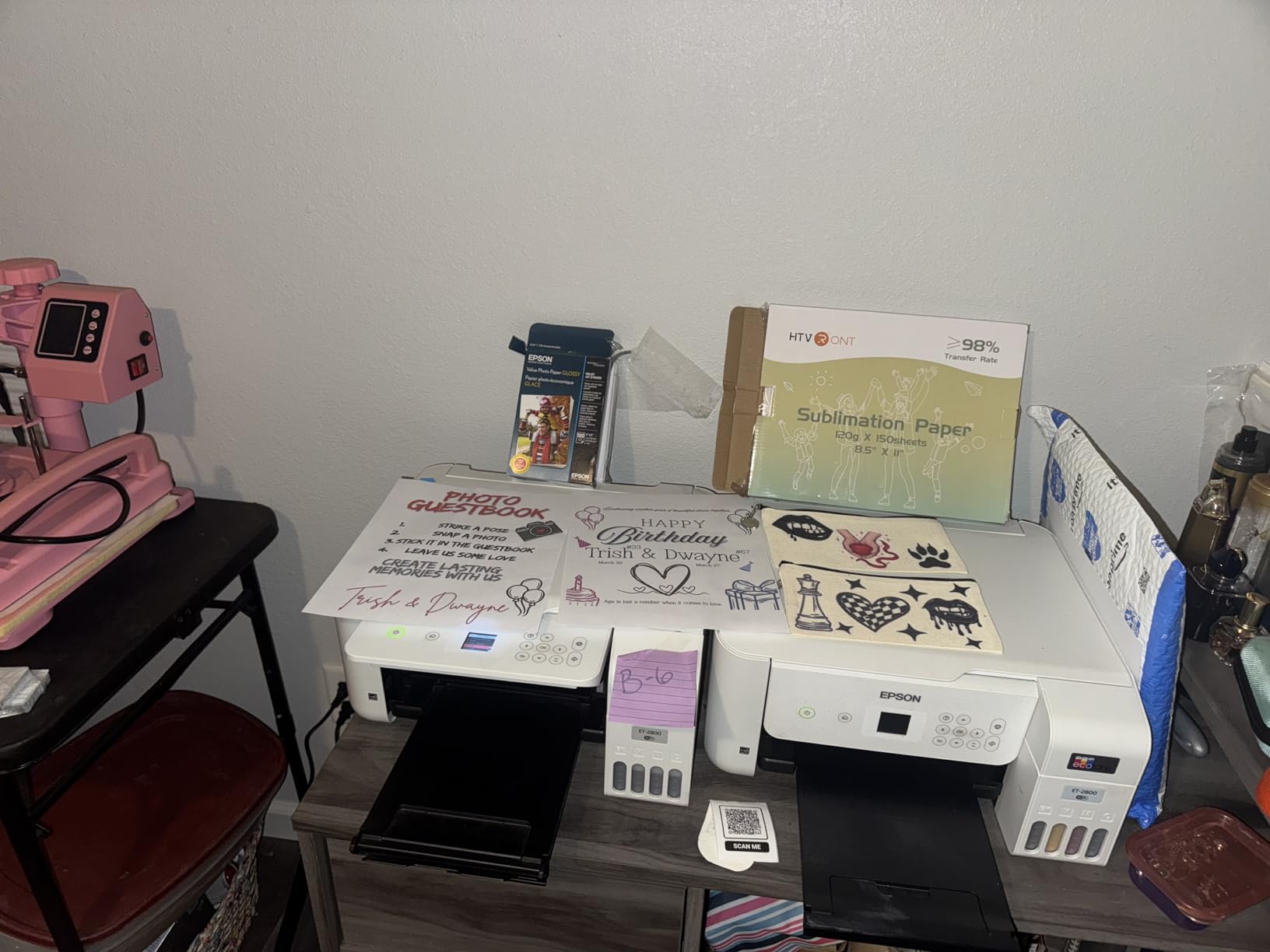
Duplex is single-sided, so long documents mean turning the stack yourself, and there is no document feeder if you routinely copy a multi-page set. Epson advises genuine ink, and owners using third-party bottles sometimes report a warranty argument later.
2. Canon MegaTank G3270: Best Value Ink Tank
- Up to 2 years of ink in the box
- 6000 black and 7700 color pages per ink set
- Print copy and scan in one unit
- Backlit 1.35-inch LCD for status checks
- Single-sided printing only
- 21.9 inch depth is bulky on a small desk
- Only one input tray
A house with three kids and a weekly stack of school projects is exactly who this is for. The MegaTank system comes with up to two years of ink, and a single set covers 6,000 black or 7,700 colour pages, so refills become an annual event rather than a weekly one.
It prints at 11 ppm black and 6 ppm colour, a step up from the Epson’s 10 and 5, and the 1.35-inch backlit LCD shows ink status at a glance instead of guessing from a laptop window. Copy and scan sit on the same flatbed, and Canon lists it for both home and home office use.
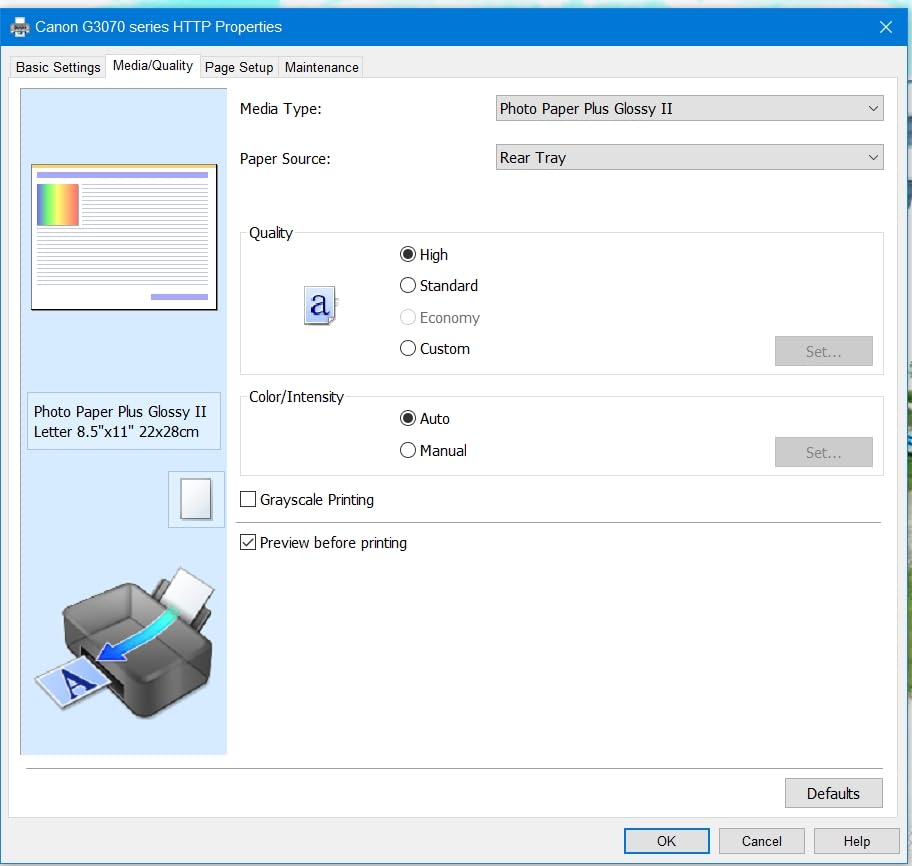
- Print, copy and scan in one unit with a flatbed scanner
- 100-sheet paper capacity with 8.5 x 14 inch media support
- USB and Wi-Fi connectivity, 16 watt power draw
- 4.1 stars from more than 5,100 reviews, with two thirds of owners giving five stars
Where it differs from the Epson EcoTank ET-2800: Canon’s page yields per ink set are higher, its screen is backlit, and it runs faster in both black and colour. What you give up is colour resolution, where the Epson’s 5760 x 1440 dpi outruns Canon’s 4800 x 1200 dpi, and the Epson carries far more owner feedback.
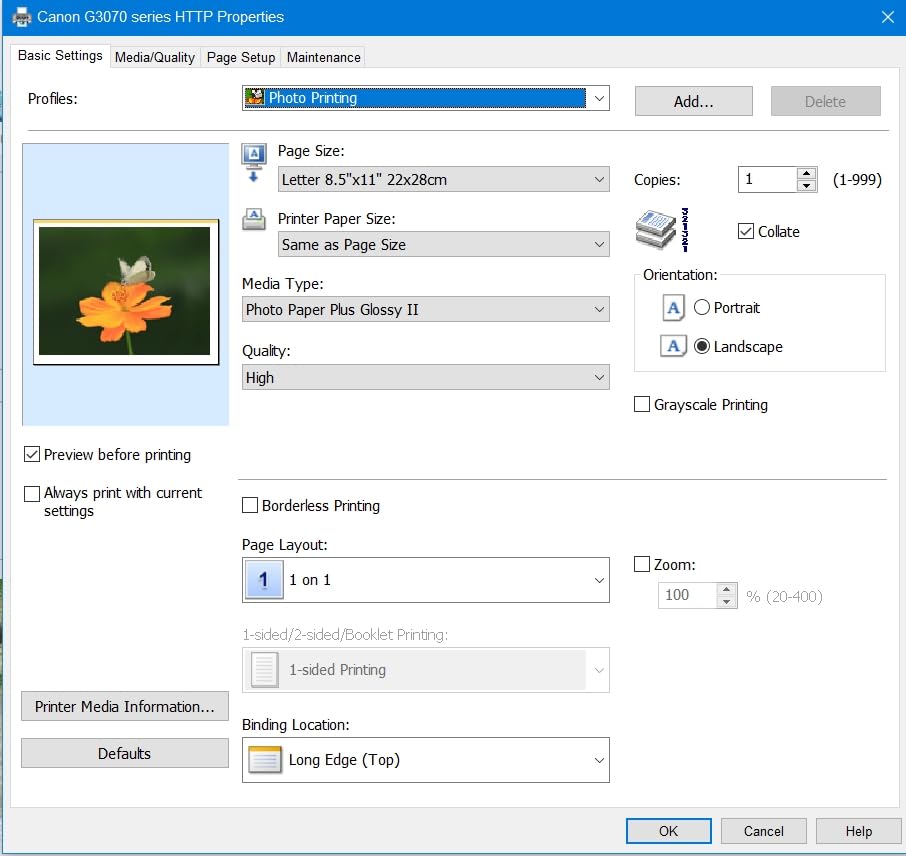
The body runs 21.9 inches deep and weighs 13.2 pounds, which owners mention as bigger than expected, so measure the desk before the event rather than after. Duplex is single-sided and there is a single input tray, so busy weeks mean refilling paper often.
3. Brother DCP-L2640DW: Best for Home Office Work
- 36 ppm monochrome with automatic duplex
- 50-page automatic document feeder
- 250-sheet tray and 120-sheet output
- Toner running cost stays low
- Works with USB Ethernet and dual-band Wi-Fi
- Wi-Fi setup and the password flow frustrate some owners
- On-printer scan menu is clumsy
- 25 pounds is heavy for a desk
Skip it if you print photos. This is a monochrome laser machine, and everything about it is aimed at text: 36 ppm, a 1200 x 1200 dpi page, a first page in 8.5 seconds and automatic duplex that halves your paper use on every job.
The 50-page automatic document feeder is the feature people notice first after speed. Scanning and copying a signed contract no longer means standing at the lid flipping pages one at a time, and Brother’s Mobile Connect app handles remote printing and toner ordering from a phone.
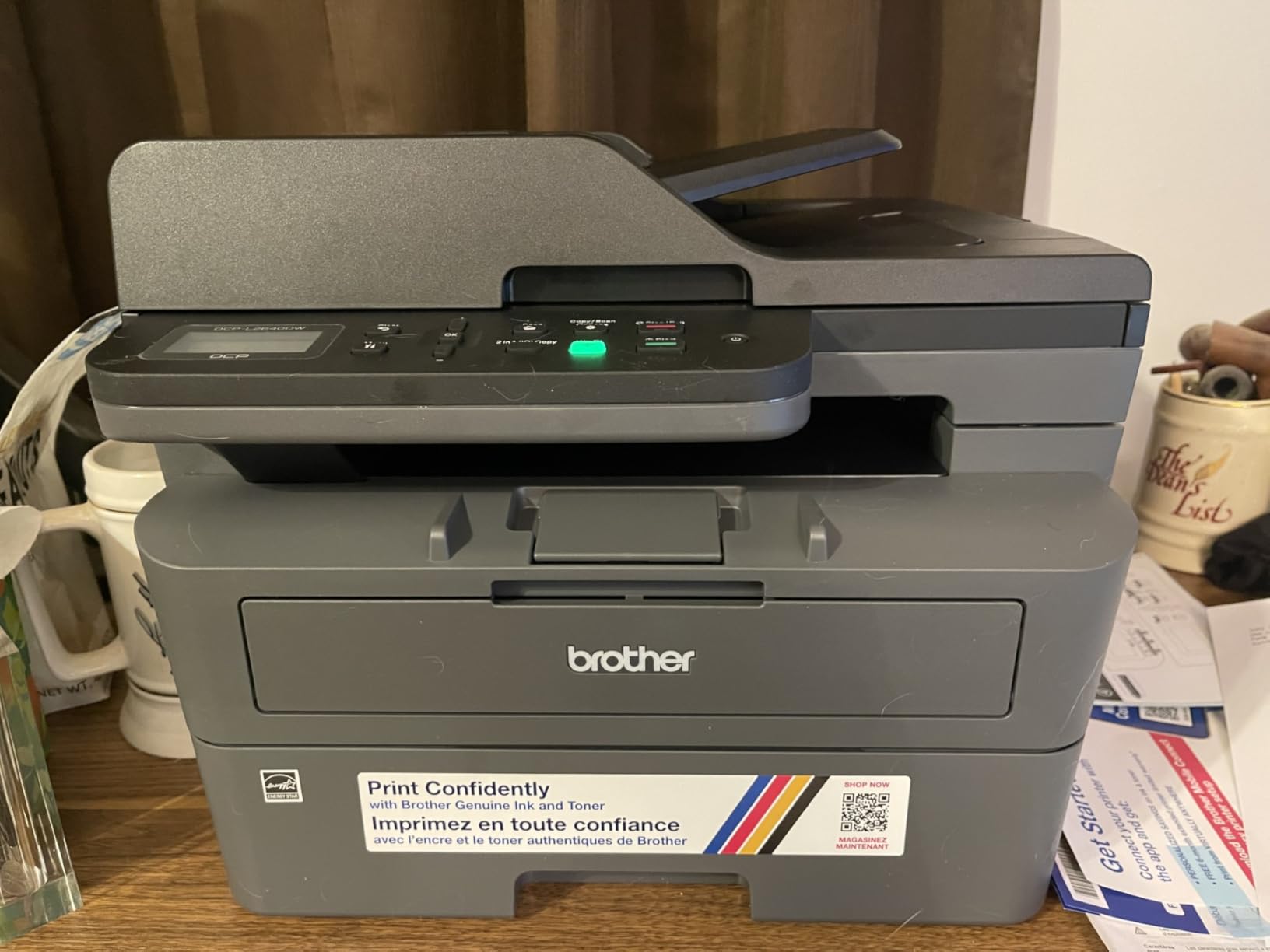
- 250-sheet input tray with a 120-sheet output tray, ready for a full ream
- Dual-band Wi-Fi on 2.4GHz and 5GHz, plus Ethernet and USB
- TN830 and TN830XL toner, and a one-year limited warranty
- Scanning at up to 23.6 ipm black, with scan-to-email built in
Against the HP LaserJet Pro MFP 3101sdw, the Brother is faster on paper, lighter to lift and far cheaper in toner. The HP wins on rating and on how painless setup tends to be. Compared with the Epson EcoTank ET-2800, toner pages cost less per sheet to produce, but you give up colour entirely.
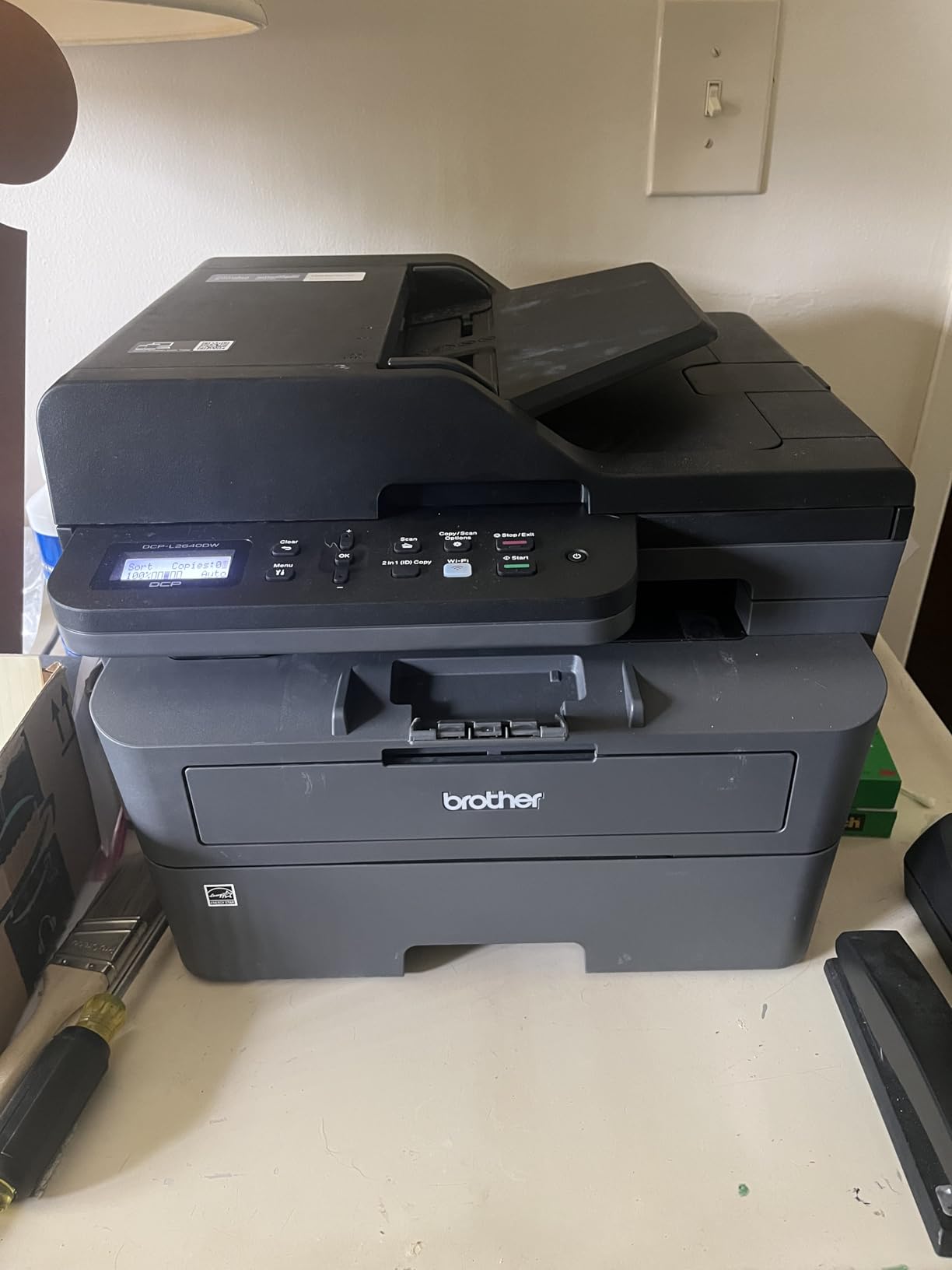
The recurring owner complaint is about first-time setup, not about printing. Wi-Fi configuration and the default password flow catch people out, and the on-printer scan menu is awkward next to the app, so budget ten quiet minutes for setup before the event starts.
4. Canon PIXMA TS3720: Budget Pick for Light Printing
- Only two cartridges to change
- Setup works without a computer
- Dual band Wi-Fi plus AirPrint and Mopria
- Borderless 5 x 7 inch photos
- No automatic duplex
- Small 60-sheet paper tray
- 7.7 ppm black is slow
Owners report setting this one up in minutes, sometimes without touching a computer, which is why it keeps landing on shortlists for a first printer or a second home. Two cartridges, one black and one tri-color, mean no ink bottle ritual and nothing to spill on the desk.
It handles print, copy and scan, prints borderless photos at 5 x 7 inches, and connects over dual-band Wi-Fi with Apple AirPrint, Mopria and Chromebook support. The 8.7-pound body is the lightest on this list, and the 1.5-inch segment LCD keeps status simple.
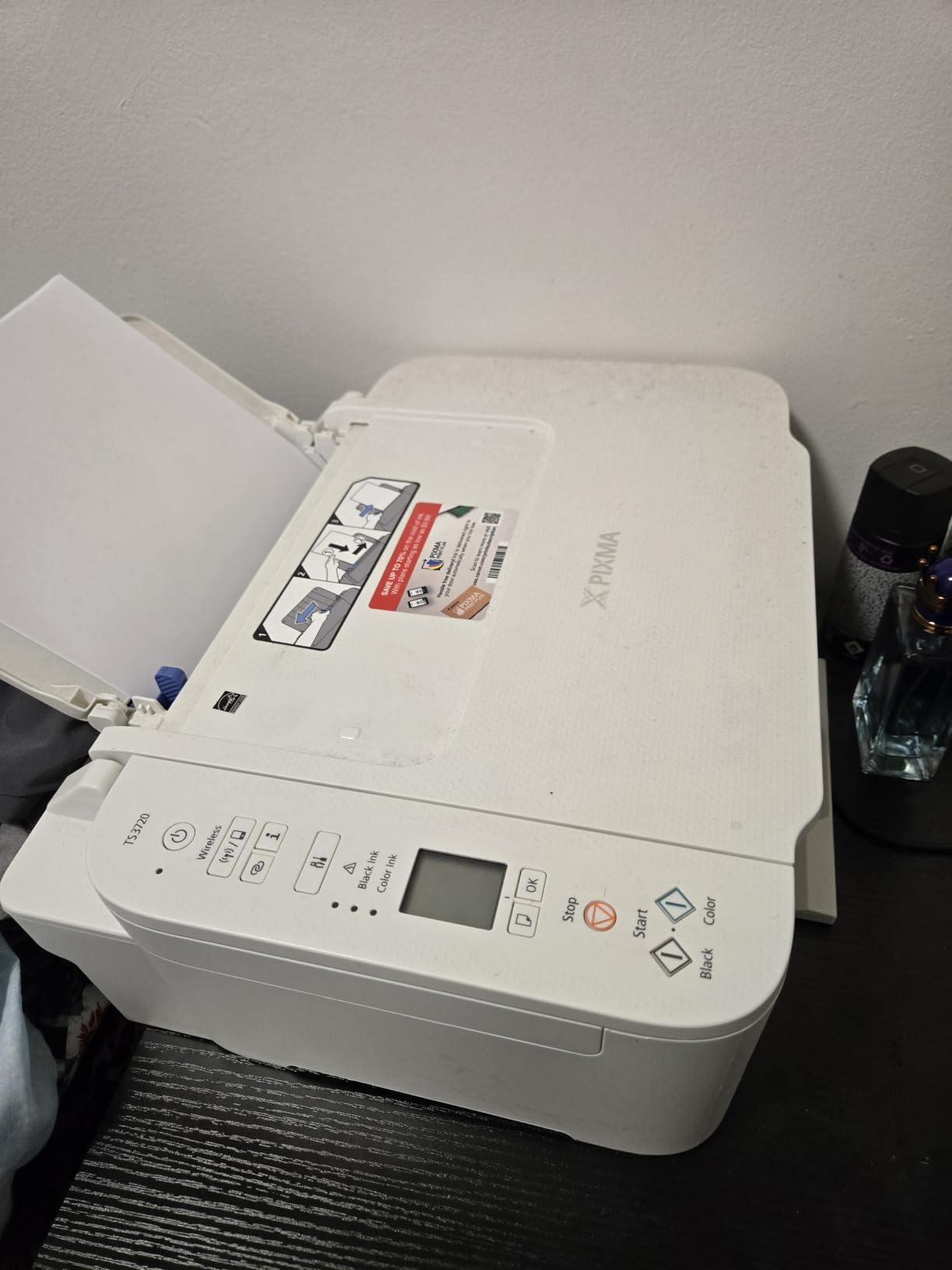
- Resolution up to 4800 x 1200 dpi in both black and colour
- 60-sheet paper tray, and it accepts envelopes and banners
- 4 stars across roughly 3,500 reviews, with 63 percent five-star ratings
- One-year limited manufacturer warranty
This is the least expensive model on the list, and the trade-off shows up on paper handling. The 60-sheet tray holds less than a ream, there is no automatic duplex, and 7.7 ppm black is unhurried. If you print more than a few pages a week, step up to the Canon PIXMA TS6520 instead.
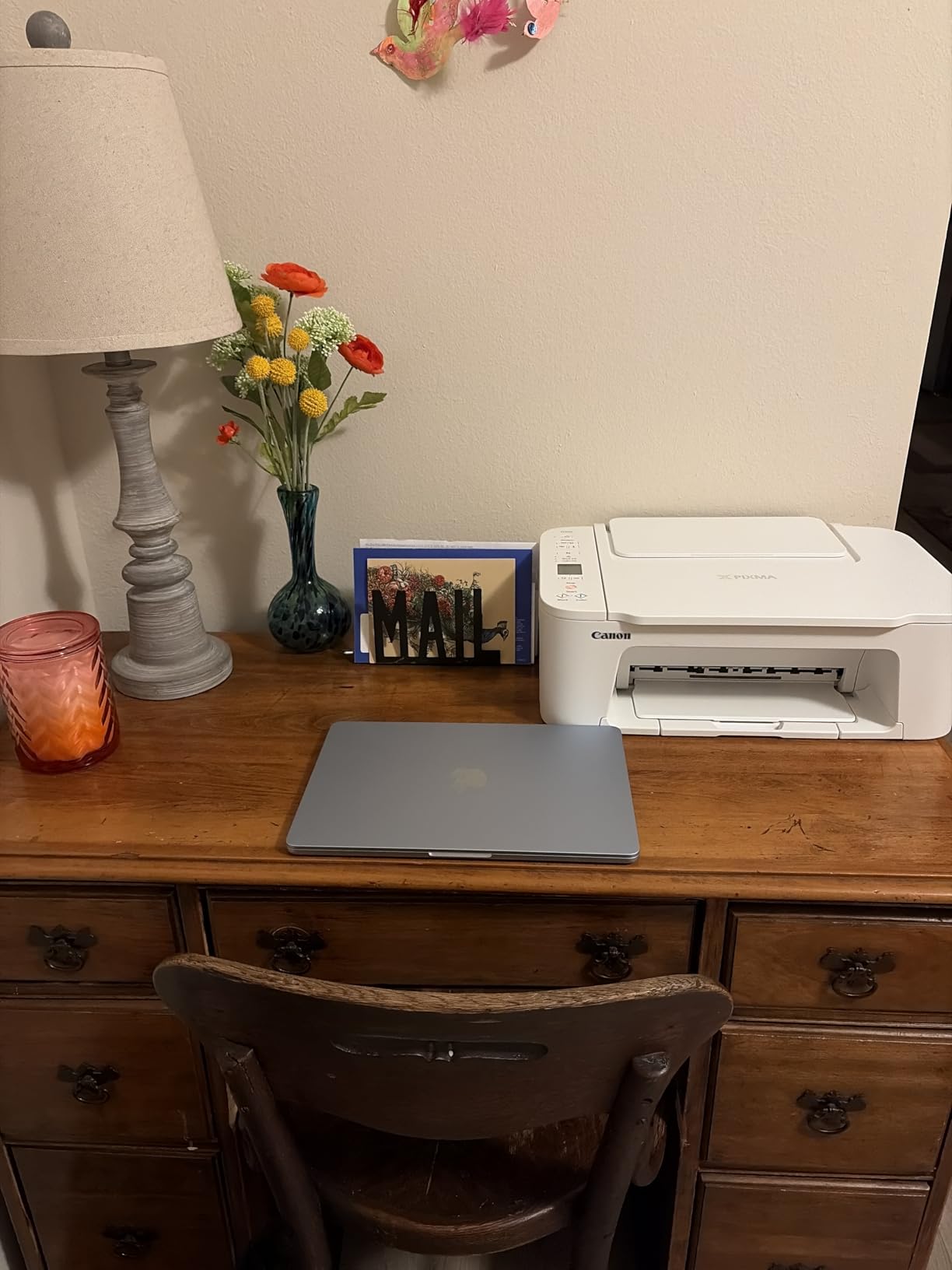
Good to know: cartridge cost, not sticker cost, decides this printer’s real price. Buy a full set of black and colour at once and treat replacements as a planned expense. It is also a single-sided machine, so double-sided documents are a manual flip.
5. Brother HL-L2460DW: Best for Compact Laser Printing
- 36 ppm with automatic duplex
- First page out in 8.5 seconds
- 250-sheet tray plus manual feed slot
- Light for a laser printer at 15.6 pounds
- Monochrome only
- On-screen Wi-Fi setup is tedious on the physical buttons
- Refresh subscription trial can generate surprise overage charges
Compared with the Brother DCP-L2640DW, this is the same engine without the scanner and copier, which drops the weight from 25 pounds to 15.6 and makes it a realistic fit for a small home office shelf. Speed and automatic duplex are unchanged at 36 ppm.
Owners consistently describe the output as crisp and quiet, and the toner lasts far longer between changes than any cartridge in this list. The 250-sheet main tray plus a manual feed slot handles envelopes and thicker media without a second tray.
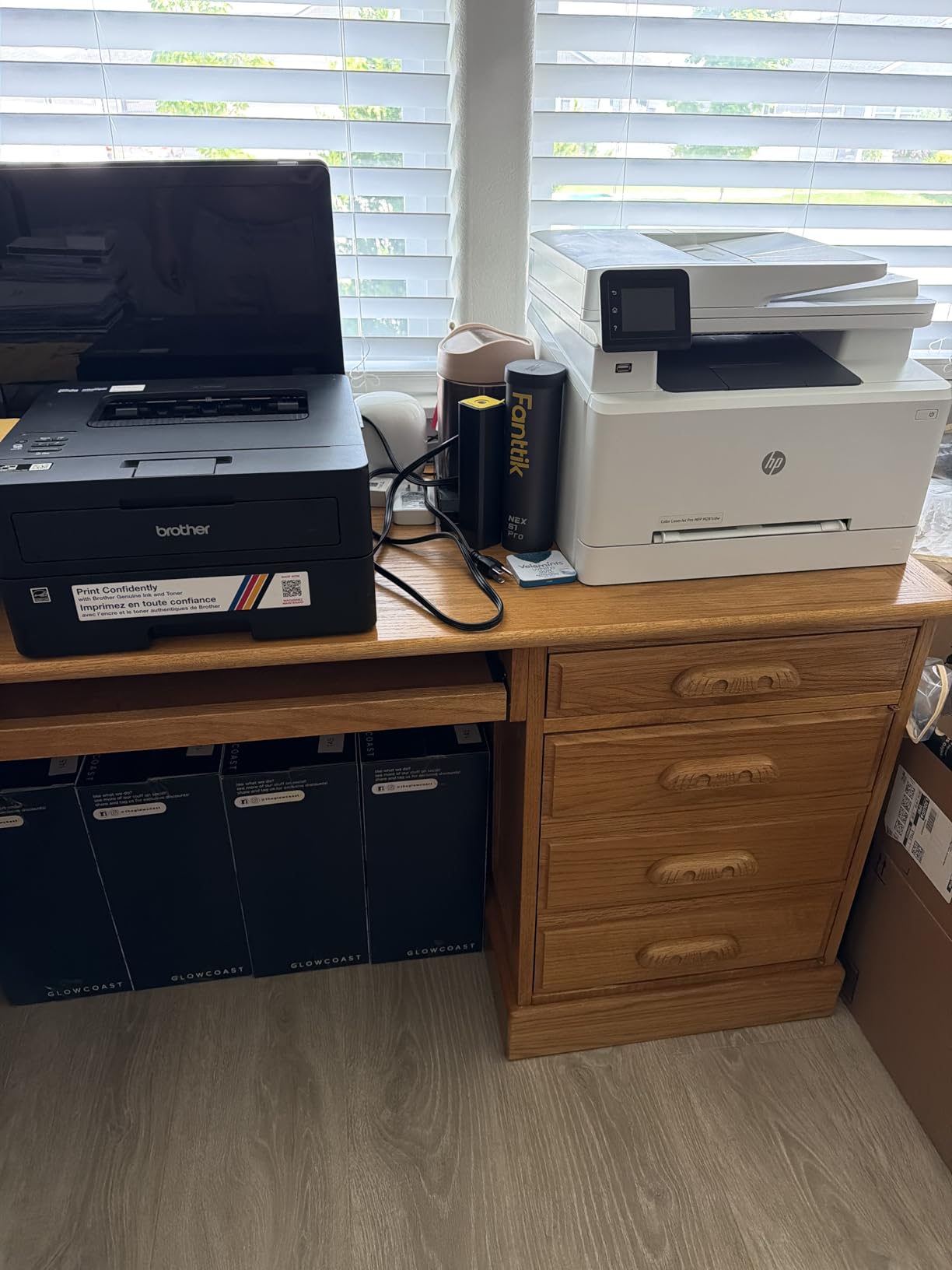
- Print-only, so there is no flatbed scanner or feeder to lose
- Dual-band Wi-Fi, Ethernet and USB, with a first page in 8.5 seconds
- TN830 and TN830XL toner, one-year limited warranty
- Reported by owners to work reliably on both Windows and Linux
Two practical notes. The Wi-Fi walkthrough runs on a small physical button panel and several owners call it tedious, so set it up over a USB cable first if you can. And the box includes a Refresh EZ Print subscription trial, which owners warn can roll into overage charges if it is not cancelled at install.
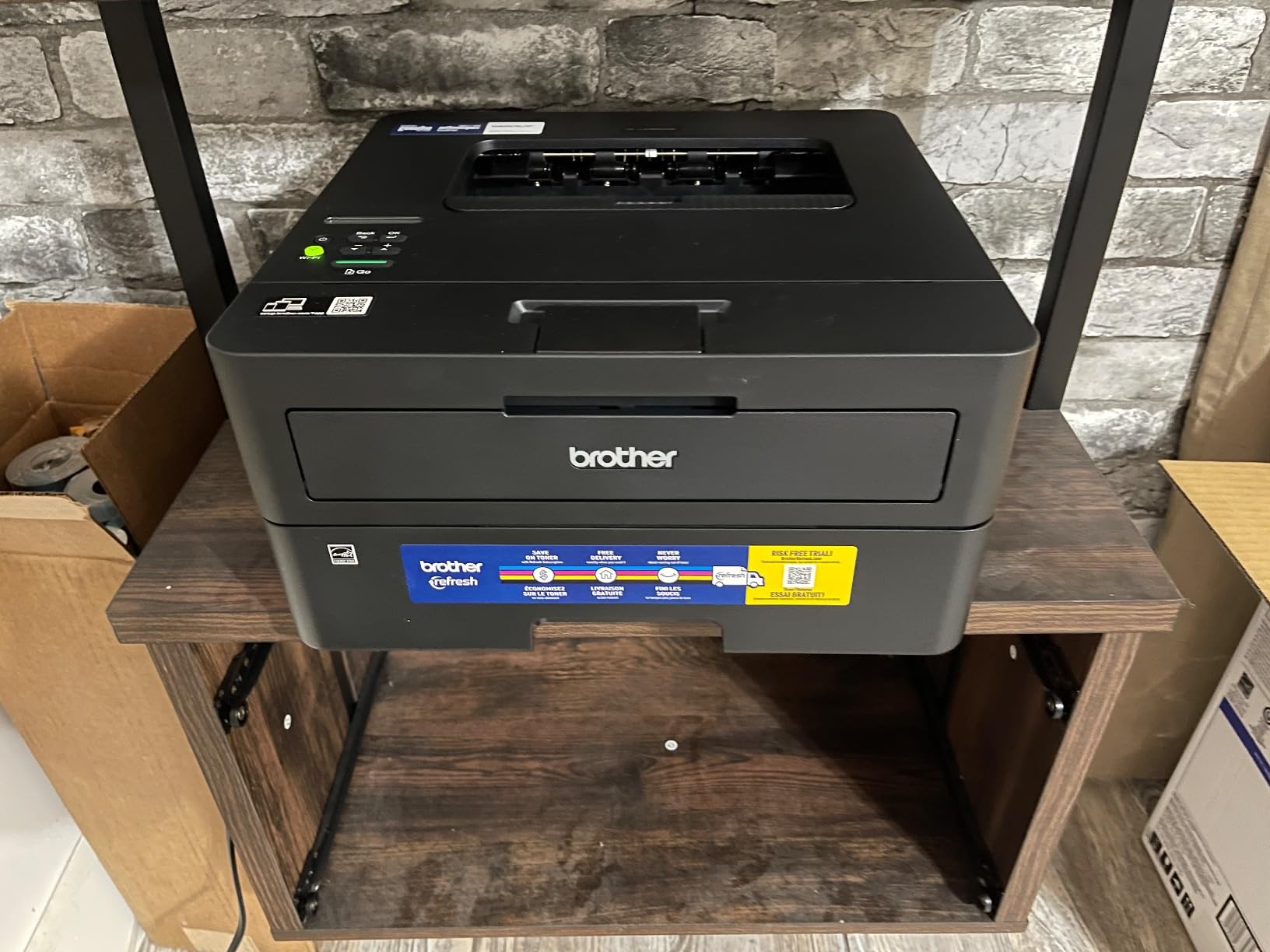
It is monochrome only, so if a colour chart or a school project suddenly needs red, this is the wrong machine and the Canon PIXMA TS6520 covers the same ground with colour and automatic duplex.
6. Canon PIXMA TS6520: Best for Two-Sided Colour at Home
- Automatic two-sided printing at an entry price
- 1.42-inch OLED shows ink levels
- 14 ppm black and 9 ppm color
- Three-year manufacturer warranty
- Two-cartridge hybrid system runs photos slowly
- 15.4 pounds is heavy for a compact inkjet
Automatic duplex at this level is rare, and that single feature is the reason to look here first. Reports, recipes and school worksheets come out two-sided without a manual flip, and 14 ppm black with 9 ppm colour is the fastest inkjet speed in this group.
The 1.42-inch monochrome OLED shows ink levels and status directly on the printer, so you are not opening the Canon PRINT app to find out whether the colour tank is empty. Borderless printing runs up to 8.5 x 11 inches, and it works over dual-band Wi-Fi, USB, AirPrint and Mopria.
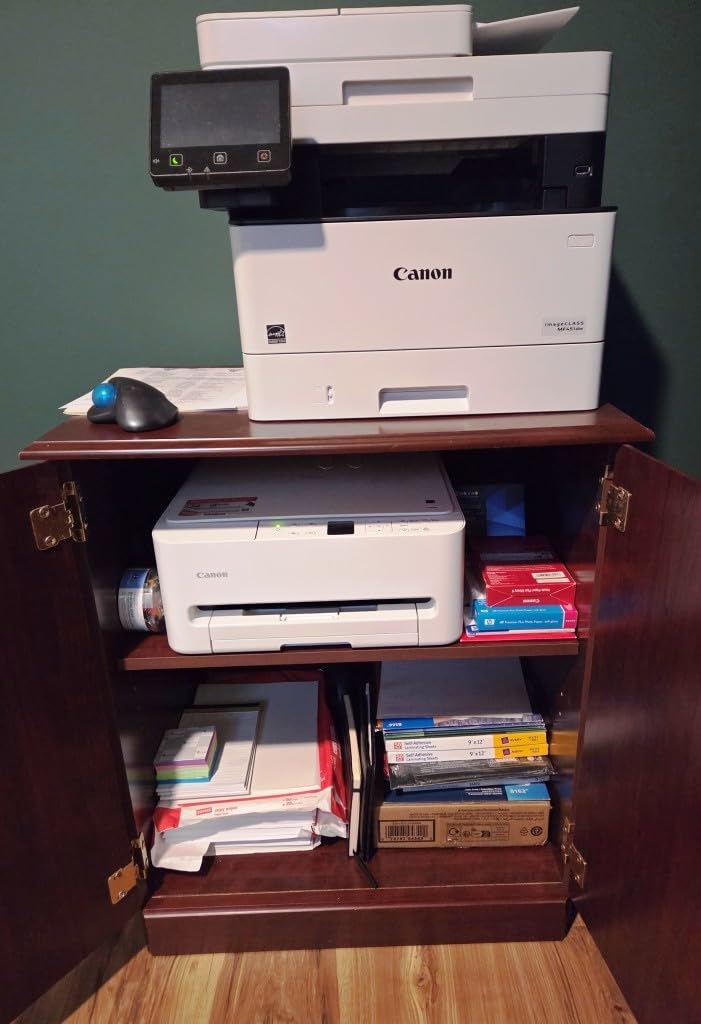
- Three-year manufacturer warranty, the longest coverage here
- Hybrid ink system with a pigment black tank and a dye colour tank
- First page in 7.5 seconds black and 9.5 seconds colour
- 4.2 stars from just under 2,000 reviews, with 70 percent five-star ratings
Where it differs from the Canon PIXMA TS3720: a larger paper capacity, automatic duplex, a faster engine and a longer warranty. The TS6520 also costs more and weighs 15.4 pounds. Against the HP Envy 6155, Canon avoids the chip-locked cartridge and subscription questions entirely.
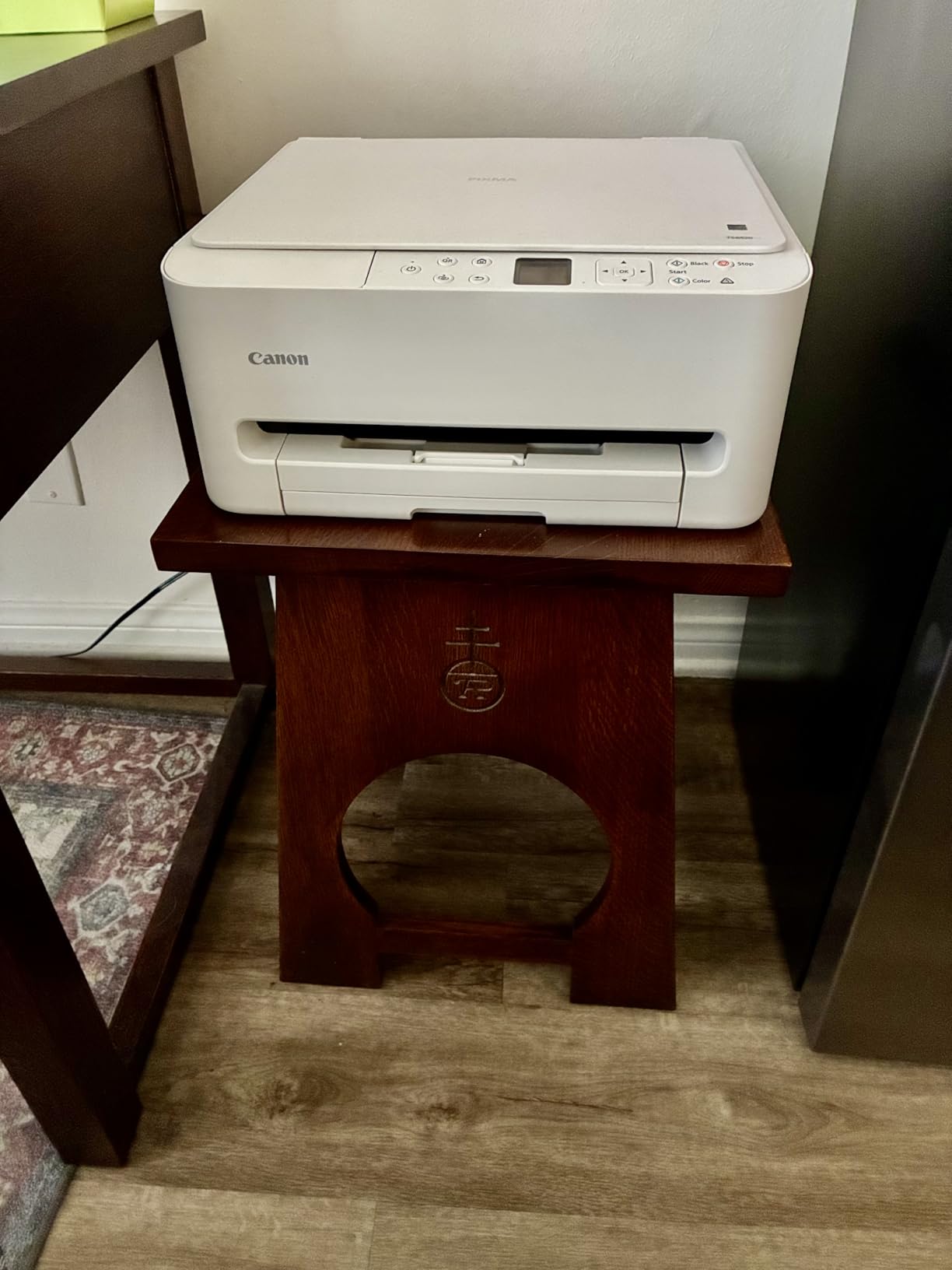
Two cartridges means colour photos lean on one tank, and owners report that colour photo runs are slower as a result. For a lot of school projects and weekly documents, that trade is worth it.
7. Brother HL-L2405W: Best for Plain Monochrome Printing
- No forced app registration or subscription
- 30 ppm monochrome output
- 250-sheet tray plus manual feed
- Toner needs no maintenance
- Duplex is manual so you flip the paper
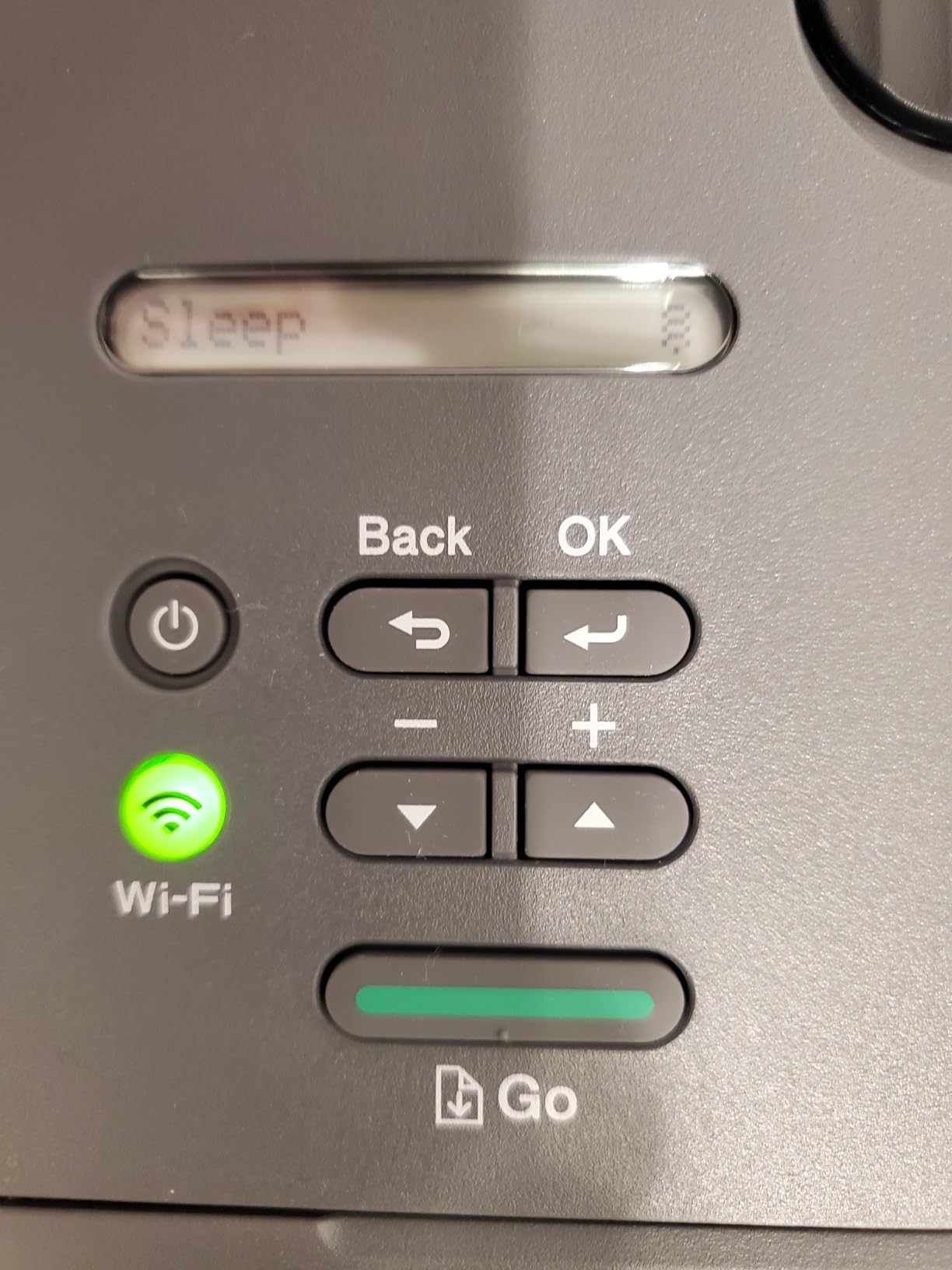
- QR-code setup can take hours
- Deep Sleep can drop it from mesh networks
Several owners came to this from an HP inkjet and the thing they mention first is what is missing: no forced app registration, no subscription prompt, no cartridge chips. You unbox it, load toner and print.
Output runs at 30 ppm with a first page in 8.5 seconds, and the 250-sheet tray plus a manual feed slot is generous for a compact laser. Wireless printing from laptops and phones over dual-band Wi-Fi is reported as reliable once the network is set up.
- Print-only monochrome, 1200 x 1200 dpi text
- Toner cartridges that need no maintenance between changes
- 15.1 pounds, and Energy Star and Epeat qualified
- One-year limited warranty from Brother
The honest drawback list is longer than the praise list for setup. Owners describe a QR-code registration flow, serial number and password entry with no character masking, and a firmware step that can take a couple of hours if you are working from a laptop only. Deep Sleep behaviour has also dropped the printer from some mesh networks.
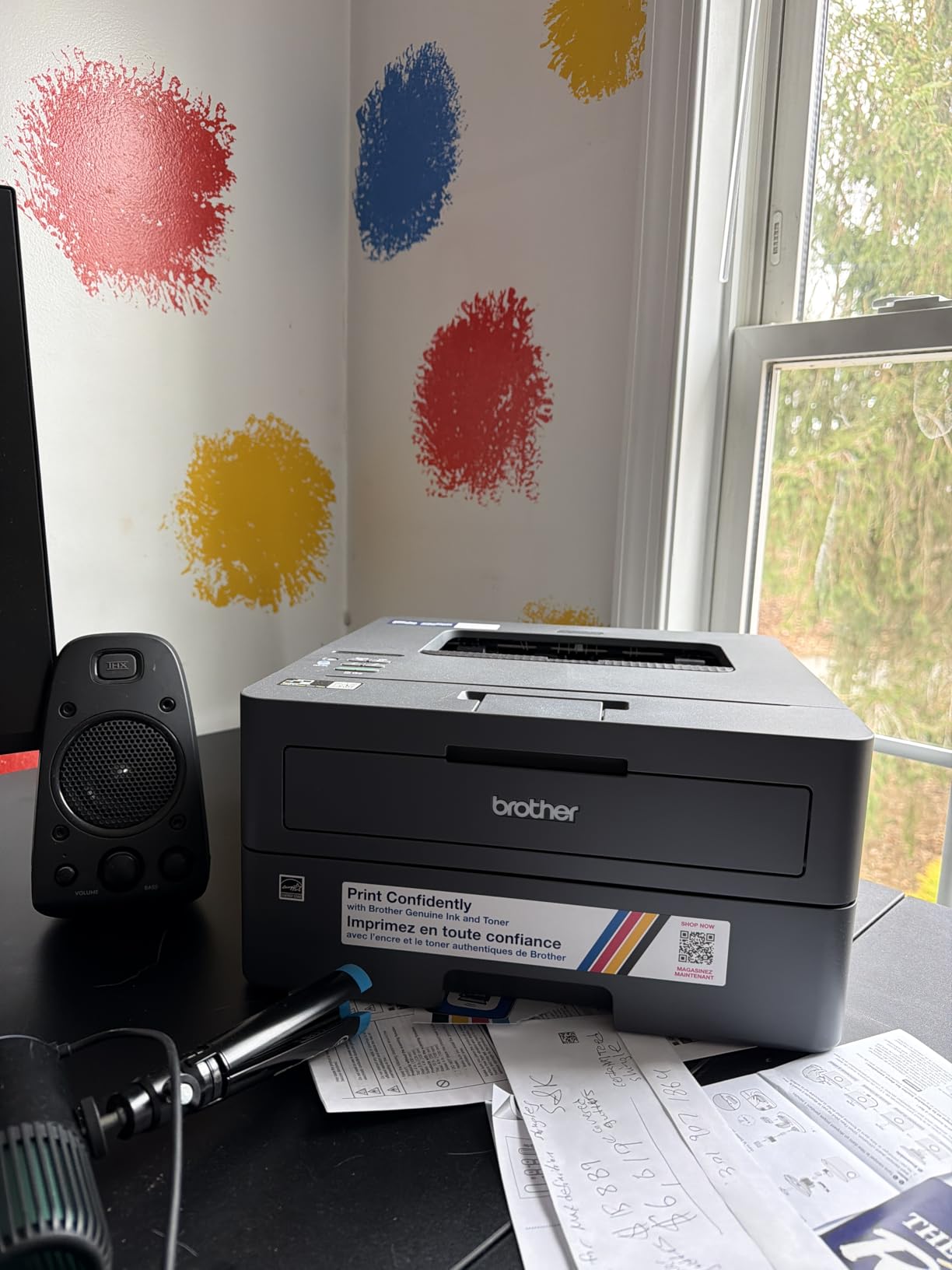
The Brother HL-L2460DW is the same engine with the scanner and copier removed, which is where the money and the weight come out. Here you give up automatic duplex and 6 pages per minute, and in exchange the setup is a shorter job. If two-sided printing is routine in your week, pay the difference and take that model instead.
8. HP LaserJet Pro MFP 3101sdw: Best for Small Work Teams
- 4.5 stars and the highest rating in this roundup
- 50-sheet ADF with a 250-sheet tray
- Installs and prints within minutes
- Wi-Fi recovers after power outages
- Chip-locked to genuine HP toner
- Some owners report a light-feeling build
- Wi-Fi can drop after an internet surge
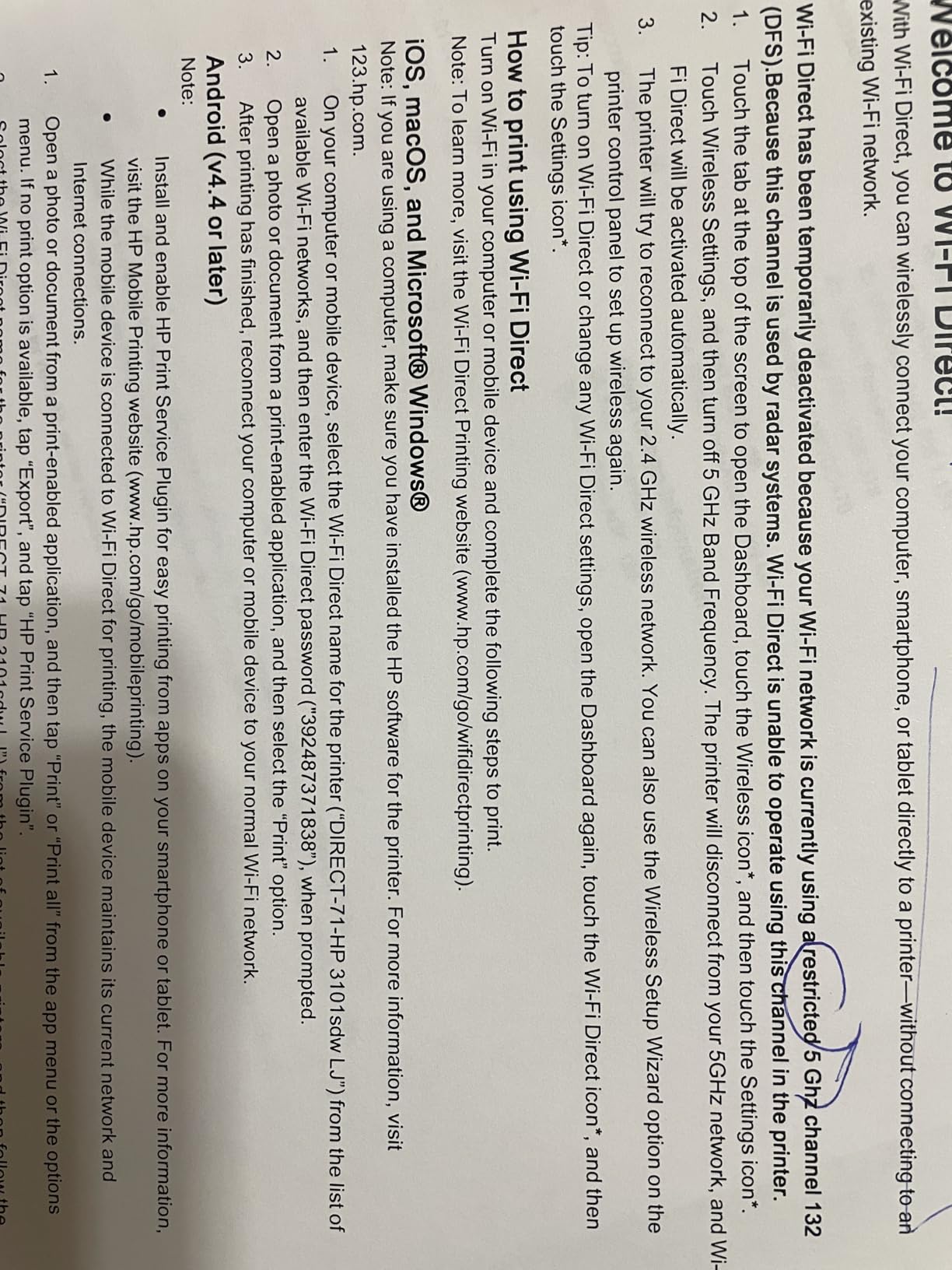
This machine carries the best owner rating in the group at 4.5 stars, with 77 percent of reviewers giving five stars. The distribution matters more than the number: it is the most consistently satisfied audience across everything we looked at, even though the review base is still small at just under 600.
Speed is up to 35 ppm black, with a 7-second first page, automatic duplex, a 250-sheet input and output tray and a 50-sheet document feeder. Scanning and copying run through both an ADF and a flatbed, and AirPrint, Mopria, Ethernet, USB and Wi-Fi are all supported.
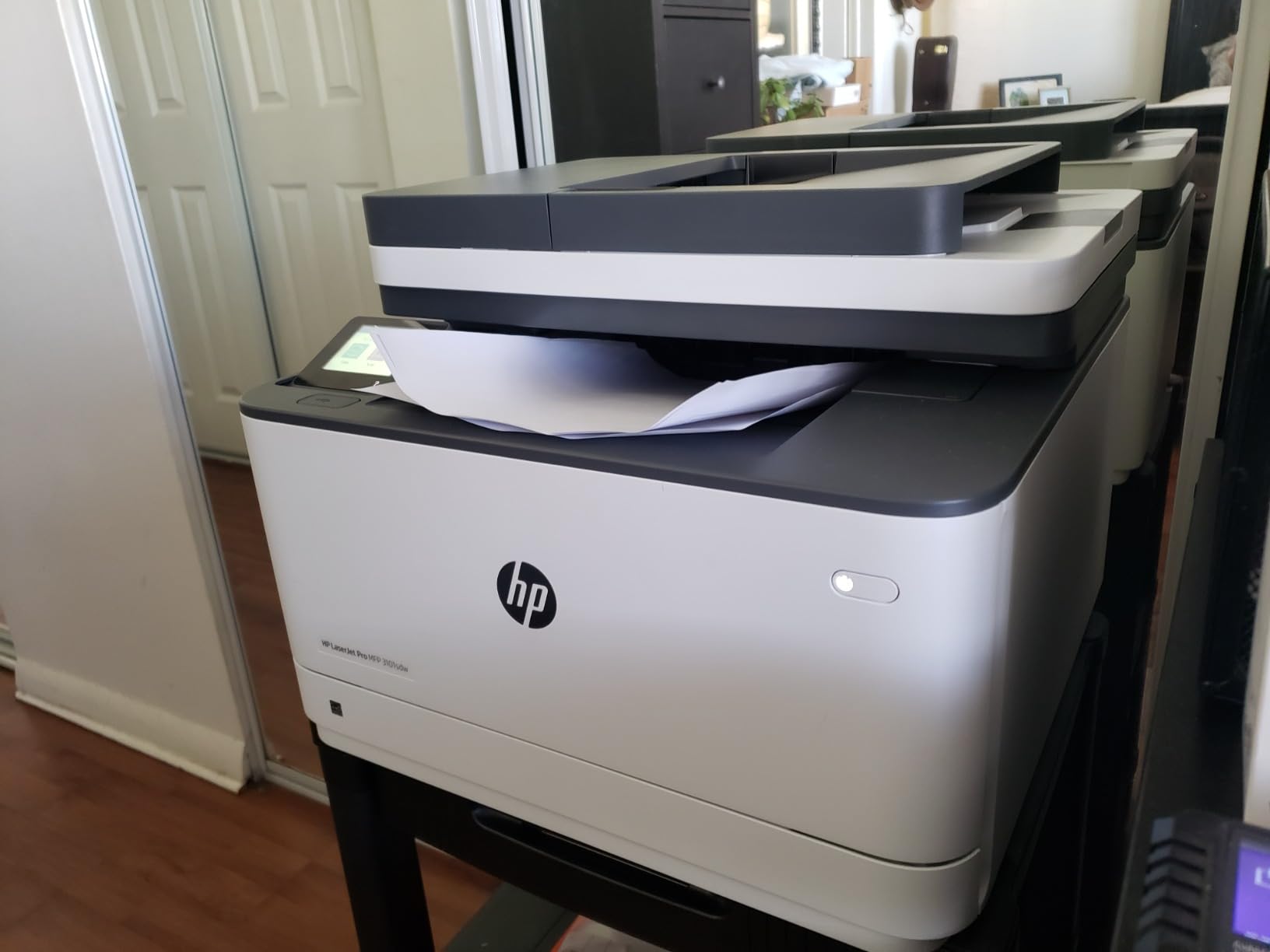
- Introductory black toner cartridge included at about 1,000 pages
- Up to 999 copies per run, and 8.5 x 14 inch media support
- LED control panel, 23.1 pounds, one-year limited warranty
- Owners switching from inkjets cite quietness and reliability
Two caveats decide this for some buyers. HP firmware locks it to cartridges containing HP chips, so third-party toner is blocked, which removes the usual cost workaround owners use on Brother machines. Some reviewers also describe the build as light-feeling with a tray that flexes.
Good to know: the smaller review count means less long-term history than the Epson or Canon picks. If you want a proven workhorse with more owner feedback behind it and cheaper toner, the Brother DCP-L2640DW is the alternative to weigh.
9. HP Envy 6155: Best for Photos and Colour Documents
- 2.4-inch color touchscreen
- Automatic duplex in a home all-in-one
- True-to-screen P3 color
- Body made with at least 60 percent recycled plastic
- Chip-locked to genuine HP cartridges
- 100-sheet tray is small for busy homes
- Instant Ink becomes a monthly fee after the trial
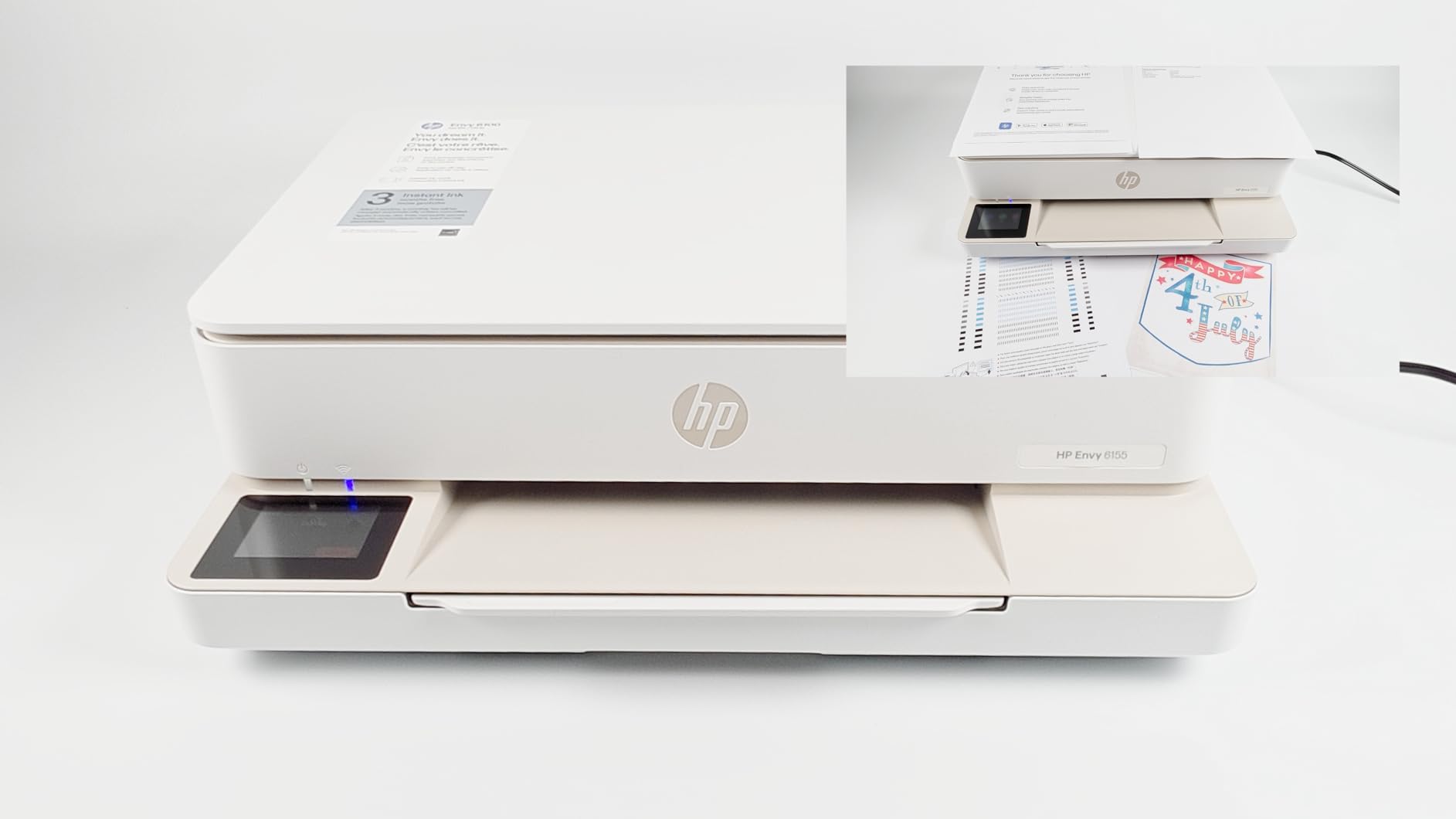
The touchscreen is the reason this one stands out. At 2.4 inches it is the largest control panel among the home inkjets here, and reviewers use it directly for copies, scans and borderless photos without opening an app first.
Colour output uses HP’s P3 technology for a wider gamut, which matters for anyone printing photographs to match what they see on screen. It runs 10 ppm black and 7 ppm colour, handles print, copy and scan with automatic duplex, and includes a three-month Instant Ink trial in the box.
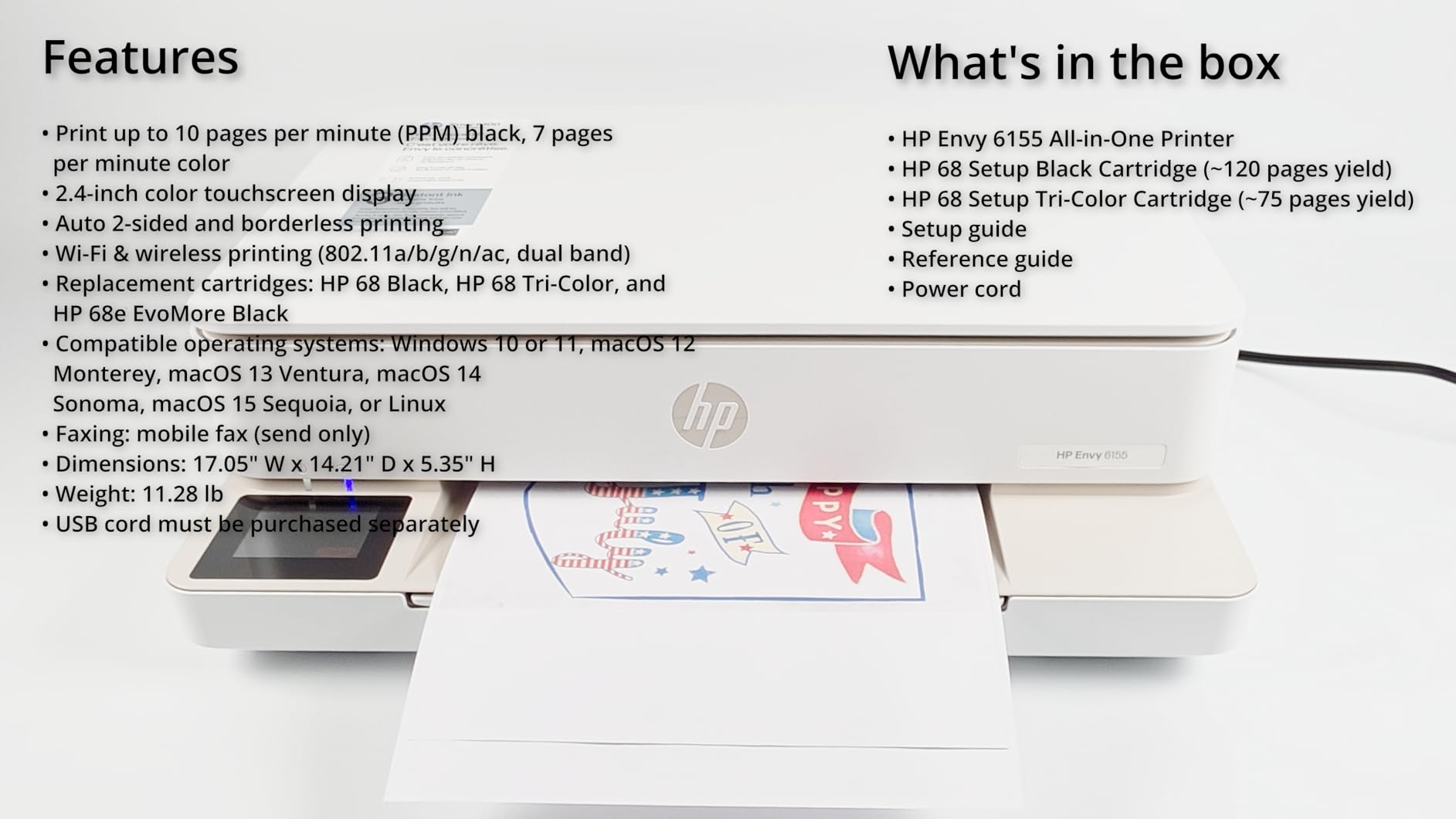
- Dual-band Wi-Fi that detects and resolves connection issues automatically
- HP app for printing, scanning, copying and faxing from a phone
- 100-sheet input tray, flatbed and CIS scanner
- 11.2 pounds with a one-year limited hardware warranty
The two HP-specific warnings are worth reading twice. Cartridges need original HP chips or circuitry, and the Instant Ink trial becomes a monthly fee once it ends unless you cancel. Set a reminder in your calendar before the sale, not after the first bill.
Compared with the Canon PIXMA TS6520, HP trades cartridge flexibility for a bigger screen and P3 colour, while Canon offers a three-year warranty and no chip lock. If you already print photos, the Canon PIXMA TS6520 or a refillable ink tank like the Epson EcoTank ET-2800 will cut running cost noticeably.
10. HP Smart Tank 5003: Best for Ink Included Up Front
- Up to 3 years of ink in the box
- Bottle refill needs no cartridge swapping
- Borderless printing plus scan to PDF
- Low ink cost suits high-volume home printing
- Manual duplex only
- No automatic document feeder
- First page takes 21 seconds
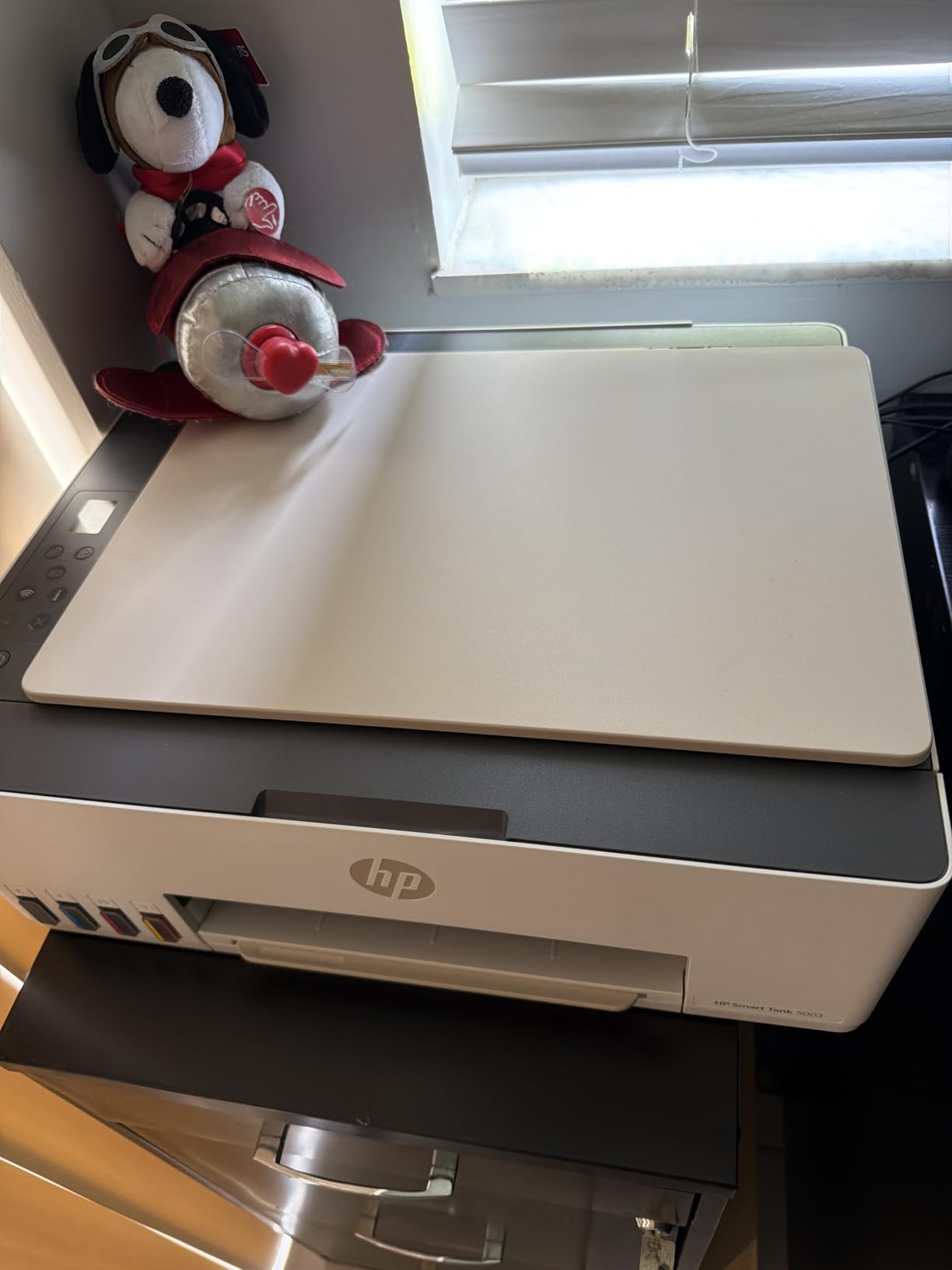
Nobody in this list comes with more ink. HP quotes up to three years of ink included, around 6,000 pages of colour or black out of the box, using a 135ml black bottle and cyan, magenta and yellow bottles that plug straight into the tanks and drain. No cartridge swapping, no drips on the desk.
It prints, copies and scans with borderless output, and it supports AirPrint, Mopria, HP ePrint and scan to PDF over USB and Wi-Fi. The 11.1-pound body is one of the lighter units here, with a 100-sheet tray and legal-size media support.
- Colour output up to 4800 x 1200 dpi optimised, black to 1200 x 1200 rendered dpi
- Warranty runs one year or 30,000 pages, whichever comes first
- Up to 99 copies per run and a flatbed scanner
- 4.1 stars from 226 reviews, with 68 percent five-star ratings
Two limitations are clear. Duplex is manual only, and there is no automatic document feeder, so a stack of pages goes onto the glass one at a time. The 21-second first page is also the slowest in this group, which is what a refillable tank costs you on small jobs.
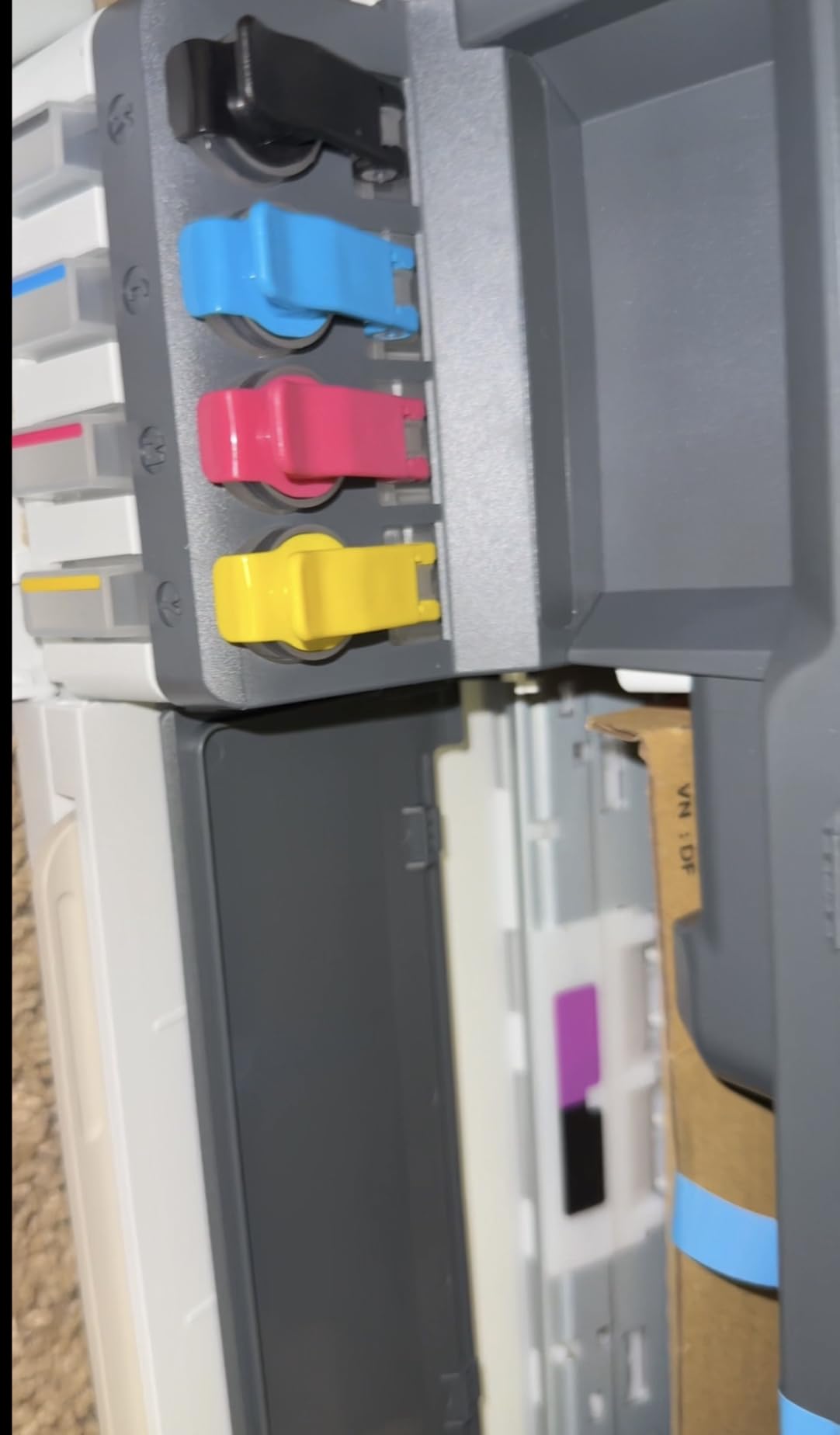
The Epson EcoTank ET-2800 also runs on refillable bottles, but it has a much larger owner review base and higher colour resolution. The HP Envy 6155 runs the running cost story in the opposite direction, since cartridge ink adds a bill back that this tank simply avoids.
How to Choose Printers During Prime Big Deal Days
Decide how you own the ink before you compare models
Refillable ink tank printers such as the Epson EcoTank ET-2800, the Canon MegaTank G3270 and the HP Smart Tank 5003 lower running cost the most over three years, because one bottle set covers thousands of pages. Cartridge machines like the Canon PIXMA TS3720 and the Canon PIXMA TS6520 are cheaper to buy and more expensive to keep fed. If you print weekly, tank wins on the arithmetic; if you print a few pages a year, the cartridge printer will sit unused either way.
Watch the subscription angle too. Some models ship with a trial that becomes a monthly fee, and some are chip-locked to genuine cartridges. Our guide to printers without subscription fees covers which of each to avoid.
Single-function or all-in-one, based on what you actually do
An all-in-one adds a flatbed scanner and copier, which most households end up using for a school project photocopy or a passport photo. A print-only laser is smaller, lighter and cheaper, and it suits a single desk where scanning happens on a phone already. If you cannot name the last thing you scanned, skip the all-in-one.
For a fuller look at the trade, see our picks for affordable all-in-one printers.
Match speed and tray size to your monthly workload
Under about 200 pages a month, print speed barely registers and a 60-sheet tray is fine. Past 500 pages, aim for 30 ppm or faster and a 250-sheet tray, which puts the Brother DCP-L2640DW, the Brother HL-L2460DW and the HP LaserJet Pro MFP 3101sdw in the running. Colour-heavy shops should also look at pages per minute in colour, not just black.
If your printing is receipts, labels or invoices rather than documents, the workload maths is different. Our picks for receipt printers for small businesses cover the speed and duty-cycle side of that.
Check photo quality and specialty media only if you print them
For photos, resolution and colour gamut matter more than paper handling. Borderless output up to 8.5 x 11 inches is the common target, and the HP Envy 6155 with its P3 colour and touchscreen is built for screen-to-paper colour matching. Plan on a separate photo or wide-format machine if you print shirts and mugs, which is a different category entirely, covered in printers for shirts and mugs.
Duplex and feeders are where paper costs are saved
Automatic duplex halves the paper for any two-sided job and is the feature most worth paying a little more for. Five models here have it. An automatic document feeder, found on the Brother DCP-L2640DW and the HP LaserJet Pro MFP 3101sdw, is a separate upgrade: it saves real time whenever you copy more than a page.
How to shop printer deals during the sale
Look at the model code in the listing, not just the marketing name, because printer names are reused across years and the Wi-Fi and app features move between generations. Check what is in the box, since starter cartridges and an introductory toner cartridge are often listed in the features but not in the photos. Confirm who sells and who fulfils the item, and treat a marketplace reseller with a much lower price as a different offer. Most offers need a Prime membership and they change through the event.
- Compare the current price with the model’s recent history rather than the crossed-out list price
- Confirm the listing is sold and fulfilled by Amazon before you count on the return window
- Read the one, two and three-star reviews for setup and connectivity complaints, not just the top reviews
- Work out the cost of a full set of ink or toner and add it to what you would pay for the printer
- Check that duplex, the paper tray size and the feeder match how you actually print
- Set a reminder for any trial subscription included in the box
Frequently Asked Questions
When does Amazon Prime Big Deal Days run in 2026?
Amazon Prime Big Deal Days runs October 6-7, 2026. It is Amazon’s October Prime event, separate from the July Prime Day sale, and an early-deal window opens before the main two days. Most printer offers need an active Prime membership, and a free trial counts. Offers and prices change throughout the event, so check the listing on the day you shop.
Do I need Prime to buy these printer deals?
Most offers during Prime Big Deal Days require an active Prime membership, and a free trial counts for the length of the trial. Every printer on this list is sold on Amazon, so you can still buy one without Prime, but you would pay the everyday price rather than an event price. Check for the Prime badge on the listing before you commit.
What is the Best Amazon Prime Big Deal Days Printer Deals list made for?
It is a shortlist of ten printers worth watching during Amazon’s October sale, not a list of confirmed discounts. We compared printer type, black and colour speed, duplex handling, paper capacity, ink system, warranty, ratings and the volume of owner reviews, then chose one model for each kind of household. Prices and offers change through the event, so check the current price on each listing.
Are inkjet printers cheaper to run than laser printers?
Not usually. A colour inkjet running on cartridges is the most expensive per page, and a refillable ink tank sits between the two. Monochrome laser machines such as the Brother DCP-L2640DW and the HP LaserJet Pro MFP 3101sdw use toner that lasts far longer and costs less per page. Inkjets still win when the job is photos or heavy colour.
Should I buy a wired or wireless printer?
Wireless is the sensible default, since every printer on this list supports Wi-Fi and most also keep a USB port for setup. On a busy home office network, a wired Ethernet connection on a laser model is worth the extra cable for its stability. Brother and Canon models here support dual-band Wi-Fi, which helps on crowded 2.4GHz networks.
How do I know whether a printer deal is worth it?
Compare the current price against the model’s recent history, not against the crossed-out list price, because list prices move on their own. Check who sells and fulfils the listing, and read the lower-star reviews for repeated complaints about setup or running cost. Then judge the deal on total cost of ownership: a cheap printer with expensive cartridges can cost more over three years than a higher-priced ink tank model.
Final Verdict: Best Amazon Prime Big Deal Days Printer Deals
Buy the Epson EcoTank ET-2800 if you want one printer to cover colour, scanning and ordinary paperwork without a cartridge bill, and treat it as the pick most worth watching through the sale. Buy the Canon PIXMA TS3720 instead if you print a few pages a month and the lowest entry cost matters more than running cost, or the Canon PIXMA TS6520 if you want automatic duplex and colour in a home machine. For paper volume, the Brother DCP-L2640DW is the home office choice with its 50-page feeder, and the HP LaserJet Pro MFP 3101sdw takes it for a small team that values the highest rating and the simplest install. The Canon MegaTank G3270 covers families who print often, the Brother HL-L2460DW and Brother HL-L2405W cover monochrome work without a subscription, the HP Smart Tank 5003 covers anyone who wants the most ink in the box, and the HP Envy 6155 covers photos. Compare the current price on each listing while the event is running, and decide on the ink you will own for the next three years.