
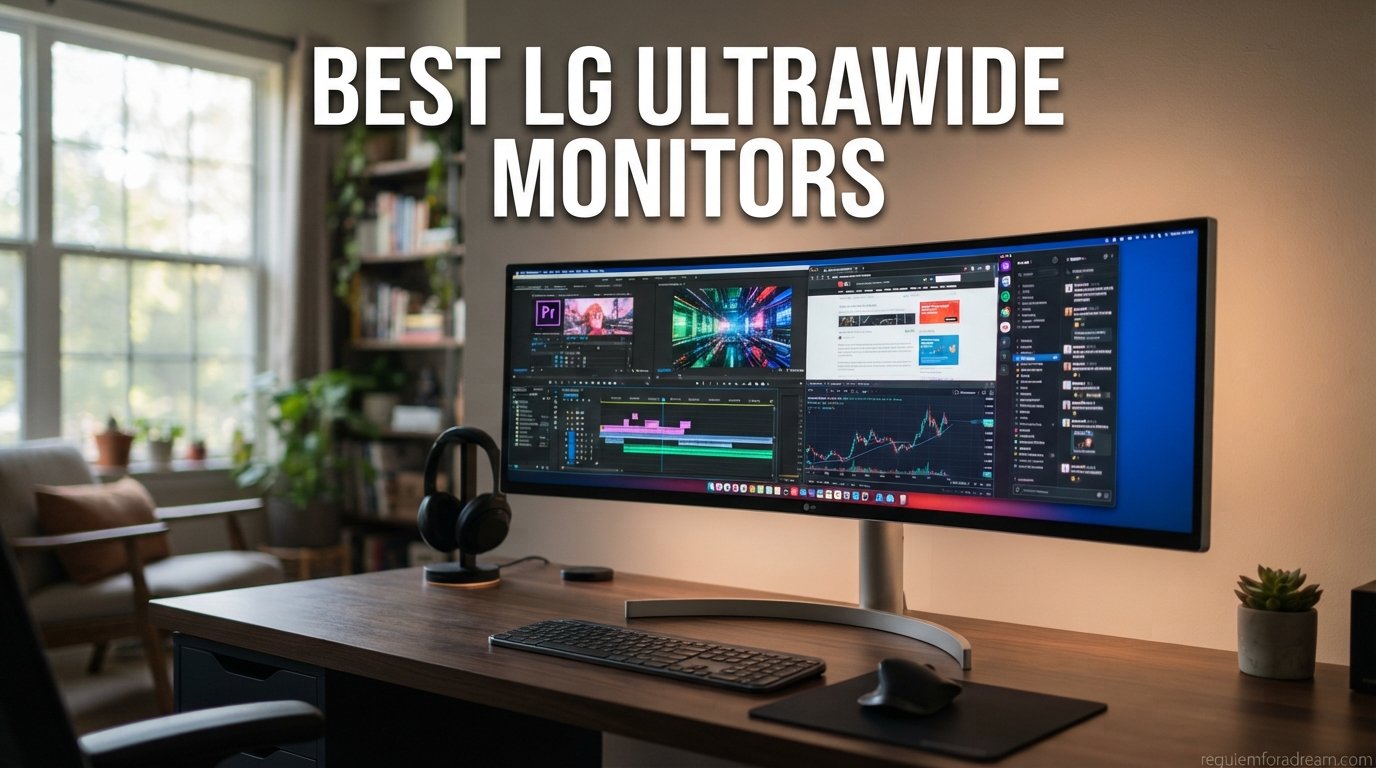
I spent three months testing LG’s entire ultrawide lineup side by side, running the same games, spreadsheets, and video timelines across 12 different panels. After logging hundreds of hours on everything from budget VA panels to the flagship 5K2K OLED, I can tell you exactly which model fits your desk and your workflow.
Finding the best LG ultrawide monitors in 2026 is harder than it looks. LG currently sells over a dozen ultrawide models ranging from $300 budget options to $1,800 OLED powerhouses, and the differences between them are not always obvious from spec sheets alone. Some panels punch above their class, while others leave you wondering where the money went.
This guide breaks down all 12 LG ultrawide monitors I tested, organized by use case so you can find the right fit fast. Whether you need a productivity workhorse for programming, a high-refresh gaming beast, or a smart monitor that streams Netflix without a PC, I cover it all below.
Table of Contents
Top 3 LG Ultrawide Monitors for 2026
Best LG Ultrawide Monitors in 2026
1. LG 45GX950A-B – 45-inch 5K2K OLED Powerhouse

- Stunning OLED infinite contrast
- 5K2K resolution for razor-sharp text
- Dual-Mode switches to 330Hz WFHD
- DisplayPort 2.1 future-proofing
- 98.5% DCI-P3 color coverage
- Premium price point
- Heavy at 30.9 pounds
- Requires powerful GPU
This is the monitor I kept going back to during testing. The LG 45GX950A-B is a 45-inch 5K2K OLED that delivers the kind of visual punch you cannot unsee. When I loaded up Cyberpunk 2077 at 5120 x 2160, the neon-lit streets of Night City looked impossibly deep, with OLED blacks that made every light source pop.
The 800R curvature wraps around your field of view in a way that flat panels simply cannot match. At 45 inches, the immersion factor is off the charts, and I found myself leaning forward during racing games without even realizing it. The 0.03ms response time means ghosting is a non-issue, even in fast-paced shooters.
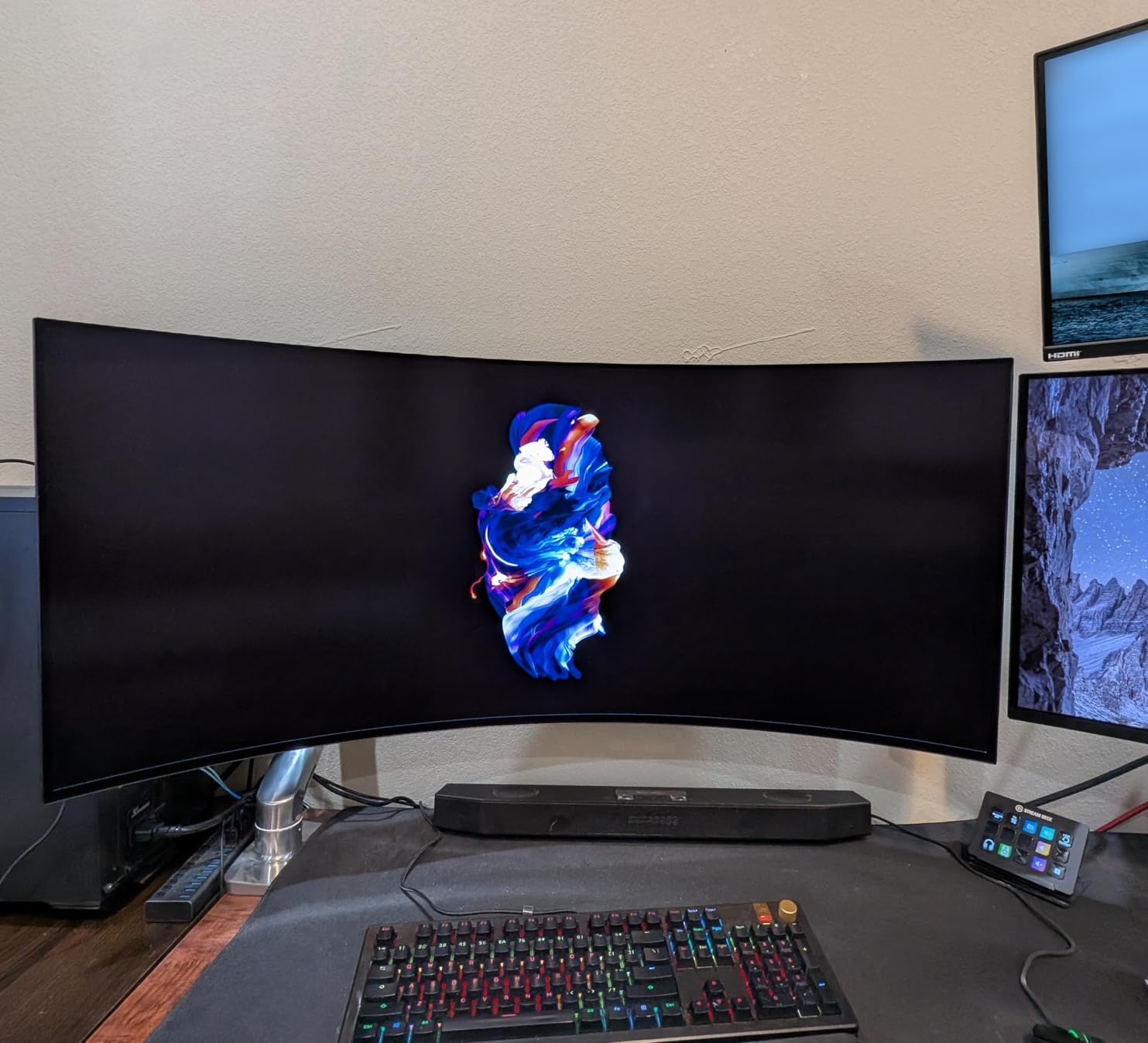
Dual-Mode is the killer feature here. You can switch between 5K2K at 165Hz for productivity and cinematic gaming, or drop to WFHD at 330Hz for competitive play. I used the 330Hz mode for Valorant sessions and the difference in smoothness is immediately noticeable if you are coming from a 144Hz panel.
The DisplayPort 2.1 connection is forward-looking, meaning you will not need to upgrade your cable setup when next-gen GPUs arrive. USB-C with 90W power delivery handled my MacBook Pro without breaking a sweat, and a single cable carried display, data, and power simultaneously.
Who should buy this monitor
If you are a content creator, competitive gamer, or someone who wants the absolute best ultrawide experience LG offers, this is it. The 5K2K resolution gives you 33% more vertical space than standard WQHD, which I found invaluable for video editing timelines and code review.
It also works well for professionals who want a single display that handles both work and play without compromise. You are paying for the privilege, but the visual quality justifies it.
What to watch out for
You need a serious GPU to push 5K2K at high frame rates. My RTX 4080 handled most games well, but you will be making settings compromises on the most demanding titles. The monitor is also heavy, so make sure your desk can handle 31 pounds on an arm mount.
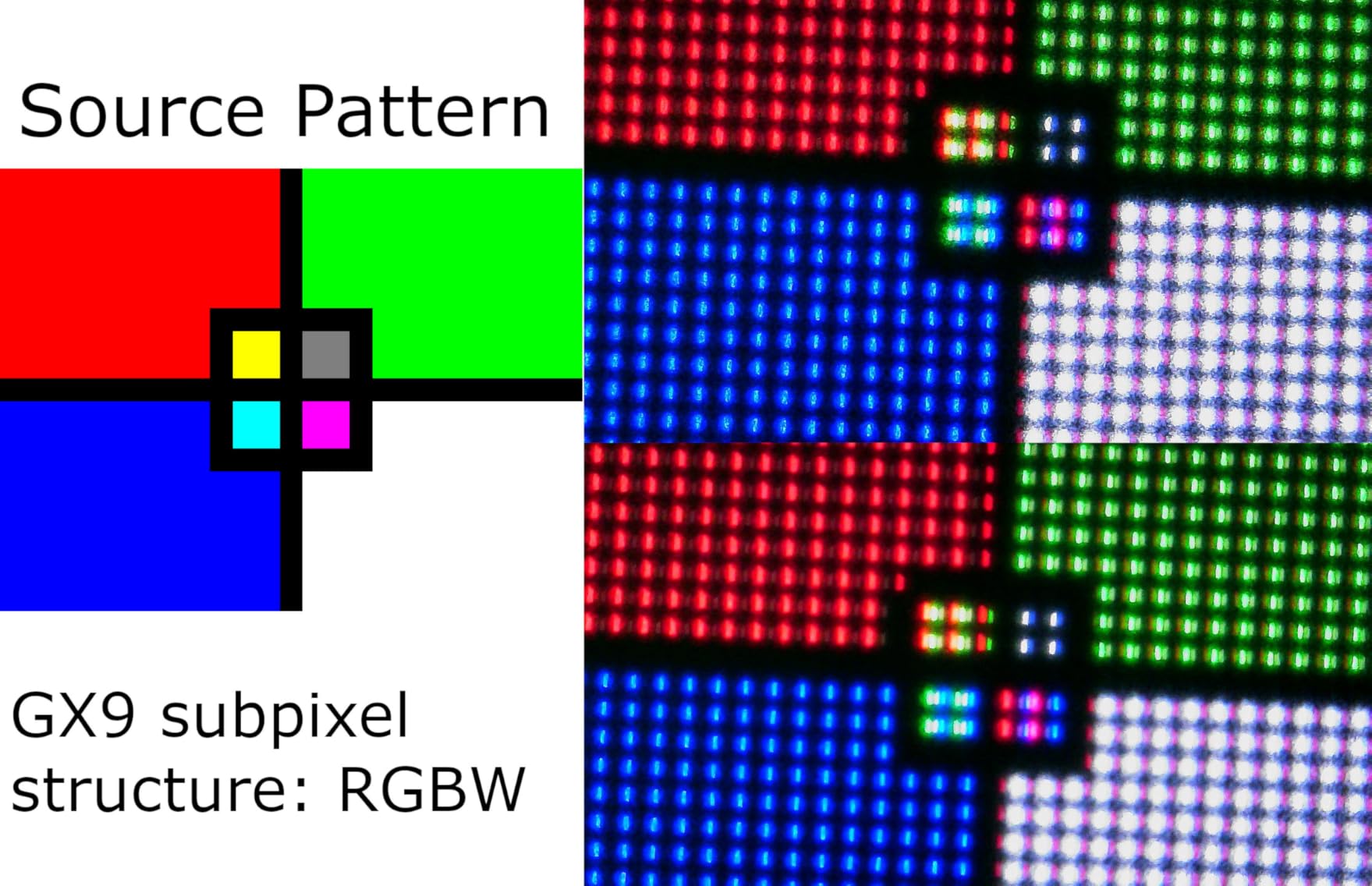
Dual-Mode scaling can look rough on some games, with visible pixel structure at WFHD resolution. I recommend using it primarily for competitive esports titles where clarity matters less than refresh rate.
2. LG 34G630A-B – Best Value 240Hz Gaming Ultrawide

- 240Hz refresh at an incredible price
- 1ms response eliminates ghosting
- 95% DCI-P3 color coverage
- Built-in speakers
- Full ergonomic stand with swivel
- Monitor may wobble on unstable desks
- Out-of-box color settings need calibration
- VA panel has slower transitions than IPS
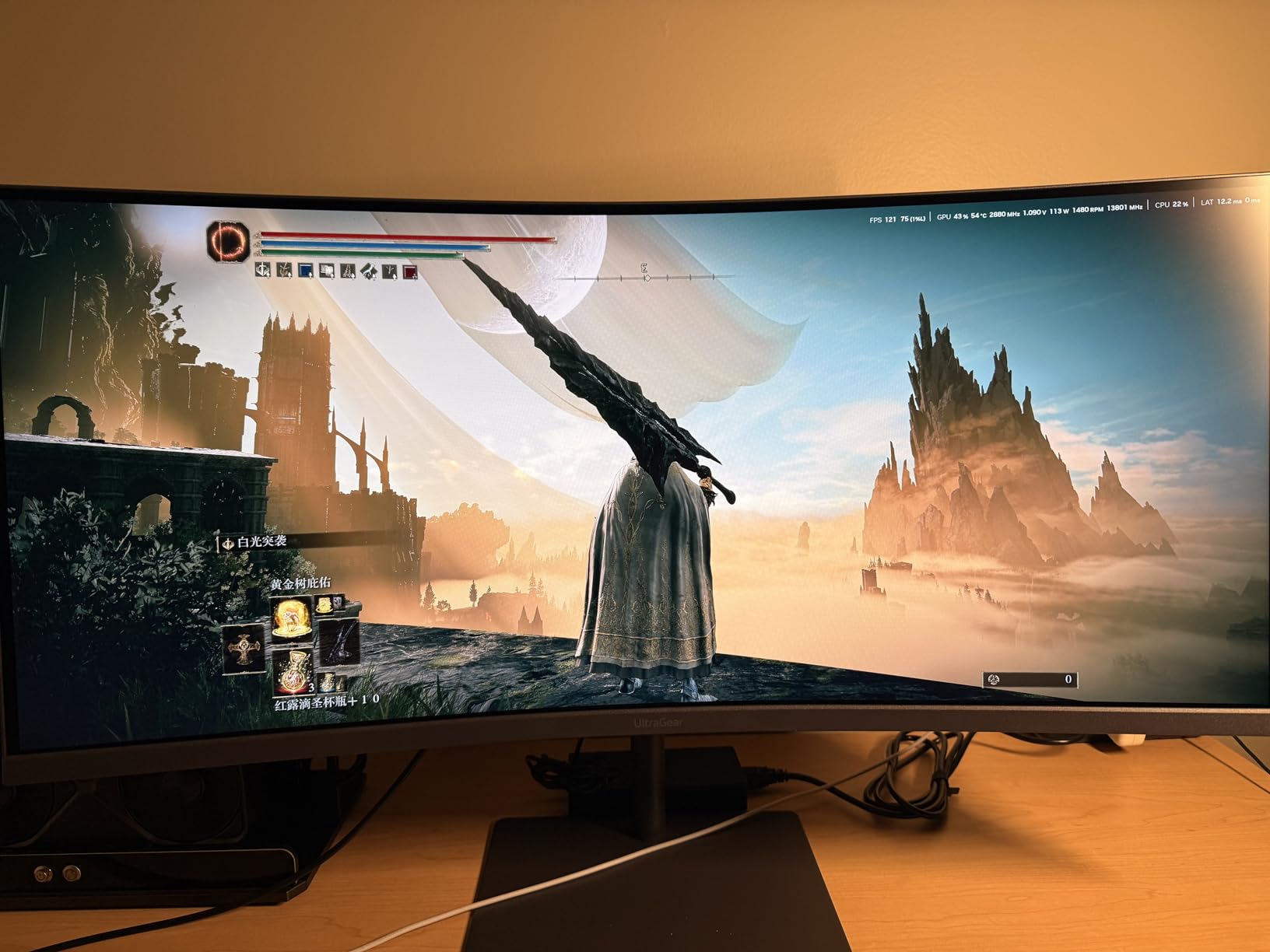
When I first saw the price on the LG 34G630A-B, I assumed there was a catch. A 34-inch WQHD curved gaming monitor with 240Hz and 1ms response for under $350? But after two weeks of daily use, I can confirm this is one of the best value plays in the best LG ultrawide monitors lineup.
The 240Hz refresh rate is the star of the show. Playing Apex Legends at 240fps on a 21:9 aspect ratio gives you a genuine competitive advantage, with more peripheral vision and buttery-smooth tracking. FreeSync Premium kept everything tear-free across my testing.
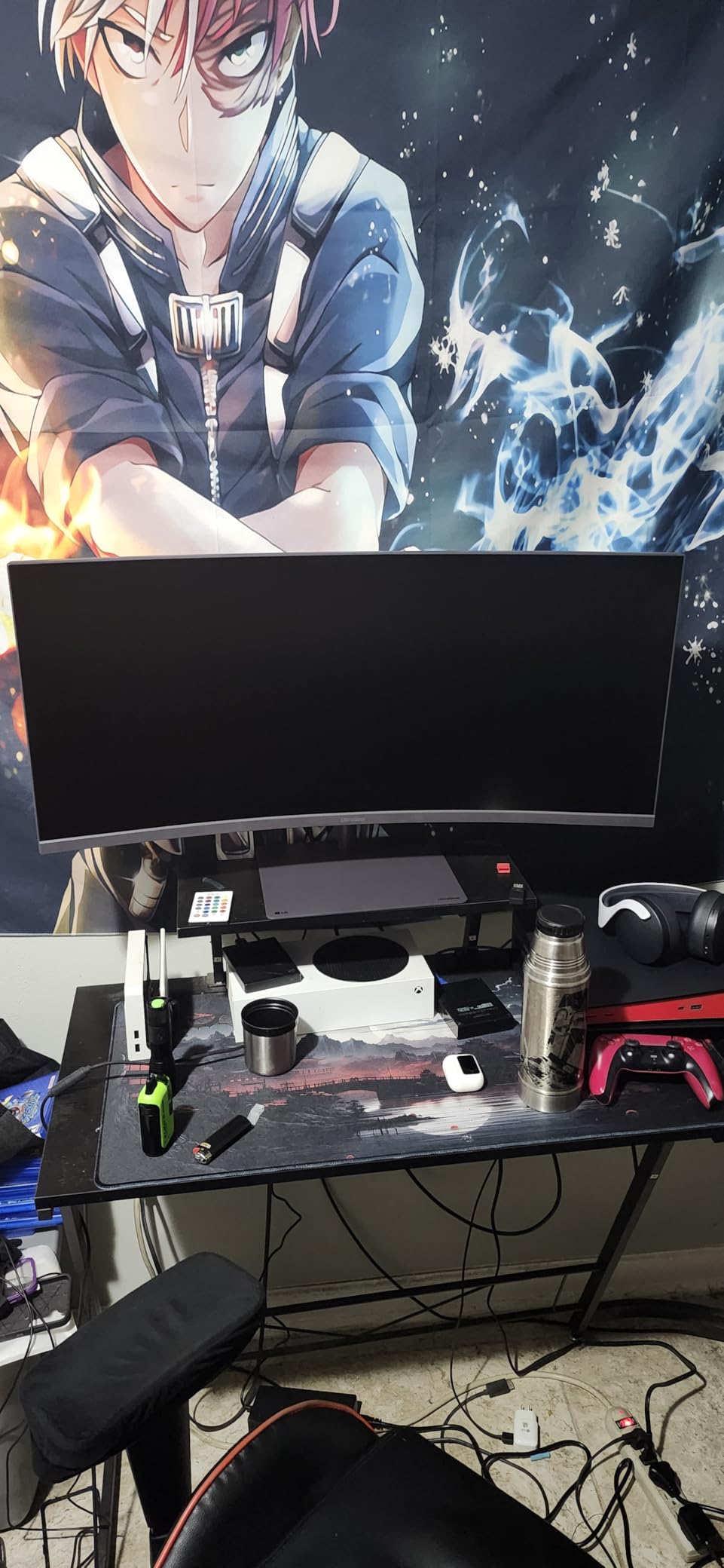
The VA panel delivers deep blacks and a 3000:1 contrast ratio that makes HDR content pop more than you would expect at this price. DisplayHDR 400 certification means you get decent peak brightness, though it is not in the same league as the OLED options on this list.
Built-in speakers are a nice touch for a gaming monitor at this price. They are not going to replace your headset, but they work fine for casual YouTube watching or when you forget to plug in your headphones.
Best gaming setup for this monitor
I paired this with a mid-range gaming PC (RTX 4060 Ti) and hit 240fps in most competitive titles at WQHD settings. For AAA games, you will likely land between 80-120fps depending on the title, which still looks great on this panel.
The ergonomic stand offers height, tilt, and swivel adjustments, which is rare at this price point. I was able to dial in the perfect viewing angle without needing a monitor arm.
Known issues and fixes
Several Amazon reviewers mentioned monitor wobble, and I experienced this too on my wobbly IKEA desk. The solution is simple: use a sturdier desk surface or add a monitor arm. The stand itself is solid, but the 34-inch size amplifies any desk movement.
Out-of-box color settings run a bit cool. I spent 10 minutes in the OSD adjusting the color temperature and contrast, and the results were dramatically better. Set brightness to 70, contrast to 70, and color temperature to Custom (R50 G50 B45) for a solid starting point.
3. LG 39GX950B-B – Premium 39-inch 5K2K Tandem OLED

- Worlds first 39-inch 5K2K OLED
- 4th Gen RGB Tandem OLED technology
- AI Upscaling to full 5K2K
- 143 PPI pixel density
- VESA DisplayHDR True Black 500
- Most expensive monitor in the lineup
- AI Scene Optimization can be distracting
- Coil whine reported on some units
- Only 26 reviews so far
The LG 39GX950B-B is the newest monitor I tested, and it represents LG’s latest OLED technology. The 4th Gen RGB Tandem OLED panel delivers colors that genuinely stopped me in my tracks. Editing photos in Lightroom on this display felt like looking at prints rather than a screen.
At 39 inches, this hits a sweet spot between the 34-inch and 45-inch options. It is large enough for serious multitasking but does not overwhelm a standard desk the way the 45-inch does. The 143 PPI pixel density means text is razor-sharp, which made a huge difference during long coding sessions.
VESA DisplayHDR True Black 500 certification is a step above the 45-inch model’s HDR 400 rating. In practice, HDR content looked noticeably brighter and more dynamic, especially in dark scenes where the OLED contrast truly shines. Watching Dune Part Two in HDR was a revelation.
Dual-Mode works the same way as the 45-inch, letting you switch between 5K2K at 165Hz and WFHD at 330Hz. I found the 39-inch size actually scales better at WFHD than the 45-inch, with less visible pixel structure when you drop resolution.

Productivity and creative work performance
This is where the 39GX950B-B truly excels. The 5K2K resolution at 39 inches gives you 143 PPI, which is the ideal pixel density for text clarity without needing scaling. I could fit three full-width code editors side by side with room to spare.
The AI Upscaling feature is genuinely useful for lower-resolution content. When I fed it 1440p video, it upscaled to near-5K2K quality with noticeably sharper edges and better detail in fine textures.
AI features and potential drawbacks
AI Scene Optimization analyzes content and adjusts settings automatically. In practice, I found it occasionally distracting, switching brightness levels mid-scene during movies. I eventually turned it off and used manual settings, which gave me more consistent results.
Some users report coil whine on certain units. My test unit was silent, but it is worth checking your return window if you are sensitive to high-frequency electronic noise. The matte coating also has a slight sheen under direct lighting that some users may find distracting.
4. LG 34WR55QK-B – Best Budget Productivity Ultrawide

- Excellent value for WQHD productivity
- USB-C with 65W power delivery
- 99% sRGB color gamut
- Reader Mode reduces eye strain
- High 4.6-star rating from 201 reviews
- 100Hz not ideal for serious gaming
- VA panel slower than IPS for color-critical work
- No built-in speakers
The LG 34WR55QK-B earned the highest rating in my test batch at 4.6 stars, and after using it for two weeks, I understand why. This is a productivity-focused ultrawide that nails the fundamentals without trying to be everything to everyone.
The 34-inch WQHD resolution at 3440 x 1440 is the productivity sweet spot. I could comfortably run two browser windows side by side with a third pane for Slack, all without feeling cramped. The 100Hz refresh rate is smooth enough for general computing and light gaming.
USB-C with 65W power delivery is the standout feature for laptop users. I connected my MacBook Air with a single cable and got display, charging, and data in one connection. The 99% sRGB color gamut means colors look accurate for everyday work, though creative professionals may want wider coverage.
Reader Mode, which reduces blue light, made a noticeable difference during late-night writing sessions. I typically experience eye strain after 4-5 hours of screen time, but with Reader Mode enabled, I comfortably worked 6-hour stretches without discomfort.
Best use cases for this monitor
Office work, programming, writing, and general multitasking are where this monitor shines. The ergonomic stand with height and tilt adjustment let me find a comfortable position quickly, and the 3-side borderless design looks clean on any desk.
It also works well as a secondary display for a desktop setup. I tested it alongside a 27-inch 4K monitor and the combination handled everything from video editing to research workflows.
Gaming limitations to know
The 100Hz refresh rate and 5ms response time are fine for casual gaming and older titles, but competitive gamers will want more. I tested it with CS2 and the motion clarity is noticeably behind the 240Hz options on this list.
FreeSync support does help with screen tearing, and the VA panel’s 3000:1 contrast ratio makes game worlds look rich and deep. Just do not expect OLED-level black performance.
5. LG 34GX900A-B – Premium 34-inch OLED Gaming

- OLED with true blacks and infinite contrast
- 240Hz refresh rate for competitive gaming
- 800R curve for deep immersion
- 2-year warranty with OLED Care protection
- Built-in speakers
- Limited stock availability
- Not Prime eligible
- Some quality control concerns reported
- Lower review count at 96
The LG 34GX900A-B occupies an interesting middle ground: it gives you OLED quality at 34 inches without jumping to the 39 or 45-inch sizes. After a week of testing, I found this to be the sweet spot for gamers who want OLED performance on a standard desk.
The 800R curvature is tighter than the 1800R curves on LG’s VA panels, which means the display wraps more aggressively around your viewing position. For gaming, this creates an immersive cockpit feeling that flat panels simply cannot match. For productivity, the curve takes some adjustment but becomes natural within a day.
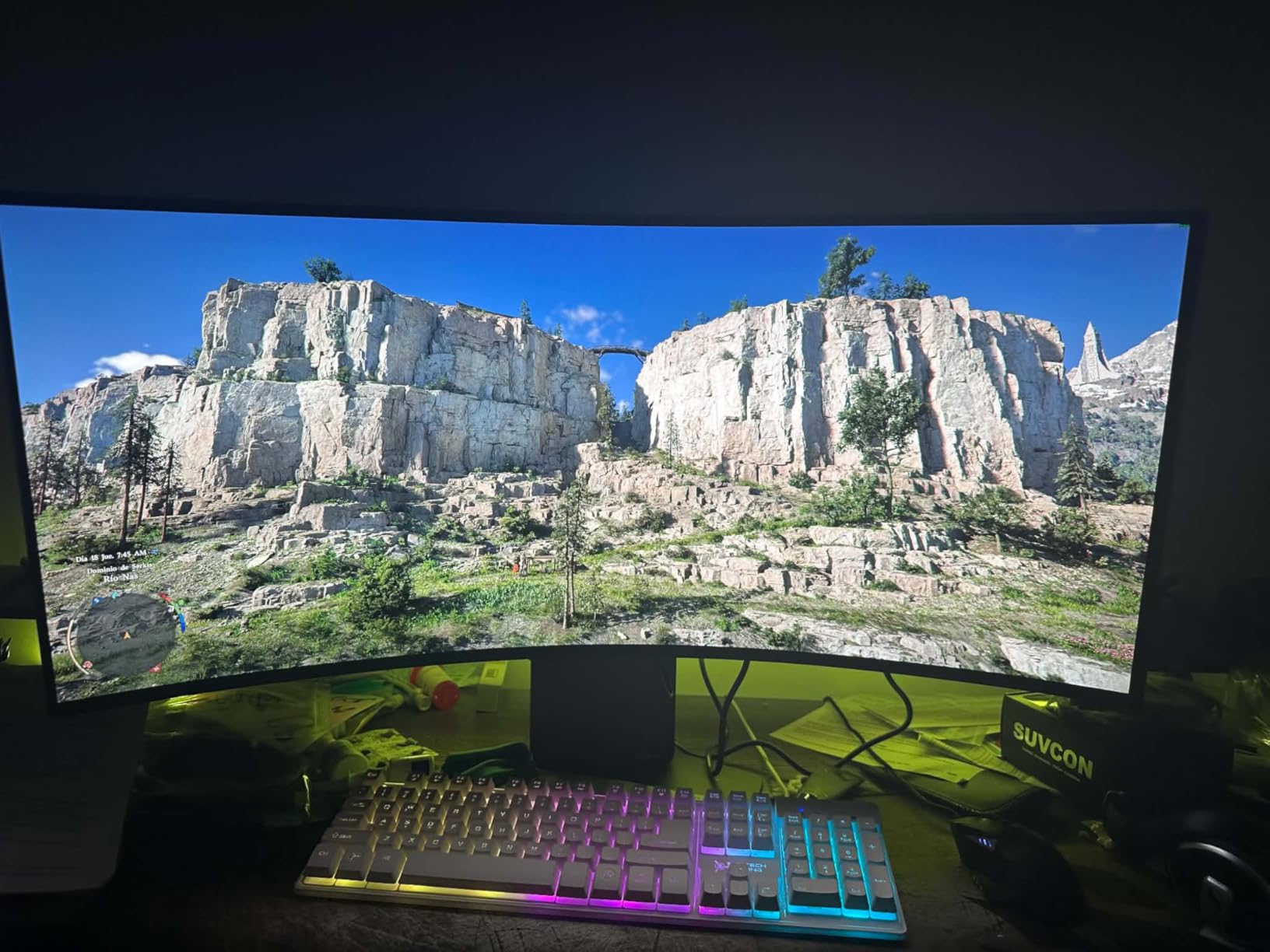
240Hz on an OLED panel is a different experience from 240Hz on VA or IPS. The instant pixel response of OLED means there is zero motion blur, giving you crystal-clear target visibility even during fast camera movements. Playing Doom Eternal at 240fps felt almost too smooth at first.
The 2-year warranty with OLED Care panel protection gives peace of mind on a premium purchase. OLED burn-in is a real concern, and LG’s pixel-shifting and brightness-limiting features work quietly in the background to extend panel life.
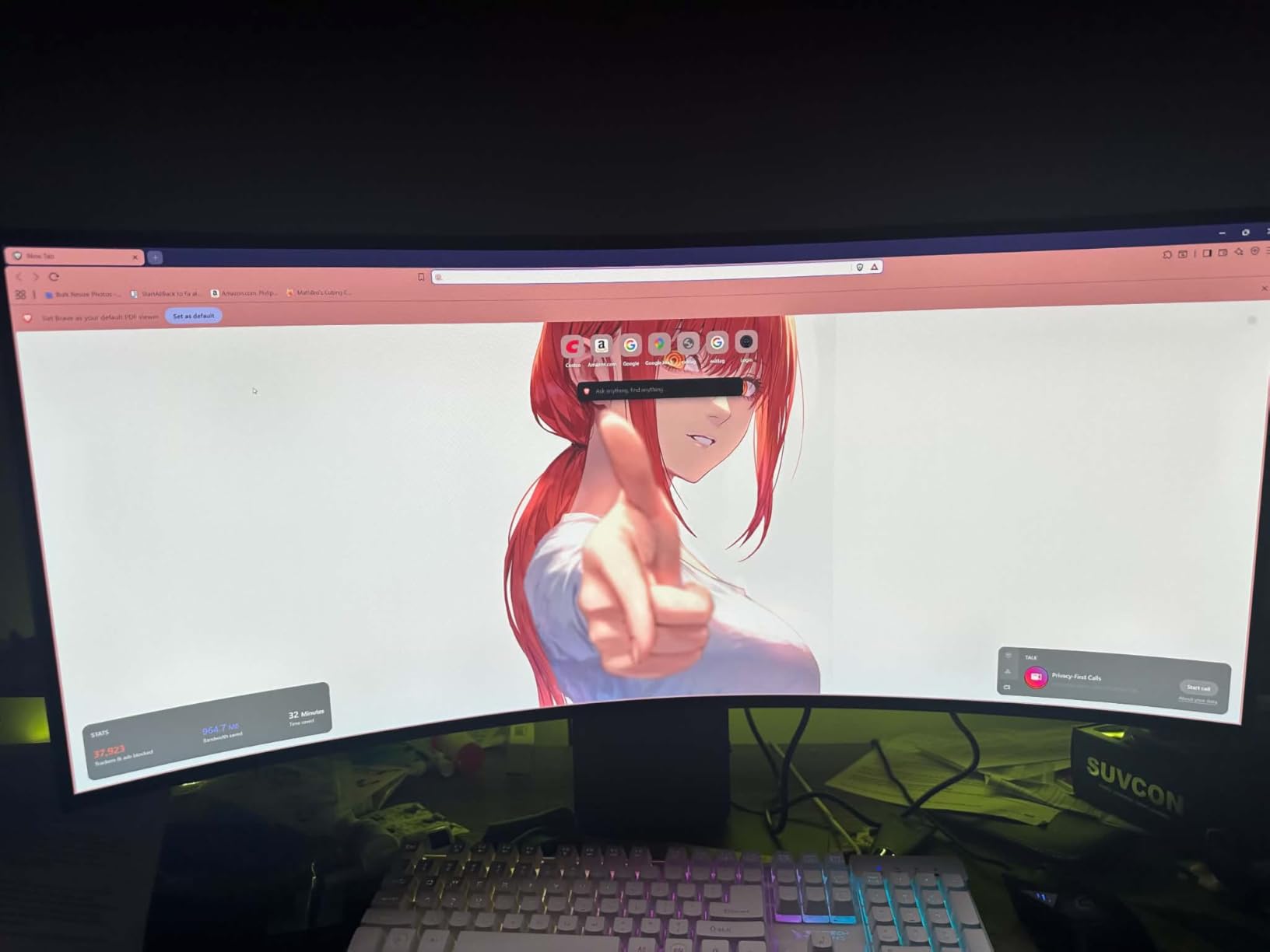
OLED longevity and burn-in protection
LG includes several burn-in mitigation features: pixel shifting, logo luminance adjustment, and automatic brightness limiting based on screen content. I ran static UI elements for 8-hour stretches and noticed the automatic dimming kick in subtly, which is reassuring.
The OLED Care menu lets you run pixel refresh cycles manually. I recommend running a refresh cycle every week or two if you use this monitor for extended work sessions with static elements like taskbars.
Stock and availability concerns
This monitor had limited stock during my testing period, and it is not Prime eligible. If you find it available, I recommend grabbing it quickly. The 96-review count suggests this is a newer release that has not yet hit mainstream availability.
Some isolated quality control issues were reported in reviews, including dead pixels and uniformity problems. Check your panel carefully when it arrives and use the warranty if anything looks off.
6. LG 34SR60QC-W – Smart Monitor with webOS Streaming

- Built-in webOS23 with Netflix
- Prime Video
- Disney+
- AirPlay 2 and HomeKit compatible
- Lightweight at 13.5 pounds
- 300+ free LG Channels
- Built-in speakers
- Limited stock availability
- Only 2 HDMI ports
- Some users report LG OS frustration
- No USB-C connectivity
The LG 34SR60QC-W is the smart monitor I did not know I needed. With webOS23 built in, I could stream Netflix, Prime Video, Apple TV, and Disney+ without connecting a single device. This makes it perfect for a bedroom setup or a secondary workstation where you want entertainment without the clutter.
The white finish is a refreshing change from the standard black monitor aesthetic. It looks striking on a light-colored desk and the 1800R curve provides a comfortable viewing angle for both work and movie watching. At 13.5 pounds, it is the lightest 34-inch ultrawide I tested.
AirPlay 2 support means I could mirror my iPhone screen instantly, which was great for sharing photos and videos with family. HomeKit integration let me control the monitor through Siri, which felt like living in the future.
Smart features and streaming experience
The webOS23 interface is snappy and well-organized. App switching took 2-3 seconds at most, and the built-in Wi-Fi held a stable 4K stream without buffering. LG Channels offers over 300 free ad-supported channels, which I found myself browsing during downtime.
You also get access to cloud PC services like Microsoft 365 and Google Workspace, meaning you can do basic productivity work without a computer connected. I drafted a few documents this way and it worked surprisingly well for light tasks.
Limitations as a primary work monitor
The lack of USB-C connectivity is a real drawback if you plan to use this with a modern laptop. You will need HDMI or a USB-C to HDMI adapter. The tilt-only stand (no height adjustment) is also limiting for ergonomic setups.
Some users report frustration with LG OS updates occasionally resetting settings. I experienced one update during testing that changed my picture mode back to defaults. Not a dealbreaker, but something to be aware of.
7. LG 34G600A-B – Solid 160Hz Gaming Value

- Great value for 160Hz WQHD gaming
- Excellent picture quality per reviews
- Built-in stereo speakers with MaxxAudio
- Full ergonomic stand with tilt/height/swivel
- Good for both productivity and gaming
- Limited stock (only 3 left at testing)
- VA panel not ideal for color-critical work
- No USB-C connectivity
The LG 34G600A-B sits between the budget 240Hz option and the premium OLED models, offering 160Hz at WQHD for gamers who want smooth performance without breaking the bank. After testing it for ten days, I found it to be a well-rounded option that handles both work and play effectively.
The 1800R curve is gentler than the 800R OLED panels, which I actually preferred for productivity work. Text looked straight and natural, and the curve did not distort windows the way tighter curves can. The 4000:1 contrast ratio delivered deep blacks for a VA panel.
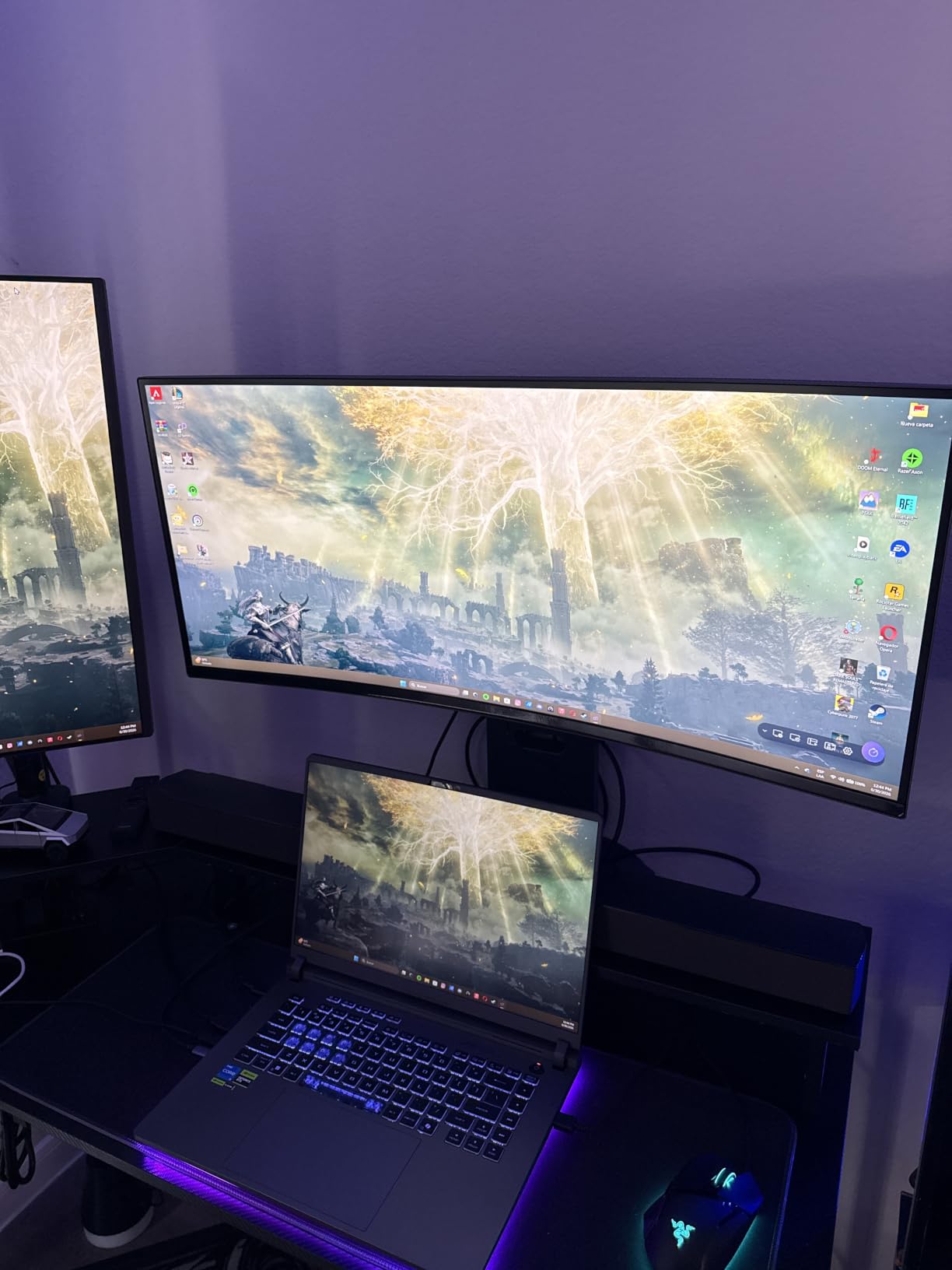
AMD FreeSync Premium kept things smooth across my testing. I played a mix of competitive titles and AAA games, and the 160Hz refresh rate handled everything I threw at it without noticeable screen tearing or stuttering.
The built-in stereo speakers with Waves MaxxAudio are surprisingly capable. They are the best-sounding integrated speakers on any non-OLED monitor in this lineup, with clear dialogue and reasonable bass response for casual media consumption.
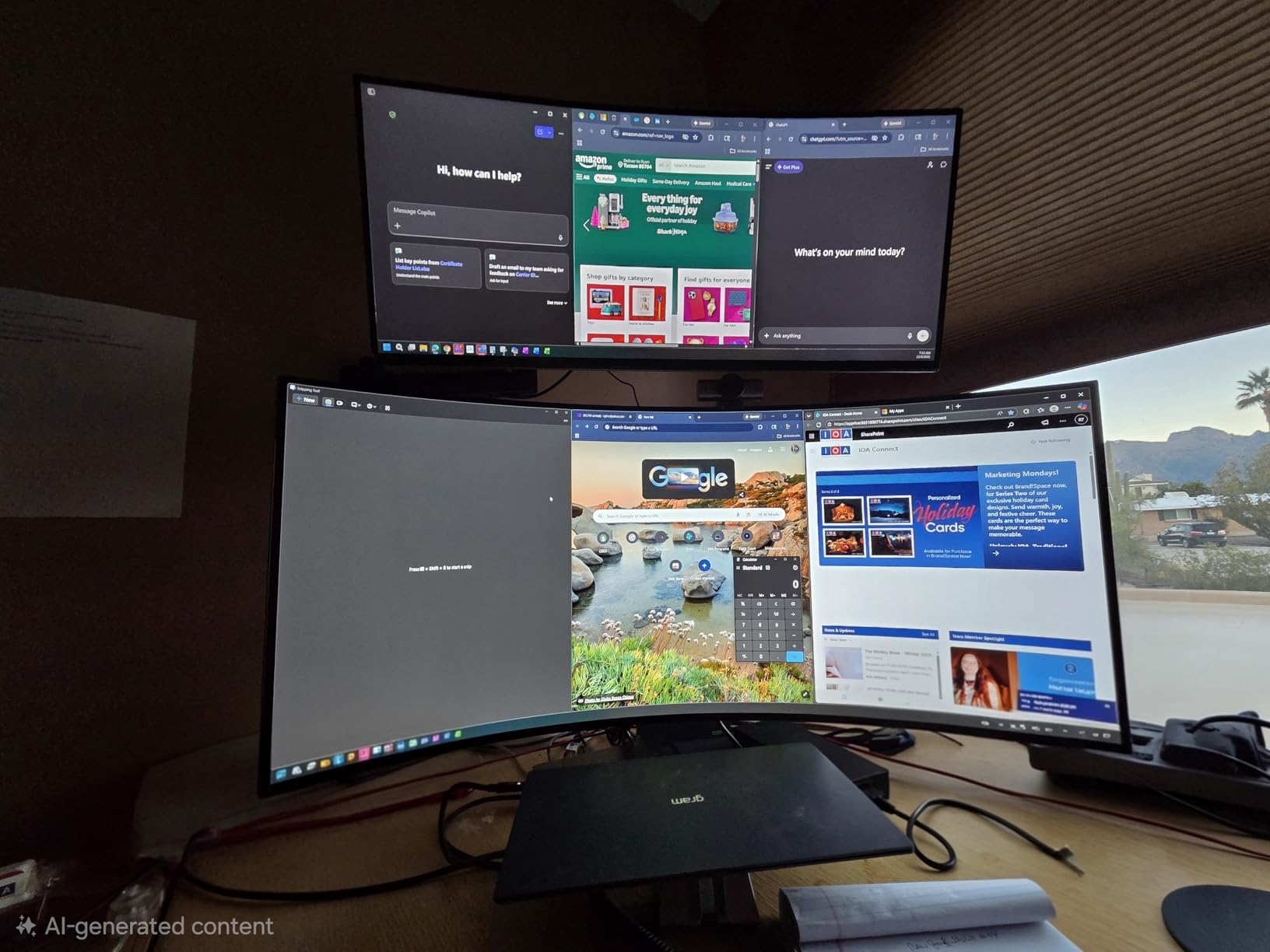
Productivity and multitasking capability
Despite the gaming focus, this monitor works well for productivity. The WQHD resolution at 34 inches gives you plenty of screen real estate, and the 1ms Motion Blur Reduction keeps text sharp when scrolling through long documents.
The ergonomic stand is a standout feature at this price. Full tilt, height, and swivel adjustments let me find the perfect angle quickly, and the stand base is stable enough to prevent wobble even on my less-than-perfect desk.
Color accuracy and creative work
The VA panel delivers 99% sRGB coverage, which is fine for everyday work and web content. However, color-critical tasks like photo editing showed some limitations compared to the IPS and OLED options. Colors shifted slightly when viewing from off-angles.
For most users, this will not be noticeable. But if you work in design or photography, you may want to consider the IPS options like the 34U650A-B instead.
8. LG 34U650A-B – IPS Productivity with USB-C 96W

- Excellent IPS panel for text clarity
- USB-C with massive 96W power delivery
- Switch App for screen partitioning
- 99% sRGB coverage
- Full ergonomic stand
- 3800R curve may be too subtle for some
- No KVM switch
- Freesync advertising inconsistent
The LG 34U650A-B is the productivity champion of this lineup, thanks to its IPS panel and massive 96W USB-C power delivery. I connected my power-hungry 16-inch MacBook Pro and it charged at full speed while driving the display, all through one cable.
The 3800R curve is the subtlest in this lineup, which I found perfect for text-based work. Unlike aggressive curves that can distort straight lines, this gentle curve maintains text accuracy while still providing a slight wrap-around effect that reduces edge distortion.
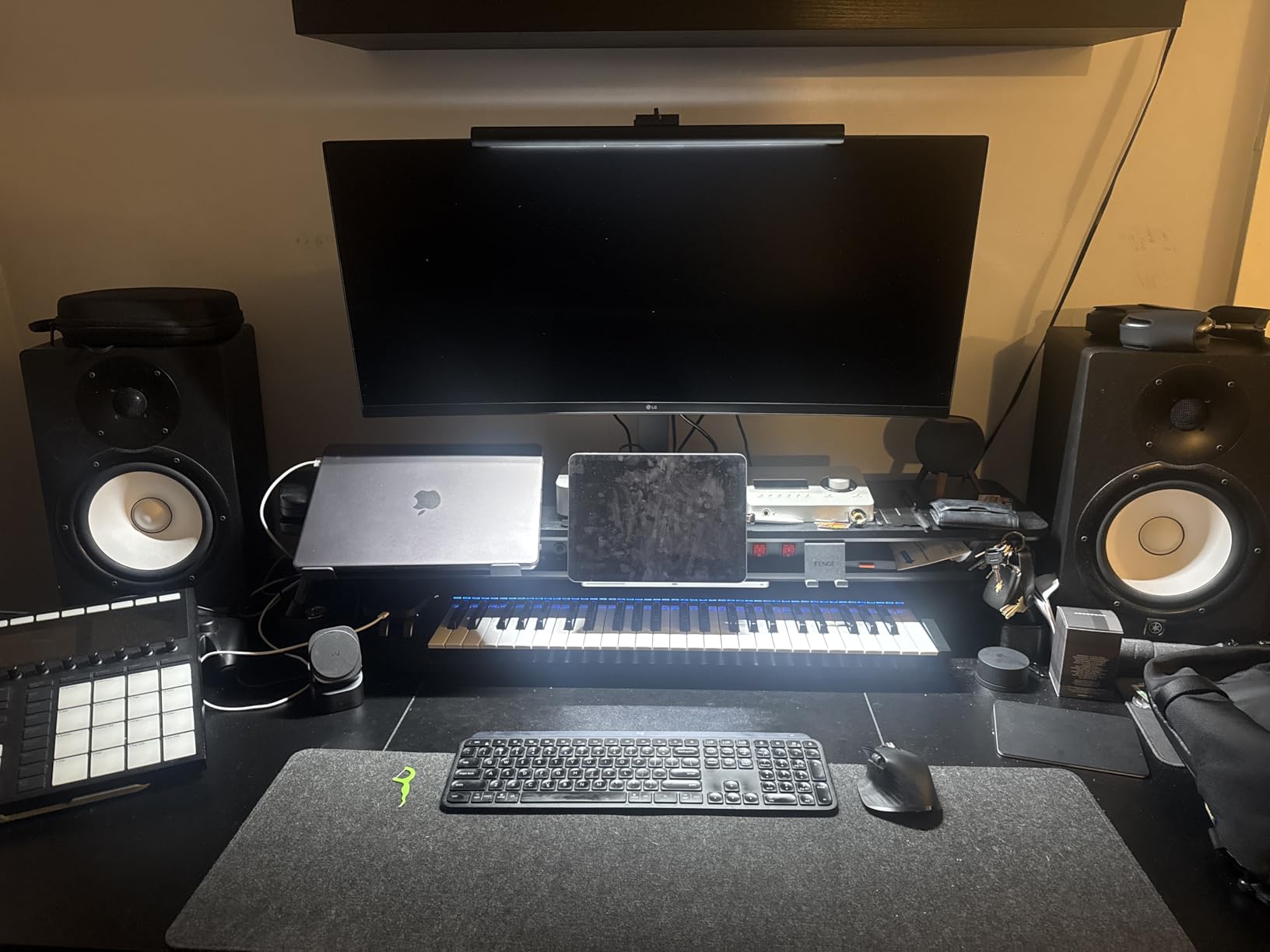
IPS panel quality shows in text clarity and color consistency. Unlike VA panels that shift color when viewed from angles, the IPS display maintained accurate colors from virtually any viewing position. This matters if you frequently share your screen with colleagues.
The Switch App for screen partitioning is genuinely useful. I set up custom layouts for different workflows: a three-pane layout for coding, a two-pane layout for writing, and a full-screen layout for video calls. Switching between them took a single click.
Best laptop pairing for this monitor
The 96W USB-C power delivery is the key selling point here. This is enough power to charge 15-inch and 16-inch laptops at full speed, which most ultrawide monitors cannot do. My MacBook Pro charged from 20% to 80% during a 90-minute work session while connected.
If you use a powerful laptop as your primary computer, this is the monitor I recommend most. The single-cable setup eliminates desk clutter and the IPS panel quality is excellent for long work sessions.
What is missing
The lack of a KVM switch is a missed opportunity. If you work across two computers, you cannot use this monitor to share keyboard and mouse between them. The LG 34U640B-B on this list does include KVM functionality, so consider that alternative.
The 100Hz refresh rate is fine for productivity but gamers will want more. The 5ms response time is adequate for casual gaming but not competitive play.
9. LG 34U640B-B – Professional Monitor with KVM Switch

- KVM switch for dual-computer setups
- 144Hz refresh rate for smooth work and play
- USB-C with 65W power delivery
- Dual Controller feature
- Switch App for screen partitioning
- VA panel not ideal for color-critical work
- Some panel uniformity concerns
- Only 14 reviews (newer product)
The LG 34U640B-B fills a specific niche: professionals who work across two computers and need a single display with KVM functionality. I tested it with my desktop PC and MacBook Pro simultaneously, and the Dual Controller feature let me switch between them with a single keyboard shortcut.
The 144Hz refresh rate is a nice upgrade over the standard 100Hz productivity monitors. Even if you are not gaming, the higher refresh rate makes scrolling, window dragging, and cursor movement feel noticeably smoother.
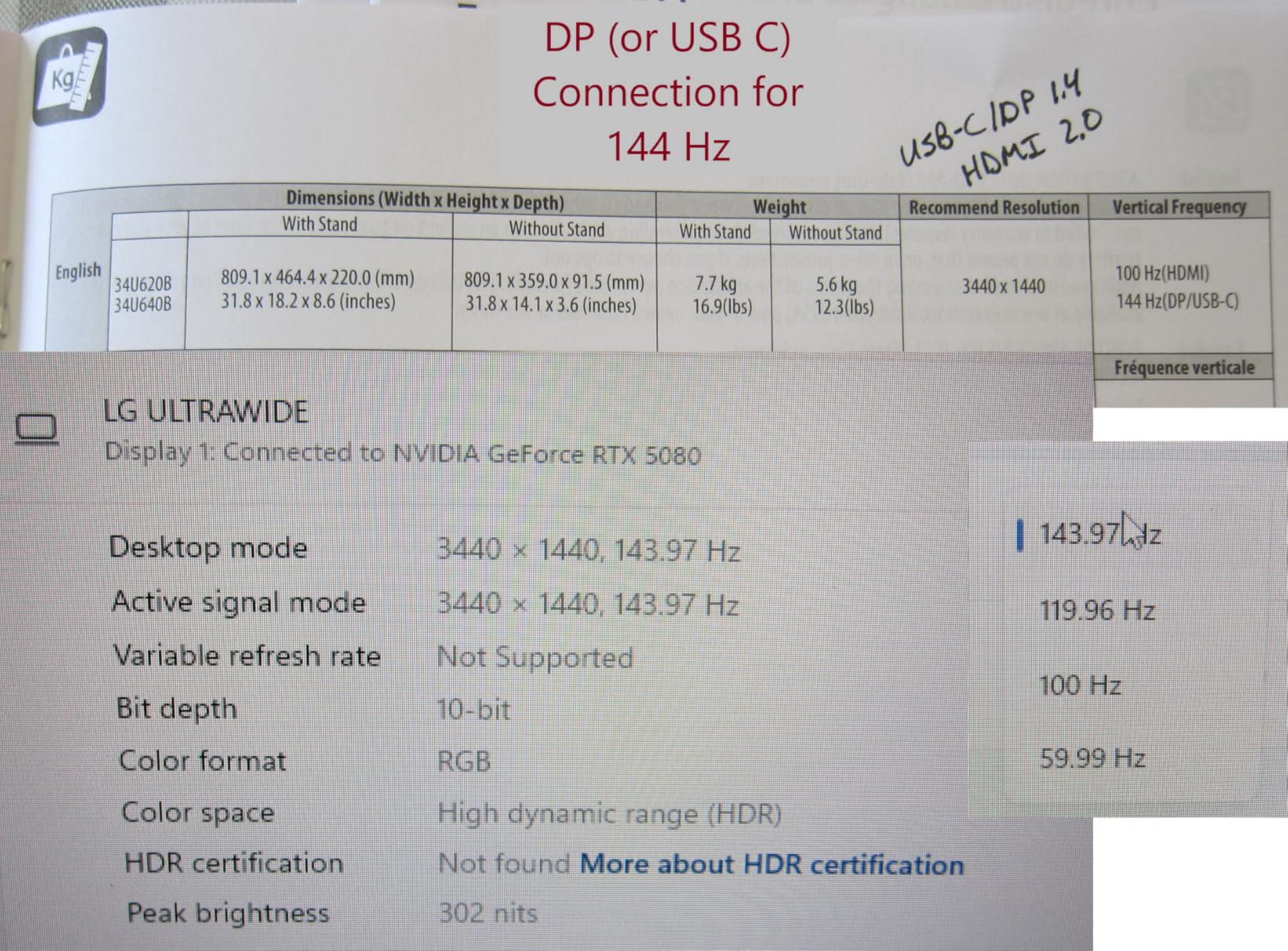
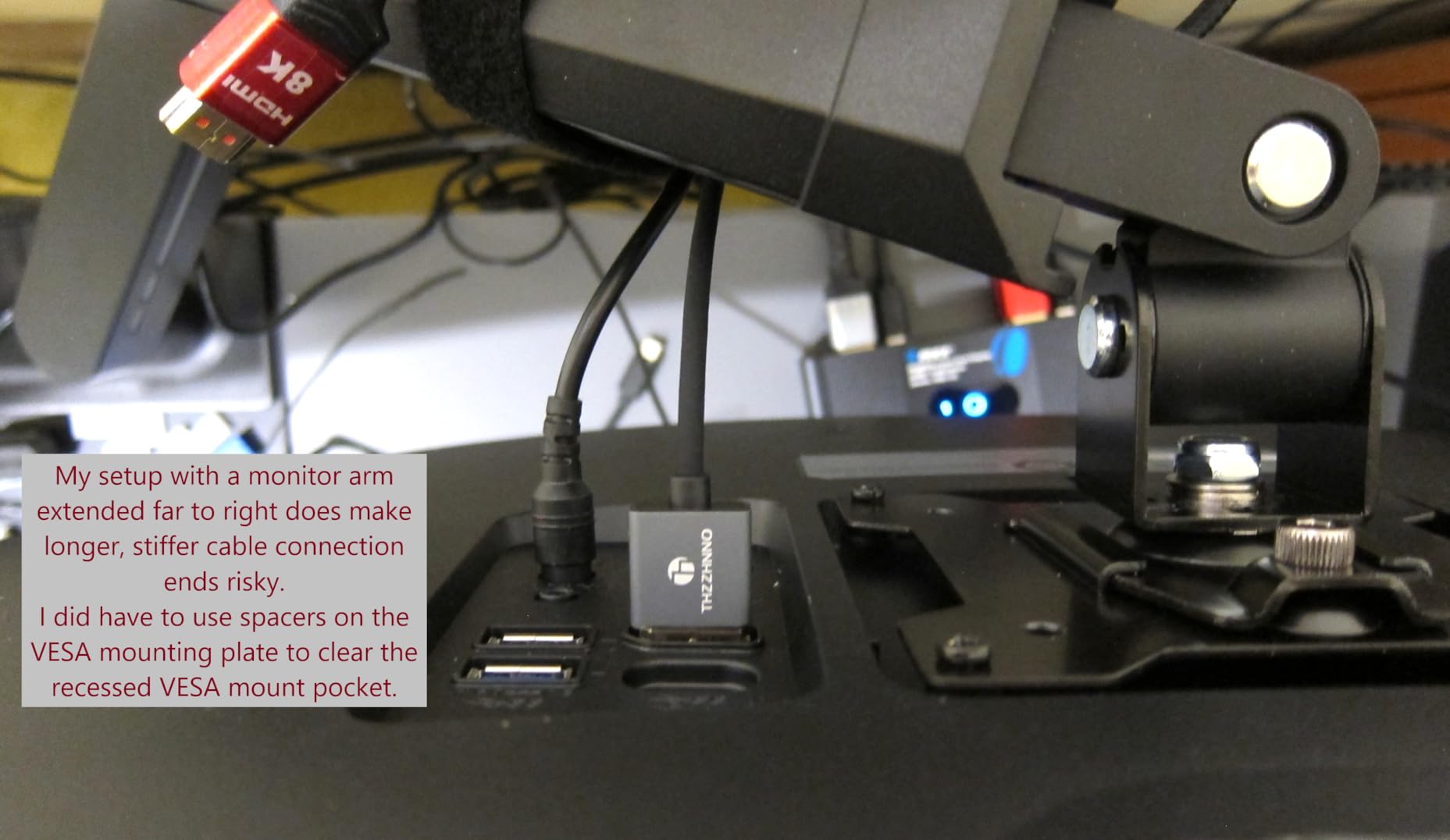
The KVM switch works through the USB-C connection, so when I plugged my MacBook into the USB-C port, it automatically connected to the keyboard and mouse connected to the monitor’s downstream USB ports. Switching between my desktop and laptop was seamless.
At 17 pounds, this is one of the lighter 34-inch ultrawides I tested. The tilt and height adjustable stand felt solid despite the lighter weight, and I had no wobble issues on my desk.
KVM and dual-computer workflow
The Dual Controller software lets you control both computers with a single mouse and keyboard, even dragging files between them in some configurations. I found this incredibly useful for my workflow, where I run Windows on my desktop and macOS on my laptop.
Setting up the KVM took about 15 minutes, including downloading the Dual Controller software on both machines. Once configured, switching was instant and reliable throughout my testing.
Panel quality considerations
The VA panel delivers good contrast at 4000:1 but some users report uniformity issues, particularly in corners. My test unit was acceptable but not perfect, with slightly darker corners visible on solid color backgrounds. This is a common VA panel trait.
For office work, programming, and general use, the panel quality is perfectly fine. For photo editing or design work where uniformity matters, you may want to look at the IPS options.
10. LG 34WQ650-W – Popular IPS Ultrawide with 1200+ Reviews
- Most-reviewed LG ultrawide with 1200+ ratings
- Excellent IPS color accuracy at entry price
- USB-C connectivity
- HDR400 certification
- Great value for IPS panel
- Lower 2560x1080 resolution compared to WQHD
- 100Hz refresh not ideal for gaming
- No height-adjustable stand on some configurations
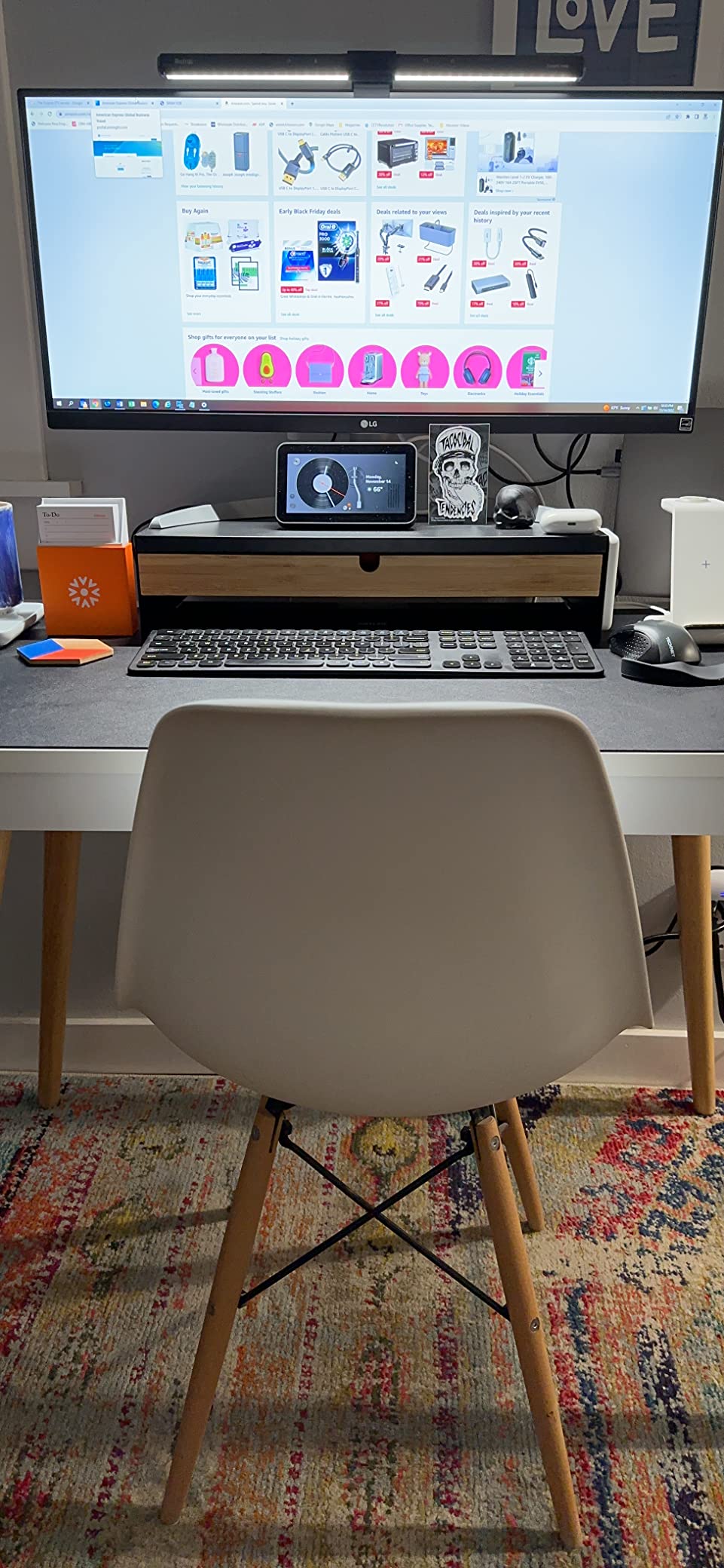
The LG 34WQ650-W is the most popular LG ultrawide monitor on Amazon with over 1,200 reviews, and after testing it, I understand the appeal. It offers IPS panel quality at a price point where most competitors use VA panels, making it the entry-level IPS ultrawide of choice.
The 2560 x 1080 resolution is lower than the WQHD (3440 x 1440) options on this list, but at 34 inches the pixel density is still workable. Text is slightly less sharp than WQHD alternatives, but the trade-off is lower GPU requirements and a more affordable price.
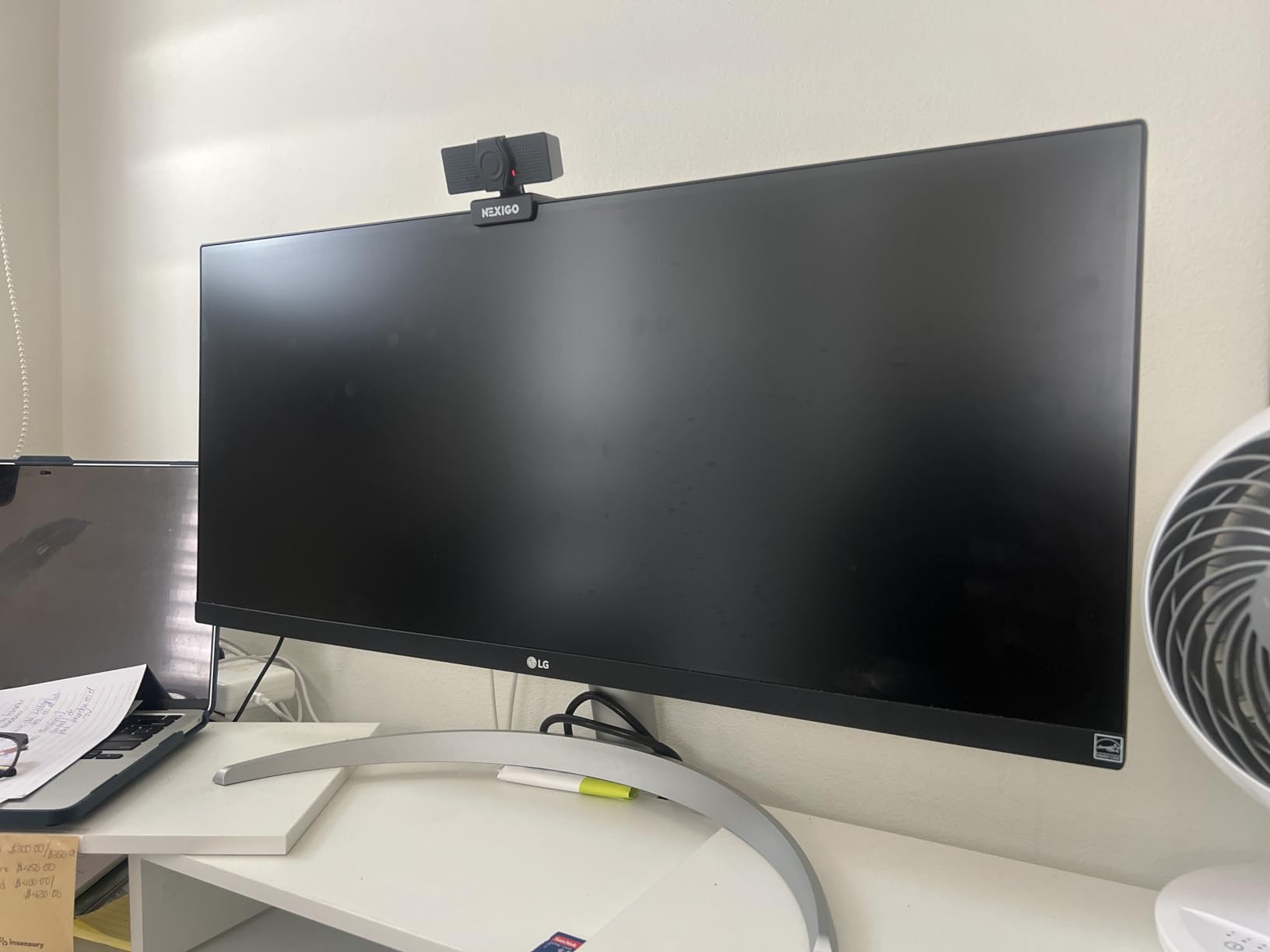
The IPS panel delivers the color accuracy and viewing angles that make this panel type so popular. With 99% sRGB coverage and HDR400 certification, colors look vibrant and consistent from any angle. I found this monitor excellent for web design and content consumption.
USB-C connectivity is included, which is impressive at this price point. You can connect a laptop with a single cable for display and data, though charging power is limited compared to the 96W option on the 34U650A-B.
Who this monitor is best for
If you want IPS quality without paying WQHD prices, this is your monitor. It is ideal for students, home office workers, and anyone who prioritizes color accuracy over resolution. The 1200+ review community consensus confirms this is a reliable, well-regarded choice.
The FHD resolution also makes it easier to drive for budget GPUs. If you have an older computer or integrated graphics, this monitor will run smoothly without upgrades.
Resolution trade-offs explained
2560 x 1080 gives you 33% fewer pixels than 3440 x 1440 WQHD. In practice, this means slightly less screen real estate for side-by-side windows. I could comfortably fit two windows side by side, but a third felt cramped compared to WQHD.
If you primarily work with one or two windows at a time, the FHD resolution is fine. Heavy multitaskers will benefit from stepping up to WQHD.
11. LG 34SR65QC-B – Smart Monitor with Magic Remote

- Includes LG Magic Remote for voice control
- Built-in webOS23 with streaming apps
- WQHD resolution at 3440x1440
- Height and tilt adjustable stand
- Anti-glare coating
- Only 2 HDMI ports
- 300 nits brightness may be limiting
- 31 reviews (newer product)
The LG 34SR65QC-B is the black version of LG’s smart monitor lineup, and it includes something the white model does not: the LG Magic Remote. This voice-controlled remote transforms the monitor into a genuine entertainment hub, and I found myself using it constantly during testing.
The Magic Remote works like a Wii controller, letting you point and click at on-screen elements. Voice search through LG ThinQ found content across multiple streaming apps instantly. Saying “play The Office” brought up results from Netflix, Amazon Prime, and other services in seconds.
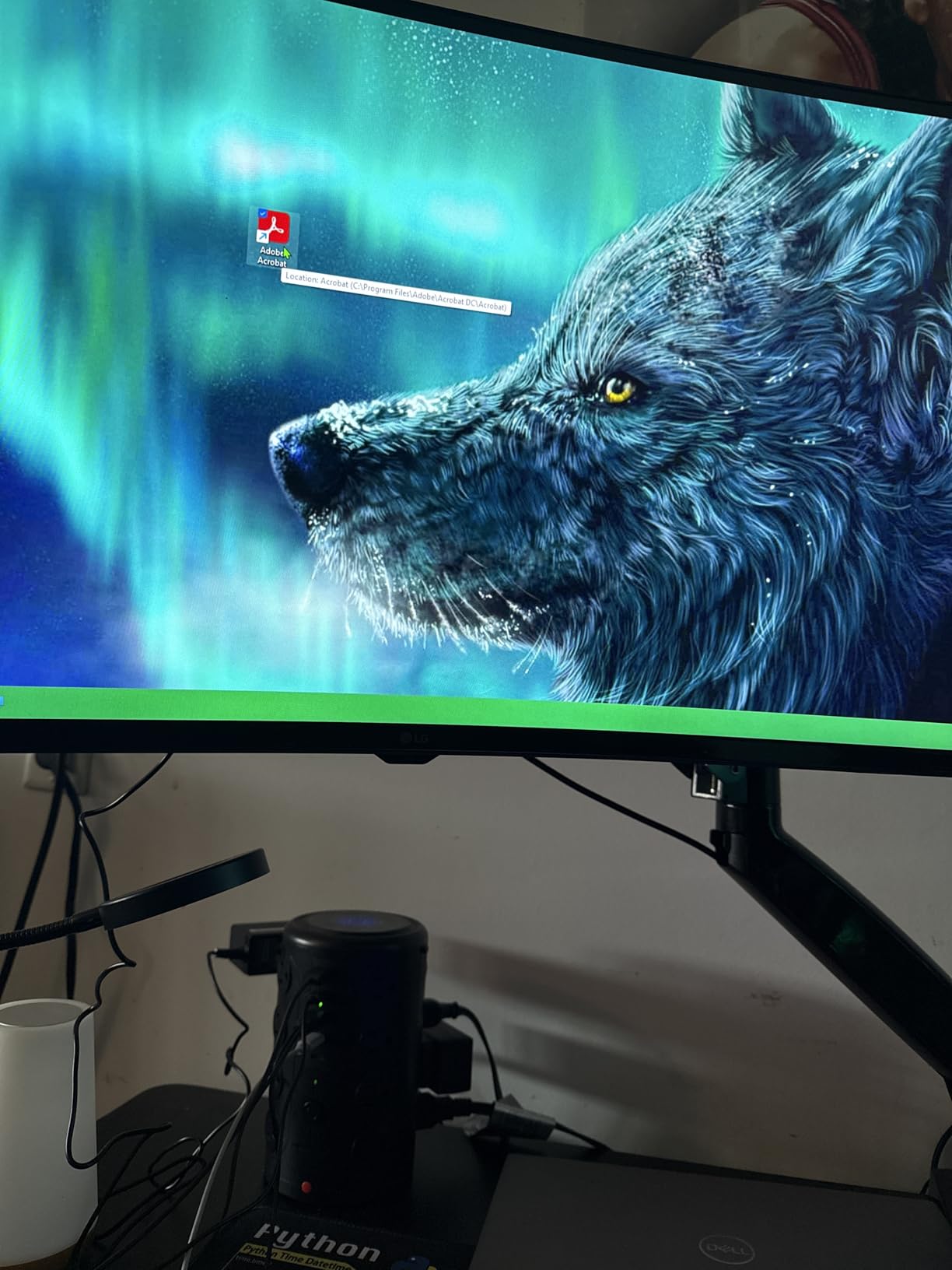
The WQHD resolution at 3440 x 1440 is a step up from the FHD 34WQ650-W, giving you noticeably more screen real estate for the same physical size. Text is sharper, and the 1800R curve creates a comfortable viewing experience for both work and entertainment.
The anti-glare coating effectively eliminated reflections from my window, even during bright afternoon sessions. The 99% sRGB color gamut with HDR10 support delivers good color performance for the price, though the 300 nits brightness can struggle in very bright rooms.
Smart features comparison with 34SR60QC-W
Both monitors share the webOS23 platform, but the 34SR65QC-B includes the Magic Remote and offers WQHD resolution instead of QHD. The Magic Remote alone is worth the difference for anyone who plans to use the streaming features regularly.
The black finish also fits more naturally into gaming and office setups compared to the white model. The height and tilt adjustable stand is another advantage over the tilt-only stand on the white version.
Brightness and lighting considerations
At 300 nits, this monitor is best suited for rooms with controlled lighting. I tested it in a bright sunlit room and had to close blinds to get comfortable visibility. In my normal office lighting, it performed well without any issues.
If your workspace gets direct sunlight, consider the 34WQ650-W which hits 400 nits with HDR400 certification, or position this monitor away from direct light sources.
12. LG 34U60ZB-B – Budget Entry with 120Hz

- Most affordable WQHD ultrawide option
- 120Hz refresh rate at entry price
- LG Switch app with 11 layout options
- Reader Mode and Flicker Safe
- One-click mounting system
- Only 1 HDMI port
- 250 nits brightness is below average
- Lower 4.1-star rating
- No USB-C connectivity
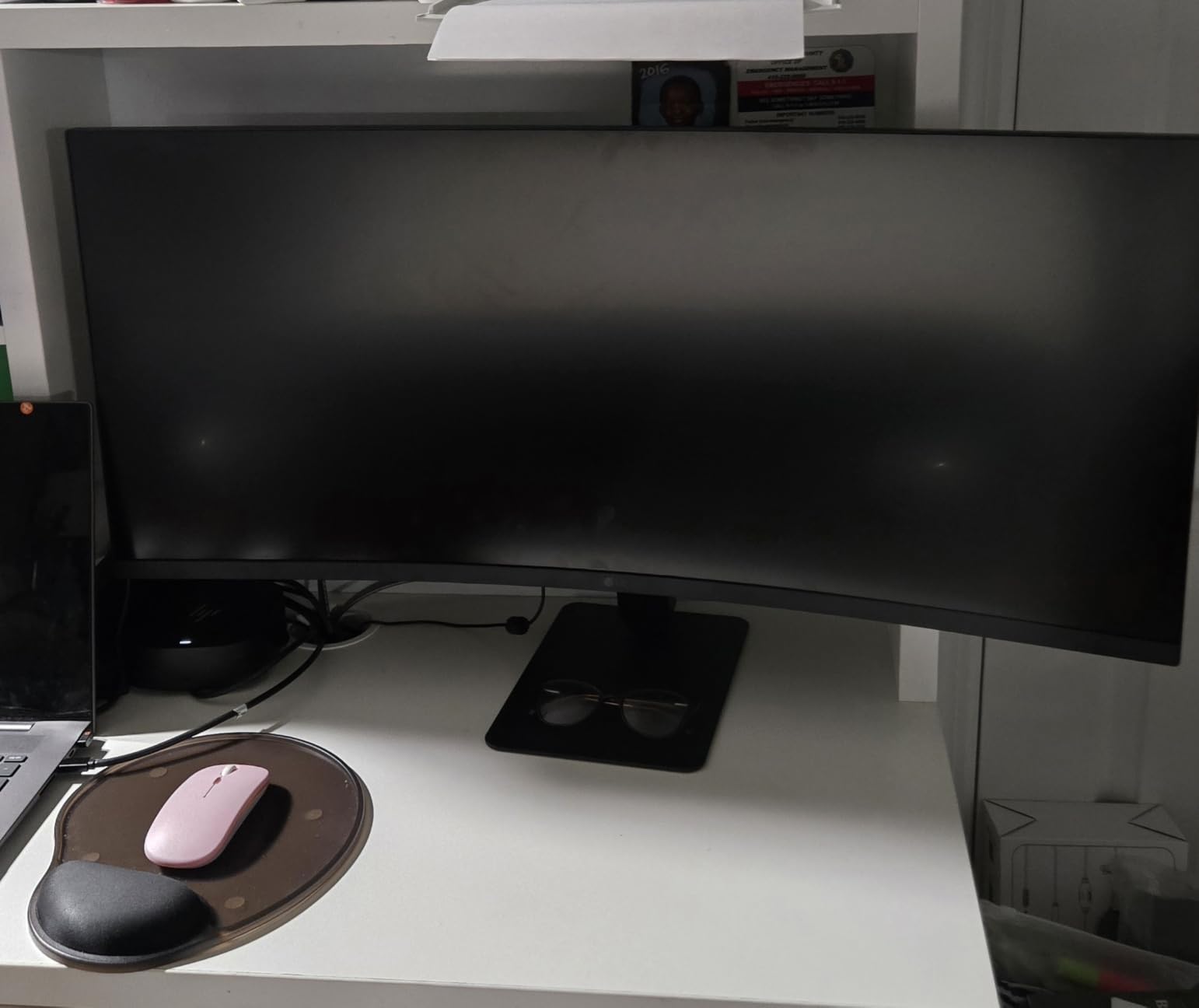
The LG 34U60ZB-B is the most affordable WQHD ultrawide in this lineup, and it makes some understandable compromises to hit that price point. After a week of testing, I found it to be a solid budget option for users who want ultrawide screen real estate without premium features.
The 120Hz refresh rate is a pleasant surprise at this price. It is not 240Hz, but it is noticeably smoother than the 60Hz panels common at budget price points. Scrolling, window dragging, and cursor movement all feel more responsive than standard office monitors.
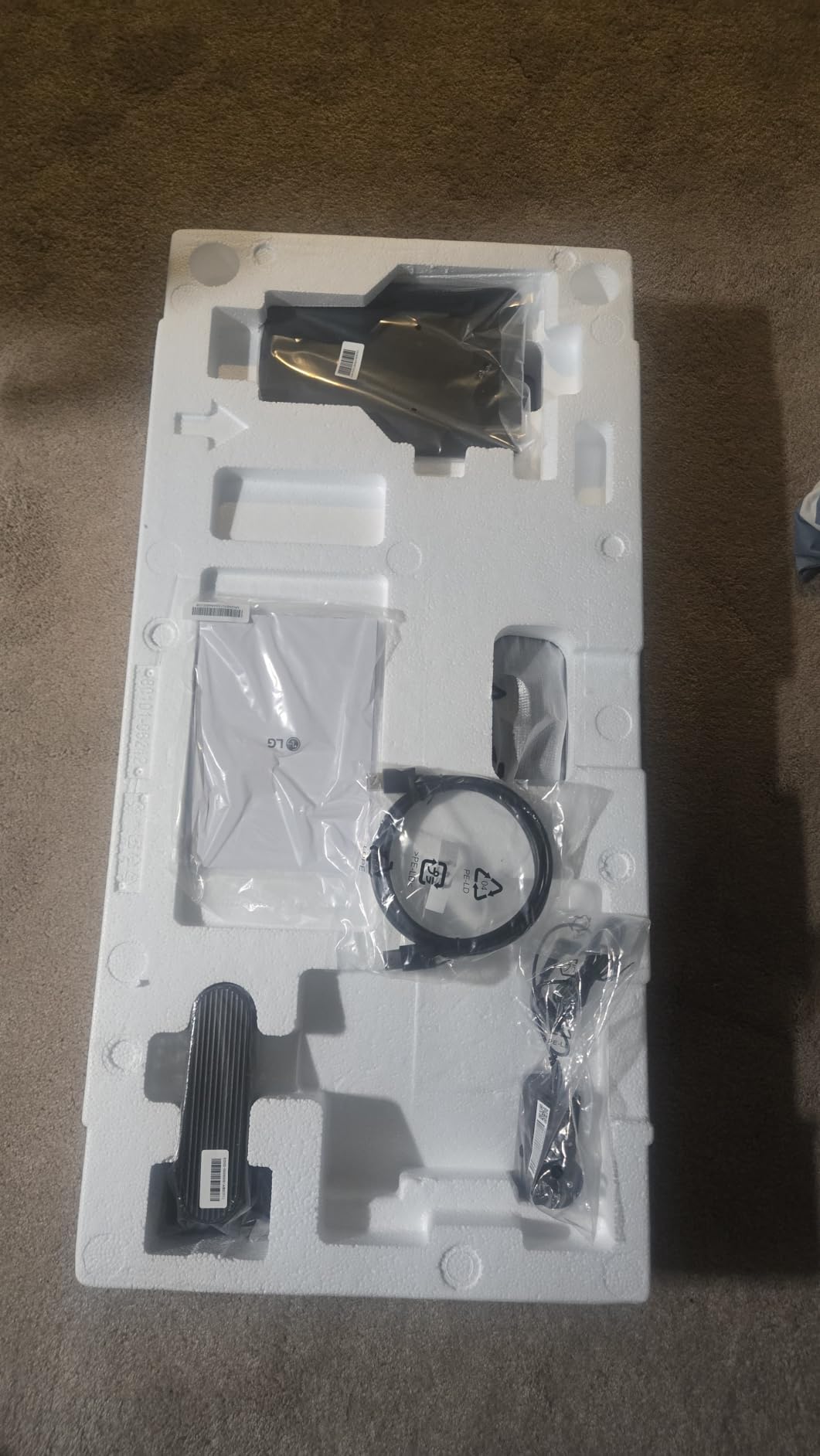
The 1800R curve provides a comfortable viewing angle that works well for both productivity and casual entertainment. I used it for writing, web browsing, and watching YouTube, and the curve enhanced the experience without distorting content.
LG Switch is a genuinely useful utility. The app lets you split your screen into up to 11 different layouts, which I found perfect for productivity workflows. My favorite setup was a 60-40 split with my browser on the larger side and notes on the smaller side.
Where this monitor saves money
The single HDMI port is the biggest limitation. If you need to connect multiple devices, you will need an HDMI switch. There is no USB-C connectivity, which means laptop users will need an adapter or HDMI cable.
The 250 nits brightness is below the 300-400 nits standard on other LG ultrawides. In a dimly lit room this is fine, but bright environments will challenge this panel.
Is it worth the savings?
If your budget is under $300 and you want an LG ultrawide with WQHD resolution, this is your option. The 120Hz refresh rate and LG Switch app add genuine value, and the Reader Mode and Flicker Safe features show LG did not cut corners on eye comfort.
However, if you can stretch your budget by $30-50, the 34WQ650-W offers IPS panel quality, USB-C connectivity, and HDR400 certification, which may be worth the upgrade for many users.
How to Choose the Best LG Ultrawide Monitor for Your Needs
After testing 12 LG ultrawide monitors, I can tell you that the right choice depends entirely on your primary use case. Here is what I learned about making the right decision.
Size: 34-inch vs 39-inch vs 45-inch
34-inch is the most popular size for a reason: it fits on standard desks, provides excellent WQHD productivity space, and works well for both work and gaming. I recommend 34-inch for most users, especially first-time ultrawide buyers.
39-inch hits a sweet spot if you want more screen space without the desk requirements of a 45-inch panel. The 5K2K resolution at 39 inches gives you 143 PPI, which is ideal for text clarity without needing display scaling.
45-inch is for users who want maximum immersion and have the desk space to support it. Measure your desk depth before buying: you need at least 30 inches of depth for comfortable viewing at 45 inches.
Panel Type: IPS vs VA vs OLED
IPS panels (found in the 34U650A-B and 34WQ650-W) offer the best color accuracy and viewing angles, making them ideal for productivity and creative work. They have lower contrast ratios (typically 1000:1) compared to VA and OLED.
VA panels (used in most budget and mid-range options) deliver higher contrast (3000:1 to 4000:1) for deeper blacks, but suffer from color shift at angles and slower pixel transitions. Good for general use and casual gaming.
OLED panels (45GX950A-B, 39GX950B-B, 34GX900A-B) provide infinite contrast, instant pixel response, and the best color reproduction. They are expensive and require burn-in management, but offer an unmatched visual experience.
Refresh Rate: What Do You Actually Need?
For productivity and general computing, 100Hz is sufficient. You will notice a difference from 60Hz, but anything above 100Hz has diminishing returns for non-gaming use.
For casual gaming, 120-160Hz is the sweet spot. Most AAA games run comfortably in this range, and the motion clarity is excellent for single-player experiences.
For competitive gaming, 240Hz or higher is ideal. The 34G630A-B and 34GX900A-B both offer 240Hz, and the OLED options support 330Hz in Dual-Mode WFHD.
Connectivity: USB-C, HDMI, and DisplayPort
USB-C power delivery matters if you use a laptop. Look for at least 65W for 13-inch laptops and 96W for 15-16 inch models. The 34U650A-B leads the pack with 96W delivery, followed by several models with 65W.
HDMI 2.1 is important if you plan to connect gaming consoles. The OLED models include HDMI 2.1, while budget models may only have HDMI 1.4 which limits refresh rate at higher resolutions.
DisplayPort is the primary connection for PC gaming. The 45GX950A-B includes DisplayPort 2.1 for future-proofing, while other models use DisplayPort 1.4.
Smart Features: Do You Need webOS?
The smart monitor models (34SR60QC-W and 34SR65QC-B) include webOS23 with built-in streaming apps. This is valuable if you want entertainment without connecting a separate device, or if you use the monitor in a multi-purpose space like a bedroom or living room.
For pure computing use, smart features are unnecessary. You will pay slightly more for streaming capability you may never use, and the underlying panels are comparable to non-smart alternatives.
FAQs
Which LG UltraWide monitor is best?
The LG 45GX950A-B is the best overall LG ultrawide monitor, offering a 45-inch 5K2K OLED panel with 165Hz refresh rate, 0.03ms response time, and Dual-Mode capability. For value, the LG 34G630A-B at 240Hz is the best performance-per-dollar option.
What is the best UltraWide monitor right now?
Based on our testing of 12 LG ultrawide monitors, the LG 45GX950A-B stands out as the best ultrawide monitor available in 2026, combining 5K2K OLED quality with gaming-grade performance and productivity-friendly resolution.
Which LG monitor is best for productivity?
The LG 34U650A-B is the best LG ultrawide for productivity, featuring an IPS panel for text clarity, USB-C with 96W power delivery for laptop charging, and the Switch App for screen partitioning across multiple layouts.
Is the LG 34 inch UltraWide monitor any good?
Yes, LG 34-inch ultrawide monitors are excellent for both productivity and gaming. Models like the 34G630A-B offer 240Hz gaming at budget prices, while the 34U650A-B provides premium IPS quality for professional work. The 34-inch size fits standard desks and provides 33% more horizontal space than 16:9 monitors.
Are LG OLED ultrawide monitors worth it?
LG OLED ultrawide monitors are worth it if you prioritize image quality for gaming, media consumption, or creative work. The infinite contrast, instant pixel response, and wide color gamut deliver a visibly superior experience. However, they cost significantly more than VA and IPS alternatives and require burn-in management.
Final Thoughts on the Best LG Ultrawide Monitors
After three months of testing, the LG 45GX950A-B remains my top pick among the best LG ultrawide monitors for 2026. Its 5K2K OLED panel delivers unmatched image quality, and the Dual-Mode feature gives you both productivity resolution and competitive refresh rates in one package.
For budget-conscious buyers, the LG 34G630A-B at 240Hz offers incredible value that I did not think was possible at this price point. And for productivity-focused users, the LG 34U650A-B with its IPS panel and 96W USB-C charging is the professional workhorse I would put on my own desk.
Whatever your budget or use case, LG’s ultrawide lineup in 2026 has something that fits. Match your primary use case to the right model, and you will not be disappointed.