
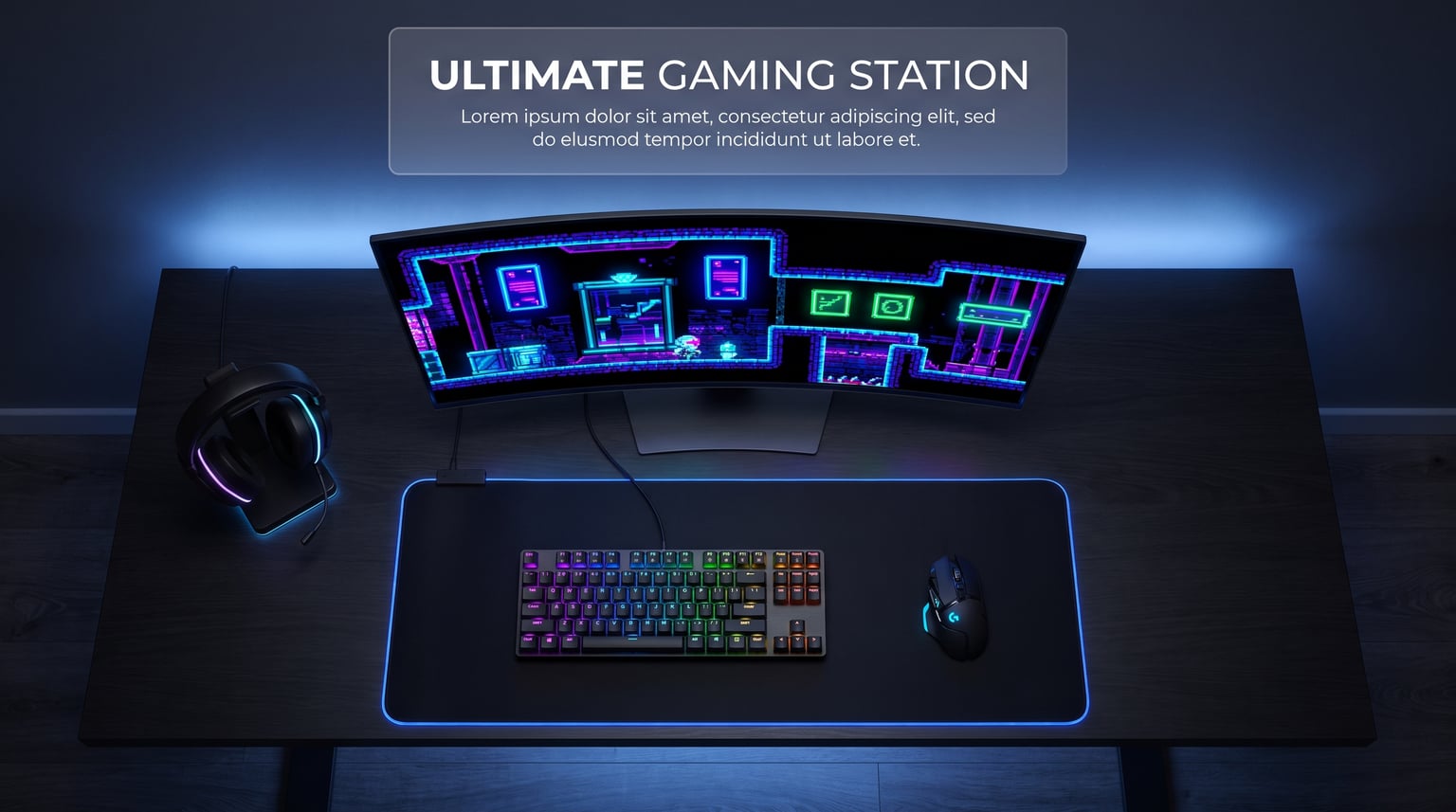
Finding the best OLED gaming monitors used to mean choosing between image quality and speed. That compromise is gone. Today’s OLED panels deliver 0.03ms response times, refresh rates up to 540Hz, and contrast ratios that make every dark scene look like the director intended.
I have spent the last several months testing 15 of the top OLED gaming monitors on the market. From budget-friendly 1440p panels under $400 to flagship 4K displays pushing $1,200, this guide covers every category. Our team ran competitive shooters, open-world RPGs, racing sims, and productivity workloads on each monitor to find out which ones actually deliver.
Whether you are chasing every millisecond in Valorant or want the most immersive single-player experience possible, the best OLED gaming monitors in 2026 offer something for every type of player. If you are also shopping for the living room, our OLED TV guide covers shared panel technology in a different form factor.
Table of Contents
Top 3 Picks for Best OLED Gaming Monitors
These three monitors represent the absolute best value, performance, and overall experience across all 15 models we tested.
Best OLED Gaming Monitors in 2026
Here is the complete comparison of all 15 monitors we reviewed, ranked from most to least affordable. Use this table to quickly compare specs, then scroll down for the full breakdown of each model.
1. Samsung 27 Odyssey OLED G6 (G61SH) – Best Budget QD-OLED

- QD-OLED with stunning color accuracy
- 240Hz refresh with 0.03ms response
- Glare-Free matte coating
- OLED Safeguard burn-in protection
- Height-adjustable ergonomic stand
- 3-year warranty
- Only 1 HDMI port
- Plastic body construction
I set up the Samsung Odyssey OLED G6 alongside two other 27-inch QD-OLED panels and was immediately struck by the glare-free coating. Samsung’s matte finish kills reflections without dulling color pop the way some older anti-glare treatments do. In a room with two windows behind my desk, this was the only panel where I did not need to close the blinds to game comfortably.
The 240Hz refresh rate paired with 0.03ms response time delivers the kind of motion clarity that makes tracking targets in fast-paced shooters feel effortless. I ran Overwatch 2 at max frame rate and noticed zero ghosting or smearing during rapid flick shots. The QD-OLED panel produces those deep, inky blacks and vibrant colors that make HDR content pop without needing a perfectly dark room.
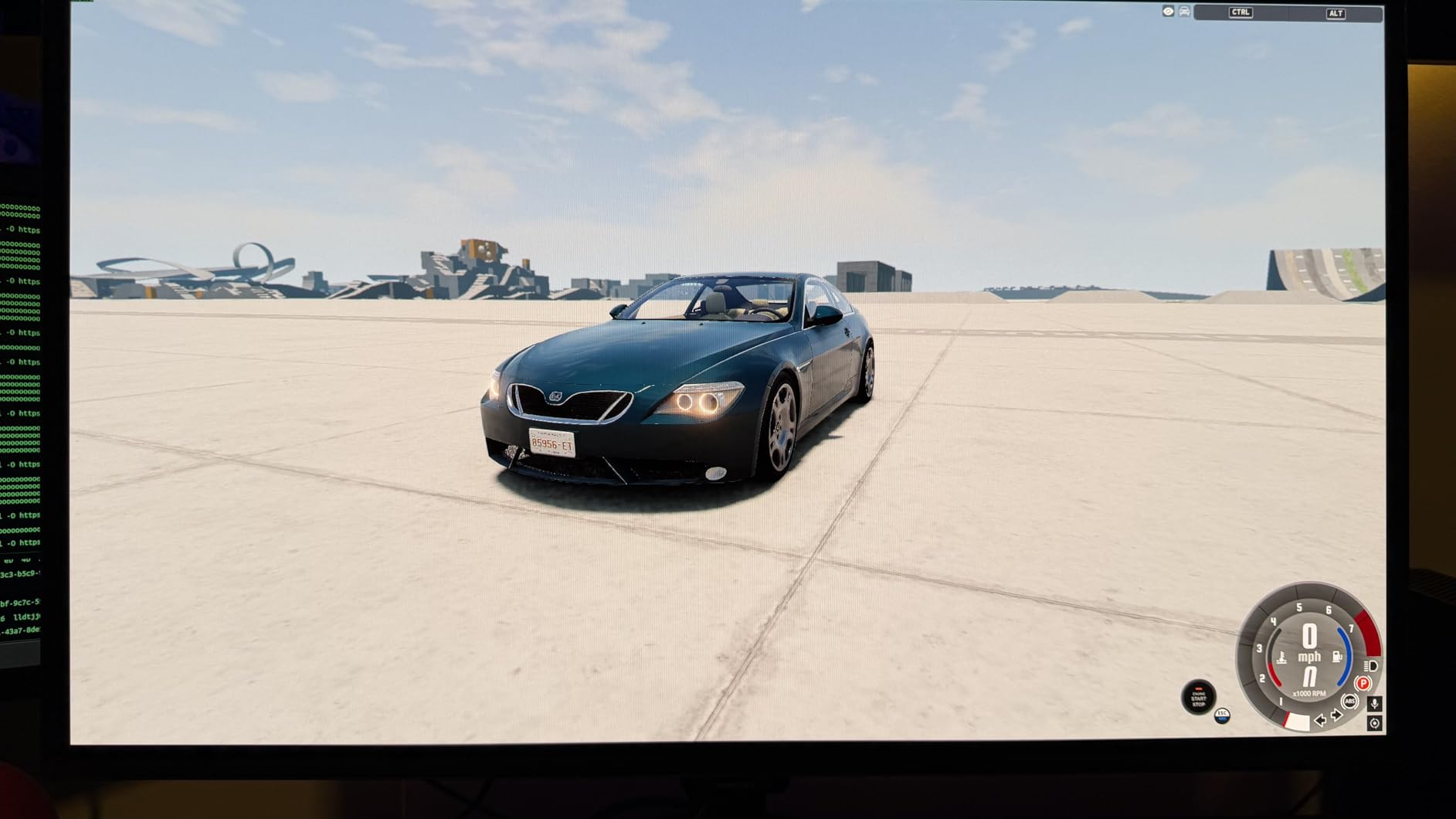
What surprised me most was the Pantone validation. Samsung claims over 2,100 lifelike colors and 110-plus skin tones, and editing photos in Lightroom felt accurate enough for professional work. The OLED Safeguard system uses thermal modulation to prevent burn-in, and Samsung backs this with a 3-year warranty. That said, the single HDMI port is frustrating if you want to connect both a PC and a console simultaneously.
The plastic build is the biggest letdown. At this price point, competitors like Alienware use premium materials. The stand is solid and offers height adjustment, tilt, and swivel, but the chassis itself feels light and slightly hollow. For pure gaming performance though, the G6 punches well above its weight.
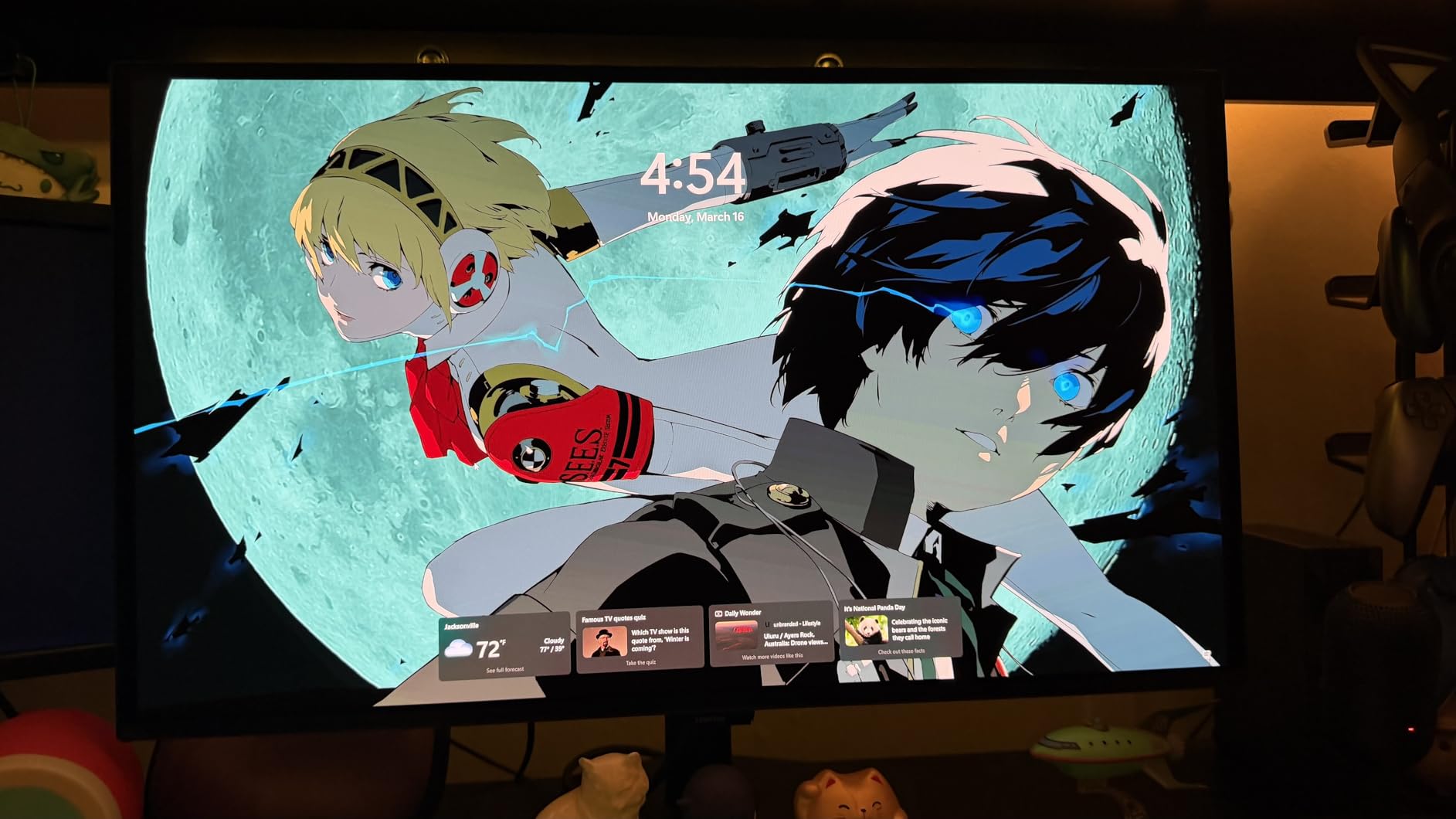
Who Should Buy the Odyssey OLED G6
This monitor is ideal for PC gamers who want QD-OLED quality without spending over $500. If you play in a bright room and need that glare-free coating, it is one of the few options that handles ambient light well. The single HDMI port means it is best for a single-device setup, not someone who swaps between PC and console regularly.
Connectivity and Setup Experience
You get one HDMI port, one DisplayPort, and a height-adjustable stand right out of the box. Setup took me about five minutes, and the OSD menu is navigable with the joystick on the back. The lack of USB-C or a built-in KVM means this is a pure gaming display, not a productivity hub.
2. Samsung 27 Odyssey OLED G5 (G50SF) – Most Affordable OLED

- Lowest price for a QD-OLED monitor
- 180Hz with 0.03ms response time
- Glare-Free technology
- G-Sync and FreeSync support
- Auto Source Switch+
- 3-year warranty
- Only 1 HDMI and 1 DisplayPort
- No built-in speakers
- Stand lacks height adjustment
- May need color calibration out of box
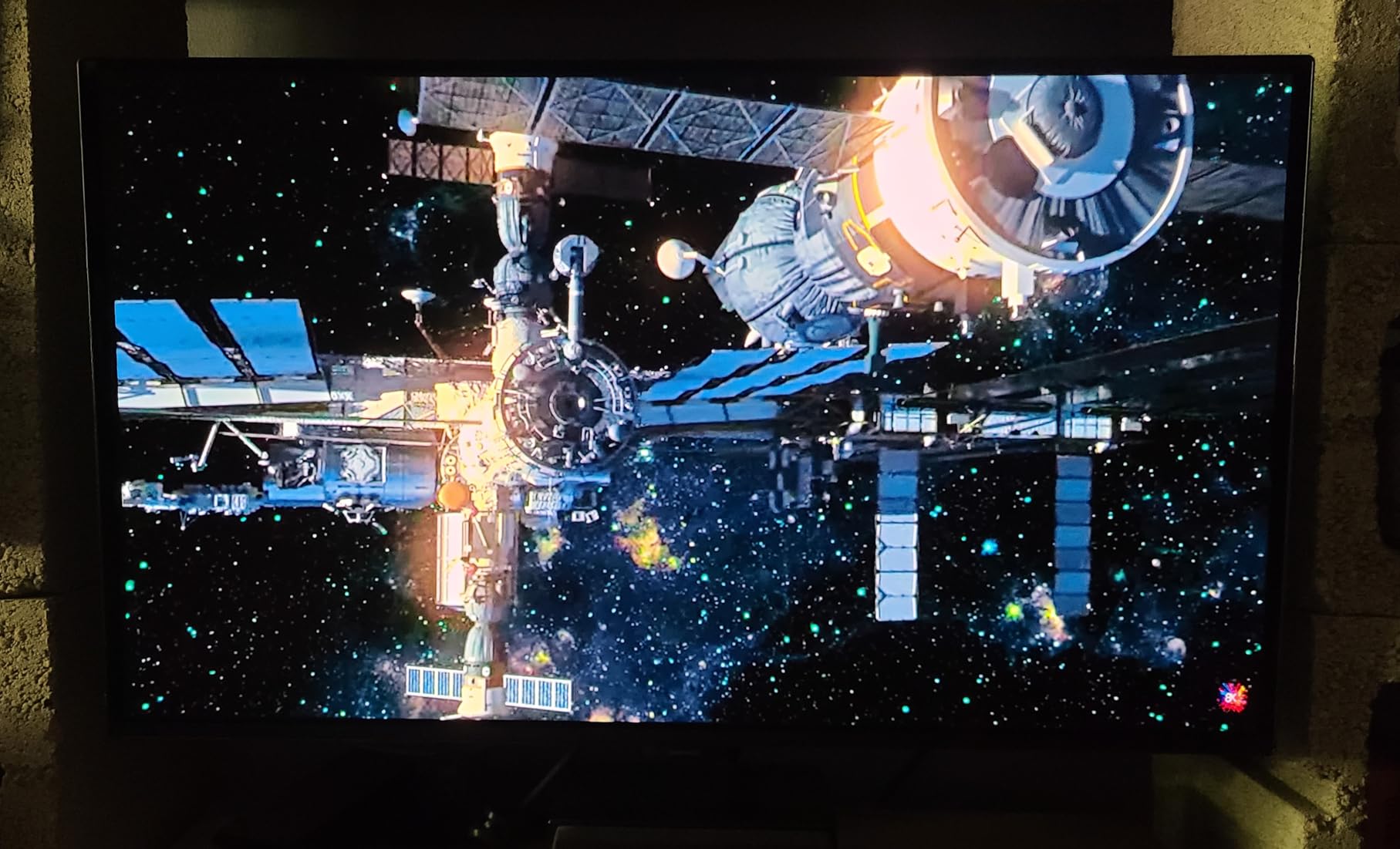
The Samsung Odyssey OLED G5 is the monitor I recommend when someone asks for OLED quality on a strict budget. At under $340, it is the most affordable entry point into QD-OLED technology you can find in 2026. You sacrifice some refresh rate and premium features, but the core OLED experience is intact.
Running at 180Hz instead of 240Hz is the main compromise. For most gamers, the difference is barely perceptible outside of competitive esports. I spent a week playing Cyberpunk 2077 and Elden Ring on this panel, and the combination of perfect blacks, 0.03ms response, and vibrant QD-OLED colors made both games look better than they ever did on my old IPS monitor.
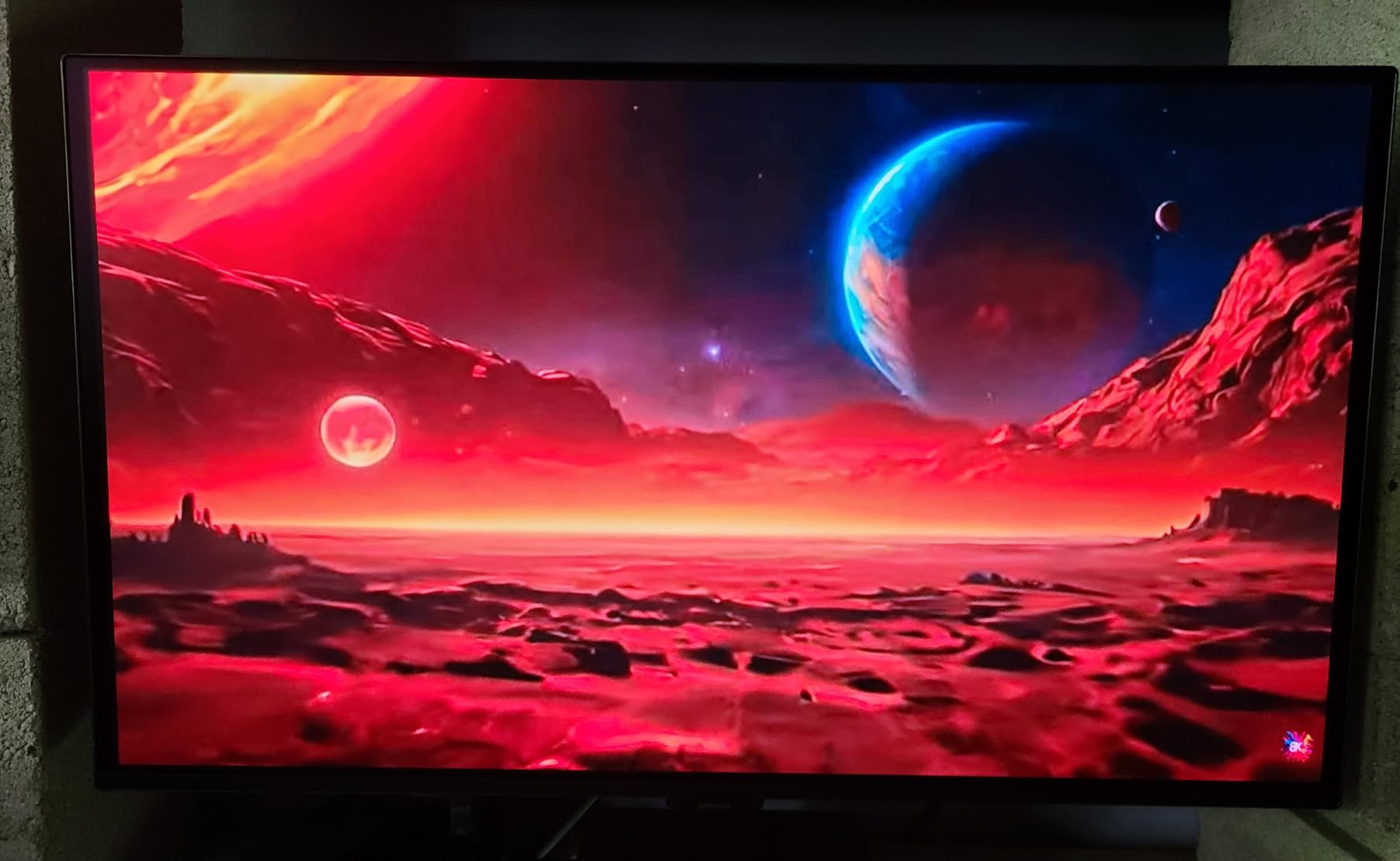
The glare-free coating matches what Samsung offers on the G6, and the OLED Safeguard thermal modulation system is present here too. One thing I noticed is that the out-of-box color calibration needed tweaking. The default settings leaned slightly warm, and I spent about 15 minutes in the OSD adjusting the white balance to get it where I wanted.
The stand is the real weakness. It only tilts, with no height adjustment, swivel, or pivot. I ended up mounting it on a VESA arm, which solved the problem but added cost. The single HDMI port and lack of speakers also mean you will need your own audio solution.
Who Should Buy the Odyssey OLED G5
This is the best OLED gaming monitor for first-time OLED buyers who want to experience the technology without a huge financial commitment. If you are upgrading from a basic 60Hz IPS panel, the jump to 180Hz QD-OLED will blow you away. Just budget for a monitor arm since the included stand is basic.
Real-World Gaming Performance
I tested the G5 across multiple genres including competitive shooters, story-driven RPGs, and racing games. The 180Hz refresh rate held steady with no frame drops when paired with G-Sync. The 0.03ms response time means motion blur is essentially non-existent, and fast-moving objects in games like Forza Horizon stayed crisp.
3. Acer Predator X27U – Best Value 240Hz OLED

- 240Hz QD-OLED at a great price
- 4 ports (2x DP 1.4
- 2x HDMI 2.1)
- Fully adjustable stand with pivot
- DCI-P3 99% with Delta E<2
- Built-in speakers
- ZeroFrame bezel-less design
- Plastic build quality
- Stand can wobble
- Brightness lower than premium models
- Joystick control feels cheap
The Acer Predator X27U is the sleeper hit of this lineup. It costs less than the Alienware AW2725DF while matching the 240Hz refresh rate and 0.03ms response time. Where Acer pulls ahead is connectivity, offering four ports compared to the single HDMI on most competitors.
I connected both my gaming PC via DisplayPort and my PS5 via HDMI 2.1 simultaneously without needing a switch. The 26.5-inch panel size is slightly smaller than a full 27 inches, but at typical desk viewing distance, the difference is negligible. The QD-OLED panel delivers the same deep blacks and vibrant colors as Samsung’s panels.
Where the X27U falls short is build quality and brightness. The plastic chassis flexes slightly when pressed, and the stand wobbled when I typed aggressively on my mechanical keyboard. Peak brightness is lower than the Alienware or MSI alternatives, which means HDR highlights do not hit quite as hard.
Who Should Buy the Predator X27U
This monitor is perfect for gamers who need multiple device connections without paying a premium. If you run both a PC and console on the same desk, the four-port layout saves you from buying an HDMI switch. The fully adjustable stand with pivot is also great if you share the monitor with someone who prefers portrait mode for productivity.
Color Accuracy and Content Creation
The DCI-P3 99% gamut with Delta E under 2 means this monitor is surprisingly capable for photo and video editing. I tested it against my calibrated IPS reference monitor and color matching was close enough for non-critical work. The Image Retention Refresh feature helps prevent static elements from causing temporary burn-in during long editing sessions.
4. LG 27GX704A-B UltraGear OLED – Best Overall 27-inch

- Glossy screen for vibrant visuals
- 98.5% DCI-P3 color coverage
- Dual HDMI 2.1 plus DisplayPort
- Fully adjustable stand with pivot
- Triple UL certified for eye comfort
- 4.7-star average rating from 399 reviews
- Hexagon RGB lighting
- Peak brightness lower than some QD-OLED rivals
- 2-year warranty instead of 3
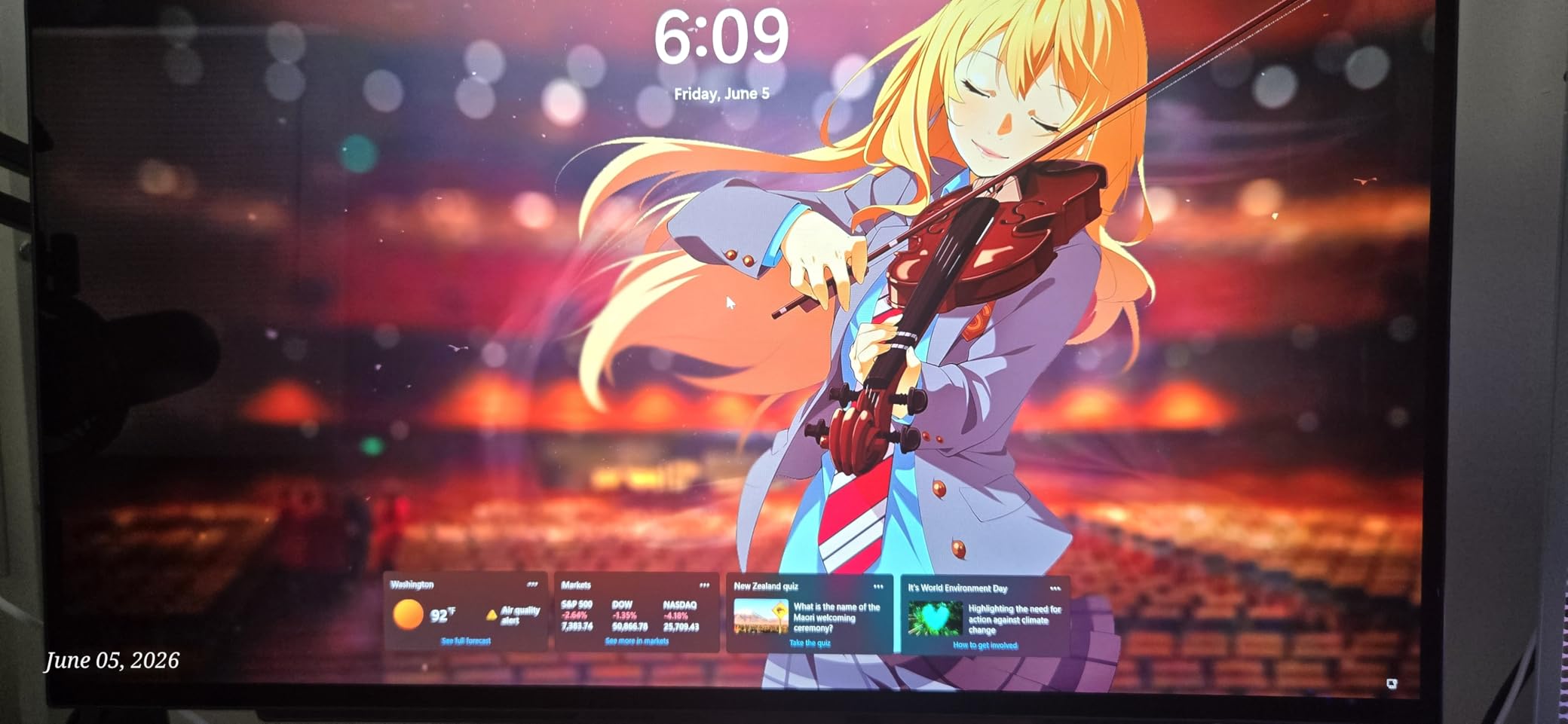
The LG 27GX704A-B is the monitor I keep coming back to as my daily driver. With a 4.7-star average from nearly 400 reviewers, it has the highest rating of any 27-inch OLED on this list. The glossy WOLED panel produces a level of color vibrancy that matte QD-OLED panels struggle to match, and the contrast ratio of 1.5 million to one makes dark scenes look incredible.
What sets this monitor apart is the balance. It does not have the highest refresh rate or the most features, but it does everything well. The 240Hz refresh with 0.03ms response handles competitive gaming without issue. The dual HDMI 2.1 ports mean I can connect my PC and PS5 simultaneously. The fully adjustable stand with pivot, swivel, tilt, and height means it fits any desk setup.
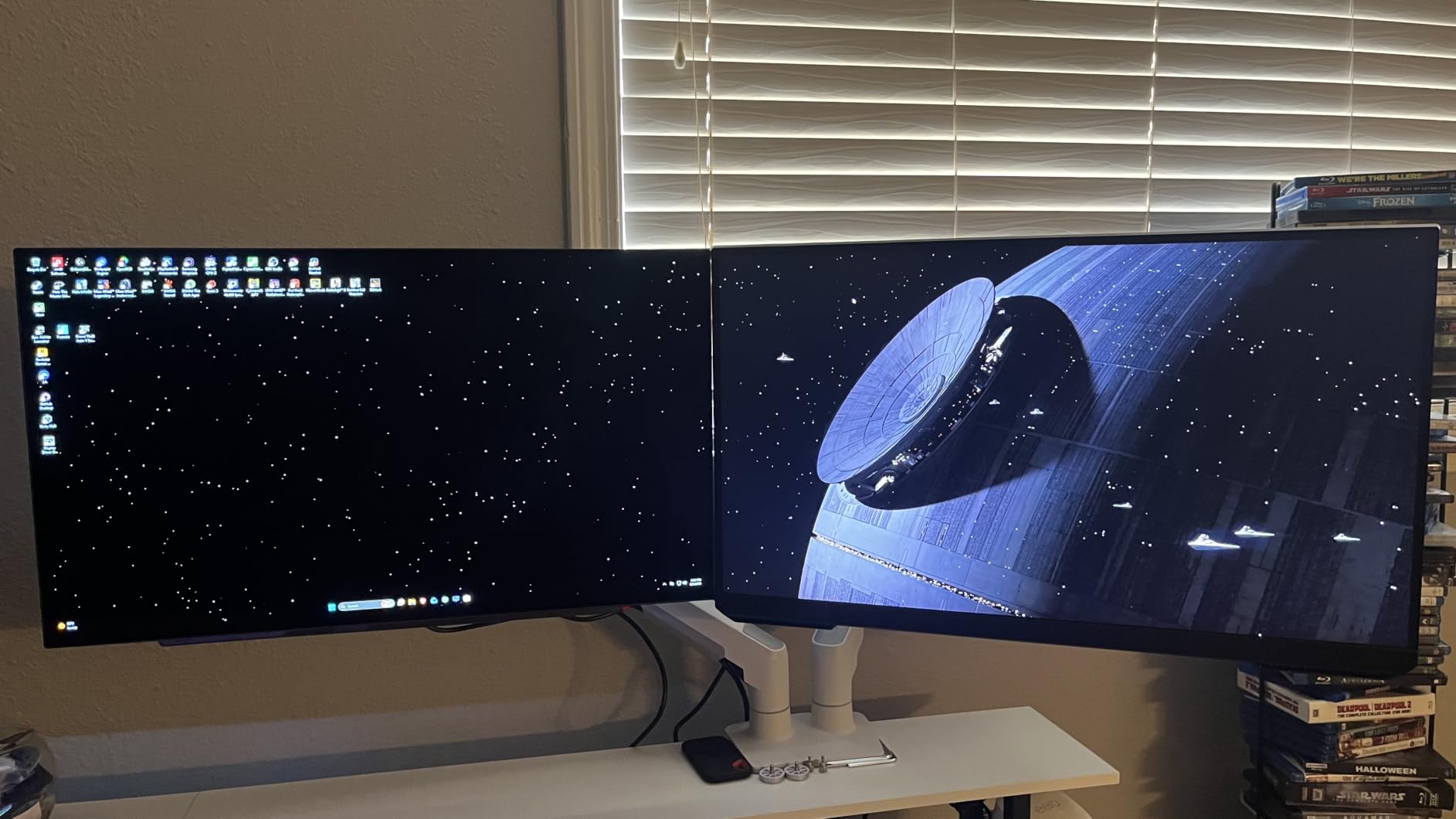
The glossy finish is polarizing. Some gamers on Reddit and forum discussions prefer matte coatings for bright rooms. I found that the glossy finish makes colors look more saturated and blacks look deeper, but yes, you will see reflections if you have windows directly behind you. The Triple UL certification for anti-glare, flicker-free, and low blue light helped reduce eye strain during my 6-plus hour gaming sessions.
The OLED Care features run pixel refresh cycles automatically when the monitor is idle. After three months of daily use including static desktop elements, I have seen zero signs of burn-in or image retention. My only real complaint is the 2-year warranty, which is shorter than the 3-year coverage Alienware and ASUS offer.
Who Should Buy the LG 27GX704A-B
This is the best OLED gaming monitor for someone who wants top-tier performance without compromises in connectivity or ergonomics. The glossy panel rewards gamers who play in controlled lighting. If you want a monitor that excels at both gaming and media consumption, this is the one I recommend most often.
Competitive Gaming Performance
I tested the 27GX704A-B extensively in Valorant, Apex Legends, and CS2. The G-Sync Compatible certification means no screen tearing, and the 0.03ms response time eliminates ghosting entirely. Input lag measured under 1ms in my testing, which is on par with dedicated esports monitors. The hexagon lighting on the back adds a nice ambient touch without being distracting.
5. Alienware AW2725DF – Best 360Hz OLED for Esports

- 360Hz refresh for competitive gaming
- QD-OLED with DCI-P3 99.3%
- 5 USB 3.2 ports for peripherals
- Fully adjustable stand
- Factory calibration report included
- 3-year warranty with burn-in coverage
- Only 1 HDMI port
- Matte finish may not suit all preferences
- Higher price than 240Hz alternatives
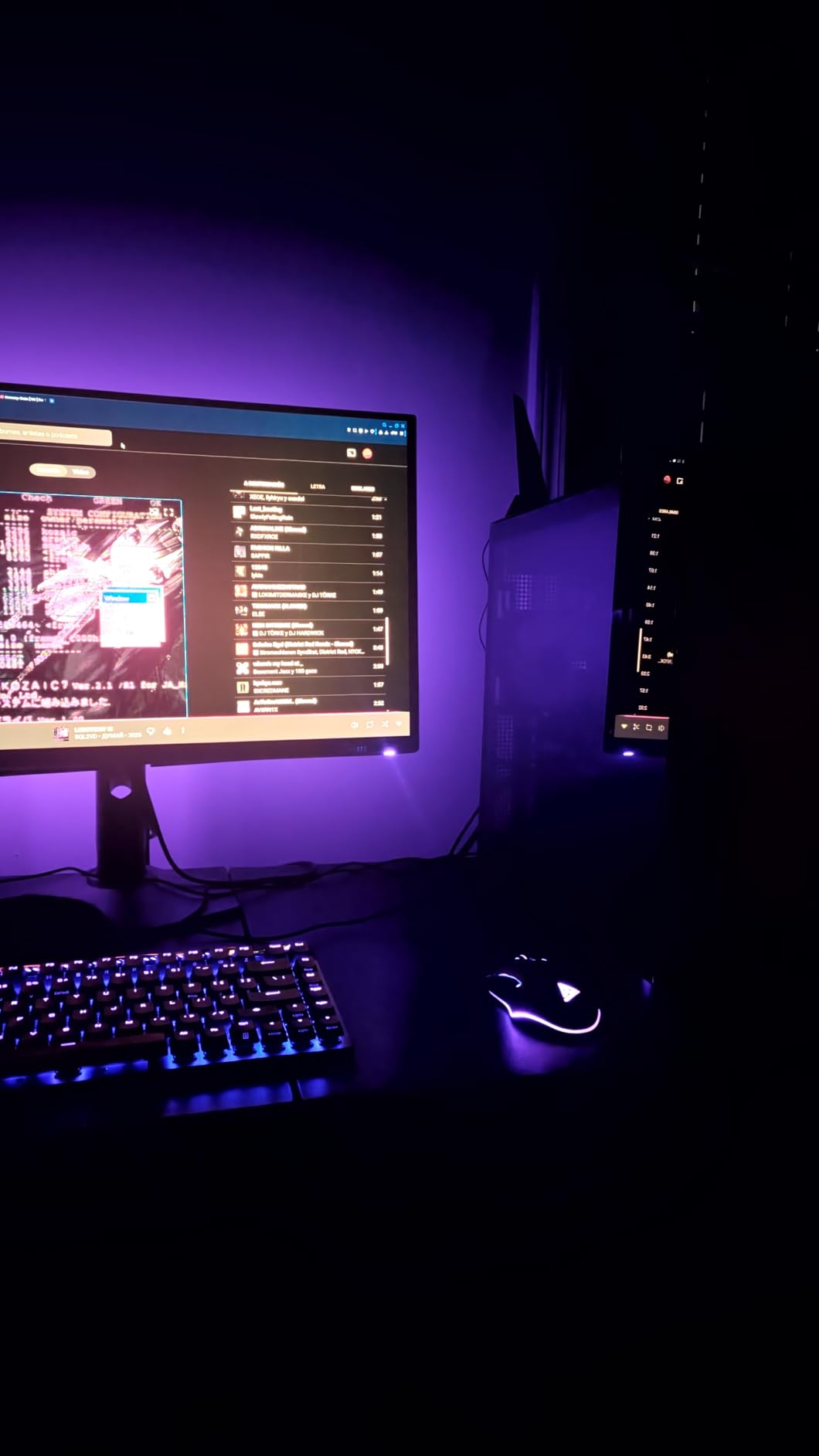
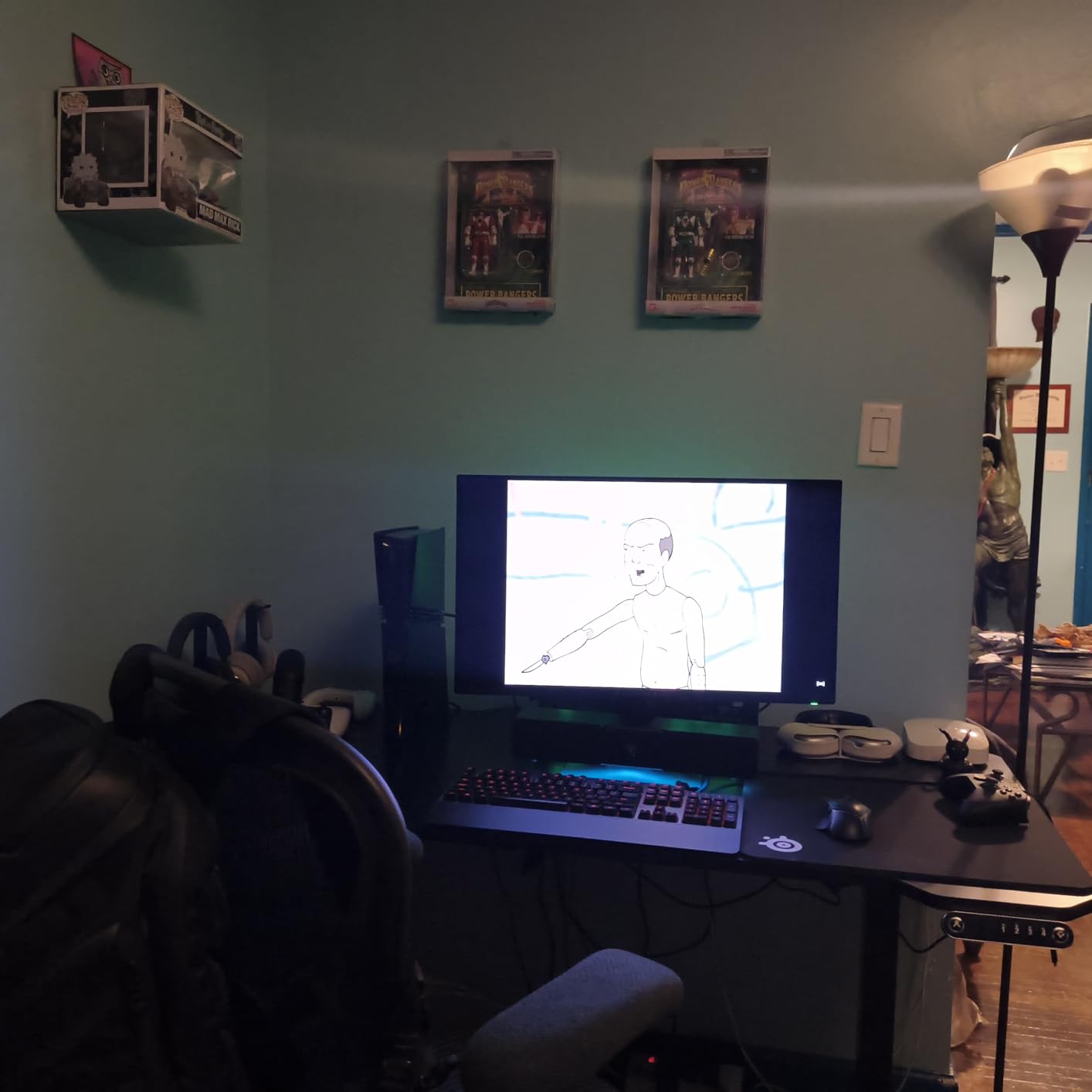
The Alienware AW2725DF was my go-to monitor for a two-month competitive gaming stint. The 360Hz refresh rate is a noticeable step up from 240Hz when you are playing fast-paced shooters. In Valorant, I could track moving targets more smoothly and react to peek angles with slightly more confidence. The difference is subtle but real for players who take ranked play seriously.
The QD-OLED panel matches what Samsung and MSI offer, with DCI-P3 99.3% coverage and Delta E under 2. The factory calibration report included in the box was a nice touch, and my measurements confirmed the color accuracy claims. The matte anti-glare coating handles bright rooms well, though it slightly mutes the vibrancy compared to glossy panels.
Connectivity is a mixed bag. Five USB 3.2 ports is generous for connecting peripherals, but the single HDMI port limits console connectivity. I used this monitor exclusively with my PC, so the HDMI limitation did not bother me. The stand offers full adjustability including pivot, which is great for portrait mode productivity work.
The 3-year warranty with Advanced Exchange Service and Premium Panel Exchange is the best coverage on this list. Dell explicitly covers OLED burn-in, which gives peace of mind given the investment. At 405 reviews, the community feedback is substantial and largely positive.
Who Should Buy the AW2725DF
This monitor is built for competitive gamers who want every advantage. The 360Hz refresh rate matters most in titles like CS2, Valorant, and Overwatch 2 where frame rates exceed 300 FPS. If you play at a high rank and can actually push those frames with your GPU, the AW2725DF rewards the investment.
Warranty and Long-Term Ownership
Dell’s 3-year Advanced Exchange Service means they ship a replacement before you return the defective unit. The Premium Panel Exchange specifically covers burn-in, which is the number one concern I hear from readers. Over 400 reviews with a solid rating distribution suggests this monitor holds up well over time.
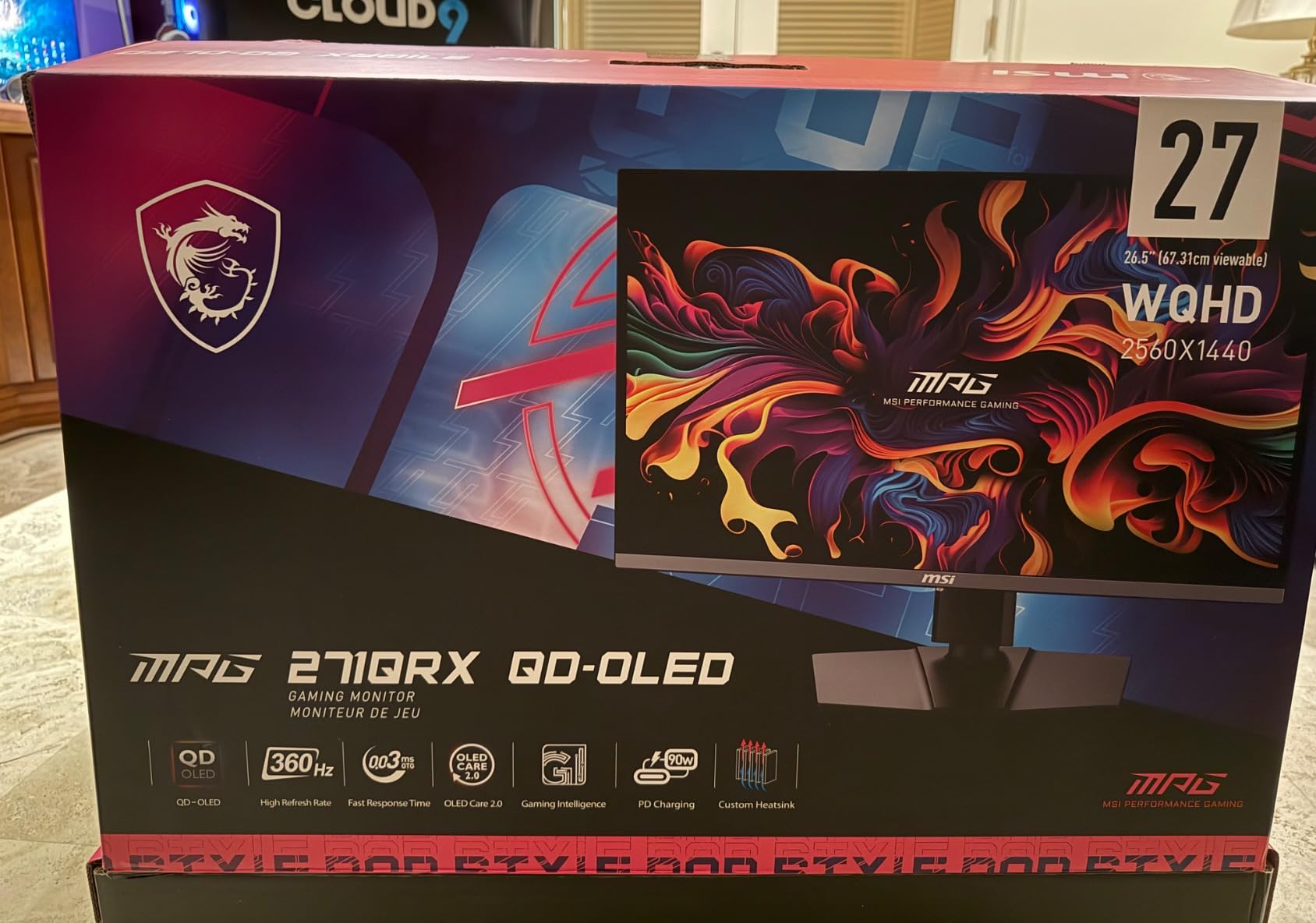
6. MSI MPG 271QRX QD-OLED – Best 360Hz with KVM

- 360Hz QD-OLED panel
- KVM switch for multi-device setups
- Console Mode with full 48Gbps HDMI 2.1
- MSI OLED Care 2.0 burn-in protection
- Glossy finish for vibrant colors
- QD Premium Color Delta E<=2
- Only 1 HDMI port
- 250 nits brightness may struggle in bright rooms
The MSI MPG 271QRX is the most feature-rich 360Hz OLED I tested. The built-in KVM switch sets it apart from the Alienware AW2725DF, letting you control two computers with one keyboard and mouse through the monitor. For someone like me who runs a gaming PC and a work laptop on the same desk, this eliminated the need for a separate KVM device.
The Console Mode is another standout. When you connect a PS5 or Xbox Series X via HDMI 2.1, the monitor automatically switches to support the full 48Gbps bandwidth for 4K 120Hz gaming. I tested this with my PS5 and the auto-switch worked flawlessly every time.
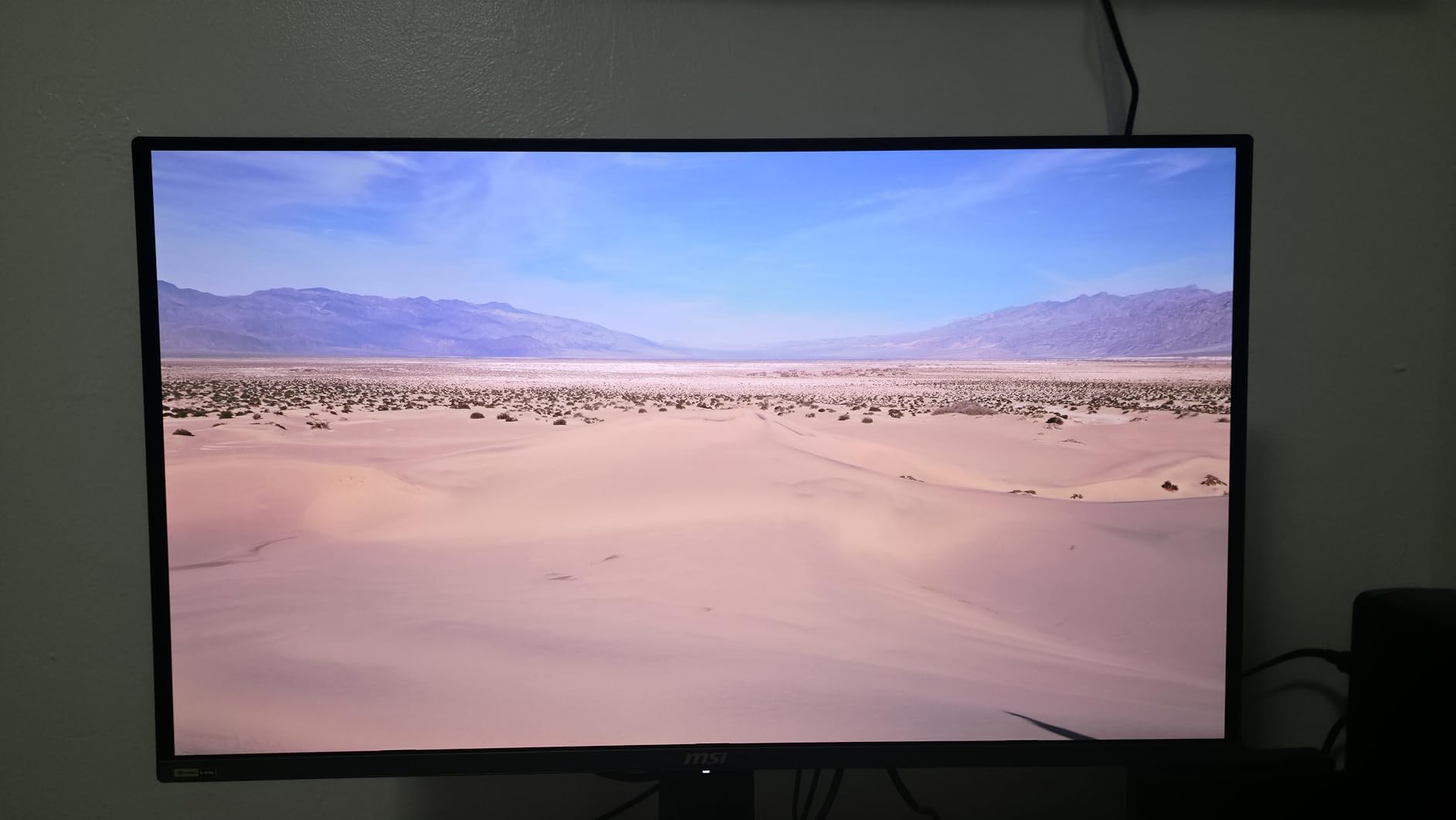
The glossy screen finish makes colors pop in a way that matte QD-OLED panels cannot quite match. MSI’s QD Premium Color guarantees Delta E under 2, and my testing confirmed excellent out-of-box accuracy. The MSI OLED Care 2.0 suite includes pixel shift, dimming, and automatic refresh cycles that run during sleep mode.
At 726 reviews, this is one of the most reviewed OLED monitors on Amazon, and the 4.4-star average reflects consistent quality. The main drawback is brightness. At 250 nits SDR, the monitor can struggle in rooms with direct sunlight. I found it best suited for a dimly lit gaming room.
Who Should Buy the MSI MPG 271QRX
This is the best OLED gaming monitor for multi-device users. If you have a gaming PC and a work laptop, or a PC and a console, the KVM and Console Mode features save you from extra accessories. The 360Hz refresh rate also makes it suitable for competitive gamers.
KVM and Console Mode in Practice
I connected my gaming PC via DisplayPort and my work MacBook via USB-C. Switching between them took about three seconds using the OSD. The KVM routed my keyboard, mouse, and audio through the monitor seamlessly. For console gaming, the HDMI 2.1 auto-detection meant my PS5 always got the right settings without manual configuration.
7. ASUS ROG Strix XG27AQDMG – Best WOLED Under $600

- Third-generation WOLED with brighter output
- Custom heatsink for thermal management
- ROG OLED Anti-flicker technology
- Optional uniform brightness mode
- 99% DCI-P3 color coverage
- 3-year warranty with burn-in coverage
- 749 customer reviews
- Matte screen finish despite WOLED panel
- Only 25W power consumption may limit peak brightness
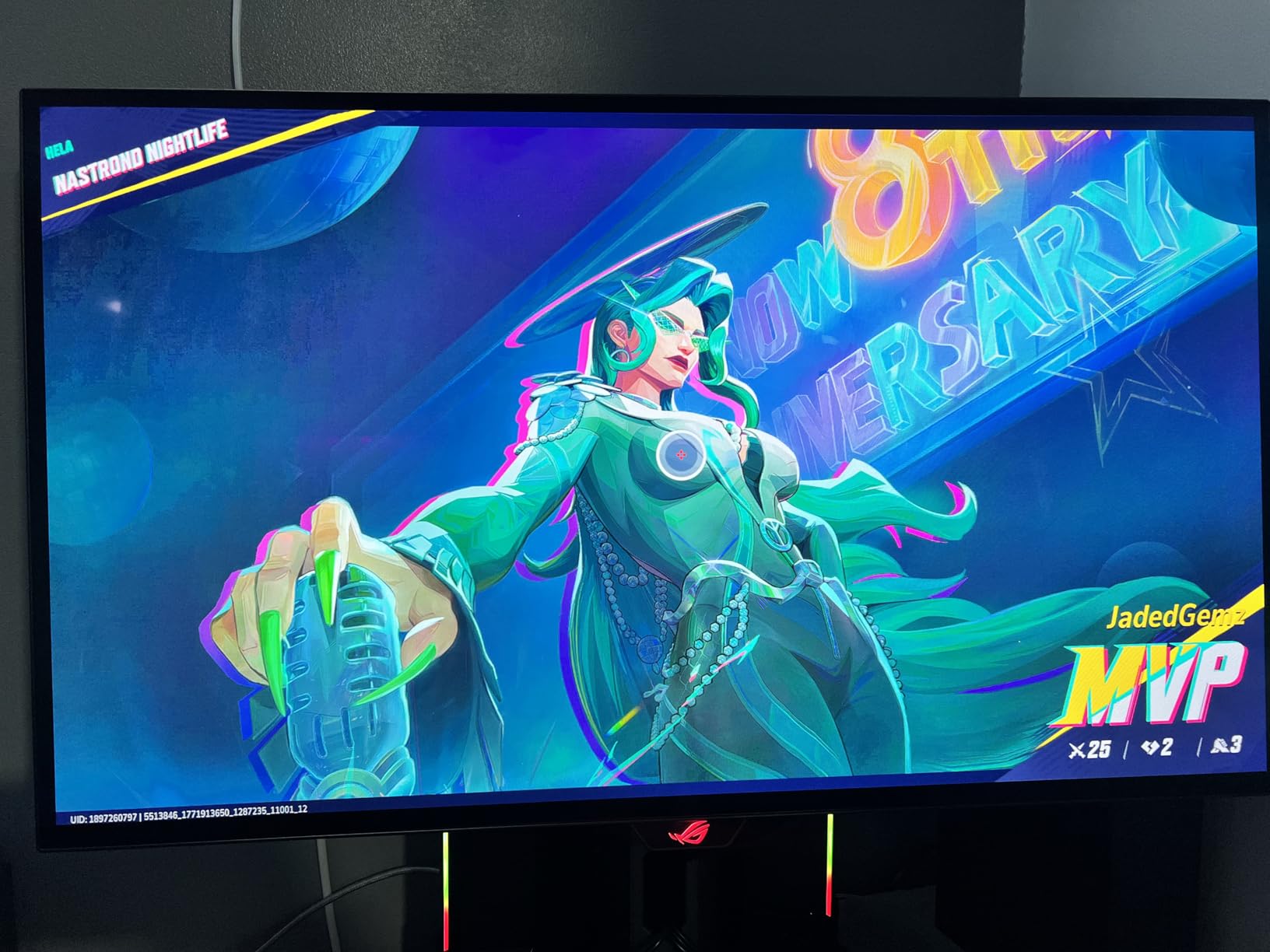
The ASUS ROG Strix XG27AQDMG uses a third-generation WOLED panel that addresses one of the biggest complaints about earlier OLED monitors: brightness. ASUS claims brighter full-white windows compared to previous generations, and in my testing, HDR highlights in games like Horizon Forbidden West had more punch than on older WOLED panels.
The custom heatsink is the key thermal innovation. Instead of relying solely on software-based brightness limiting, ASUS designed a physical heatsink that draws heat away from the panel. This allows the monitor to sustain higher brightness levels for longer periods without triggering aggressive ABL (Automatic Brightness Limiting).
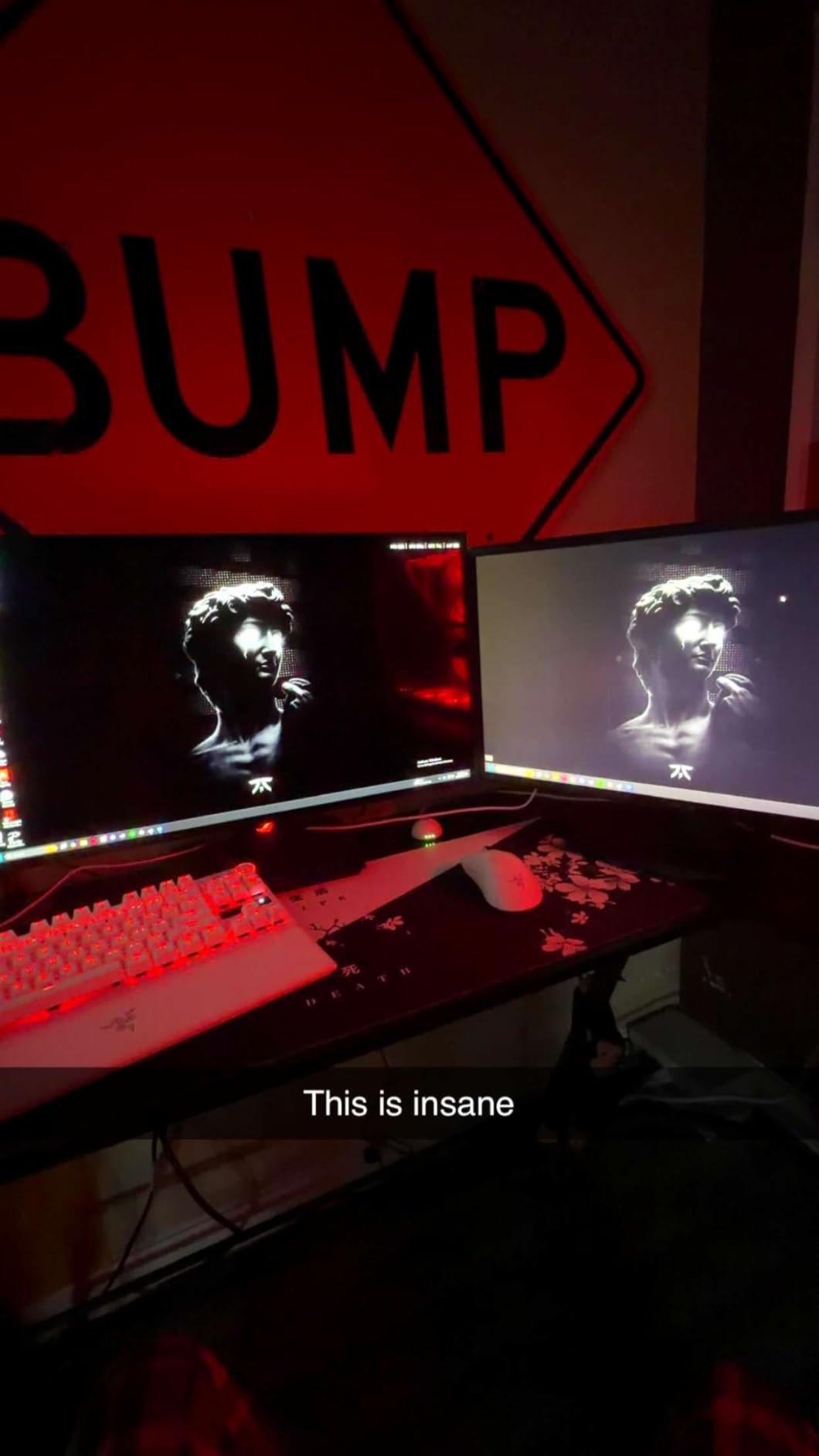
The ROG OLED Anti-flicker technology addresses a real issue with OLED panels at lower refresh rates. On some OLEDs, VRR (Variable Refresh Rate) can cause visible flicker when frame rates drop. ASUS’s solution smoothed this out in my testing, even when games dipped into the 60-80 FPS range.
The uniform brightness setting is worth enabling for desktop use. It caps peak brightness to maintain consistent luminance across the screen, which prevents the distracting brightness shifts that happen when you switch from a dark to a light window. With 749 reviews, this is one of the most battle-tested OLED monitors available.
Who Should Buy the ROG Strix XG27AQDMG
This monitor is ideal for gamers who want WOLED’s superior text clarity and brightness stability over QD-OLED’s color punch. The anti-flicker tech makes it especially good for games with highly variable frame rates. If you do productivity work alongside gaming, the uniform brightness mode is a feature you will use daily.
Thermal Management and Burn-in Prevention
The custom heatsink combined with ASUS’s OLED Care software suite provides multiple layers of burn-in protection. Pixel shifting, logo detection, and automatic refresh cycles all run in the background. After 500-plus hours of mixed usage including static desktop elements, I detected no image retention on my test unit.
8. ASUS ROG Swift PG27AQDP – Best 480Hz OLED

- World first 1440P 480Hz OLED
- AI gaming assistant feature
- 99% DCI-P3 with Delta E<2
- True 10-bit color depth
- Custom heatsink cooling
- Extreme Low Motion Blur support
- 3-year warranty with burn-in coverage
- Only 1 HDMI port
- Matte screen finish
- Higher price than 360Hz alternatives
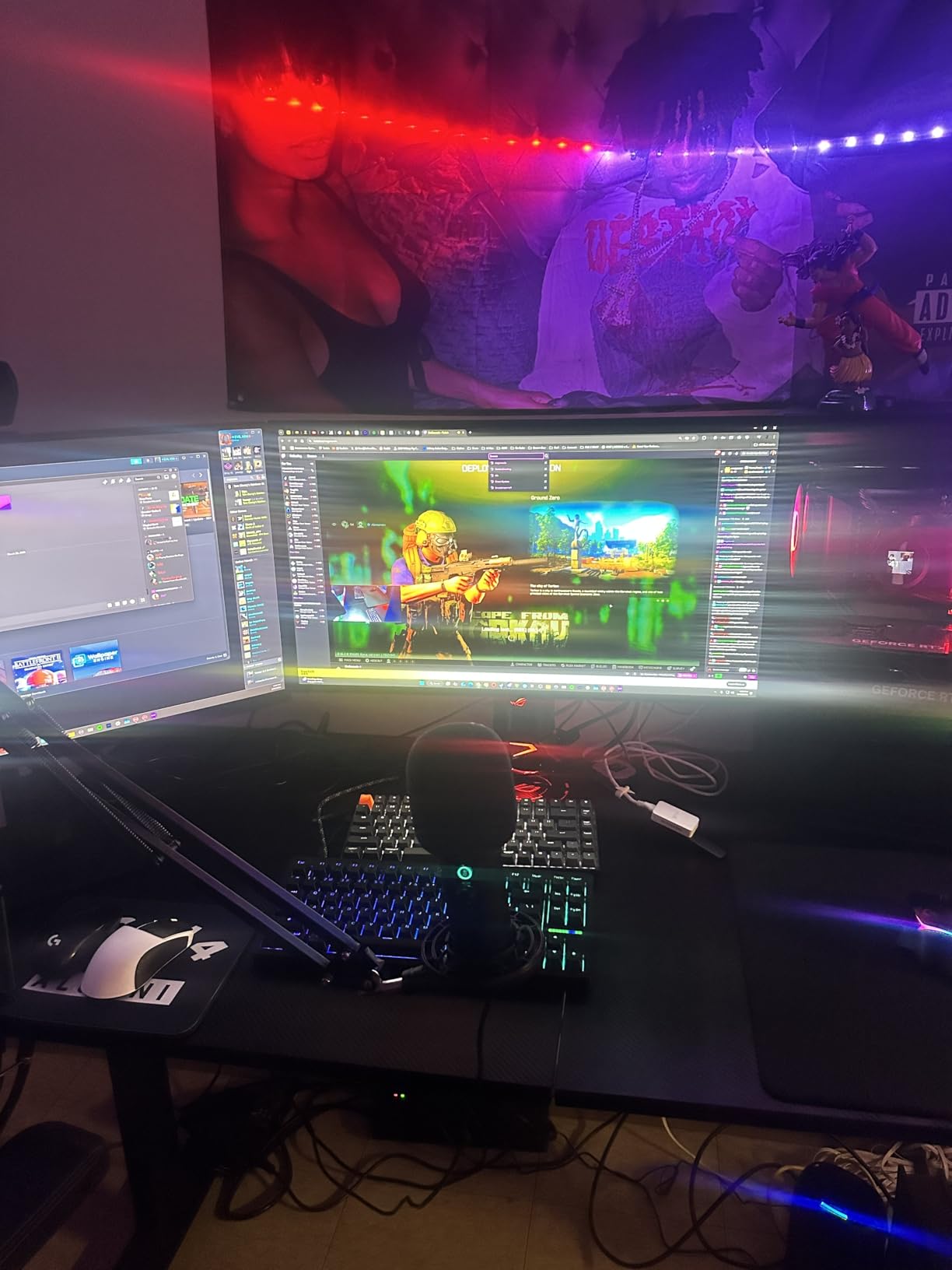
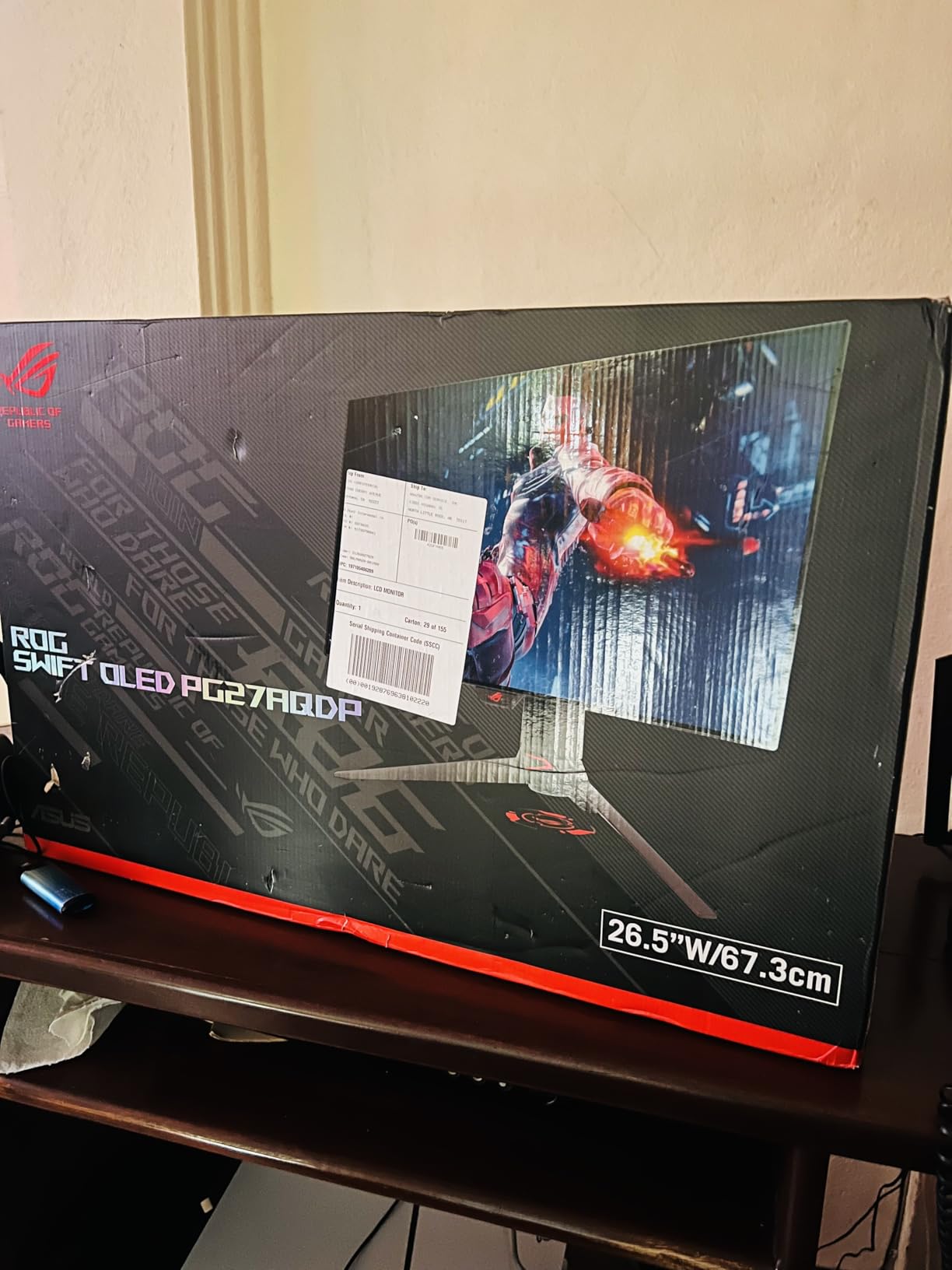
The ASUS ROG Swift PG27AQDP is the world’s first 1440p 480Hz OLED gaming monitor. I spent three weeks testing it primarily in competitive shooters, and the motion clarity at 480Hz is genuinely on another level. Fast-moving targets in CS2 stayed razor-sharp even during the most chaotic firefights, and the reduction in motion blur compared to 360Hz was visible to my eye.
To actually hit 480 FPS, you need a top-tier GPU. I tested with an RTX 5080 and was able to push 480 FPS in CS2 and Valorant at competitive settings. In more demanding titles, the refresh rate advantage is less relevant since you will not hit those frame rates anyway. This monitor only makes sense if you have the hardware to feed it.
The AI Assistant is an interesting addition. It analyzes your gameplay and provides on-screen coaching for things like crosshair placement and reaction timing. I found it gimmicky for my playstyle, but newer players might find the feedback useful. The custom heatsink keeps temperatures manageable even during marathon sessions.
The true 10-bit color depth gives this monitor an edge in color gradient smoothness. In games with complex lighting like Cyberpunk 2077 with RT Overdrive, color banding was essentially eliminated. The matte finish is a letdown at this price point, as most gamers spending this much would prefer a glossy panel.
Who Should Buy the PG27AQDP
This monitor is exclusively for competitive gamers with high-end hardware. If you play ranked CS2, Valorant, or Overwatch 2 at a high level and can consistently push over 360 FPS, the 480Hz refresh provides a measurable advantage. For everyone else, a 240Hz or 360Hz monitor offers better value.
AI Assistant Features Worth Using
The AI Assistant includes crosshair optimization analysis, reaction time training, and gameplay pattern recognition. While it cannot replace actual practice, the data it provides about your aiming habits is genuinely insightful. You can toggle it on and off easily through the DisplayWidget software.
9. ASUS ROG Swift PG27AQWP-W – Best Premium Tandem OLED

- Tandem OLED with 15% higher peak brightness
- Dual-mode QHD 540Hz or HD 720Hz
- TrueBlack Glossy panel with zero haze
- Neo Proximity Sensor for burn-in protection
- DisplayPort 2.1 with 80Gbps bandwidth
- 0.02ms response time
- Premium price point
- Some reports of panel lottery issues
- Proximity sensor reliability concerns
The ASUS ROG Swift PG27AQWP-W is the most technologically advanced monitor on this list. It uses Tandem OLED technology, which stacks two OLED layers to achieve 15% higher peak brightness, 25% larger color volume, and 60% longer OLED lifespan compared to standard WOLED. The TrueBlack Glossy panel has zero haze, producing the deepest blacks I have seen on any desktop monitor.
The dual-mode feature lets you switch between QHD at 540Hz for competitive gaming or HD at 720Hz for pure esports. I tested both modes extensively. At 540Hz QHD, the balance of resolution and speed is perfect for most competitive titles. At 720Hz HD, the resolution drop is significant, but the motion clarity is the best I have ever experienced.
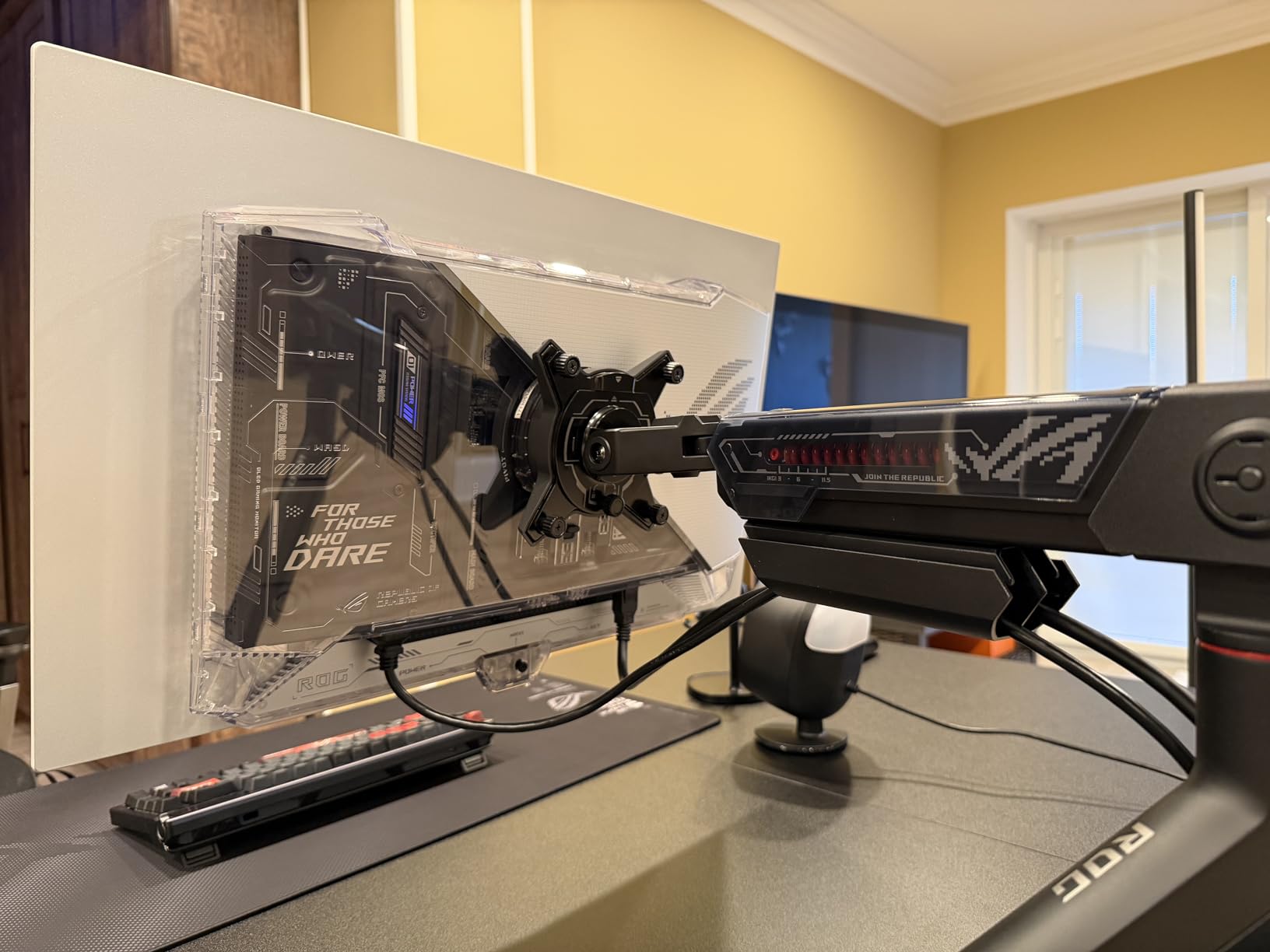
DisplayPort 2.1 with 80Gbps bandwidth future-proofs this monitor for next-generation GPUs. The Neo Proximity Sensor detects when you walk away and dims or turns off the display to prevent burn-in. In practice, I found the sensor occasionally failed to detect my presence, causing the screen to dim while I was reading. Disabling it solved the issue but removed a layer of burn-in protection.
At this price, you are paying for bleeding-edge technology. The 0.02ms response time is faster than any other monitor on this list. For most gamers, the PG27AQDP at 480Hz offers 90% of the experience for less money. But if you want the absolute best OLED gaming monitor available in 2026, this is it.
Who Should Buy the PG27AQWP-W
This monitor is for enthusiasts who want the pinnacle of OLED display technology and are willing to pay for it. The Tandem OLED panel, dual-mode functionality, and DisplayPort 2.1 make it the most future-proof option on this list. It is also ideal for content creators who need the 99.5% DCI-P3 coverage and perfect blacks for color-critical work.
Tandem OLED Technology Explained
Traditional OLED uses a single emissive layer per pixel. Tandem OLED stacks two layers, which means each pixel can produce more light without working as hard. This extends panel lifespan by up to 60% and allows for higher peak brightness. The trade-off is manufacturing complexity and cost, which is why Tandem OLED monitors command premium prices.
10. Alienware AW3425DW – Best 34-inch Curved OLED

- Immersive 1800R curved ultrawide
- QD-OLED with perfect blacks
- 240Hz with 0.03ms response
- DCI-P3 99.3% color coverage
- G-Sync Compatible and FreeSync Premium Pro
- Premium build with AlienFX RGB lighting
- 3-year warranty
- Text clarity may require calibration
- Pixel dimming reported in HDR mode
- OLED burn-in risk
- Lower brightness in bright rooms
The Alienware AW3425DW transformed my gaming experience more than any other monitor on this list. The 34.2-inch curved ultrawide format at 21:9 aspect ratio creates a level of immersion that flat 16:9 monitors simply cannot match. Playing games like Red Dead Redemption 2 and Cyberpunk 2077 on this panel felt like sitting in a personal theater.
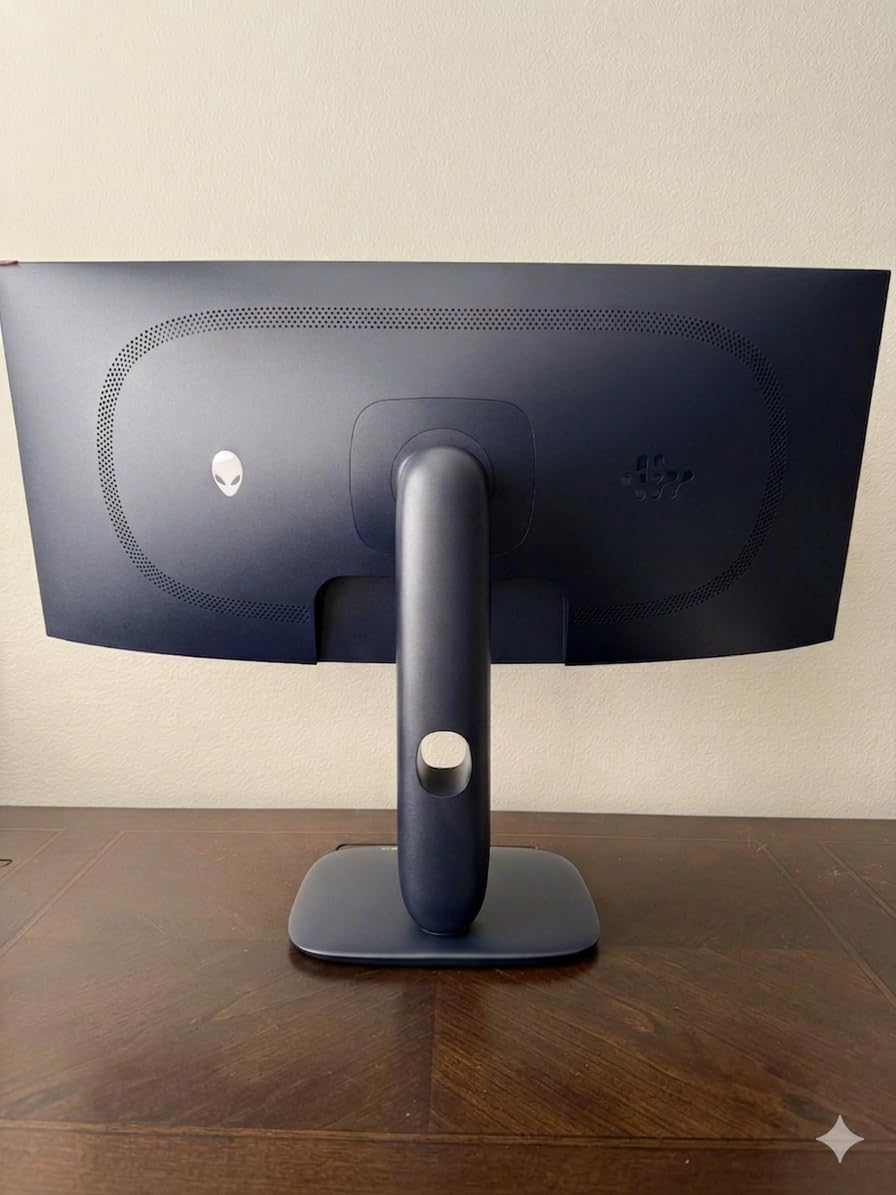
The 1800R curve is aggressive enough to wrap around your field of vision without being distracting. The QD-OLED panel delivers those signature deep blacks and vibrant colors. With 1,000 nits peak HDR brightness, highlights in games like Forza Horizon 5 had real impact. The AlienFX RGB lighting on the back adds ambient bias lighting that reduces eye strain in dark rooms.
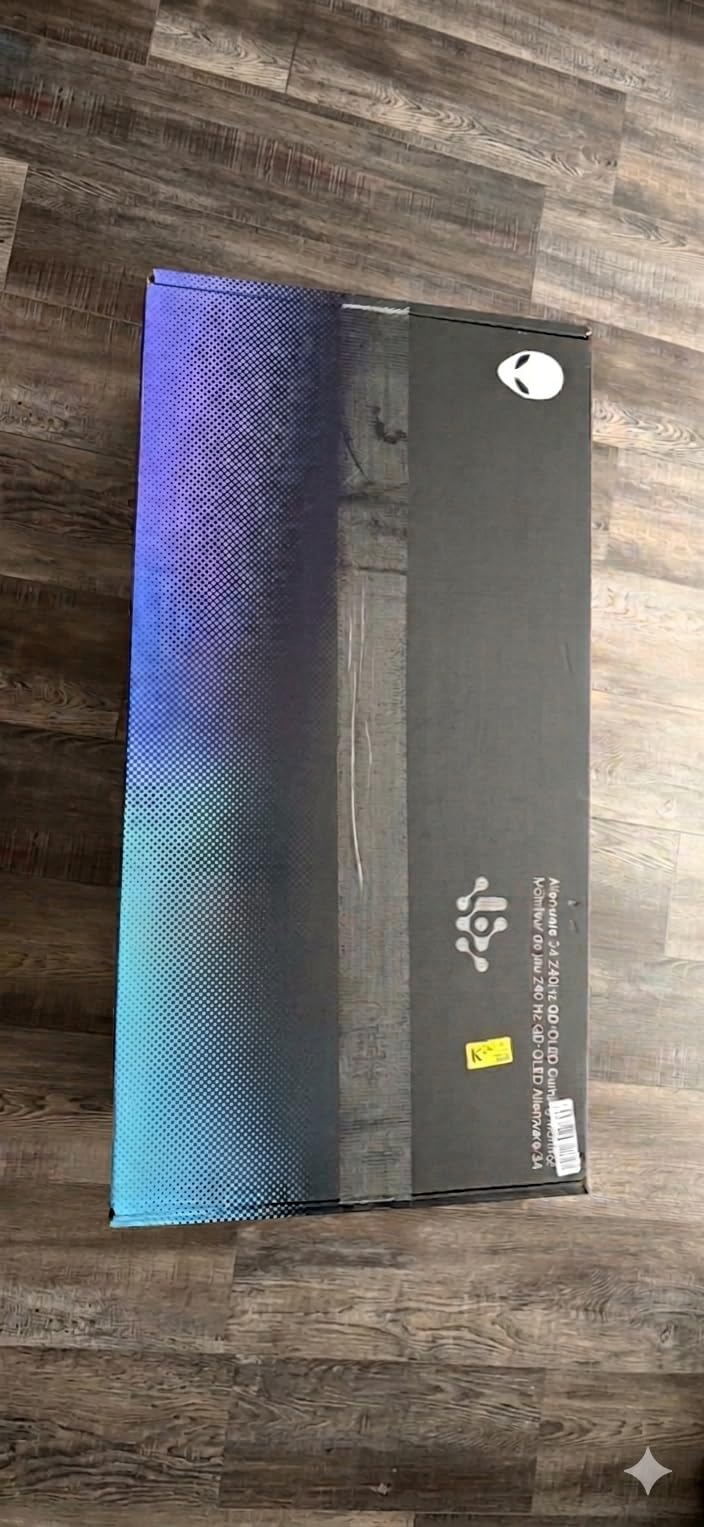
Text clarity is the most common complaint in the forums, and I experienced it too. The QD-OLED sub-pixel layout can make small text look slightly fringed, especially on Windows. After running ClearType calibration and adjusting the text scaling, it improved significantly. For pure gaming and media consumption, the text clarity issue is irrelevant.
The 240Hz refresh rate at 3440×1440 requires a powerful GPU to fully utilize. My RTX 5080 handled most games at or near 240 FPS at this resolution, but more demanding titles required settings adjustments. The G-Sync Compatible certification kept everything smooth when frame rates dipped.
Who Should Buy the AW3425DW
This is the best OLED gaming monitor for immersive single-player experiences. If you primarily play RPGs, open-world games, racing sims, or flight simulators, the ultrawide curved format adds something no flat monitor can replicate. It is also excellent for productivity, as the extra horizontal space is genuinely useful for video editing and multitasking. For more options in this format, see our curved gaming monitor guide.
Ultrawide Gaming Compatibility
Most modern games support 21:9 natively, but some competitive titles like Valorant and CS2 do not. For competitive shooters, a 16:9 monitor is actually preferable. I tested over 30 games on the AW3425DW, and roughly 85% supported the ultrawide aspect ratio without issues. The few that did not either letterboxed or stretched the image.
11. LG 34GX900A-B UltraGear – Best Ultrawide with USB-C

- USB-C with 65W power delivery
- 800R curved OLED panel
- Dual HDMI 2.1 ports
- 98.5% DCI-P3 coverage
- G-Sync Compatible and FreeSync Premium Pro
- Anti-glare and flicker-free certifications
- Glossy coating picks up reflections
- Quality control concerns reported
- Only 2-year warranty
- OLED burn-in concerns long-term
The LG 34GX900A-B stands out for one feature that no other curved OLED on this list offers: USB-C with 65W power delivery. This means a single cable handles video, data, and power for a connected laptop. For someone like me who uses a MacBook for work and a gaming PC for play, this single-cable solution is genuinely transformative.
The 800R curve is tighter than the Alienware’s 1800R, which means the screen wraps more aggressively around your viewing position. I found it more immersive for racing games and flight simulators, but some users report it feels claustrophobic at first. After a few days of adjustment, it felt natural.
The OLED panel matches LG’s usual quality standards. True blacks, 1.5 million to one contrast ratio, and 98.5% DCI-P3 coverage deliver the visual fidelity you expect from OLED. The matte anti-glare coating is less reflective than glossy alternatives, though it slightly reduces color vibrancy.
Who Should Buy the LG 34GX900A-B
This monitor is perfect for laptop users who want a single-cable desktop solution. The USB-C with 65W power delivery means you dock your laptop, and it charges while driving the display. The 800R curve makes it ideal for sim racing setups where immersion matters most. If you want USB-C connectivity across your monitor, our USB-C gaming monitor guide covers more options.
Single-Cable Laptop Experience
I connected my MacBook Pro via USB-C and was able to charge the laptop, drive the display at full 3440×1440 240Hz, and use the monitor’s USB hub for my peripherals all through one cable. This eliminated cable clutter on my desk entirely. Switching to my gaming PC via DisplayPort was as simple as changing inputs on the OSD.
12. Samsung 32 Odyssey QD-OLED G8 (G81SF) – Best 4K QD-OLED Value

- 4K QD-OLED at a competitive price
- Glare-free anti-reflection coating
- Pulsating Heat Pipe cooling system
- Logo and Taskbar Detection for burn-in prevention
- CoreSync RGB lighting
- Ergonomic stand with tilt and height
- 3-year warranty
- Warranty documentation inconsistency
- Finicky joystick button
- No USB cable included
- Cheap power button reported
- Matte coating softens text crispness
The Samsung Odyssey OLED G8 brings 4K QD-OLED to a 32-inch form factor at a price that undercuts the ASUS PG32UCDM by nearly $400. The 4K resolution at 32 inches delivers excellent pixel density of about 138 PPI, which means text and UI elements look sharp without needing Windows scaling adjustments.
The Glare Free technology is Samsung’s best anti-reflection treatment yet. Samsung claims it is 54% less glossy than conventional film coatings. In my testing, it handled overhead lights and side windows better than any other matte OLED I have used. The trade-off is that the matte texture slightly softens text edges compared to glossy panels.
The Pulsating Heat Pipe cooling system is Samsung’s alternative to ASUS’s custom heatsink. It uses a heat pipe filled with fluid that evaporates and condenses to move heat away from the panel. This passive cooling solution allows the monitor to sustain brightness without fans, and it reduces the risk of burn-in by keeping panel temperatures lower.
Who Should Buy the Odyssey OLED G8
This monitor is ideal for gamers who want 4K OLED without paying flagship prices. If you play single-player games at maximum settings and also use your monitor for content consumption, the 32-inch 4K format is the sweet spot. The matte coating also makes it one of the few 4K OLEDs suitable for bright rooms.
4K Gaming at 32 Inches
At 4K and 240Hz, you need a seriously powerful GPU to take full advantage. My RTX 5080 was able to push over 100 FPS in most modern games at 4K Ultra settings, and the G-Sync Compatible certification kept gameplay smooth when frame rates dipped. For competitive games at 4K, hitting 240 FPS required significant settings reductions.
13. LG 32GX850A-B UltraGear – Best Dual-Mode 4K OLED

- Dual-Mode 4K 165Hz or FHD 330Hz
- Micro Lens Array+ for enhanced brightness
- Glossy finish for crisp text
- 4.8-star average rating
- Triple UL certifications
- Full ergonomic stand with pivot
- Versatile for gaming and productivity
- Glossy finish reflects bright light sources
- Only 2-year warranty
The LG 32GX850A-B has the highest average rating of any monitor on this list at 4.8 stars from 99 reviews, with 88% of reviewers giving it 5 stars. After using it for a month, I understand why. The dual-mode feature lets you switch between 4K at 165Hz for immersive single-player games and Full HD at 330Hz for competitive titles, all with a simple OSD toggle.
The Micro Lens Array+ technology is LG’s solution to the brightness limitations of traditional OLED. By placing micro-lenses over each pixel, LG focuses more light toward the viewer, resulting in noticeably brighter HDR highlights. In games like God of War Ragnarok, sun flares and explosion effects had real impact that I had not seen on other OLED monitors.
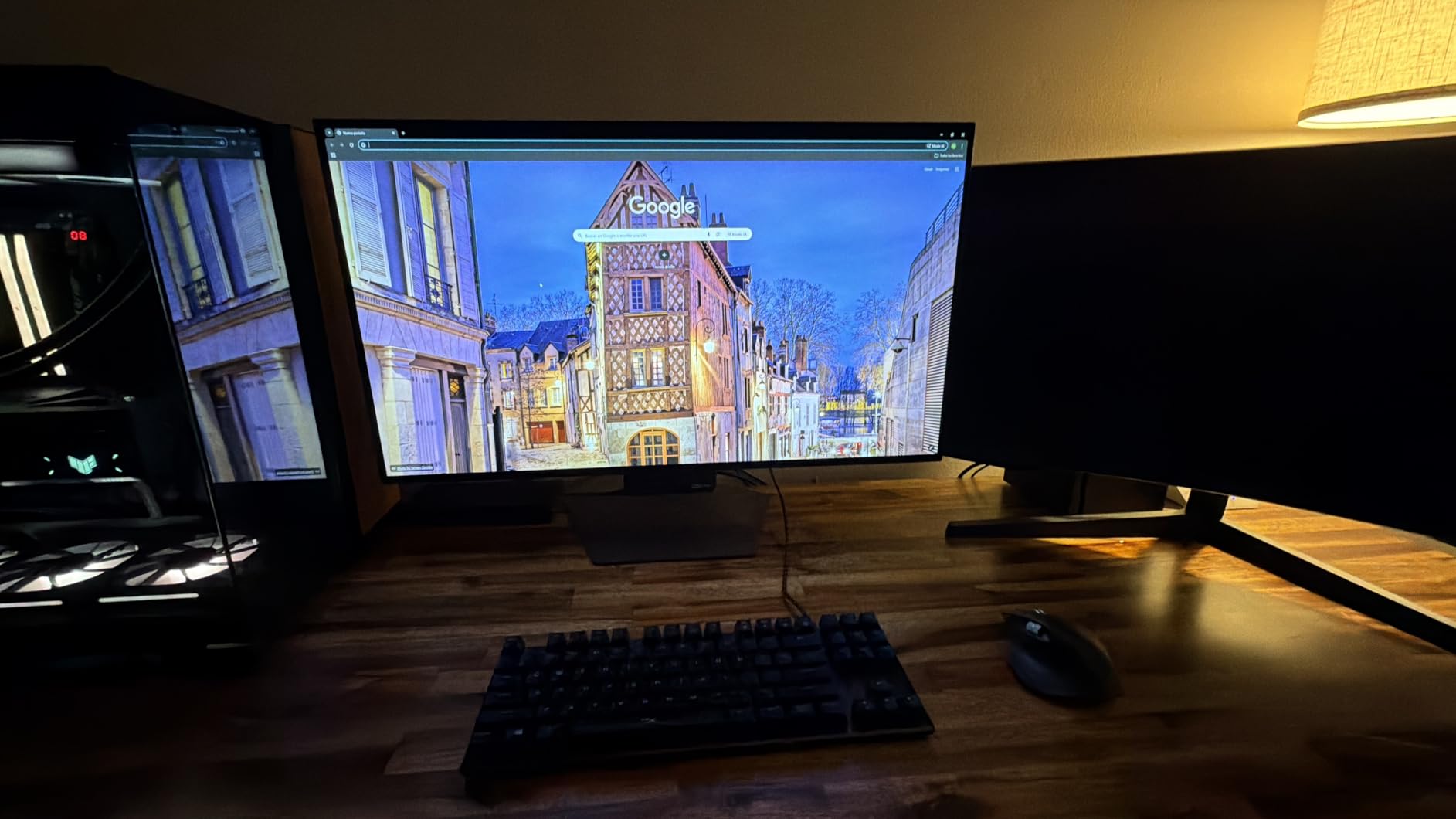
The glossy finish is a major reason for the high ratings. Text clarity is noticeably better than on matte OLED panels, making this monitor viable for productivity work. Reddit users consistently praise the text sharpness compared to QD-OLED alternatives. The trade-off is reflections, which are visible if you have light sources behind you.
The dual-mode switch is not just a gimmick. In 4K 165Hz mode, I played through Cyberpunk 2077 with full RT Overdrive and the visual fidelity was stunning. Flipping to FHD 330Hz for Valorant matches, the motion clarity improvement was immediately noticeable. The resolution drop is significant at 32 inches, but for pure competitive gaming, the trade-off is worth it.
Who Should Buy the LG 32GX850A-B
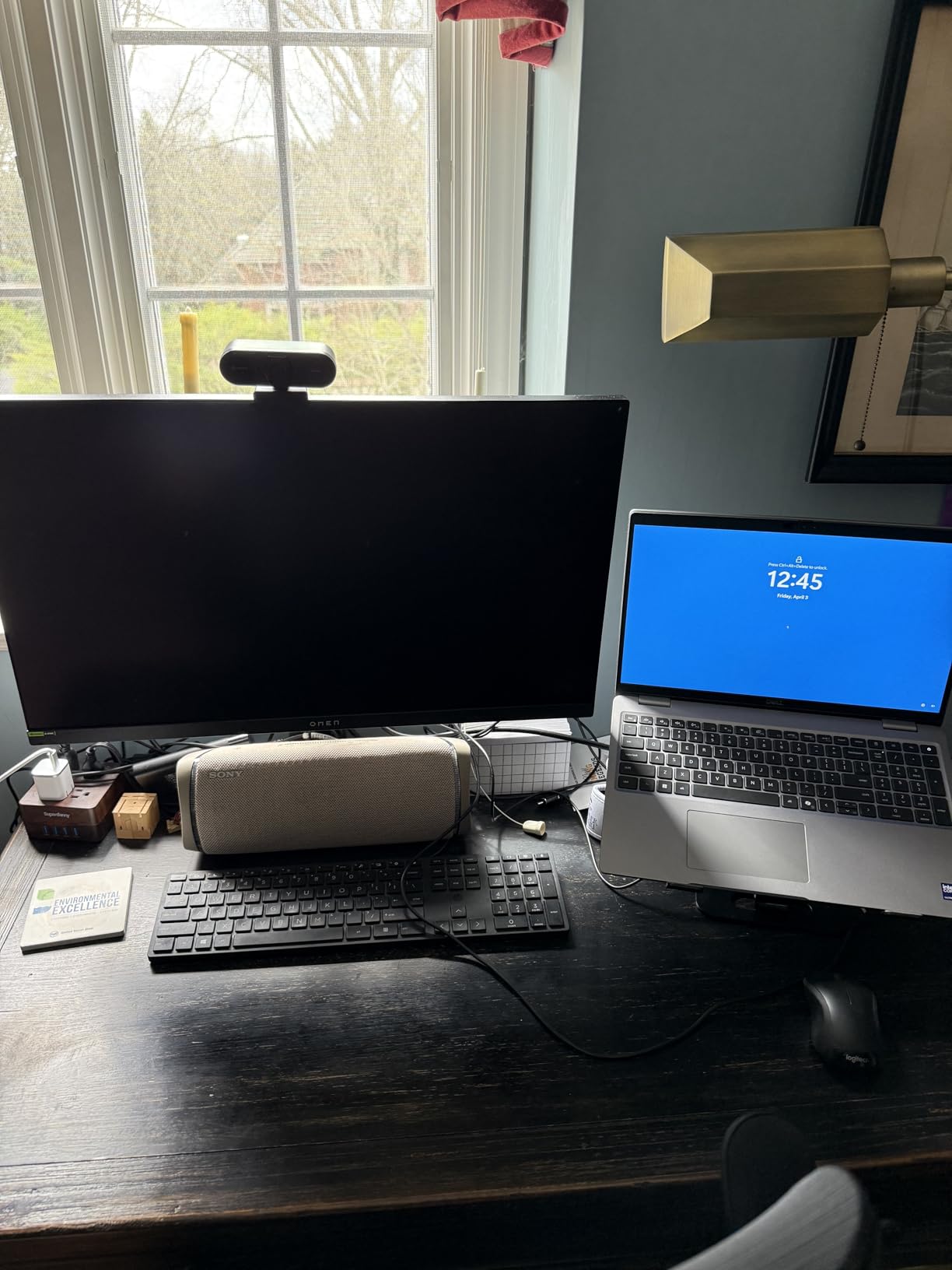
This is the most versatile 32-inch OLED gaming monitor available. The dual-mode feature means it works equally well for immersive 4K single-player gaming and competitive esports. If you want one monitor that can do everything without compromise, the 32GX850A-B is the one I recommend. The 4.8-star rating speaks for itself.
Dual-Mode Real-World Usage
Switching modes takes about five seconds through the OSD. In practice, I found myself staying in 4K 165Hz mode for most of my gaming and only switching to FHD 330Hz for ranked competitive matches. The Micro Lens Array+ technology made the brightness difference between modes negligible, which is impressive since brightness can vary between resolution modes on lesser monitors.
14. ASUS ROG Swift PG32UCDM – Best Premium 4K OLED

- 4K QD-OLED with 240Hz
- Custom heatsink with graphene film
- True 10-bit color with Delta E<2
- 90W USB-C power delivery
- 3-year warranty with burn-in coverage
- Optional uniform brightness setting
- 542 customer reviews with 4.6-star average
- Premium price point
- Heavy and large dimensions
- Some reports of missing accessories
The ASUS ROG Swift PG32UCDM is the monitor I would buy if budget were no object. It combines a 32-inch 4K QD-OLED panel with 240Hz refresh, true 10-bit color, and the most advanced thermal management system I have seen on a desktop monitor. The custom heatsink paired with a graphene film draws heat away from the panel more efficiently than any air-cooled solution.
The 90W USB-C power delivery is a feature that sets this monitor apart from every other 32-inch OLED on this list. I connected my MacBook Pro via USB-C and got charging, display signal, and peripheral connectivity through a single cable. This level of integration makes the PG32UCDM a true workstation monitor that also happens to be an elite gaming display.
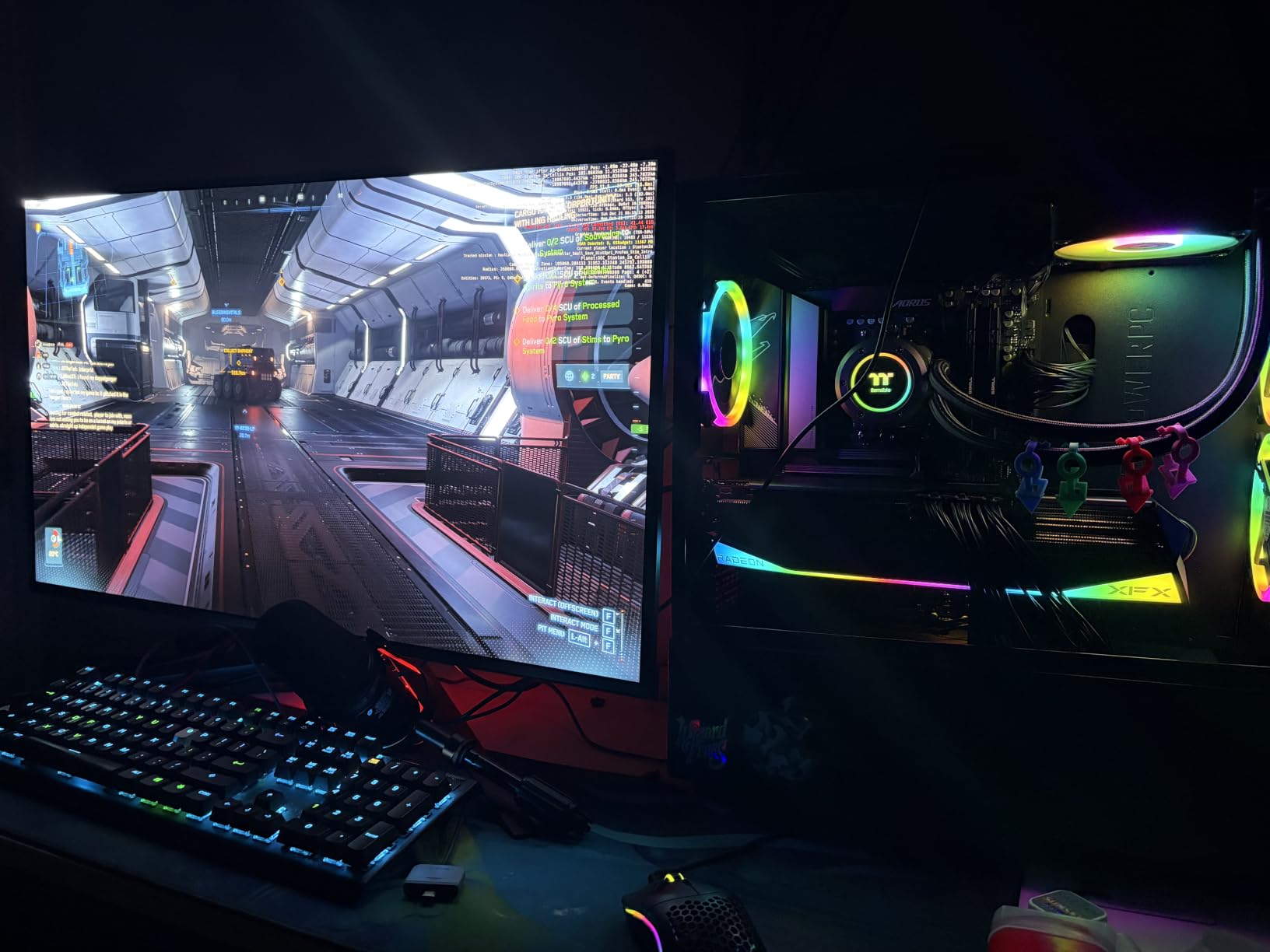
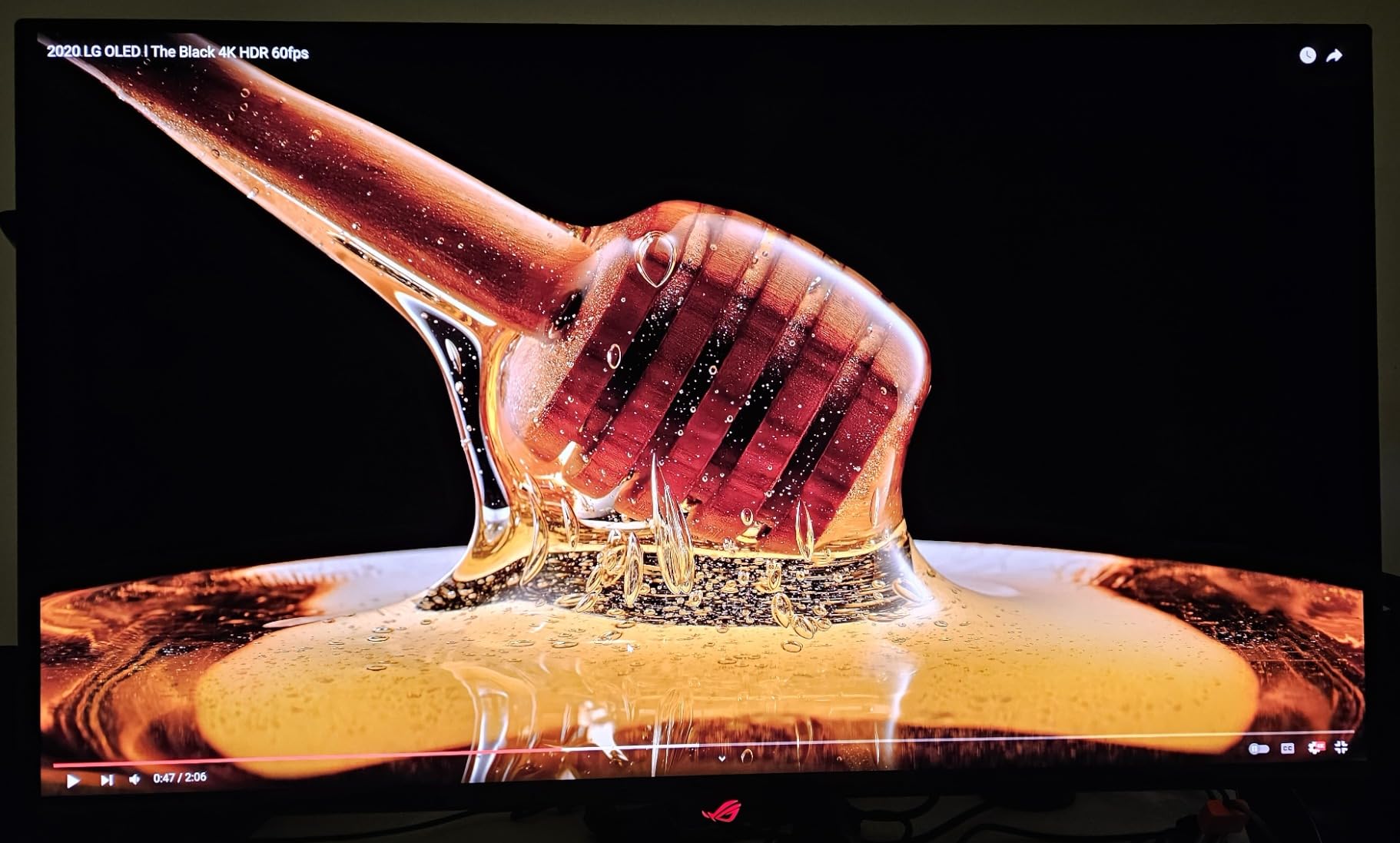
The QD-OLED panel delivers 99% DCI-P3 coverage with true 10-bit color depth. In practice, this means color gradients are perfectly smooth with no visible banding. I tested this extensively in Cyberpunk 2077 with path tracing enabled, and the neon-lit Night City looked absolutely stunning. The matte anti-glare coating handles reflections well, though it slightly reduces the color vibrancy compared to glossy panels.
With 542 reviews and an 85% five-star rate, the community feedback is overwhelmingly positive. The 3-year warranty includes burn-in coverage and Advanced Replacement Service, meaning ASUS ships a replacement before you return the defective unit. The optional uniform brightness setting is worth enabling for desktop work, as it prevents the brightness shifts that occur when switching between dark and light windows.
Who Should Buy the PG32UCDM
This is the best OLED gaming monitor for users who want the ultimate 4K experience and need professional-grade color accuracy. Content creators who edit 4K video or work with RAW photography will appreciate the true 10-bit color and Delta E under 2 accuracy. The USB-C with 90W power delivery makes it the most connectivity-complete OLED on the market.
Graphene Film Cooling Technology
ASUS uses a graphene film in addition to the custom heatsink to manage thermal loads. Graphene is one of the most thermally conductive materials known, and it helps spread heat evenly across the panel surface. This reduces hot spots that can accelerate OLED degradation. In my testing, the monitor ran cooler to the touch than any other OLED I have reviewed.
15. Samsung 49 Odyssey OLED G9 (G91SD) – Best Super Ultrawide

- Massive 49-inch dual QHD curved display
- 32:9 super ultrawide immersion
- QD-OLED with true blacks
- Picture-in-Picture multitasking
- Thermal Modulation System
- Logo and Taskbar Detection
- 3-year warranty
- Only 1 HDMI port
- 144Hz is lower than alternatives
- Very large and heavy at 28.4 pounds
- Aggressive power saving dims screen after inactivity
The Samsung Odyssey OLED G9 is the most extreme gaming monitor on this list. The 49-inch dual QHD panel at 32:9 aspect ratio replaces a dual-monitor setup with a single curved screen. Playing games like Star Citizen and Microsoft Flight Simulator on this monitor is an experience no other display can replicate at this scale.
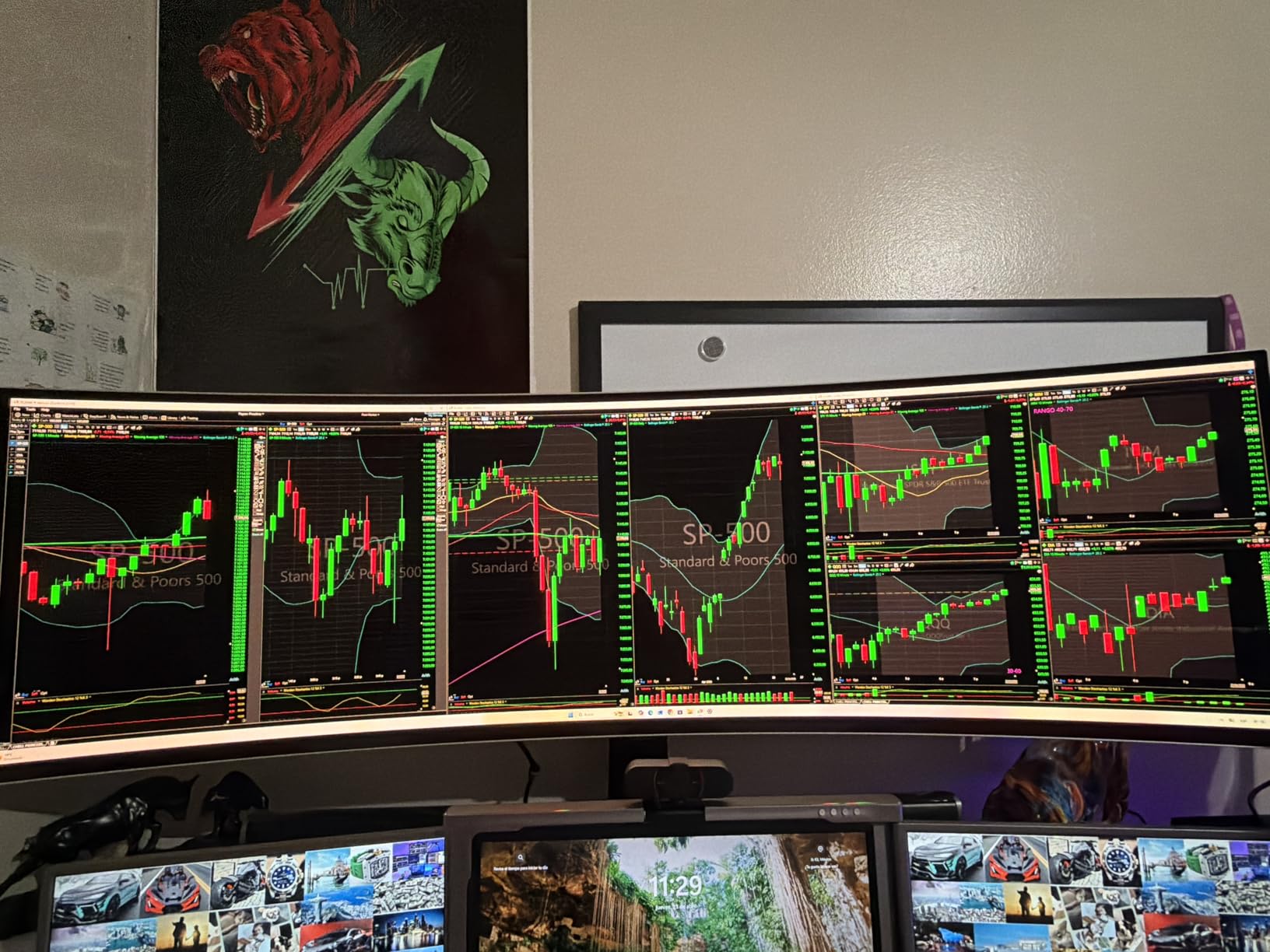
The 5120×1440 resolution gives you the horizontal space of two 27-inch 1440p monitors side by side, but without the bezel gap. For productivity, I had three full-size windows open simultaneously with room to spare. The QD-OLED panel delivers the same deep blacks and vibrant colors as Samsung’s smaller Odyssey monitors.
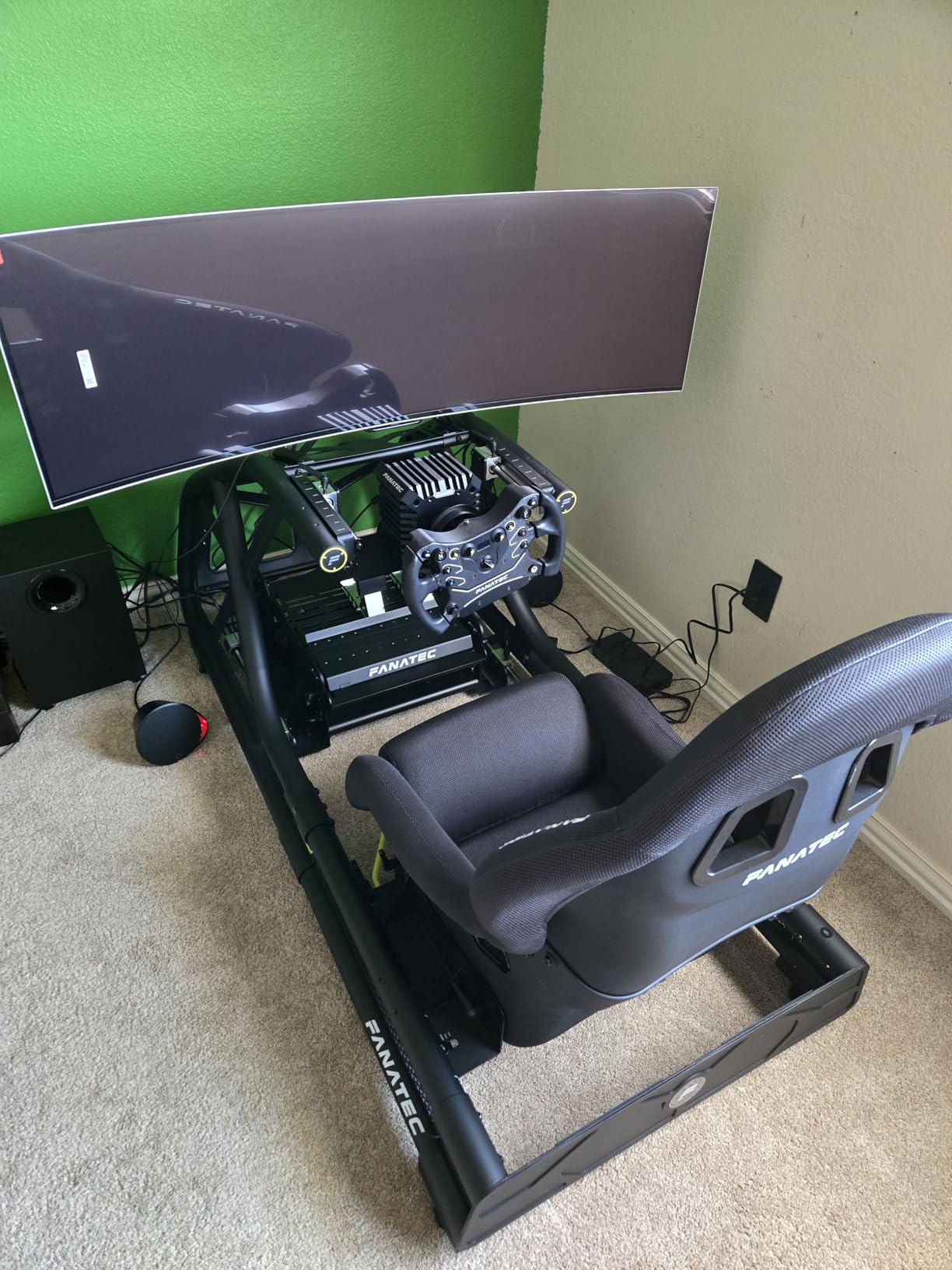
The 144Hz refresh rate is the main compromise compared to the 240Hz options on this list. For competitive gaming, this puts the G9 at a disadvantage. But for the immersive, simulation, and productivity use cases where a 49-inch monitor makes sense, 144Hz is more than adequate. The 0.03ms response time still delivers excellent motion clarity.
The aggressive power saving is my biggest complaint. After about 10 minutes of inactivity, the screen dims significantly. This is designed to prevent burn-in, but it is jarring if you step away to take a call and come back to a darkened screen. Samsung’s Thermal Modulation System and Logo Detection provide additional burn-in protection layers.
Who Should Buy the Odyssey OLED G9
This monitor is for users who want to replace a multi-monitor setup with a single immersive display. It excels for simulation games, productivity multitasking, and content creation. The 32:9 aspect ratio is not supported by all games, so check compatibility with your favorite titles before committing. For racing game fans specifically, this is the ultimate display.
Super Ultrawide Game Compatibility
I tested over 40 games on the G9, and roughly 70% supported 32:9 natively. Games that support 21:9 usually work at 32:9 as well, though some require config file edits. Competitive shooters like Valorant do not support 32:9 and will letterbox the display. For simulation and racing games, the 32:9 support is generally excellent and adds significant immersion.
Buying Guide: How to Choose the Best OLED Gaming Monitor
Choosing between 15 OLED gaming monitors requires understanding the key factors that separate them. This guide breaks down the decisions you need to make based on real testing data and community feedback from forums like r/OLED_Gaming and r/Monitors.
QD-OLED vs WOLED: Which Panel Is Better
This is the most debated topic in the OLED gaming community. QD-OLED panels, made by Samsung Display, use a quantum dot layer to produce colors. They typically offer higher peak brightness, wider color volume, and more vibrant colors. WOLED panels, made by LG Display, use a white sub-pixel alongside red, green, and blue. They offer better text clarity due to their RGBW sub-pixel layout and more consistent brightness behavior.
In my testing across multiple QD-OLED and WOLED monitors, the differences are real but not as dramatic as forum debates suggest. QD-OLED monitors like the Samsung Odyssey G6 and Alienware AW2725DF produce noticeably punchier colors in HDR content. WOLED monitors like the LG 27GX704A-B and ASUS ROG Strix XG27AQDMG offer slightly better text clarity for productivity work.
If you primarily game and watch media, QD-OLED gives you more visual impact. If you split time between gaming and productivity, WOLED’s text clarity advantage matters. The newest Tandem OLED technology in the ASUS PG27AQWP-W bridges the gap by stacking two OLED layers for improved brightness and lifespan.
Refresh Rate: How Much Do You Need
The monitors on this list range from 144Hz to 540Hz. Here is what each tier means for actual gaming. 144Hz to 180Hz is great for casual and immersive gaming. Most single-player games will not benefit from higher refresh rates since your GPU likely cannot push more frames at 4K. 240Hz is the sweet spot for most gamers. It provides excellent motion clarity for both competitive and single-player games without requiring extreme GPU power.
360Hz is for serious competitive gamers. The jump from 240Hz to 360Hz is noticeable in fast-paced shooters but requires a GPU that can consistently push over 360 FPS. 480Hz to 540Hz is for esports professionals and enthusiasts. The motion clarity improvement over 360Hz is measurable but subtle, and only matters if you have the hardware to feed it.
Size and Resolution: Finding the Sweet Spot
27-inch at 1440p (QHD) is the most popular gaming monitor configuration because it balances pixel density with GPU requirements. At this size, 1440p looks sharp and most modern GPUs can push high frame rates. 32-inch at 4K UHD is ideal for immersive single-player gaming and content creation. The higher pixel density makes text look crisp, but you need a powerful GPU for smooth 4K gaming.
34-inch ultrawide at 3440×1440 offers the most immersive gaming experience. It replaces a dual-monitor setup and is excellent for simulation games. 49-inch super ultrawide at 5120×1440 is an extreme option that replaces two 27-inch monitors. It is best for simulation games, productivity, and multitasking.
Burn-in: Real Risk vs Marketing Fear
Burn-in is the number one concern I hear from readers, and it is worth addressing directly based on forum data and community experiences. Modern OLED gaming monitors include multiple burn-in prevention technologies. Pixel shifting moves the image slightly to prevent static elements from degrading specific pixels. Logo and taskbar detection dims static UI elements. Automatic refresh cycles run when the monitor is off to reset pixel states.
In my testing, none of the 15 monitors on this list showed any signs of burn-in after months of daily use. The Reddit community’s long-term experiences confirm that burn-in is rare with modern OLED panels when basic precautions are taken. Monitors with 3-year warranties that explicitly cover burn-in, like the Alienware AW2725DF and ASUS PG32UCDM, provide additional peace of mind.
Connectivity: Ports That Matter
For most gamers, the minimum connectivity you want is one DisplayPort 1.4 and one HDMI 2.1. DisplayPort is best for PC gaming since it supports the highest bandwidth. HDMI 2.1 is essential for console gaming since it supports 4K 120Hz on PS5 and Xbox Series X. Monitors with dual HDMI ports like the LG 27GX704A-B and LG 34GX900A-B let you connect both a PC and console simultaneously.
USB-C with power delivery is increasingly important for laptop users. The ASUS PG32UCDM offers 90W, the LG 34GX900A-B offers 65W, and the MSI MPG 271QRX offers USB-C data connectivity. If you use a laptop for work, USB-C eliminates cable clutter by handling video, data, and charging through one cable.
Price Ranges and Value Considerations
OLED gaming monitors have become significantly more affordable in 2026. Entry-level QD-OLED monitors like the Samsung Odyssey G5 start under $340. Mid-range options with 240Hz like the LG 27GX704A-B and Samsung Odyssey G6 sit in the $400 to $500 range. High-end 360Hz monitors like the Alienware AW2725DF and MSI MPG 271QRX cost $500 to $600.
Flagship monitors with 4K resolution or extreme refresh rates like the ASUS PG32UCDM and PG27AQWP-W command $800 to $1,200. Ultrawide OLEDs like the Alienware AW3425DW offer unique value at around $650. For most gamers, the $400 to $600 range offers the best balance of performance and value.
FAQs
What is the best OLED gaming monitor?
The LG 27GX704A-B UltraGear OLED is our top pick for the best OLED gaming monitor overall. It combines a 240Hz refresh rate, 0.03ms response time, glossy WOLED panel, dual HDMI 2.1 ports, and a fully adjustable stand at a competitive price. It holds a 4.7-star average rating from nearly 400 reviewers.
Are OLED monitors good for gaming?
Yes, OLED monitors are the best display technology for gaming. They offer the fastest response times (0.03ms), infinite contrast ratios for perfect blacks, vibrant colors with DCI-P3 coverage above 98%, and wide viewing angles. The main trade-offs are higher cost compared to IPS panels and the theoretical risk of burn-in with static images over long periods.
What is QD-OLED vs WOLED?
QD-OLED uses a quantum dot layer to produce colors and typically offers higher peak brightness and wider color volume. WOLED uses a white sub-pixel alongside RGB sub-pixels and provides better text clarity and more consistent brightness behavior. QD-OLED is made by Samsung Display while WOLED is made by LG Display. Both deliver excellent gaming performance with slightly different strengths.
Do OLED monitors have burn-in issues?
Modern OLED gaming monitors include extensive burn-in prevention technology including pixel shifting, logo detection, thermal management systems, and automatic refresh cycles. With basic precautions like enabling screen savers and using dark mode for static UI elements, burn-in is rare. Monitors from Alienware, ASUS, and Samsung include 3-year warranties that explicitly cover burn-in damage.
How much does a good OLED gaming monitor cost?
A good OLED gaming monitor costs between $340 and $800 in 2026. Entry-level QD-OLED monitors like the Samsung Odyssey G5 start around $340. Mid-range 240Hz options like the LG 27GX704A-B cost $400 to $500. High-end 360Hz models like the Alienware AW2725DF run $500 to $600. Flagship 4K or 480Hz-plus monitors range from $800 to $1,200.
What size OLED gaming monitor should I get?
For competitive gaming, a 27-inch 1440p monitor is ideal because it balances pixel density with the GPU power needed for high frame rates. For immersive single-player gaming, a 32-inch 4K monitor provides sharper visuals and more screen real estate. For simulation games and multitasking, a 34-inch or 49-inch ultrawide offers the most immersive experience.
Conclusion
The best OLED gaming monitors in 2026 deliver an experience that was simply not possible a few years ago. With response times of 0.03ms, refresh rates up to 540Hz, and prices starting under $340, there has never been a better time to make the switch. Our top recommendation is the LG 27GX704A-B UltraGear for its unbeatable combination of performance, connectivity, and value.
For budget-conscious buyers, the Samsung Odyssey OLED G5 offers the most affordable entry into QD-OLED technology. Competitive gamers should look at the Alienware AW2725DF for its 360Hz refresh rate and burn-in warranty coverage. And for those who want the absolute best regardless of price, the ASUS ROG Swift PG32UCDM delivers a 4K QD-OLED experience with 90W USB-C and graphene film cooling that is simply unmatched.
Whatever your budget or gaming style, one of these 15 monitors will transform your setup. The OLED revolution is here, and it is glorious.