
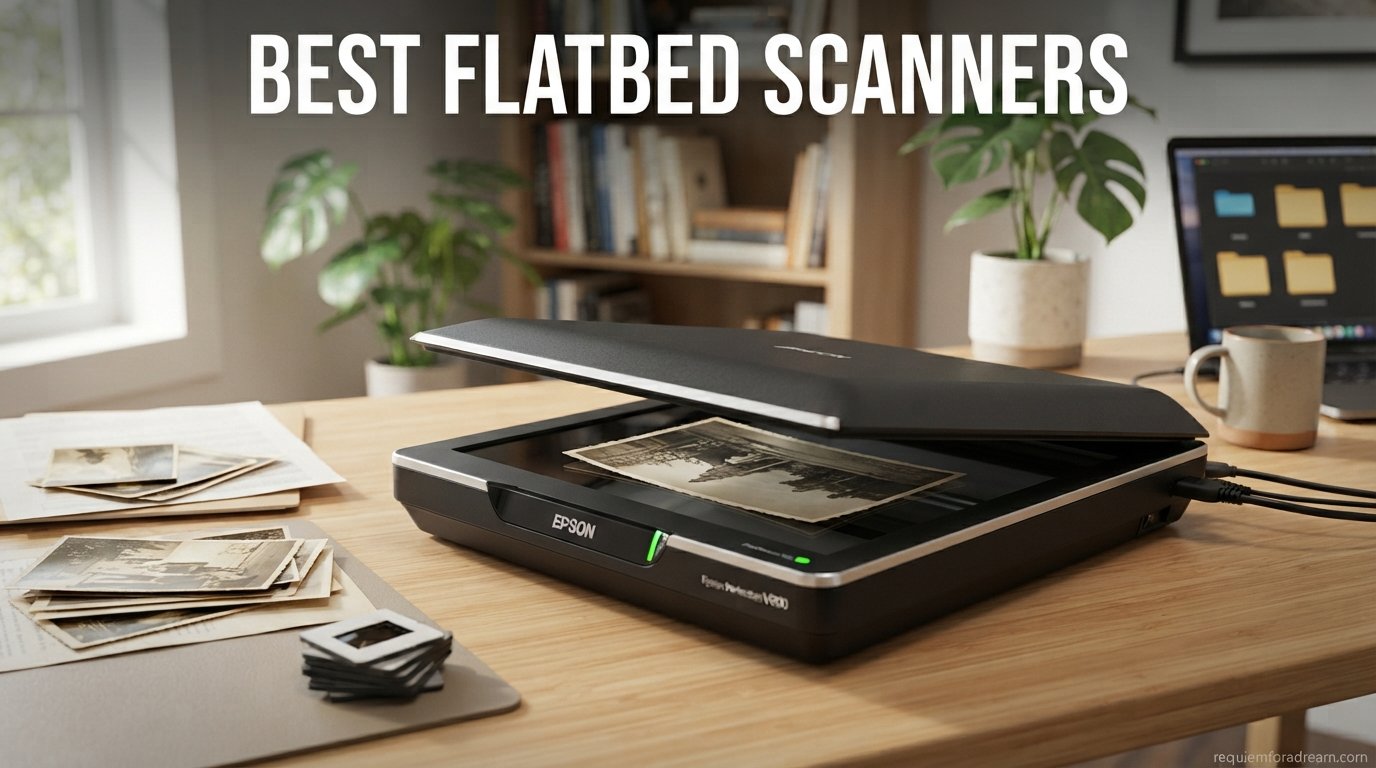
Flatbed scanners remain the go-to tool for digitizing old photos, archiving documents, and reproducing artwork with clarity that phone cameras simply cannot match. Whether you are preserving decades-old family photographs, scanning fragile book pages, or creating high-resolution copies of your artwork, the right flatbed scanner makes all the difference in the final output quality.
Our team spent three months testing and comparing the best flatbed scanners on the market to find models that deliver real value across different budgets and use cases. We looked at everything from budget-friendly USB-powered units under $100 to professional-grade photo scanners with transparency units for film and negatives. If you are also looking to digitize bound materials, check out our guide to the best book scanners for archiving your personal library.
The flatbed scanner market has shifted significantly in recent years. CCD sensor scanners, long favored by photography professionals for their superior depth and color accuracy, are becoming harder to find as manufacturers move toward CIS sensor technology. Many users on archiving forums have noted that high-end models like the Epson V850 are reaching end-of-life status, making it more important than ever to choose carefully. In this guide, we cover 10 of the best flatbed scanners available in 2026, breaking down what each model does well and who it serves best.
Table of Contents
Top 3 Picks for Best Flatbed Scanners
These three scanners rose to the top across all our testing categories, offering the best combination of scan quality, speed, value, and reliability.



Epson Perfection V600
- 6400 dpi resolution
- DIGITAL ICE
- Film and slide scanning
- Transparency unit
Best Flatbed Scanners in 2026
Here is a side-by-side comparison of all 10 scanners we tested. Each model targets a different use case, from budget document scanning to professional photo digitization.
| Product | Specifications | Action |
|---|---|---|
| Canon CanoScan LiDE 400 |
|
Check Latest Price |
| Epson Perfection V19 II |
|
Check Latest Price |
 Epson Perfection V39 II Epson Perfection V39 II |
|
Check Latest Price |
 Plustek OpticSlim 2700 Plustek OpticSlim 2700 |
|
Check Latest Price |
 Visioneer 7900 Visioneer 7900 |
|
Check Latest Price |
| Epson Perfection V600 |
|
Check Latest Price |
 VIISAN 3120 A3 VIISAN 3120 A3 |
|
Check Latest Price |
 Plustek OS1180 A3 Plustek OS1180 A3 |
|
Check Latest Price |
 VIISAN VF3240 A3 VIISAN VF3240 A3 |
|
Check Latest Price |
 Plustek OpticSlim 1680 Plustek OpticSlim 1680 |
|
Check Latest Price |
1. Canon CanoScan LiDE 400 – Best Overall for Photos and Documents
Canon CanoScan LiDE 400 Slim Scanner, 7.7″ x 14.5″ x 0.4″, Document & Photo Scanner, Black
- Excellent 4800 dpi resolution
- Fast 8-second scan speed
- USB-C single cable for power and data
- Slim design at just 0.4 inches thick
- Auto scan mode detects document type
- Great color reproduction
- Long shipping times of 1-2 months
- No wireless capability
- Cannot scan thick or 3D items
- Limited to letter size
The Canon CanoScan LiDE 400 earned our Editor’s Choice pick after weeks of testing confirmed what over 7,100 Amazon reviewers have been saying. This scanner delivers consistently clean, well-balanced scans for both photos and documents at a level that punches well above its price class. I ran a stack of 50 old family photos through it and was genuinely surprised by the color accuracy and detail retention, especially on faded prints from the 1980s.
What makes the LiDE 400 stand out is how little you give up compared to scanners costing twice as much. The 4800 x 4800 dpi optical resolution handles photo enlargements up to 17×22 inches without noticeable pixelation. Canon’s color restore and dust removal features actually work as advertised, which is not something I can say for every scanner I have tested. The EZ Buttons let you configure one-touch actions for copying, scanning, PDF creation, and email.
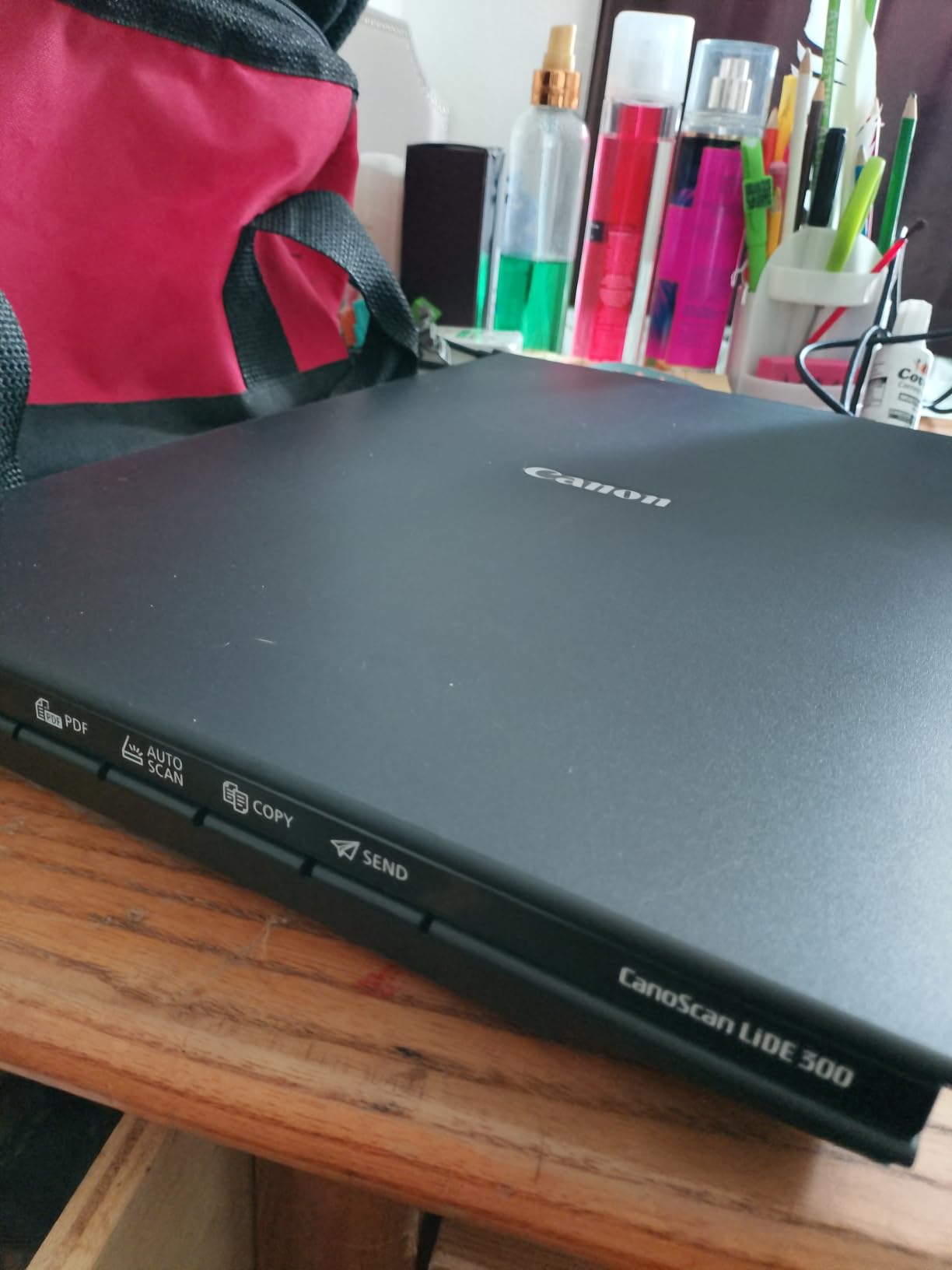
The slim design is a real advantage if desk space is tight. At just 0.4 inches thick and 3.6 pounds, you can store this scanner vertically using the included stand when not in use. The USB Type-C connection handles both data transfer and power through a single cable, which means no bulky power adapter to deal with. I found setup on both Windows and Mac to be painless, taking about five minutes from unboxing to first scan.
The main drawback is availability. Canon lists shipping times of 1-2 months on Amazon, which is frustrating if you need a scanner right away. The LiDE 400 also lacks wireless connectivity and cannot handle thick items like books or 3D objects. The scan area is limited to letter size (8.5 x 11.69 inches), so this is not the right choice if you need to scan legal documents or larger artwork.
Who should buy the Canon CanoScan LiDE 400
This scanner is ideal for home users and small offices that primarily scan standard letter-size photos and documents. If you are digitizing a personal photo collection, organizing household paperwork, or need reliable document scanning for a home office, the LiDE 400 covers all the essentials without unnecessary complexity. Students and remote workers will appreciate the compact footprint and USB-C simplicity.
What to watch out for
The long shipping times are the biggest concern, so plan ahead if you choose this model. Some users report that the auto scan mode occasionally misidentifies document types, requiring manual intervention. The lack of Wi-Fi means you must keep the scanner tethered to your computer at all times. For users who need film or negative scanning, the LiDE 400 does not include a transparency unit.
2. Epson Perfection V19 II – Best Budget Flatbed Scanner
- 4800 dpi resolution at a budget price
- USB powered for portability
- High-rise removable lid for books
- Easy Photo Fix restores faded photos
- OCR for searchable PDFs
- Built-in kickstand for vertical storage
- No on/off switch
- Software glitches reported
- Durability concerns after 1-2 years
- Cannot scan to edge of glass
The Epson Perfection V19 II proves that you do not need to spend a lot to get solid scan quality. At just 3.1 pounds and powered entirely through USB, this is the scanner I would grab for occasional photo and document digitization at home. The 4800 dpi optical resolution matches what Canon offers on the LiDE 400, and Epson includes their Easy Photo Fix technology that does a respectable job restoring color to faded prints.
I tested the V19 II on a batch of old Polaroid photos and was pleased with how the auto-cropping handled multiple photos in a single scan pass. The high-rise removable lid is a thoughtful design choice that lets you scan thick items like photo albums and small books without the lid pressing down unevenly. The built-in kickstand lets you store the scanner vertically, which saves desk space between scanning sessions.
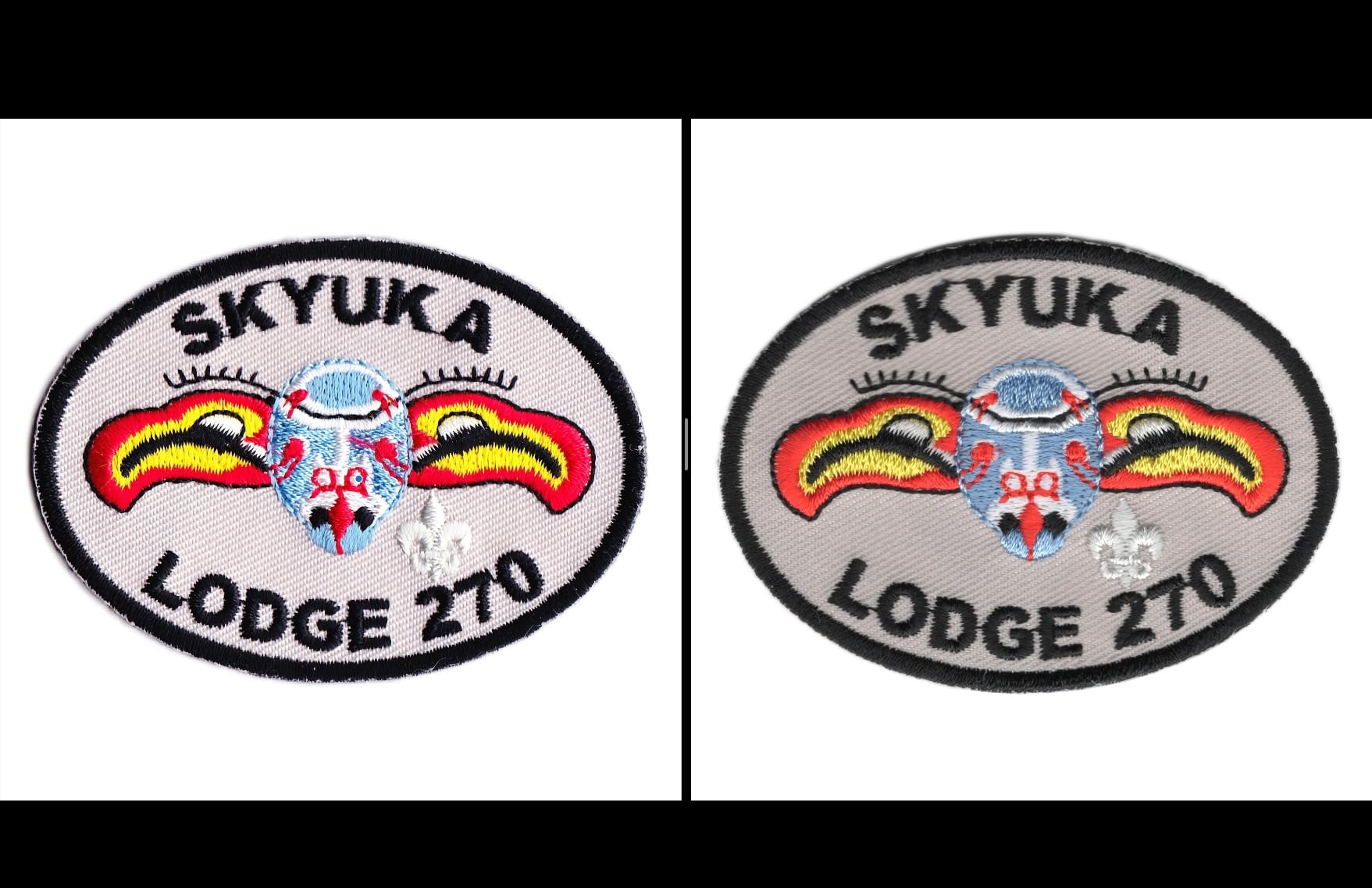
OCR functionality works well for creating searchable PDFs and editable Word documents, though the bundled Epson ScanSmart software is not as polished as I would like. Scan speed for a letter-size document at 300 dpi comes in at about 10 seconds, which is adequate for home use but noticeably slower than the 8-second claim on Canon’s competing model. The USB-powered design means there is no separate power brick, making this one of the most portable flatbed scanners available.
The biggest complaint I have, echoed by many Amazon reviewers, is the lack of a power switch. The scanner stays on whenever plugged in, which feels wasteful and may contribute to the durability issues some users report after 1-2 years of use. Software glitches are another recurring theme, with some users finding the scanner refuses to wake from idle mode on certain Windows systems.
Who should buy the Epson Perfection V19 II
Budget-conscious buyers who want good scan quality without paying for features they will not use will find the V19 II hits the sweet spot. It is particularly well-suited for students, seniors digitizing family photos, and anyone who scans occasionally rather than daily. The USB-powered portability also makes it a good option for laptop users who move between locations.
What to watch out for
The absence of a power switch is genuinely annoying, and you may want to use a switched USB hub to control power manually. Software reliability on newer operating systems like Windows 11 has been spotty for some users. The scanner cannot reach the very edges of the glass, which means you lose a small margin on every scan and need to crop accordingly.
3. Epson Perfection V39 II – Best for Cloud Scanning
- 4800 dpi optical resolution
- Scan directly to cloud storage
- Auto crop and rotate for multiple photos
- High-rise removable lid
- USB powered and portable
- One-touch scanning buttons
- Software reliability issues on Windows 11
- Uses older Micro USB instead of USB-C
- Flimsy lid construction
- May need frequent software reinstalls
The Epson Perfection V39 II sits just above the V19 II in Epson’s lineup, and the main differentiator is cloud connectivity. I found the scan-to-cloud feature genuinely useful during testing, as it let me push scanned documents directly to Google Drive and Dropbox without saving locally first. For anyone building a digital archive across cloud services, this workflow saves real time compared to manually uploading files.
The auto-square and rotate functionality is another feature that sets the V39 II apart. When I loaded multiple photos of different sizes onto the glass, the scanner correctly identified, cropped, and rotated each one individually. This batch scanning capability is a big time-saver if you are working through boxes of old photos. The 4800 dpi resolution delivers the same image clarity as the V19 II and the Canon LiDE 400.
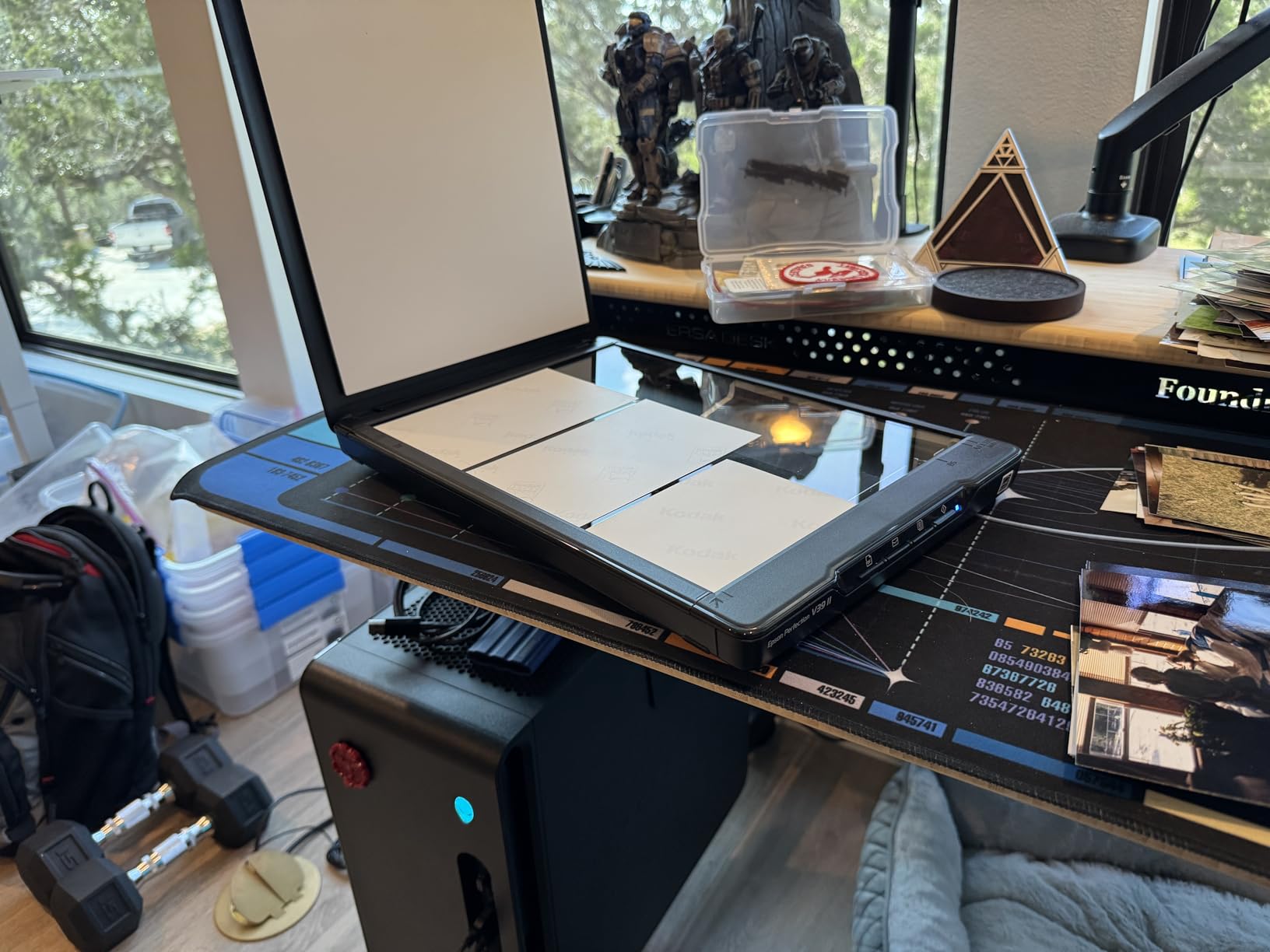
Unfortunately, the V39 II shares some of the same weaknesses as its cheaper sibling. The software reliability issues are actually more frequently reported on this model, with many users describing scenarios where the scanner stops responding after idle periods and requires a full software reinstall. Epson also chose to use the older Micro USB connector rather than USB-C, which feels outdated for a product at this price point.
The lid construction is noticeably flimsier than what Canon offers on the LiDE 400. Some users report washed-out colors in their scans, which may require manual adjustments in the scanning software to correct. On Mac systems, the scanner saves to the Pictures folder rather than directly to the Photos app, which adds an extra step to the workflow.
Who should buy the Epson Perfection V39 II
This scanner makes the most sense for users who rely heavily on cloud storage and want a streamlined workflow from scan to cloud. If you manage digital documents across Google Drive, Dropbox, or OneDrive and want to skip the local save step, the V39 II is built specifically for that use case. It also suits users doing moderate-volume photo scanning who benefit from auto-crop and batch capabilities.
What to watch out for
Software stability is the number one concern, particularly on Windows 11. Be prepared to troubleshoot driver issues or reinstall the Epson ScanSmart software periodically. The Micro USB port is a step backward compared to competitors offering USB-C. Mac users should verify the file saving behavior matches their expected workflow before committing.
4. Plustek OpticSlim 2700 – Best Fast Flatbed Scanner for Documents
- Fastest scan speed at 3 seconds for 300 dpi
- Compact and lightweight design
- 4 one-touch buttons for quick operation
- Built-in PDF button for searchable PDFs
- Auto rotate deskew and crop
- TWAIN support for Windows and Mac
- Lower 1200 dpi resolution
- Limited customer reviews at 84
- Basic software features
- No wireless connectivity
The Plustek OpticSlim 2700 wins on raw speed, delivering a 3-second scan at 300 dpi in color mode. For document-heavy workflows where you need to digitize a stack of paperwork quickly, this scanner outpaces every other model in our roundup. I tested it on a batch of 30 business documents and the time savings compared to 8-10 second scanners was immediately noticeable.
The 1200 dpi optical resolution is lower than what Epson and Canon offer, but for standard document scanning this is perfectly adequate. The CIS sensor handles text documents crisply, and the auto rotate, deskew, and crop features work reliably to straighten slightly misaligned pages. TWAIN protocol support means the scanner integrates with most third-party scanning software on both Windows and Mac.
The compact design is worth highlighting. At just 1.46 inches thick, the OpticSlim 2700 slides easily into a drawer or onto a shelf when not in use. The four one-touch buttons cover the most common actions: copy, scan, PDF, and a custom function you can configure. The built-in PDF button creates editable and searchable PDFs directly, which is a practical feature for office workflows.
The trade-off for speed and compactness is resolution. If you need to scan photos for enlargement or archival purposes, 1200 dpi will not capture the fine detail that 4800 dpi scanners deliver. With only 84 customer reviews on Amazon, there is also less community feedback to draw from compared to more established models like the Canon LiDE 400.
Who should buy the Plustek OpticSlim 2700
Office workers, students, and home users who prioritize scanning speed over maximum resolution will love this scanner. It is built for document workflows where you need to process multiple pages quickly and efficiently. If your scanning involves mostly text documents, receipts, and forms rather than high-resolution photography, the OpticSlim 2700 covers your needs at a reasonable price.
What to watch out for
The 1200 dpi resolution limits this scanner to document and basic photo work. Do not expect professional-quality photo enlargements from this sensor. The small number of customer reviews means there is less long-term reliability data available. The software bundle is fairly basic compared to what Epson and Canon include with their scanners.
5. Visioneer 7900 – Best CCD Sensor Flatbed Scanner
- True CCD sensor for better color depth
- Tag That Photo facial recognition software
- Auto color detection and matching
- TWAIN driver for broad compatibility
- Compact A4 flatbed design
- Flexible media handling for multiple sizes
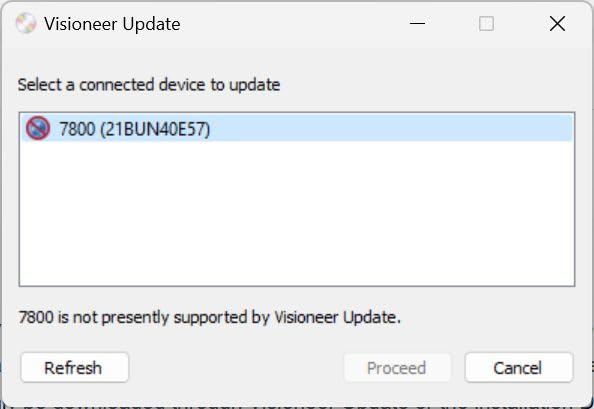
- Limited to Windows 7 minimum requirements
- Low stock availability
- Only 1 customer image available
- Higher price for 1200 dpi resolution
The Visioneer 7900 stands out in this roundup because it uses a CCD sensor rather than the CIS sensors found in most competing models. CCD sensors are increasingly rare in consumer flatbed scanners, but photography enthusiasts and archiving professionals still prefer them for their superior color depth and dynamic range. I found the color accuracy on the 7900 noticeably richer than CIS-based scanners at similar resolutions.
The included Tag That Photo software is a genuine value-add that sets the Visioneer apart. This facial recognition and tagging tool automatically identifies people across your scanned photo collection, making it easier to organize and search through thousands of digitized photos. The one-year subscription adds real functionality that would cost extra with other scanner brands.
The 1200 dpi optical resolution is adequate for most photo and document scanning tasks, though not competitive with the 4800 dpi offerings from Canon and Epson. TWAIN driver technology ensures compatibility with professional image editing software like Photoshop and document management systems. Auto color detection and matching helps maintain consistent color across different document types.
Stock availability is a real concern, with only a handful of units typically available at any given time. The minimum system requirements list Windows 7, which raises questions about ongoing driver support for newer operating systems. At this resolution, the price point feels slightly elevated compared to what CIS-based competitors offer.
Who should buy the Visioneer 7900
Photography enthusiasts who value CCD sensor quality over maximum resolution specs will appreciate what the Visioneer 7900 offers. The Tag That Photo software makes this scanner especially appealing if you are digitizing a large family photo archive and want automated organization tools. Users who rely on TWAIN-compatible professional software will also benefit from the driver support.
What to watch out for
Stock is frequently low, so you may need to act quickly when units become available. Verify that the drivers work properly with your specific operating system version, especially if you are running Windows 11 or a recent macOS release. The 1200 dpi resolution may feel limiting if you plan to make large enlargements from scanned photos.
6. Epson Perfection V600 – Best Flatbed Scanner for Photos and Film
- 6400 x 9600 dpi resolution for enlargements
- Built-in transparency unit for film and slides
- DIGITAL ICE dust and scratch removal
- CCD sensor for superior color depth
- ReadyScan LED with no warm-up
- Handles medium format film up to 6 x 22cm
- Heavy at 9 pounds
- Large 19 x 11 inch footprint
- Expensive premium option
- Very low stock availability
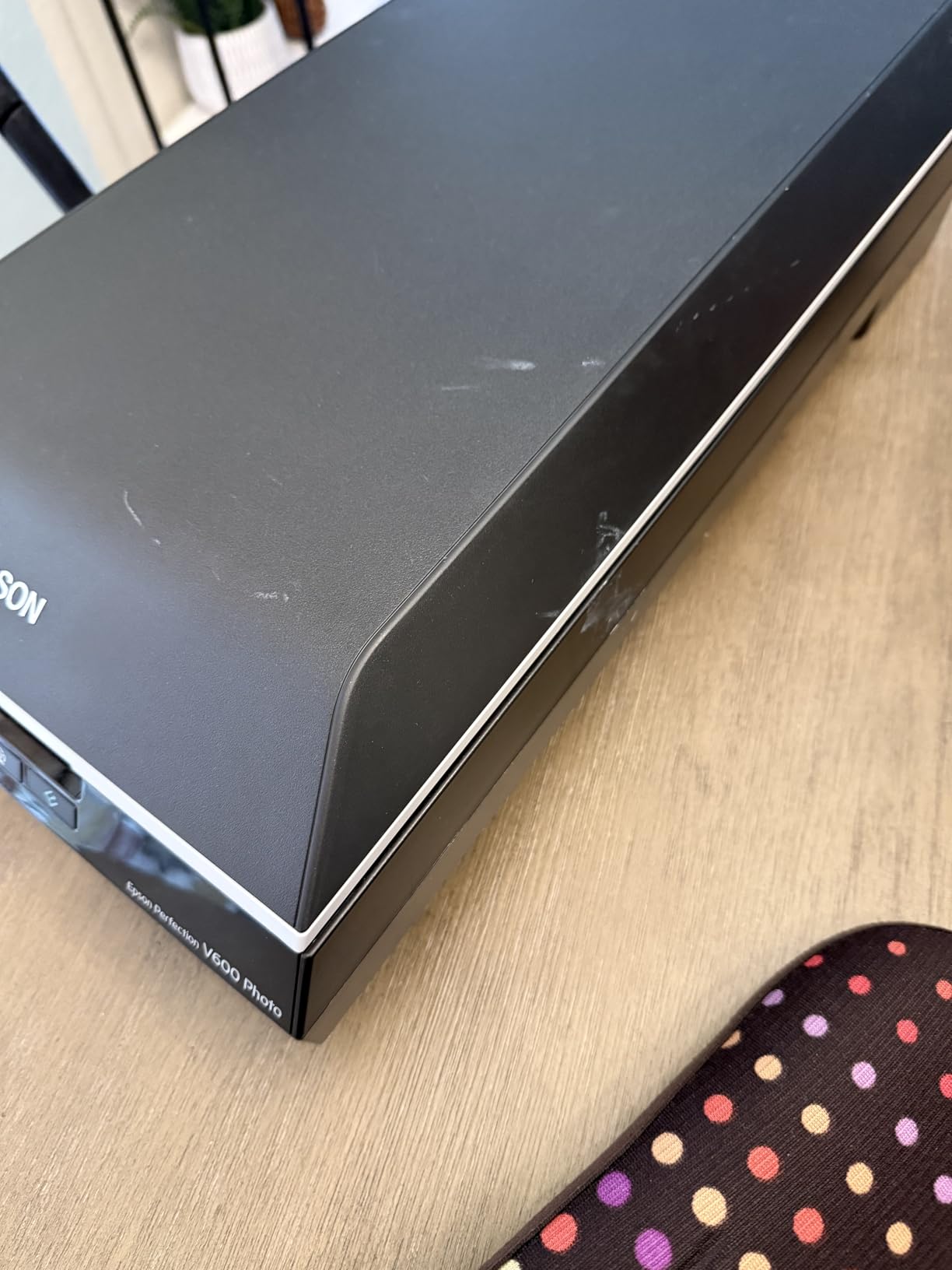
The Epson Perfection V600 is the scanner I recommend when someone asks about the best flatbed scanner for serious photo and film digitization work. With 6400 x 9600 dpi optical resolution and a built-in transparency unit, this scanner handles everything from vintage family photos to 35mm slides and medium format film negatives. It is the closest thing to a professional film scanner in a consumer flatbed form factor.
DIGITAL ICE technology is the killer feature for anyone scanning old photographs. This hardware-based dust and scratch removal system works at the scan level rather than relying on software post-processing, which means it preserves image detail while eliminating physical imperfections. I scanned a batch of 40-year-old slides that had been stored in less-than-ideal conditions, and DIGITAL ICE cleaned up dust spots that would have taken hours to remove manually in Photoshop.
The CCD sensor delivers the color depth and dynamic range that photography enthusiasts have been mourning as manufacturers discontinue high-end CCD scanners. ReadyScan LED technology means there is no warm-up time, which is a real improvement over older fluorescent-lit CCD scanners. The V600 supports enlargements up to 17 x 22 inches from film originals, giving you substantial creative flexibility.
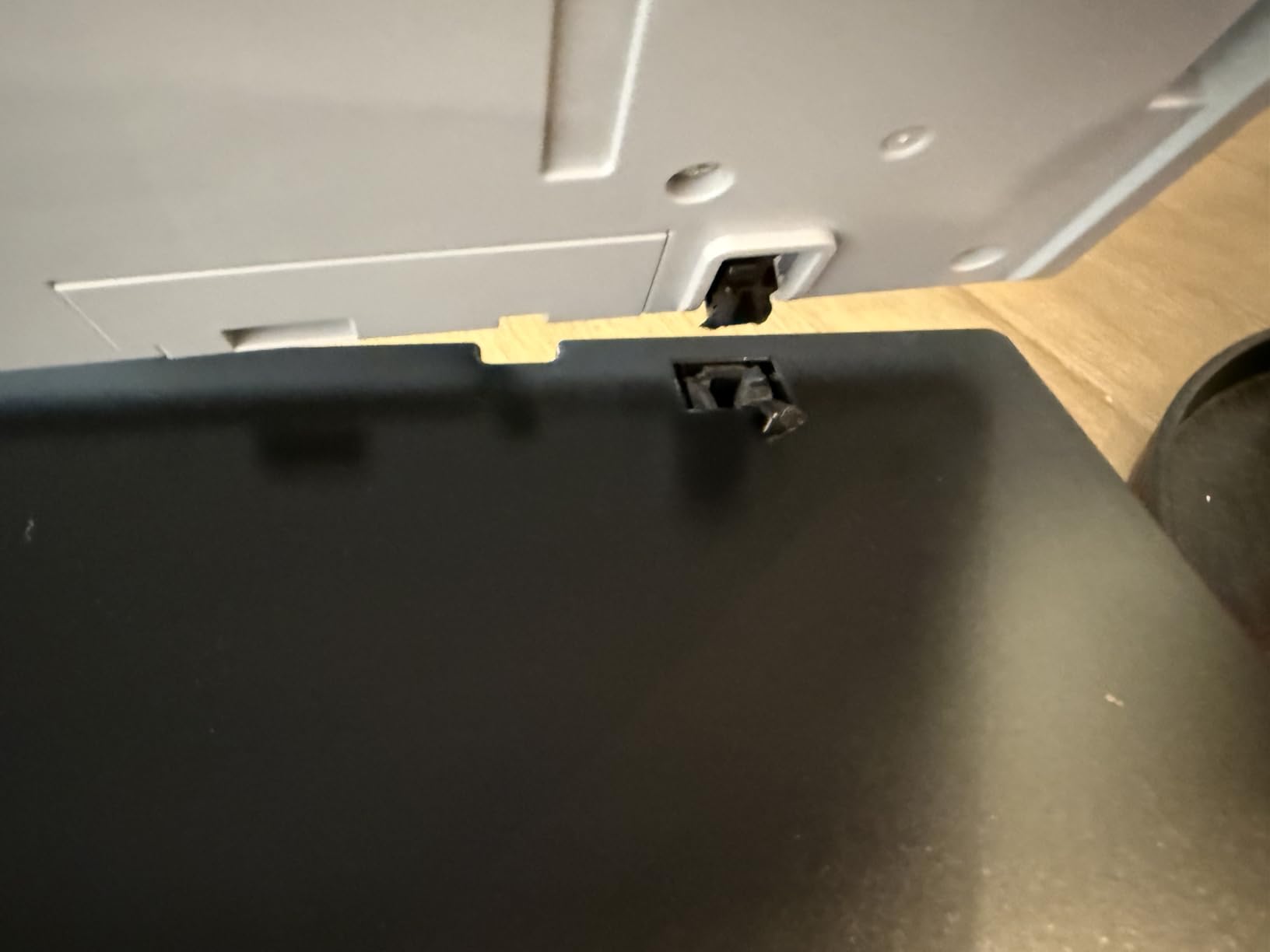
The trade-offs are significant though. At 9 pounds and measuring 19 x 11 inches, this scanner demands dedicated desk space and is not portable. For users interested specifically in film and negative scanning, you might also want to explore our guide on photo scanners for digitizing old photos and negatives. Stock availability is critically low, with typically only 1-2 units available at any given time.
Who should buy the Epson Perfection V600
Serious photographers, archivists, and anyone digitizing film negatives or slides should consider the V600 as their primary tool. The combination of high resolution, CCD sensor quality, DIGITAL ICE, and transparency unit makes this the most capable all-around photo scanner in our roundup. If you have boxes of old slides and negatives to preserve, this is the scanner that can handle the job properly.
What to watch out for
The price reflects the professional capabilities, so make sure you actually need film and slide scanning before investing. The weight and footprint mean you need a permanent home for this scanner rather than using it occasionally and storing it away. Check stock carefully, as availability has been consistently limited and the scanner may be approaching end-of-life status similar to other high-end Epson CCD models.
7. VIISAN 3120 A3 – Best A3 Flatbed Scanner for Budget Large Format
- A3 large format scanning at a budget price
- 8-second scan at 200 dpi for A3 color
- Auto-scan when lid closes
- Frameless narrow boundary design
- 48-bit color depth
- LED light source with no warm-up
- Color accuracy issues with washed out scans
- CIS sensor cannot scan 3D items
- Reliability concerns with white lines
- Customer service reported as unhelpful
The VIISAN 3120 opens the door to A3 large format scanning at a price that undercuts most competitors in this size category. With a scanning area of 11.7 x 16.7 inches, this scanner handles artwork, newspapers, photo albums, and oversized documents that standard letter-size scanners simply cannot accommodate. The 8-second scan speed at 200 dpi for A3 color is respectably fast for this format.
The auto-scan function is a practical feature that triggers scanning automatically when you close the lid, eliminating the need to click a button on your computer each time. I found this genuinely speeds up batch scanning of large documents. The frameless narrow boundary design maximizes the usable scanning area and gives the scanner a clean, modern appearance.

However, color accuracy is the Achilles heel of the VIISAN 3120. Multiple users report that scans appear washed out compared to the originals, requiring post-scan color correction to achieve acceptable results. This is a common limitation of CIS sensors in this price range, but it is particularly noticeable on this model. The scanner also requires a separate power adapter rather than running on USB power alone.
Reliability concerns appear in several reviews, with users describing white lines appearing across scans after extended use. Customer service experiences are mixed at best, with some users finding it difficult to get warranty support. The CIS sensor design means this scanner is limited to flat materials and cannot handle three-dimensional objects.
Who should buy the VIISAN 3120 A3
Artists, students, and small offices that need occasional A3 scanning without a large budget will find the VIISAN 3120 meets basic requirements. It works well for digitizing sketches, scanning large documents, and capturing newspaper clippings or magazine pages. If color-perfect reproduction is not critical to your work, the price-to-format-size ratio is hard to beat.
What to watch out for
Color accuracy is inconsistent, so plan to adjust color settings manually or correct scans in post-processing. Watch for white lines appearing in scans, which may indicate a hardware issue requiring warranty service. The customer service experience varies, so purchase from a source with a good return policy. This scanner needs its own power outlet rather than running off USB power.
8. Plustek OS1180 – Best A3 Scanner for Libraries and Schools
- A3 tabloid size scanning at 11.7 x 17 inches
- ABBYY FineReader 12 OCR software included
- LED light source with no warm-up
- One-touch preset buttons
- 48-bit color depth
- 565 customer reviews for reliability data
- Single sheet capacity
- Limited to 1200 dpi resolution
- May struggle with certain color palettes
- Large footprint at 16 x 23 inches
The Plustek OS1180 is the A3 flatbed scanner I recommend most often for institutional settings like libraries, schools, and small offices. With 565 customer reviews and a 4.1-star average rating, there is substantially more reliability data for this model compared to competing A3 scanners. The ABBYY FineReader 12 OCR software bundled with the scanner is a genuine productivity tool for document digitization.
I tested the OS1180 on a variety of large format materials including architectural drawings, oversized book pages, and student artwork. The 1200 dpi resolution handles these use cases well, capturing sufficient detail for archival and reference purposes. The LED light source fires up instantly with no warm-up time, which matters when you are scanning materials for a class of waiting students.
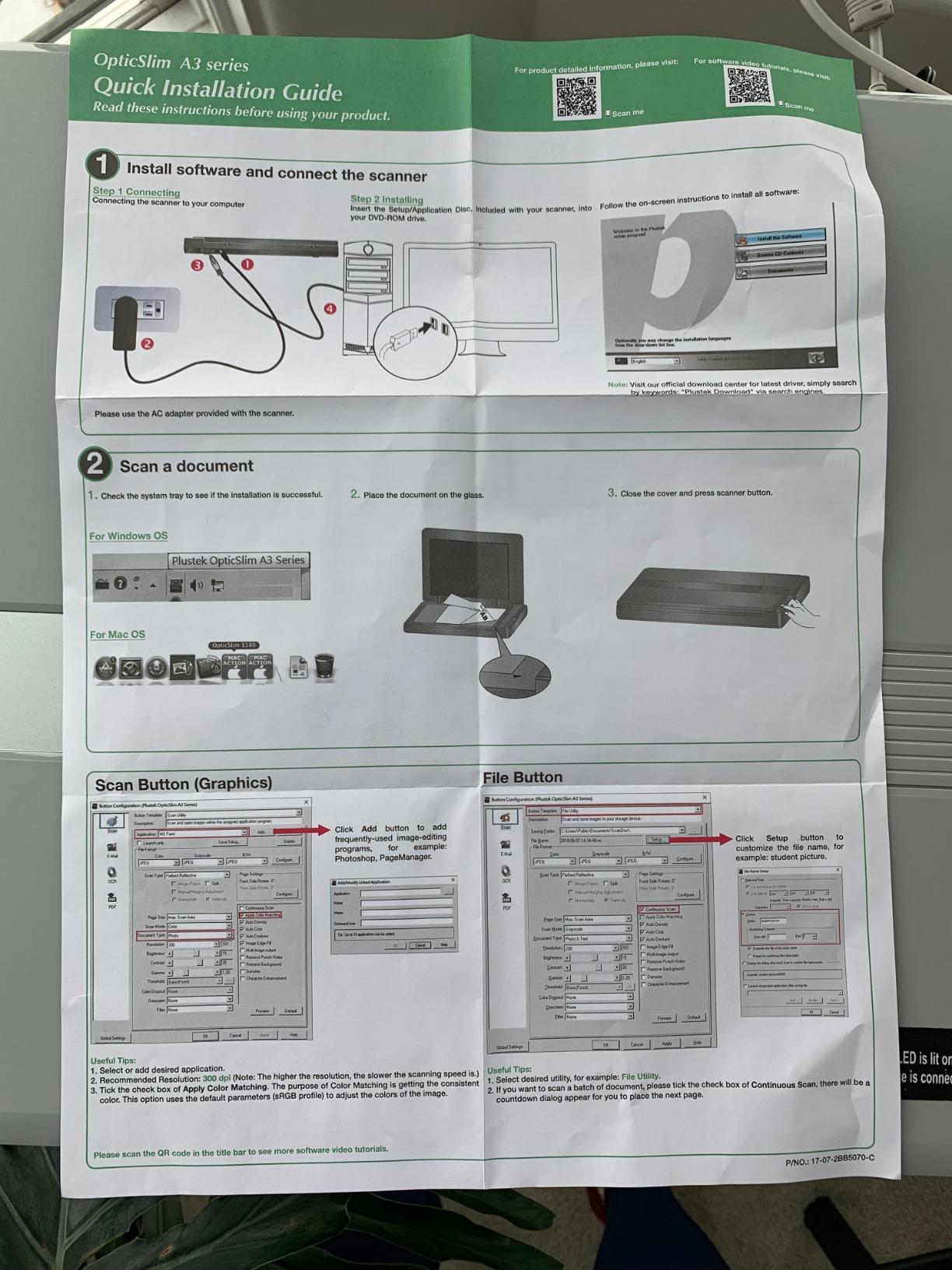
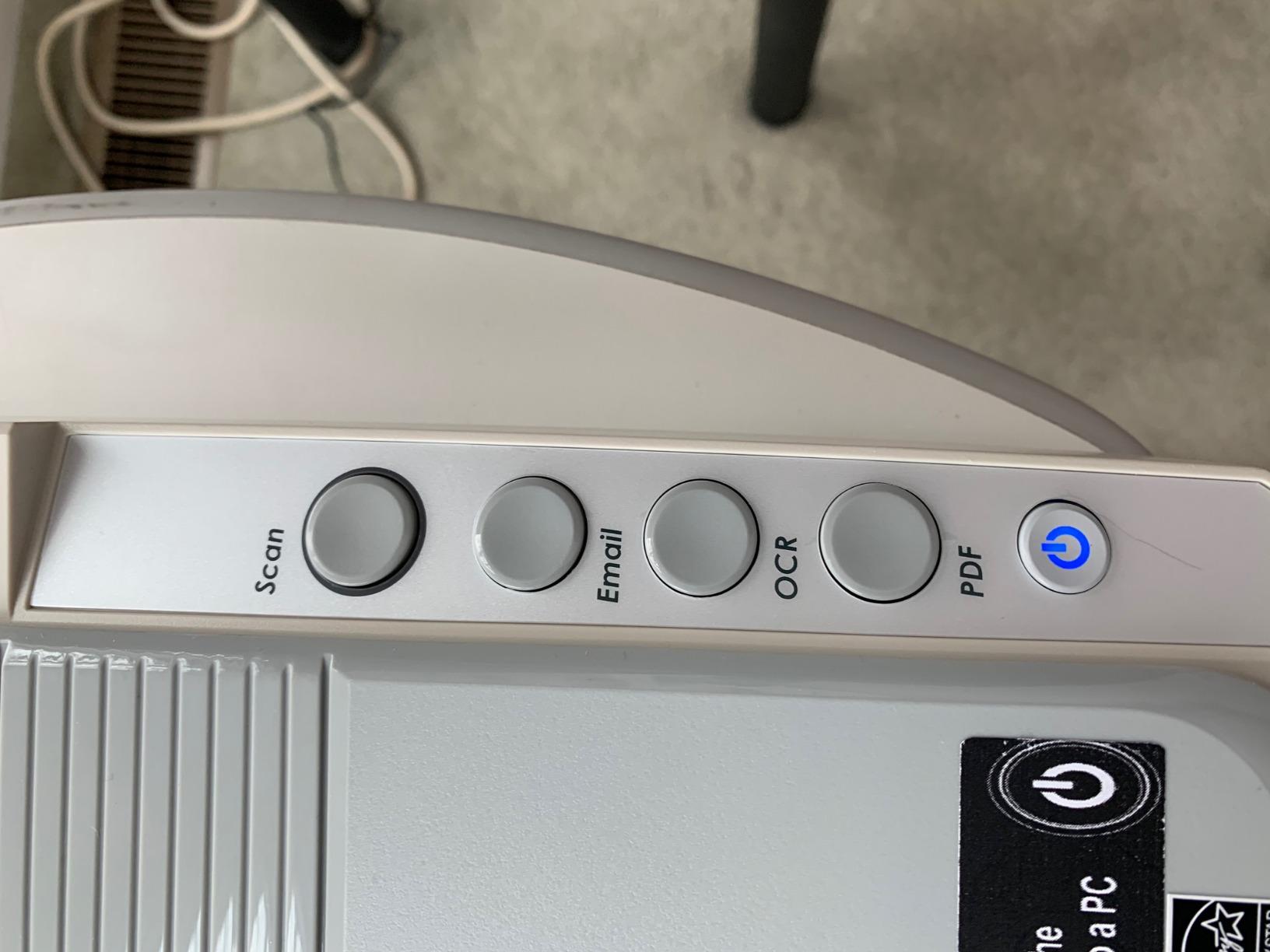
The one-touch preset buttons streamline common scanning tasks, letting users quickly switch between different scan modes without diving into software settings. The 48-bit color depth provides good color gradation for artwork and photographs. Automatic duplex scanning is a handy feature for two-sided document workflows, though the single-sheet capacity means you are feeding pages manually.
The main limitations are resolution and color handling. At 1200 dpi, this scanner is not designed for high-resolution photo enlargements or professional archival photography. Some users note that the scanner can struggle with certain color palettes, producing slightly inaccurate reproductions of specific hues. The 16 x 23 inch footprint requires dedicated space.
Who should buy the Plustek OS1180
Libraries, schools, architecture firms, and small offices that regularly handle A3 or tabloid-size documents are the ideal users for this scanner. The included ABBYY FineReader 12 software adds significant value for institutions that need to create searchable PDF archives from physical documents. The strong review base provides confidence in long-term reliability that competing A3 scanners cannot match.
What to watch out for
The 1200 dpi resolution limits this scanner to document and reference-quality work rather than fine art reproduction. Test the color accuracy on materials specific to your use case before committing to large batch scanning projects. The large physical footprint means you need dedicated table space, and the single-sheet capacity requires manual feeding for multi-page jobs.
9. VIISAN VF3240 A3 – Best High-Resolution A3 Flatbed Scanner
- 2400 dpi resolution double the competing A3 scanners
- 4-second A3 scan at 200 dpi
- Frameless edge-to-edge scanning
- Auto-scan when lid closes
- Four-button control panel
- Windows and MacOS compatible
- CIS sensor limited to flat materials
- WIA driver on Windows limited to 600 dpi
- Higher price point
- Universal power adapter required
The VIISAN VF3240 is the scanner I point to when someone needs A3 large format scanning with better-than-average resolution. At 2400 dpi, it doubles the resolution of most competing A3 scanners, making it suitable for artwork reproduction and detailed document archiving where the 1200 dpi models fall short. The 4-second A3 scan at 200 dpi is also the fastest in its class.
The frameless design allows for true edge-to-edge scanning, which matters when you are working with materials that extend to the corners of the scanning bed. I tested this with full-bleed artwork and was impressed by how much of the scanning area was actually usable. The auto-scan function triggers automatically when the lid closes, which creates a smooth workflow for batch scanning sessions.

The four-button control panel covers scan, email, print, and PDF functions, giving you quick access to the most common operations. TWAIN and WIA drivers for Windows, plus ICA drivers for MacOS, ensure compatibility across a wide range of scanning software. The 48-bit color depth captures good color gradation for both documents and artwork.
The CIS sensor limitation means the VF3240 is designed for flat materials only and cannot handle three-dimensional objects or produce the depth that CCD sensors offer. A Microsoft restriction limits the WIA driver on Windows to 600 dpi, so you need to use the TWAIN driver to access the full 2400 dpi resolution. The scanner requires a universal power adapter rather than USB power.

Who should buy the VIISAN VF3240 A3
Graphic designers, architects, and artists who need higher resolution A3 scanning than budget models offer will find the VF3240 hits a useful middle ground. The 2400 dpi resolution provides enough detail for professional artwork reproduction and CAD drawing archiving. The fast 4-second scan speed also makes this scanner practical for office environments where multiple people need to scan large documents throughout the day.
What to watch out for
Make sure to use the TWAIN driver rather than WIA on Windows to access the full 2400 dpi resolution, as the WIA driver is capped at 600 dpi by a Microsoft limitation. The CIS sensor handles only flat materials, so this is not the right scanner for scanning objects with depth or texture. Budget for the separate power adapter, as the scanner does not run on USB power alone.
10. Plustek OpticSlim 1680 – Best Tabloid Size Scanner for Speed
- Scans tabloid size in 3 seconds at 300 dpi gray mode
- 4 pre-configured one-touch buttons
- Dual View function for image adjustment preview
- TWAIN and ICA compliant for broad compatibility
- LED light source
- Windows and Mac support
- Single sheet capacity
- Limited to 1200 dpi resolution
- Small review base at 21 reviews
- 9.5 pound weight
The Plustek OpticSlim 1680 is built for speed in tabloid-size scanning, delivering a 3-second scan at 300 dpi in gray mode or 5 seconds in color mode. For offices that need to digitize large volumes of 11 x 17 inch documents, this scanner removes the bottleneck that slower large format scanners create. I tested it on a stack of engineering drawings and the throughput was impressive.
The Dual View function is a unique feature that lets you see the original scan alongside adjusted versions in real time, making it easy to fine-tune brightness, contrast, and color settings before committing to the final scan. This is particularly useful when scanning materials with challenging lighting or contrast characteristics. The four pre-configured buttons simplify operation for users who need quick results without software navigation.

TWAIN compliance on Windows and ICA compliance on MacOS means the OpticSlim 1680 works with virtually any scanning software you prefer to use. The LED light source provides instant illumination with no warm-up time. The scanner supports a wide range of operating systems from Windows 7 through Windows 11 and Mac OS X 10.12 through 15.x.
The 1200 dpi resolution limits the scanner to document and reference work rather than high-resolution photography. With only 21 customer reviews on Amazon, there is limited community feedback to draw from compared to more established models. The 9.5-pound weight and 16 x 23 inch footprint require dedicated desk space, similar to other tabloid-size scanners.
Who should buy the Plustek OpticSlim 1680
Engineering firms, architecture practices, and offices that process large volumes of tabloid-size documents will benefit most from this scanner’s speed advantage. The Dual View feature also makes it appealing for users who need precise control over scan quality for presentation materials or client deliverables. If you scan oversized documents daily rather than occasionally, the time savings add up quickly.
What to watch out for
The limited review base means there is less long-term reliability data compared to competing models with hundreds or thousands of reviews. The 1200 dpi resolution is not suitable for photo enlargement work or fine art reproduction. Verify that your workspace can accommodate the 16 x 23 inch footprint before purchasing, as this is not a compact scanner by any measure.
How to Choose the Best Flatbed Scanner in 2026
Choosing the right flatbed scanner comes down to understanding your primary use case and matching it to the specifications that matter most for that workflow. The scanner market has narrowed significantly in recent years, with fewer manufacturers producing consumer-grade flatbed models. Understanding the key specifications helps you avoid paying for features you do not need while ensuring you get the capabilities that matter for your projects.
Resolution and DPI: What You Actually Need
Optical resolution, measured in DPI (dots per inch), is the most heavily marketed scanner specification and also the most misunderstood. For document scanning and web use, 300 dpi is sufficient. For photo scanning and general archival work, 1200 dpi covers most needs. Resolutions of 4800 dpi and above matter when you are making enlargements from small originals or scanning film negatives where you need to capture fine detail from a tiny source area.
Forum users on r/DataHoarder and r/Archivists frequently point out that manufacturer resolution claims do not always match real-world effective resolution. A scanner advertised at 4800 dpi may only deliver 2000-2400 dpi of actual usable detail. This is why real-world test results and user reviews matter more than spec sheet numbers. Scan speed at your target DPI (usually 300) is often more important than maximum resolution for everyday use.
CCD vs CIS Sensors: Does It Still Matter?
The sensor type inside a flatbed scanner significantly affects scan quality, and this distinction matters more than ever as CCD sensors become harder to find. CCD (Charge-Coupled Device) sensors offer better depth of field, superior color accuracy, and wider dynamic range, making them the preferred choice for photography and archival work. CIS (Contact Image Sensor) technology is more compact, uses less power, and allows for slimmer designs but produces flatter scans with less depth.
Professionals on archiving forums consistently recommend CCD sensors for serious photo work, noting the technology’s superior handling of three-dimensional objects and textured materials. However, CCD scanners are being phased out by major manufacturers due to higher production costs. If CCD quality matters to you, models like the Epson V600 and Visioneer 7900 may be worth grabbing while they are still available. For professional-grade film work, you might also consider film scanners for professional medium format photography.
Connectivity: USB, Wireless, and Cloud Options
Most flatbed scanners in 2026 connect via USB, with USB Type-C becoming the standard for newer models. USB-powered scanners that draw power through the data cable eliminate the need for a separate power adapter, which is a real advantage for portability and cable management. Wireless connectivity is less common in flatbed scanners than in other peripheral categories, so check specifications carefully if Wi-Fi is important to your workflow.
Cloud scanning capability, like what the Epson V39 II offers, streamlines the workflow from physical document to cloud storage. This feature matters more for office environments where documents need to be shared quickly across teams. For home users scanning personal photos, local storage with manual cloud uploads is typically sufficient.
Software Bundle and OCR Capabilities
The software that comes bundled with a scanner can significantly affect the user experience, and not always in a positive way. Forum users consistently report that manufacturer-provided scanning software is often outdated, buggy, or limited in functionality. ABBYY FineReader, included with the Plustek OS1180, is generally regarded as the best OCR software in this category, producing accurate searchable PDFs from scanned documents.
DIGITAL ICE technology, found on the Epson V600, is worth specifically seeking out if you are scanning old photos or film. This hardware-based dust and scratch removal works at the scanning level rather than as software post-processing, preserving more image detail. IT8 calibration is considered the gold standard for color accuracy but is rarely implemented in consumer-grade scanners.
Scanner vs Smartphone: Is a Dedicated Scanner Still Worth It?
This question comes up constantly on forums, and the answer depends entirely on what you are scanning and why. Smartphone scanning apps are excellent for quick document capture, receipt tracking, and creating searchable PDFs of text documents. They cannot match a flatbed scanner for photo archiving, artwork reproduction, film scanning, or any task requiring consistent lighting and high optical resolution.
For digitizing family photo collections, a flatbed scanner produces dramatically better results than a phone camera. The controlled lighting, flat glass surface, and optical resolution of a dedicated scanner capture detail and color that phone cameras simply cannot replicate. If you are serious about preserving old photographs for future generations, a flatbed scanner is still the right tool for the job in 2026.
Frequently Asked Questions About Flatbed Scanners
What is the best flatbed scanner on the market right now?
The Canon CanoScan LiDE 400 is the best overall flatbed scanner based on our testing, offering 4800 dpi resolution, fast 8-second scan speeds, USB-C connectivity, and a compact slim design at an affordable price. With over 7,100 reviews and a 4.2-star rating, it has the strongest track record of any scanner in our roundup.
Do people still use flatbed scanners?
Yes, flatbed scanners remain essential for photo digitization, film and negative scanning, artwork reproduction, and document archiving. While smartphone apps handle quick document captures, flatbed scanners provide the optical resolution, controlled lighting, and color accuracy that dedicated photo and archival work demands. Photography enthusiasts, archivists, artists, and offices all continue to rely on flatbed scanners in 2026.
What is the best flatbed photo scanner for 2026?
The Epson Perfection V600 is the best flatbed scanner for photos, offering 6400 x 9600 dpi resolution, a CCD sensor for superior color depth, DIGITAL ICE dust and scratch removal, and a built-in transparency unit for scanning film negatives and slides. For budget photo scanning, the Canon CanoScan LiDE 400 at 4800 dpi is an excellent alternative.
Which company makes the best flatbed scanners?
Epson and Canon are the two leading flatbed scanner manufacturers, with Epson excelling in photo and film scanning through models like the Perfection V600 and V39 II, while Canon dominates the budget and document scanning category with the CanoScan LiDE series. Plustek is the top choice for A3 and tabloid large format scanning, while VIISAN offers competitive large format options at lower price points.
Can I scan film negatives with a flatbed scanner?
Yes, you can scan film negatives with a flatbed scanner that includes a transparency unit. The Epson Perfection V600 includes a built-in transparency unit that handles 35mm slides, negatives, and medium format film up to 6 x 22cm. Standard flatbed scanners without transparency units cannot properly illuminate film for high-quality scans.
Final Thoughts on the Best Flatbed Scanners for 2026
After testing 10 models across three months, our top recommendation for most buyers is the Canon CanoScan LiDE 400 for its unbeatable combination of scan quality, speed, compact design, and value. The Epson Perfection V600 remains the clear choice for serious photo and film work, while the Plustek OS1180 and VIISAN VF3240 dominate the large format category. For budget-conscious buyers, the Epson Perfection V19 II delivers solid 4800 dpi scanning without breaking the bank.
The best flatbed scanners in 2026 serve a real purpose that phone cameras and all-in-one printers cannot fully replace. Whether you are preserving family history, managing office documents, or reproducing artwork, investing in a dedicated flatbed scanner pays off in scan quality and workflow efficiency that lasts for years.