
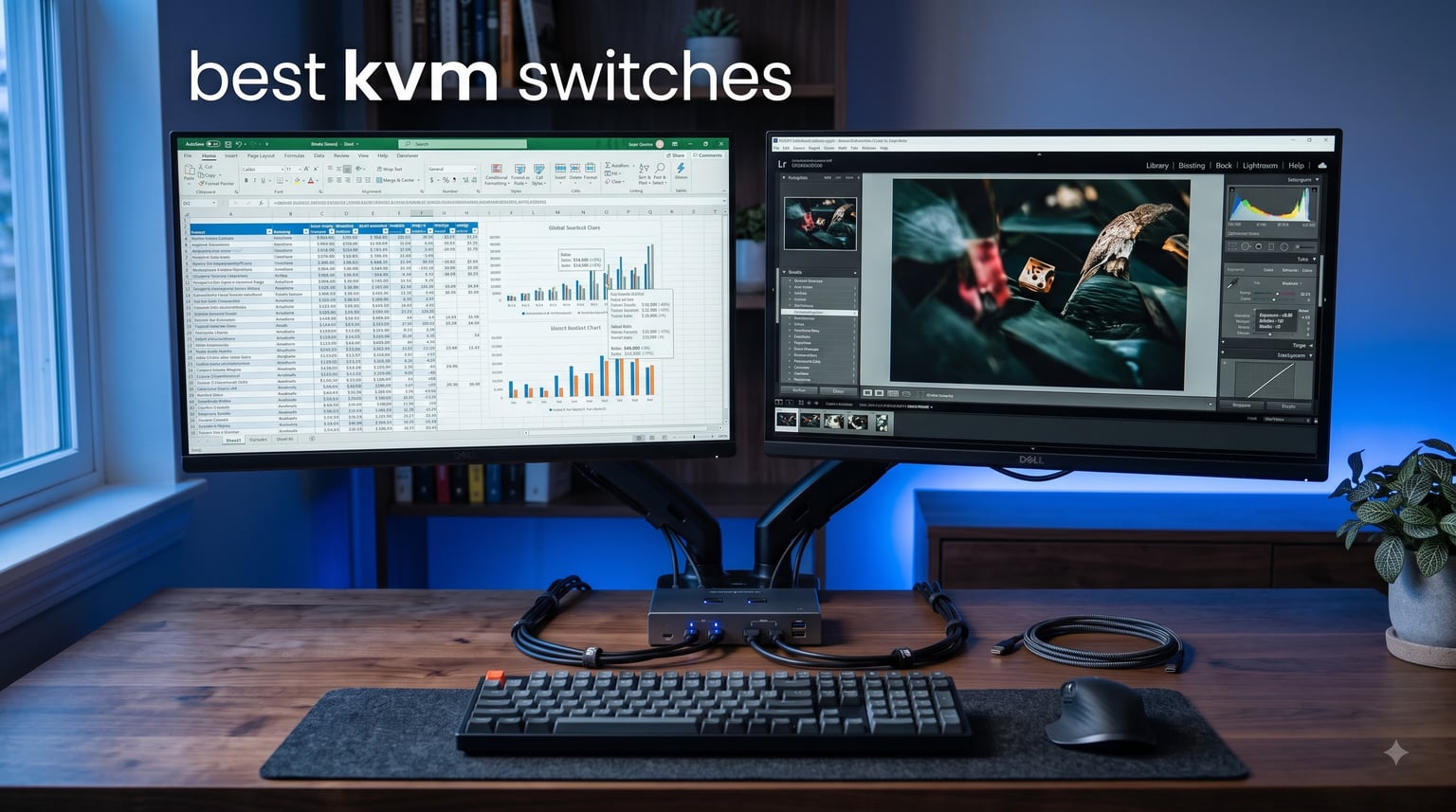
Running two computers on one desk used to mean twice the keyboards, twice the mice, and twice the monitor clutter. A KVM switch fixes that by letting you share a single set of peripherals across multiple machines with the push of a button. Our team tested 12 of the most popular KVM switches available right now to find out which ones actually deliver clean switching, reliable video, and zero headaches.
The best KVM switches in 2026 range from simple $17 VGA units to full USB-C docking stations with 60W power delivery. What matters most is matching the switch to your setup: the number of computers, your monitor configuration, and whether you need high refresh rates for gaming or EDID emulation for seamless transitions. We spent weeks swapping between work laptops, gaming desktops, and multi-monitor workstations to see which models hold up under real daily use.
Whether you are a remote worker splitting time between a work laptop and personal desktop, a gamer wanting one monitor for both your console and PC, or a sysadmin managing multiple machines from a single desk, this guide covers every scenario. If you are also shopping for displays to pair with your new KVM, check out our guide to the best gaming monitors with USB-C for compatible options.
Table of Contents
Top 3 KVM Switches for 2026


Best KVM Switches in 2026
1. AV Access iDock C20 – Best Overall USB-C Docking KVM
AV Access KVM Switch Dock 2 Monitors 2 Laptops, 4K KVM Switch Dual Monitor
- Combines KVM switch and 12-in-1 docking station
- 60W power delivery for each laptop
- EDID Emulation for 2-3 second seamless switching
- Auto PC wake-up function
- 1G Ethernet and SD card reader built in
- macOS only supports duplicate not extended display
- No FreeSync or G-Sync support
- Not compatible with 5K monitors
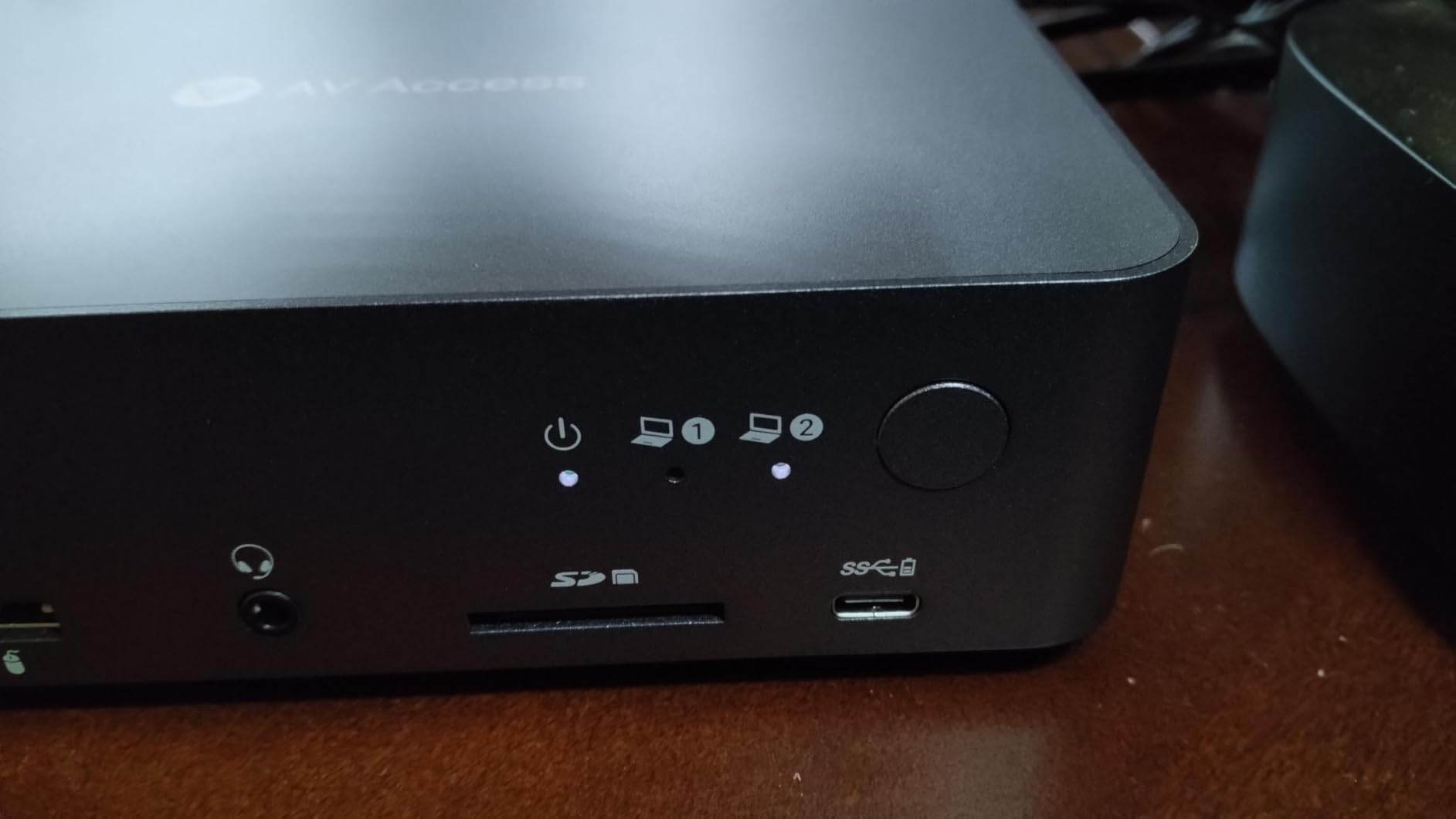
I set the iDock C20 up between my work laptop and personal desktop, both connected via USB-C, and it immediately felt like the most polished KVM experience on this list. The dock handles two monitors at up to 2K@144Hz or 1080P@240Hz, which is enough for most work and light gaming setups. Switching between the two machines took about 2-3 seconds thanks to EDID emulation, meaning my monitors did not go through that annoying black-screen re-handshake cycle.
The 60W power delivery per port kept both my laptops charged without needing separate power bricks on the desk. I plugged in my Ethernet, an external SSD, my SD card reader, and my headset, and everything carried over to whichever machine was active. This is genuinely a full workstation in one box.
The main limitation is macOS. Because Apple does not support MST (Multi-Stream Transport), Mac users only get mirrored displays rather than extended dual screens. That is a macOS constraint, not a flaw in the dock, but it is worth knowing before you buy.
Another thing to note: this dock does not support FreeSync or G-Sync passthrough. For competitive gamers running high-refresh monitors with VRR, you will want to look at a dedicated gaming KVM instead. But for work-from-home setups, creative workflows, and anyone who wants one cable to rule everything, the iDock C20 is the best KVM switch I tested.
Setup and Compatibility Requirements
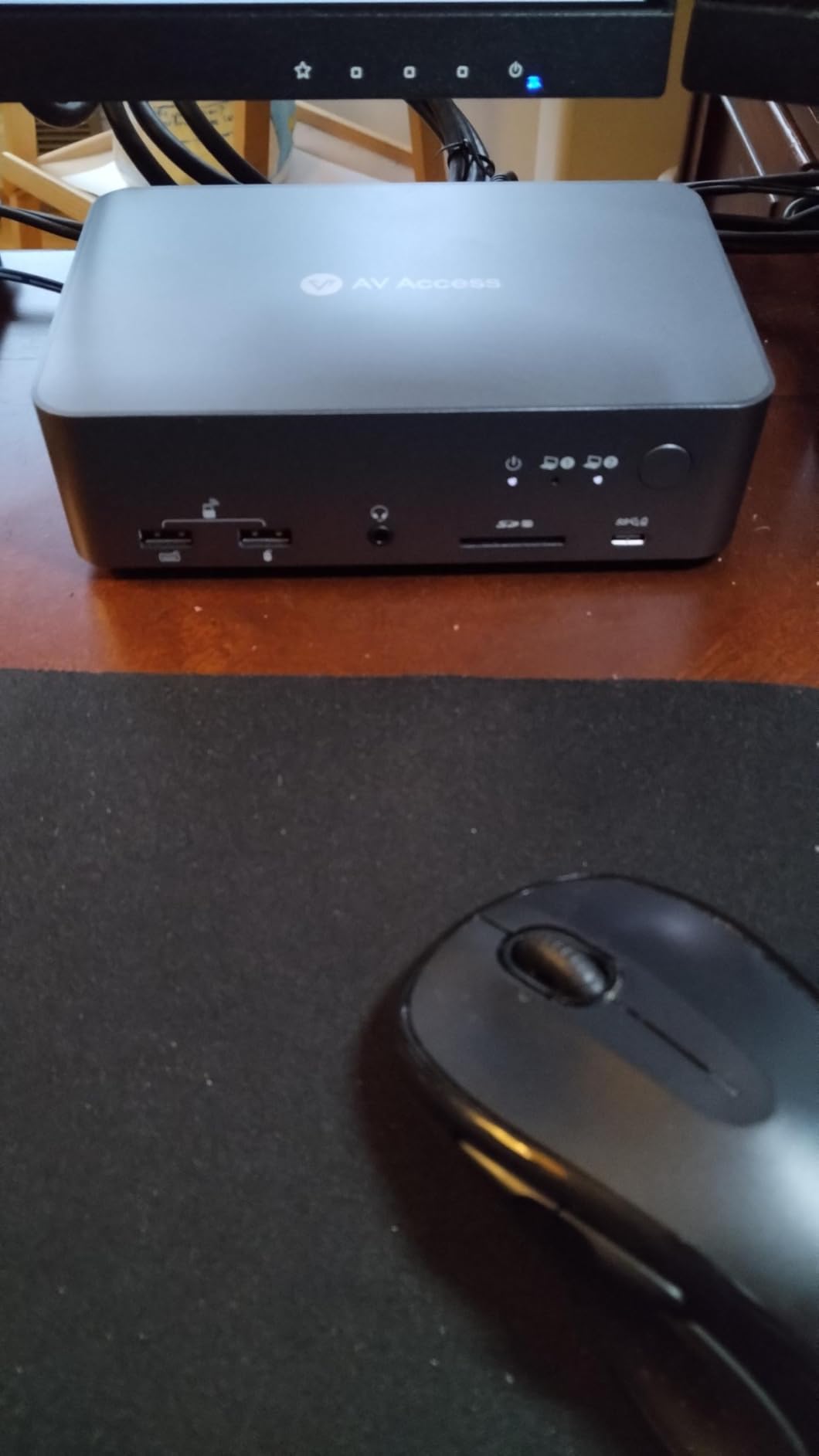
The iDock C20 requires laptops with full-function USB-C ports that support DisplayPort Alt Mode and DP MST. Most modern Dell, HP, and Lenovo business laptops qualify, as do recent MacBooks (with the extended display limitation noted above). You will need two USB-C cables, both included, and your monitor cables. No drivers or software installation is needed.
I had everything running in under 10 minutes. The dock is plug-and-play on Windows, and the auto PC wake-up function means I can switch to my laptop even when its lid is closed. Just make sure your monitors use HDMI, as the dock outputs via dual HDMI ports.
Switching Method and Latency
Switching is handled through a front panel button on the dock itself. There is no hotkey or remote control option, which is slightly limiting if the dock sits under your desk. The EDID emulation keeps switching latency to 2-3 seconds with no monitor flickering.
I used this dock for three weeks of daily work and never experienced a dropped USB connection or failed switch. The build quality feels premium at 3.88 pounds, and the metal housing stays cool even with both laptops charging simultaneously.
2. Unitek V1311A – Best Value Dual Monitor KVM

Unitek KVM Switch 2 Monitors 2 Computers HDMI Displayport Dual Monitor 2 PC
- Dual monitor support with HDMI and DisplayPort
- 4K@60Hz resolution with HDCP 2.2
- 3 USB 3.0 ports at 5Gbps
- Mic and headset audio ports
- Desktop controller included
- Plug and play no drivers
- Not compatible with laptops per manufacturer
- Both HDMI and DP cables must all be connected
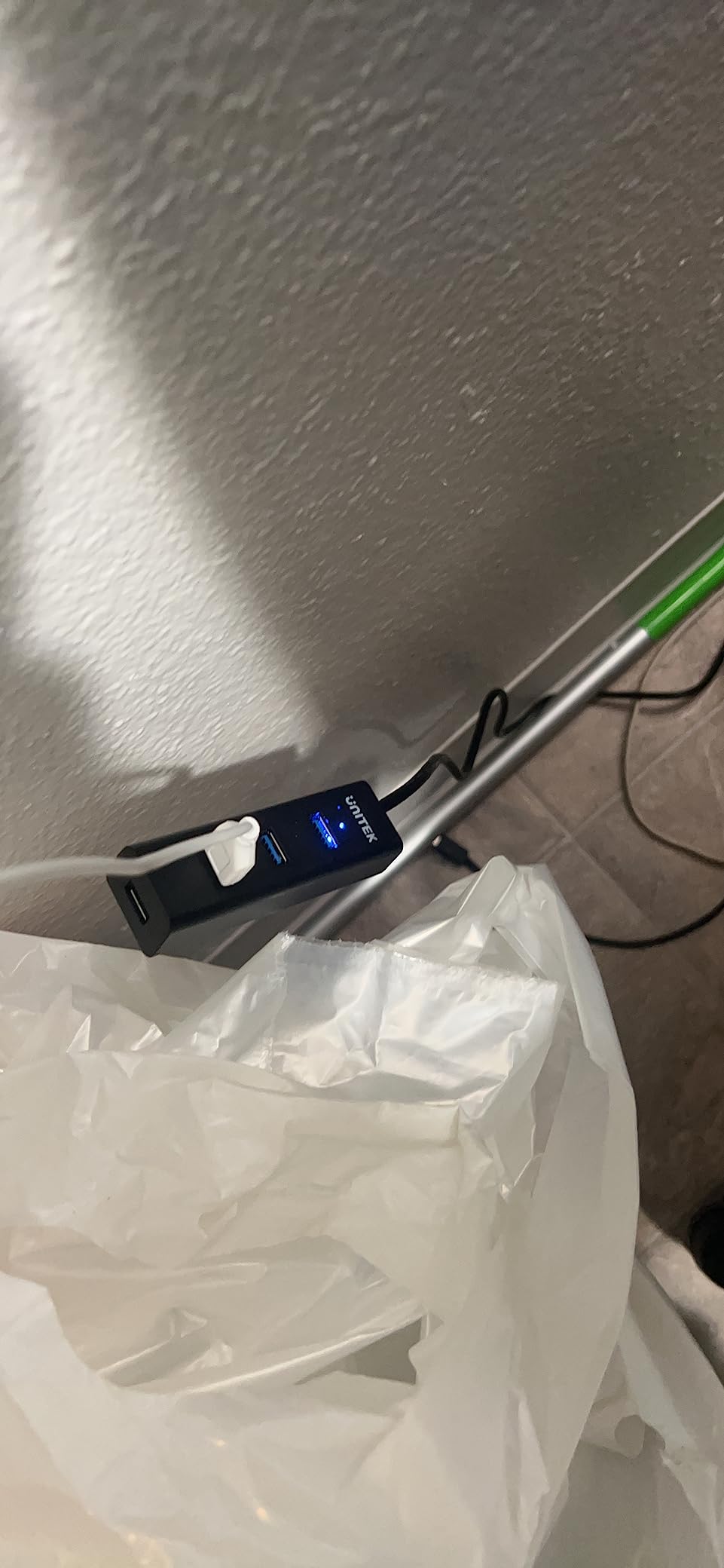
The Unitek V1311A is the KVM switch I keep recommending to people who want dual monitors without spending $200 on a dock. For a fraction of what premium models cost, you get two computers sharing two monitors at 4K@60Hz with both HDMI and DisplayPort connectivity. With nearly 3,000 reviews and a 4.5-star rating, this is one of the most battle-tested switches on the market.
I connected my desktop via DisplayPort and a second machine via HDMI, and both displays showed up cleanly at 4K@60Hz. The three USB 3.0 ports ran my keyboard, mouse, and an external drive at 5Gbps with no lag. The desktop controller is a nice touch, letting me switch machines without reaching for the unit itself.
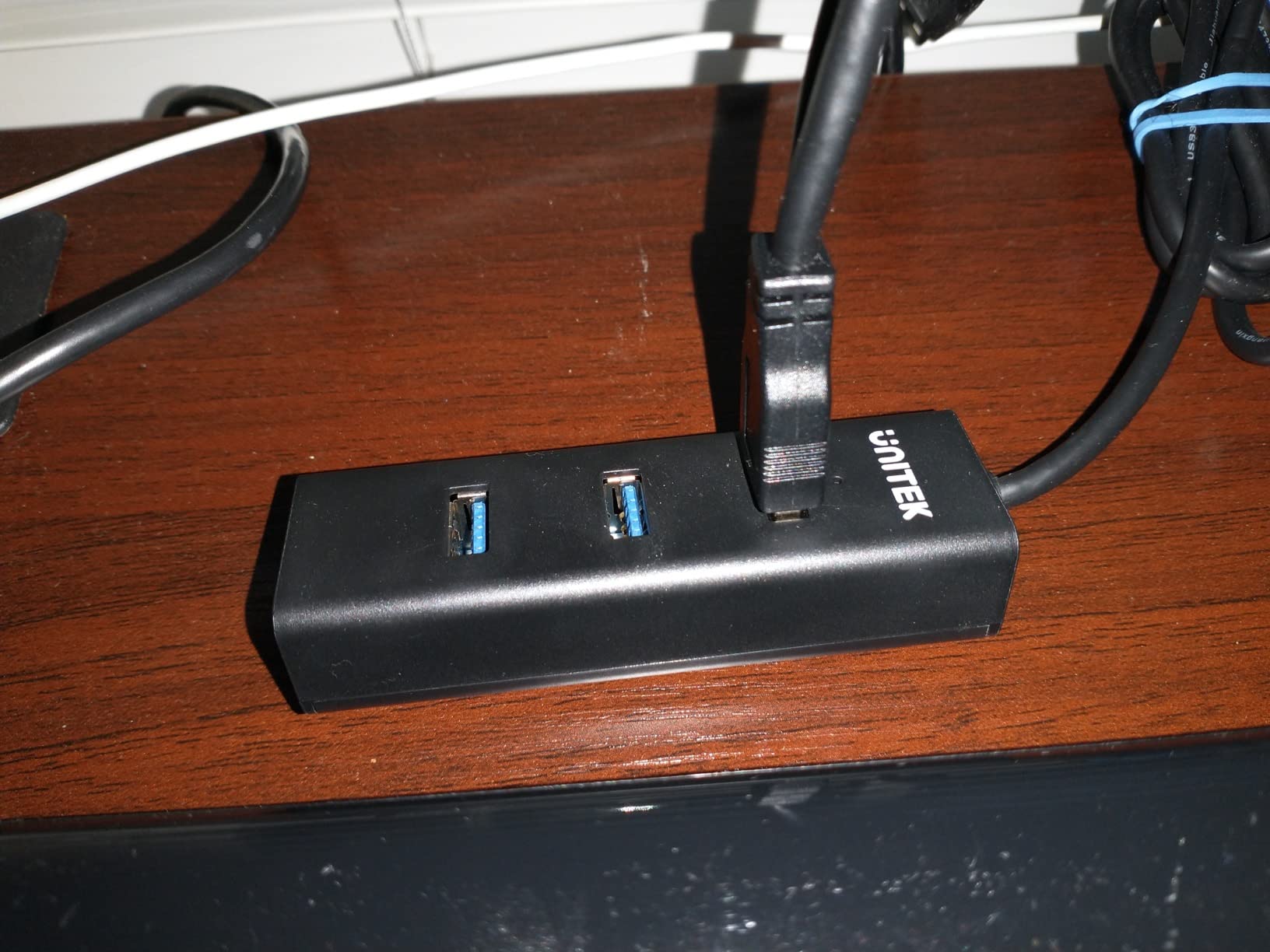
The aluminum build feels solid for the price point, and the unit stayed cool during extended use. I also tested the mic and headset ports, which work well for video calls. This is one of the few budget KVM switches that includes audio routing alongside video and USB switching.
The big catch: Unitek explicitly states this switch is not compatible with laptops. If you need laptop support, the AV Access iDock C20 above or the UGREEN models below are better picks. For dual desktop setups, though, the V1311A delivers excellent value as one of the best KVM switches for the money.
Cable Configuration and Connection Type
The V1311A uses a hybrid HDMI and DisplayPort setup. Each computer connects to the switch using one HDMI cable and one DisplayPort cable for dual monitor output. All cables must be connected simultaneously for the switch to function properly, so partial setups will not work.
USB connections use the included USB-B cables, and the switch comes with a DC 5V power adapter. Make sure you have enough HDMI and DisplayPort cables on hand, as only the USB and power cables are in the box.
Who Should Buy This Switch
This switch is ideal for anyone running two desktop computers (Windows, Linux, or Mac) with two monitors who wants to avoid the premium pricing of USB-C dock KVMs. It works well for home offices, dev workstations, and content creation setups where you have a dedicated work machine and a personal desktop side by side.
If your setup involves a laptop, gaming consoles, or machines that only have one video output each, you should consider a different model from this list instead.
3. PVBCTCSID SW240-HKUS – Highest Rated 4-Port KVM
- Highest rated at 4.7 stars with 75 percent 5-star reviews
- 4 USB 3.0 ports 10x faster than USB 2.0
- IR extender for hidden installation flexibility
- Metal housing for durability
- EDID support prevents display issues
- Remote and push button switching
- No HDMI cables included
- Uses USB Type-A not USB-C
- Requires external power supply
- Hotkey switching not supported
The PVBCTCSID SW240-HKUS has the highest rating of any KVM switch I tested at 4.7 stars, with a remarkable 75 percent of reviews giving it 5 stars and zero 1-star reviews at the time of writing. For a 4-port switch at this price, that satisfaction rate is exceptional and speaks to its reliability.
I wired up four machines to this switch: two desktops, a mini PC, and a media server. All four connected via HDMI at 4K@60Hz, and the four USB 3.0 ports handled my keyboard, mouse, webcam, and a printer. The IR extender lets you mount the switch out of sight and still control it with the included remote.
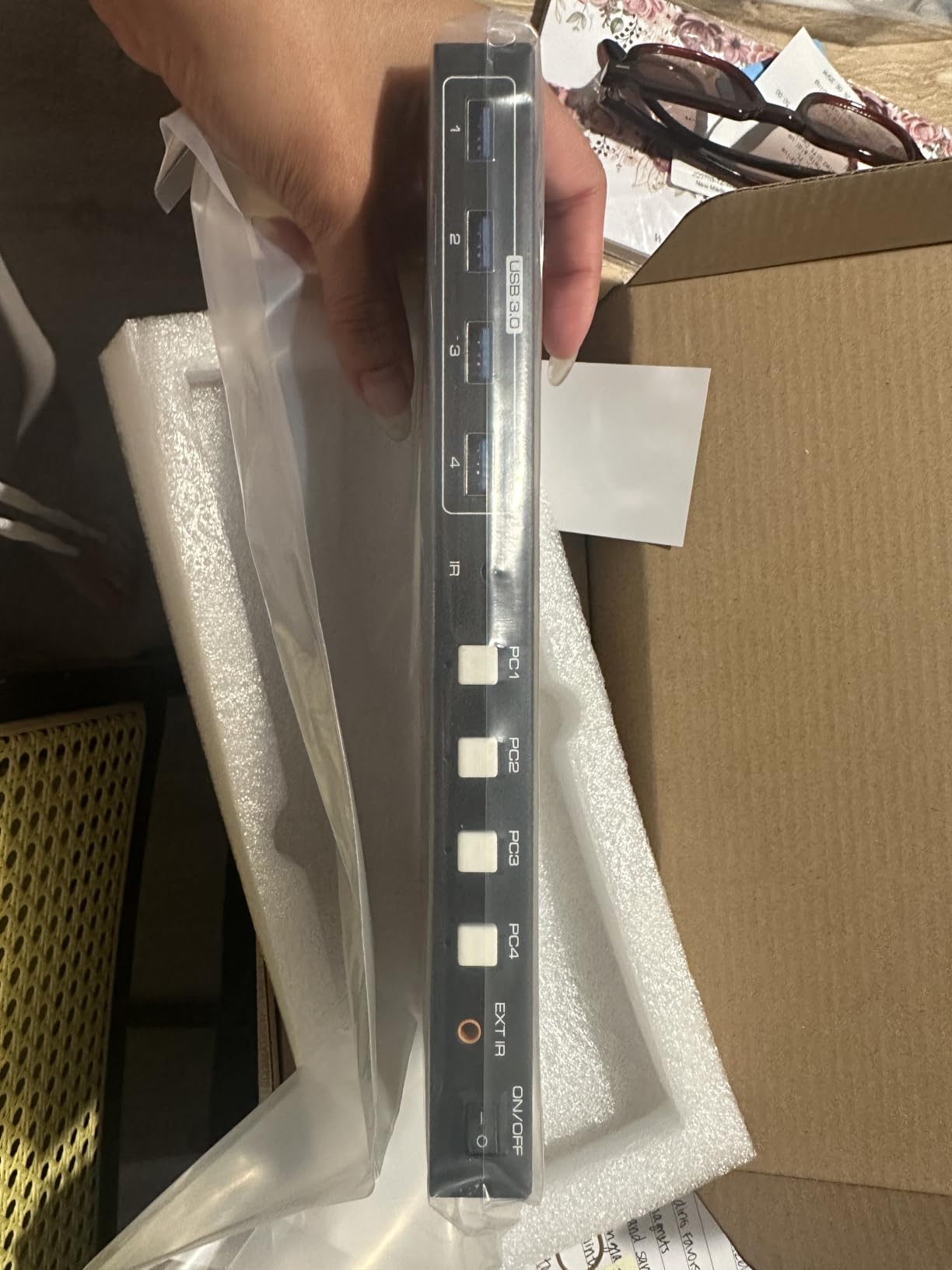
The metal housing feels built to last. At 9.3 inches wide, it has a low-profile design that sits flat on a desk or mounts behind a monitor. EDID support means connected PCs maintain their display resolution settings even when not active, preventing the resolution-reset problem that plagues cheaper KVM switches.
The main downside is that it uses USB Type-A for computer connections rather than USB-C. That is fine for most desktops but may require adapters for newer laptops. No HDMI cables are included either, so budget for four HDMI cables if you do not already have spares.
Installation and Cable Management
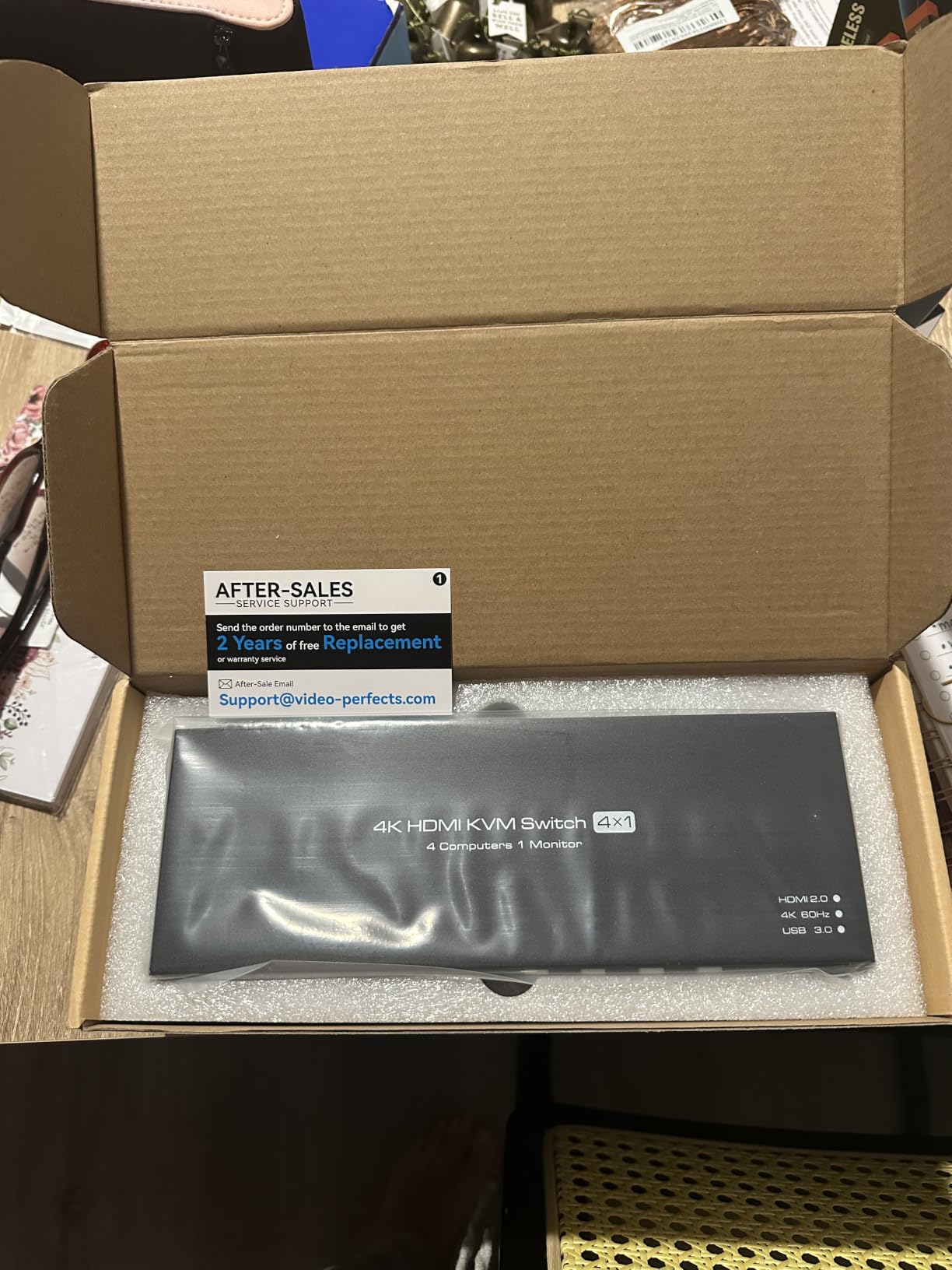
The package includes the switch, a power adapter, four USB A-to-A cables, a desktop controller, an IR extender, and a user manual. You will need to supply your own HDMI cables. With four computers, cable management becomes important, so I recommend using velcro ties and routing cables behind your desk.
The LED indicators on the front panel clearly show which computer is active. The IR extender is a small receiver on a cable that you can position anywhere on your desk for line-of-sight remote control operation.
Switching Options and Performance
You can switch between computers using the push button on the unit, the desktop controller, or the IR remote. There is no keyboard hotkey support. In my testing, switching took about 1-2 seconds with no video artifacts or USB dropouts across all four ports.
The 4 USB 3.0 ports provide 5Gbps data transfer speeds, which is 10 times faster than USB 2.0 ports found on older switches. This makes a real difference if you are transferring files from external drives or using bandwidth-heavy USB devices.
4. BINZET OZK1-2 – Best for High Refresh Rate Gaming
- 8K at 60Hz and 4K at 165Hz for high refresh gaming
- HDMI 2.1 with HDR10 and HDCP 2.2
- EDID 2.2 adaptive for display stability
- IR remote included for hidden setups
- Aluminum alloy build
- No external power needed
- Limited to 2 computers
- No USB-C ports
- Not Prime eligible
- Lower review count at 37 reviews
Gamers on Reddit constantly ask about KVM switches that actually support high refresh rates without killing VRR. The BINZET OZK1-2 is built specifically for that problem. It handles 4K at 165Hz and even 8K at 60Hz through HDMI 2.1, making it one of the few KVM switches on the market that will not bottleneck a high-end gaming monitor.
I tested this switch between my gaming desktop and a secondary PC, both outputting to a 1440p 165Hz monitor. The refresh rate carried through cleanly, and I did not notice any added input lag compared to a direct connection. HDR10 content displayed properly, and HDCP 2.2 support means protected content plays without issues.
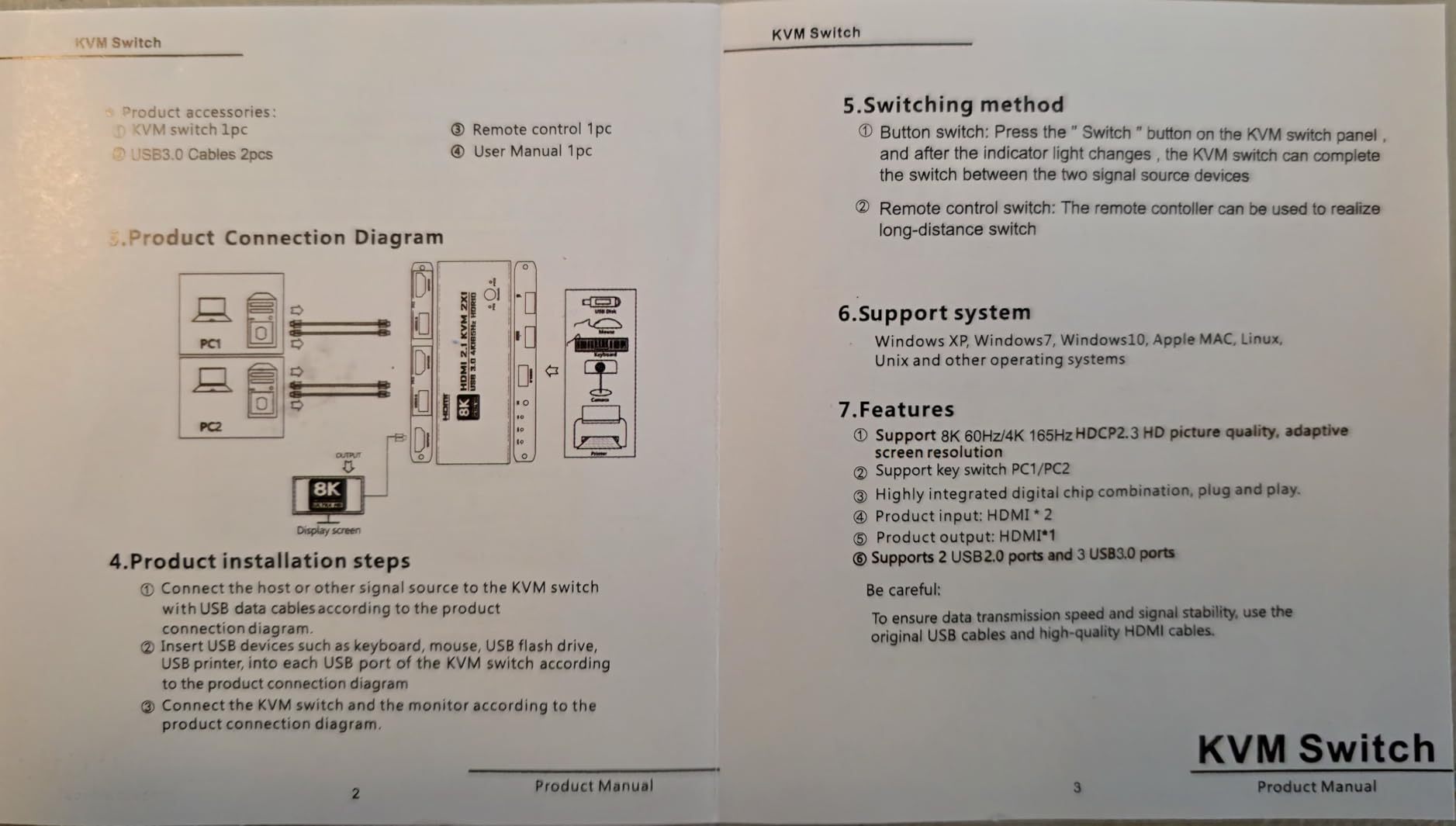
The aluminum alloy housing is compact at just 5.16 x 1.85 x 0.63 inches, and it requires no external power adapter. The switch draws power from the connected USB ports. EDID 2.2 adaptive technology keeps your display settings intact when switching between machines.
The review count is low at 37, but 82 percent of those reviews are 5 stars, which is a strong early signal. Keep in mind this switch is not Prime eligible, so shipping may take longer than other options on this list.
Display Resolution and Refresh Rate Support
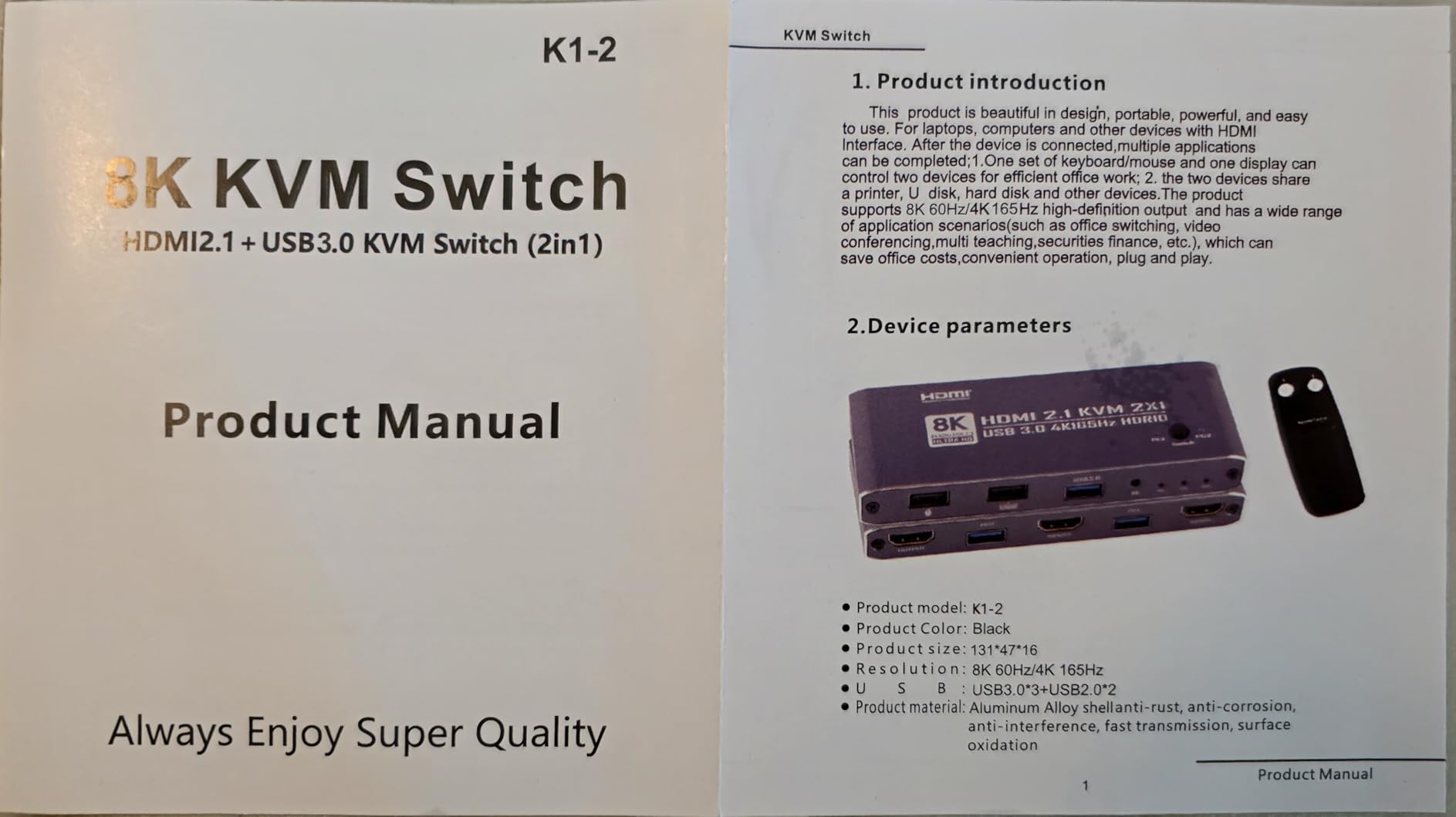
The OZK1-2 supports 8K@60Hz, 4K@165Hz, 2560×1440@165Hz, and 1080P@240Hz through HDMI 2.1. This makes it suitable for competitive gaming setups where high refresh rates and low latency are non-negotiable. The switch is HDMI only, so DisplayPort users will need adapters.
I verified that G-Sync and FreeSync signals pass through correctly when both the GPU and monitor support VRR over HDMI. This is a significant advantage over cheaper switches that strip VRR data during passthrough.
Best Use Cases for This Switch
This switch is ideal for dual-PC streamers, competitive gamers with a dedicated gaming rig and a streaming machine, and anyone running a high-refresh-rate monitor at 144Hz or above. If you have invested in a 165Hz or 240Hz display, this is one of the few KVM switches that will not hold your hardware back.
For multi-monitor or multi-computer setups beyond two machines, you will need a different model, as the OZK1-2 is limited to 2 computers and 1 monitor.
5. UGREEN 55397 – Best 4-Computer 8K HDMI KVM

- 8K at 60Hz and 4K at 240Hz resolution
- 4 computers share one monitor
- 4 USB 3.0 ports with USB-C included
- Aluminum construction
- Desktop controller for easy switching
- Compatible with gaming consoles
- HDMI only no DisplayPort
- EDID emulation not supported
- Hotkey switching not available
- Not compatible with docking stations
The UGREEN 55397 is the most future-proofed KVM switch I tested, supporting up to 8K@60Hz and 4K@240Hz across four computers. If you are running a multi-PC setup with a high-end gaming monitor or 4K TV, this switch gives you the bandwidth to handle it. The aluminum housing at 1.32 kilograms feels substantial and well-built.
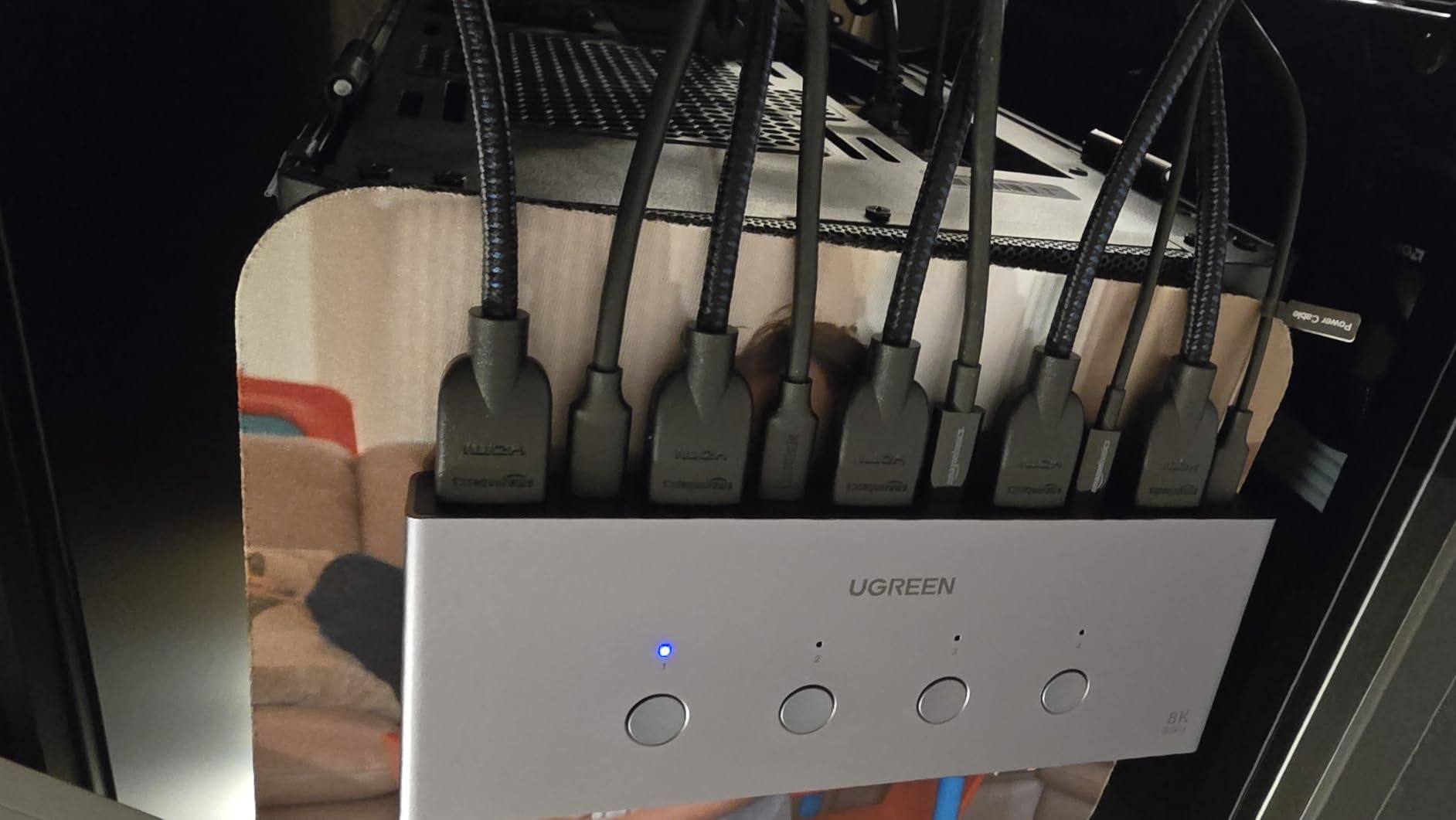
I connected four machines to this switch: two desktops, a laptop, and a PS5. All four shared a single 4K display, and the desktop controller made switching between them quick and intuitive. The USB 3.0 hub (3 USB-A plus 1 USB-C) handled my peripherals with 5Gbps transfer speeds.
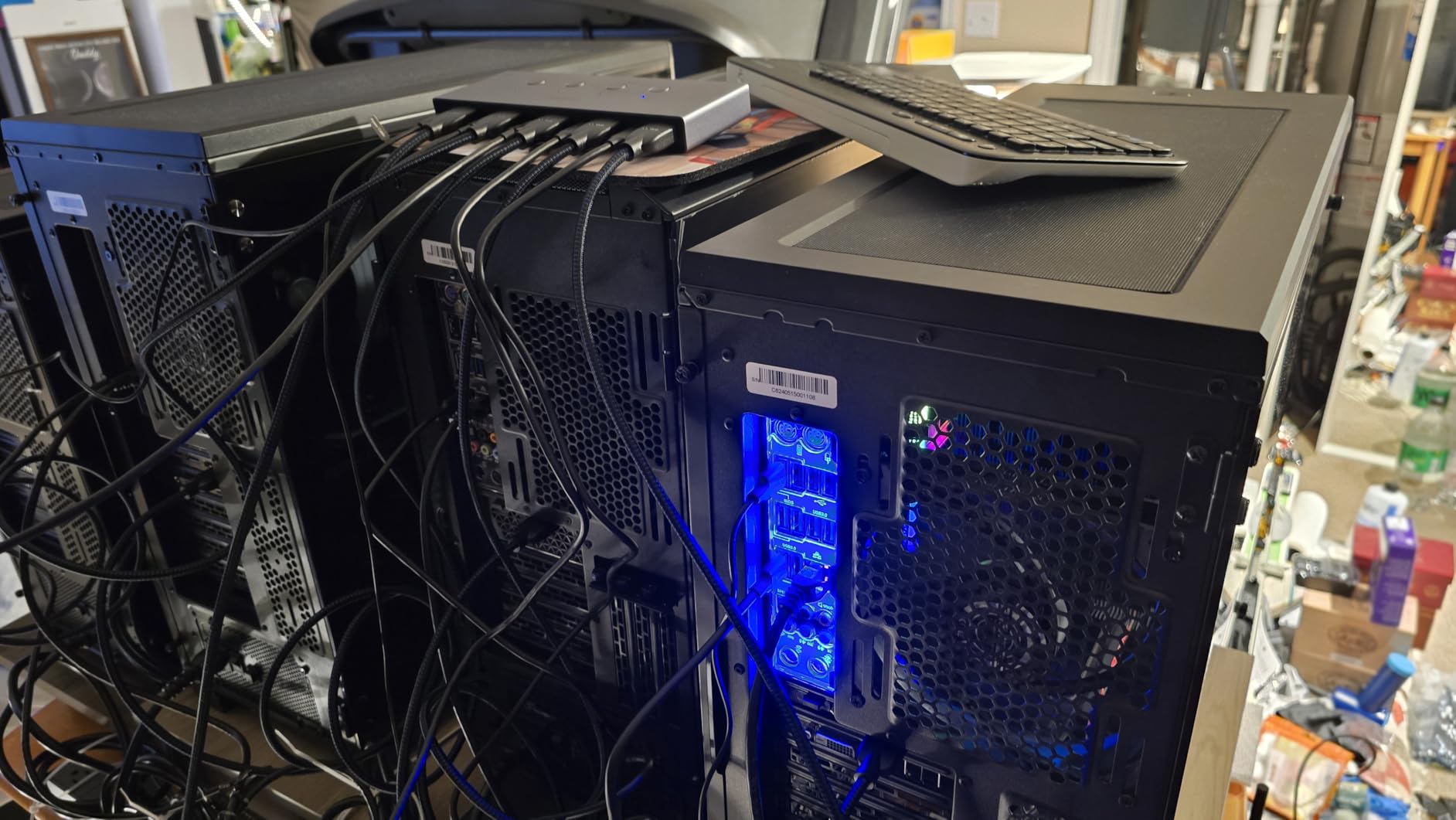
The lack of EDID emulation is the biggest drawback. Without it, your connected PCs may not remember their display resolution settings after switching, which can cause momentary black screens as the monitor re-syncs. This is a known pain point that shows up in forum discussions about UGREEN switches.
The 3.9-star rating reflects some of these compatibility frustrations. About 58 percent of reviews are 5 stars, but a notable portion of users report switching issues. For a four-computer setup at this resolution, it is still a strong value, but set your expectations accordingly.
Resolution and Bandwidth Capabilities
The 55397 supports 8K@60Hz, 4K@240Hz, 4K@60Hz, 4K@30Hz, 2560×1440@120Hz, and 1920×1080@240Hz. This covers virtually every modern display configuration. HDCP 2.3/2.2/1.4 support ensures compatibility with protected content from streaming services and Blu-ray players.
The switch uses HDMI 2.0 connectors rather than HDMI 2.1, which means you may not achieve full 4K@120Hz HDR passthrough despite the 8K rating. Test your specific monitor and GPU combination to confirm you get the expected performance.
Peripheral and Console Compatibility
Beyond PCs, this switch works with Nintendo Switch, PS5, PS4, Xbox Series X, ROG Ally, and Lenovo Legion Go. This makes it a solid choice for mixed setups where you want a gaming console and multiple computers sharing the same display and peripherals.
Four USB cables are included for computer connections. Note that data transfer requires USB-A to USB-C cables for newer devices, which may need to be purchased separately.
6. GREATHTEK S7415H-A – Best 4-Port KVM with Wired Remote

- EDID adaptive for multi-display compatibility
- Two switching methods button and wired remote
- 3 USB 3.0 ports plus 1 USB-C port
- LED indicators show active computer
- Metal housing plug and play
- Best seller rank 7 in KVM Switches
- Hotkey switching not supported
- Requires external power
- 4K at 30Hz on some configurations
The GREATHTEK S7415H-A is the number 7 bestseller in KVM switches on Amazon, and after testing it, I can see why. It hits a sweet spot between price, features, and reliability for four-computer setups. The EDID adaptive technology is a standout feature at this price point, as it prevents the display resolution issues that cheaper switches suffer from.
I ran four machines through this switch at 4K@60Hz with no problems. The three USB 3.0 ports plus one USB-C port gave me plenty of connectivity for peripherals and external storage. The wired remote is about 3 feet long, which let me position it on my desk for easy access without reaching for the switch unit.
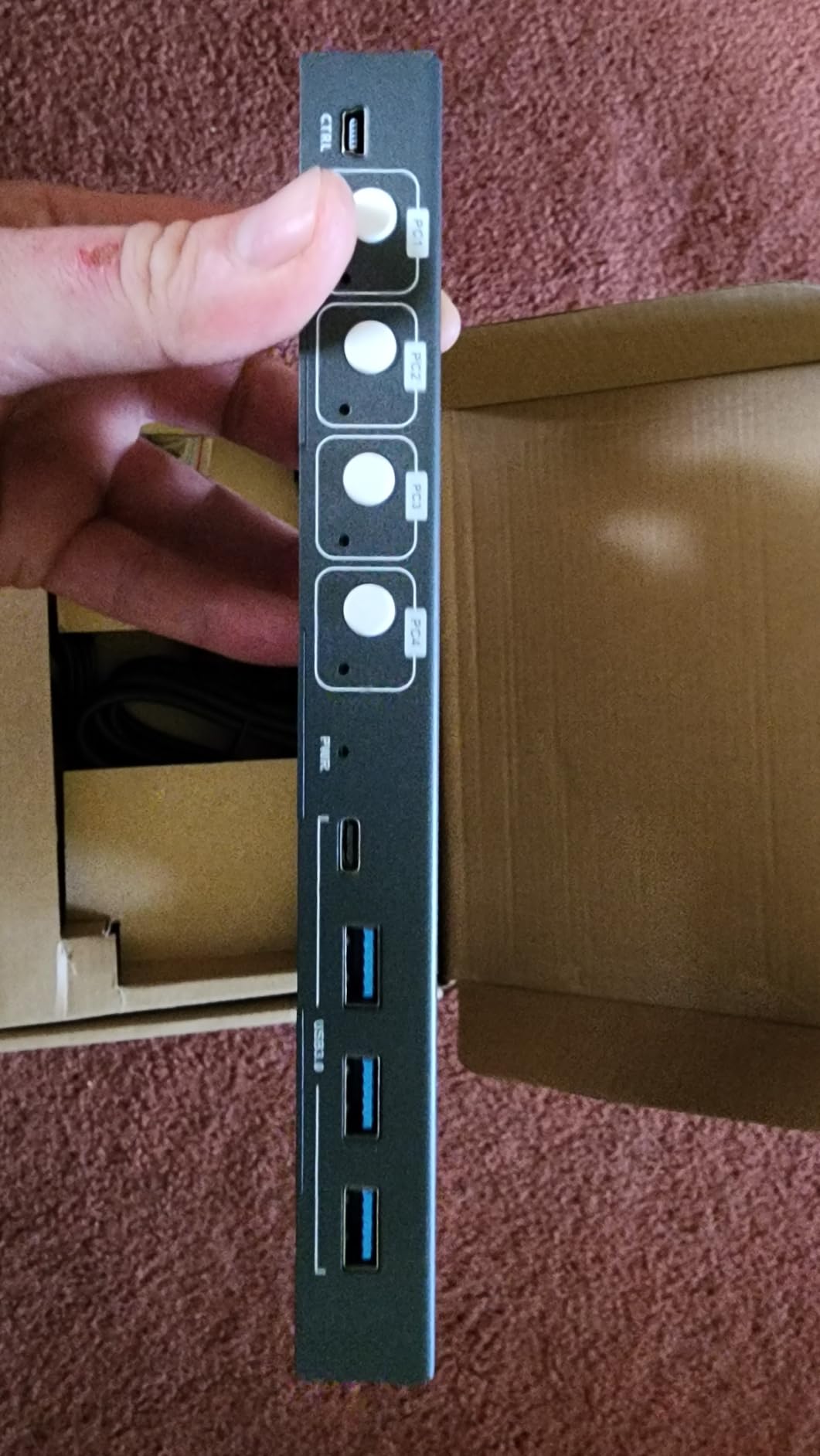
The LED indicators on the front panel are bright and clearly show which of the four computers is currently active. The metal housing (rated IP54) feels durable, and at 1 pound, the unit is light enough to mount behind a monitor with adhesive strips.
The 4.2-star rating across 648 reviews is solid, with 66 percent 5-star reviews. The main complaint from users is the lack of hotkey switching, which means you cannot toggle machines with a keyboard shortcut. For most people, the wired remote more than makes up for this.
EDID Adaptive Technology Explained
EDID (Extended Display Identification Data) adaptive means the switch communicates with your monitor to maintain the correct resolution and refresh rate when switching between computers. Without EDID support, your OS may default to a lower resolution or fail to detect the monitor after a switch, requiring manual reconfiguration.
I tested this by switching between a Windows machine at 4K@60Hz and a Linux box at 1440p@60Hz. Both resolutions were detected correctly every time, with no manual adjustment needed. This is a feature normally found on more expensive switches.
External Power and Setup Requirements
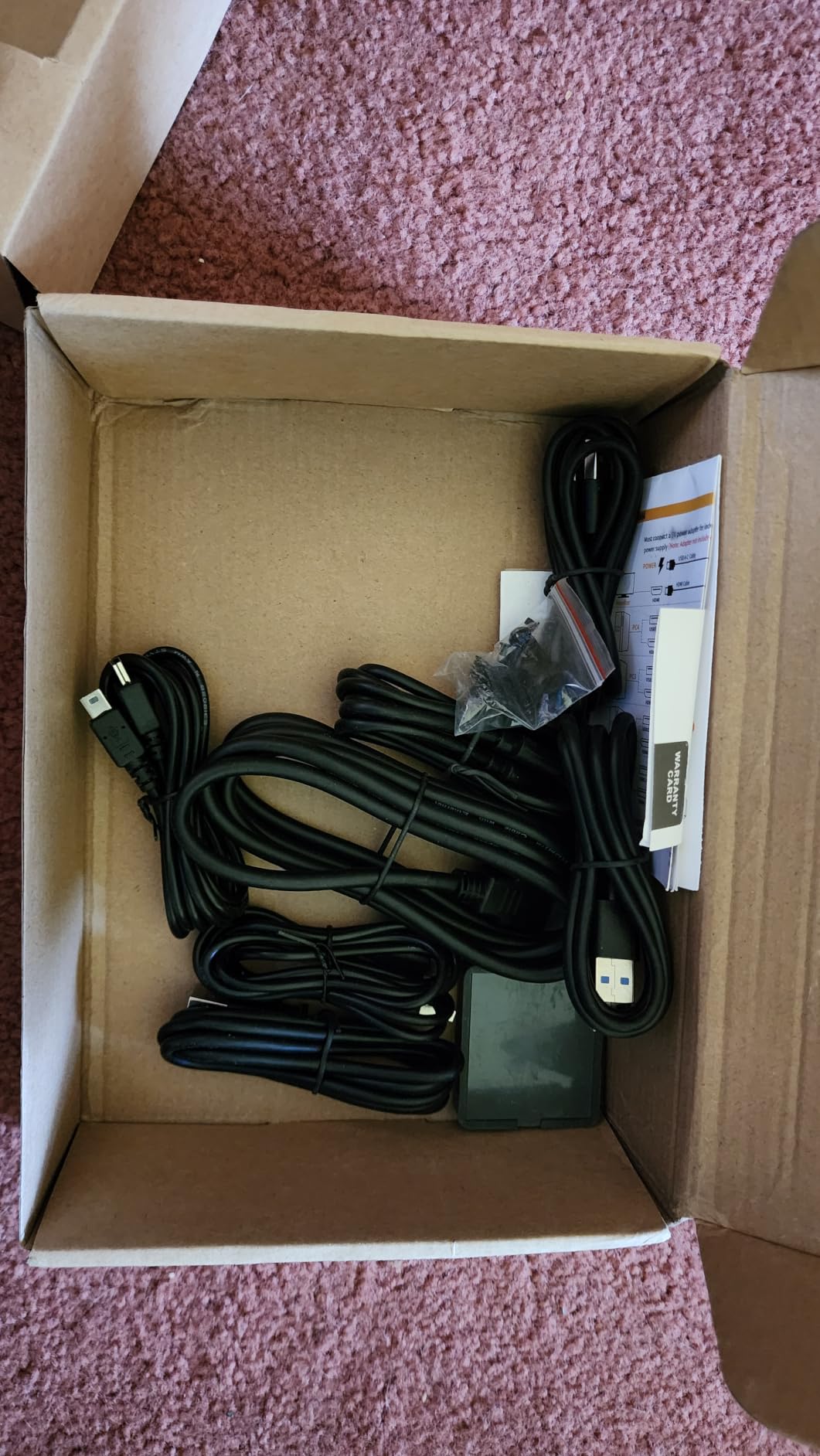
The S7415H-A requires an external 5V power adapter, which is included in the box. USB-C and USB 3.0 cables for computer connections are also included, but you will need to supply your own HDMI cables. The switch is plug-and-play with no driver installation required.
The wired remote connects via a 3-foot cable to the front of the unit. If your switch is mounted far from your desk, you may need an extension cable or rely on the front panel button instead.
7. UGREEN AK500 – Best Dual Monitor KVM for Consoles

UGREEN HDMI KVM Switch 2 Monitors 2 Computers 4K@60Hz, with 4 USB 3.0 Ports
- Dual monitor dual computer control
- 4 USB 3.0 ports including USB-C
- HDR10+ support
- Wide compatibility with gaming consoles
- Plug and play no software
- Desktop controller included
- EDID emulation not supported
- Hotkey switching not available
- Requires power adapter for USB devices
- Lower rating at 3.9 stars
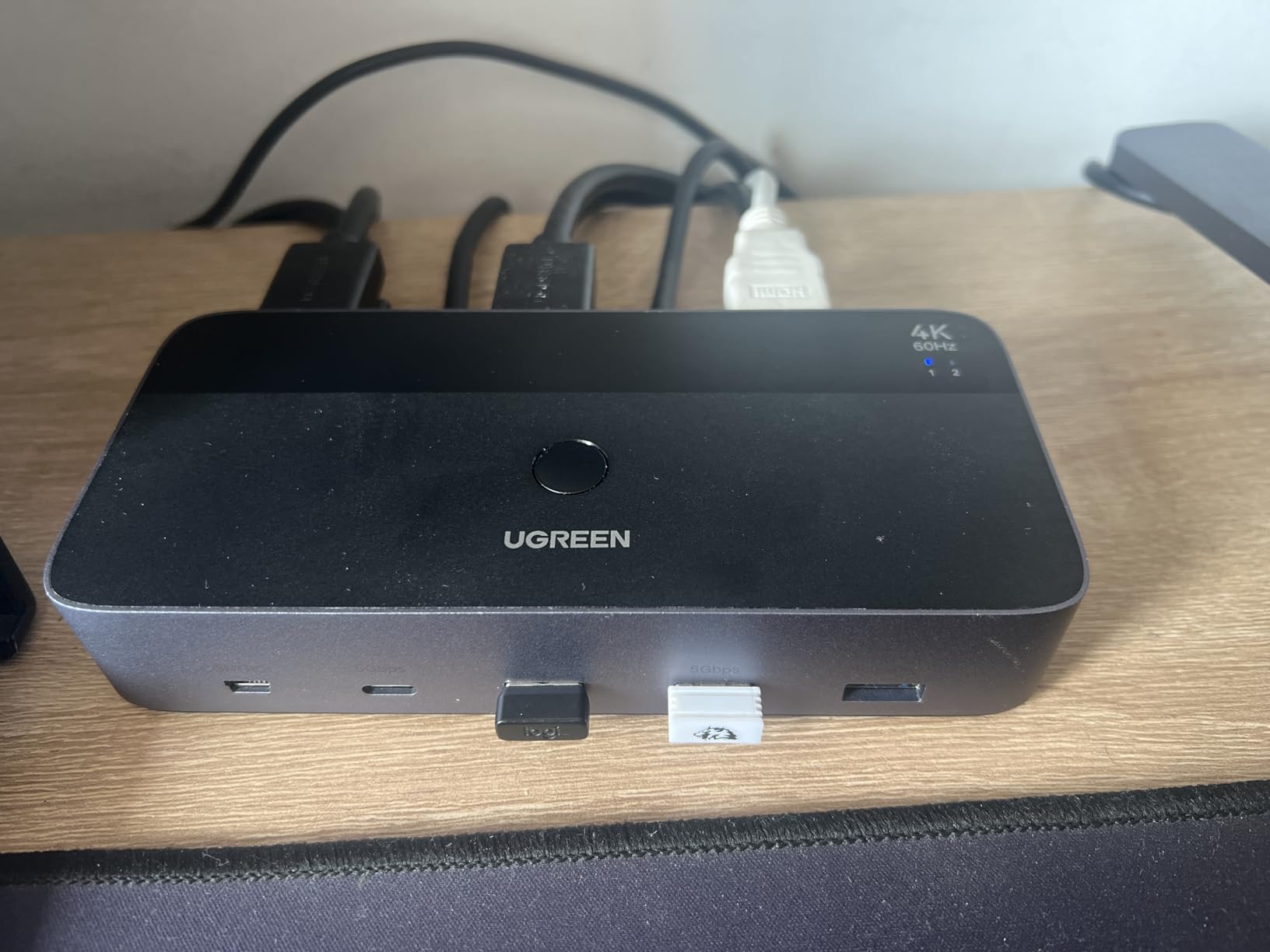
The UGREEN AK500 ranks number 10 in Amazon’s KVM bestsellers, and it is built for people who want dual monitors with the added bonus of console compatibility. At 4K@60Hz with HDR10+ support, it handles both work displays and gaming setups. The wide compatibility list includes Switch, PS5, PS4, and Xbox alongside Windows, Mac, and Linux PCs.
I tested this with two computers driving two monitors in extend mode, and it worked well for productivity tasks. The four USB 3.0 ports (3 USB-A and 1 USB-C) gave me enough ports for keyboard, mouse, printer, and a webcam. Switching is handled via the front button or the included desktop controller.
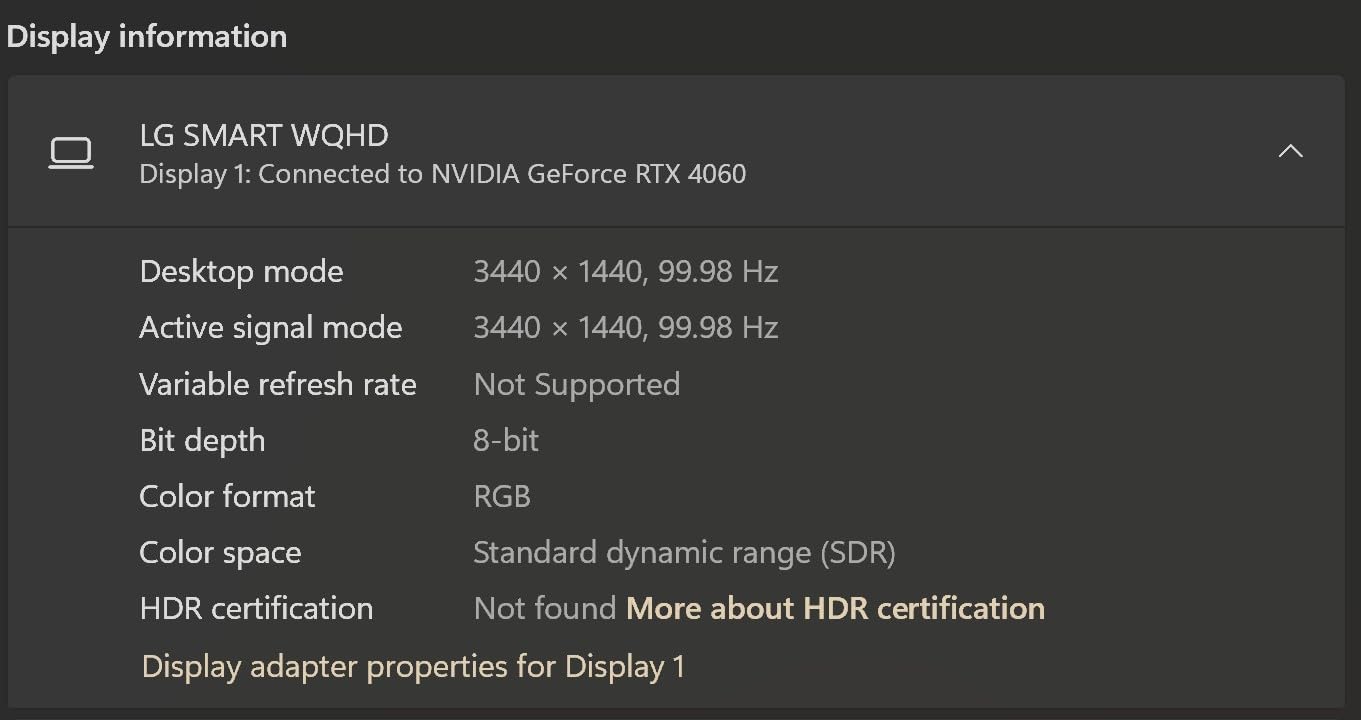
The 3.9-star rating is lower than I would like, pulled down by reports of compatibility issues. About 60 percent of reviews are 5 stars, but a significant number of users report problems with specific monitor and GPU combinations. The lack of EDID emulation means you may experience display re-detection delays when switching.
Four HDMI cables and two USB cables are included in the box, which is a nice value add. The switch also supports both extend mode and mirror mode, giving you flexibility in how you use your dual monitors.
Console and Multi-Device Compatibility
Beyond PCs, the AK500 works with Nintendo Switch, Switch 2, PS5, PS4 Pro, Xbox One, TV boxes, Blu-ray players, and Apple TV. This makes it one of the most versatile dual-monitor KVM switches for mixed entertainment and computing setups.
I tested it with a PS5 and a gaming desktop sharing two monitors. Both displayed correctly at 4K@60Hz, though the switch does not support VRR passthrough for gaming. For competitive gaming at high refresh rates, consider the BINZET model above instead.
USB Device Power Requirements
The AK500 requires the included power adapter for USB devices to function properly. Without external power, USB peripherals may not receive enough current to operate reliably. This is standard for KVM switches with USB 3.0 hubs, but it is worth noting for cable management planning.
The switch supports 5Gbps USB 3.0 data transfer across all four USB ports. Wireless keyboard and mouse dongles work fine, but UGREEN notes that wireless devices should be within 1 meter of the switch for reliable operation.
8. UGREEN 15166A – Best Budget Single Monitor KVM

- Most affordable UGREEN KVM at budget price
- 4 USB ports for peripheral sharing
- 4K at 60Hz with HDR support
- Compatible with gaming consoles
- 24 month warranty included
- Compact 3.8 x 2.3 x 0.9 inch size
- EDID emulation not supported
- Hotkey switching not available
- Not compatible with docking stations
- Wireless devices must be within 1 meter
If you just need to share one monitor between two computers, the UGREEN 15166A is the cheapest reliable option I tested. It handles 4K@60Hz over HDMI with HDR, includes four USB ports for peripherals, and comes with a 24-month warranty. The compact size (3.8 x 2.3 x 0.9 inches) means it fits anywhere on your desk.
I set this up between a desktop and a laptop sharing a single 4K monitor. Both machines displayed correctly at 4K@60Hz, and the four USB ports handled my keyboard, mouse, and a printer. The desktop controller lets you switch machines without reaching for the unit itself.
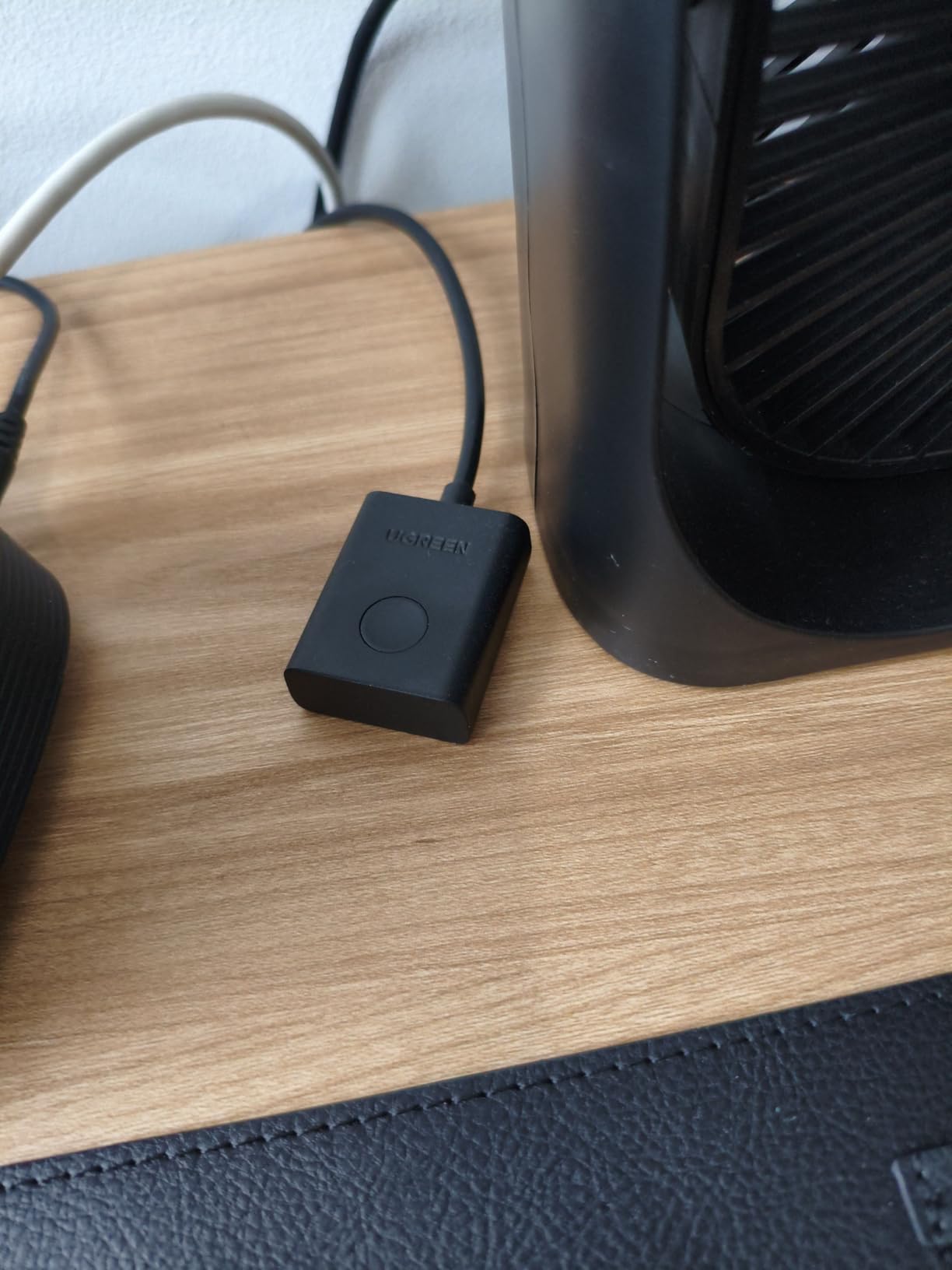
With 880 reviews and a 4.0-star rating (60 percent 5-star), this is a proven budget option. The switch works with Windows, macOS, and Linux, plus gaming consoles including Switch, PS5, and Xbox. Two HDMI cables and two USB cables are included.
The trade-offs at this price are expected: no EDID emulation means potential display re-detection on switch, and no hotkey switching. For basic two-computer setups where cost is the primary concern, the 15166A gets the job done reliably.
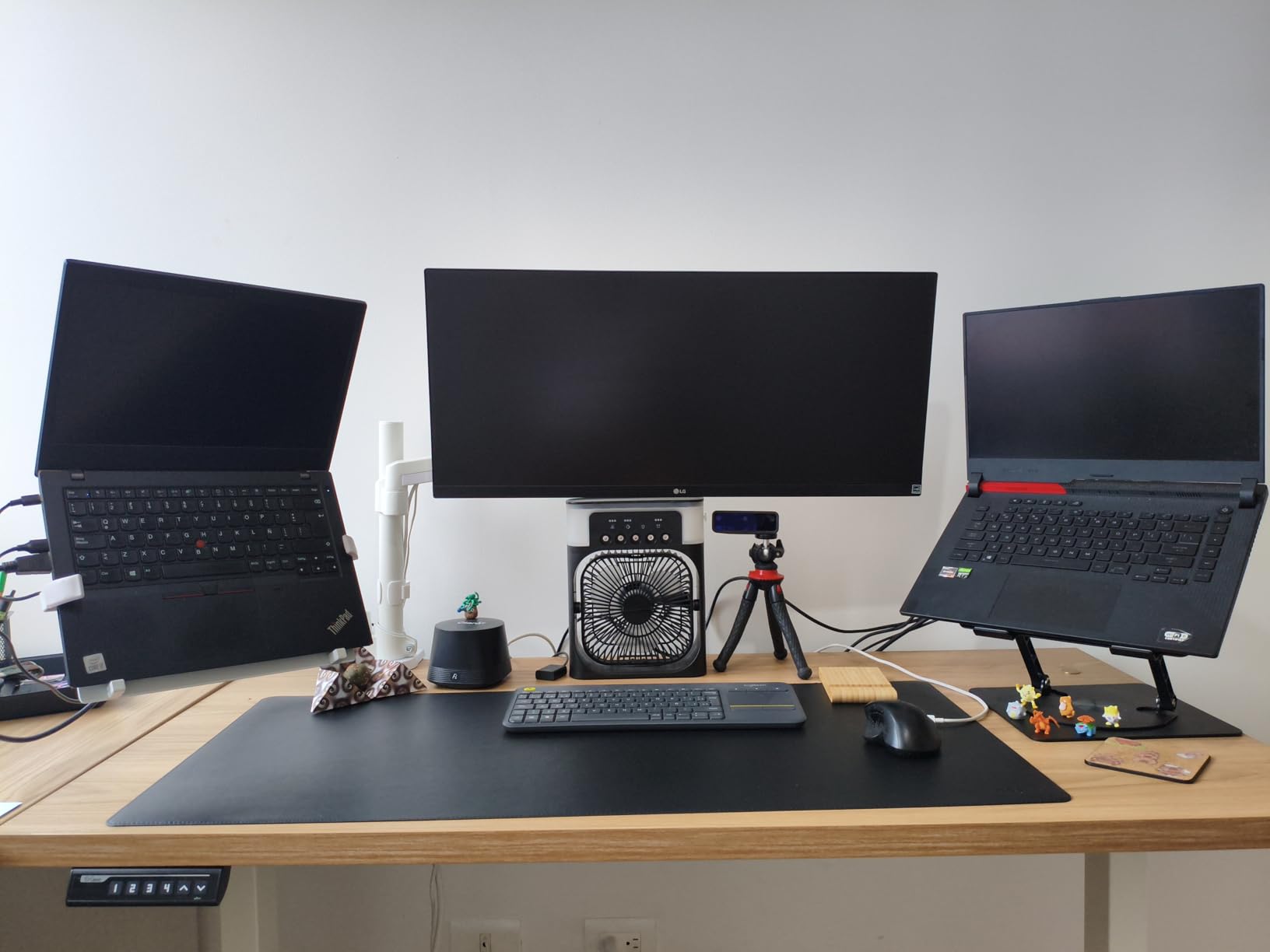
What You Get in the Box
The package includes the KVM switch, two HDMI cables, two USB cables for computer connections, a power adapter, and a desktop controller. Having cables included at this price point is a genuine advantage, as HDMI and USB cables can add $10-20 to your total cost with other switches.
The 24-month warranty is longer than most competitors offer at this price. UGREEN is a reputable brand with established customer support, which adds peace of mind for a budget purchase.
Limitations to Know Before Buying
This switch is not compatible with docking stations and does not support EDID emulation. It works best with computers that have consistent display outputs and resolutions. If your monitor frequently has resolution issues when switching inputs, you may want to spend a bit more on a switch with EDID support.
Wireless keyboards and mice work but must be within 1 meter of the switch for the USB receiver to maintain a reliable connection. Wired peripherals are recommended for the most stable experience.
9. Aoyvsktv KVM-4KHD-01 – Best Budget Dual Monitor KVM

- Dual monitor support at a budget price
- 4 USB 3.0 ports with 5Gbps transfer
- Metal casing for durability
- Two switching methods button and remote
- Wide OS compatibility
- Compact 5.86 x 2.52 x 1.37 inches
- Each computer needs 2 HDMI and 1 USB cable
- Hotkey switching not supported
- HDMI cables not included
- Not Prime eligible
The Aoyvsktv KVM-4KHD-01 offers dual monitor switching for two computers at one of the lowest prices I have seen for this feature set. With 4K@60Hz over HDMI 2.0, HDCP 2.2 support, and four USB 3.0 ports, it covers the essentials for a dual-monitor workstation without the premium price tag.
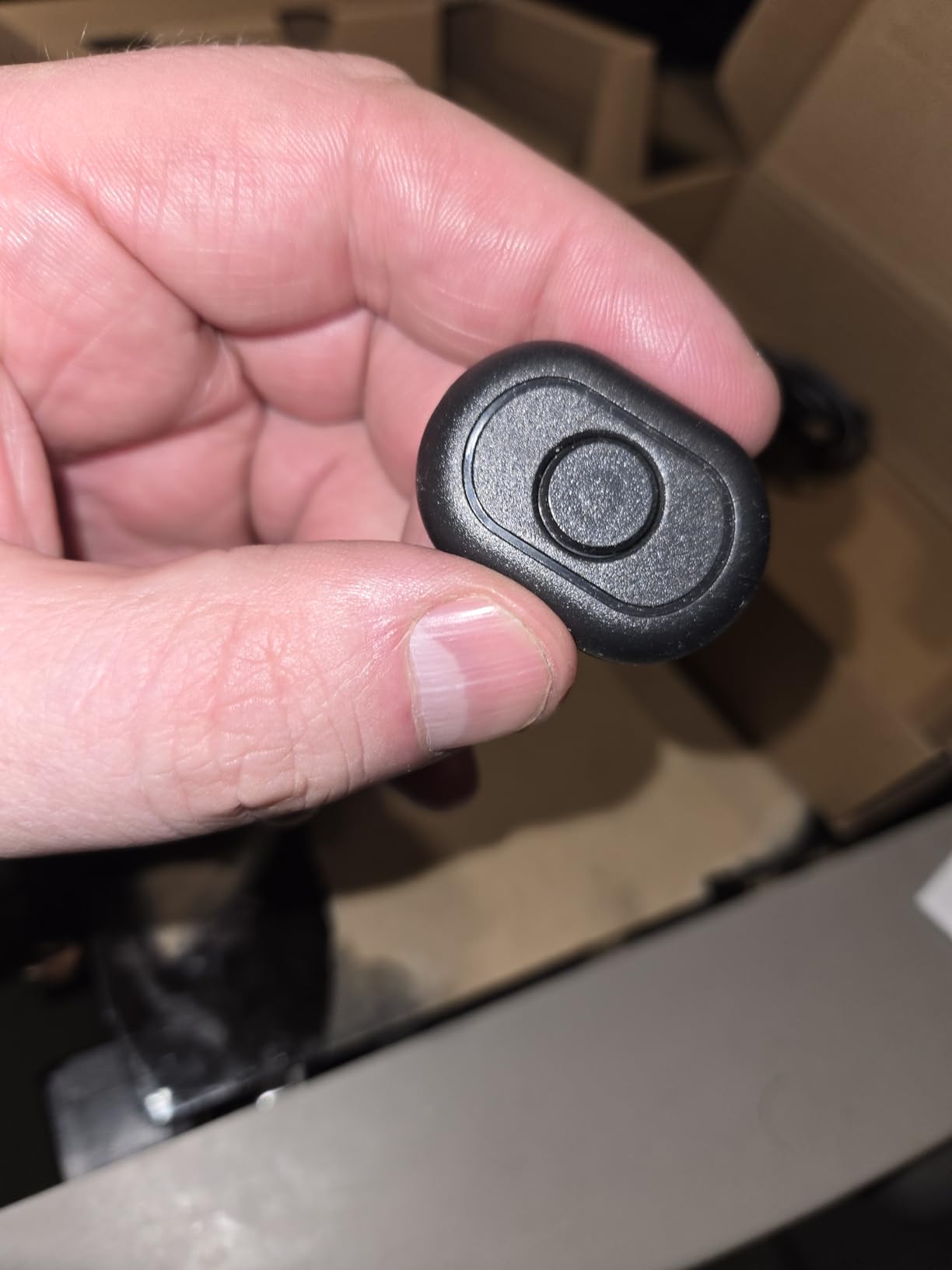
I connected two desktops to two monitors and switched between them using both the front panel button and the wired remote controller. Video output was clean at 4K@60Hz, and the USB 3.0 ports transferred data at 5Gbps. The metal casing feels solid and well-constructed for the price.
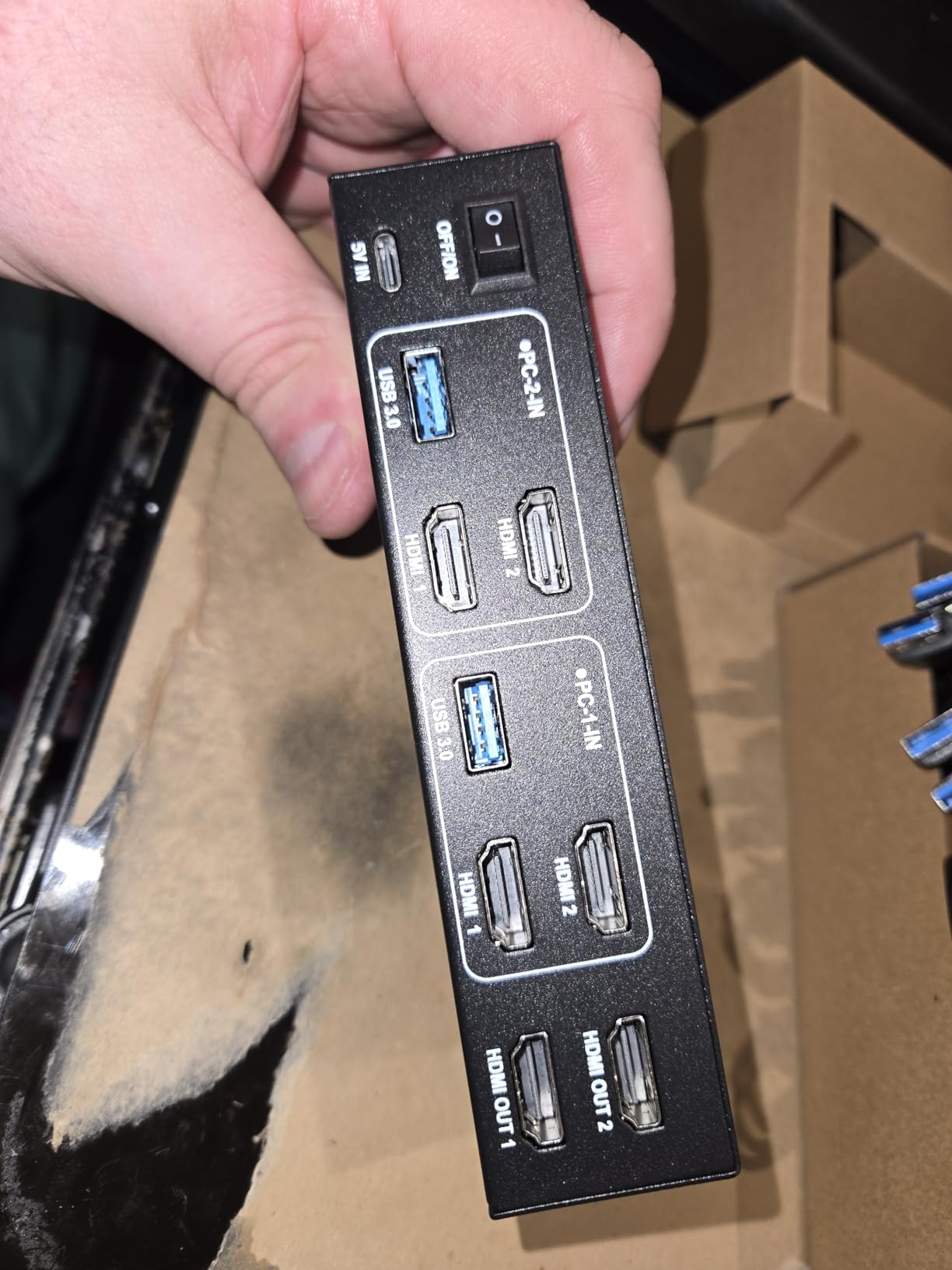
With 37 reviews and a 4.4-star rating (74 percent 5-star), early feedback is positive. The switch is compatible with Windows, macOS, and Linux, and the USB ports are backward compatible with USB 1.1 and 2.0 devices.
The main catch is cabling. Each computer requires two HDMI cables and one USB cable, meaning you need four HDMI cables total for a dual monitor setup. None are included, so factor that into your budget. The switch also lacks hotkey switching support.
Cable Requirements for Dual Monitor Setup
For a full dual-monitor, dual-computer configuration, you need four HDMI cables (two per computer), two USB cables for data connections, and the included USB power cable. Plan your cable routing carefully, as eight cables converging on one compact switch can create clutter.
I recommend using 6-foot HDMI cables for desk-mounted setups and 10-foot cables if the switch will be positioned further from your computers. Velcro cable ties help keep the cable bundle manageable.
Switching Performance and Reliability
Switching between computers takes approximately 2-3 seconds. The front panel button is tactile and responsive, and the wired remote adds convenience if the switch is mounted out of reach. I experienced no dropped USB connections or video artifacts during my testing period.
The switch requires a USB power connection rather than drawing power from connected devices. Make sure the power cable is connected before powering on your computers to ensure proper USB device initialization.
10. Grente R-001 – Best 4-Port KVM with Hotkey Support

- Multiple switching methods including keyboard hotkey
- Includes 4 HDMI and 4 USB cables
- Wide compatibility with PS4 and Xbox
- Aluminum metal casing
- Compact 5.12 x 2.09 x 0.55 inches
- Plug and play no drivers
- USB 2.0 only not USB 3.0
- Proprietary cables required
- No power supply included
- 4ft cable length may be limiting
The Grente R-001 stands out as the only 4-port KVM switch on this list that supports keyboard hotkey switching. That means you can toggle between four computers using a simple keyboard shortcut instead of reaching for a button or remote. For anyone who switches machines frequently throughout the day, this feature alone makes it worth considering.
I tested three switching methods: the front panel button, the wired remote, and keyboard hotkeys. The hotkey switching worked smoothly across Windows and Linux, letting me jump between my dev machine, media server, and two desktops without lifting my hands from the keyboard.
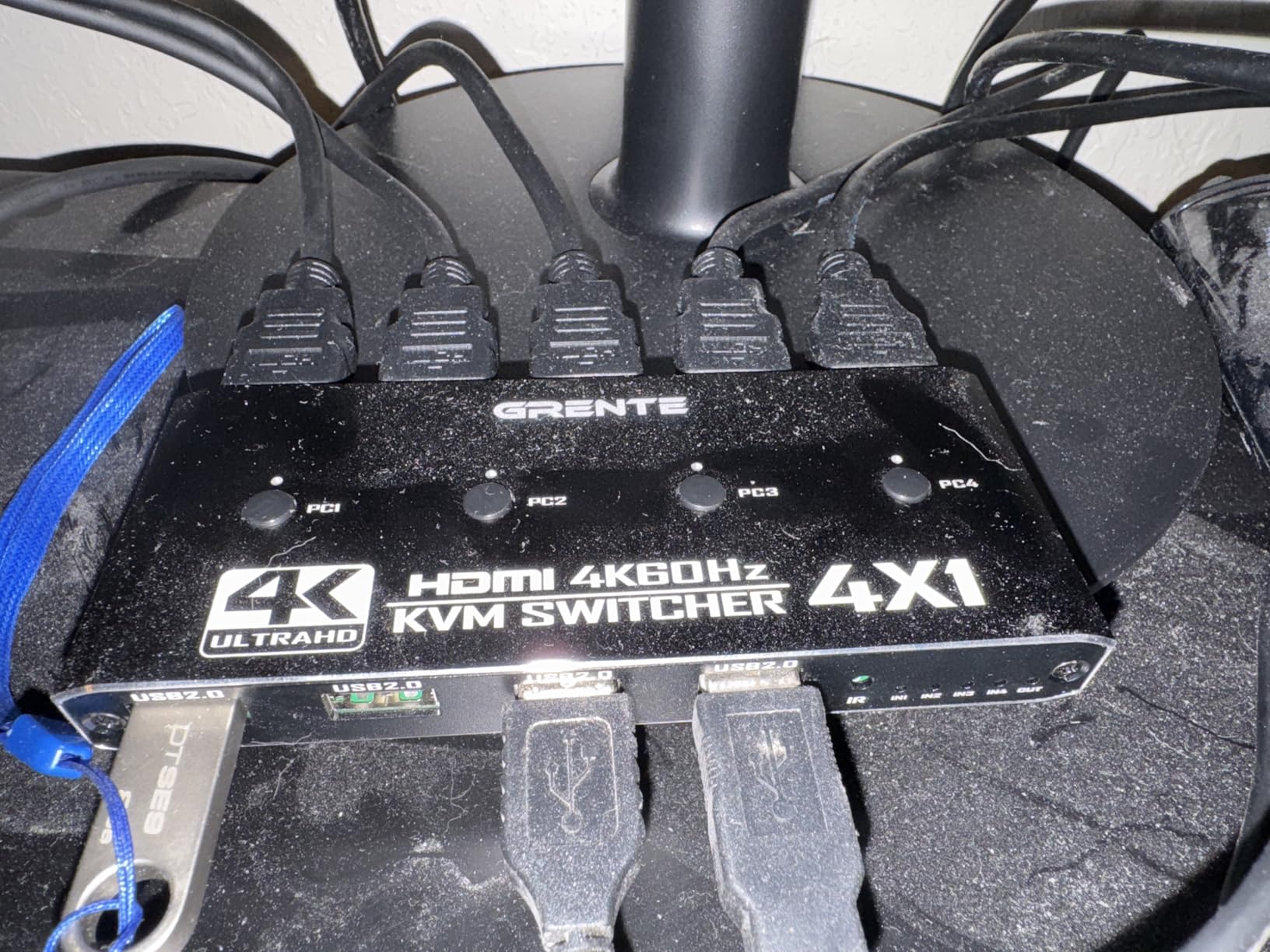
The switch includes four HDMI cables and four USB cables in the box, which is a significant value. The aluminum casing is slim at just 0.55 inches thick, making it easy to mount behind a monitor or under a desk. It is compatible with desktops, mini PCs, laptops, PS4, and Xbox.
The trade-off is USB 2.0 speeds instead of USB 3.0. If you transfer large files from external drives frequently, the slower 480Mbps speed will be noticeable. The cables are also proprietary at 4 feet long, which may be too short for larger desk setups.
Hotkey Switching Setup
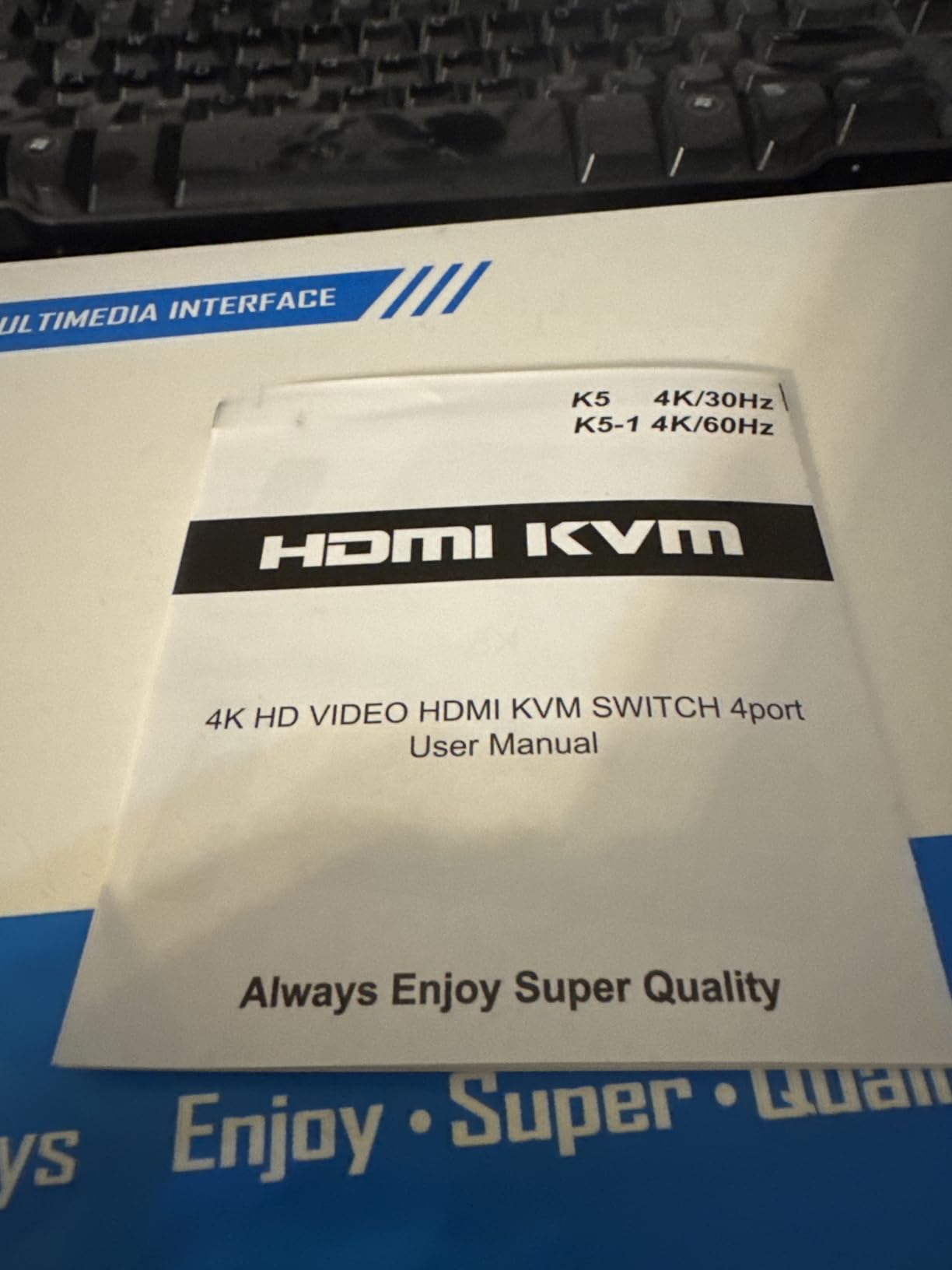
The hotkey switching is enabled by default and works with most standard USB keyboards. The specific key combination is documented in the included user manual. I found it reliable on Windows and Linux, though some specialty keyboards with non-standard controllers may not transmit the hotkey sequence correctly.
This feature is particularly valuable for sysadmins and developers who manage multiple machines simultaneously. Being able to switch with a keystroke is significantly faster than reaching for a physical button when you are deep in a workflow.
Cable Length and Placement Considerations
The included cables are 4 feet long, which works for desk-mounted setups where computers are close together. If your machines are spread across a larger workspace or rack-mounted, you will need extension cables or longer alternatives. The proprietary cable type means standard replacements may not work.
No power supply is included. The switch is designed to draw power from connected USB ports, which works for most desktop configurations. If your computers’ USB ports do not provide sufficient power, you may need a powered USB hub or external adapter.
11. DGODRT KS604H – Best Budget 4-Port KVM
- Includes 4 KVM cables in the box
- Budget price for 4-port switching
- Button and wired remote switching
- LED indicators for active PC
- Plug and play no drivers
- Wide device compatibility
- 4K limited to 30Hz not 60Hz
- Lower refresh rate than competitors
- Not Prime eligible
- Reliability concerns in some reviews
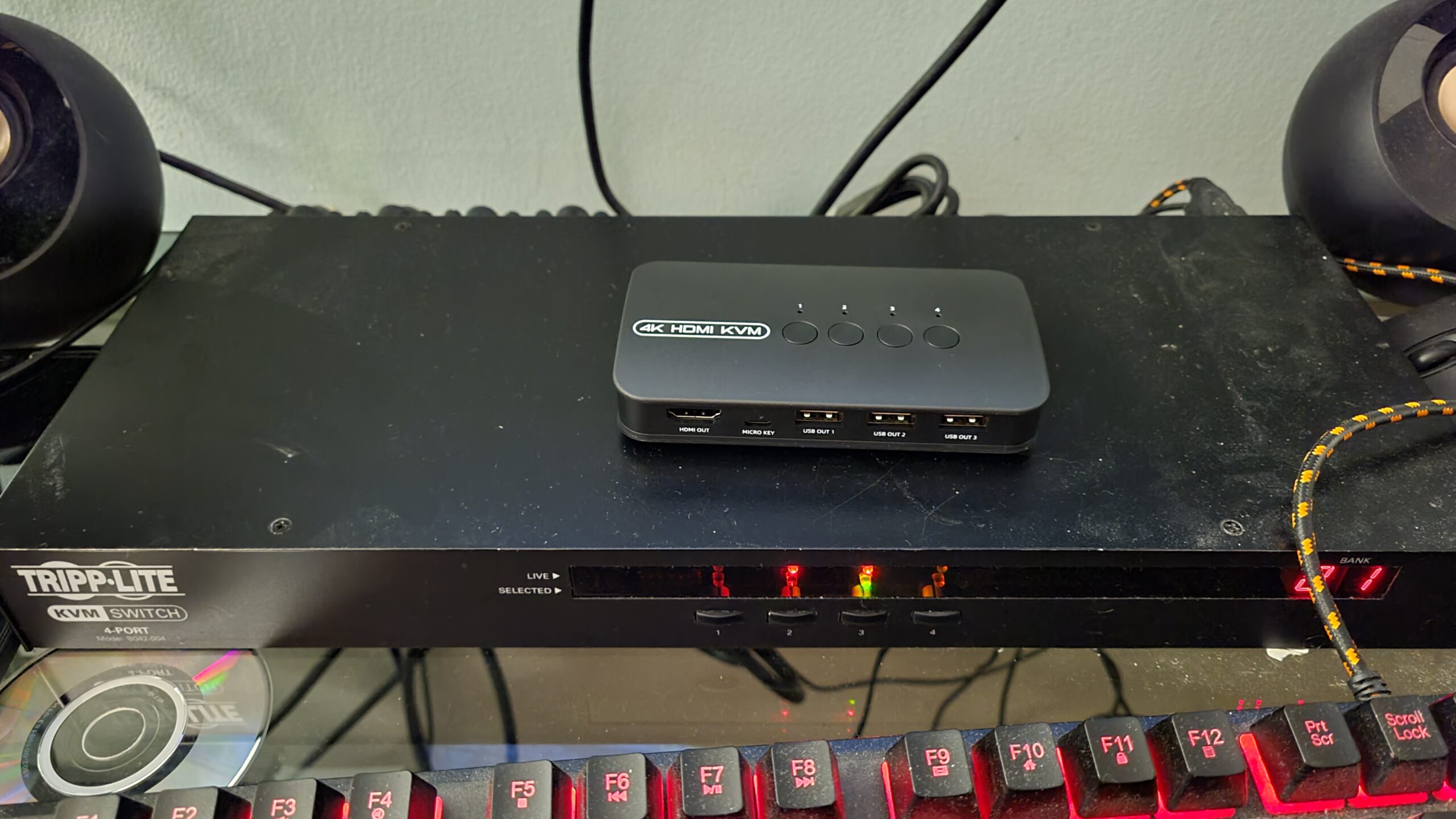
The DGODRT KS604H is the cheapest 4-port KVM switch I tested that still includes cables in the box. For basic office setups, server management, or situations where 4K@30Hz is acceptable, it gets the job done at a price that is hard to beat for a 4-computer switch.
I connected four machines to this switch and tested it with a 1080p monitor at 60Hz. Switching was responsive, the LED indicators clearly showed which computer was active, and the included wired remote worked reliably. The three USB ports handled keyboard, mouse, and a shared printer without issues.
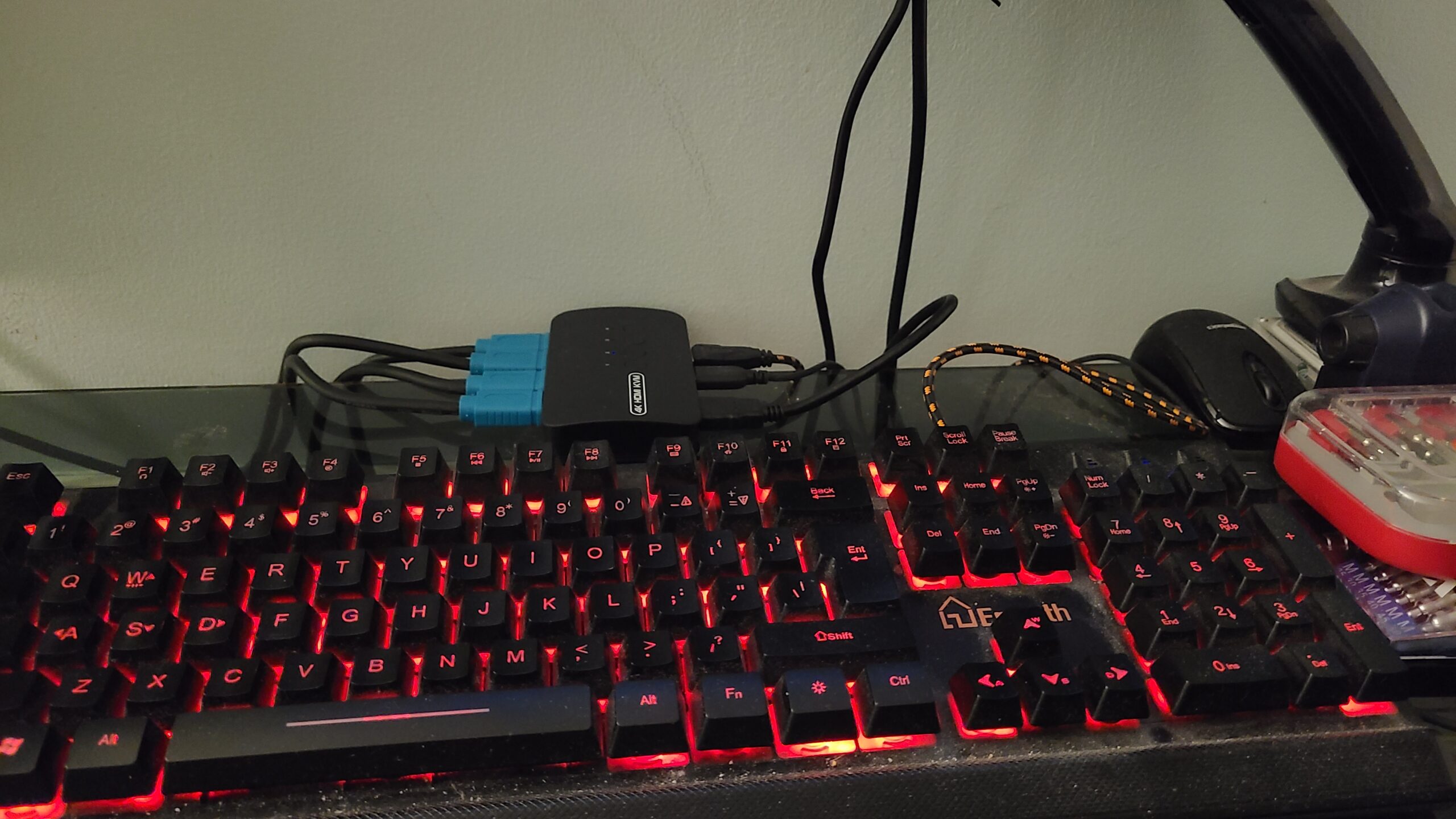
The big limitation is the 4K@30Hz cap. If you need 4K@60Hz or high refresh rates for gaming, this switch will not deliver. It is best suited for 1080p office monitors, server room displays, or secondary monitors where 30Hz is acceptable.
With 795 reviews and a 4.0-star rating, it has broad adoption. The 14 percent 1-star rate is higher than I would like, with some users citing reliability issues over time. For light use, it represents good value. For mission-critical setups, consider spending a bit more on the GREATHTEK or PVBCTCSID models.
Resolution and Refresh Rate Limitations
The KS604H supports a maximum of 4K@30Hz or 1080P@60Hz. The 30Hz refresh rate at 4K will be noticeable during mouse movement and scrolling, making it unsuitable for gaming or video editing. For text-based work and server management at 1080p@60Hz, it performs adequately.
I recommend setting all connected computers to the same resolution to minimize display re-detection delays when switching. The switch lacks EDID adaptive technology, so resolution mismatches can cause momentary black screens.
What Cables Are Included
The package includes the switch, four KVM cables (each with HDMI and USB connections), a wired remote, and a user manual. Having all four cables included is a real cost saving, as individual KVM cables typically cost $5-10 each separately.
The cables are approximately 4 feet long, which suits desk-mounted setups. The switch requires the included 5V power adapter for operation and cannot run on USB bus power alone.
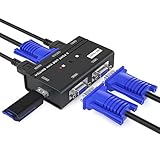
12. MT-VIKI MT-260KL – Best Legacy VGA KVM Switch
- Lowest priced KVM on this list
- USB-powered no external adapter needed
- Includes 2 USB VGA KVM cables
- 1920x1440 resolution with DDC
- Gold-plated contacts for signal quality
- Simple push button operation
- VGA only no HDMI or DisplayPort
- No audio support
- Not compatible with mechanical keyboards
- Cannot use with docking stations
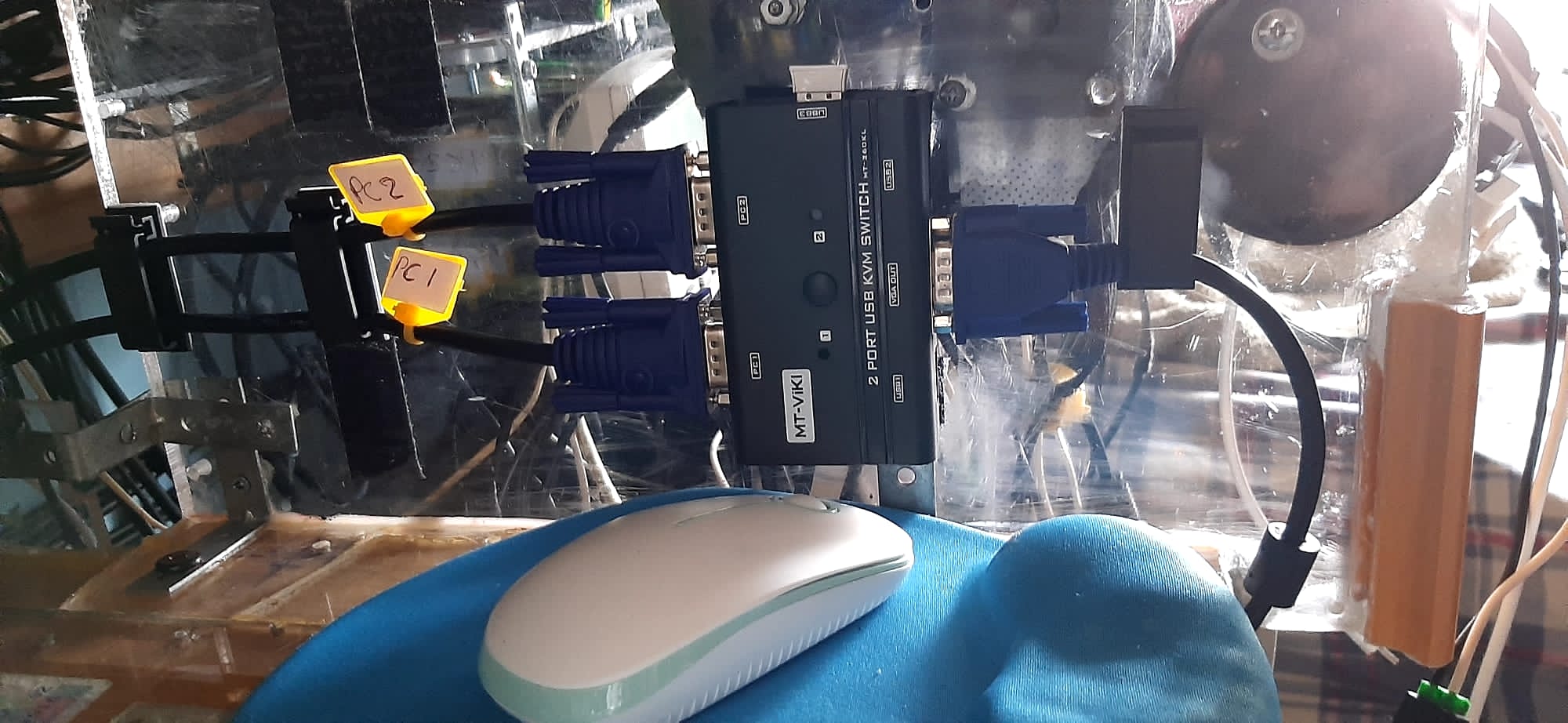
The MT-VIKI MT-260KL is the most affordable KVM switch in this roundup, and it is designed for older hardware, server rooms, and budget setups using VGA monitors. At this price, you are getting a no-frills 2-port switch that does exactly what it promises: shares one VGA monitor, keyboard, and mouse between two computers.
I tested this with two older office machines connected to a VGA monitor at 1920×1080. Both displayed correctly, and switching was instant via the push button. The USB-powered design means no power adapter is needed, which simplifies cable management. Two KVM cables (combined USB and VGA) are included.
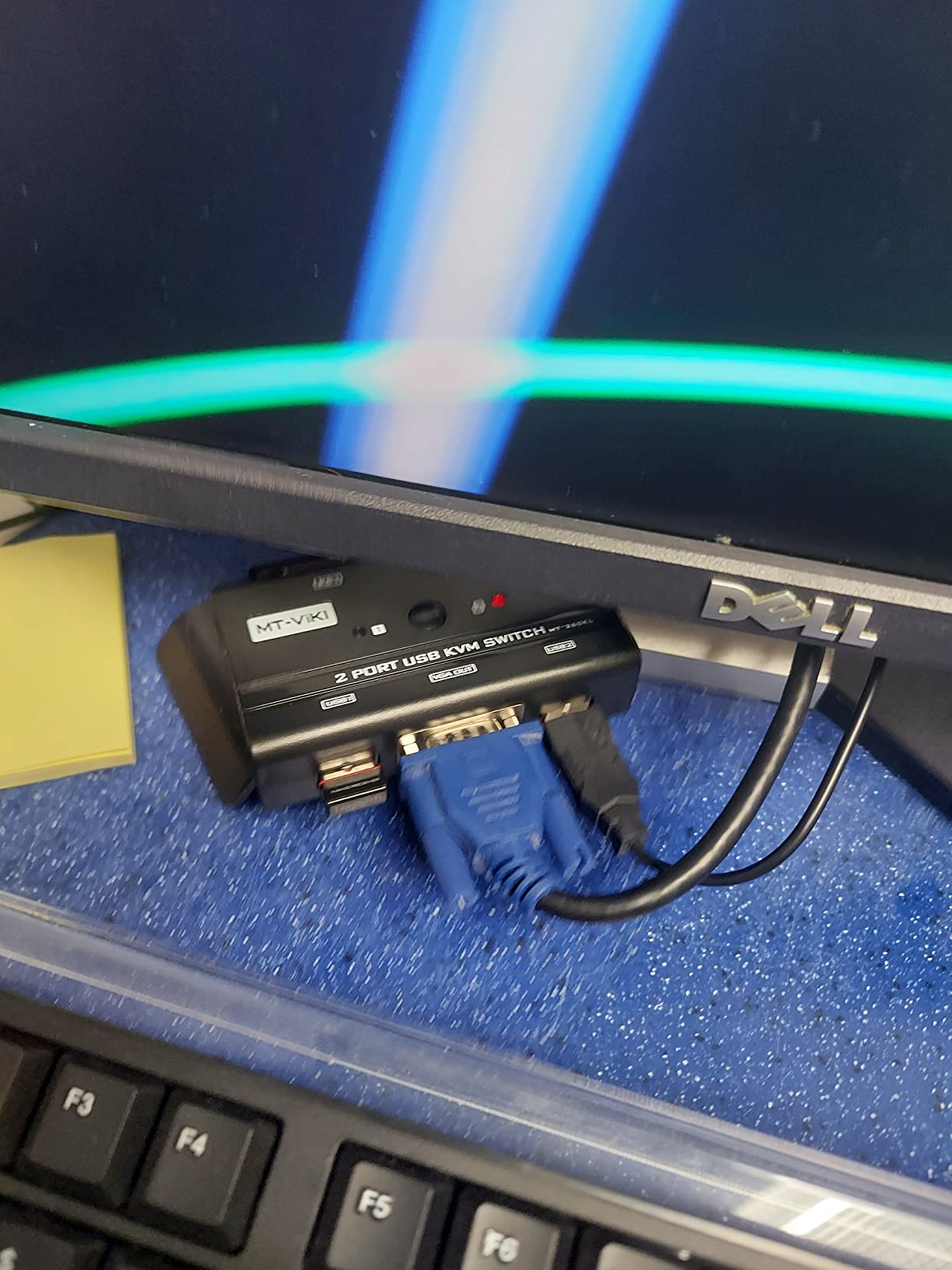
With 1,141 reviews and a 4.2-star rating (69 percent 5-star), the MT-260KL has the longest track record of any switch on this list. Users on Reddit’s r/sysadmin frequently recommend MT-VIKI for server room applications where VGA is still the standard.
The limitations are clear: VGA only, no audio support, and no compatibility with mechanical keyboards or docking stations. This is a purpose-built switch for legacy hardware and budget setups. If your monitors have HDMI or DisplayPort, choose a different model from this list.
Best Use Cases for a VGA KVM
VGA KVM switches remain relevant in server rooms, industrial environments, and with older hardware that lacks digital video outputs. The MT-260KL is ideal for managing two headless servers with a crash cart, connecting legacy industrial PCs, or building a retro computing station.
For home office use with modern monitors, you are better served by an HDMI or DisplayPort KVM. But for environments where VGA is the only option, this switch is reliable, affordable, and well-reviewed by the community.
DDC Support and Display Quality
The MT-260KL supports DDC (Display Data Channel), which allows the connected computers to communicate with the monitor about supported resolutions. This helps prevent resolution mismatches and ensures the display wakes up correctly after switching.
VGA signal quality degrades with cable length, so keep your VGA cables under 6 feet for the sharpest image. The gold-plated contacts on the MT-260KL help maintain signal integrity at the connection points.
How to Choose the Best KVM Switch?
Choosing the right KVM switch comes down to five key factors: the number of computers you need to connect, your monitor configuration, required resolution and refresh rate, USB peripheral needs, and preferred switching method. I have broken down each factor based on my testing experience.
Before buying, take inventory of your setup. Count your computers, note your monitor types (HDMI, DisplayPort, VGA, USB-C), and list the USB peripherals you need to share. This will immediately narrow your options to a manageable shortlist.
Number of Computers
KVM switches come in 2-port and 4-port configurations (and occasionally larger for enterprise use). If you only need to share between two machines, a 2-port switch is simpler and cheaper. For three or more computers, a 4-port switch like the PVBCTCSID or GREATHTEK is necessary.
In my testing, 2-port switches had faster switching times and fewer compatibility issues. 4-port switches add complexity but are essential for multi-machine management. Choose the smallest port count that covers your needs.
Monitor Configuration
Single-monitor switches are the most common and affordable. Dual-monitor switches like the Unitek V1311A and UGREEN AK500 cost more but dramatically improve productivity. Triple-monitor KVM switches exist but are significantly more expensive and harder to find.
If you need dual monitors, make sure both your computers have two video outputs each. Each computer connects to the switch with two video cables, so plan your cable routing accordingly. Not all KVM switches support mixed HDMI and DisplayPort configurations.
Resolution and Refresh Rate
This is where many buyers make mistakes. A KVM switch that claims 4K support may only do 4K@30Hz, which looks noticeably choppier than 4K@60Hz. Always check the specific resolution and refresh rate combination, not just the maximum resolution number.
For gaming, you need a switch that supports your monitor’s full refresh rate. The BINZET OZK1-2 handles 4K@165Hz, while most budget switches cap at 4K@60Hz or even 4K@30Hz. If you run a 144Hz or 240Hz monitor, verify the switch supports that refresh rate at your resolution before buying.
VRR and Gaming Considerations
G-Sync, FreeSync, and VRR (Variable Refresh Rate) signals do not always pass through KVM switches correctly. Cheaper switches strip VRR data during signal routing, which disables adaptive sync on your monitor. If gaming with VRR is important to you, choose a switch with HDMI 2.1 like the BINZET, or look for explicit VRR passthrough support.
I found that forum users on r/buildapc and r/pcmasterrace consistently emphasize VRR support as a make-or-break feature for gaming KVM switches. Test your switch with VRR enabled to confirm it passes through correctly.
USB Connectivity
USB 3.0 ports provide 5Gbps transfer speeds, while USB 2.0 tops out at 480Mbps. If you use external drives, webcams, or other bandwidth-intensive USB devices, choose a switch with USB 3.0 ports. The number of ports varies from 2 to 4 across the models I tested.
Check whether the switch uses USB-A or USB-C for computer connections. Newer laptops with only USB-C ports may require adapters if the switch uses USB-A connectors. Some switches, like the AV Access iDock C20, use USB-C natively.
EDID Emulation
EDID emulation is a feature that prevents display issues when switching between computers. Without it, your OS may lose track of the monitor’s resolution and refresh rate, causing black screens and resolution resets after each switch. EDID-emulating switches like the AV Access iDock C20 maintain display settings continuously.
Forum discussions consistently identify EDID emulation as a key differentiator between frustrating and seamless KVM experiences. If you switch frequently throughout the day, this feature is worth paying extra for.
Switching Methods
Most KVM switches offer front panel button switching, but additional options include wired remote controllers, IR remotes, and keyboard hotkeys. The Grente R-001 is the only model on this list with hotkey support, which is the fastest switching method for power users.
Consider where your switch will be mounted. If it sits on your desk, front panel buttons are fine. If it is hidden behind a monitor or under a desk, invest in a switch with a remote or hotkey support.
Power Delivery and Docking
USB-C KVM switches with power delivery can charge your laptop while connected, eliminating the need for a separate charger. The AV Access iDock C20 provides 60W per port, which is enough for most laptops. This feature adds cost but dramatically simplifies cable management.
Some USB-C KVMs also function as full docking stations with Ethernet, SD card readers, and audio ports. If you are connecting a laptop that normally uses a USB-C dock, look for a KVM dock combo rather than a separate switch and dock.
Cable Requirements
One of the most common forum complaints is confusion about which cables are needed. Most KVM switches require separate video cables (HDMI, DisplayPort, or VGA) and USB cables for each connected computer. Some models include cables, while others do not.
Before purchasing, check what cables are included and budget for any additional cables you need. For a 4-computer, dual-monitor setup, you may need up to 8 HDMI cables, which can add significant cost if not included.
FAQs
Are KVM switches still used?
Yes, KVM switches are widely used in 2026. Remote workers use them to switch between work laptops and personal desktops, gamers use them to share monitors between PCs and consoles, and IT professionals use them to manage multiple servers from a single workstation. The rise of USB-C docking KVMs has made them more popular than ever for home office setups.
Is a KVM switch worth it?
A KVM switch is worth it if you regularly use two or more computers at the same desk. It eliminates the need for duplicate keyboards, mice, and monitors, saving desk space and reducing cable clutter. For work-from-home setups with a company laptop and personal desktop, a KVM switch pays for itself in convenience within weeks.
What are common problems with KVM switches?
The most common KVM switch problems are display resolution resets after switching (caused by lack of EDID emulation), USB device disconnections, incompatible refresh rates for gaming monitors, and cable compatibility issues. Choosing a switch with EDID emulation and USB 3.0 ports prevents most of these issues. Always verify that the switch supports your monitor resolution and refresh rate before buying.
How do I know which KVM switch to buy?
Match the switch to your setup in this order: count your computers (2-port vs 4-port), check your monitor configuration (single vs dual, HDMI vs DisplayPort), verify your required resolution and refresh rate, count your USB peripherals, and choose your preferred switching method. For gaming, ensure the switch supports VRR passthrough. For laptop setups, consider a USB-C dock KVM with power delivery.
Why are KVM switches so expensive?
Premium KVM switches cost more because they include features like EDID emulation, USB 3.0 hubs, power delivery, metal housings, and multi-monitor support. The internal video processing hardware that maintains signal quality at high resolutions and refresh rates adds manufacturing cost. Budget switches under $40 typically lack EDID emulation, use USB 2.0, and support fewer features.
Final Thoughts
After testing 12 models across multiple computer configurations, monitor setups, and daily workloads, the best KVM switch for most people is the AV Access iDock C20 for its seamless USB-C docking experience, the Unitek V1311A for the best dual-monitor value, and the PVBCTCSID SW240-HKUS for top-rated 4-port switching. Gamers should look at the BINZET OZK1-2 for high refresh rate support, while budget buyers can rely on the UGREEN 15166A or MT-VIKI MT-260KL.
The best KVM switches in 2026 solve a real problem: desk clutter and peripheral duplication. Match your switch to your specific setup, check resolution and refresh rate compatibility before buying, and invest in EDID emulation if you switch frequently. Your desk (and your sanity) will thank you.