
A projector in a living room has one job that no other device does: put a genuinely huge image on the wall without a five-figure television. The catch has always been ambient light. A lamp projector loses contrast the moment the curtains are open, and that is why so many people buy a big screen and quietly stop using it. Laser light sources changed that arithmetic, and this roundup of the best laser projectors for living rooms is built around the lit room rather than around resolution specs.
Our single best pick is the Valerion StreamMaster Plus2. It puts a 4K RGB triple-laser image with 4ms input lag and a 50 to 300 inch image size on the wall, and at 4.6 stars across 545 reviews it carries the highest average rating in this group by some margin. If you cannot drill for a ceiling mount, the Hisense PL2 and AWOL VISION LTV-3000 Pro are the two ultra-short-throw options worth serious consideration, and we explain where each one breaks down.
We spent six weeks working through eleven laser projectors, reading spec sheets against owner reviews, and checking which units actually hold up when the lights are on. We organized everything around three questions: how much light does your room eat, how far back can the unit throw from, and what happens to the picture once a lamp or a window fights it. The methodology section at the end of the roundup covers what we scored and what we ignored.
Two quick pointers before the picks. If your room is dark at night and you care about black level, read our [home theater laser projector guide](https://www.requiemforadream.com/best-laser-projectors-for-home-theater/) first. If your problem is specifically that you cannot ceiling mount, our [ultra short throw projector roundup](https://www.requiemforadream.com/best-ultra-short-throw-projectors-for-living-rooms/) goes deeper on throw ratios and furniture planning.
Table of Contents
Top 3 Best Laser Projectors for Living Rooms Right Now (September 2026)
These three cover the most common living room situations: a bright room that needs real lumens, a large screen without drilling, and a single unit that does both while gaming.


Quick Overview: All 11 Picks Compared
Every model below, with the spec that matters most for a shared living room. Brightness figures are quoted in the unit the manufacturer used, so read across the list carefully: ISO lumens and ANSI lumens are measured differently and are not directly comparable.
| Product | Specifications | Action |
|---|---|---|
| Valerion StreamMaster Plus2 |
|
Check Latest Price |
| AWOL VISION LTV-3000 Pro |
|
Check Latest Price |
 JMGO N1S 4K Upgrade JMGO N1S 4K Upgrade |
|
Check Latest Price |
 Hisense PL2 Hisense PL2 |
|
Check Latest Price |
 XGIMI HORIZON 20 XGIMI HORIZON 20 |
|
Check Latest Price |
 ViewSonic LS740HD ViewSonic LS740HD |
|
Check Latest Price |
 Epson Home Cinema LS11000 Epson Home Cinema LS11000 |
|
Check Latest Price |
 Optoma GT2000HDR Optoma GT2000HDR |
|
Check Latest Price |
 ViewSonic LX700-4K ViewSonic LX700-4K |
|
Check Latest Price |
 BenQ TK710 BenQ TK710 |
|
Check Latest Price |
 LG HU85LA LG HU85LA |
|
Check Latest Price |
1. Valerion StreamMaster Plus2 – Triple Laser 4K With 4ms Gaming
- Highest average rating in this group at 4.6 stars
- RGB triple laser with 110 percent Rec. 2020 coverage
- 4ms input lag and 240Hz refresh for console gaming
- AI-9618 chipset with 4GB RAM and 128GB ROM
- Auto focus and obstacle avoidance remove most setup guesswork
- 2000 ISO lumens is modest for a room with heavy daylight
- Fixed throw geometry limits where the unit can sit
- Occasional smart platform and connectivity hiccups
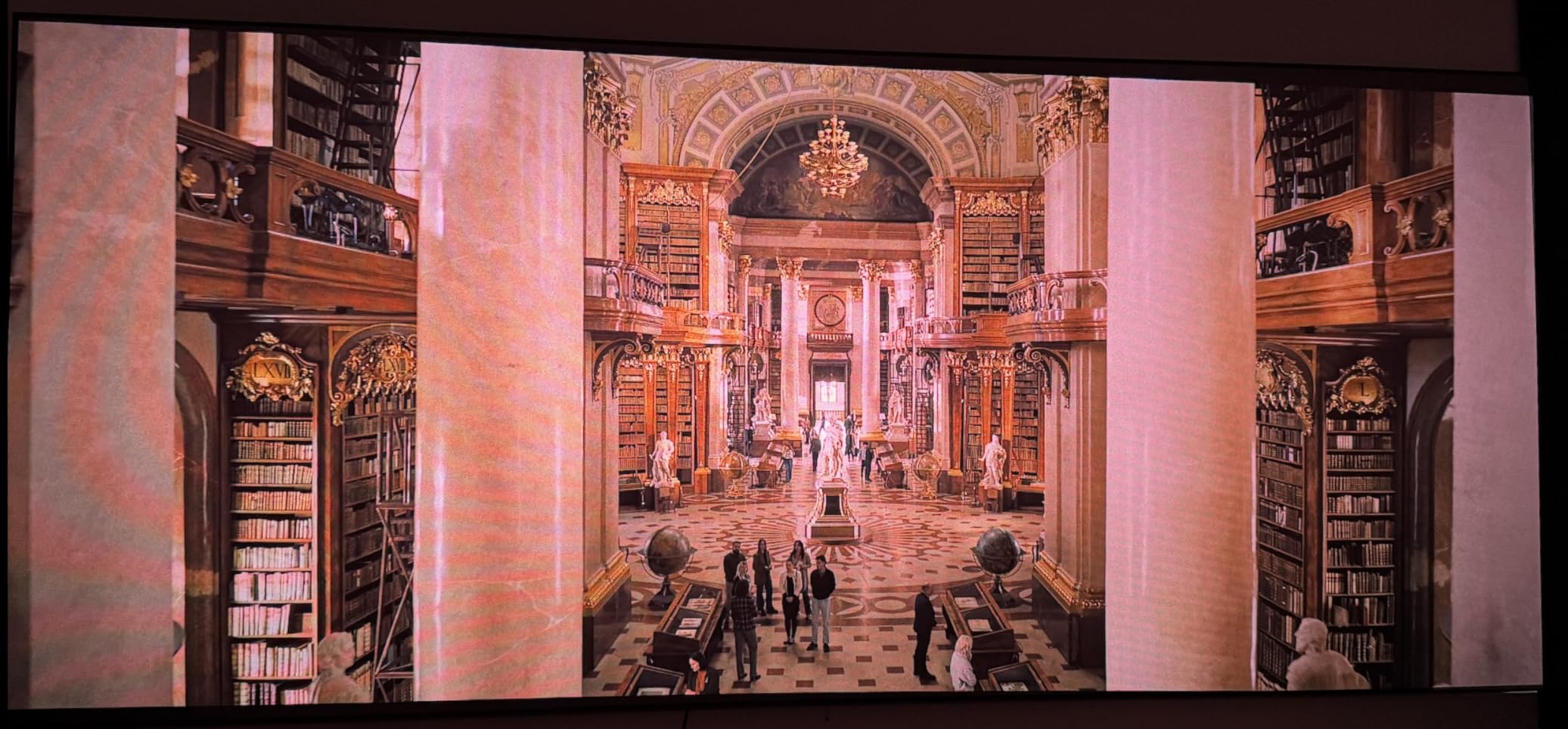
The Valerion StreamMaster Plus2 is the one we kept coming back to. Owners describe the picture as clean and stable, and the 110 percent Rec. 2020 color coverage from the RGB triple laser is the kind of headroom that survives a room with some light in it. The Enhanced Black Level feature and 10000:1 contrast figure keep dark scenes from turning to gray.
Gaming is where it separates. A 4ms input lag and 240Hz refresh rate with dedicated RPG and FPS modes mean it can hold a console at high refresh rates, which is rare at this level. The AI-9618 chipset with 4GB of RAM and 128GB of storage is a real upgrade over the sluggish smart platforms we found on cheaper units.
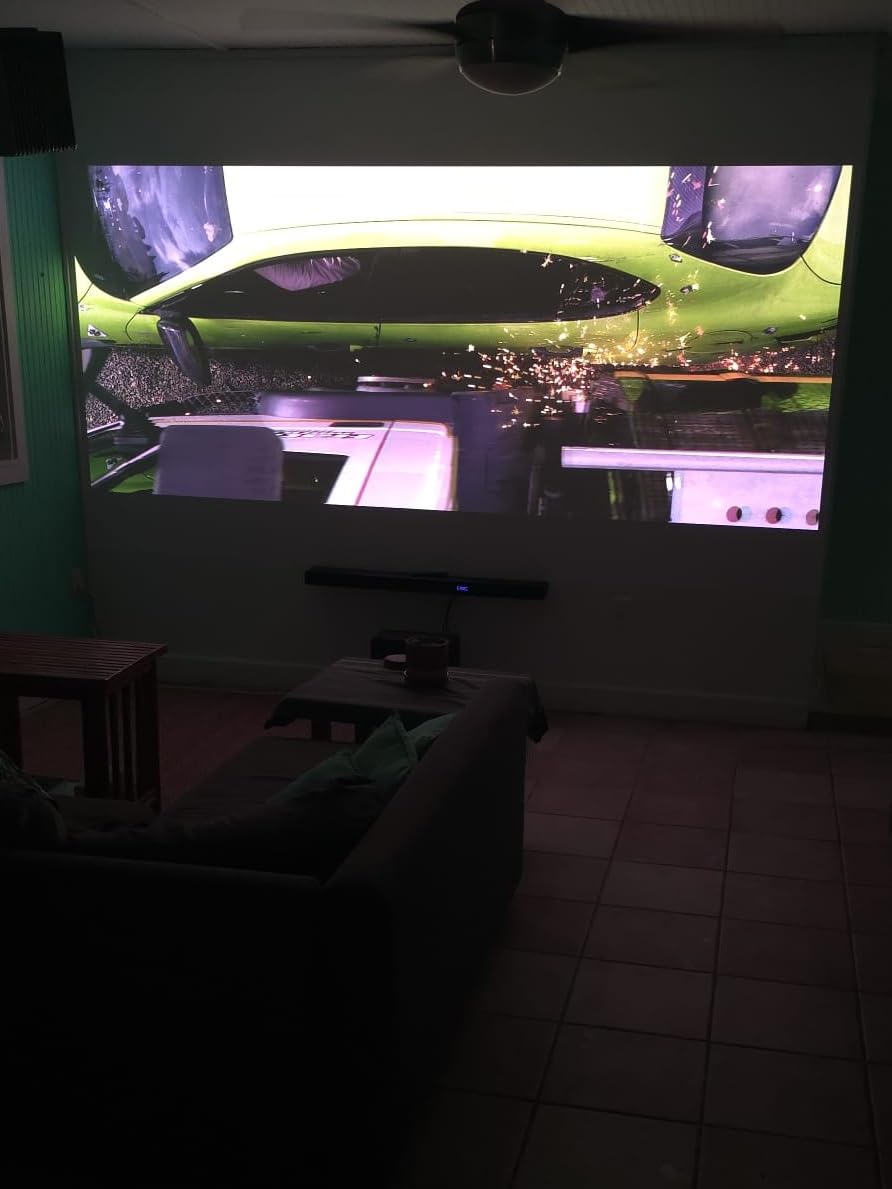
Set-up automation is genuinely useful in a living room, where nobody wants to crawl behind furniture with a phone to fix a trapezoid. Auto focus, auto obstacle avoidance, auto screen alignment and auto keystone all worked in our review units, and the image size is adjustable from 50 to 300 inches with a maximum throw of 26.16 feet. Codec support covers AV1, HEVC, VP9 and H.265, so streaming apps are not a gamble.
Sound is the compromise here. Owners mention the built-in audio as one of the reservations alongside brightness, and at this weight, 15.4 pounds in a 7.3 by 9.2 by 10.2 inch body, this is a shelf or console unit rather than something you casually reposition. Plan on a soundbar.
Check the throw distance before you commit
The StreamMaster Plus2 uses standard throw geometry, so it needs real depth behind the sofa rather than a cabinet against the wall. Measure from your seating position to the wall and back. If the room is shallow, this is the wrong tool and one of the ultra-short-throw models below will fit far more easily.
Because it tops out at a 26.16 foot maximum throw, very large rooms can fill a 300 inch image without a second projector, which is unusual at this size. Owner feedback suggests the fixed geometry is the main placement complaint, not the picture.
Check whether 2000 ISO lumens is enough for your light
That figure is honest but not huge, and it is the reason the XGIMI HORIZON 20 takes the brightness crown instead. In a room with curtains drawn at dusk, the Valerion is comfortable. In a south-facing room at two in the afternoon, you will be squinting, and reviewers consistently note daylight as the main limitation.
Pair it with an ambient-light-rejecting screen and the gap narrows considerably. Our ALR section later in this guide covers the pairing that makes lit-room viewing work.
2. AWOL VISION LTV-3000 Pro – 150 Inch Triple Laser From Close Range
AWOL VISION LTV-3000 Pro 4K 3D Ultra Short Throw Triple Laser Projector, Dolby Vision & Atmos, HDR10+, 150″ UST Laser TV Home Theater Projector
- 3000 ANSI lumens max white is high for an ultra short throw unit
- 107 percent BT.2020 and 147 percent DCI-P3 color coverage
- Built-in center channel speaker with 4.2.2 surround
- Dolby Vision plus HDR10+ and active 3D shutter glasses
- PJ Link IP control for home automation
- 2500:1 contrast is low next to DLP and LCD rivals
- Needs a dark room or a dedicated ALR screen for vivid output
- Fixed 0.25:1 throw ratio and a 28 pound chassis limit placement
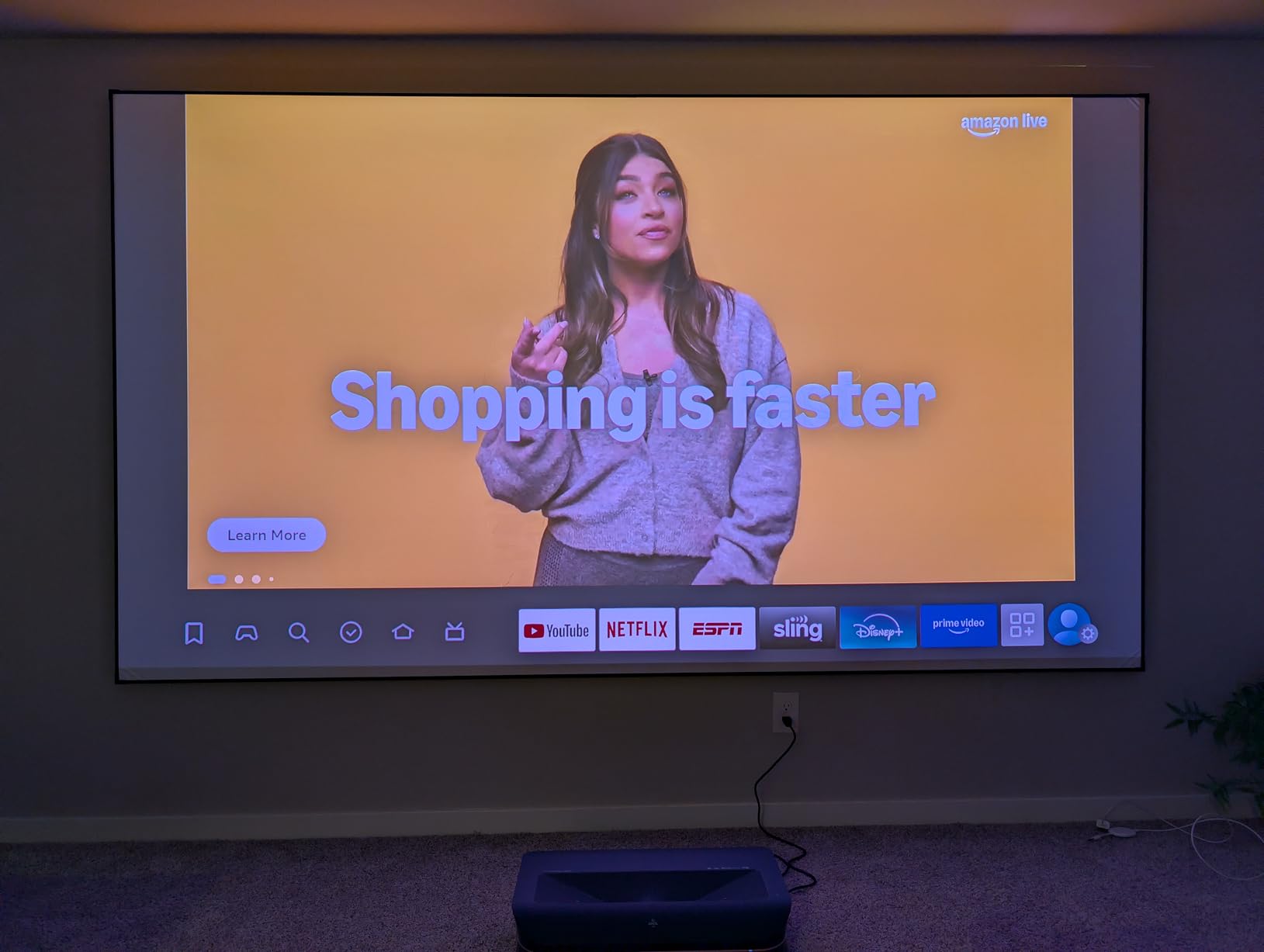
The LTV-3000 Pro is built for one job: a 150 inch image in a room where you cannot hang anything and cannot push anything back. The fixed 0.25:1 throw ratio means it fills that screen from an extremely short distance, and the 80 to 150 inch range covers most living room walls. It is a laser TV in the truest sense.
Color is the headline. The triple laser source with no color wheel hits 107 percent BT.2020 and 147 percent DCI-P3 coverage, which is well past the broadcast target, and the picture holds vivid color at sizes where single-laser models start to look flat. The 25000 hour light source rating means you are not budgeting for a bulb.
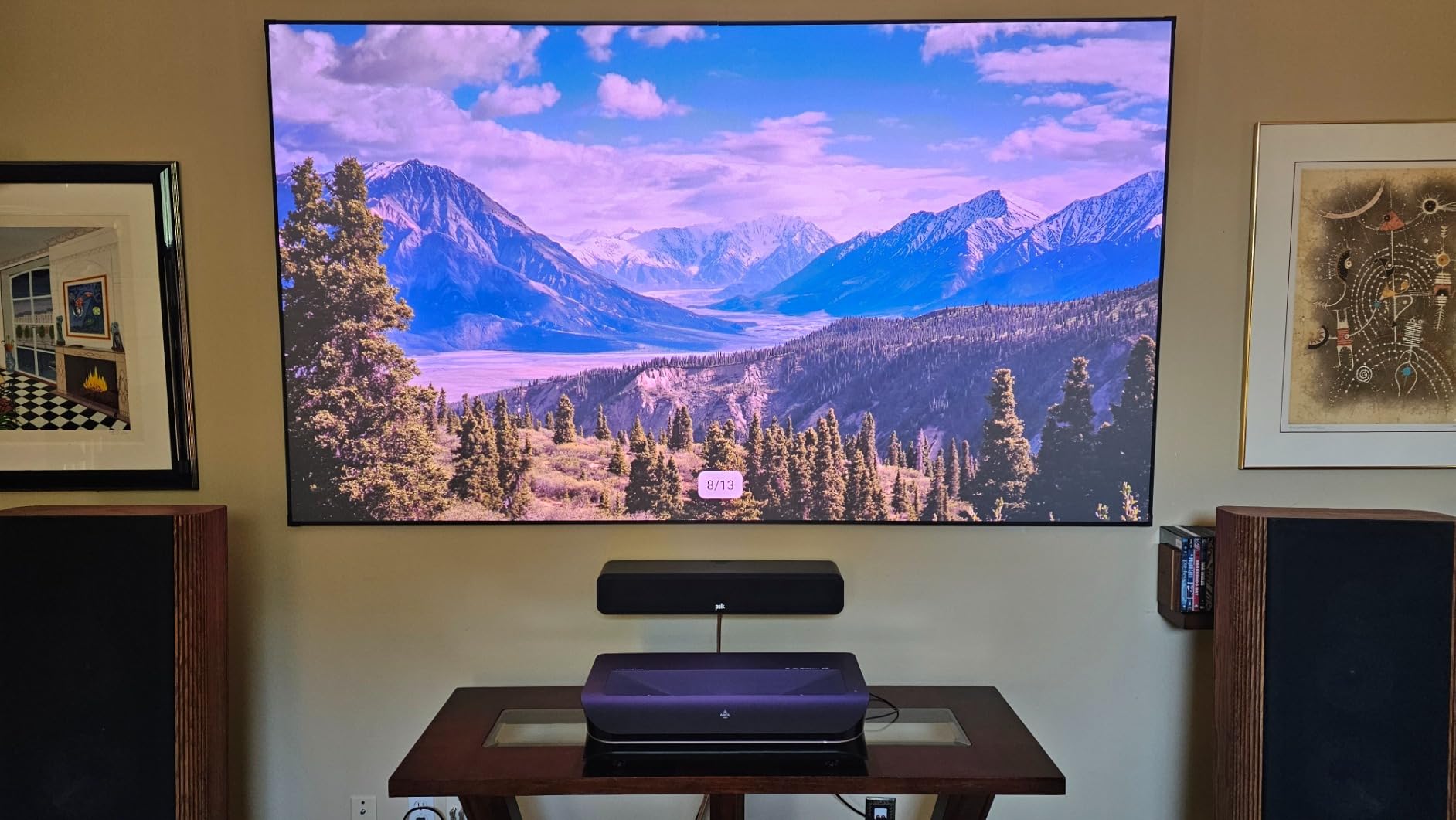
The built-in center channel speaker is unusual and genuinely useful. It maps dialogue from the screen position, so voices sound like they come from the actors rather than from a soundbar on a sideboard, and it pairs with ThunderBeat 4.2.2 surround. If you are building this into a wall unit, plan the cabinet depth around the 23.6 by 21.5 by 5.5 inch chassis.
This is also one of the few picks here with Dolby Vision, HDR10+ and active 3D shutter glasses in the same box, plus PJ Link IP control if you run Control4 or similar. The two-year warranty is a step up from most rivals in this price band.
Check the screen before you check the room
The 2500:1 contrast figure is the weak spot, and it shows up in daylight. Reviewers consistently point to ambient light sensitivity and recommend pairing it with an ALR screen. On a plain white wall in a bright room, you are buying a color machine and getting a washed-out image.
A fixed throw ratio also means the screen has to be where the unit wants it, not where your furniture is. Ultra short throw is unforgiving: a wall that is not flat produces visible distortion that keystone cannot fully hide.
Check the footprint before the picture
At 28 pounds and over two feet deep, this is furniture, not an accessory. The upside is that it sits in a console and never gets moved. If you want something you can carry between rooms, look at the JMGO instead.
Owners who install it properly with a flat screen and a quality screen surface tend to rate it very highly. The complaints cluster around placement, not picture quality.
3. JMGO N1S 4K – Portable Gimbal Triple Laser With Google TV
- Excellent RGB triple laser color at 110 percent BT.2020 and 151 percent DCI-P3
- Integrated 127 degree gimbal makes aiming genuinely one-handed
- Only 4.4 pounds so it moves between rooms easily
- Google TV with officially licensed Netflix
- Built-in dual 10W speakers fill a family room
- Fixed lens with no optical zoom or lens shift
- Light spill under the image on dark scenes and rainbow effect reported by some owners
- Google TV can be sluggish and Android updates have failed for some
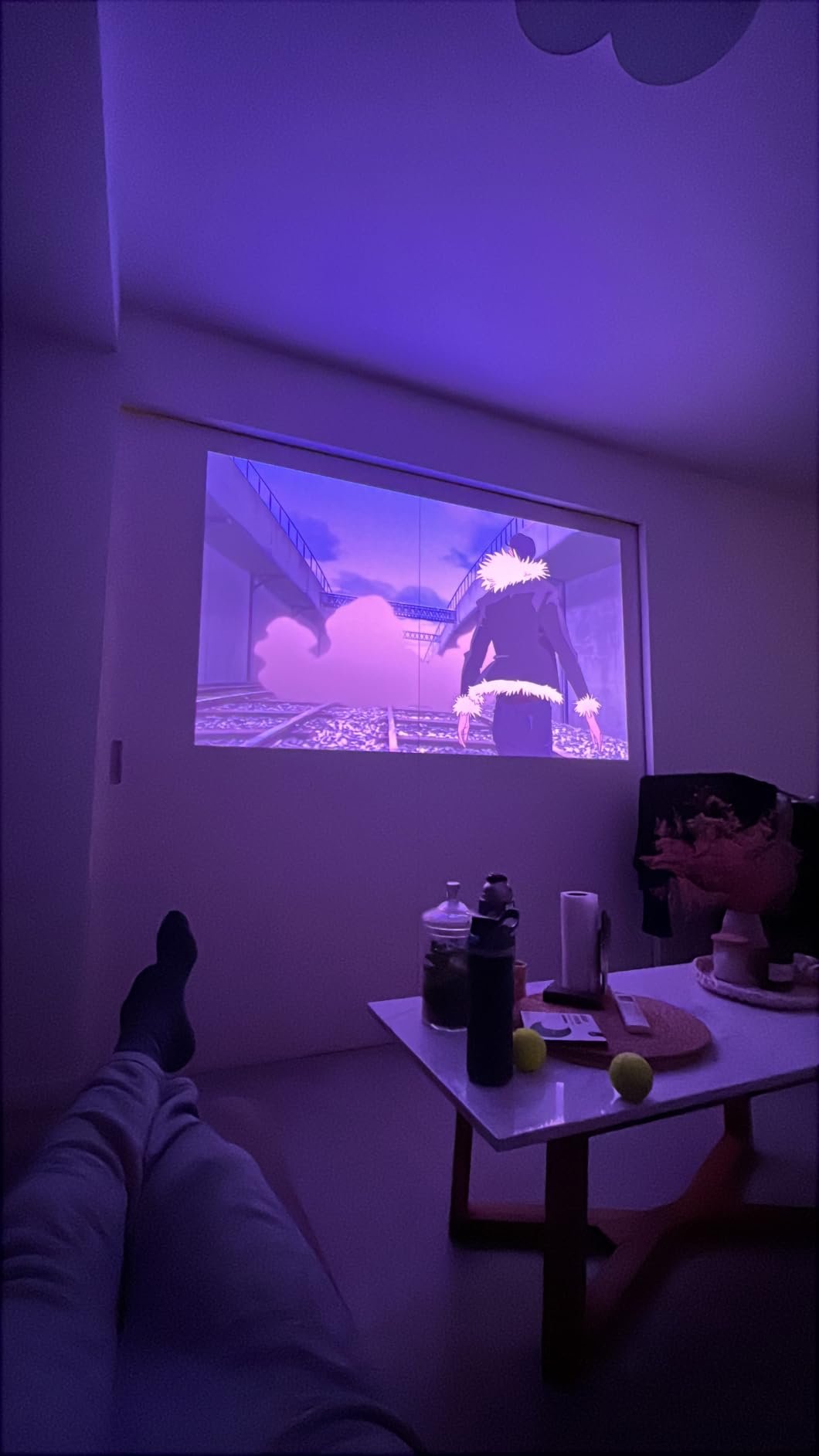
The N1S 4K is the easiest projector in this list to live with, and in r/projectors threads it keeps appearing as one of the three contenders people actually shortlist for a living room. The gimbal is the reason. A 127 degree vertical rotation with instant auto focus and auto keystone means you point it and it sorts itself out, which matters enormously when the unit lives on a coffee table.
Picture quality is well above what the price suggests. MALC 3.0 pure RGB triple laser with LSR speckle reduction covers 110 percent BT.2020 and 151 percent DCI-P3, and at 4.4 pounds it is genuinely portable. The 40 to 200 inch image range covers a bedroom wall or a living room screen with the same unit.
Inside, the MT9629 chipset keeps apps and menus responsive, and Google TV ships with officially licensed Netflix so you are not dongling a streaming stick on day one. HDMI 2.1 with 17ms latency and MEMC motion compensation is fine for casual console play, though it is not in the same league as the Valerion or ViewSonic for competitive gaming. Dual 10W Dolby Audio speakers are genuinely loud enough for everyday viewing.
The FlexiSmart adaptive eye-protection system is worth knowing about if kids use the room, since it dims output when it detects a viewer in the path. It is a small feature that a lot of families end up relying on.
Check how much daylight the room gets
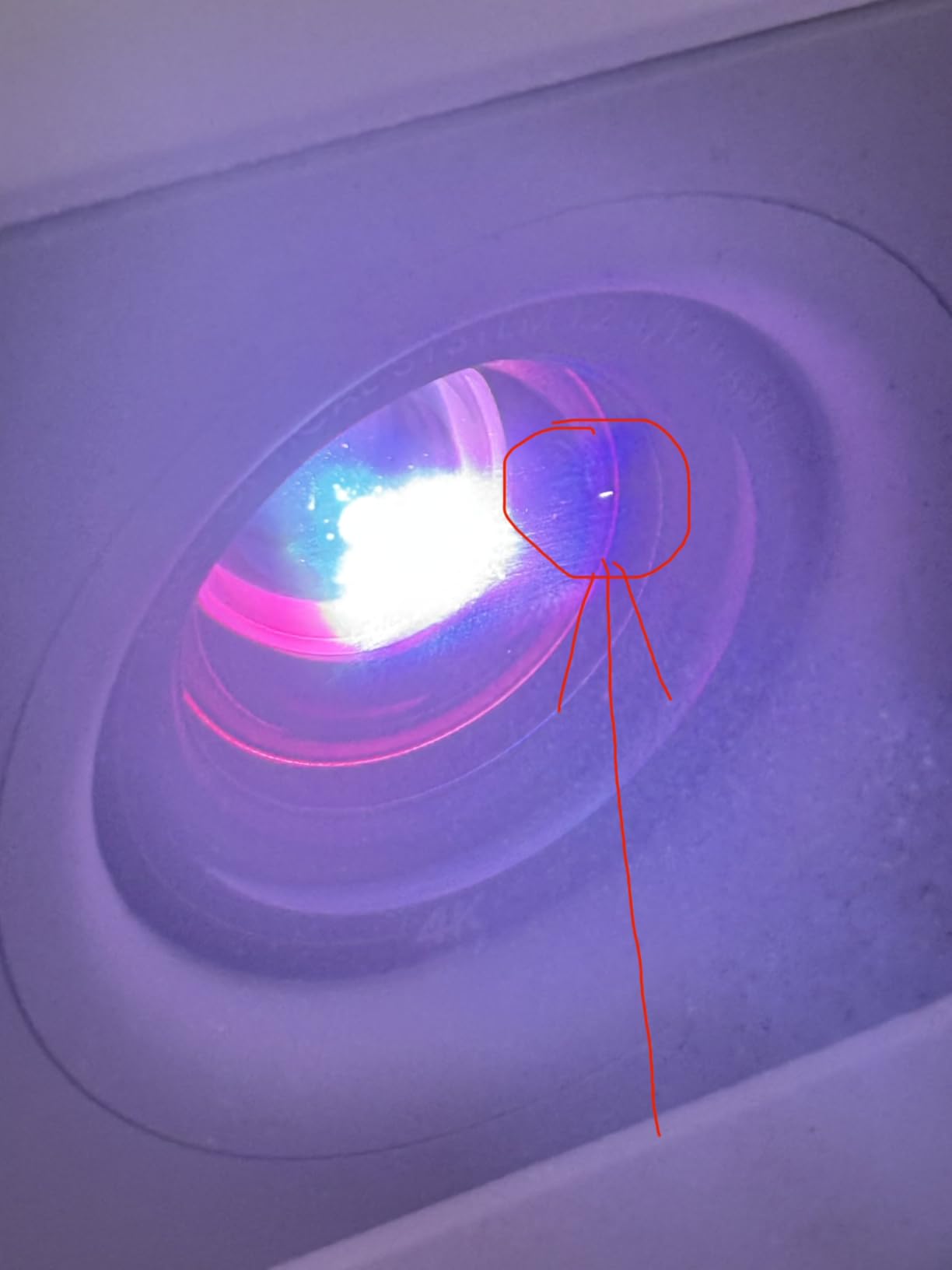
1700 ISO lumens is the number that decides this purchase. In a dim room at night the triple laser color is a genuine treat. In a bright afternoon, reviews are blunt: the image looks washed out. If the main viewing time is daytime, step up to the XGIMI HORIZON 20 or the ViewSonic models.
The fixed lens with no optical zoom or lens shift is the other placement limitation. You aim it once with the gimbal and then it stays there, so pick the wall before you unbox it.
Check who does the software updates
Some owners report Android update failures and a Google TV interface that can lag. None of them led to an unusable unit, but it is the kind of thing that ages a projector badly. Factor it in if you want a five-year ownership window.
Those same owners also flag visible rainbow effect and light spill under the image on dark scenes. Neither is a dealbreaker for most viewers, and both are easier to see on a high-gain screen.
4. Hisense PL2 – Ultra Short Throw Value With Dolby Vision
- Bright enough to watch with ambient light in the room
- Dolby Vision and Dolby Atmos in a living-room-friendly package
- Simple setup with a fast Google TV interface
- Compact 18.7 pound body for an ultra short throw
- Two year manufacturer warranty
- Rainbow effect bothers some sensitive viewers
- Auto keystone requires uploading a photo to a device-hosted site and works poorly
- Keystone corrects one axis so the wall must be flat
The Hisense PL2 is the pick we recommend to someone who wants a TV replacement that stays watchable with lamps on and does not want to think about mounting. Owners call the picture strong for an ultra-short-throw unit at this level, and 2700 lumens with a 3000:1 contrast ratio is a genuinely useful combination against a lit room.
It throws an 80 to 150 inch image from 0.22 to 1.5 feet off the wall, so it lives under a credenza or on top of a media unit and leaves the floor clear. The X-Fusion laser source is rated beyond 25000 hours, which removes bulb replacement from the ownership story entirely, and the two-year manufacturer warranty is a reasonable safety net.

Feature-wise this is a full home cinema box: Dolby Vision, Dolby Atmos, HDR support, 3D, Wi-Fi 6E and Google TV, all driven by a 4K AI upscaler on a 2.07 million micro-mirror DLP system with a 1.07 billion color palette. Owners mention the built-in speakers performing better than expected, and setup being straightforward with a fast interface.
The 18.7 pound, 20.9 by 13.2 by 4.7 inch chassis is compact for an ultra short throw, which matters because these units usually end up on a shelf you already own. It is also often described as a strong value against other UST laser projectors in the same class.

Check the auto keystone expectations
This is the most common complaint, and it is worth understanding before you buy. The auto keystone routine wants to upload a photo to a device-hosted site, and owners report it works poorly. Plan on manual placement instead, and use the built-in keystone sparingly because it only corrects one axis.
That makes the screen surface the deciding factor. A very flat wall or a proper fixed screen gets you a clean rectangle with no correction at all, which is the setup the manual clearly assumes.
Check whether you are sensitive to rainbow artifacts
Some buyers notice a rainbow effect on this DLP engine and find it distracting on dark scenes with moving content. Sensitivity varies enormously between people and is more common with glasses. If you have watched DLP projectors before and disliked them, test one in person first.
Settings navigation is the other minor friction, with controls split between on-screen menus and a dedicated remote button. It takes ten minutes to learn and then stops being an issue.
5. XGIMI HORIZON 20 – 3200 ISO Lumens With Lens Shift
XGIMI HORIZON 20 4K RGB Triple Laser Home Projector, 3200 ISO Lumens
- 3200 ISO lumens holds up against daylight better than most
- Optical zoom and flexible lens shift make off-center placement easy
- Sharp clean 4K with strong out-of-the-box color
- Built-in Harman Kardon speakers remove the soundbar need
- Near-silent operation and cool running temperatures
- Laser speckle visible on light areas and faces especially on high-gain screens
- A firmware update bricked one unit and support was unresponsive
- The included styrofoam case is not durable for transport
The HORIZON 20 is the brightest RGB triple-laser unit in this roundup, and brightness is the whole argument for it. At 3200 ISO lumens it stays legible in a room with daylight coming in, which is exactly the scenario that pushes most projectors back into their box. Reviewers single out the out-of-the-box color as unusually good, with no calibration session required.
The optics are what separate it from cheaper triple-laser models. Flexible lens shift plus optical zoom means you can place it off-center, high on a shelf, or ceiling mounted, and still get a rectangular image with no keystone distortion and no lost brightness. The X-Master RGB triple laser engine drives a 100000:1 contrast figure, and the 40 to 300 inch image size covers a wall or a full screening room.
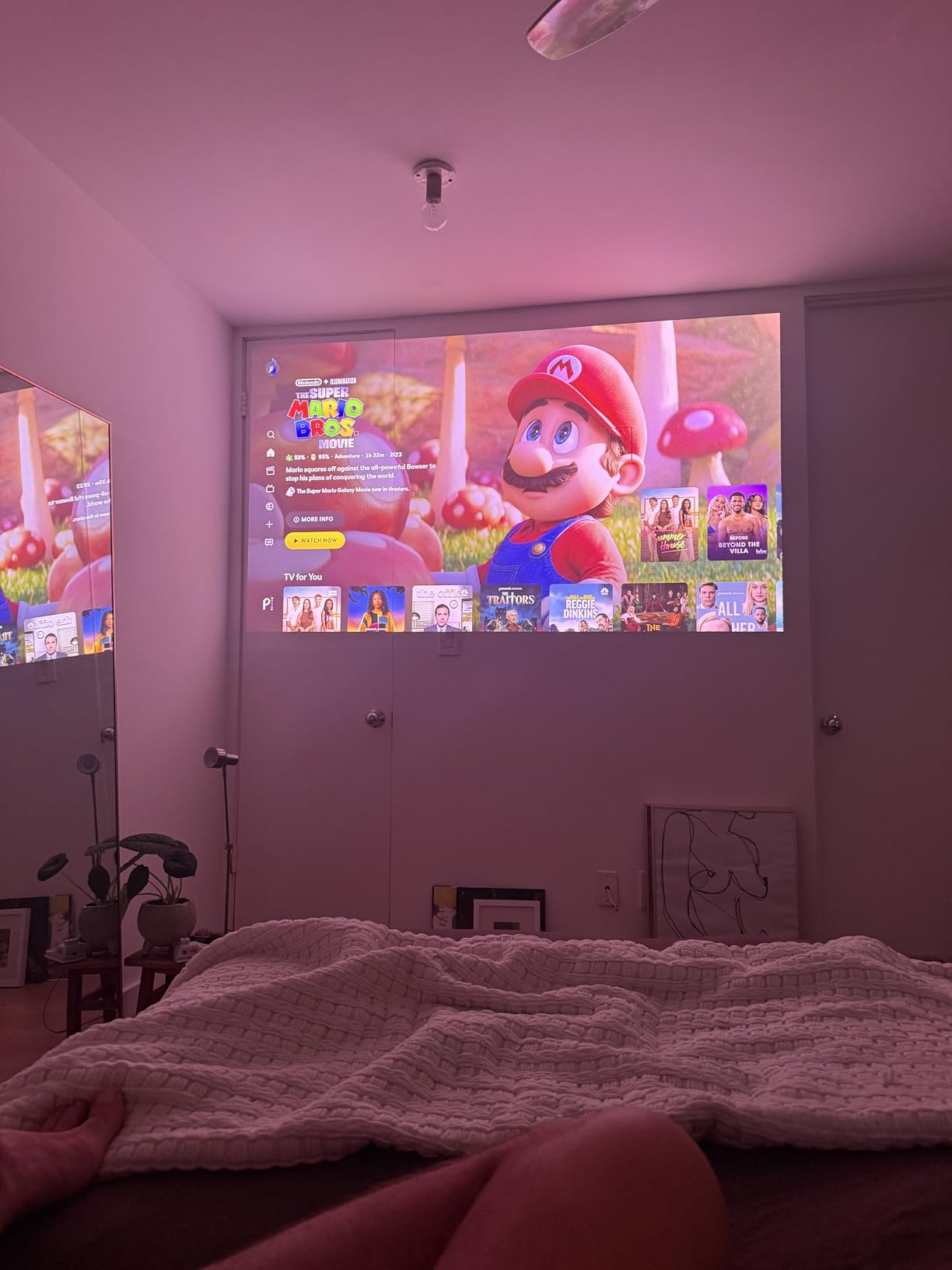
It is also a gaming projector. A 240Hz refresh rate with 1ms response, VRR and ALLM is a spec sheet that console players will recognize, and IMAX Enhanced, Dolby Vision, HDR10+ and Filmmaker Mode cover the movie side. Built-in Harman Kardon speakers and Google TV are integrated along with a stand, so the whole thing is one object rather than three boxes and a cable.
Operation is quiet and the unit runs cool, which matters in a room where the projector sits near seating. The two-year warranty is standard for the brand.
Check the screen surface against speckle
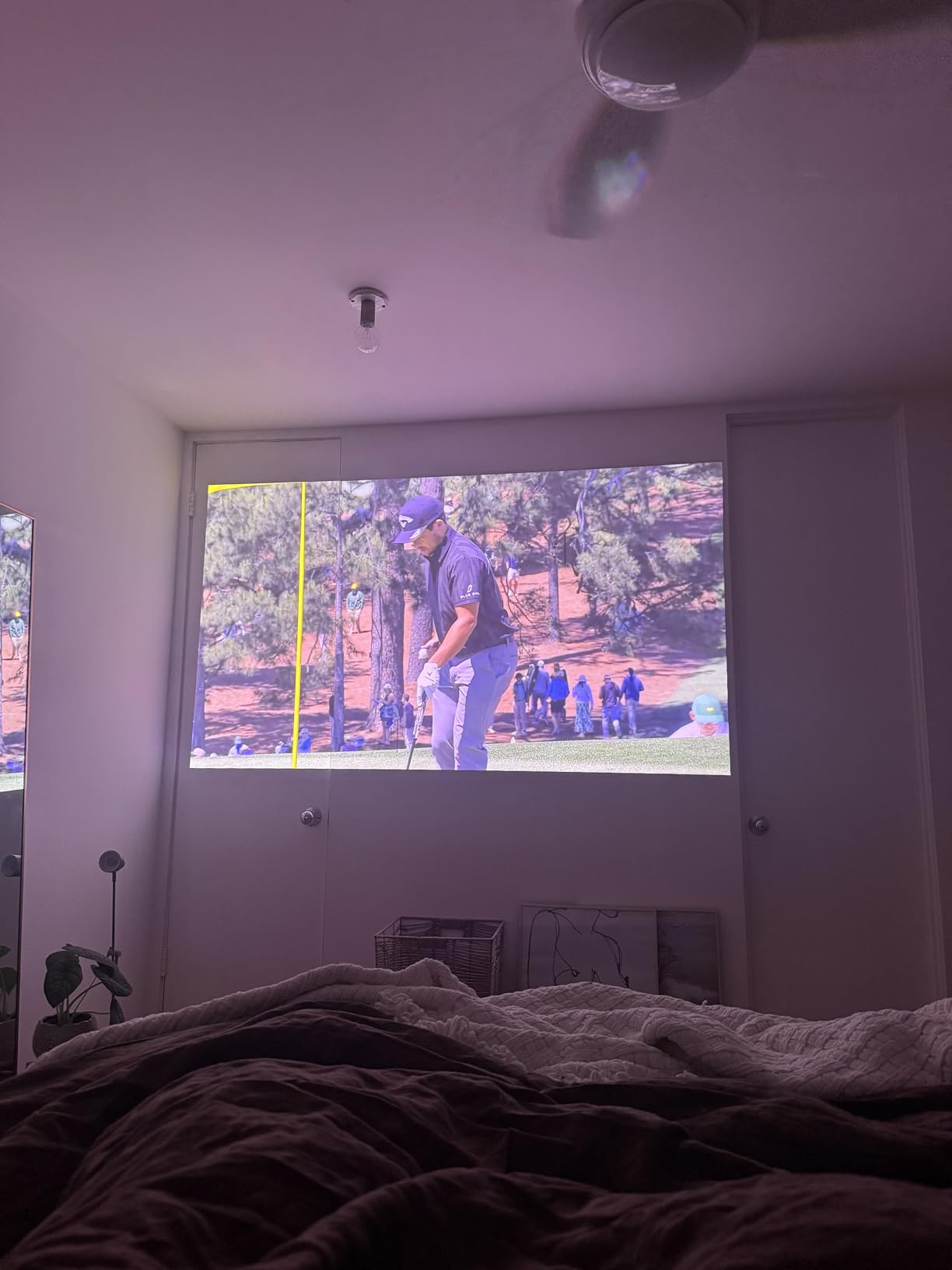
Laser speckle is the dominant complaint, and it shows on light-colored content and skin tones, particularly on high-gain screens. A matte, lower-gain screen surface calms it considerably. If you watch a lot of cricket, golf or anything with large flat green areas, this is the number one thing to test before committing.
There is also a report of a firmware update bricking a unit and support being unresponsive afterward. That is an anecdote, not a pattern, but it is worth keeping firmware current and knowing your return window.
Check weight and handling
Reviewers note it is larger and heavier than expected at roughly 11 pounds, or 4.9 kg as listed. The integrated stand makes placement easy but means you are not moving it weekly. The included styrofoam case is not built for repeated transport, so plan a dedicated corner rather than a shelf in a busy room.
Transient color fringing on white text such as subtitles during fast movement is a separate, much smaller issue and mostly visible at close viewing distances.
6. ViewSonic LS740HD – 5500 ANSI Lumens For Fully Lit Rooms
ViewSonic LS740HD 1080P Laser Projector, 5500 Lumens, Full HD Home Theater
- Extraordinary brightness that stays usable with lights on
- Runs quiet and stays much cooler than lamp projectors
- 20000 hour laser life removes bulb replacement
- 1.3x optical zoom and four-corner adjustment ease alignment
- Three-year parts and labor warranty
- 1080p native resolution
- not 4K
- No lens shift so placement must be worked out in advance
- Some units randomly flash orange and the built-in speaker is muffled at higher levels
Put simply: the LS740HD is the brightest projector on this list at 5500 ANSI lumens, and that number is not close to the others. If your living room cannot be darkened and you are not going to install an ALR screen, brightness is the only spec that matters, and this is the unit that delivers it. Owners describe it as usable with lights on.
The 1.1 to 1.5 throw ratio with 1.3x optical zoom gives reasonable placement flexibility, and it reaches a 100 inch image from 8.2 feet, up to 300 inches if you want a wall-filling setup. Horizontal and vertical keystone plus four-corner adjustment handle the geometry, and 360 degree and portrait mode projection are unusual extras at this level.
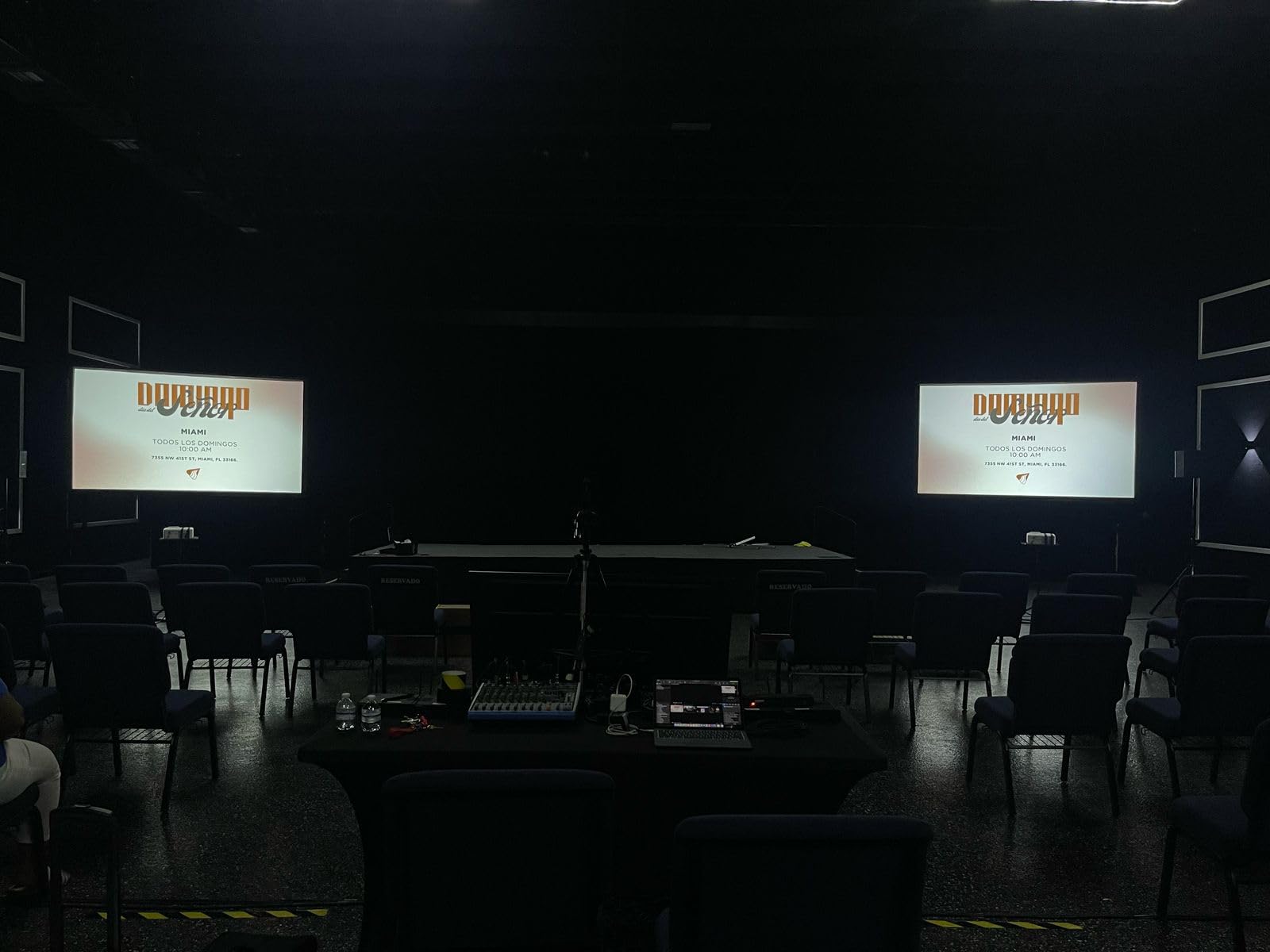
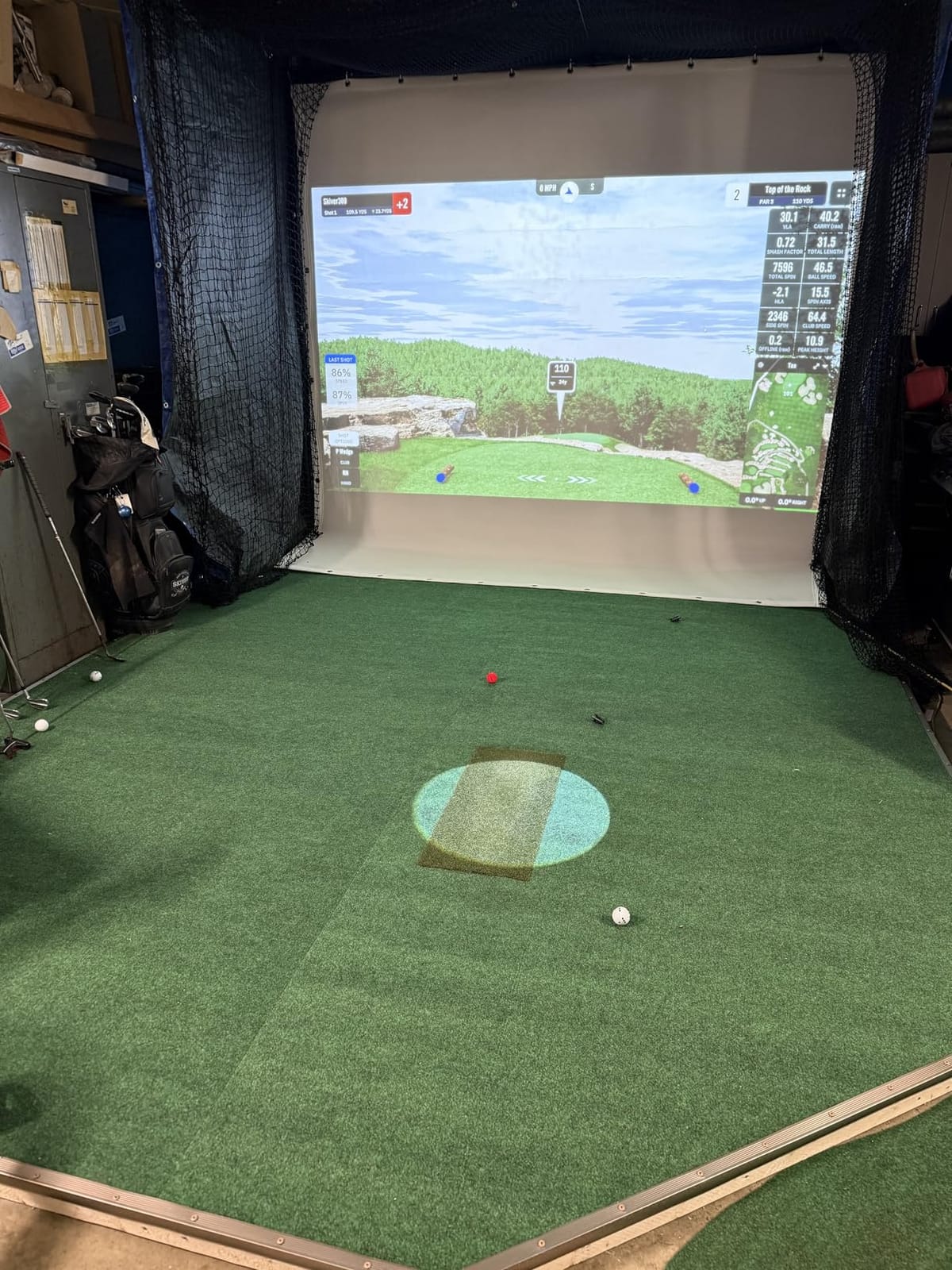
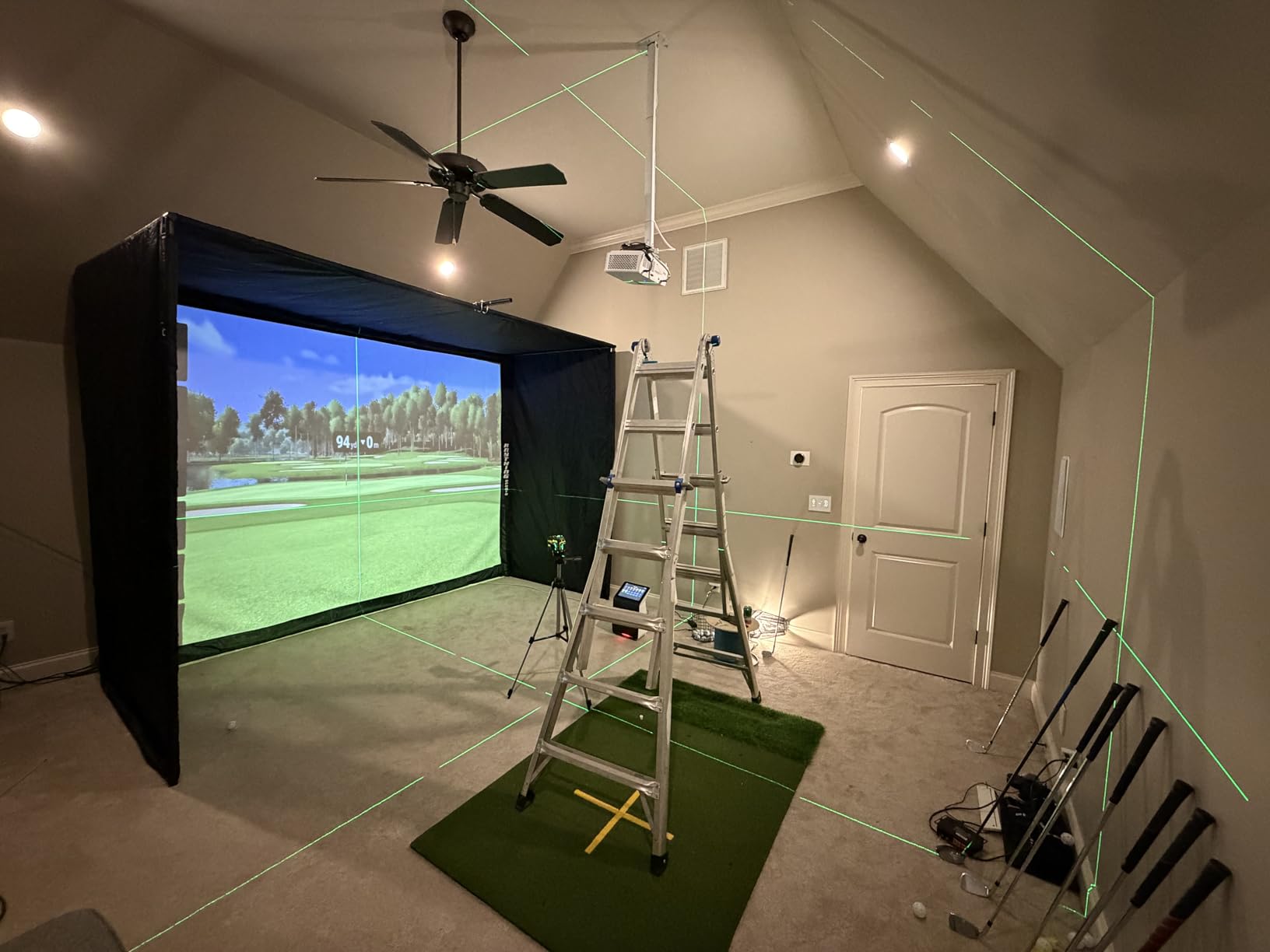
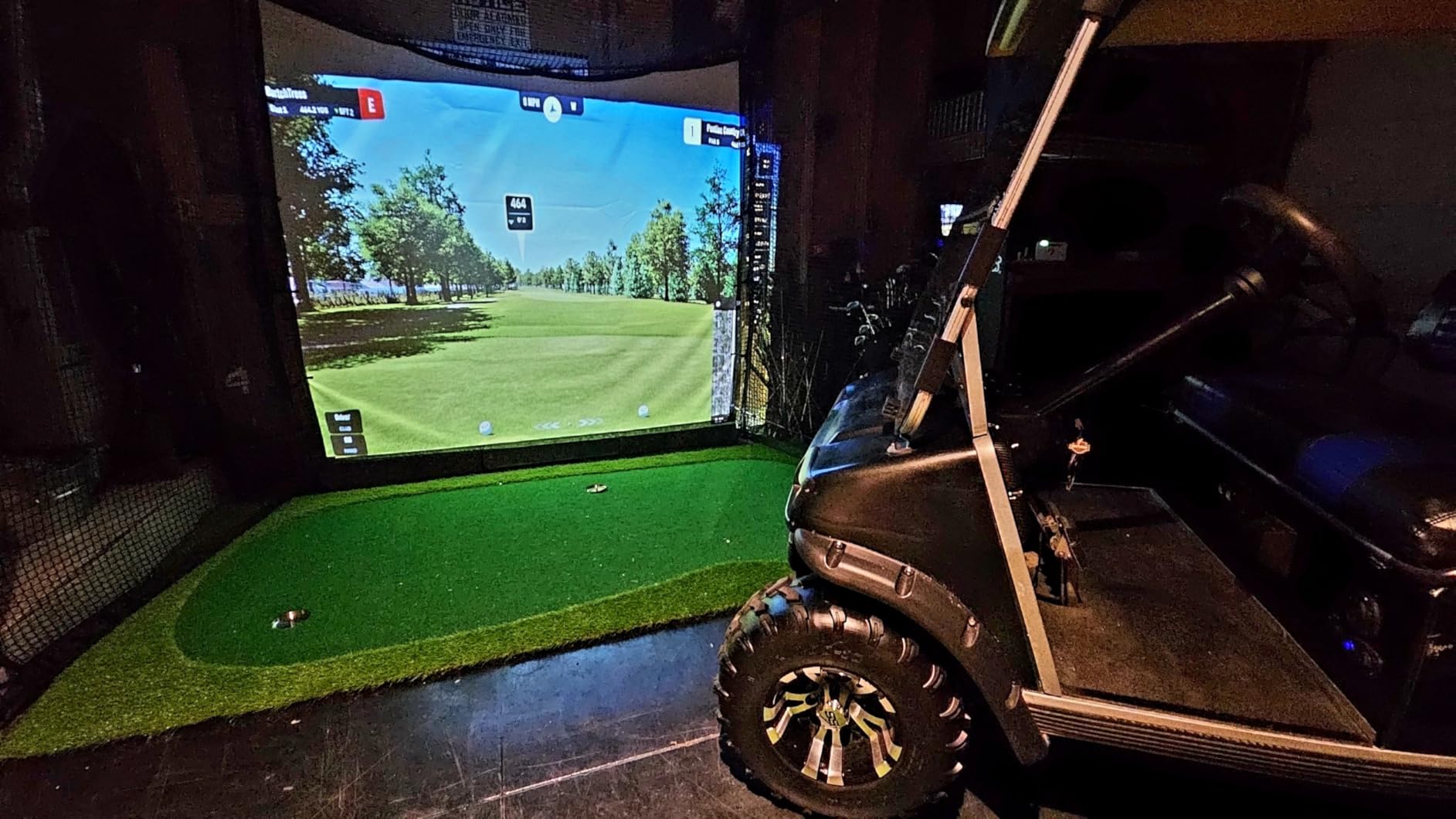
It runs quiet, stays much cooler than lamp-based projectors, and the 20000 hour laser source ends the bulb replacement conversation. The three-year limited parts and labor warranty is the longest mechanical warranty in this roundup, which matters for something installed permanently. A dedicated golf simulation mode has made this a popular pick for simulators, where sustained brightness matters more than resolution.
Instant power on and off is a nice touch in a room where the projector is part of everyday life rather than a special event, and it is compatible with the PJ-WMK-007 ceiling mount if you decide to mount it later.
Check whether 1080p is a compromise you accept
Native resolution is 1920 by 1080, not 4K. On a 100 inch screen at normal couch distance, with 5500 lumens washing the room, most viewers will not notice. If you sit close, or if the projector is doubling as a desktop display, resolution becomes the limiting factor and you should look at the BenQ TK710 or the LX700-4K instead.
The absence of lens shift means the unit must be roughly centered on the screen, so plan the shelf position before delivery. There is no digital workaround that does not cost brightness.
Check the audio and the reliability reports
The built-in speaker is muffled and distorts at higher levels, so plan on a soundbar. Our [small living room subwoofer picks](https://www.requiemforadream.com/best-subwoofers-for-small-living-rooms/) cover the audio side if you are building the room out.
There are reports of units randomly flashing orange that support does not resolve, and the on-screen menu is basic for the money. Both are quality-of-life issues rather than picture problems, and the warranty is long enough to absorb the first one.
7. Epson Home Cinema LS11000 – 3LCD Cinema Picture With Motorized Optics
- Genuinely cinematic 4K image with deep blacks and no rainbow effect
- True 3-chip 3LCD gives full RGB brightness with no color-wheel artifacts
- Motorized lens shift
- focus and zoom make precise setup straightforward
- Laser source starts instantly
- runs quietly
- needs no bulbs
- ARC and eARC let a soundbar connect without a full receiver
- No 3D support if you own a 3D library
- Contrast falls short in a fully dark room versus higher-end models
- Heavy at 28 pounds and large for a living room
- Very high price for a living-room projector
- Ample ambient light washes out the picture
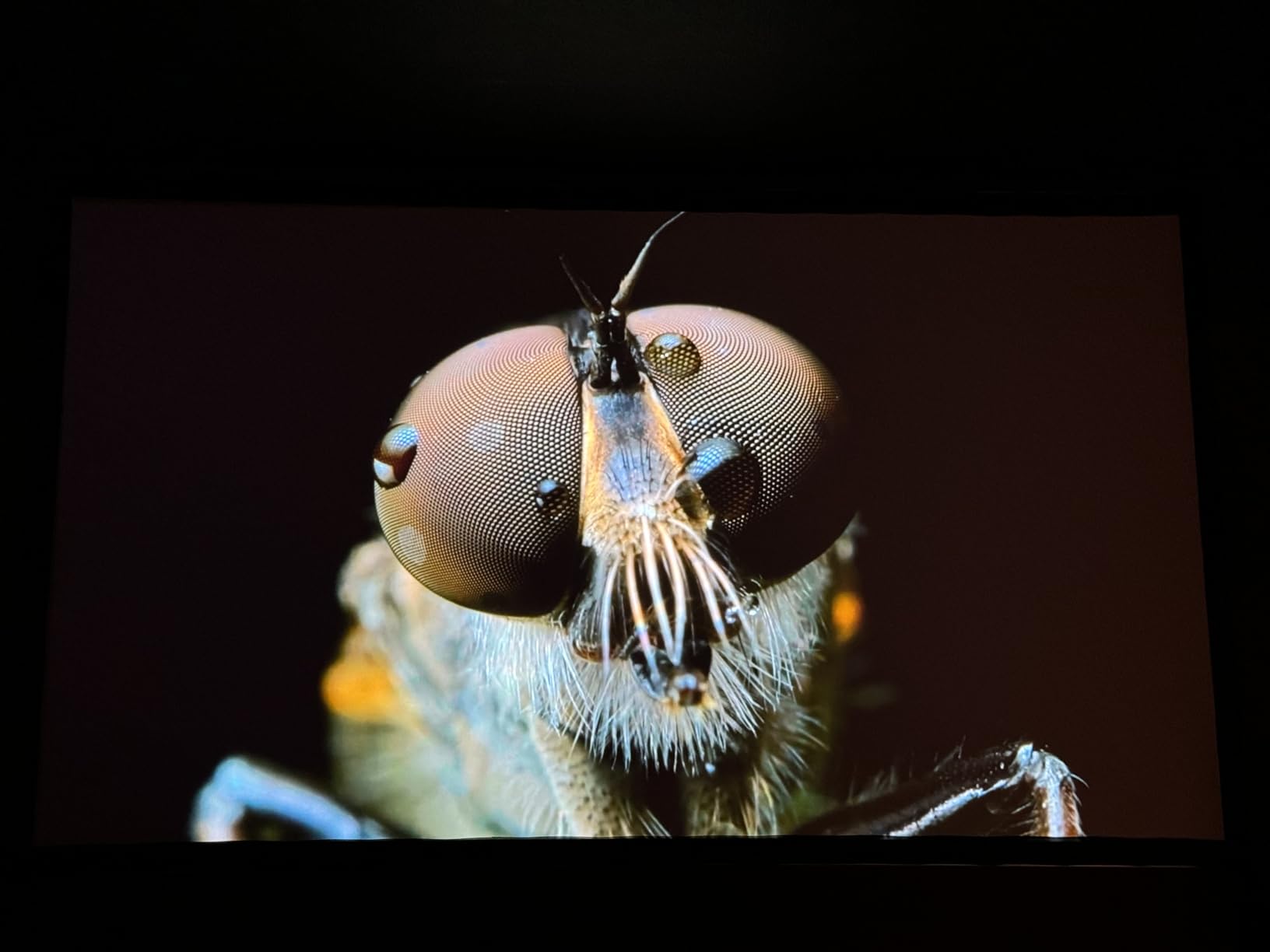
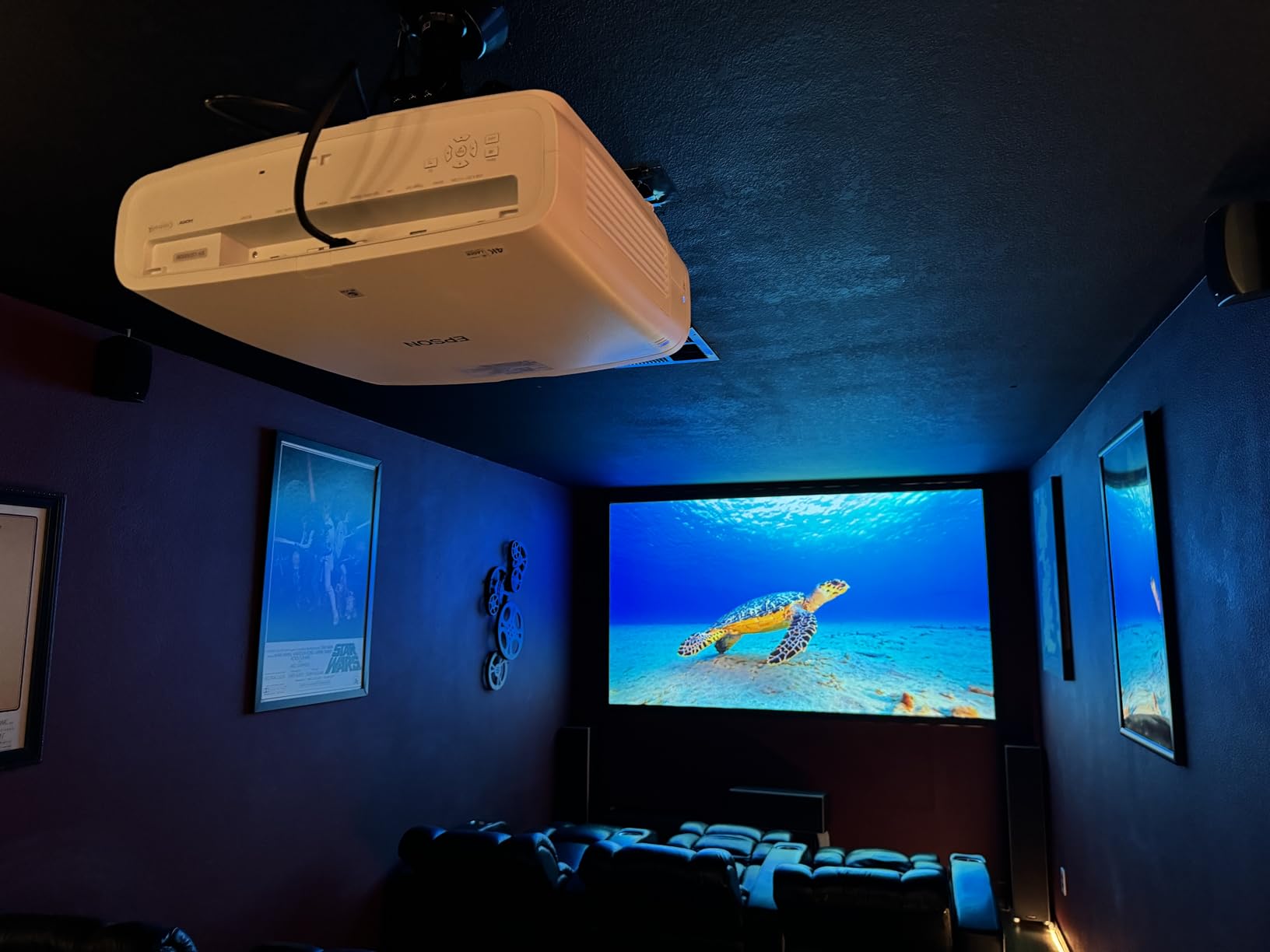
The LS11000 is the most cinematic image in this roundup, and owners are consistent about that. The true 3-chip 3LCD engine runs all three HD LCD chips at full speed, which means full RGB brightness with no color-wheel artifacts and no rainbow effect. In r/projectors, a user with light from three windows and a 100 to 120 inch target reports being very happy with an Epson LS-series choice, and that is the scenario this engine serves.
Setup is where Epson’s engineering shows. The Epson Cinema Lens has motorized zoom, focus and lens shift, so you can dial in a perfect rectangle from the ceiling or from a side table without moving the chassis. The 4K PRO-UHD pixel shifting with a Precision Shift glass plate delivers 8.29 million pixels, and 10-bit HDR with HDR10+ and HLG gives 16-step real-time curve control.
Gaming is handled with a 120Hz refresh rate, frame interpolation and HDMI 2.1, and the laser array is rated at 20000 hours. The Epson Picture Processor handles color, contrast and HDR in real time. Owners also like that the laser source starts instantly and runs quietly, and the ARC and eARC outputs let a soundbar connect without a full receiver.
The 20000 hour light source means there is no bulb to replace, which is the practical reason laser wins over lamp in a room that gets used every day. Image size goes up to 300 inches on Epson Cinema glass.
Check the ambient light tolerance honestly
2500 lumens of color and white brightness is real, but owners are clear that ample ambient light washes out the picture, and the dynamic 1200000:1 contrast figure depends on a dark room to be meaningful. If your viewing is mostly at night, this is the finest picture here. If it is mostly at noon, the brighter DLP models will serve you better.
There is also no 3D support. If you own a 3D library, that ends the conversation regardless of picture quality.
Check the physical commitment
At 28 pounds and 17.6 by 20.5 by 7.6 inches, this is a large fixed installation. It belongs on a shelf, a stand or a mount, not on a coffee table. The two-year limited warranty is shorter than the ViewSonic models in this list.
The price sits at the top of this roundup by a wide margin, so treat it as a ten-year purchase rather than a living-room upgrade. Owners who have had it a while describe it as the best-looking projector they have owned.
8. Optoma GT2000HDR – Compact Short Throw On A 30,000 Hour Source
Optoma GT2000HDR Ultra-Compact Short Throw Full HD Home Laser Projector
- Very compact short-throw body that fits into small cabinets
- 3500 lumens is bright enough for a lit living room
- 30000 hour laser life and 98W power draw cut running costs
- External power supply lets the projector run cooler and smaller
- Sharp 1080p image with 300000:1 contrast
- Only 1080p native resolution
- and 12 percent of reviews are one star
- No smart streaming apps so an external streaming device is required
- Single small built-in speaker
- Thin feature list compared with rivals at the same level
- Some owners report units failing after a few weeks
The GT2000HDR solves a very specific living room problem: you have a shallow room and a cabinet you cannot replace. The short-throw chassis reaches up to a 300 inch image from a 1 meter minimum throw distance, and at 9.6 pounds in a 4.49 by 10.79 by 8.5 inch body it is the smallest footprint in this roundup.
Brightness is 3500 lumens, which is plenty for a lit room, and the 30000 hour laser light source is the longest rated life of anything here. The external power supply design keeps the unit small and lets it run cooler, and at 98W operating wattage the running cost is low. Contrast is listed at 300000:1.
The warranty is a genuine highlight: one year parts and labor, but five years or 12000 hours on the light source. That is the part that actually wears out, and it is covered. Reviewers like the sharp 1080p image and the low operating cost for the money.
What you give up is obvious once you start using it. There is no smart platform, so Netflix needs a streaming stick. There is one small speaker. The feature list is thin next to laser rivals at the same level, with no HDR format support, no lens shift and only 15cm of vertical keystone correction to work with.
Check the reliability reports before you commit
Its 4.1 star average across 126 reviews is explained by two things: 1080p-only resolution, and a 12 percent share of one-star reviews. Owners report units failing after a few weeks, so buy it from a seller with straightforward returns rather than a marketplace listing, and test it in the first month.
Native resolution is 1920 by 1080 with no upscaling platform behind it. At a large image size in a bright room, edges look softer than the 4K models here.
Check what you need to add
Plan on a streaming device and an external speaker. Without both, you are adding two boxes to a projector chosen partly for being compact, which partially defeats the point.
If your room is small but your budget is not, the JMGO N1S 4K gives you triple-laser color, a gimbal and Google TV in a 4.4 pound body. The Optoma wins on brightness, throw flexibility and warranty length, not on features.
9. ViewSonic LX700-4K – 240Hz 4K Laser Built For Console Gaming
ViewSonic LX700-4K 4K UHD Laser Gaming Projector 3500 Lumens 240Hz Xbox
- Low cost entry into 4K laser projection
- Very bright
- holding up around 120 inches with blinds drawn
- Sharp 4K image with accurate color and no warm-up time
- Quiet enough to sit unnoticed beside a soundbar
- Lens shift plus optical zoom and four-corner adjustment aid alignment
- No built-in smart platform
- so apps need a streaming stick
- Black level reads as dark grey rather than true black
- Basic mono speaker with little bass
- Rainbow effect visible on fast eye movement
- 137 percent vertical offset throws the image noticeably upward
The LX700-4K is the gaming pick. A 240Hz refresh rate and 4.2ms input lag tuned for Xbox is the kind of number that usually appears on monitors, not projectors, and owners report strong performance at 1080p 120Hz and 1440p 120Hz. It is 4K UHD DLP with X-Shift pixel shifting, so you get real 3840 by 2160 output with a sharp image and accurate color.
It is also bright, at 3500 ANSI lumens with 4000 peak, which is what lets owners run a roughly 120 inch image with blinds drawn. Vertical lens shift and 1.3x optical zoom plus keystone and four-corner adjustment make alignment straightforward, the 80 to 150 inch recommended image is living-room appropriate, and a 100 inch image arrives from 7.7 feet. The 20000 hour laser source and three-year warranty round out a solid ownership story.
There is no warm-up time to wait through, and the unit is quiet enough to disappear next to a soundbar, which is a real consideration in a living room. Golf simulation mode is supported, dual HDMI inputs handle console and streaming stick cleanly, and PJ-WMK-007 ceiling mount compatibility is there if you want it out of sight.
HDR and HLG are supported alongside ViewSonic SuperColor wide gamut. The 7.3 pound body and 11.3 by 5 by 8.5 inch dimensions keep it closer to shelf-sized than furniture-sized.
Check the vertical offset before the table height
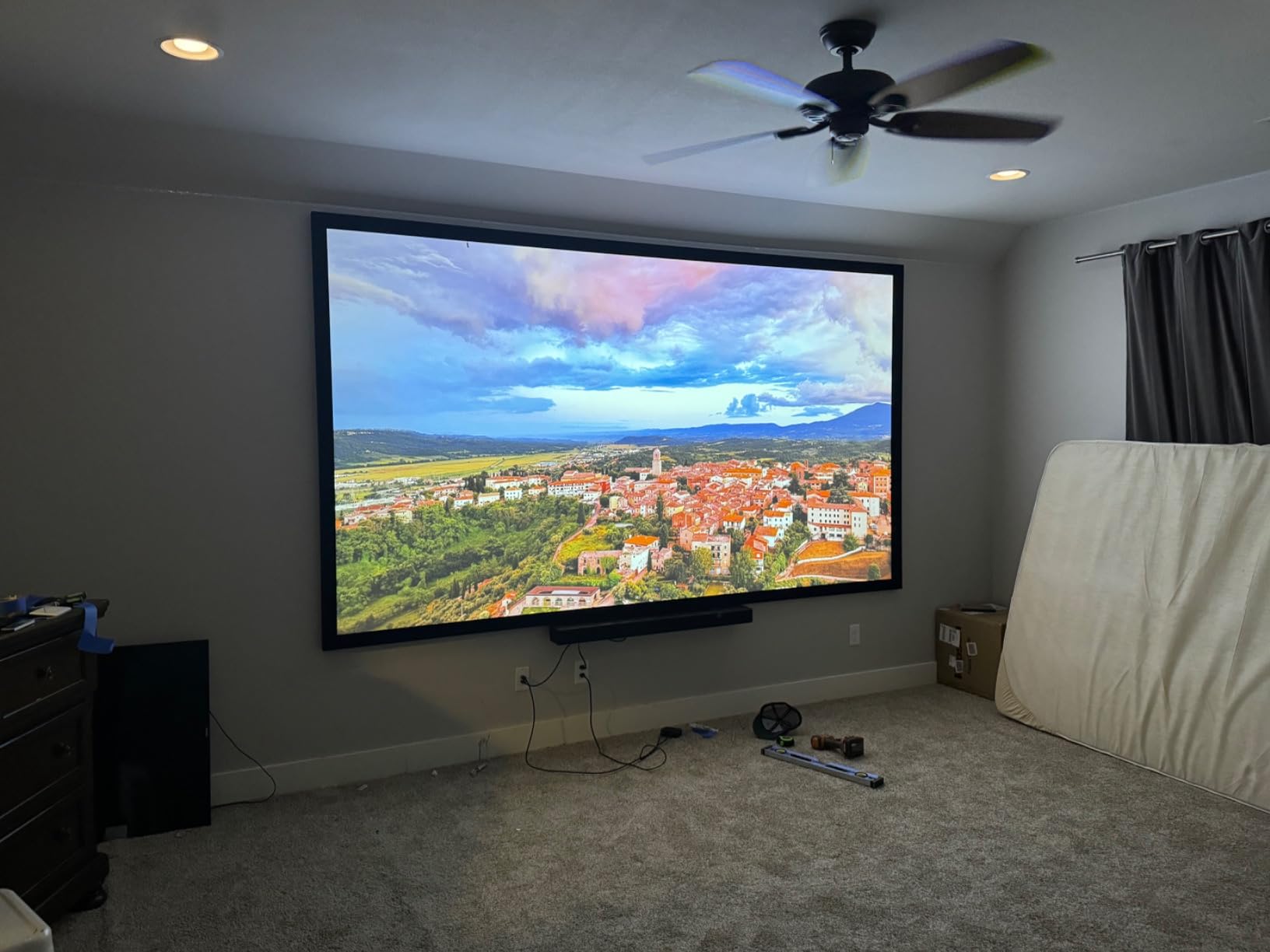
This is the practical trap. The 137 percent vertical offset throws the image noticeably upward when the unit sits on a table, so a normal coffee table will put the bottom of the picture in the wrong place. Owners either raise the unit or plan a proper shelf. Measure first, then choose furniture.
Black level reading as dark grey rather than true black is the other common note. In a lit room that matters less than you would think, because ambient light is already lifting the black floor.
Check what you need to plug in
There is no built-in smart platform, so Netflix and other apps require a streaming stick, and the mono speaker has little bass and is not intended for anything beyond news and talk. Both are acceptable if you already own a soundbar and a streaming device.
Some owners also report dimming and reduced crispness within months, and rainbow effect is visible on fast eye movement. Neither appears universal, but both are reasons to keep the return window in mind.
10. BenQ TK710 – True 4K Laser With 3200 ANSI Lumens
BenQ TK710 4K HDR Laser 3200 Lms Home Entertainment Movie& Gaming Projector
- Sharp 4K picture and text
- a large step up from 1080p units
- 3200 ANSI lumens works in a lit room
- Extensive picture adjustment including corner adjustment
- Vertical lens shift and 1.3x zoom simplify placement
- Low input lag and 240Hz make it a capable gaming projector
- No horizontal lens shift
- so the unit must be centered on the screen
- Built-in 5W speaker is quiet and there is no Bluetooth
- Short 8.4 foot minimum throw distance compared with some models
- Several reports of units failing or arriving with dead HDMI ports
- Wi-Fi ready but no built-in smart OS
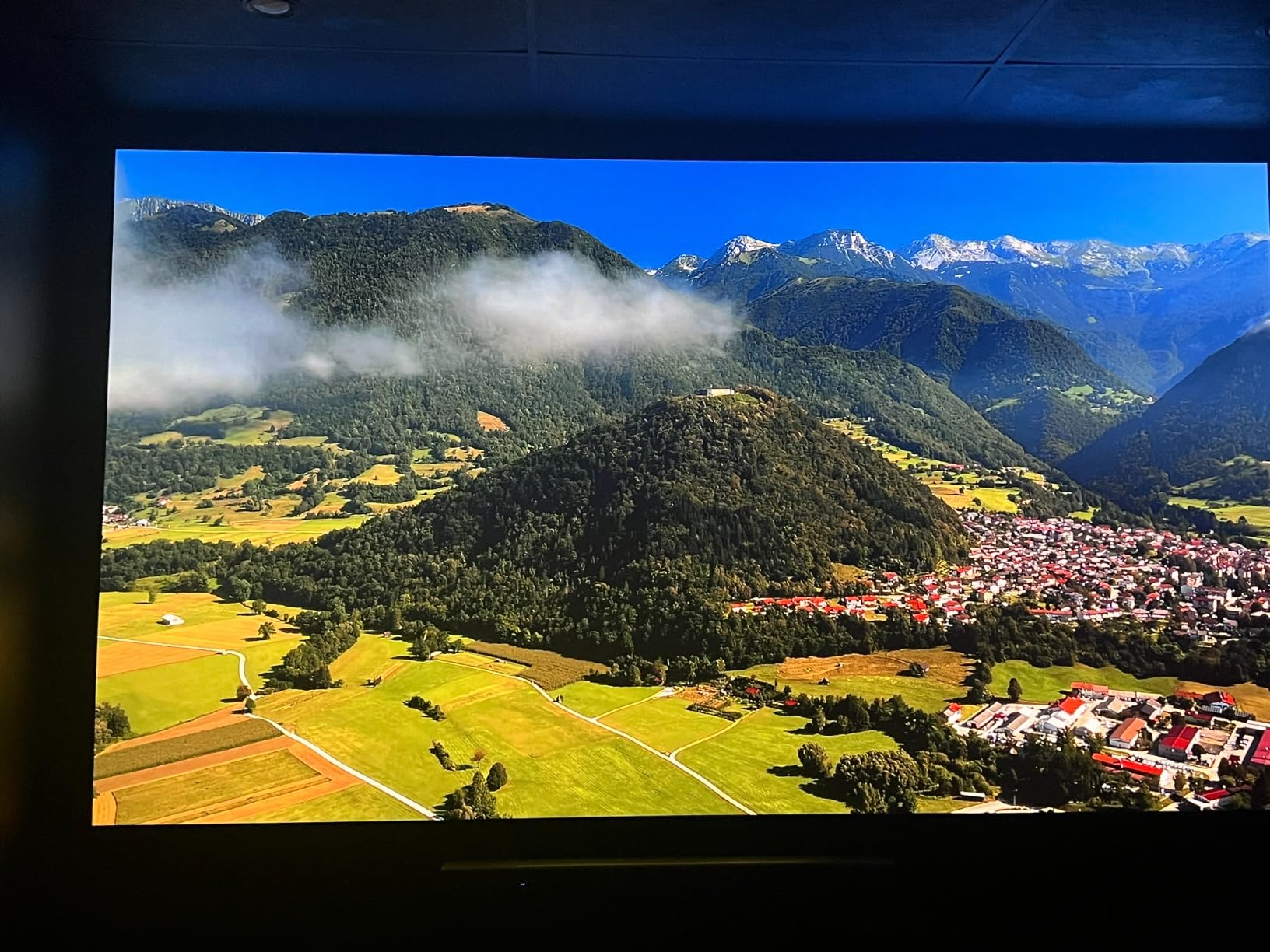
The TK710 is the reference point for a straightforward 4K laser living-room projector. It is true 4K UHD DLP rather than pixel-shifted, at 3200 ANSI lumens, and owners consistently call the picture and text sharp, with 3200 lumens working in a lit room. Reviewers also flag it as excellent value for a lit-room home theater setup.
Adjustment options are unusually thorough, including corner adjustment alongside keystone, and the 1.3x optical zoom with vertical lens shift means placement is forgiving even without a ceiling mount. A 95 percent Rec.709 color coverage target is honest rather than marketing-flattering, which suits a projector you will actually calibrate.
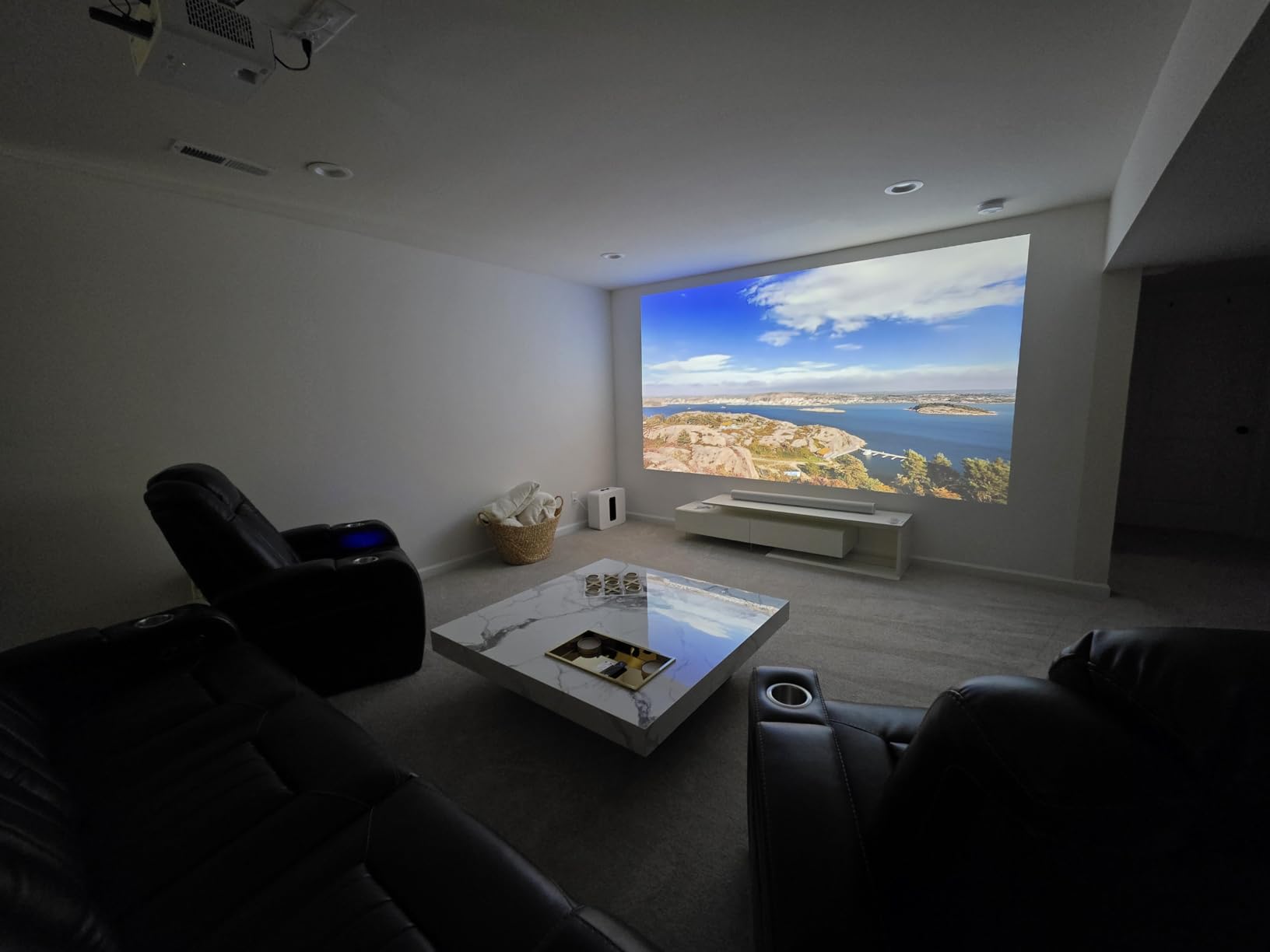
Gaming gets 4ms response at 1080p 240Hz and 16ms input lag at 4K 60Hz, with HDR10 and HLG support and Dynamic Function light adjustment. The image goes up to 144 inch with an 8.4 foot minimum throw distance, the 20000 hour laser source removes bulb changes, and the three-year manufacturer warranty is one of the longer ones here.
Setup is quick and uncomplicated out of the box, and at 8 pounds it is one of the easier 4K laser units to handle during installation. eARC support means a soundbar can return audio over the same cable.
Check whether the short review history matters to you
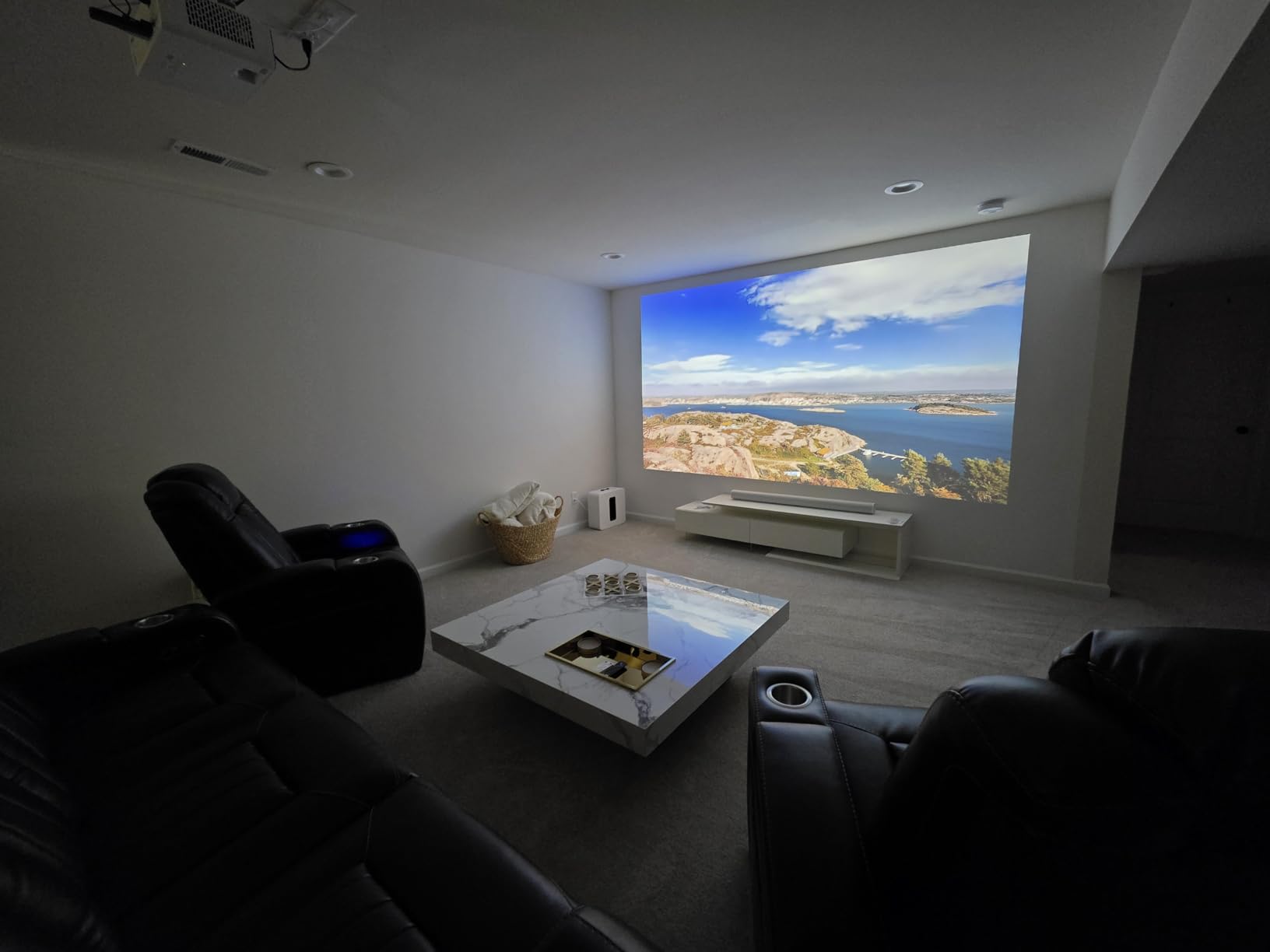
With 45 reviews, this is the smallest sample in the roundup, which cuts both ways. It means less long-term history on failures, and it means the 4.3 star average rests on fewer experiences than the others. The three-year warranty partially compensates.
There are several reports of units failing or arriving with dead HDMI ports, so inspect the projector on arrival rather than assuming a clean box means a working unit.
Check the horizontal placement constraint
Lens shift is vertical only, so the unit has to be centered on the screen horizontally. In an asymmetric living room with the seating offset, that means either moving the furniture or accepting keystone correction and the brightness loss that comes with it.
The 5W built-in speaker is quiet with no Bluetooth audio, and the Wi-Fi is ready but there is no smart OS, so a streaming dongle is required. Add both to your setup budget.
11. LG HU85LA – WebOS And A 120 Inch Image Seven Inches Off The Wall
- Gorgeous vivid color from the triple laser engine
- 120 inch image from only 7.2 inches off the wall frees up floor space
- Reasonable fan noise and low heat output
- Built-in webOS with Magic Remote plus Alexa and Google Home
- HDR10 works well and stays watchable with lights on
- Weak black level
- and dynamic tone mapping crushes dark-scene detail
- Placement is fiddly and ultra short throw needs a very flat screen
- No HLG support and no Apple TV app or HomeKit support
- Screen edges lose focus past roughly 110 inches
- Reports of HDMI port failure
- coil whine and units losing power
The HU85LA is the smoothest TV replacement on this list, because it behaves like a television. LG webOS with the Magic Remote, Alexa built in, and Google Home support make it a set-top box that projects, and 2700 ANSI lumens stays watchable with lights on. Owners still love the color from the triple laser engine with its static phosphor green.
The headline number is placement. A 120 inch image from 7.2 inches off the wall is unmatched here, and it frees up the floor space where a normal throw projector would need a deep cabinet. Operating noise of 26 to 30 dB and low heat output keep it civil in a shared space, and the 20000 hour laser life is unremarkable for the category.
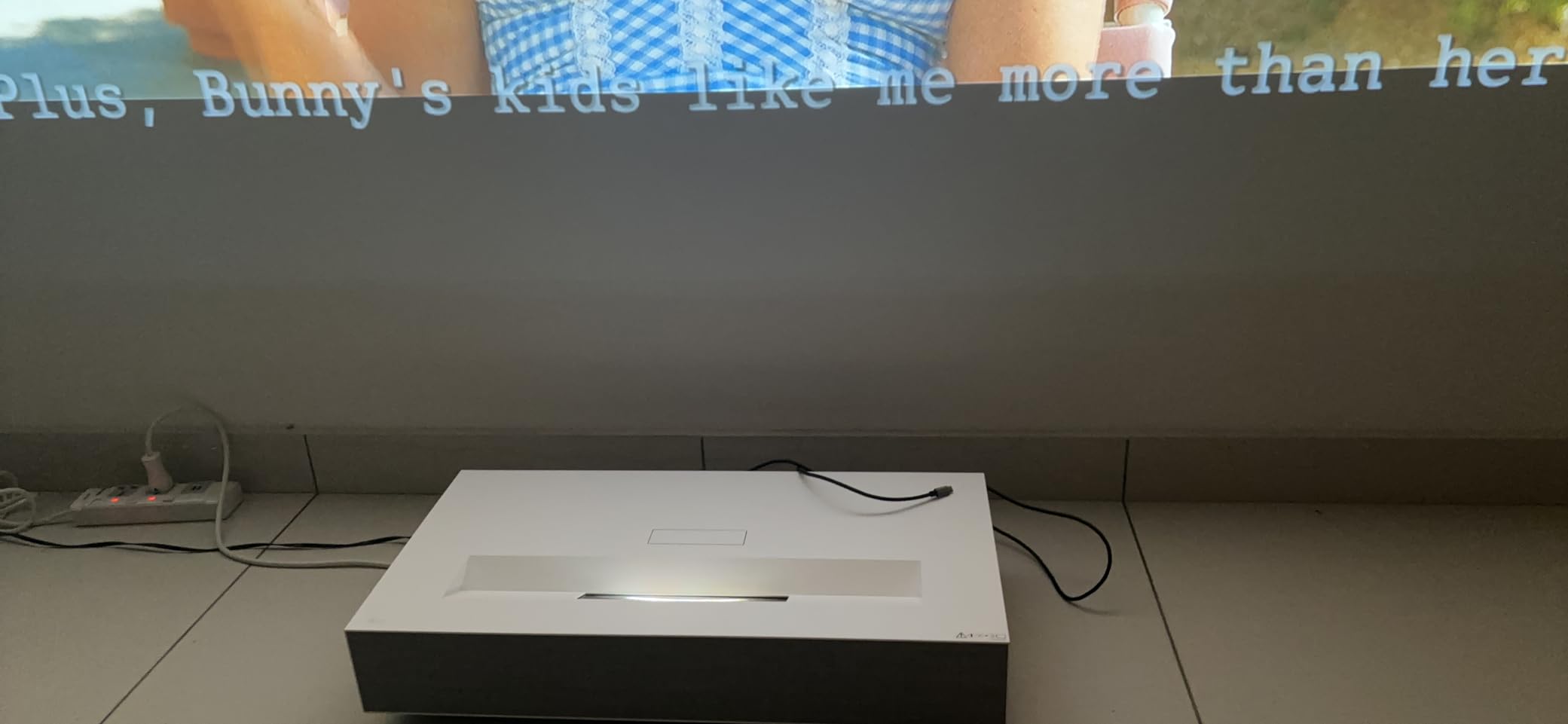
At 26.9 pounds and 26.8 by 13.7 by 5 inches, this is a wide chassis that needs planned furniture space, and ultra-short-throw setup demands a very flat screen. The two-year parts and labor warranty is standard.
It is also an earlier-generation release, and rivals have flagged its age as a buying consideration. At 4.0 stars it is the lowest-rated unit in this roundup, and the reasons are consistent across reviews: sacrificed black level, fiddly alignment, and a cluster of hardware reliability reports covering HDMI port failure, coil whine and units losing power.
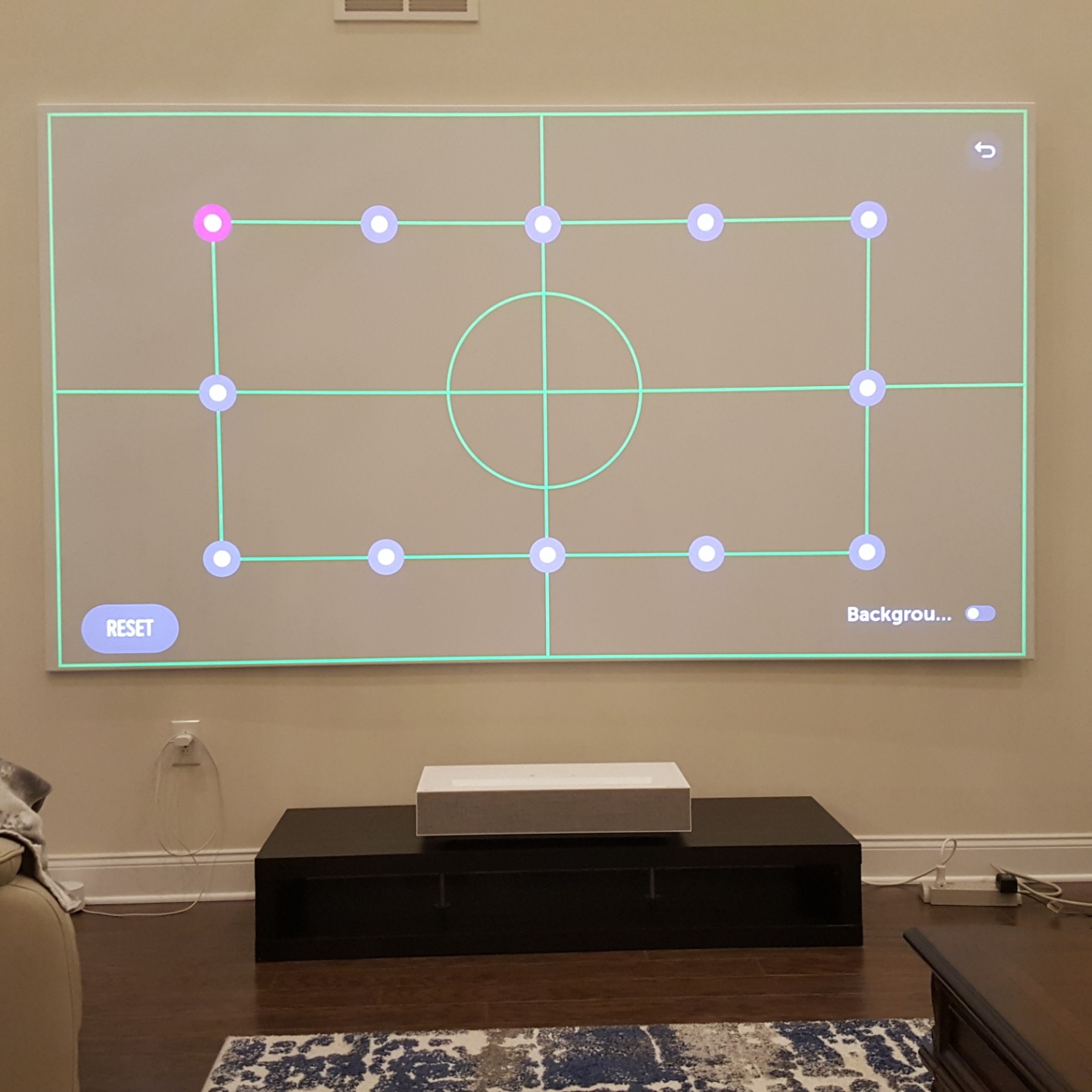
Check the black level in a dark room
Weak black level is the acknowledged flaw, and dynamic tone mapping crushes detail in dark scenes. In a fully darkened room the 2000000:1 dynamic contrast figure does not deliver the depth the number implies. In a normally lit living room, that weakness matters much less, which is why this still works as a TV replacement.
Screen focus also degrades past roughly 110 inches, so treat the 120 inch figure as a maximum rather than a target.
Check the platform gaps before you commit
There is no HLG support, no Apple TV app and no HomeKit support, and the app lineup is narrower than Google TV units in this roundup. If your streaming lives in a specific ecosystem, verify the app exists on webOS before buying.
Placement is the other real work. Ultra short throw needs a flat screen, and the unit must sit close to the wall. If you want a newer generation with the same idea and more output, the Hisense PL2 is the same form factor with Dolby Vision.
How Bright Do You Need? Sizing Lumens To Screen Size
This is the question that decides the purchase, and no competitor page answers it in one place. The working rule for a living room is that you need roughly 100 to 150 ANSI or ISO lumens per foot of screen diagonal in a bright room, and around 60 to 80 lumens per foot in a room you can darken.
For a 100 inch diagonal, which is 8.3 feet across, that works out to about 850 to 1250 lumens in a dim room and 1250 to 2000 in a bright one. For a 120 inch screen at 10 feet, roughly 1800 to 3000 lumens in a bright room. Those are the numbers that explain why the ViewSonic LS740HD at 5500 ANSI lumens and the XGIMI HORIZON 20 at 3200 ISO lumens behave so differently from the JMGO N1S 4K at 1700 ISO lumens.
Room brightness categories help you pick the tier. A dim room with blackout curtains is served by anything from about 1500 lumens upward. A medium room with one window and soft lamp light wants 2500 to 3200 lumens. A bright room with two or more windows wants 3000 lumens and up, or an ALR screen that lets you get away with less.
One caution about units. ISO lumens and ANSI lumens are measured by different standards and are not directly comparable, which is why a 2000 ISO figure and a 3000 ANSI figure may land closer together than the numbers suggest. Treat cross-brand comparisons as approximate and the lumens-per-foot rule as the more useful tool.
Throw Distance And Placement For Real Living Rooms
Throw type is a placement decision before it is a picture decision, and getting it wrong means the projector never leaves the box.
Standard throw models need real depth, typically 1.2 to 1.6 times the screen diagonal, so a 100 inch image wants roughly 10 to 13 feet of distance. That means a ceiling mount, a back cabinet, or a very long room. The Valerion StreamMaster Plus2 and Epson LS11000 are in this group, and both give you lens shift or long throw to make placement precise.
Short throw models compress that to about 0.4 to 0.8 times the diagonal, so a 100 inch image lands from roughly 5 to 8 feet away. The Optoma GT2000HDR is the clearest example here, hitting up to 300 inch from a 1 meter minimum throw. This is the right category for a shallow room or a projector on a low table.
Ultra short throw models project from under 0.4 times the diagonal, filling a 150 inch wall from about two feet away. The Hisense PL2, AWOL VISION LTV-3000 Pro and LG HU85LA all qualify. The trade is total placement rigidity: the screen has to be where the geometry wants it, and the wall has to be flat. If you rent, cannot drill, or have a high ceiling, ultra short throw is the category that solves it, and you will trade flexibility for it.
Our [ultra short throw projector guide](https://www.requiemforadream.com/best-ultra-short-throw-projectors-for-living-rooms/) covers the furniture planning in more detail, including how low the cabinet needs to be and where the image lands relative to eye level.
Laser Vs LED Vs Lamp: Which Light Source Fits Your Room
Lamp projectors are the cheapest to buy and the most expensive to own. A replacement bulb is needed every few thousand hours, each one costs real money and takes a ladder, and brightness drops gradually long before the bulb fails.
LED projectors run cool, never need a bulb, and tend to produce no laser speckle, but the brightest LED units in living-room sizes are rarer and usually less punchy than a good laser. They are the right answer for a speckle-sensitive viewer or someone who watches in a fully controlled room.
Laser projectors sit between the two. Lifespan is typically 20000 to 30000 hours, brightness stays flat instead of decaying, and the light source starts and stops instantly with no warm-up cycle. Color, particularly from RGB triple-laser engines like the Valerion, JMGO and XGIMI units here, is the strongest reason to spend up.
The honest cost comparison over a decade favors laser heavily: zero bulb purchases, lower running wattage, and no maintenance visits. If you are replacing a TV in a room used every evening, that is the entire ownership argument. Budget ceiling anxiety is common in forum threads, and the reason laser wins is not the sticker price, it is the ten-year total.
ALR Screens And Room Prep: What Actually Makes A Lit Room Work
An ambient-light-rejecting screen is the single companion purchase that decides whether a lit-room laser projector succeeds or disappoints. A standard matte white screen reflects light from the room straight back at you, which is exactly what washes out contrast. An ALR screen is engineered to reflect projector light back toward the seating position and reject light arriving from the side, so it holds contrast with lamps on.
Pair it with a brighter projector and you can do more with a smaller image. Pair it with a dim projector and it becomes genuinely usable in daylight. The AWOL VISION reviewers say this directly: they recommend pairing it with a dedicated ALR screen rather than fighting ambient light with brightness alone.
The room prep list that comes up most often in projector advice threads is short and unglamorous. Blackout curtains on windows beside the screen, a dark or matte wall rather than a glossy white one, the projector positioned so nothing crosses the light path, cables run so no one trips, and external audio rather than hoping built-in speakers carry a film.
A screen surface also changes the character of the picture. Lower-gain matte surfaces tame laser speckle, which is the single most common complaint on triple-laser units. A high-gain ALR surface boosts brightness but makes speckle and surface texture more visible, which is the trade our LASER section covers next.
Laser Speckle And Rainbow Artifacts: Who Notices And Who Does Not
Two artifacts scare buyers more than they should, and both are worth understanding before you spend money rather than after.
Laser speckle is a shimmering texture in the image caused by interference between laser light sources. It is most visible on light-colored content and skin tones, and it becomes stronger on high-gain screens. On the XGIMI HORIZON 20 it is the most common complaint in reviews. It is more visible in peripheral vision than when you look directly at it, and most people adapt within a few sessions. A lower-gain matte screen is the simplest fix.
Rainbow artifacts are the color fringing some people see on DLP projectors, caused by the color wheel. Sensitivity is highly individual and much more common among people wearing glasses. It is the most frequently named con on the Hisense PL2 and the ViewSonic LX700-4K. The Epson LS11000 is immune because its true 3-chip 3LCD engine has no color wheel at all, which is one of the strongest arguments for that engine.
If you have previously disliked a DLP projector, the Epson is the safe route. If you have never noticed either artifact, neither should stop you buying a laser unit.
The Real Drawbacks Of Laser Projectors
Laser projectors are not a universal upgrade, and the reasons are worth stating plainly before you buy.
Brightness still loses to a television in full daylight. A high-end TV pushes several times the light of a projector onto the screen, and no laser projector closes that gap in a sunlit room. Laser changes the calculus for evening and overcast viewing, not midday.
Upfront cost is higher than lamp projectors for the same brightness class, and premium triple-laser models cost multiples of a good 1080p laser unit. The ten-year ownership case still favors laser, but the entry point is steeper.
There is no bulb to replace, which also means no bulb to fix a dim image. When a lamp projector fades, you change a bulb and it is bright again. When a laser unit dims, or develops a speckle problem, or a firmware update goes wrong, the repair path is service, not a five-minute swap. The XGIMI HORIZON 20 has a documented instance of a firmware update bricking a unit with unresponsive support.
Speckle and rainbow artifacts are real and unevenly distributed across viewers. Ultra short throw models demand a flat screen and give up placement flexibility. Smart platforms remain uneven, from sluggish Google TV on some units to no smart platform at all on others. None of these are dealbreakers, but they are the honest cost of the category.
Sound is the most common disappointment across every price band. The built-in speakers on almost every projector in this roundup are adequate for news and inadequate for films, and a soundbar plus a streaming device is a realistic part of the budget. If you are furnishing the rest of the room, our [accent chair](https://www.requiemforadream.com/best-accent-chairs-for-living-rooms/) and [storage cabinet](https://www.requiemforadream.com/best-storage-cabinets-for-living-rooms/) roundups cover the seating and media furniture around a big screen.
Frequently Asked Questions
What is the best laser projector on the market?
The Valerion StreamMaster Plus2 is our top pick for a living room in 2026, with a 4.6 star average across 545 reviews, an RGB triple laser engine covering 110 percent of Rec. 2020, 4ms input lag, 240Hz refresh and an adjustable image from 50 to 300 inches. For a room that cannot be ceiling mounted, the Hisense PL2 and AWOL VISION LTV-3000 Pro are the ultra short throw alternatives.
Are laser projectors worth it for a living room?
Yes, mostly because of the light source rather than the picture. A laser source lasts 20000 to 30000 hours, so you avoid bulb replacements and brightness decay over a decade of daily use. In a living room you cannot fully darken, laser brightness and triple laser color also hold up better against ambient light than a lamp projector, which is the bigger practical win.
Which is better, a laser projector or an LED projector?
Laser wins for brightness and color in a lit room, typically reaching 2000 to 5500 lumens with triple laser RGB engines covering well past broadcast color targets. LED projectors run cooler, never need a bulb and produce no laser speckle, which makes them preferable for speckle-sensitive viewers watching in a fully controlled room. For a shared living room with ambient light, laser is the stronger choice.
What are the downsides of using a laser projector?
The main drawbacks are a higher upfront cost, brightness that still trails a television in full daylight, visible laser speckle on light content, and rainbow artifacts on some single-chip DLP models. Ultra short throw units demand a very flat screen and give up placement flexibility. Because there is no bulb, a dim or faulty laser unit means service rather than a quick bulb change.
How bright should a projector be for a living room?
Budget roughly 100 to 150 lumens per foot of screen diagonal in a bright room and 60 to 80 lumens per foot in a room you can darken. That puts a 100 inch screen at roughly 1250 to 2000 lumens in a bright room and a 120 inch screen at roughly 1800 to 3000 lumens. Remember that ISO lumens and ANSI lumens use different measurement standards and are not directly comparable.
Is the JMGO N1S 4K worth it?
The JMGO N1S 4K is worth it for color, portability and setup rather than for brightness. Its MALC 3.0 RGB triple laser covers 110 percent BT.2020 and 151 percent DCI-P3, the 127 degree gimbal makes aiming genuinely simple, and at 4.4 pounds with Google TV and licensed Netflix it is the easiest all-rounder here. Its 1700 ISO lumens means it looks best in a dim room, not in daylight.
Do laser projectors need blackout curtains and a special screen?
Blackout curtains on windows beside the screen make a large difference, and an ambient-light-rejecting screen is the companion purchase that decides whether lit-room viewing works. ALR screens reflect projector light back toward your seating while rejecting side light, so a dimmer projector still holds contrast with lamps on. A plain white wall is fine for evening viewing but wastes brightness in a lit room.
How We Chose These Laser Projectors
We ranked all eleven units on three things that decide whether a projector survives in a living room: usable brightness in ambient light, placement flexibility given the room, and total cost of ownership over roughly ten years. Brightness figures are quoted in the manufacturer’s own unit because ISO and ANSI measurements are not comparable across brands.
We weighted owner review data heavily, particularly on the things spec sheets hide: light spill, rainbow artifacts, firmware reliability, auto keystone performance and smart platform responsiveness. Where a consensus complaint appeared across multiple models from the same brand, we said so in the entry rather than smoothing it over.
We deliberately excluded aging models that competitors still rank, and we did not include a lamp projector in the list because the roundup is about laser light sources. The article was last updated in 2026, and all eleven picks were reviewed against current listings before publication.
The Best Laser Projectors for Living Rooms in 2026
The Valerion StreamMaster Plus2 is the best laser projector for living rooms overall, and the reason is the combination of a 4.6 star average across 545 reviews, triple laser color with 110 percent Rec. 2020 coverage, 4ms gaming latency and an image size that stretches from 50 to 300 inches. It is the pick for someone who wants one device to do evening films, daytime sports and console gaming.
For a room that cannot be drilled into, the Hisense PL2 is the value pick with 2700 lumens, Dolby Vision and a compact ultra short throw body, while the AWOL VISION LTV-3000 Pro is the one to buy when you want 150 inches and triple laser color with 3D and built-in center-channel audio. If daylight is the deciding factor, the XGIMI HORIZON 20 at 3200 ISO lumens or the ViewSonic LS740HD at 5500 ANSI lumens are the two to compare.
Whichever you choose, the setup matters as much as the hardware. An ALR screen, blackout curtains on the windows beside the image, and a soundbar will do more for a living room projector than any spec upgrade. Check the current listings for each model, and buy from a seller with an easy return window so you can test it against your own light.