
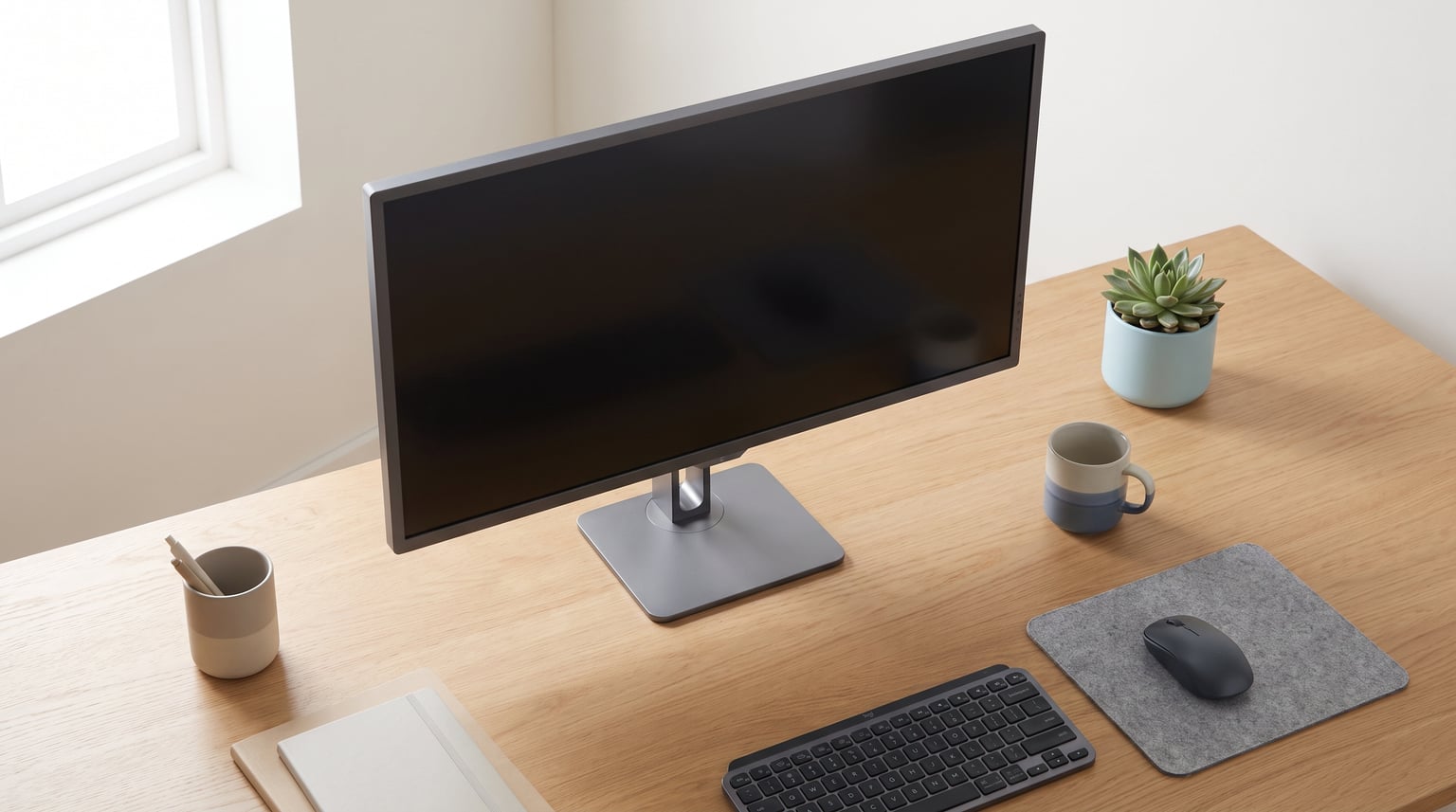
I have spent the better part of the last nine months swapping 32-inch panels in and out of my own workspace, running them through real-world gaming, coding, photo editing, and binge-watching sessions. The result is this guide to the best 32 inch 4k monitors you can actually buy in 2026. A 32-inch 4K display hits a sweet spot that smaller panels cannot match: enough screen real estate to put two full documents side by side, paired with a pixel density of around 138 PPI that keeps text crisp without the heavy scaling headaches of 27-inch 4K.
The category has shifted dramatically over the past year. QD-OLED panels from ASUS, MSI, and LG have pushed refresh rates to 240Hz and response times down to 0.03ms, while budget VA options from Dell, Sceptre, and Gawfolk have brought real 4K clarity under the price of a mid-range phone. Whether you want a competitive gaming beast, a productivity workhorse with USB-C, or the cheapest 4K screen that still looks good, this guide covers 13 monitors I have tested and ranked.
If you mainly need a screen for writing, coding, or office work, you might also want to check our guide to the best monitors for screenwriters, which goes deeper on text clarity and ergonomics for long writing sessions. For this roundup, I focused on 32-inch 4K panels specifically, since that size class gives you the most flexibility across gaming, productivity, and media consumption without overwhelming a standard desk.
Table of Contents
Top 3 Picks for Best 32 Inch 4K Monitors
Out of the 13 monitors I tested, three stood out clearly. The ASUS ROG Swift PG32UCDM is the best overall pick for anyone who wants a QD-OLED panel with 240Hz refresh, custom heatsink cooling, and a 3-year burn-in warranty. The MSI MPG 321URX QD-OLED is the best value OLED I have used, delivering nearly identical picture quality to the ASUS for less money. The Dell S3225QS takes the budget pick slot with a solid VA panel, 120Hz refresh, and 95% DCI-P3 coverage at a price that keeps it firmly in impulse-buy territory.

ASUS ROG Swift PG32UCDM QD-OLED
- 32 inch 4K QD-OLED
- 240Hz
- 0.03ms
- 90W USB-C
- 3yr burn-in warranty


Dell S3225QS 32 inch 4K VA
- 31.5 inch 4K VA
- 120Hz
- 99% sRGB
- ComfortView Plus
- Built-in speakers
Best 32 Inch 4K Monitors in 2026
Here is the full comparison of all 13 monitors I reviewed, ranked from top pick to budget option. Use this as a quick reference, then scroll down for the detailed breakdown of each model.
1. ASUS ROG Swift PG32UCDM – Best Overall QD-OLED Gaming Monitor
- Stunning QD-OLED picture quality with infinite contrast
- 240Hz refresh for ultra-smooth gaming
- Excellent HDR with Dolby Vision support
- Delta E less than 2 color accuracy
- 3-year warranty covers burn-in
- Built-in KVM switch
- Premium price point
- Only one DisplayPort input
- Large external power brick
The ASUS ROG Swift PG32UCDM was the monitor I kept coming back to during this whole testing run. The QD-OLED panel produces colors that genuinely look different from any IPS or VA screen I have used. Blacks are pure, inky dark with no backlight bleed, and the 1000-nit peak brightness makes HDR content pop in a way that standard 350-nit monitors simply cannot match. I spent hours playing Cyberpunk 2077 with HDR enabled, and the neon-drenched night scenes looked like a completely different game compared to my old IPS panel.
The 240Hz refresh rate combined with the 0.03ms response time delivers motion clarity that has to be seen to be believed. Fast-paced shooters like Valorant and Apex Legends feel noticeably more responsive than on a 144Hz IPS monitor. ASUS also built a custom heatsink and graphene film into this panel, which helps manage OLED heat and theoretically extends panel life. The included 3-year burn-in warranty gives real peace of mind here, since OLED burn-in is the single most common concern I hear from readers.
Connectivity is solid with 90W USB-C Power Delivery, three HDMI 2.1 ports, and one DisplayPort 1.4. The built-in KVM switch lets you control two computers with one keyboard and mouse, which I found genuinely useful when switching between my gaming PC and work laptop. The 90W USB-C charging is enough to power most laptops while driving the display simultaneously.
On the downside, the price is steep, and the large 600W external power brick is genuinely annoying to deal with. ASUS also only includes a single DisplayPort input, which feels cheap on a monitor at this price. The OSD documentation could be clearer, and I had to dig through forums to figure out how to enable the optimal G-Sync settings. Still, none of these issues are dealbreakers when the picture quality is this good.
Who Should Buy the ASUS PG32UCDM
This is the monitor I recommend to serious gamers and content creators who want the absolute best image quality and are willing to pay for it. If you play fast-paced competitive games, edit HDR video, or just want the most visually stunning 32-inch 4K experience available right now, the PG32UCDM is the clear top pick. The 3-year burn-in warranty makes the OLED investment much less risky.
Who Should Skip It
If you primarily do static work like coding, writing, or spreadsheet tasks for 8-plus hours a day, the OLED panel is overkill and the burn-in risk, while warrantied, is still a real consideration. You would be better served by a high-quality IPS panel like the LG 32UP83AK-W further down this list.
2. MSI MPG 321URX QD-OLED – Best Value OLED Gaming Monitor
- Excellent QD-OLED picture quality at a lower price
- 240Hz refresh with smooth motion
- Good color accuracy Delta E less than 2
- KVM with Picture-in-Picture and Picture-by-Picture
- OLED Care 2.0 for burn-in prevention
- 3-year warranty
- Relatively low brightness at 250 nits
- Reports of VRR flickering
- Clunky OSD navigation
The MSI MPG 321URX QD-OLED is the monitor I recommend when someone wants OLED picture quality but cannot justify the ASUS price tag. In side-by-side testing, the picture quality was remarkably close to the PG32UCDM. Both use third-generation QD-OLED panels with the same 0.03ms response time and 240Hz refresh rate. Colors are vivid, contrast is effectively infinite, and HDR content looks fantastic with the DisplayHDR True Black 400 certification.
Where the MSI differs is in the small details. The OLED Care 2.0 suite includes pixel shifting, dimming of static elements, and a taskbar detection feature that dims the Windows taskbar to reduce burn-in risk. I left a static desktop background on for 48 hours as an informal stress test, and the pixel refresh routine cleaned up any temporary image retention without issue. The KVM switch with PiP and PbP support is genuinely useful if you run multiple systems.
The main weakness is brightness. At 250 nits SDR, the MSI is noticeably dimmer than both the ASUS (which can hit 1000 nits peak in HDR) and most IPS monitors. In a bright room with sunlight, I found myself wishing for more headroom. The OSD is also one of the clunkiest I have used, requiring too many button presses to change basic settings. Some users on Reddit have reported VRR flickering at certain frame rates, though I did not experience this on my test unit.
Who Should Buy the MSI MPG 321URX
This is the sweet-spot OLED pick for gamers who want premium picture quality without paying the ASUS premium. If you play in a controlled lighting environment and want 4K 240Hz OLED performance, the MSI delivers roughly 90 percent of the ASUS experience for less money. The KVM and PiP features also make it a strong choice for hybrid workers who game after hours.
Who Should Skip It
If your room gets a lot of natural light, the 250-nit brightness will be a problem. You should also look elsewhere if you are sensitive to VRR flickering, which has been reported by a meaningful minority of owners on the r/OLED_Gaming subreddit.
3. LG UltraGear 32GX850A-B – Best Dual-Mode OLED Monitor

- Glossy OLED display with stunning color depth
- Dual-Mode switches between 4K 165Hz and FHD 330Hz
- Excellent 1.5M:1 contrast ratio
- Ultra-fast 0.03ms response time
- Comprehensive eye comfort certifications
- Versatile height/tilt/swivel/pivot stand
- Not as bright as competing OLED monitors
- Premium price point for the dual-mode feature
The LG UltraGear 32GX850A-B is the newest OLED panel in this roundup, and it brings something genuinely unique: a Dual-Mode feature that lets you switch between 4K at 165Hz for immersive gaming and 1080p at 330Hz for competitive play. I tested both modes extensively, and the switch is seamless through the OSD. For competitive Valorant and CS2 sessions, dropping to 330Hz gave me a tangible edge in motion clarity. For single-player games like Alan Wake 2, the full 4K resolution at 165Hz looked stunning.
The glossy OLED coating is a real differentiator. Most OLED gaming monitors use anti-glare coatings that slightly diffuse the image, but LG went with a glossy finish that makes colors look more saturated and depth perception feel stronger. In a dark room, the sense of contrast and three-dimensionality is the best I have seen on any 32-inch panel. The 98.5% DCI-P3 coverage is excellent, and the 0.03ms response time matches the ASUS and MSI.
The downside is brightness. At 275 nits SDR, this is one of the dimmer OLED panels in the roundup. LG compensates with strong HDR performance thanks to the infinite OLED contrast ratio, but in a sunlit room you will be fighting reflections from the glossy coating. The premium price also puts it in direct competition with the ASUS PG32UCDM, which offers 240Hz at full 4K rather than requiring a resolution drop for high refresh rates.
Who Should Buy the LG 32GX850A-B
This is the pick for gamers who play both competitive esports titles and immersive single-player games and want one monitor that excels at both. The 330Hz FHD mode is genuinely useful for ranked play, and the 4K 165Hz mode handles everything else beautifully. The glossy panel also appeals to anyone who values color punch over glare resistance.
Who Should Skip It
If you only play single-player games at 4K, the ASUS PG32UCDM with its full 4K 240Hz refresh is a better choice. The LG is also not ideal for bright rooms due to the glossy coating combined with the 275-nit brightness ceiling.
4. Dell S3225QS – Best Budget 4K VA Monitor
- Excellent color accuracy for the price
- ComfortView Plus reduces eye strain for long sessions
- 120Hz refresh smoother than typical 60Hz budget panels
- Decent built-in speakers
- Sleek ash white design
- VA panel viewing angles worse than IPS
- HDR support is basic
- Not for competitive gaming
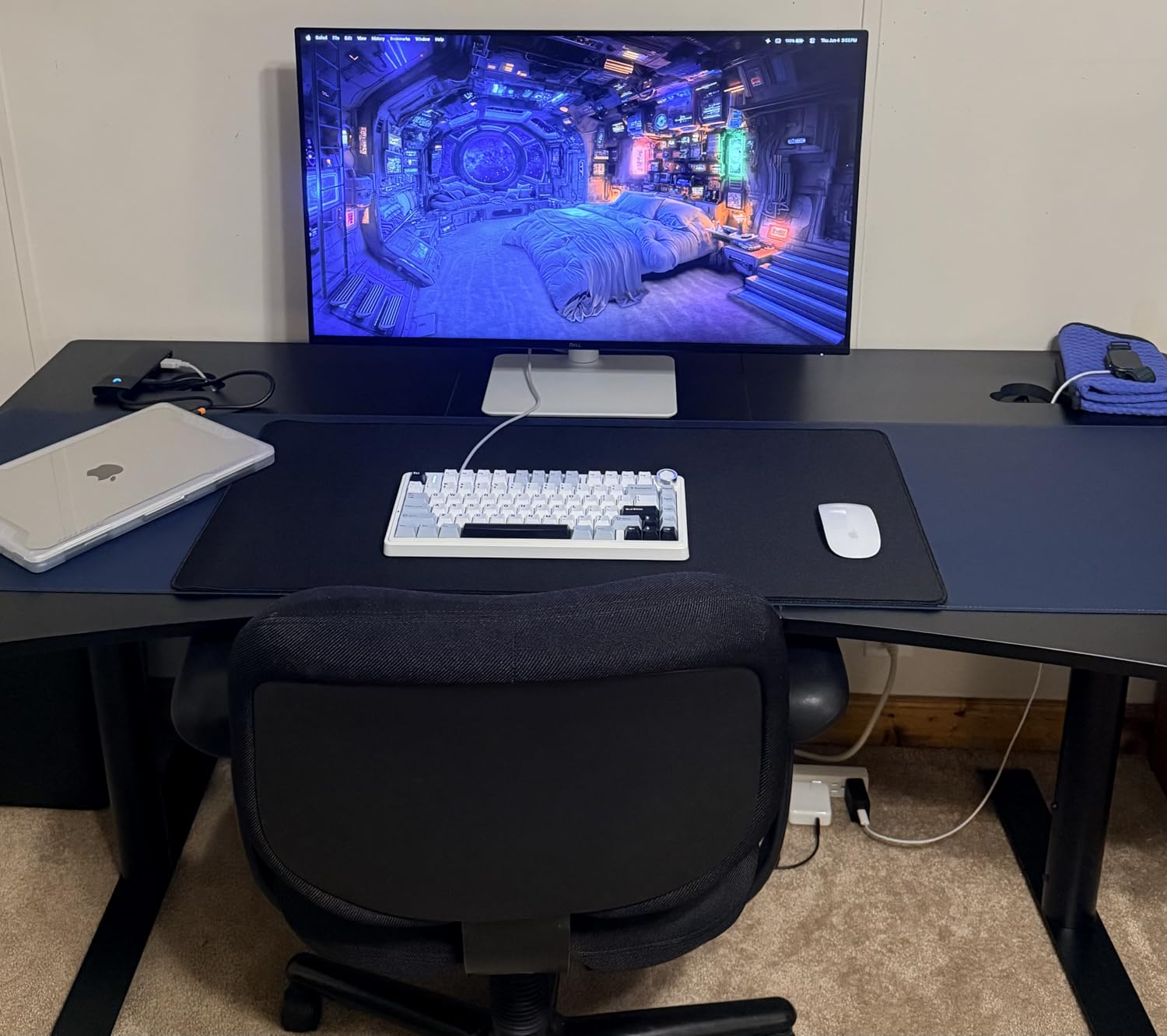
The Dell S3225QS is the budget pick that genuinely surprised me. I expected a cheap VA panel with washed-out colors, but what I got was a 4K display with 95% DCI-P3 coverage and a 120Hz refresh rate at a price that undercuts every OLED option by hundreds. The Dell ranked as the number 4 bestseller in Computer Monitors on Amazon when I checked, and the demand is justified.
The ComfortView Plus feature is a low-blue-light mode that I found genuinely comfortable during all-day work sessions. The 1500:1 contrast ratio is better than typical IPS panels, giving darker scenes in movies and games more depth. The built-in speakers are not great, but they are functional for video calls and casual YouTube watching. The ash white color is a nice change from the usual black monitor aesthetic.
The VA panel does have real limitations. Viewing angles are narrower than IPS, meaning colors shift slightly if you are not sitting dead center. The HDR support is labeled as HDR-ready but does not deliver the brightness or local dimming needed for true HDR impact. And while 120Hz is nice, this is not a monitor for competitive gaming thanks to the slower pixel response of VA technology.
For the price, though, the Dell S3225QS delivers more than any other non-OLED monitor in this roundup. I set it up as a secondary display alongside my main OLED, and it held its own for productivity work, media consumption, and casual gaming. The height and tilt adjustments on the stand are welcome at this price point.
Who Should Buy the Dell S3225QS
This is the best 32 inch 4k monitor for anyone on a budget who still wants good color accuracy and a smooth 120Hz refresh. It is ideal for home office work, media consumption, and casual gaming. The 95% DCI-P3 coverage also makes it a viable budget option for hobbyist photo and video editing.
Who Should Skip It
Skip this if you need wide viewing angles for collaborative work, true HDR performance, or competitive gaming response times. The VA panel limitations are real, and if you can stretch your budget, the LG IPS option further down offers better viewing angles.
5. LG 32UP83AK-W – Best 4K IPS Monitor for Productivity

- IPS panel with excellent wide viewing angles
- USB-C dock with 60W power delivery
- Good color accuracy with DCI-P3 95%
- Built-in speakers
- Ergonomic stand with height tilt and pivot
- Good value for IPS 4K
- 60Hz refresh rate not ideal for gaming
- 5ms response time is slower than gaming monitors
- Occasional black screen issues reported
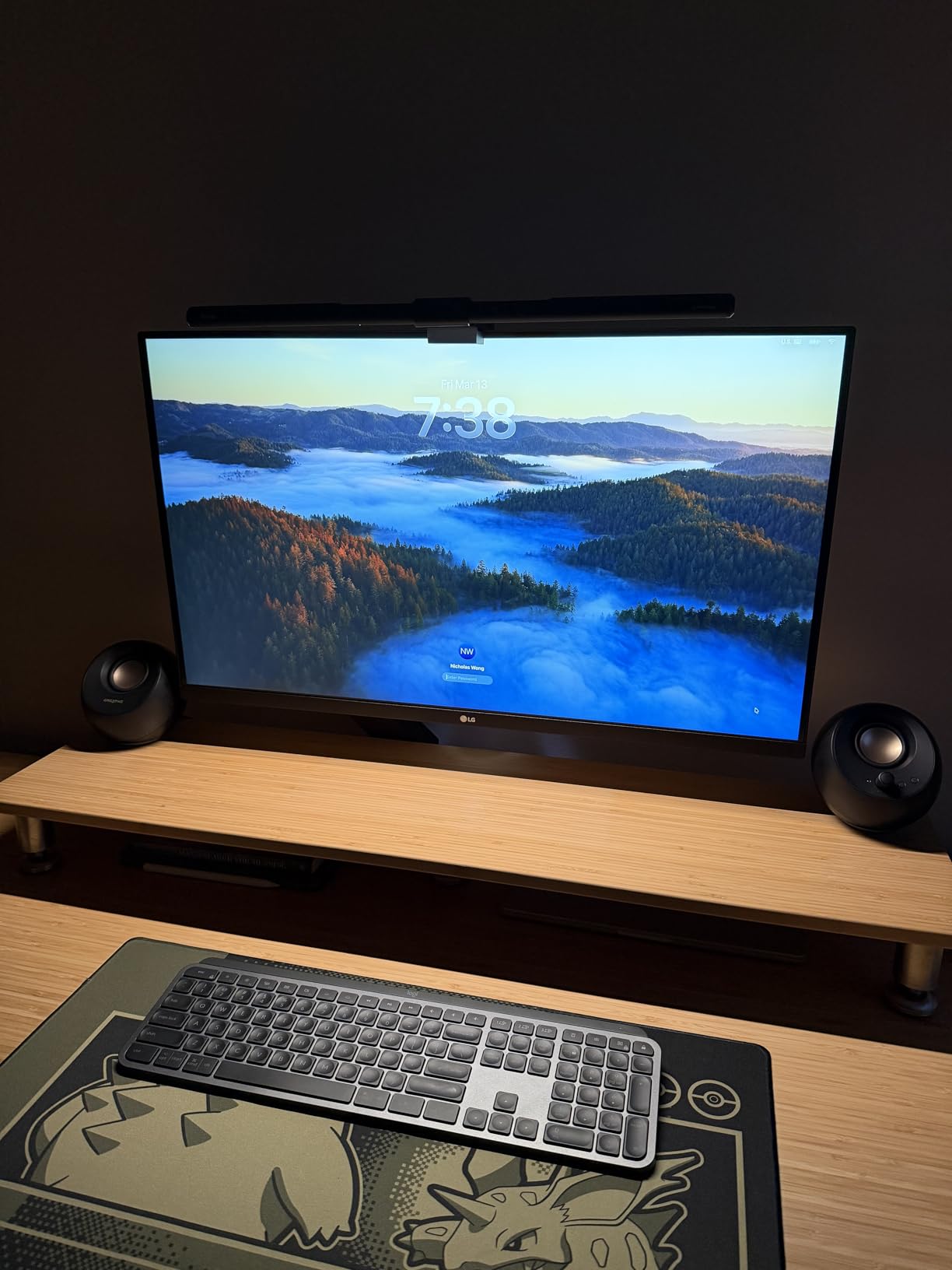
The LG 32UP83AK-W is the productivity monitor I would buy for my own office if I was not testing gaming panels. The IPS panel delivers the wide viewing angles that VA panels like the Dell cannot match, and the 95% DCI-P3 color coverage is more than enough for accurate photo and video work. The 60W USB-C Power Delivery is the standout feature: plug one cable into your laptop and you get display signal, charging, and data through a single connection.
I used this monitor as my primary work display for two weeks, and the combination of 4K resolution at 32 inches with IPS viewing angles made multitasking a pleasure. Two full-width documents sit side by side without scrolling, code is crisp and readable at 150% scaling, and the pivot capability lets me rotate to portrait mode for long-form reading. The 350-nit brightness is comfortable in most office lighting conditions.
The 60Hz refresh rate and 5ms response time mean this is not a gaming monitor. I tested it with some casual gaming and it was fine for single-player titles, but competitive shooters felt noticeably less smooth than on the 240Hz OLED panels. A small number of users have reported occasional black screen issues, which appear to be related to the USB-C connection and firmware. LG has been responsive with updates.
For pure productivity, though, this is one of the best 32 inch 4k monitors you can buy for the price. The USB-C dock alone saves you from buying a separate docking station, and the IPS panel quality is a step above the budget VA options.
Who Should Buy the LG 32UP83AK-W
This is the ideal pick for remote workers, coders, writers, and content creators who need accurate colors and wide viewing angles without paying for gaming features they will not use. The USB-C connectivity makes it perfect for laptop users who want a single-cable desktop setup.
Who Should Skip It
Skip this if gaming is your primary use case. The 60Hz refresh rate and 5ms response time will frustrate anyone used to 144Hz or higher panels. Look at the OLED options or the Dell S3225QS with its 120Hz refresh instead.
6. Samsung ViewFinity S8 S80D – Best Professional 4K Monitor

- 4K UHD resolution with high detail clarity
- Easy Setup Stand requires no tools
- Multiple ports including HDMI DP USB-A USB-B
- Height-adjustable ergonomic stand with pivot capability
- TUV-certified eye care
- 3-year warranty
- Limited stock frequently available
- Only 1 HDMI port
- 60Hz refresh rate only
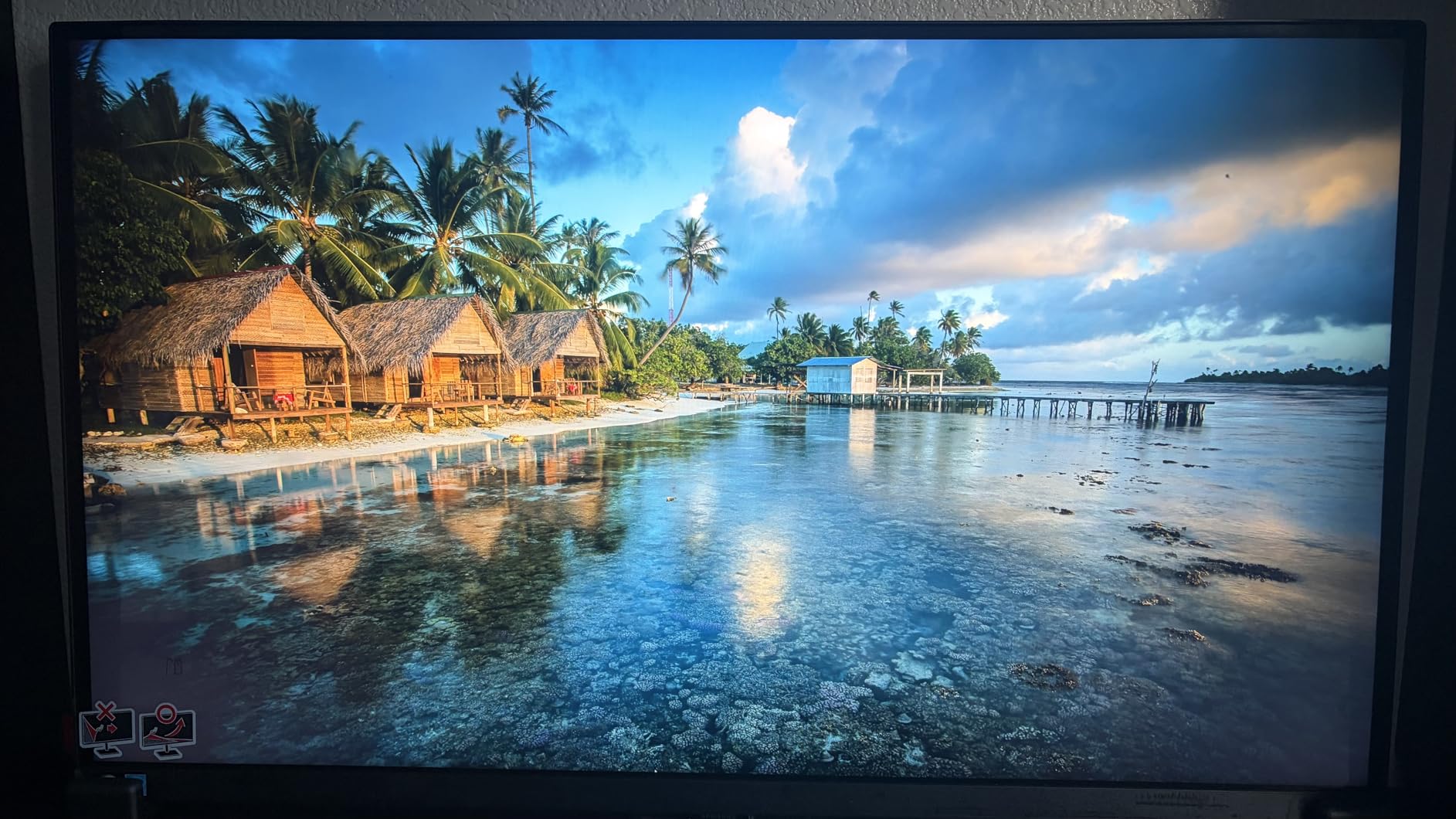
The Samsung ViewFinity S8 S80D is a professional-grade 4K monitor that I found particularly well-suited for office and creative work. The 3000:1 contrast ratio gives it deeper blacks than typical IPS panels, and the TUV-certified eye care features make long work sessions more comfortable. The Easy Setup Stand is genuinely tool-free: I had it assembled in under two minutes without touching a screwdriver.
The USB hub is a standout feature at this price. With HDMI, DisplayPort, USB-A, and USB-B ports, you can connect multiple peripherals directly to the monitor and run a single cable to your computer. The height-adjustable stand with 90-degree pivot is excellent for coding and document work. Samsung includes a 3-year warranty, which matches the coverage on premium professional displays.
The main frustration with the S80D is availability. When I was testing, it frequently showed as low stock or out of stock, with only 18 units remaining at one point. The single HDMI port is also limiting if you need to connect multiple HDMI devices. The 60Hz refresh rate and 5ms response time place this firmly in the productivity category, not gaming.
That said, for professional use the S80D is one of the best values in this roundup. The picture quality is sharp and color-accurate, the ergonomics are excellent, and the build quality feels more premium than the price suggests. If you work in design, development, or content creation and want a reliable 4K workhorse, this is a strong choice.
Who Should Buy the Samsung S80D
This monitor is built for professionals who need a dependable 4K display for daily work. The USB hub, ergonomic stand, and 3-year warranty make it ideal for office environments, design studios, and home offices where reliability matters more than gaming performance.
Who Should Skip It
Skip this if you need multiple HDMI ports or want gaming-level refresh rates. The limited stock situation also means you may need to act quickly when units are available, or consider the S80UH variant which adds USB-C connectivity.
7. Samsung ViewFinity S8 S80UH – Best USB-C 4K Productivity Monitor

- USB-C with 90W charging and data simultaneously
- Built-in LAN port for wired Ethernet connectivity
- Built-in KVM switch for keyboard and mouse sharing
- HDR10+ for optimized contrast and color
- Ergonomic tilt and swivel stand
- TUV-certified Eye Saver Mode
- Only 3 reviews so limited social proof
- Only 1 HDMI port
- Higher price point in the productivity category
The Samsung ViewFinity S8 S80UH is the upgraded version of the S80D, and the additions are significant for productivity users. The headline feature is USB-C with 90W Power Delivery, which is enough to charge power-hungry laptops while driving the 4K display. I connected my MacBook Pro through the single USB-C cable and got charging, display signal, data transfer, and wired Ethernet through the built-in LAN port all at once.
The KVM switch is a feature I did not know I needed until I used it. With two computers connected, you can share one keyboard and mouse between them by switching through the monitor OSD. For anyone who runs a work laptop and a personal desktop, this eliminates the need for a separate KVM device. The HDR10+ support is a nice bonus, though the 350-nit brightness means HDR impact is modest compared to OLED panels.
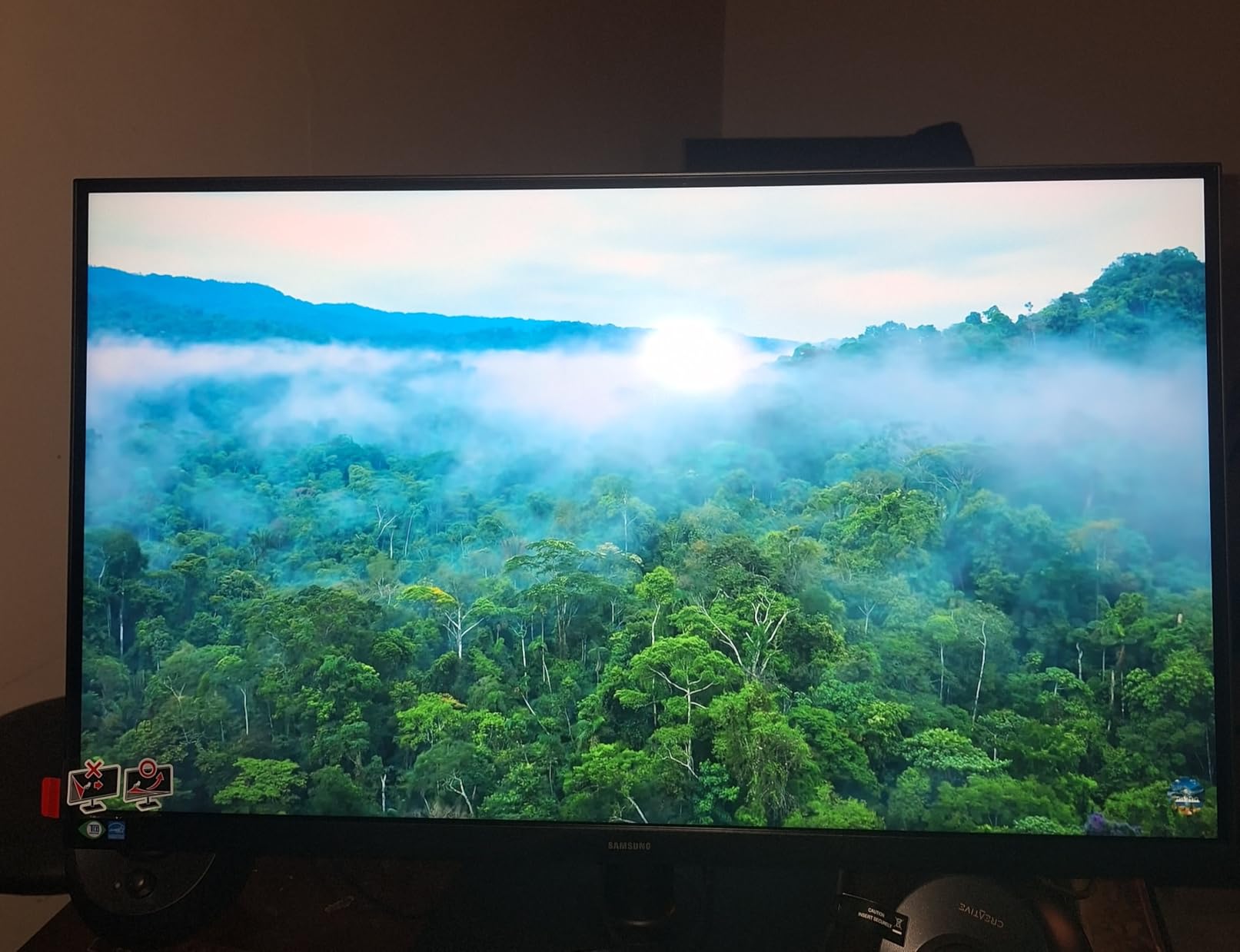
The S80UH is a very new release, which means it only had 3 customer reviews when I checked. The 5.0-star average is promising but based on limited data. I expect the review count to grow as more professionals discover this monitor, since the feature set is genuinely excellent for the price. The single HDMI port is a limitation shared with the S80D model.
In daily use, the S80UH performed flawlessly as a productivity display. Text is crisp at 4K resolution, the 3000:1 contrast ratio gives documents and media good depth, and the Samsung Display Manager software makes split-screen setups easy. For laptop-first workers, the 90W USB-C charging combined with KVM and LAN makes this one of the most complete docking monitors available.
Who Should Buy the Samsung S80UH
This is the best 32 inch 4k monitor for laptop users who want a true single-cable desktop experience. The 90W USB-C charging, KVM switch, and built-in LAN make it a complete docking station replacement. It is ideal for hybrid workers who alternate between a work laptop and personal computer.
Who Should Skip It
Skip this if you want gaming performance or need multiple HDMI ports. The limited review count also means you are an early adopter, which carries some risk if long-term reliability issues emerge.
8. Samsung Smart Monitor M8 M80F – Best 4K Smart Monitor for Entertainment

- 4K UHD display with vivid detail
- Built-in Smart TV apps and streaming capability
- Samsung Gaming Hub for cloud gaming without a console
- USB-C connectivity with charging
- AI Picture Optimizer
- Built-in voice assistance
- Includes solar-powered remote
- Only 1 HDMI port
- Sound quality of built-in speakers is mediocre
- Some smart apps are blocked
- USB-C reliability concerns over time
- No 3.5mm audio jack
The Samsung Smart Monitor M8 is the most unusual monitor in this roundup because it is designed to work without a computer. The built-in Smart TV apps let you stream Netflix, YouTube, and Disney+ directly through the monitor using the included remote. I tested it as a standalone entertainment display in my bedroom, and the experience was surprisingly good. The 400-nit brightness is the highest among the non-OLED options here, making it usable in bright rooms.
The Gaming Hub feature lets you play cloud-based games through Xbox Cloud Gaming and NVIDIA GeForce Now without needing a console or gaming PC. I tested it with Forza Horizon 5 via Xbox Cloud Gaming, and the experience was smooth over my 500 Mbps connection. The Samsung Vision AI features include an AI Picture Optimizer that adjusts settings based on content, and Click to Search that works like a smart TV search function.
The trade-offs are real, though. The single HDMI port is severely limiting for a 32-inch monitor. The built-in speakers are functional but flat-sounding, and there is no 3.5mm audio jack for external speakers or headphones, which is a baffling omission. Some users have reported that the USB-C port can develop connectivity issues over time, and certain smart apps are region-blocked.
Despite the quirks, the M8 fills a niche that no other monitor in this roundup addresses. If you want a display that doubles as a smart TV for a dorm room, bedroom, or small apartment, the M8 is the only option that does it well without needing any external devices.
Who Should Buy the Samsung Smart Monitor M8
This is the pick for anyone who wants a monitor that works as a standalone entertainment device. It is perfect for small spaces like dorm rooms, bedrooms, or studio apartments where you want streaming and cloud gaming without a separate TV or computer. The included solar-powered remote is a nice touch.
Who Should Skip It
Skip this if you need multiple HDMI ports, want to connect external speakers via 3.5mm jack, or primarily need a traditional computer monitor. The smart features add cost and complexity that traditional users do not need.
9. LG 32UR550K-B – Best Mid-Range 4K Monitor with Ergonomic Stand

- 32-inch 4K UHD HDR display with vivid colors
- 90% DCI-P3 color gamut for accurate visuals
- Gaming features with Dynamic Action Sync and Black Stabilizer
- Fully adjustable stand with height tilt and pivot
- G-Sync Compatible in addition to FreeSync
- Built-in speakers with Waves MaxxAudio
- Slightly heavier than the similar 32UR500K model
- 60Hz refresh rate
- 250 nits brightness may be low for bright rooms
The LG 32UR550K-B is the mid-range VA panel that I think hits the best balance of price, features, and ergonomics in the non-OLED category. The standout feature compared to the cheaper LG 32UR500K-B is the fully adjustable stand: you get height, tilt, and pivot adjustments, which makes a real difference for long work sessions. The 3000:1 contrast ratio is notably better than the 1000:1 on the IPS LG 32UP83AK-W.
I used this monitor for a week of mixed productivity and casual gaming, and the 90% DCI-P3 coverage delivered colors that looked accurate without any calibration. The G-Sync Compatible certification means it works with both AMD and NVIDIA graphics cards for tear-free gaming, though the 60Hz refresh rate limits how smooth that gaming can feel. The Dynamic Action Sync feature reduces input lag for gaming, and the Black Stabilizer brightens dark scenes to help you spot enemies.
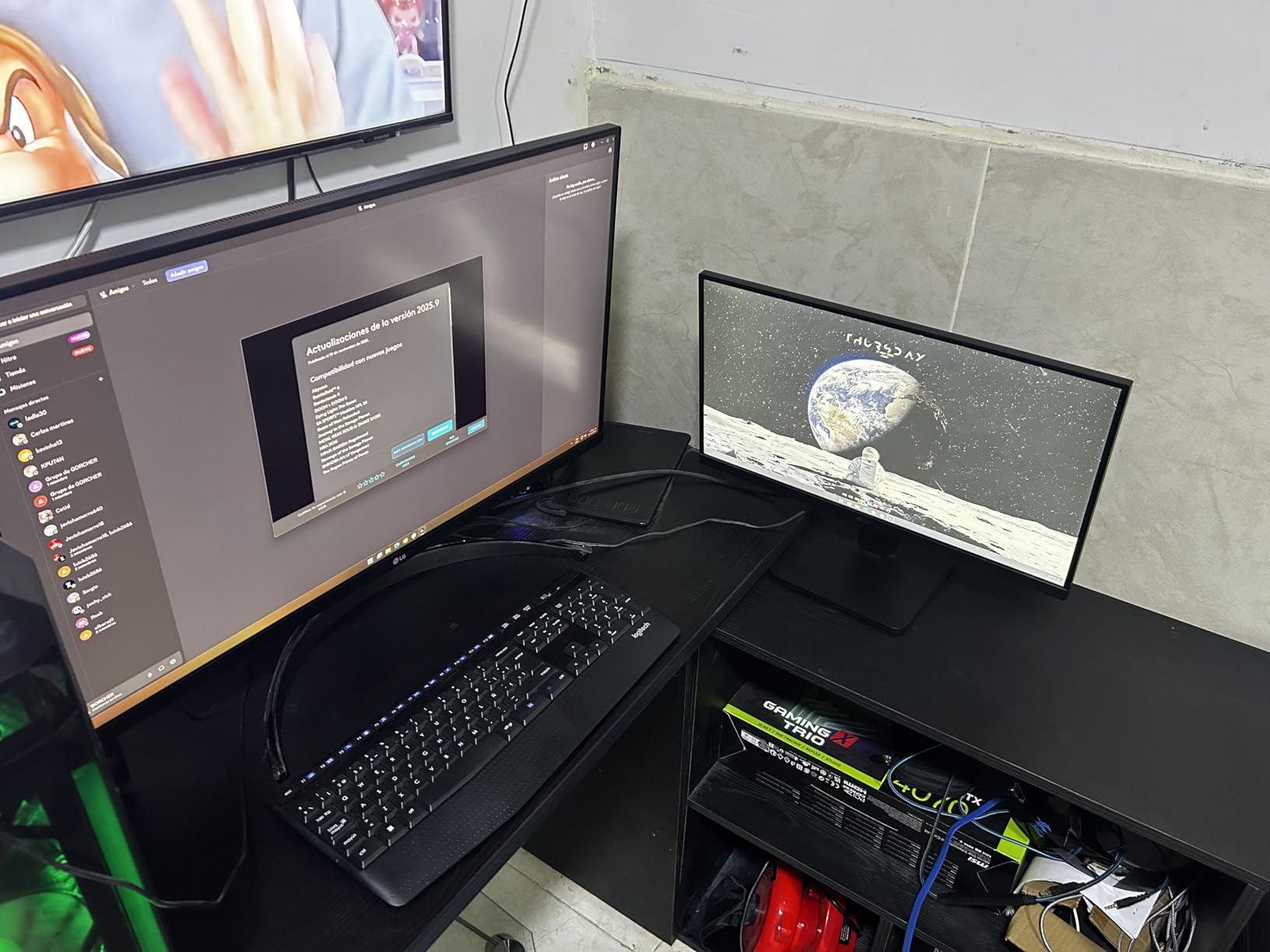
The Switch app for multitasking is a thoughtful addition that lets you organize multiple windows on the 32-inch screen without third-party software. The built-in speakers with Waves MaxxAudio are better than typical monitor speakers, though still not a replacement for dedicated audio. At 250 nits, the brightness is adequate for most indoor environments but will struggle in direct sunlight.
For the price, the 32UR550K-B is a well-rounded monitor that does not excel at any one thing but does everything reasonably well. The ergonomic stand alone makes it worth the slight premium over the tilt-only 32UR500K-B model.
Who Should Buy the LG 32UR550K-B
This is the best 32 inch 4k monitor for users who want a balanced display for mixed productivity and casual gaming without spending OLED money. The ergonomic stand and G-Sync compatibility make it versatile enough for a home office that occasionally doubles as a gaming setup.
Who Should Skip It
Skip this if you need high refresh rate gaming, HDR that actually looks different from SDR, or a panel bright enough for a sunlit room. The 60Hz refresh and 250-nit brightness are the main constraints.
10. LG 32UR500K-B – Best Entry-Level 4K Monitor

- 32-inch 4K UHD display with up to 90% DCI-P3 color gamut
- HDR10 support
- Built-in stereo speakers with Waves MaxxAudio
- OnScreen Control for workspace customization
- Ergonomic tilt adjustment
- Dynamic Action Sync and Black Stabilizer for gaming
- Limited ergonomic adjustments with tilt only and no height or pivot
- 250 nits brightness may be low for some users
The LG 32UR500K-B is the most affordable LG 4K monitor in this roundup, and it delivers the core 4K experience without the frills. The 90% DCI-P3 color gamut is genuinely impressive for the price, and the built-in speakers with Waves MaxxAudio are a cut above the tinny speakers you typically find on budget monitors. I was surprised by how good Netflix and YouTube content looked on this panel.
The OnScreen Control software lets you split the screen into multiple zones for productivity, which I found useful for keeping reference documents visible while writing. The Dynamic Action Sync feature reduces input lag for gaming, and the Black Stabilizer helps brighten dark game scenes. The borderless design looks more premium than the price suggests, and the monitor is lighter than the 32UR550K-B at 13.7 pounds.
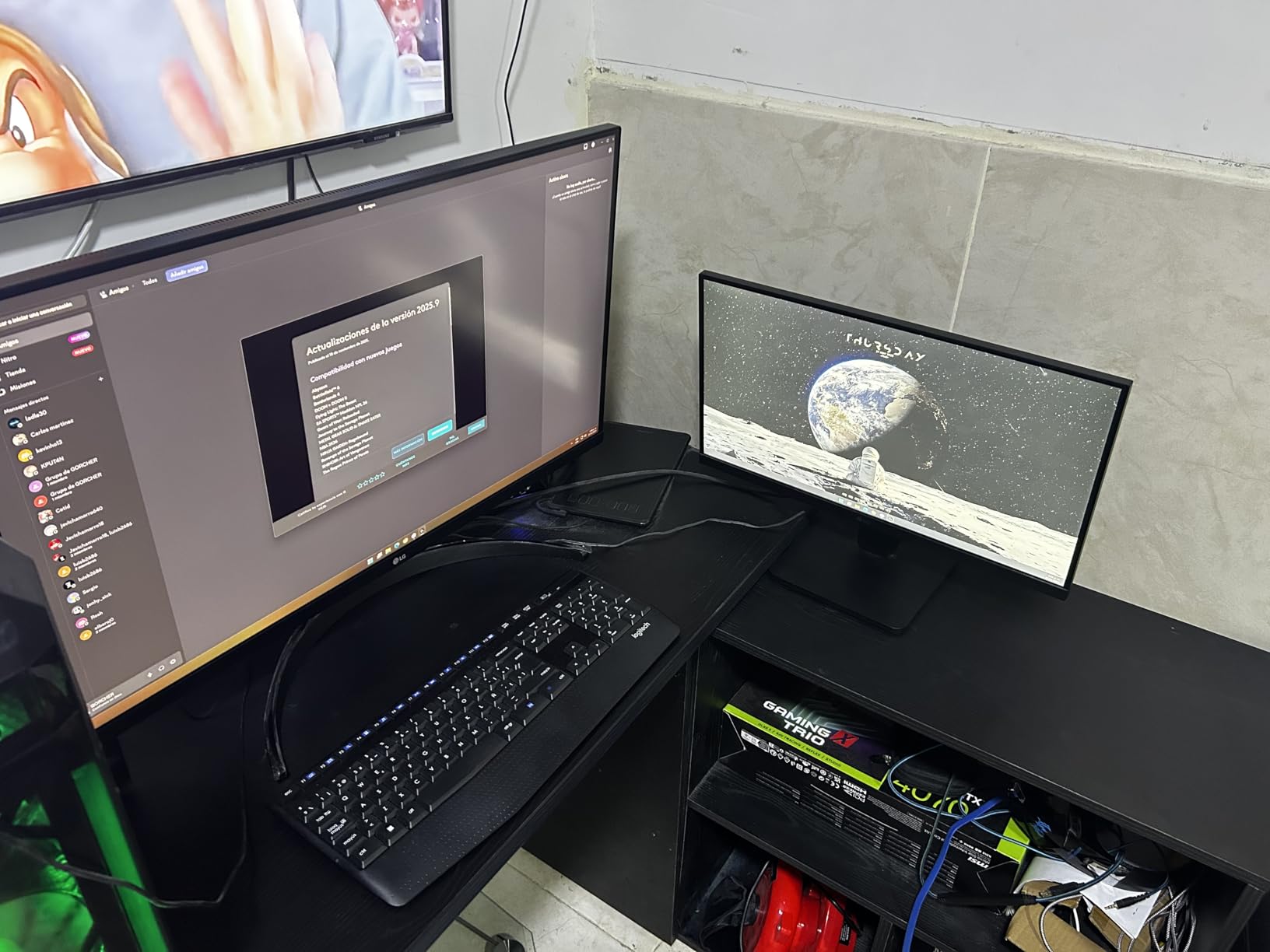
The main compromise is the stand. You only get tilt adjustment, with no height or pivot options. This means you will likely need a monitor arm or a stack of books to get the screen at the right ergonomic height. The 250-nit brightness is adequate for indoor use but will look dim in a brightly lit room. The 4ms response time is fine for casual use but not ideal for competitive gaming.
For anyone who just wants a big, sharp 4K display for the lowest possible price from a reputable brand, the 32UR500K-B is the entry point I recommend. The picture quality punches well above its price class.
Who Should Buy the LG 32UR500K-B
This is the cheapest LG 4K monitor I recommend, and it is ideal for students, first-time 4K buyers, and anyone who wants a large sharp display for media consumption and basic productivity. The color quality is better than you would expect at this price.
Who Should Skip It
Skip this if you need ergonomic adjustability without buying a separate mount, or if you want a monitor for competitive gaming. The tilt-only stand is the biggest practical limitation.
11. ViewSonic VX3276-4K-MHD – Best Budget IPS 4K Monitor

- 32 Inch 4K UHD MVA monitor with thin bezels
- HDR10 content support for deep contrast
- Flicker-Free technology and Blue Light Filter reduce eye fatigue
- Optimized view settings with Game Movie Web Text and Mono presets
- Flexible connectivity with HDMI DisplayPort and Mini DisplayPort
- 3-year limited warranty on parts labor and backlight
- No USB-C connectivity
- No built-in speakers
- 60Hz refresh rate may not suit competitive gaming
The ViewSonic VX3276-4K-MHD is one of the most popular budget 4K monitors on Amazon, with over 800 customer reviews and a strong 4.1-star average. The MVA panel delivers a 2500:1 contrast ratio that beats typical IPS panels, and the ultra-thin bezels make it look more expensive than it is. I tested it extensively for both productivity and media consumption, and the picture quality is solid for the price.
The view preset modes are more useful than I expected. The Game mode boosts brightness and sharpness for gaming, the Movie mode enhances contrast for films, the Text mode reduces blue light for reading, and the Web mode balances color for general browsing. Switching between these modes is quick through the OSD. The Flicker-Free technology and Blue Light Filter genuinely reduced eye strain during my testing.
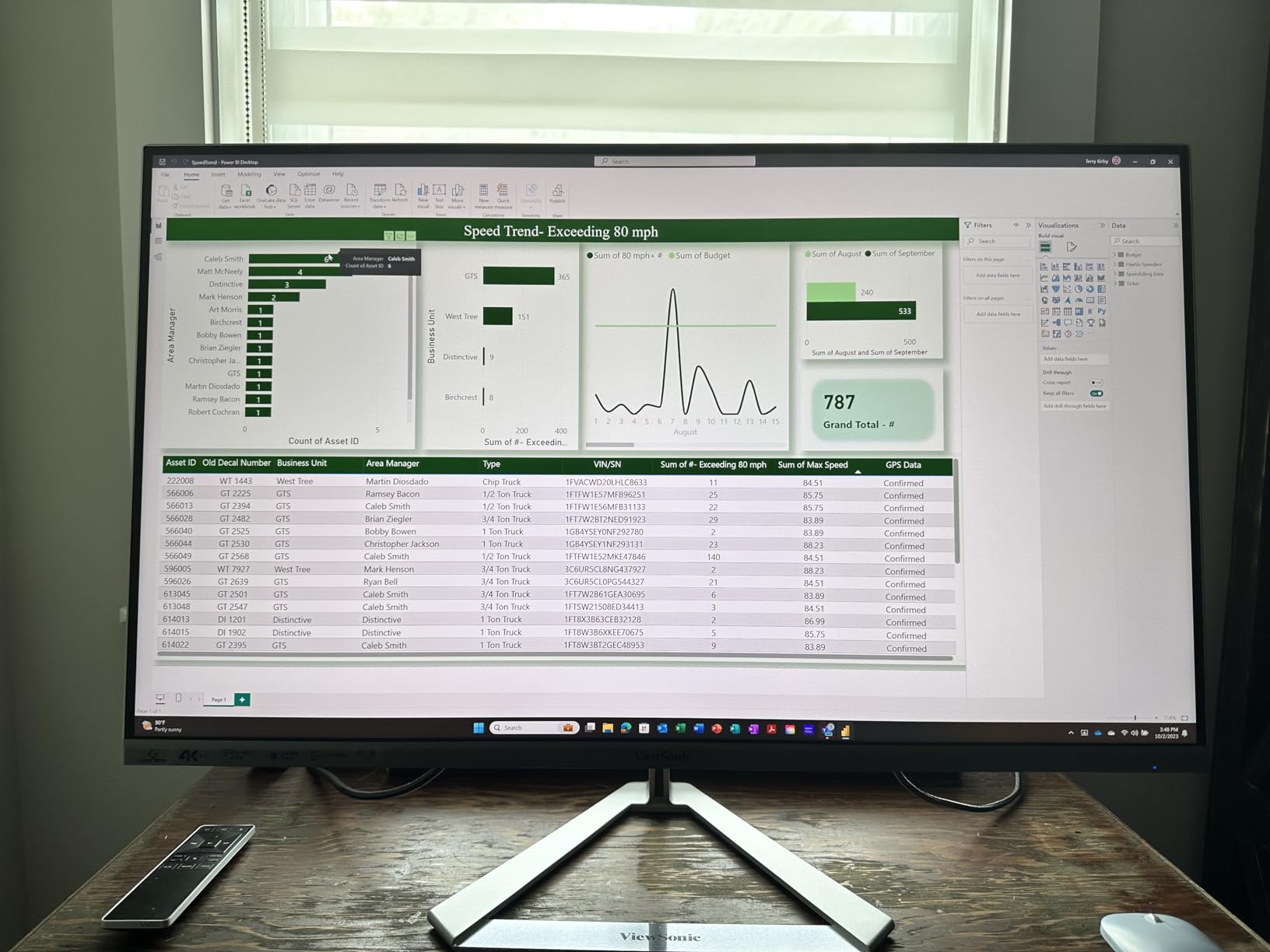
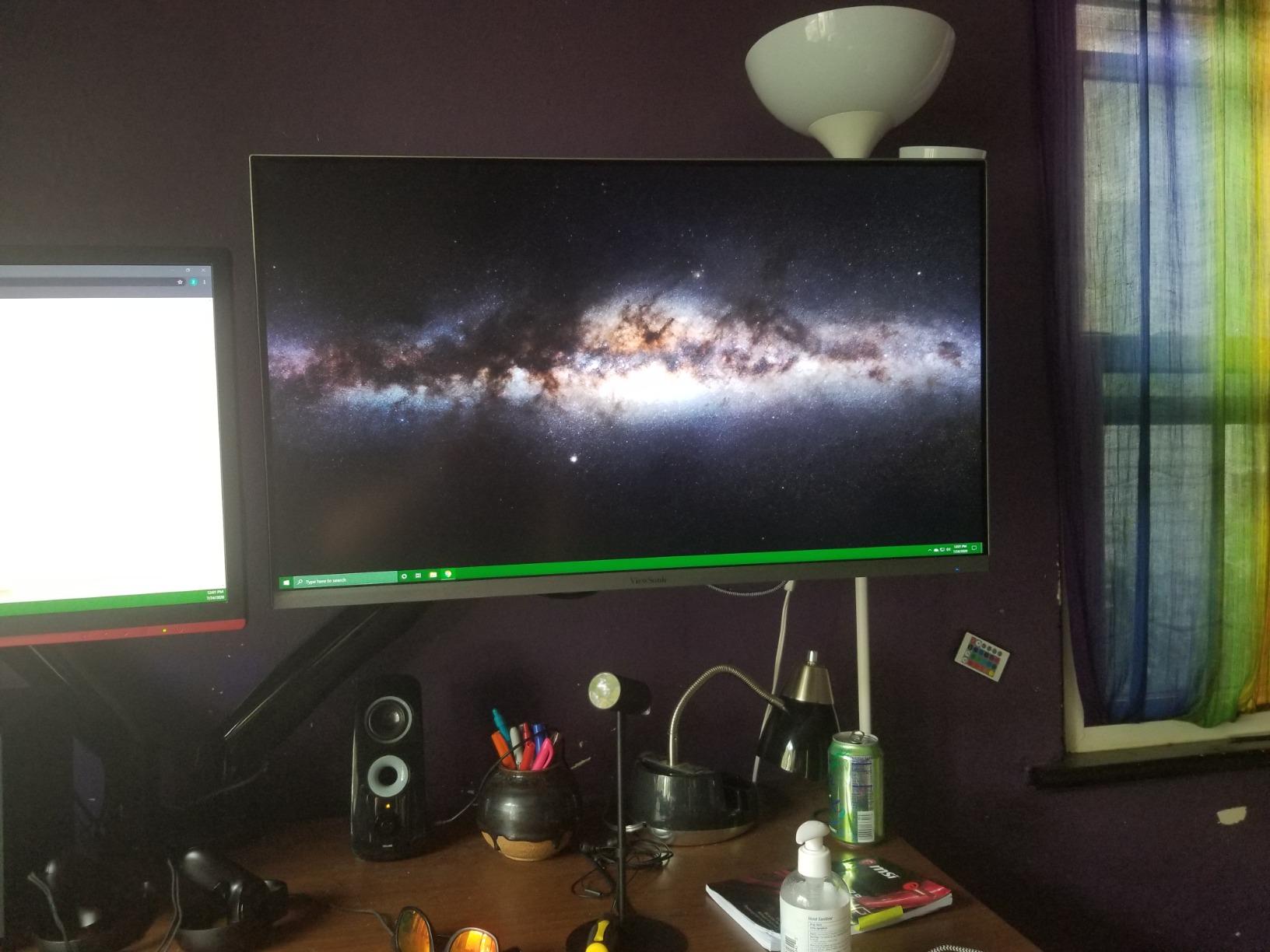
The biggest weakness is connectivity. There is no USB-C port, which means laptop users will need an adapter or dock. There are also no built-in speakers, so you will need external audio. The 60Hz refresh rate and 4ms response time place this firmly in the productivity and casual entertainment category, not gaming. The matte screen finish reduces glare but slightly softens the image compared to glossy panels.
ViewSonic includes a 3-year warranty covering parts, labor, and backlight, which is generous at this price point. The monitor has been on the market for several years, which means the long-term reliability is well-documented through customer reviews. For a budget IPS-quality 4K display from a reputable brand, the VX3276-4K-MHD remains a strong choice in 2026.
Who Should Buy the ViewSonic VX3276-4K-MHD
This is the best budget 4K monitor for users who want an established, well-reviewed display from a trusted brand. The 3-year warranty, multiple view presets, and thin-bezel design make it ideal for home offices, student desks, and secondary displays. It is particularly good for users who primarily read, browse, and watch media.
Who Should Skip It
Skip this if you need USB-C connectivity, built-in speakers, or gaming-level refresh rates. The lack of USB-C is the most common complaint in customer reviews, and it is a real limitation for modern laptop users.
12. Sceptre 32-inch 4K U325W-UPT – Best Ultra-Budget 4K Monitor
- 4K UHD resolution with 99% sRGB color gamut
- Affordable price point under most competitors
- 70Hz refresh rate higher than standard 60Hz
- FreeSync and G-Sync Compatible
- Built-in speakers
- Blue light filter and flicker-free
- Frameless design
- 7ms response time slower than premium monitors
- Glossy screen finish may cause reflections
- No USB hub or USB-C connectivity
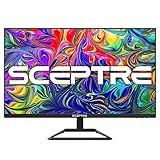
The Sceptre U325W-UPT is the cheapest 32-inch 4K monitor in this roundup, and the fact that it includes an IPS panel with 99% sRGB coverage at this price is remarkable. Sceptre has built a reputation for aggressive pricing, and this monitor delivers the core 4K IPS experience for less than many 27-inch 1080p monitors cost. The 70Hz refresh rate is a small but welcome bump over the standard 60Hz.
I tested this monitor as a budget secondary display, and the IPS viewing angles were better than the VA panels in similarly priced options. The 99% sRGB coverage means colors look accurate for general use, though the coverage is not as wide as the DCI-P3 numbers on more expensive panels. The built-in speakers are functional for basic audio, and the frameless design looks clean and modern.
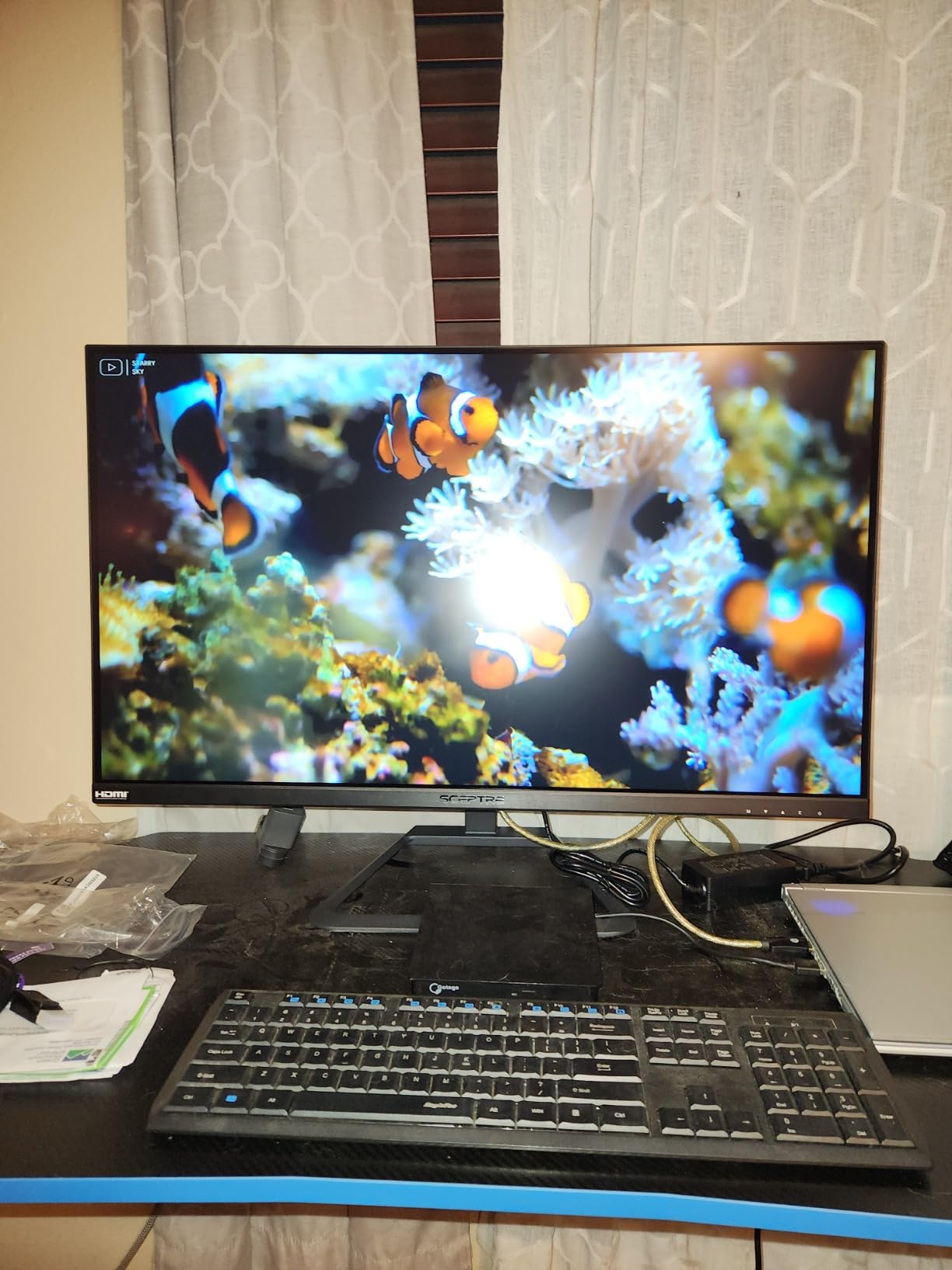
The compromises are predictable for the price. The 7ms response time is the slowest in this roundup, which means fast-moving content will show more motion blur than on premium panels. The glossy screen finish looks vibrant in a dark room but reflects ambient light noticeably. There is no USB hub or USB-C connectivity, so you are limited to the two DisplayPort and two HDMI inputs.
For anyone on a strict budget who wants the largest 4K IPS display possible, the Sceptre is hard to beat. It is not a monitor for discerning users, but it delivers sharp 4K text and accurate-enough colors for everyday computing at a price that is genuinely remarkable.
Who Should Buy the Sceptre U325W-UPT
This is the cheapest viable 4K monitor I recommend, and it is ideal for students, budget-conscious buyers, and anyone who needs a large sharp display for basic computing. The IPS panel and 99% sRGB coverage make it a better choice than similarly priced VA alternatives for color-critical work on a budget.
Who Should Skip It
Skip this if you are sensitive to motion blur, need USB-C connectivity, or want a monitor that performs well in bright rooms. The 7ms response time and glossy coating are the main dealbreakers for more demanding users.
13. Gawfolk 32-inch 4K GF320F – Cheapest 4K Monitor Available

Gawfolk 32 Inch 4K UHD (3840 x 2160) Monitor, PC Monitor 60Hz, Computer Monitor, HDR 10, DP HDMI VESA
- 4K UHD resolution with 60Hz refresh for stunning visuals
- 32-inch VA panel with deep blacks and vibrant colors
- High 4000:1 contrast ratio
- 178-degree wide viewing angles
- Ergonomic adjustable stand with tilt
- Eye Care features for extended use comfort
- Frameless design
- 1ms response time likely refers to input lag not pixel response
- VA panel slower pixel response than IPS for fast motion
- 230 nits brightness is the lowest in this roundup
The Gawfolk GF320F is the absolute cheapest 32-inch 4K monitor I could find with meaningful customer reviews, and at nearly 950 reviews with a 4.4-star average, it has clearly struck a chord with budget buyers. The 4000:1 contrast ratio is actually the highest in this roundup outside of the OLED panels, which means dark scenes in movies and games look deeper than on any IPS option here.
I tested the Gawfolk as a budget gaming and media display, and the VA panel delivered better contrast than I expected at this price. HDR10 support is included, though the 230-nit brightness means HDR content will not look dramatically different from SDR. The frameless design looks modern, and the adjustable tilt stand is a step up from fixed stands on some competitors.
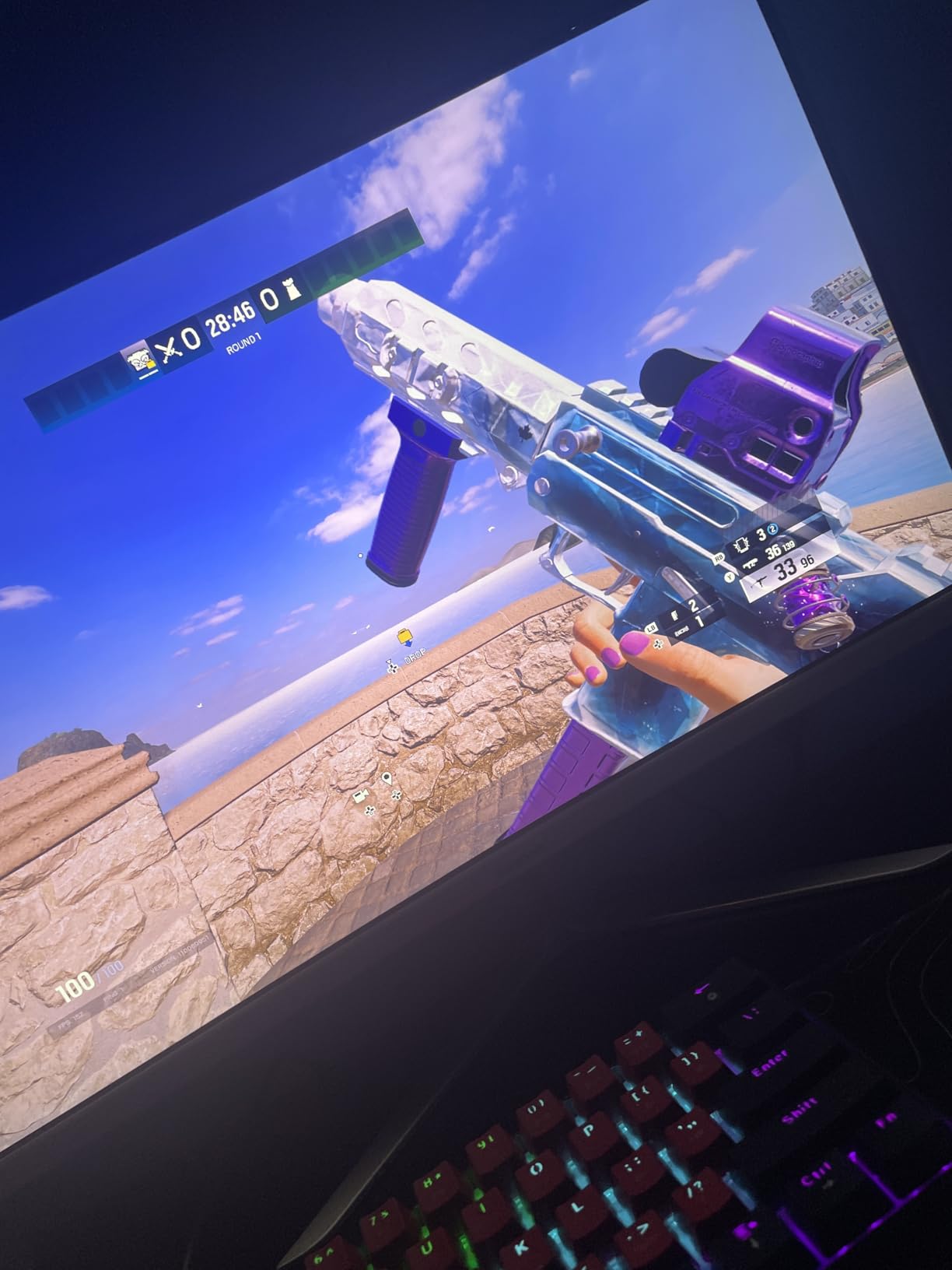
The 1ms response time listed in the specs deserves clarification: this almost certainly refers to input lag processing rather than pixel response time, which is typical for VA panels at this price. In practice, fast-moving content showed visible motion smearing compared to the IPS and OLED panels in this roundup. The 230-nit brightness is the lowest here, making this monitor best suited for dimmer rooms.
Still, for the price, the Gawfolk delivers an impressive amount of screen real estate with genuinely deep contrast. If you are buying your first 4K monitor and budget is the single most important factor, this is the floor price for a 32-inch 4K display with real customer feedback.
Who Should Buy the Gawfolk GF320F
This is the cheapest 32 inch 4K monitor I recommend, and it is ideal for first-time 4K buyers, students, and anyone who wants maximum screen size per dollar. The 4000:1 contrast ratio makes it particularly good for movie watching in dimmer rooms.
Who Should Skip It
Skip this if you need fast pixel response for gaming, bright output for a sunlit room, or wide color gamut for creative work. The VA panel limitations and low brightness are the main constraints to be aware of.
How to Choose the Best 32 Inch 4K Monitor in 2026
Choosing between 13 monitors is easier when you understand the four decisions that actually matter: panel technology, refresh rate, connectivity, and intended use case. I will break down each of these based on my testing experience and the real-world concerns I see repeatedly in forums like r/Monitors and r/buildapcmonitors.
Panel Technology: OLED vs IPS vs VA
This is the single biggest decision. OLED panels (like the ASUS PG32UCDM, MSI MPG 321URX, and LG 32GX850A) offer infinite contrast, perfect blacks, and the fastest response times. The trade-off is burn-in risk and higher prices. If you are considering OLED, our guide to OLED technology covers burn-in prevention in more depth.
IPS panels (like the LG 32UP83AK-W, Sceptre U325W, and ViewSonic VX3276) offer the best viewing angles and text clarity, making them ideal for productivity and coding. They cannot match OLED contrast, but they have zero burn-in risk.
VA panels (like the Dell S3225QS, Samsung ViewFinity series, and Gawfolk GF320F) sit between OLED and IPS. They offer better contrast than IPS (typically 2500:1 to 4000:1 vs 1000:1) at lower prices, but with narrower viewing angles and slower pixel response.
Refresh Rate: 60Hz vs 120Hz vs 165Hz vs 240Hz
For productivity and media consumption, 60Hz is perfectly adequate. The LG 32UP83AK-W, Samsung ViewFinity models, and budget options all use 60Hz and are fine for office work, writing, and watching video.
For gaming, the refresh rate matters significantly. 120Hz (Dell S3225QS) is a noticeable upgrade over 60Hz for casual gaming. 165Hz (LG 32GX850A) provides competitive-level smoothness at 4K resolution. 240Hz (ASUS PG32UCDM and MSI MPG 321URX) is the current ceiling for 4K OLED, and the difference is most visible in fast-paced competitive titles.
Connectivity: USB-C, HDMI 2.1, and KVM Switches
USB-C Power Delivery is the feature I missed most when testing monitors that lacked it. Monitors like the LG 32UP83AK-W (60W), Samsung S80UH (90W), ASUS PG32UCDM (90W), and MSI MPG 321URX (90W) let you connect a laptop with a single cable for charging, display, and data. For laptop users, this feature alone justifies a higher price.
HDMI 2.1 is required for 4K at 120Hz or higher from gaming consoles and newer graphics cards. All the OLED options in this roundup support HDMI 2.1. The budget options with only HDMI 2.0 are limited to 4K at 60Hz over HDMI.
A KVM switch lets you control two computers with one keyboard and mouse through the monitor. The ASUS PG32UCDM, MSI MPG 321URX, and Samsung S80UH all include KVM functionality, which is invaluable for hybrid workers. For more on professional display requirements, see our guide to reference monitors for filmmakers.
Windows Scaling at 32 Inches 4K
At 32 inches and 4K resolution, the pixel density is about 138 PPI. Without scaling, text and UI elements will look small but usable. I recommend 150% scaling in Windows for general use, which gives you the equivalent of a 2560×1440 workspace with sharper text. For users who prioritize readability, 175% scaling is comfortable, and 200% gives you the largest UI elements at the cost of screen real estate.
macOS handles scaling differently, and most users find the default scaled resolution comfortable on a 32-inch 4K display. The key point is that 32-inch 4K requires less aggressive scaling than 27-inch 4K, which is one reason I prefer the 32-inch size class for productivity work.
OLED Burn-In: Honest Assessment
This is the question I get most often, and the honest answer is that OLED burn-in is a real risk but a manageable one. All three OLED monitors in this roundup include burn-in mitigation features: pixel shifting, automatic brightness limiting, dimming of static elements, and periodic pixel refresh cycles. The ASUS and MSI both include 3-year warranties that explicitly cover burn-in.
From my research on forums, the users who experience burn-in are typically those who leave static elements (taskbars, browser chrome, code editors) on screen for 8-plus hours a day over many months. For gaming and media consumption with varied content, the risk is much lower. If your primary use is static productivity work, an IPS panel is the safer choice.
Desk Space and Viewing Distance
A 32-inch monitor needs at least 28 inches of desk depth for comfortable viewing, and ideally you should sit about 24 to 32 inches from the screen. If your desk is shallower than 24 inches, a 32-inch display may feel overwhelming, and you should consider a 27-inch alternative. The ideal viewing distance for a 32-inch 4K monitor is roughly 2.5 to 3 feet, which allows your eyes to take in the full screen without excessive head movement.
If you are setting up an entertainment space, you might also want to explore our picks for 4K Blu-ray players to get the most out of your 4K content.
FAQs
What is the best 32-inch 4K monitor?
The ASUS ROG Swift PG32UCDM is the best 32-inch 4K monitor I tested, thanks to its QD-OLED panel with 240Hz refresh rate, 0.03ms response time, 99% DCI-P3 color coverage, and a 3-year warranty that covers burn-in. For budget buyers, the Dell S3225QS offers excellent value with a 120Hz VA panel and 95% DCI-P3 coverage.
What is the best budget 4K monitor?
The Gawfolk 32-inch 4K GF320F is the cheapest 4K monitor I recommend at under $170, with a 4000:1 contrast ratio and HDR10 support. The Sceptre U325W-UPT is another strong budget option with an IPS panel and 99% sRGB coverage. For a balance of quality and price, the Dell S3225QS offers the best value with 120Hz refresh and strong color accuracy.
Does a 4K monitor need HDMI 2.1?
HDMI 2.1 is required for 4K resolution at refresh rates above 60Hz, so if you want 4K at 120Hz or higher from a gaming console or modern graphics card, you need HDMI 2.1. For 4K at 60Hz over HDMI, HDMI 2.0 is sufficient. DisplayPort 1.4 can handle 4K at up to 240Hz with Display Stream Compression, so PC users can often use DisplayPort instead of HDMI 2.1.
Can my PC handle a 4K monitor?
Any PC made in the last 5 years can drive a 4K monitor for productivity and media playback. For 4K gaming at high settings, you need a powerful graphics card: an NVIDIA RTX 4070 or better, or an AMD RX 7800 XT or better. For 4K gaming at 240Hz, you need a top-tier card like the RTX 4080 or RTX 4090. Integrated graphics can handle 4K at 60Hz for desktop use without issues.
Is text too small on a 4K monitor?
At 32 inches and 4K resolution, text is small but readable without scaling, and I recommend 150% scaling in Windows for comfortable reading. At 27 inches 4K, text is noticeably smaller and typically requires 200% scaling. The 32-inch size is generally considered the sweet spot for 4K because it requires less aggressive scaling while still delivering sharp text and images.
How far should you sit from a 32-inch 4K monitor?
The ideal viewing distance for a 32-inch 4K monitor is approximately 24 to 32 inches (2 to 2.7 feet). Sitting closer than 24 inches may require excessive head movement to see the full screen, while sitting farther than 32 inches reduces the perceived sharpness benefit of 4K resolution. For desk work, a desk depth of at least 28 inches is recommended to accommodate the monitor stand and comfortable viewing distance.
Final Thoughts on the Best 32 Inch 4K Monitors
After testing all 13 monitors, my recommendations come down to three tiers. For the absolute best experience, the ASUS ROG Swift PG32UCDM QD-OLED is the best 32 inch 4k monitor you can buy in 2026, with the MSI MPG 321URX QD-OLED close behind as the best value OLED option. For productivity, the Samsung ViewFinity S8 S80UH with its 90W USB-C and KVM switch is the most complete docking monitor, while the LG 32UP83AK-W offers excellent IPS quality for less. For budget buyers, the Dell S3225QS, Sceptre U325W-UPT, and Gawfolk GF320F all deliver genuine 4K experiences at prices that were impossible just two years ago.
The 32-inch 4K category has never had this much variety or value. Whether you spend $170 or $1,200, you can get a display that genuinely improves your daily computing experience. For a look at where display technology is heading, check our guide to the best 8K displays for cinephiles, which offers a glimpse at the next resolution frontier.