
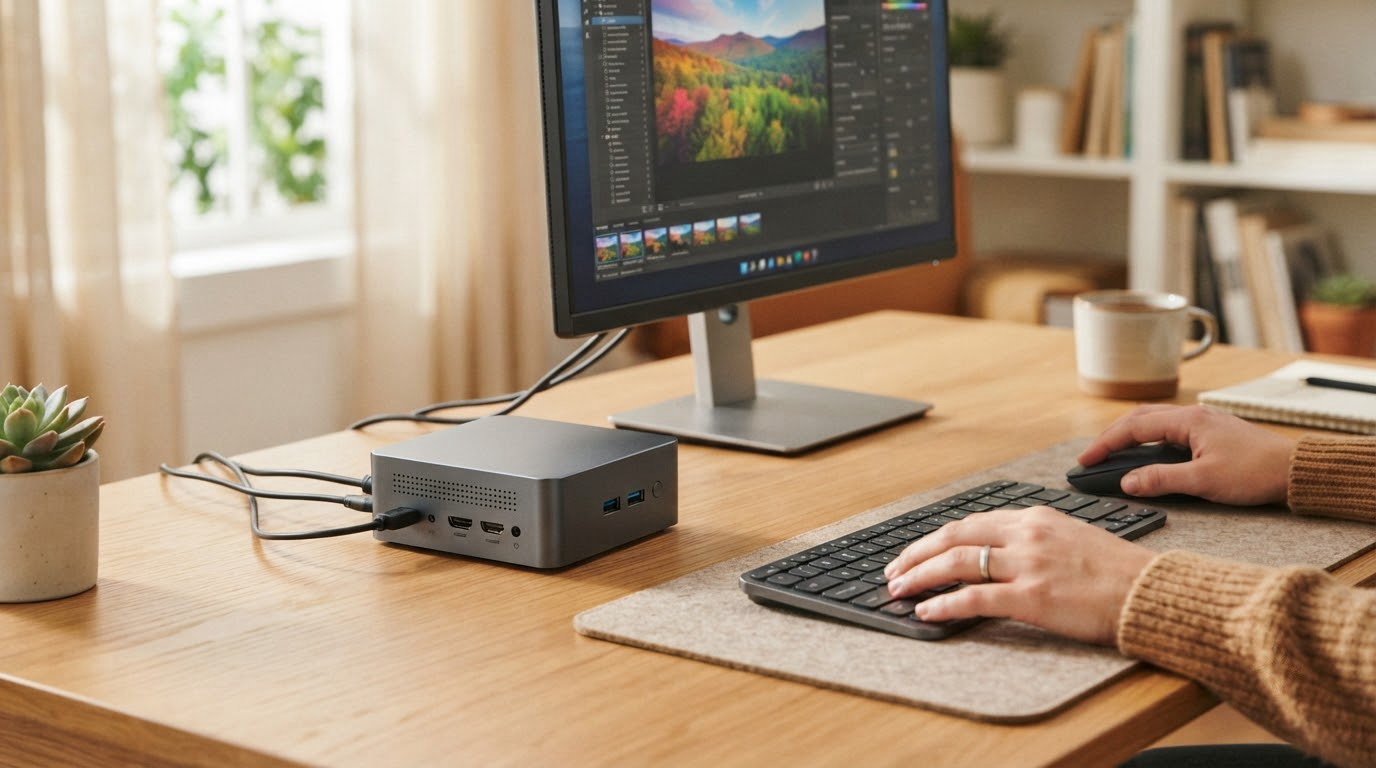
If you want one compact PC that covers most home and office work, the KAMRUI Pinova P2 is the one to watch first: it runs a Ryzen 3 7330U, drives three 4K screens, pulls 28W and has collected 2,040 owner reviews averaging 4.4 stars. For a cheaper box you can open up and upgrade later, the Beelink SER3 is the better fit, and the Bmax B1 Plus covers the smallest budget. Prime Big Deal Days runs October 6-7, 2026, and most offers need a Prime membership.
Table of Contents
Our Top 3 Picks for Best Amazon Prime Big Deal Days Mini PC Deals

Slot one goes to the Pinova P2 because it does the most for the least: triple-display output, near-silent cooling and a large review history at a time when owners are wary of thin-brand support. The SER3 pulls ahead for anyone who wants to swap memory later, and the B1 Plus answers a different question entirely, which is whether a functioning Windows machine can be had at the bottom of the range.
Best Amazon Prime Big Deal Days Mini PC Deals Compared (October 2026)
| Product | Specifications | Action |
|---|---|---|
| KAMRUI Pinova P2 |
|
Check Deal Price |
 Beelink SER3 Beelink SER3 |
|
Check Deal Price |
 Bmax B1 Plus Bmax B1 Plus |
|
Check Deal Price |
 Beelink SER5 Beelink SER5 |
|
Check Deal Price |
 Acemagic K1 Acemagic K1 |
|
Check Deal Price |
 Minisforum AI X1 Pro Minisforum AI X1 Pro |
|
Check Deal Price |
 Apple Mac mini M4 Apple Mac mini M4 |
|
Check Deal Price |
 GMKtec M6 Ultra GMKtec M6 Ultra |
|
Check Deal Price |
 Bmax B3 Pro Bmax B3 Pro |
|
Check Deal Price |
 BOSGAME P6 BOSGAME P6 |
|
Check Deal Price |
 Geekom A9 Max Geekom A9 Max |
|
Check Deal Price |
 Beelink MINI S12 Beelink MINI S12 |
|
Check Deal Price |
Two things stand out in that spread. Seven of the twelve drive three or four displays, but the entry-level boxes stop at two, so anyone building a two-screen desk should check the model rather than assume. And several of them solder their memory to the board, which turns the RAM spec into a permanent decision rather than a starting point.
How We Chose
We compared processor generation and core count, memory type and whether it can be upgraded, storage capacity and expansion slots, display outputs, networking, power draw and warranty length. We then cross-checked those specs against owner ratings and review counts on Amazon, since a machine nobody has run for a year tells you very little. The data was checked in October 2026.
1. KAMRUI Pinova P2: Editor’s Choice for Everyday Work
- Drives three 4K screens at once
- 28W draw suits always-on use
- Two extra M.2 slots for storage
- VESA mount in the box
- Quiet cooling and near-silent running
- 16GB of memory is soldered and cannot be raised
- Integrated graphics are weak for modern 3D titles
This is the pick to beat in the list. The Ryzen 3 7330U gives it four cores and eight threads at up to 4.3GHz, which is enough headroom for a dozen browser tabs, a spreadsheet and a video call without the machine sounding like a hairdryer.
Owners keep pointing at the same two things in reviews: the triple 4K output and how small it is at 5.05 by 5.05 inches, which matters more than it sounds when the machine lives behind a 27-inch monitor rather than on the desk. Storage is the sleeper feature, with two M.2 slots on top of the 256GB drive and room to reach 4TB in total.
- Three simultaneous 4K outputs through HDMI 2.0, DisplayPort 1.4 and USB-C
- Six USB ports, Gigabit LAN, dual-band Wi-Fi and Bluetooth
- Auto power on and Wake on LAN, useful for a headless desk box
- Weighs 573 g and measures 5.04 by 5.04 by 1.63 inches
Skip it if you plan to add memory later. The 16GB is fixed to the board, so this is a machine you buy at the size you need. If a future-proof path matters more, the Beelink SER5 takes 64GB, and the Beelink SER3 takes 32GB for less money.
2. Beelink SER3: Best Value With Upgradeable Memory
- RAM upgradeable to 32GB via two slots
- 500GB PCIe 3.0 SSD as standard
- Three-year warranty with lifetime support
- Gigabit LAN and dual-band Wi-Fi 6
- Two cores and four threads limits heavy multitasking
- Vega 3 graphics suit light gaming only
- Dual display output only
The SER3 is the reason most people end up here. Two SODIMM slots mean 16GB today and 32GB in a year without replacing the machine, and the Ryzen 3 3200U boosts to 3.5GHz, which is enough for documents, browsing, spreadsheets and streaming without drama.
Across 1,540 reviews averaging 4.3 stars, the praise lands on the storage and the warranty rather than the chip. Beelink backs it with three years and lifetime technical support, and that matters more than a benchmark point when you are buying from a brand with a small support desk.
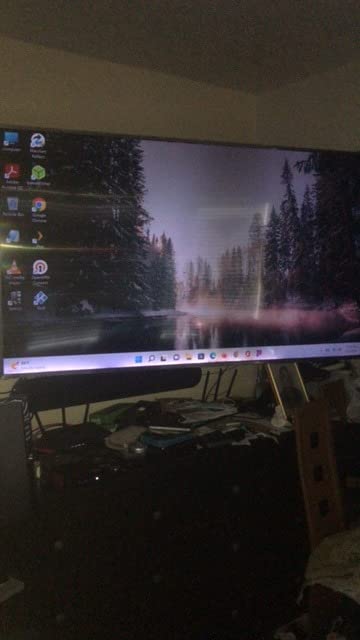
Compared with the Pinova P2, you give up two cores and a third display, and you gain the ability to change the memory later. For a single 1080p or 4K monitor at a kitchen table, that is the right trade. For three screens or a lot of open documents, move up to the SER5.
3. Bmax B1 Plus: Budget Pick for the Cheapest Way In
- Lowest outlay of any pick here
- Two M.2 slots for storage expansion
- VESA mount for behind-monitor placement
- Silent cooling suits 24/7 running
- 6GB of LPDDR3 is tight for multitasking
- eMMC storage is slow
- Owners report 4K playback stutter
Buy this one if the goal is a small always-on machine for a reception desk, a digital sign or a spare office PC, and nothing more. The Celeron J3355 is a single low-power core, so it is honest to think of it as a browser and light-office box rather than a replacement for anything heavier.
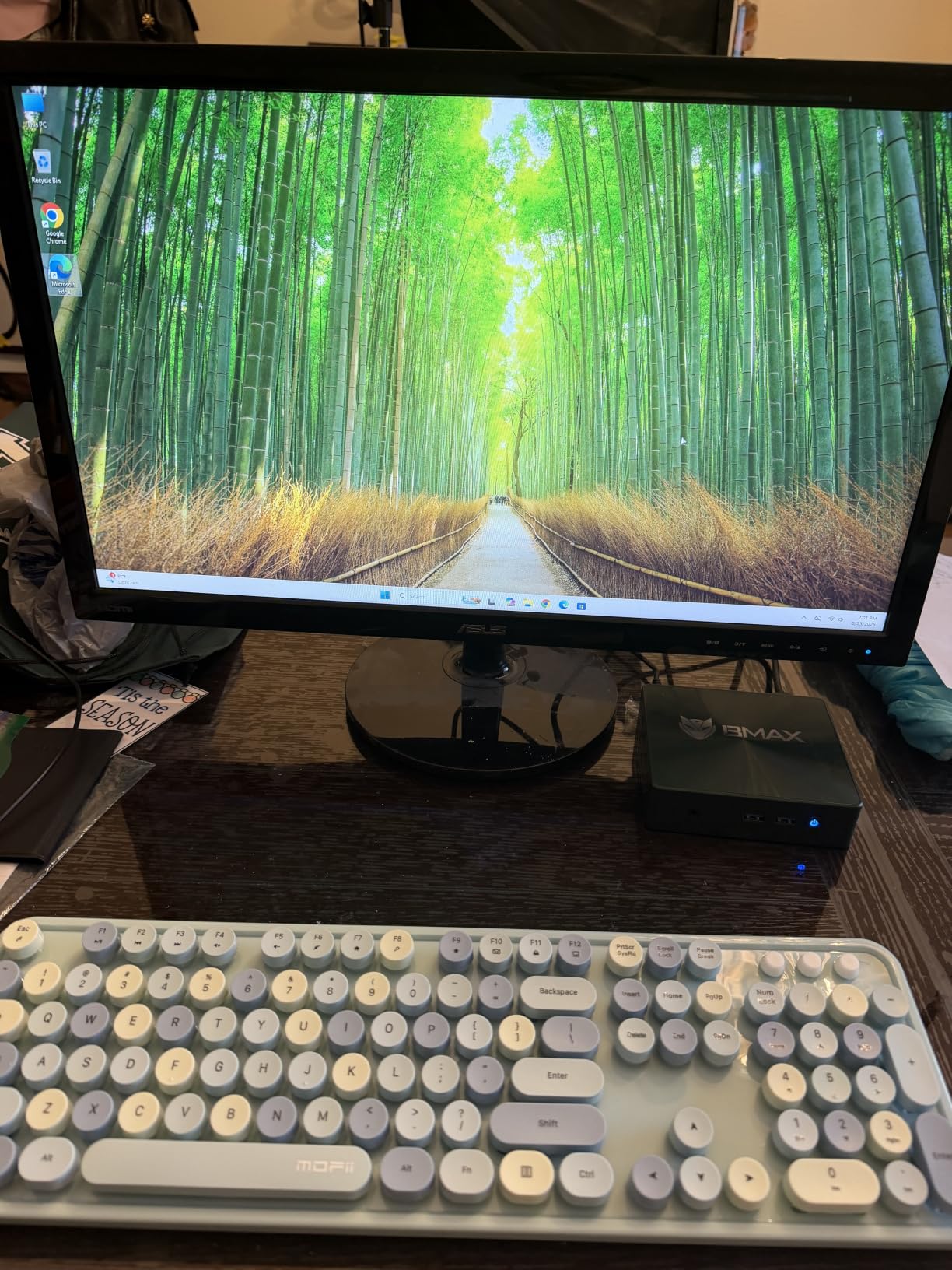
What it does have is room to grow: one SATA M.2 slot and one NVMe slot take storage to 2TB, and both HDMI 2.0 outputs drive 4K at 60Hz. The VESA bracket in the box means it can live behind a screen instead of taking up desk space, at 4.2 by 4.1 inches.
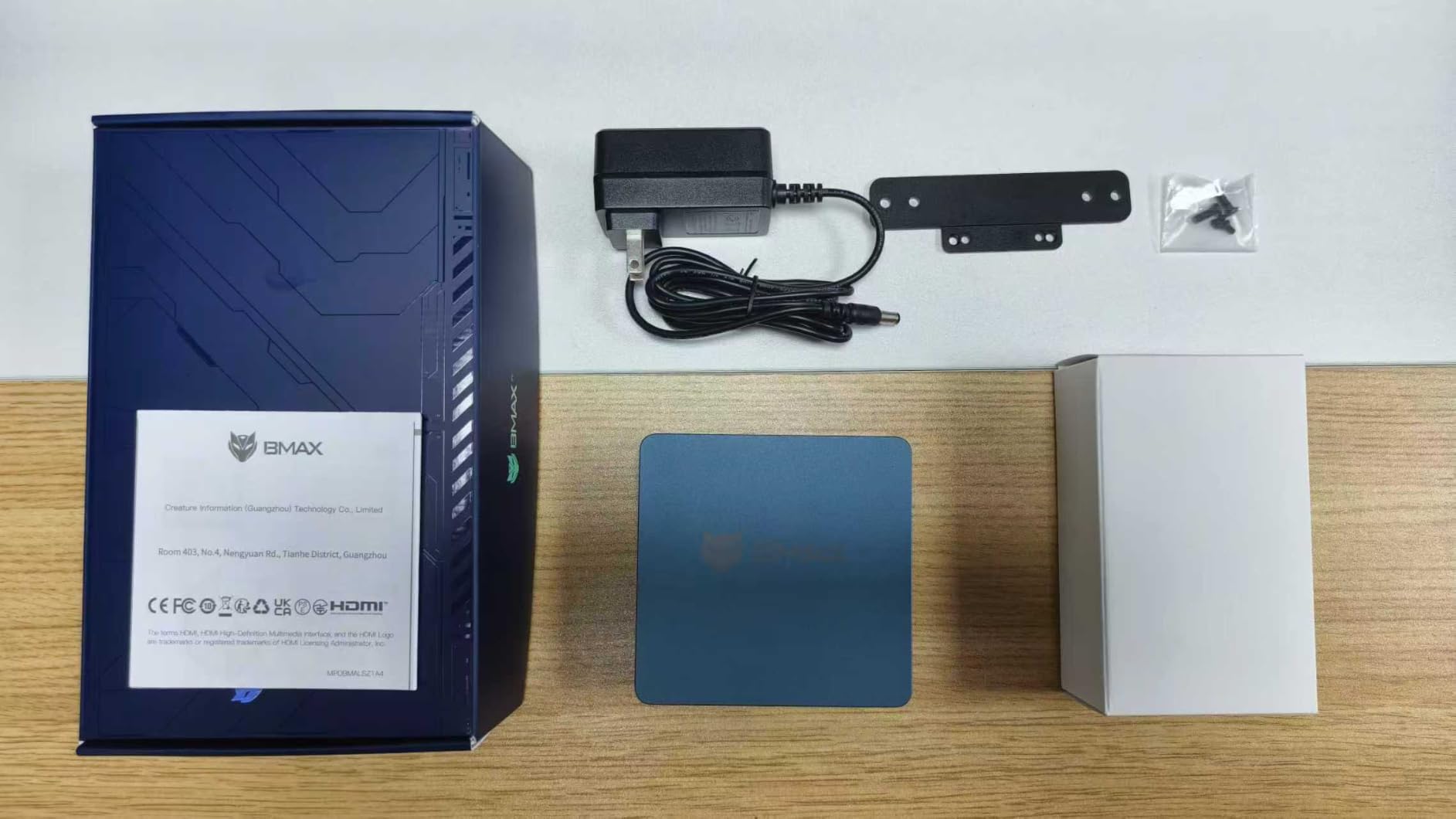
Owners rate it 4.2 stars across 763 reviews, and the recurring complaints are consistent: 4K playback can stutter, 6GB of memory runs out fast with several apps open, and some buyers found support slow to respond. If any of that lands badly, the Beelink MINI S12 runs 8GB on a chip most people rate as the current entry standard.
4. Beelink SER5: Best for Multi-Monitor Workspaces
Beelink SER5 Mini PC, AMD Ryzen 5 5500U 16GB DDR4+480GB NVMe M.2 SSD
- Six cores and twelve threads for real multitasking
- Triple 4K output on HDMI and DisplayPort
- DDR4 RAM expandable to 64GB
- 2.5G Ethernet and Wi-Fi 6
- Three-year warranty with clean Windows install
- Fan noise under sustained heavy load
- Integrated graphics limited to light gaming
If your desk has two monitors and you keep everything open at once, six cores changes your day. The Ryzen 5 5500U boosts to 4.0GHz and its dual-channel 16GB can grow to 64GB, so the machine outlives whatever you buy it for.
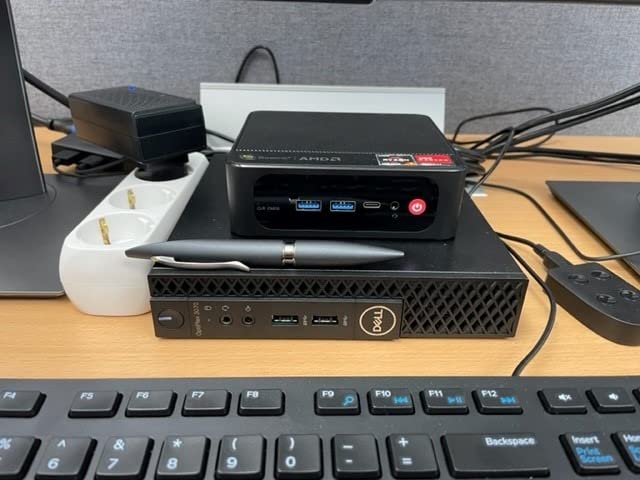
The networking is the quiet differentiator. A 2.5G Ethernet port plus Wi-Fi 6 and Bluetooth 5.2 makes it a sensible small workstation for transferring large files, and owners mention the pre-installed Windows with no bloatware as a pleasant surprise.
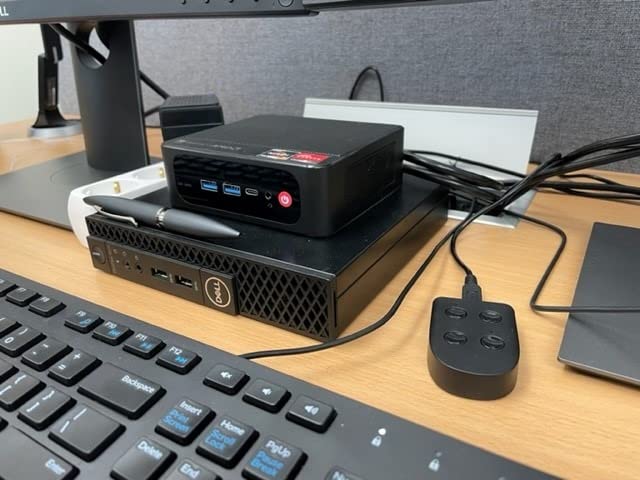
Against the Pinova P2, the SER5 trades a fixed 16GB for a much higher ceiling and an extra 2.5-inch SATA bay that takes storage to 2TB. Against the GMKtec M6 Ultra, it is the cheaper route to three displays, though the M6 Ultra adds DDR5 and an 8K-capable USB4 port. The trade-off owners mention most is fan noise once it is working hard for long stretches.
5. Acemagic K1: Best for Windows 11 Pro on a Budget
ACEMAGIC K1 Mini PC AMD Ryzen 7330U 16GB 256 SSD 4 Cores 8 Threads 4.3GHz
- Windows 11 Pro included without bloatware
- Built-in power supply means one cable
- Same Ryzen 3 7330U as the Pinova P2
- Triple 4K output and a three-year warranty
- Memory is soldered at 16GB
- Wi-Fi 5 and Bluetooth 4.2 are dated
- Storage expansion stops at 2TB
Pro licensing is the reason to look twice here. Windows 11 Pro opens Group Policy, BitLocker, Remote Desktop hosting and Hyper-V, which matters if you connect to work machines or intend to run virtual servers on this box.
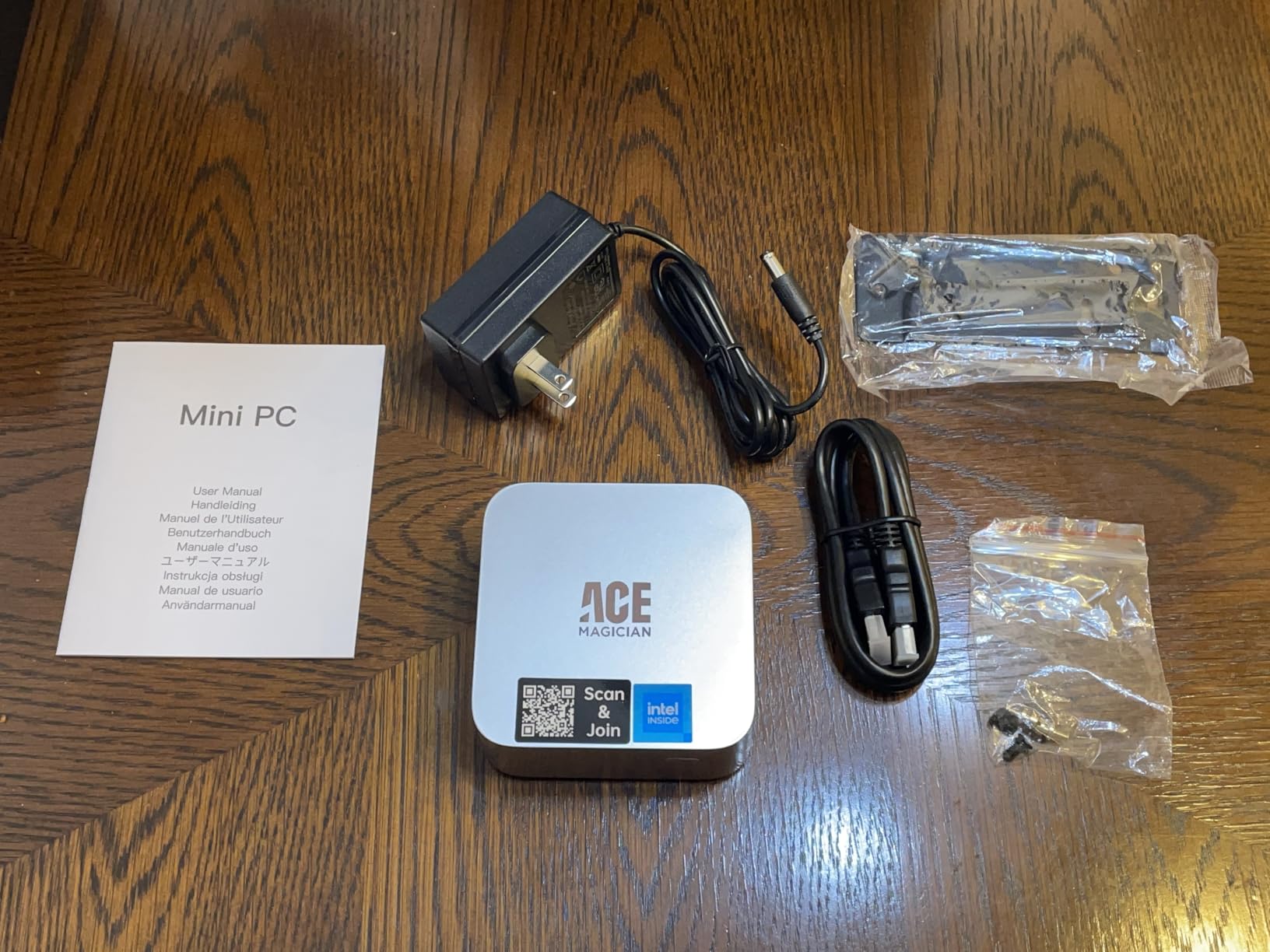
The same Ryzen 3 7330U appears in the Pinova P2, so performance is effectively identical. What Acemagic adds is the built-in power supply: the machine takes a single power cable with no adapter brick, and its 5.04 by 5.04 inch chassis keeps the same footprint.
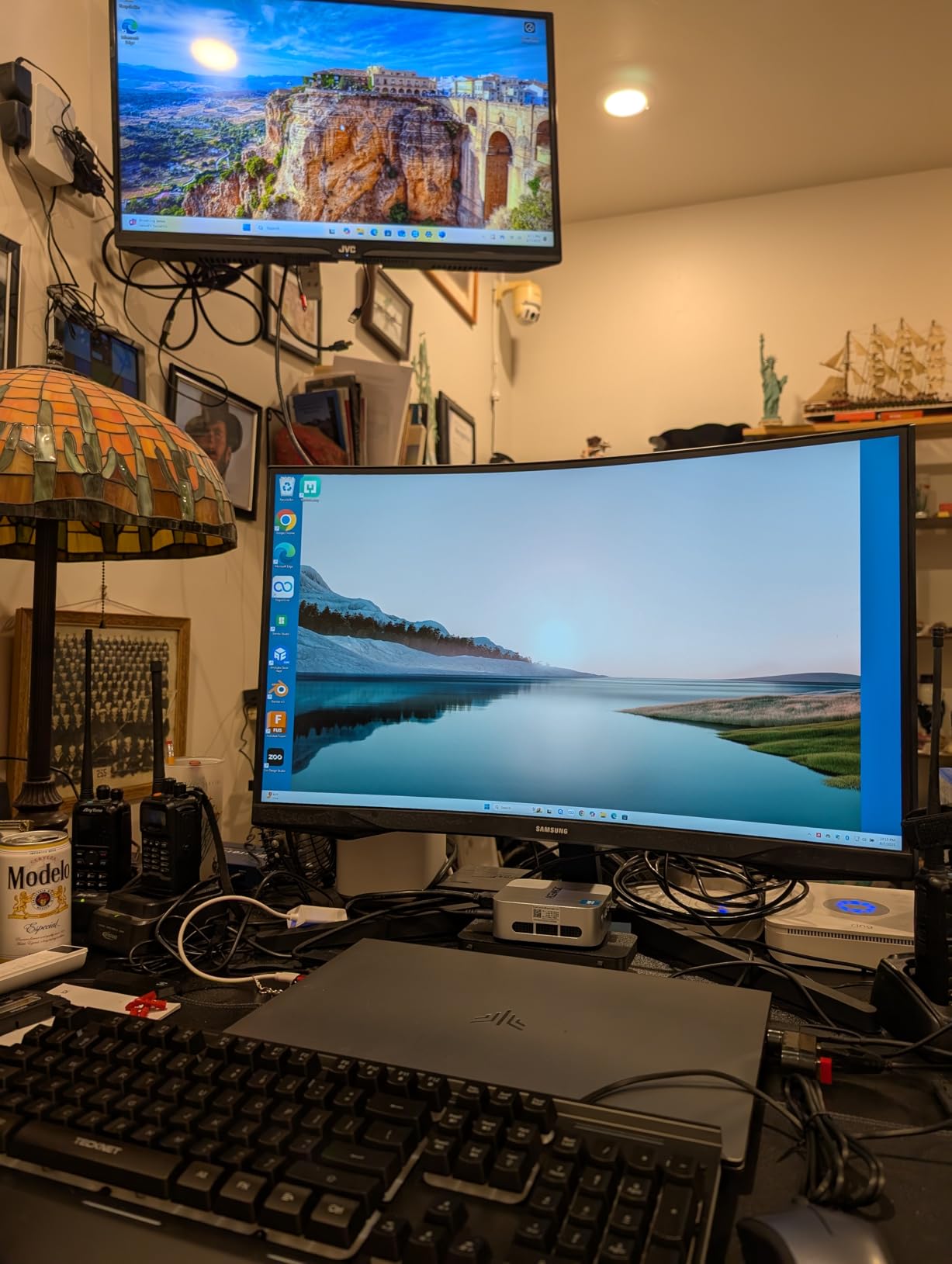
Owners give it 4.4 stars from 516 reviews and regularly single out the clean install and the way it runs cool at 28W. The gap against the Pinova P2 is the software licence and the internal power supply, while the gap in the other direction is wireless, since Wi-Fi 5 and Bluetooth 4.2 trail the field. Storage still expands to 2TB with a second M.2 drive.
6. Minisforum AI X1 Pro: Best for eGPU Gaming
- Oculink port for an external GPU
- DDR5 memory upgradeable to 128GB
- Three PCIe 4.0 M.2 slots for 12TB
- Quad display output including 8K
- Built-in 135W power supply
- Oculink adapter occupies an M.2 slot
- Limited BIOS settings and thin documentation
- Heavier and larger than most rivals at 2.45 kg
This is the only pick here with a proper route to real gaming. The Oculink port carries PCIe lanes to an external graphics card in a separate enclosure, which turns a palm-sized box into a gaming machine when you need one and a quiet office PC when you do not.
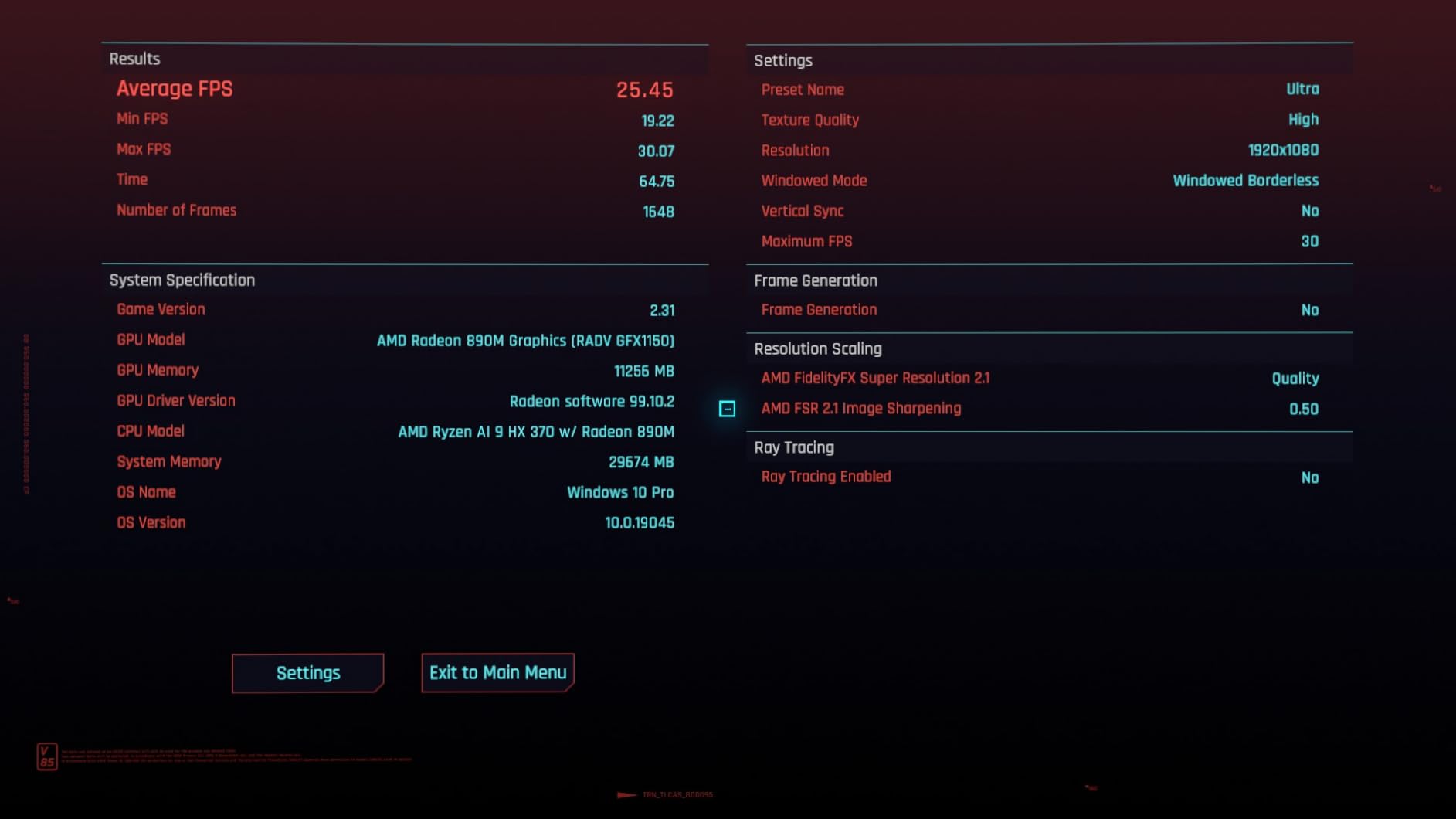
Without an external GPU, the Radeon 890M still handles mainstream titles at 1080p. Around it, the spec is generous: 32GB of DDR5 at 5600 across two slots, three PCIe 4.0 M.2 bays, dual 2.5GbE, Wi-Fi 7 and quad display output including 8K over HDMI 2.1 and DisplayPort 2.0.
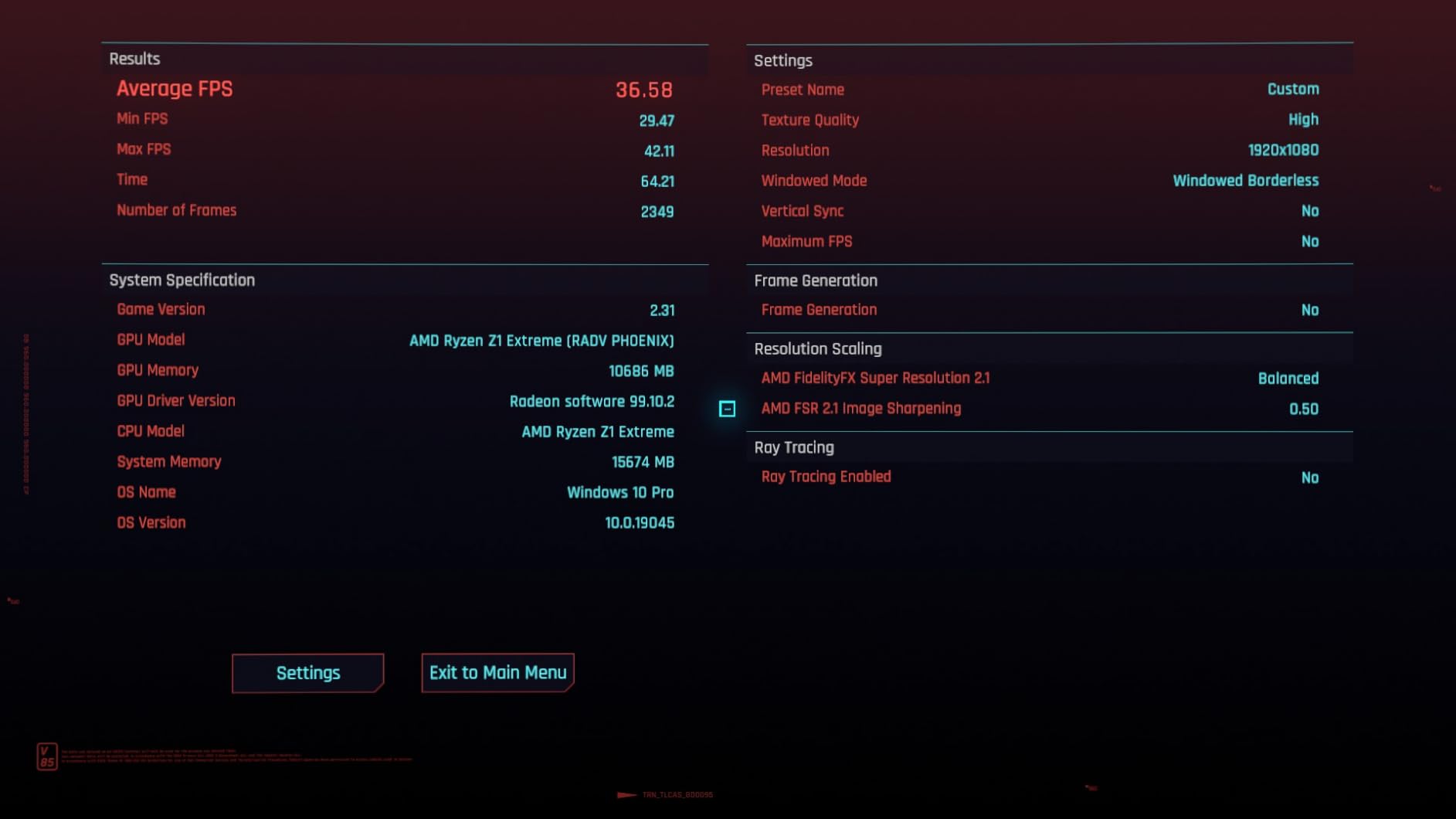
Owners report full-load noise under 45dB and praise the fingerprint reader, speakers and built-in 135W supply, but they also mention thin documentation and a sparse BIOS. Note the Oculink adapter uses an M.2 slot, so plan around two storage drives rather than three if you add a card. Buyers who want 8K output and local AI without the eGPU cost should look at the Geekom A9 Max instead.
7. Apple Mac mini M4: Best for Apple Setups
- Highest rating in the list at 4.7 stars
- Silent under sustained load
- Front USB-C ports and headphone jack
- Works tightly with iPhone and iPad
- Memory and storage cannot be upgraded
- Built-in speakers are modest
- macOS takes adjustment for Windows users
If the rest of your devices are Apple, this is the smoothest machine in the roundup. It scores 4.7 stars from 409 reviews, the highest rating of any pick here, and owners mention iPhone Mirroring and the universal clipboard by name as the reason they stopped using a Windows box.
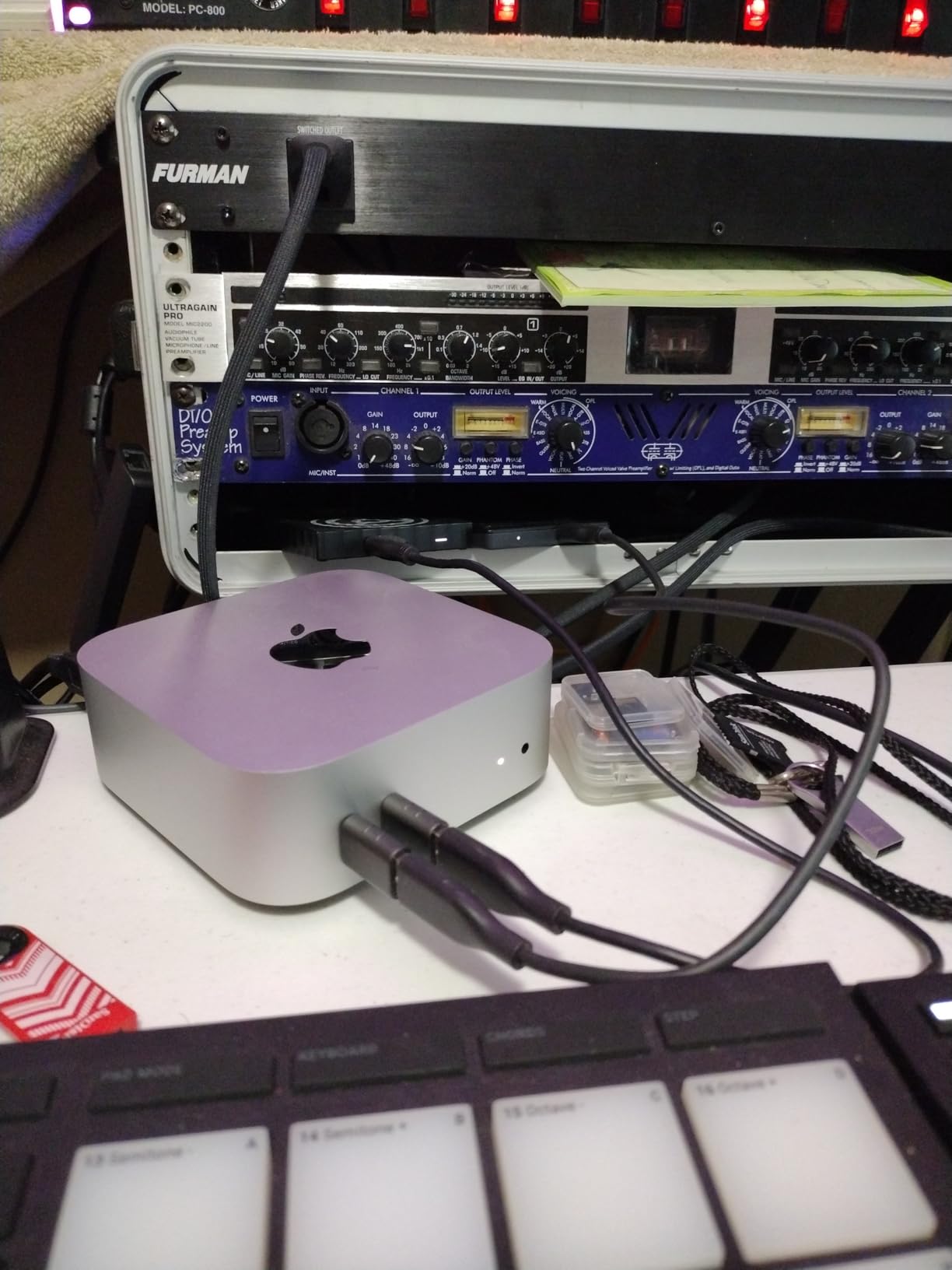
The M4 chip pairs a 10-core CPU with a 10-core GPU, 16GB of unified memory and a 512GB SSD in a 5 by 5 inch body that weighs 1.5 pounds. It is effectively silent, needs no maintenance, and the redesigned front USB-C ports and headphone jack fix two long-standing complaints about the design.
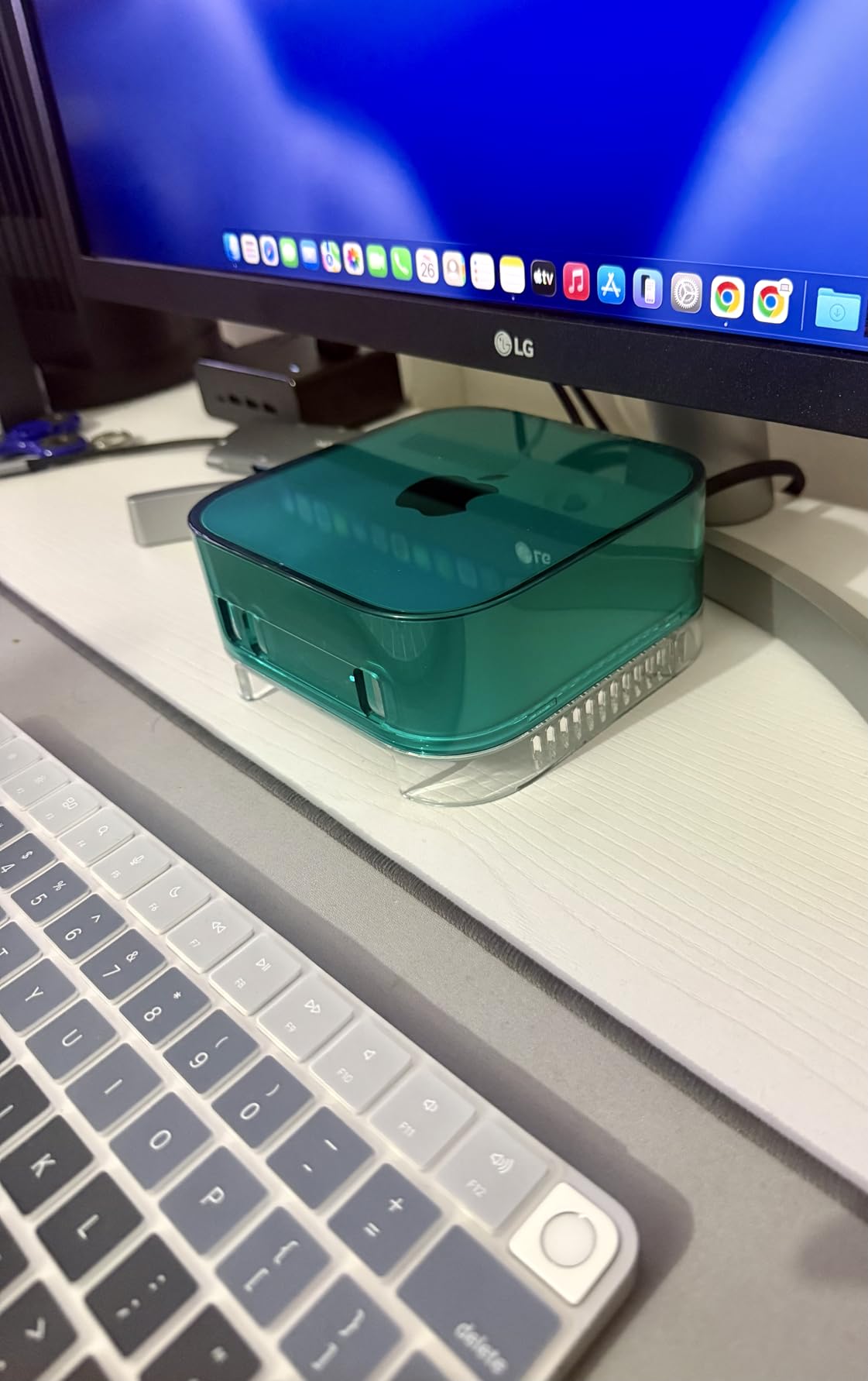
Nothing inside can be upgraded after purchase, so buy the storage capacity you think you will need for a few years. The speakers are fine for a desk and poor for a living room, and anyone coming from long-term Windows use should expect a learning period. Buyers who want more cores and a larger drive instead should read the spec sheet twice, because the option list moves during the sale.
8. GMKtec M6 Ultra: Best for Light and Esports Gaming
- Zen 4 processor with AV1 and HEVC hardware encode
- DDR5 RAM expandable to 128GB
- Dual 2.5GbE ports and Wi-Fi 6E
- USB4 port drives 8K at 60Hz
- VESA mount included
- Radeon 760M handles esports titles not AAA games
- Only a one-year warranty
- Dual fans become audible under load
The Radeon 760M is the reason this sits where it does. It runs esports and older titles comfortably, and the hardware AV1 and HEVC encode matters more than most buyers realise if they cut video in software such as a streaming app.
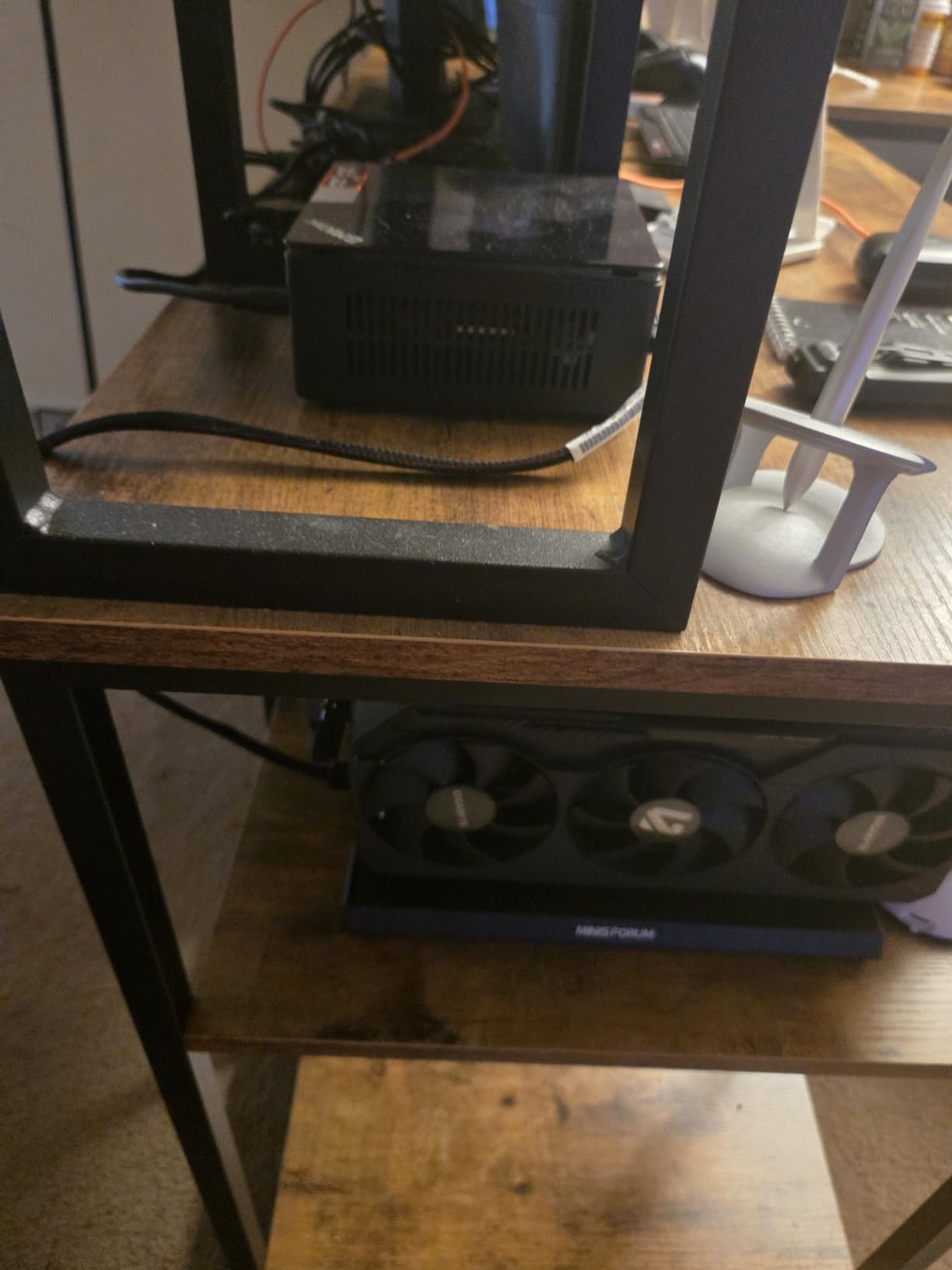
The Ryzen 5 7640HS is a Zen 4 part that boosts to 5.0GHz on 45W, and reviewers note it lands roughly 30 percent above the older 6800H generation. Memory runs on DDR5 SO-DIMMs across two slots with a 128GB ceiling, and a second M.2 slot takes storage well beyond the 512GB included.
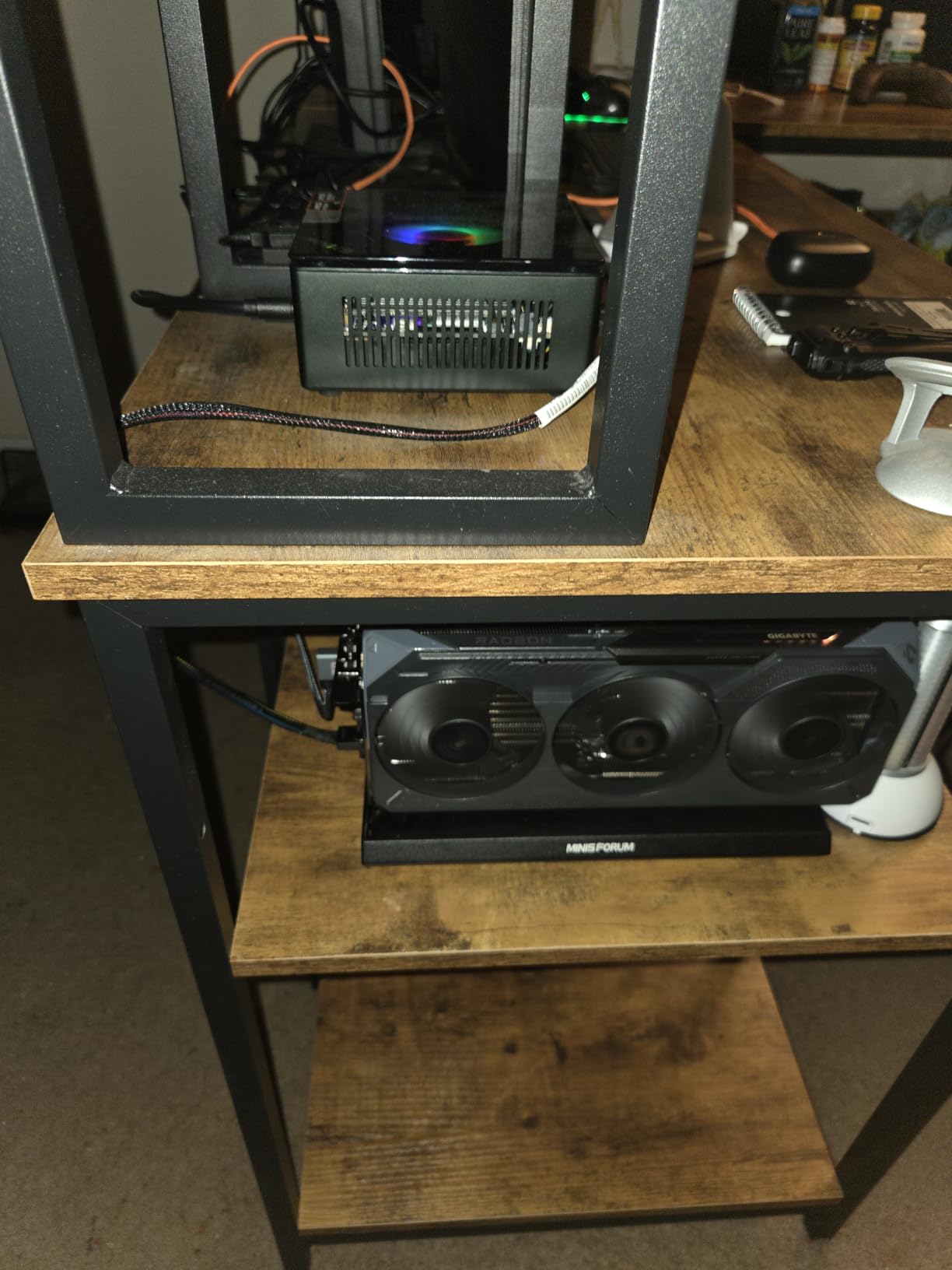
Dual 2.5GbE ports let you bridge two networks or run a small server alongside a workstation role, and the USB4 port carries 8K at 60Hz on its own. The one-year warranty is the weakest guarantee here, and the dual fans make themselves heard under long loads. Compared with the Beelink SER5, it is faster per core and newer on memory but costs more and drops the storage expansion bay.
9. Bmax B3 Pro: Best for a Media Centre Under a TV
- Draws only 6W in normal use
- Windows 11 Pro pre-installed
- Two M.2 slots expand storage to 4TB
- Dual HDMI 2.0 drives two 4K screens
- AV1 decoding built in
- Dual-core processor limits multitasking
- 8GB of memory is modest for demanding apps
A media centre box has one job, and this does it cheaply. Six watts in normal use means running a 4K streaming PC all evening costs almost nothing, and the N4500 decodes AV1 in hardware so recent streaming formats play without a fight.
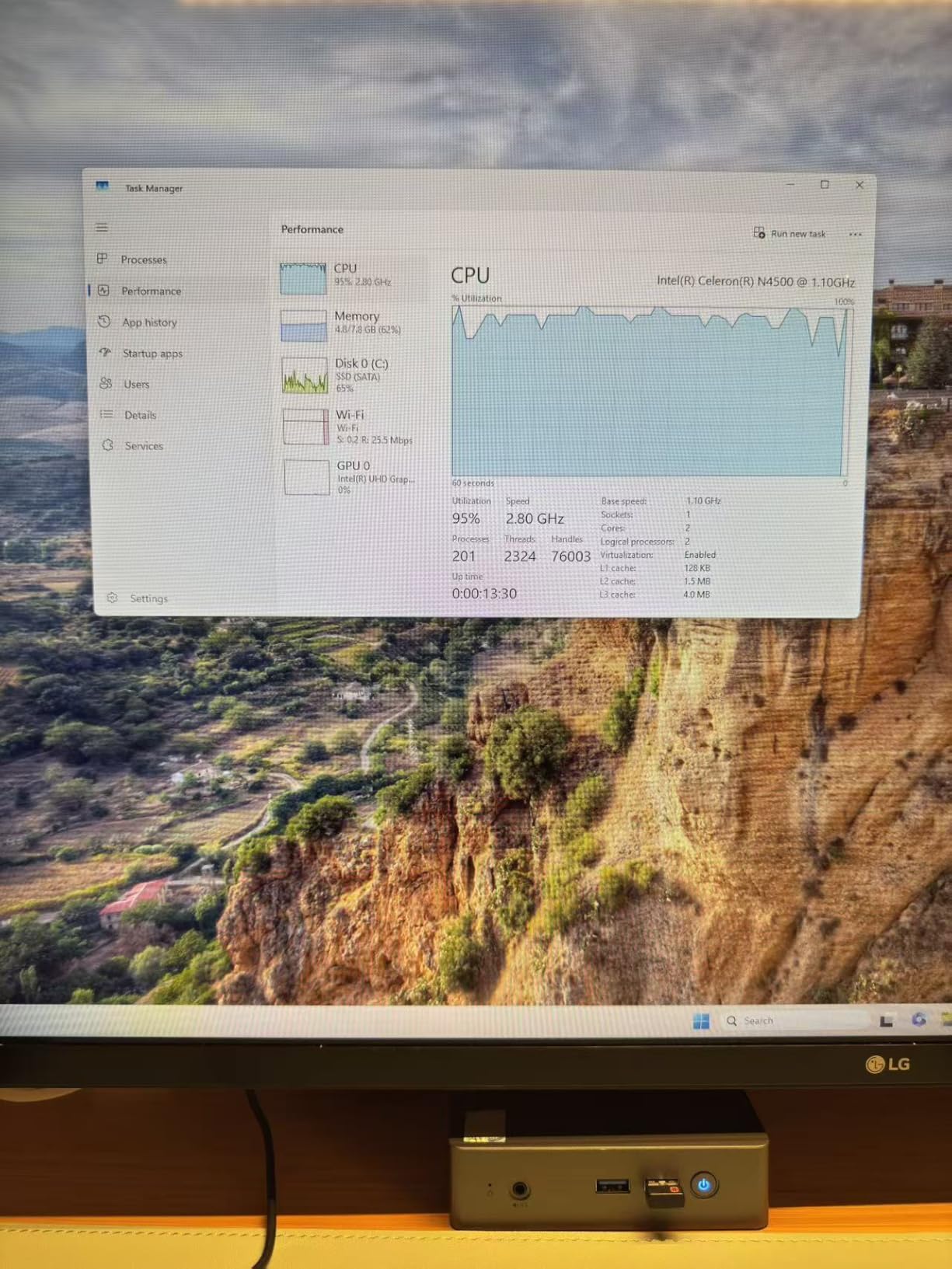
Both HDMI 2.0 outputs run 4K at 60Hz simultaneously, which covers the common setup of a television plus a projector or a small second screen. One SATA and one NVMe M.2 slot take storage to 4TB, more than any streaming library needs, and a VESA mount is in the box.
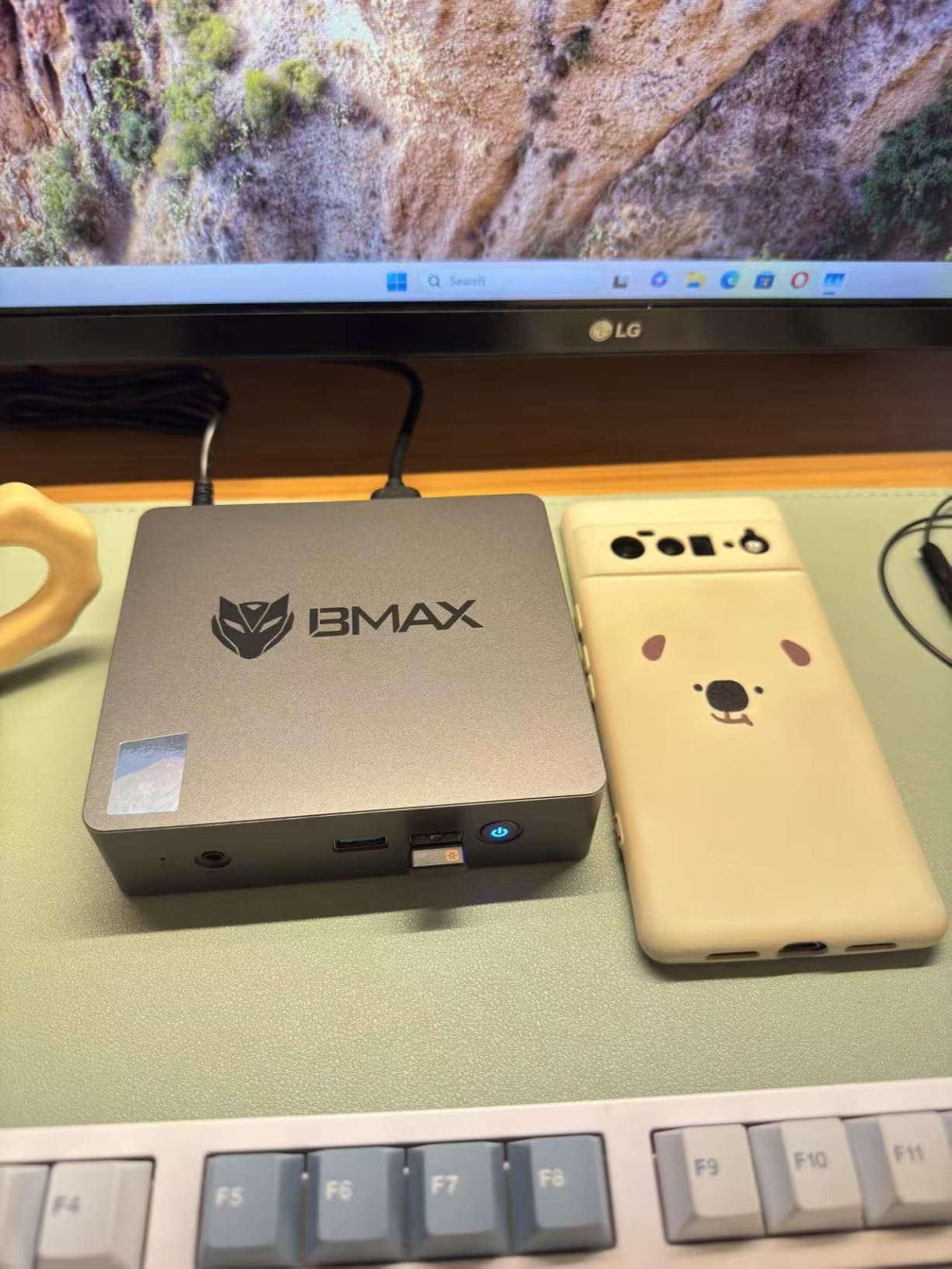
The catch is general computing. Two cores and two threads will feel slow the moment you open a dozen browser tabs, so treat this as an appliance rather than a desktop. Owners rate it 4.2 from 401 reviews and accept those limits for the reason most buyers do. Anyone wanting faster streaming software response should step up to the Beelink SER3.
10. BOSGAME P6: Best for Video Editing and Virtual Machines
BOSGAME P6 Ryzen 9 6900HX Mini PC, 24GB RAM 4800MT/s 1TB PCIe4.0 SSD
- Eight cores handle 1080p editing and several VMs
- 24GB LPDDR5X at 4800MT/s
- 1TB PCIe 4.0 SSD with room to 8TB
- Dual 1GbE suits firewall and server roles
- Under 36dB cooling
- 24GB of LPDDR5X is soldered
- Only one extra M.2 slot
- Not a machine for AAA gaming
The P6 is the pick for people whose computer is a tool rather than a browser. Eight cores at up to 4.9GHz give it enough headroom for 1080p work in DaVinci Resolve, and owners mention running several lightweight virtual machines on it at the same time.
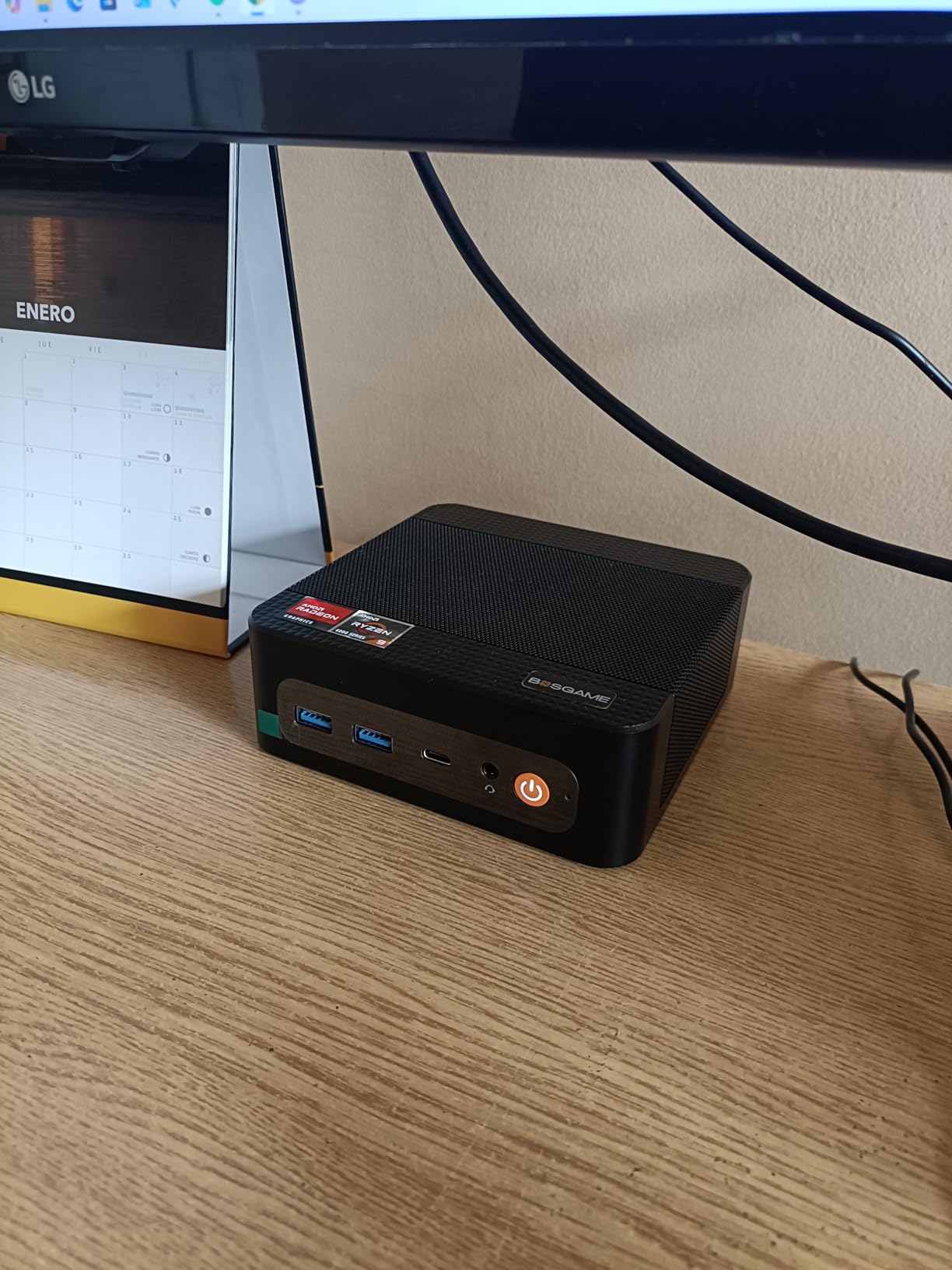
Two 1GbE ports make it a natural soft-router, firewall or home-server machine, and 24GB of LPDDR5X at 4800MT/s keeps those workloads responsive. Storage starts at a 1TB PCIe 4.0 drive with a second M.2 bay taking the total to 8TB.
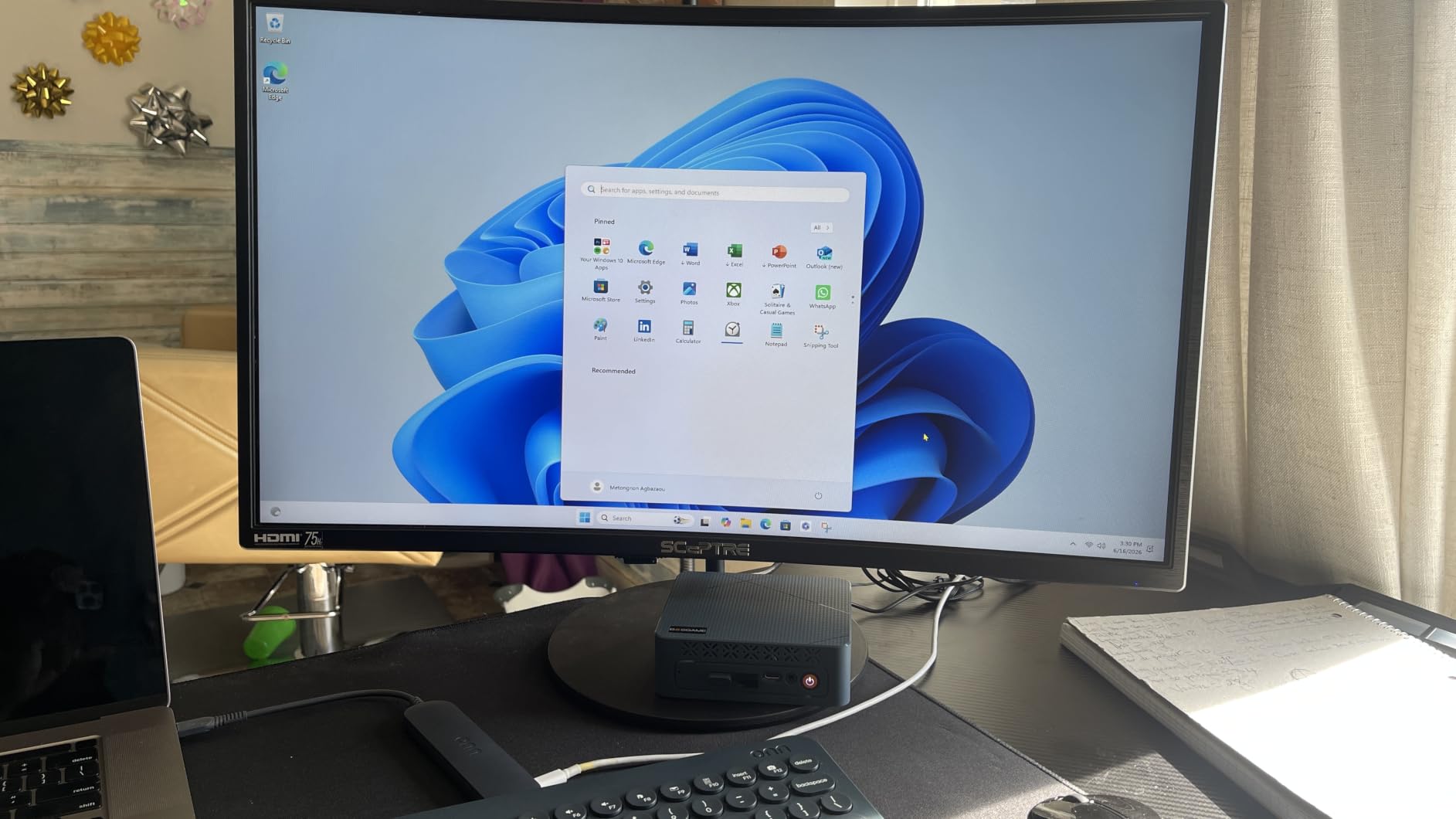
At 4.6 stars from 223 reviews, it sits among the best-rated products in this roundup, and owners single out the acoustics, with noise kept under 36dB through phase change materials and separate memory and drive heatsinks. The memory is soldered, and a few boxes need the latest Bluetooth driver before 5.3 is active. For more ports and memory headroom, the Minisforum AI X1 Pro costs considerably more.
11. Geekom A9 Max: Premium Pick for Local AI and 8K Work
GEEKOM A9 Max Top AI Mini PC,AMD Ryzen AI9 HX470(86 Tops)|32GB DDR5+2TB SSD
- 86 TOPS of AI acceleration with a 55 TOPS NPU
- 32GB DDR5 upgradeable to 128GB
- Dual Gen4 NVMe slots up to 8TB total
- Four displays with 8K output
- Three-year warranty and TPM 2.0
- Fewer USB ports than a tower needs
- Memory is shared with the integrated GPU
- Fan noise rises under sustained load
This is the top of the list in capability, and it costs like it. The Ryzen AI 9 HX470 runs 12 cores and 24 threads at up to 5.2GHz with 86 TOPS of AI acceleration, which is the specification that matters if you intend to run language models on the machine rather than in the cloud.
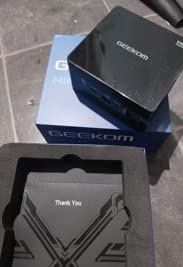
Storage is generous at 2TB across dual PCIe Gen4 slots, and the RAM sits in two slots that accept up to 128GB. Four independent display outputs with 8K support mean a multi-screen desk needs no docking station, and dual 2.5GbE, Wi-Fi 7 and Bluetooth 5.4 cover the networking side properly.
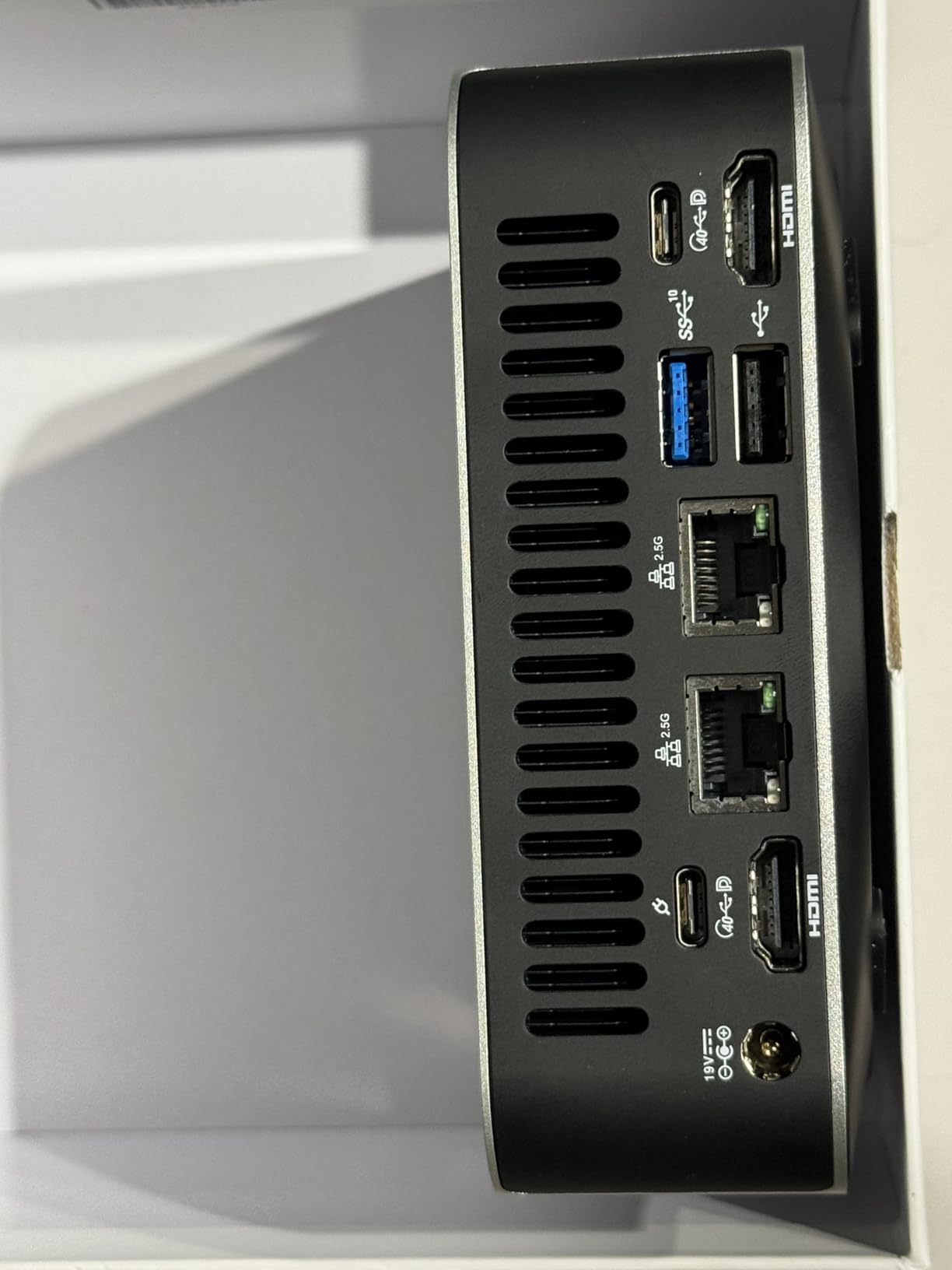
Owners describe it as a tower replacement that boots fast, runs quiet and handles virtual machines and coding work comfortably, with several noting the upgrade path to 128GB for larger local models. The repeated gripes: fewer USB ports than a desktop tower offers, fan noise climbing when it is laid flat or worked hard, and memory shared with the Radeon 890M. Buyers who do not need the AI silicon should look at the Beelink SER5 and keep the difference.
12. Beelink MINI S12: Best for a Home Server
Beelink Mini PC, MINI S12 Intel Lake N95 4C/4T, 8GB DDR4 RAM 256GB SSD
- Quiet and low-power for 24/7 server duty
- Built-in 120/220V supply with no brick
- 2.5G LAN plus Wi-Fi 6 and Bluetooth 5.2
- Four USB 3.2 Gen2 ports
- Three-year warranty
- N95 feels slow for heavy multitasking
- No USB-C port
- Quality control varies between batches
The MINI S12 is the community favourite for homelab work, and the reason is the balance. Four USB 3.2 Gen2 ports, a 2.5G Ethernet port and an integrated power supply make it a tidy little server that needs one cable and no desk space.
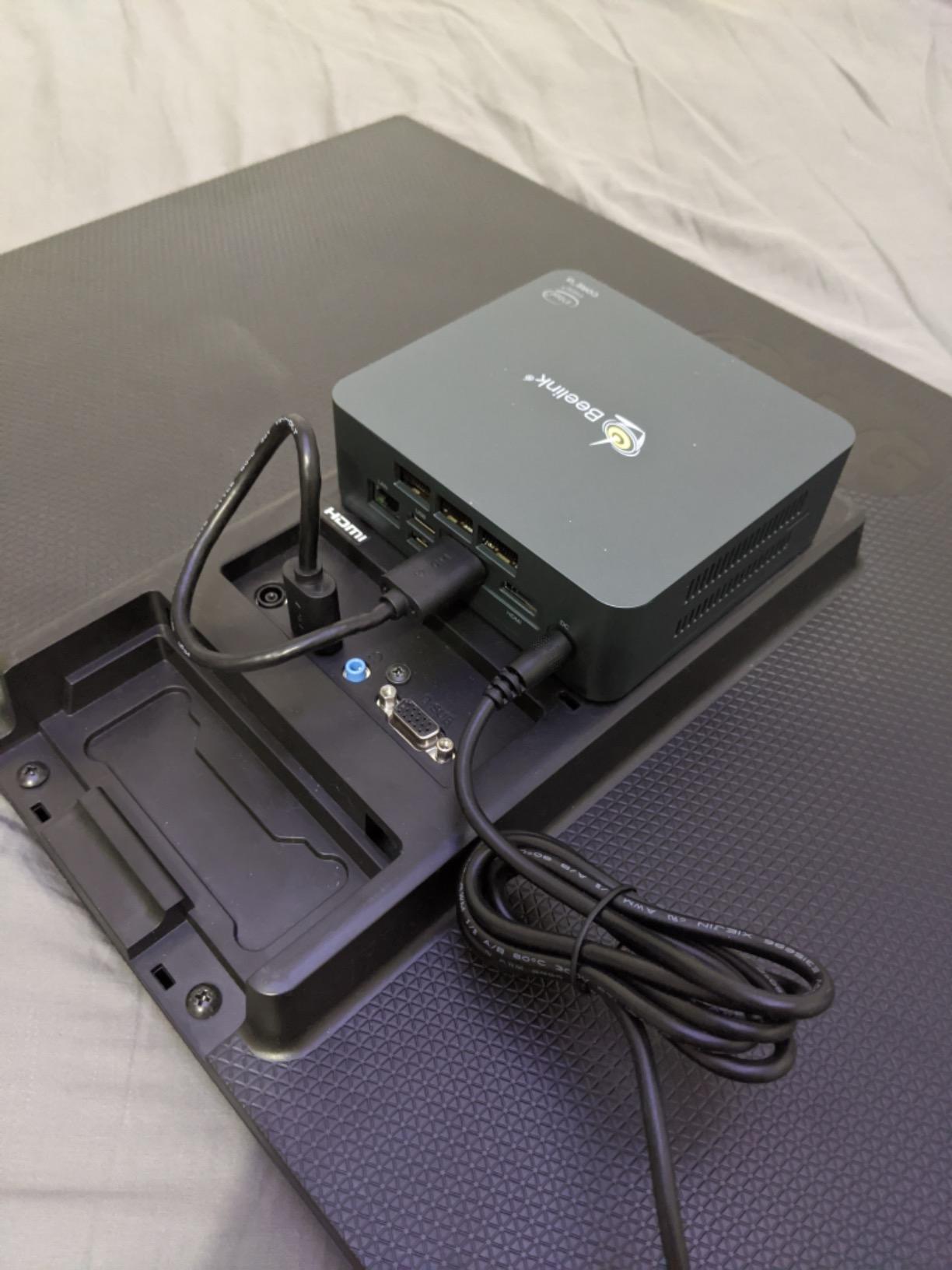
Owners run TrueNAS, Proxmox, ZimaOS, Jellyfin and Debian desktops on these, and the low draw plus active fan cooling suits machines that stay switched on. The 4.88 by 4.45 inch body and included VESA bracket mean it can sit behind a monitor or on a shelf out of sight.
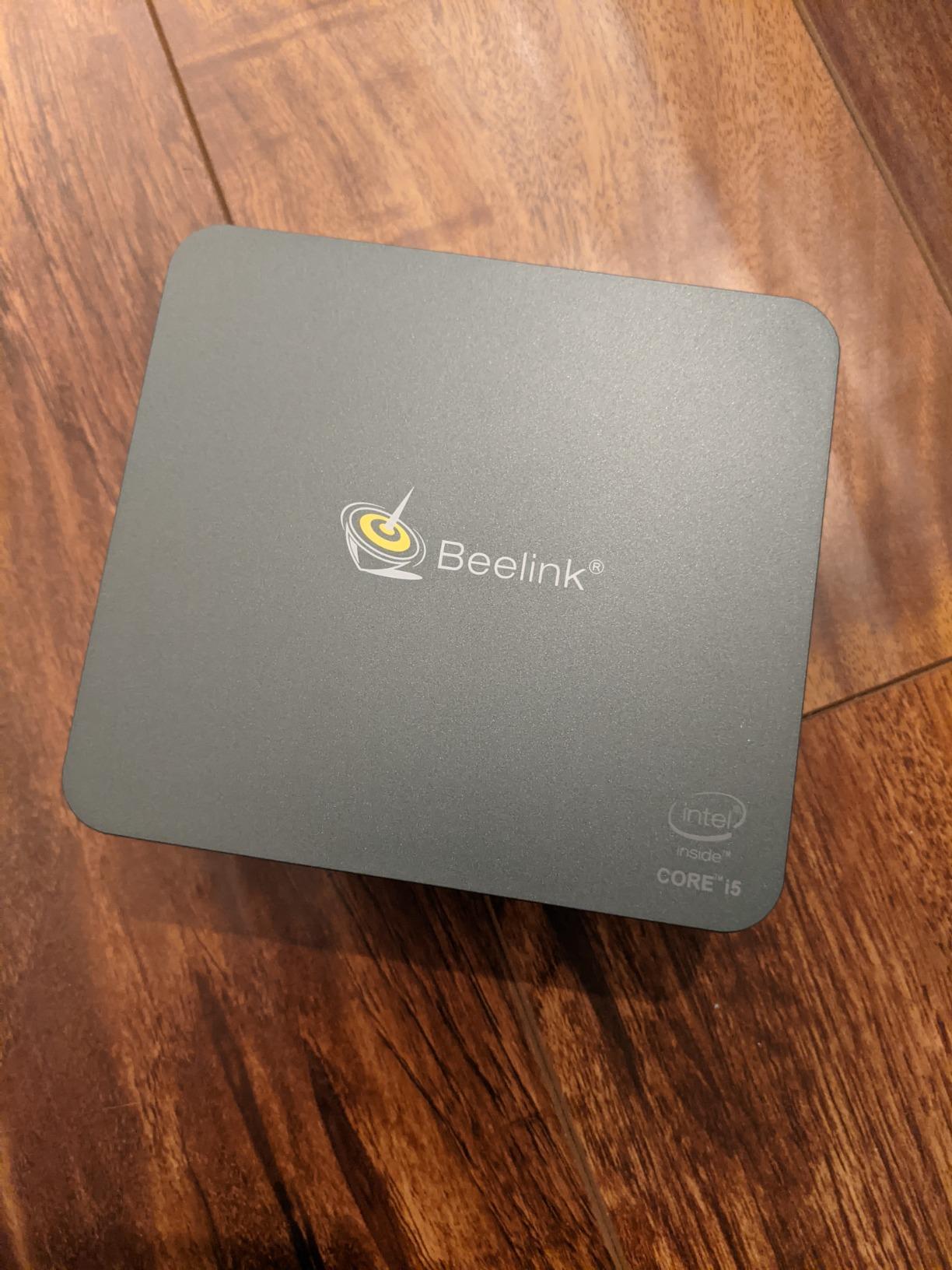
At 4.4 stars across 1,140 reviews, the criticism is consistent: the N95’s four cores feel slow once you push hard, there is no USB-C for single-cable docking, and some boxes come with Windows 11 Home rather than Pro, or with a drive that needs replacing. If you need more processing power for the same homelab role, the BOSGAME P6 has eight cores and two network ports.
How to Choose Mini PCs During Prime Big Deal Days
Processor and Graphics Performance
For office work, browsing and media, a Ryzen 3 7330U or an Intel N95 is enough. For multitasking, editing or gaming, aim for six cores or more such as the Ryzen 5 7640HS or the Ryzen 9 6900HX, since their Radeon graphics handle 1080p titles. Nothing in this list replaces a dedicated GPU, so budget for the Oculink option if gaming matters. If you would rather have a single box that includes a display, our all-in-one PCs for home offices roundup covers a different form factor.
Memory and Storage Configuration
At least 16GB of RAM keeps Windows 11 and a dozen browser tabs comfortable, and 8GB is the floor for a media or reception machine. Storage is cheaper to add later than memory in most of these cases, so check the M.2 slot count before you commit; the Bmax B3 Pro reaches 4TB across two slots while the Beelink SER5 adds a 2.5-inch bay. If you enjoy building rather than buying, our open-frame PC test bench cases guide is the opposite extreme and worth a look for the parts.
Connectivity and Display Support
Count your monitors before choosing. Dual 4K output is standard here, but the Pinova P2, SER5, K1, M6 Ultra, P6 and AI X1 Pro drive three or four displays, and the M6 Ultra and Geekom A9 Max handle 8K over USB4. Look for 2.5G Ethernet if you plan to move large files or run network storage, and check whether a USB-C port exists before buying a dock. Our PC peripherals guide covers the keyboards, docks and monitors that pair with these machines.
Size, Noise, and Everyday Build Quality
Most of these fit in a 5 by 5 inch footprint, and several ship with a VESA mount so they can hide behind a monitor. Noise is the real differentiator: the Bmax B3 Pro draws 6W and the BOSGAME P6 stays under 36dB, while the GMKtec M6 Ultra and Beelink SER5 become audible under sustained load. Cheaper brands vary more in chassis quality between batches, and if you would rather build on a standard platform, our AM5 Mini-ITX motherboards guide covers full-size builds with the same chips.
How to Shop Mini PC Deals During the Sale
Check the exact model number before you click, because these brands reuse chassis names across chip generations and a Ryzen 5 5500U box is not a Ryzen 5 7640HS box. Confirm the operating system in the listing, since some boxes come with Windows 11 Home and others with Pro, and check who the seller and the fulfilling retailer are along with the warranty length. Most offers on mini PC deals during Prime Big Deal Days require a Prime membership and can change at any point through the event, so treat what you see as a snapshot rather than a promise.
- Match the model number to the chip, not just the brand and series name
- Check whether the memory is soldered before you settle on 16GB
- Look at storage slots, not just the drive included in the box
- Confirm the Windows edition, Home or Pro, in the listing
- Note the warranty length, which ranges from one to three years across this list
- Verify the seller and shipper, and whether the unit is new rather than renewed
Frequently Asked Questions
When does Amazon Prime Big Deal Days run in 2026?
Amazon Prime Big Deal Days runs October 6-7, 2026. Prices and offer eligibility shift during the two days, so the listings you see now may not match what is available on the day you read this. Check the listing again shortly before you buy rather than trusting an early-morning price.
Do I need Prime membership to buy these mini PC deals?
Many offers during the event need an active Prime membership, and a 30-day free trial counts. Sign in before you shop so you see the same offers other readers see.
What are the Best Amazon Prime Big Deal Days Mini PC Deals?
The Best Amazon Prime Big Deal Days Mini PC Deals in our list are the KAMRUI Pinova P2 for everyday work, the Beelink SER3 for value with upgradeable memory, the Bmax B1 Plus for the smallest outlay, the Beelink SER5 for multi-monitor desks and the Minisforum AI X1 Pro for external GPU gaming. Prices change through the event, so treat the buttons as the current word.
Can a mini PC work with two monitors?
Yes, and every machine in this roundup drives two displays at up to 4K and 60Hz through dual HDMI outputs. Several models go further: the Pinova P2, SER5, Acemagic K1, GMKtec M6 Ultra, BOSGAME P6 and Minisforum AI X1 Pro support three or four displays, while the M6 Ultra and Geekom A9 Max carry 8K output over USB4.
Is a mini PC suitable for everyday home-office work?
For browsing, email, documents, spreadsheets, video calls and 4K streaming, a mini PC suits home-office work very well and takes up a fraction of the space of a tower. Pick 16GB of RAM and a modern processor such as the Ryzen 3 7330U or the Ryzen 5 5500U, and check that it includes the Windows edition your work setup needs.
Does it matter whether a mini PC ships with Windows 11 Home or Pro?
Pro opens BitLocker, Remote Desktop hosting and Hyper-V, and three machines in this list include it: the Acemagic K1, the Bmax B3 Pro and the BOSGAME P6. The Beelink MINI S12 usually arrives with Home, so check the edition in the listing if you plan to host remote sessions or run virtual machines.
Final Verdict: Best Amazon Prime Big Deal Days Mini PC Deals
Buy the KAMRUI Pinova P2 if you want one machine for everyday work and three monitors, since its owner review history is the deepest in the roundup. Buy the Beelink SER3 instead if you need memory you can upgrade later, and the Bmax B1 Plus if the smallest possible outlay is the priority. The Beelink SER5 covers a three-screen desk, the Acemagic K1 covers Windows 11 Pro users, and the Minisforum AI X1 Pro covers gaming through an external GPU. Add the GMKtec M6 Ultra for lighter gaming on newer memory, the Bmax B3 Pro as a low-cost media centre, the BOSGAME P6 for editing and virtual machines, the Geekom A9 Max when local AI and 8K output are the goal, the Apple Mac mini M4 for an all-Apple desk, and the Beelink MINI S12 for a home server. Whichever you choose, open the listing, confirm the model number and Windows edition, and use the button for the current price.