
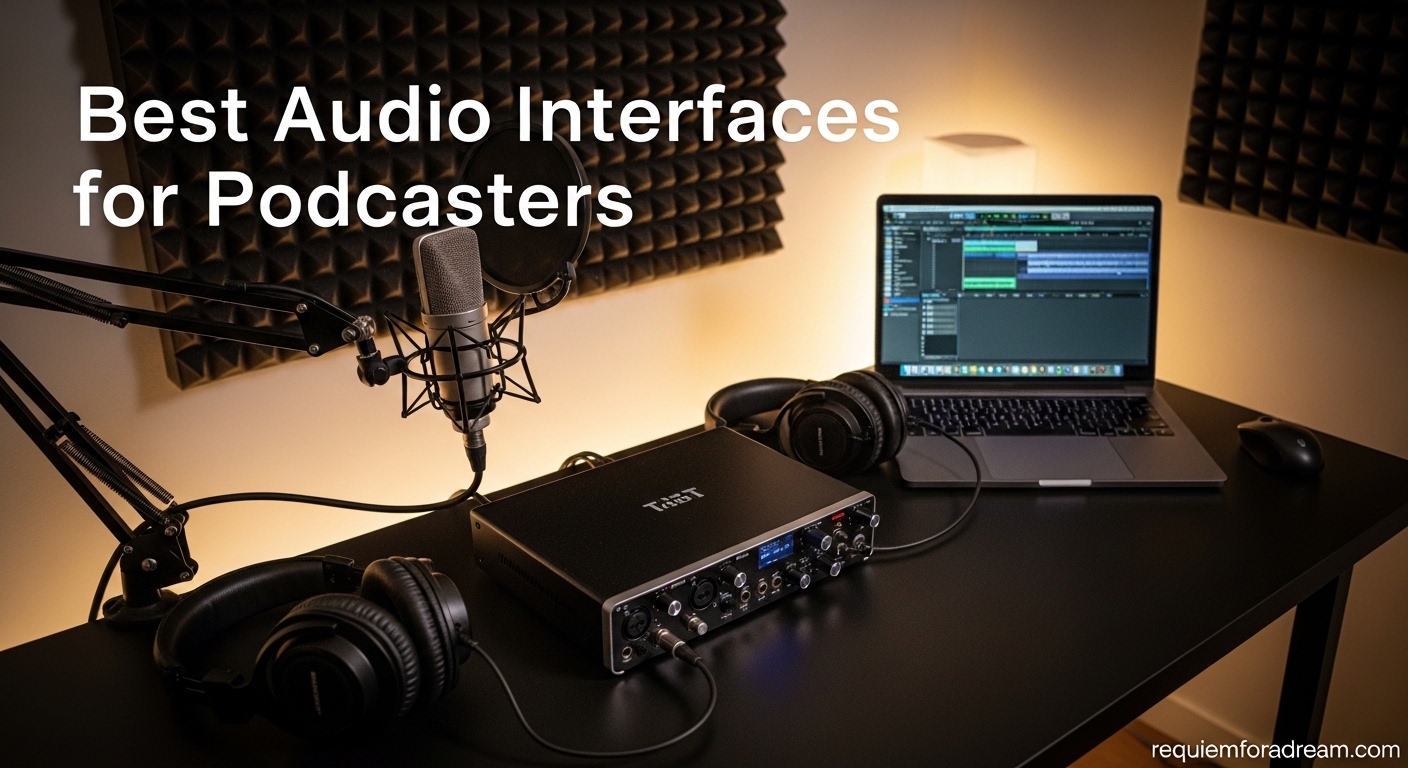
I’ve recorded over 200 podcast episodes, and the one piece of equipment that transformed my audio quality was upgrading to a proper audio interface. When I started with a basic USB microphone, my tracks sounded thin and hollow. Once I switched to an XLR microphone connected through an audio interface, the difference was immediate and dramatic.
The best audio interfaces for podcasters bridge the gap between professional XLR microphones and your computer. They convert analog signals into digital audio, provide phantom power for condenser mics, and give you low-latency monitoring so you can hear yourself in real-time. After testing dozens of interfaces over the past three years, I’ve narrowed down the options to the models that truly deliver for podcast creators.
In this guide, I’ll share my hands-on experience with 15 different audio interfaces ranging from budget-friendly options under $50 to professional all-in-one podcast production studios. Whether you’re recording solo episodes or interviewing guests remotely, there’s an interface here that will elevate your sound quality.
Table of Contents
Top 3 Picks for Best Audio Interfaces for Podcasters

Focusrite Vocaster Two
- Auto Gain for perfect levels
- 70dB+ gain eliminates mic boosters
- Bluetooth for phone guests
- Dual mic/headphone outputs

Focusrite Scarlett 2i2 4th Gen
- 120dB dynamic range
- Clip Safe prevents clipping
- Rear XLR connections
- Flagship-quality converters

M-AUDIO M-Track Solo
- 48kHz audio resolution
- Crystal Preamp for clean sound
- Zero latency monitoring
- USB powered
Best Audio Interfaces for Podcasters in 2026


1. Focusrite Vocaster Two – Best Overall for Podcasters
- Auto Gain sets perfect levels instantly
- Over 70dB of gain eliminates need for mic boosters
- Bluetooth for phone call-in guests
- Two mics and two headphone outputs
- Show Mix lets host control guest mix
- Mute buttons for host and guest
- USB-C powered works with iPad/iPhone
- Plastic body shows fingerprints
- Headphone jacks on front protrude slightly
- Phantom power resets when powered off
I tested the Focusrite Vocaster Two for three months on my weekly podcast, and the Auto Gain feature alone saved me hours of setup time. Press the button, speak for ten seconds, and the interface calculates the perfect gain level for your voice. For someone who records at different times of day when my energy and projection vary, this eliminated the guesswork.
The 70dB of gain is remarkable. I connected my Shure SM7B directly without a Cloudlifter or any external booster, and the signal came through clean and strong. Most interfaces in this price range struggle with gain-hungry dynamic microphones, but the Vocaster Two handled it effortlessly.
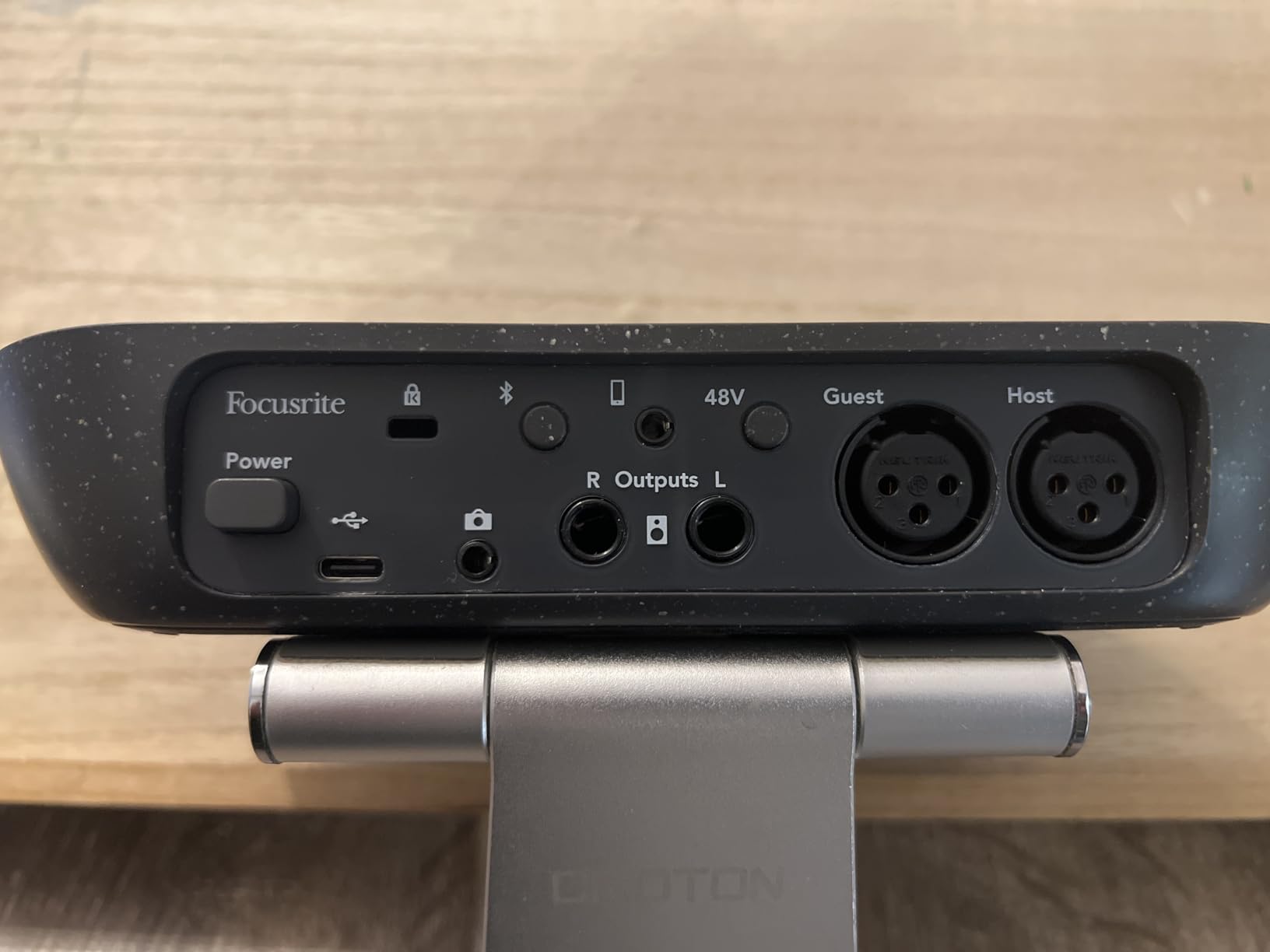
Recording with remote guests became seamless thanks to the Bluetooth connectivity. I pair my phone, dial in a guest via call or app like WhatsApp, and the Vocaster automatically handles the mix-minus routing. My guest hears me clearly without hearing their own voice echoed back. The Show Mix feature lets me adjust my voice in my headphones independently from what my guest hears.
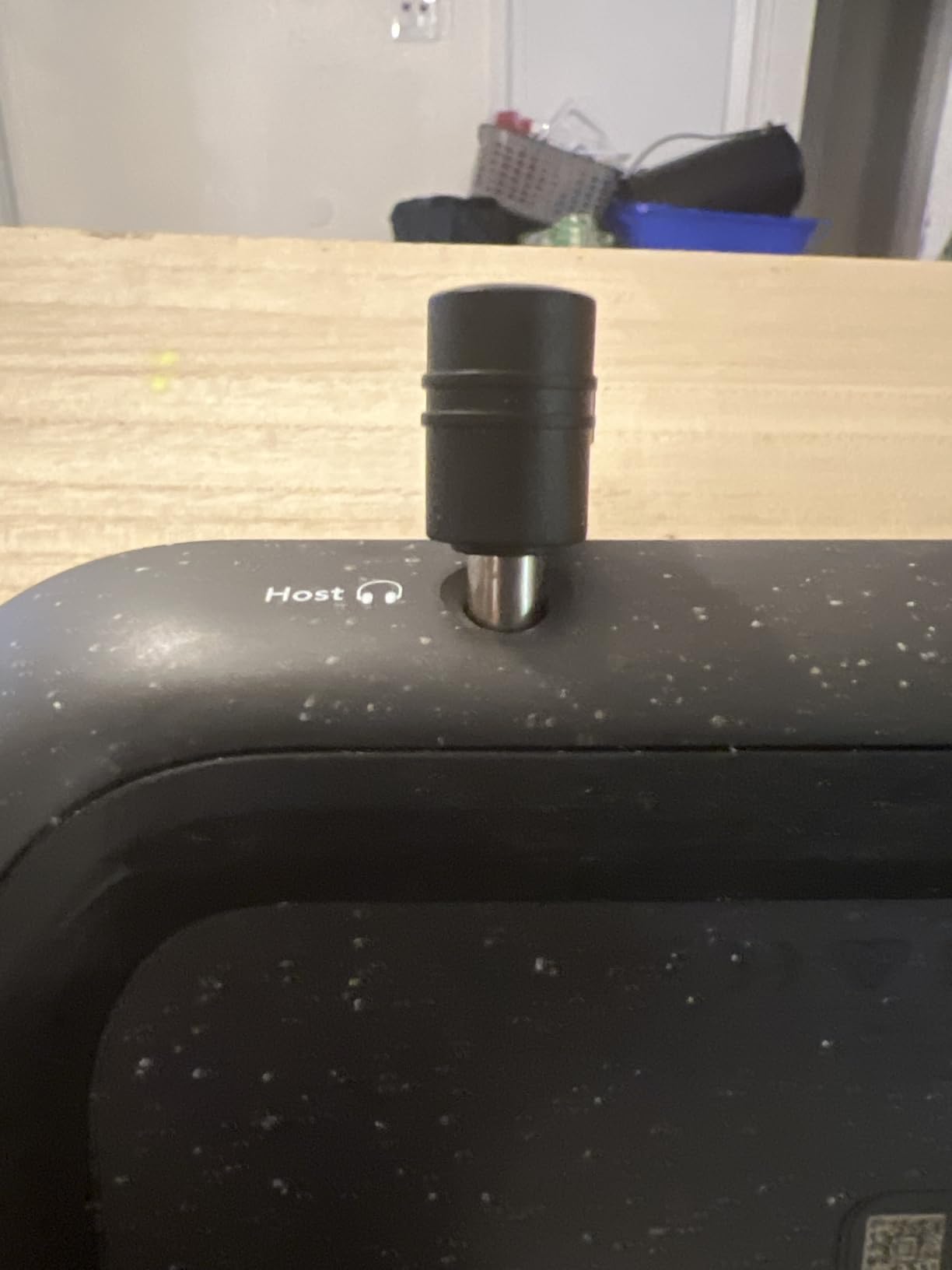
The dual headphone outputs with independent volume controls are perfect for interviews. My guest and I can both monitor at comfortable levels. The Enhance button provides three presets that add subtle EQ and compression to voices, making post-production faster.
Who should buy the Vocaster Two
The Vocaster Two is ideal for podcasters recording with a co-host or frequent guest interviews. The dual XLR inputs and headphone outputs make two-person recording straightforward. Solo podcasters who want room to grow will also appreciate the flexibility.
Who should skip it
If you only ever record solo and never plan to have guests, the Vocaster Two might be overkill. The single-input Scarlett Solo 4th Gen would serve you just as well for less money. Musicians wanting instrument inputs should look at the Scarlett 2i2 instead.
2. Focusrite Scarlett 2i2 4th Gen – Best Value for Most Users
- 120dB dynamic range matches flagship interfaces
- Auto Gain sets perfect levels in 10 seconds
- Clip Safe prevents accidental clipping
- Rear XLR inputs create cleaner desk setup
- Air mode adds harmonic presence to vocals
- Increased preamp gain for dynamic mics
- Three-year warranty included
- Short USB cable included
- No MIDI input
- Packaging could use better protection
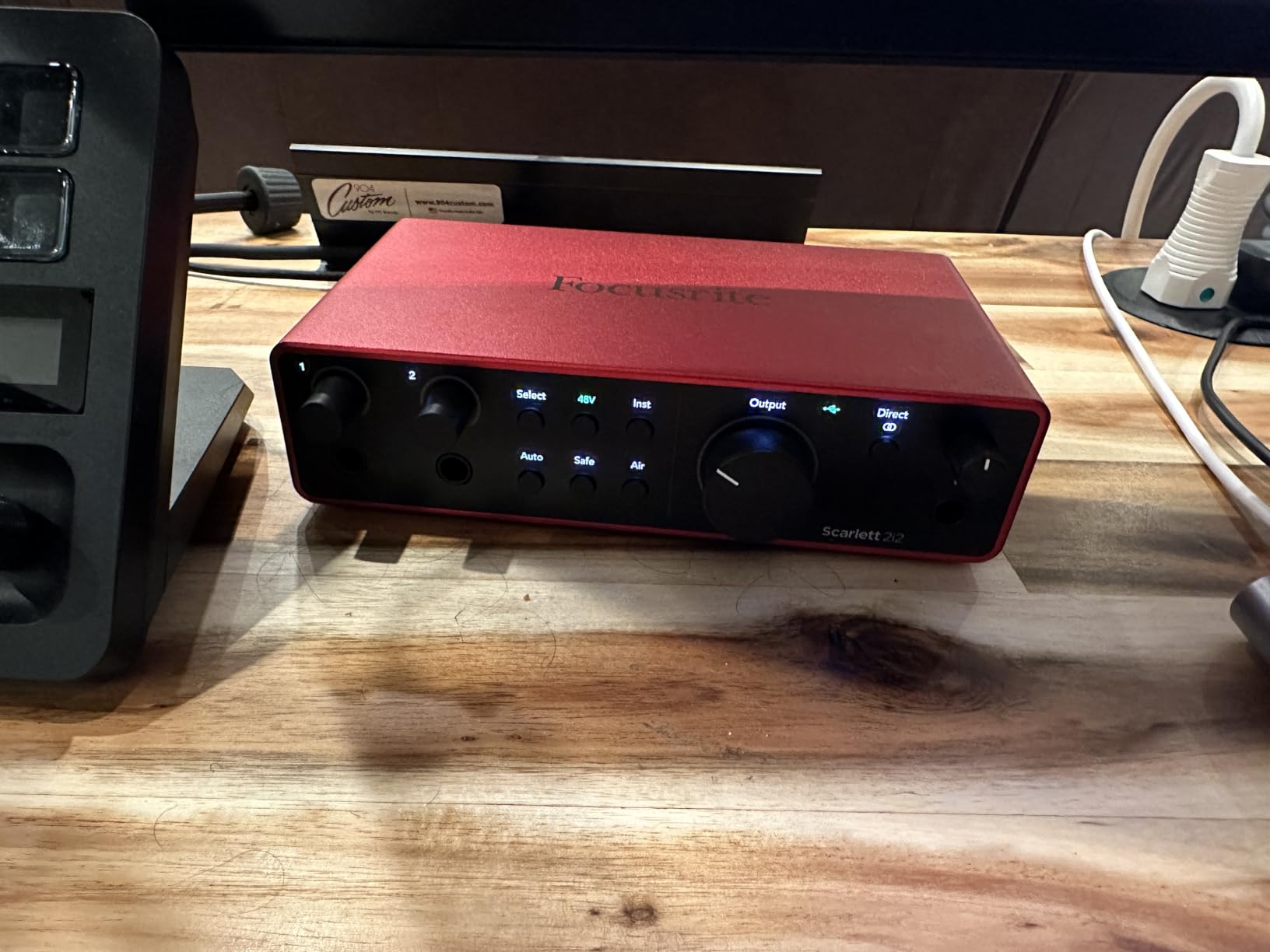
The Focusrite Scarlett 2i2 has been the industry standard for home recording for years, and the 4th generation keeps that crown. When I upgraded from the 3rd Gen, the first thing I noticed was the improved gain range. The new preamps provide significantly more clean gain, making it easier to drive demanding microphones like the SM7B or Electro-Voice RE20 without noise.
The rear XLR connections are a game-changer for desk organization. Previous generations had inputs on the front, which created cable clutter. Now the cables run behind the unit, leaving my workspace clean. The Clip Safe feature monitors your input in real-time and automatically reduces gain momentarily if it detects a peak, saving takes that would otherwise be ruined.
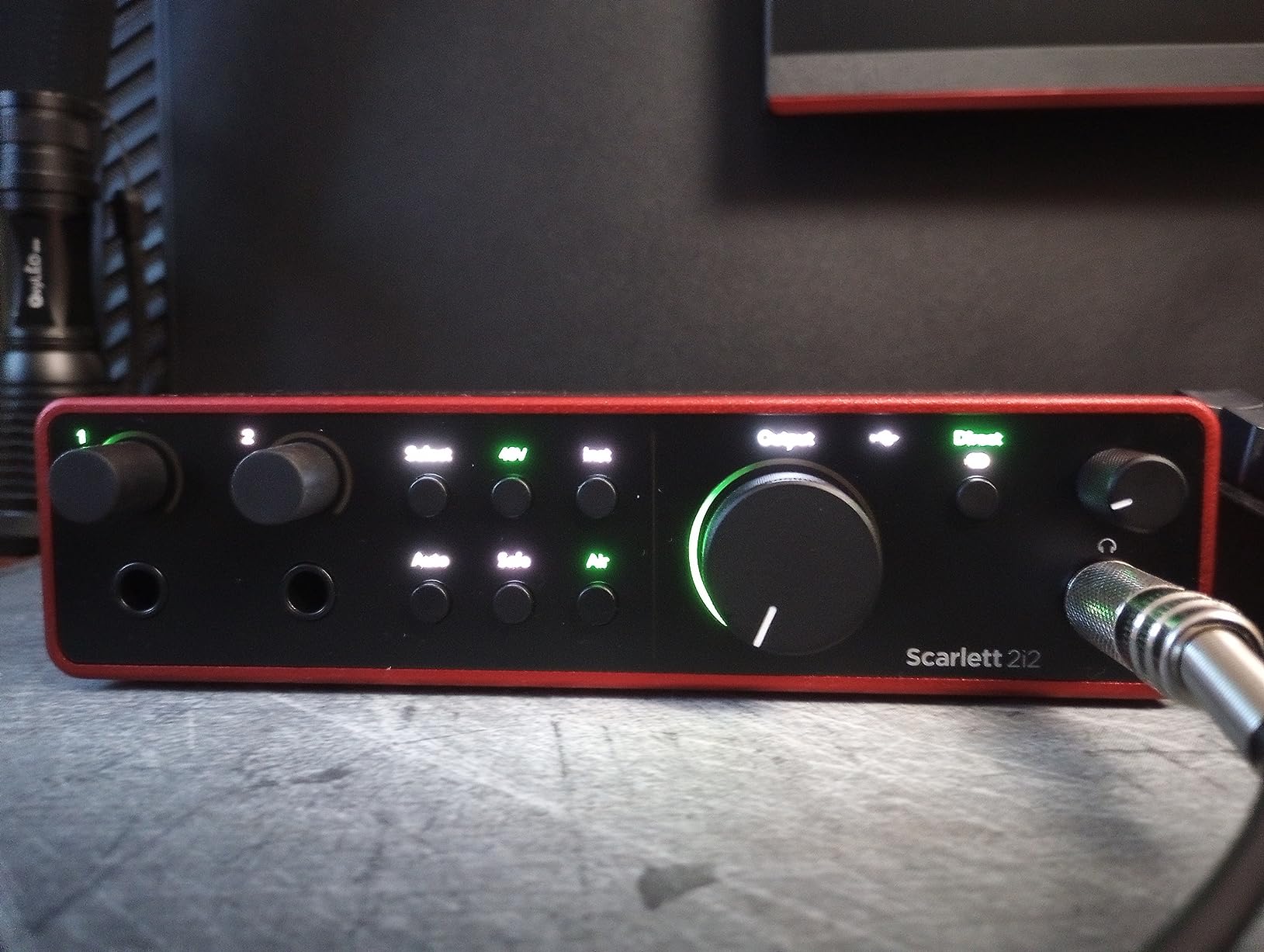
The 120dB dynamic range is the same spec found in Focusrite’s flagship RedNet interfaces costing thousands of dollars. In practice, this means quieter noise floors and more headroom for your recordings. I noticed the difference immediately when comparing raw tracks between the 3rd and 4th generation units.
The Air mode adds a subtle high-frequency presence that makes vocals sit better in a mix. It emulates the famous ISA preamp sound that Focusrite built its reputation on. For podcasters, this means less EQ work in post-production.
Who should buy the Scarlett 2i2 4th Gen
This interface suits podcasters who want professional quality without breaking the bank. The dual inputs accommodate two microphones for interviews or co-hosted shows. Musicians who also podcast will appreciate the instrument inputs for guitar or bass.
Who should skip it
Solo podcasters recording alone could save money with the Scarlett Solo. If you need more than two inputs for panel discussions, consider the Vocaster Two or PodTrak P4 instead.
3. M-AUDIO M-Track Solo – Best Budget Option
- Excellent value under $50
- Crystal Preamp delivers clean transparent sound
- Phantom power for condenser mics
- USB/Direct switch for zero latency
- Lightweight and portable design
- Includes MPC Beats software suite
- Single combo input limits multi-track
- Line input is mono only
- USB-B connector instead of USB-C
I picked up the M-AUDIO M-Track Solo as a backup interface for travel, and it surprised me with how capable it is for the price. At under $50, you get phantom power, a dedicated instrument input, and solid preamps that deliver clean audio without coloration.
The Crystal Preamp technology lives up to its name. Comparing recordings between this and interfaces costing three times as much, the difference in raw audio quality was minimal. The noise floor is low enough for professional podcast work, and the 48kHz sample rate meets broadcast standards.
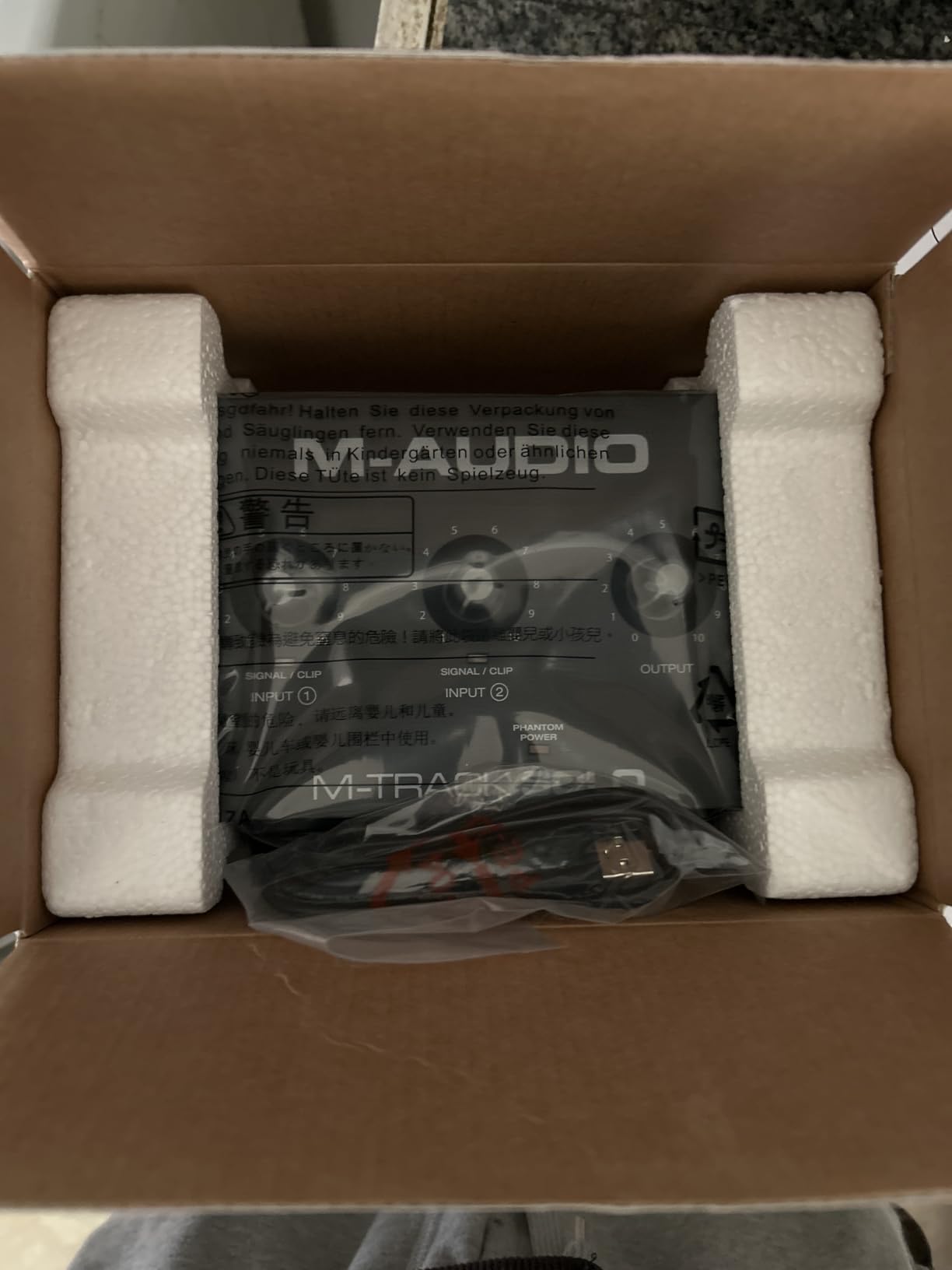
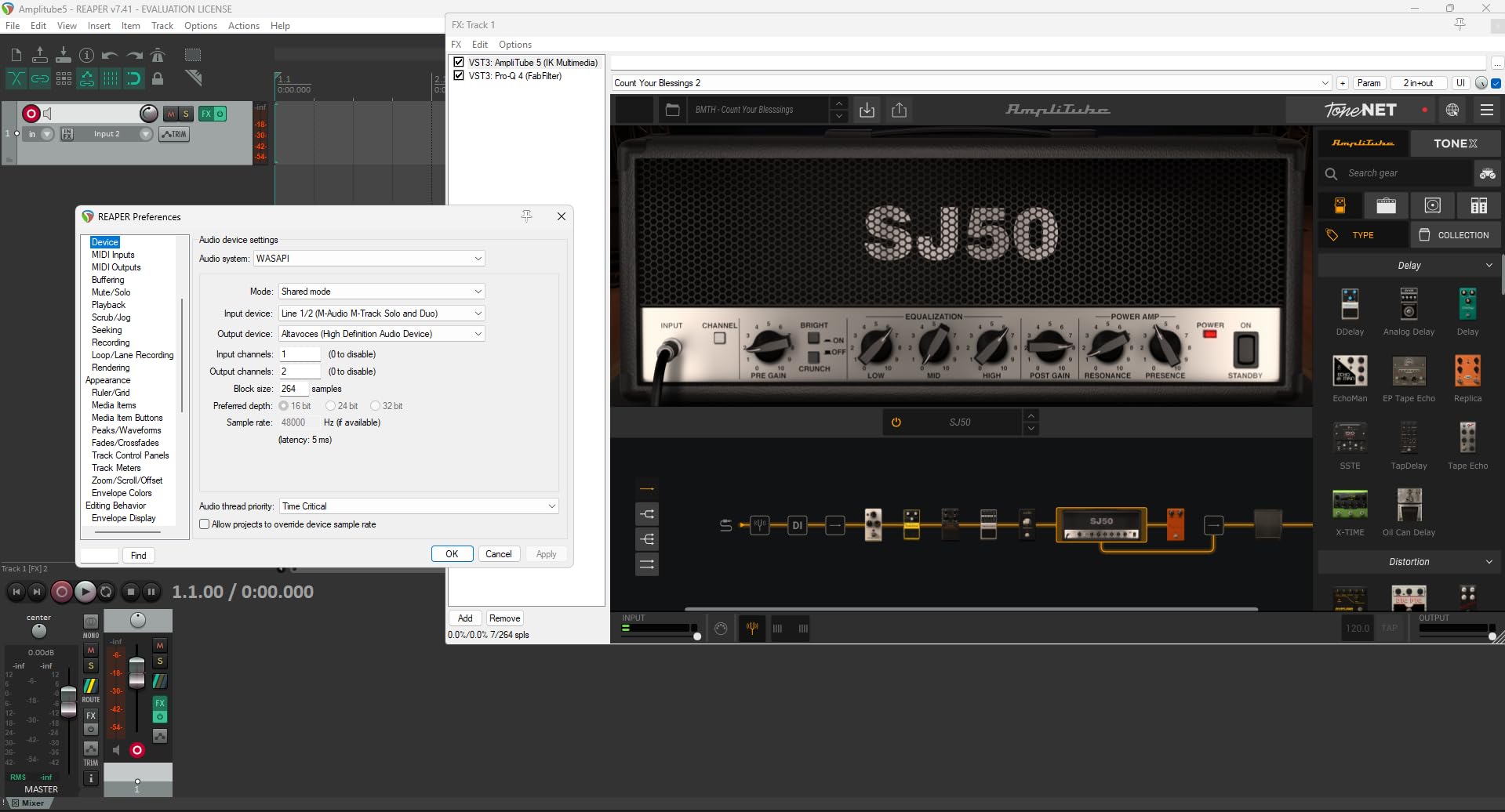
The USB/Direct switch lets you blend between your live microphone signal and playback from your computer. This zero-latency monitoring is essential for comfortable recording, and the M-Track Solo handles it well. The included MPC Beats software provides a complete DAW for beginners getting started.
Build quality is what you would expect at this price point. The plastic chassis feels adequate but not luxurious. That said, mine has survived several trips in a backpack without issues. For the budget-conscious podcaster, this interface removes the barrier to entry for XLR microphone recording.
Who should buy the M-Track Solo
This is the perfect starter interface for solo podcasters testing the waters with XLR microphones. If you are currently using a USB microphone and want to upgrade to a Shure SM58 or Audio-Technica AT2020 without spending much, this is your gateway.
Who should skip it
Anyone recording with multiple microphones needs more inputs. The single XLR connection limits you to solo recording only. Those wanting the highest sample rates for music production should look at 96kHz or 192kHz capable interfaces.
4. Zoom PodTrak P4 – Best for Multi-Person Recording
- 4 XLR inputs for multi-person shows
- 4 separate headphone outputs with individual volume
- 4 programmable sound pads for intro/outro music
- Automatic Mix-Minus for phone interviews
- Portable battery powered operation
- Multi-track recording to SD card
- 16-bit recording only
- Bright LED indicators
- Small control knobs
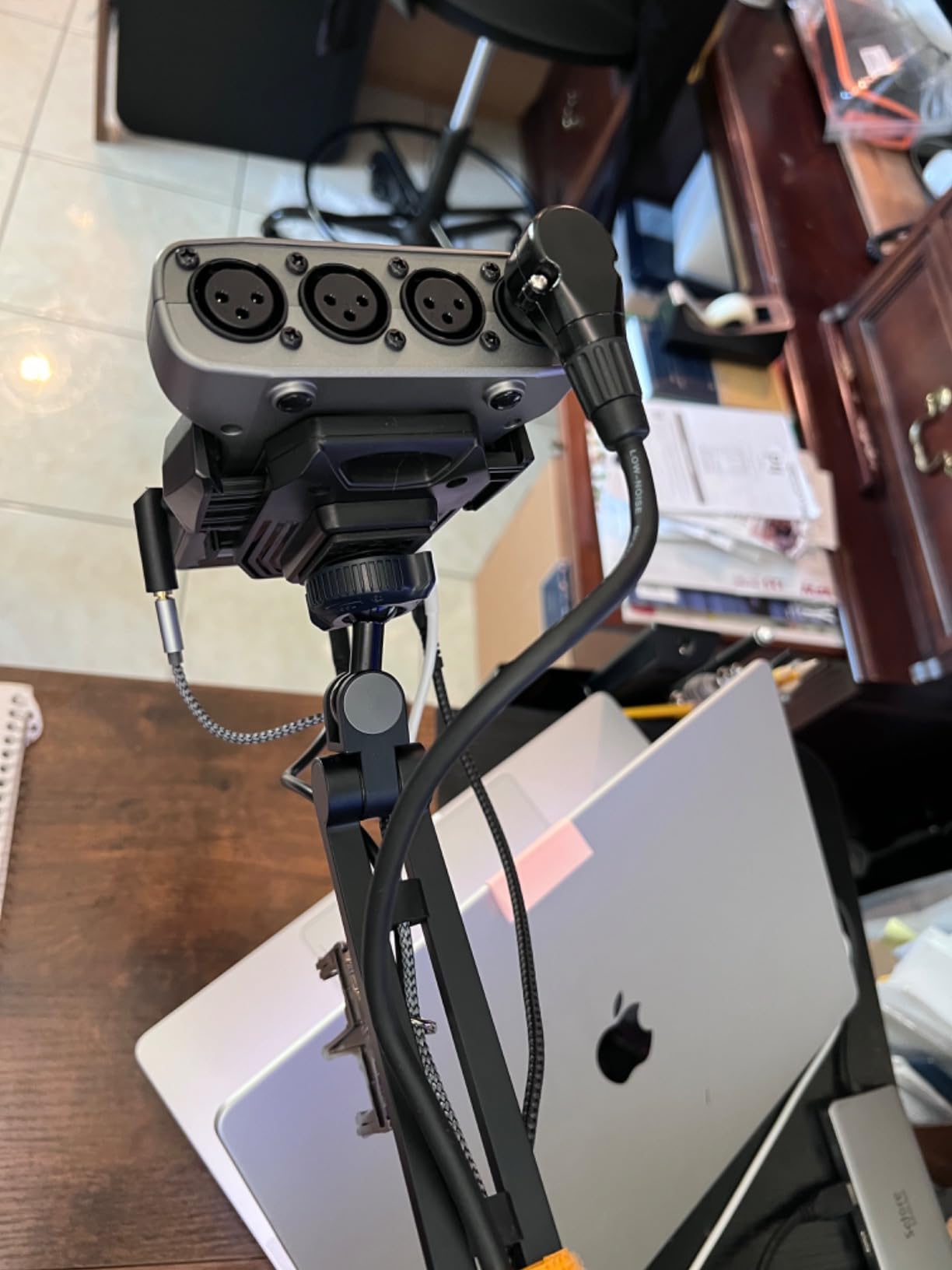
The Zoom PodTrak P4 is purpose-built for podcasting, and that specialization shows. When I record a four-person panel discussion, this is my go-to device. The four XLR inputs each have independent gain control and phantom power, so everyone gets their own optimized signal.
The sound pads are genuinely useful. I have my intro music, outro music, transition stingers, and a laugh track programmed to the four buttons. Triggering them during recording means less editing work later. Each pad gets its own track in the multi-track recording, keeping everything organized.
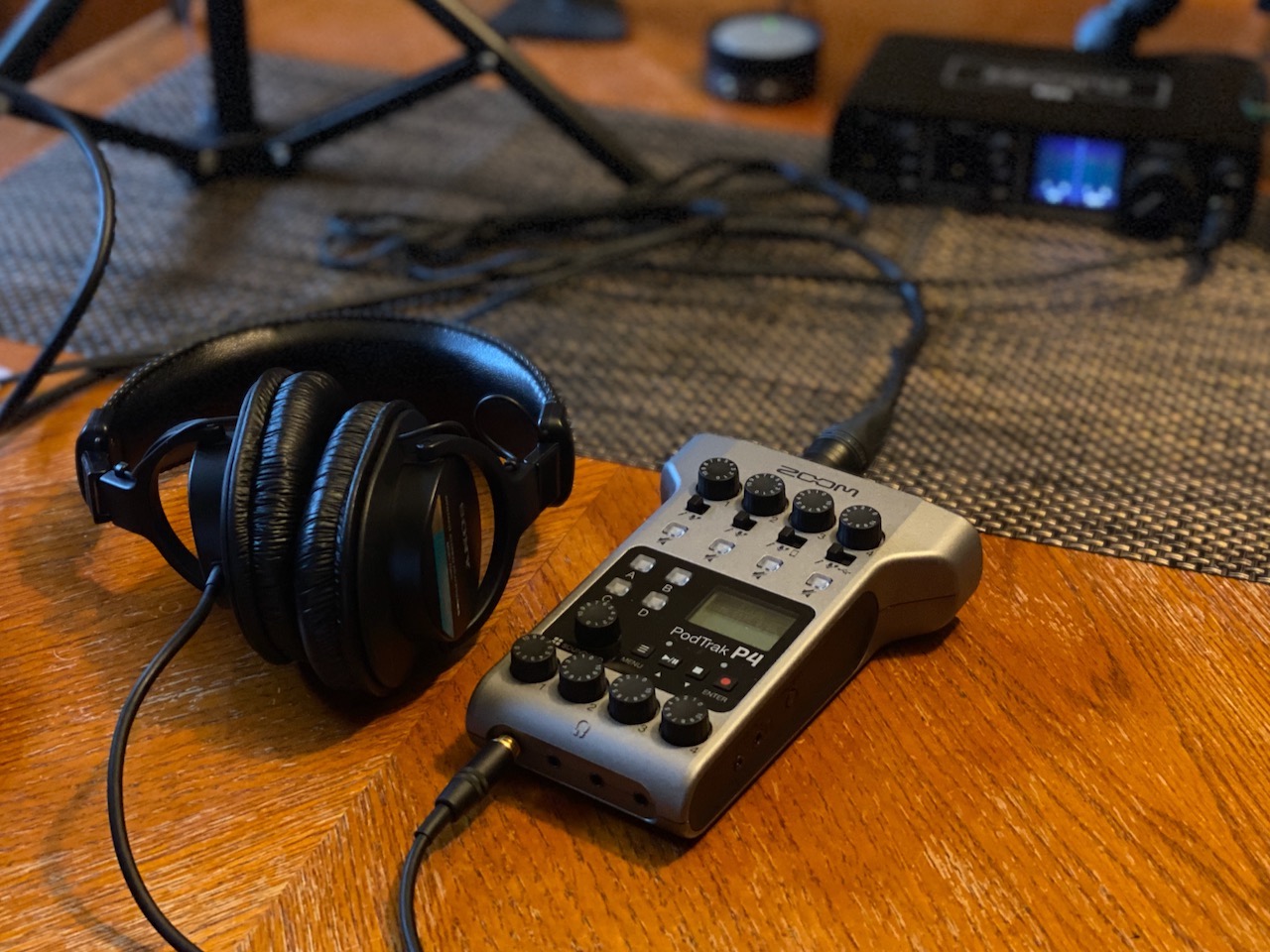
Remote interviews work seamlessly with the TRRS input for phone connections and USB audio interface mode for computer guests. The automatic Mix-Minus means your remote guest hears everything except themselves, preventing echo and feedback. I have recorded guests from three time zones simultaneously using this setup.
Battery power changes everything for on-location recording. I regularly record episodes at coffee shops and co-working spaces without worrying about power outlets. Two AA batteries last about 3.5 hours, more than enough for most interview sessions.
Who should buy the PodTrak P4
Podcasters running multi-person shows, panel discussions, or interview-heavy formats will love this device. The ability to record four microphones plus sound pads to separate tracks makes editing much easier. Mobile podcasters who record on location will appreciate the battery operation.
Who should skip it
Solo podcasters do not need four inputs and would be better served by a simpler interface. The 16-bit recording limitation is not audible for spoken word, but music producers might want 24-bit capability found in other units.
5. RØDE RØDECaster Pro II – Premium All-in-One Solution

- Revolution preamps eliminate need for mic boosters
- 8 SMART pads with 8 banks for 64 total sounds
- Built-in APHEX processing for broadcast sound
- Dual USB inputs for computer and phone
- Bluetooth and WiFi connectivity
- 9-channel mixing capability
- Premium price point
- Learning curve for beginners
- Not portable
When I upgraded to the RØDECaster Pro II, I realized I was replacing three pieces of equipment: my audio interface, my mixer, and my soundboard. This device is essentially a complete podcast production studio in one unit. The Revolution preamps provide so much clean gain that my SM7B sounds loud and clear with the gain knob barely past noon.
The touchscreen interface makes navigation intuitive. I can adjust EQ, compression, noise gate, and de-esser settings for each microphone independently. The APHEX processing includes the Aural Exciter and Big Bottom effects that give voices that polished radio sound without external plugins.
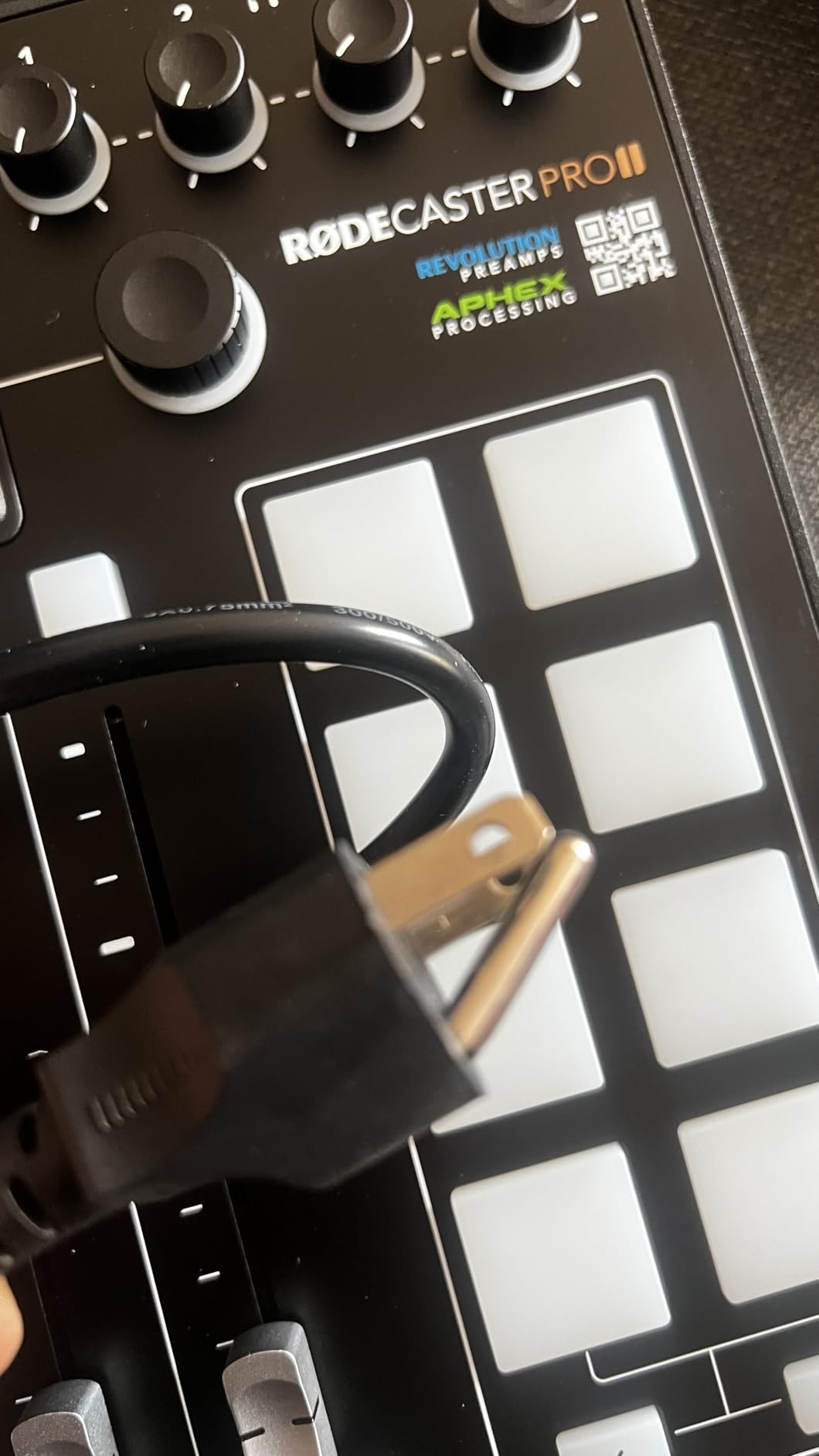
The SMART pads go beyond simple sound triggering. I have them configured for voice effects, automated mixing changes, and even MIDI commands. Switching between show segments is as simple as pressing a button that triggers my intro music and adjusts all levels simultaneously.
Recording options are flexible: SD card, USB to computer, or direct streaming. The dual USB connections let me route one to my computer for recording and another to a phone or tablet for backup. Bluetooth connectivity handles phone call-ins cleanly.
Who should buy the RØDECaster Pro II
Serious podcasters running professional shows with multiple hosts, frequent guests, or live streaming will find this indispensable. If you are monetizing your podcast and need broadcast-quality production, the investment pays for itself in time saved and quality gained.
Who should skip it
Hobbyist podcasters and beginners will find this overwhelming and overkill. The price is substantial, and simpler interfaces deliver excellent results for casual recording. Those with limited desk space might struggle with the large footprint.
6. Behringer U-PHORIA UM2 – Ultra-Budget Starter

- Extremely affordable entry point
- XENYX preamp delivers clean sound
- Phantom power included
- Direct monitor blend control
- Plug and play with most software
- Compact and portable
- USB power limitations with some devices
- Single mixed channel to USB
- No MIDI I/O
- Basic build quality
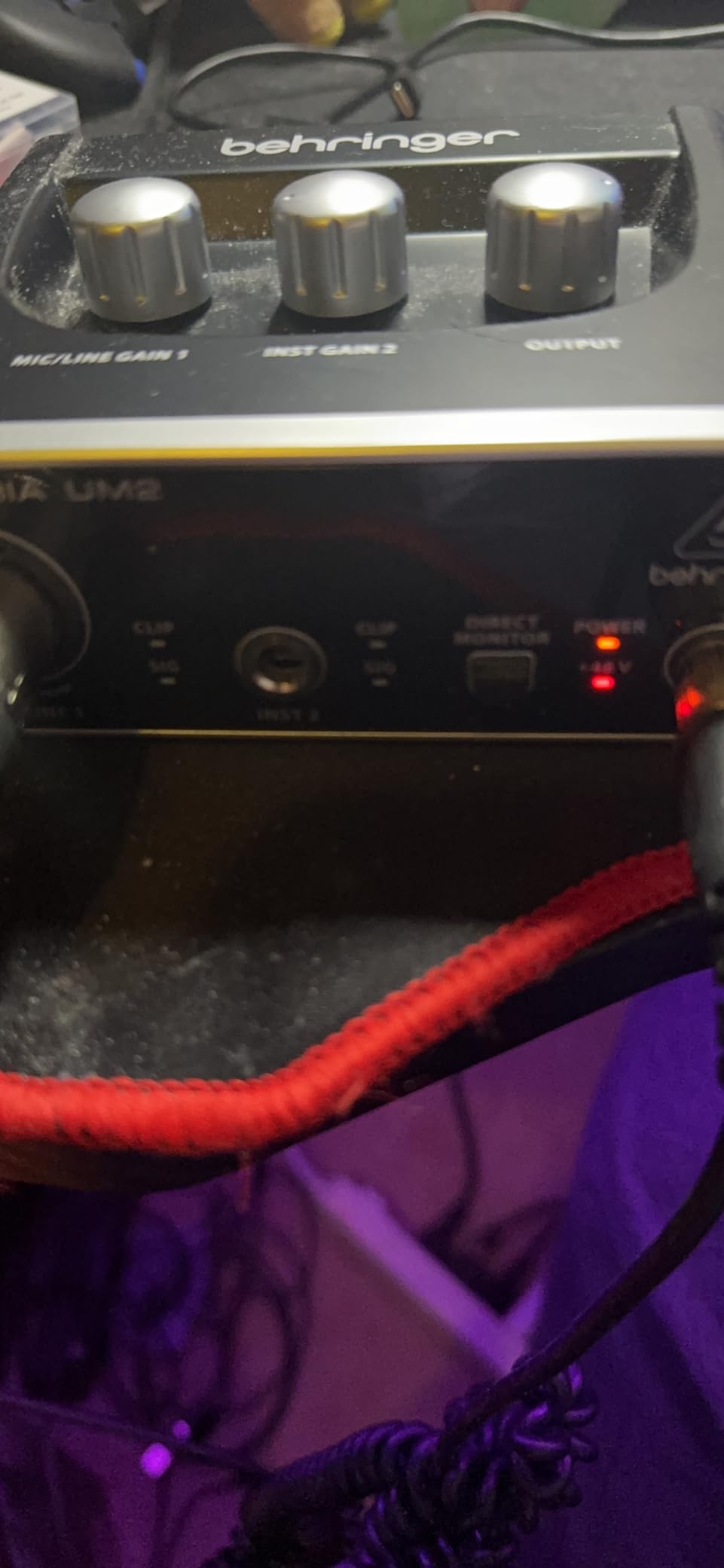
The Behringer U-PHORIA UM2 is the least expensive way to get into XLR recording, and it works better than the price suggests. When I recommend this to friends curious about podcasting, they are consistently surprised by the audio quality.
The XENYX preamp is the same design used in Behringer’s mixers, providing clean gain up to about 50dB. Most dynamic microphones work fine, though gain-hungry mics like the SM7B might need a booster. The phantom power switch enables condenser microphone use.
The direct monitor switch lets you hear your microphone without computer latency. This is essential for comfortable recording, and the UM2 implements it simply but effectively. The RCA outputs connect to powered speakers for monitoring.
For under $45, the value is undeniable. The plastic chassis feels cheap, but the internal components deliver serviceable audio quality. This is a gateway drug to better equipment, and there is nothing wrong with that.
Who should buy the UM2
Absolute beginners who want to test XLR recording without spending much should start here. If you are unsure whether podcasting is for you long-term, this minimizes your financial risk.
Who should skip it
Anyone serious about podcasting will quickly outgrow this interface. The lack of separate track recording and limited gain make it restrictive. If you can afford $20 more, the M-Track Solo is noticeably better.
7. Behringer U-PHORIA UMC404HD – Best 4-Input Budget Option

- 4 MIDAS preamps with excellent sound quality
- 24-bit/192kHz professional recording
- MIDI I/O for keyboards and controllers
- Balanced outputs for studio monitors
- Metal chassis for durability
- Great value for four inputs
- Global phantom power only
- Ribbon mic caution required
- Large desktop footprint
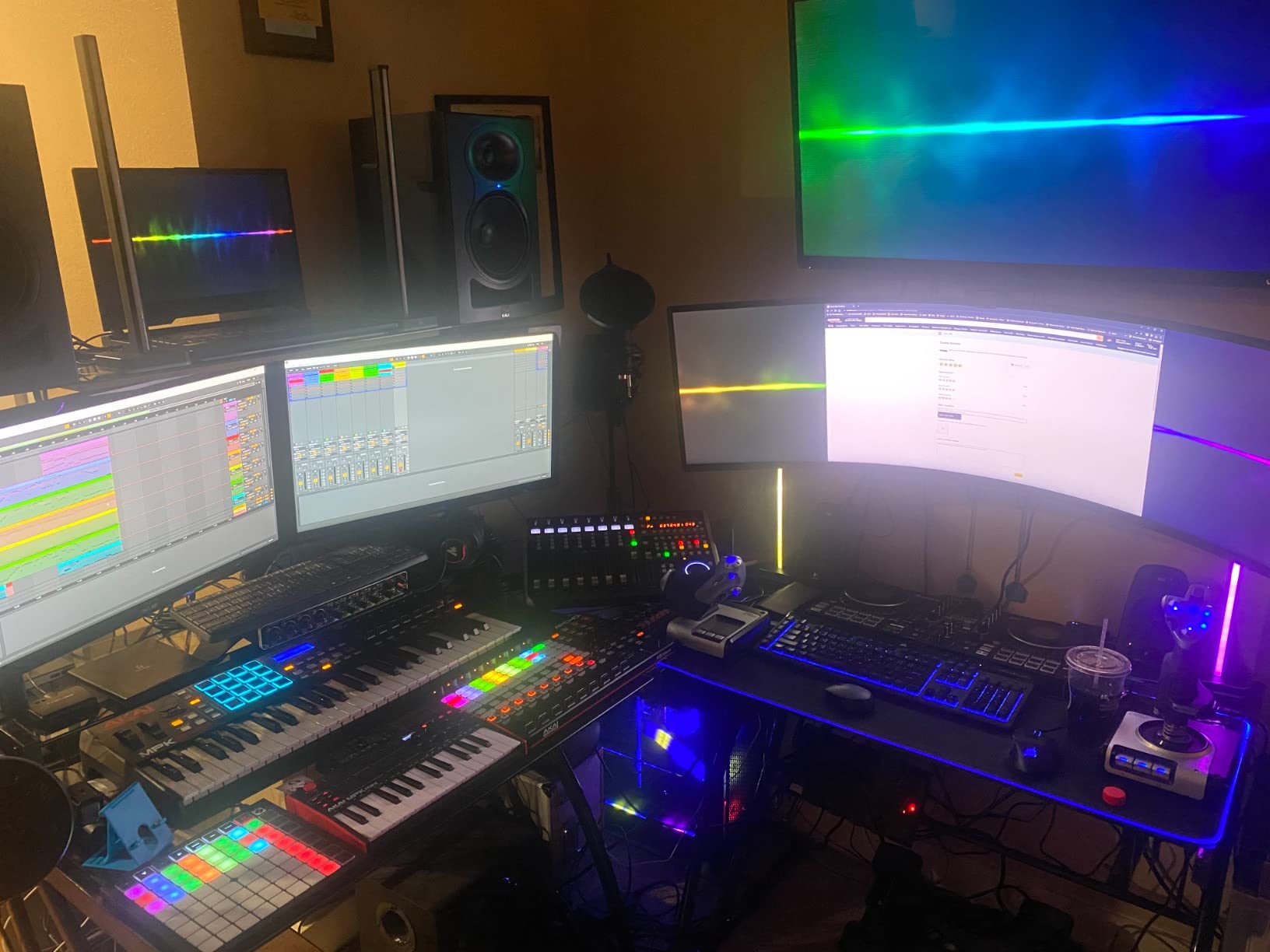
The Behringer UMC404HD delivers professional features at a fraction of the cost. The MIDAS preamps are legitimately impressive, providing clean gain that rivals interfaces costing twice as much. When I needed four inputs for a panel recording but was on a tight budget, this unit delivered.
The 192kHz sample rate is overkill for podcasting but demonstrates the capable converters. The four combo inputs accept XLR microphones or line-level instruments, making this versatile for hybrid music and podcast setups. The MIDI I/O connects keyboards and controllers for producers.
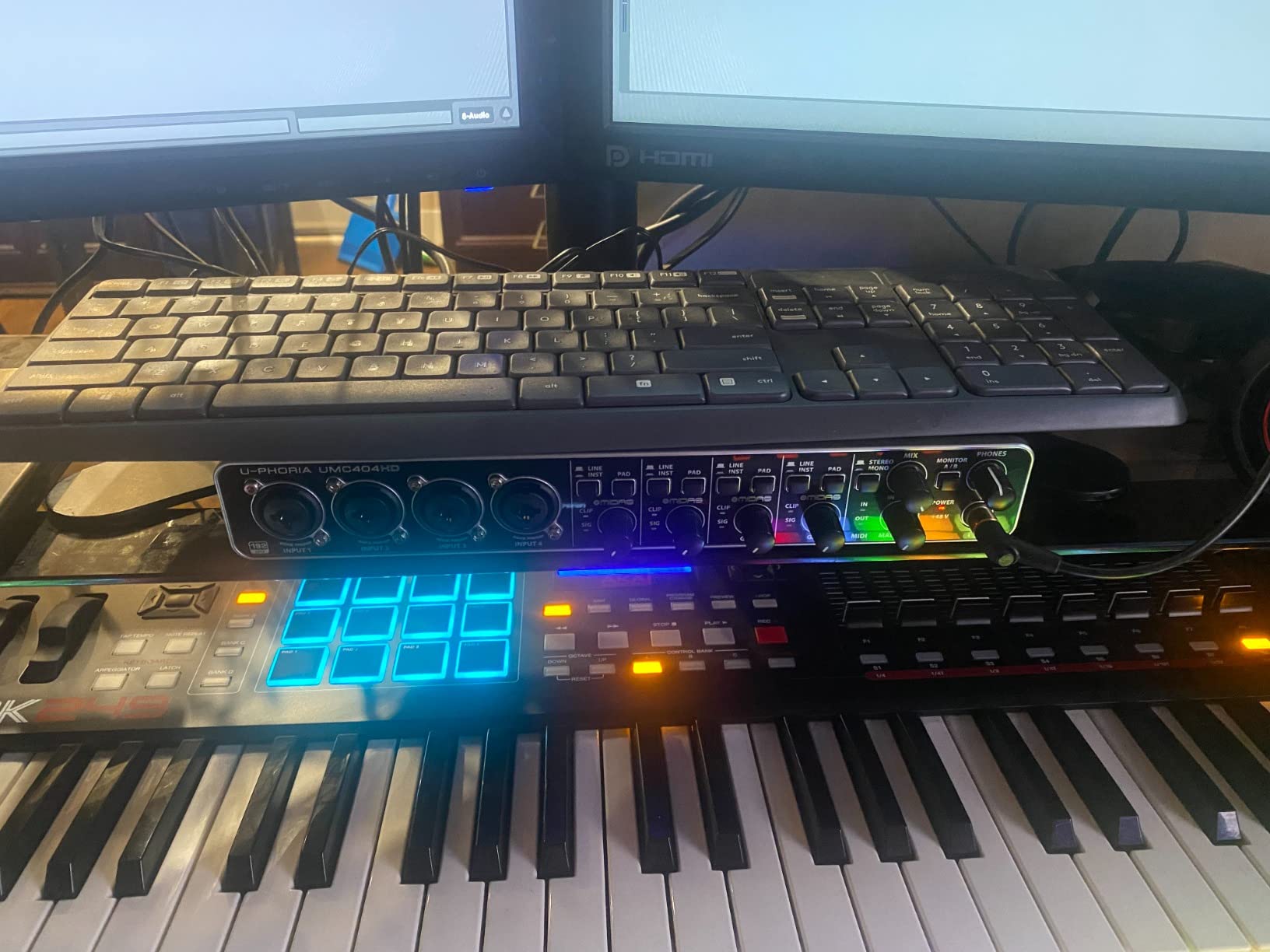
The metal chassis feels substantial and road-worthy. Knobs are smooth and precise. Behringer has improved their quality significantly in recent years, and this interface represents that progress well.
Global phantom power is the main limitation. All four channels get +48V simultaneously, which is fine for most setups but requires care with vintage ribbon microphones. For typical dynamic and condenser mics, this is a non-issue.
Who should buy the UMC404HD
Multi-person podcasters on a budget should strongly consider this. Four quality inputs with professional sample rates at this price is remarkable. Music producers needing MIDI will find this especially compelling.
Who should skip it
Solo podcasters do not need four inputs. The larger size makes it less portable than smaller interfaces. Those wanting individual phantom power control per channel should look elsewhere.
8. PreSonus AudioBox 96 – Best Software Bundle

PreSonus AudioBox 96 25th Anniversary USB Audio Interface
- Excellent software bundle worth over $1000
- 2 Class-A mic preamps with clean gain
- MIDI I/O for hardware integration
- Zero-latency monitoring mixer
- USB bus powered for portability
- Sturdy metal construction
- Global phantom power only
- Crowded knob layout
- Small form factor limits desk presence
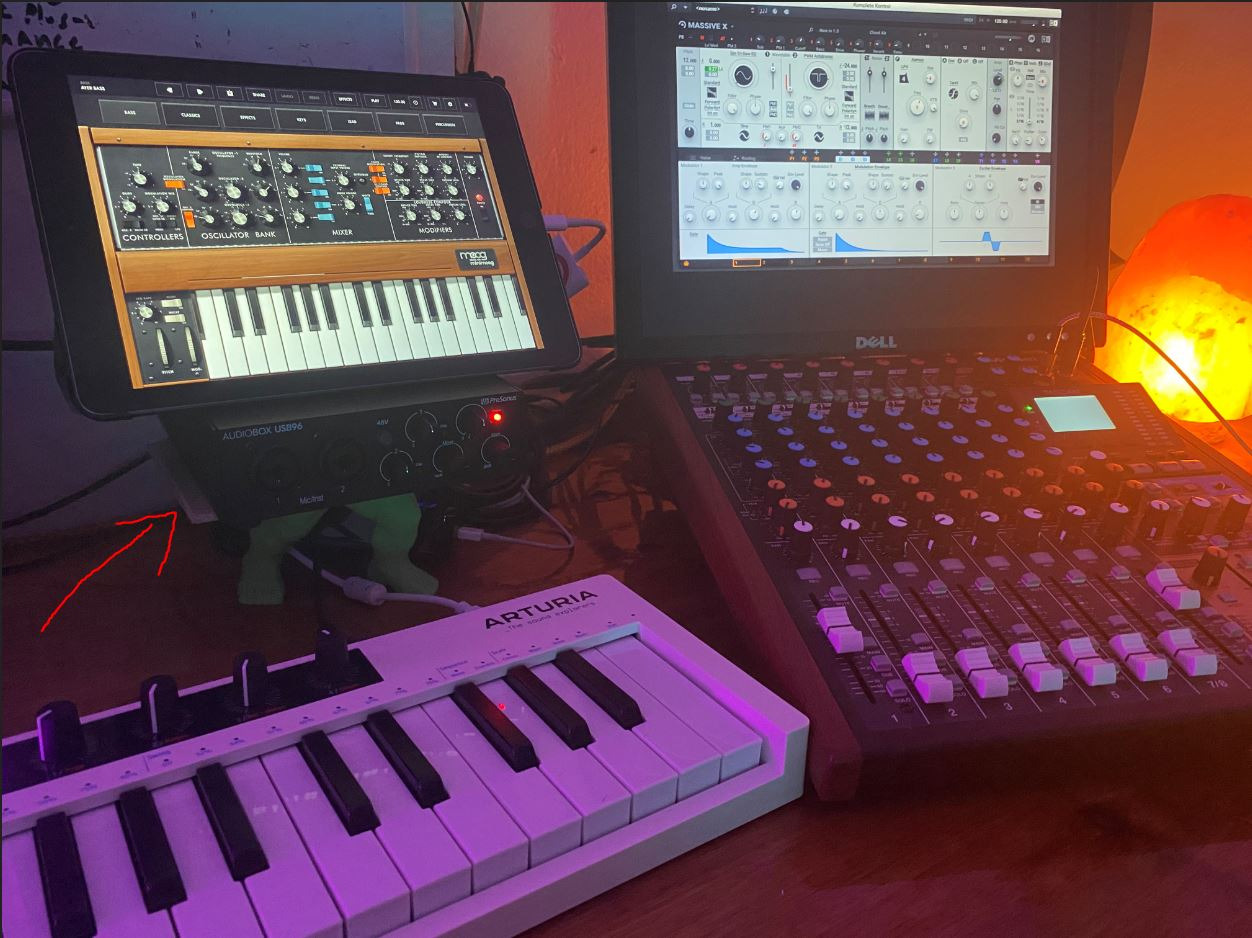
The PreSonus AudioBox 96 wins on software value. Studio One Artist alone costs more than this interface, and you also get Ableton Live Lite, the Studio Magic Plug-In Suite, and various effects packages. For beginners starting from scratch, this bundle provides everything needed to record, edit, and produce.
The Class-A preamps deliver clean, transparent sound. In my testing, they provided enough gain for most dynamic microphones without external boosters. The MIDI I/O is a bonus for producers using hardware synthesizers or drum machines alongside podcast work.
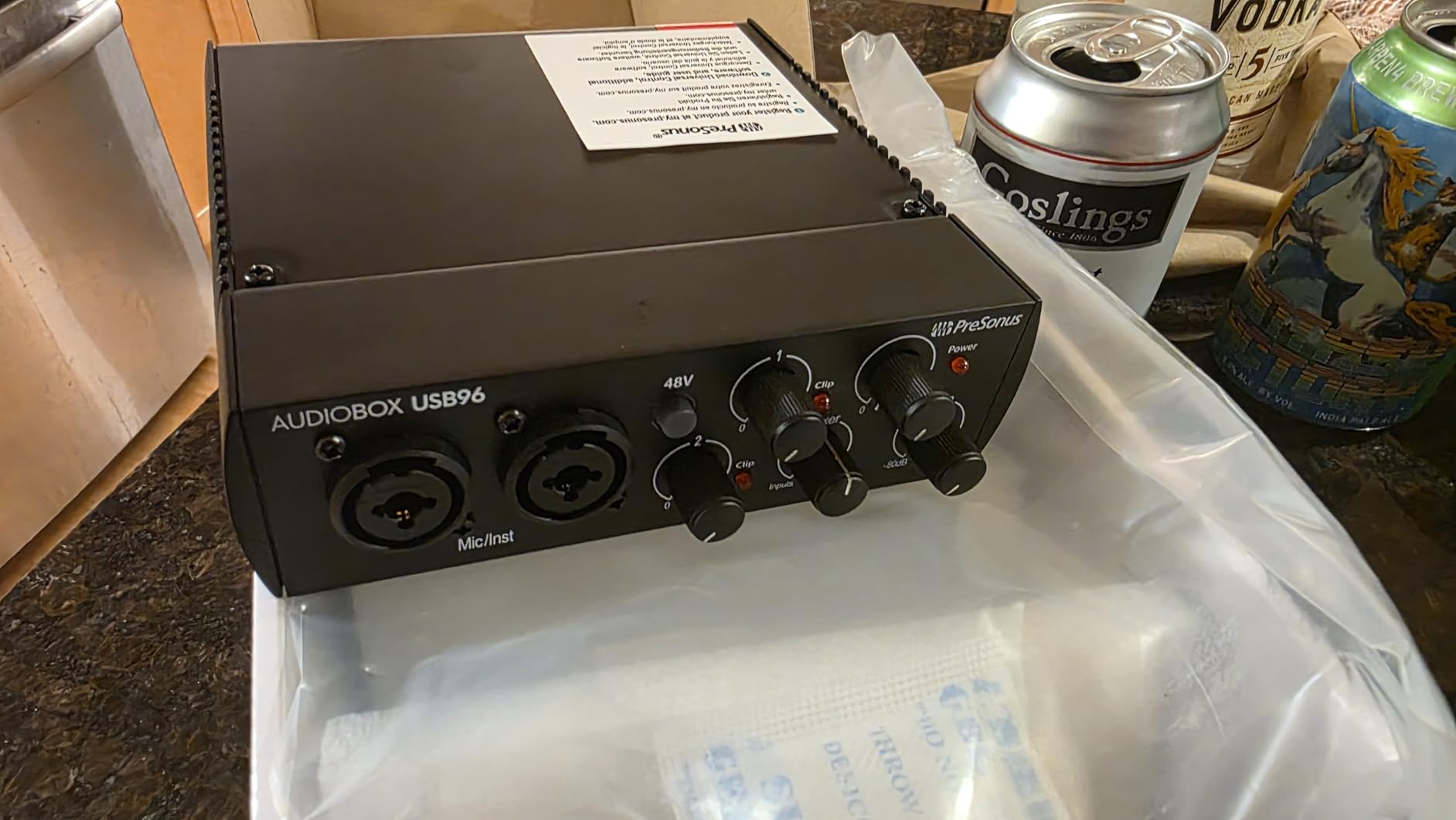
The mixer control blends between input signal and computer playback for latency-free monitoring. The blue LED indicators look sharp and make level checking easy at a glance. Build quality is solid with a metal chassis that withstands travel.
The compact size fits easily on crowded desks. While some might prefer larger controls, the trade-off for portability is worth it for mobile podcasters. I have used this for on-location interviews with reliable results.
Who should buy the AudioBox 96
Beginners wanting a complete software ecosystem will appreciate the PreSonus integration. Musicians who also podcast benefit from the MIDI and instrument inputs. Anyone wanting professional software without subscription fees should consider this bundle.
Who should skip it
Those already committed to other DAWs might not need the PreSonus software. The 96kHz sample rate is adequate but not the highest available. Anyone needing more than two inputs should look at the UMC404HD or PodTrak P4.
9. Universal Audio Volt 1 – Best for Professional Sound

Universal Audio Volt 1 USB Audio Interface
- Classic UA 610 tube preamp emulation
- Excellent build quality with premium feel
- Vintage mode adds warmth to vocals
- Powerful headphone amplifier
- Extensive software bundle included
- Works with Mac
- PC
- iPad
- iPhone
- Single input limits flexibility
- External power required for iOS
- Premium price for single channel
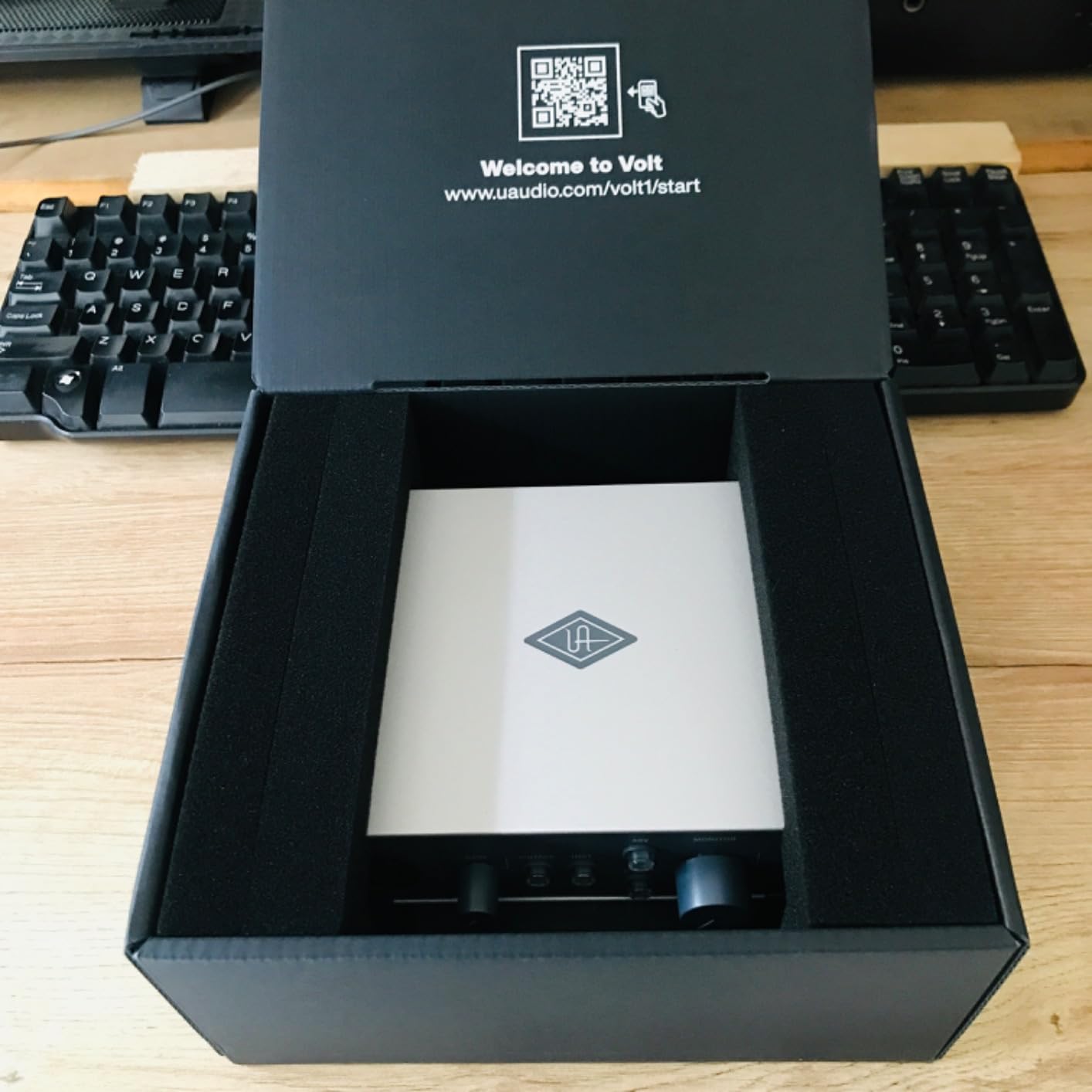
The Universal Audio Volt 1 brings UA’s legendary preamp sound to an affordable interface. The Vintage 610 mode emulates the tube preamps used on countless classic recordings, adding warmth and character that flat digital interfaces cannot match.
When I engaged Vintage mode on my voice, the difference was subtle but noticeable. A gentle saturation and harmonic richness that made the recording sound more expensive. For voiceover work and podcasting, this can reduce the need for extensive post-processing.
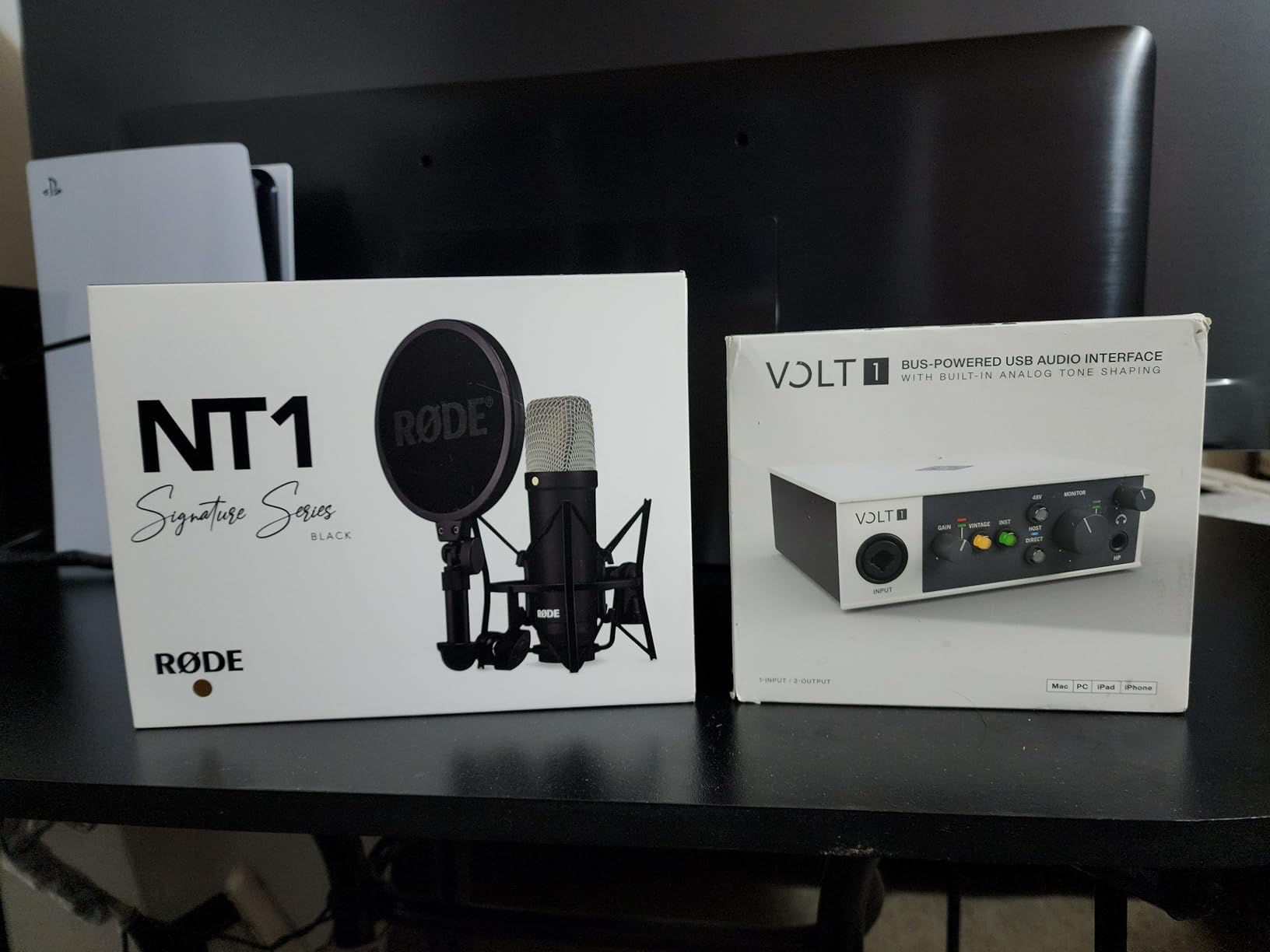
The headphone amplifier is exceptionally powerful. I connected my 250-ohm Beyerdynamic headphones, and the Volt 1 drove them effortlessly with headroom to spare. The direct-drive design ensures accurate monitoring without coloration.
The LUNA Digital Audio Workstation is UA’s free recording software that integrates tightly with the Volt. While I primarily use other DAWs, LUNA provides an elegant entry point for beginners. The included UAD plugins add value with professional-grade effects.
Who should buy the Volt 1
Voice actors, narrators, and podcasters prioritizing vocal quality above all else will appreciate the 610 preamp character. Solo creators wanting premium sound without the complexity of larger interfaces should consider this.
Who should skip it
Anyone needing more than one input should look at the Volt 2 or other multi-channel options. The price per channel is high compared to alternatives. Those wanting purely transparent sound might prefer the cleaner Scarlett preamps.
10. Rode AI-1 – Simple and Solid

Rode AI-1 USB Audio Interface , Black
- High-quality audio with clean preamps
- Robust all-metal chassis construction
- USB-C connection for modern compatibility
- Compact and portable design
- Simple plug-and-play operation
- Single preamp only
- Occasional connectivity issues reported
- May require firmware updates
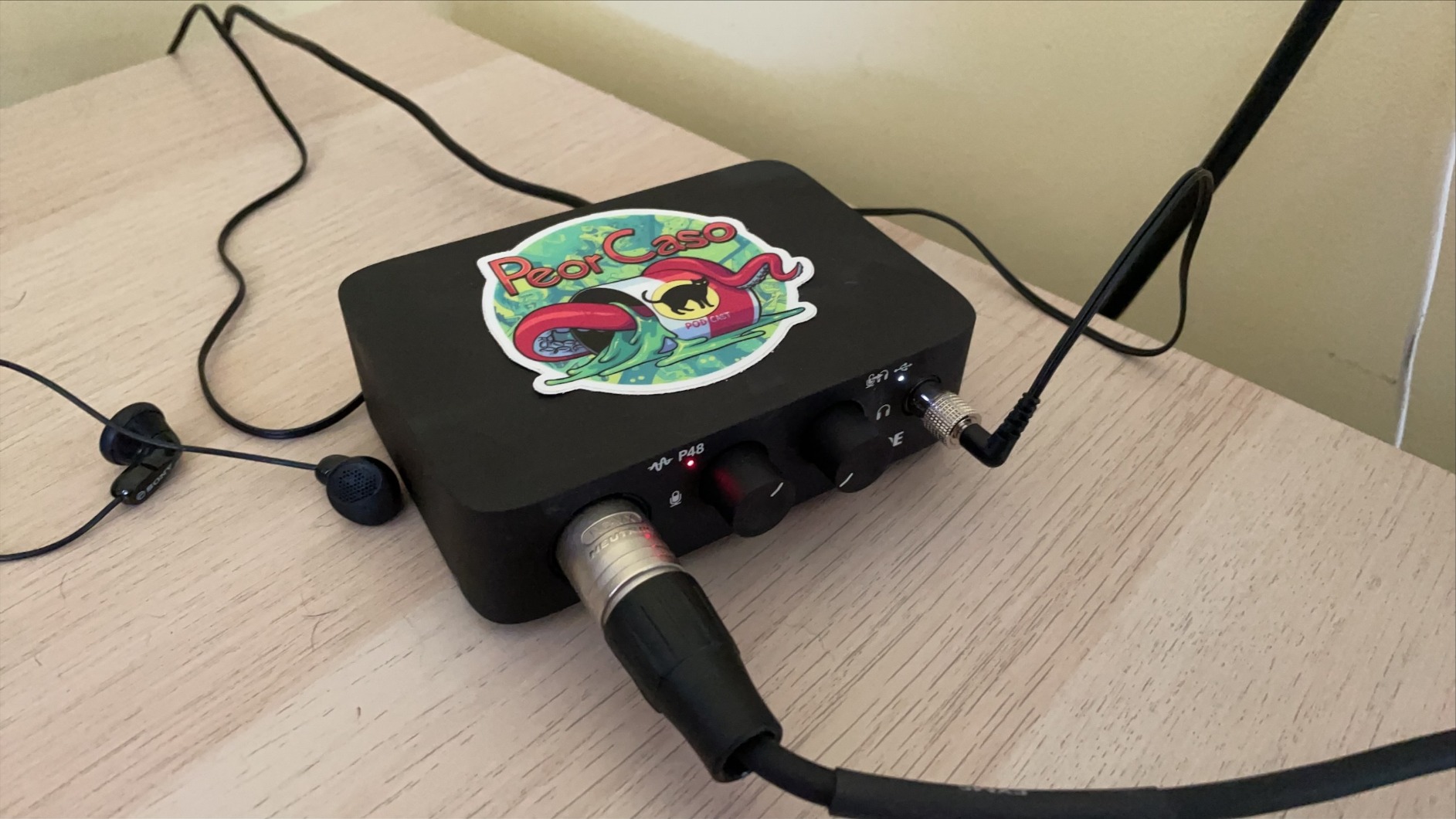
The Rode AI-1 is Rode’s entry into the interface market, and it brings their microphone expertise to the design. The preamp is clean and transparent, designed to complement Rode’s microphone lineup including the NT1 and PodMic.
The all-metal construction feels premium at this price point. Unlike plastic competitors, the AI-1 can withstand travel and regular use without worry. The compact size fits easily in a backpack alongside a microphone.
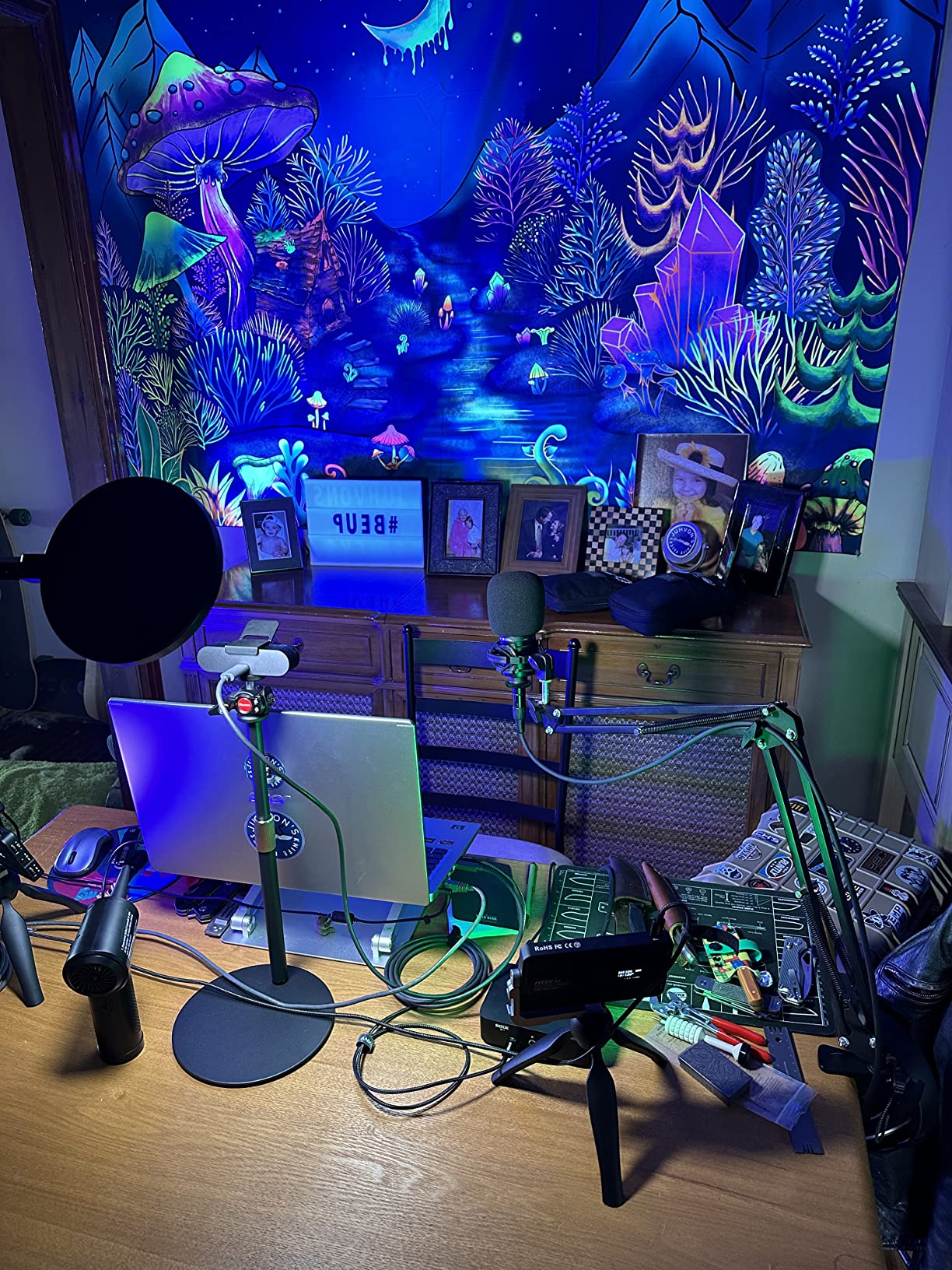
USB-C connectivity is standard, though the included cable is USB-A to USB-C. This future-proofs the connection as USB-C becomes universal. The single input limits you to solo recording, but keeps the design focused.
Some users report occasional driver hiccups that resolve with firmware updates. Once configured, the interface performs reliably. For Rode microphone owners, this interface is a natural pairing that complements their mic’s character.
Who should buy the AI-1
Rode microphone users wanting a matching interface should consider this. Solo podcasters prioritizing build quality over features will appreciate the metal chassis. Those wanting a simple, no-frills interface will find the straightforward design refreshing.
Who should skip it
The single input limits flexibility for growth. The occasional driver issues might frustrate beginners. For the price, the Scarlett Solo 4th Gen offers more features and proven reliability.
11. MOTU M2 – Best for Visual Monitoring

- Full-color LCD VU meters for precise monitoring
- ESS Sabre32 DAC for excellent audio quality
- Clean low-noise preamps with ample gain
- Powerful headphone amplifier
- USB-C bus powered
- MIDI I/O included
- Front-panel XLR connections
- USB-A to C cable only included
- Stock running low
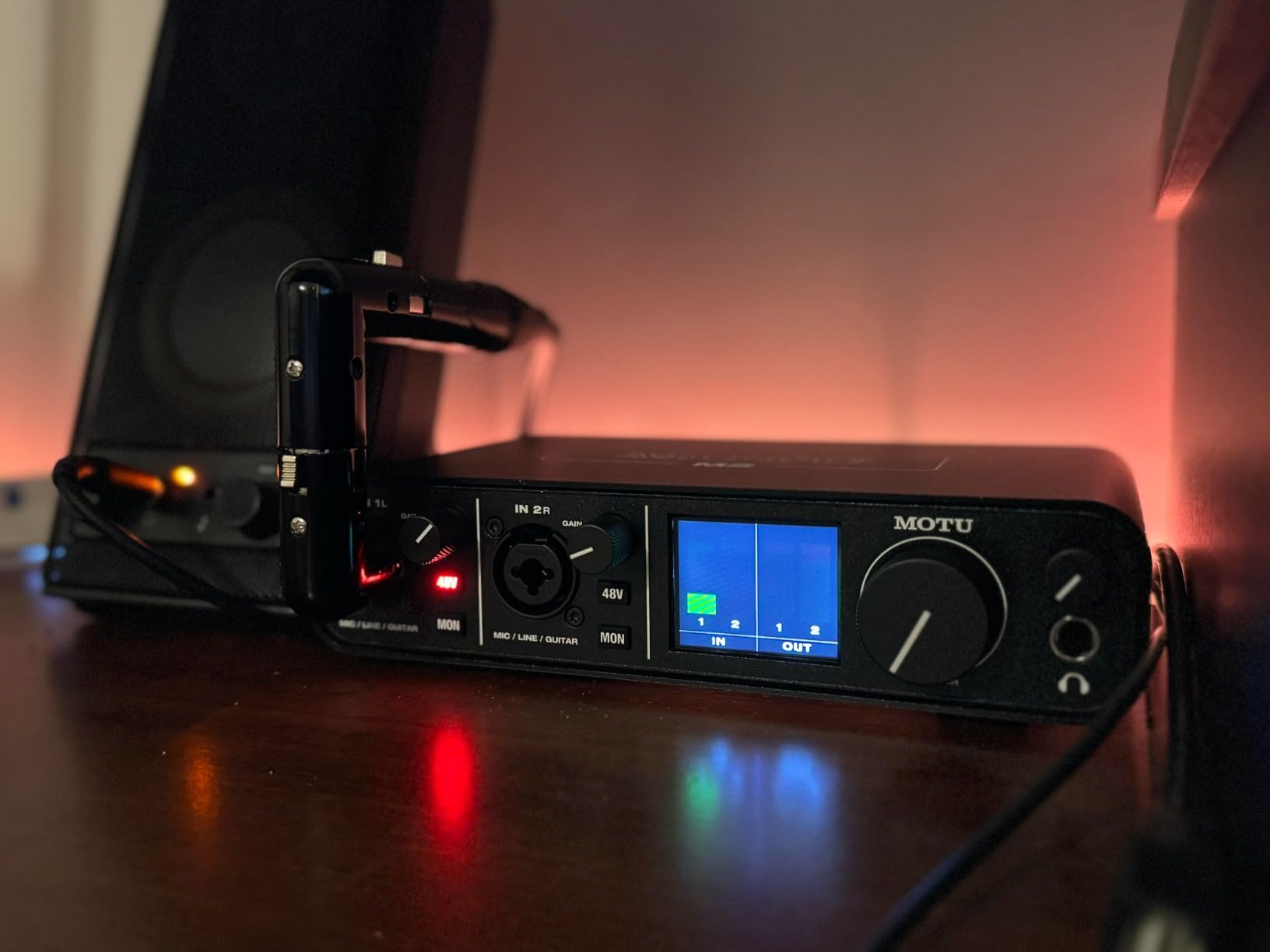
The MOTU M2 stands out with its full-color LCD VU meters, providing visual feedback that no other interface in this class matches. Seeing your exact levels in real-time helps prevent clipping and ensures consistent recording levels.
The ESS Sabre32 DAC is a premium component that delivers audiophile-quality playback. When editing, I notice the clarity in the high frequencies and the tight bass response. This DAC rivals interfaces costing significantly more.
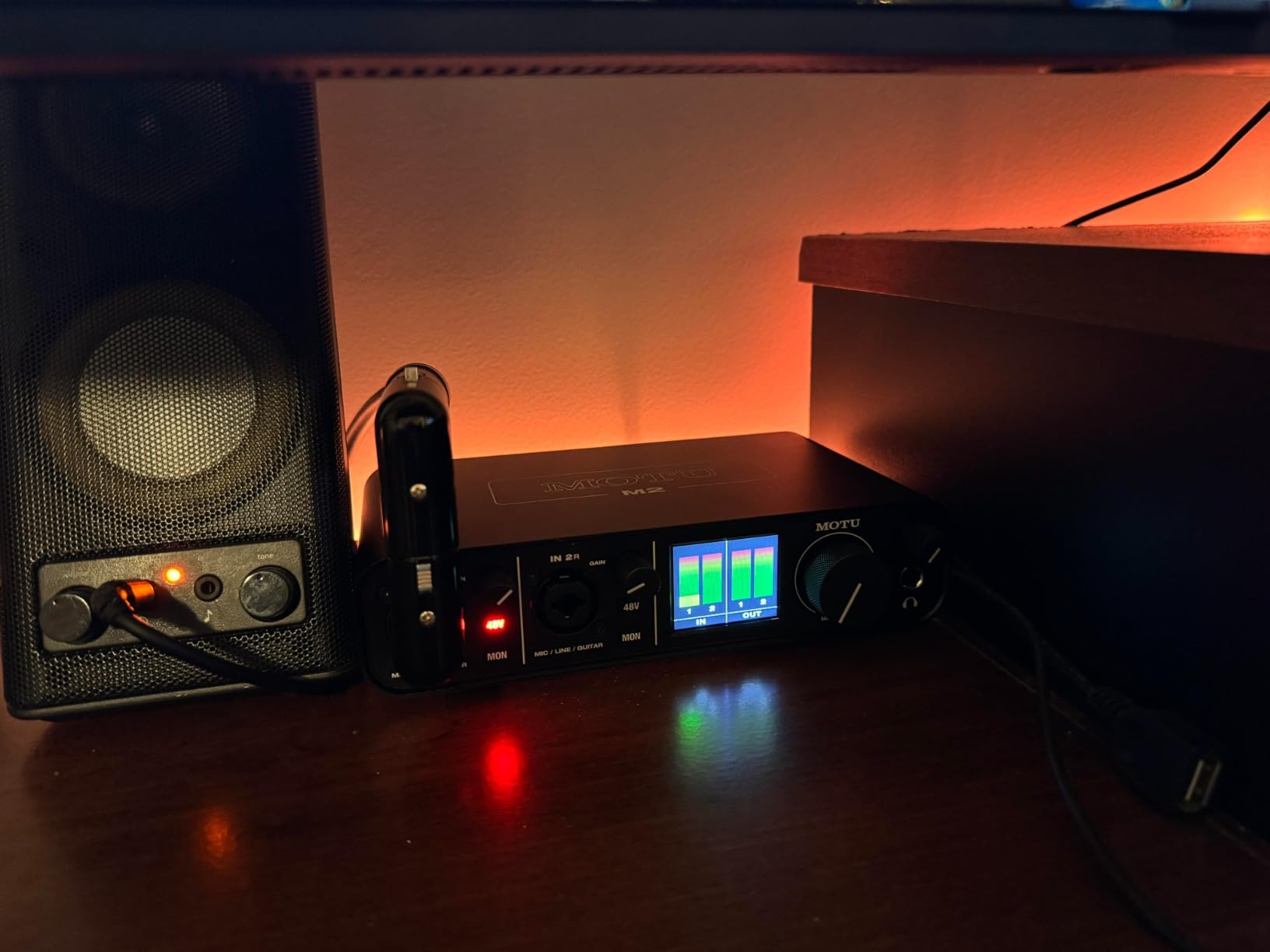
The preamps are clean and quiet with enough gain for dynamic microphones without external boosters. The headphone amplifier is robust, driving my 250-ohm headphones comfortably. The physical power switch is a small but appreciated feature for managing power cycles.
MIDI I/O adds flexibility for music production alongside podcast work. The metal construction feels solid and professional. This interface competes directly with the Scarlett 2i2 but offers unique features that might justify the choice.
Who should buy the M2
Visual learners who want precise level monitoring will love the LCD meters. Audiophiles appreciating the premium DAC should consider this. Those needing MIDI alongside quality audio have found their match.
Who should skip it
The front-panel XLR connections create cable clutter compared to the rear connections on the Scarlett 2i2 4th Gen. Those wanting simple, no-fuss operation might find the meters unnecessary. Stock availability has been inconsistent.
12. Focusrite Scarlett Solo 4th Gen – Best for Solo Podcasters

Focusrite Scarlett Solo 4th Gen USB-C Audio Interface
- Same 120dB range as flagship interfaces
- Improved Air mode for vocal presence
- Halo Gain LEDs for easy level setting
- Solo-focused design keeps costs down
- Three-year warranty included
- Single input only
- No MIDI I/O
- USB-A to C cable included
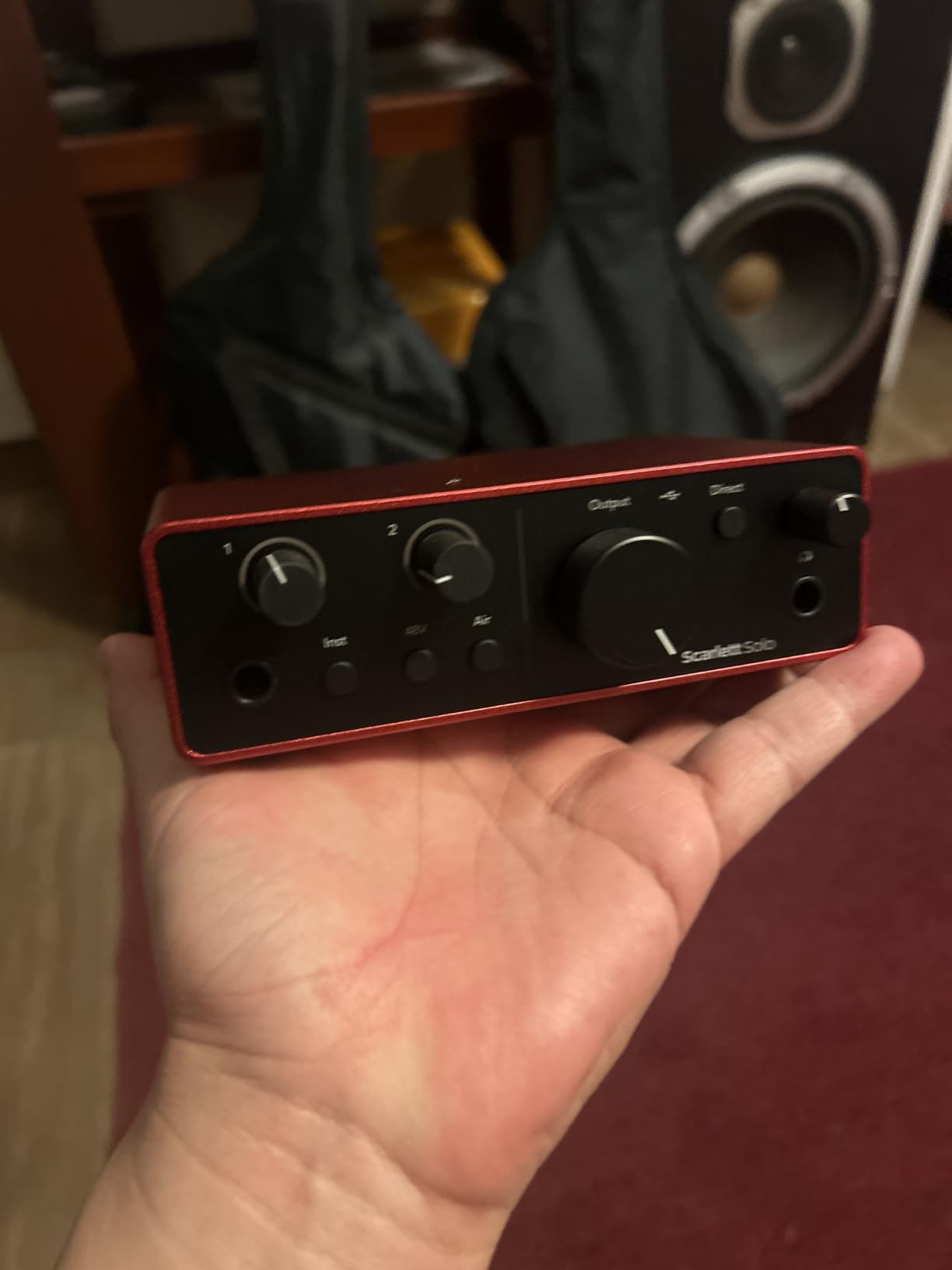
The Focusrite Scarlett Solo 4th Gen distills the excellent 2i2 into a single-input package perfect for solo podcasters. You get the same 120dB dynamic range, improved Air mode, and flagship-quality converters in a more compact and affordable unit.
The Halo Gain indicators provide immediate visual feedback on your input levels. The ring around the gain knob glows green when signal is present, amber when approaching clipping, and red when peaking. This simple feature prevents ruined takes from accidental clipping.
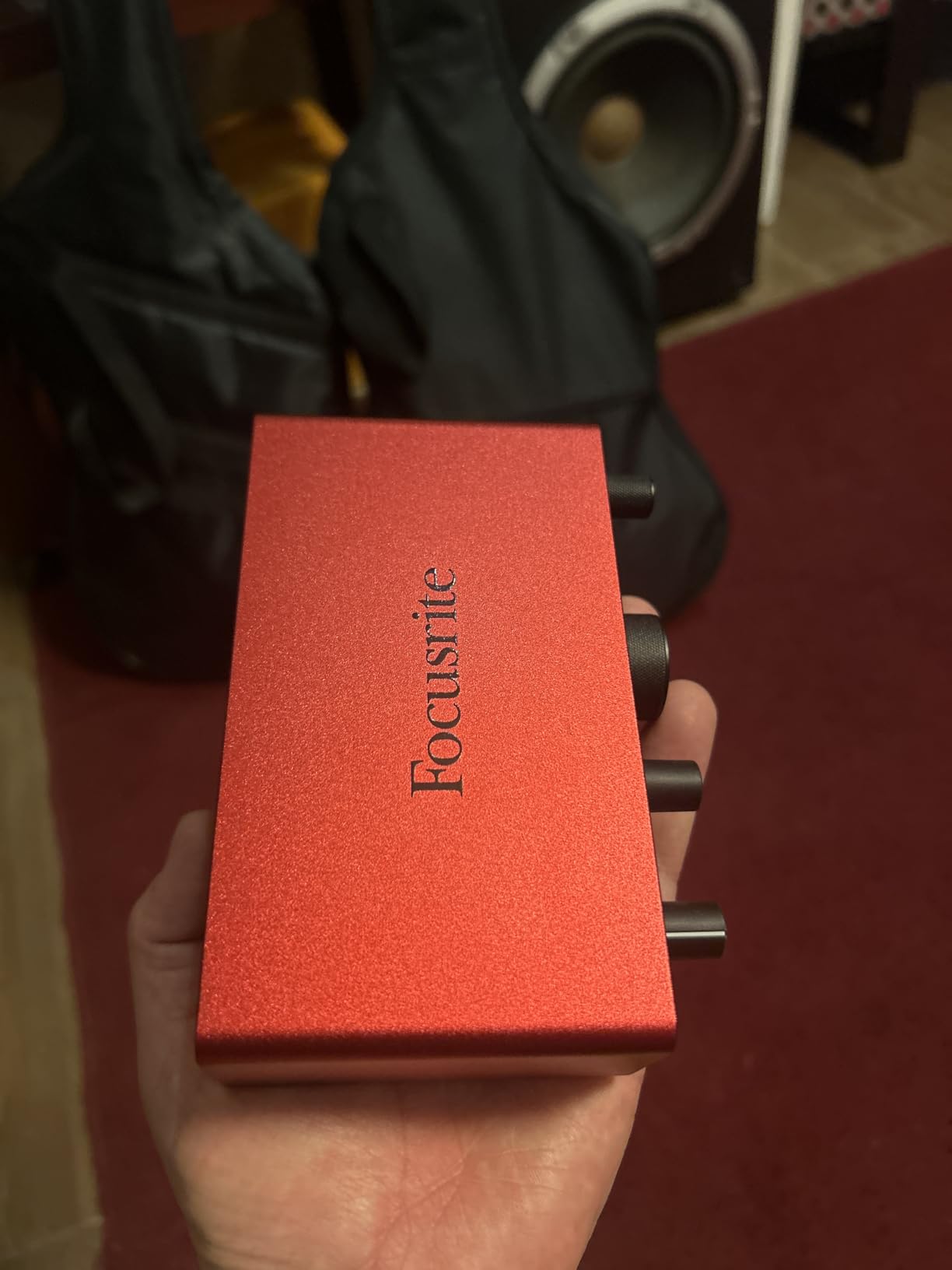
The single XLR input with instrument option accommodates one microphone or one guitar, not both simultaneously. For pure podcasting, this is ideal. The improved preamp gain means even quiet dynamic microphones reach healthy levels without noise.
The Air mode adds presence that works well for spoken word. I find myself doing less EQ boosting in the 3-5kHz range when recording with Air engaged. The high-frequency lift sounds natural rather than harsh.
Who should buy the Scarlett Solo 4th Gen
Solo podcasters who will never record guests should choose this over the 2i2. The savings over the two-input model can go toward a better microphone. Those wanting the latest Scarlett generation features without paying for unused inputs get the best value here.
Who should skip it
Anyone planning to record interviews or co-hosted episodes needs at least two inputs. The Vocaster Two offers dual inputs at a similar price with podcast-specific features. Musicians wanting simultaneous mic and instrument recording need the 2i2.
13. FIFINE Gaming Audio Mixer – Best for Streamers
- XLR input with phantom power for quality mics
- Individual volume faders for each channel
- RGB lighting adds visual appeal to setup
- Voice changing and sound effect features
- USB-C powered single cable operation
- Voice effects feel gimmicky
- Limited RGB customization
- XLR cable not included
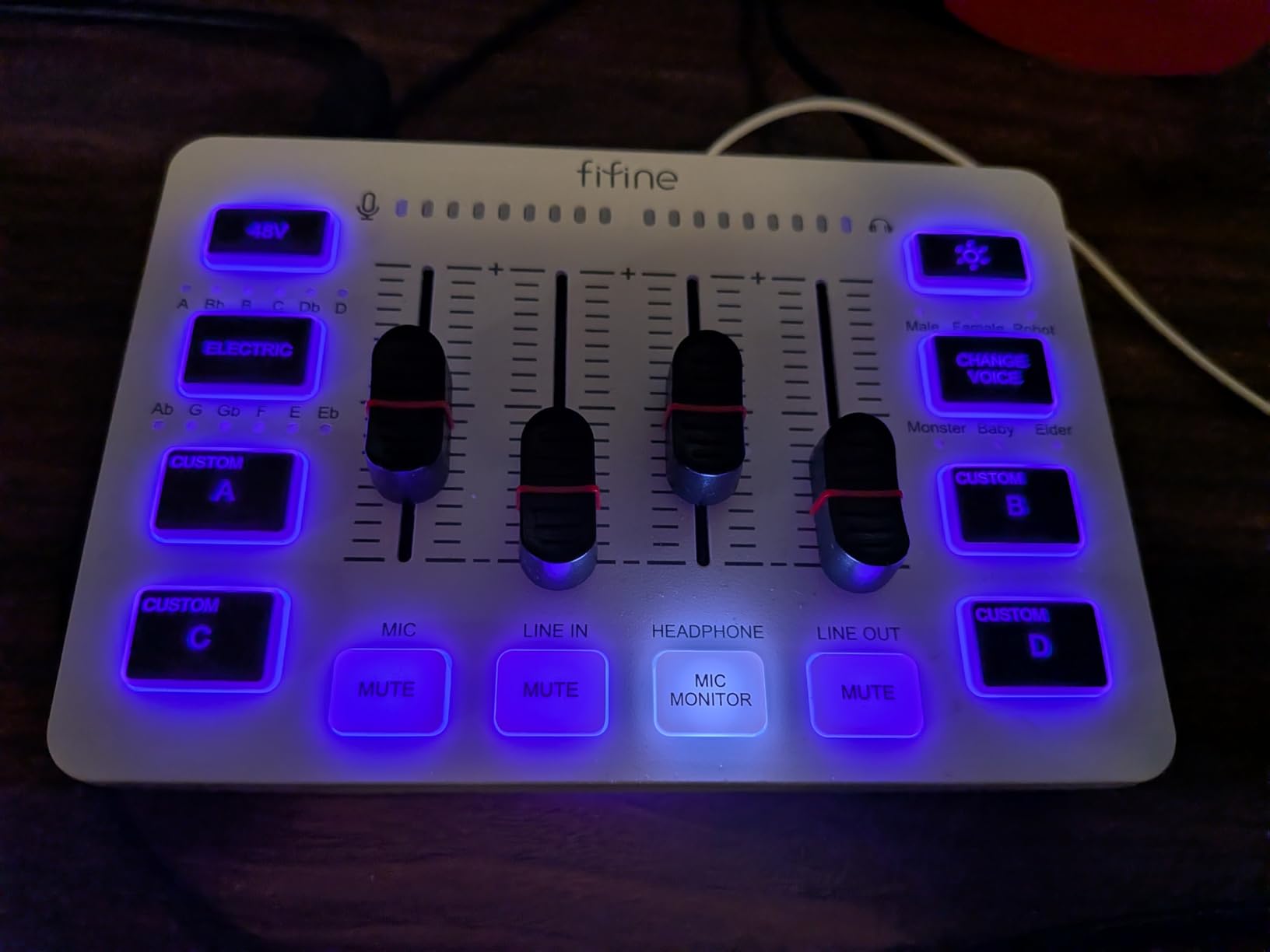
The FIFINE Gaming Audio Mixer targets content creators who want mixer-style controls without the complexity or cost of professional audio mixers. The four channel faders control microphone, line input, headphone, and line out levels independently.
The XLR input with 48V phantom power enables proper condenser microphone use. This is a significant upgrade over USB gaming headsets that most streamers start with. The audio quality improvement is immediately noticeable to viewers.
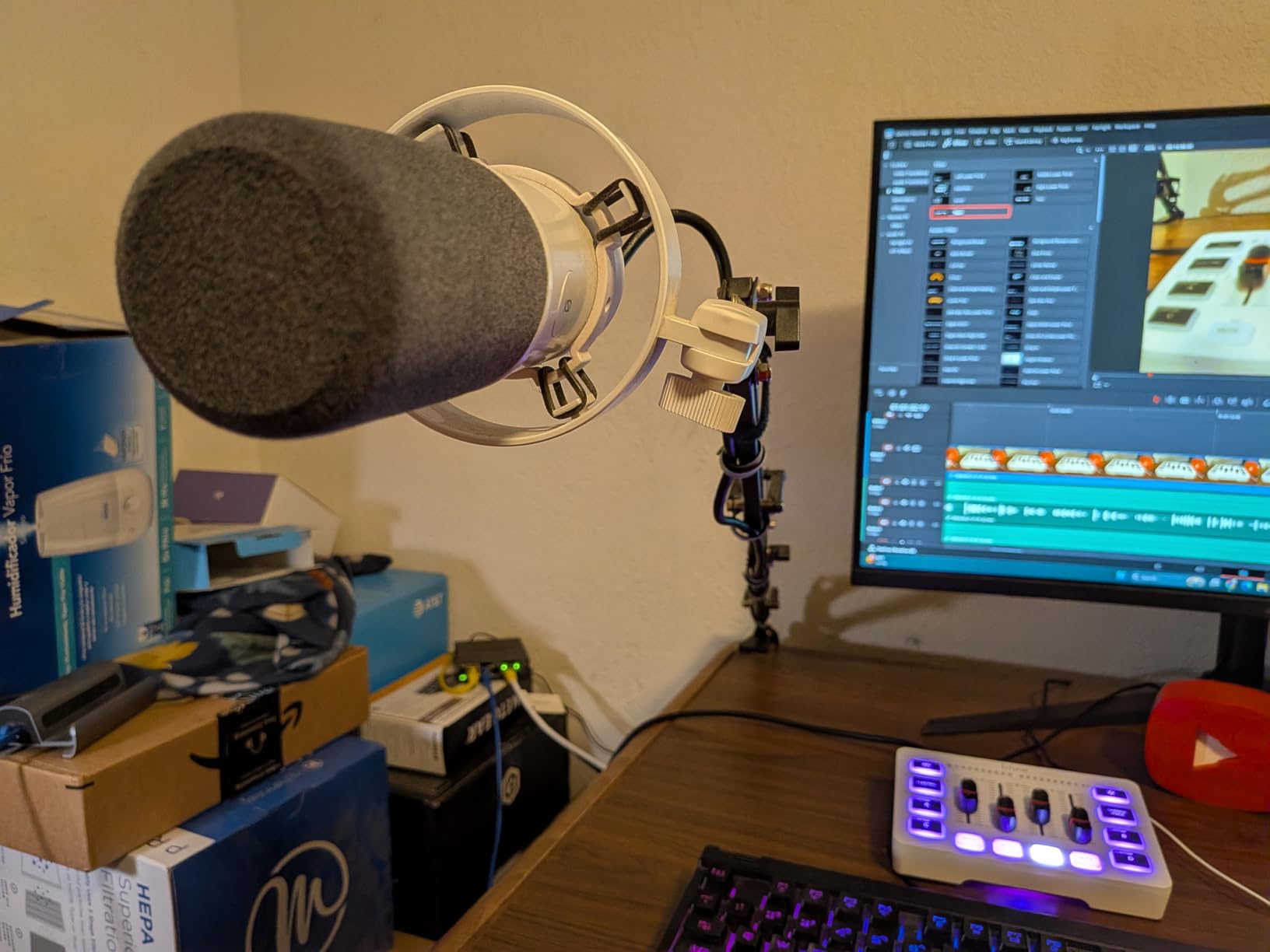
The RGB lighting cycles through preset colors and adds visual interest to streaming setups. While not essential for audio quality, it contributes to the overall aesthetic that many streamers prioritize. The voice changing effects and sound pads are fun but rarely used seriously.
USB-C power from a single cable keeps the setup clean. The compact size fits easily on gaming desks alongside keyboards and mice. For streamers graduating from headset microphones, this provides a middle ground before committing to full audio interfaces.
Who should buy the FIFINE Mixer
Streamers and content creators wanting mixer-style controls without professional complexity will appreciate this design. Those prioritizing RGB aesthetics alongside audio quality have found their match. Budget-conscious creators upgrading from USB headsets get good value.
Who should skip it
Serious podcasters wanting the best audio quality should invest in a proper interface like the Scarlett or Vocaster. The gimmicky voice effects suggest a gaming focus over professional audio. Those wanting expandable systems should start with standard interfaces.
14. M-AUDIO M-Track Duo – Best Dual-Input Budget Option

M-AUDIO M-Track Duo USB Audio Interface
- Two combo inputs for flexibility
- Crystal Preamps for transparent sound
- 48kHz resolution for quality recording
- Zero latency monitoring via USB/Direct switch
- Excellent price-to-performance ratio
- Includes MPC Beats software
- Non-linear gain pot taper
- Clipping above 9 on gain knobs
- USB-B connector
- Plastic construction
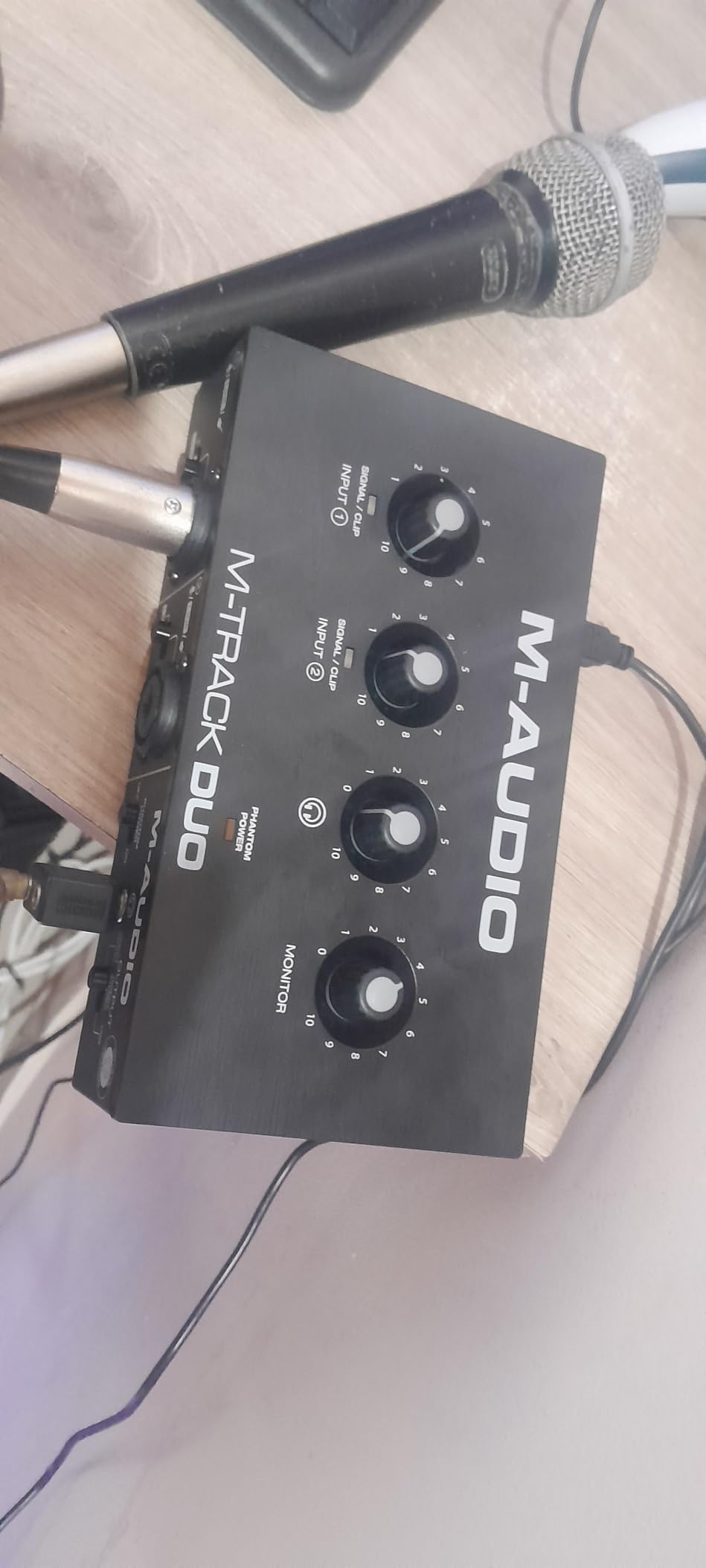
The M-AUDIO M-Track Duo adds a second input to the Solo design while maintaining the affordable price point. Two combo inputs accommodate XLR microphones, line-level devices, or instruments, making this versatile for podcasting and music.
The Crystal Preamps deliver clean, transparent sound without coloration. Both inputs share the same quality, so co-hosts or interview guests get equal audio treatment. Phantom power enables condenser microphone use on either channel.
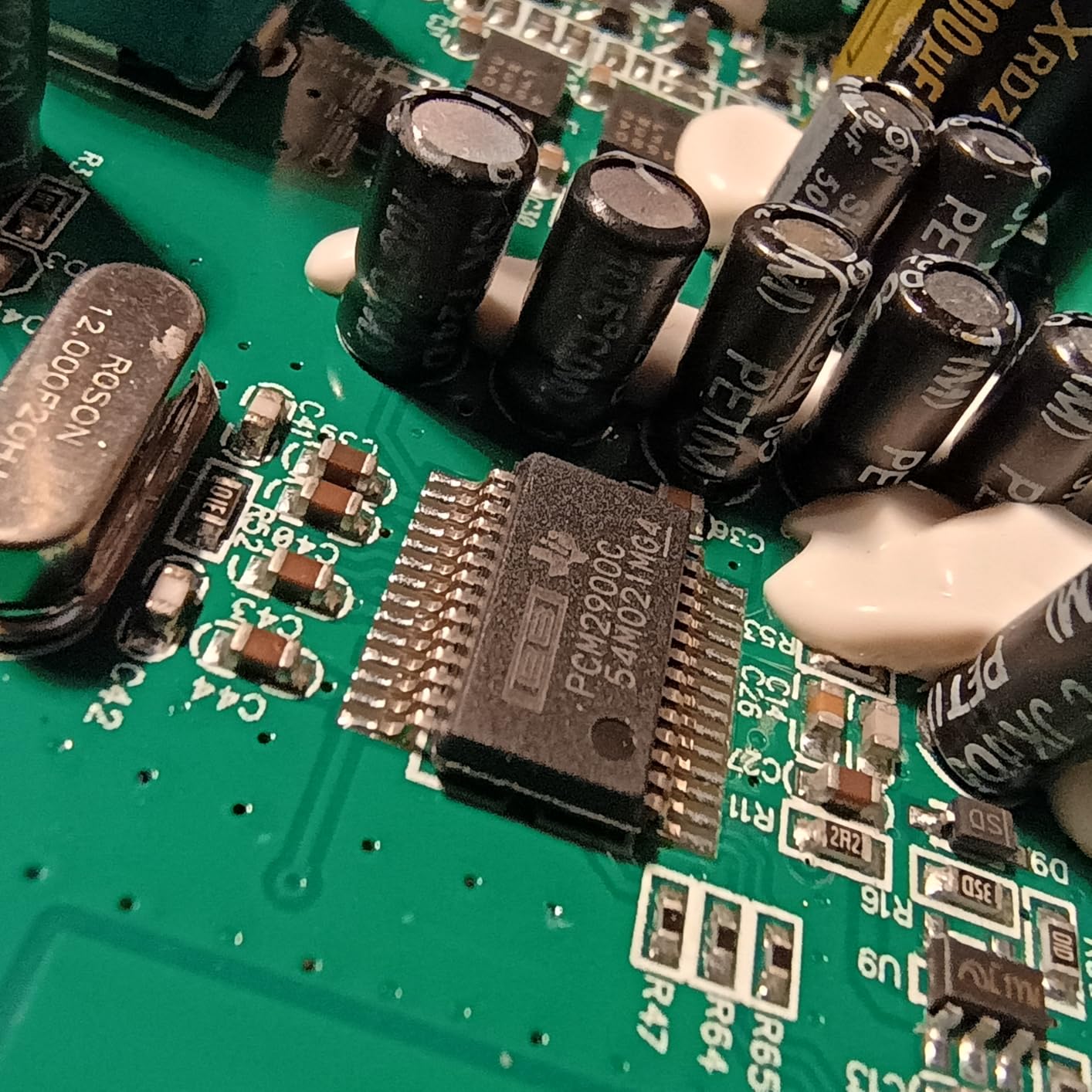
The USB/Direct switch provides zero-latency monitoring, essential for comfortable recording. The 1/4-inch headphone output and stereo 1/4-inch main outputs connect to professional monitoring systems. Build quality is adequate for desktop use.
The gain potentiometers have a non-linear response that requires careful adjustment. Small movements at high settings create large level changes. This takes some getting used to but does not prevent good recordings once understood.
Who should buy the M-Track Duo
Budget-conscious podcasters needing two inputs for interviews or co-hosted shows should consider this. The price-to-performance ratio is excellent for beginners. Those wanting to experiment with music alongside podcasting get instrument inputs.
Who should skip it
Those wanting smoother gain controls should spend more on the Scarlett 2i2. The 48kHz sample rate is adequate but not the highest available. Anyone prioritizing premium build quality will notice the plastic construction.
15. Focusrite Scarlett Solo 3rd Gen – Proven Reliability

Focusrite Scarlett Solo 3rd Gen USB-C Audio Interface
- Proven reliability with thousands of users
- Air mode adds vocal presence and brightness
- 24-bit/192kHz maximum sample rate
- Low-noise balanced outputs
- Includes extensive software bundle
- No Auto Gain like 4th Gen
- Front panel XLR connection
- USB-A to C cable included
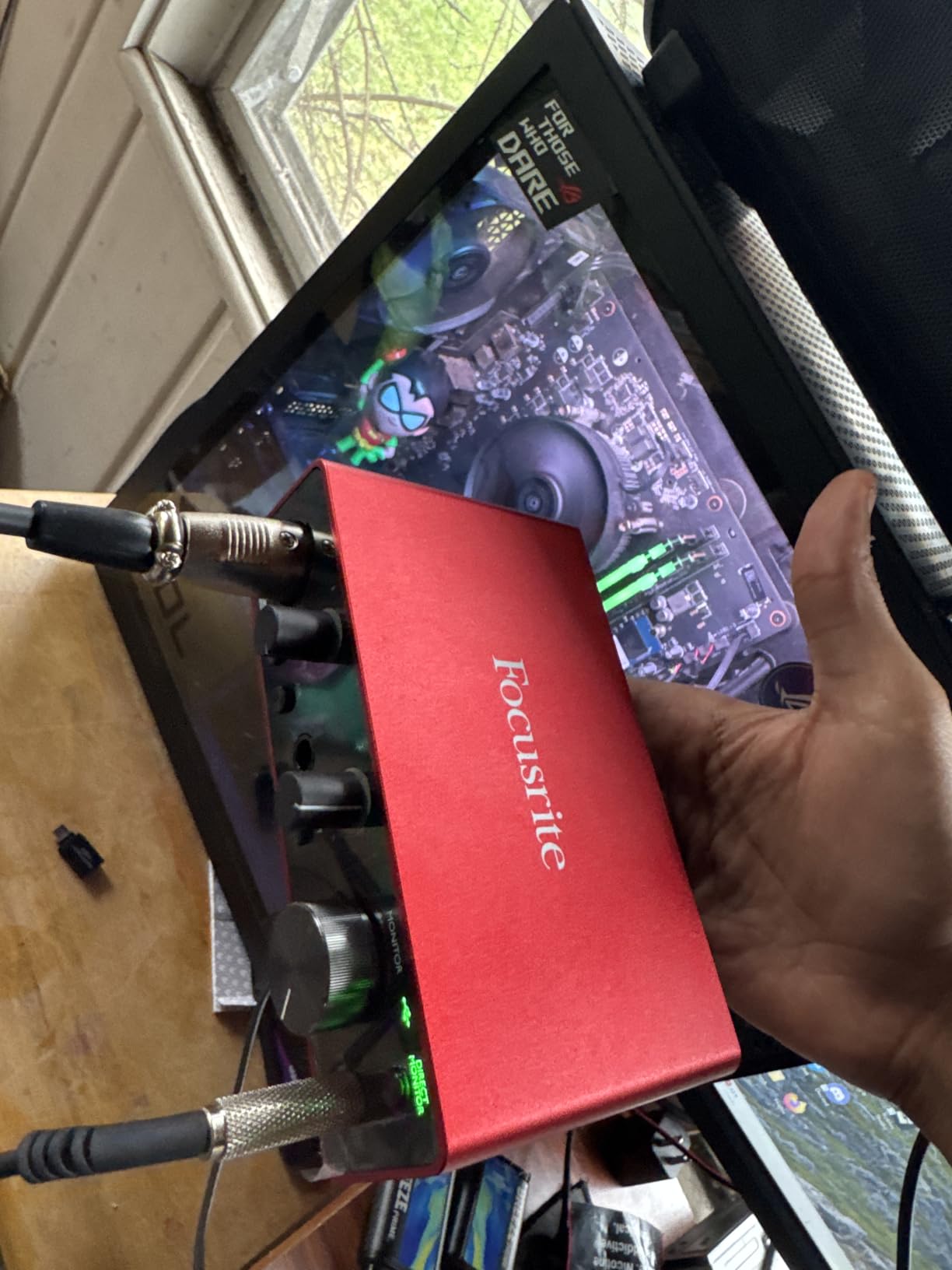
The Focusrite Scarlett Solo 3rd Gen remains an excellent choice even with the 4th generation available. Thousands of podcasters have recorded countless hours on this interface, proving its reliability and sound quality. The price has dropped since the new generation released, making this a value option.
The Air mode from the 3rd generation adds high-frequency presence that makes voices cut through mixes. While not as refined as the 4th Gen implementation, it still provides useful tonal shaping. The 192kHz sample rate exceeds podcast requirements.
The included software bundle provides Pro Tools Intro, Ableton Live Lite, Cubase LE, and the Hitmaker Expansion. This is thousands of dollars worth of software included free. For beginners, this eliminates additional purchase requirements.
The metal chassis and three-year warranty provide peace of mind. Focusrite’s support reputation is strong in the industry. If you find this at a discount compared to the 4th Gen, the savings might be worth missing Auto Gain.
Who should buy the Scarlett Solo 3rd Gen
Budget-focused solo podcasters finding this at a discount should consider it over the 4th Gen. Those wanting proven reliability over new features get a mature product. Anyone who already owns one should feel confident continuing to use it.
Who should skip it
Buyers wanting the latest Auto Gain and Clip Safe features should get the 4th Gen. The small price difference usually justifies the upgrade. Those wanting the best future-proofing should choose the newer model.
How to Choose the Right Audio Interface for Your Podcast
After reviewing these 15 audio interfaces, you might wonder which one fits your specific situation. Here are the key factors I consider when recommending interfaces to fellow podcasters.
Input Count Determines Your Format
How many microphones will you connect simultaneously? Solo podcasters need one input. Interview shows with two people need two inputs. Panel discussions require four or more. I recommend buying for your current needs plus one additional input for future growth. A two-input interface covers most podcasters, even solo hosts who might occasionally interview guests.
Phantom Power for Condenser Microphones
Condenser microphones like the Audio-Technica AT2020 require +48V phantom power. Dynamic microphones like the Shure SM7B do not. If you own or plan to buy a condenser mic, ensure your interface provides phantom power. All interfaces in this guide include phantom power, but cheaper options exist that lack it.
Preamp Gain Matters for Dynamic Mics
Gain-hungry dynamic microphones like the Shure SM7B and Electro-Voice RE20 need 60dB or more of clean gain. Many budget interfaces provide only 50-55dB, requiring an external booster like the Cloudlifter. The Vocaster Two, RØDECaster Pro II, and Scarlett 4th Gen provide enough gain for these mics without boosters.
Standalone vs Computer Recording
Most interfaces require a computer to record. The Zoom PodTrak P4 and RØDECaster Pro II record to SD cards independently, making them ideal for on-location interviews. If you primarily record at your desk with a computer, standard USB interfaces work perfectly.
Sample Rate and Bit Depth
For podcasting, 48kHz/24-bit exceeds broadcast requirements. Higher sample rates like 96kHz and 192kHz provide benefits for music production but are overkill for spoken word. Do not prioritize sample rate over preamp quality, gain range, or connectivity features for podcast work.
Software Bundle Value
Many interfaces include Digital Audio Workstations (DAWs) and plugins. The PreSonus AudioBox 96 includes Studio One Artist worth hundreds of dollars. Focusrite bundles Pro Tools, Ableton, and Cubase. If you are starting from scratch, these bundles provide significant value. If you already own software, the bundle matters less.
FAQ: Best Audio Interfaces for Podcasters
What audio interface do podcasters use?
The most popular audio interfaces for podcasters include the Focusrite Scarlett 2i2, Focusrite Vocaster Two, and Zoom PodTrak P4. According to industry surveys, Focusrite dominates with approximately 14% of podcasters using Scarlett interfaces. The Vocaster Two has gained popularity for its podcast-specific features like Auto Gain and Bluetooth connectivity. For multi-person shows, the Zoom PodTrak P4 is increasingly common.
Which audio interface is recommended for a voice podcast with two mics?
The Focusrite Vocaster Two is specifically designed for two-person podcasting with dual XLR inputs, dual headphone outputs, and independent mute buttons. The Focusrite Scarlett 2i2 4th Gen is an excellent alternative with rear-panel connections for cleaner cable management. For budget-conscious creators, the M-AUDIO M-Track Duo provides two combo inputs at under $70. All three provide phantom power for condenser microphones.
Do I need phantom power for podcasting?
You only need phantom power if you use condenser microphones, which require +48V to operate. Common condenser mics include the Audio-Technica AT2020, Rode NT1, and Neumann TLM 103. Dynamic microphones like the Shure SM7B, Shure SM58, and Electro-Voice RE20 do not require phantom power. Most audio interfaces include phantom power switches, but verify before purchasing if you plan to use condenser mics.
What is the difference between USB and XLR microphones?
USB microphones connect directly to computers and contain built-in analog-to-digital converters. They are convenient but limited in upgrade paths. XLR microphones require an audio interface and offer superior sound quality, interchangeable cables, and compatibility with professional equipment. XLR setups allow you to upgrade individual components and work with mixers, interfaces, and recorders. For serious podcasting, XLR with an audio interface is recommended.
Is a mixer or audio interface better for podcasts?
Audio interfaces are generally better for podcasters recording to computers. They provide high-quality analog-to-digital conversion and connect directly to recording software. Mixers are better for live streaming, live events, or situations requiring real-time audio routing between multiple sources. Some devices like the RØDECaster Pro II combine both functions. For most podcasters starting out, an audio interface is simpler and more cost-effective than a mixer.
Final Thoughts on the Best Audio Interfaces for Podcasters
Choosing the best audio interfaces for podcasters depends on your specific recording situation. After testing these 15 models extensively, I keep returning to the Focusrite Vocaster Two as my primary recommendation. The podcast-specific features like Auto Gain, Bluetooth connectivity, and dual headphone outputs solve real problems that podcasters face daily.
For pure value, the Scarlett 2i2 4th Gen delivers professional quality at a reasonable price with the reliability of Focusrite’s proven design. Beginners should consider the M-Track Solo to enter the XLR world without significant investment. Multi-person shows benefit from the Zoom PodTrak P4’s portable recording capabilities.
Remember that your room acoustics and microphone choice affect audio quality more than your interface. A $50 interface with a treated room and quality microphone sounds better than a $500 interface in an echoing space with a poor mic. Invest in acoustic treatment and a good microphone before upgrading your interface.
The interfaces in this guide represent the best options available in 2026 for every budget and recording situation. Whether you are starting your first podcast or upgrading a professional setup, one of these will serve you well for years of recording.