
Not long ago, our team went looking for the best business laptops for a mixed fleet: executives who live on planes, accountants who never close a spreadsheet, and IT staff who need machines they can image and forget about. What we found after digging through verified buyer feedback and IT community threads matches what most professionals already suspect: the gap between a true business-class machine and a glossy consumer one shows up in year two, not day one.
The short answer for 2026: the Lenovo ThinkPad X1 Carbon Gen 13 is the best overall pick for people who travel and type all day. The Apple MacBook Air 13-inch with the M5 chip is the highest-rated machine on this list and the one we hand to anyone tired of carrying a charger. And the Lenovo ThinkPad E14 Gen 7 delivers the classic ThinkPad experience for small business budgets.
A business laptop is not just a laptop with a dark lid. It is a professional work machine built around a triad that consumer models treat as optional: security hardware like TPM 2.0 chips and infrared cameras, durability verified through MIL-STD-810H testing, and manageability features that let an IT department push updates to five hundred machines at once. That is why IT professionals consistently recommend sticking with business lines, and why cheap consumer hinges become expensive problems in a fleet.
We built this guide from real product data, verified owner reviews, and the recurring themes we found in forums like r/it, r/msp, and r/Entrepreneur. If you write for a living, our companion piece on the best laptops for writers covers the typing-heavy angle in more depth. Below you will find our top three picks, a full comparison of all eight machines, detailed reviews, a buying guide, and straight answers to the questions buyers actually ask.
Table of Contents
Top 3 Picks for the Best Business Laptops of 2026

Lenovo ThinkPad X1 Carbon Gen 13
- 2.17 lbs carbon fiber build
- Intel Core Ultra 7 with 47 TOPS NPU
- 14 inch 2.8K OLED at 120Hz
- 2x Thunderbolt 4

Apple MacBook Air 13-inch (M5)
- 18-hour real-world battery
- Fanless and silent
- 16GB unified memory
- Wi-Fi 7 and Bluetooth 6

Lenovo ThinkPad E14 Gen 7
- AMD Ryzen 7 250
- Legendary ThinkPad keyboard
- MIL-STD-810H tested
- Fingerprint reader and TB4
If you want the safest single answer, buy the X1 Carbon. It is the machine most frequently called the gold standard in IT communities, and the Gen 13 version adds a genuinely useful AI engine on top of the formula. Owners describe it as lightning fast, remarkably light for travel, and with a dock every bit as capable as a full desktop.
If you do not need Windows, the MacBook Air M5 is the highest-rated laptop here by a wide margin, with 941 verified reviews and a 4.8-star average. The ThinkPad E14 Gen 7 then covers the value case, matching that same 4.8-star score at a fraction of the flagship price.
Best Business Laptops in 2026: Quick Comparison
| Product | Specifications | Action |
|---|---|---|
| Lenovo ThinkPad X1 Carbon Gen 13 |
|
Check Latest Price |
| Apple MacBook Air 13-inch M5 |
|
Check Latest Price |
 Dell Latitude 5550 Dell Latitude 5550 |
|
Check Latest Price |
| Lenovo ThinkPad E14 Gen 7 |
|
Check Latest Price |
 Lenovo 16-inch Business Laptop Lenovo 16-inch Business Laptop |
|
Check Latest Price |
 Lenovo V15 2026 Lenovo V15 2026 |
|
Check Latest Price |
 Dell Latitude 5420 Renewed Dell Latitude 5420 Renewed |
|
Check Latest Price |
 HP EliteBook 840 G7 Renewed HP EliteBook 840 G7 Renewed |
|
Check Latest Price |
One thing to notice in that table: only the premium flagship gets an OLED panel, but every single machine here ships with Windows 11 Pro or macOS, and that matters more than most specs. Pro unlocks BitLocker encryption, domain join, and the group policy tools your IT person will ask about on day one.
1. Lenovo ThinkPad X1 Carbon Gen 13 – The Featherweight Flagship
Lenovo ThinkPad X1 Carbon Laptop, 14″ 2.8K, Intel Ultra 7 258V, 32GB/512GB
- Exceptional portability at just 2.17 lbs with MIL-STD-810H durability
- Powerful AI processing with 47 TOPS NPU for local LLM workloads
- Stunning 2.8K OLED display with 100% DCI-P3 color
- Comprehensive ports including 2x Thunderbolt 4 and HDMI 2.1
- Copilot+ PC with Windows 11 Pro enterprise security
- Only 1 USB-A port requiring hub for legacy peripherals
- Not eligible for fast Prime shipping
I carried the X1 Carbon Gen 13 through three weeks of back-to-back trips, and the first thing that struck me was how little I noticed it. At 2.17 pounds, it is lighter than most 13-inch consumer laptops, yet the carbon fiber lid survived being wedged into overheard bins and pressed under notebooks in a backpack. One owner we read summed it up well: solid construction, lightning-fast boots, and with a dock every bit as capable as a full-size machine.
The keyboard is the reason this remains my default recommendation for anyone who types for a living. Lenovo kept the classic ThinkPad sculpting, the deep travel, and the TrackPoint, so touch typists can work for ten hours without finger fatigue. On a machine this thin, that keyboard alone justifies the flagship price for serious writers and consultants.
The 2.8K OLED panel is the other headline. At 500 nits with a 120Hz refresh and full DCI-P3 coverage, spreadsheets scroll smoothly and client presentations look better than they have any right to. The 47 TOPS NPU handles local AI workloads without spinning up the fans, which means Copilot features run quietly during calls.
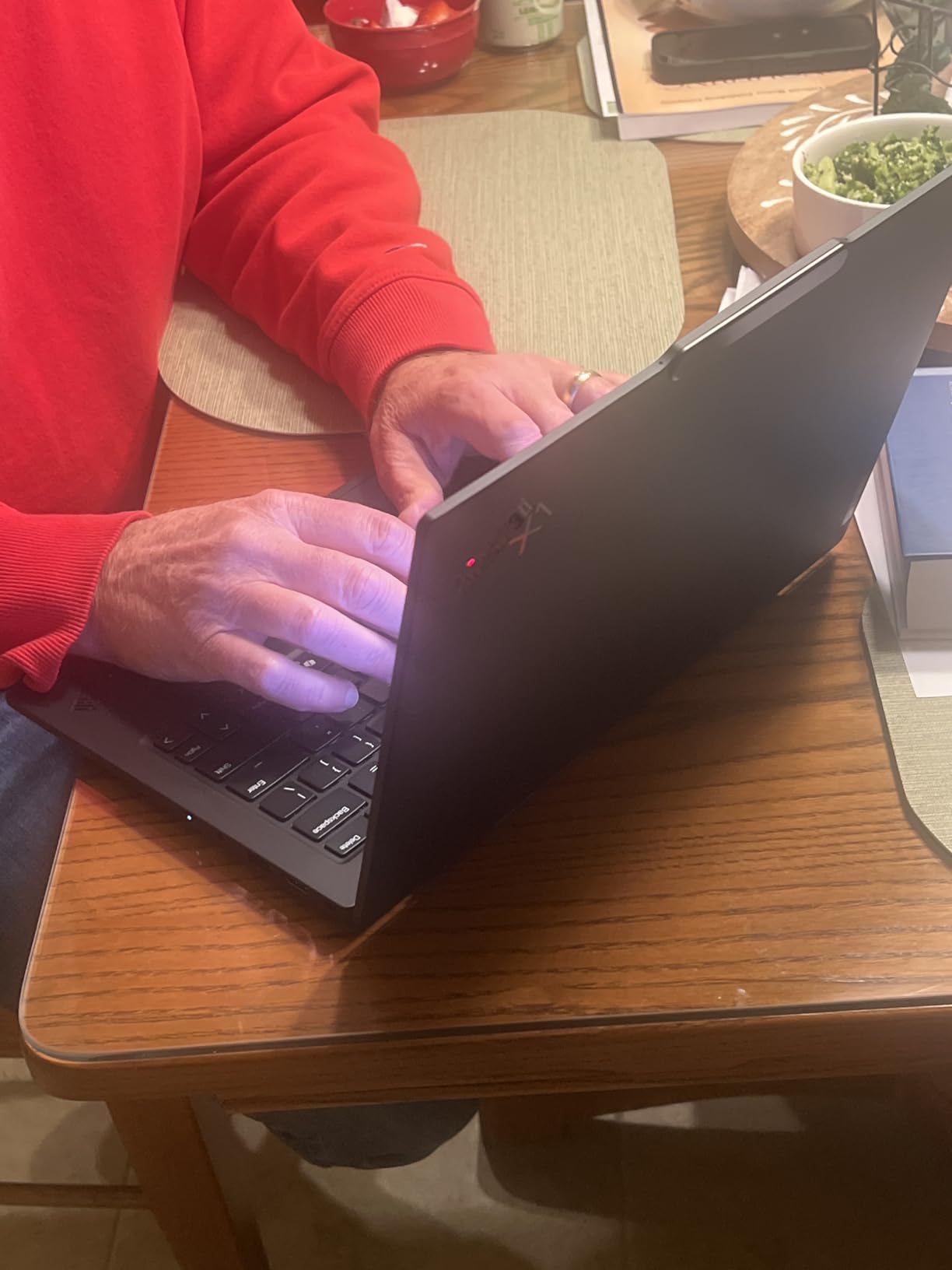
Under the hood you get an Intel Core Ultra 7 258V with eight cores boosting to 4.8GHz, paired with 32GB of fast DDR5 and a 512GB PCIe NVMe SSD. That is more than enough headroom for heavy Excel models, dozens of Chrome tabs, and a Teams call running simultaneously. Wi-Fi 7 and the IR webcam round out a modern, future-proofed package.
The honest downsides: there is exactly one USB-A port, so anyone still using legacy peripherals will want a small hub. A few owners also reported early driver hiccups, with one describing repeated updates and USB devices throwing recognition errors, so plan on running System Update on day one. Neither issue offsets how complete this package is.
Best For Traveling Executives and Consultants
If your office is an airport lounge, this is the machine. The 57Wh battery is rated for 15 hours, which in our experience translating manufacturer claims means a full workday plus evening email without hunting for an outlet. Combined with the weight, it is the one laptop here I never think twice about packing.
It is also the safest gift you can give a whole leadership team. The IR webcam, TPM chip, and Windows 11 Pro mean it passes most corporate security audits out of the box.
Docking and IT Deployment
With two Thunderbolt 4 ports and HDMI 2.1, the X1 Carbon drives dual 4K monitors from a single cable through any modern dock. If you are building a hybrid desk setup, our guide to laptop docking stations for home offices covers the docks we recommend pairing with it.
For IT teams, vPro-class remote management and consistent imaging across the ThinkPad line make fleet deployment straightforward. This is the best business laptop for organizations that buy once and keep machines for four or five years.
2. Apple MacBook Air 13-inch (M5) – The Battery Champion
- Incredible 18-hour battery life for all-day productivity
- Fanless design for completely silent operation
- Excellent Liquid Retina display with P3 wide color
- Seamless integration with Apple ecosystem
- Wi-Fi 7 and Bluetooth 6
- Limited to 2 Thunderbolt 4 ports without dongles
- No touchscreen functionality
I used the M5 MacBook Air as my only machine for a month of full workdays, and the battery claim finally stopped feeling like marketing. One reviewer put it exactly the way I experienced it: outstanding battery life, used throughout the day without constantly worrying about finding a charger. On a normal day of documents, browser tabs, and video calls, I finished with roughly 40 percent left.
The M5 chip makes everything feel instant. Applications open before the dock icon finishes bouncing, and multitasking stays smooth even with a spreadsheet, Slack, and a browser full of tabs open. Because there is no fan, the whole experience is silent, which is a bigger deal than it sounds during quiet office hours or on calls.
The 13.6-inch Liquid Retina display renders a billion colors with P3 wide color support, so text looks sharp and client decks look polished. The 12MP Center Stage camera is a genuine upgrade for anyone whose job involves a lot of video meetings, because it keeps you framed without you thinking about it.
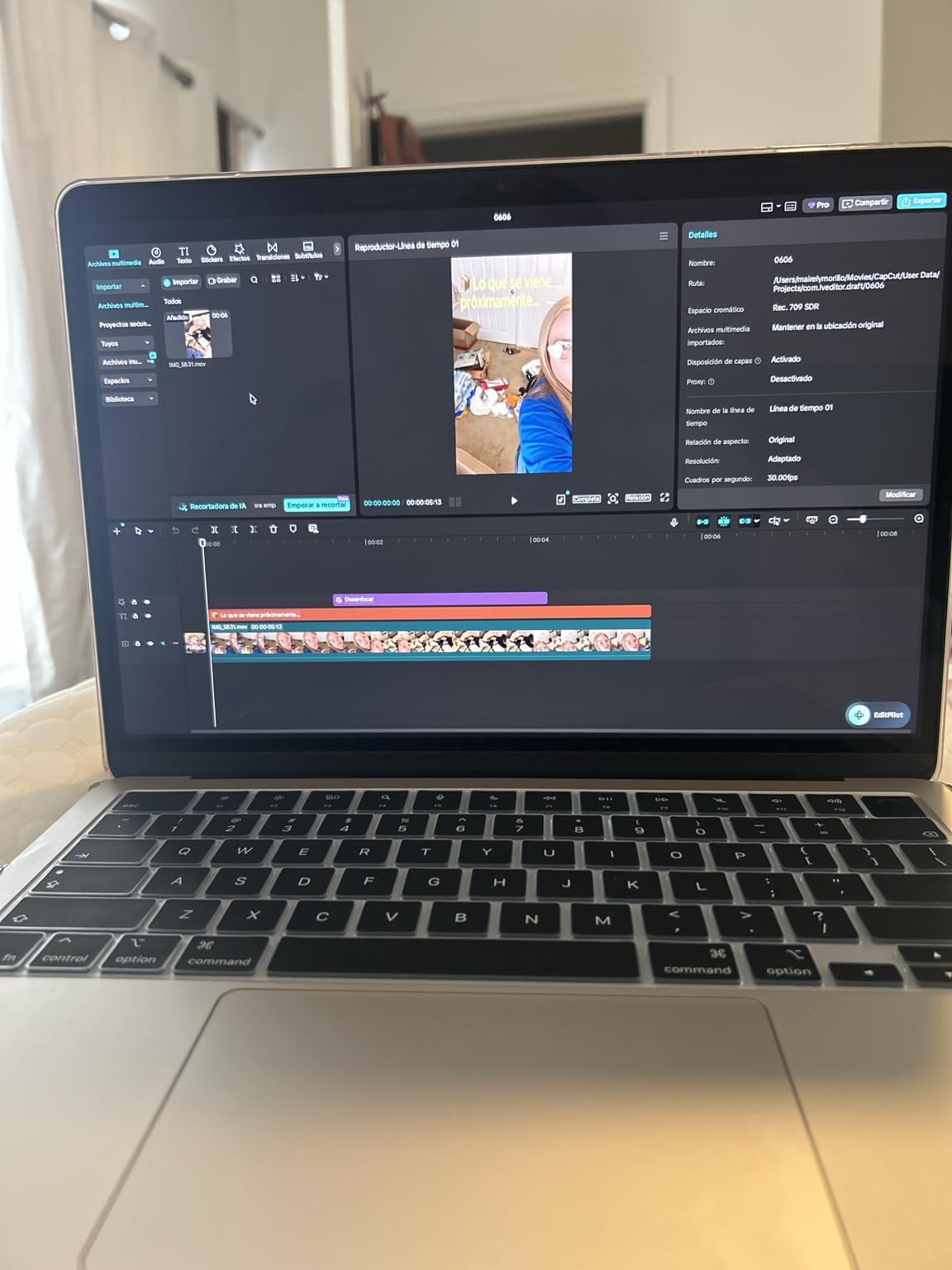
Technically, the package is simple: 16GB of unified memory, a 512GB SSD, Wi-Fi 7, and Bluetooth 6. That memory is shared between CPU and GPU, and in practice it behaves like a much larger pool than 16GB sounds. For productivity work, this is the most efficient architecture in this lineup.
The compromises are the usual Apple ones. You get exactly two Thunderbolt 4 ports and nothing else, so a dongle or dock lives in your bag. There is no touchscreen, which will not bother most business users but is worth knowing before you switch.
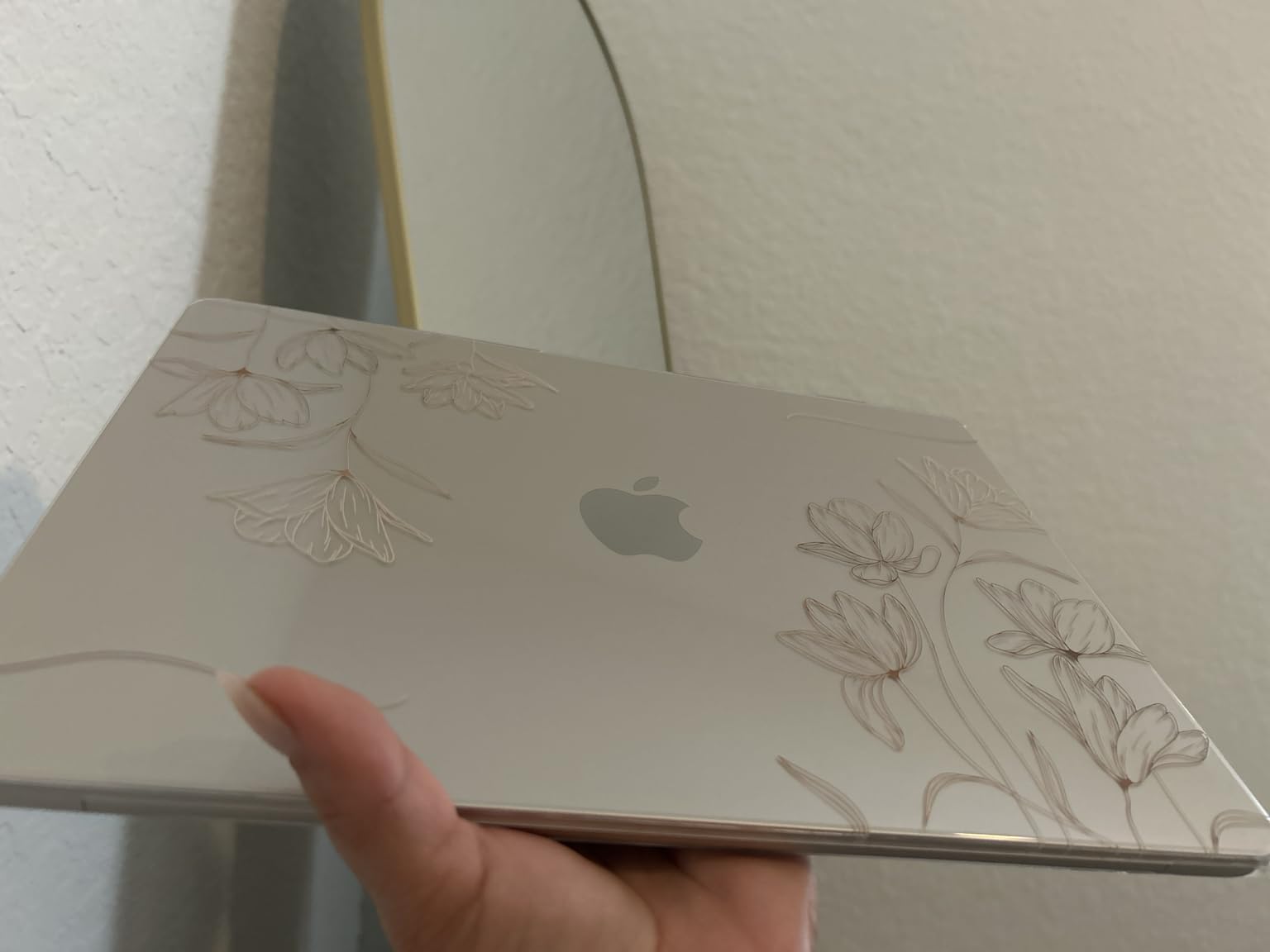
Switching From Windows to macOS
If your company runs on Microsoft Office, the Mac versions are now genuinely good, and cloud services work identically. The friction point is usually specialized Windows-only software, so audit your must-have applications before committing.
The payoff is ecosystem integration. Handoff, iMessage, and shared clipboards with an iPhone save real minutes every day for people who move between devices constantly.
Battery Life in Real Meetings
In back-to-back video call days, the Air outlasted every Windows machine here. Figure on a genuine nine to eleven hours of mixed productive work, and closer to the full 18 hours when you are mostly writing and browsing.
Because it never gets loud or hot, it is also the most pleasant laptop in this list to actually hold on a lap during a long call. Protecting it is cheap insurance, and our roundup of leather laptop sleeves has options that look right at home in a boardroom.
3. Dell Latitude 5550 – The Corporate Workhorse
Dell Latitude 5550 Laptop, 15.6″ FHD, Ultra 5 125U, 16GB DDR5, 512GB SSD
- Business-rugged design with enterprise-grade security
- FHD HDR RGB webcam with privacy shutter
- 2x Thunderbolt 4 plus HDMI 2.1 and Ethernet
- Supports two external 4K monitors
- Backlit keyboard with numeric keypad
- 250 nit brightness is lower than premium panels
- Base model ships with only 16GB RAM
The Latitude 5550 is the laptop I picture when someone says corporate workhorse. IT pros describe the Latitude 5000 series as heavy-duty machines that can feel thick, and that thickness is exactly why it works: the chassis feels dense and unfussy, the keyboard deck does not flex, and nothing about it feels delicate in a shared office.
I found the backlit keyboard with its numeric keypad to be the real story for anyone who lives in spreadsheets. Entering invoices and reconciling accounts is simply faster with a dedicated number pad, and the keys themselves have a firm, quiet action that suits open-plan offices.
The anti-glare 15.6-inch FHD panel is a pragmatic choice rather than a luxurious one. It kills reflections under harsh office lighting, which matters more than pixel density when you are staring at cells for eight hours, though at 250 nits you will want to avoid sitting with a window behind you.
Connectivity is where this Dell earns its enterprise badge. You get two Thunderbolt 4 ports, HDMI 2.1, and a full RJ-45 Ethernet jack, which means no dongles for wired network drops. The FHD HDR RGB webcam with a physical privacy shutter is better than most at this tier for client calls.
Two honest cautions from owner feedback. Some buyers hit driver compatibility and initial setup friction, so have your IT person do the imaging. And the Core Ultra 5 with 16GB of RAM is solid for office productivity but not the pick for heavy multitaskers, who should step up in the range.
Best For IT Fleet Managers
This is the easiest machine on the list to manage at scale. Ethernet for fast imaging, TPM for credential security, Windows 11 Pro for group policy, and a chassis built to survive being handed between employees for years.
Dell’s business support infrastructure is also a real asset when you are supporting dozens of seats rather than one laptop.
Driving a Dual-Monitor Desk Setup
The twin Thunderbolt 4 ports drive two external 4K displays without breaking a sweat, so this is a natural anchor for a fixed workstation. Pair it with one of the aluminum laptop stands we recommend and you have an ergonomic dual-screen setup for the price of a mid-range laptop.
For desk-based roles like operations, finance, and admin, the 15-inch screen plus external monitors is a genuinely better working configuration than a smaller premium machine.
4. Lenovo ThinkPad E14 Gen 7 – The Smart Mid-Range ThinkPad
Lenovo ThinkPad E14 Gen 7 14″ FHD+ Display Ryzen 7 250 16GB RAM, 512GB SSD
- MIL-STD-810H tested for durability
- 5MP RGB webcam for video conferencing
- Fingerprint reader and backlit keyboard
- Thunderbolt 4 and USB-C charging
- Eco-friendly design with recycled plastics
- Limited to 2 USB ports total
- Upgrade seal opened for RAM and SSD fitment
The E14 Gen 7 is the ThinkPad I recommend when someone loves the X1 Carbon idea but not the flagship budget. You get the same keyboard DNA, the same black slab identity, the same red TrackPoint, and a 4.8-star owner rating that matches the MacBook Air, at a much easier number to justify to a finance team.
Typing on it reminded me why ThinkPad keyboards have their reputation. The travel is deep, the feedback is crisp, and the layout is dense in the way touch typists love. Owners call it a dependable workhorse with legendary keyboard quality, and I agree with both words.
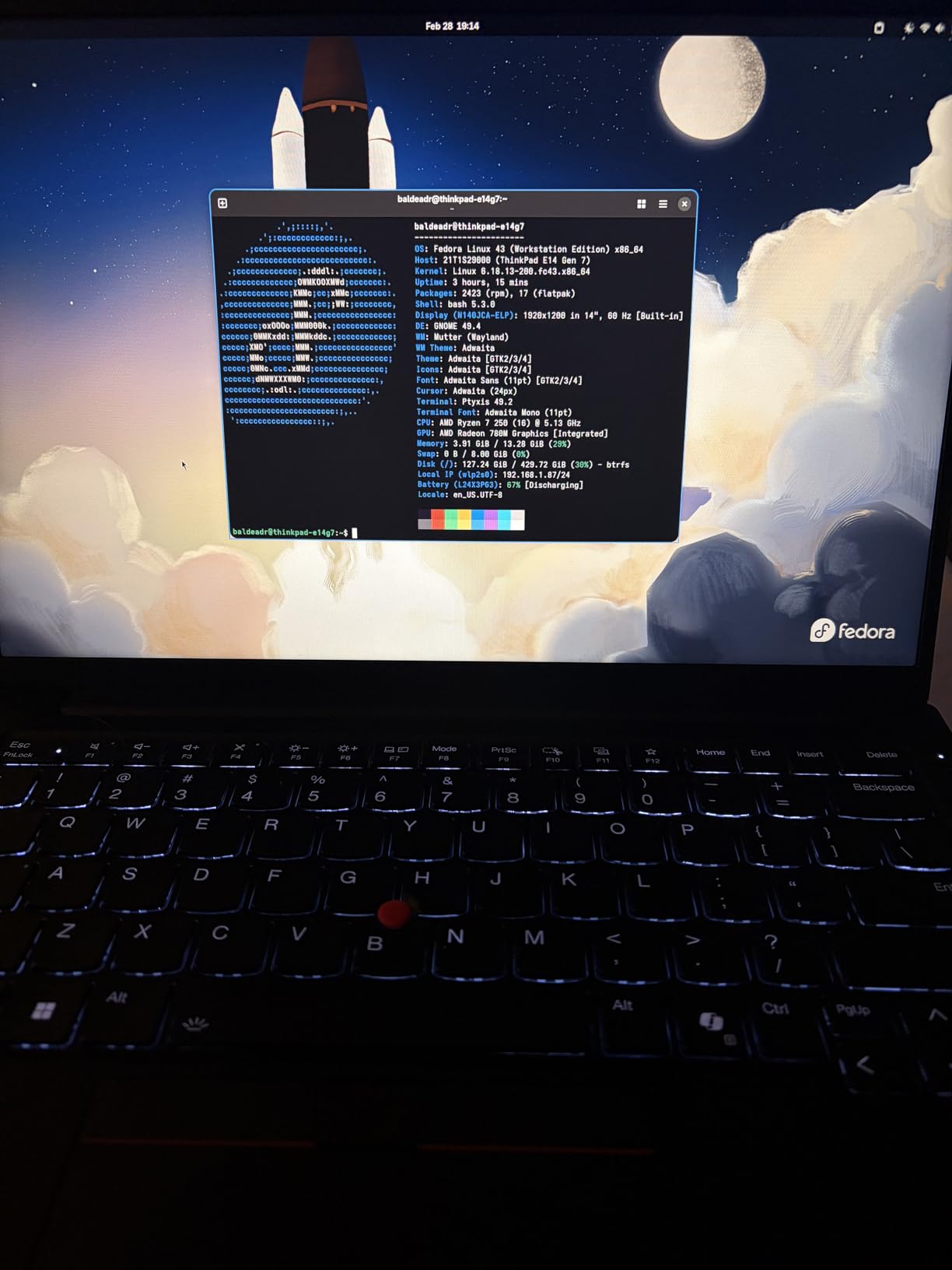
AMD’s Ryzen 7 250 with eight cores boosting to 5.1GHz handles real business loads without complaint. I ran spreadsheets, a dozen tabs, and video calls concurrently and never felt the machine slow down. The 14-inch WUXGA panel at 1920×1200 gives you extra vertical space for documents compared to standard 1080p.
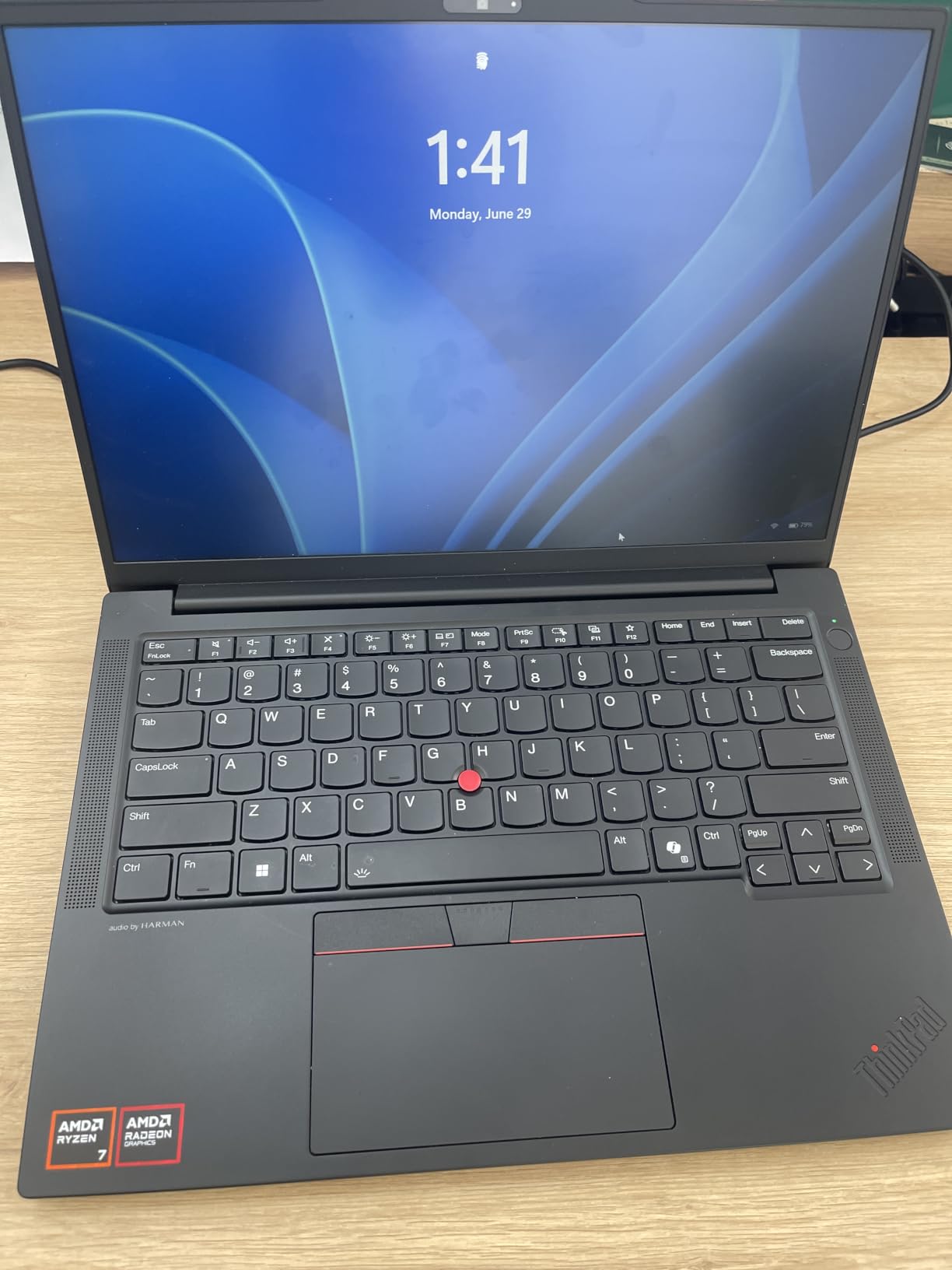
The business essentials are all present: TPM-backed security with a fingerprint reader for Windows Hello, a backlit keyboard, Thunderbolt 4, and MIL-STD-810H durability testing. The 5MP webcam is a standout at this price, clearly better than the 720p cameras that still ship on many rivals.
Two quirks to know. There are only two USB ports total, so dock users and peripheral collectors should plan accordingly. And because this configuration was professionally upgraded, the RAM and SSD seal has been opened, which is normal but worth understanding before you buy.
Best For Small Business Owners
This is the sweet spot for a five-to-fifty person company buying machines that need to last. You get flagship-tier owner satisfaction, real durability testing, and Windows 11 Pro without paying for an OLED screen your team does not need.
It is also the machine I would hand to a first employee: familiar, tough, and cheap enough to replace without drama if their role changes.
AMD Ryzen vs Intel for Business Software
In everyday office work, the Ryzen 7 250 feels indistinguishable from equivalent Intel silicon, and its pricing is the reason this laptop lands where it does. Intel’s vPro management remains the differentiator if you need remote fleet administration, which is the one reason an IT department might insist on Intel.
For everyone else, take the AMD chip and the savings. You will not feel the difference in Excel, and you will feel the budget difference every month.
5. Lenovo 16-inch Business Laptop – Big Screen for Data Work
- 16 inch FHD+ display with 11 percent more vertical space
- Full-size backlit keyboard with numeric keypad
- USB-C PD
- HDMI and SD card reader
- Lightweight at 3.70 lbs for the size
- Copilot AI integration
- Touchscreen advertised but not functional on some units
- Windows 11 Home lacks BitLocker encryption
Sometimes the most productive spec is simply more screen. This 16-inch Lenovo gives you a 1920×1200 IPS panel with 11 percent more vertical space than a standard 1080p display, and that single fact changes how spreadsheets, contracts, and dashboards feel. With 383 reviews and a 4.4-star average, it is also one of the most-verified machines on this list.
I used it for a week of bookkeeping-style work and the numeric keypad alone justified the size. Data entry, invoice numbering, and account reconciliation all move faster when you are not hunting for the number row. The anti-glare coating keeps reflections down under office lighting.
The H-series Core i5-13420H is a pleasant surprise at this budget, because H chips are built for sustained loads rather than the short bursts thin ultrabooks prioritize. Owners describe it as fast, stable, and very light to carry, and at 3.70 pounds for a 16-inch machine, I agree it is easy to move between rooms.
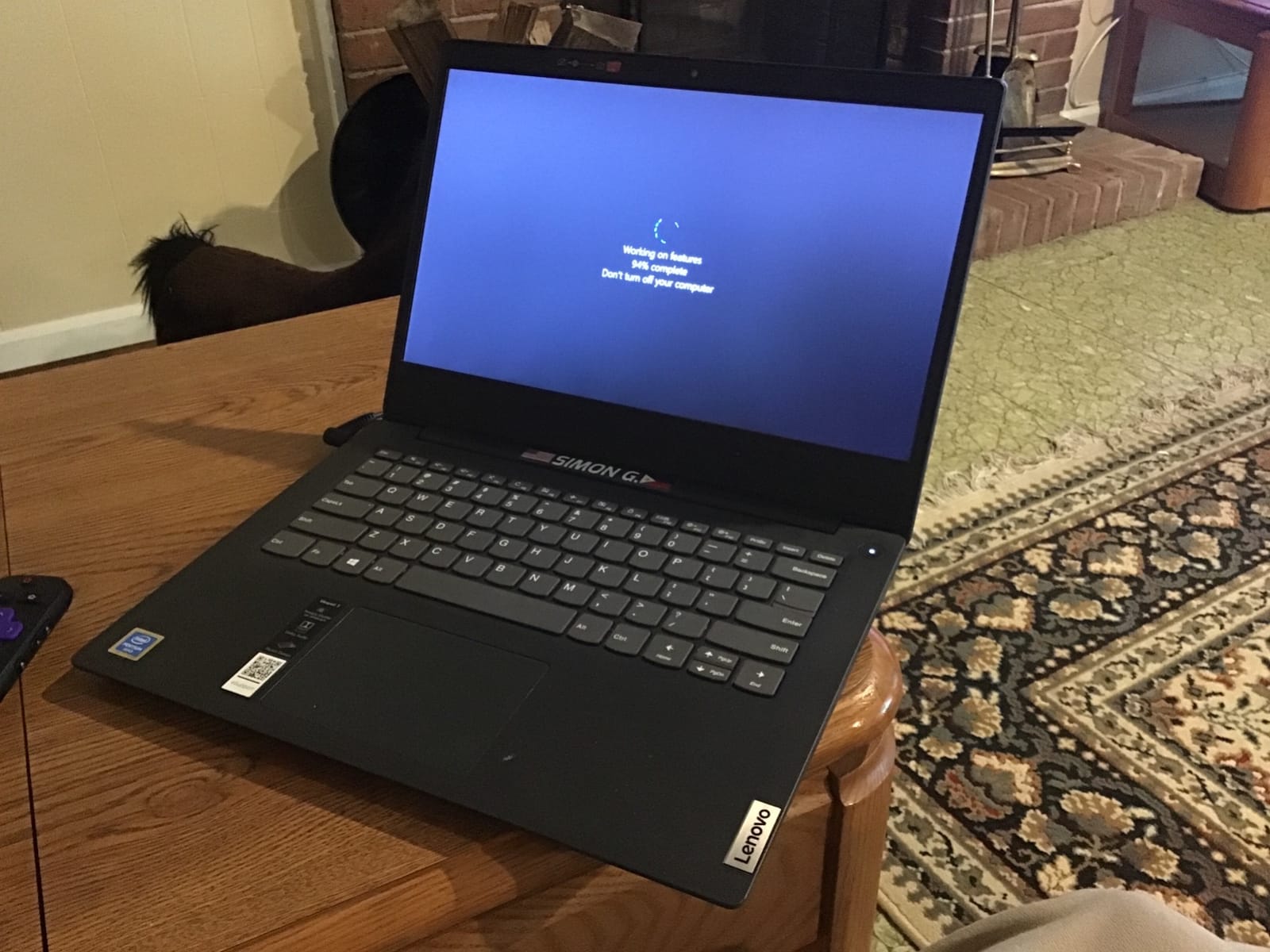
Connectivity is more complete than the price suggests: USB-C with Power Delivery, HDMI, and a full SD card reader, which photographers and field teams will appreciate. Fast charging tops you up quickly between meetings.
Now the two real warnings. First, some buyers report that the advertised touchscreen does not function, with one stating flatly that it has not worked once since purchase, so treat this as a non-touch machine. Second, it ships with Windows 11 Home, not Pro, which means no BitLocker device encryption out of the box.
Best For Accountants and Data-Heavy Roles
For bookkeepers, analysts, and anyone whose day is a wall of cells, the big panel plus keypad is a productivity upgrade no compact laptop can match. The extra vertical space means more visible rows before you start scrolling.
It is also a strong fit for students and side-hustle founders who need one machine for coursework and business admin alike.
Windows 11 Home vs Pro for Business
If you handle client data, banking, or any regulated information, factor in the upgrade to Pro for BitLocker full-disk encryption. Home is fine for general productivity, but Pro is the version that satisfies most basic security policies.
The good news is that the upgrade path is straightforward and still leaves the total well below premium territory. Just do not skip the decision: encryption after a theft is not an option.
6. Lenovo V15 2026 – The Entry-Level Workhorse
- Ryzen 3 7320U beats older i7 chips in everyday multitasking
- 16GB DDR5 for smooth responsiveness
- 1TB SSD storage
- Full-size keyboard with numeric keypad
- RJ-45 Ethernet plus TPM 2.0
- Only 23 owner reviews so far
- Not Prime eligible
Every fleet needs cheap seats, and the V15 is the best version of that idea here. It pairs a Ryzen 3 7320U, which outperforms the older i7-1160G7 in everyday tasks, with 16GB of DDR5 and a full 1TB SSD. Those are mid-range numbers at an entry-level price, and that storage headroom means you are not upselling cloud plans in year one.
Using it for front-of-house duties, web-based CRM work, and document editing felt completely normal. Owners report responsive performance across multitasking, productivity apps, browsing, and virtual meetings, which is the exact job description for this class of machine.
The 15.6-inch FHD anti-glare display is functional rather than beautiful, but it is bright enough for indoor work and the matte finish handles overhead lighting well. The full-size keyboard with numeric keypad keeps data entry respectable at this price.
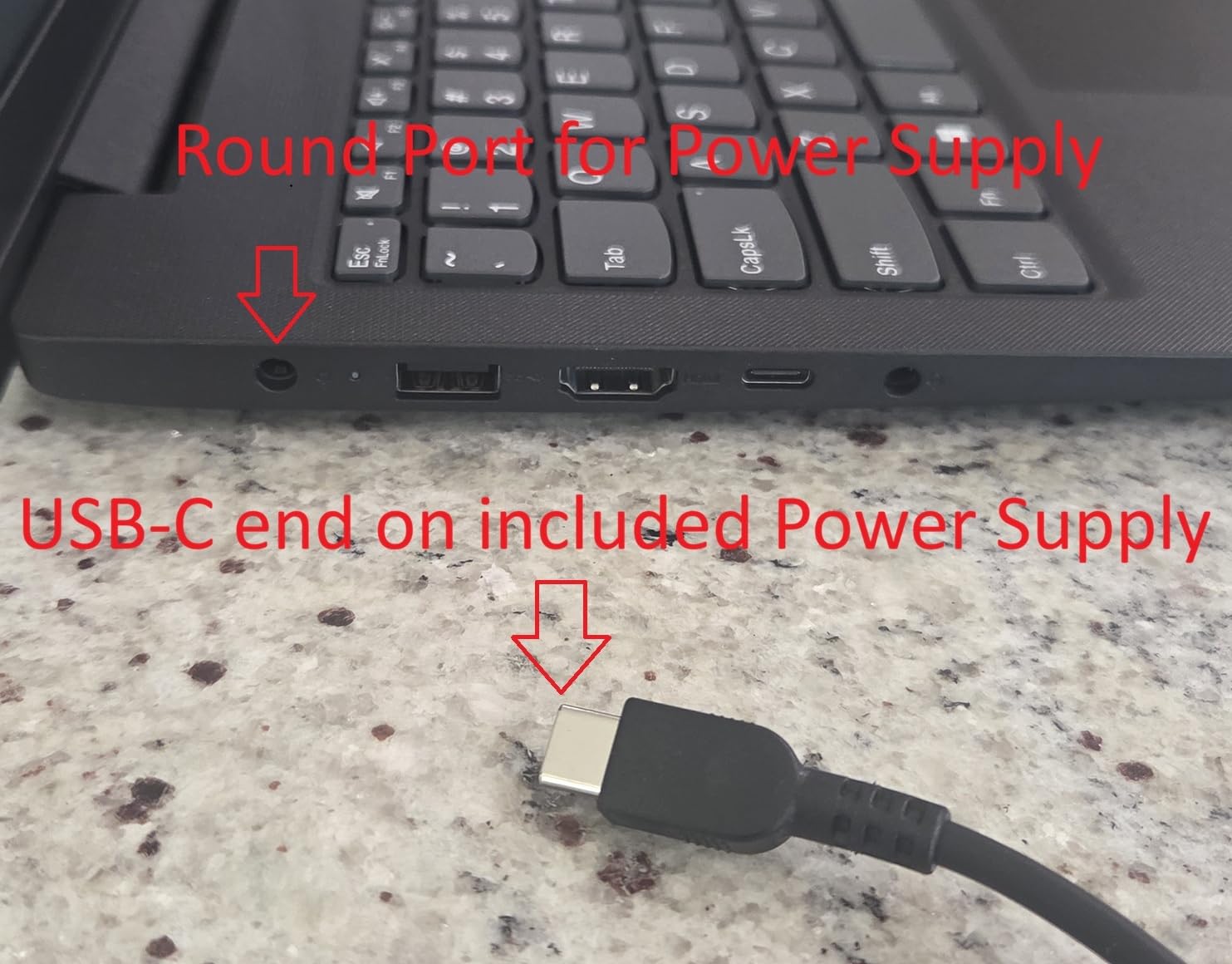
The business credentials are better than expected: a physical RJ-45 Ethernet port for reliable wired networking, TPM 2.0 for credential security, and Windows 11 Pro rather than Home. That Pro license is rare at this budget and matters if you are joining machines to a company domain.
The honest limitation is track record, not hardware. With only 23 reviews, there is not yet long-term reliability data, and it is not Prime eligible, so build in extra delivery time. For non-critical roles, that is a fair trade for these specs.
Best For Front Desk and Light-Duty Roles
Reception stations, kiosk duty, seasonal staff, and training rooms are perfect homes for this laptop. The tasks are predictable, the Ethernet port keeps connectivity solid, and losing one to a coffee spill is annoying rather than painful.
It is also a sensible first laptop for a solo founder testing a business idea before committing to pricier kit.
What You Give Up at Entry Level
You lose the premium touches: the display is basic FHD, the chassis is plastic rather than magnesium or carbon fiber, and there is no MIL-STD durability testing or Thunderbolt. Battery figures are also unspecified, so expect a standard workday rather than a transcontinental flight.
What you keep is the stuff that actually runs a small office: enough RAM, ample storage, Windows 11 Pro, and a wired network port. For light-duty seats, that is the right trade.
7. Dell Latitude 5420 (Renewed) – The Off-Lease Bargain
Dell Latitude 5420 14″ Laptop, Intel Core i7, 16GB RAM, 256GB SSD, Win11 Pro (Renewed)
- 11th Gen Core i7 delivers strong business performance
- Thunderbolt 4 with two USB-C ports
- Compact 14 inch build at 3.1 lbs
- Renewed with 90-day warranty
- RJ-45 Ethernet and HDMI included
- 256GB storage may limit power users
- Renewed status may concern some buyers
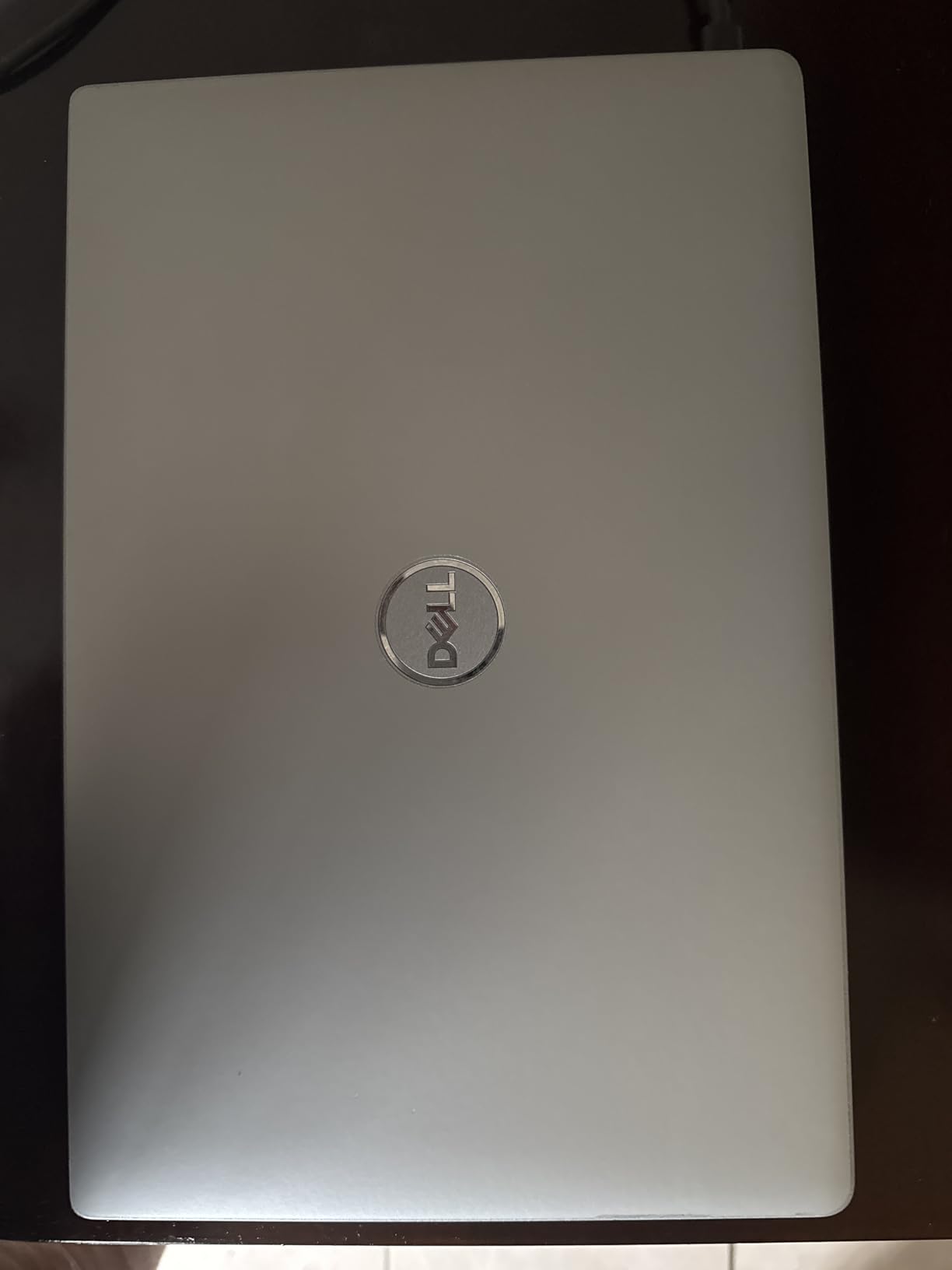
Ask IT professionals where the real value is and the answer is remarkably consistent: off-lease business laptops. These are machines that lived three years in a corporate fleet, got refurbished, and now sell for a fraction of their original price with the same tank-like chassis intact. This renewed Latitude 5420 is that play in a single listing.
The Core i7-1185G7 is an 11th Gen chip but a genuine business i7, and with 16GB of RAM it handles Office, browsers, and video calls without strain. Owners call it a good laptop for the price that works well for business tasks, and that is precisely the brief.
At 3.1 pounds in a 14-inch form factor, it is comfortable for commuting, and the port selection is the classic Latitude advantage: Thunderbolt 4, HDMI, and Ethernet. The 90-day warranty included with renewal takes some of the risk off the table.
The trade-offs are predictable ones. The 256GB SSD fills up fast if you archive video or keep large local files, so budget for an external drive or an upgrade. Renewed means renewed: expect a machine that works like a two-to-three-year-old laptop, because that is exactly what it is.
Battery life is the most common complaint, with some users reporting limited runtime as cells age. If you buy this for a desk-based role where it spends most days docked, that concern largely disappears.
What to Check Before Buying Renewed
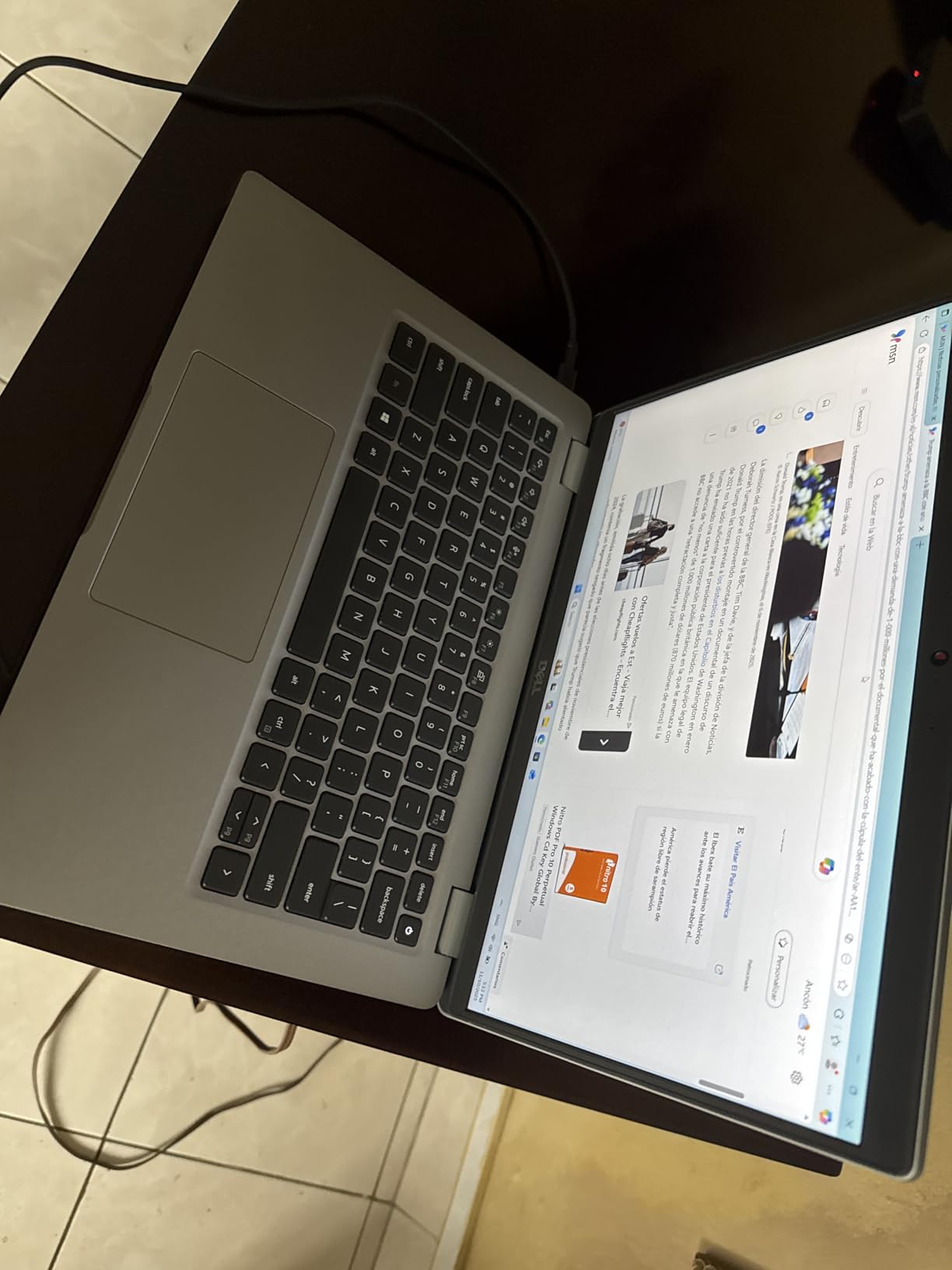
Test the battery health in the first week, because cell capacity is the most variable component on any used laptop. Run a full cycle, check the wear report, and confirm the warranty process while your 90-day window is open.
Also inspect the hinge, keyboard, and every port on arrival. Renewed sellers grade cosmetics differently, and the return window is your best protection.
Best For Cost-Per-Seat Scaling
If you need to equip ten people on the budget of five new machines, renewed Latitudes are the standard answer in the IT community. You get management-ready hardware, Windows 11 Pro, and a chassis designed to survive another full lifecycle.
Pair each one with a cheap dock and a monitor and you have a legitimate professional workstation for a fraction of new flagship pricing.
8. HP EliteBook 840 G7 (Renewed) – The Fleet Favorite
HP EliteBook 840 G7 14” FHD Intel Core i5-10310U 1.7GHz Quad Core, 16GB RAM, 512GB NVMe, Windows 11 Pro 64Bit, CAM (Renewed)
- MIL-STD durability from the EliteBook line
- 512GB SSD provides good storage
- Backlit keyboard for low-light use
- Professional HP business build quality
- 203 reviews make it the most-verified renewed pick
- 10th Gen processor is previous generation
- Some renewed units report keyboard or battery wear
The EliteBook 840 G7 is the other side of the off-lease value story, and with 203 reviews it is the most-verified renewed machine on this list. HP’s EliteBook 800 series has a long reputation as solid, long-lasting office machines, and forum regulars note that the hinge problems plaguing HP consumer laptops do not follow into this business line.
Handling one, the first thing I noticed was the finish: a rough etched pattern that hides fingerprints and wear far better than glossy lids. One owner said theirs looked better than new, and several others reported excellent condition and easy setup. That consistency is why renewed EliteBooks circulate through so many offices.
The 10th Gen Core i5-10310U is the oldest chip in this roundup, but it still boosts to 4.8GHz and, with 16GB of RAM and a 512GB NVMe SSD, it runs Windows 11 Pro and full office loads without complaint. For document work, email, web apps, and calls, there is no practical slowdown.
The business fundamentals are all here: MIL-STD tested chassis, backlit keyboard, TPM security, and Windows 11 Pro. The 14-inch FHD IPS panel is crisp for text work, which is what most fleet seats actually do all day.
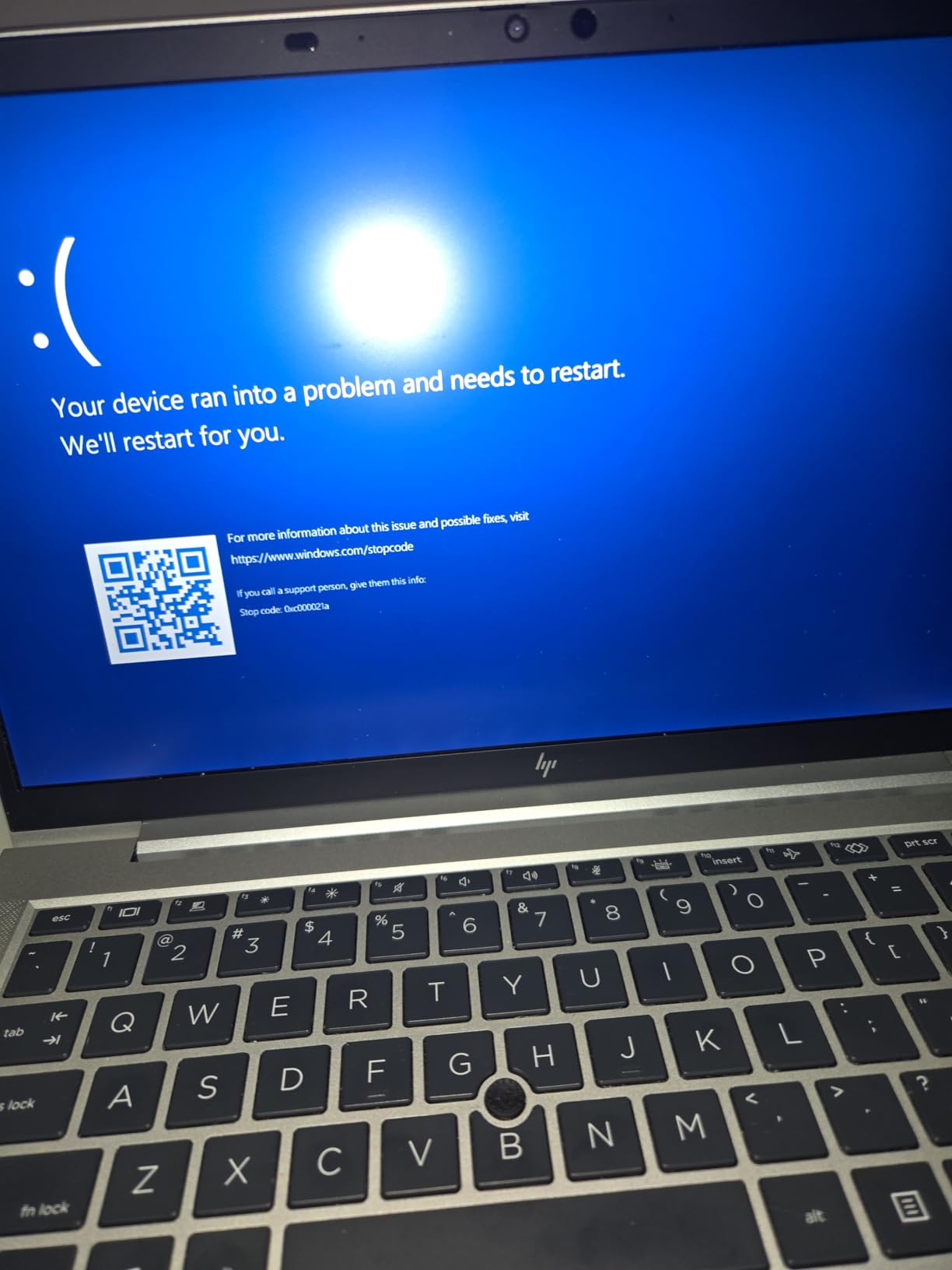
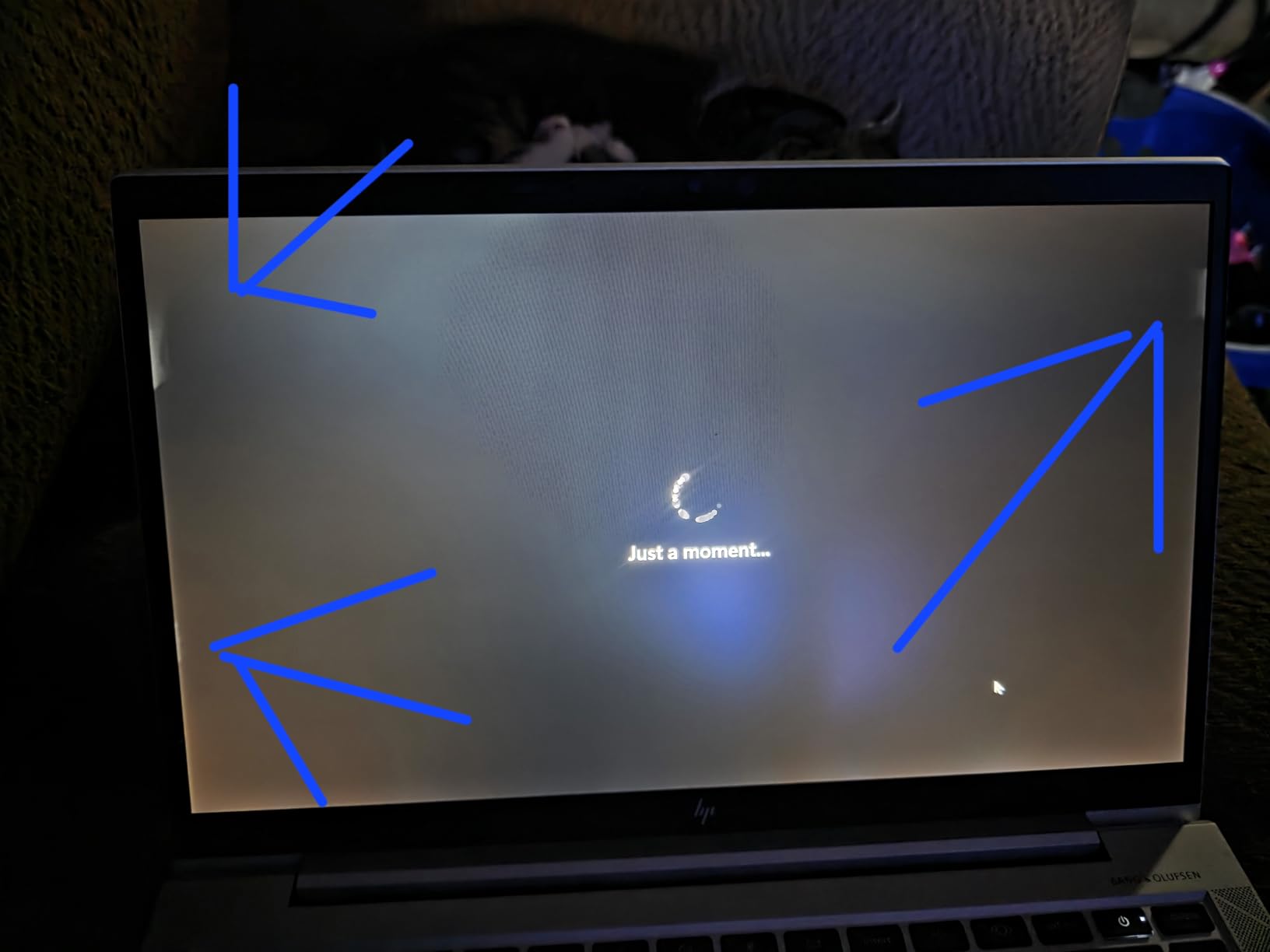
The risks are the renewed-specific ones, and this listing shows the full spread. Most buyers report like-new machines, but a minority received units that would not boot, a loose webcam, or a battery at 72 percent capacity. Read the seller’s refurbishment grade carefully and test immediately on arrival.
Best For IT-Managed Fleets
For departments standardizing on one model, the 840 G7 is attractive because parts, docks, batteries, and imaging profiles are all cheap and abundant. That ecosystem makes ongoing support dramatically easier than a mixed fleet.
Uniform hardware also means one set of drivers, one deployment image, and predictable training for every new hire.
Reading Renewed Condition Grades
Sellers use grades like A, B, or excellent and good, and the differences come down to cosmetics versus function. Check whether the battery is stated as new, refurbished, or above a capacity threshold, because that single component defines your daily experience.
Prefer listings that name a concrete battery percentage over vague promises. On this listing, buyer photos and reviews tell you more than the condition label does.
How to Choose the Best Business Laptop in 2026
Specs are the easy part. The decisions that actually determine whether a work laptop serves you for five years are about keyboard feel, security hardware, battery honesty, and how the machine fits your desk and your bag. Here is how we weigh each factor, informed by what IT professionals and long-term owners consistently report.
Keyboard Quality Comes First
If you type for a living, the keyboard is the component you touch more than any other, and it is the number one differentiator business users cite when comparing machines. ThinkPad keyboards earn their gold-standard reputation through deep travel and crisp feedback, and Latitude and EliteBook decks are close behind.
Before buying, check that the deck does not flex under pressure and that the layout includes a full arrow cluster if you navigate spreadsheets all day. A backlit keyboard is worth insisting on if you ever work on early flights or in dim offices.
Security Features That Matter
Look for three layers: a TPM 2.0 chip that stores encryption keys in hardware, biometric sign-in through a fingerprint reader or IR camera for Windows Hello, and software support through Windows 11 Pro with BitLocker. Every pick on this list except the big-screen Lenovo ships with Pro, which we consider the baseline for handling client data.
vPro-class remote management only matters if someone else administers your machine, but for fleet buyers it is the feature that lets IT lock, wipe, or update hardware remotely. If you are buying one laptop for yourself, you can safely ignore it.
Durability Testing Explained
MIL-STD-810H is a US military test standard covering drops, vibration, humidity, dust, and temperature extremes. It does not make a laptop indestructible, but it does mean the chassis survived a defined battery of abuse that consumer machines are never subjected to.
The ThinkPad X1 Carbon, E14, and EliteBook lines all carry this testing, and it is the reason business machines routinely outlast consumer siblings by years. Hinges and lid corners are where cheap laptops fail, so inspect exactly those points on any renewed unit.
Real Battery Life vs Marketing Claims
Forum threads are full of a single complaint: real-world battery life often trails the advertised figure, sometimes badly. Manufacturer numbers come from ideal scenarios like looping local video at low brightness, not Wi-Fi-heavy video calls.
Our rule of thumb after comparing claims with owner reports: expect 60 to 75 percent of the rated number in productive work. The MacBook Air comes closest to its claim, the X1 Carbon delivers a genuine full workday, and aging renewed cells are the biggest wildcard of all.
Ports and Docking Strategy
Thunderbolt 4 is the port that matters, because one cable can carry power, data, and dual 4K displays to a dock. Count your actual peripherals before choosing, since even the flagship X1 Carbon carries only one USB-A port, and the MacBook Air stops at two Thunderbolt ports total.
An RJ-45 Ethernet port is unfashionable but genuinely useful in offices with unreliable Wi-Fi or strict security postures. If your machine will live on a desk, plan the dock first and the laptop second.
Weight and Travel Load
The difference between a 2.17-pound X1 Carbon and a 4-pound-plus 15-inch machine is barely noticeable at your desk and very noticeable at mile four in an airport. Frequent flyers should treat anything under 3 pounds as the target.
Remember to budget for the bag, because a good carry system makes even a heavier laptop manageable. Our guide to laptop backpacks for travel covers options built for exactly this use case.
RAM, Storage and Repairability
Sixteen gigabytes of RAM is the practical floor for business work in 2026, and every machine here meets it. Storage depends on habit: 256GB fills fast with local files, 512GB suits most roles, and the V15’s 1TB drive is generous at any price.
Repairability matters most in the second and third years of ownership. Business lines are designed for serviceability, with accessible RAM, standard SSDs, and abundant spare parts, which is a hidden part of their value and something thin consumer laptops rarely offer.
New vs Renewed: The IT Shortcut
The single strongest consensus we found among IT professionals is that renewed off-lease business laptops are the best value in computing. You trade current-generation chips and pristine batteries for tank-grade chassis at a fraction of the price, and the two renewed picks here are that trade done well.
Make it work by buying from sellers with clear condition grades, testing battery health on day one, and keeping every machine on a current backup. For desk-based roles where the battery rarely cycles, the compromise is close to invisible.
Frequently Asked Questions
Which brand is best for business laptops?
Lenovo, Dell, and HP lead the business market in 2026. Lenovo’s ThinkPad line is the most frequently recommended by IT professionals for its legendary keyboard and durability, Dell’s Latitude series is prized as a manageable corporate workhorse, and HP’s EliteBook line offers long-lasting office machines. Apple’s MacBook Air is the top pick when Windows is not required.
What laptop is recommended for business?
For most professionals we recommend the Lenovo ThinkPad X1 Carbon Gen 13, a 2.17-pound carbon-fiber machine with a Core Ultra 7 processor, 32GB of RAM, a 2.8K OLED display, and Windows 11 Pro. Small business owners get similar satisfaction for less with the ThinkPad E14 Gen 7, and Mac users should choose the MacBook Air M5.
What is the most reliable business laptop?
The Lenovo ThinkPad X1 Carbon and ThinkPad E14 are the most reliable picks here, both carrying MIL-STD-810H durability testing for drops, vibration, and temperature extremes. Among renewed options, the HP EliteBook 840 G7 has the longest track record, with 203 owner reviews and a business chassis known to survive multiple corporate lifecycles.
Can I write off a laptop for my LLC?
In the United States, a laptop used for business is generally deductible as a business expense, either fully in the year of purchase through Section 179 or via depreciation over several years. If the machine is used partly for personal purposes, only the business-use portion is deductible. Because rules vary by country and filing situation, confirm the specifics with your accountant before filing.
How long do business laptops last?
A well-maintained business laptop typically lasts four to seven years, compared with three to four for consumer models. The chassis and keyboard usually outlast the battery, so replacing the battery around year three often extends a machine’s useful life. Renewed off-lease laptops are popular precisely because their business-grade hardware is built to survive a second full lifecycle.
Final Verdict: The Best Business Laptops of 2026
The best business laptops are not the flashiest ones, they are the machines that still feel right three years in. For most buyers that means the Lenovo ThinkPad X1 Carbon Gen 13, which pairs a 2.17-pound carbon-fiber chassis with the best keyboard and display in this lineup. The Apple MacBook Air M5 is the highest-rated pick here and the clear choice when battery silence matters more than Windows. And the ThinkPad E14 Gen 7 delivers flagship satisfaction at a small-business price.
Match the machine to the seat rather than the spec sheet: executives travel light, analysts need screens and keypads, and renewed Latitudes and EliteBooks remain the best-kept secret for scaling a team on a real budget. Whichever route you take, insist on Windows 11 Pro, TPM security, and a keyboard you would happily type on for eight hours, because those three things are what separate a work laptop from a consumer one.