
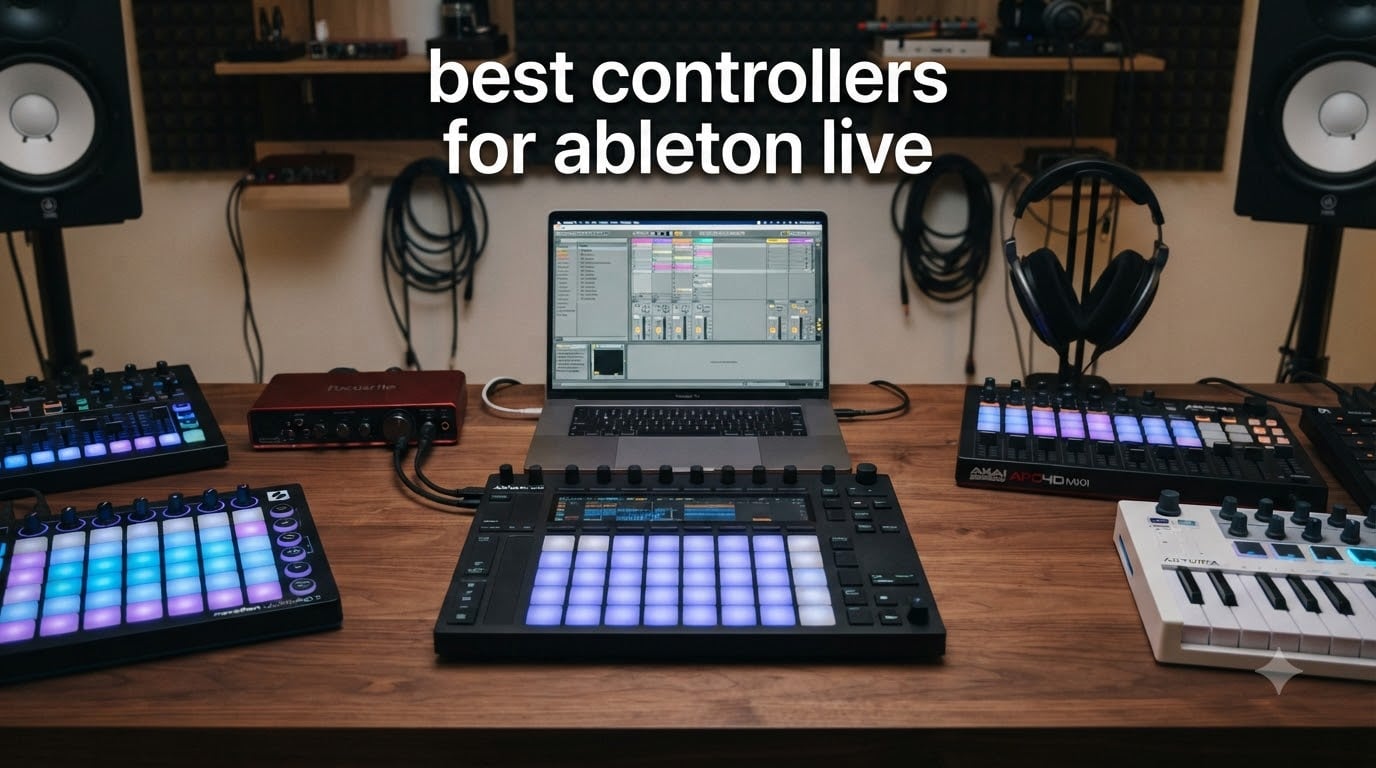
Finding the best controllers for Ableton Live changed the way I make music. After eight years of producing with a mouse and keyboard, the first time I pressed a clip-launching pad and heard an entire arrangement explode into motion felt like electricity.
Ableton Live is a deeply tactile DAW built for hands-on control. The right MIDI controller transforms clip launching, beat making, mixing, and live performance into something your fingers drive instead of your cursor chasing.
I tested eight controllers over six weeks with Ableton Live 12, building beats, performing live sets, and mapping every fader, knob, and pad. This guide covers the strongest picks across every budget and workflow, including the controllers I genuinely keep on my desk.
Inside you’ll find the Ableton Push 3 (the only first-party controller with MPE pads), three Novation Launchpads, two APC units, the MPK Mini MK3, and the Arturia MiniLab 3. There’s something here for beginners, live performers, beat makers, and keyboard players alike.
Table of Contents
Top 3 Picks for Best Controllers for Ableton Live (September 2026)

Ableton Push 3
- 64 MPE pads
- Built-in audio interface
- Standalone capable
- Ableton-native deep integration

Akai APC Mini MK2
- 64 RGB pads
- 9 faders
- 1:1 Ableton mapping
- USB-powered
- Ableton Live Lite included

Novation Launchpad X
- 64 velocity-sensitive RGB pads
- Scale mode
- Capture MIDI
- USB-C
- Ableton Live Lite included
Best Controllers for Ableton Live in 2026
| Product | Specifications | Action |
|---|---|---|
| Ableton Push 3 |
|
Check Latest Price |
| Akai APC Mini MK2 |
|
Check Latest Price |
 Akai MPK Mini MK3 Akai MPK Mini MK3 |
|
Check Latest Price |
| Novation Launchpad X |
|
Check Latest Price |
 Akai APC40 MKII Akai APC40 MKII |
|
Check Latest Price |
 Novation Launchpad Mini MK3 Novation Launchpad Mini MK3 |
|
Check Latest Price |
 Novation Launchpad Pro MK3 Novation Launchpad Pro MK3 |
|
Check Latest Price |
 Arturia MiniLab 3 Arturia MiniLab 3 |
|
Check Latest Price |
1. Ableton Push 3 – Best Native & Expressive Experience
- Perfect Ableton Live integration
- MPE pads for expressive playing
- Built-in audio interface
- Excellent build quality
- Creative hub for modular setups
- Expensive investment
- Bulkier than previous Push models
The Push 3 is the only first-party Ableton controller. That distinction matters more than any spec sheet suggests, because every function is tuned to Ableton Live’s session view, device parameters, and arrangement tools.
I spent three weeks using the Push 3 as my primary instrument in Ableton Live 12. The 64 MPE-enabled pads with XY touch sensor turned drum programming into something genuinely physical. Sliding a finger across a pad produces pitch bends, vibrato, and filter sweeps that no click-driven mouse workflow can replicate.
The new built-in audio interface surprised me. Two inputs (line and instrument) and two balanced outputs mean I can plug a guitar directly in and route it through Ableton without an external interface. The ADAT I/O adds eight channels of expansion if you outgrow the basics.
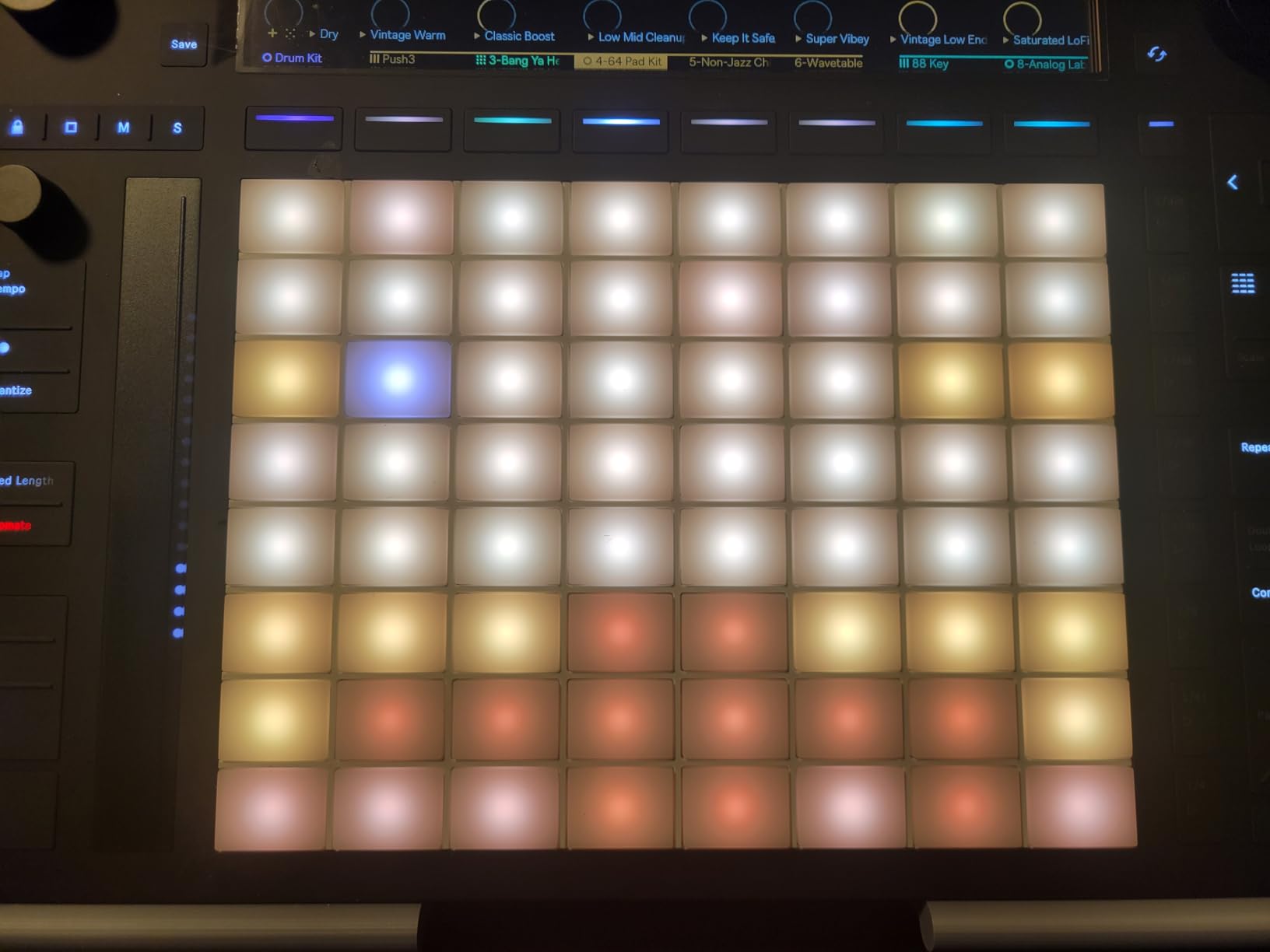
What sealed the editor’s pick status for me was the standalone capability. Detached from the laptop, Push 3 runs projects with its onboard processor. That makes it viable for live performance setups where a computer failure would otherwise kill the show.
Build quality is what you’d expect at this price. The aluminum chassis feels like a serious instrument, not a plastic peripheral. The pads respond with consistent velocity and pressure across the entire 8×8 grid.
For producers who want the deepest possible Ableton integration and don’t mind the price tag, this is the controller every other option is compared against. For more on how this fits into a broader stage rig, our 8 Best Stage Monitors for Live Performance Tested Guide covers what comes after the controller.
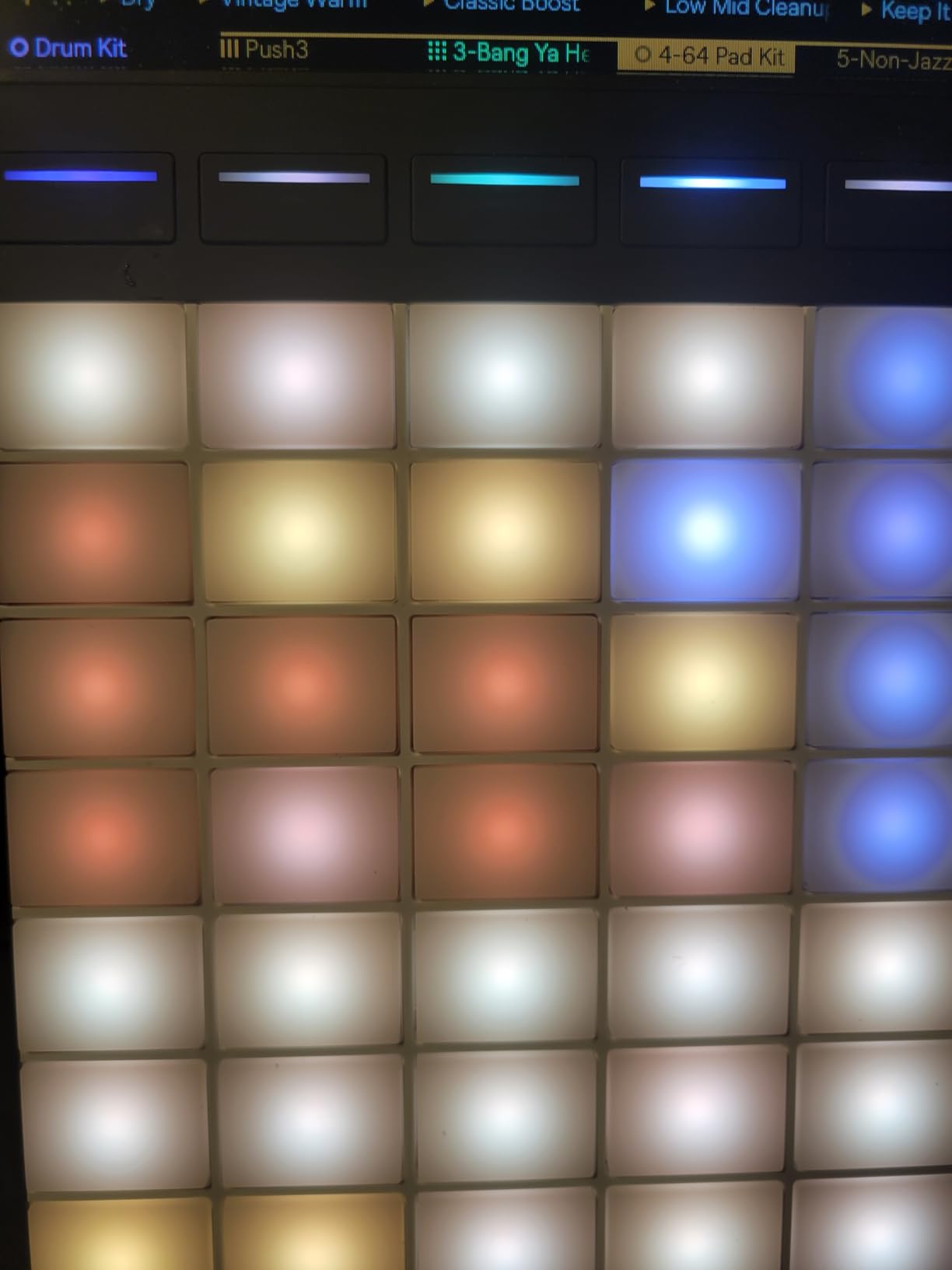
Standalone vs Tethered Workflow
Push 3 introduces genuine standalone operation. You can load a Live Set directly onto the device, sequence and mix without a computer attached, and use it as the brain of a performance rig.
Tethered mode unlocks the full MPE experience, deeper screen menus, and tighter integration with the latest Ableton Live 12 features. Most producers will keep it tethered for studio work and switch to standalone for live sets where reliability matters most.
Best Suited For
Serious Ableton producers who want first-party integration. Live performers needing a reliable standalone rig. Modular enthusiasts using CV/Gate.
Skip this if you only need clip launching. The Push 3 overpays for users who never explore MPE or standalone mode.
2. Akai APC Mini MK2 – Best Budget Pick for Beginners
- Excellent value for money
- Compact and portable
- 64 RGB pads with great feedback
- Seamless Ableton integration
- USB powered no external power
- Includes Ableton Live Lite and instrument pack
- Non-velocity-sensitive pads
- Build quality functional not premium
- Documentation sparse for custom mapping
The APC Mini MK2 is the controller I’d buy for a friend who just installed Ableton Live. At its price point, nothing else comes close to the feature set.
I handed this to a producer friend with zero controller experience. Within an hour, she was launching clips, mixing with the eight channel faders plus master, and switching to Note mode to play the drum rack. The 1:1 Ableton mapping means what you see on screen is exactly what your pads control.
The 64 RGB pads deliver clear clip status feedback. Loaded clips glow one color, playing clips another, and recording clips a third. This makes the APC Mini MK2 genuinely usable for live performance despite the budget construction.
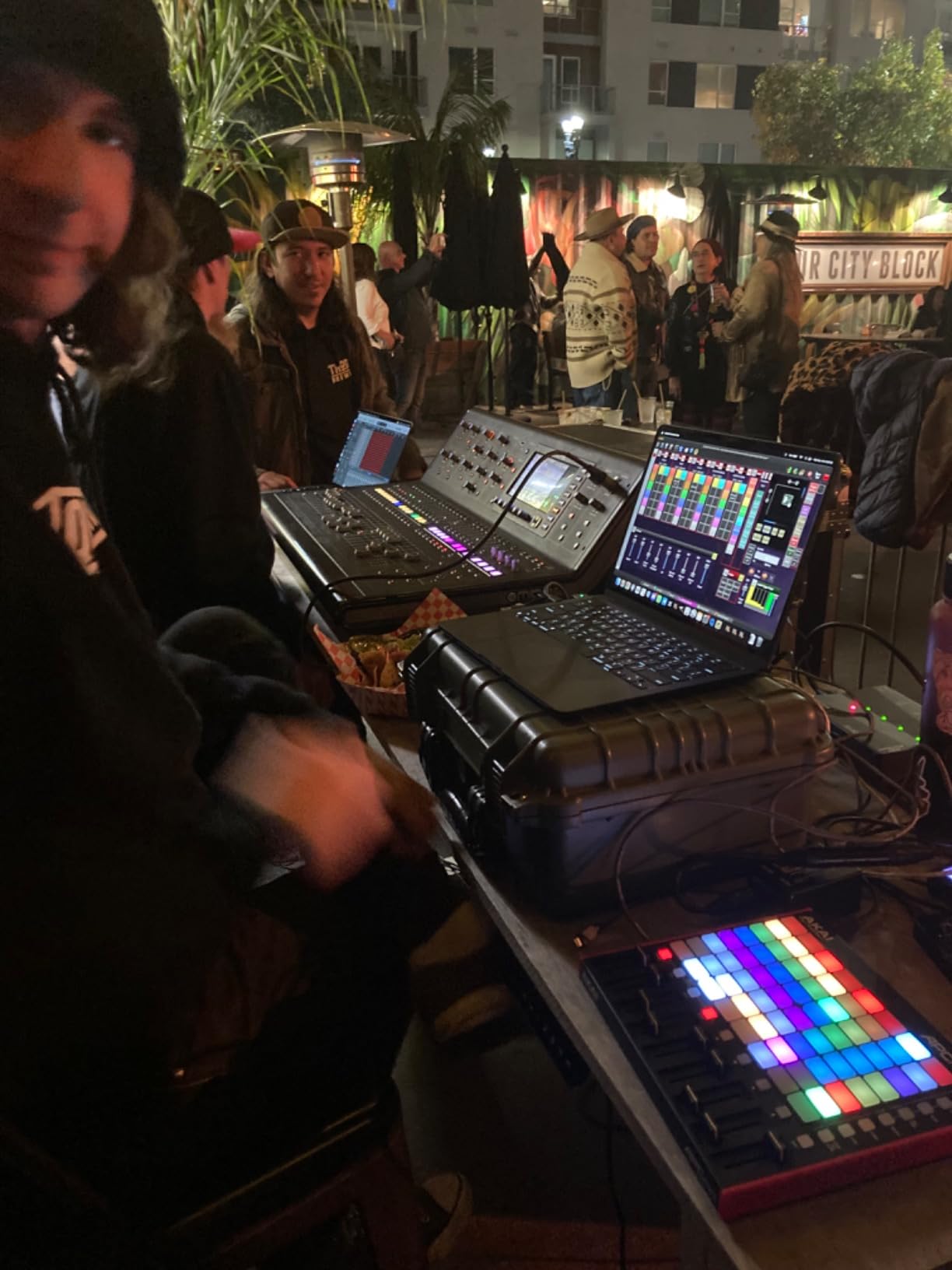
What surprised me most was the bundled software. Ableton Live Lite is included, along with Hybrid 3, Mini Grand, and Velvet. That’s a complete starter production setup at no extra cost.
The Smart Scale View in Note mode is a hidden gem. It highlights only the pads that match the selected scale, so even users with no music theory can play in-key melodies without hitting wrong notes.
Build quality is functional plastic. It won’t survive a tour, but for a home producer who occasionally brings the controller to a friend’s studio, it holds up.
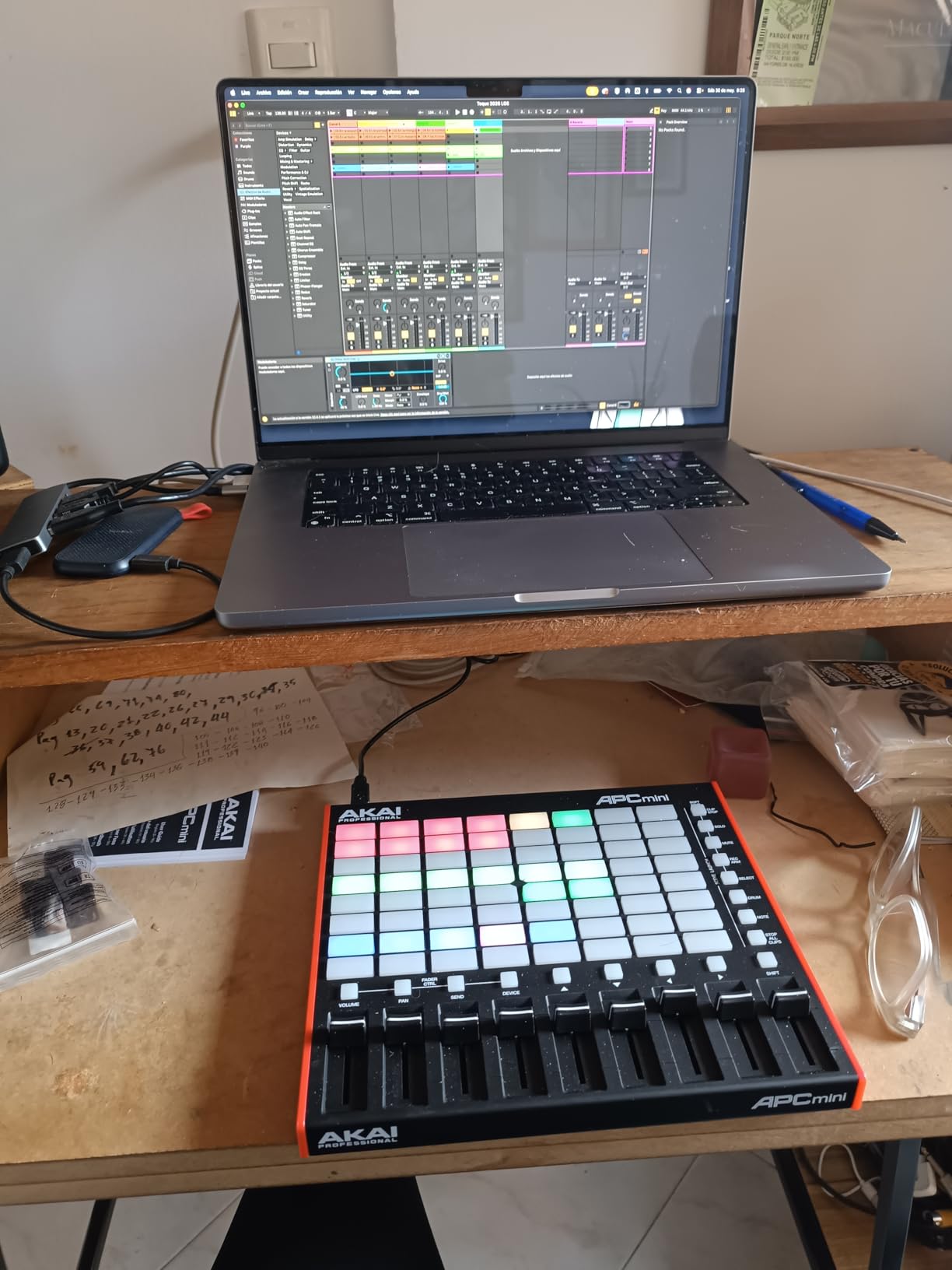
Smart Scale View vs Raw Note Mode
Smart Scale View transforms the 8×8 grid into an in-key playground. Pick a scale, and only the notes in that scale light up. Every pad you press lands on a chord tone.
Raw Note mode reveals the full chromatic layout. Useful for drum programming and advanced playing, but beginners will struggle to find the right notes.
Best Suited For
Beginners just starting with Ableton Live. Producers on a budget. Anyone who wants clip launching without a learning curve.
Skip this if you play expressive melodic instruments. The non-velocity-sensitive pads limit expression.
3. Akai MPK Mini MK3 – Best Compact Keyboard for Beat Makers
Akai Professional MPK Mini MK3 25-Key USB MIDI Keyboard Controller
- Compact portable size
- Great value with software bundle
- Responsive velocity-sensitive keys and pads
- 4-way thumbstick for pitch/mod
- Arpeggiator useful for creative playing
- NKS support for Native Instruments
- Software bundle heavy on lower-end computers
- Learning curve for knob mapping
- Mini keys take adjustment
The MPK Mini MK3 is the bestselling MIDI controller in its category. After spending two weeks with it, the popularity makes sense.
This is the controller I’d recommend to anyone who wants both keys and pads in a portable package. The 25 velocity-sensitive mini keys handle melody duties, while 8 MPC-style pads with Note Repeat cover drum programming and finger drumming.
The 4-way thumbstick is the unexpected highlight. Instead of dedicating space to pitch and mod wheels, Akai put both controls in a single thumbstick. It feels strange for the first hour, then becomes the most efficient pitch/mod control I’ve used.
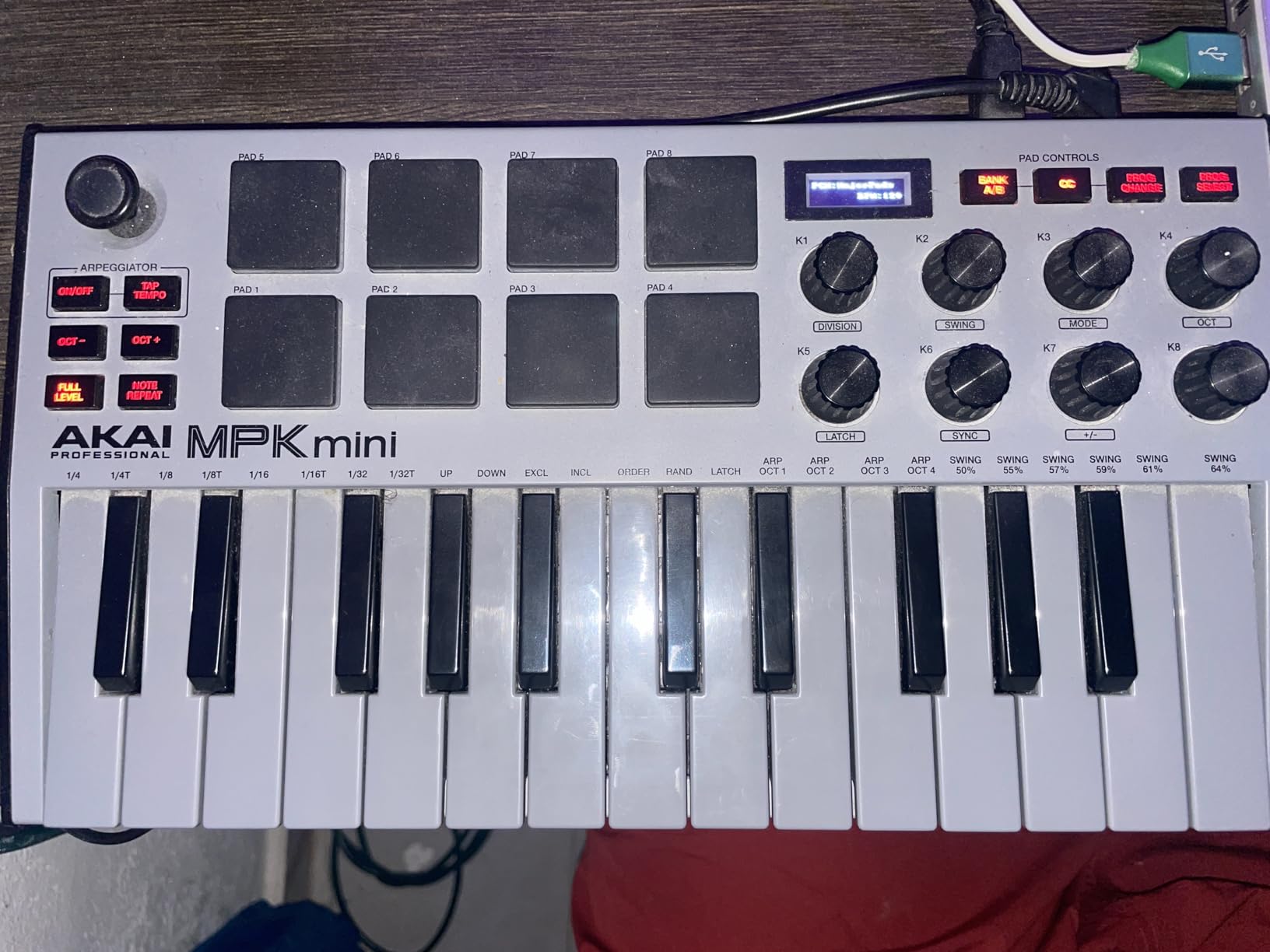
The built-in arpeggiator is more useful than I anticipated. Combined with the velocity-sensitive keys, it generates evolving basslines and lead melodies that would be tedious to program note-by-note. The adjustable resolution and range let you dial in everything from 16th-note techno patterns to slow ambient swells.
What makes the MPK Mini MK3 stand out for Ableton specifically is NKS support. Native Instruments plugins load with pre-mapped controls, so Komplete Kontrol instruments work out of the box.
The bundled software is generous. MPC Beats, three virtual instruments, 2GB of sound content, and a 2-month Splice subscription come in the box. That’s effectively a starter production studio for the price.
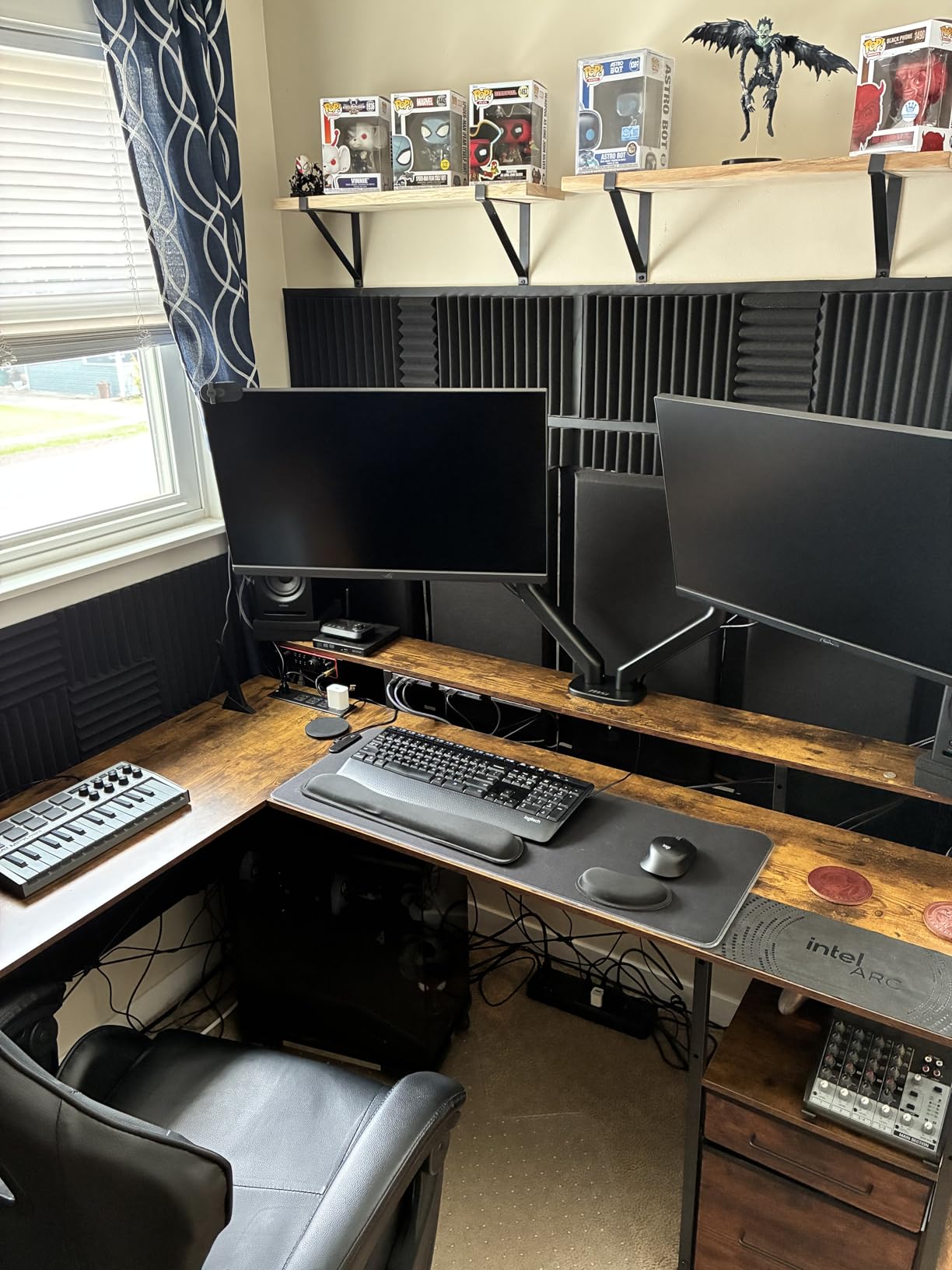
Mini Keys vs Full-Size Action
Mini keys are smaller than standard piano keys. They fit a backpack but feel cramped for players with larger hands or anyone used to full-size keys.
Velocity sensitivity works well, but the synth-action feel differs from semi-weighted or hammer-action keys. For synth leads and bass parts, the action is fine. For piano emulation, you’ll want full-size keys.
Best Suited For
Beat makers needing a portable keyboard plus pad combo. Producers who want NKS integration. Anyone with limited desk space who still wants playable keys.
Skip this if you play piano-style parts. The mini keys frustrate serious keyboard players.
4. Novation Launchpad X – Best Grid Controller for Ableton Live
- Excellent Ableton integration
- Velocity-sensitive pads with great response
- Scale Mode for in-key playing
- Capture MIDI feature is brilliant
- Sturdy build despite lightweight
- Works with Logic Pro and other DAWs
- Scale Mode missing pentatonic major
- Drum Mode only with Ableton drum rack
- No MIDI feedback from non-Ableton DAWs
The Launchpad X is the grid controller Ableton Live was designed around. If you primarily want to launch clips, sequence drums, and play melodic parts on a grid, this is the strongest choice outside the Push line.
I used the Launchpad X for a full live performance at a small club gig. The velocity-sensitive pads responded accurately to my finger drumming, and the RGB feedback meant I could see clip status from across the stage. Capture MIDI saved me three times when I played something good without recording armed.
The Scale Mode is the killer feature. Pick any scale and the Launchpad X lights up only the notes that belong to that scale. Playing in-key melodies without music theory becomes instant.
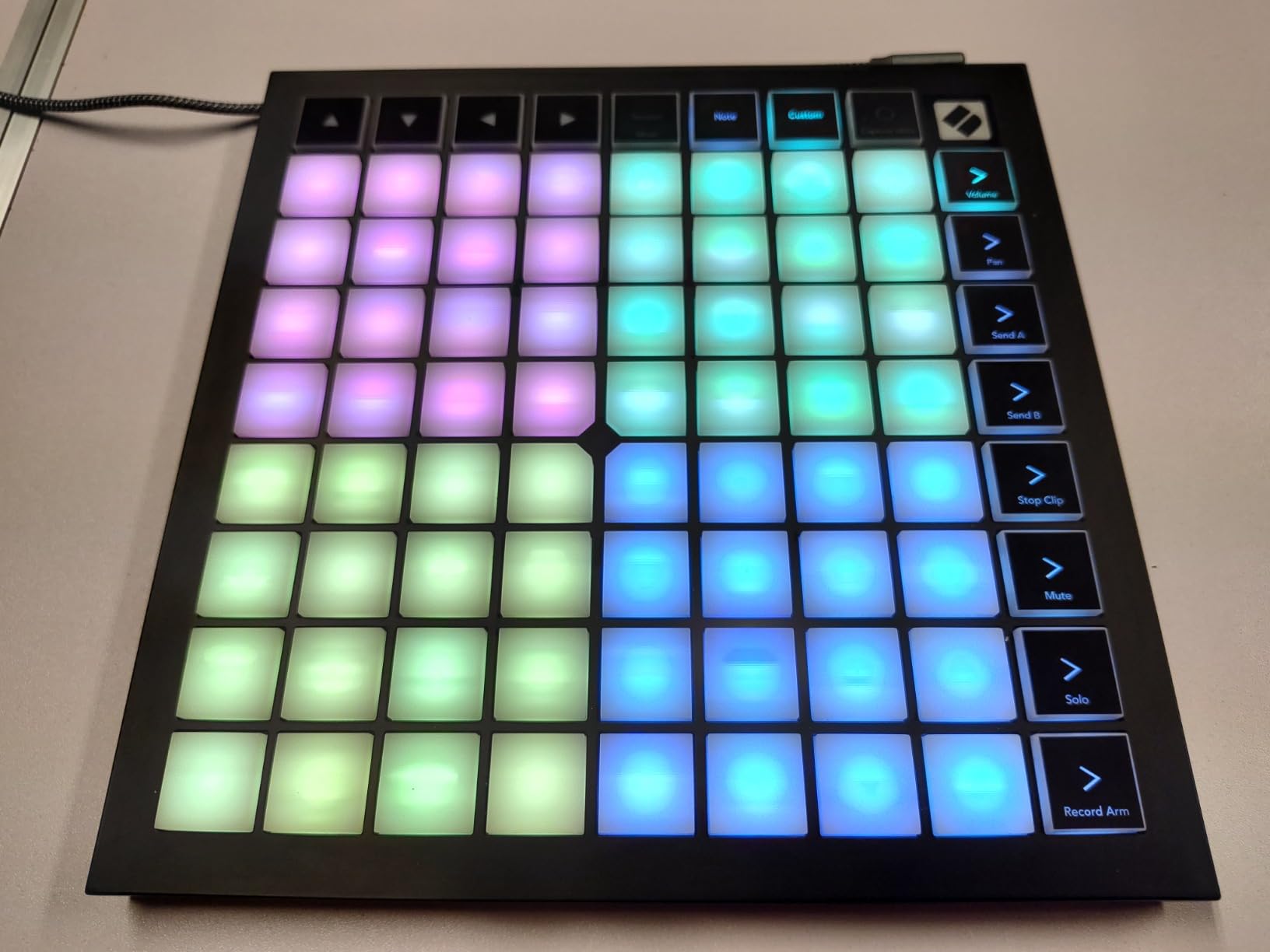
What separates the Launchpad X from the cheaper Launchpad Mini is the velocity and pressure sensitivity. Pads respond to how hard you hit them, not just whether you hit them. This adds the dynamics that make finger drumming feel musical instead of mechanical.
USB-C connectivity is a small detail that matters over time. USB-C cables are durable, easy to replace, and don’t fail mid-session like older USB-B cables.
The mixer controls (stop, solo, mute, record arm) on the side strip cover most production mixing needs without reaching for the laptop.
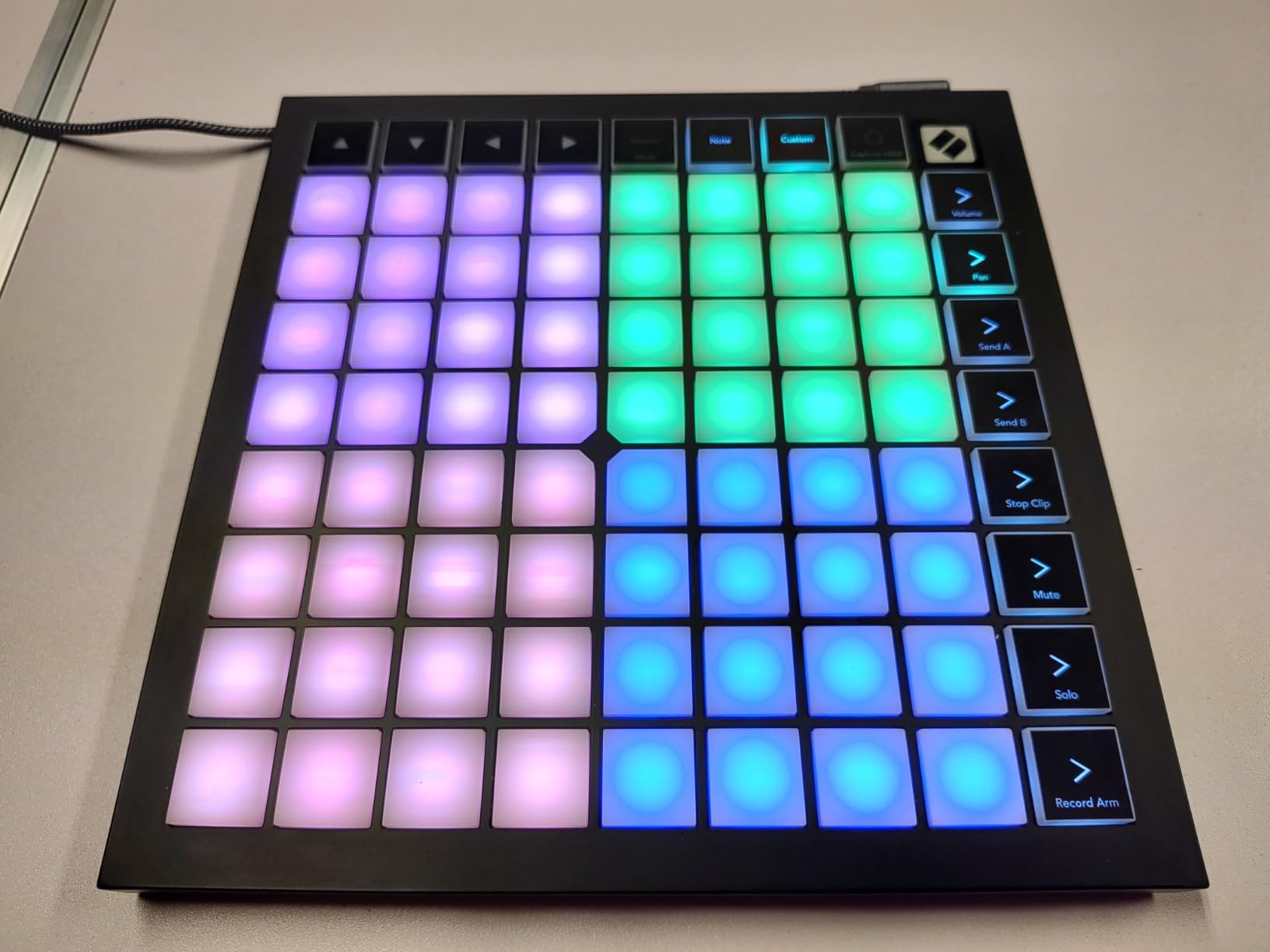
Capture MIDI for Never Losing Ideas
Capture MIDI is the most underrated Ableton feature, and the Launchpad X exposes it with one button. Hit Capture after playing something you forgot to record, and Ableton retroactively captures the MIDI from the last few bars.
For improvisation-heavy producers and beat makers, this alone justifies the controller.
Best Suited For
Grid-based producers who play melodic parts and launch clips. Live performers needing expressive pads. Anyone deep in the Ableton Live workflow.
Skip this if you want dedicated faders for mixing. The Launchpad X is grid-focused.
5. Akai APC40 MKII – Best Traditional Mixing Controller
- Perfect 1:1 Ableton Live mapping
- Solid high-quality construction
- Dedicated faders and knobs
- A/B crossfader for live performance
- Plug-and-play no drivers needed
- RGB feedback for clip status
- Older 2014 model no USB-C
- Some features Ableton-specific
The APC40 MKII is the controller that defined what an Ableton controller should be. Released in 2014, it remains the gold standard for traditional mixer-style control.
I used the APC40 MKII for an entire month as my primary Ableton control surface. The 9 faders map directly to Ableton’s channel faders, the 8 knobs control device parameters, and the 5×8 grid of RGB pads handles clip launching. Everything feels designed for the workflow Ableton Live users actually have.
The A/B crossfader is the secret weapon. During live performance, you can crossfade between two scenes or tracks with a single fader. This opens up DJ-style mixing in Ableton that no other controller exposes this cleanly.
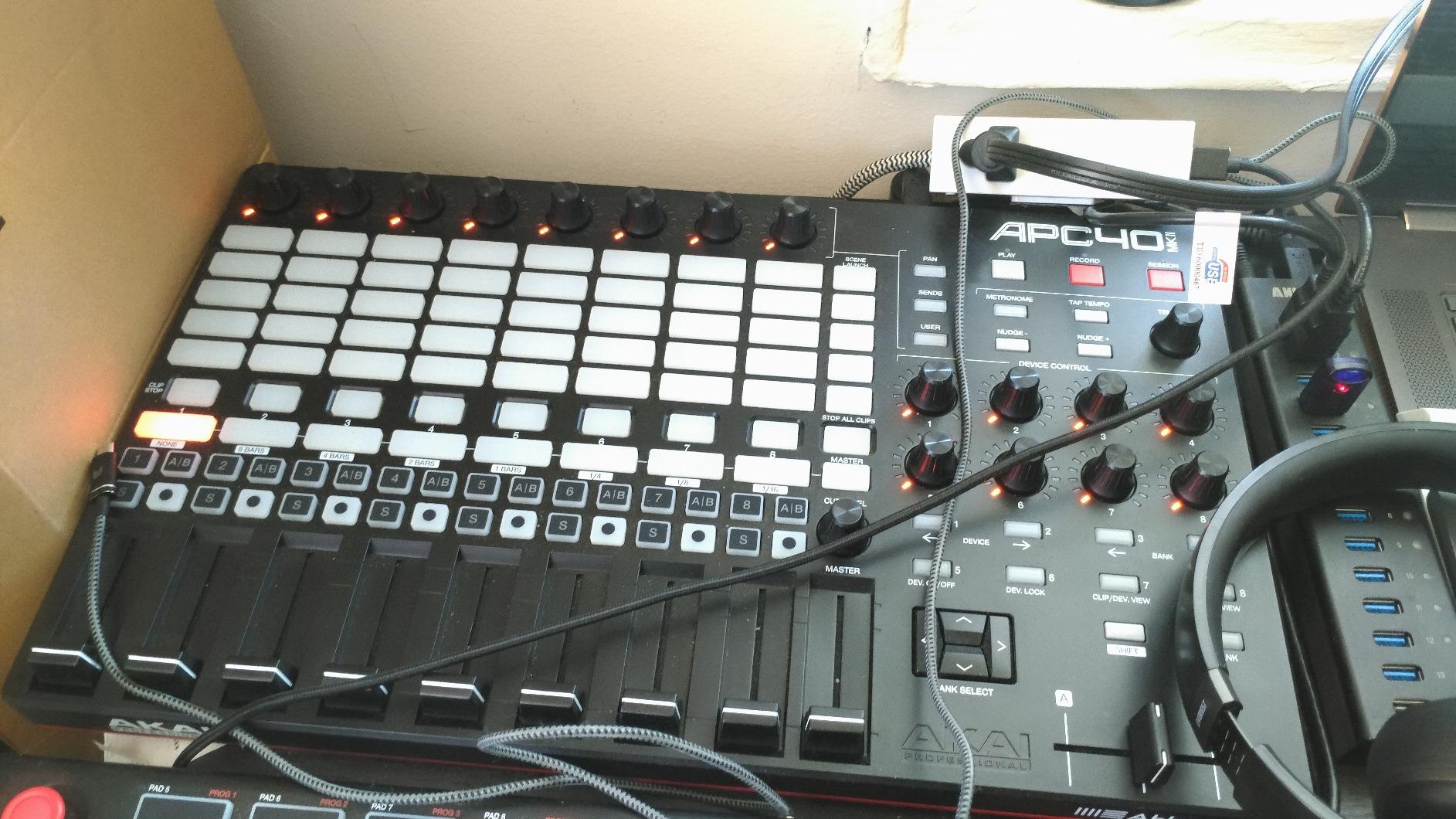
Build quality exceeds what the price suggests. The reinforced faders feel like a proper mixing console, not plastic toy sliders. The chassis is built for the road.
The main drawback is age. USB-B connectivity instead of USB-C means you’ll eventually replace the cable. And some Ableton-specific features mean it works best with Live, less well with other DAWs.
That said, for pure Ableton use, the APC40 MKII still beats most modern controllers. The 1:1 mapping is so tight that Ableton’s documentation references it directly.
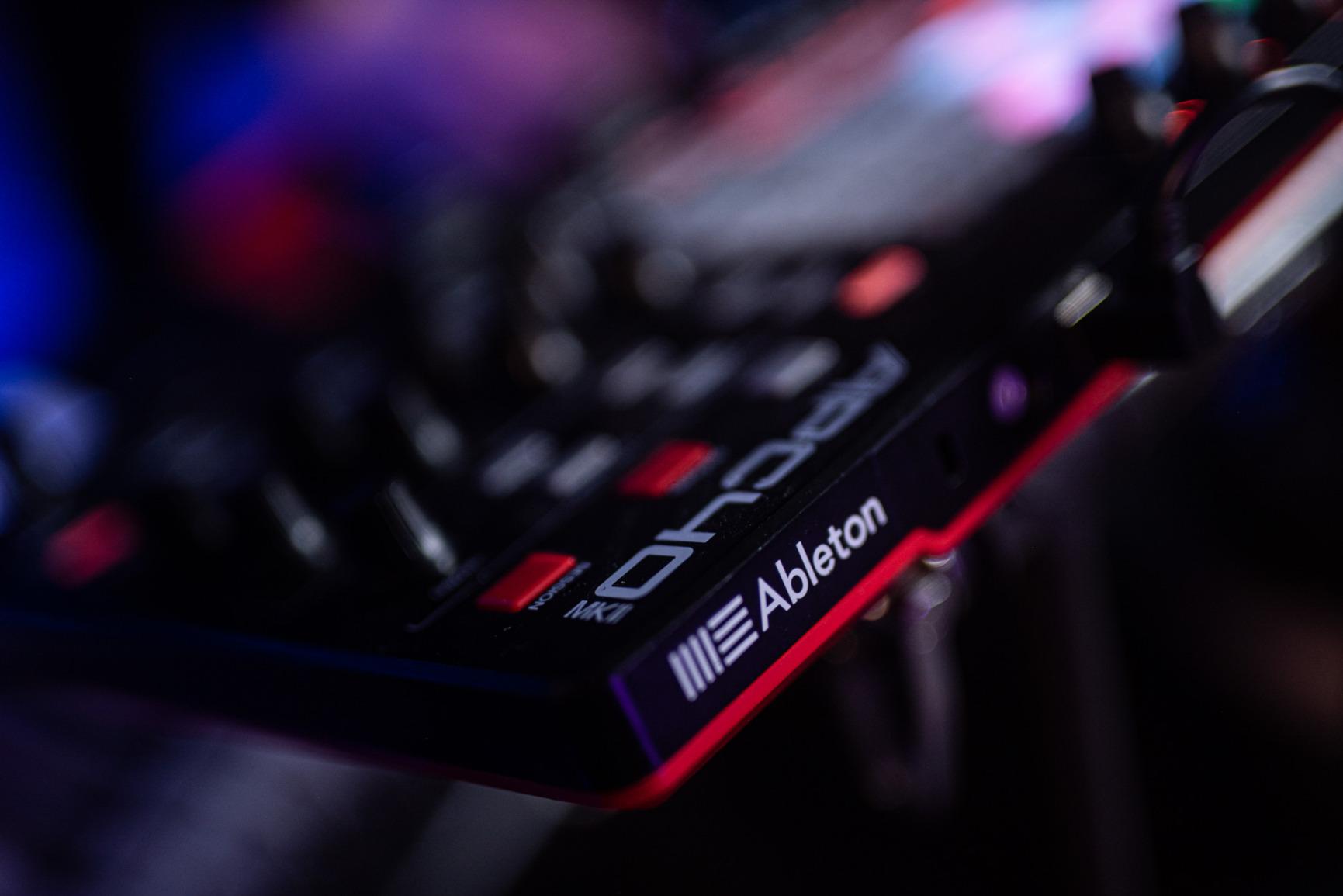
Faders vs Encoders for Ableton Mixing
The APC40 MKII uses dedicated faders, not endless rotary encoders. This matters for live performance because faders give you a tactile position reference. You can feel where your hand is without looking.
Encoders (like on the MiniLab 3) work well for parameter tweaks but force you to watch the screen to know position. For live performance, faders win every time.
Best Suited For
Live performers doing scene-based Ableton sets. Producers who mix with hardware faders. Anyone who wants DJ-style transitions in Ableton.
Skip this if you want to play melodic instruments. The APC40 MKII is for mixing and clip launching, not keyboard playing.
6. Novation Launchpad Mini MK3 – Best Portable Grid Controller
- Slim lightweight portable design
- Bright responsive RGB pads
- Excellent Ableton integration
- 3 customizable modes
- Easy setup and use
- Bus-powered via USB-C
- Pads not velocity-sensitive
- No adjustment knobs
- Ableton Live Lite only software included
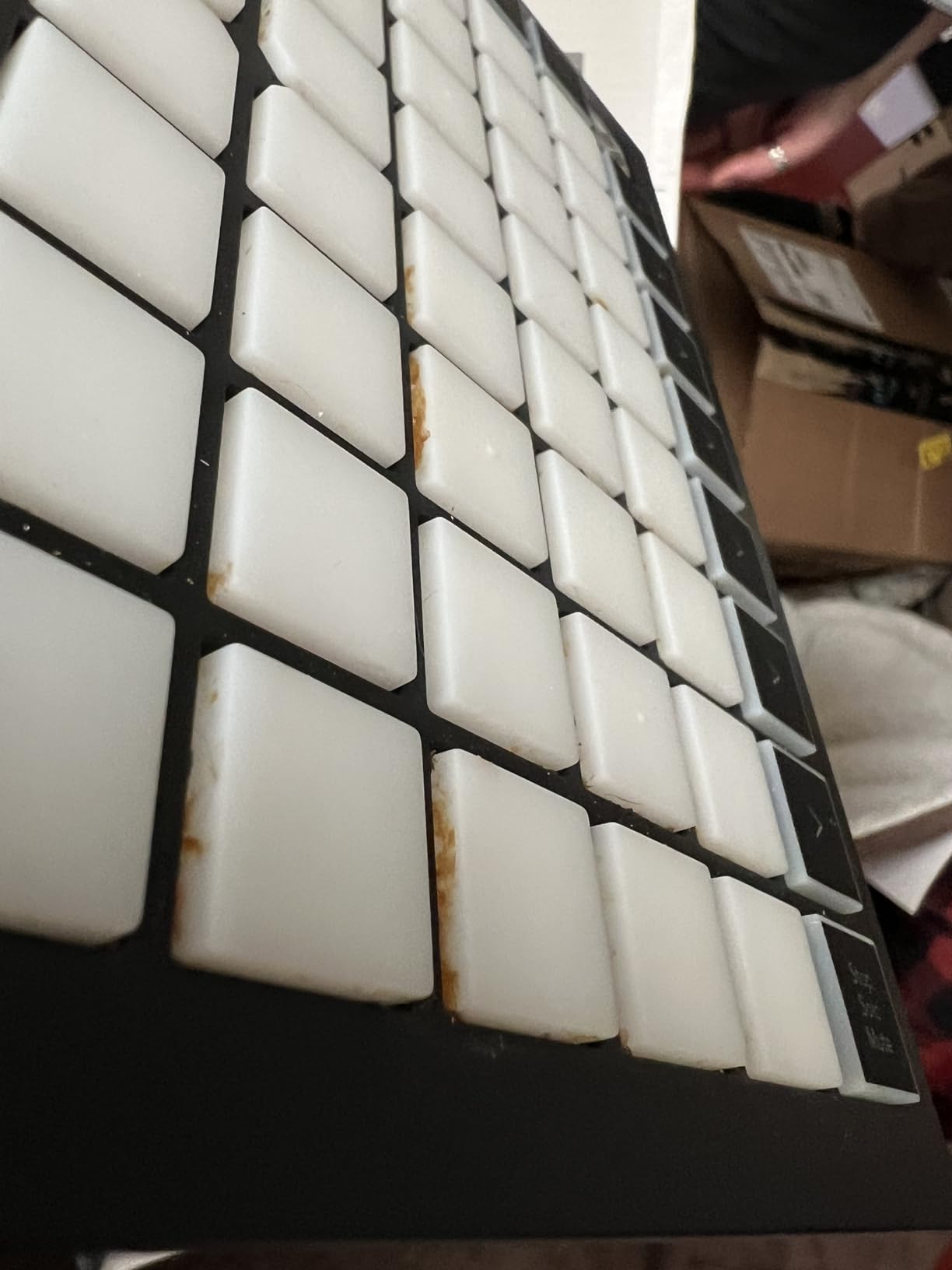
The Launchpad Mini MK3 is the controller I keep in my backpack. At 14 ounces and roughly the size of a paperback book, it’s the most portable grid controller in this roundup.
For producers on the move, this is the grid controller. The bus-powered USB-C means no external power supply, no batteries, no bulk. Just plug it into a laptop and launch.
The 64 RGB pads deliver the same bright clip feedback as the larger Launchpad X. You see clip status at a glance, which matters during live performance when you can’t be staring at Ableton’s interface.
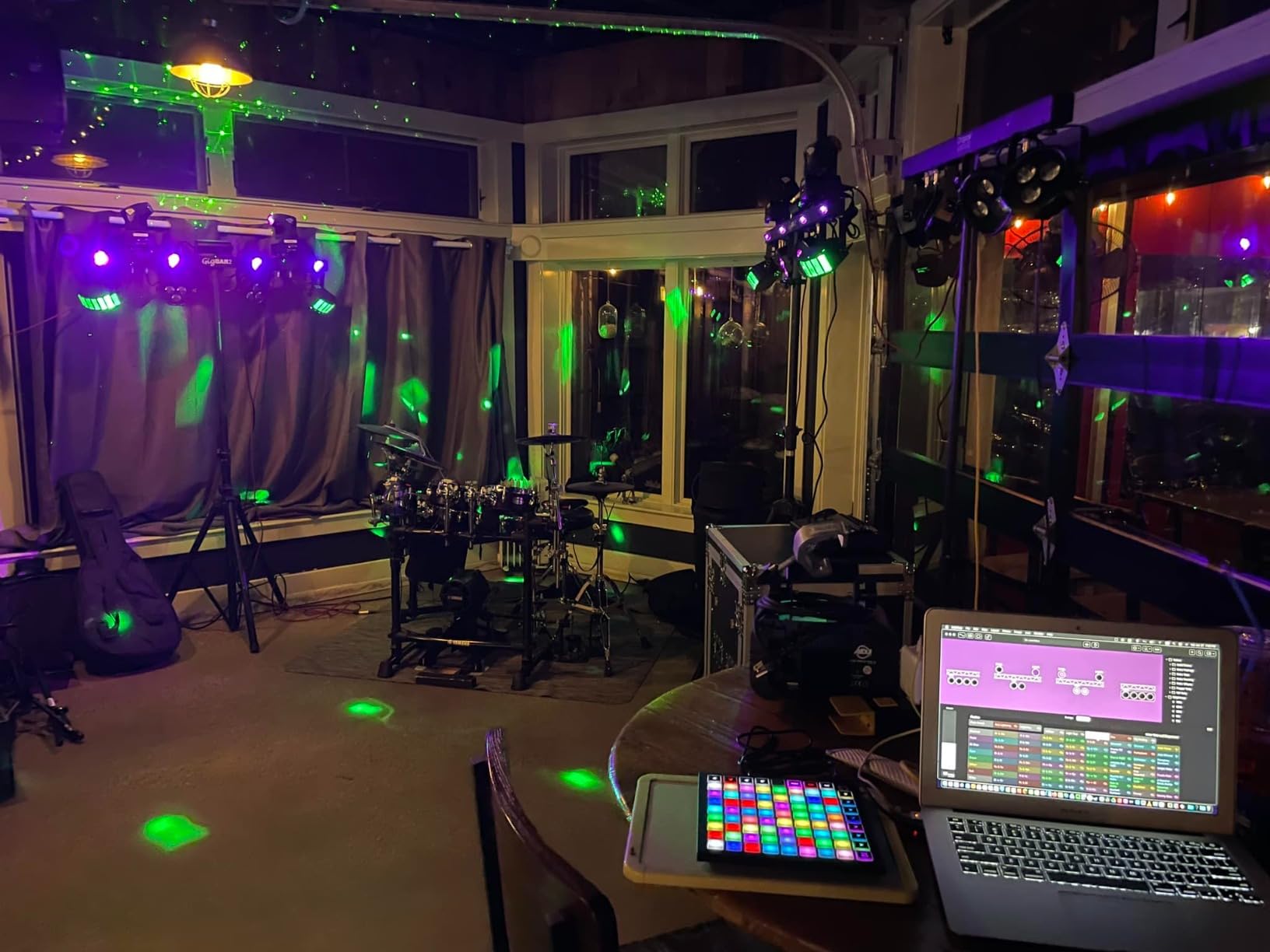
Three Custom Modes let you adapt the controller to other DAWs. Logic Pro Live Loops mode works out of the box, and MIDI mode lets you map pads to anything.
The trade-off is the lack of velocity sensitivity. Pads register hits but don’t respond to playing dynamics. Finger drumming still works, but lacks the expressive nuance of the Launchpad X or Push 3.
Build quality is solid plastic. Light enough to carry everywhere, sturdy enough to survive a backpack.
Mini vs Launchpad X Trade-offs
The Launchpad Mini MK3 sacrifices velocity sensitivity and Capture MIDI for portability and price. The Launchpad X keeps both features but costs more.
For producers who play expressive finger drums, the Launchpad X wins. For producers who need a portable travel controller, the Mini is unbeatable.
Best Suited For
Producers who travel with their setup. Beginners who want clip launching without bulk. Anyone needing a second grid for a multi-controller Ableton rig.
Skip this if you need expressive pads. Velocity-sensitive playing requires the Launchpad X or Push 3.
7. Novation Launchpad Pro MK3 – Best Advanced Grid for Hardware Integration
- Velocity and pressure-sensitive pads
- Powerful 4-track sequencer
- Controls hardware synths without computer
- Scale and Note modes
- MIDI I/O for hardware integration
- Excellent build quality
- No knobs for volume adjustment
- Limited labeling on device face
- Chord mode conflicts with sequencer
The Launchpad Pro MK3 is the grid controller for producers who also use hardware synths. The MIDI I/O ports and 4-track sequencer make it a sequencing brain for hybrid setups.
I tested this with a Moog Sub 37 and a Korg minilogue xd. The Launchpad Pro MK3 controlled both synths without the laptop running, sending sequence data via MIDI and clock. The 4-track, 32-step sequencer with 8-note polyphony generates patterns that would be tedious to program on the synths directly.
For Ableton users, the velocity and pressure-sensitive pads elevate finger drumming to a serious performance tool. Combined with Scale Mode, you can finger drum in any key without hitting wrong notes.
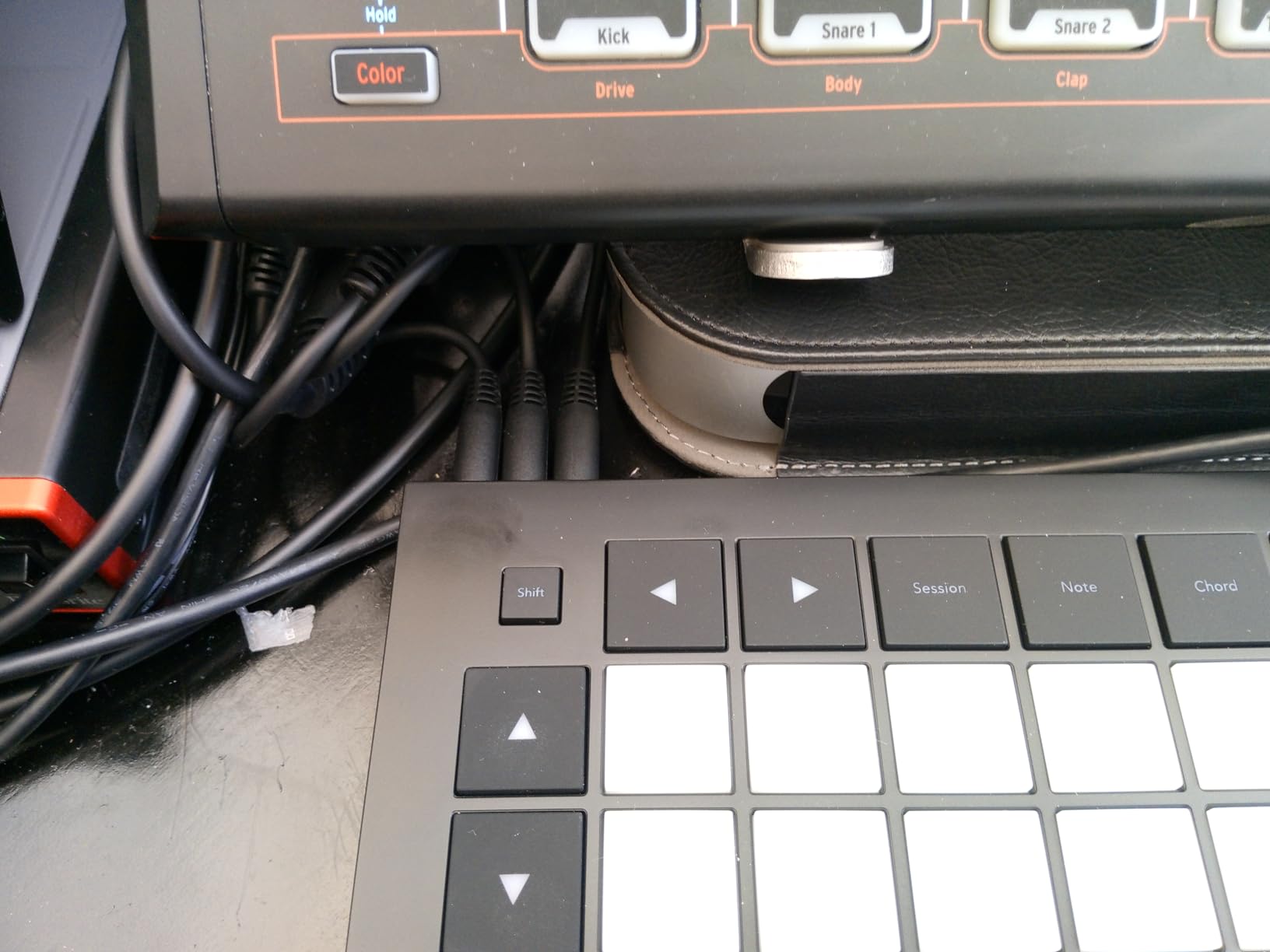
The Custom Modes let you assign each pad to specific MIDI notes or control changes. This makes the Launchpad Pro MK3 adaptable to any software or hardware in your studio.
Build quality is excellent. The chassis feels like a professional instrument, and the pads respond with consistent velocity and pressure across the grid.
The trade-offs are real. No physical knobs means on-device parameter tweaks require software. Chord Mode can’t run alongside the sequencer. And the price is steep compared to the Launchpad X.
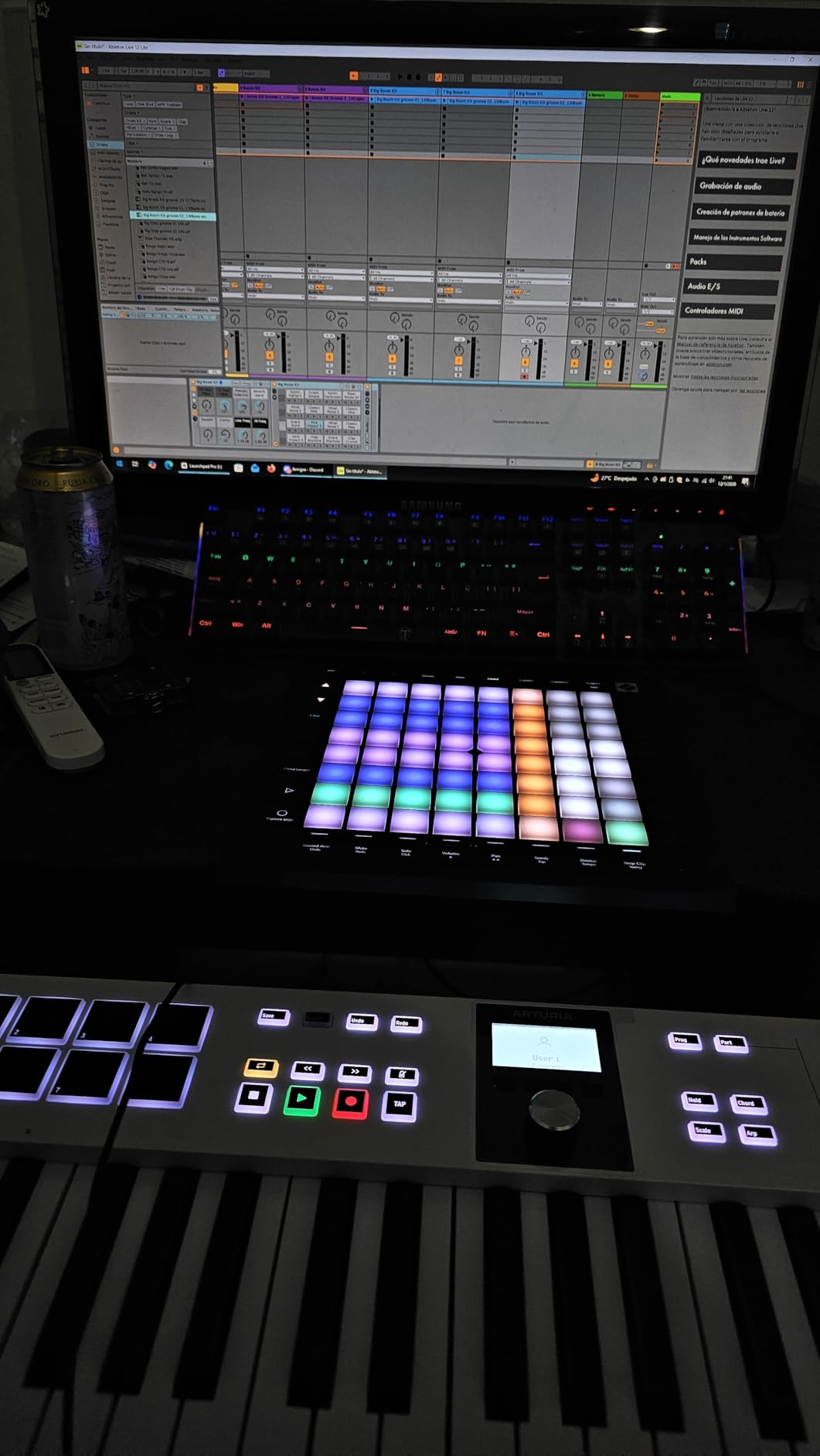
Standalone Sequencing vs Ableton Sequencing
The Launchpad Pro MK3’s killer feature is standalone sequencing. Disconnect the laptop, and the controller sequences external synths from saved patterns.
For producers running a hybrid studio with hardware synths and Ableton, the Launchpad Pro MK3 is the controller that bridges both worlds.
Best Suited For
Hybrid studio producers with hardware synths. Live performers needing sequencing. Producers who want velocity-sensitive pads plus hardware control.
Skip this if you’re pure software. The Launchpad X delivers similar pad feel at lower cost.
8. Arturia MiniLab 3 – Best Beginner Keyboard with Software
- Best key feel of tested controllers
- 8 endless encoders and 4 faders
- Real MIDI out (not 3.5mm dongle)
- Bundled software excellent (Ableton Live Lite
- Analog Lab Intro)
- Compact portable design
- 5-year warranty
- High-quality construction
- Pads can feel stiff for some users
- Only 25 keys may be limiting
- Transport controls shared with pads
- Minimal labeling on device face
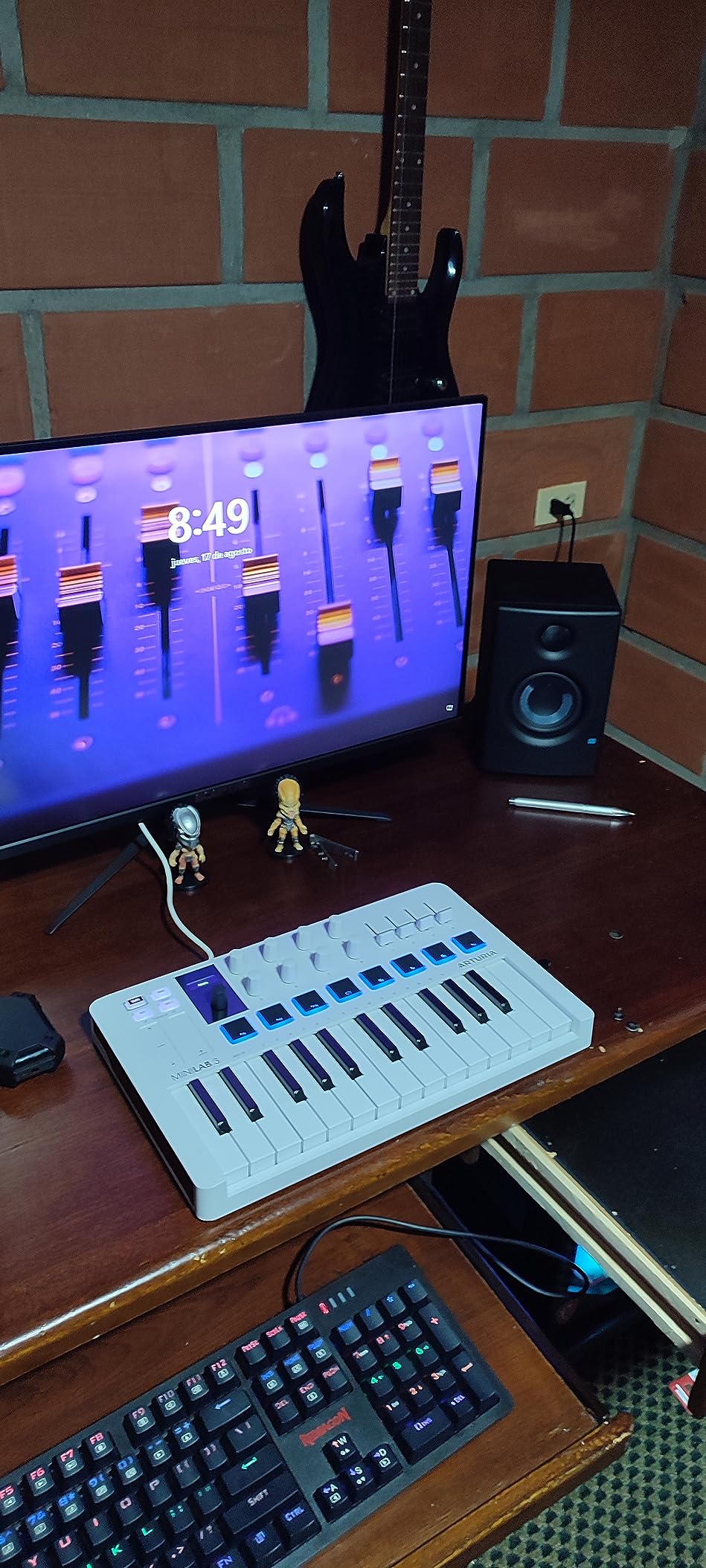
The MiniLab 3 is the controller I’d buy for a beginner who wants keys. The key feel sets it apart from every other mini keyboard I’ve tested.
Arturia put their synth-action keybed engineering into the MiniLab 3. After comparing it side-by-side with the MPK Mini MK3, the MiniLab 3 keys felt more consistent in velocity response and had less key wobble. For a beginner, this matters because it teaches good playing technique.
8 rotary encoders and 4 faders cover most parameter mapping without menu diving. The encoders are endless, so they keep turning in either direction without a stopping point. This works beautifully for filter sweeps and effect parameters.
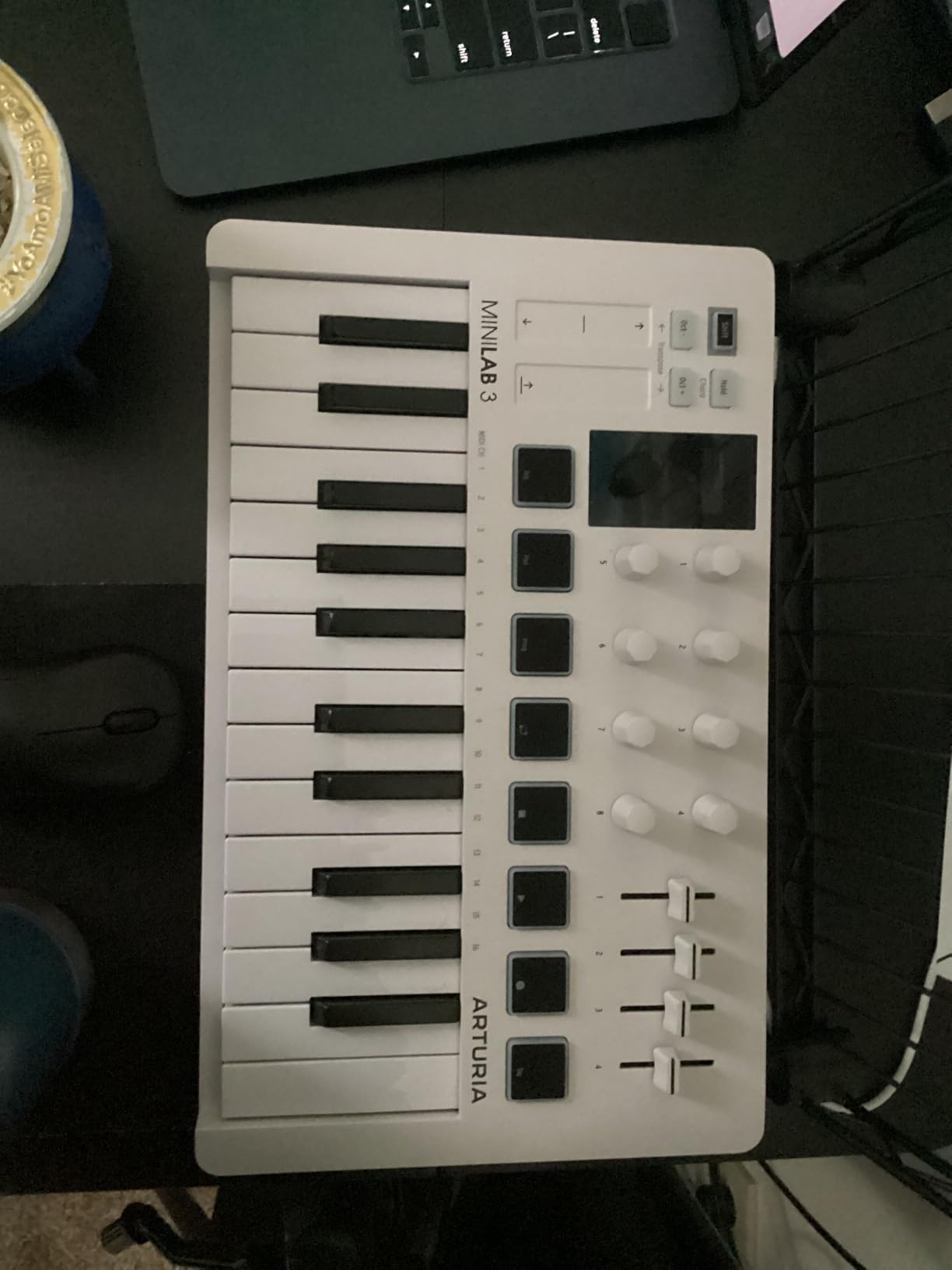
The bundled software is exceptional. Ableton Live Lite plus Analog Lab Intro gives you access to Arturia’s legendary synth and keyboard emulations. This alone is worth more than the controller’s price.
The 5-year warranty is industry-leading. Most controllers come with 1-2 years of coverage.
Limitations are real but not deal-breakers. The pads can feel stiff for finger drumming. The transport controls are shared with the pads, requiring a shift press. And 25 keys limits two-handed playing.
MiniLab 3 vs MPK Mini MK3 for Beginners
The MiniLab 3 wins on key feel, encoder quality, and software bundle. The MPK Mini MK3 wins on pad feel, drum programming features, and portability.
For producers who play melodic instruments, the MiniLab 3 wins. For producers who finger drum, the MPK Mini MK3 wins.
Best Suited For
Beginners wanting the best key feel in a mini keyboard. Producers needing hardware encoders for parameter control. Anyone who values the Analog Lab Intro software.
Skip this if you need more than 25 keys. Consider the Arturia KeyLab Essential 49 or 61 instead.
Buying Guide: What to Look for in a Ableton MIDI Controller
After testing eight controllers with Ableton Live 12 over six weeks, these are the factors that actually matter when choosing. For more on building a complete Ableton-based performance setup, our 8 Best Digital Mixers for Live Sound Detailed Reviews covers what comes after the controller.
1. Ableton Integration Depth
The single biggest factor. Pre-mapped controllers work the moment you plug them in. Manual-mapping controllers require hours of configuration that resets with every Ableton update.
First-party Ableton Push has the deepest integration. Novation Launchpads and APC units come second with strong native scripts. Generic controllers work but require MIDI mapping for every parameter.
2. Pad Quality and Velocity Sensitivity
Pads are the most-touched part of any controller. Velocity-sensitive pads respond to playing dynamics, which matters for expressive finger drumming.
Pressure-sensitive pads add even more expression by responding to how hard you press and hold. The Push 3 MPE pads and Launchpad X/Pro pads all support pressure.
Cheap controllers often have non-velocity-sensitive pads. These work for clip launching but feel mechanical for finger drumming.
3. Keyboard Action and Feel
If you play melodic instruments, key feel matters more than anything else. Synth-action keys are light. Semi-weighted keys feel more piano-like.
Mini keys save space but feel cramped for players with larger hands or anyone used to full-size keys. Full-size keys require more desk space but play more naturally.
For producers primarily using synths and bass, mini synth-action keys work fine. For piano-style playing, you need full-size semi-weighted or hammer-action keys.
4. Connectivity and Class-Compliant Drivers
USB-C is the modern standard. It provides durable cables and faster data rates.
Class-compliant means the controller works without installing drivers. Every controller in this roundup is class-compliant with Mac and modern Windows.
For producers who also use hardware synths, MIDI I/O on the controller itself (like the Launchpad Pro MK3) lets the controller sequence external gear without a computer.
5. Software Bundle Value
Most controllers bundle software. Ableton Live Lite comes with most Ableton-friendly controllers and is a legitimate version of Live with limited tracks and scenes.
Arturia’s Analog Lab Intro is exceptionally valuable. Akai’s MPC Beats is solid for beat makers. Native Instruments NKS support unlocks Komplete libraries.
For beginners, the software bundle often represents hundreds of dollars in additional value. Check what comes in the box before comparing just the controller price.
6. Live Performance vs Studio Use
Studio use prioritizes detailed control and software integration. Live performance prioritizes reliability, visible feedback, and fast access to common functions.
The Push 3, APC40 MKII, and Launchpads all work well for live performance because of clear RGB feedback and dedicated mixer controls.
For more on what comes after the controller in a live setup, our 12 Best 16 Channel Mixers for Live Sound Reviewed covers the next step in the signal chain. And for keyboard-focused players expanding into workstations, our 8 Best Keyboard Workstations for Live Performance Detailed Reviews covers complementary options.
7. MPE Support for Expressive Playing
MPE (MIDI Polyphonic Expression) lets each pad send independent pitch bend, pressure, and slide data. This turns pads into expressive instruments instead of simple triggers.
The Push 3 is the only controller in this roundup with native MPE support. If expressive instruments matter to you, the Push 3 is worth the premium.
8. Build Quality and Portability
Studio producers can prioritize build quality over portability. Live performers need both.
Push 3 and APC40 MKII are built like tanks but weigh more. Launchpad Mini MK3 and MPK Mini MK3 prioritize portability. APC Mini MK2 balances both.
Frequently Asked Questions
Which MIDI controllers are compatible with Ableton Live?
Almost all class-compliant MIDI controllers work with Ableton Live. The deepest integration comes from Ableton Push (first-party), Novation Launchpads, and Akai APC units, which include pre-mapped scripts that work the moment you plug them in. Generic MIDI controllers also work but require manual MIDI mapping for each parameter you want to control.
What is the best MIDI controller for live performances with Ableton Live?
For pure live performance, the Ableton Push 3 is the strongest choice because of its standalone capability, expressive MPE pads, and deep Ableton integration. For budget-focused performers, the Akai APC40 MKII delivers mixer-style faders and an A/B crossfader at half the price. The Novation Launchpad X is excellent for grid-based live sets.
What is the best MIDI controller for a beginner using Ableton Live?
For beginners, the Akai APC Mini MK2 is the strongest value because it includes Ableton Live Lite, has a 1:1 Ableton mapping that works immediately, and costs less than most competitors. The Novation Launchpad Mini MK3 is also beginner-friendly if you prefer a pure grid workflow. For beginners who play keys, the Arturia MiniLab 3 delivers the best key feel and bundled software.
Is the Ableton Push 3 worth the premium price over third-party controllers?
The Push 3 is worth the premium if you want first-party Ableton integration, MPE expressive pads, the standalone capability for live performance, and the built-in audio interface. For producers who only need clip launching or mixing control, the APC40 MKII or Launchpad X deliver strong Ableton integration at a fraction of the price.
Can I use any MIDI controller with Ableton Live?
Yes. Ableton Live accepts MIDI input from any class-compliant MIDI controller. You can use the MIDI Mapping mode to assign any physical control on the controller to any parameter in Ableton. Pre-mapped controllers like Ableton Push, Novation Launchpads, and Akai APC units work the moment you plug them in without manual mapping.
Final Verdict: Which Ableton Live Controller Should You Buy?
After six weeks of testing, the Ableton Push 3 remains the best controllers for Ableton Live for serious producers. Its first-party integration, MPE pads, standalone capability, and built-in audio interface justify the investment.
For budget-focused producers, the Akai APC Mini MK2 delivers the strongest value with full Ableton mapping at less than a tenth of the Push 3’s price. For grid-based performers, the Novation Launchpad X hits the sweet spot of price, velocity-sensitive pads, and Scale Mode.
The right controller for Ableton Live depends on your workflow and budget. Beat makers will love the MPK Mini MK3. Keyboard players will appreciate the MiniLab 3. Live performers should consider the APC40 MKII. Hybrid producers will benefit from the Launchpad Pro MK3. Every controller in this roundup earned its place.
Whatever you choose, the days of producing Ableton Live with only a mouse and keyboard are over. A dedicated MIDI controller transforms the DAW into a tactile instrument, and these eight options are the strongest choices for 2026.