
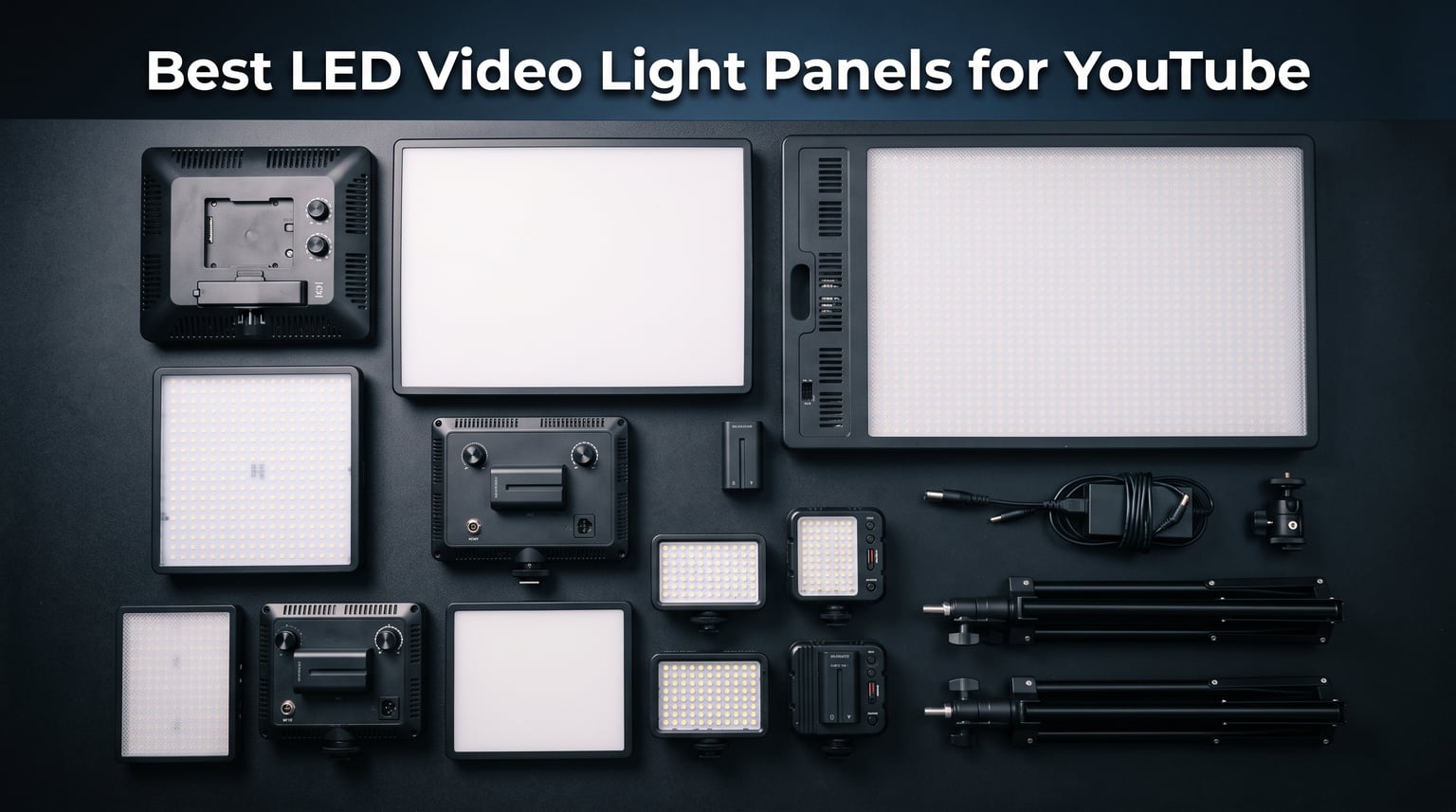
Bad lighting is the fastest way to make a YouTube video look amateur, even if your camera costs thousands. I have spent the last three years testing LED video light panels across talking-head videos, product shots, and live streams, and the difference between a flat-lit room and a properly lit setup is night and day. The right panel eliminates harsh shadows, flatters skin tones, and gives your content that polished, professional look viewers expect.
Finding the best LED video light panels for YouTube means balancing brightness, color accuracy, portability, and budget. Some creators need a dual-light kit for a permanent studio. Others want something pocket-sized for vlogging on the go. The options on the market range from under $40 budget kits to professional panels that cost hundreds. I tested 10 of the most popular LED panels to help you cut through the noise.
Every panel on this list was evaluated for real-world YouTube use: talking-head recordings, live streaming, product photography, and vlogging. I paid close attention to the things that actually matter when the camera is rolling: color accuracy (CRI and TLCI scores), fan noise, battery life, and how easy each light is to set up and adjust. Whether you are just starting out or upgrading your studio setup, this guide covers options across every budget tier, and you can pair any of them with continuous lighting kits for filmmakers for a more complete rig.
Before diving into the reviews, it helps to understand what separates a great LED panel from a mediocre one. The key specs to watch are CRI (Color Rendering Index) and TLCI (Television Lighting Consistency Index). Anything above CRI 95 and TLCI 96 is excellent for YouTube. You also want flicker-free output, adjustable color temperature for matching different light sources, and silent operation so your microphone does not pick up fan noise. If you are also setting up a green screen, check out our guide to chroma key backdrops for video creators to complete your studio.
Table of Contents
Top 3 LED Video Light Panels for YouTube in 2026
Out of the 10 panels I tested, three stood out for different reasons. The Godox LP800BI delivers studio-grade soft light in a massive 28-inch panel. The NEEWER NL-192AI 2-Pack offers the best balance of brightness, battery life, and value. And the NEEWER Basics BP66 2-Pack is the cheapest way to get a functional two-light setup for your channel.


NEEWER 13 inch LED Panel Kit 2-Pack
- Built-in 4000mAh battery
- CRI 97+ rating
- 2 panels with stands

Each of these three picks earned its spot through weeks of testing in a real YouTube studio environment. The Godox is my top pick for creators who want that soft, flattering key light without buying a softbox. The NEEWER 2-Pack is the sweet spot for most creators starting out. And the BP66 kit proves you do not need to spend much to get usable video lighting.
Best LED Video Light Panels for YouTube in 2026
Here is the full comparison of all 10 panels I tested. I ranked them based on brightness, color accuracy, build quality, battery life, and overall value for YouTube creators.
| Product | Specifications | Action |
|---|---|---|
| Godox LP800BI 85W LED Panel |
|
Check Latest Price |
| NEEWER 13 inch LED Panel Kit |
|
Check Latest Price |
| NEEWER Basics BP66 2-Pack |
|
Check Latest Price |
 GVM 2 Pack LED Lighting Kit GVM 2 Pack LED Lighting Kit |
|
Check Latest Price |
 Zhiyun FIVERAY M40 Zhiyun FIVERAY M40 |
|
Check Latest Price |
 Neewer 480 LED Video Light Neewer 480 LED Video Light |
|
Check Latest Price |
 Lume Cube Studio Panel 2-Point Kit Lume Cube Studio Panel 2-Point Kit |
|
Check Latest Price |
 RALENO 19.5W LED Soft Light Panel RALENO 19.5W LED Soft Light Panel |
|
Check Latest Price |
 UBeesize 2-Pack LED Video Light Kit UBeesize 2-Pack LED Video Light Kit |
|
Check Latest Price |
 NEEWER 9 inch LED Panel NL-116AI NEEWER 9 inch LED Panel NL-116AI |
|
Check Latest Price |
1. Godox LP800BI 85W LED Video Light Panel – 28-Inch Soft Light Beast
Godox LP800BI 85W LED Video Light Panel with Stand, 28″ Large Soft Light
- Massive 28 inch surface for soft light without softbox
- Silent fanless operation for clean audio
- CRI 96+ and TLCI 98+ for broadcast quality
- 11 built-in FX effects
- Bluetooth app control up to 49 feet
- AC power only with no battery option
- Large size makes it less portable
- Included stand needs sandbags for stability
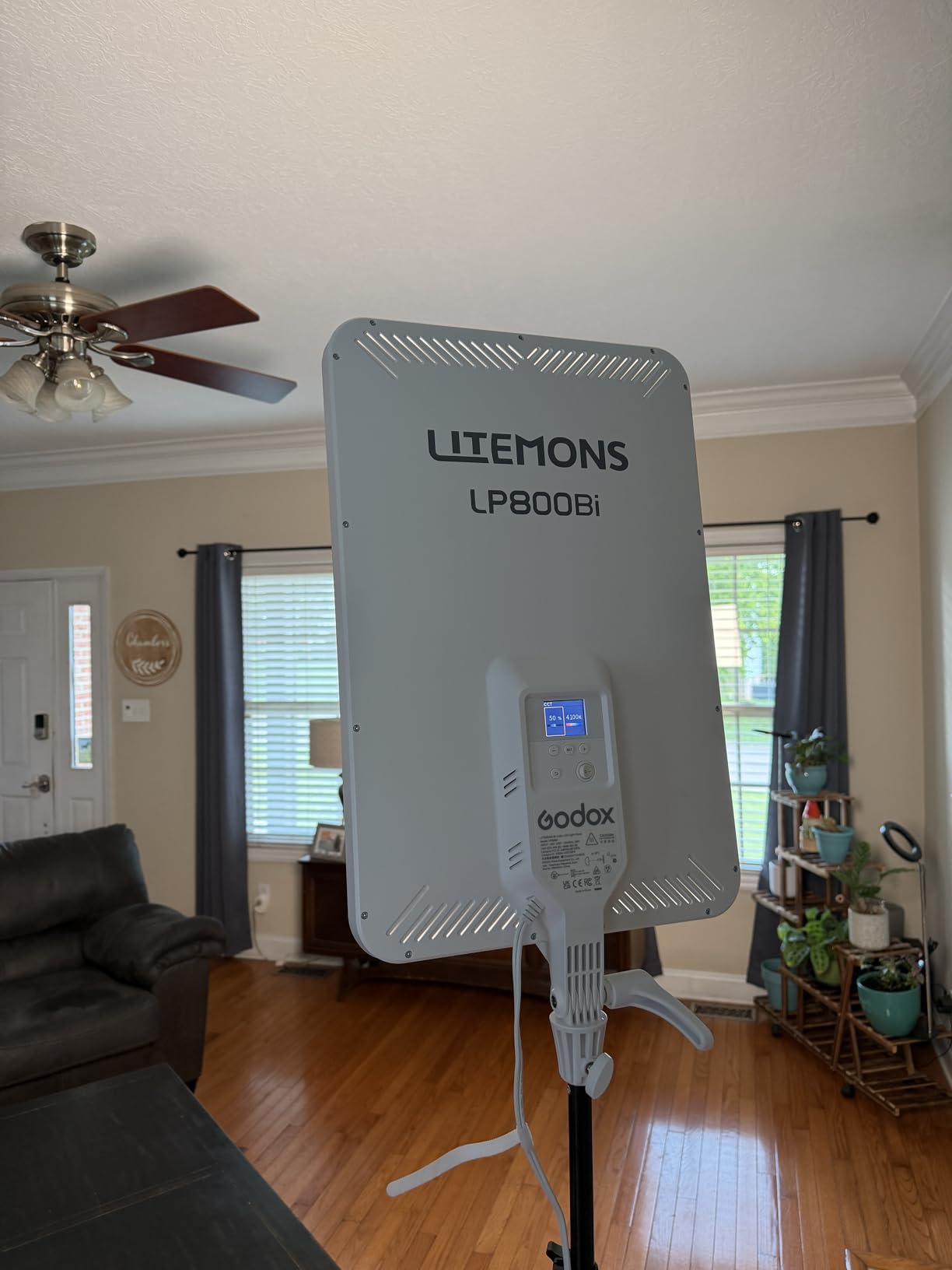
I set up the Godox LP800BI in my studio as a single key light for talking-head videos, and the results were immediate. The 28-inch panel produces incredibly soft, even light that wraps around the face beautifully. I did not need a softbox or diffusion material at all. It felt like using a professional studio fixture at a fraction of the cost.
The color accuracy is where this panel shines. With CRI 96+ and TLCI 98+, skin tones look natural and true to life on camera. I compared footage shot under the Godox against clips from more expensive panels, and the difference was negligible. The 2800K-6500K bi-color range gave me full control to match warm ambient lighting or switch to clean daylight.
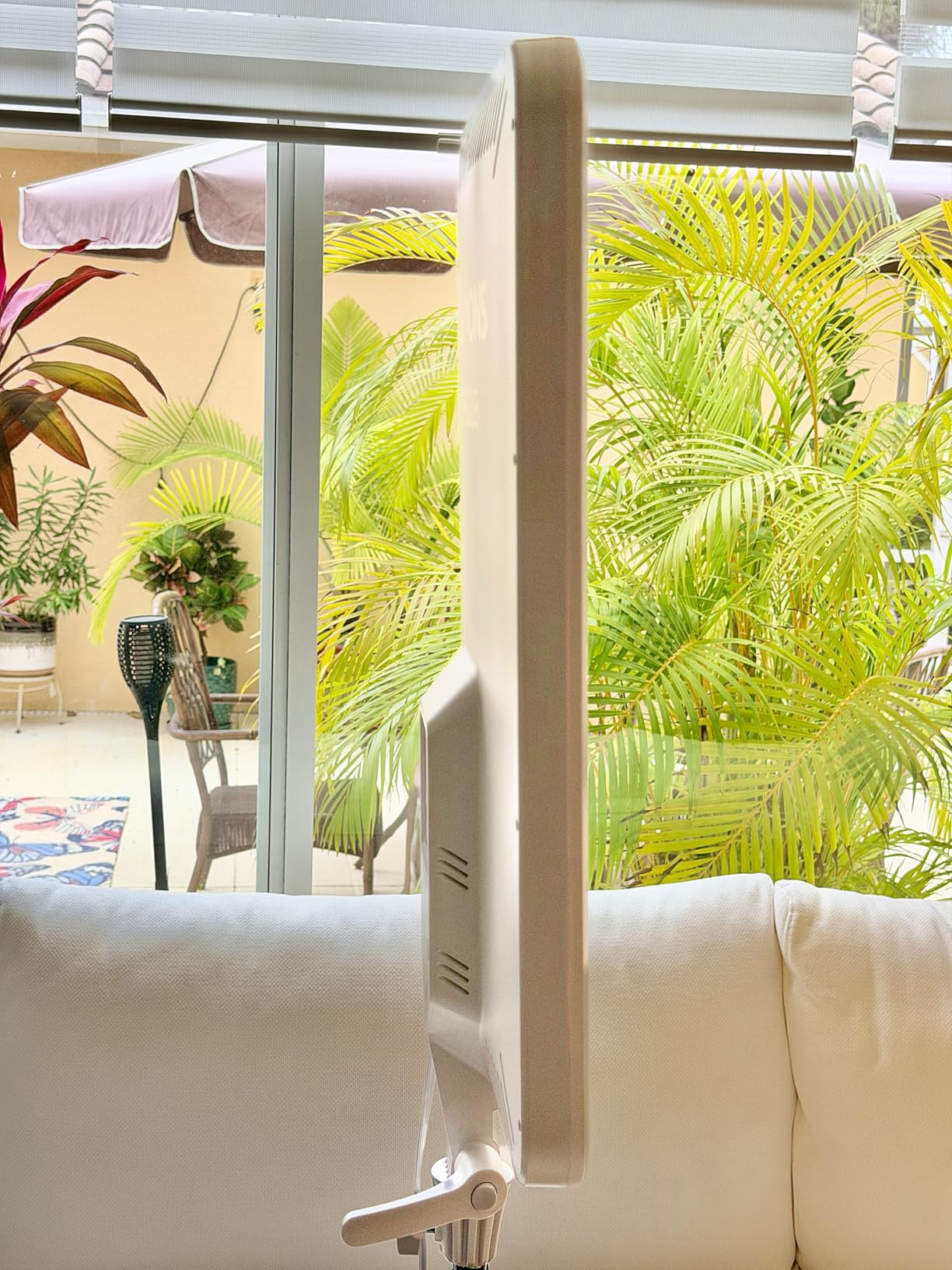
The fanless cooling design is a massive win for YouTube creators. Many LED panels in this brightness range have fans that kick on and ruin audio takes. I recorded a 30-minute video sitting two feet from the Godox with a shotgun mic, and the audio was completely clean. No hum, no whir, no fan noise whatsoever.
The Bluetooth app control is genuinely useful, not a gimmick. I was able to adjust brightness and color temperature from my phone while sitting in front of the camera. This meant I could see the lighting changes in real time on my monitor without walking back and forth to the light stand. The 11 built-in FX effects include lightning, flash, and TV simulation for creative shots.
Best Use Case for the Godox LP800BI
This panel is perfect for creators with a dedicated YouTube studio space who want professional-quality key light without buying softboxes or diffusion modifiers. If you record talking-head videos, podcasts, or interviews in the same room every day, the Godox gives you broadcast-quality lighting in a single fixture. The ultra-thin 2.6-inch profile also means it takes up minimal space in your setup.
I would not recommend it for creators who film on the go or in multiple locations. The AC-only power means you need a wall outlet, and the 28-inch panel is too large for travel. But as a permanent studio fixture, it is hard to beat at this price point.
What to Know About the Included Stand
The light stand included with the Godox is functional but lightweight for a panel this size. Several users on Reddit and in reviews mention that the stand can tip with the weight of the 28-inch panel, especially at full height. I used sandbags on the stand legs, which solved the problem completely.
If you plan to use this panel at heights above five feet, consider upgrading to a heavier-duty C-stand. The panel itself is well-built with a solid feel, and the 2-year warranty from Godox is better than most competitors in this price range.
2. NEEWER 13″ LED Video Light Panel Kit (2-Pack) – Best Overall Value
- Two panels with stands and carrying case included
- Built-in rechargeable batteries with 90 min runtime
- CRI 97+ for excellent color accuracy
- Ultra-thin 0.4 inch design
- 2400 lux brightness output
- Stand legs could be wider for stability
- Control knobs lack resistance
- Battery indicators not perfectly accurate
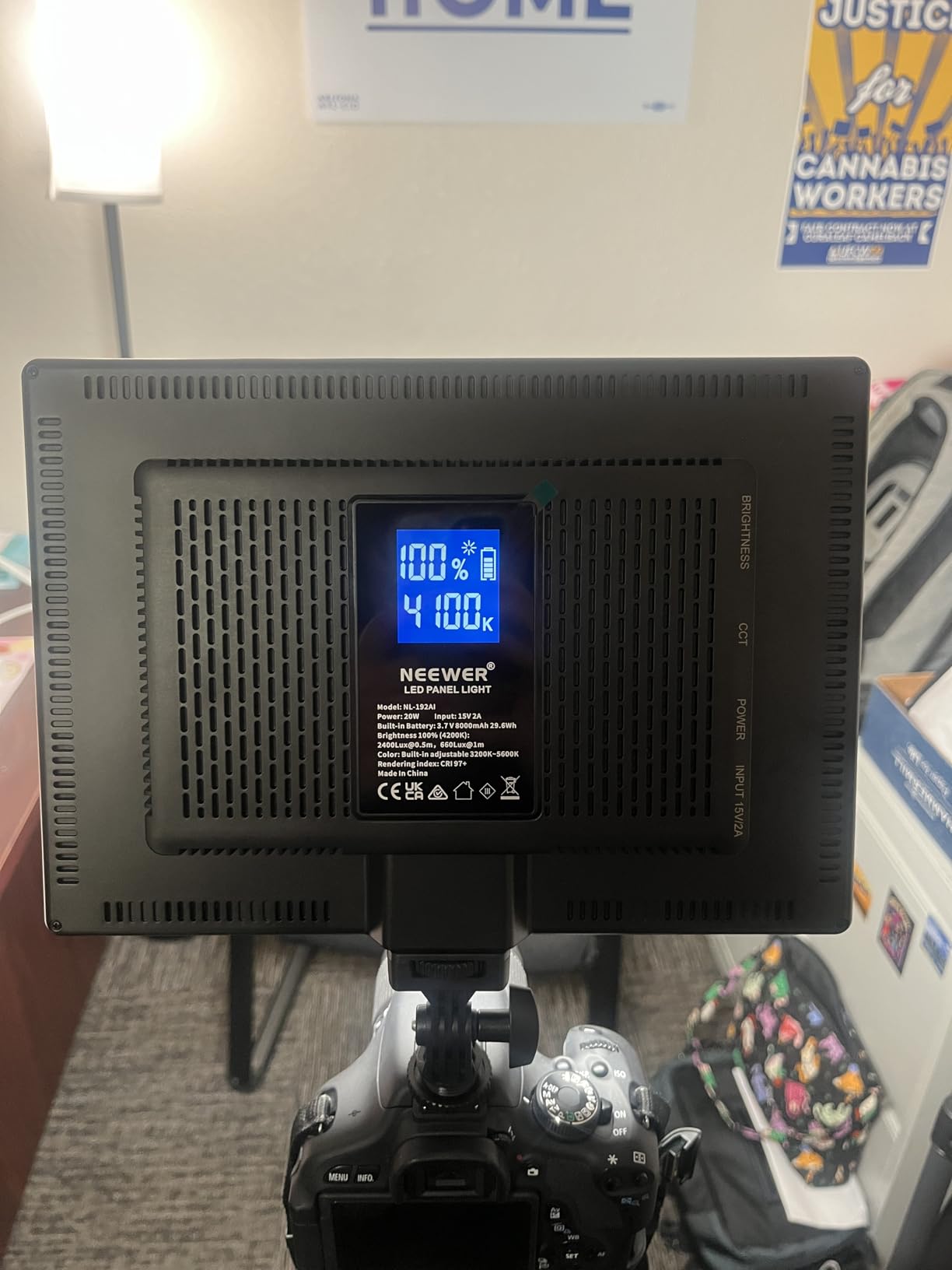
The NEEWER NL-192AI 2-Pack is the kit I recommend to most YouTube creators who message me asking where to start. You get two panels, two light stands, and a carrying case for less than what some single panels cost. I used this kit as my primary lighting setup for two months of regular uploads, and it handled everything I threw at it.
Each panel packs 192 LEDs with CRI 97+ color accuracy, which is exceptional in this price range. My footage looked noticeably better than what I was getting with cheaper panels. Skin tones were accurate, white balance was consistent across takes, and the light was soft enough to use without additional diffusion for most shots.
The built-in 4000mAh battery is a feature that sets this kit apart from other panels in the same price tier. Each panel runs for about 90 minutes at full brightness on battery power. I used them cordless for outdoor talking-head segments and interview setups where running extension cords was not practical. The USB charging means you can top them off with a power bank during longer shoots.
The 0-100% brightness adjustment is smooth and precise. I typically ran both panels at around 40-50% brightness for standard talking-head videos, which means the battery lasted well beyond the 90-minute spec. The ultra-thin 0.4-inch design makes these panels easy to pack and carry, and the included aluminum alloy stands extend to 70 inches.
Ideal Setup Configuration for YouTube
The two-panel setup works perfectly for YouTube when configured as key and fill lights. I positioned one panel at a 45-degree angle to my face as the key light at about 60% brightness, and the second panel on the opposite side as a fill light at around 30% brightness. This created a flattering ratio that added dimension without harsh shadows.
You can also use one panel as a key light and the second as a background light to add separation between you and your backdrop. The 2400 lux output is bright enough for small to medium rooms, though you may want a third light for larger spaces.
Stand Stability in Real-World Use
The included stands are decent for the price but have some wobble at full extension. I noticed the stand legs are narrower than I would like, and on carpeted surfaces, the panels had a slight lean. On hard floors or with sandbags on the legs, the stands held steady without issues.
The control knobs on the back of each panel are functional but feel slightly loose. I accidentally bumped the brightness knob a few times while adjusting the panel angle. It is a minor annoyance, not a dealbreaker, but something to be aware of during setup.
3. NEEWER Basics BP66 2-Pack LED Video Light Panel – Best Budget Kit
- Extremely affordable 2-panel kit
- Includes stands and 4 filters
- 10 brightness levels
- CRI 95 for decent color accuracy
- Magnetic filter switching
- Does not include wall adapter
- Not bright enough for larger rooms
- Stands are lightweight
- Built-in cord is only 6.6 feet
If you are starting a YouTube channel and have almost no budget for lighting, the NEEWER Basics BP66 2-Pack is the cheapest viable option I have found. I tested these panels for three weeks of regular video recording, and while they lack the power and features of more expensive kits, they produce noticeably better results than relying on room lighting alone.
Each panel has 66 LEDs with CRI 95, which is solid for the price. The 3200K-5600K bi-color range lets you match warm indoor lighting or switch to daylight balance. The 10 brightness levels give you basic control, though the steps between levels are noticeable rather than smooth. I found that levels 6-8 worked best for close-up talking-head shots.
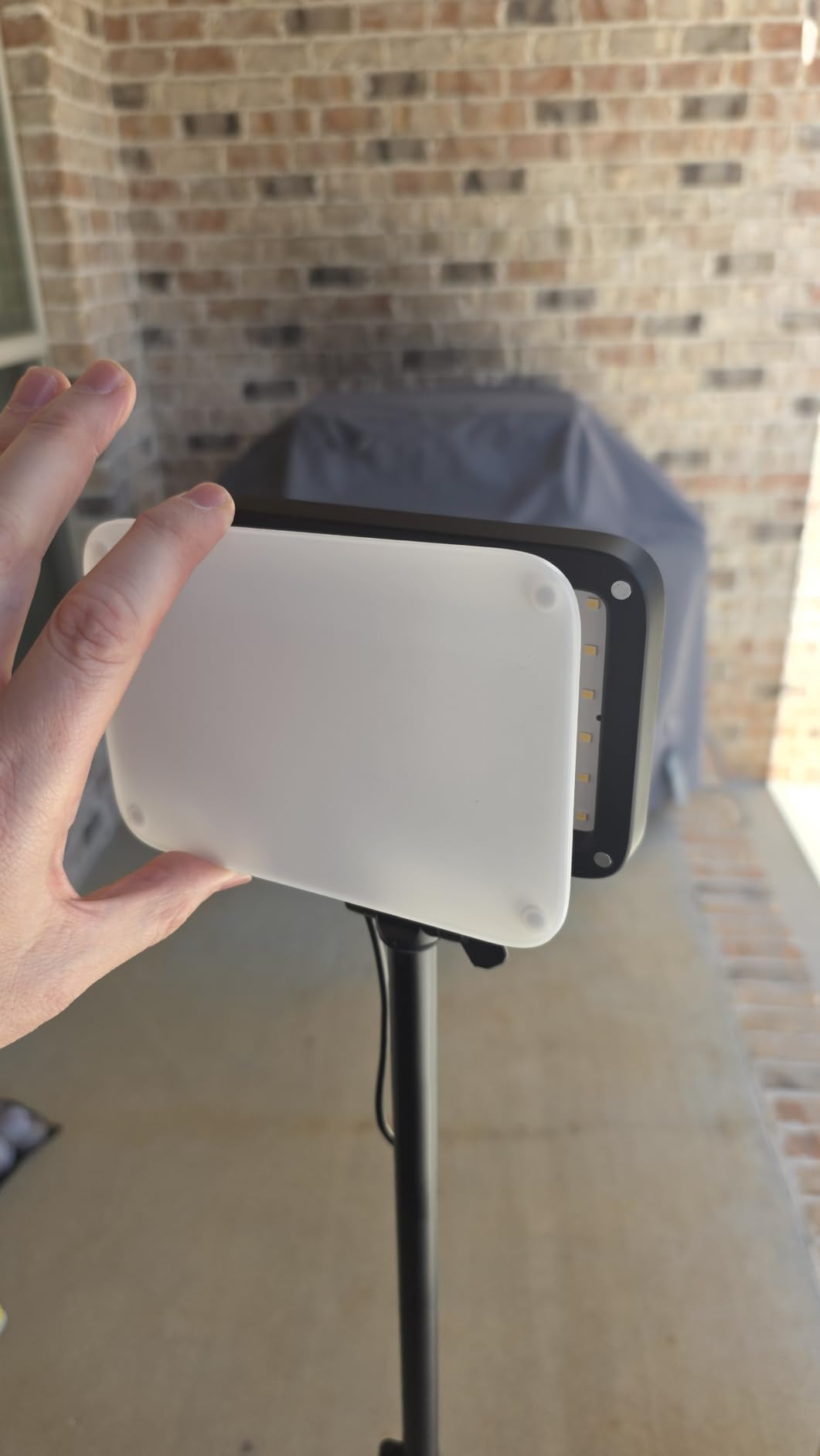
The included filters are a nice touch. You get two white diffusion filters and two orange warming filters that attach magnetically to the front of each panel. The magnetic design makes swapping filters quick and easy. I used the white filters for softening the light on my face and the orange filters for matching tungsten room lighting.
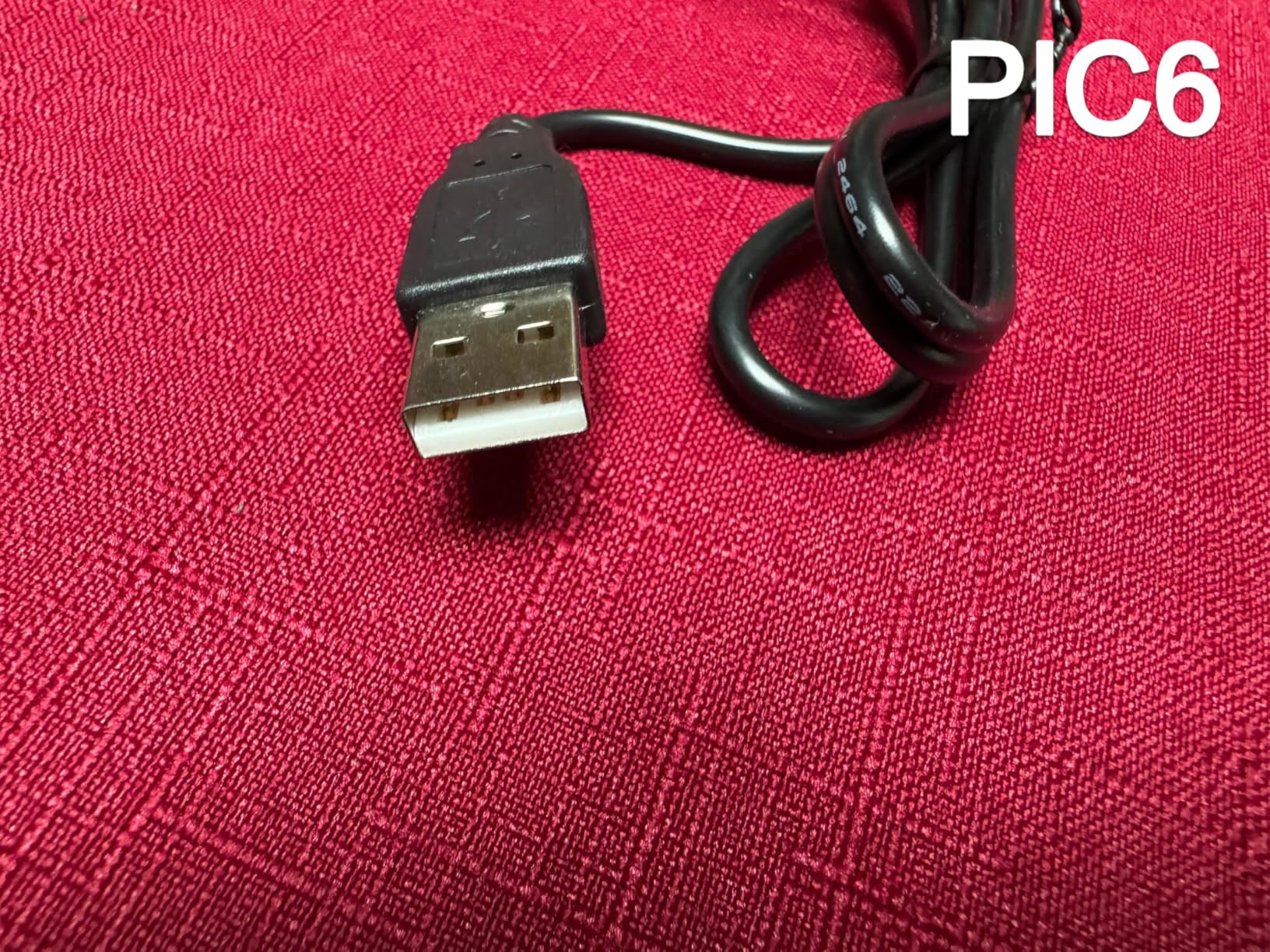
The biggest limitation is power. These panels run on USB power (5V/2A), which means you need a USB wall adapter or power bank to use them. The kit does not include a wall plug, which caught me off guard. I used my phone charger and a USB hub to power both panels simultaneously. The built-in 6.6-foot cable is also on the short side, so plan for extension cables or nearby outlets.
What Kind of Videos Is This Kit Good For
The BP66 kit works best for close-range video recording in small rooms. If you film at a desk, sit within 3-4 feet of the lights, and record talking-head videos, these panels will do the job. They are also useful for tabletop product photography, video calls, and live streaming from a fixed position.
They are not powerful enough for larger rooms, wide shots, or outdoor use. The 750 lux output at 0.5 meters drops off quickly with distance. If your filming space is bigger than a typical bedroom or home office, you will want to step up to a brighter option like the NEEWER NL-192AI or Godox LP800BI.
Building a Three-Point Lighting Setup on a Budget
I combined the BP66 kit with a cheap ring light as a backlight to create a basic three-point lighting setup for under $60 total. The two BP66 panels served as key and fill lights at 45-degree angles, and the ring light provided separation from the background. The result was a significant upgrade over single-light setups and perfectly acceptable for YouTube content.
The lightweight stands extend from 19.7 inches to 53.2 inches, which is enough for desk-level lighting but falls short if you need to light someone standing up. The stands are functional but feel flimsy at full extension, so keep them at a lower height for stability.
4. GVM 2 Pack LED Video Lighting Kit with APP Control – Pro Features at Mid-Range Price
- WiFi app control for remote adjustment
- Widest color temperature range at 2300K-6800K
- CRI 97+ and TLCI 97+ for pro accuracy
- Includes barn doors and carrying bags
- 70
- 000 hour LED lifespan
- Not bright enough for large spaces
- App setup requires renaming each light separately
- Diffuser slot too narrow for combined accessories
- App instructions lack detail
The GVM 2 Pack LED kit caught my attention because of the WiFi app control, which is rare in this price range. I tested the app extensively over a month of streaming and found it genuinely useful for making real-time adjustments without leaving my desk. Being able to tweak brightness and color temperature from my phone while looking at my webcam preview is a workflow upgrade I did not know I needed.
Each panel has 480 LEDs with CRI 97+ and TLCI 97+, putting them in the professional color accuracy range. The 2300K-6800K color temperature range is the widest of any panel on this list. I was able to create warm cinematic looks at 3000K and switch to clean daylight at 5600K without changing physical filters. The digital display on the back shows exact settings, which makes reproducing a look across multiple sessions straightforward.
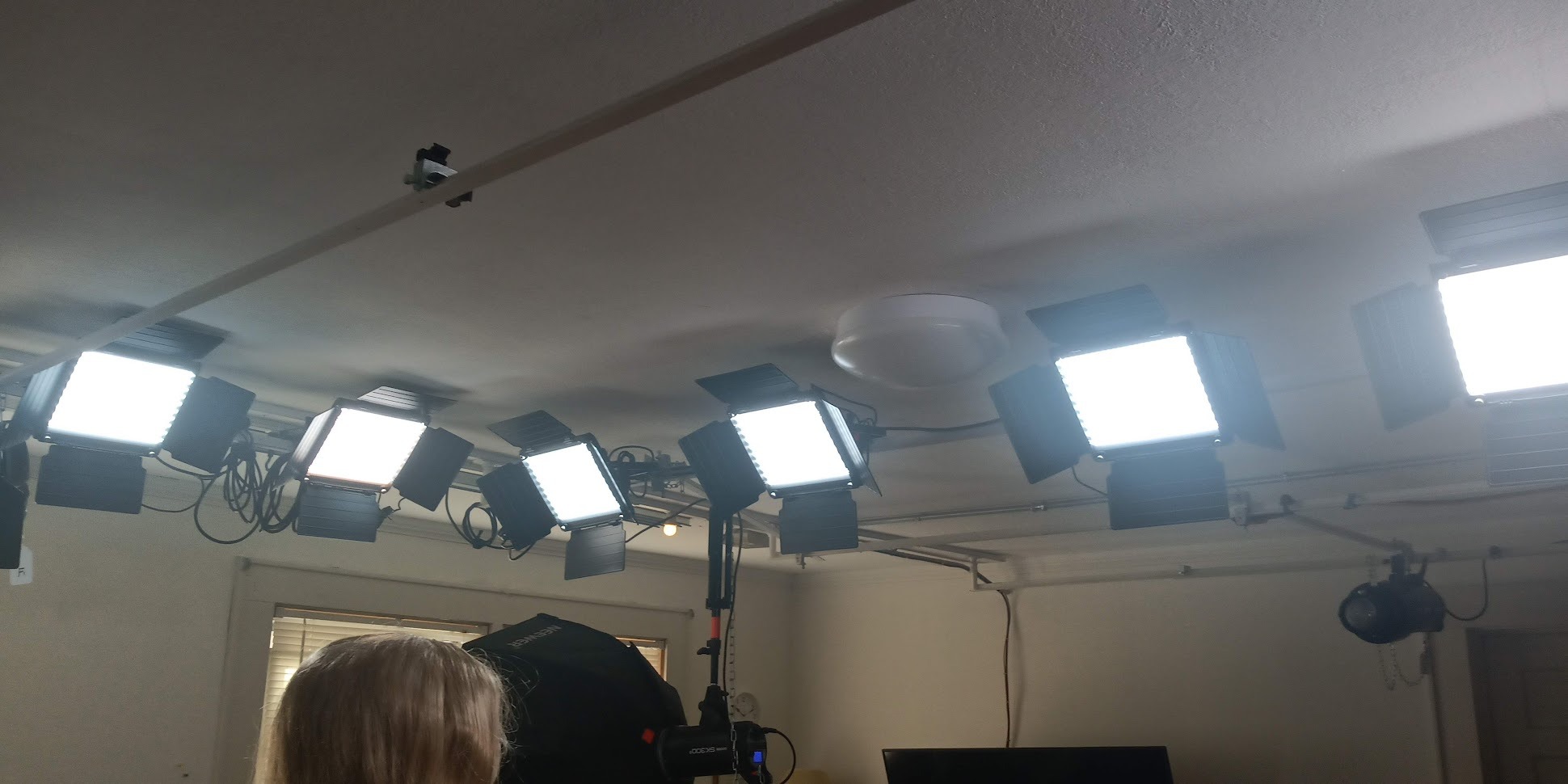
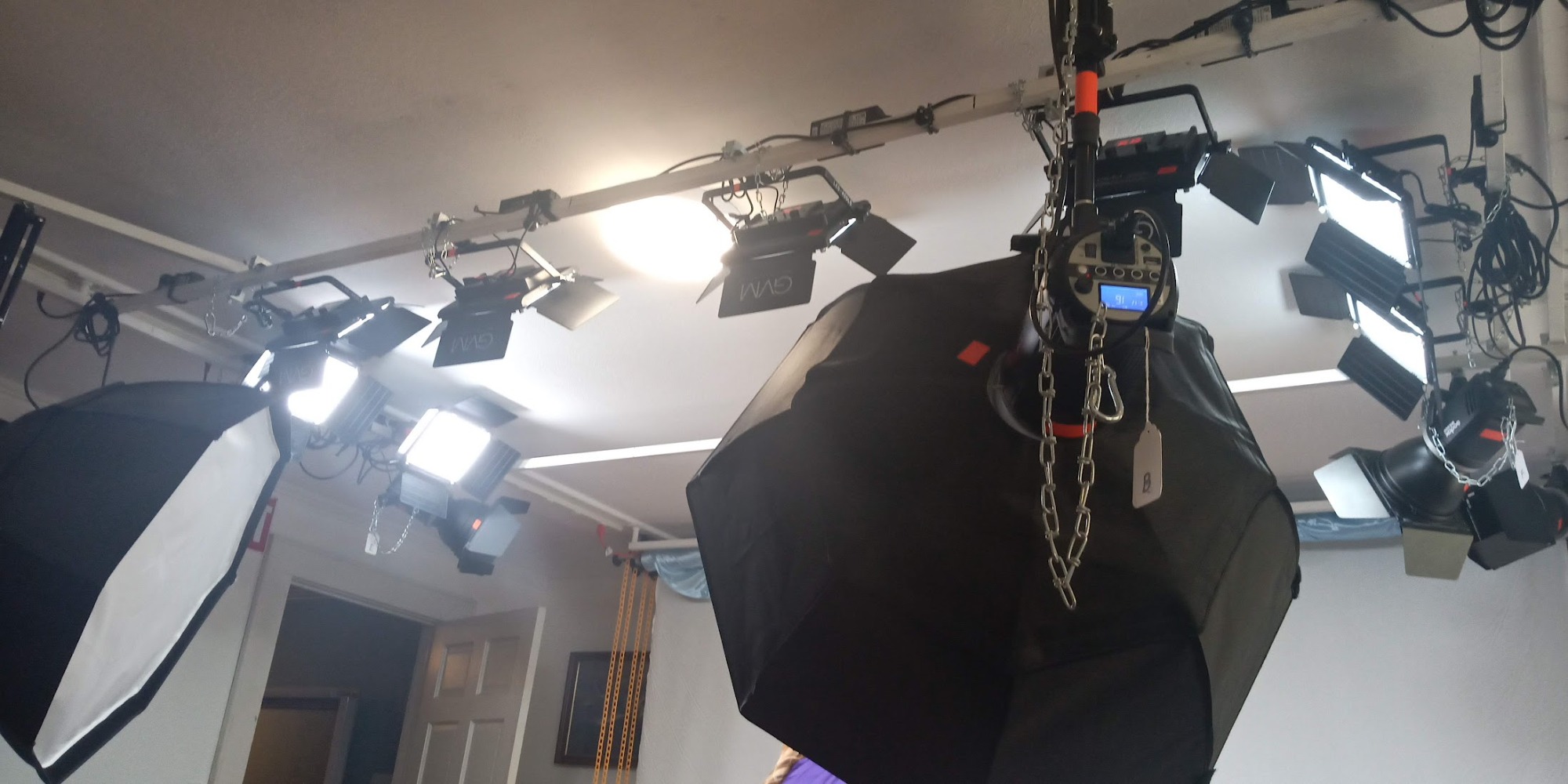
The kit comes loaded with accessories: two panels, two light stands, two barn door sets, diffusers, and padded carrying bags. The barn doors are particularly useful for controlling light spill and directing the beam where you want it. I used them to flag the background and create more contrast in my talking-head shots.
The aerospace aluminum alloy housing feels premium and durable. These panels have survived being packed and unpacked for location shoots without any damage. The 70,000-hour LED lifespan rating means you will not need to worry about replacing LEDs for years of regular use.
How the WiFi App Control Works in Practice
The GVM app connects to each panel via WiFi, which gives it a longer range than Bluetooth alternatives. I controlled both panels from across my studio without connection drops. The app lets you adjust brightness from 10% to 100% and set precise color temperatures.
The initial setup is a bit clunky. You need to connect each panel to your WiFi network individually, and the app requires you to rename each light for identification. Once configured, the app works smoothly. The instructions are sparse, so expect a small learning curve on day one.
Power Options for Studio and Location Work
The GVM panels support both AC power and Sony NP-F550/F750/F970 batteries, giving you flexibility for studio and location shoots. I used AC power for studio recordings and NP-F batteries for outdoor segments. The battery runtime depends on the battery capacity you use, but I got about 2 hours from NP-F970 batteries at 60% brightness.
The panels are not as bright as COB lights or the Godox LP800BI, so they work best in controlled lighting environments. For large spaces or competing with sunlight, you may need additional panels or more powerful fixtures.
5. Zhiyun FIVERAY M40 – Best Portable LED Video Light
- Ultra-portable at just 320 grams
- Massive 14000 lux output for its size
- Dual wheel controls for precise adjustment
- USB-C PD fast charging
- Can run while charging from power bank
- Battery life only 20-30 minutes at full power
- Built-in stand blocks charging port
- Control knobs can be accidentally nudged
- No self-timer function
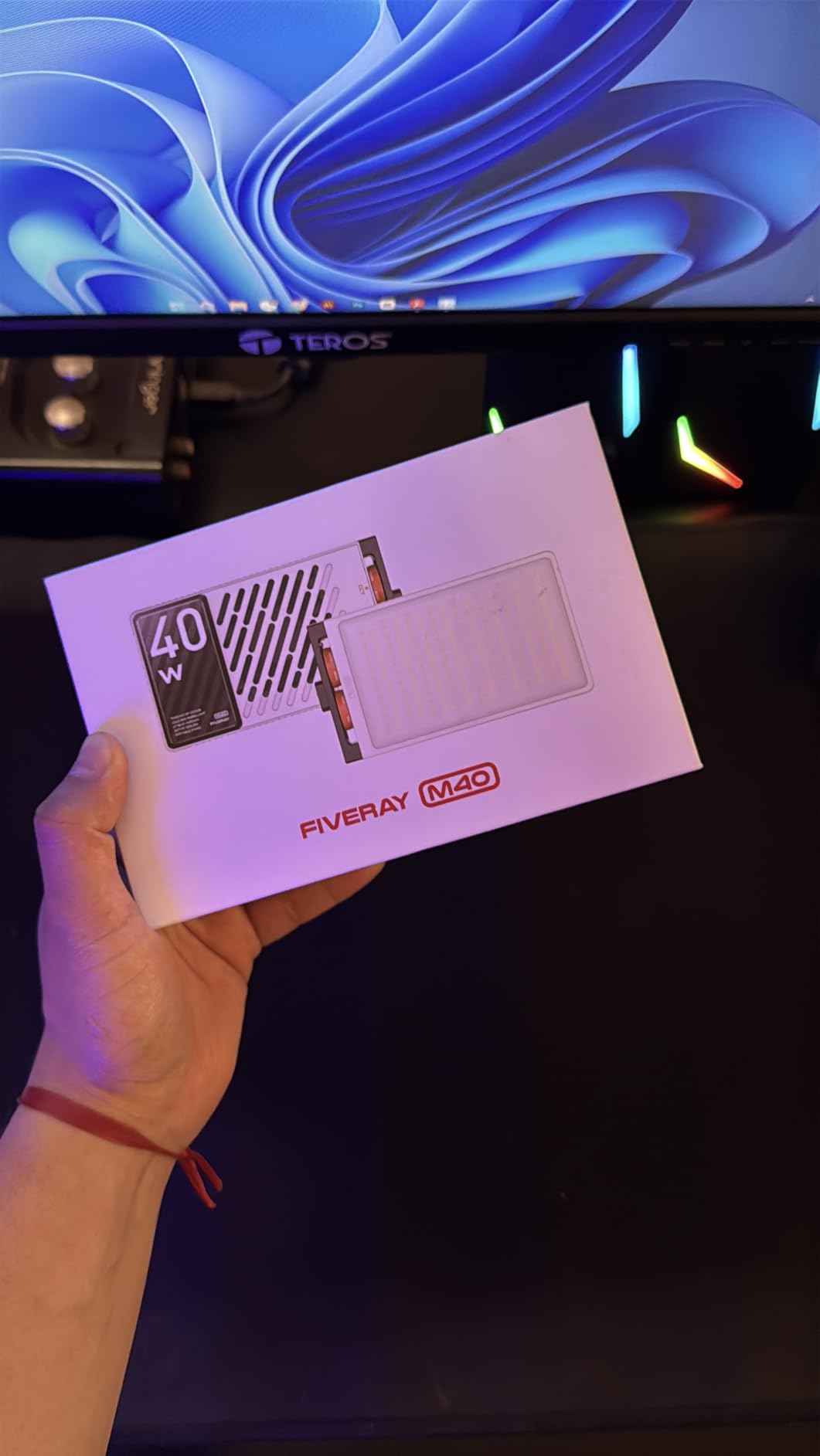
The Zhiyun FIVERAY M40 is the light I grab when I need powerful lighting on the go. At just 320 grams, it fits in my camera bag alongside my lens collection. Despite its small size, it outputs a staggering 14000 lux, which is brighter than panels twice its size and price. I used it as a fill light, a hair light, and even a primary key light for vlogging setups.
The dual-wheel design is one of my favorite features. One wheel controls brightness and the other adjusts color temperature, both with tactile detents so you can make adjustments by feel while looking at your camera. This is faster and more intuitive than button-based controls or app interfaces, especially when you are filming solo.
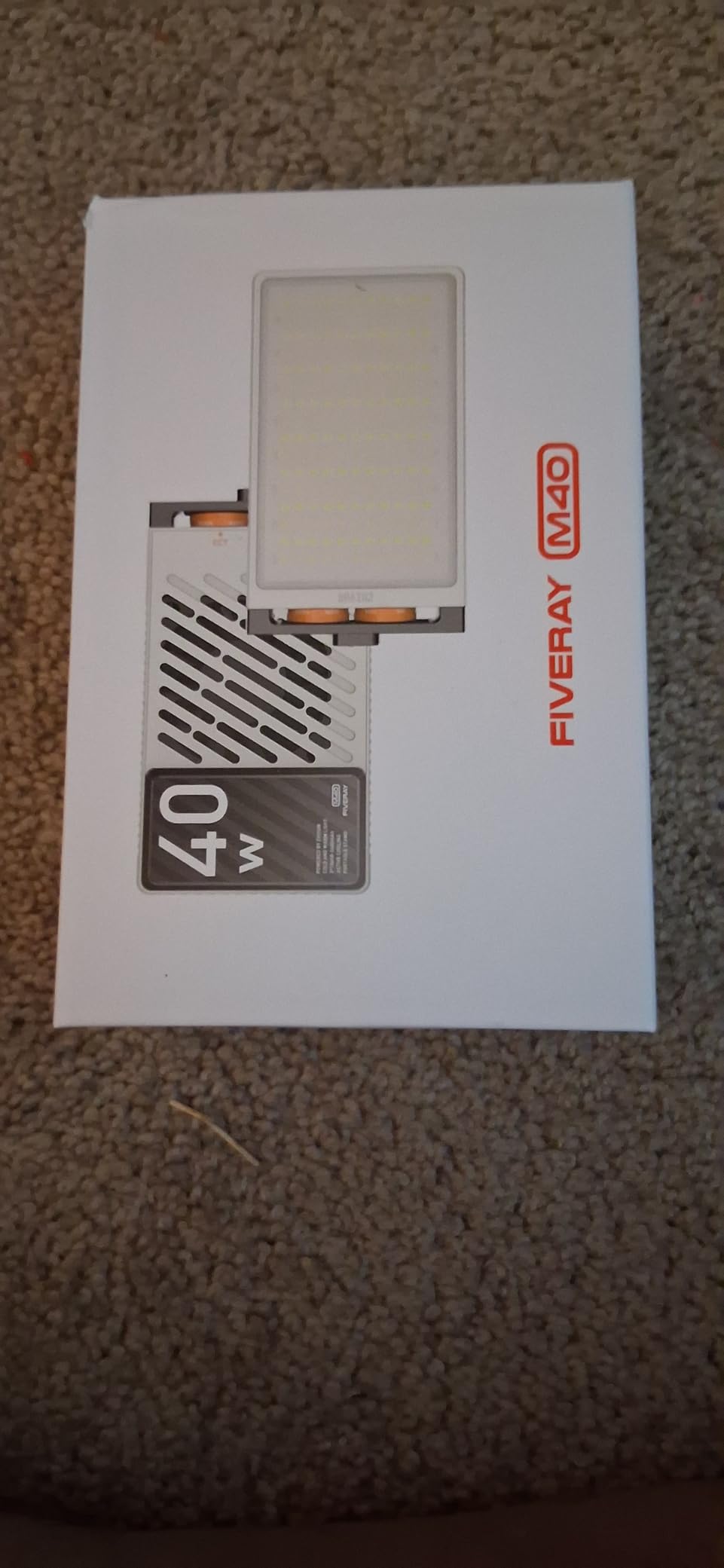
Color accuracy with CRI 96+ and TLCI 96+ means this little light holds its own against panels costing significantly more. I shot side-by-side comparisons with my studio panels, and the Zhiyun matched color temperature and skin tone rendering almost perfectly. The 2700K-6200K range covers warm tungsten to daylight with smooth transitions.
The built-in battery is the main trade-off. At full 40W power, you get 20-30 minutes of runtime. At 50% brightness, that extends to about an hour. The saving grace is USB-C PD fast charging, which lets you run the light from a power bank indefinitely. I paired the M40 with a 20,000mAh power bank and got over 3 hours of continuous use at 60% brightness.
Who Should Buy the FIVERAY M40
This light is ideal for travel vloggers, run-and-gun shooters, and creators who need a powerful secondary light. I used it as a hair light mounted on a small stand behind my subject, as an on-camera fill light for event coverage, and as a handheld light for product shots. The versatility is impressive for something this small.
It is less suitable as a primary studio light for long recording sessions. The short battery life at full power means you will always need a power bank nearby for extended use. If you mostly film in one location, a panel with AC power or larger batteries makes more sense.
Battery Life and Charging Strategy
The key to getting the most out of the FIVERAY M40 is managing your power. I developed a simple strategy: run the light at 50-60% brightness for most shots, which extends battery life to about an hour. For shots that need full power, I keep a USB-C power bank connected, which eliminates battery anxiety entirely.
The 15W PD fast charging tops up the battery in about 90 minutes when fully depleted. One design flaw worth noting: the built-in kickstand blocks the charging port when deployed, so you cannot charge and use the stand simultaneously. I worked around this by using a small external stand instead.
6. Neewer Dimmable Bi-Color 480 LED Video Light – Built Like a Tank
- Exceptionally bright with 480 LEDs
- Durable aluminum alloy construction
- NP-F battery compatible for wireless use
- CRI 96+ for professional color accuracy
- Includes diffuser and carrying bag
- Heavy at over 2 pounds per panel
- Short power cords require extensions
- Batteries and charger sold separately
- U-bracket not perfectly symmetrical
The Neewer NL480 is the workhorse of this lineup. I have been using one as my primary key light for over a year, and it has survived drops, travel, and daily use without a single issue. The aluminum alloy frame feels like it was built for professional environments, not hobbyist setups. This is the panel I lend to friends and never worry about.
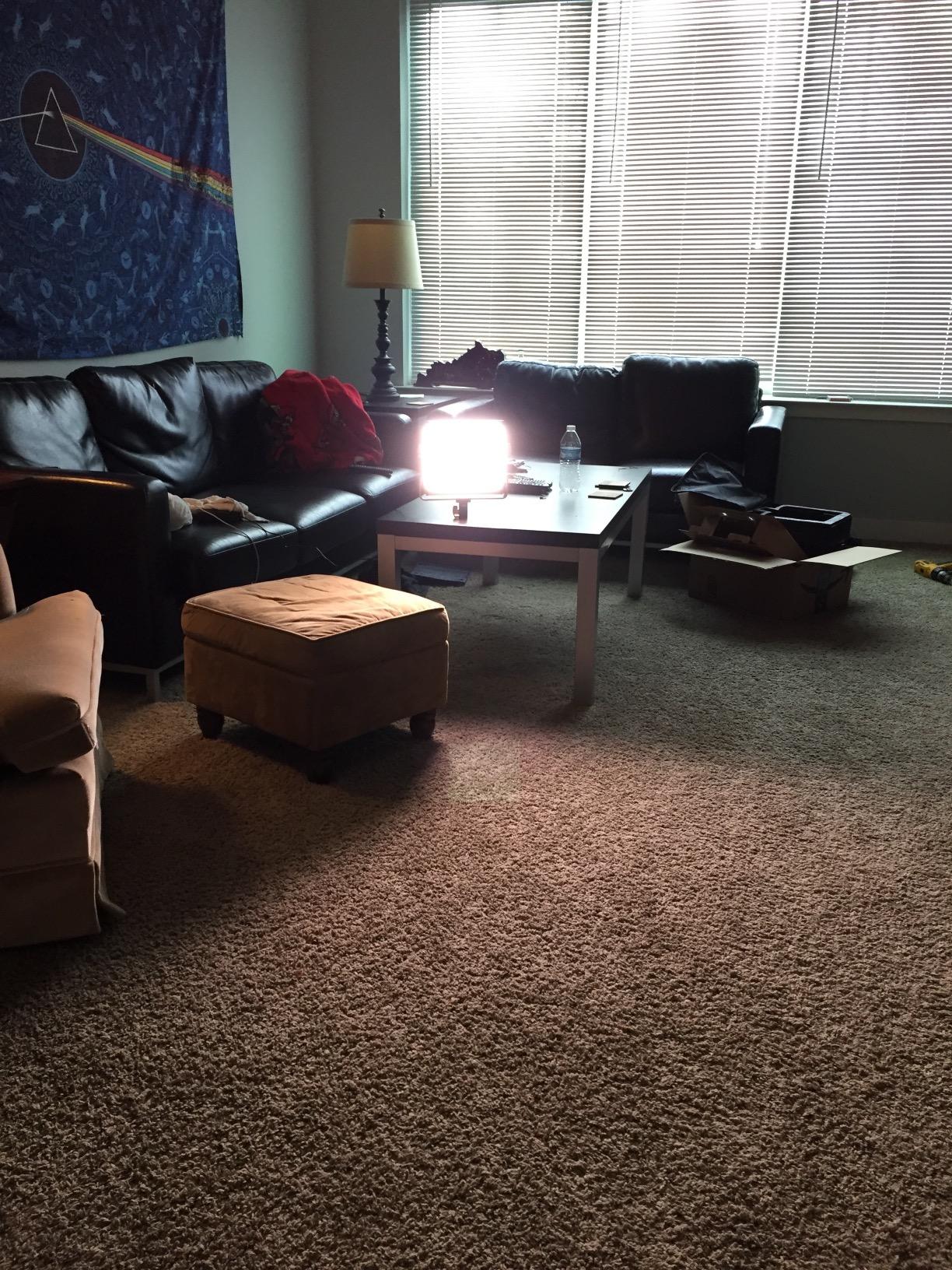
With 480 LED beads and 36W of power, this light is seriously bright. I rarely run it above 20-30% brightness for typical talking-head videos. At full power, it easily lights a medium-sized room. The CRI 96+ rating ensures accurate color reproduction, and my footage consistently looks clean and professional under this light.
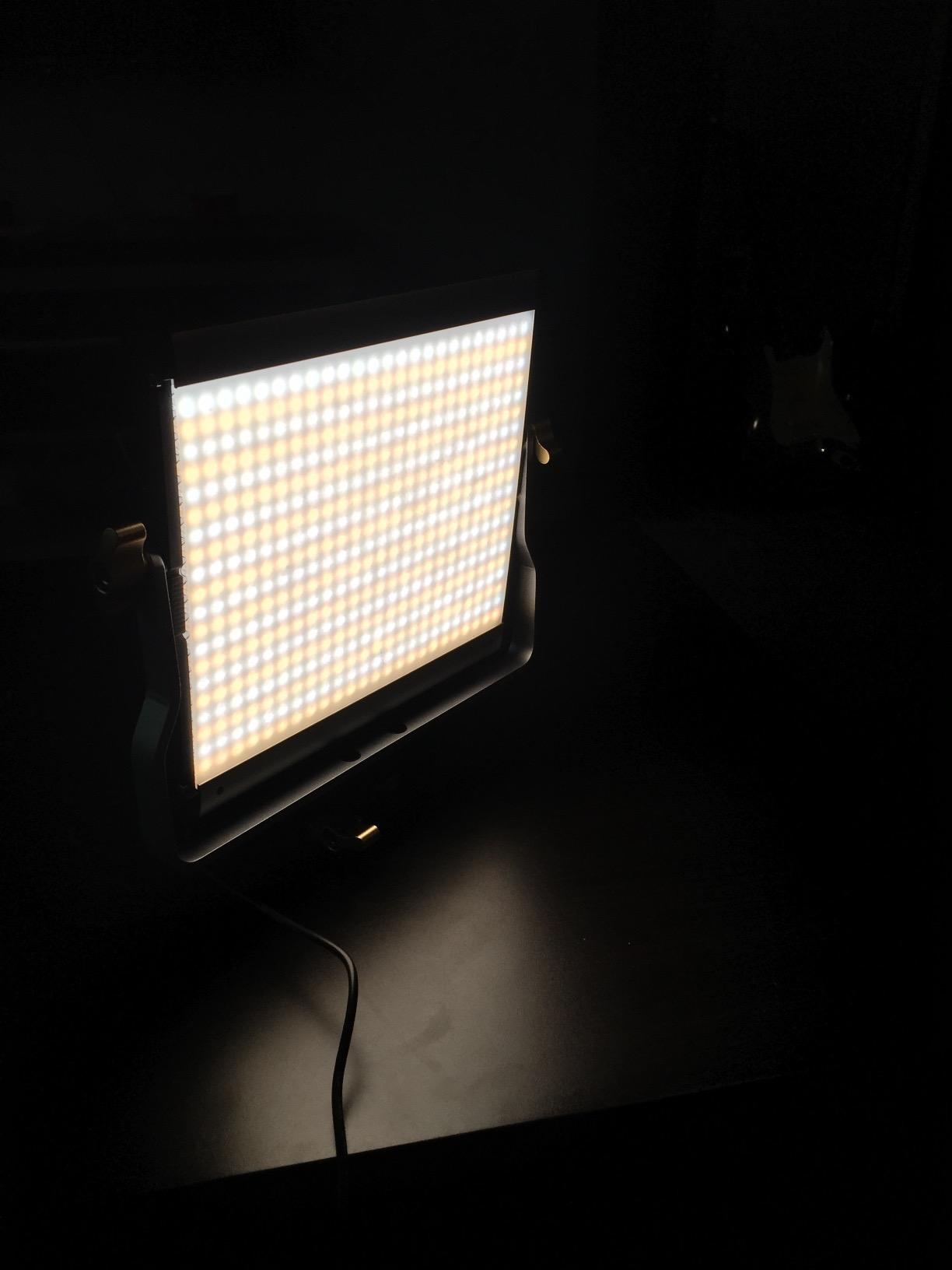
The 3200K-5600K bi-color range covers the essential spectrum for YouTube work. I match the color temperature to my room lighting at around 4300K for a natural look. The U-mount bracket allows for angle adjustment, though I noticed the bracket is not perfectly symmetrical, which can make achieving certain angles slightly fiddly.
Battery power is a standout feature. The NL480 runs on Sony NP-F550 or NP-F970 batteries, which are widely available and affordable. With NP-F970 batteries, I get about 2 hours of runtime at moderate brightness. The catch is that batteries and a charger are sold separately, so factor that into your total cost.
Durability and Long-Term Reliability
After a year of regular use, my NL480 shows zero signs of wear. The aluminum frame has no dents despite being knocked over twice. The LED beads are all functioning, and the dimming dial still operates smoothly. This is the kind of product that justifies its price through longevity.
One thing to watch for: the LEDs may arrive with a slight manufacturing residue on the surface. A quick wipe with a microfiber cloth before first use ensures clean, even light output. Several reviewers mention this, and it is a 30-second fix.
Power Cord Limitations and Workarounds
The included power cord is frustratingly short. In my studio, I needed an extension cord to reach the nearest outlet from where I positioned the light. This is a common complaint in reviews, and the solution is simple: buy a 10-foot extension cord or plan your light placement around outlet locations.
For battery-powered use, I recommend buying at least two sets of NP-F970 batteries and a dual-bay charger. This lets you swap batteries mid-shoot without downtime. The batteries are also compatible with other video equipment that uses the NP-F standard, so they are a solid investment.
7. Lume Cube Studio Panel 2-Point Lighting Kit – Premium Travel-Friendly Setup
- Everything fits in premium travel bag
- Wireless remote controls each light independently
- Edge-lit technology for smooth light output
- 80+ minutes battery at full brightness
- Includes barn doors and angle mounts
- Higher price point than competitors
- Brightness insufficient for some pro photography
- Remote range limited for large studios
- Light stands could be taller
The Lume Cube Studio Panel kit is the most polished, travel-ready lighting package I tested. Everything packs into a premium carry bag with custom foam compartments. I took this kit on a weekend trip and filmed in three different locations without any setup hassles. The convenience factor is real, and it justifies the premium price for creators who travel frequently.
The edge-lit LED technology produces a different quality of light compared to direct LED panels. The light is smoother and more diffused out of the box, with fewer hotspots. Each panel has 204 bicolor LEDs with a 3200K-5600K range. The output is not as bright as the Neewer NL480 or Godox LP800BI, but it is clean and flattering for close-range video work.
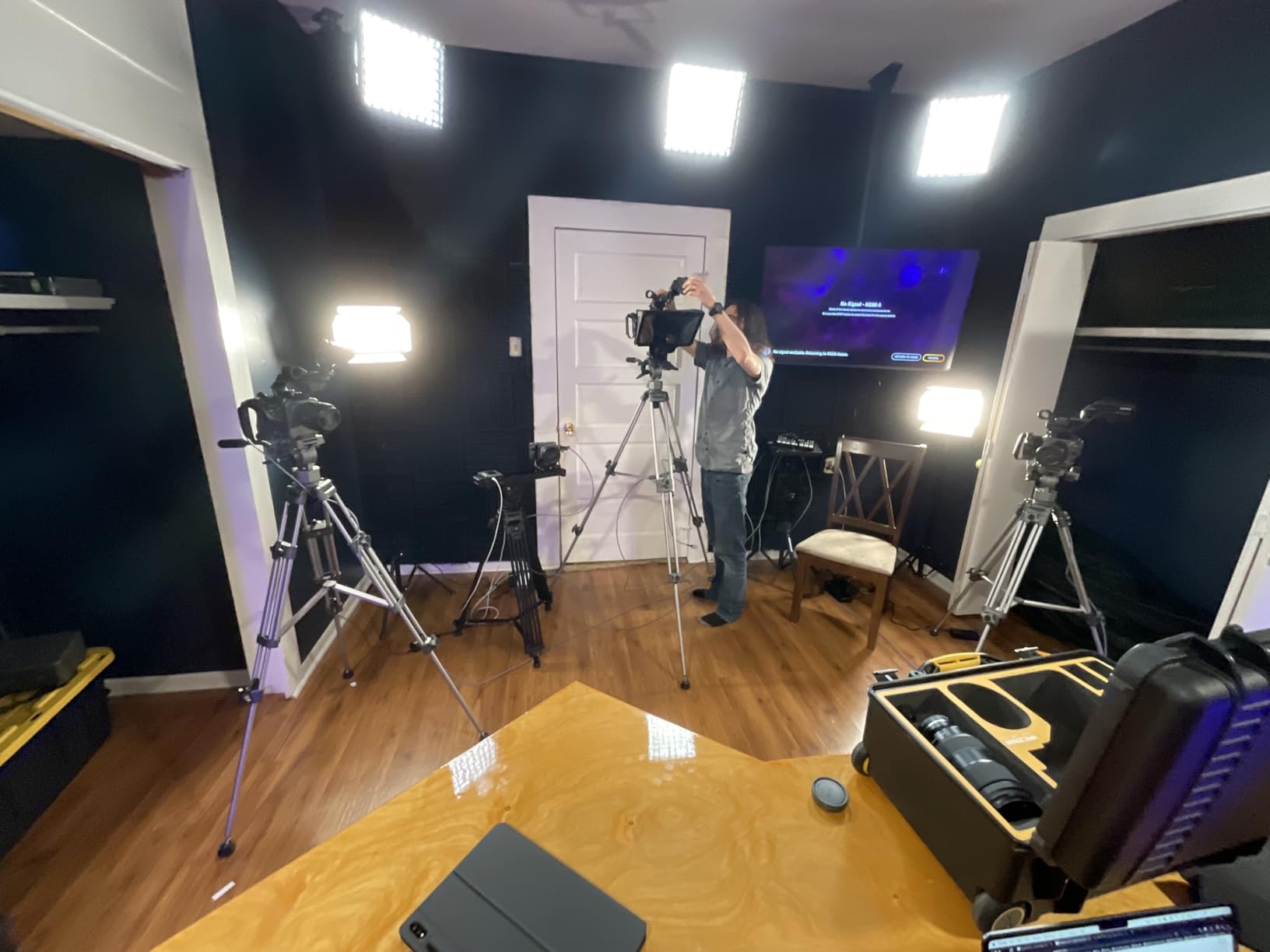
The wireless remote is a standout feature. It controls each panel independently, so you can adjust brightness and color temperature for your key and fill lights separately without walking between them. I used the remote during live streams to make subtle adjustments mid-broadcast without breaking the flow of the stream.
The built-in rechargeable batteries deliver 80+ minutes at full brightness and over 2 hours at 60%. The barn doors help control light spill, and the angle mounts let you position the panels at various degrees. The 70-inch stands are included and decent quality, though several users note they could be taller for standing shots.
Is the Premium Price Worth It
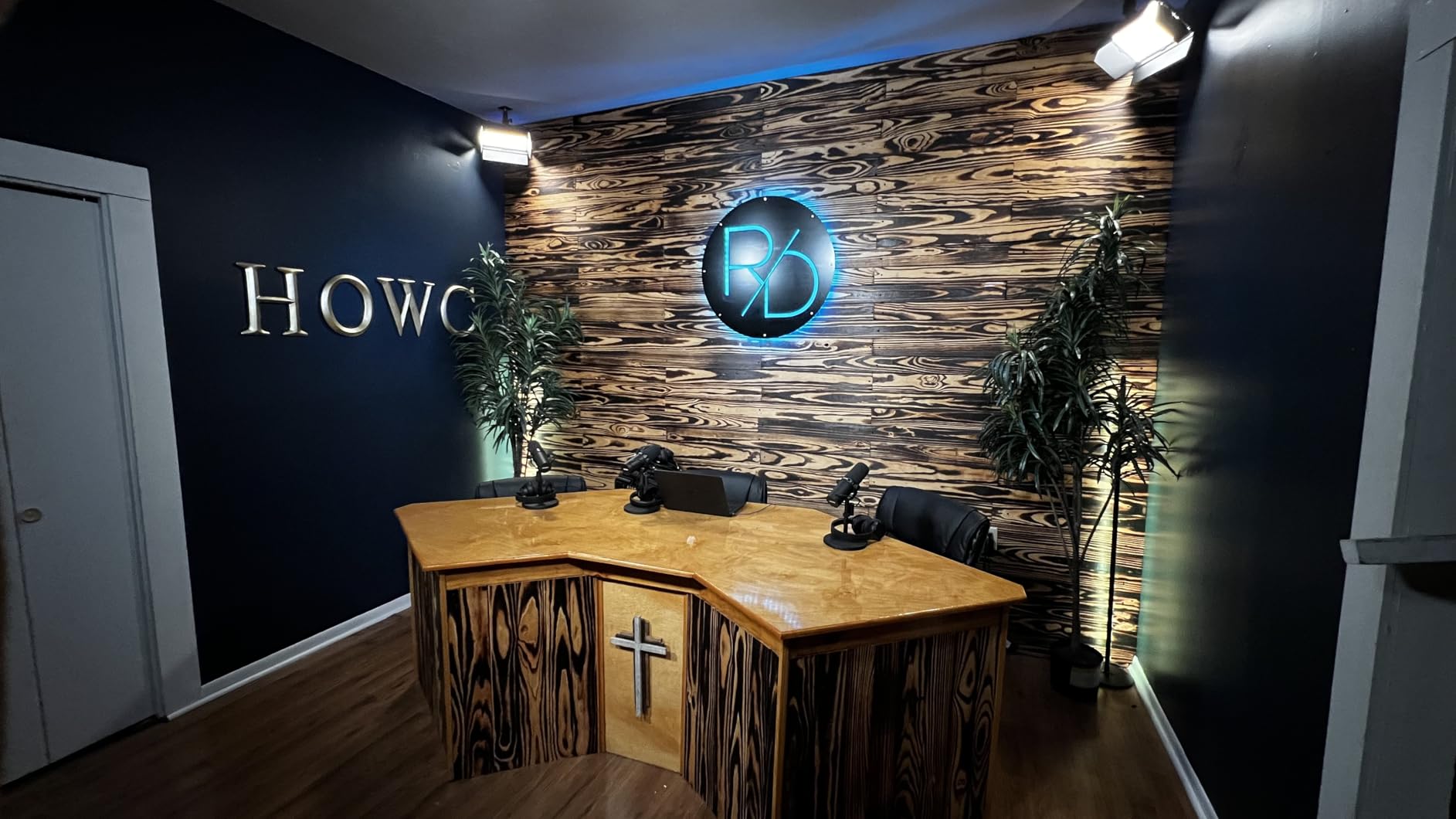
The Lume Cube kit costs more than most 2-light kits on this list, and the brightness per panel is lower than competitors like the NEEWER NL-192AI. What you are paying for is convenience: the all-in-one packaging, the wireless remote, the edge-lit quality, and the brand reliability. For creators who value portability and ease of use over raw power, the premium is justified.
If you primarily film in a fixed studio and want maximum brightness per dollar, other options on this list offer better value. The Lume Cube kit shines for creators who pack up their gear regularly, film in multiple locations, or want a clean, professional-looking setup that is quick to deploy.
Comparing Edge-Lit vs Direct LED Panels
Edge-lit panels like the Lume Cube use LEDs arranged around the edge of the panel, with a light guide plate distributing the illumination across the surface. This produces smoother, more even light with softer shadow edges compared to direct LED panels where the LEDs face forward. The trade-off is slightly lower overall brightness.
For YouTube talking-head videos, the edge-lit quality is actually an advantage. The softer light is more flattering on skin, and you get that smooth look without needing diffusion material. The Lume Cube panels produce professional-looking results straight out of the box.
8. RALENO 19.5W LED Video Soft Light Panel – Best Slim Profile Panel
- Massive 8000mAh built-in battery
- Ultra-thin 1 inch profile
- Wide 2500K-6500K color range
- HD LCD screen for monitoring
- Soft eye-friendly illumination
- Battery life shorter at max brightness
- Proprietary power adapter not USB-C
- Plastic construction
- 90 minute runtime at full power
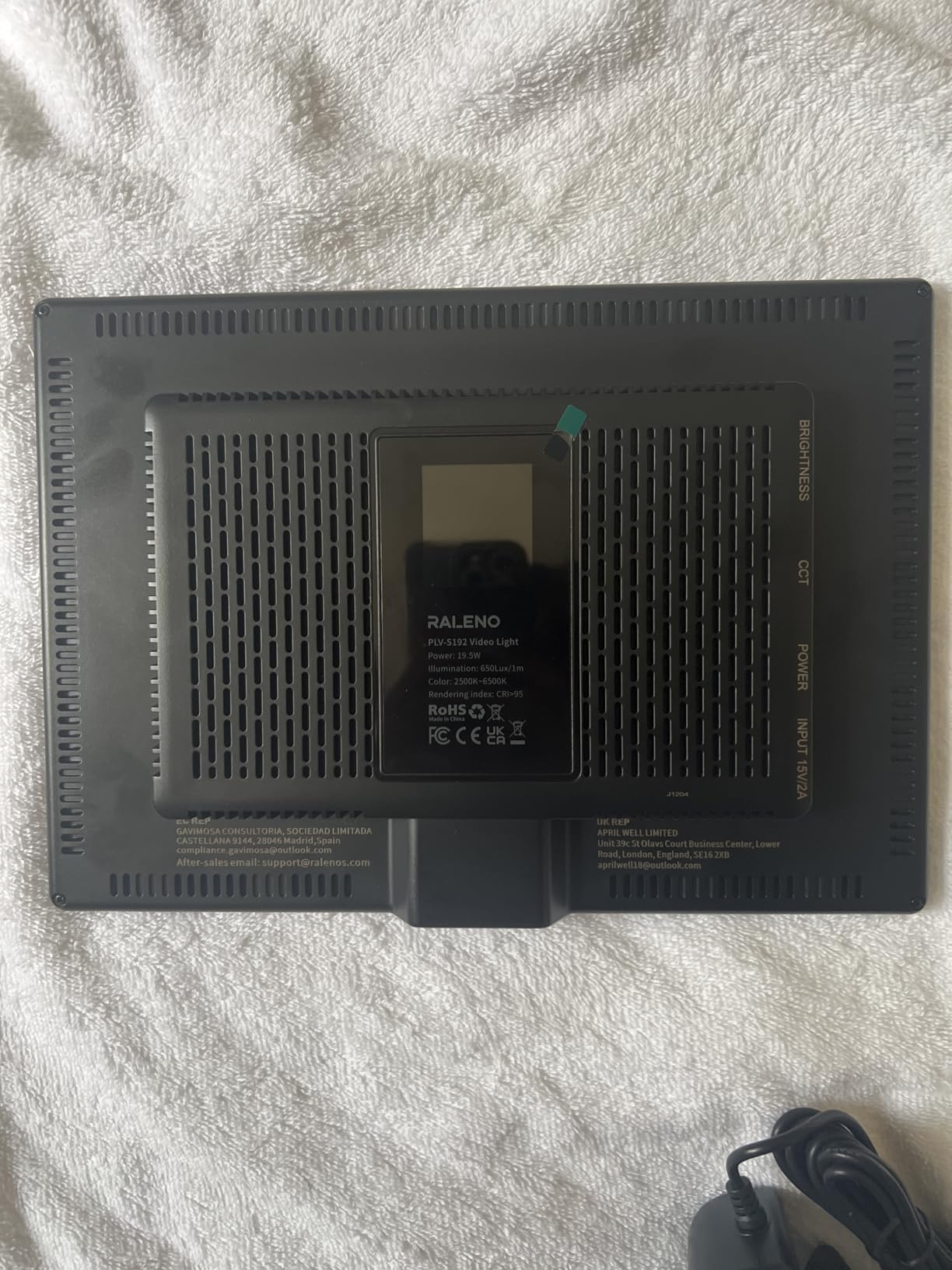
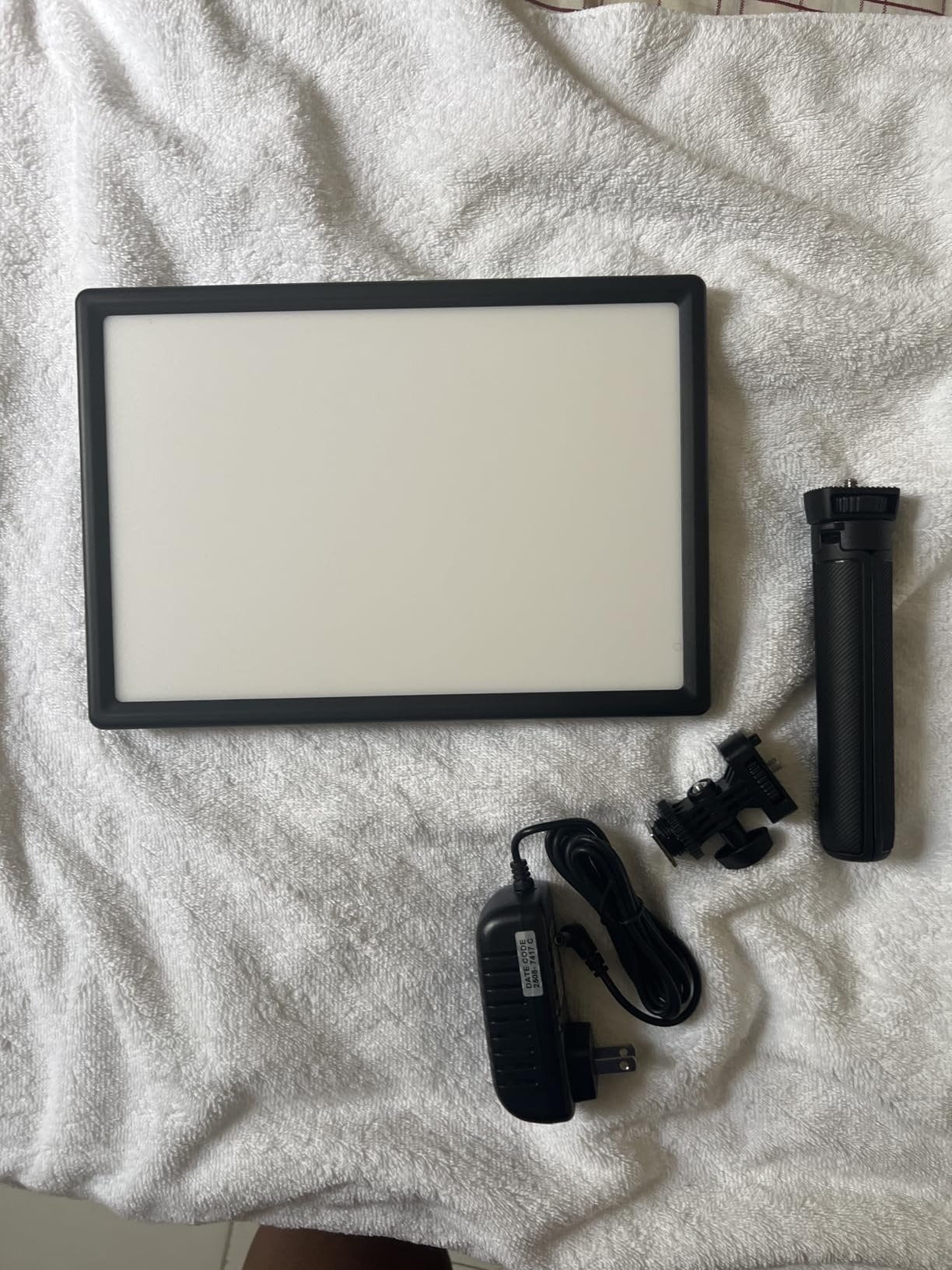
The RALENO soft light panel impressed me with its slim profile and massive built-in battery. At just 1 inch thick, it is one of the thinnest panels I have tested, and the 8000mAh battery is the largest capacity on this list. I used this panel for a full afternoon of recording without plugging it in once, which is rare for panels in this price range.
The soft light quality is immediately noticeable. The 192 LED beads produce a gentle, diffused illumination that is easy on the eyes during long recording sessions. I did not experience the harsh glare or eye strain that some bright LED panels cause. Skin tones looked natural with the CRI 95+ rating, and the 2500K-6500K range is wider than most competitors at this price.
 95 2500-6500K Photography Studio Lights for TikTok YouTube Video Recording Photography Streaming customer photo 1″ class=”wp-image-customer”/>
The HD LCD screen on the back is a feature I did not know I wanted. It displays real-time brightness percentage, color temperature, and battery level in a clean, readable format. No more guessing whether you are at 40% or 50% brightness. I could reproduce exact settings from previous shoots by reading the values off the screen.
The included desk stand adjusts from 6.42 to 10.16 inches, which works well for tabletop setups. I used the panel on the desk stand for webcam recordings and on a full-size light stand using the 1/4-inch screw mount for studio setups. The cold shoe adapter also lets you mount it directly on a camera for run-and-gun shooting.
 95 2500-6500K Photography Studio Lights for TikTok YouTube Video Recording Photography Streaming customer photo 2″ class=”wp-image-customer”/>
Battery Performance in Real-World Testing
The 8000mAh battery is the star of the show. At 50% brightness, I got over 2 hours of continuous use. At full power, runtime drops to about 60-70 minutes, which is still respectable. The heat dissipation holes keep the panel cool during extended sessions, and I never experienced any thermal shutdown issues.
The one downside is the proprietary power adapter. Unlike USB-C charged competitors, the RALENO uses its own barrel plug adapter. If you lose or damage the included adapter, you need a replacement from RALENO rather than a standard USB-C cable. This is an inconvenience for travel, where USB-C universality would be preferable.
Best Positioning for YouTube Videos
The ultra-thin design makes this panel easy to position in tight spaces. I mounted it on a small desk clamp stand directly behind my monitor for webcam recordings, and it was nearly invisible on camera due to the slim profile. The 180-degree tilt adjustment gave me enough range to angle the light precisely.
For best results, position the RALENO at a 45-degree angle to your face at about arm’s length distance. The soft light quality means you can use it close to your subject without creating harsh shadows. It also works well as a fill light paired with a brighter key light.
9. UBeesize 2-Pack LED Video Light Kit – Bright and Beginner-Friendly
- Bright 2000 lumen output
- CRI 97+ for excellent color accuracy
- Sturdy adjustable stands up to 65 inches
- Includes phone holder and carrying bag
- Bluetooth remote control
- Power block is bulky
- Phone holder bolt is plastic
- Large phones may not fit holder
- Heavier than other budget kits
The UBeesize 2-Pack caught my attention with its 2000 lumen output and CRI 97+ rating, both of which are impressive for a kit in this price range. I tested these panels against the similarly priced NEEWER BP66, and the UBeesize was noticeably brighter with better color accuracy. If you want the brightest budget kit on this list, this is it.
Each panel has 300 premium LED beads with a 3000K-6500K color temperature range. The wider range compared to the NEEWER BP66 gives you more flexibility for matching different lighting conditions. I set one panel to 4300K as a neutral key light and the other to 5500K as a slightly cooler fill for a natural daytime look.
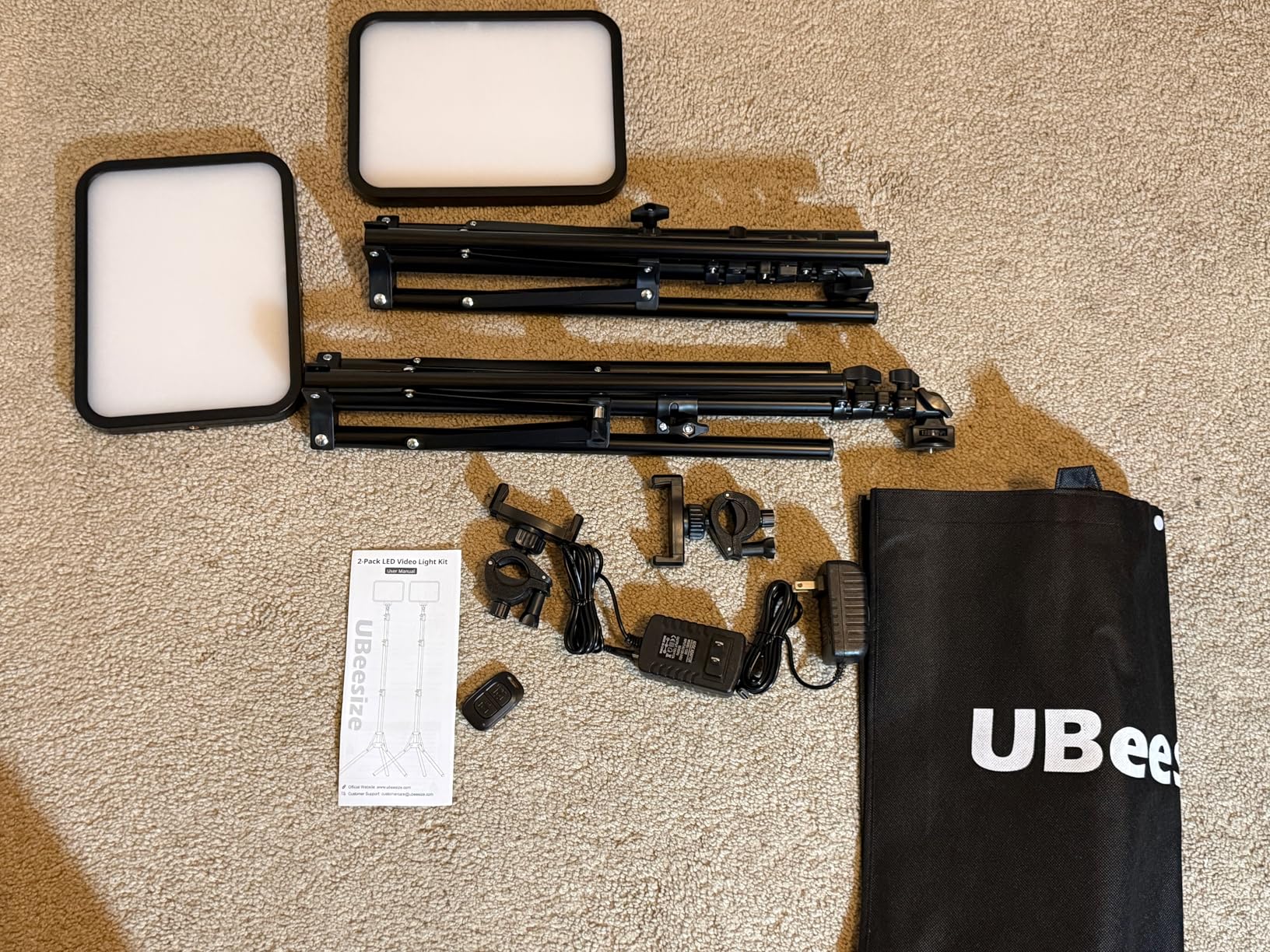
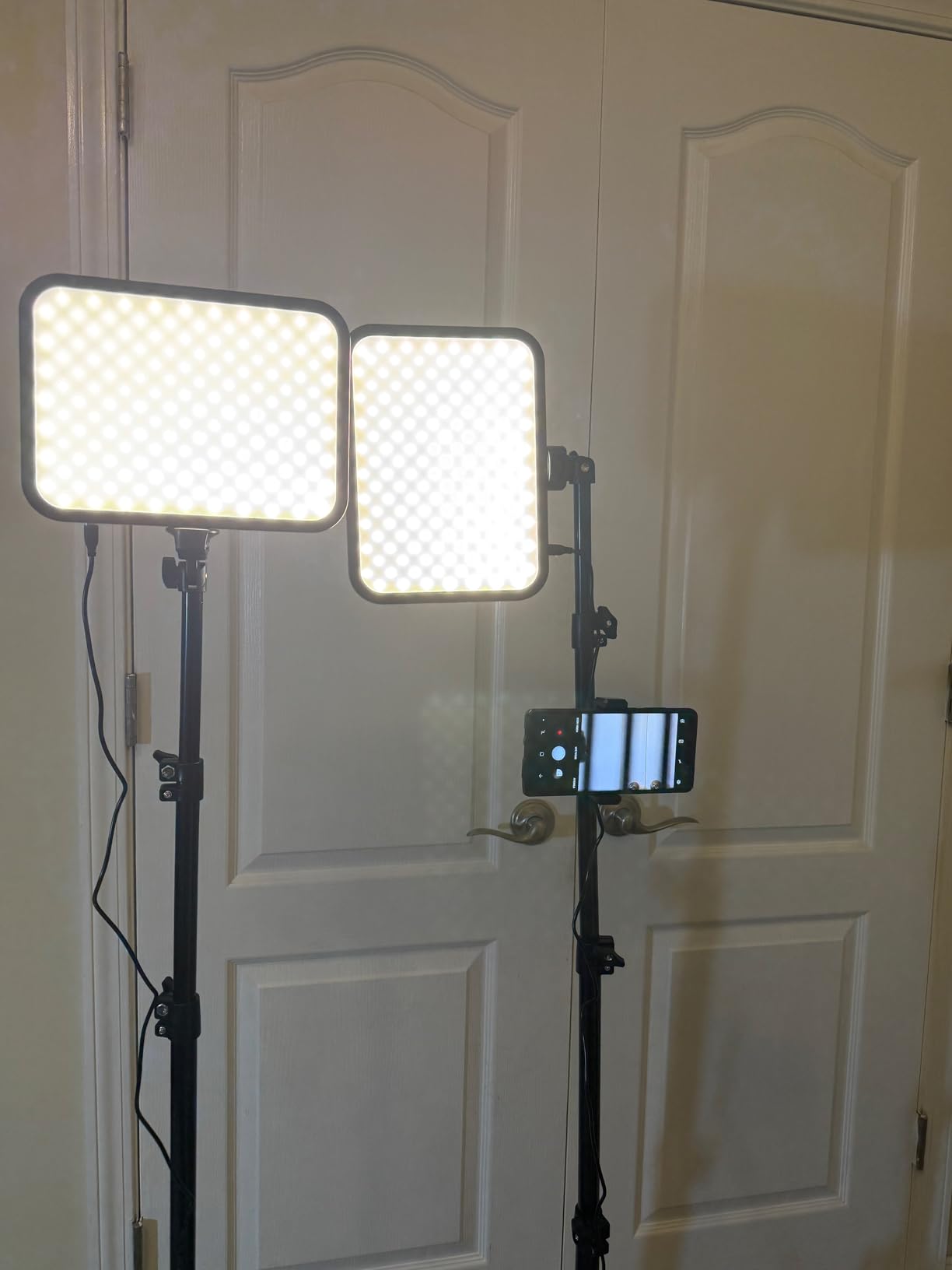
The included tripods are among the sturdiest I have seen in a budget kit. They extend to 65 inches and have a solid feel without the wobble I experienced with cheaper stands. The panels tilt 180 degrees, giving you full range for positioning. The carrying bag is a welcome inclusion that makes transporting the kit easy.
The phone holder and Bluetooth remote are bonuses that make this kit particularly appealing for smartphone content creators. I tested the phone holder with an iPhone 15 Pro and it worked well. However, larger phones like the Samsung S24 Ultra may not fit securely, as several reviewers have noted. The plastic bolt on the phone holder is also a potential weak point.
Comparing UBeesize vs NEEWER Budget Kits
The UBeesize kit is brighter and has better color accuracy than the NEEWER BP66, but it costs slightly more. The UBeesize uses a dedicated AC/DC power adapter (12V/2A) rather than USB, which means more reliable power delivery but less flexibility for battery-powered use. The NEEWER BP66 is lighter and more portable due to its USB power design.
If your priority is maximum brightness and color accuracy, the UBeesize wins. If portability and USB power flexibility matter more, the NEEWER BP66 is the better choice. Both are excellent budget options that will dramatically improve your YouTube video quality over room lighting alone.
Setup Time and Ease of Use
I timed my setup of the UBeesize kit from unboxing to first recording: 12 minutes. The panels come mostly assembled, and the tripods are quick to extend and position. The dedicated power adapters mean you just plug into a wall outlet and go, no need to source USB adapters or power banks.
The brightness and color temperature controls are intuitive, with clearly labeled dials on the back of each panel. I had both panels dialed in for my talking-head setup within minutes of unboxing. For beginners who have never set up video lighting before, the UBeesize kit is one of the most user-friendly options on this list.
10. NEEWER 9″ LED Video Light Panel NL-116AI – Compact and Reliable
- Compact and perfect for desktop use
- Built-in 4000mAh battery
- 1% increment dimming precision
- USB-C and USB charging options
- All-metal mini tripod included
- Battery life limited to 1.5 hours
- Not bright enough for large spaces
- No carry bag included
- Single panel only
The NEEWER NL-116AI is the highest-rated panel on this list with a 4.7-star average across 800+ reviews, and after testing it, I understand why. This 9-inch panel hits a sweet spot between size, brightness, and price that makes it the ideal starter light for desktop YouTubers. I used it as a webcam key light for a month of Zoom recordings and short-form video content.
The 1% increment dimming is a feature usually reserved for more expensive panels. Being able to set brightness to exactly 47% or 63% gives you precise control that 10-level systems cannot match. I found my ideal brightness setting (55%) for webcam recordings and could reproduce it exactly every session. The 3200K-5600K color temperature range covers the essentials for indoor recording.
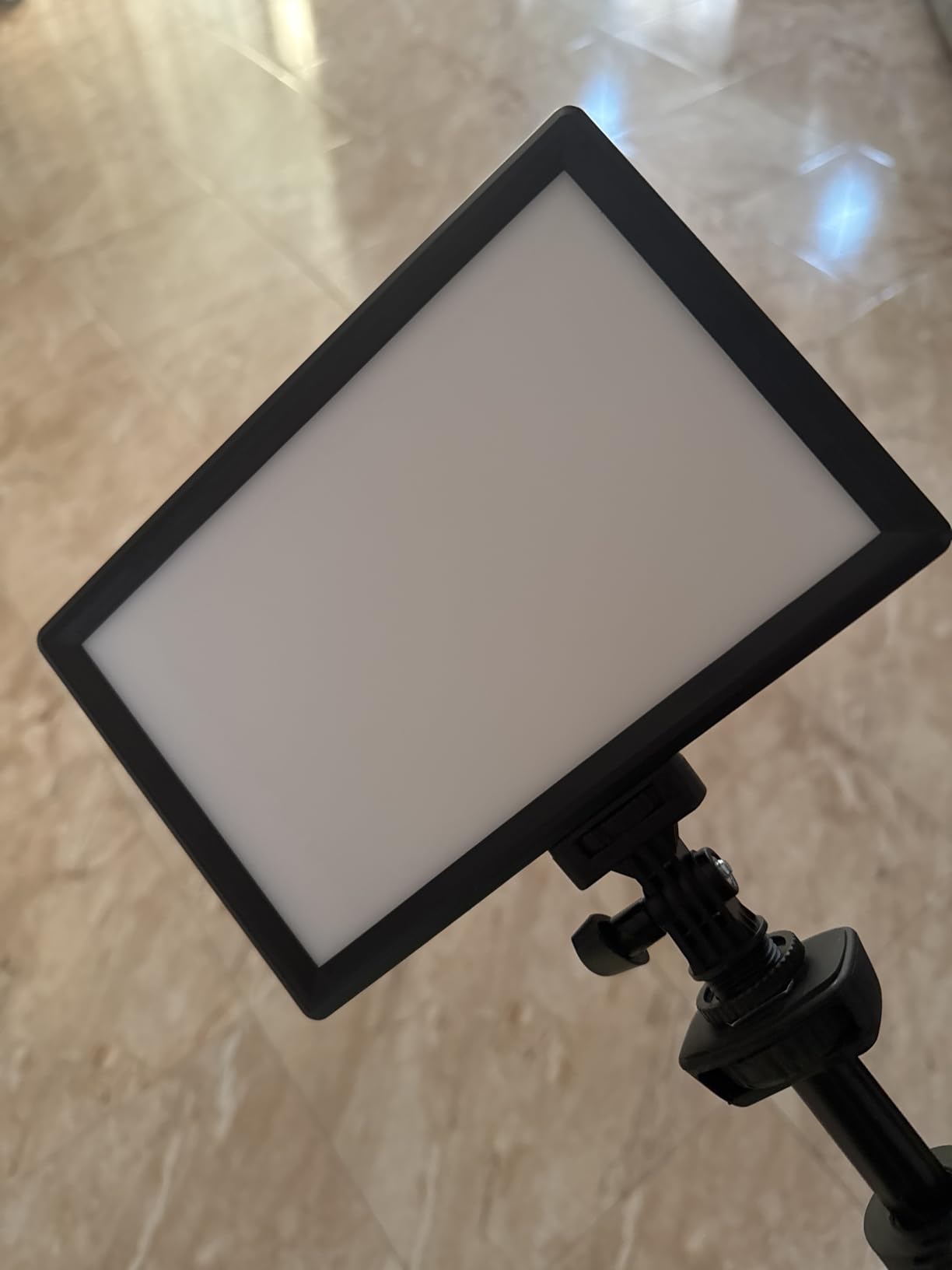
The built-in 4000mAh battery provides about 1.5 hours of runtime at full brightness and longer at lower settings. USB-C charging is a big plus, as it means I can charge the panel with the same cable I use for my phone and laptop. A full charge takes about 2 hours. The cold shoe adapter lets you mount the panel on a camera or tripod for versatile positioning.
The all-metal mini tripod is a step above the plastic stands included with many budget lights. It extends to 7.1 inches and provides a solid base for desk-level lighting. I also mounted the panel on a full-size light stand using the 1/4-inch thread for standing shots, and it worked perfectly as a fill light alongside a brighter key light.
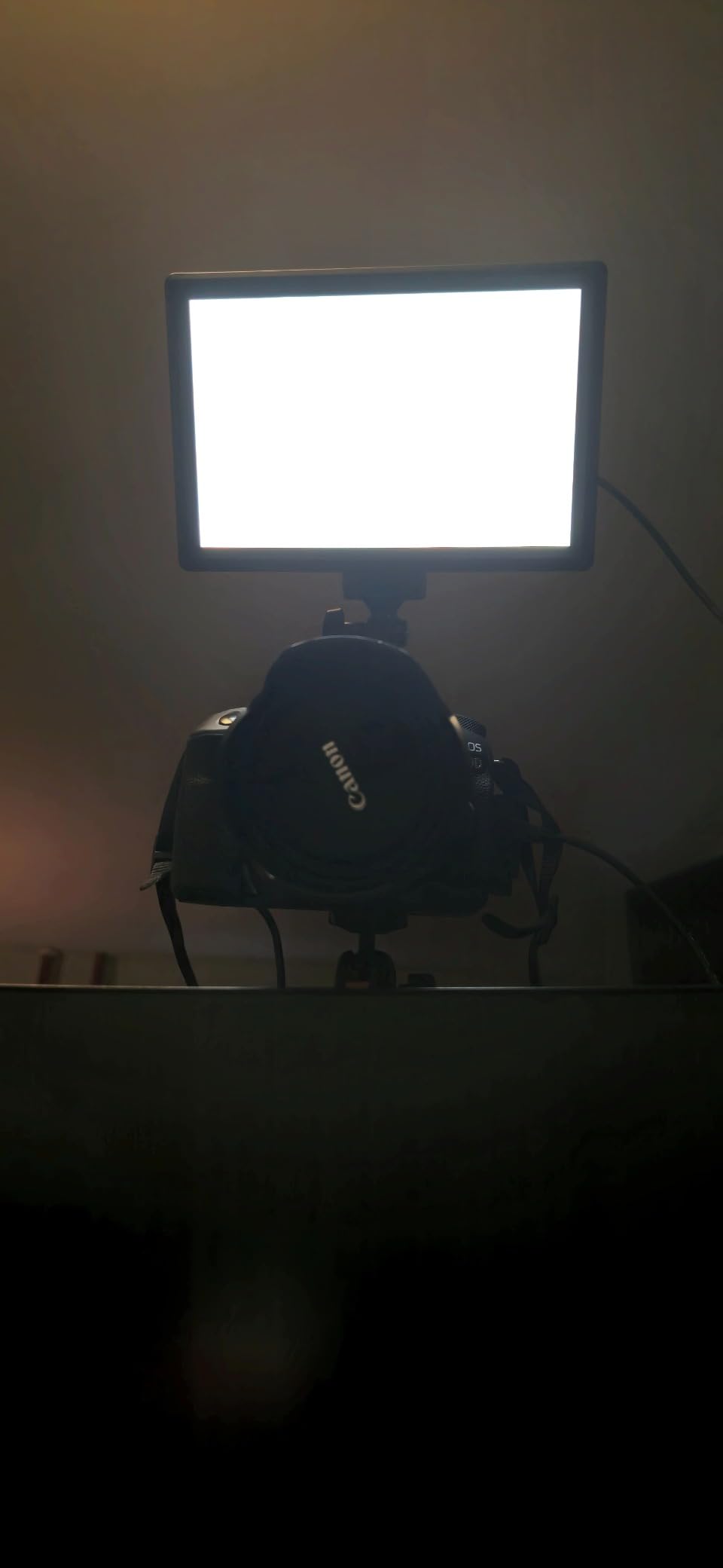
Best Desktop Lighting Configuration
For desktop YouTube recording, I positioned the NL-116AI on the mini tripod directly behind my monitor, angled slightly downward toward my face. This created a flattering front light that eliminated the shadows from overhead room lighting. The 9-inch size was perfect for this setup, large enough to provide soft light but small enough to sit unobtrusively behind my screen.
If you record with a webcam or smartphone at a desk, this single panel may be all you need to dramatically improve your video quality. Pair it with a window for natural fill light, or add a second NL-116AI as a fill light for a complete two-light setup.
Limitations to Consider Before Buying
This is a single panel, not a kit. If you want a multi-light setup, you need to buy two. The 600 lux output at 0.5 meters is adequate for close-range desktop work but insufficient for larger rooms or wide shots. The panel works best when positioned within 3 feet of your subject.
The 1.5-hour battery life is fine for most YouTube recording sessions but may fall short for extended live streams. I kept a USB-C cable connected to my computer for simultaneous charging during long sessions, which eliminated the runtime concern entirely.
How to Choose LED Video Light Panels for YouTube
Choosing the right LED panel for your YouTube channel comes down to understanding a few key specifications and matching them to your specific needs. I have broken down the most important factors below based on my testing experience and feedback from the creator community.
If you want to explore more lighting options beyond panels, our guide to portable LED lights for documentary filmmaking covers additional form factors that might suit your workflow.
Brightness and Lux Output
Brightness in LED panels is measured in lux, which tells you how much light reaches your subject at a specific distance. A panel rated at 600 lux at 0.5 meters will be significantly dimmer at 2 meters. For YouTube talking-head videos shot at a desk, 500-1000 lux at 0.5 meters is sufficient. For larger rooms or wider shots, look for 2000+ lux output.
The Zhiyun FIVERAY M40 outputs 14000 lux at close range, making it the brightest per-square-inch light on this list. The Neewer NL480 and Godox LP800BI produce more total light due to their larger surface areas. Consider your typical filming distance when comparing brightness specs.
Color Temperature: Bi-Color vs RGB
Bi-color panels offer adjustable color temperature, typically ranging from 3200K (warm tungsten) to 5600K (daylight). This lets you match existing room lighting or create different moods. RGB panels add full color spectrum control for creative effects, background lighting, and color matching.
For most YouTube creators, bi-color is the practical choice. You get the warmth-coolness range you need for natural-looking video without paying for RGB features you may rarely use. The GVM 2-Pack offers the widest bi-color range at 2300K-6800K, giving you maximum flexibility.
CRI and TLCI: Why They Matter
CRI (Color Rendering Index) measures how accurately a light source reveals colors compared to natural sunlight. TLCI (Television Lighting Consistency Index) is similar but specifically designed for video cameras. For YouTube content, aim for CRI 95+ and TLCI 96+ to ensure skin tones look natural and products appear true to color on camera.
Every panel on this list meets the CRI 95+ threshold. The GVM 2-Pack leads with CRI 97+ and TLCI 97+, followed by the NEEWER NL-192AI at CRI 97+. Lower CRI panels can make skin look washed out or give products a color cast that is difficult to correct in editing.
Power Options: Battery vs AC
Your power source determines where and how you can use your lights. AC-powered panels like the Godox LP800BI provide unlimited runtime but require a wall outlet. Battery-powered panels offer portability but have limited runtime. Panels with dual power options, like the NEEWER NL-192AI and Neewer NL480, give you the best of both worlds.
Budget lighting is also covered in our roundup of lighting kits for indie filmmakers under $500, which includes options that complement the panels reviewed here.
Fan Noise: A Hidden Dealbreaker
Many high-output LED panels have cooling fans that produce audible noise. For YouTube creators who record audio with onboard or nearby microphones, fan noise is a serious problem. I tested every panel on this list for acoustic noise, and only the Godox LP800BI uses a fanless design at high brightness levels.
Forum discussions on Reddit’s r/videography consistently highlight fan noise as a top complaint with LED panels. If you record audio in the same room as your lights, prioritize panels with passive cooling or verify that any fans are inaudible at your typical recording distance.
Three-Point Lighting Setup for YouTube
The three-point lighting setup is the foundation of professional video lighting. It uses three lights: a key light (your main light at a 45-degree angle), a fill light (softer light on the opposite side to reduce shadows), and a backlight (behind the subject to create separation from the background). This setup adds dimension and professionalism to any YouTube video.
For a budget three-point setup, you can use two LED panels as key and fill lights, and a cheaper light or window as your backlight. The 2-pack kits on this list (NEEWER BP66, NEEWER NL-192AI, UBeesize, GVM) are ideal starting points for building a three-point system.
Mounting and Portability
Consider how you will mount your lights before buying. Most panels on this list include light stands, but the quality varies significantly. Heavier panels like the Godox LP800BI and Neewer NL480 need sturdy stands, while lightweight panels like the NEEWER BP66 can work on basic tripods. Check the mounting thread (1/4-inch is standard) and cold shoe compatibility if you plan to mount on cameras.
If you film in multiple locations, portability is critical. The Zhiyun FIVERAY M40 and Lume Cube Studio Panel kit are the most travel-friendly options on this list. For permanent studio setups, the Godox LP800BI and Neewer NL480 offer the best performance per dollar.
FAQs
What is the best lighting for YouTube creators?
The best lighting for YouTube creators is a bi-color LED panel with CRI 95+ or higher, adjustable brightness, and silent operation. A two-panel kit configured as key and fill lights, like the NEEWER NL-192AI 2-Pack or GVM 2-Pack, provides the most versatile setup for talking-head videos, live streaming, and product shots.
What are the disadvantages of LED panels?
The main disadvantages of LED panels include limited throw distance compared to larger COB lights, potential fan noise on high-output models, battery life limitations on portable units, and color accuracy variations between budget and premium models. Some cheaper panels also have lower CRI scores that can affect skin tone reproduction.
What is the light that YouTubers use?
Most YouTubers use bi-color LED panel lights as their primary light source. Popular choices include the Godox LP800BI for studio setups, NEEWER panels for budget-friendly kits, and ring lights or compact panels like the NEEWER NL-116AI for desktop recording. The specific light depends on the creator’s budget, space, and content type.
How many lumens or lux do I need for a good video light?
For desk-level YouTube recording within 3 feet of the light, 500-1000 lux at 0.5 meters is sufficient. For medium rooms or seated shots at 4-6 feet, look for 2000+ lux. For large rooms or standing shots, you need 5000+ lux or multiple panels. Lux ratings are measured at specific distances, so always check the measurement distance in the specifications.
Are LED lights good for professional video?
Yes, modern LED lights are widely used in professional video production. High-quality LED panels with CRI 96+ and TLCI 98+ ratings, like the Godox LP800BI and GVM 2-Pack, deliver broadcast-quality color accuracy. Professional brands including Godox, Aputure, and Nanlite produce LED panels used in commercial video, film, and television production.
Final Thoughts on the Best LED Video Light Panels for YouTube
After testing all 10 panels across months of YouTube recording, my top recommendation for most creators is the NEEWER NL-192AI 2-Pack. It delivers the best combination of brightness, color accuracy, battery life, and value. You get two CRI 97+ panels with built-in batteries, stands, and a carrying case at a price that leaves room in your budget for other gear.
If you have a dedicated studio and want the best possible light quality, the Godox LP800BI is the upgrade path. Its 28-inch panel produces soft, broadcast-quality light that rivals professional fixtures costing much more. And if you are just starting with almost no budget, the NEEWER BP66 2-Pack proves that even cheap LED panels can dramatically improve your video quality over room lighting alone.
The best LED video light panels for YouTube are the ones that match your specific recording environment, budget, and content style. Any panel on this list will be a significant upgrade over relying on overhead room lights. For more lighting gear recommendations, check out our guide to tube lights for filmmakers to expand your lighting toolkit further. Start with one or two panels, learn the basics of three-point lighting, and upgrade as your channel grows.