
Finding the right pair of near-field monitors can make or break your home studio. I have spent countless hours testing speakers in treated and untreated rooms, and I can tell you firsthand that the wrong monitors will have you second-guessing every mix you make. The right ones? They disappear, and you just hear the music exactly as it is.
Near-field monitors are designed to sit close to your listening position, usually between two and five feet away. This proximity minimizes the impact of room acoustics on what you hear, which is why they are the go-to choice for home studios where acoustic treatment might be limited. Whether you are mixing hip-hop beats, recording podcast vocals, or mastering a full album, having accurate studio monitor speakers is non-negotiable.
In this guide, our team has tested and compared 10 of the best near field monitors for home studios in 2026. We cover everything from ultra-compact budget options that fit on a cramped desk to professional-grade monitors trusted by working engineers. By the end, you will know exactly which pair fits your room, your workflow, and your ears.
Table of Contents
Top 3 Picks for Best Near Field Monitors

Yamaha HS4 Powered Studio Monitor
- 4.5 inch woofer
- Room Control
- Flat HS Response
- XLR/TRS/RCA inputs

M-AUDIO BX3 3.5 inch Studio Monitors
- 3.5 inch Kevlar woofer
- 120W bi-amped
- MPC Beats software
- EQ controls
Best Near Field Monitors for Home Studios in 2026
| Product | Specifications | Action |
|---|---|---|
 PreSonus Eris 3.5 PreSonus Eris 3.5 |
|
Check Latest Price |
| M-AUDIO BX3 |
|
Check Latest Price |
 Mackie CR3.5 Mackie CR3.5 |
|
Check Latest Price |
 Edifier MR4 Edifier MR4 |
|
Check Latest Price |
| Yamaha HS4 |
|
Check Latest Price |
 PreSonus Eris E5 PreSonus Eris E5 |
|
Check Latest Price |
 IK Multimedia iLoud Micro IK Multimedia iLoud Micro |
|
Check Latest Price |
 ADAM Audio D3V ADAM Audio D3V |
|
Check Latest Price |
 Yamaha HS5 Yamaha HS5 |
|
Check Latest Price |
 KRK RP5G5 ROKIT 5 KRK RP5G5 ROKIT 5 |
|
Check Latest Price |
1. PreSonus Eris 3.5 – Best Budget Starter Monitors
- Excellent clarity for the price
- Balanced mids and clear highs
- Multiple input options including balanced TRS
- Compact desktop-friendly size
- Bass can be muddy at default EQ
- Auto-sleep mode issues for some users
- Right speaker is passive (wired to left)
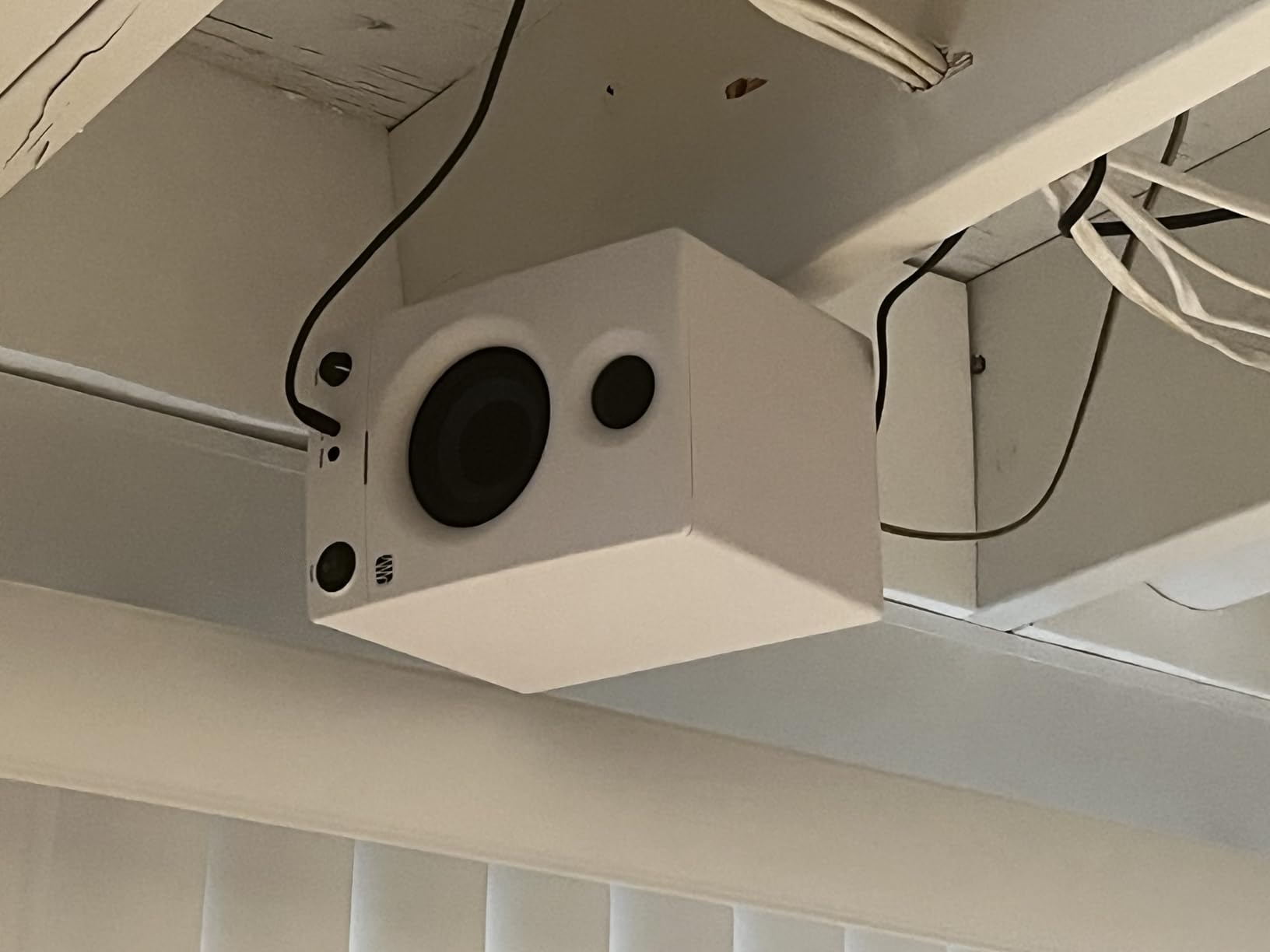
I picked up a pair of PreSonus Eris 3.5 monitors when I needed something compact for a secondary writing desk, and honestly, they surprised me. For their size, the stereo imaging is remarkably wide. You can position these on either side of a laptop and still get a clear center image, which is not something every budget monitor can deliver.
The woven-composite woofers produce tighter bass than I expected from a 3.5-inch driver. Out of the box, the low end runs a little hot, but backing off the low-frequency trim on the back panel tames it nicely. I spent about 10 minutes dialing in the HF and LF controls for my room, and the difference was night and day.
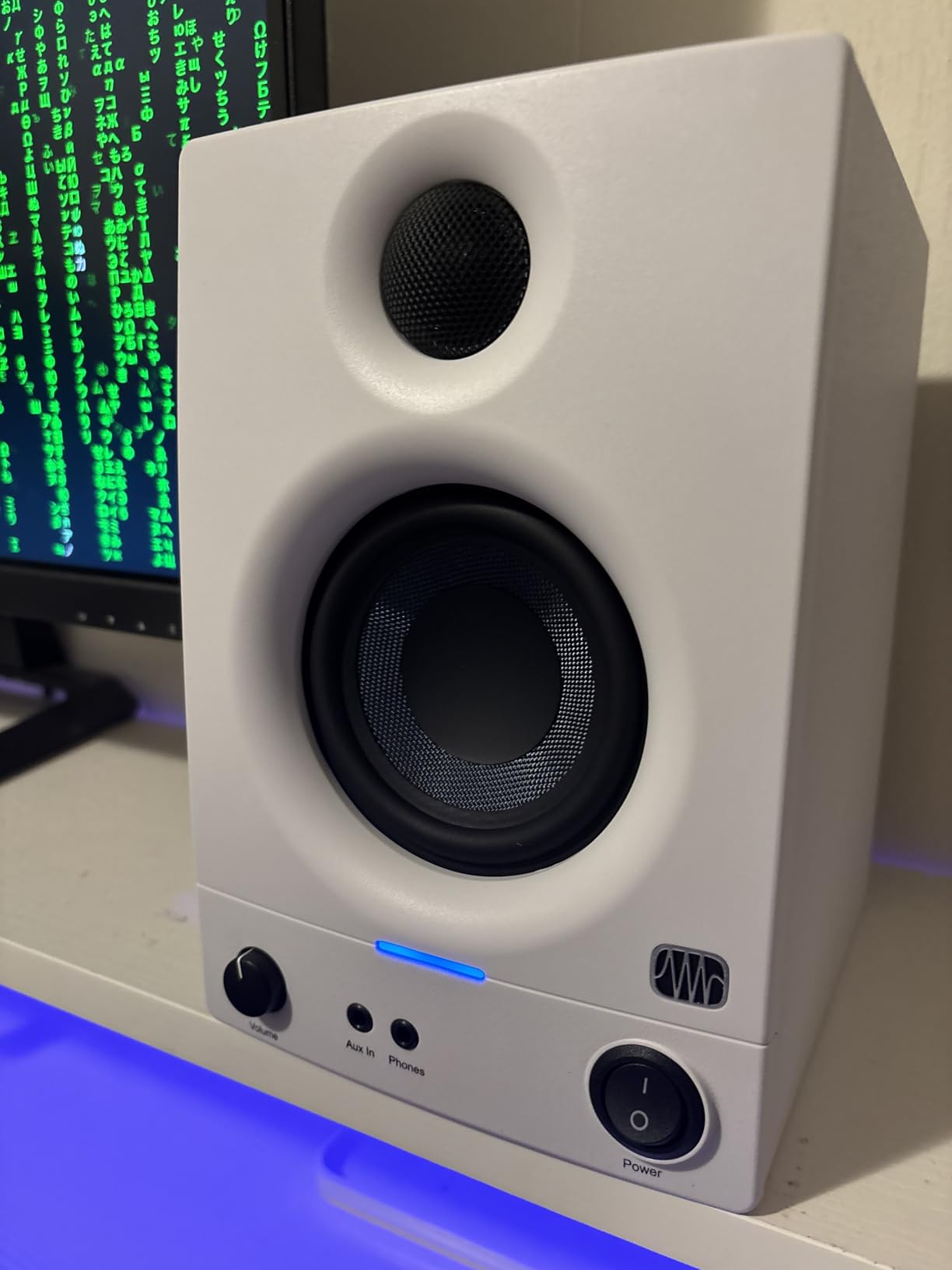
What I really appreciate about these monitors is the connectivity. You get balanced quarter-inch TRS, unbalanced RCA, and a front-panel aux input all on the same pair. I ran my audio interface into the TRS inputs and kept my phone plugged into the aux jack for casual listening. The front headphone output with its own amplifier is a nice touch too.
On the downside, the auto-sleep mode kicks in after 40 minutes of silence, and waking them back up can take a few seconds. It is a minor annoyance, but if you are in the middle of a writing session and pause to think, the delay can break your flow.
Who Should Buy the PreSonus Eris 3.5
These are ideal for beginners setting up their first home studio, podcasters working on a tight desk, or anyone who needs a compact second pair of reference monitors. If your room is small and untreated, the Eris 3.5 gives you a solid starting point without a big investment.
They are also a strong pick for content creators who need something better than laptop speakers but do not want to commit to a full studio setup. The multiple inputs make them versatile enough for daily use beyond just music production.
Who Should Skip the PreSonus Eris 3.5
If you are doing any serious low-end mixing, whether that is electronic music, hip-hop production, or film scoring, the 3.5-inch woofers will not give you enough bass detail. You would be better off looking at the Eris E5 or adding a subwoofer to your setup.
Engineers who need professional-grade accuracy for mastering should also look further up the list. These are great for what they cost, but they are not a substitute for larger, flatter reference monitors in a treated room.
2. M-AUDIO BX3 – Best Selling Budget Studio Monitors
- Outstanding value for beginners
- Clear stereo imaging
- Bundled MPC Beats production software
- Bi-amplified Class A/B design
- Auto sleep can be unreliable
- Slight hiss at high volumes
- No Bluetooth connectivity
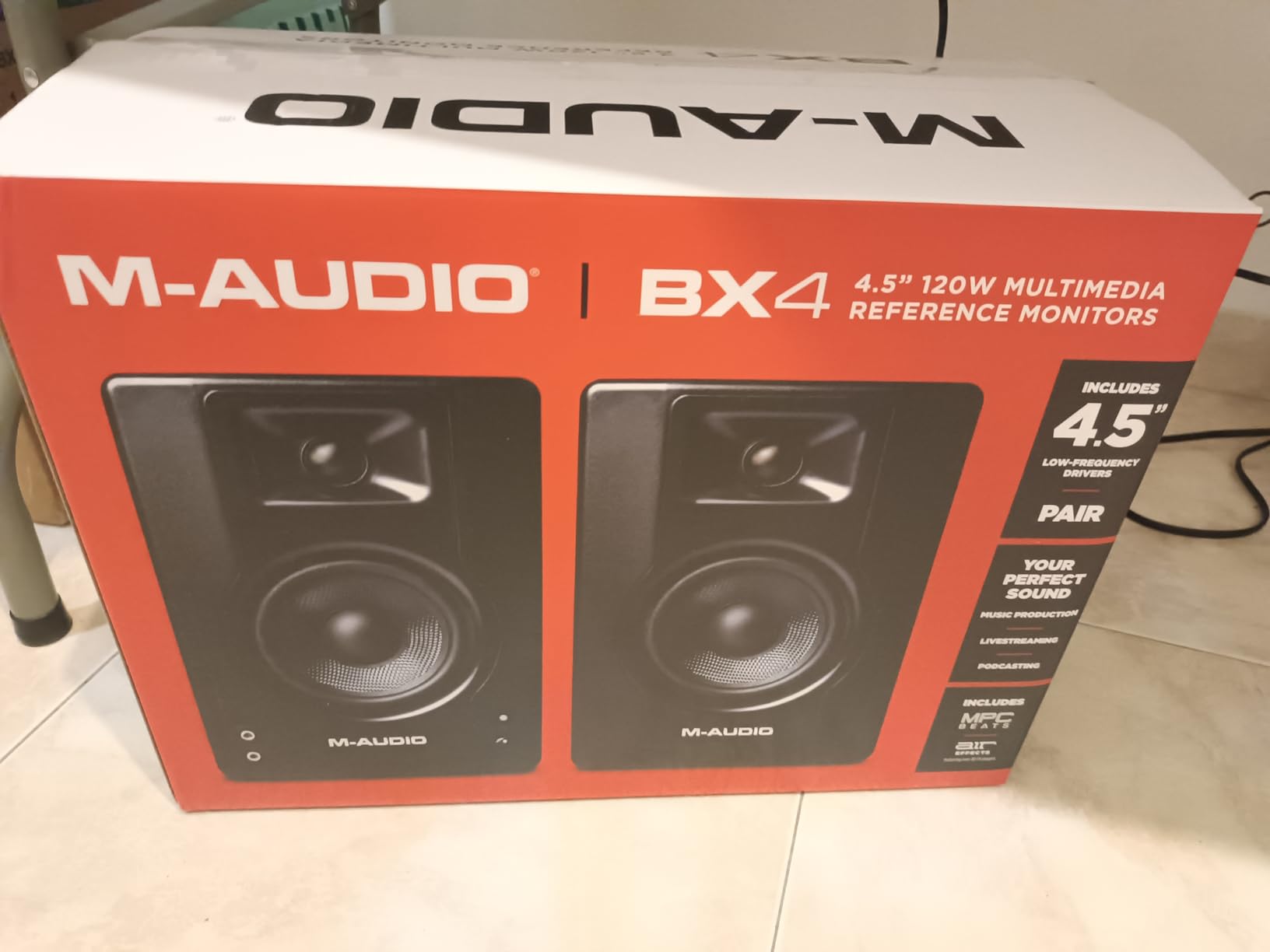
The M-AUDIO BX3 pair is one of the best-selling budget studio monitors on the market, and after testing them, I understand why. With over 3,800 reviews and a solid 4.4-star rating, these have earned their reputation the hard way: by being genuinely useful for people just starting out in music production.
The Kevlar woofers are a standout feature at this price point. Kevlar is typically found on more expensive monitors because it holds its shape better under high excursion, which means less distortion in the low-mids. I noticed the midrange on these is surprisingly clean for a pair this affordable. Vocals sit forward without sounding harsh.
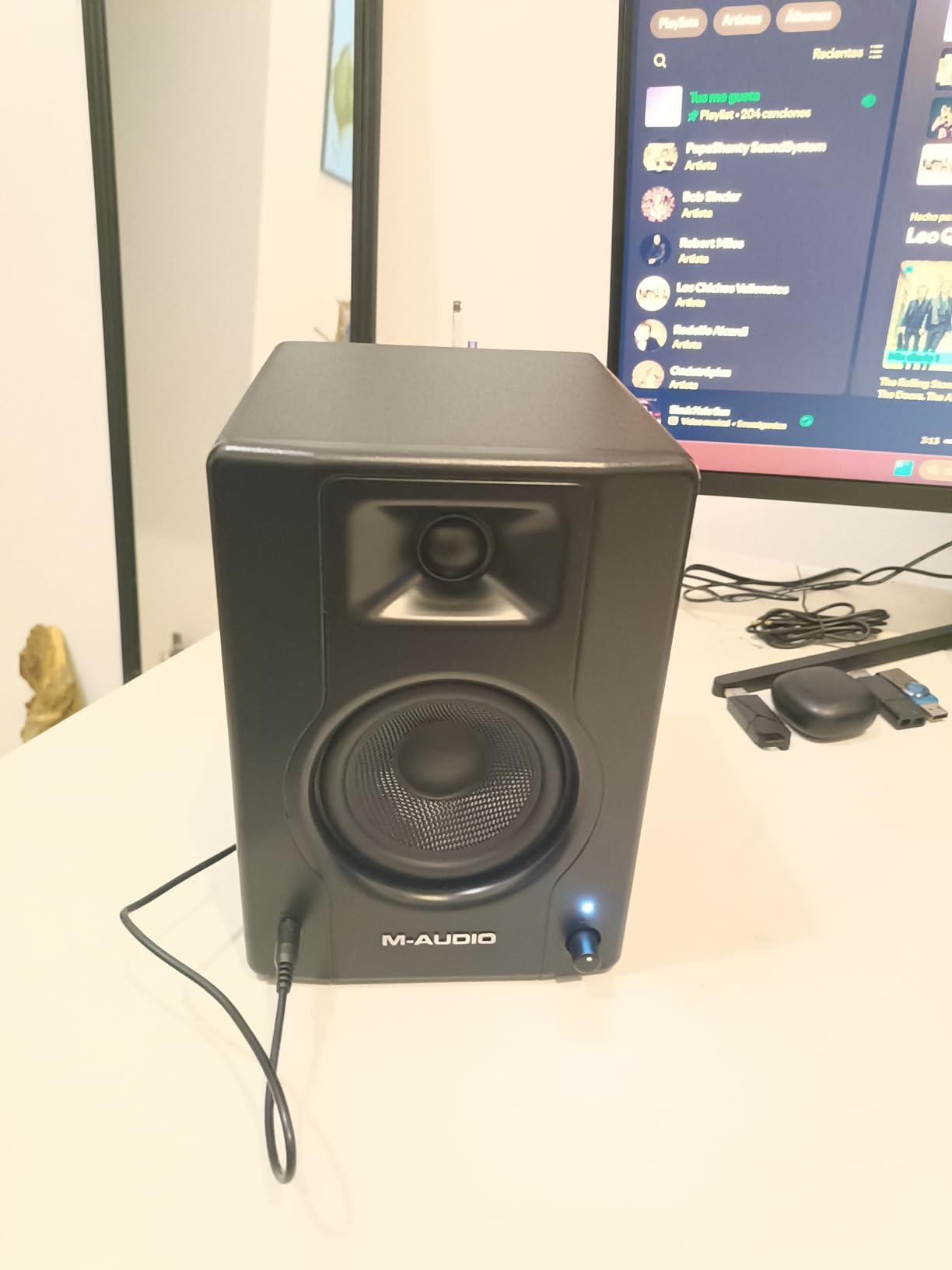
M-AUDIO ships these with a copy of Akai Professional’s MPC Beats software, which is a full-featured beat-making DAW. If you are building your first studio and do not have production software yet, this bundle genuinely saves you money. I loaded it up and found it intuitive enough for beginners, but capable enough for serious beat production.
The rear EQ controls let you adjust high and low frequency response to match your room. I found myself cutting the lows by about 2dB on my desk setup to compensate for bass buildup against the wall behind me. The adjustments are subtle but effective once you spend time with them.
Who Should Buy the M-AUDIO BX3
First-time producers and beat makers will get the most value from this pair, especially since the bundled MPC Beats software gives you a complete production environment right out of the box. They are also a solid pick for students and anyone setting up a dorm room or bedroom studio on a tight budget.
Who Should Skip the M-AUDIO BX3
If you are sensitive to background hiss, these might bother you. At idle, there is a faint but audible noise floor that becomes more noticeable at higher volume settings. For critical listening sessions or professional mixing work, consider stepping up to the Yamaha HS4 or PreSonus Eris E5 instead.
3. Mackie CR3.5 – Most Versatile Compact Monitors
- Tone knob switches between flat and colored
- Location switch for desk vs bookshelf placement
- Better bass than most 3.5 inch competitors
- Includes foam isolation pads
- Limited bass without subwoofer for larger rooms
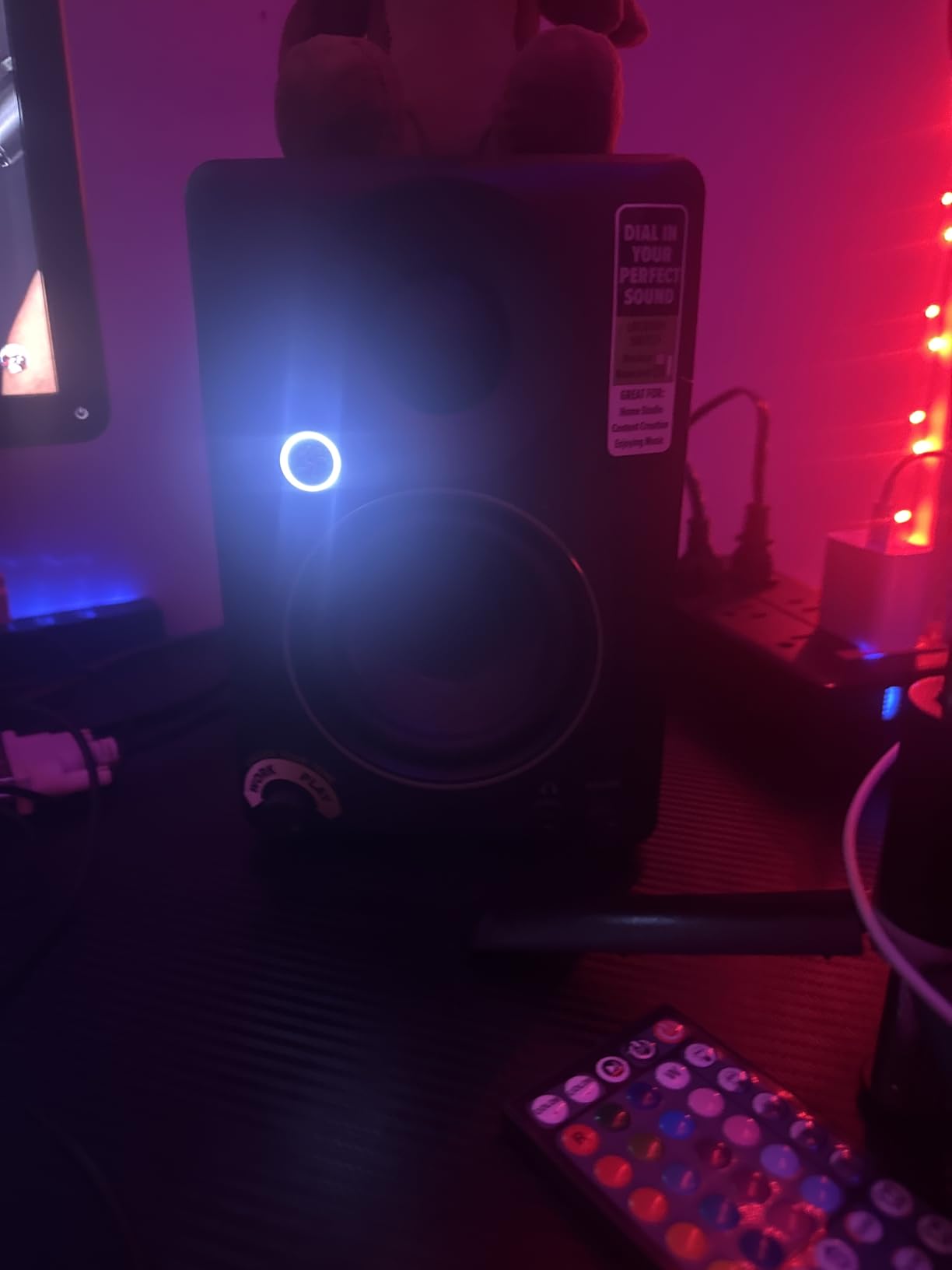
- Power indicator light is very bright
- Only one active speaker unit
The Mackie CR3.5 monitors have a trick up their sleeve that most competitors lack: a tone knob that lets you switch between a flat studio response and a more colored, enjoyable listening sound. I found myself using the flat setting during mix sessions and then flipping to the colored setting when I just wanted to enjoy music at my desk.
There is also a location switch that changes the tuning depending on whether you have them on your desk in near-field position or on a bookshelf farther away. This is one of those features that sounds minor on paper but makes a real difference in practice. When I switched from Desktop to Bookshelf mode, the bass tightened up noticeably because the monitors were compensating for boundary reflections.
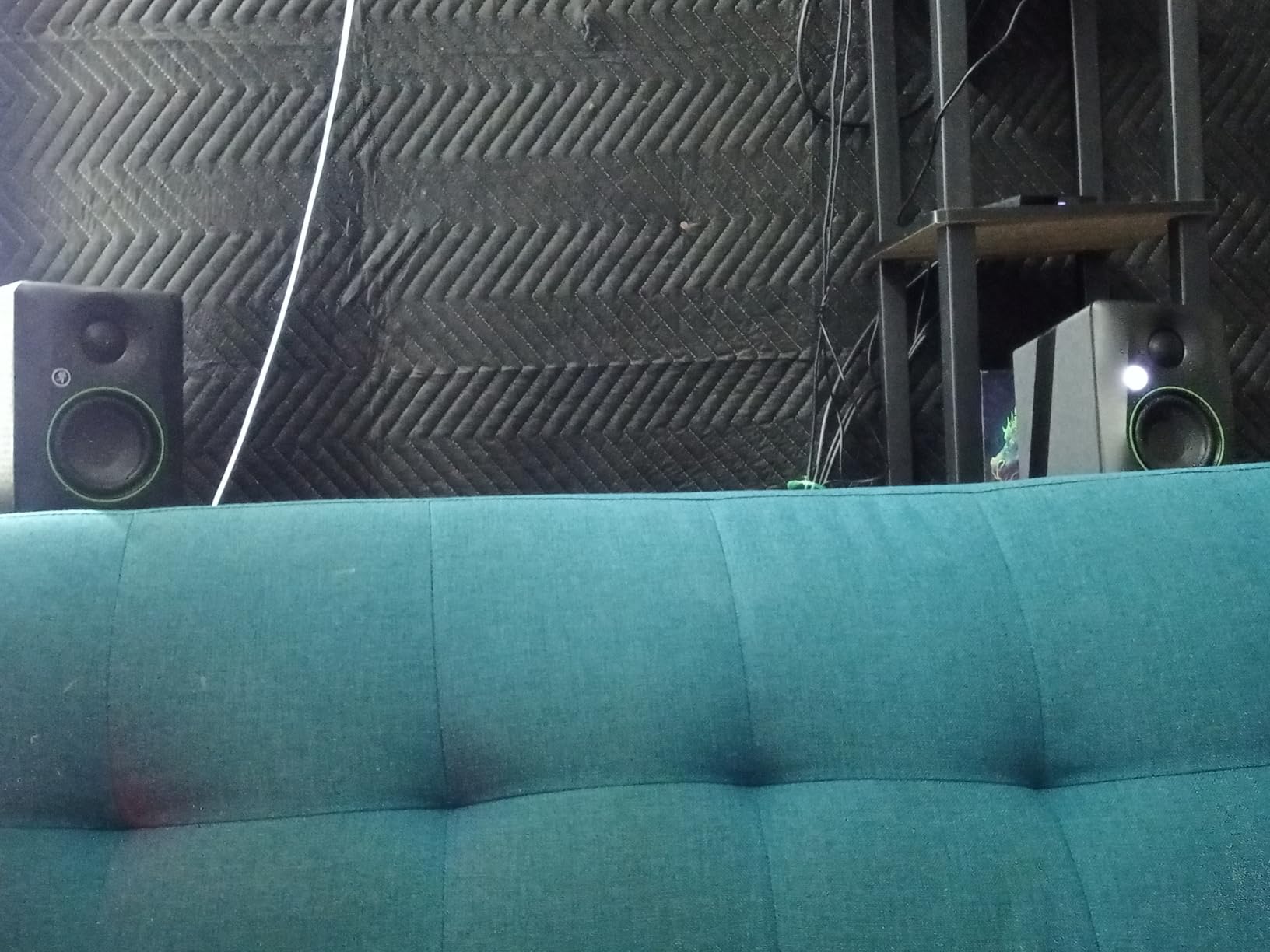
The included foam isolation pads are a welcome addition. Most manufacturers make you buy these separately, and they genuinely help decouple the speakers from your desk surface. Less desk vibration means tighter bass and fewer artifacts in your listening position.
Mackie has built these with a professional look. The black vinyl wrap finish gives them a clean, studio-ready appearance that looks right at home next to higher-end gear. At just over 10 pounds for the pair, they are easy to reposition or move between setups.
Who Should Buy the Mackie CR3.5
Content creators who split their time between production work and casual listening will love the tone knob. If you use the same desk for mixing beats, editing podcasts, watching videos, and streaming music, the flexibility to switch between flat and fun sound signatures is a genuine quality-of-life upgrade.
They are also great for anyone who might need to move their monitors between near-field and mid-field positions. The location switch handles that transition better than any EQ adjustment you could make manually.
Who Should Skip the Mackie CR3.5
Purests who want an uncolored reference at all times might find the tone knob unnecessary, and there are flatter-sounding options at similar prices. If your priority is absolute accuracy for critical mixing sessions, the Yamaha HS4 delivers a more transparent sound without any temptation to color it.
4. Edifier MR4 – Best 4-Inch Near Field Monitors
- Warm detailed sound with excellent imaging
- Better bass response than 3.5 inch models
- Monitor/Music mode is genuinely useful
- Zero hiss even at full volume
- Treble slightly muted vs brighter monitors
- Step-style volume knob has large jumps
- Bass boost on default can be boomy
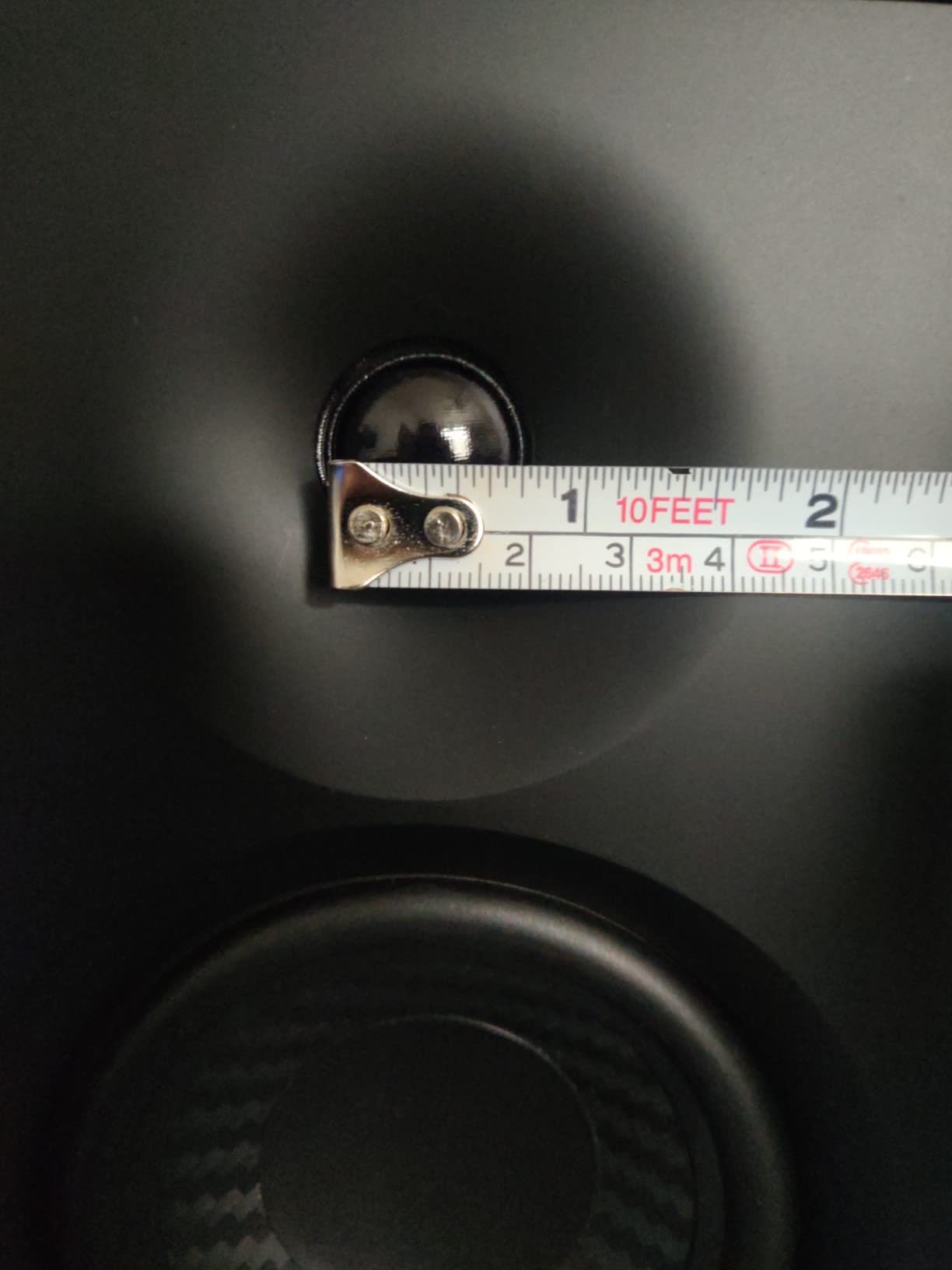
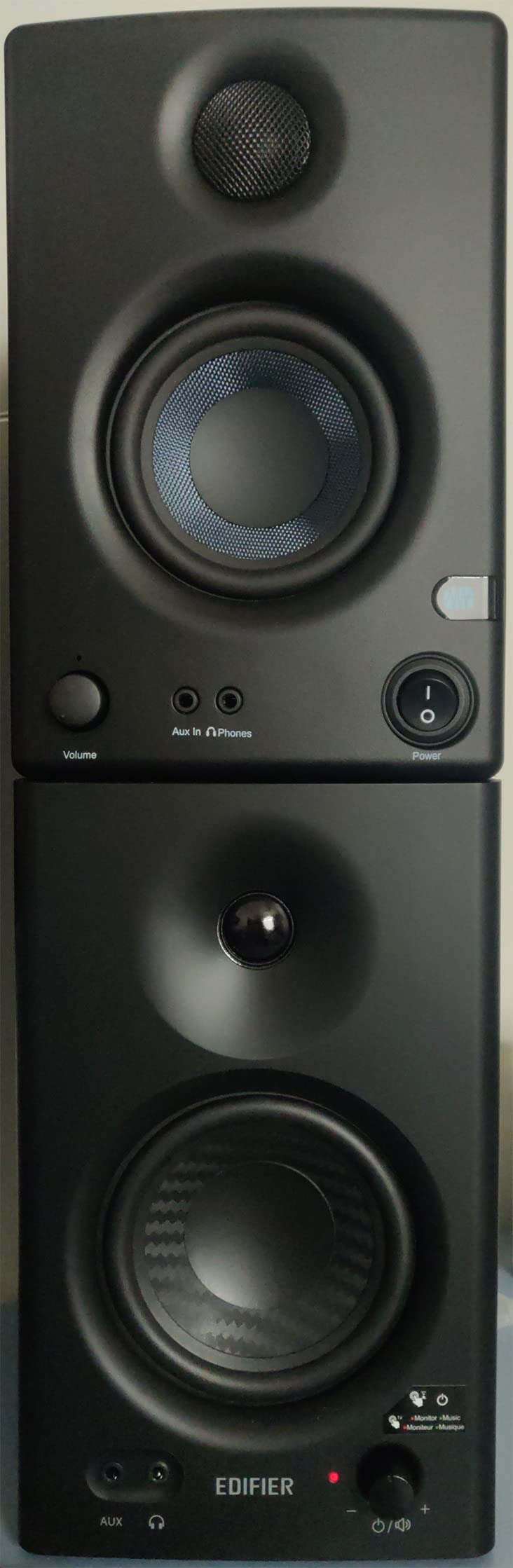
The Edifier MR4 punches above its weight class. With a 4-inch woofer instead of the typical 3.5-inch found at this price, these monitors deliver noticeably deeper bass that extends down to 60 Hz. That extra 20 Hz of low-end reach compared to the PreSonus Eris 3.5 makes a real difference when you are checking kick drums and bass lines in a mix.
What sets the MR4 apart from other near-field monitors I have tested in this range is the complete absence of background hiss. I cranked the volume to maximum with no audio playing and heard nothing. Zero. For anyone who has dealt with the constant low-level noise from cheaper monitors, this silence is golden during quiet passages and late-night sessions.
The dual-mode switch is well-implemented. Monitor mode gives you a flat, honest response that does not flatter your mix. Music mode adds some presence and warmth, making casual listening more enjoyable. I tested both modes extensively and found myself using Monitor mode about 80% of the time for production work.
The MDF wood cabinet does a good job of reducing resonance. Compared to plastic-enclosed monitors at similar prices, the MR4 sounds more contained and less boomy. You can push the volume without the cabinet itself adding unwanted coloration to what you hear.
Who Should Buy the Edifier MR4
If you are torn between 3.5-inch and 5-inch monitors, the MR4 hits the sweet spot. The 4-inch woofer delivers more bass authority than the smaller options without requiring the desk space or room treatment that 5-inch monitors demand. Home studio owners with medium-sized rooms will get the best results.
Anyone bothered by amplifier hiss should seriously consider these. The dead-quiet background makes them suitable for close-range desktop monitoring where even small amounts of noise become distracting.
Who Should Skip the Edifier MR4
If you prefer a bright, detailed high-end that reveals every subtle detail in your recordings, the MR4’s slightly laid-back treble might feel too smooth. Engineers who need to hear every sibilant and transient with razor precision may prefer the ADAM Audio D3V or Yamaha HS5 instead.
5. Yamaha HS4 – Best Overall Near Field Monitors
- Clean accurate sound with zero coloring
- Room Control compensates for wall proximity
- Industry-standard HS series reliability
- Excellent clarity and stereo width
- No XLR cables included
- Heavy at 15 lbs per pair
- Can sound bright before break-in period
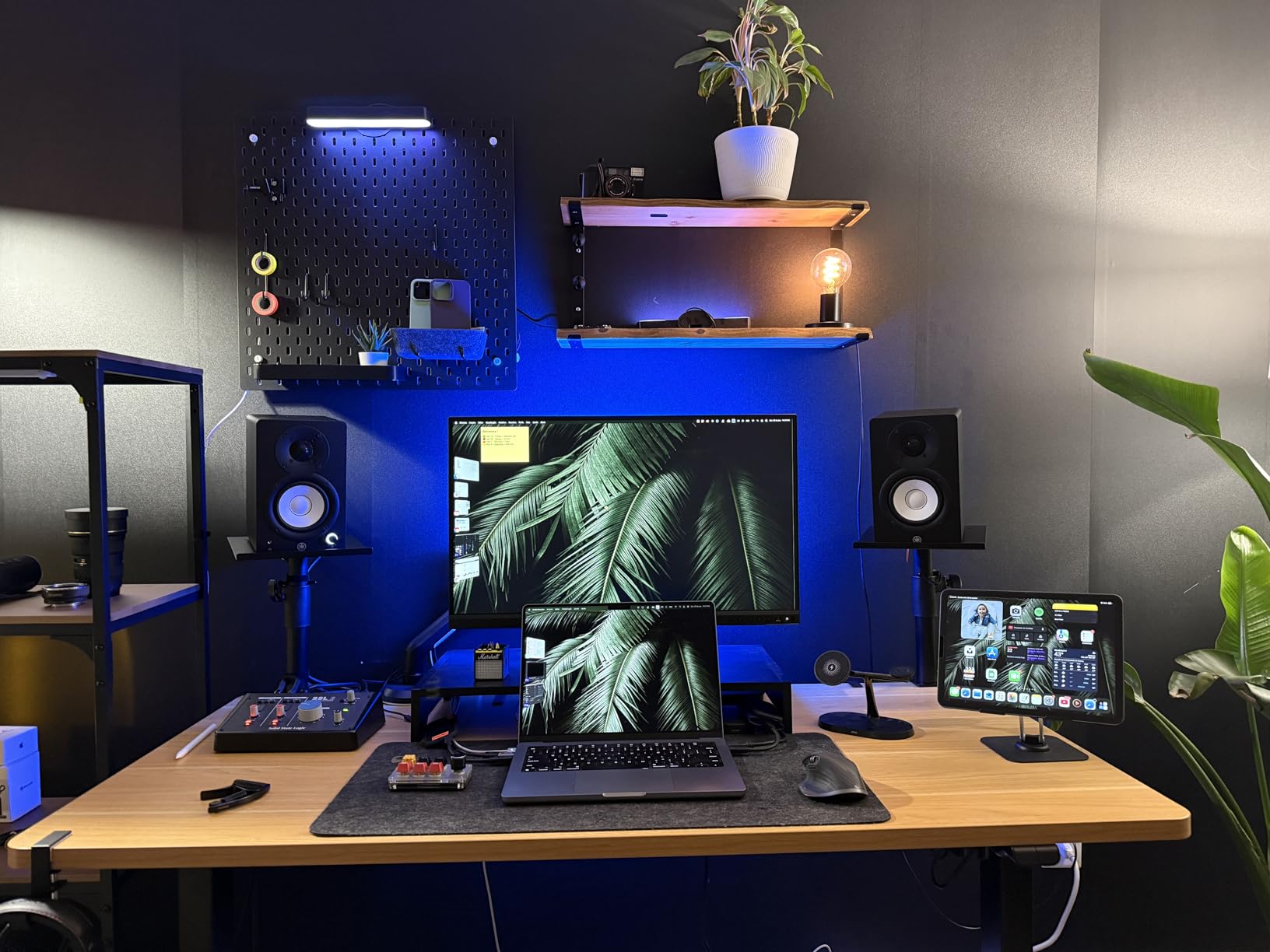
The Yamaha HS4 carries the legacy of one of the most trusted names in studio monitoring. When I first powered these on, I immediately understood why Yamaha’s HS series has been a staple in home studios for years. The sound is clean, honest, and completely unflattering. If there is a problem in your mix, the HS4 will show it to you without sugarcoating.
The Room Control switch on the back is a feature I wish every monitor had. It reduces the bass boost that happens when you place monitors near walls. In my test room, where the monitors sat about 6 inches from the back wall, engaging the -2dB Room Control setting cleaned up the low end significantly without making it sound thin.
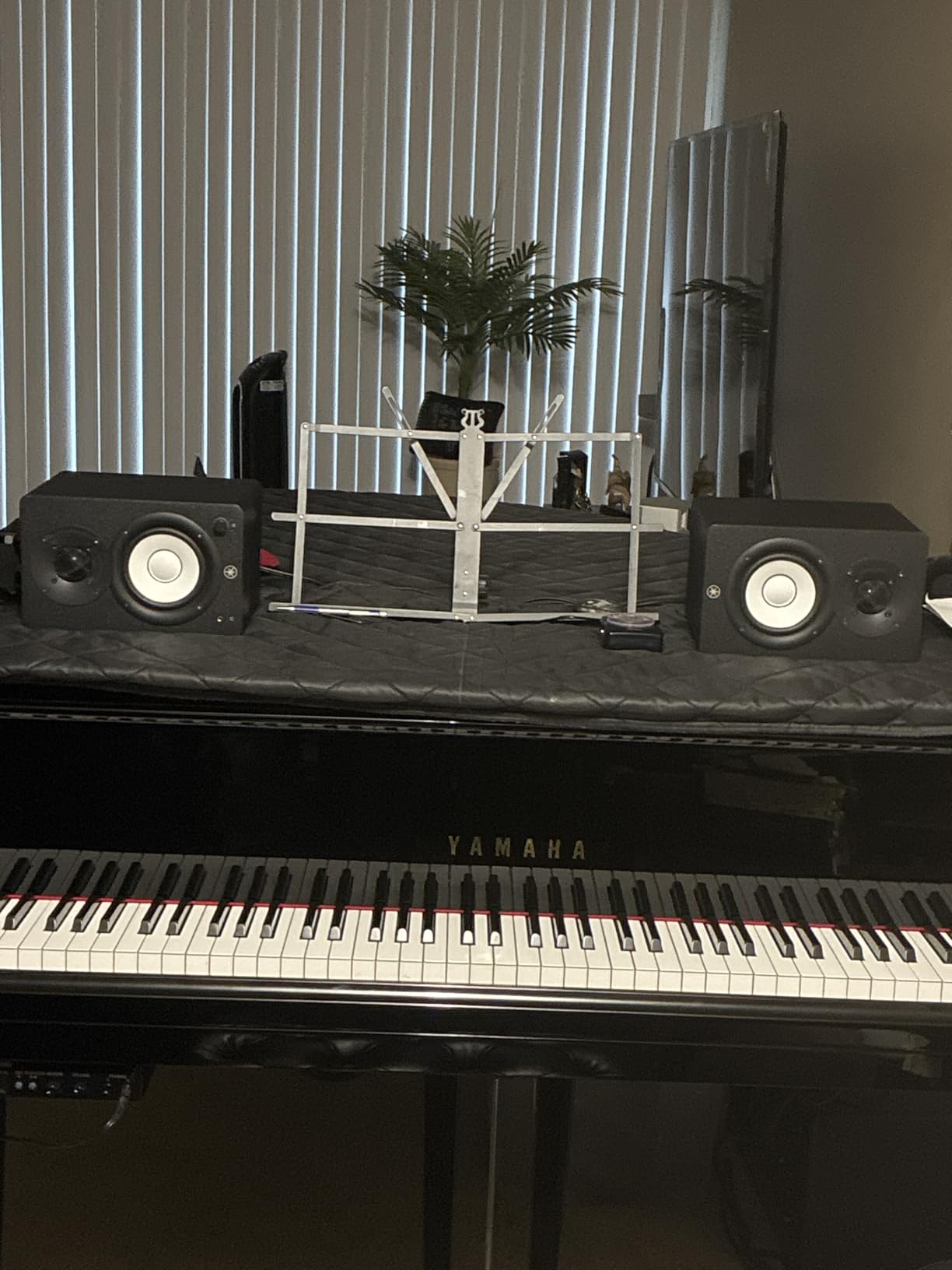
Stereo imaging on the HS4 is excellent for near-field positioning. At about three feet away, I could pinpoint the exact placement of instruments across the soundstage. Panning decisions become much easier when you can trust the spatial accuracy of your monitors, and the HS4 delivers that confidence.
With a 4.5-inch woofer, these bridge the gap between compact desktop monitors and full-sized studio speakers. They produce enough low-end detail to make informed mixing decisions on bass and kick drums without overwhelming a small room. The frequency response extends up to 22 kHz, giving you full visibility into the high-frequency content of your recordings.
Who Should Buy the Yamaha HS4
These are the best near field monitors for home studios for anyone who wants a professional-grade reference without stepping up to the HS5’s size and power requirements. If you have a small to medium room and need monitors that translate well across different playback systems, the HS4 should be at the top of your list.
Working producers who need a reliable second pair for checking mixes will also find tremendous value here. The flat response means what you hear is what your listeners will hear, whether they are on headphones, car speakers, or a club system.
Who Should Skip the Yamaha HS4
If you want monitors that also sound great for casual listening and entertainment, the HS4’s unforgiving honesty might not be enjoyable outside of production work. They are tools first and entertainment speakers second. Consider the Mackie CR3.5 with its tone knob for a more versatile listening experience.
6. PreSonus Eris E5 – Best Mid-Range Studio Monitors
PreSonus Eris E5 Pair 2-Way 5.25” Near Field Studio Monitors
- Excellent bass response for 5.25 inch drivers
- Acoustic tuning controls for room correction
- 102 dB max SPL with plenty of headroom
- Front-firing port for flexible placement
- May need balanced cables to avoid noise
- Slightly bass-heavy out of the box
- Some audible white noise at idle
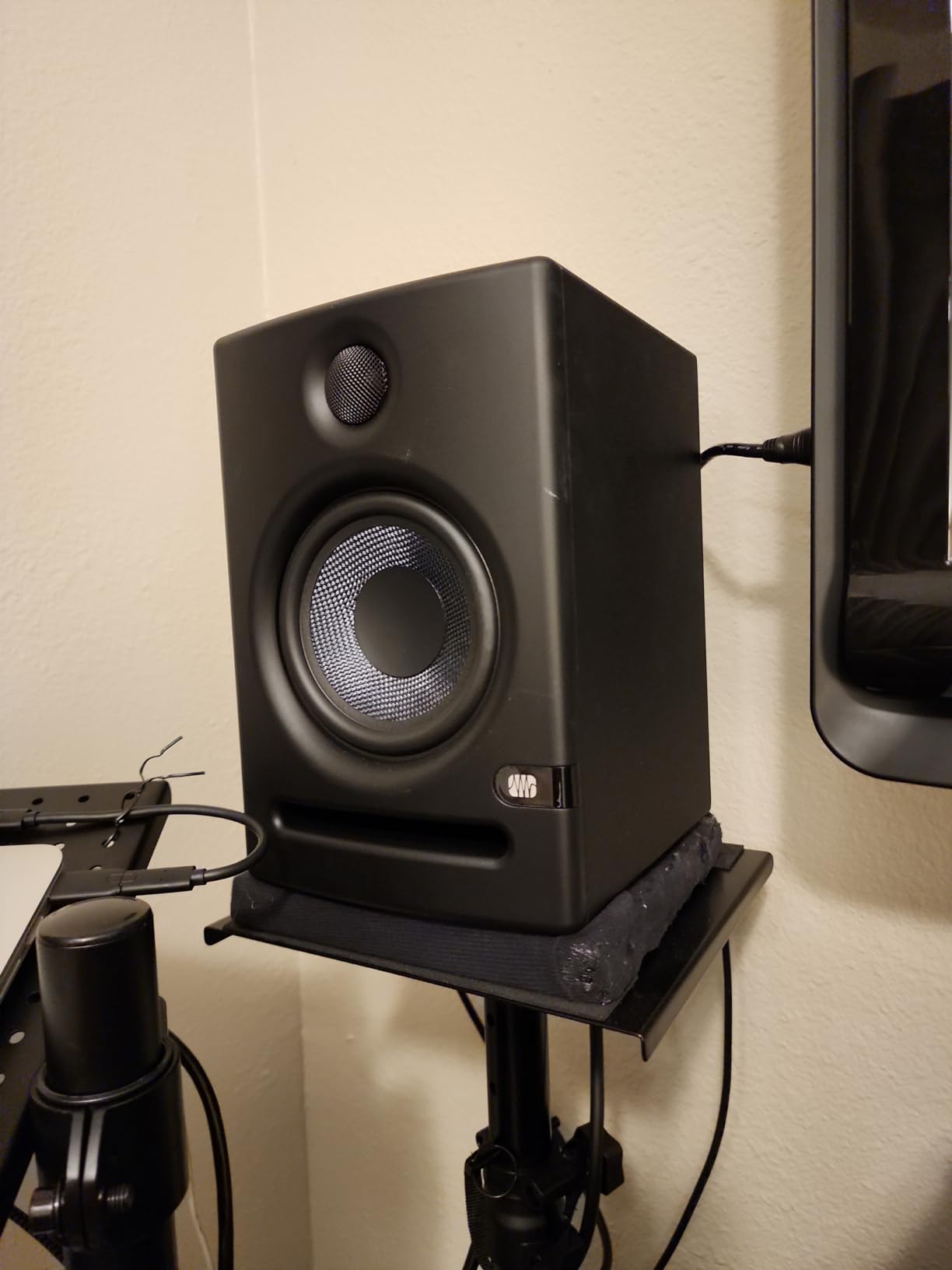
The PreSonus Eris E5 is the monitor I recommend most often when people ask me what to get after outgrowing their first pair of budget speakers. The jump from a 3.5-inch woofer to a 5.25-inch woofer is significant, and the E5 makes the most of that extra cone area. Bass response extends down to 53 Hz, which is low enough to hear the fundamental of a bass guitar and most kick drums without needing a subwoofer.
The 80 watts of Class AB bi-amplification gives these monitors serious headroom. I pushed them to moderate listening levels for a six-hour mixing session and never felt them strain. Transients stay sharp even at higher volumes, which is crucial for making compression and limiting decisions during mixing.
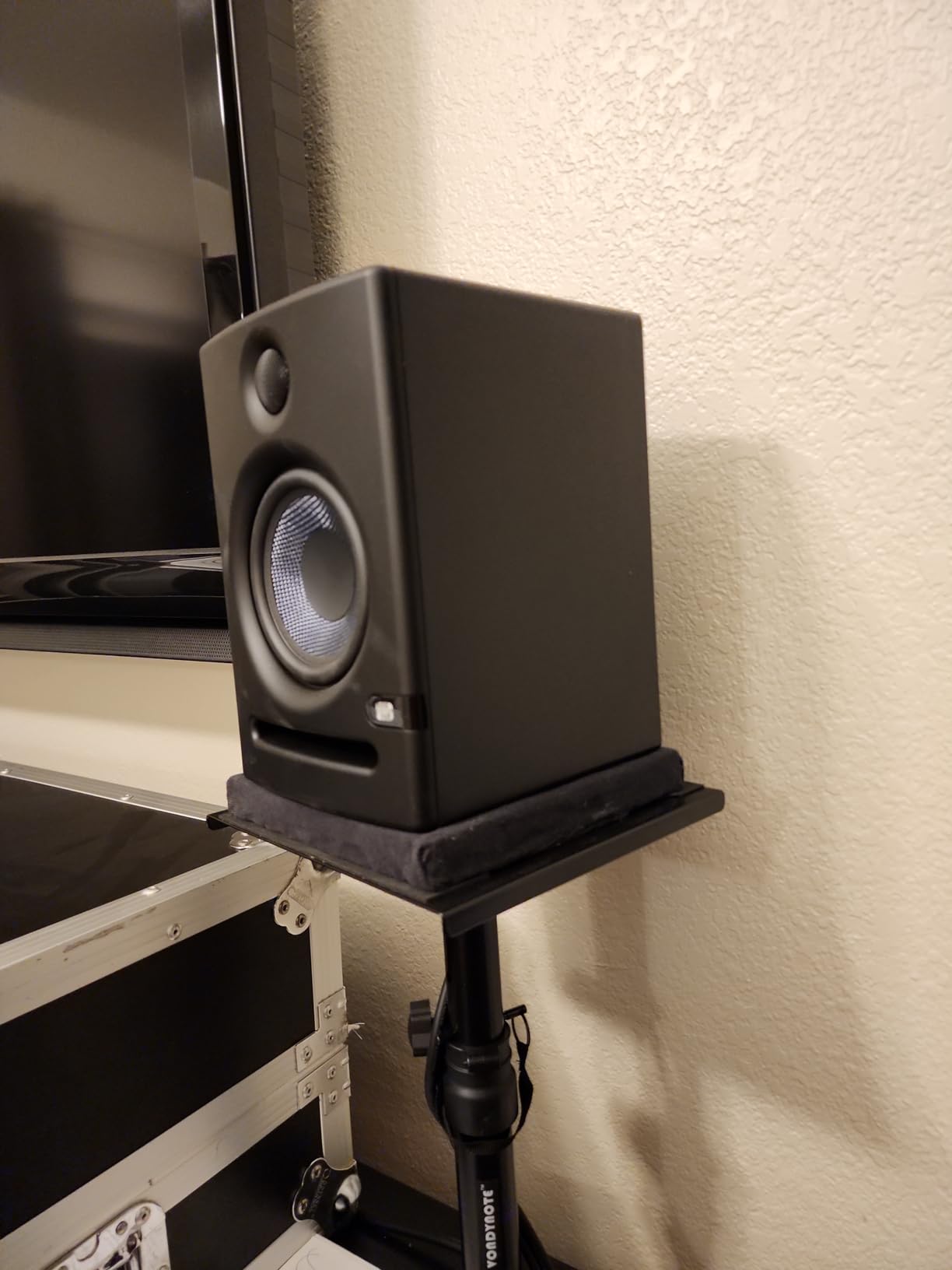
The front-firing acoustic port is a practical advantage that many people overlook. Rear-ported monitors need to be placed at least 6 to 8 inches from a wall to avoid bass buildup, but the E5’s front-firing design gives you more flexibility with placement. I had them sitting about 3 inches from the wall with no noticeable bass problems.
PreSonus includes built-in protection circuits for RF interference, current limiting, over-temperature, and transient spikes. These are the kinds of engineering details that matter over years of daily use. You want monitors that protect themselves and keep working reliably session after session.
Who Should Buy the PreSonus Eris E5
Producers and engineers who are ready to move beyond entry-level monitors will find the E5 to be a significant upgrade. If your room is medium-sized, roughly 10×12 feet or larger, the 5.25-inch woofer fills the space more effectively than compact monitors without overwhelming it.
Anyone who needs flexible placement should also consider these. The front-firing port and acoustic tuning controls make the E5 adaptable to rooms where ideal monitor positioning is not possible.
Who Should Skip the PreSonus Eris E5
If you are working in a very small room, under 8×8 feet, the 5.25-inch drivers may produce more bass than the room can handle, leading to standing waves and muddy low-end. In that scenario, smaller monitors like the Edifier MR4 or Yamaha HS4 would be a better fit for your space.
7. IK Multimedia iLoud Micro Monitor – Best Portable Studio Monitors
- Ultra-compact and portable design
- Surprisingly powerful bass for 3 inch drivers
- Built-in DSP for room correction
- Bluetooth connectivity for wireless streaming
- Bass limited compared to larger monitors
- No balanced inputs (RCA and aux only)
- Travel bag sold separately
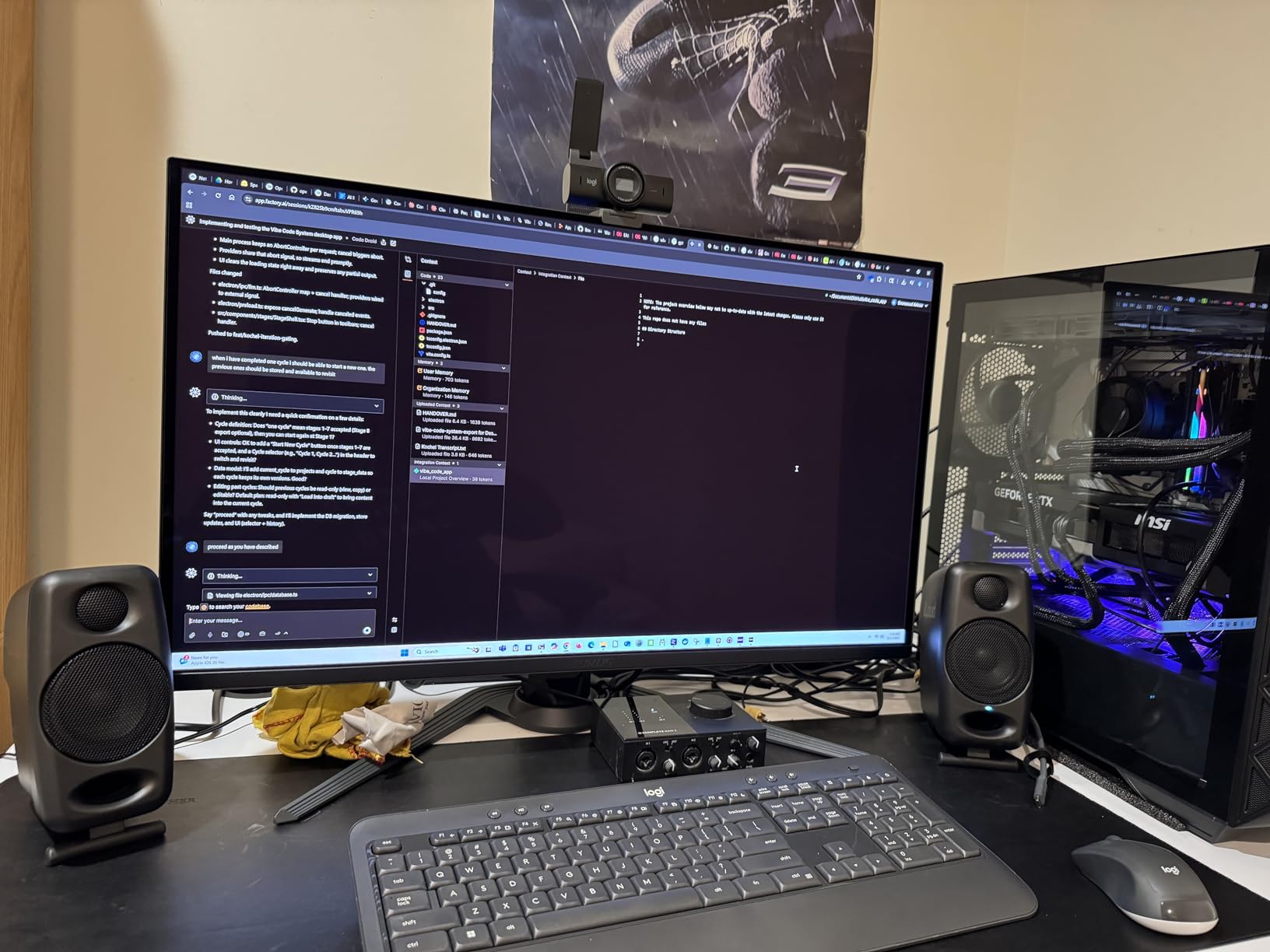
The IK Multimedia iLoud Micro Monitor holds the title of the smallest active studio reference monitoring system available. Each speaker weighs just 1.7 pounds, and the pair together is under 4 pounds. I have taken these on trips, set them up in hotel rooms, and finished mixes that translated perfectly when I got back to my main studio.
Do not let the 3-inch woofers fool you. The internal DSP and custom tuning deliver bass response down to 55 Hz, which is genuinely impressive for drivers this size. IK Multimedia uses the DSP to extend the perceived low end beyond what the physical drivers should be capable of producing. It is not magic, but it works remarkably well for near-field listening at close range.
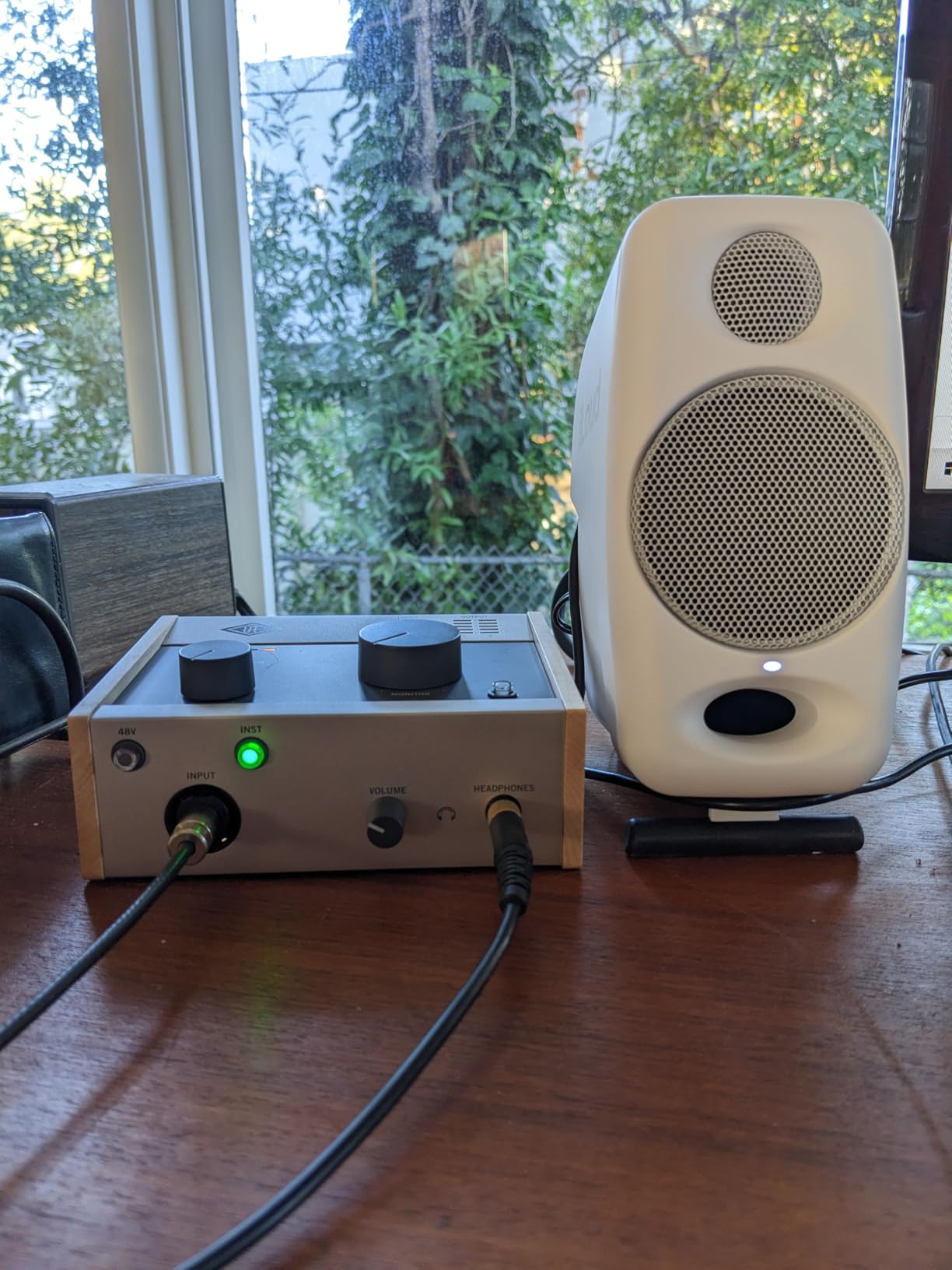
Bluetooth connectivity is a feature most studio monitors do not offer, and it is more useful than you might think. When I am not producing, I stream music from my phone to these speakers and they sound fantastic. The DSP keeps the frequency response balanced whether the source is Bluetooth or wired.
The built-in EQ settings for position compensation are a smart inclusion. You can switch between free-field and desktop modes depending on your setup. On a desk with the speakers pointed up at you, desktop mode adjusts the response to account for the reflection off the desk surface.
Who Should Buy the IK Multimedia iLoud Micro Monitor
Mobile producers, traveling musicians, and anyone who needs professional monitoring in a portable package will love these. If your studio is wherever you happen to be setting up your laptop, the iLoud Micro gives you a consistent reference point that fits in a backpack.
They are also excellent for extremely tight desk spaces. If you are working on a small writing desk or a shared workspace where larger monitors simply will not fit, these deliver studio-grade accuracy in a tiny footprint.
Who Should Skip the IK Multimedia iLoud Micro Monitor
If you never move your monitors and have room for full-sized speakers, there is no reason to compromise on driver size. The iLoud Micro’s strengths are portability and size, not raw output or extended bass. A stationary home studio will benefit more from 4-inch or 5-inch monitors at a similar or lower price.
8. ADAM Audio D3V – Best Desktop Monitors with USB-C
- D-ART ribbon tweeter for crystal clear highs
- USB-C direct connection to computer
- Passive radiators extend bass to 45 Hz
- DSP room compensation switches
- USB input is 16-bit only (external DAC recommended)
- Proprietary speaker interconnect cable
- LED color codes take time to learn
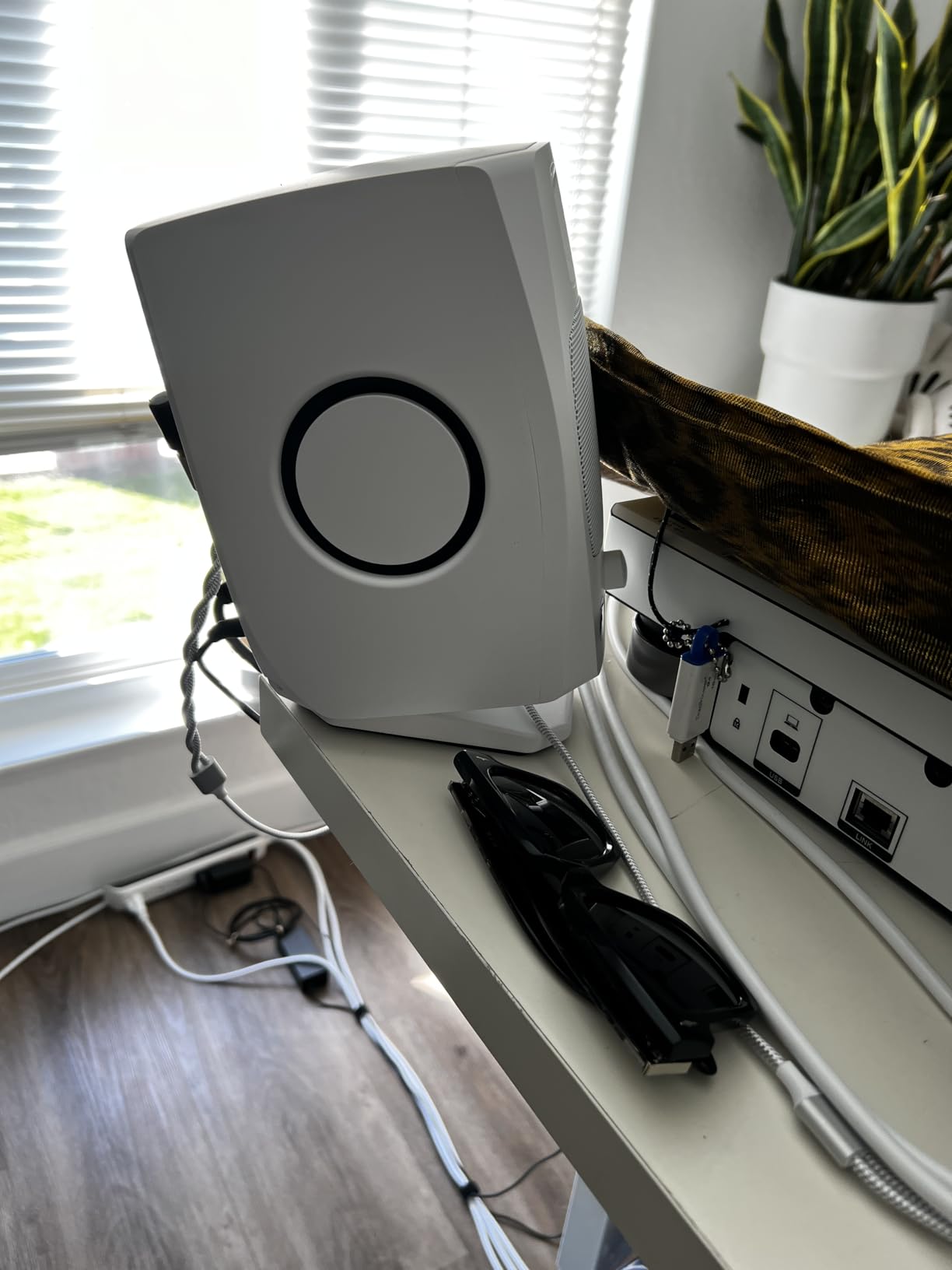
ADAM Audio is a German company known for building some of the finest studio monitors in the world, and the D3V brings their engineering pedigree to the desktop. The standout feature here is the D-ART ribbon tweeter, which is a desktop-sized version of the same ribbon technology ADAM uses in their professional studio monitors costing thousands of dollars.
After spending time with the D3V, the ribbon tweeter is the real deal. High frequencies are detailed and precise without ever becoming harsh or fatiguing. I mixed a vocal-heavy acoustic track on these for three hours straight and never felt the ear strain that dome tweeters can cause during long sessions. The transient response on cymbals, sibilants, and acoustic guitar pick attacks is exceptional.
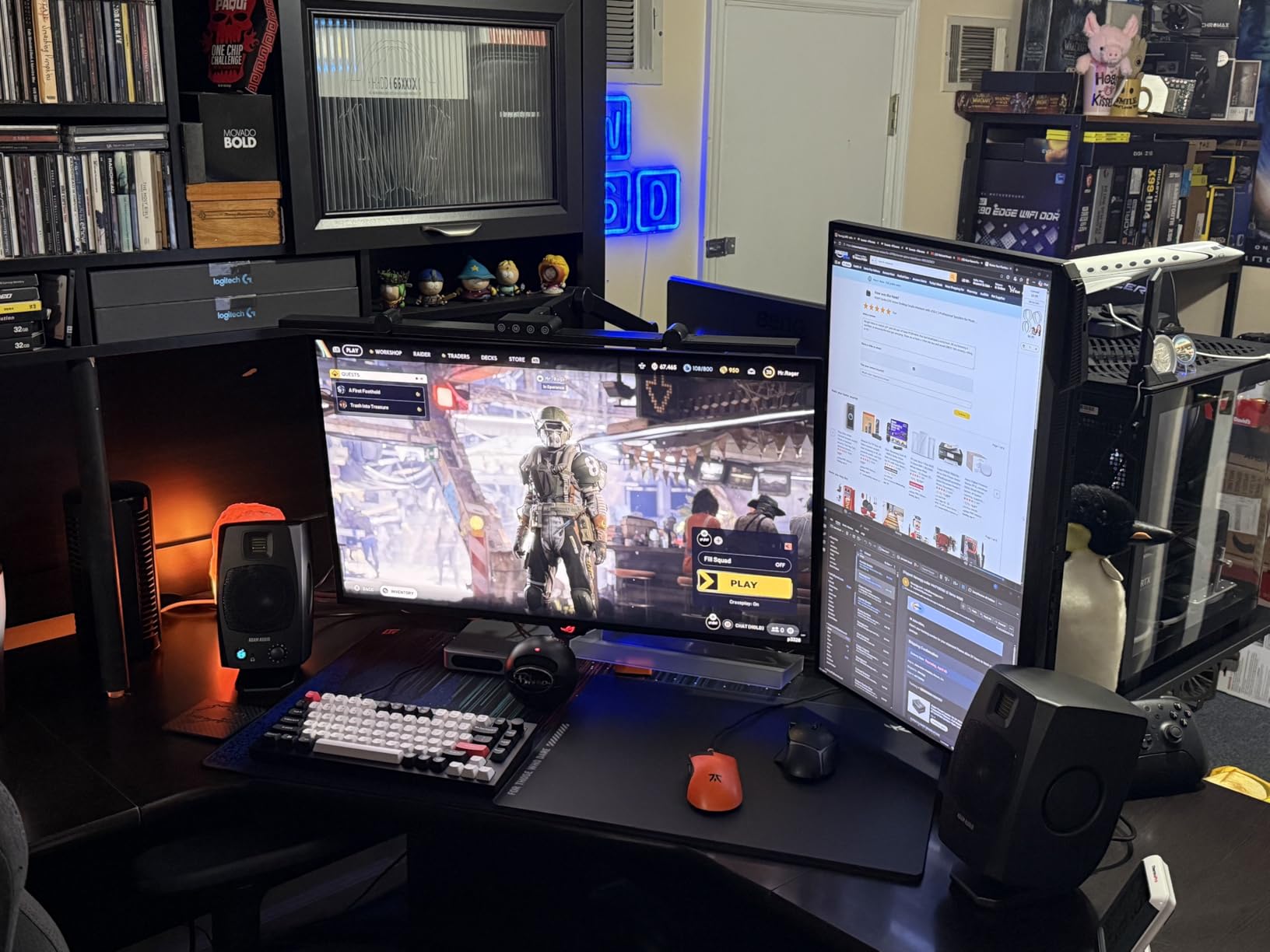
The dual-sided passive radiators on each speaker extend the bass response down to 45 Hz, which is remarkable for a 3.5-inch driver. That is lower than many 5-inch monitors can achieve. The bass does not have the same physical impact as a larger woofer, but the extension is there, and you can hear the low-end detail in your mixes clearly.
USB-C connectivity means you can plug these directly into your computer without needing an audio interface. This is a huge convenience for producers who work primarily in-the-box. The included stands angle the speakers at 15 degrees toward your ears, which is the correct near-field listening angle for desktop use.
Who Should Buy the ADAM Audio D3V
Producers who want premium sound quality in a compact form factor will find the D3V worth every penny. If you work long hours at your desk and value non-fatiguing high-frequency reproduction, the ribbon tweeter alone justifies the investment. These are monitors you can use for 8-hour sessions without ear fatigue.
Anyone who wants to skip the audio interface and connect directly via USB-C should consider these as well. The plug-and-play simplicity is ideal for laptop-based production setups.
Who Should Skip the ADAM Audio D3V
If you already own a high-quality audio interface with balanced outputs, the USB-C convenience becomes less relevant, and you might want to look at monitors with balanced XLR inputs for the cleanest signal path. The Yamaha HS5 or KRK RP5G5 offer professional connectivity at a similar price point.
9. Yamaha HS5 – Industry Standard Near Field Monitor
- Industry-standard flat response
- Exceptional clarity and detail
- Extended frequency response to 30 kHz
- High build quality with MDF enclosure
- Limited bass output vs larger monitors
- Rear-ported requires 6+ inches from wall
- Limited stock availability
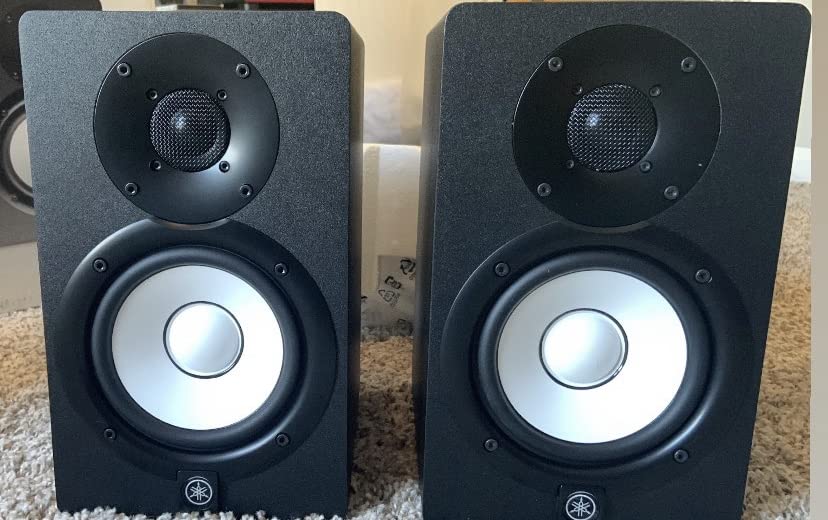
The Yamaha HS5 needs little introduction. It is one of the most widely used near-field monitors in home and project studios worldwide, and for good reason. With a 4.8-star rating from hundreds of reviews and a frequency response that extends all the way up to 30 kHz, these monitors deliver a level of detail that reveals every nuance in your recordings.
I have used the HS5 in multiple rooms and setups over the years, and the consistency is what sets them apart. A mix that sounds good on HS5 monitors will translate to car speakers, headphones, club systems, and phone speakers. That reliability is why so many working engineers keep a pair in their studio as a trusted reference.
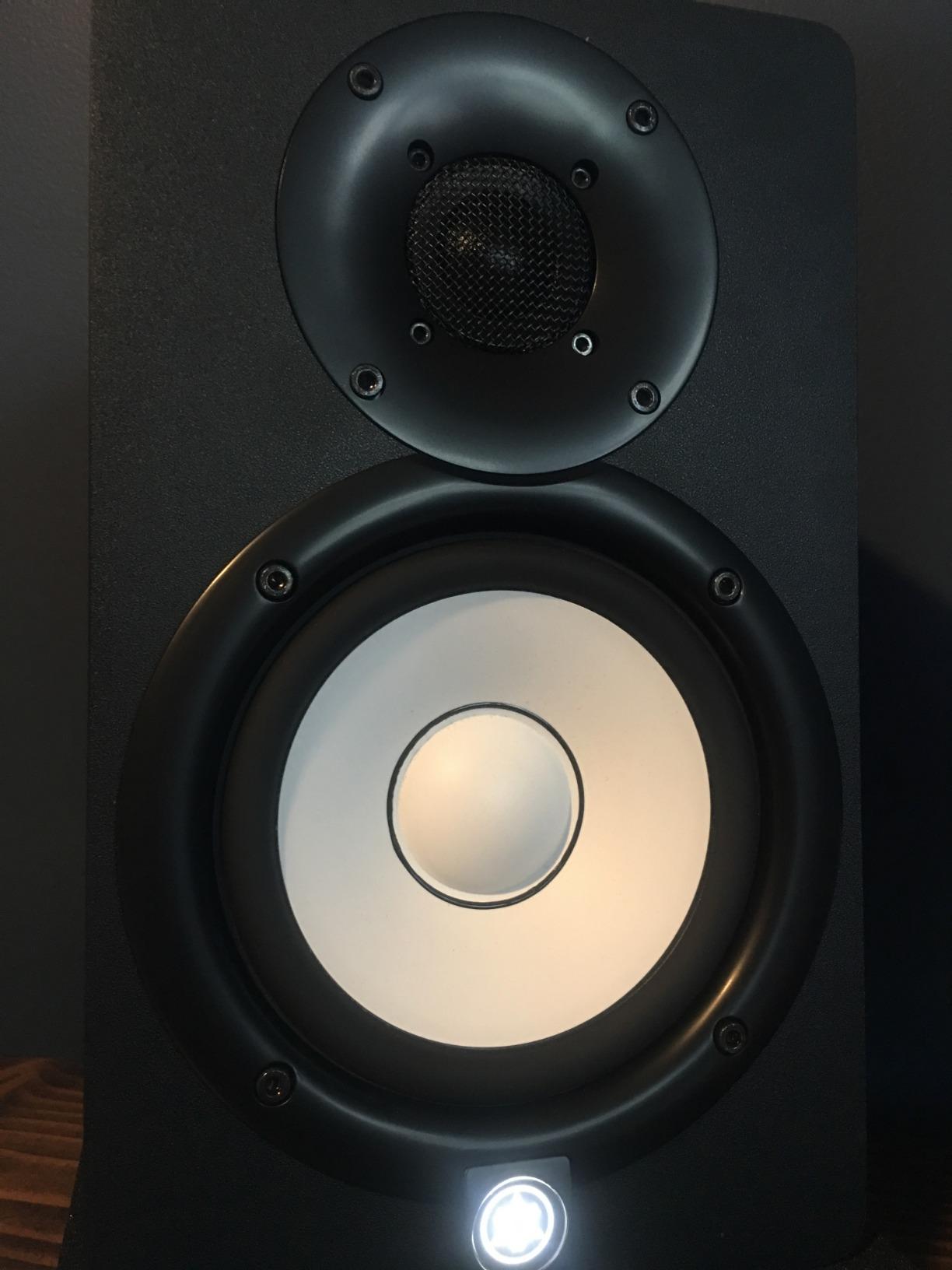
The 70-watt bi-amplified system, with 45 watts dedicated to the low-frequency driver and 25 watts to the high-frequency driver, provides clean power with headroom to spare. The MDF enclosure feels solid and dense, which reduces cabinet resonance and contributes to the tight, controlled sound.
One thing to be aware of is the rear port. Unlike front-ported monitors, the HS5 needs at least 6 inches of clearance from the wall behind it. In my testing, pushing them closer than that caused a noticeable bass buildup that made the low end sound boomy and undefined. Plan your desk or stand placement accordingly.
Who Should Buy the Yamaha HS5
Serious home studio owners who want an industry-standard reference monitor should start here. If you are producing music that needs to translate across all playback systems, the HS5’s neutral response gives you the honest feedback you need. They are the benchmark that other near-field monitors are measured against.
Anyone working in a treated or semi-treated room will get the best results from these. The flat response rewards proper room setup and rewards you with mixes that sound right everywhere.
Who Should Skip the Yamaha HS5
If your room is very small and untreated, the HS5 might actually be too much monitor for the space. The rear porting and 5-inch woofer need room to breathe. In tight spaces, the smaller Yamaha HS4 or Edifier MR4 will serve you better and cost less.
10. KRK RP5G5 ROKIT 5 Gen Five – Best DSP-Tuned Studio Monitors
- DSP room tuning with 25 visual EQ presets
- Class D amplifiers run cool and efficient
- Kevlar drivers for durability and transient response
- Low diffraction baffle for better imaging
- Limited stock availability
- Non-Prime delivery
- Plastic enclosure less premium than wood MDF
- May benefit from a subwoofer pairing
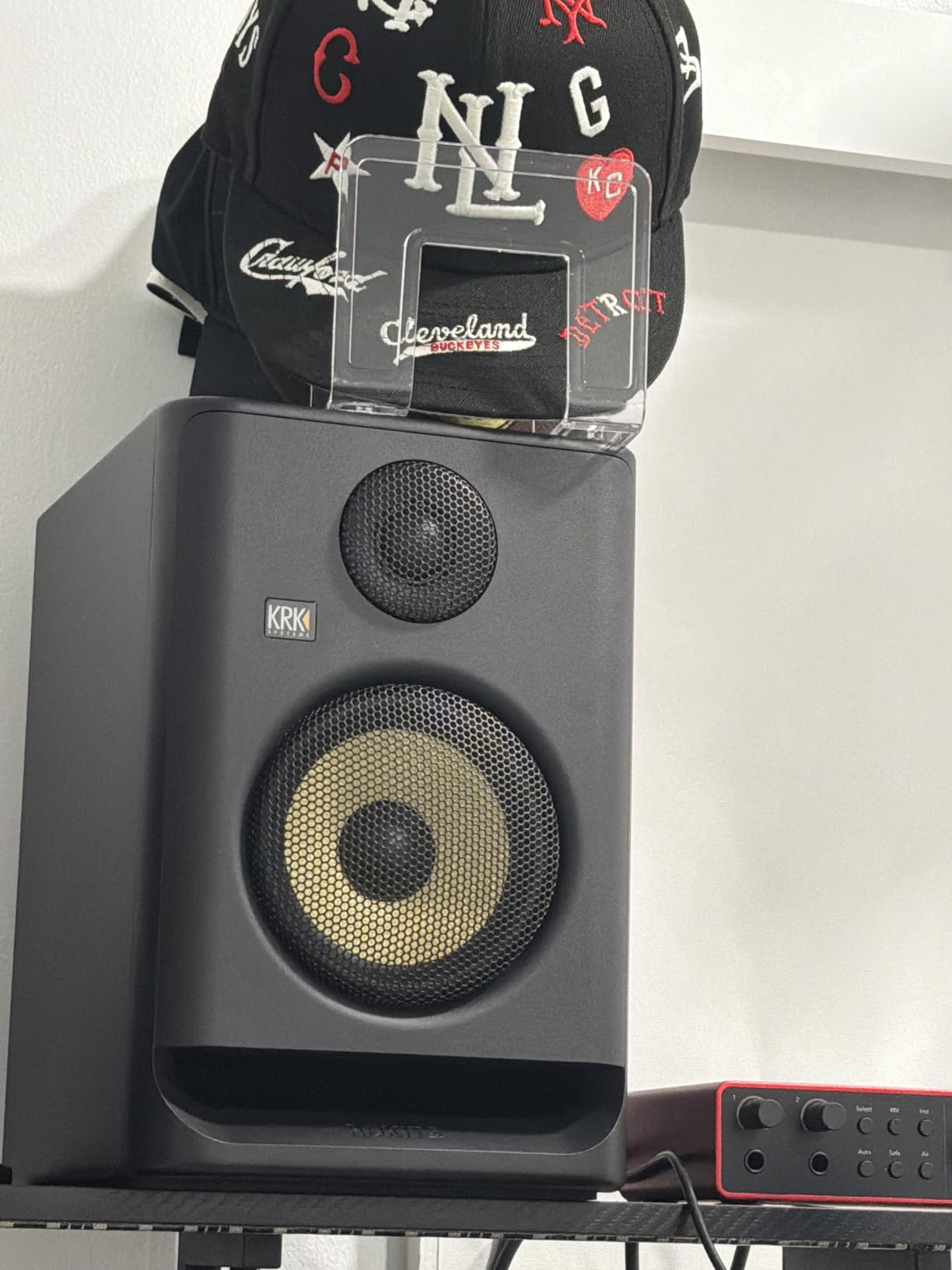
The KRK RP5G5 is the fifth generation of one of the most recognizable studio monitor lines in the world. Those iconic yellow-cone speakers have been in countless home studios, and this latest version brings significant upgrades. The most notable is the DSP-driven room tuning system with 25 visual EQ presets that you can scroll through and see on the front display.
I tested the DSP tuning in my untreated spare bedroom studio, and it made a real difference. I cycled through the presets while playing reference tracks and found one that tamed a nasty room mode around 200 Hz that had been giving me trouble. The visual feedback makes it easy to compare settings quickly without guessing what you are adjusting.
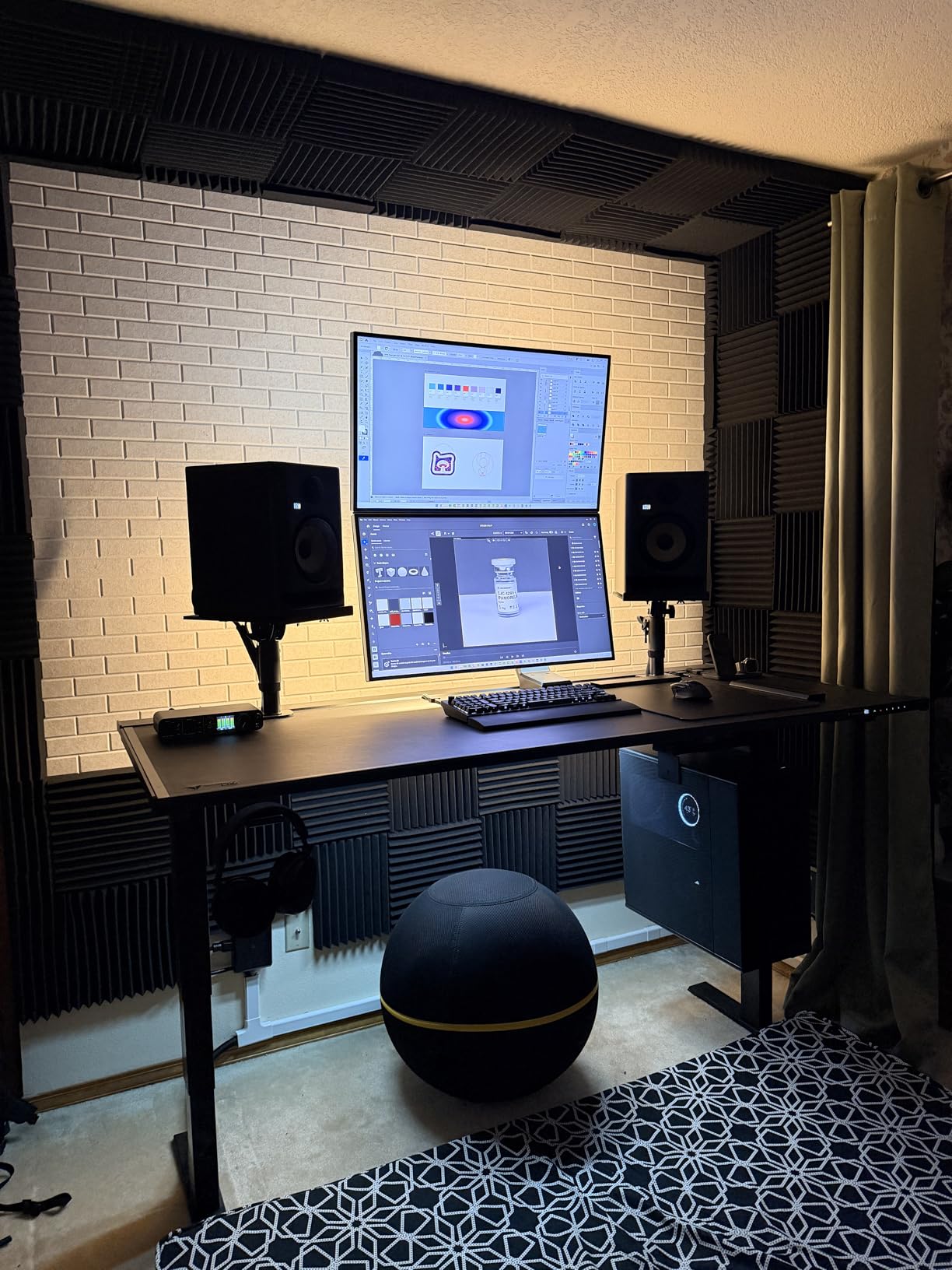
The switch to Class D amplification in Generation Five is a meaningful upgrade. These monitors run noticeably cooler than the previous generation, and the power delivery feels more controlled. Each speaker pumps out 82 watts, split between 55 watts for the woofer and 27 watts for the tweeter. That is ample power for near-field listening in any home studio.
The Kevlar drivers deserve a mention. Kevlar is one of the best materials for woofer construction because it is stiff, lightweight, and durable. Transient response is fast and articulate, which helps when you are making decisions about attack times on compressors or editing drum recordings.
Who Should Buy the KRK RP5G5 ROKIT 5
Producers working in untreated or partially treated rooms will benefit most from the DSP room tuning. If you cannot treat your room properly, having 25 EQ presets to find the best match for your specific space is a practical solution that no other monitor on this list offers at this level.
KRK fans who have used earlier generations and want a significant upgrade should look at these. The Class D amplifiers, new silk dome tweeter, and DSP system address the main complaints about previous ROKIT models, particularly the overly colored sound signature.
Who Should Skip the KRK RP5G5 ROKIT 5
If you want monitors that feel as premium as they sound, the plastic enclosure on the RP5G5 might disappoint. Compared to the MDF cabinets on the Yamaha HS5 or the ADAM Audio D3V, these feel less substantial. For the price, some engineers may prefer the build quality and simplicity of the Yamaha options.
Buying Guide: How to Choose Near Field Monitors for Your Home Studio
Choosing the right near-field monitors comes down to a few key factors. After testing these 10 pairs and talking with dozens of producers and engineers, here are the considerations that actually matter when making your decision.
Match Woofer Size to Your Room
This is the single most important decision you will make. Larger woofers produce more bass, but in a small room, that extra bass creates problems like standing waves and bass buildup that make your mixes sound wrong. Here is a rough guide based on my experience and forum consensus from communities like r/audioengineering.
For rooms under 100 square feet, stick with 3.5 to 4-inch woofers. The PreSonus Eris 3.5, M-AUDIO BX3, and Edifier MR4 are all strong picks. For rooms between 100 and 200 square feet, 4.5 to 5-inch monitors like the Yamaha HS4 and PreSonus Eris E5 hit the sweet spot. Rooms over 200 square feet can handle 5-inch and larger monitors effectively.
Understand Frequency Response
Frequency response tells you the range of notes a monitor can reproduce. A wider range means you hear more of your mix. But the raw numbers only tell part of the story. A monitor rated at 50 Hz to 20 kHz with flat response is more useful than one rated at 40 Hz to 25 kHz with boosted bass and scooped mids.
Look for monitors with relatively flat frequency response across the audible range. The Yamaha HS series is known for this. If you see a monitor with exaggerated bass or treble, it is coloring your mix and making it harder to make accurate decisions.
Active vs Passive Monitors
All 10 monitors in this guide are active, meaning they have built-in amplifiers. This is the standard for home studios because it simplifies setup and eliminates the need to match external amplifiers to your speakers. Passive monitors require separate amplifiers and crossover units, which adds cost and complexity.
For home studio use, active monitors are almost always the right choice. The built-in amplification is matched to the drivers, which means better performance and less guesswork.
Connectivity Matters
Check what outputs your audio interface has and match them to the monitor inputs. Balanced connections like XLR and TRS reject noise over longer cable runs, which matters if your monitors are more than a few feet from your interface. RCA and aux connections are fine for short runs but can pick up interference.
The ADAM Audio D3V offers USB-C connectivity, which is a great option if you want to skip the audio interface entirely. The KRK RP5G5 and Yamaha models offer XLR/TRS combo inputs for professional connectivity.
Room Acoustics and Placement
Even the best near-field monitors will sound wrong in a poorly set up room. Position your monitors so they form an equilateral triangle with your head, with each speaker pointing at your ears at about a 30-degree angle. Keep them away from corners and walls if possible, or use the built-in room compensation controls on monitors like the Yamaha HS4 and KRK RP5G5.
If you cannot treat your room, look for monitors with DSP room correction. The KRK RP5G5’s 25 EQ presets and the IK Multimedia iLoud Micro’s position compensation can help compensate for acoustic problems without requiring physical treatment.
DSP and Room Correction
Digital Signal Processing is becoming increasingly common in near-field monitors. DSP allows manufacturers to tune the frequency response, extend bass, and provide room correction options that were previously only available through external hardware or software. The KRK RP5G5 and ADAM Audio D3V both use DSP to enhance their performance in ways that analog-only designs cannot match.
If your room is untreated, DSP room correction is worth having. It is not a substitute for proper acoustic treatment, but it is a practical compromise that can meaningfully improve your monitoring accuracy.
FAQ
What are the best near-field studio monitors for home studios?
The Yamaha HS4 is our top pick for most home studios, offering professional-grade accuracy with room control features at a reasonable price. For budget-conscious buyers, the PreSonus Eris 3.5 delivers excellent sound quality in a compact form. If you need DSP room tuning for an untreated space, the KRK RP5G5 ROKIT 5 Gen Five provides 25 EQ presets to match your room.
What is the best budget studio monitor under $500?
The PreSonus Eris 3.5 at under $120 for the pair is the best budget option for home studios. It offers balanced TRS inputs, adjustable EQ, and surprisingly accurate sound. For a step up in bass response, the Edifier MR4 at around $170 adds a 4-inch woofer and dual listening modes while staying well under $500.
How do I set up near-field monitors in my home studio?
Position your monitors so they form an equilateral triangle with your listening position, about 2 to 5 feet away. Angle each speaker inward at roughly 30 degrees so the drivers point at your ears. Keep monitors away from corners and walls to avoid bass buildup, or use room compensation controls if your monitors have them. Connect balanced cables from your audio interface to the monitors for the cleanest signal.
What size studio monitors do I need for a small room?
For rooms under 100 square feet, choose 3.5 to 4-inch woofer monitors like the PreSonus Eris 3.5 or Edifier MR4. For rooms between 100 and 200 square feet, 4.5 to 5-inch monitors like the Yamaha HS4 or PreSonus Eris E5 work best. Larger woofers in small rooms create bass problems that make mixing harder, not easier.
What are the differences between near-field and midfield monitors?
Near-field monitors are designed for listening distances of 2 to 5 feet, minimizing the impact of room acoustics on what you hear. Midfield monitors are designed for 6 to 15 feet and produce higher SPL levels for larger rooms. Near-field monitors are the standard choice for home studios because they work well in small rooms and do not require extensive acoustic treatment to sound accurate.
Conclusion
After testing 10 pairs of near-field monitors across different rooms, genres, and production workflows, the Yamaha HS4 stands out as the best overall choice for most home studios in 2026. It delivers the trusted accuracy of the HS series in a size that works in rooms both large and small, with room control features that handle less-than-ideal placement.
For beginners on a budget, the PreSonus Eris 3.5 is impossible to beat. For those ready to invest in premium sound, the ADAM Audio D3V with its ribbon tweeter and USB-C connectivity represents the future of desktop monitoring. Whatever your room size, budget, or production style, there is a pair of near field monitors on this list that will serve your home studio well for years to come.