
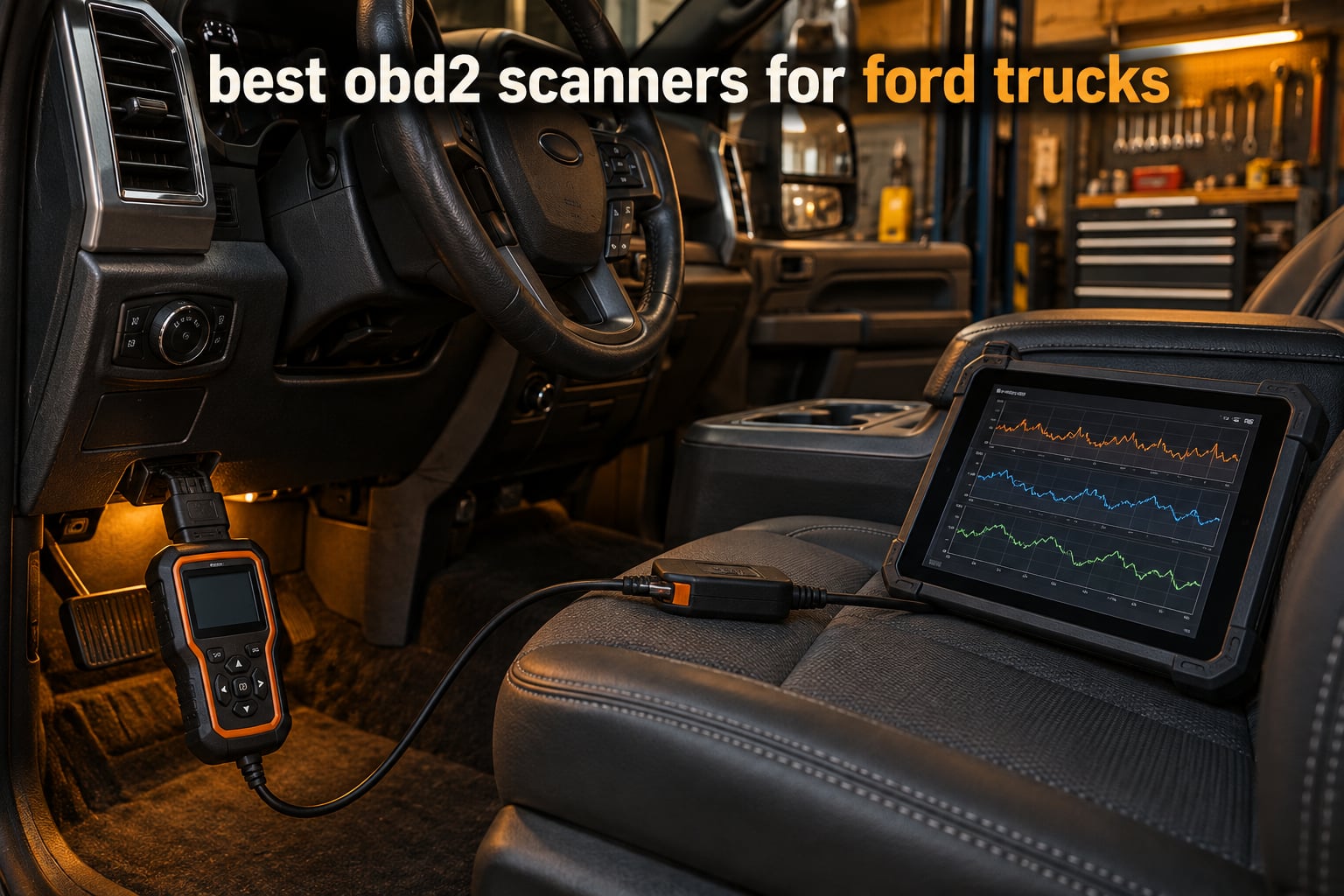
The best OBD2 scanner for Ford trucks is not always a scanner at all. For most owners it is a USB or Bluetooth adapter paired with FORScan software, because the Ford-specific depth lives in the software rather than in a screen. If you want a device that works with no phone or laptop, a handheld all-system scan tool is the better buy.
I have pulled F-150, Super Duty and Ranger codes for years, mostly to avoid paying a shop for a diagnostic hour. What that experience taught me is that most cheap code readers stop at the engine control module. They will happily clear a check engine light and show you nothing at all when the fault lives in ABS, SRS, TPMS or the transmission.
So this roundup covers ten tools split across both tracks, and every pick below carries an explicit note on Ford coverage. The data comes from the product listings and owner review patterns, and the framing follows what owners actually argue about on r/f150 and f150forum.com: which adapter talks to FORScan cleanly, which handheld covers the most modules, and which functions are locked behind a dealer tool. For broader coverage beyond Fords, see our Bluetooth OBD2 scanner roundup and our guide to the best OBD2 scanners for DIY mechanics.
One thing to clear up before we start: every 1996-and-newer F-150, F-250, F-350, Ranger, Maverick and Bronco uses the standard 16-pin J1962 port under the dash, on the driver’s side near the steering column on most models. Trucks built before 1996 use OBD1 connectors instead, and only two of the ten tools here can read them.
Table of Contents
Top 3 picks for Ford trucks (October 2026)

OBDLink MX+ Bluetooth
- Bluetooth for phone and tablet
- Enhanced OEM support for Ford
- Works with FORScan and Torque

Innova 5210 Code Reader
- Code reader plus battery tester
- Oil reset and I/M readiness
- Free RepairSolutions2 app
All 10 Ford scan tools at a glance
| Product | Specifications | Action |
|---|---|---|
| OBDLink EX FORScan OBD Adapter |
|
Check Latest Price |
 Vgate vLinker FS OBD2 USB Adapter Vgate vLinker FS OBD2 USB Adapter |
|
Check Latest Price |
 INNOVA 3145 Ford OBD1 Code Reader INNOVA 3145 Ford OBD1 Code Reader |
|
Check Latest Price |
 OBDMONSTER ELM327 USB Adapter V1.5 OBDMONSTER ELM327 USB Adapter V1.5 |
|
Check Latest Price |
 ANCEL FD500 Ford All-System Scanner ANCEL FD500 Ford All-System Scanner |
|
Check Latest Price |
| OBDLink MX+ Bluetooth Scanner |
|
Check Latest Price |
 FOXWELL NT604 Elite OBD2 Scanner FOXWELL NT604 Elite OBD2 Scanner |
|
Check Latest Price |
| Innova 5210 OBD2 Code Reader |
|
Check Latest Price |
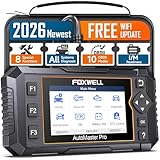 FOXWELL NT624 Elite OBD2 Scanner FOXWELL NT624 Elite OBD2 Scanner |
|
Check Latest Price |
 XTOOL A30M V2.0 OBD2 Scanner XTOOL A30M V2.0 OBD2 Scanner |
|
Check Latest Price |
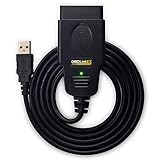
1. OBDLink EX FORScan OBD Adapter – the adapter FORScan itself recommends
- Built specifically for FORScan and recommended by the FORScan team
- Electronic switch reaches all CAN buses without a manual toggle
- Up to 20 times faster throughput than toggle-switch adapters
- Small enough to live in a glovebox
- Wired USB only so it needs a laptop rather than a phone
- Requires separate FORScan software and a Windows PC
- One owner reported a unit that failed just after warranty ended
This is the adapter I keep in the shop laptop bag. It was designed with FORScan in mind, and the FORScan team itself recommends it, which tells you how closely the hardware and the software line up. On a Ford it enumerates all the modules, streams live data quickly, and opens up the coding and As-Built functions that generic ELM327 clones simply cannot reach.
The electronic switch is the part that matters most in daily use. Instead of flipping a physical toggle between HS-CAN and MS-CAN, it handles both buses at once, so a scan covers the whole truck without you physically moving a slider every time you change modules. Reviewers describe the connection as rock-solid, with no dropped packets.
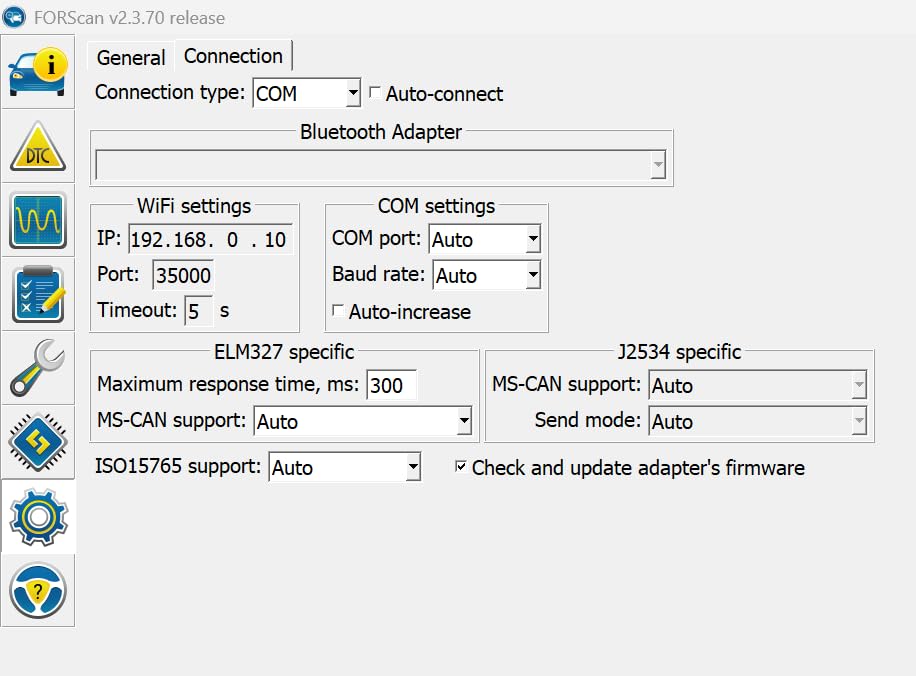
Throughput is the other headline. The listing claims up to 20 times faster data transfer than toggle-switch adapters, and owners who have used both say the difference shows up on module-heavy scans. Programming keys or pulling module data from a Gateway takes noticeably less time, which matters when the truck is on a lift and you are paying for bay time.
Because it draws power from the vehicle, you do not have to remember to charge anything. That makes it a good roadside companion as long as you have a laptop with you, which is a real limitation when a truck dies on a highway shoulder at night.
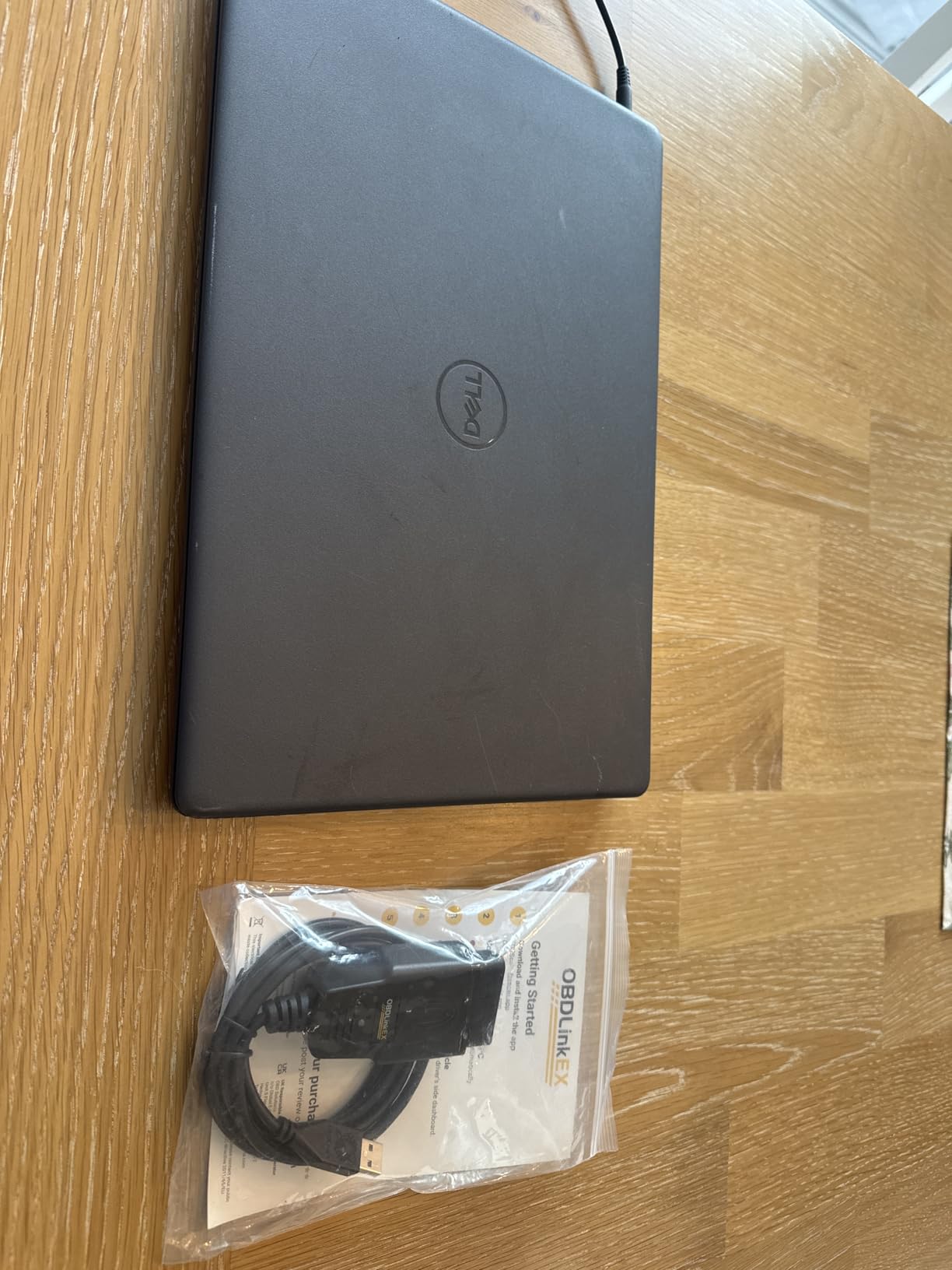
Will it work on your Ford and your workflow
If you own a Windows laptop and you intend to run FORScan, this is the least friction path we found. Owners of Ford, Lincoln and Mazda vehicles consistently treat it as the gold standard FORScan adapter for exactly that reason. Key programming and module coding that other adapters refuse to attempt run reliably here.
It also works on 12-volt systems across Ford trucks, which covers every gasoline F-150, Ranger, Maverick and Bronco and the light-duty diesels. For pre-1996 trucks it is the wrong tool entirely, because those trucks use OBD1 connectors and this is an OBD2 device.
Where the OBDLink EX falls short
It is not a scanner. There is no screen, no menu and no code list, so if you want to check a code on a truck in a parking lot without a laptop, this does nothing for you. Everything depends on FORScan being installed and licensed on the host machine.
Wired USB also means it will not pair with a phone or tablet. One owner reported a unit that failed shortly after the three-year warranty period ended, which is a reminder that a cheaper backup adapter is not a bad idea for a truck you rely on for work. Our tablet-based OBD2 scanner guide covers the wireless side in more detail.
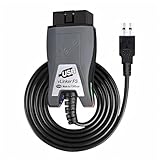
2. Vgate vLinker FS OBD2 USB Adapter – the budget route into FORScan
Vgate vLinker FS OBD2 USB Adapter for FORScan HS/MS-CAN, Auto Switch
- Best value of the FORScan-compatible USB adapters reviewed
- Connects on modern Windows with no driver install
- Fast read and write speeds even on an older laptop
- Also works with AlfaOBD and VCTool
- Some units need driver install and a firmware update first
- FORScan software is not included
- Windows-only so it cannot be used from a tablet
Budget is the wrong word for what this thing does. The Vgate vLinker FS is a real ELM327 adapter tuned for FORScan stability, and owners use it to program keys, clear ABS codes and edit module settings on Ford trucks. It is simply the cheapest credible way into the same workflow the OBDLink EX serves.
Automatic HS-CAN and MS-CAN bus identification means it finds the right bus on its own, which removes the single most common beginner mistake. Data transfer is listed at up to 3 Mbps with full 4095-byte packets, and reviewers report that it still feels fast on an older laptop.
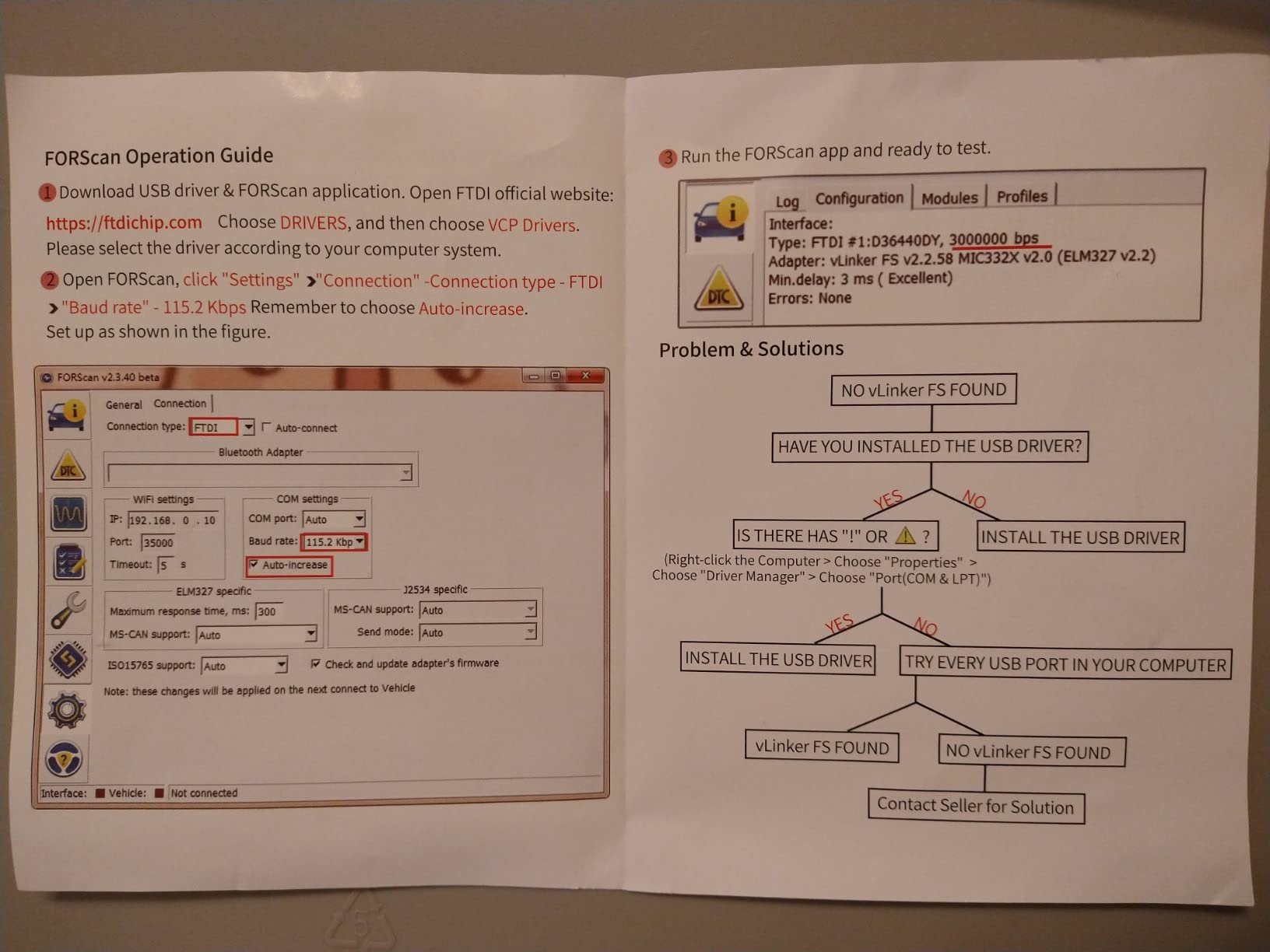
One genuinely useful extra: up to about 18V ECU programming output on select older US-market vehicles, which is more than several adapters in this price range offer. It also handles 12V and 24V vehicles, so it covers gas trucks from 1996 onward and diesel from 2004 onward.
Because the protocol is standard ELM327, you are not locked into one program. Owners pair it with FORScan, AlfaOBD and VCTool depending on the job, and a two-year manufacturer warranty is a longer commitment than most adapters in the category offer.
Who this adapter suits
If you already own a Windows laptop and want Ford depth without buying the premium adapter, this is the one to get. Several owners describe it as the budget alternative to the OBDLink, and their reports of key programming and ABS module diagnosis on Fords match what the spec sheet claims.
It is also a sensible second adapter to keep in the truck. If your primary unit ever fails or needs a firmware rescue, having a spare that runs the same software means you are not stuck waiting on a replacement.
Where the Vgate vLinker falls short
Setup is the weak point. A portion of owners had to install drivers and run a firmware update before it would communicate at all, so it is not quite the zero-friction experience the OBDLink EX delivers. Budget ten minutes the first time.
It is also Windows-only. A truck owner who wants to scan from a phone in the driveway is out of luck, and there is no screen or standalone mode here either.
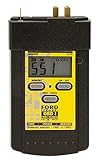
3. INNOVA 3145 Ford Digital OBD1 Code Reader – the only pre-1996 option here
- Covers pre-1996 Ford Lincoln and Mercury that OBD2 tools cannot reach
- Numeric display removes the need to count flash codes
- Memory keeps stored codes after unplugging
- One job done well at a fraction of a shop diagnostic charge
- No ABS SRS or live data coverage
- Connector prongs retract into the housing and need pushing out
- Printed booklet is flimsy
- Extension cable is sold separately for engine-bay ports
Every other tool in this roundup assumes a 16-pin OBD2 port, which means every other tool ignores anything built before 1996. If your truck is a 1994 F-250, a first-generation Bronco or an early F-150, this is the only device here that will even connect to the diagnostic port.
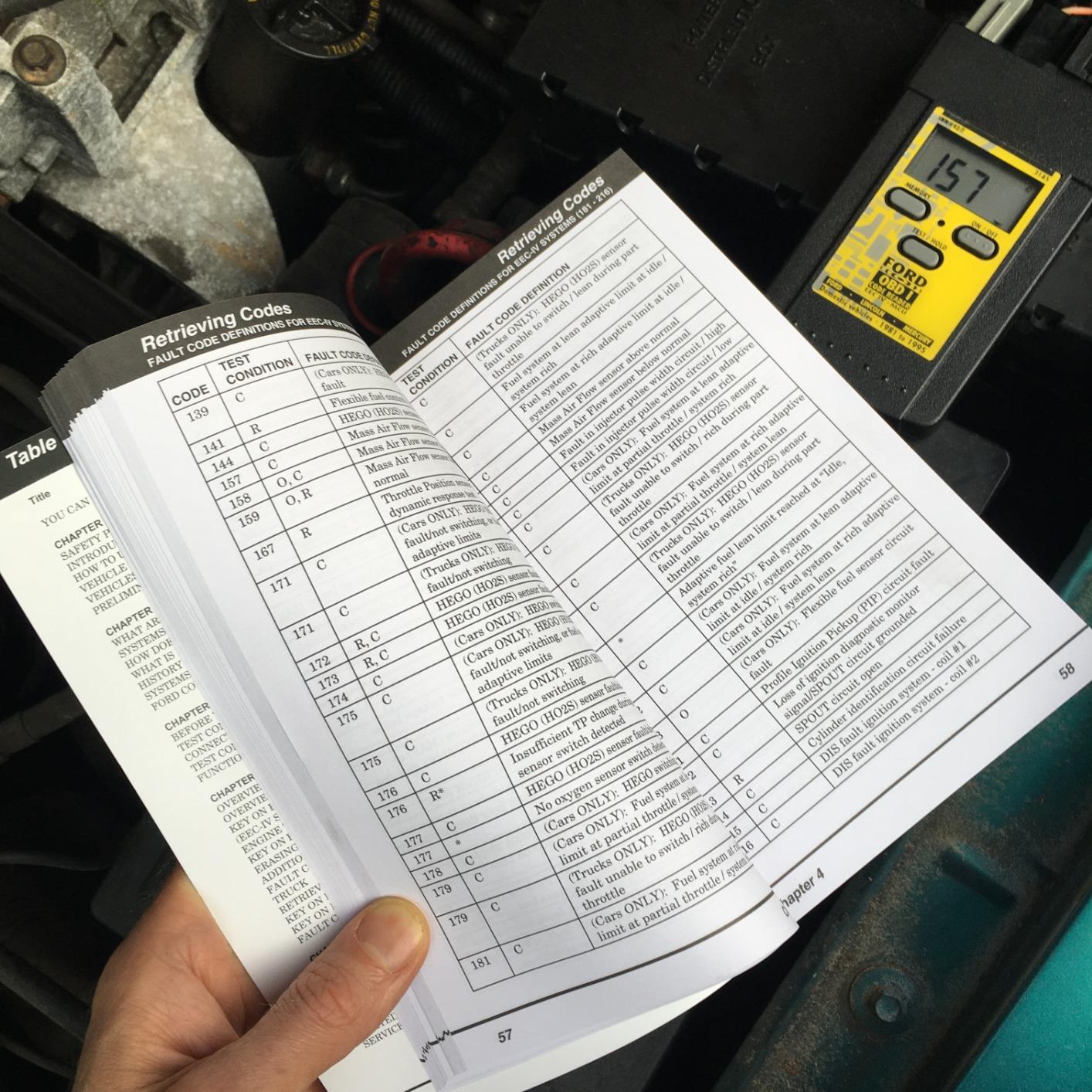
It covers most Ford, Lincoln and Mercury domestic cars and trucks from 1982 through 1995, including the MCU and EEC-IV engine control systems those trucks used. The display shows numeric codes directly, so you are not counting flashes, and the memory feature keeps stored codes after you unplug it.
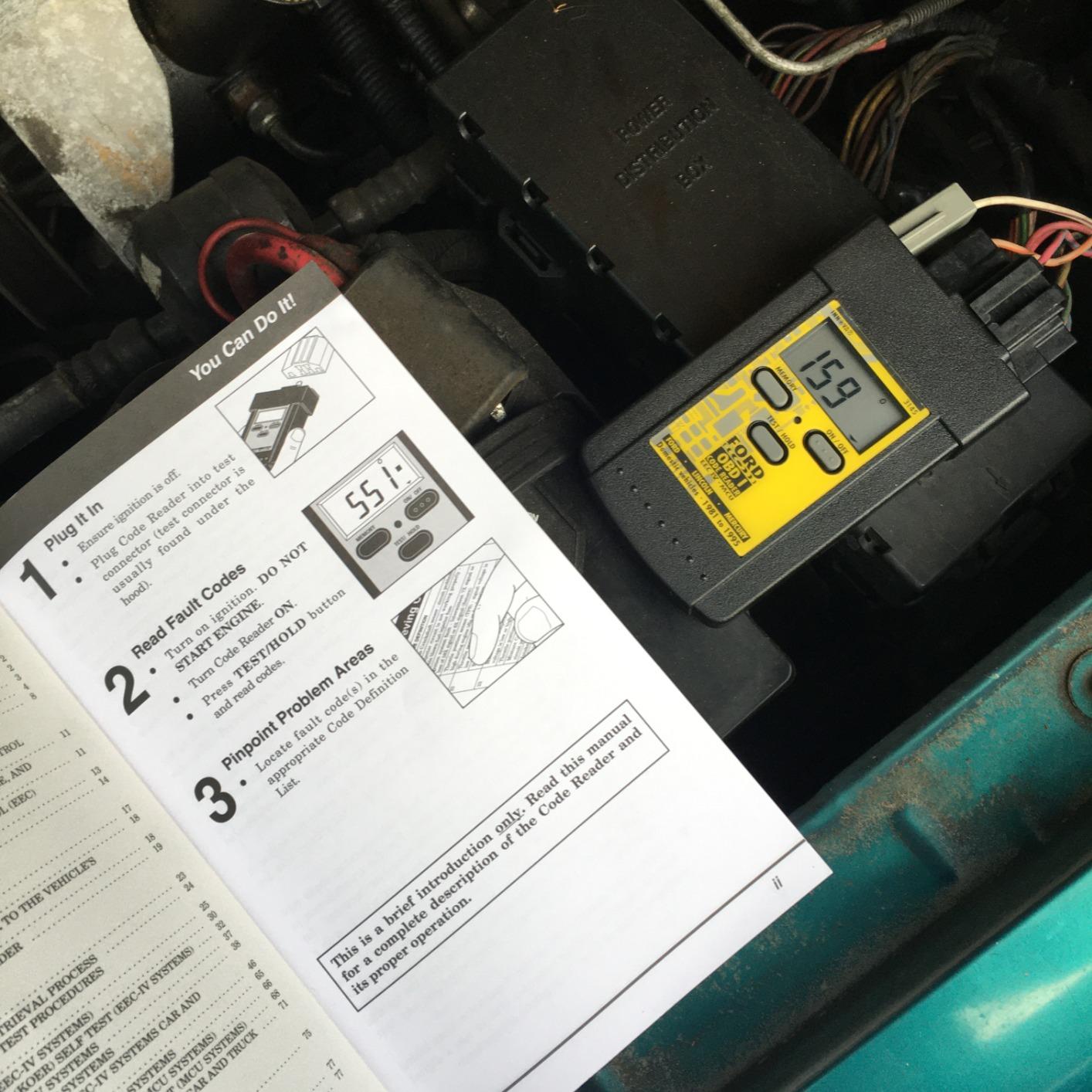
Owners of 1982-1995 Ford-family vehicles use it for exactly one thing: pulling stored and pending OBD1 codes cheaply and reliably before paying a shop to look. That narrow job is why it holds a 4.4 rating across more than 5000 reviews, and it explains why nobody complains about the interface.
The included instructions cover OBD1 operation and the Ford self-tests, which matters more than it sounds when you are diagnosing an EEC-IV truck for the first time and the fault definitions are not otherwise obvious.
When this reader is the right call
Classic F-Series, older Broncos and Explorers, and Lincoln Town Cars all fall into this window. For those trucks, an OBD2 scanner is not a cheaper option, it is a non-starter, and this is the honest answer to a question most roundups skip.
It is also a reasonable shelf tool. A dedicated OBD1 reader costs little and does one thing, so owning it removes the temptation to force an OBD2 adapter into an OBD1 port and wonder why nothing happens.
What it cannot do
There is no ABS module coverage, no SRS coverage and no live data streaming. For a pre-1996 truck those absences matter less than you would think, because those modules did not report the way a modern truck does, but you will not diagnose a fuel trim problem with this.
The mechanical flaw owners mention most is the connector, whose prongs sink into the housing and need pushing out with a screwdriver before first use. Several work around it with the separately sold extension cable, which you may also need if the port sits in the engine bay.
4. OBDMONSTER ELM327 USB Adapter V1.5 – the cheapest working FORScan setup
OBDMONSTER ELM327 OBD2 USB Adapter for Windows, ELMconfig Scanner with MS CAN/HS CAN Switch for Scan F150 F250 Car and Light Truck Check Engine Light, Diagnosis on Windows with V1.5 Chip
- Lowest entry point of the FORScan-capable adapters here
- MS and HS-CAN toggle is sturdy and reliable for module access
- Reportedly used for key fob programming and As-Built edits
- Drivers install on current Windows versions
- CH340T driver and third-party software must be downloaded separately
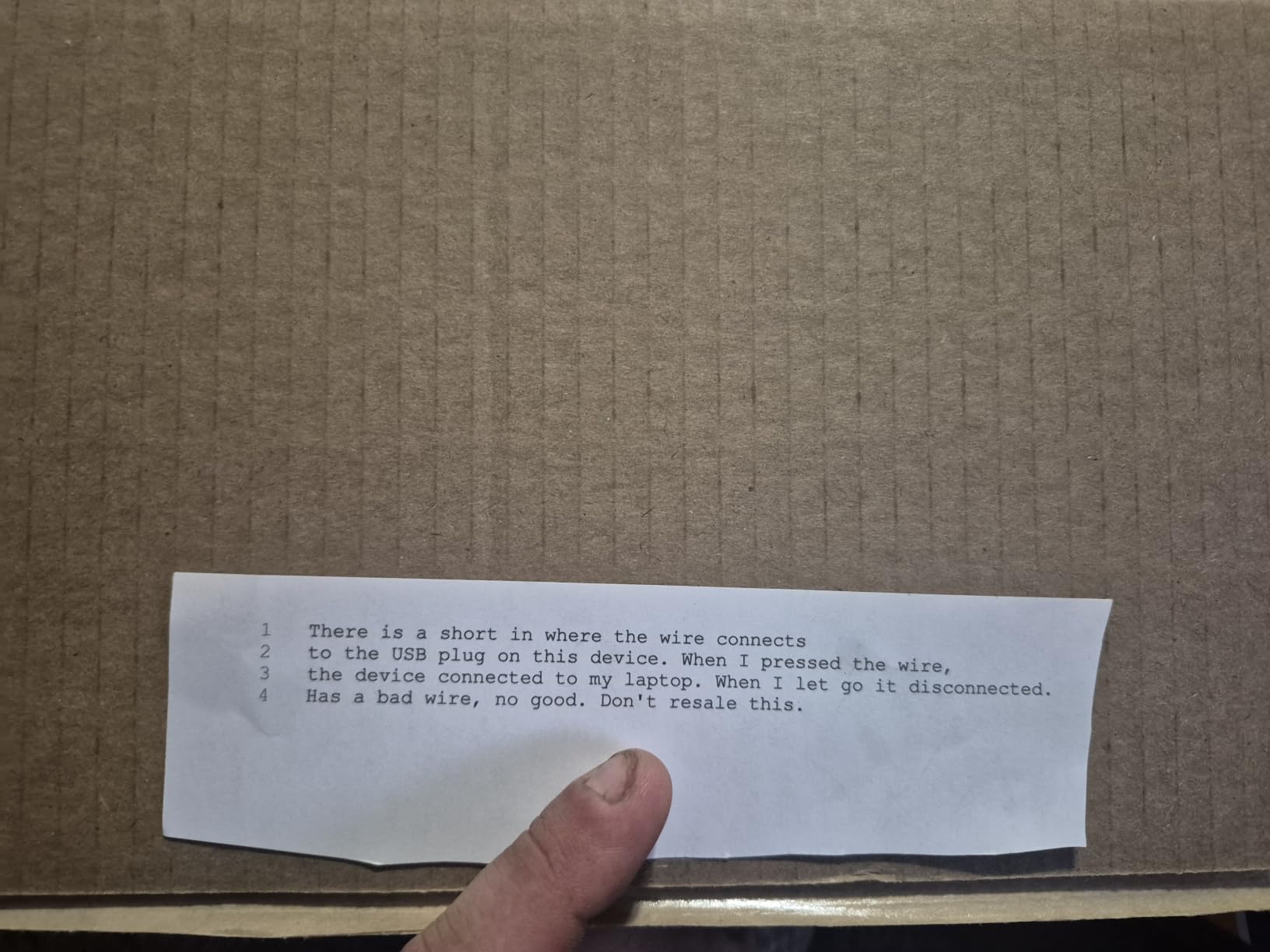
- One unit arrived with defective USB wiring
- Connector housing may not seat fully on some vehicles
- Not for trailers or semis
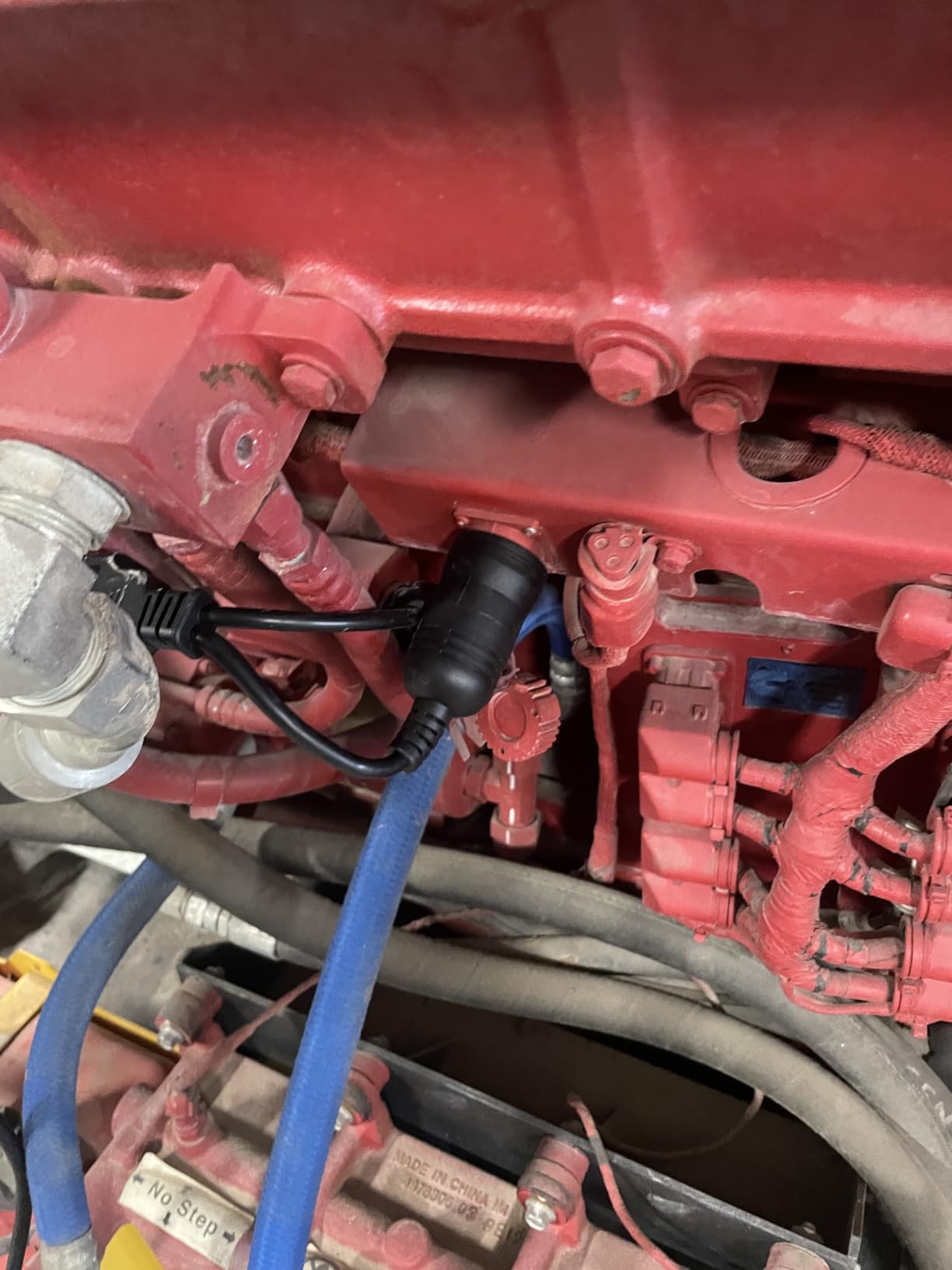
This is the adapter you buy when the goal is to try FORScan on an F-150 or F-250 before spending anything serious. It carries a genuine ELM327 V1.5 chip with a manual toggle between MS-CAN and HS-CAN, and the toggle itself is reported as sturdy rather than flimsy.
Protocol coverage is the useful part: J1850PWM, HS-CAN, MS-CAN, HS-CAN2 and HS-CAN3. That spread covers Ford, Lincoln, Mercury and Mazda vehicles from 1996 onward, and owners report using it for Ford-specific configuration work such as global window settings, tire size correction and disabling the double horn honk.
Because it works with ELMconfig, FoCCCus and FF2 rather than a single locked app, you are not boxed into one piece of software. Some users have used it for key fob programming and As-Built edits on Ford trucks, which is real work, not browsing.
Windows support runs from XP through Windows 11 on the drivers, so an old shop laptop is not a problem. There is a one-year warranty and the included component is simply the scanner, which keeps the box honest.
When this is the right buy
It suits a F-150 or F-250 owner who wants to look at hidden Ford modules and does not want to spend real money finding out whether the software route suits them. Several owners describe it as the cheapest way into FORScan and report satisfactory results once configured.
For coding tasks it is more capable than the dedicated handheld scanners further down this list, because the software does the work rather than the firmware. The catch is that the software is on your computer and you drive it yourself.
What to expect from day one
Expect setup work. You need to install the CH340T driver and download third-party software yourself, and that is a genuine barrier if you have never done it. A defective USB lead on an individual unit is also a recurring complaint.
The plastic connector housing may not seat fully in some OBD ports, which shows up as intermittent drops rather than a clean failure. And despite the low cost, this is a light-duty adapter: it will not serve a trailer or a semi.
5. ANCEL FD500 Ford All-System Scanner – a dedicated handheld built around Ford modules
ANCEL FD500 OBD2 Scanner for Ford, Lincoln, Mercury, Battery Registration
- Ford-specific coverage of ABS SRS transmission HVAC and 4WD
- Live data and freeze frame helped owners avoid a shop visit
- WiFi activation and menus simple enough for non-mechanics
- Ford service functions like EPB mode and throttle reset
- Some examples arrive with older software and need a manual update
- Reports cannot be saved or printed
- Listed functions sometimes unsupported on specific models
- Interface runs slow and the connection can drop
This is the only handheld here that was designed around Ford, Lincoln and Mercury rather than added to a universal platform. It scans engine, ABS, SRS, transmission, HVAC and 4WD modules from 1996 onward, which is the coverage most F-150 owners assume they have and usually do not.
Ford-specific service functions are the differentiator: throttle (KAM) reset, oil reset, electronic parking brake maintenance mode and battery registration. On a Super Duty that regularly tows, the EPB maintenance mode alone justifies the tool. Coverage includes F150, F250, F350, F650 and F750 plus Edge, Ecosport and MKC.
Alongside that it does the standard 16-pin jobs: read and erase codes, I/M readiness, live data, battery voltage and vehicle info. The 2.4-inch color LCD is small but legible, and activation over WiFi keeps it from needing a computer.
Owners of Ford trucks and crossovers report that live data and freeze frame genuinely helped them narrow faults without a shop visit. That is the whole point of owning a scan tool, and it is the reason this one appears on Ford forums despite its middling rating.
Why a Ford-specific handheld is worth it
If you own more than one Ford, or a truck you rely on daily, a scanner that knows the Ford module layout saves the guesswork that trips people up. The 4WD and HVAC modules in particular are invisible to general-purpose handhelds in this price range.
It is a standalone unit, which means no phone, no laptop and no app to maintain. For someone whose only goal is to read and clear a code, that simplicity is worth more than a specification list.
What the low rating is telling you
Software build and support are the drag. Buyers repeatedly stress updating the firmware from the ANCEL site before first use, because some units reach you with older builds that limit Ford-specific functions, and a 4.1 rating reflects that friction more than any hardware fault.
Reports cannot be saved or printed, so you cannot attach a scan to a forum post or a repair file. Some listed functions also report as unsupported on specific models, such as oil reset on a late-model Ranger, and the interface can feel sluggish with occasional dropped connections.
6. OBDLink MX+ Bluetooth Scanner – the most proven wireless adapter
- Wireless Bluetooth works with phones tablets and Windows PCs
- Recommended adapter for FORScan Torque and other app ecosystems
- Sticky connection with good battery-saver behavior
- Compact and well made enough for a glovebox
- Costs more than generic ELM327 dongles
- Needs a host device rather than running standalone
- Some installations need both ends reconnected after sleep
With more than 15000 reviews behind it, the MX+ has the largest evidence base in this roundup, and Ford owners use it as the default wireless option. It turns a phone, tablet or Windows PC into a scan tool, which is the reason it shows up in so many FORScan recommendations.
Enhanced OEM support for Ford is the part that matters here, and it reads more live parameters including ABS, SRS and TPMS than most generic adapters. Reviewers also note it works with Torque, BimmerCode, Dashcommand, AlfaOBD and Carista if you use more than one app.
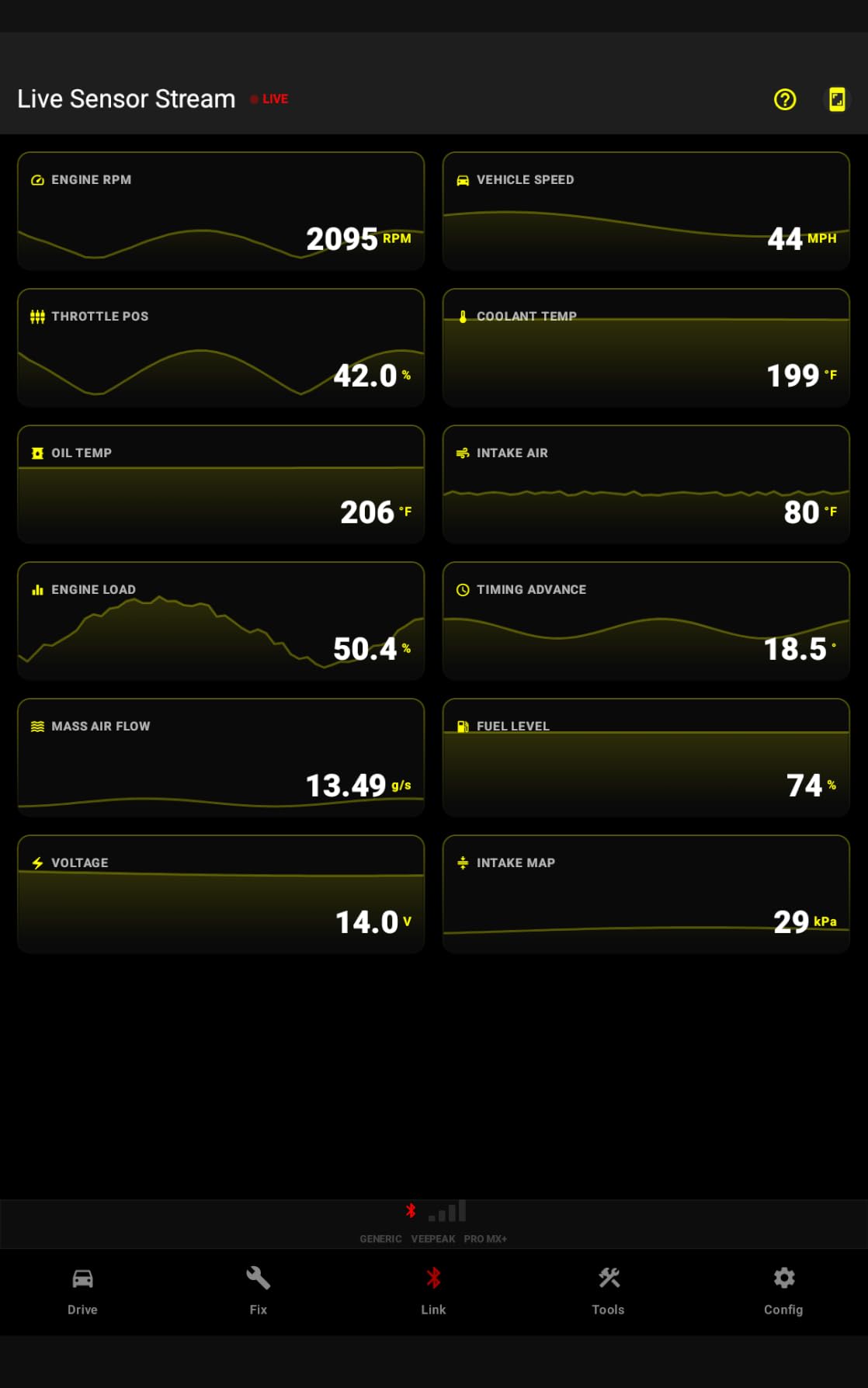
At 28 grams and just over two inches long, it is genuinely pocketable, and the included zipper case keeps it protected. Over-voltage and battery drain protection are built in, with firmware updates included, which matters if the adapter stays plugged in over a long winter morning.
Connection behavior is the standout. Owners describe a sticky Bluetooth link that holds through a drive, which is exactly the failure mode that makes cheap dongles useless in a parking lot with no signal.
What the community actually pairs it with
FORScan from a tablet is the pairing that comes up most often on r/f150, and one owner reports running it across a 2002 F350, a 2014 F150 Tremor and a late-model Ranger. That mix matters, because it shows the same adapter handling both older and newer platforms.
Torque users get extra live data from it, and the same unit covers Ford plus GM, Mazda, Nissan, Toyota, Honda, Hyundai and Kia. If your household owns more than one brand, this is the one adapter that scales. Our Bluetooth OBD2 roundup compares it against the wired options in more detail.
Where owners report friction
Price is the first objection. It costs noticeably more than a generic ELM327 dongle, and the cheaper adapters in this list will read engine codes for less money. You are paying for connection stability and OEM support, not extra features.
It also cannot run standalone, so a dead phone means a dead scanner. A minority of owners with permanently installed units need to disconnect and reconnect both ends after sleep before it powers back on, and forum readers have separately noted that transmission temperature is not among the values it reports.
7. FOXWELL NT604 Elite – four systems in one mid-priced handheld
FOXWELL Car Scanner NT604 Elite OBD2 Scanner ABS SRS Transmission
- Works straight out of the box with no setup step
- Four systems in one mid-priced handheld
- No subscription fees across 60-plus brands
- Sturdy protective case and lifetime updates
- No service functions such as oil reset battery registration or ABS bleeding
- SRS crash data cannot be cleared
- AUTOVIN sometimes fails on older vehicles and needs manual entry
The NT604 Elite is the sensible middle of the handheld market. It covers engine, ABS, SRS and transmission in a single 4.3-inch color handheld, which is the coverage set most F-150 owners think they have and most cheaper readers do not deliver.
The biggest practical difference from the cheaper devices is that it arrives with current software already on it. That removes the update-before-first-use step that trips up new owners, and the menu includes I/M readiness, live data streaming, a built-in DTC library, data playback and print.
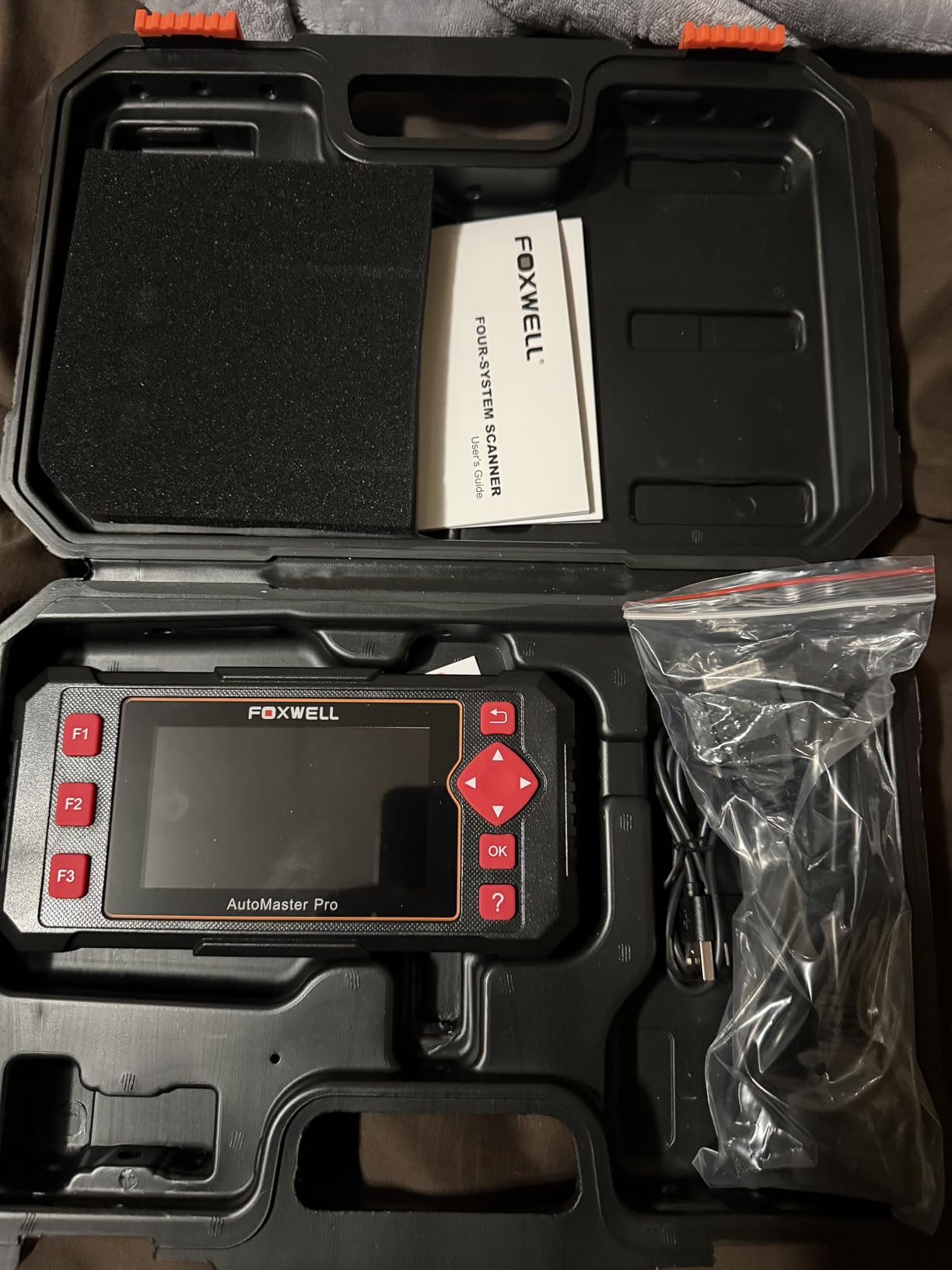
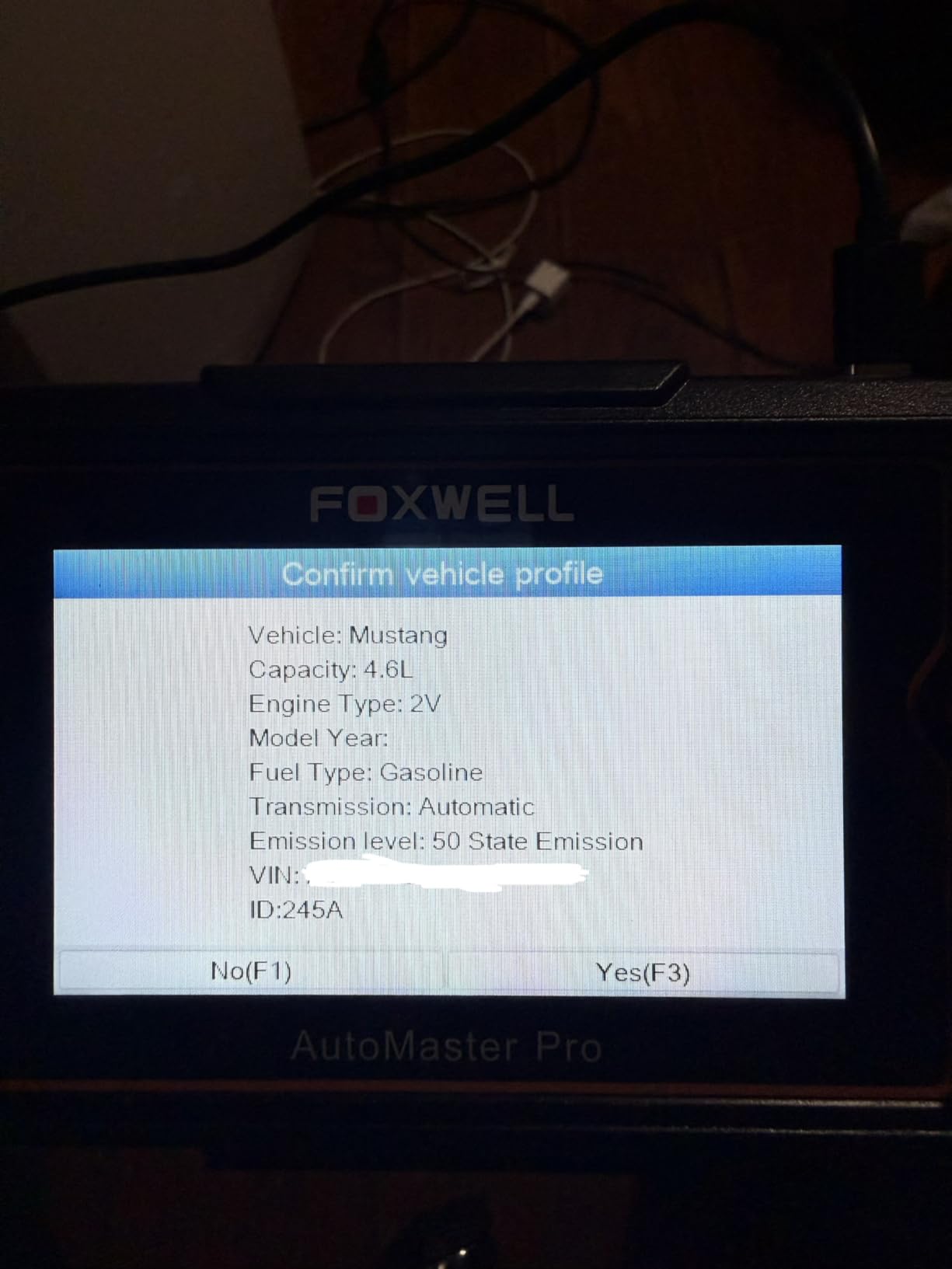
AUTOVIN reads the VIN and vehicle info automatically across more than 60 brands, which saves typing a 17-character code on a dusty phone keypad. It runs on Linux, is corded, and the box includes a diagnostic cable, USB cable, quick start guide, manual and a hard protective case.
Owners generally describe it as a good value step up from an entry code reader, and the absence of subscription fees is a consistent point in its favor. Nothing here ages as quickly as a cloud-locked tool.
Is it enough for a Ford truck
For diagnosis, yes. Reading and clearing codes across four systems, live data, freeze frame style data, playback and printing covers the bulk of what an owner does outside a shop. It is a genuinely capable standalone tool with no phone dependency.
It is also not Ford-branded, so Ford-specific resets are the gap. If your work involves throttle body relearns, battery registration after a battery swap or TPMS relearn after new tires, you need the NT624 Elite below instead.
What you give up for the lower price
No service functions at all. No oil reset, no battery registration, no ABS bleeding and no relearn, and the specification sheet is explicit about that rather than hiding it. SRS crash and collision data also cannot be cleared, which matters if you have been in an incident.
AUTOVIN can fail on older vehicles, forcing manual VIN entry. On an older F-150 the scanner still works, but you will be typing the VIN by hand.
8. Innova 5210 OBD2 Code Reader – the first tool most owners should buy
- Code reading live data oil reset and battery test in one unit
- Free RepairSolutions2 app with verified repair guidance and no subscription
- Works on most 1996-and-newer vehicles including Ford
- Readable display and simple menus for beginners
- ABS coverage is limited and varies by vehicle
- Best repair guidance requires the free phone app
- Emission readiness monitors reset after a battery disconnect
Most check engine lights do not need a shop. The Innova 5210 is the tool I recommend to owners who have never owned a scan tool, because it covers the basic job properly without asking them to learn a computer interface first.
It reads and clears codes, streams live data for RPM, engine temperature, fuel trims and oxygen sensor readings, resets the oil light and runs an I/M readiness check for emissions. The built-in battery and alternator tester is an unusual inclusion that answers the first question on any rough-starting diesel.
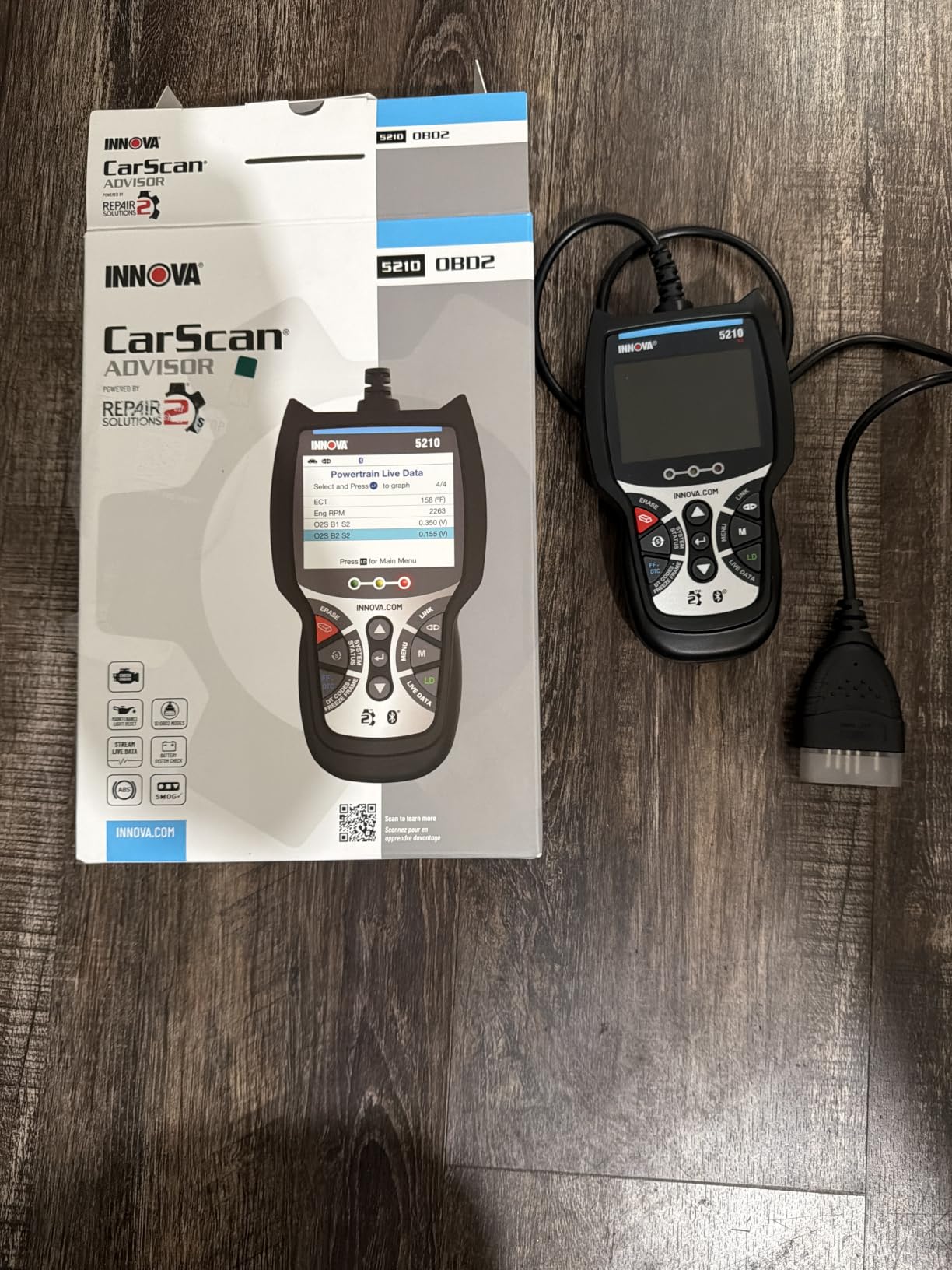
The free RepairSolutions2 app on iPhone and Android is the part that lifts it above a bare code reader. It supplies verified repair guidance and cost estimates without a subscription, and it is vehicle specific rather than generic. Owners with a 1996-and-newer Ford, and anyone with a non-Ford, get the same value.
At roughly six inches long and under three inches wide, it fits in a glovebox, and the menus are straightforward enough for a first-time owner. The attached OBD2 cable means there is no pairing step to fail.
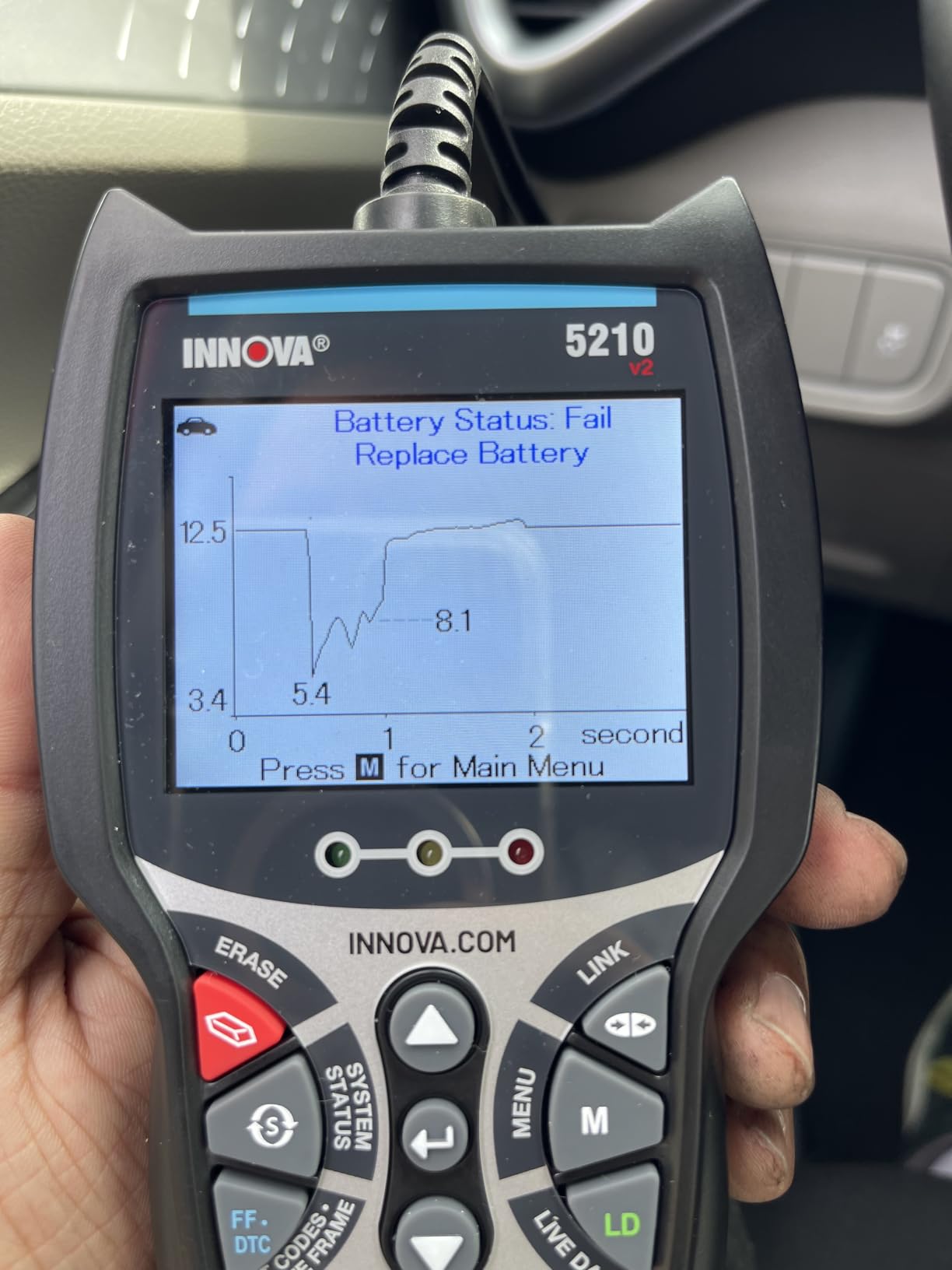
Who should start here
Anyone with a check engine light on a gasoline F-150, Ranger, Maverick or Bronco who wants to read the code, see whether it is a fuel trim or an O2 sensor, and clear it without a shop. The live data set covers the sensor-hunting work most owners actually do.
It is also the right tool for a used-truck buyer doing a pre-purchase scan. If the engine computer shows stored codes or pending codes, you have information before you commit to the purchase. Our best OBD2 scanners for the money guide covers this category further.
Where it stops
ABS coverage is partial and varies by vehicle, so a wheel speed sensor fault on a Super Duty may not surface on this unit. That is the single most common complaint in reviews, and it is why it is not our top pick for a heavy-duty truck.
Two smaller limitations. The best repair guidance needs the free app, so the unit is not fully standalone, and emission readiness monitors reset after a battery disconnect, which means a full drive cycle before an emissions test.
9. FOXWELL NT624 Elite – the standalone tool with service resets
FOXWELL NT624 Elite OBD2 Scanner,All-System Scan Tool,8 Resets Code Reader
- Full-system scanning plus eight maintenance functions in one handheld
- Lifetime free WiFi updates with no account registration
- Handles Ford-specific modules and resets cheaper scanners skip
- Carrying case included and 5 year warranty
- Availability of individual service functions varies by vehicle
- Menu navigation and software polish lag professional brands
- Higher cost than entry-level code readers
The NT624 Elite is what you buy when you want one device that does everything a Ford owner might need, with no phone and no laptop. It scans engine, transmission, ABS, SRS, TPMS, suspension, HVAC, battery management, EPB, steering angle and headlamp systems.
The eight service functions are the reason it costs more: ABS bleeding, oil reset, EPB reset, SAS calibration, throttle matching, battery registration, injector coding and DPF regeneration. That last one matters for anyone with a diesel who wants to trigger a regen without a dealer visit.
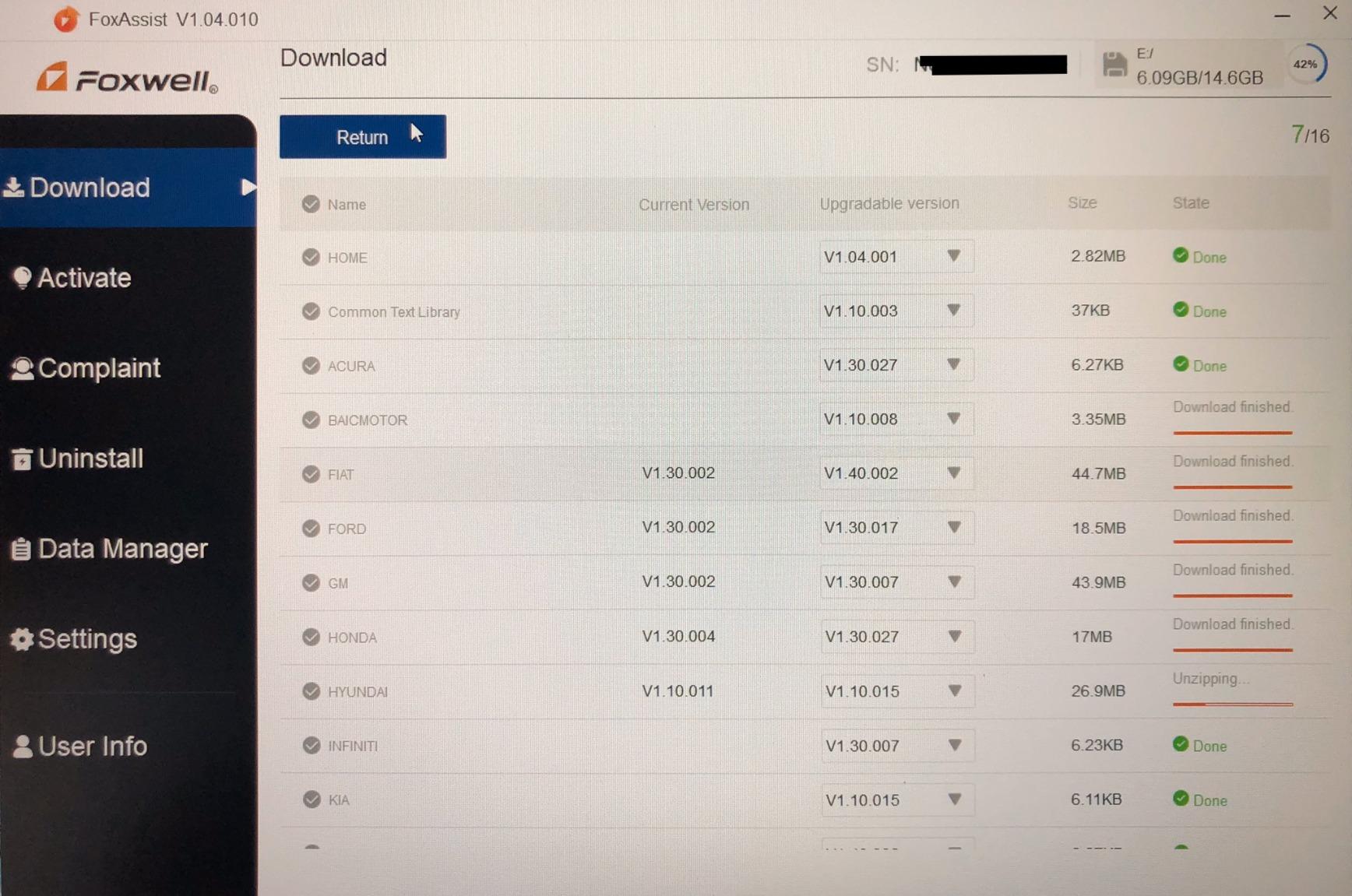
Updates are free over WiFi with a one-click process and no account registration, so there is no recurring fee to think about. It has no built-in battery and is powered through the OBD port, which is one less thing to charge.
Protocol support covers KWP2000, J1850 VPW, ISO9141, J1850 PWM and CAN across more than 10,000 vehicles from 1996 onward, and all 10 OBD2 modes are implemented with live data, DTC lookup, playback, printing and I/M readiness.
When this is the right tool
It makes the most sense for a Super Duty or F-150 owner who does their own maintenance, replaces batteries, rotates tires and occasionally needs ABS work. One device covers the diagnostic and the service side without a subscription hanging over it.
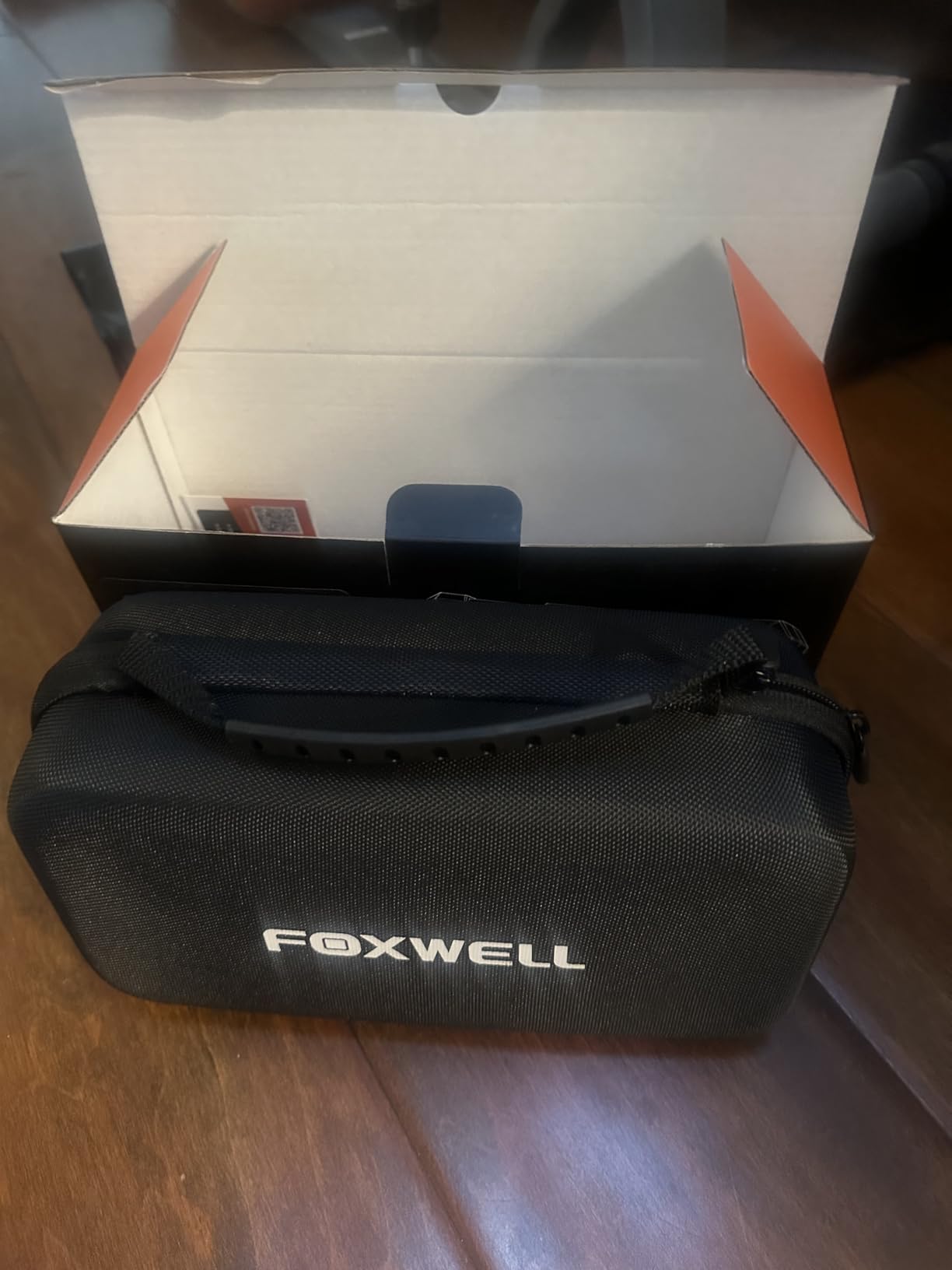
The five-year warranty and included carrying case are unusually generous for this class, and the larger body means it lives in a truck rather than a pocket. Owners who want the full FORScan feature set without a laptop tend to land here.
Why the rating is not higher
Service function availability varies by vehicle, so a function listed in the menu may simply not be offered on your Ford. That is the recurring complaint, and it is a fair criticism: you are buying capability that is conditional.
Owners also describe the interface as functional but less polished than dealer tools, with menu navigation lagging professional brands. And it costs meaningfully more than an entry code reader, which is the trade for those 26-plus functions.
10. XTOOL A30M V2.0 – the only true bidirectional control here
XTOOL A30M V2.0 OBD2 Scanner Diagnostic Tool, 26 Resets, All System
- True bidirectional control and active tests at a fraction of pro scanner cost
- 26 reset and relearn functions cover most DIY service work
- Lifetime free updates with no subscription fees
- Compact Bluetooth design with flashlight and PDF report export
- App interface is clunky with confusing menus
- Built for a tablet so cheap hardware runs it poorly
- Some relearn procedures missing on specific models
- FCA AutoAuth needs a separate paid account
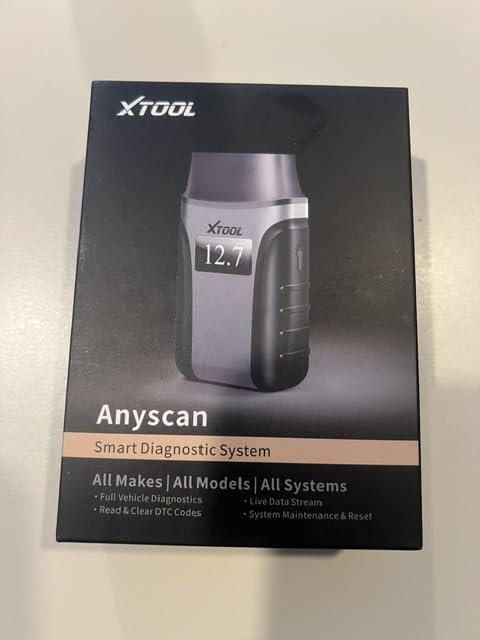
Bidirectional control is the feature most people do not know they are missing. It lets the tool command a component on and off to test it directly, rather than only reading what the module reports. On a Ford, that means commanding fuel pumps, injectors, the A/C clutch, windows and the sunroof.
The XTOOL A30M V2.0 does that over Bluetooth 4.0 to a phone or tablet at a range of up to 33 feet, and it also carries 26 reset and relearn functions covering oil, EPB, SAS, ABS bleeding, throttle body, injector coding, crank sensor, headlight and tire size.
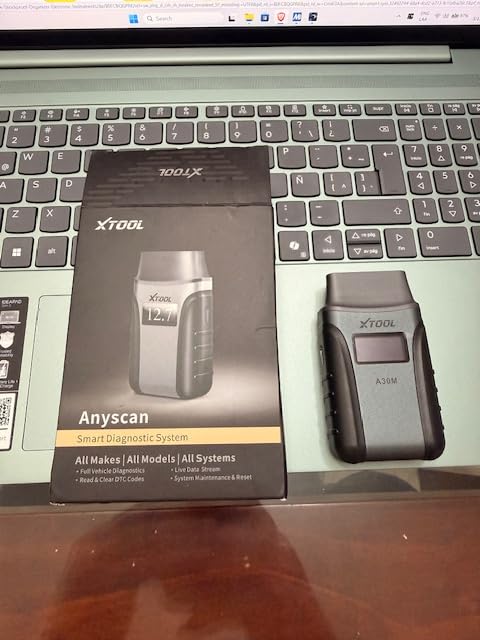
Live data is unusually capable: full system scans of engine, transmission, ABS, SRS and A/C with up to eight live data streams graphed at once. Owners and hobbyist mechanics describe it as delivering professional-tier capability at entry-tool cost, with lifetime free updates and no subscription.
It supports more than 85 brands, includes CAN FD for newer GM vehicles and FCA AutoAuth for Chrysler, Jeep, Dodge and Fiat from 2018 onward, and runs in 22 languages. A built-in flashlight and PDF report export round out a genuinely well-equipped package.
What bidirectional gets you on a Ford
An active test turns a passive guess into a result. Instead of inferring that a fuel pump is bad because the truck will not start and the code says so, you command the pump and see whether it runs. For a technician-level owner, that is the difference between diagnosis and guessing.
The 26 resets also cover the procedures most Ford owners eventually need: TPMS relearn after tire service, throttle body matching after intake work, battery registration after a swap, and crank sensor relearn after that repair.
Where the software holds it back
The app is the weak link. Owners describe it as clunky with confusing menus, and it is designed for a tablet rather than a phone, so cheap hardware runs it poorly. Budget for a dedicated tablet if you go this route. Our bidirectional OBD2 scanner guide covers the category in full.
Some relearn procedures are missing on specific models even when the function is listed, and FCA AutoAuth access for Chrysler, Jeep, Dodge and Fiat requires a separate paid account. For a Ford truck that last limitation is irrelevant, which is part of why this one works well here.
Adapter plus software or a standalone scanner: where FORScan fits
Five of the ten tools here are adapters with no screen, and they only work alongside software on a laptop or tablet. That is not a compromise, it is the community standard. FORScan is repeatedly described on r/f150 and f150forum.com as going deeper on Fords than general-purpose scan software, and the single most endorsed answer in those threads is an OBDLink adapter paired with FORScan Lite on a tablet.
What FORScan unlocks that most hardware scanners do not is module-level control: enumerating every module on the truck, coding, As-Built edits, key programming and reading data the generic protocols never expose. For an owner who wants to disable the double horn honk, correct tire size calibration or pull module data before a swap, that capability is the reason to choose this track.
On powerstroke.org the other recurring recommendation is Auto Engenuity with the Ford Enhanced package, called the best bang for the buck for working on any Ford. That is a subscription software path, so it sits at the other end of the ownership spectrum from the free FORScan Lite route.
Buying a standalone handheld instead makes sense when your phone is your music and your navigation and you do not want a second device to charge. It also sidesteps software updates entirely, since the hardware carries its own menus. The trade is depth: no coding, no module programming, no As-Built editing.
One warning belongs here. Heavy-duty Class 8 scanners built around J1939 and J1708 are regularly recommended to F-150 owners who then cannot use them on a light-duty 16-pin port. If your truck is an F-150, Ranger, Maverick or Bronco, you want a light-duty OBD2 tool. Heavy-duty protocols only matter for medium and Class 6-8 equipment.
How to choose an OBD2 scanner for a Ford truck
Start with the year, because it eliminates most of the field. Any Ford truck built in 1996 or later uses the 16-pin J1962 port and is covered by nine of the ten tools in this roundup. Pre-1996 trucks need an OBD1 reader, and the Innova 3145 is the only option here built for them.
Second, decide how much of the truck you actually need to see. Engine-only coverage reads powertrain codes. Full-system or all-system coverage adds transmission, ABS, SRS and usually TPMS, HVAC and 4WD. If your truck has a tire-pressure light that will not clear, you need the second category, because the engine module has never seen that code.
Third, think about service functions separately from diagnostics. Reading a code and fixing the car are different jobs. Resets, relearns and active tests are what turn a scan tool into something that saves a trip to the shop, and the NT624 Elite and XTOOL A30M cover the most ground there.
Fourth, check the update model. Lifetime free updates with no account and no subscription mean the tool is still good in five years. Cloud ecosystems that charge for features later are a poor fit for a truck you plan to keep. Every tool in this list except the optional software routes includes or offers free updates.
Fifth, match the host device. Wired USB adapters need a laptop. Bluetooth adapters need a phone or tablet and, for the XTOOL, ideally a dedicated one. A handheld needs neither, which is the whole appeal when you work on trucks in the field.
Sixth, look at bidirectional control only if you do your own repairs. Command-driven active tests are how you confirm a component is actually dead, and they save guessing, but they add nothing if you only want to read and clear a code.
Seventh, be realistic about the dealer tool. A genuine Ford IDS session does things these tools will not, including module programming, some gateway-protected functions and As-Built writes. Those capabilities are locked on modern Fords behind the security module, and no consumer scanner in this roundup bypasses that. For a gateway-locked function you still need a dealer or a rental session, and that is worth knowing before you buy anything.
Finally, for a used-truck purchase, scan before you buy. Read stored and pending codes across all systems, check I/M readiness, and look at live data while the engine is cold. A truck that clears its own codes and shows full readiness monitors is a different proposition from one with a history of ABS faults, and a scanner turns that from a guess into a fact.
Frequently Asked Questions
What is the best scan tool for Fords?
For most Ford owners the best scan tool is an OBDLink adapter running FORScan software, because FORScan reaches Ford modules, coding and As-Built data that handheld scanners cannot. If you want a device with no phone or laptop, the FOXWELL NT624 Elite covers the most systems and service functions in one handheld.
What is the best OBD2 scanner for Ford diesel trucks?
For Power Stroke and other Ford diesels, prioritize a tool with DPF regeneration, EGR and after-treatment coverage plus all-system module scanning. The FOXWELL NT624 Elite includes a DPF regeneration function alongside ABS bleeding and battery registration, and a FORScan setup on an OBDLink adapter gives the deepest diesel-specific data of any route listed here.
What is the best code reader for a Ford F150?
For a gasoline F-150, the Innova 5210 is the best starting point because it reads and clears codes, shows live data for fuel trims and O2 sensors, resets the oil light and pairs with a free repair guidance app. If you need ABS, SRS or 4WD coverage, move up to the ANCEL FD500 or a FOXWELL handheld.
Which OBD2 scanner is considered the best overall?
Among the ten tools we compared, the OBDLink EX paired with FORScan is the best overall choice for a Ford owner, holding a 4.7 rating across more than 10000 reviews with a stable wired connection and full CAN bus access. The closest standalone alternative is the FOXWELL NT624 Elite.
What is the factory scan tool for Ford vehicles?
Ford dealers use the proprietary IDS service tool, which is licensed to dealers and much more expensive than any consumer scanner. It performs module programming and gateway-protected functions that non-dealer tools cannot reach. FORScan gets close on module access and data, but programming locked behind the security module still needs a dealer session.
Which OBD2 scanners can read Ford ABS and airbag codes?
The ANCEL FD500, FOXWELL NT604 Elite, FOXWELL NT624 Elite and XTOOL A30M all scan ABS and SRS modules on Fords from 1996 onward. Entry readers such as the Innova 5210 have partial, vehicle-dependent ABS coverage, and adapters running FORScan read ABS codes through the software.
Do all OBD2 scanners work with Ford vehicles?
All 1996-and-newer Fords use the standard 16-pin J1962 port, so any compliant scanner will at least read engine codes and powertrain codes. Depth varies widely: generic dongles stop at the engine module, while all-system tools and FORScan-capable adapters reach ABS, SRS, TPMS and transmission.
What is the best OBD app for Ford cars?
FORScan is the app the Ford community uses most, and it is the one that goes deepest on Ford modules, coding and service functions. It runs on Windows, Android and iOS with an OBDLink or compatible adapter. Torque Pro is a solid alternative for gauge-style live data monitoring.
Where is the OBD2 port on a Ford F-150?
On most F-150 models the OBD2 port is a 16-pin J1962 connector on the driver side of the dash, low near the steering column or just below the fuse panel. It is usually reachable from the driver seat without removing trim. Trucks built before 1996 use a different OBD1 connector instead.
Do I need a heavy-duty OBD2 scanner for an F-250?
Not for the diagnostic functions you would expect. A light-duty F-250 uses the same 16-pin J1962 port as an F-150, and J1939 or J1708 heavy-duty protocol tools are designed for Class 6-8 equipment. Buying a Class 8 scanner for an F-250 is the most common purchasing mistake in this category.
Final verdict
The best OBD2 scanner for Ford trucks depends on what you are willing to carry. With a laptop and a taste for going deep, the OBDLink EX running FORScan is the strongest tool in this roundup and our Editor’s Choice. With a tablet, the OBDLink MX+ gives you the same software access wirelessly.
If you want a single handheld with no phone involved, the FOXWELL NT624 Elite covers the most modules and the most service functions we found, and the ANCEL FD500 is the pick if your truck is a Ford and only a Ford. For a pre-1996 truck, the Innova 3145 is not optional, it is the only thing that fits. Check the current details for each of these before you commit, then scan the truck before anyone else does.