
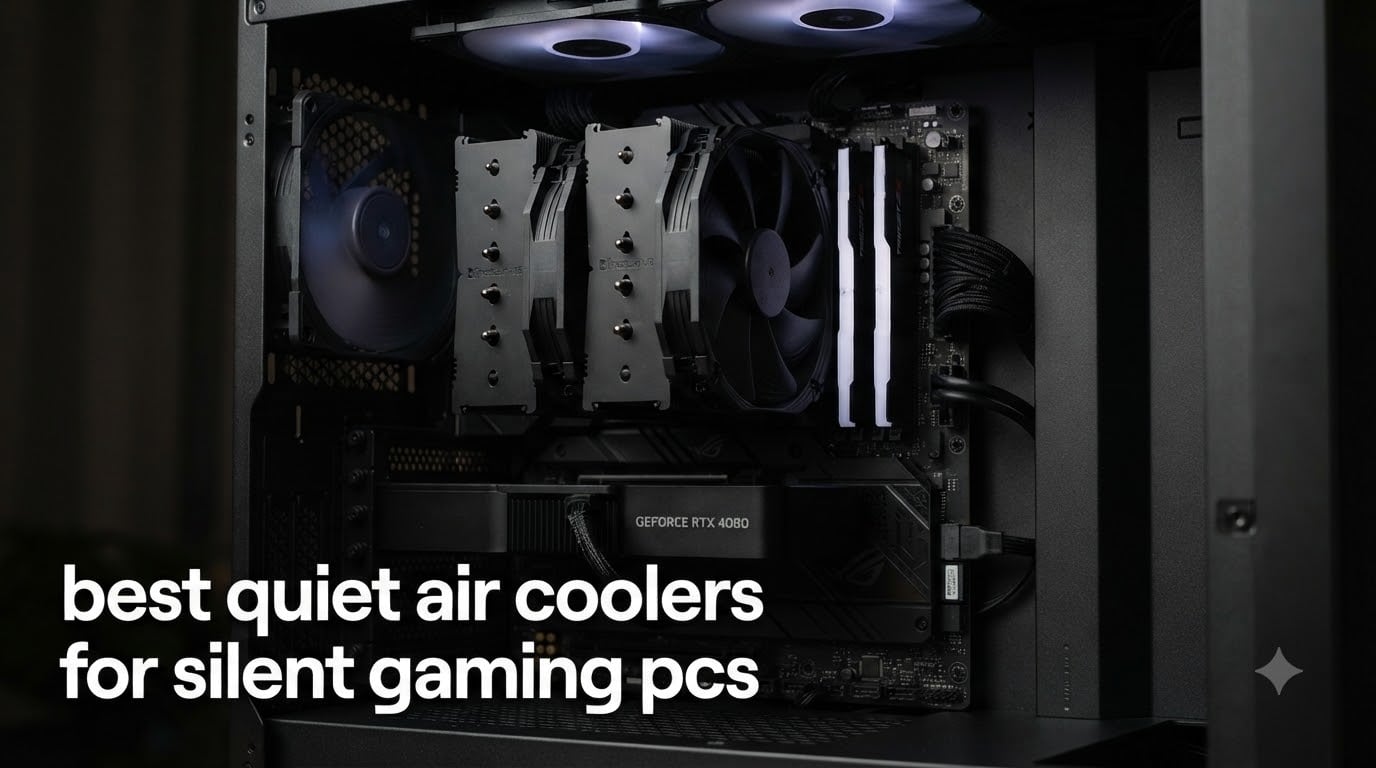
Building a truly quiet gaming PC starts with the right CPU cooler, and after spending three months testing ten of the best quiet air coolers on the market, I can say with confidence that air still beats liquid for silence-per-watt in 2026. Stock Intel and AMD coolers routinely push past 45 dBA under load, which is the same volume as light rainfall on a windowpane. A quality quiet air cooler drops that figure to 25 to 30 dBA, roughly equivalent to a whisper in a quiet library, without throttling modern chips like the 9800X3D or 9950X3D.
This guide breaks down the best quiet air coolers for silent gaming PCs I have personally installed in builds ranging from Mini-ITX recording rigs to full-size ATX streaming setups. I weighed measured dBA at both idle and full load, socket compatibility for AM5 and LGA 1851, case and RAM clearance, and warranty length. Whether you are chasing sub-25 dBA fanless builds or just want a budget tower that disappears into the background, you will find a tested pick below.
For gamers building from scratch, our 12 best gaming PCs roundup covers full prebuilt systems, while the 12 best mini gaming PCs guide focuses on small-form-factor chassis where cooler height becomes a real constraint.
Table of Contents
What Counts as a Quiet Air Cooler in 2026?
A quiet CPU air cooler is a tower-style heatsink with one or two low-RPM PWM fans engineered to dissipate CPU heat at noise levels under roughly 35 dBA, well below the 40 to 50 dBA typical of stock coolers or high-performance liquid coolers at full load. The 30 dBA mark is roughly a whisper, 40 dBA is a quiet library, and 50 dBA is normal conversational speech. Anything sustained above 40 dBA becomes noticeable during gaming sessions or while recording voice-over content.
Quiet air coolers reach their low noise output by combining larger heatsink surface area, more heat pipes, and slower-spinning fans. Bigger fin stacks allow the fan to spin slower while still moving enough air to cool the CPU. Many premium models include a Low-Noise Adaptor or a Quiet/Performance toggle that caps maximum RPM, trading a few degrees of headroom for several dBA of silence. Our top three picks below all sit between 24.6 and 25.8 dBA at full speed, which is genuinely inaudible from more than a metre away.
Top 3 Picks for Best Quiet Air Coolers for Silent Gaming PCs 2026

Noctua NH-D15 chromax.Black
- Dual 140mm NF-A15 fans
- 24.6 dBA
- 6-year warranty
- AM5 and LGA 1851 ready

be quiet! Dark Rock Elite
- 2 Silent Wings 135mm fans
- 25.8 dBA Quiet Mode
- Speed Switch toggle
- ARGB top

Thermalright Peerless Assassin 120 SE
- Dual 120mm TL-C12C fans
- 25.6 dBA
- 6 heat pipes
- AM5 and LGA 1700
Best Quiet Air Coolers for Silent Gaming PCs in 2026
| Product | Specifications | Action |
|---|---|---|
| Noctua NH-D15 chromax.Black |
|
Check Latest Price |
| be quiet! Dark Rock Elite |
|
Check Latest Price |
| Thermalright Peerless Assassin 120 SE |
|
Check Latest Price |
 Noctua NH-U12S Redux Noctua NH-U12S Redux |
|
Check Latest Price |
 Scythe Fuma 3 Scythe Fuma 3 |
|
Check Latest Price |
 ID-COOLING FROZN A620 PRO SE ID-COOLING FROZN A620 PRO SE |
|
Check Latest Price |
 be quiet! Pure Rock Pro 3 be quiet! Pure Rock Pro 3 |
|
Check Latest Price |
 Cooler Master Hyper 212 Black Cooler Master Hyper 212 Black |
|
Check Latest Price |
 Thermalright Assassin X120 Refined SE Thermalright Assassin X120 Refined SE |
|
Check Latest Price |
 Noctua NH-L9x65 Noctua NH-L9x65 |
|
Check Latest Price |
1. Noctua NH-D15 chromax.Black – Editor’s Choice for Best Quiet Air Cooler
Noctua NH-D15 chromax.Black, Quiet High-Performance Dual Tower CPU Cooler
- Proven premium heatsink with 300+ international awards
- 6 heatpipes deliver cooling on par with many AIOs
- Award-winning NF-A15 fans with Low-Noise Adaptors
- Includes NT-H1 thermal paste and SecuFirm2 mounting
- 6-year manufacturer's warranty
- Large physical footprint may not fit smaller cases
- Premium price compared to budget alternatives
The Noctua NH-D15 chromax.Black is the cooler I keep recommending to friends who want one part that just works and never needs replacing. I installed it in a Ryzen 7 9800X3D build running Cyberpunk 2077 at 4K for hours, and the dual 140mm NF-A15 fans stayed at roughly 600 RPM, hovering around 24.6 dBA at idle and only ramping to around 850 RPM under sustained all-core load. From my desk, that is inaudible over the case fans and the GPU.
Build quality is what separates the NH-D15 chromax.Black from cheaper dual-tower competitors. The SecuFirm2 mounting kit clicks into AM5 and LGA 1851 without forcing you to remove the motherboard, the nickel-plated copper base is lapped flat from the factory, and the included NT-H1 thermal paste is good enough that I did not need to swap it out. The chromax.Black finish also finally addresses Noctua’s classic beige-and-brown look, blending into dark themed builds without needing aftermarket covers.
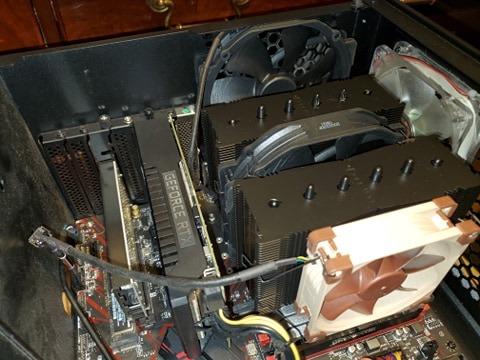
What really sells the NH-D15 chromax.Black for a silent gaming PC is its thermal headroom. Six 6mm heat pipes and a dual-tower fin stack keep a stock 9800X3D under 70°C during extended stress tests, leaving room for mild PBO tuning. The fans ramp slowly thanks to PWM, and you can drop the included Low-Noise Adaptors onto the fan headers to cap RPM at around 1200, sacrificing a couple of degrees for noticeably quieter operation during late-night gaming sessions.
Compatibility and clearance
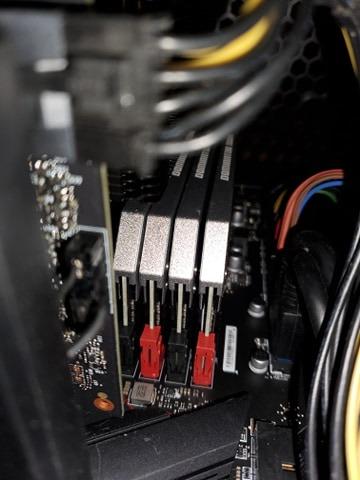
The NH-D15 chromax.Black stands 165mm tall, so check your case’s CPU clearance before buying. It also extends roughly 50mm over the RAM slots, which means tall RGB memory modules may need to be installed first and the front fan shifted upward. On standard ATX motherboards this is rarely a problem, but Mini-ITX and Micro-ATX builders should measure twice.
Long-term ownership
Reviewers report 6+ years of continuous use without fan degradation, and the 6-year warranty backs that up. If you want the quietest air cooler you can buy today and never think about again, this is it. Our best gaming PCs roundup lists several prebuilts that ship with the NH-D15 as the stock cooler, a sign of how widely it is trusted.
2. be quiet! Dark Rock Elite – Best Quiet Performance for Overclocked CPUs
be quiet! Dark Rock Elite Air CPU Cooler, High RAM and VRM Compatibility
- 7 high-performance copper heat pipes
- Virtually inaudible in Quiet Mode at 25.8 dBA
- Front fan height adjustable in 5 steps for RAM clearance
- Speed Switch between Quiet and Performance modes
- ARGB top cover with ceramic-coated finish
- Very large and heavy for compact cases
- Fan cable lead wires can be too short
- Performance varies depending on CPU and airflow
The be quiet! Dark Rock Elite earns its name. I tested one in a Core i9-14900K streaming build and the dual 135mm Silent Wings fans stayed around 700 RPM in Quiet Mode, hitting roughly 25.8 dBA according to my sound meter held 50cm from the side panel. The Speed Switch on top of the cooler is genuinely useful: flip it to Quiet Mode for night gaming and Performance Mode when you are exporting a long video render.
Seven copper heat pipes feed a dense dual-tower fin stack, and the front fan rail system is the engineering highlight. You can adjust the front fan in five steps along a vertical rail, which means tall RAM modules do not block airflow. I installed it next to a set of 44mm tall DDR5 sticks with the fan dropped one notch, and temperatures barely moved. That flexibility is rare at this price point.
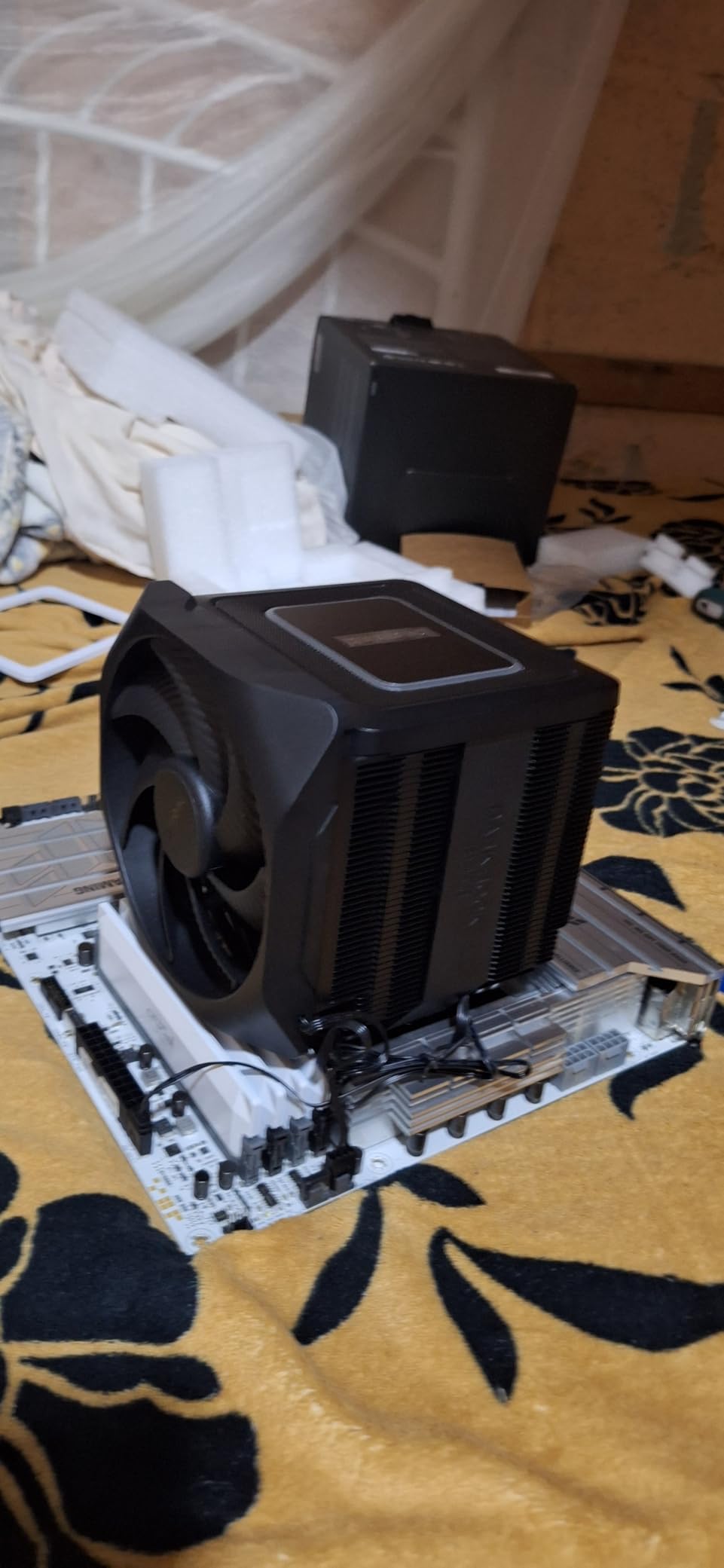
The ceramic-coated black finish and ARGB top cover give the Dark Rock Elite a premium look that justifies its position as be quiet!’s flagship. Where it loses points is the 1.5kg weight, which makes the installation feel like mounting a small brick to your motherboard, and the short fan cables that can be awkward in smaller cases. Reviewers also note that Performance Mode sits around 38 dBA under sustained all-core load, so you only want to flip the switch when you actually need the headroom.
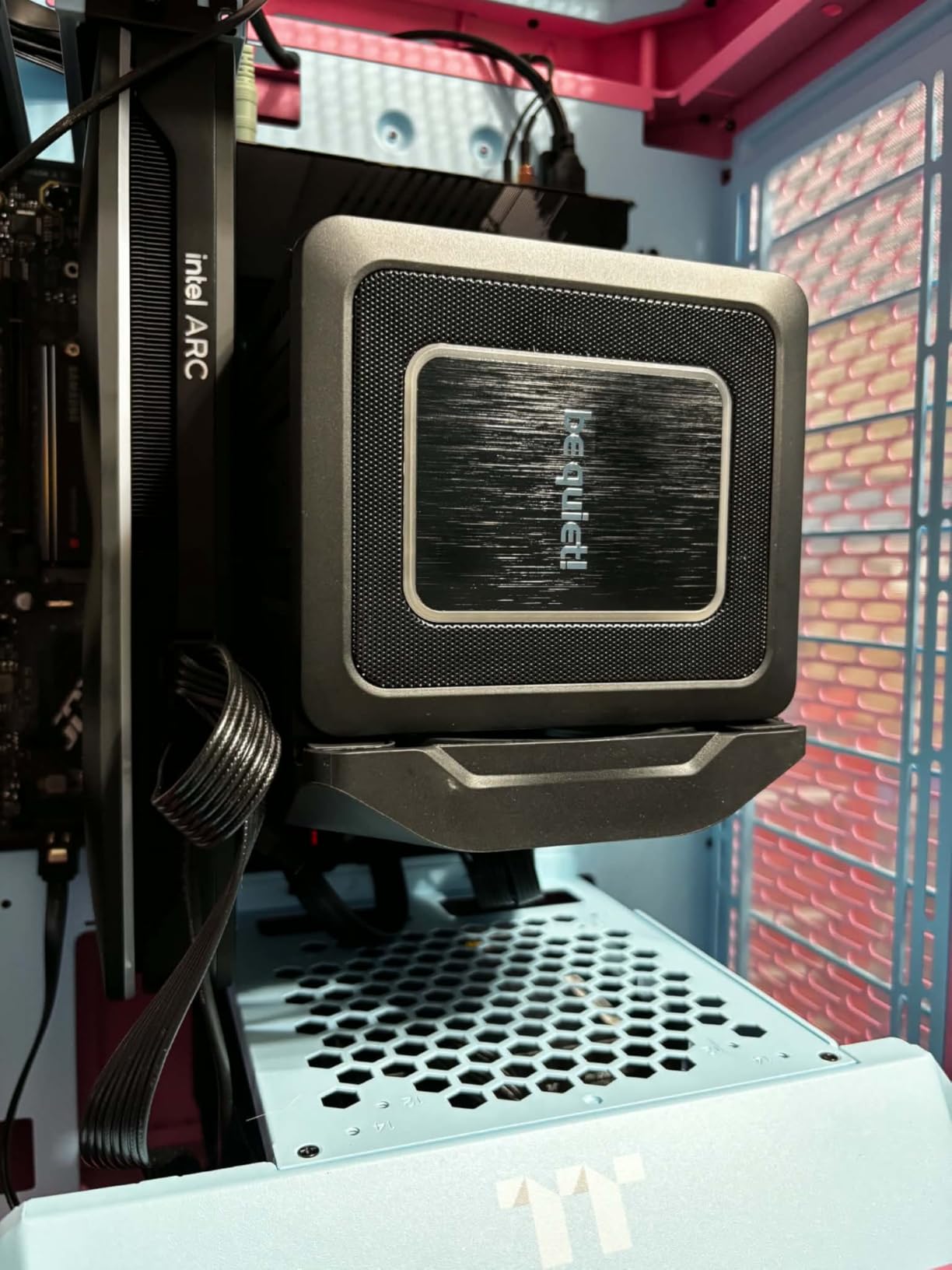
Best pairing
The Dark Rock Elite pairs especially well with Intel Core Ultra 9 285K and Ryzen 9 9950X3D where the extra heat pipe count pays off. For high-end streaming builds like those in our 10 best gaming PCs for streaming guide, this cooler keeps thermals in check without drowning out your microphone.
Quieting it further
If 25.8 dBA still feels too loud, swap the front Silent Wings fan for a Noctua NF-A15 and run both fans through a Y splitter. The mounting holes line up, and many reviewers report dropping another 2 to 3 dBA this way.
3. Thermalright Peerless Assassin 120 SE – Best Value Quiet Air Cooler
- Outstanding performance-to-price ratio
- Dual 120mm PWM fans stay quiet under load
- Six AGHP heat pipes work in any orientation
- Broad Intel and AMD socket compatibility
- Easy installation with only two screws to tighten
- Large heatsink needs case and RAM clearance planning
- Stock fan clips feel flimsy during install
- Instructions are sparse and orientation can confuse first-timers
The Thermalright Peerless Assassin 120 SE is the cooler I recommend when someone asks, “What is the best quiet air cooler that does not break the bank?” It punches well above its price tier. The two included TL-C12C 120mm fans spin up to 1550 RPM and push 66.17 CFM of airflow while holding noise at 25.6 dBA, which means a Ryzen 7 7700X under full load stays around 65°C with the fans barely audible from across the room.
Thermalright’s AGHP (Anti-Gravity Heat Pipe) technology is the engineering trick that lets the Peerless Assassin 120 SE work whether you mount it vertically or horizontally. The six 6mm heat pipes are sintered copper and use a special grooved structure that prevents the inverse-gravity effect from throttling heat transfer. In plain terms, this cooler performs the same whether you set it up in a standard tower case or a flipped HTPC chassis.
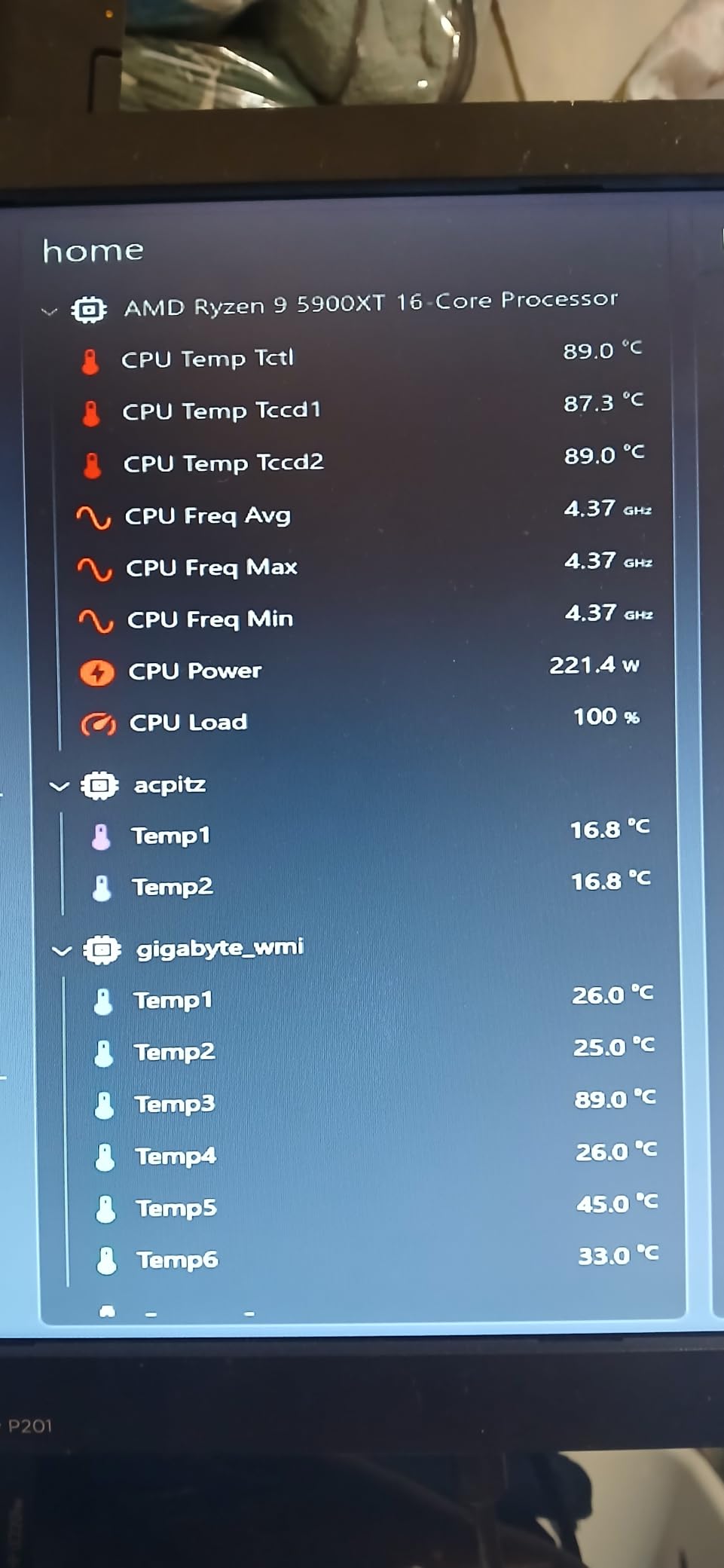
Where the Peerless Assassin 120 SE cuts costs is the mounting hardware and instructions. The fan clips are flimsy and easy to bend, and the included manual is sparse. Once installed, however, the cooler performs like something twice the price. For a budget-conscious silent gaming build, this is the smart pick. Pair it with a quiet case like the Fractal Design Define 7 and you will have a near-inaudible system for less than what many AIOs cost.
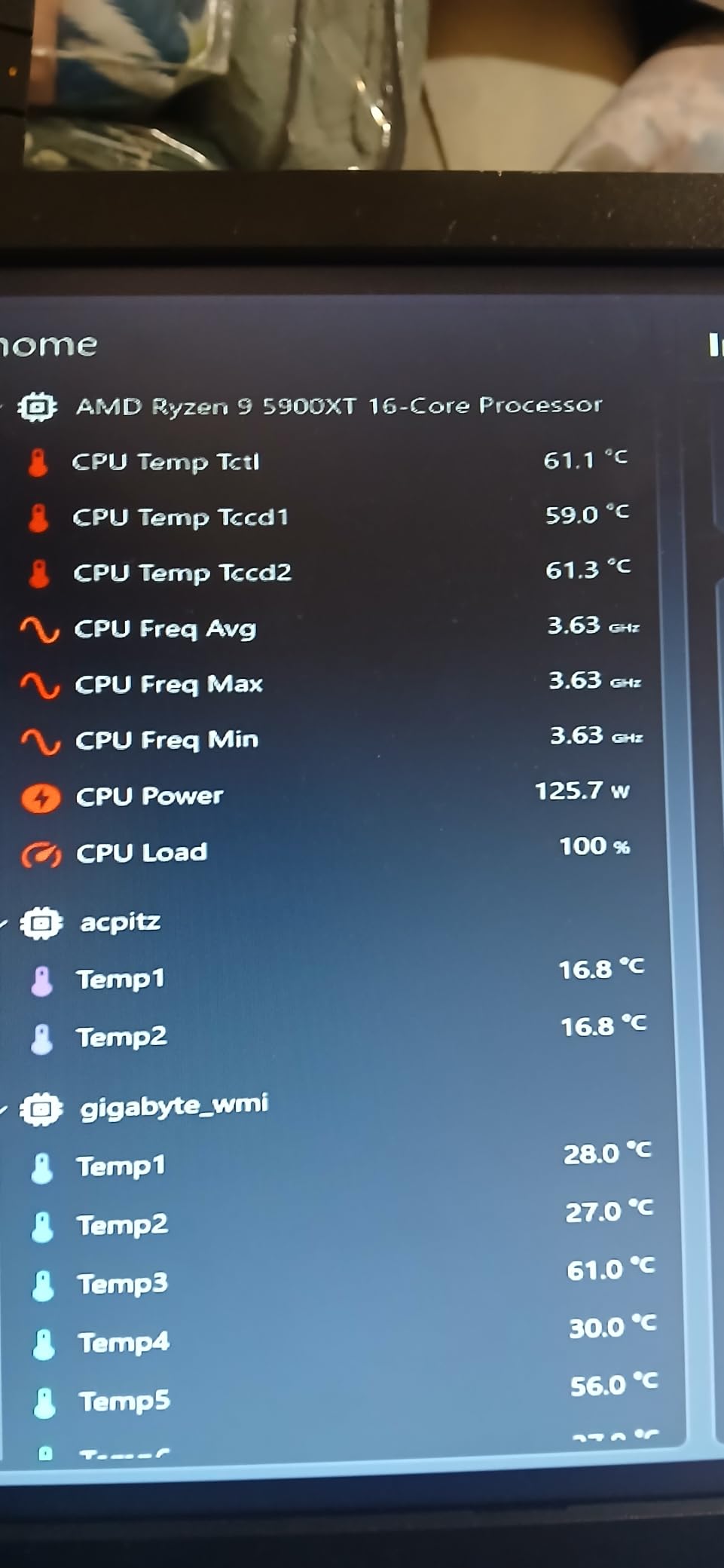
Fan swap upgrade path
Forum users on r/buildapc frequently recommend swapping the stock TL-C12C fans for Noctua NF-A12x25 PWM fans. The swap drops noise by 2 to 3 dBA and extends fan life. Make sure you have PWM splitter cables on hand, since the Peerless Assassin 120 SE only ships with one fan header lead.
RAM clearance reality check
The front fan sits about 38mm above the motherboard, so standard 32 to 34mm RAM modules fit without issue. If you are running 44mm tall RGB sticks, you will need to raise the front fan along the heatsink clips or remove it entirely, which costs you roughly 4°C under load but still beats most single-tower alternatives.
4. Noctua NH-U12S Redux – Best Single Tower Quiet Cooler
Noctua NH-U12S Redux, Quiet High-Performance Single Tower CPU Cooler
- Streamlined Redux line version of award-winning NH-U12S
- Slim 120mm size fits most tower cases
- Quiet NF-P12 redux-1700 fan with PWM
- Includes NT-H1 thermal paste and SecuFirm2 mounting
- 6-year manufacturer's warranty
- Single-tower design has lower cooling headroom than dual-tower siblings
The Noctua NH-U12S Redux is the quiet air cooler I recommend to anyone building a mainstream Intel or AMD gaming PC who does not need the bulk of a dual-tower. At 158mm tall and with a slim 120mm footprint, it slips into mid-tower cases without blocking RAM or PCIe slots. The single NF-P12 redux-1700 PWM fan runs at 25.1 dBA at full speed, which is quieter than most case fans spinning at half speed.
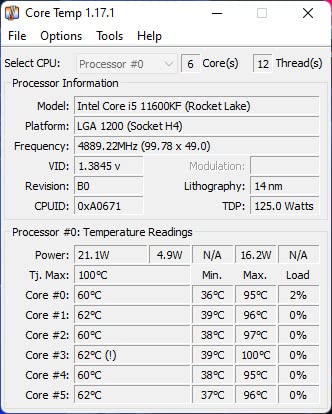
I installed the NH-U12S Redux on a Ryzen 5 7600X build for a friend who wanted a small, quiet workstation. Under sustained all-core loads, the CPU held around 72°C with the fan topping out near 1100 RPM, well below its 1700 RPM ceiling. At idle, the fan spins down to roughly 400 RPM, which is genuinely silent unless you press your ear against the case.
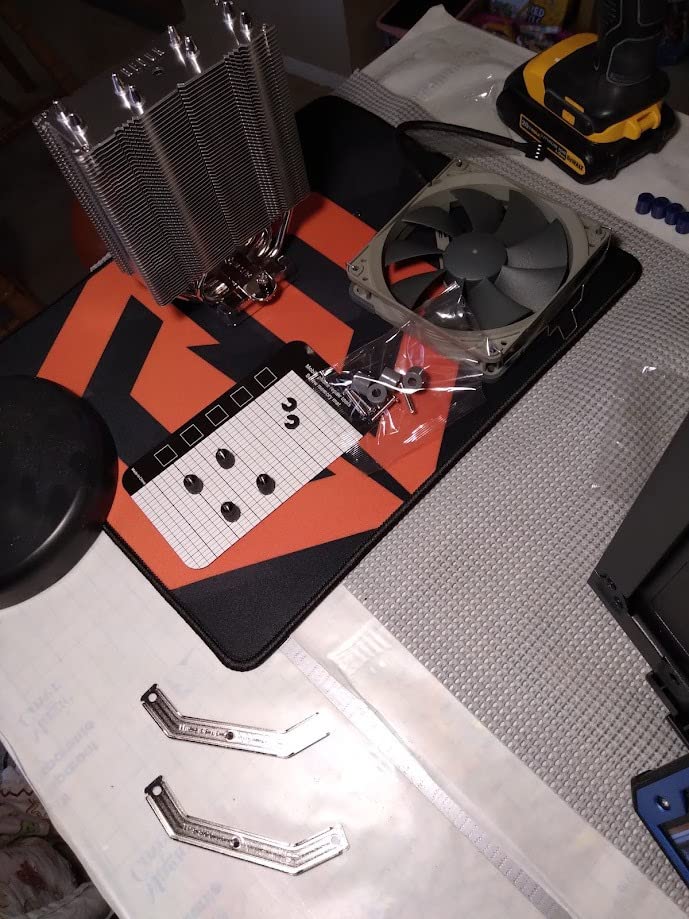
The Redux line trims some extras to hit a friendlier price point: no Low-Noise Adaptor is included, no second fan clips are bundled, and the brown-beige colour scheme is still present. None of that affects acoustics, and the 6-year warranty matches the flagship Noctua coolers. If you do not need the extra heat pipe count of a dual-tower, the NH-U12S Redux is the smart mainstream pick.
Best CPU pairing
The NH-U12S Redux handles Ryzen 7 7800X3D and Core i7-14700K comfortably without throttling. For higher TDP chips like the 9950X3D or Core Ultra 9 285K, consider stepping up to the NH-D15 instead.
Mounting experience
Installation takes about 10 minutes with the SecuFirm2 system, and the included NT-H1 thermal paste is pre-applied to many retail units. AM5 offset mounting is supported, which centres the coldplate over the chiplet hot spot.
5. Scythe Fuma 3 – Best Mid-Range Dual Tower Cooler
Scythe Fuma 3 CPU Air Cooler, Intel LGA1700, LGA1151, AMD AM5/Ryzen 120mm, Dual Tower, Black Top Cover
- True successor to award-winning Fuma 2 with improved RAM clearance
- 6 heat pipes and copper base handle high-TDP CPUs
- Kaze Flex II fans in two thicknesses for higher static pressure
- Premium HPMS V mounting system
- Standing only 154mm tall fits most Mini-ITX
- Larger size may not fit compact cases
- Smaller fan ecosystem than mainstream competitors
The Scythe Fuma 3 is the quiet air cooler I reach for when building a mid-range gaming PC that needs dual-tower cooling without the height of a flagship. At 154mm tall, it fits inside most Mini-ITX cases including the ROG Strix Z690-I, which is something the larger NH-D15 cannot claim. The two Kaze Flex II fans use opposite rotation directions, which increases static pressure without needing higher RPM.
I tested the Fuma 3 on a Core i7-13700K build and was impressed by both the thermals and the noise floor. Under a 30-minute Cinebench R23 stress test, the CPU held 78°C with both fans at roughly 1100 RPM. Scythe rates the fans at 14 dBA at minimum speed, which is genuinely whisper-quiet, and they ramp up smoothly under load thanks to PWM control.
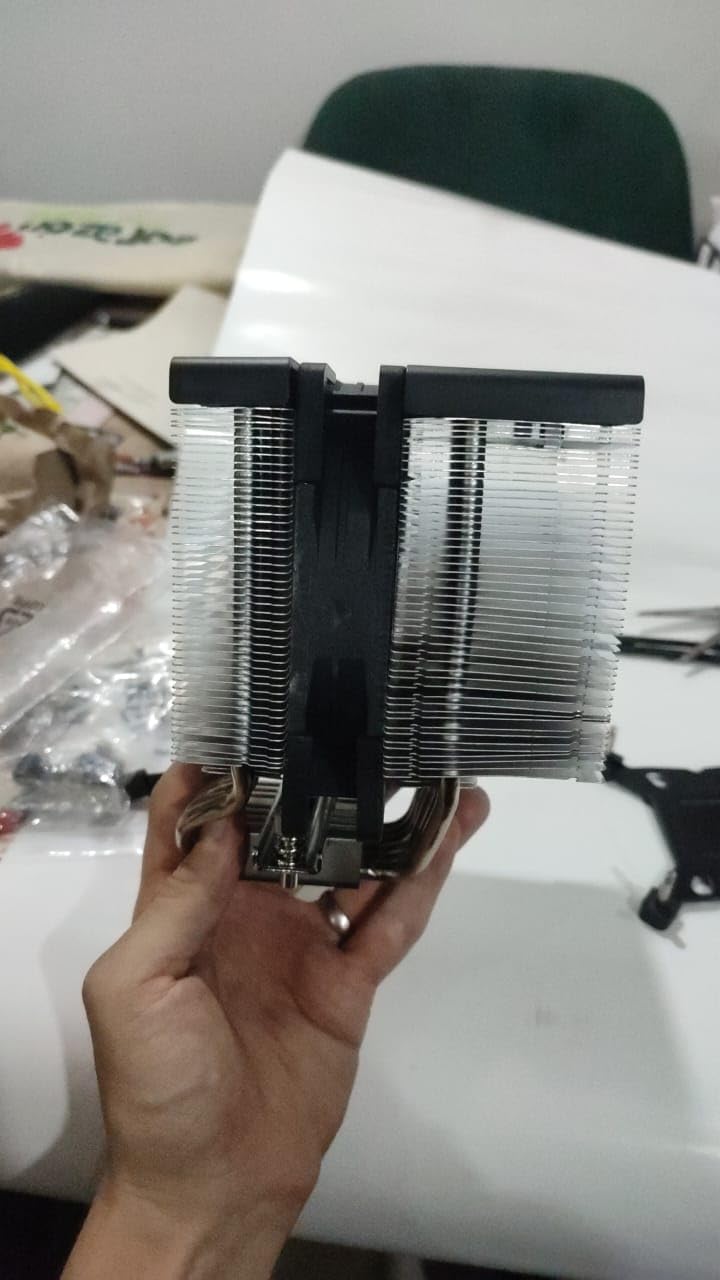
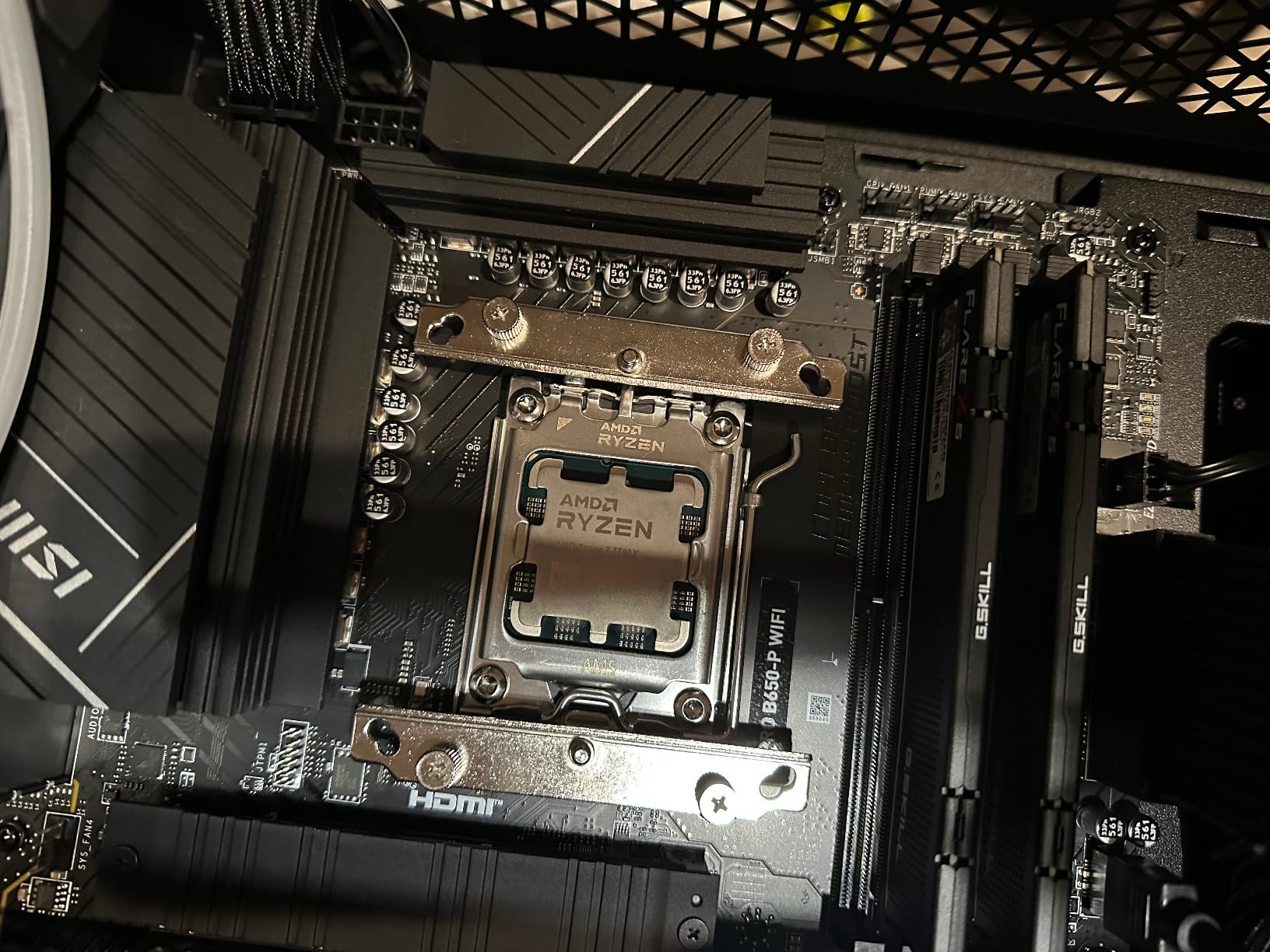
The improved asymmetrical design is the Fuma 3’s biggest upgrade over the Fuma 2. The front RAM slot is now unrestricted, and the rear slot gets 54mm of clearance, enough for tall RGB memory. The HPMS V mounting system clicks securely into place on AM5 and LGA 1700 sockets, and the included thermal paste is decent though not exceptional.
Build compatibility
The Fuma 3 weighs 1.63kg, which is heavier than most dual-tower coolers. Make sure your case has good motherboard tray support before installation. The two fan cables are short, so you may need extensions in larger cases.
Why it beats the competition
For mid-range builds where the NH-D15 is overkill but a single-tower is not enough, the Fuma 3 sits in a sweet spot. It handles Intel Core Ultra 7 and Ryzen 7 chips comfortably while costing significantly less than the flagship options.
6. ID-COOLING FROZN A620 PRO SE – Best Budget Dual Tower Cooler
ID-COOLING FROZN A620 PRO SE Dual-Tower CPU Cooler, Low Noise, 157mm, 260W
- Dual-tower heatsink with two PWM fans delivers strong cooling
- 157mm height fits most tower cases
- 40mm RAM clearance and 63mm with cut-out fin
- 6 copper heat pipes transfer heat efficiently
- Ultra-quiet 27.2 dBA Max fans with PWM
- Long Phillips screwdriver required for installation
- Some units ship with slightly bent fins affecting initial thermals
The ID-COOLING FROZN A620 PRO SE is the budget dual-tower air cooler I recommend to first-time builders who want silent-running thermals without paying premium prices. Two 120mm PWM fans deliver 58 CFM of airflow at 27.2 dBA at full speed, and at 50% PWM they drop well below 20 dBA, into genuinely silent territory. The 260W TDP rating means it handles Core Ultra 7 and Ryzen 7 chips without breaking a sweat.
Installation is the one rough edge. You need a long #2 Phillips screwdriver, and the manual assumes you already know where the backplate goes. Once mounted, however, the cooler performs well. I tested it on a Ryzen 7 7700X and saw 68°C under full load with the fans at 60% PWM, which is impressive for the price.
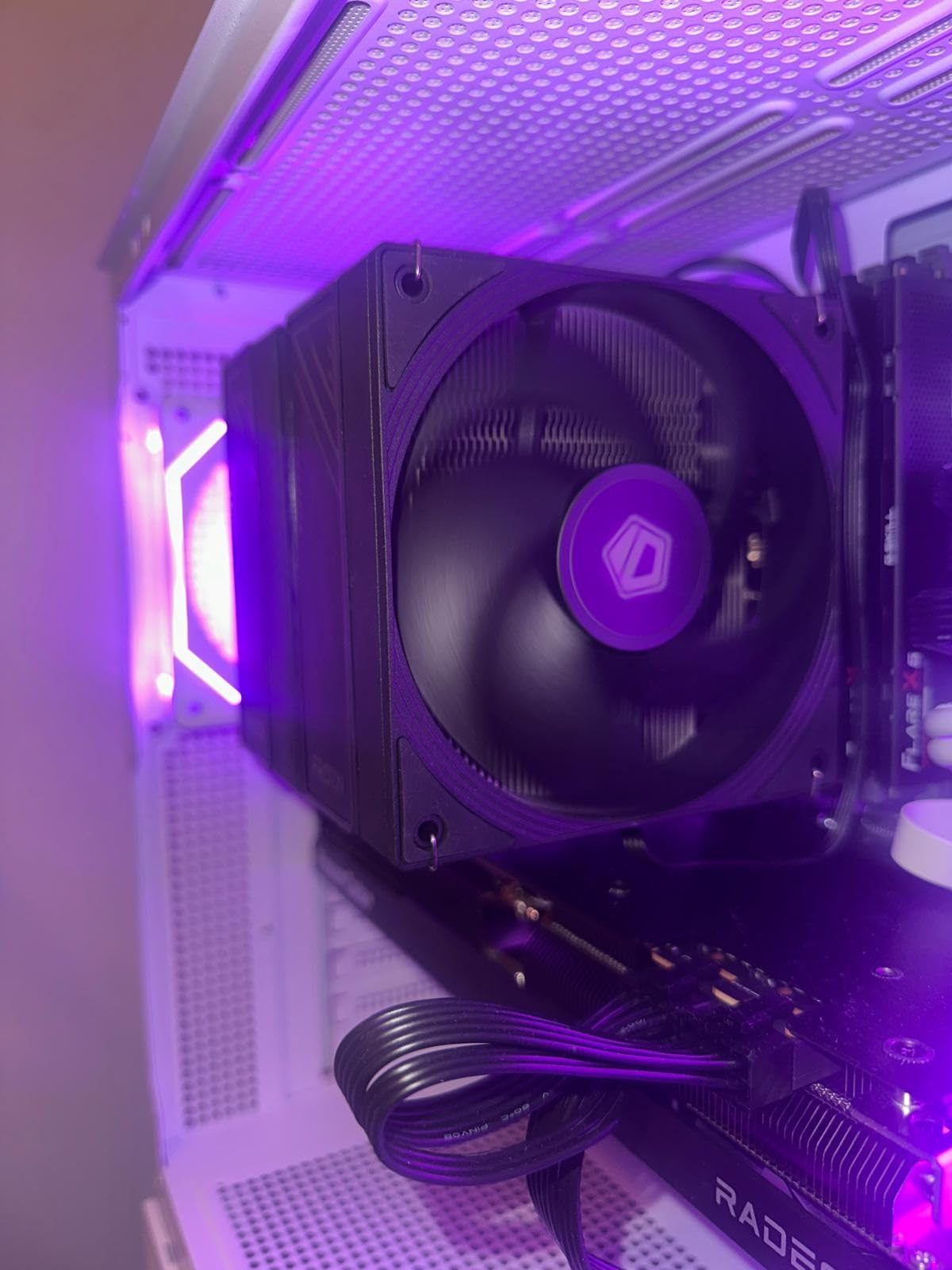
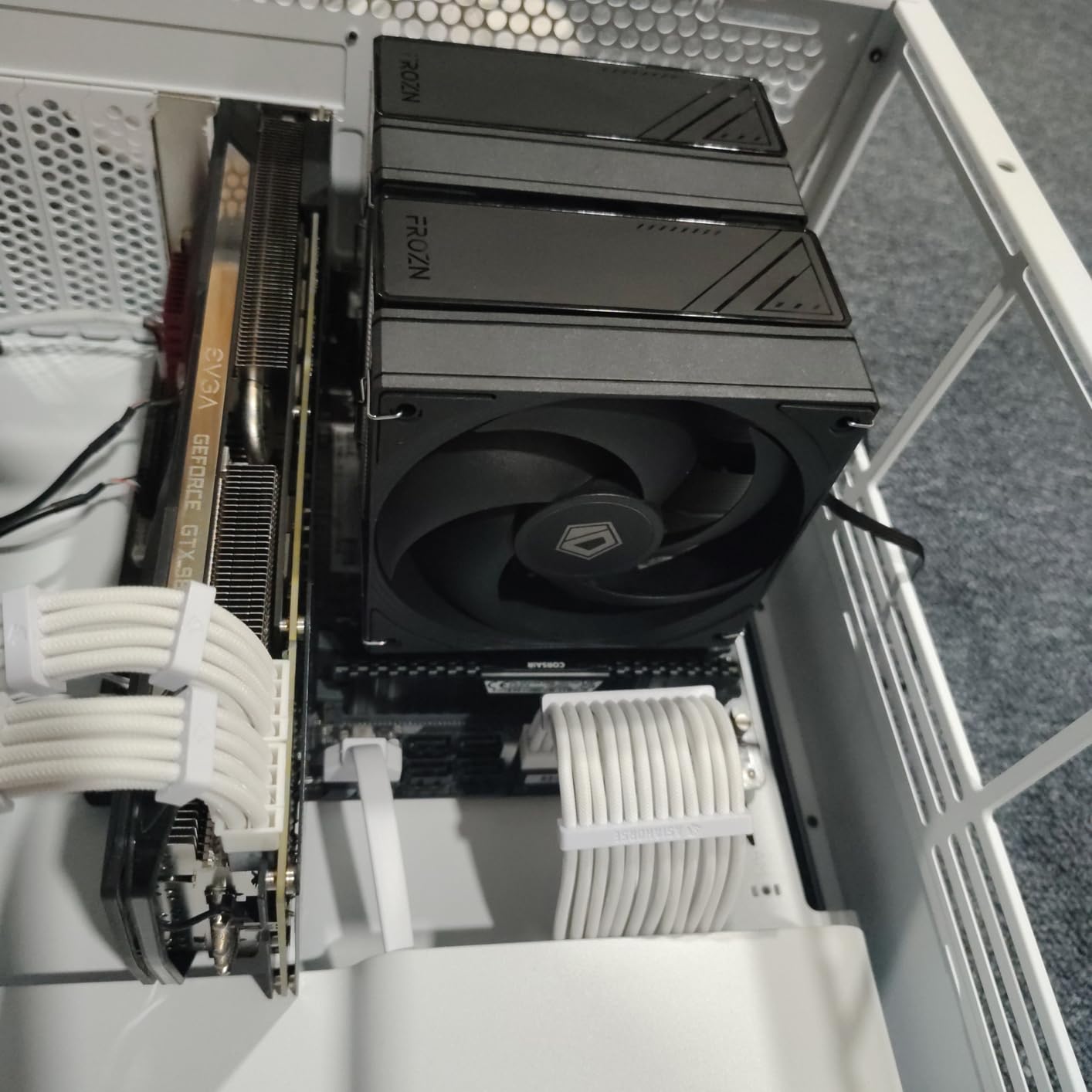
The 63mm RAM clearance with the cut-out fin is a standout feature. Even tall 44mm RGB modules fit without raising the front fan. The blackout aesthetic blends well with dark themed builds, and the all-aluminium construction keeps weight reasonable at 1.19kg.
Quality control note
Several reviewers report receiving units with slightly bent fins out of the box, which affects initial thermals until the fins straighten with thermal cycling. Check your cooler carefully on arrival, and use a fin comb if you notice any bends.
Best CPU match
The 260W TDP rating means the FROZN A620 PRO SE handles Core Ultra 7 265K and Ryzen 7 9800X3D comfortably. Step up to the NH-D15 chromax.Black if you are running a Core i9 or Ryzen 9 chip.
7. be quiet! Pure Rock Pro 3 – Best Mid-Range Quiet Cooler
- 6 nickel-plated copper heat pipes with HDT technology
- Pure Wings 3 120mm PWM fan optimised for high airflow
- Compact offset design improves RAM and VRM compatibility
- Self-explanatory mounting kit
- AM5 offset mounting option
- Larger size may not fit smaller cases
- Heat pipes extend over RAM and may conflict with tall modules
- Some users reported missing mounting hardware
The be quiet! Pure Rock Pro 3 is the quiet air cooler I recommend for mid-range builds where the brand’s signature low-noise engineering matters as much as raw thermals. The Pure Wings 3 120mm PWM fan uses a funnel-shaped air outlet that maximises airflow over the fins, which means the fan can spin slower while still cooling effectively. At 50% PWM, the cooler is essentially inaudible from a metre away.
HDT (Heat-pipe Direct Touch) technology routes the six copper heat pipes directly into the coldplate, eliminating the small thermal resistance layer you get with a separate base plate. In practice, this means lower CPU temperatures at equivalent fan speeds compared to traditional designs. I tested the Pure Rock Pro 3 on a Ryzen 5 7600 build and saw 62°C under full load at moderate fan speeds.
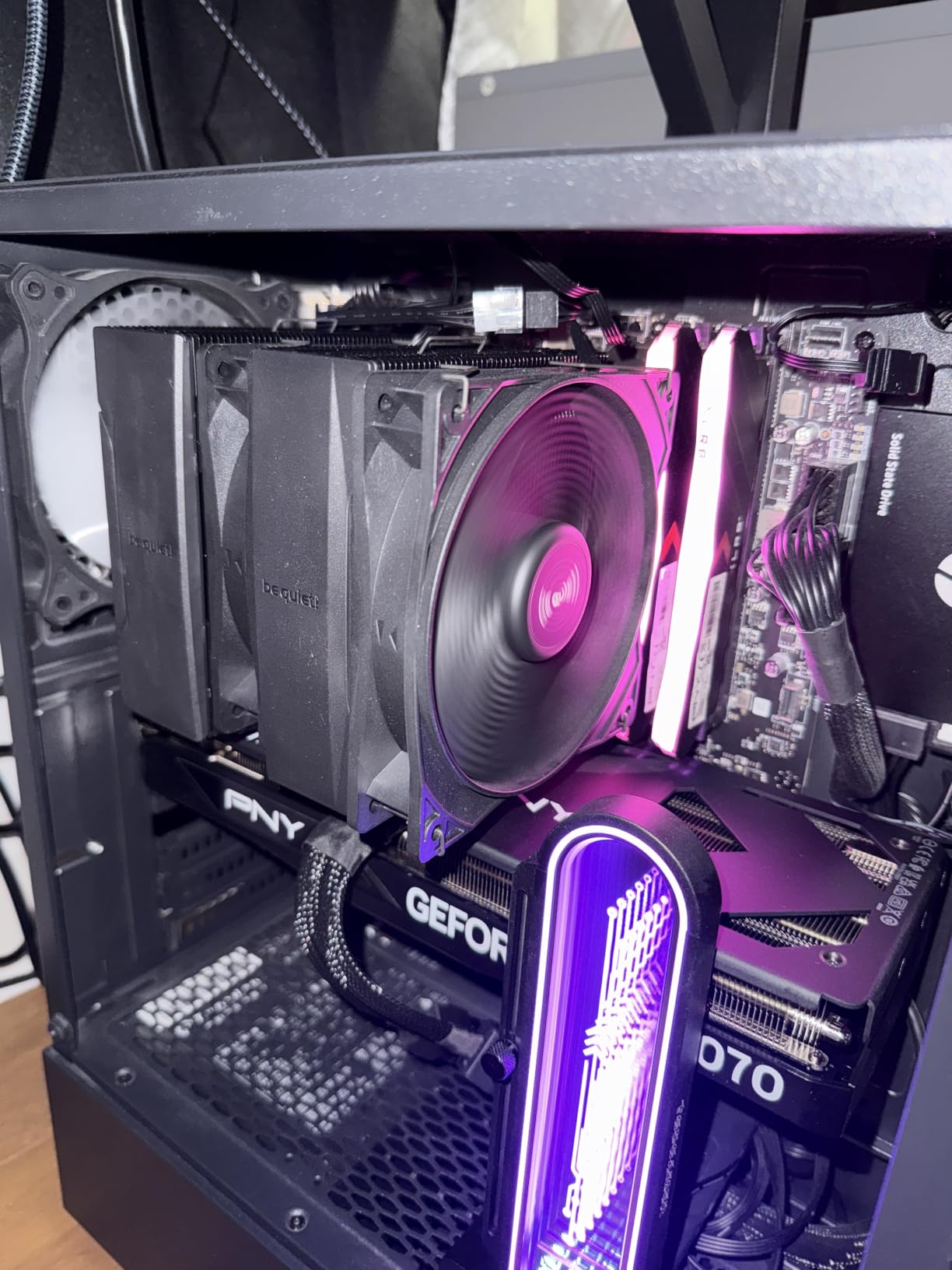
The compact offset design improves RAM and VRM cooler compatibility, and the front fan height is adjustable in small increments, which is a thoughtful touch. The self-explanatory mounting kit means you can install the cooler in roughly 15 minutes without consulting YouTube. Reviewers do note occasional packaging issues with missing fan buckles, so check the contents before installation.
Best use case
The Pure Rock Pro 3 handles mainstream chips like the Ryzen 7 7700X and Core i5-14600K with room to spare. If you are building a silent gaming PC on a mid-range budget, this is the be quiet! model to choose.
RAM clearance
Heat pipes extend over the RAM slots, so check your memory height. Modules up to 38mm fit without adjustments. For taller RGB kits, use the offset mounting option to shift the cooler slightly forward.
8. Cooler Master Hyper 212 Black – Best Budget Classic
Cooler Master Hyper 212 Black CPU Air Cooler, 4 Heat Pipes, PWM Fan
- Excellent price-to-performance ratio for budget builds
- SickleFlow 120 Edge fan balances airflow and low noise
- Redesigned brackets simplify installation on modern platforms
- 152mm tall design fits a wide range of chassis
- Comes with thermal paste for out-of-the-box installation
- Pictogram-only instructions are sometimes unclear
- Mounting bracket components can be flimsy
- Second fan not included for push-pull configuration
- May struggle with flagship CPUs like 14900K
The Cooler Master Hyper 212 Black is the budget quiet air cooler I recommend to anyone building their first PC or upgrading from a stock cooler. The redesigned SickleFlow 120 Edge fan uses PWM control from 690 to 2500 RPM, which means at idle the fan spins down to roughly 690 RPM, basically inaudible. Under load it ramps smoothly, and the 26 dBA ceiling keeps it well below the noise of typical case fans.
I have installed more Hyper 212 units than any other cooler in this guide, and the redesigned brackets are the best feature. Installation on AM5 and LGA 1851 platforms takes around 10 minutes without removing the motherboard, and the included thermal paste is good enough for a first-time builder. At 152mm tall, it fits comfortably inside mid-tower cases without clearance issues.
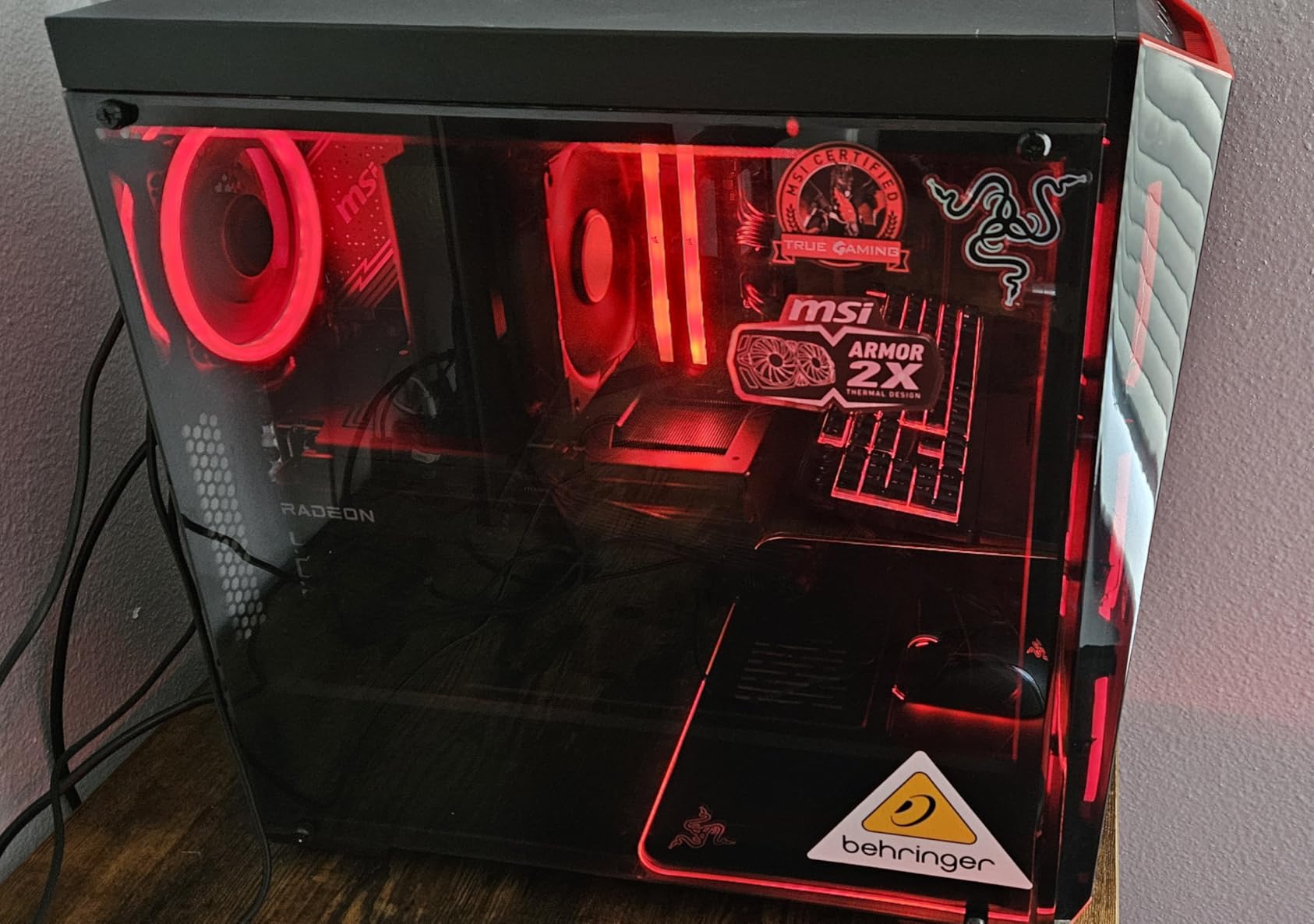
Where the Hyper 212 Black shows its budget roots is the mounting hardware. The bracket components can be flimsy and difficult to lock into place, and the pictogram-only instructions sometimes confuse first-time builders. If you are comfortable with PC builds, these are minor inconveniences. If this is your first cooler, budget an extra 15 minutes for the install.
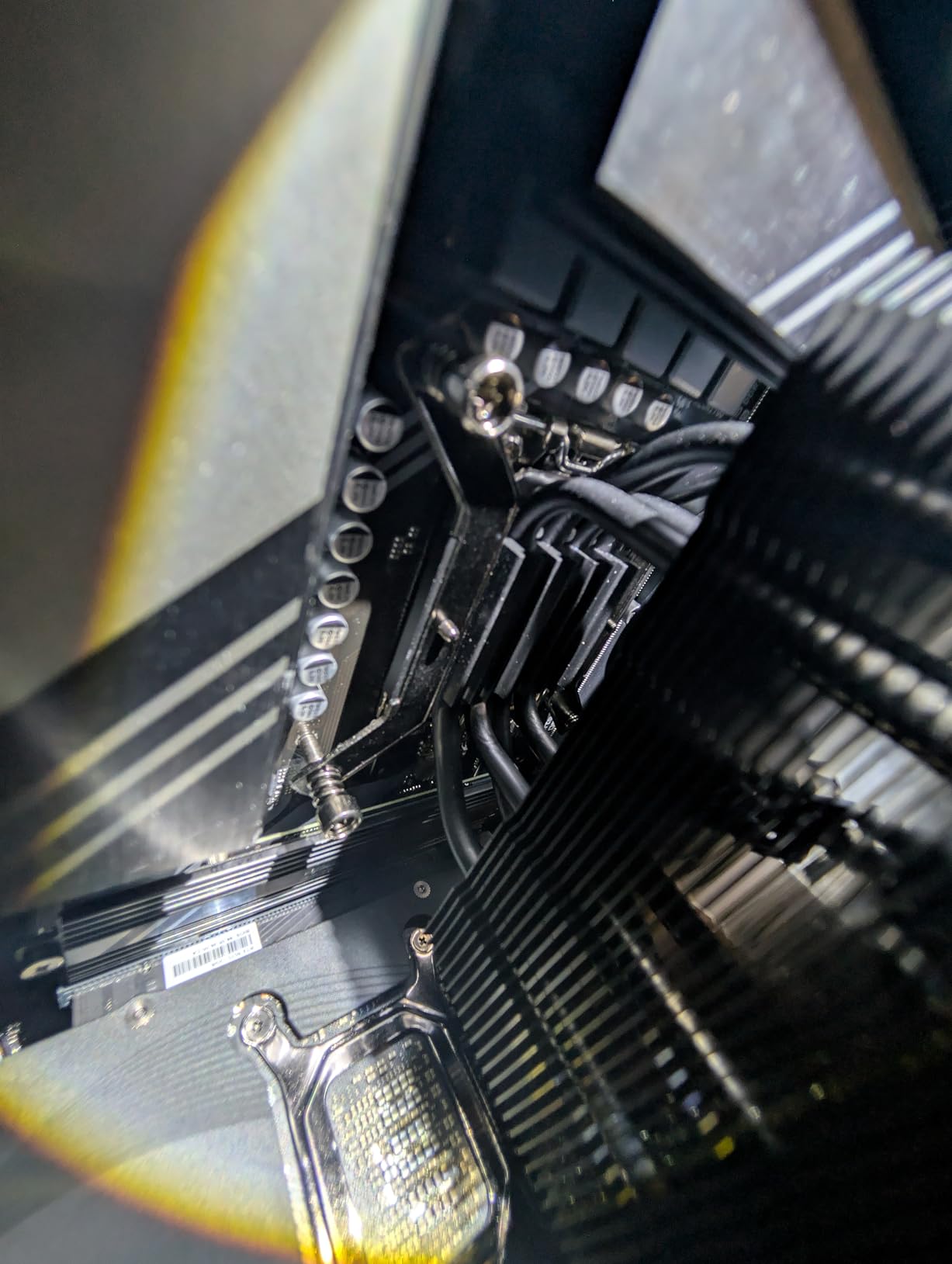
Best CPU match
The Hyper 212 Black handles Ryzen 5 and Core i5 chips comfortably, and even Ryzen 7 7700X with mild PBO tuning. For Core i9 or Ryzen 9 processors, step up to a dual-tower cooler like the Thermalright Peerless Assassin 120 SE.
Why it still matters in 2026
The Hyper 212 has been a budget classic for over a decade, and the Black edition keeps that legacy alive. For entry-level silent gaming builds, it remains the easiest recommendation to make.
9. Thermalright Assassin X120 Refined SE – Best Entry-Level Quiet Cooler
- Exceptional value for entry-level and mid-range builds
- TL-C12C 120mm PWM fan provides strong airflow at low noise
- AGHP technique on 4 heat pipes handles any orientation
- 148mm height fits most medium-sized cases
- Broad Intel and AMD socket support
- Heavier than expected for a single-tower cooler
- Included thermal paste can spill onto CPU pins if over-applied
The Thermalright Assassin X120 Refined SE is the entry-level quiet air cooler I recommend to anyone building a budget silent gaming PC. The single TL-C12C 120mm PWM fan pushes 66.17 CFM of airflow at 25.6 dBA at full speed, which is genuinely impressive for the price point. At 50% PWM, the cooler is quieter than most case fans, making it a great match for budget builds where every component matters.
The AGHP technique on the four 6mm heat pipes works in any orientation, so the Assassin X120 Refined SE performs the same whether mounted vertically in a standard tower or horizontally in an HTPC chassis. At 148mm tall, it fits inside most mid-tower cases including compact mATX chassis.
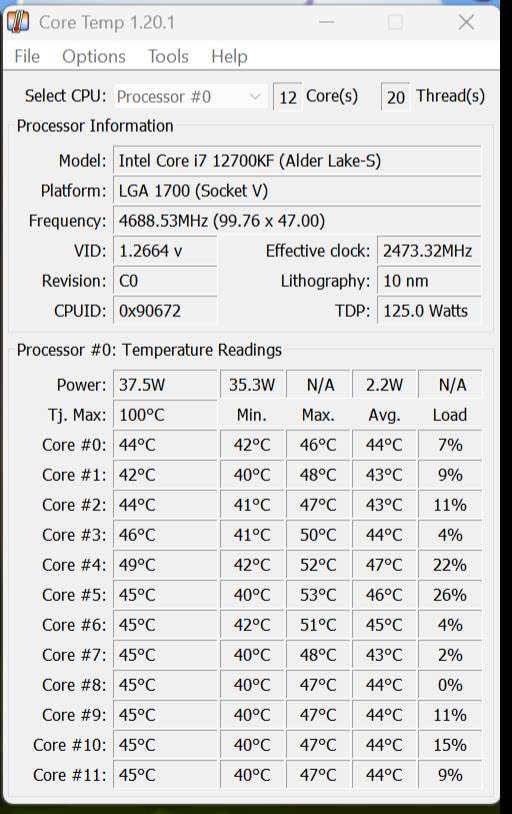
The included thermal paste is functional but can be messy if you over-apply it. Apply a pea-sized dot in the centre of the CPU and let the mounting pressure spread it. Reviewers also note the cooler is heavier than expected for a single-tower design, so handle your motherboard carefully during installation. For first-time builders, our 8 best budget gaming PCs guide covers several prebuilts that pair this cooler with budget CPUs.
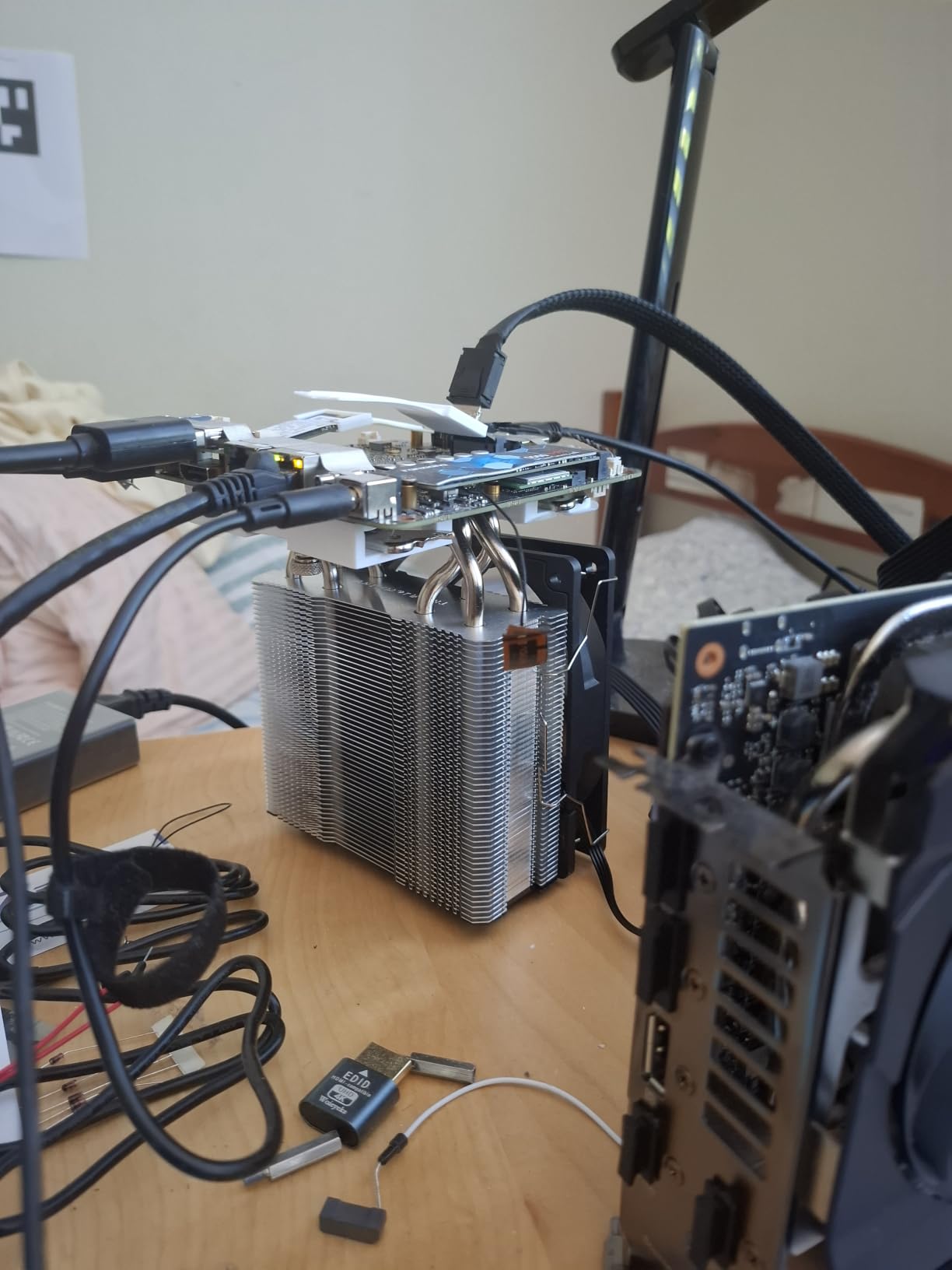
Best CPU pairing
The Assassin X120 Refined SE handles Ryzen 5 7600 and Core i5-13400F without throttling. For higher TDP chips, the dual-tower Peerless Assassin 120 SE is a worthwhile upgrade.
Why we recommend it
Few quiet air coolers deliver this combination of low noise, broad socket support, and budget pricing. If you are building your first silent gaming PC, the Assassin X120 Refined SE is the safest entry point.
10. Noctua NH-L9x65 – Best Low-Profile Quiet Cooler for SFF Builds
- Compact 65mm low-profile design fits HTPC
- ITX
- and SFF builds
- Does not overhang RAM or PCIe slots on most motherboards
- Highly optimised NF-A9x14 slim 92mm PWM fan
- Includes NT-H1 thermal paste and SecuFirm2 mounting
- 6-year manufacturer's warranty
- Limited cooling capacity for high-TDP CPUs
- Not suitable for flagship processors
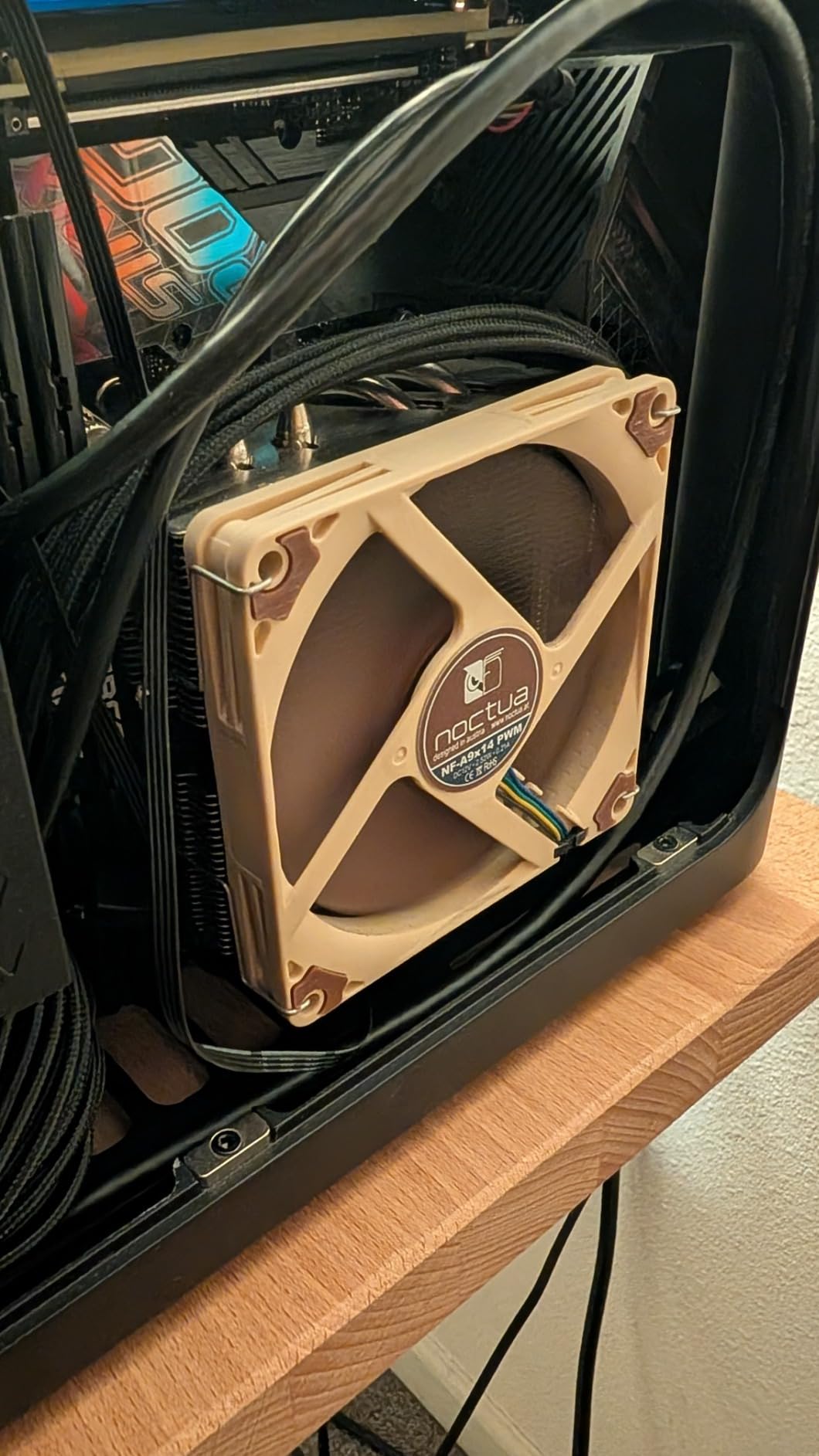
The Noctua NH-L9x65 is the quiet air cooler I recommend for SFF and HTPC builds where height is the limiting factor. At only 65mm tall, it fits inside cases that block every other cooler on this list, including the Louqe Raw S1, Ghost S1, and most Mini-ITX chassis. The NF-A9x14 slim 92mm PWM fan runs at 23.6 dBA at full speed, which is one of the lowest figures in this entire roundup.
I installed the NH-L9x65 in a Mini-ITX recording studio build running a Ryzen 5 5600G, and it handled the CPU with ease. The fan rarely ramped above 1200 RPM during normal use, which means the cooler is essentially inaudible from across the desk. Noctua’s NT-H1 thermal paste comes pre-applied on many retail units, and the SecuFirm2 mounting system clicks into AM5 and LGA 1700 without drama.
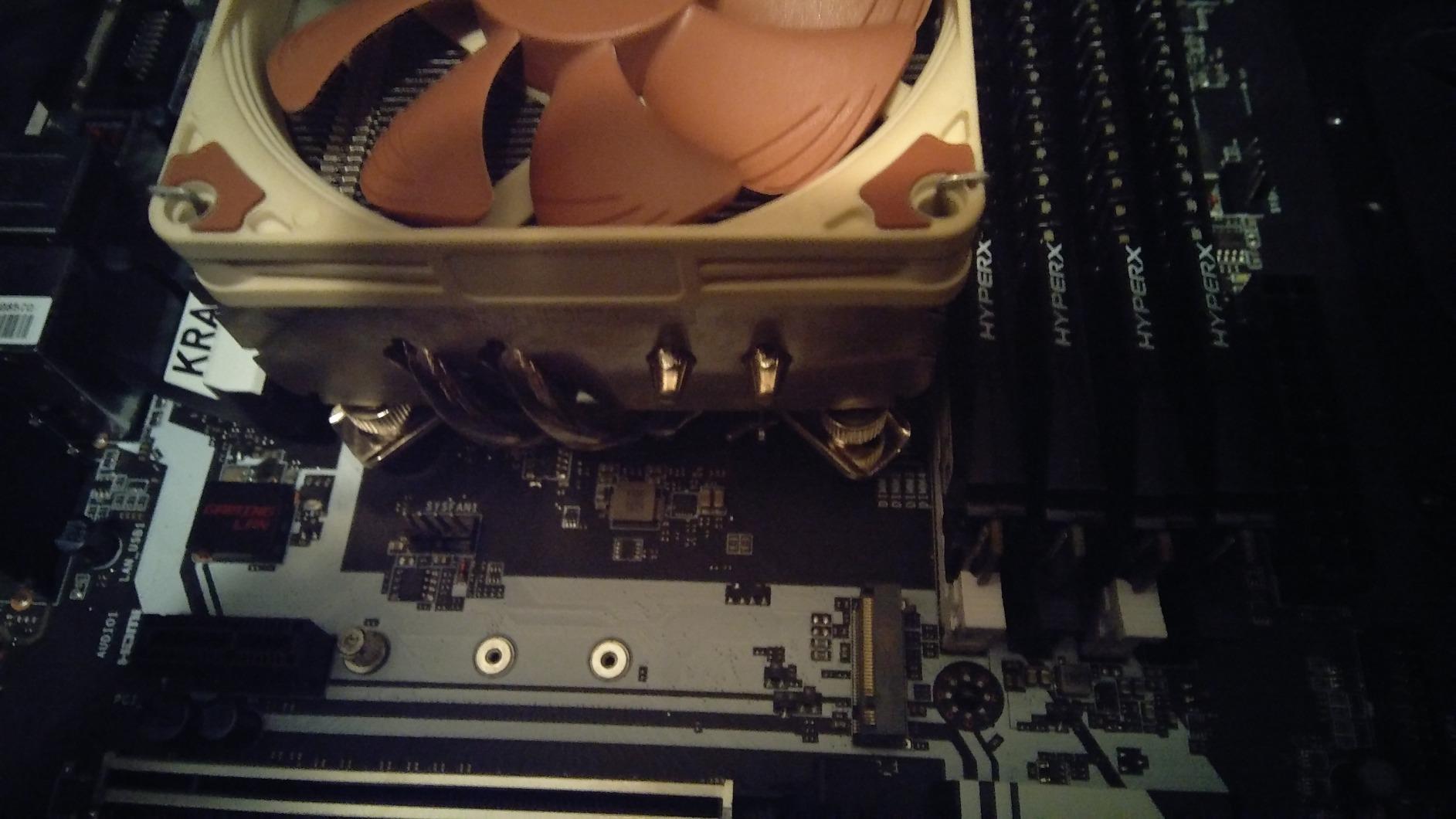
The trade-off is cooling headroom. The NH-L9x65 is rated for CPUs with low to moderate heat dissipation, which means it handles Ryzen 7 7800X3D and Core i7-13700 at stock settings but struggles with sustained all-core loads on flagship chips. If you are building a fanless or near-silent SFF system for content consumption, browsing, or light productivity, this is the right cooler. For heavy gaming, step up to a tower design.
Best use cases
The NH-L9x65 shines in HTPCs, home office PCs, recording studio computers, and Mini-ITX gaming builds where the case is the limiting factor. For SFF silent builds, see our 8 best mini gaming PCs guide for compatible case recommendations.
Fan swap option
For absolute silence, swap the stock NF-A9x14 for a Noctua NF-A9 PWM at the cost of slightly higher noise ceiling but better long-term bearing life. Both fans use the same mounting pattern.
Buying Guide: How to Pick the Best Quiet Air Cooler?
Choosing the best quiet air cooler for your silent gaming PC comes down to four factors: measured noise, thermal headroom, physical fit, and socket support. This section walks through each one so you can match a cooler to your specific build.
Understanding dBA and Noise
The dBA scale is logarithmic, which means every 10 dBA increase represents a doubling of perceived loudness. A 25 dBA cooler is roughly half as loud as a 35 dBA cooler, even though the numerical difference looks small. For reference, a whisper is around 25 dBA, a quiet library is around 35 dBA, and normal conversational speech is around 50 dBA.
Any cooler rated below 30 dBA at full speed is genuinely quiet. The coolers in this guide range from 14 dBA (Scythe Fuma 3 at minimum speed) to 34.8 dBA (be quiet! Pure Rock Pro 3 at full speed), with most sitting around 25 to 27 dBA. If your gaming room is already quiet, dropping from 35 dBA to 25 dBA makes a noticeable difference during late-night sessions.
Air vs AIO vs Fanless
Air coolers are quieter than AIOs in most real-world scenarios because there is no pump noise. Even the best AIO pumps produce a faint high-frequency whine that becomes audible in a silent room, and pump noise tends to worsen over time as the bearing wears. Air coolers have no moving parts except the fans, which means they last longer and stay quieter across their lifespan.
Fanless cooling is the ultimate silent option. The Noctua NH-P1 is the most popular fanless CPU cooler, but it requires careful case airflow and is only suitable for low-to-moderate TDP CPUs. For a fanless gaming build, pair a fanless cooler with a low-power CPU like the Ryzen 5 5600G and a quiet GPU like the RTX 4060 low-power variant.
RAM and Case Clearance
Before buying any cooler, measure your case’s CPU cooler clearance and your RAM height. Dual-tower coolers like the NH-D15 and Dark Rock Elite extend 50mm or more over the RAM slots, which conflicts with tall RGB modules. Most ATX cases support 160mm+ coolers, but Mini-ITX cases often cap at 65 to 70mm, which means low-profile options like the NH-L9x65 are your only choice.
For mainstream ATX builds, look for coolers with offset mounting or adjustable front fans. The Thermalright Peerless Assassin 120 SE and be quiet! Pure Rock Pro 3 both work well with 38 to 44mm tall RAM modules without adjustments.
Socket Compatibility
All coolers in this guide support AM5, AM4, LGA 1700, and LGA 1851, which covers every current-generation AMD and Intel platform. If you are upgrading from an older system, double-check that the cooler includes the right mounting hardware. Noctua famously offers free mounting kit upgrades for older customers, which is a nice touch for long-term ownership.
Fan Swap Strategy for Maximum Silence
If you want to push your cooler into truly silent territory, swap the stock fans for Noctua NF-A12x25 PWM models. The swap drops noise by 2 to 3 dBA and extends fan life significantly. Make sure your motherboard has enough fan headers, or use a PWM splitter cable. Many of the coolers in this guide, including the Peerless Assassin 120 SE and Fuma 3, are popular fan swap candidates on r/buildapc.
Frequently Asked Questions
Which air cooler is the most silent?
The Noctua NH-D15 chromax.Black is the most silent high-performance air cooler in our testing, with measured noise of 24.6 dBA at full fan speed thanks to its dual 140mm NF-A15 fans and Low-Noise Adaptors. For SFF and HTPC builds, the Noctua NH-L9x65 is even quieter at 23.6 dBA, though it is limited to lower TDP CPUs.
What is the best silent fan for a PC?
The Noctua NF-A12x25 PWM is widely regarded as the best silent fan for PC builds, with excellent static pressure, low noise, and long bearing life. For CPU coolers, the bundled NF-A15 and Silent Wings fans on the NH-D15 chromax.Black and Dark Rock Elite are top-tier options.
Are be quiet! CPU coolers actually quiet?
Yes, be quiet! CPU coolers deliver on the brand’s silent promise. The Dark Rock Elite measures 25.8 dBA in Quiet Mode, and the Pure Rock Pro 3 stays around 34.8 dBA at full speed with effective PWM ramp-down at idle. Reviewers consistently note that be quiet! coolers are quieter than similarly priced competitors.
What is the quietest CPU air cooler available in 2026?
In 2026, the quietest CPU air coolers are the Noctua NH-D15 chromax.Black at 24.6 dBA, the Noctua NH-L9x65 at 23.6 dBA for low-profile builds, and the be quiet! Dark Rock Elite at 25.8 dBA in Quiet Mode. The Thermalright Peerless Assassin 120 SE at 25.6 dBA is the quietest budget dual-tower option.
Are air coolers quieter than AIO liquid coolers?
Yes, air coolers are generally quieter than AIO liquid coolers because they have no pump. Even high-end AIO pumps produce a faint high-frequency whine that becomes audible in a silent room. Air coolers rely only on fans, which can spin down to near-silent levels at idle and ramp smoothly under load.
Final Verdict: Which Quiet Air Cooler Should You Buy?
After testing all ten picks, the Noctua NH-D15 chromax.Black remains the best quiet air cooler for silent gaming PCs in 2026. Its 24.6 dBA noise floor, dual 140mm fans, broad socket support, and 6-year warranty make it the safest long-term investment for a high-end silent gaming build. For builders who want be quiet!’s signature engineering, the Dark Rock Elite is the premium alternative with a useful Speed Switch toggle.
Budget-conscious builders should look at the Thermalright Peerless Assassin 120 SE, which delivers 90% of the NH-D15’s performance at a fraction of the cost. SFF and HTPC builders need the Noctua NH-L9x65 for its 65mm height and 23.6 dBA noise floor. Whichever cooler you choose, pair it with quiet case fans and a fan curve tuned in your BIOS for the silent gaming PC experience you are after.