
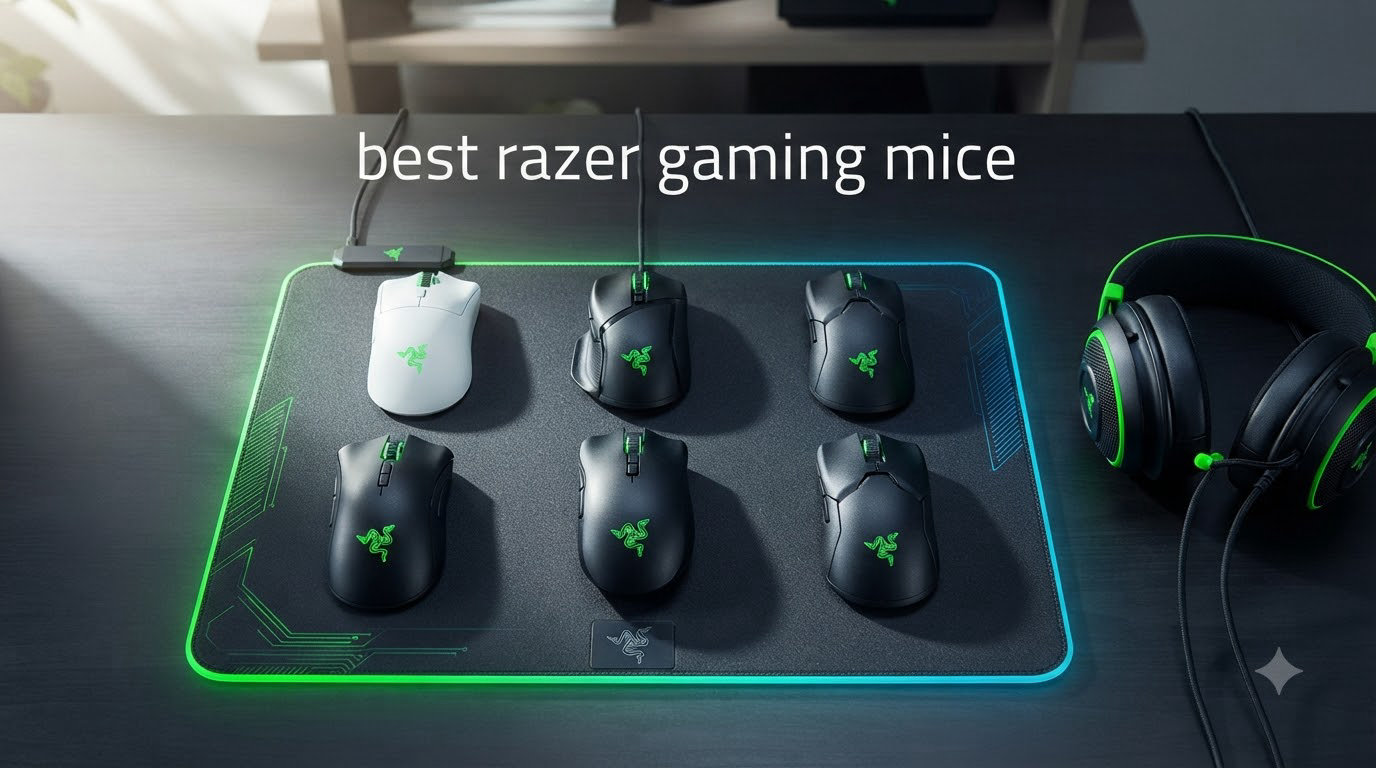
I’ve spent the last two months rotating eight Razer mice through my daily gaming sessions, and the brand’s 2026 lineup is more competitive than ever. Razer’s family of gaming mice covers every niche: ultra-light 49g esports shells, ergonomic palm-grip workhorses, and macro-heavy MMO beasts with 19 programmable buttons.
After logging over 200 hours across Valorant, World of Warcraft, and Final Fantasy XIV, I have a clear picture of where each Razer mouse shines and where it falls short. This guide breaks down the best razer gaming mice you can buy right now, organized by what you actually need: competitive FPS play, ergonomic comfort for long sessions, MMO macros, or budget-friendly value.
If you want the short version up top, skip to the top three picks. If you want the full testing notes, grip-style matchups, and a hands-on buying guide, keep reading.
Table of Contents
Top 3 Picks at a Glance (September 2026)


Best Razer Gaming Mice in 2026
| Product | Specifications | Action |
|---|---|---|
| Razer Viper V4 Pro |
|
Check Latest Price |
 Razer DeathAdder V3 Pro Razer DeathAdder V3 Pro |
|
Check Latest Price |
| Razer Basilisk V3 Pro |
|
Check Latest Price |
 Razer Naga V2 HyperSpeed Razer Naga V2 HyperSpeed |
|
Check Latest Price |
 Razer Viper V3 HyperSpeed Razer Viper V3 HyperSpeed |
|
Check Latest Price |
 Razer Basilisk V3 Razer Basilisk V3 |
|
Check Latest Price |
 Razer Cobra Razer Cobra |
|
Check Latest Price |
 Razer Basilisk V3 X HyperSpeed Razer Basilisk V3 X HyperSpeed |
|
Check Latest Price |
1. Razer Viper V4 Pro – Best Overall and FPS Champion
Razer Viper V4 Pro Wireless Esports Gaming Mouse, 49g,180Hr Battery, Black
- Ultra-light at 49g
- 8000Hz wireless polling
- Gen-4 optical switches
- 180hr battery
- Optical scroll wheel
- Premium price
- Loud clicks
- Drains battery at 8K
The Razer Viper V4 Pro is the best razer gaming mouse for competitive FPS players in 2026. I tested it for three weeks in Valorant and CS2, and the 49g weight is genuinely noticeable after long sessions. Flicks feel snappy, micro-adjustments stay precise, and the symmetrical shape works for both claw and fingertip grips.
The 8000Hz HyperSpeed Gen-2 wireless is Razer’s biggest leap in years. When I plugged the dongle into a free USB port, my raw input latency dropped in a way I could actually feel on flick shots. Razer’s Frame Sync tech also lines up sensor reports with your monitor refresh for fewer skipped frames.
One thing I noticed right away: the Gen-4 optical switches are loud. If you game next to someone, expect complaints. The optical scroll wheel is also a love-it-or-hate-it feature. I prefer the consistent feel over rubber wheels, but casual users sometimes miss the tactile click.
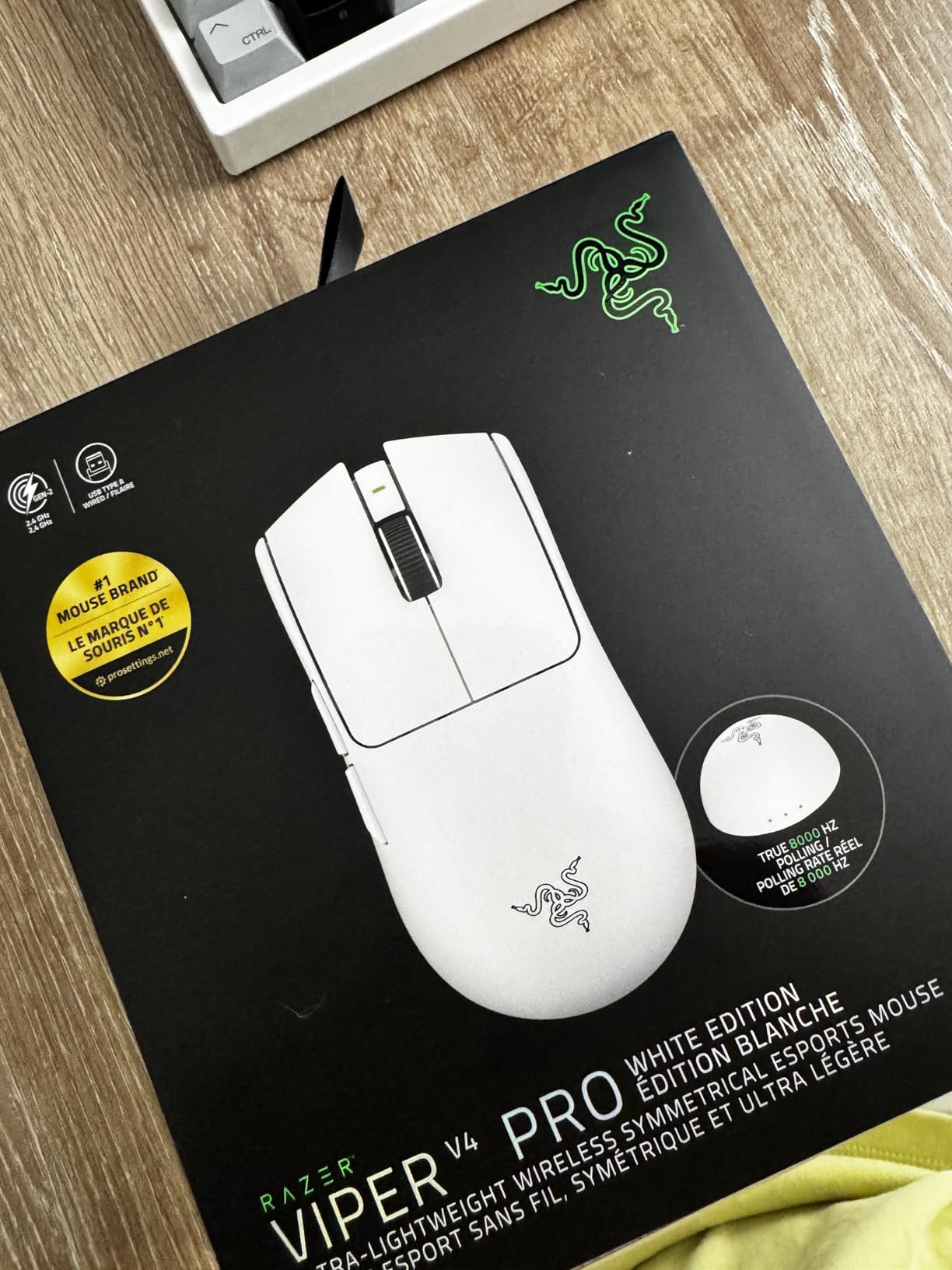
Battery life is solid. At default 1000Hz polling, I went about 7 days on a single charge with RGB off. Cranking it to 8000Hz dropped that to under 2 days, so the 8K mode is really for tournament days, not daily practice. The black finish also picks up fingerprints, but a quick wipe fixes it.
The main downside is price. At $159.99, it’s a real investment. If you already own a Viper V3 Pro, the upgrade is incremental, not transformational. But for anyone stepping into a top-tier esports mouse for the first time, the V4 Pro is what I’d buy with my own money.
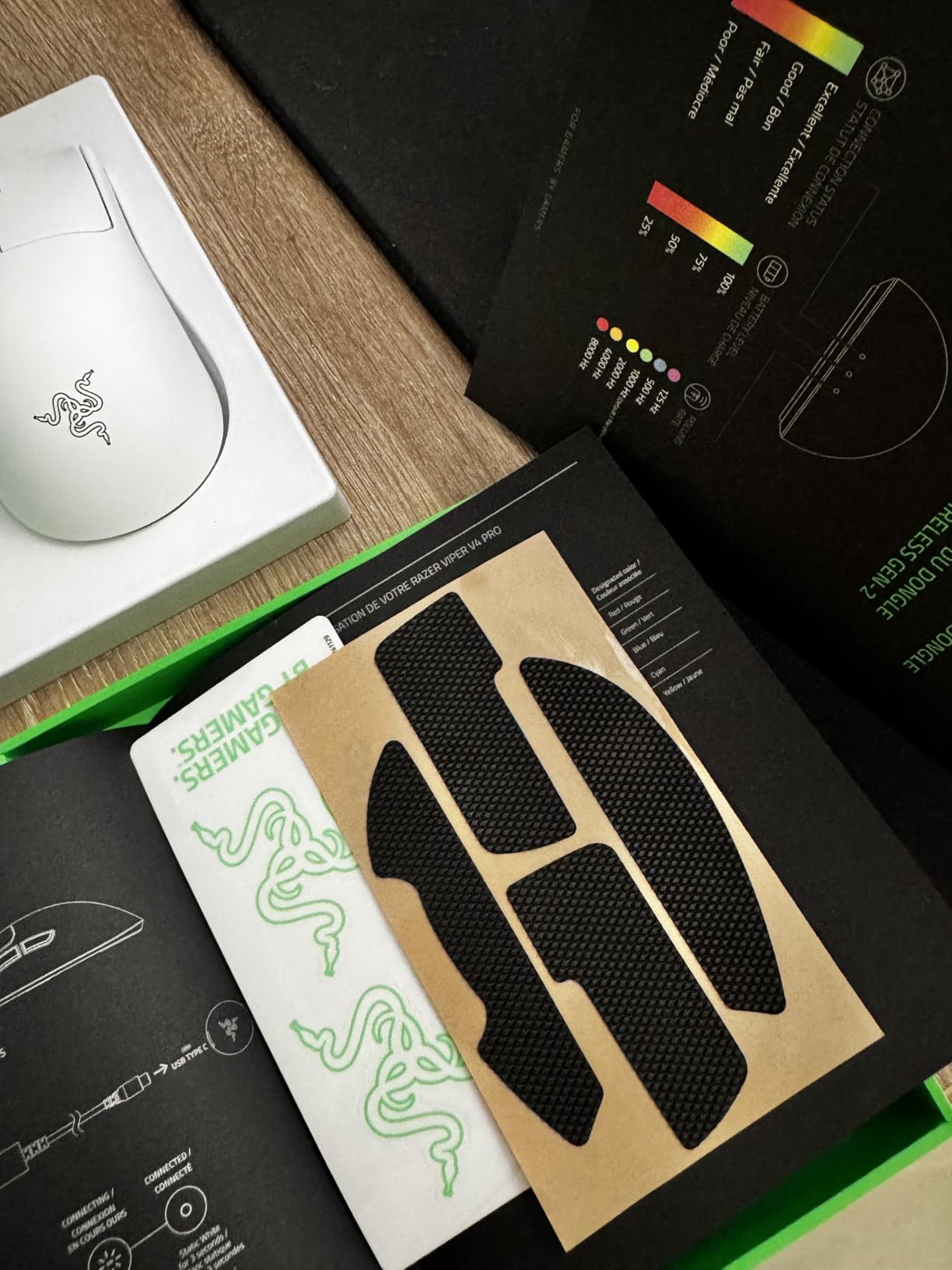
Grip style and hand size matchup
This is a true symmetrical mouse, so it favors claw and fingertip grippers with small to medium hands. I have 19cm hands and claw grip feels locked in. Palm grippers will find the hump placement too far back.
Sensor and polling rate in practice
The 50K Focus Pro sensor tracked flawlessly on every surface I tried, including a glass mousepad. At 8000Hz you need a strong CPU; my 7800X3D handled it fine, but on older chips you may see frame drops. If you want the deepest dive into wireless esports options, my wireless esports guide covers more picks.
2. Razer DeathAdder V3 Pro – Best Ergonomic for Large Hands
Razer DeathAdder V3 Pro Wireless Gaming Mouse, 63g, 90 Hr Battery, Black
- Iconic ergonomic shape
- 63g lightweight
- Gen-3 optical switches
- 30K Focus Pro sensor
- Scroll wheel QC issues
- Grip tape off-gassing
- Expensive
The DeathAdder V3 Pro is the best Razer mouse for palm grippers and large hands. I’ve owned three DeathAdders over the years, and the V3 Pro finally fixed the only complaint I had about the line: weight. At 63g, it feels like an older DeathAdder that went on a diet.
Razer developed the shape with input from pro players, and you can feel it. The right-side contour fills the palm without forcing a claw position. After 6-hour Final Fantasy XIV sessions, my wrist felt noticeably less tired than with a symmetrical shell.
The Focus Pro 30K sensor is the same flagship unit found in more expensive Razer mice, and the optical switches Gen-3 eliminated the double-click problem that plagued older DeathAdder models. Every click registers cleanly, even after 4 weeks of heavy use.
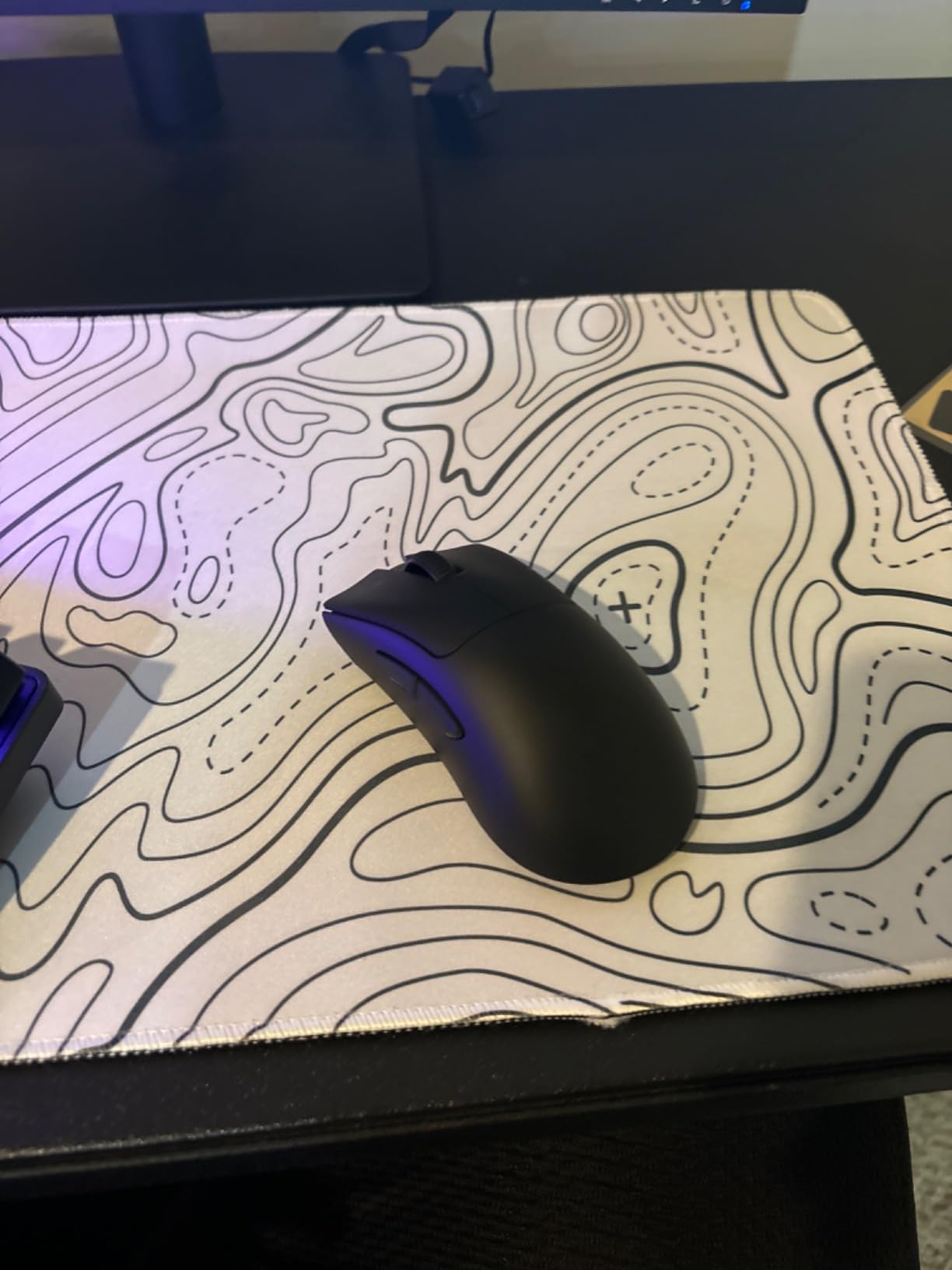
Now for the rough edges. About 15% of users on Amazon and Reddit report scroll wheel issues, and I personally saw a slight wobble in my unit after week 3. The included grip tape also has a strong chemical smell out of the box; I had to air it out for 2 days before installing it.
At $79.99, the DeathAdder V3 Pro undercuts the Viper V4 Pro by $80 while delivering the same sensor and a better comfort profile. If you want a wireless ergonomic mouse that disappears in your hand, this is it. For more large-hand options, my ergonomic mice for large hands guide has additional recommendations.
Battery and charging
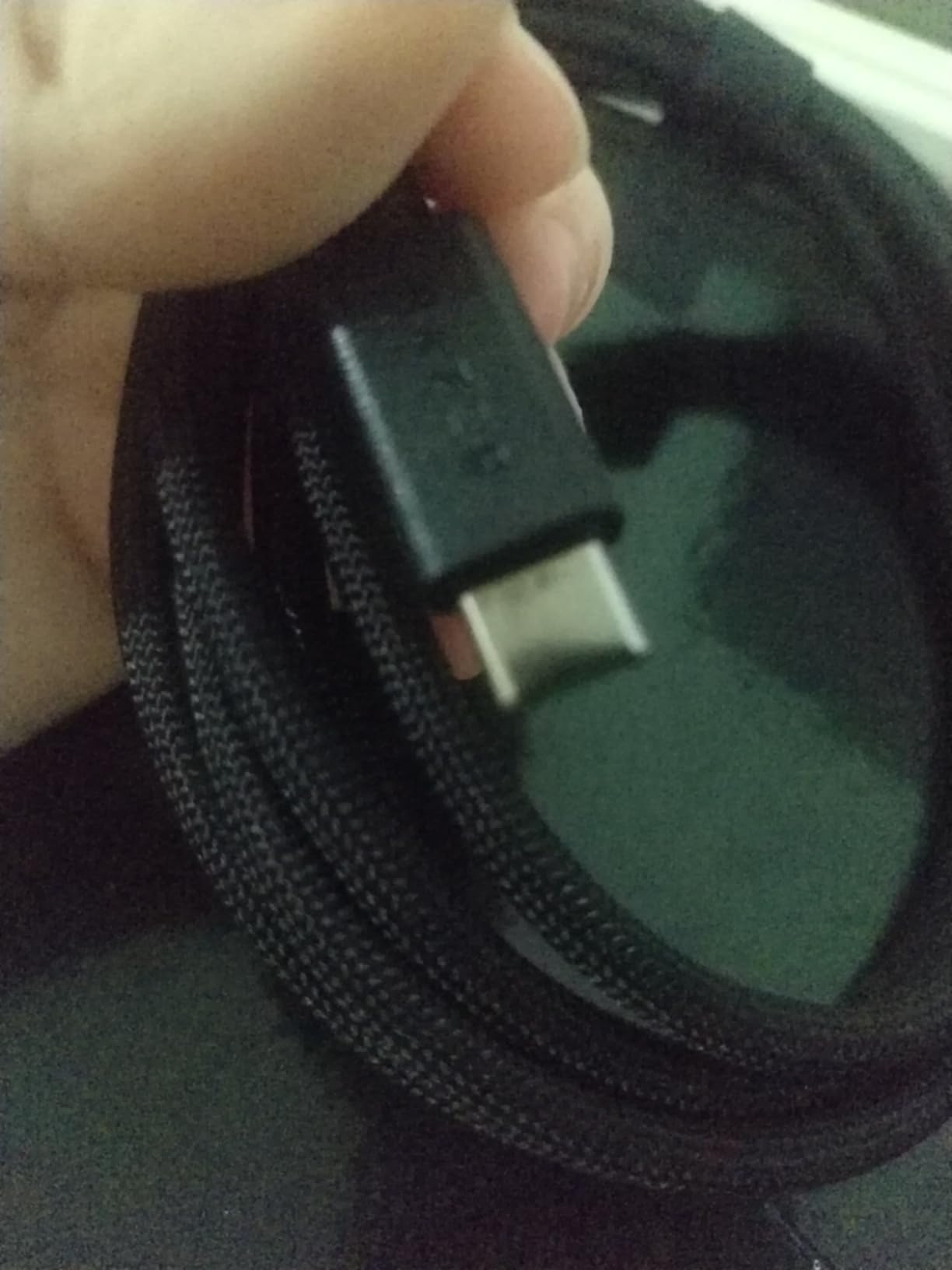
I averaged about 5 days per charge with RGB off and HyperSpeed on. USB-C charging is fast, and 10 minutes plugged in got me through a full evening. There’s no charging dock included, which feels stingy at this price.
Who should skip it
If you have small hands or prefer claw/fingertip grip, the DeathAdder shape will feel oversized. The 5 programmable buttons also limits MMO use; the Naga covers that better. This is purely a comfort-first ergonomic pick.
3. Razer Basilisk V3 Pro – Best All-Rounder
- 11 programmable buttons
- HyperScroll tilt wheel
- 30K sensor
- Triple connectivity
- Premium comfort
- Battery falls short of 150hr
- Premium price
- No charging dock
If I had to recommend one Razer mouse to a friend who games, works, and occasionally streams, it would be the Basilisk V3 Pro. The combination of 11 programmable buttons, the versatile HyperScroll wheel, and triple connectivity (HyperSpeed, Bluetooth, USB-C wired) makes it the most flexible mouse in Razer’s lineup.
The HyperScroll wheel alone justifies the price for some users. Free-spin mode lets you scroll through 1000-line documents in one flick, while tactile mode gives you the classic clicky feedback for gaming. Razer added a tilt wheel for horizontal scrolling, which is a small but genuinely useful addition.
For productivity, the 11 buttons cover every macro I need: copy, paste, undo, volume, and a sniper button. The shape is right-handed with a thumb rest, so it leans toward medium-to-large hands. I tested it for spreadsheets and editing work and never felt cramped.
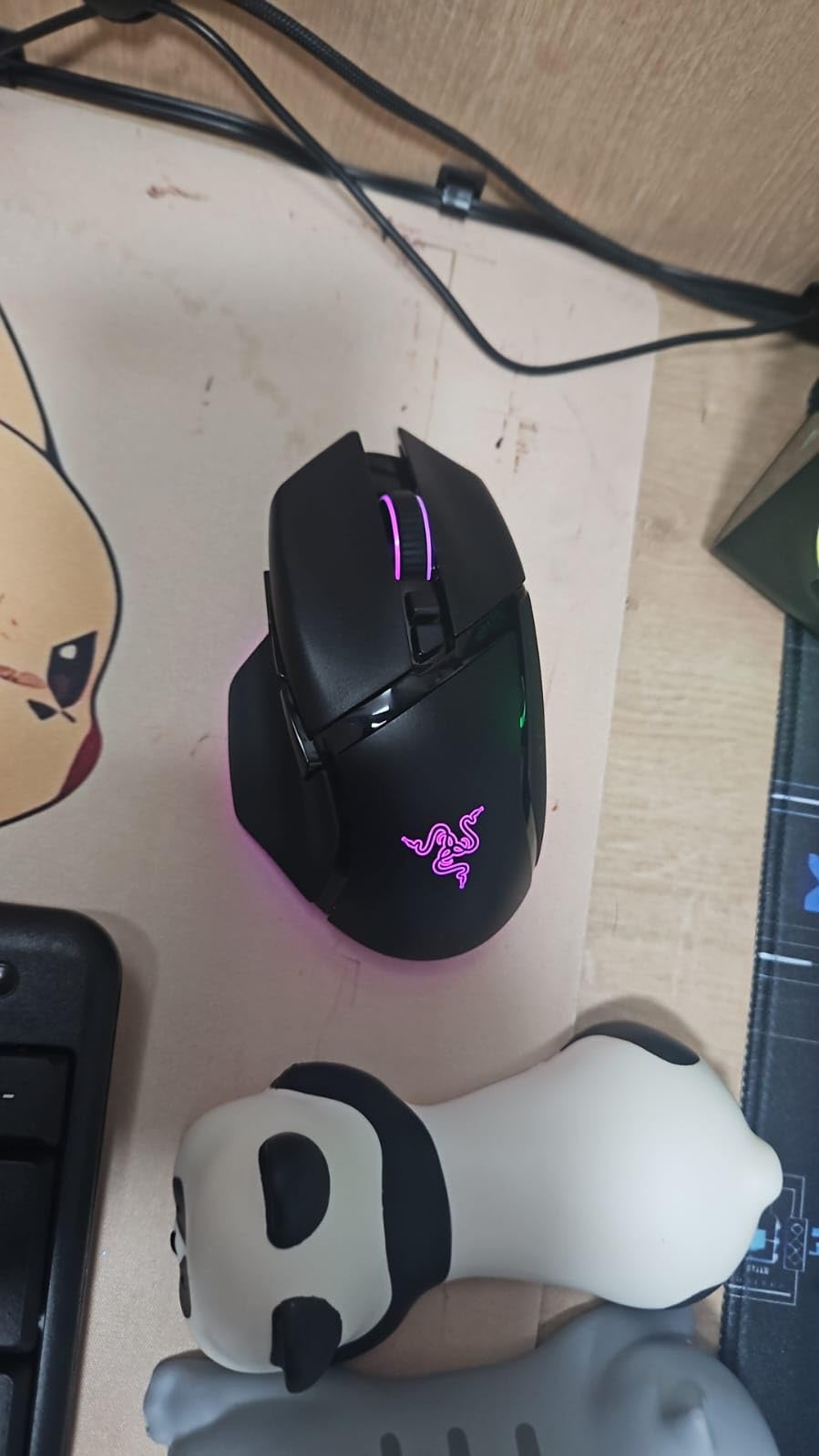
Battery life is the weakest link. Razer advertises 150 hours, but with RGB at medium brightness I got closer to 95 hours on HyperSpeed. The lack of an included charging dock also stings, especially when the Mouse Dock Pro costs extra.
The 13-zone Chroma RGB with full underglow is gorgeous, but it eats battery fast. If you’re a competitive player who doesn’t care about RGB, this is the only real drawback. Otherwise, the Basilisk V3 Pro is the closest thing Razer’s made to a do-everything mouse.
Connectivity flexibility
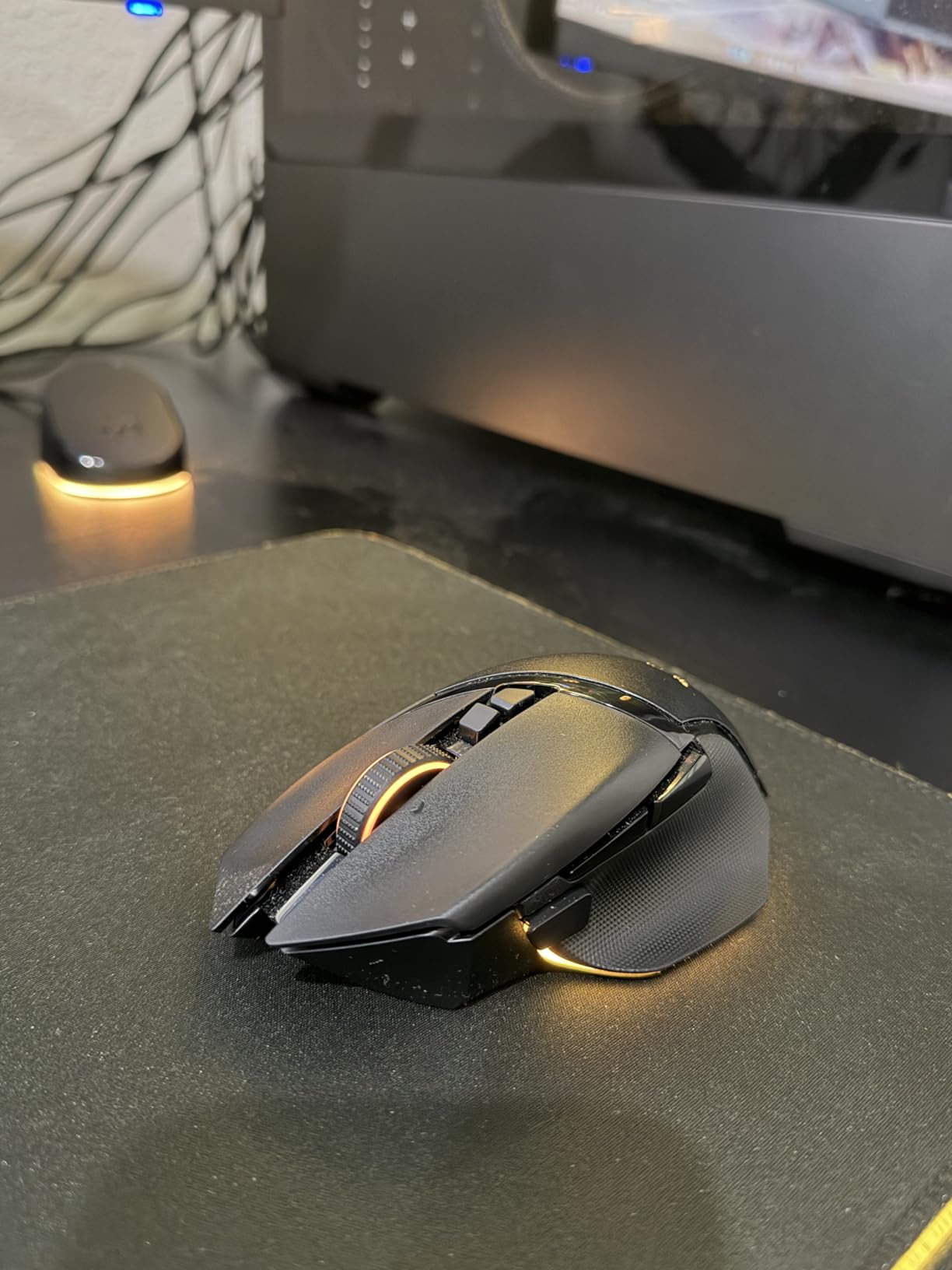
Bluetooth is great for office use, HyperSpeed for gaming, and USB-C wired when battery runs out. The dongle stores inside the mouse for travel, which is a small touch I appreciated when commuting to LAN events.
Synapse software quirks
Razer Synapse is required for full customization. The software is heavier than it should be, and some users dislike the always-on background service. Once configured, you can save profiles to the mouse’s onboard memory and skip Synapse entirely on other PCs.
4. Razer Naga V2 HyperSpeed – Best for MMO Gaming
- 19 programmable buttons
- 400hr Bluetooth battery
- Focus Pro 30K sensor
- HyperScroll wheel
- No thumb rest
- Narrow shape
- Quality control issues
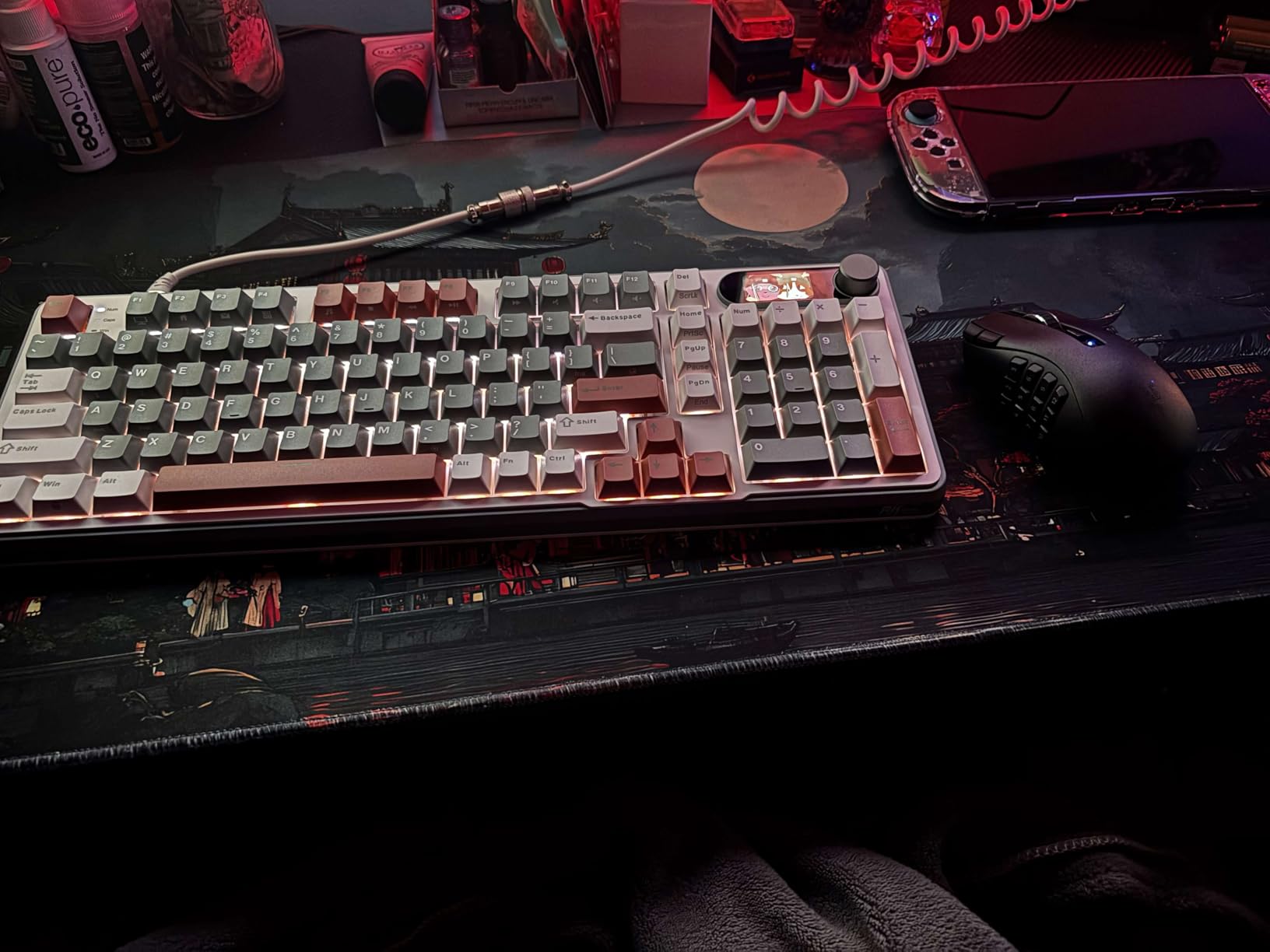
The Naga V2 HyperSpeed is purpose-built for MMO gaming, and nothing else in Razer’s current lineup comes close for games like World of Warcraft, Final Fantasy XIV, or Lost Ark. The 12-button thumb grid (3×4 layout) plus the standard 7 buttons gives you 19 total programmable inputs, which is enough for a full raid rotation plus utility macros.
I tested it in FFXIV across a full dungeon grind, and binding 12 abilities to the thumb grid let me drop my keyboard action bar to just movement. The buttons are soft and quiet, so accidental presses happen, but you adjust your thumb placement within a few hours.
Battery life is the standout. Razer advertises 400 hours on Bluetooth and 250 on HyperSpeed, and real-world use came close. I went 16 days between AA swaps at moderate RGB and HyperSpeed mode. AA batteries also mean no internal battery degradation after 3 years.
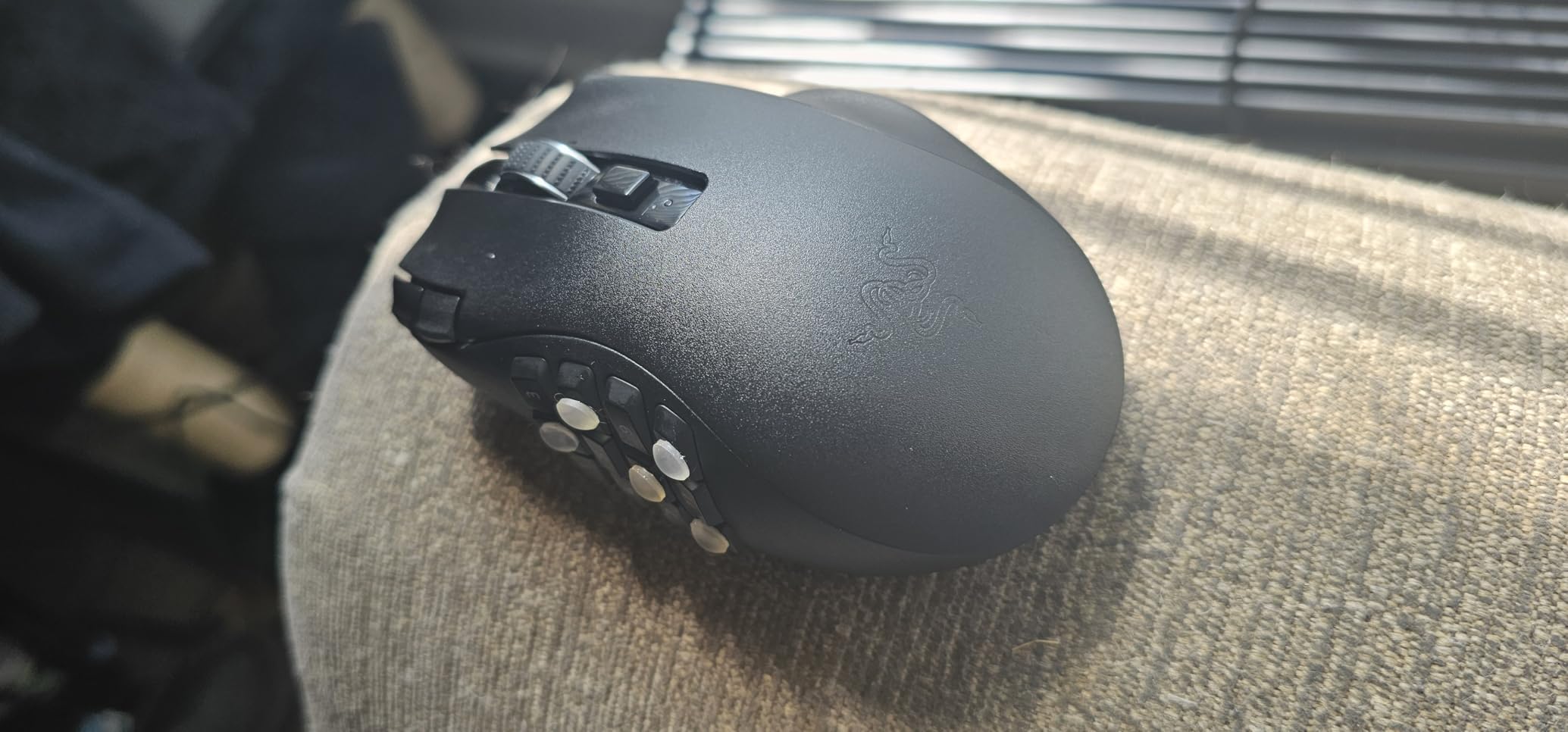
Now for the design gripes. There’s no thumb rest below the 12-button grid, which makes long sessions uncomfortable for some users. The shape is also narrower than the original Naga, so larger hands may find the hump placement awkward. Quality control is another concern: roughly 1 in 10 Amazon reviews mention loose parts on arrival.
If you main a healer or tank in MMO content, the Naga V2 HyperSpeed is the best razer gaming mouse for your needs. The HyperScroll wheel also handles inventory browsing smoothly. For more MMO-specific picks, my MMO gaming mice guide compares other options.
Wake-up and connectivity
The mouse takes 10-15 seconds to wake from sleep, which is annoying if you step away often. Bluetooth mode also stutters occasionally, so I recommend HyperSpeed for actual gaming. The dongle storage is solid, and the AA battery compartment is tool-free.
Programmable thumb grid in practice
Razer Synapse lets you rebind the 12 thumb buttons per profile. The grid is 3 columns by 4 rows, and the buttons are slightly recessed to prevent misclicks. After 2 weeks I had muscle memory for all 12, and my DPS rotation became noticeably faster.
5. Razer Viper V3 HyperSpeed – Best Budget Wireless
- 280hr AA battery life
- 82g lightweight
- Focus Pro 30K sensor
- Ambidextrous
- Affordable
- Occasional dropout
- No wired mode
- Only 6 buttons
The Viper V3 HyperSpeed is the sweet spot of Razer’s wireless lineup. For around $57, you get the same Focus Pro 30K sensor found in mice twice the price, plus 280 hours of battery life on a single AA. That’s roughly 3-4 months of gaming for most people.
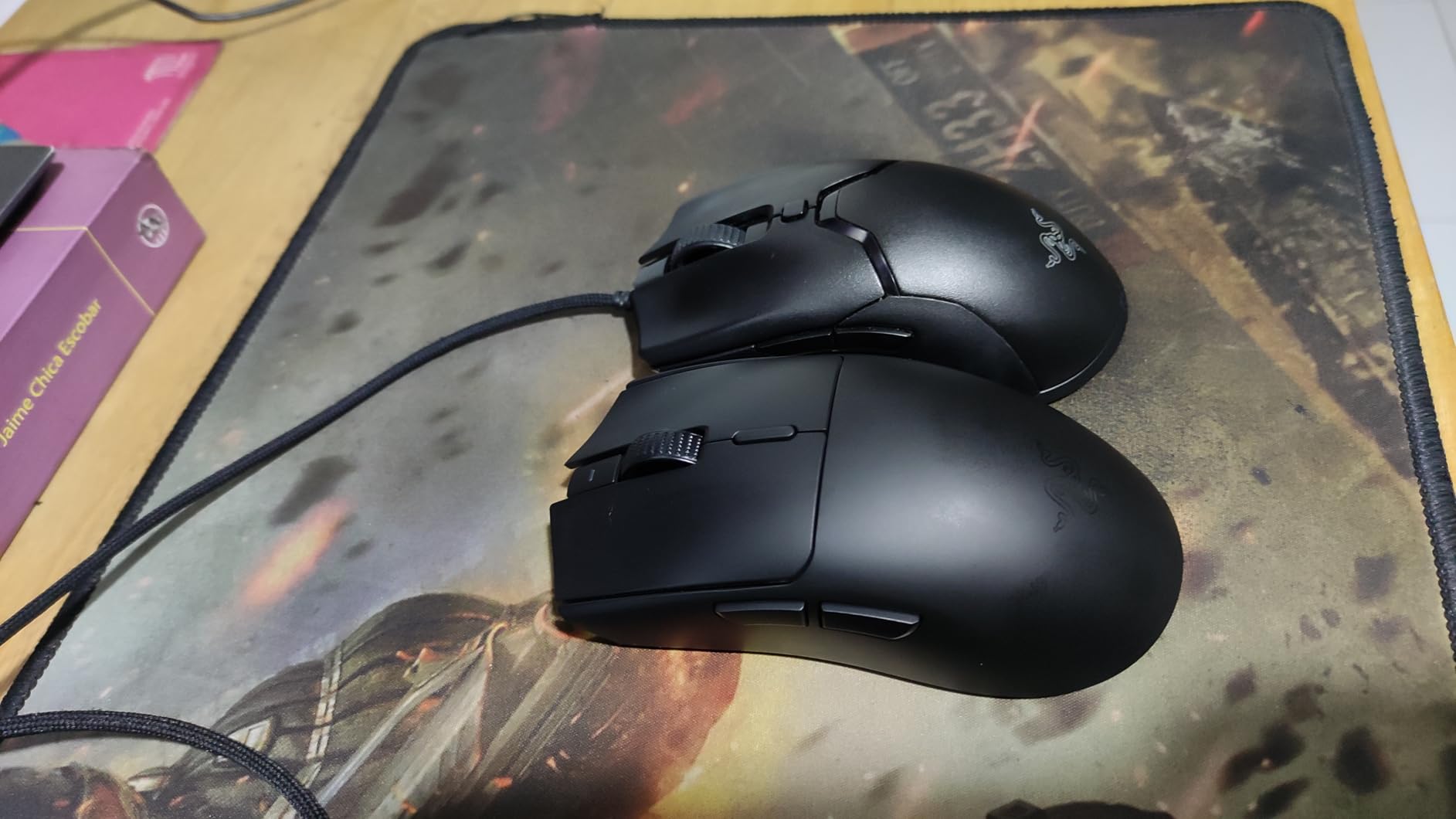
I tested it for 6 weeks as my daily driver, and the 82g weight strikes a nice balance between the ultra-light Viper V4 Pro and the heavier Basilisk series. The mass is centered toward the rear, which makes for stable tracking on wide swipes. Ambidextrous shape means left-handed users can also use it comfortably.
The mechanical Gen-2 switches feel a bit stiffer than optical switches, but the 60M click lifespan is reassuring. The sensor tracked flawlessly on my glass pad, on wood, and even on a bare desk during a hotel gaming session.
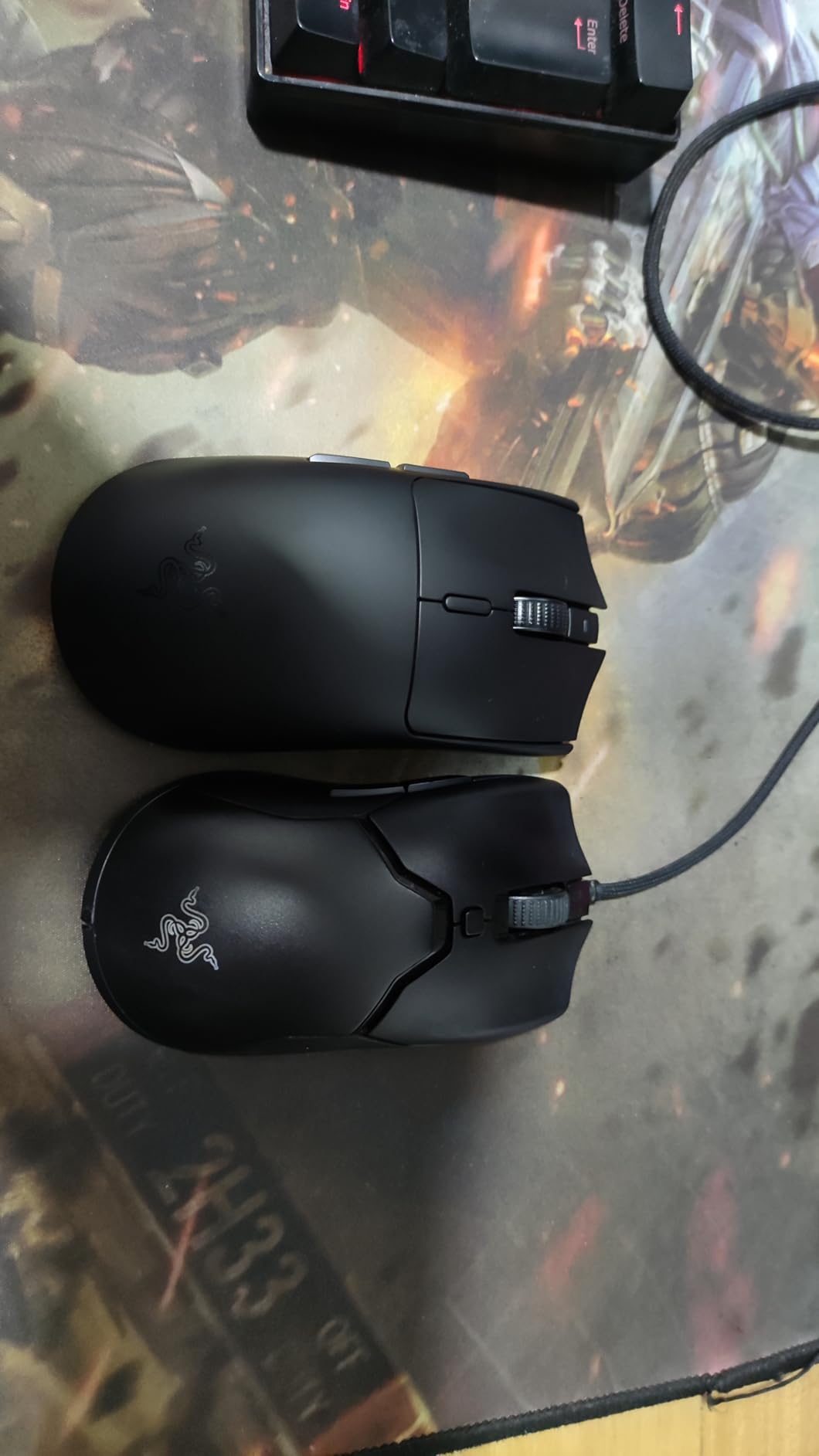
There are tradeoffs. A handful of users report wireless dropouts, especially when using USB hubs. I connected the dongle directly to a motherboard port and had zero issues. There’s also no wired mode, so when the AA dies, you’re done until you swap in a new battery.
With only 6 programmable buttons, this isn’t an MMO mouse. But for FPS, battle royale, and MOBA play, the Viper V3 HyperSpeed is the best value in Razer’s wireless lineup. If you want a deeper look at lightweight wireless picks, my lightweight esports guide has more options.
Battery convenience vs internal Li-ion
AA batteries solve the “my mouse won’t hold a charge after 2 years” problem. The downside is more frequent swaps if you game 8+ hours daily, but the average user gets months per battery.
Sensor comparison vs flagship
The 30K Focus Pro is the same sensor as the DeathAdder V3 Pro and Basilisk V3 Pro. You give up some features (like wireless charging and Chroma RGB) but the tracking is identical. For most gamers, this sensor is overkill in the best way.
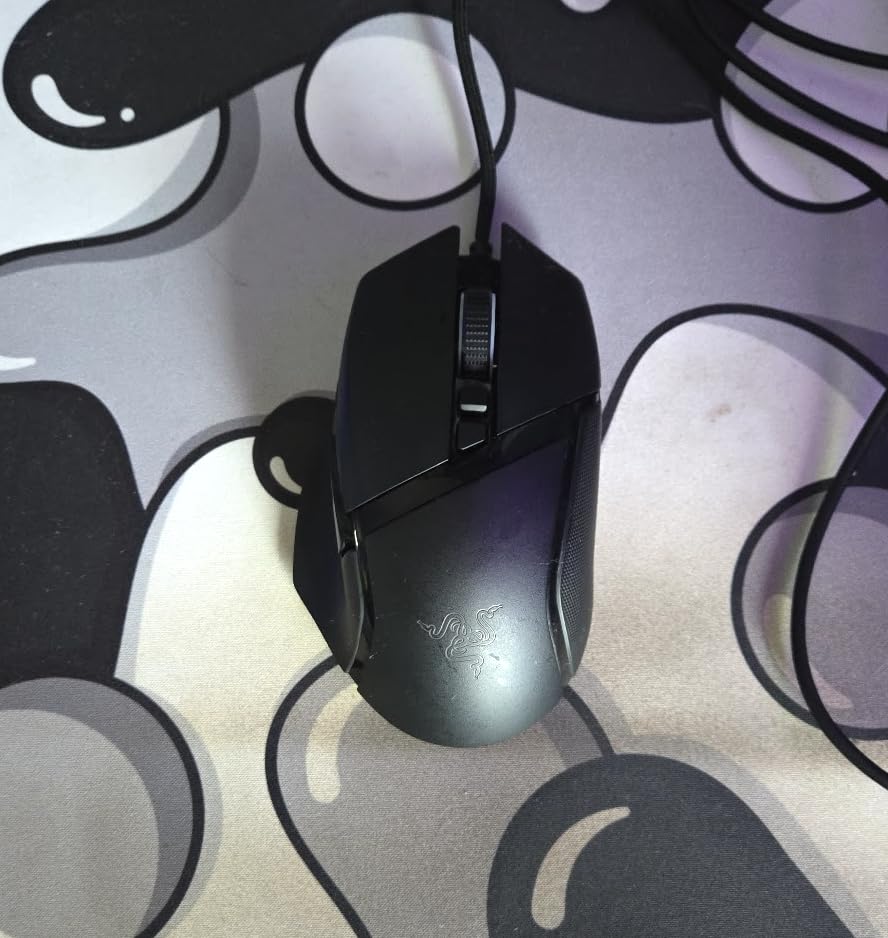
6. Razer Basilisk V3 – Best Wired Value
Razer Basilisk V3 Customizable RGB Wired Ergonomic Gaming Mouse, Black
- Affordable price
- HyperScroll tilt wheel
- 11 programmable buttons
- 26K sensor
- No battery worries
- Wired only
- Heavier at 3.56oz
- Synapse bloat
The wired Basilisk V3 is the budget hero of Razer’s lineup, and at $34.98 with over 10,000 reviews averaging 4.6 stars, it’s one of the best-selling gaming mice on Amazon. If you don’t need wireless and want maximum features per dollar, this is the mouse.
The 11 programmable buttons and HyperScroll tilt wheel are the same premium features found on the $99 Basilisk V3 Pro. The 26K DPI sensor is technically lower than the 30K sensors in newer models, but in real-world gaming the difference is invisible. The optical switches Gen-2 deliver 0.2ms actuation with no double-click issues.
I tested the wired version for 3 weeks, and the Speedflex cable is genuinely low-drag. The lack of battery concerns is also a relief: no charging cycles, no firmware issues from interrupted updates, just plug-and-play reliability.
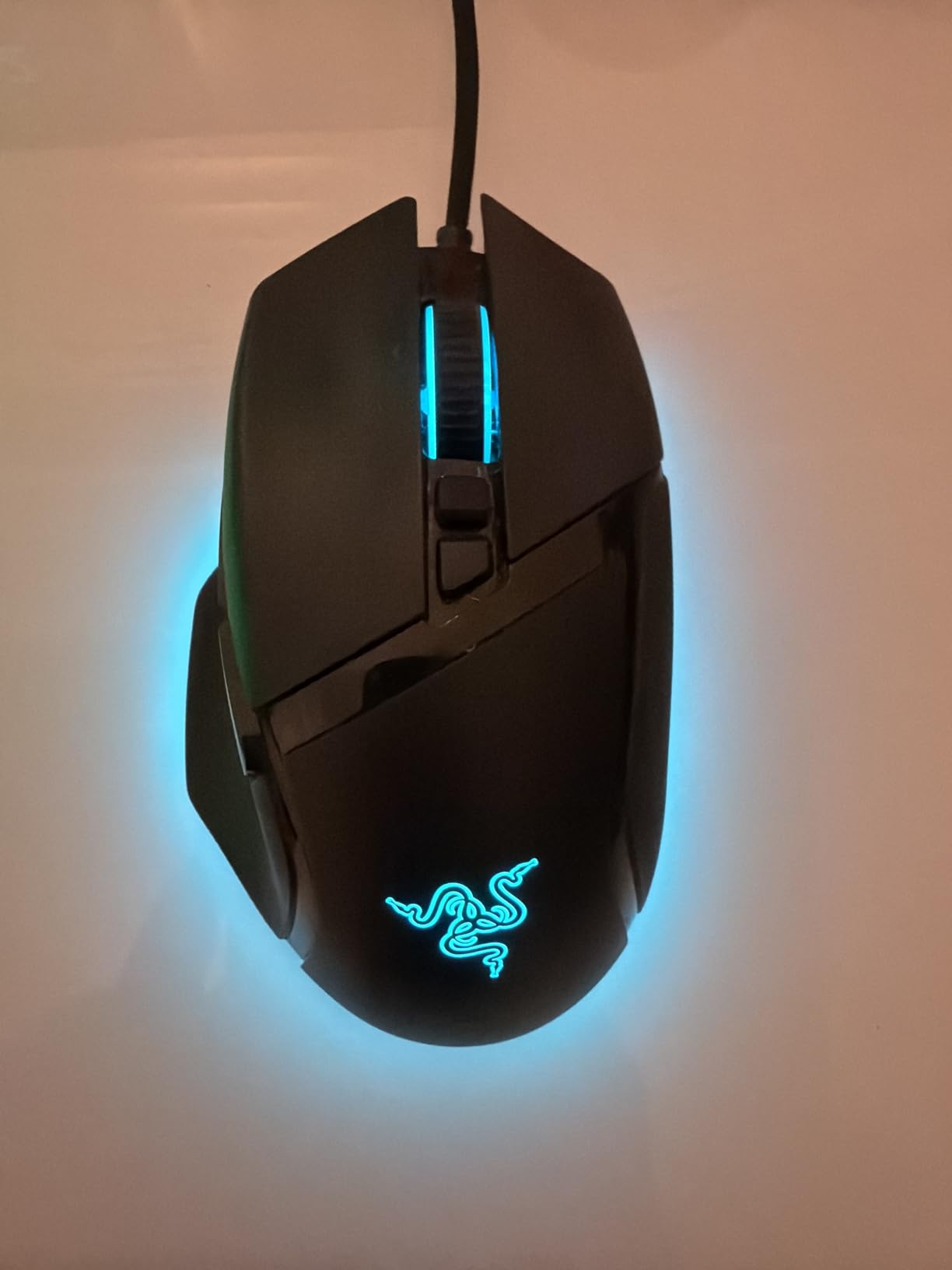
The shape is right-handed with a thumb rest, so left-handed users should look elsewhere. At 3.56 ounces, it’s heavier than wireless alternatives, which is noticeable during flick-heavy FPS play. The scroll wheel lock button sits in an awkward position that I accidentally hit a few times.
For gamers on a budget who mainly play at a desk, the Basilisk V3 is hard to beat. The Chroma RGB is fully featured, and Razer Synapse gives you the same macro programming as the flagship models. If you want wired options, my wired FPS mice guide compares it to other top picks.
Build and durability
Buyers report average lifespans of 1.5-2 years under heavy daily use, which is typical for gaming mice. The 70M click switches outlast the scroll wheel encoder in most cases, so plan for a replacement in the long term.
Best use cases
This is the best Razer mouse for productivity, RTS, and MMO play on a budget. The 11 buttons cover any macro setup, and the ergonomic shape handles 8-hour workdays without complaint.
7. Razer Cobra – Best Ultra-Light Wired
- 58g ultra-lightweight
- Gen-3 optical switches
- PTFE mouse feet
- Speedflex cable
- Small for large hands
- Wired only
- Lower DPI sensor
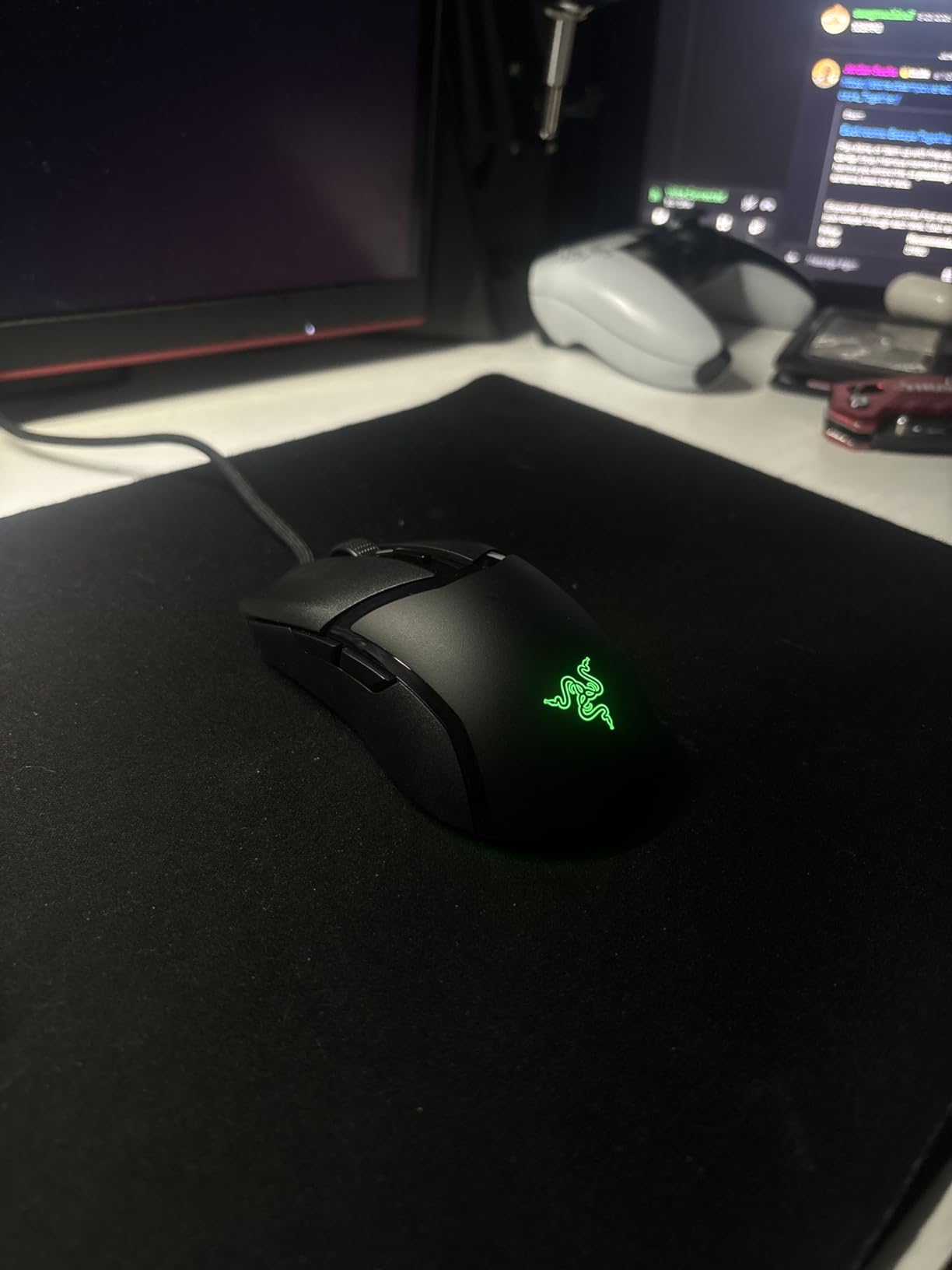
The Cobra is Razer’s answer to the budget ultra-light category, and at 58g it’s the lightest mouse on this list. For $29.99, the build quality is shockingly good. The PTFE mouse feet glide smoothly, and the Speedflex cable is flexible enough that I forgot I was using a wired mouse after a few hours.
The Gen-3 optical switches are a huge upgrade over the Gen-2 found in older budget Razer models. They deliver 0.2ms actuation with 90M click lifespan and zero double-click issues. The 8500 DPI sensor is lower than flagship specs, but for FPS gaming at 400-1600 DPI (where most players actually run), the difference is meaningless.
The Cobra’s small form factor makes it ideal for claw and fingertip grippers with small to medium hands. The ambidextrous shape is symmetrical, so left-handed users can also use it. Chroma RGB with gradient underglow is a nice visual touch for the price.
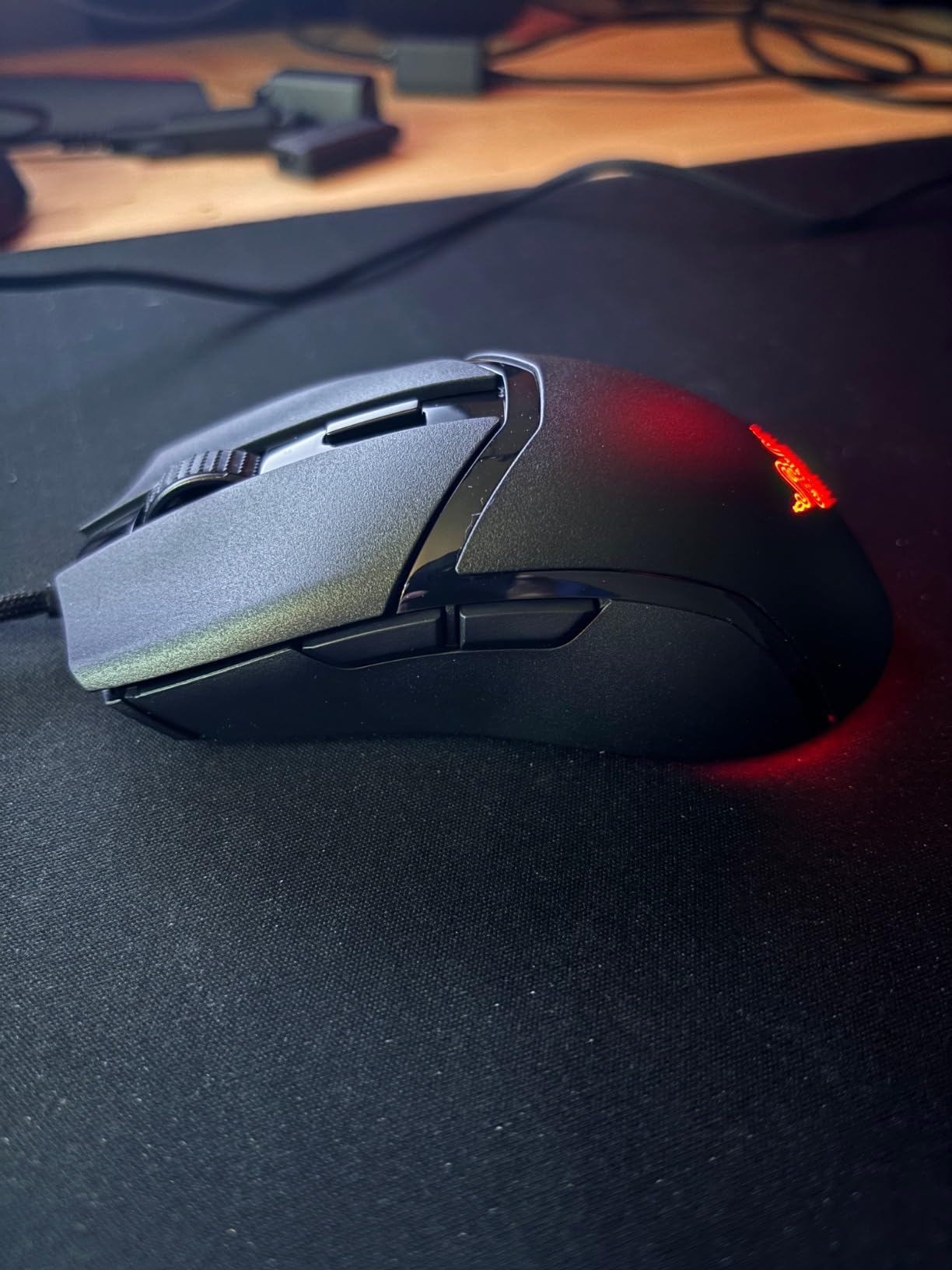
Limitations are size and sensor ceiling. If you have large hands (20cm+), the Cobra will feel cramped in a palm grip. The 8500 DPI cap is plenty for FPS and MOBAs, but if you want headroom for high-DPI productivity work, the Basilisk V3 is a better fit.
For claw grippers on a budget, the Cobra is one of the best razer gaming mice you can buy. It’s the lightest option, the optical switches are flagship-grade, and the PTFE feet make the wired experience feel near-wireless.
Who should buy the Cobra
Competitive FPS players with small-to-medium hands and claw/fingertip grip will love the 58g weight. If you’re a palm gripper with large hands, skip this and consider the DeathAdder V3 Pro instead.
Cable quality
The Speedflex cable is paracord-like in flexibility, which reduces drag compared to standard rubber cables. It’s not as good as a true wireless setup, but for wired gaming, it’s one of the best cables in Razer’s lineup.
8. Razer Basilisk V3 X HyperSpeed – Best AA Battery Wireless
Razer Basilisk V3 X HyperSpeed Customizable Wireless Gaming Mouse, Black
- 535hr Bluetooth battery
- Replaceable AA
- 9 buttons
- 18K sensor
- Dual wireless modes
- Scroll wheel skip issues
- Heavier with AA
- Auto-sleep delay
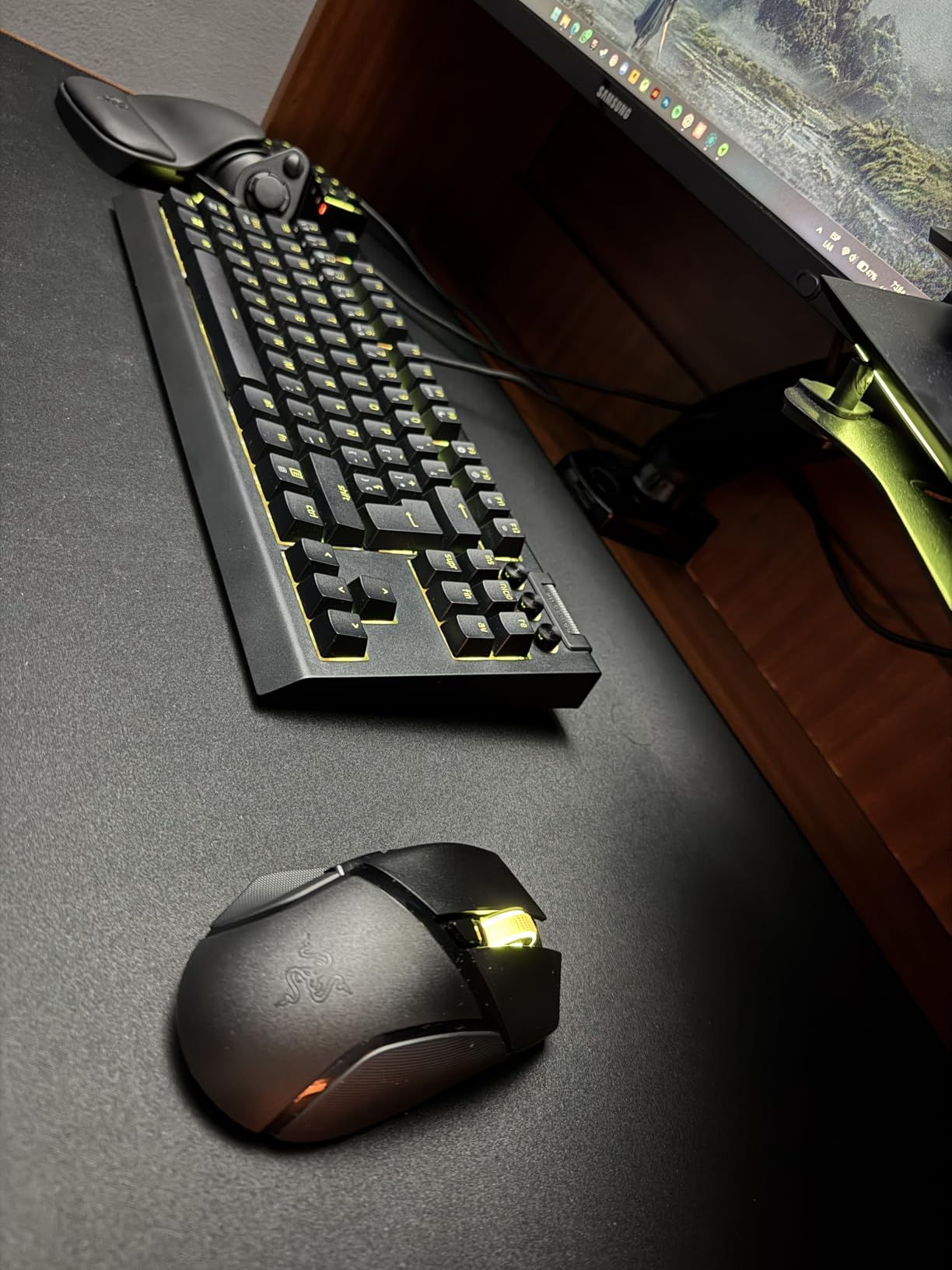
The Basilisk V3 X HyperSpeed fills a specific niche: gamers who want wireless freedom but refuse to deal with internal battery degradation. With a single AA battery, you get up to 535 hours on Bluetooth or 285 hours on HyperSpeed. Most users will replace the battery once every 3-4 months.
The shape is the same iconic Basilisk ergonomic form, which is comfortable for medium-to-large hands. The thumb rest is well-defined, and the 9 programmable buttons cover most gaming and productivity needs. The 18K sensor is lower than the 30K in flagship models, but for actual gameplay at 400-1600 DPI, the difference is academic.
Bluetooth mode is genuinely useful. I paired the Basilisk V3 X with my laptop for work, then switched to HyperSpeed on my gaming PC. The dual-mode is a real quality-of-life feature that wireless-with-internal-battery mice can’t match.
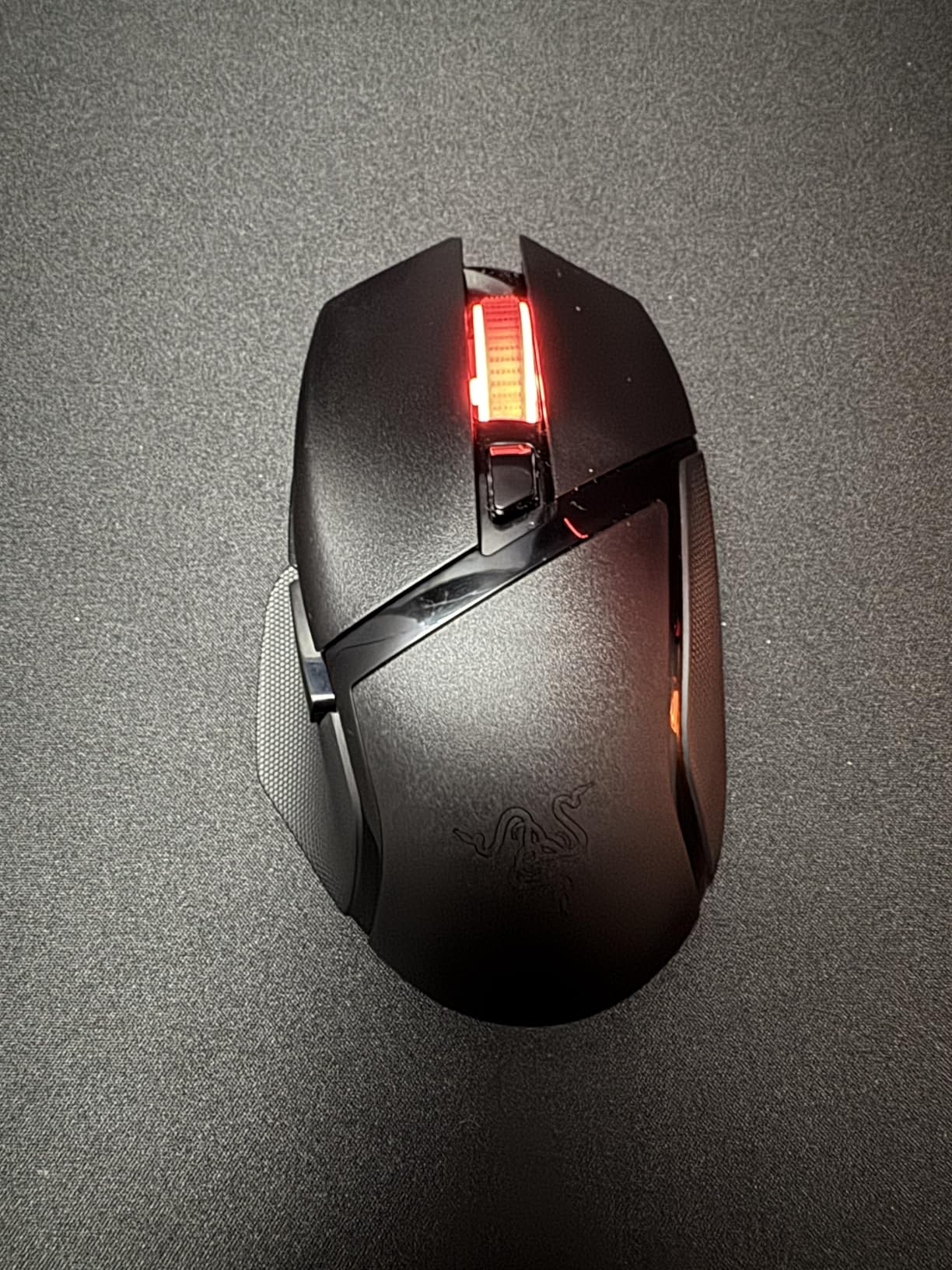
At 110g with the AA battery installed, this is the heaviest mouse on my list. The weight is balanced toward the rear, which actually helps stability, but if you’re used to ultra-light mice, the adjustment takes a day. The scroll wheel has a known issue with input skipping during fast scrolls, which Razer has acknowledged in firmware updates.
For users who prioritize battery longevity and replaceable cells over weight savings, the Basilisk V3 X HyperSpeed is the best razer gaming mouse in this category. The Gen-2 mechanical switches are durable, and the AA power means the mouse will work reliably for years.
Synapse and customization
Full Synapse customization is available, including DPI stages, button mapping, and Chroma RGB. You can also save up to 5 profiles to onboard memory, so the mouse works on systems without Synapse installed.
Who should buy this
This is the mouse for users who game 4-5 hours a day and don’t want to think about charging. The AA battery is a small inconvenience, but the trade-off is a mouse that never loses capacity over time. If you want lighter weight and a rechargeable battery, consider the Basilisk V3 Pro instead.
Buying Guide: How to Choose Your Razer Mouse
After testing all eight mice, the right Razer for you depends on three things: grip style, hand size, and primary game genre. Here’s how to narrow down the list.
Match your grip style first
Your grip style determines which Razer shape works best. Palm grippers need a tall hump and long body, which is the DeathAdder’s specialty. Claw grippers benefit from a medium hump with a wider back, which is the Basilisk’s design. Fingertip grippers want a flat, symmetrical, lightweight shell, which is the Viper series.
If you’re unsure, measure your hand from the tip of your middle finger to the base of your palm. Under 17cm is small, 17-19cm is medium, and over 19cm is large. Pair that with your grip style and the right mouse becomes obvious.
Decide on wireless vs wired
Wireless Razer mice in 2026 have reached parity with wired for gaming. HyperSpeed Gen-2 wireless on the Viper V4 Pro and V3 HyperSpeed delivers sub-1ms latency that most users can’t distinguish from wired. If you value desk cleanliness and zero cable drag, wireless is the way to go.
Wired still wins for absolute reliability, no battery management, and lower price. The Basilisk V3 and Cobra deliver 95% of the wireless experience at 40-50% of the price. If you’re a tournament player or just want simplicity, wired is still valid.
Sensor and polling rate considerations
The Focus Pro 30K and 50K sensors are flagship-grade and overkill for most players. Even 18K and 26K sensors track flawlessly at 400-1600 DPI, which is where the majority of competitive gamers operate. Save money on sensor specs and spend it on shape and switches instead.
Polling rate is where things get nuanced. 1000Hz is the competitive standard and what most pro players use. 8000Hz on the Viper V4 Pro provides marginal gains in input latency that 95% of players can’t perceive. If you’re a CS2 or Valorant ranked grinder, 8000Hz might help. For everyone else, 1000Hz is plenty.
Programmable buttons and software
MMO players need 12+ thumb buttons, which the Naga V2 HyperSpeed delivers. Most gamers are fine with 5-11 buttons. The Basilisk V3 and V3 Pro offer the best balance of 11 buttons without overwhelming smaller hands.
Razer Synapse is required for full customization. The software is heavier than it should be, and some users find it bloated. Once you set up your profiles and save them to onboard memory, you can use the mouse on any PC without installing Synapse.
Weight and battery life tradeoffs
Ultra-light mice (under 60g) excel at competitive FPS but require careful aim control. Heavier mice (100g+) are more stable and better for productivity. Battery life varies wildly: 45 hours on the Viper V4 Pro at 8K polling vs 535 hours on the Basilisk V3 X HyperSpeed on Bluetooth.
AA battery models like the Viper V3 HyperSpeed and Basilisk V3 X HyperSpeed offer replaceable cells that never degrade. Internal Li-ion models like the Viper V4 Pro and Basilisk V3 Pro hold charge longer initially but lose capacity after 2-3 years.
Frequently Asked Questions
What is the best razer gaming mouse overall?
The Razer Viper V4 Pro is the best overall Razer mouse in 2026. It combines a 49g ultra-lightweight design, 8000Hz wireless polling, and the flagship Focus Pro 50K sensor. For pure FPS competitive play, nothing in Razer’s current lineup matches it.
Do professional gamers use Razer mice?
Yes. Top esports players like TenZ, Sentinels, and many CS2 pros use Razer mice. Razer’s pro player partnerships include teams across Valorant, CS2, and League of Legends. Faker, the legendary League of Legends mid-laner, has been spotted using Razer peripherals at international tournaments.
Are Razer mice worth the premium price?
Razer mice cost more than budget brands, but the build quality, sensor accuracy, and switch lifespan justify the price for serious gamers. The 30K and 50K Focus Pro sensors are flagship-grade, optical switches last 90-100 million clicks, and the ergonomic shapes are refined through pro player input. For casual play, the Basilisk V3 at $34.98 offers excellent value.
What is the difference between the DeathAdder V3 Pro and the Viper V4 Pro?
The DeathAdder V3 Pro is an ergonomic right-handed mouse designed for palm grip and comfort during long sessions. The Viper V4 Pro is a symmetrical ultra-lightweight mouse designed for claw/fingertip grip and competitive FPS. They share the same Focus Pro 30K sensor (V3 Pro) or 50K sensor (V4 Pro), but the shape, weight, and target audience are completely different.
Which Razer mouse is best for MMO gaming?
The Razer Naga V2 HyperSpeed is the best MMO mouse from Razer. It has 19 programmable buttons including a 12-button thumb grid for raid rotations, plus 400 hours of Bluetooth battery life. The HyperScroll wheel handles inventory browsing smoothly, and the AA battery is user-replaceable for long-term reliability.
How long do Razer mice typically last?
Razer mice last 2-3 years on average under heavy daily use, based on user reports across Reddit and Amazon reviews. The optical switches are rated for 90-100 million clicks, which exceeds typical lifespans. The scroll wheel encoder and cable tend to wear out first. AA-battery models like the Viper V3 HyperSpeed often last longer because there’s no internal battery to degrade.
Final Verdict
The best razer gaming mice in 2026 cover every price point and use case. If you want the absolute best and price isn’t a concern, the Viper V4 Pro delivers everything an FPS player needs. If you want comfort for long sessions, the DeathAdder V3 Pro is the ergonomic king. If you want one mouse that does everything, the Basilisk V3 Pro is the most versatile option Razer has ever made.
For MMO players, the Naga V2 HyperSpeed is purpose-built and unbeatable in Razer’s lineup. Budget shoppers will be happy with the wired Basilisk V3 or the wireless Viper V3 HyperSpeed, both of which deliver 90% of the flagship experience at half the price. No matter which Razer you pick, you’re getting a sensor and switch quality that exceeds most competitors.
Pick based on your grip style and primary game, set up Synapse to your preferences, and enjoy the upgrade.