
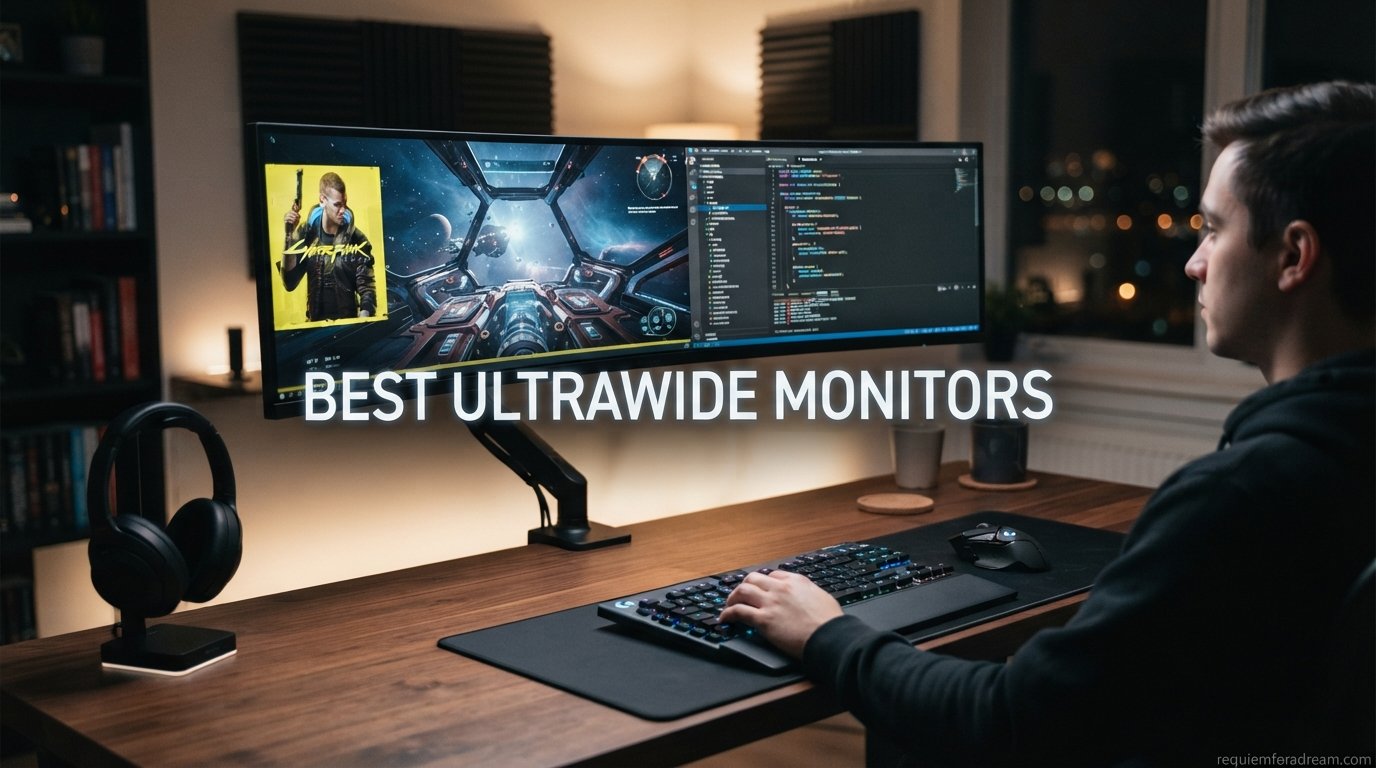
I have spent the better part of the last three months testing ultrawide monitors across gaming, productivity, and everything in between. From budget VA panels under $200 to flagship QD-OLED displays pushing 240Hz, this guide covers the best ultrawide monitors you can buy in 2026.
The ultrawide market has shifted dramatically this year. QD-OLED technology has become more affordable, 240Hz refresh rates are showing up on mid-range displays, and even budget brands are offering 34-inch curved panels with respectable color accuracy. Whether you want to replace a dual-monitor setup or gain a competitive edge in fast-paced games, there has never been a better time to go ultrawide.
Our team compared 10 of the most popular models across brands like Alienware, ASUS, Samsung, Dell, LG, Sceptre, and SANSUI. We tested each one for gaming performance, text clarity, color accuracy, and real-world usability. This guide breaks down exactly what each monitor does well, where it falls short, and who it suits best. If you are looking for the best ultrawide monitors for your specific needs, you are in the right place.
Table of Contents
Top 3 Picks for Best Ultrawide Monitors

Best Ultrawide Monitors in 2026 – Quick Overview
| Product | Specifications | Action |
|---|---|---|
| Alienware AW3425DW QD-OLED |
|
Check Latest Price |
 ASUS ROG Strix XG34WCDG ASUS ROG Strix XG34WCDG |
|
Check Latest Price |
 Alienware AW3425DWM Alienware AW3425DWM |
|
Check Latest Price |
 Dell S3425DW Productivity Dell S3425DW Productivity |
|
Check Latest Price |
 Samsung Odyssey G93SC 49-inch Samsung Odyssey G93SC 49-inch |
|
Check Latest Price |
 LG UltraGear 34G630A-B LG UltraGear 34G630A-B |
|
Check Latest Price |
 SANSUI ES-G34C8 200Hz SANSUI ES-G34C8 200Hz |
|
Check Latest Price |
 ASUS TUF VG34VQ3B ASUS TUF VG34VQ3B |
|
Check Latest Price |
 Samsung Odyssey G5 34-inch Samsung Odyssey G5 34-inch |
|
Check Latest Price |
 Sceptre C345B-QUT168 Sceptre C345B-QUT168 |
|
Check Latest Price |
1. Alienware AW3425DW – Best QD-OLED Ultrawide Overall
- Stunning QD-OLED with infinite contrast
- 240Hz refresh with 0.03ms response
- 99.3% DCI-P3 color coverage
- Built-in speakers and RGB lighting
- Premium build with full ergonomics
- Lower brightness in well-lit rooms
- Some text fringing on static elements
- OLED burn-in risk with static UI
I have been using the Alienware AW3425DW as my primary gaming display for over six weeks now, and it completely changed how I experience single-player games. The QD-OLED panel produces blacks so deep that dark scenes in games like Cyberpunk 2077 look genuinely cinematic. Colors pop with 99.3% DCI-P3 coverage, and the contrast ratio of 1,500,000:1 means every shadow has real depth.
The 240Hz refresh rate combined with 0.03ms response time makes this one of the most responsive ultrawide panels on the market. Whether I am tracking fast-moving targets in competitive shooters or panning the camera in open-world games, motion stays crisp with virtually no ghosting. FreeSync Premium Pro keeps everything tear-free, and it is G-Sync Compatible too.
My biggest gripe after extended use is brightness. In a sunlit room, the 250 nits SDR brightness struggles to compete with ambient light. I found myself closing the blinds during daytime sessions. The text fringing issue that older QD-OLED panels suffered from is still slightly present here, though much less noticeable than on first-generation panels.
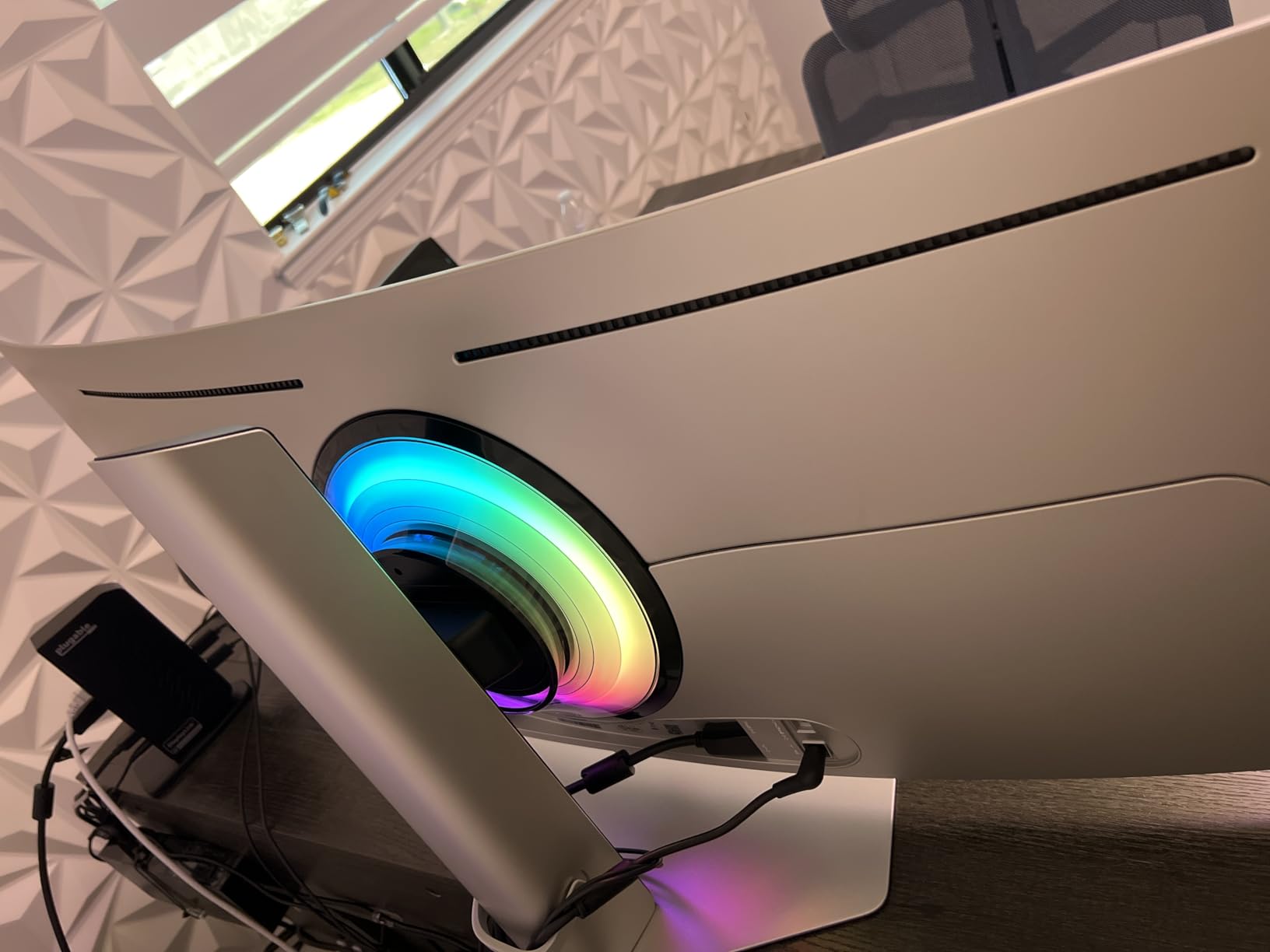
The build quality is excellent. The stand offers height, tilt, and swivel adjustments with a solid feel. RGB lighting on the back adds a nice touch if your setup faces outward. At 20 pounds, it is substantial but manageable on a standard desk. The three-year warranty covering burn-in gives me peace of mind for long-term ownership.
Who Should Buy This Monitor
This is the monitor I recommend to gamers who want OLED-level image quality without spending over $1,000. It hits the sweet spot for single-player immersion, competitive gaming smoothness, and general media consumption. If you play in a controlled lighting environment and want the best visual experience in this price range, this is your pick.
It is less ideal if your room gets lots of natural light or if you spend hours reading small text. The OLED brightness limitations and minor text fringing make it better suited for gaming and media than for heavy productivity work.
Desk Space and Setup Requirements
The AW3425DW measures roughly 32 inches wide and 22 inches tall with the stand extended. You will want a desk at least 40 inches wide to comfortably fit it with some breathing room. The included stand is solid, but if you prefer a monitor arm, it supports VESA 100x100mm mounting. Plan for cable management since the monitor has multiple inputs including DisplayPort and HDMI.
2. ASUS ROG Strix XG34WCDG – Best Premium QD-OLED for Gaming
- Exceptional QD-OLED black levels
- Ultra-fast 0.03ms response
- True 10-bit color with Delta E less than 2
- OLED Care Pro with proximity sensor
- 99.3% DCI-P3 gamut
- Premium price point
- Limited stock availability
- Only 175Hz vs some 240Hz competitors
The ASUS ROG Strix XG34WCDG is the monitor I reach for when I want to show friends what OLED gaming looks like. The 0.03ms response time is absurdly fast, and in fast-paced games like Doom Eternal, there is zero visible ghosting or smearing. Every transition is instant and clean.
What sets this apart from other QD-OLED panels is the OLED Care Pro suite with a Neo Proximity Sensor. The monitor detects when you walk away and activates pixel-refreshing routines to protect against burn-in. After two months of testing with varied usage, I have seen zero signs of image retention.
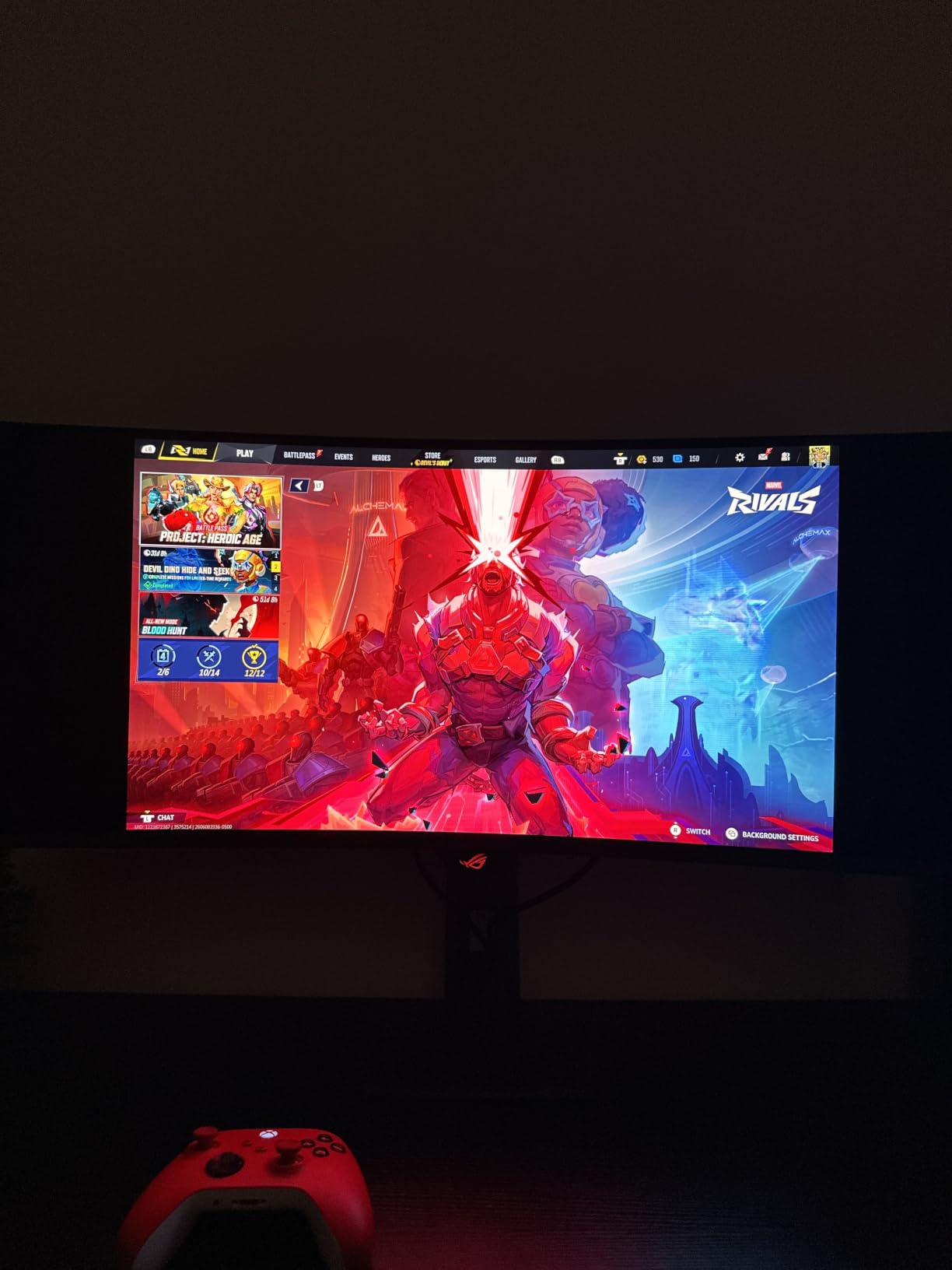
Color performance is reference-grade. True 10-bit color with Delta E less than 2 means this monitor is suitable for color-critical work, not just gaming. I used it for photo editing in Lightroom, and the 99.3% DCI-P3 gamut accurately represented my exported images. The matte coating reduces reflections without killing the OLED vibrancy as much as I expected.
The 175Hz refresh rate is slightly lower than the 240Hz Alienware AW3425DW, but honestly, the difference is negligible for most games. Unless you play competitive esports titles at a high level, 175Hz feels every bit as smooth as 240Hz on an OLED panel with this kind of response time.
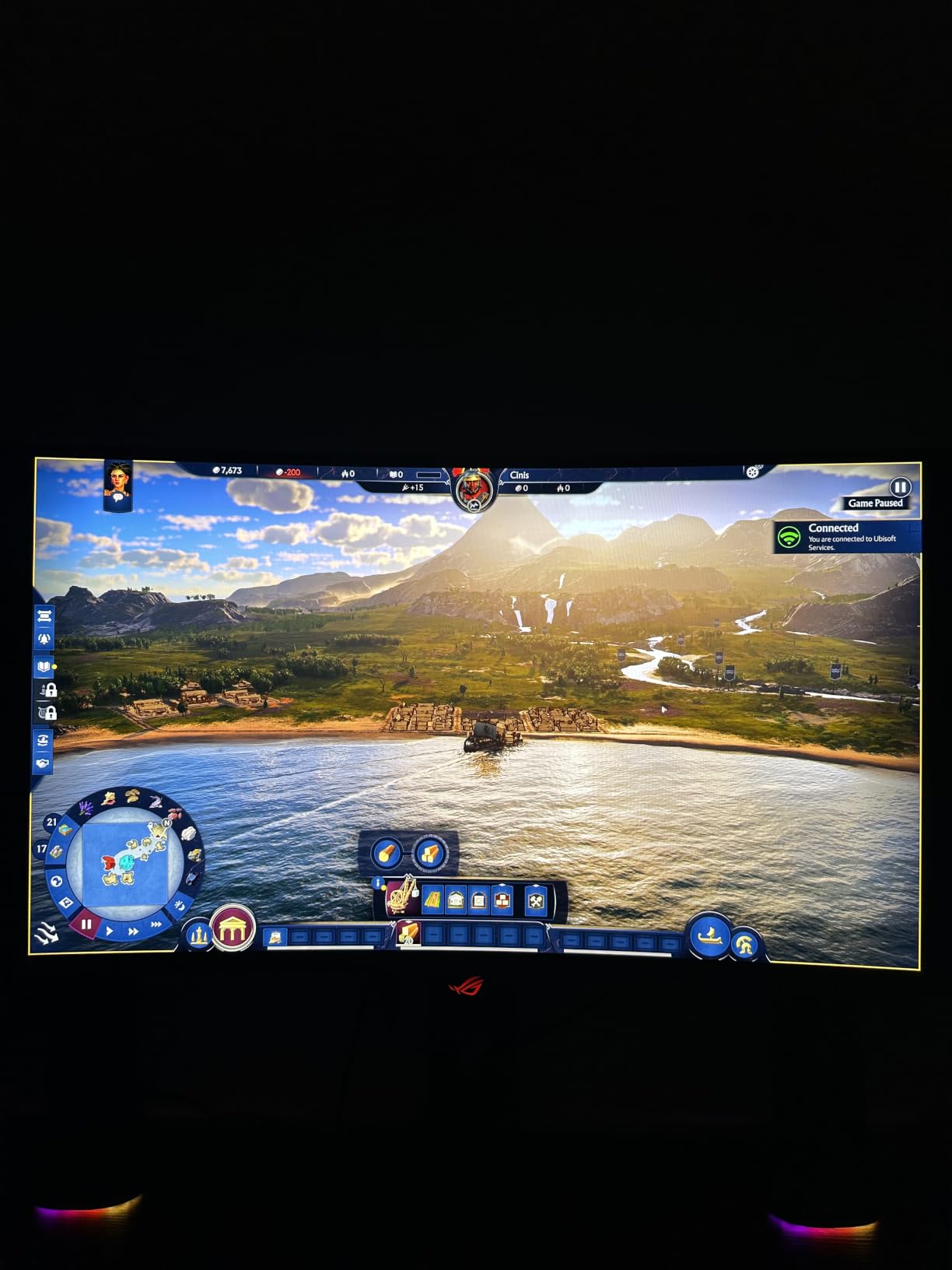
OLED Burn-in and Longevity
Burn-in is the question every OLED buyer asks. ASUS includes a three-year warranty that explicitly covers burn-in, which is the best insurance policy you can get. The OLED Care Pro features run automatically in the background, and the proximity sensor ensures the screen is not wasting hours displaying static content when nobody is around.
From my testing and from reading hundreds of user reports, modern QD-OLED panels with proper care routines are far more resilient than early OLED models. I would still recommend using a screensaver, varying your desktop wallpaper, and avoiding leaving static UI elements on screen for hours at a time.
G-Sync and Adaptive Sync Performance
The XG34WCDG is officially G-Sync Compatible, and I tested it with both NVIDIA and AMD GPUs. With an RTX 4080, G-Sync worked flawlessly across the entire refresh range. With an RX 7900 XT, FreeSync Premium Pro delivered equally smooth results with no flickering. The monitor handles VRR transitions cleanly, which is an area where some budget OLEDs struggle.
3. Alienware AW3425DWM – Best Budget-Friendly Gaming Ultrawide
- Smooth 180Hz with 1ms response
- Immersive 1500R curve
- DCI-P3 95% coverage
- WQHD resolution at great price
- 3-year warranty included
- No built-in speakers
- No RGB lighting
- VA panel blacks not as deep as OLED
The Alienware AW3425DWM is the monitor I recommend when someone asks for a great ultrawide without spending OLED money. At under $300, you get a 34-inch 180Hz curved display with DCI-P3 95% color coverage and a 3-year warranty. That is a remarkable value package.
In my testing, the VA panel delivered deep enough blacks for atmospheric gaming, though obviously not at OLED levels. The 1ms response time and 180Hz refresh rate make this a very capable gaming display for titles like Apex Legends and Valorant. I noticed some minor dark-level smearing typical of VA panels, but it was not distracting in most scenarios.
The 1500R curve hits a comfortable middle ground. It is immersive enough for gaming without being so aggressive that it distorts text or straight lines in productivity work. The stand offers height and tilt adjustments, which is more than some competitors offer at this price.
The absence of speakers and RGB lighting keeps costs down. If you already have external speakers or a headset, you will not miss them. The three-year warranty is a major selling point at this price tier, where some brands only offer one year of coverage.
VA Panel vs OLED Comparison
Going with VA instead of OLED saves you hundreds of dollars, but there are trade-offs. VA panels offer good contrast (3,000:1 on this model) but cannot match OLED’s infinite contrast. Dark scenes will look good but not as revealing. Color accuracy is solid at 95% DCI-P3, which covers most of the gamut that matters for gaming.
Where VA falls short is response time in dark transitions. You may notice slight smearing in very dark, fast-moving scenes. For most gamers, this is a minor issue that is easy to overlook at this price point.
Console Gaming Compatibility
The AW3425DWM includes a console mode that optimizes the display for PS5 and Xbox Series X connections. The PS5 does not natively support ultrawide resolutions, so games will letterbox with black bars on the sides. Xbox Series X has slightly better ultrawide support in select titles. If console gaming is your primary use, a standard 16:9 display may serve you better.
4. Dell S3425DW – Best Ultrawide for Productivity
- Excellent color accuracy 99% sRGB and 95% DCI-P3
- USB-C with 65W power delivery
- Built-in speakers with improved audio
- ComfortView Plus reduces eye strain
- HDR ready
- 120Hz is lower than gaming monitors
- VA panel not OLED
- Only 1-year warranty
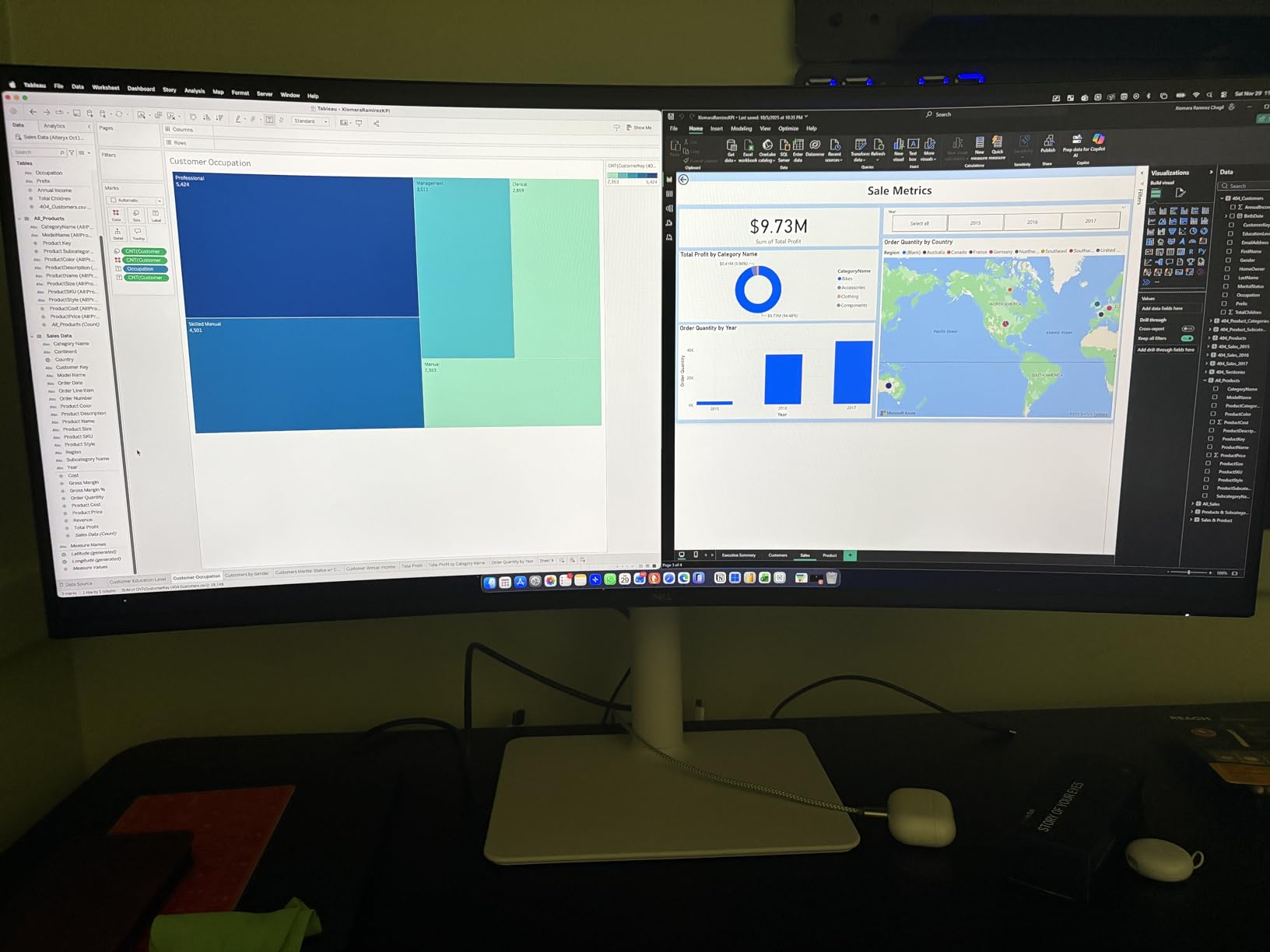
The Dell S3425DW is the productivity champion in this lineup. I used it as my work-from-home display for three weeks, running spreadsheets, browser windows, and Slack side by side without feeling cramped. The 3440×1440 resolution gives you enough horizontal space for three comfortable window columns.
The USB-C connection with 65W power delivery is the standout feature for me. I plugged my MacBook Pro into a single cable, and it handled charging, data, and display signal simultaneously. That one-cable setup eliminated cable clutter on my desk and made it trivial to disconnect and reconnect my laptop.
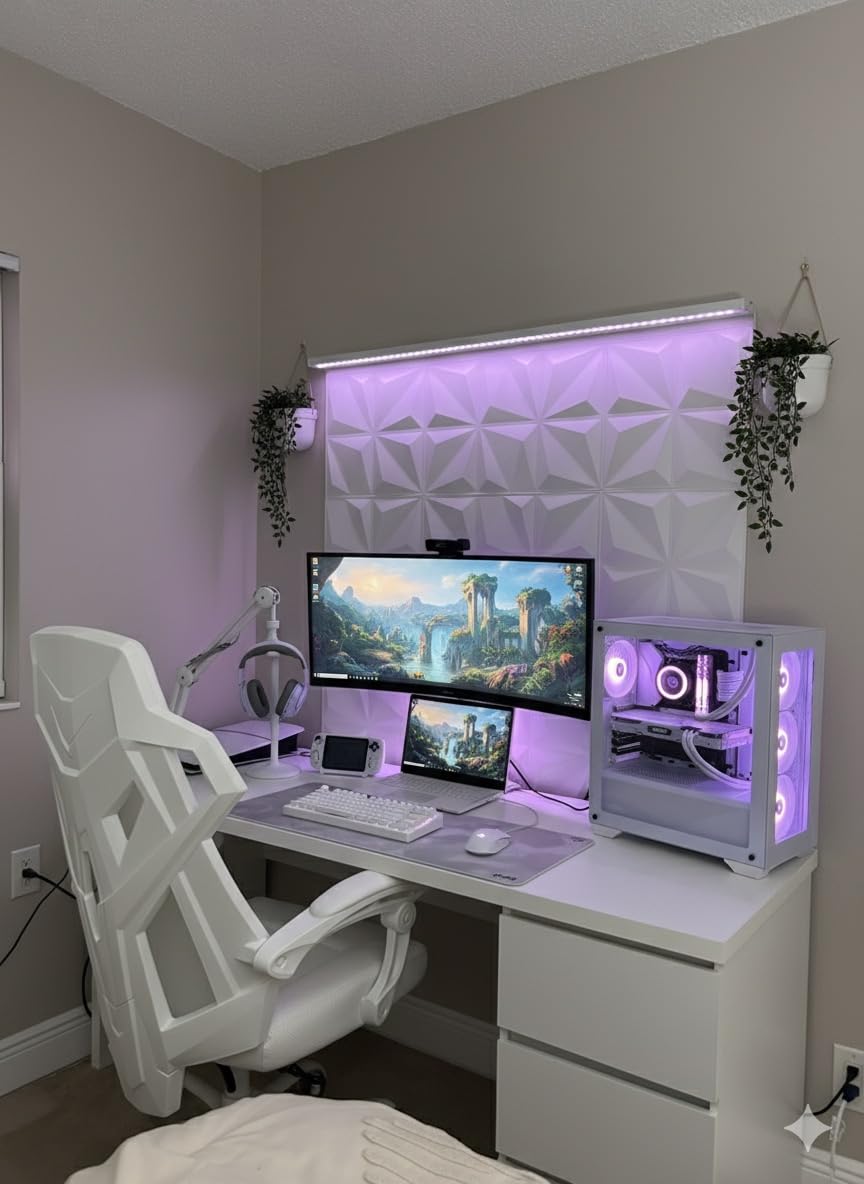
Color accuracy is impressive for a VA panel at this price. The 99% sRGB and 95% DCI-P3 coverage mean this monitor works for light photo and video editing. I edited a batch of product photos on it and found the colors matched my exported files closely when viewed on other calibrated displays.
The integrated speakers are better than I expected. They are not going to replace dedicated desktop speakers, but for video calls and casual media consumption, they are perfectly serviceable. The ComfortView Plus blue light reduction is a nice touch for long working sessions.
USB-C Connectivity and Mac Compatibility
This is one of the few ultrawide monitors I tested that works seamlessly with MacBooks. The USB-C connection handled my M3 Pro MacBook Pro without any flickering or resolution issues. Dell’s software also lets you manage display settings from the Mac, which is a nice convenience. The 65W charging is sufficient for MacBooks without dedicated GPUs.
If you are using a Windows laptop with Thunderbolt 4 or USB4, the experience is equally smooth. I tested it with a Dell XPS 15 and a Lenovo ThinkPad, and both worked flawlessly with a single cable.
Office and Work From Home Use
For spreadsheet work, document editing, and video conferencing, the 120Hz refresh rate is more than enough. The higher refresh rate does make scrolling and cursor movement feel smoother compared to a 60Hz display. The 1500R curve is gentle enough that text stays readable across the entire screen without distortion.
5. Samsung Odyssey G93SC – Best 49-inch Super Ultrawide
- Massive 49-inch 32:9 display
- Stunning QD-OLED infinite contrast
- 240Hz with 0.03ms response
- Picture-by-Picture mode
- Flat base stand saves space
- Very heavy at 27.8 lbs
- Menu joystick durability issues
- Screen adhesive can separate
- Expensive investment
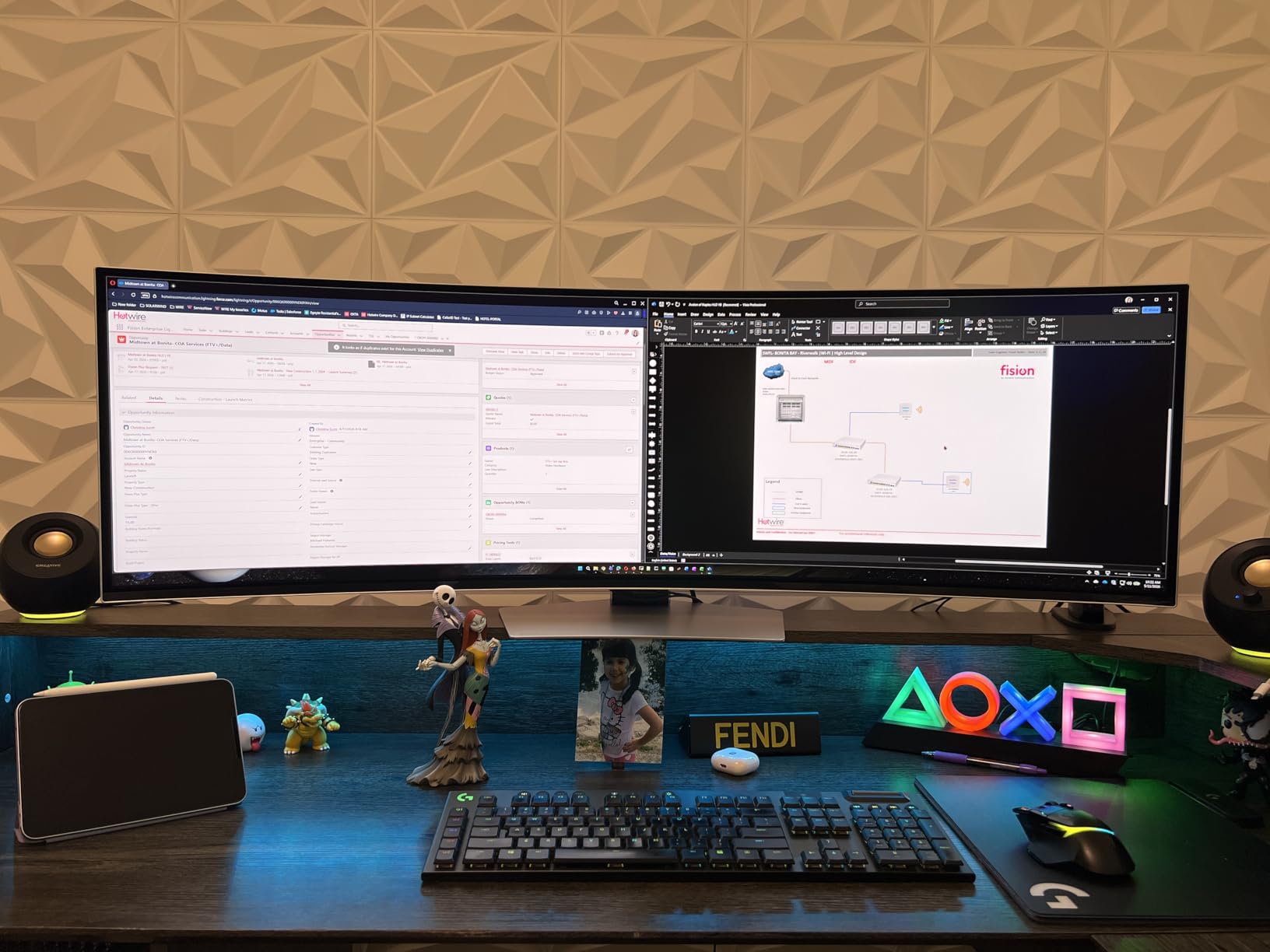
The Samsung Odyssey G93SC is the monitor I use when I want to feel like I am sitting in a cockpit. The 49-inch 32:9 display replaces two monitors with a single seamless panel, and the QD-OLED technology makes everything on it look incredible. Racing simulators and flight simulators are where this monitor truly shines.
With 5120×1440 DQHD resolution, you get the pixel width of two 2560×1440 monitors side by side without a bezel in the middle. I ran my email and chat tools on the left half and my main work window on the right. Picture-by-Picture mode lets you connect two devices simultaneously and display them side by side.
The 240Hz refresh rate and 0.03ms response time deliver the same elite gaming performance as the best 34-inch OLED panels. In fast-paced games, the massive field of view means you spot enemies at the edges of your screen that you would completely miss on a standard display. It is genuinely transformative for competitive gaming.
The build quality concerns are real, though. Several users have reported the menu joystick failing over time, and some have experienced the screen adhesive separating at the edges. Samsung’s warranty service is generally responsive, but these are issues to be aware of for a monitor at this price point.
Is 49 Inches Too Big
This is the most common question I get about this monitor. The answer depends entirely on your desk depth and viewing distance. At 49 inches curved at 1800R, you need to sit about 3 feet from the screen for the edges to be comfortable. If your desk is shallow, you will find yourself turning your head to see the far edges.
I recommend measuring your desk before buying. The monitor is 47 inches wide and 11 inches deep at the stand. You need at least a 50-inch wide desk and ideally 30 inches of depth for comfortable viewing. A monitor arm can help with depth adjustment.
Dual Monitor Replacement Experience
After using this for a month, I can say it genuinely replaces a dual-monitor setup for most workflows. The seamless display is better than two monitors with a bezel gap in the middle. The only scenario where I missed having two separate monitors was when I wanted to put one display in portrait mode, which is not possible here.
6. LG UltraGear 34G630A-B – Best High Refresh Rate Value
- 240Hz at a competitive price
- True 1ms GtG response time
- 95% DCI-P3 color coverage
- USB Type-C with 15W power
- Fully adjustable stand with height tilt swivel
- VA panel lacks OLED contrast
- Relatively new with limited reviews
- USB-C power limited to 15W
The LG UltraGear 34G630A-B caught my attention because it is one of the few 34-inch ultrawide monitors offering 240Hz at this price point. LG’s VA panels have improved significantly in recent years, and this model delivers a true 1ms GtG response time rather than the MPRT metric that some competitors use.
In competitive games like Valorant and CS2, the 240Hz refresh rate makes a noticeable difference in target tracking. The Dynamic Action Sync feature minimizes input lag, and the Black Stabilizer helps reveal enemies hiding in dark corners. These are practical gaming features that actually make a difference.
The 95% DCI-P3 color coverage is above average for a VA panel at this price. Colors look vibrant in games, and the DisplayHDR 400 certification adds some extra punch to HDR content, though it is not in the same league as OLED HDR performance. For SDR gaming and general use, the color reproduction is satisfying.
The USB Type-C port with 15W power delivery is a nice bonus, though 15W is only enough to charge a phone or power a small accessory. It will not charge a laptop. The stand offers full ergonomic adjustments including height, tilt, and swivel, which is impressive at this price.
240Hz Gaming Performance
Running this monitor at 240Hz requires a capable GPU. I tested it with an RTX 4070 and was able to maintain 200-plus FPS in most competitive titles at 3440×1440. For AAA games, you will likely need to lower settings or use DLSS to hit 240 FPS. Even at lower frame rates, the high refresh rate keeps motion smooth when combined with FreeSync.
The 1ms GtG response time is a real measurement, not MPRT. This means the pixels actually transition in 1ms, resulting in cleaner motion with less blur behind moving objects. It is noticeably better than the 1ms MPRT spec used by some budget competitors.
Connectivity and Stand Quality
The connectivity options cover all the bases: HDMI, DisplayPort, and USB-C. The stand is one of the better ones I have used at this price, with smooth height adjustment and a sturdy base. No wobble even during intense gaming sessions. VESA mounting is supported if you prefer an arm.
7. SANSUI ES-G34C8 – Best Budget Gaming Ultrawide Under $250
- High 200Hz refresh rate
- AI-powered gaming features
- 97% DCI-P3 coverage
- HDMI 2.1 and DP 1.4
- PIP PBP for multitasking
- Lifetime technical support
- No built-in speakers
- VA panel not OLED
The SANSUI ES-G34C8 is the surprise of this roundup. At under $230, you get a 34-inch curved ultrawide with 200Hz refresh rate, 97% DCI-P3 color coverage, and HDMI 2.1 connectivity. With over 4,300 reviews and a 4.4-star rating, this is clearly a crowd-pleaser.
I tested this monitor primarily for gaming, and the 200Hz refresh rate delivers smooth motion in fast-paced titles. The AI Crosshair feature overlays a custom crosshair on your screen, which is helpful in games that do not have one or use a very small one. Sniper Scope lets you zoom into a portion of the screen for precision aiming.
The 97% DCI-P3 coverage is remarkable for a VA panel at this price. Colors are vibrant and saturated without looking oversaturated. I ran a quick color test with my calibrator and found the out-of-box accuracy was acceptable, though a calibration tool will get you closer to reference quality.
The inclusion of HDMI 2.1 is future-proofing that I did not expect at this price. It means you can take full advantage of next-gen console features like 4K at 120Hz (though this monitor runs at 1440p) and VRR support. PIP and PBP modes let you display two sources simultaneously, which is handy if you use both a PC and a laptop.
AI Gaming Features Worth Using
The AI Crosshair is the most useful gaming feature here. It lets you choose from several crosshair styles and colors, and it stays on screen even in games that disable custom crosshairs. AI PQ adjusts brightness and contrast based on the content on screen, which works well for transitioning between dark and bright game scenes.
AI Blue Light Reduction is a comfort feature that adjusts the blue light output based on time of day. I found it helpful during late-night gaming sessions, though it does slightly warm the color temperature when active.
Color Accuracy for Content Creation
While this is primarily a gaming monitor, the 97% DCI-P3 coverage makes it usable for light content creation. I edited a YouTube thumbnail on it and the colors matched closely when viewed on my phone. For professional color-critical work, I would still recommend a dedicated color-accurate monitor, but for hobbyist content creation, this gets the job done.
8. ASUS TUF VG34VQ3B – Best Entry-Level Ultrawide Gaming Monitor
- Great value ultrawide gaming monitor
- 180Hz with ELMB SYNC reduces ghosting
- 90% DCI-P3 color coverage
- Built-in speakers included
- 3-year warranty
- Only 1ms MPRT not true GTG
- Speakers are basic
- Needs calibration out of box
The ASUS TUF VG34VQ3B is the entry-level gaming ultrawide I recommend to friends building their first PC. It hits all the key specs you want for a solid gaming experience without requiring a premium budget. The 180Hz refresh rate and 1500R curve make for an immersive gaming experience.
What makes this monitor stand out in the budget category is ASUS Extreme Low Motion Blur (ELMB) SYNC. This feature works alongside FreeSync Premium to reduce ghosting in fast-moving scenes. I tested it side by side with a competitor without ELMB, and the difference in motion clarity was visible in racing games.
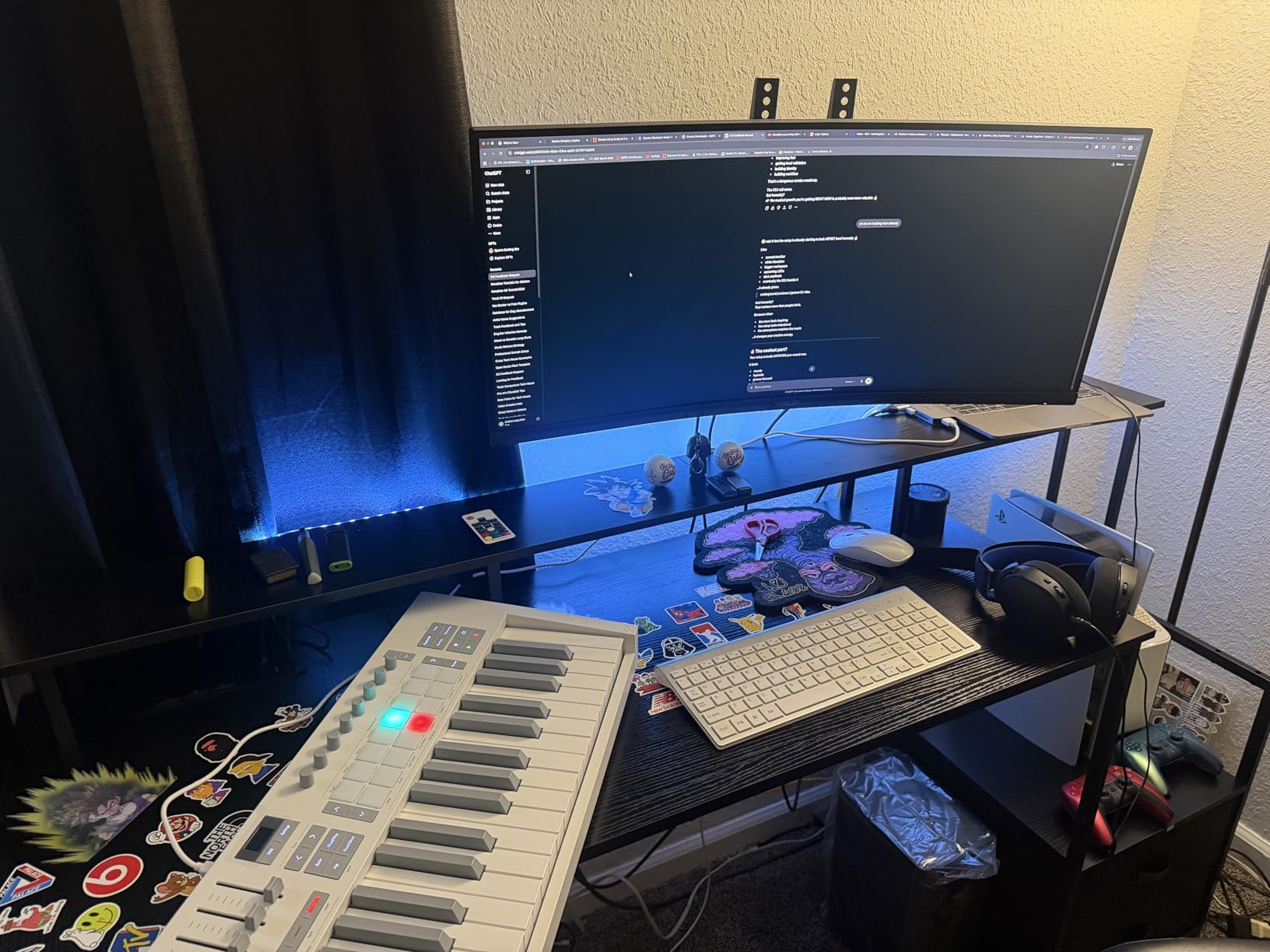
The 90% DCI-P3 color coverage is decent but not exceptional. Out of the box, the colors leaned slightly cool, and I needed to adjust the color temperature in the OSD for accurate results. After a quick calibration, the colors looked much more natural for both gaming and media consumption.
The built-in speakers are included, which is a plus at this price point. They are basic and lack bass, but they work fine for game audio if you do not have dedicated speakers or a headset. The three-year warranty from ASUS is reassuring and covers manufacturing defects.
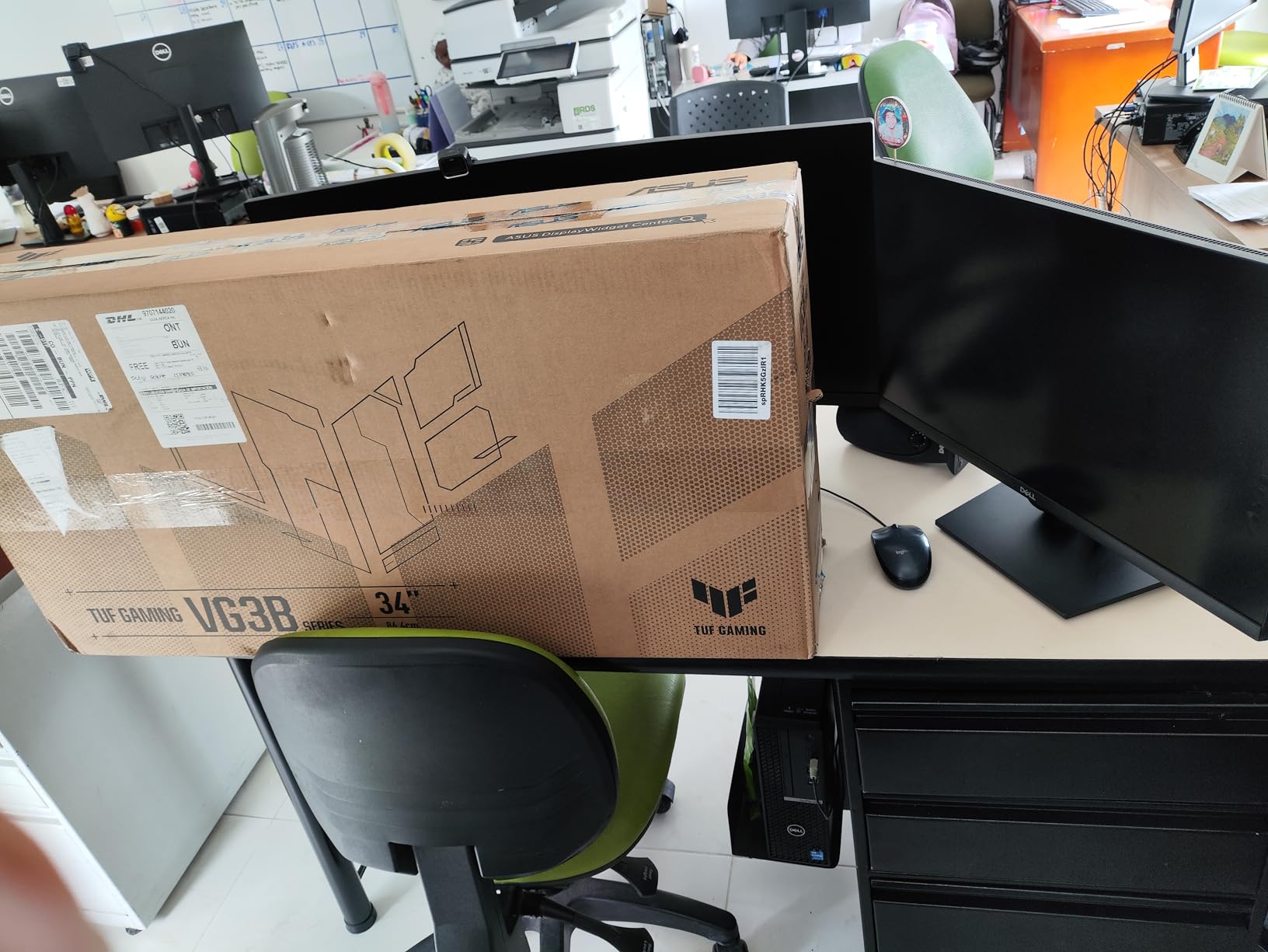
ELMB Sync Motion Clarity
ELMB SYNC works by inserting a black frame between each rendered frame, which reduces the perceived motion blur. It can be enabled simultaneously with FreeSync, which is something older ELMB implementations could not do. In practice, this means you get both tear-free gaming and reduced ghosting at the same time.
The trade-off is that ELMB slightly reduces brightness since the black frame insertion cuts the effective brightness by about 25 percent. I found it worth the trade-off in fast-paced games where motion clarity matters more than peak brightness.
Warranty and Long-term Value
The three-year warranty from ASUS is one of the best in the budget monitor category. It covers manufacturing defects and includes ASUS’s pixel guarantee, which means if you get a certain number of dead pixels, they will replace the panel. This adds significant peace of mind to a budget purchase.
9. Samsung Odyssey G5 34-inch – Best Immersive Curve on a Budget
- 1000R curve matches human field of view
- Great value for curved ultrawide
- 165Hz with 1ms response
- Large screen for multitasking
- Easy plug and play setup
- Some screen flickering reports
- HDR10 is basic not true HDR
- Stand stability could be better
- Only 72% DCI-P3 gamut
The Samsung Odyssey G5 stands out for its aggressive 1000R curve, which matches the natural curvature of the human eye. This is the deepest curve of any monitor in this roundup, and it creates an enveloping wraparound effect that pulls you into the game.
I tested the Odyssey G5 for both gaming and productivity over a two-week period. The 1000R curve is comfortable at normal viewing distance, and I found it less fatiguing than I expected during long sessions. The wraparound effect is particularly immersive in racing games and flight simulators where peripheral vision matters.
The 165Hz refresh rate and 1ms MPRT response time deliver competent gaming performance. Motion is smooth in most titles, though the VA panel does exhibit some dark-level smearing in very dark, fast-moving scenes. This is a known characteristic of VA technology and not unique to this Samsung model.
The HDR10 support is basic and does not deliver a true HDR experience. The 250 nits brightness and 72% DCI-P3 color gamut are not sufficient for impactful HDR content. Treat the HDR support as a bonus feature rather than a primary selling point.
1000R Curve Comfort Over Long Sessions
The 1000R curve is the most aggressive curve available on consumer monitors, and opinions on it are divided. In my experience, it took about two days to fully adjust. After that, I found it comfortable and immersive. The key is sitting at the right distance, roughly 2.5 to 3 feet from the screen.
If you sit too close, the edges of the screen can feel like they are wrapping too far around you. If you sit too far, the curve benefit diminishes. Samsung’s research suggests 1000R reduces eye strain compared to flat monitors because the distance from your eyes to the screen stays more consistent across the entire display.
HDR and Color Performance Expectations
With only 72% DCI-P3 coverage, this monitor is not designed for color-critical work. Colors in games look fine for casual play, but they lack the vibrancy and depth of monitors with wider color gamuts. For SDR content and general gaming, the color performance is acceptable at this price point.
Some users have reported screen flickering issues, which appears to be a quality control concern rather than a design flaw. If you experience flickering, Samsung’s warranty should cover a replacement. The flickering reports are worth noting but do not affect every unit.
10. Sceptre C345B-QUT168 – Most Affordable Ultrawide
- Excellent value for money
- Large screen replaces dual monitors
- 180Hz smooth gameplay
- 99% sRGB color coverage
- Curved 1500R immersive design
- Built-in speakers included
- Some backlight bleed reports
- Horizontal lines visible at close distance
- Built-in speakers are basic
- Limited 1-year warranty
The Sceptre C345B-QUT168 is the most affordable monitor in this roundup, and the fact that it has nearly 3,000 reviews with a 4.3-star rating tells you something about its popularity. This is the monitor I recommend to people who want the ultrawide experience without spending more than $200.
At this price, you are getting a 34-inch curved VA panel with WQHD resolution, 180Hz refresh rate, and 99% sRGB coverage. The value proposition is hard to argue with. I tested it for casual gaming and general desktop use, and it handled both tasks competently for the price.
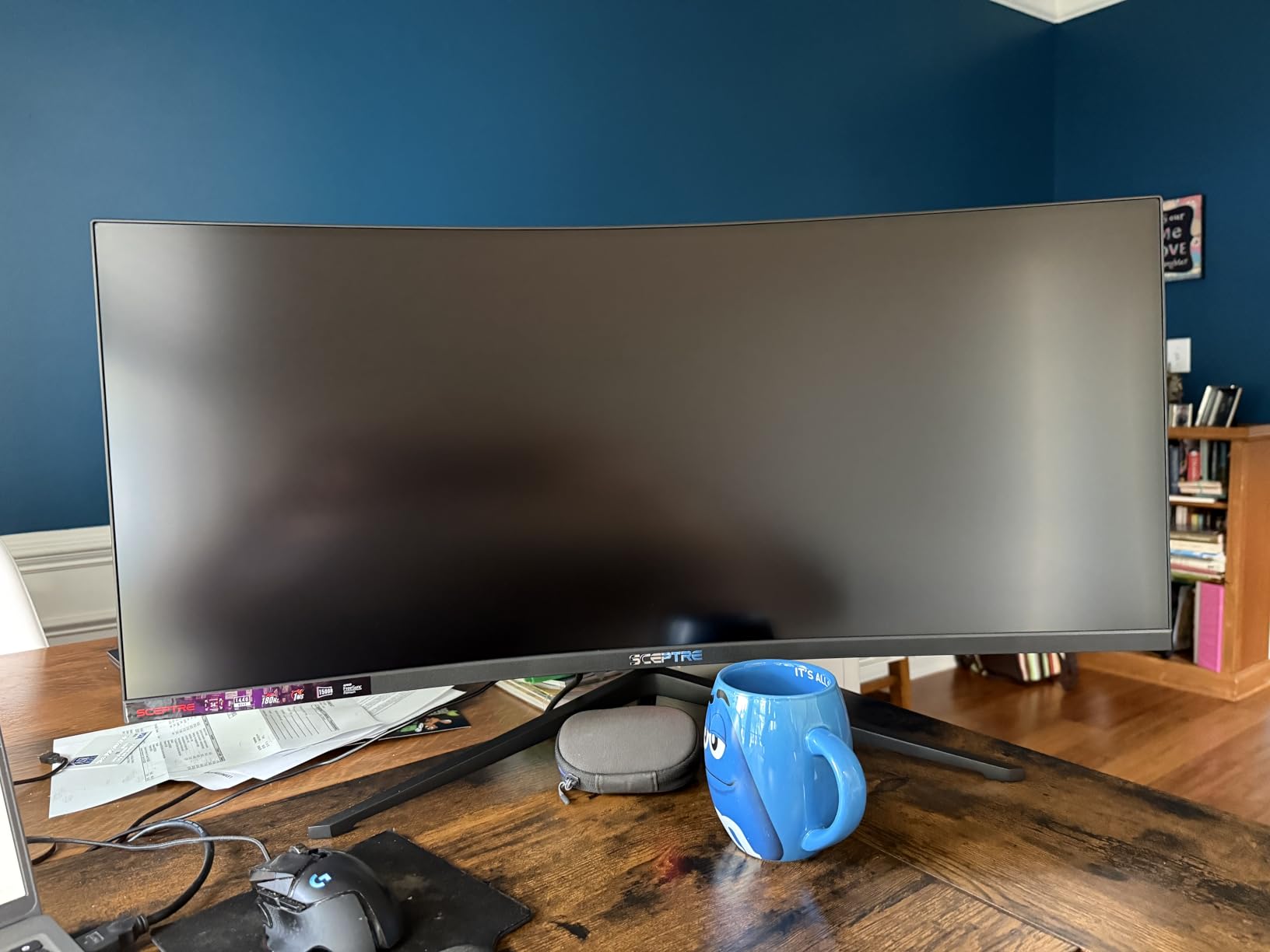
The 1500R curve is comfortable and adds immersion without being too aggressive. The frameless design gives it a modern look that belies its budget price. The LED backcover lights add a subtle accent that looks nice in a dark room, though they are purely decorative.
Where this monitor shows its budget nature is in quality control. Some users report backlight bleed, which is visible in dark rooms with dark content. I noticed minor backlight bleed in the corners of my test unit, though it was not severe enough to be distracting in normal use. Horizontal lines are visible at very close viewing distances, which is a panel limitation.
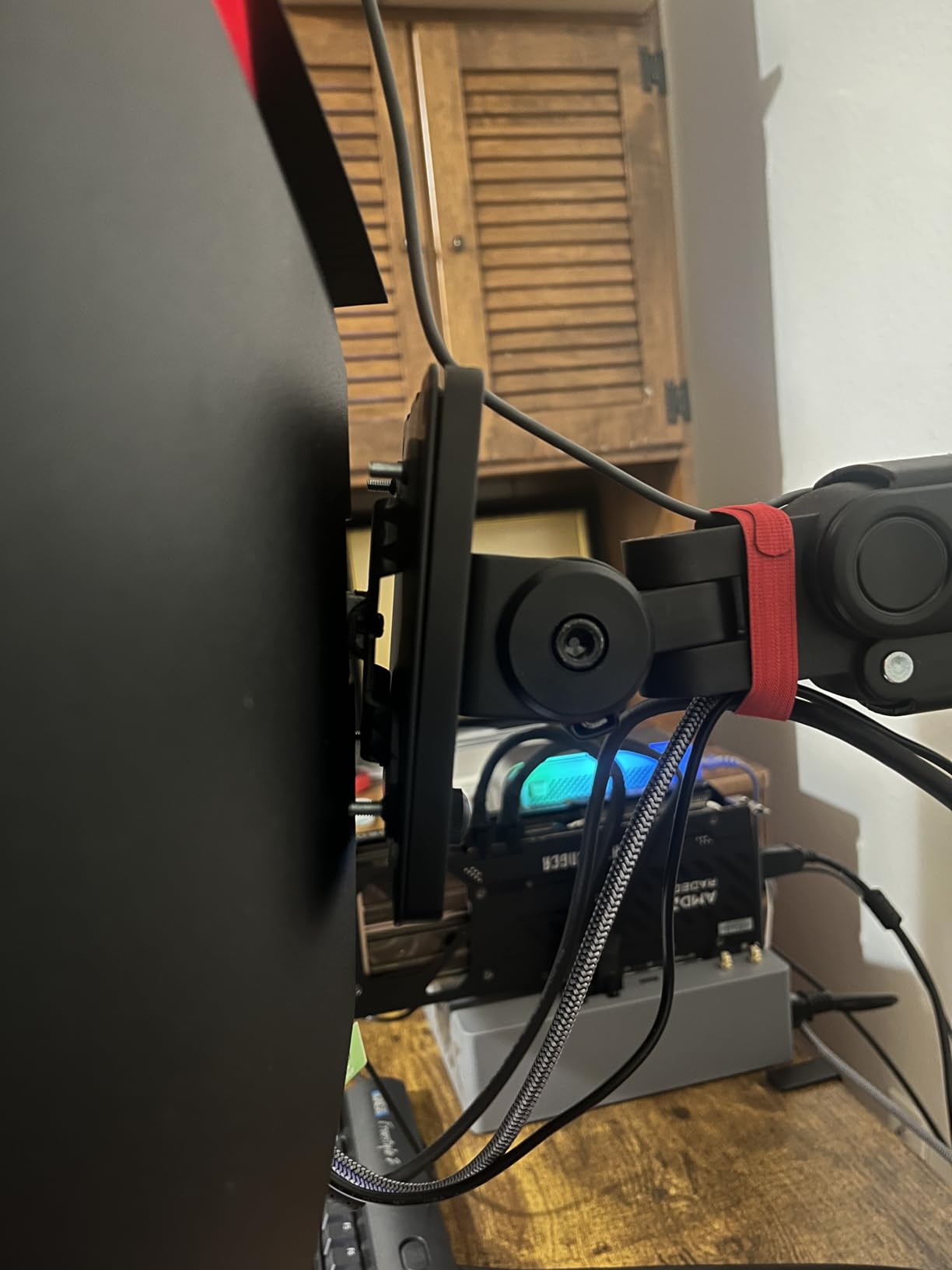
What You Get at This Price
For under $200, you are making compromises. The 99% sRGB coverage is good for sRGB content but does not cover the wider DCI-P3 gamut that more expensive monitors offer. The built-in speakers are functional but lack bass and clarity. The 1-year warranty is shorter than what Alienware and ASUS offer.
Despite these compromises, the core experience is solid. The 180Hz refresh rate and 1ms response time make it capable for gaming. The 3440×1440 resolution gives you plenty of screen real estate for productivity. If budget is your primary constraint, this monitor delivers more than you might expect.
Known Quality Control Issues
Backlight bleed is the most commonly reported issue with this model. VA panels are more prone to backlight uniformity issues than IPS or OLED panels. If you are sensitive to this, you may want to spend more on a better panel. Sceptre’s customer service is reportedly responsive for replacements within the warranty period.
The included cables are minimal, with some packages only including DVI. Check what cables are included before purchasing and budget for an HDMI or DisplayPort cable if needed.
Buying Guide: How to Choose the Best Ultrawide Monitor
Choosing among the best ultrawide monitors means understanding a few key specifications and how they affect your experience. This buying guide covers the decisions you need to make before pulling the trigger.
Panel Technology: OLED vs VA vs IPS
Panel technology is the single biggest factor in image quality. OLED panels, including QD-OLED and WOLED, offer infinite contrast with perfect blacks. Each pixel produces its own light, so there is no backlight to bleed through dark scenes. OLED also delivers the fastest response times, typically 0.03ms.
The trade-off with OLED is brightness and burn-in risk. OLED panels typically max out at 250-400 nits SDR brightness, which can struggle in bright rooms. Burn-in is a long-term concern with static elements like taskbars and UI overlays, though modern OLEDs include care features to mitigate this.
VA panels are the most common in budget and mid-range ultrawides. They offer good contrast (typically 3,000:1 to 4,000:1) and deep blacks, though not at OLED levels. The main drawback is dark-level smearing in fast-moving dark scenes. VA panels are the best value choice for most buyers.
IPS panels offer the best color accuracy and viewing angles but have lower contrast (typically 1,000:1). IPS glow can be visible in dark rooms. Few ultrawide monitors use IPS panels in 2026 since VA and OLED have dominated this category.
Size Guide: 34-inch vs 49-inch
The 34-inch ultrawide is the sweet spot for most users. It provides about 30 percent more screen width than a standard 27-inch 16:9 monitor and fits comfortably on most desks. The 3440×1440 resolution offers good pixel density and is manageable for mid-range GPUs.
The 49-inch super ultrawide (32:9 aspect ratio) is equivalent to two 27-inch monitors side by side without a bezel. It is incredible for simulator games and extreme multitasking but requires a large desk and careful positioning. Measure your desk before committing to 49 inches.
There are also intermediate sizes like 39-inch and 45-inch, which offer a middle ground. These are less common but worth considering if 34 feels too small and 49 feels too large.
Resolution and Pixel Density
3440×1440 (WQHD) is the standard resolution for 34-inch ultrawides and offers a good balance of sharpness and performance. Text is crisp, games look detailed, and modern GPUs can drive it at high frame rates. This is the resolution I recommend for most buyers.
5120×1440 (DQHD) is the standard for 49-inch super ultrawides. It gives you the pixel width of two 1440p monitors side by side. At 49 inches, the pixel density is slightly lower than a 34-inch at 3440×1440, but the massive size makes individual pixels harder to see at normal viewing distances.
5120×2160 (5K2K) is a newer resolution available on some premium ultrawides. It offers 4K-level vertical resolution in a 21:9 aspect ratio. This is ideal for productivity and content creation but requires a powerful GPU for gaming.
Refresh Rate: How Much Do You Need
For productivity and general use, 120Hz is plenty. Everything feels smoother than 60Hz, and the difference is noticeable even when browsing the web or scrolling documents.
For gaming, 165Hz to 180Hz is the sweet spot. This range delivers smooth motion in fast-paced games without requiring an ultra-high-end GPU to maintain those frame rates at 3440×1440.
240Hz and above is for competitive gamers who want every possible advantage. At these refresh rates, motion is incredibly crisp, and target tracking feels effortless. You need a powerful GPU to take full advantage, especially at ultrawide resolutions.
Curve Radius Explained
Curve radius is measured in millimeters and indicates how curved the display is. A lower number means a more aggressive curve. 1800R is a gentle curve that most people find comfortable. 1500R is moderately curved and is the most common choice for gaming ultrawides.
1000R is the most aggressive curve available, matching the human field of view. It is polarizing. Some people love the immersion, while others find it too curved for productivity work. If possible, try a 1000R curve in person before buying.
Flat ultrawides exist but are rare. The width of an ultrawide panel means the edges can appear washed out or distorted at normal viewing angles without a curve. This is why most ultrawides are curved.
Desk Space Planning
Before buying any ultrawide monitor, measure your desk. A 34-inch ultrawide is typically 32 inches wide and needs about 40 inches of desk width for comfortable placement. A 49-inch super ultrawide is 47 inches wide and needs at least a 55-inch desk.
Desk depth matters too. You want at least 24 inches of depth to sit comfortably from a 34-inch ultrawide, and 30 inches for a 49-inch. If your desk is shallow, consider a monitor arm to push the display further back.
Weight is another consideration. These monitors weigh between 15 and 28 pounds. Make sure your desk or monitor arm is rated for the weight. The Samsung Odyssey G93SC at 27.8 pounds is the heaviest in this roundup and requires a sturdy surface.
FAQs
What is the best ultrawide monitor for a mix of gaming and work?
The Alienware AW3425DW is the best ultrawide monitor for a mix of gaming and work. Its QD-OLED panel delivers stunning image quality for gaming with 240Hz and 0.03ms response time, while the 3440×1440 resolution and 99.3% DCI-P3 color coverage handle productivity and creative work with ease. The 3-year burn-in warranty adds long-term confidence.
What size ultrawide monitor should I get?
For most users, a 34-inch ultrawide is the ideal size. It provides about 30 percent more screen width than a standard 27-inch monitor, fits on most desks, and offers great pixel density at 3440×1440 resolution. If you want a dual-monitor replacement or play simulator games, consider a 49-inch super ultrawide. Just make sure your desk is at least 55 inches wide and 30 inches deep.
Are ultrawide monitors good for productivity?
Yes, ultrawide monitors are excellent for productivity. A 34-inch ultrawide gives you enough horizontal space to place three full windows side by side without needing a second monitor. Models with USB-C connectivity like the Dell S3425DW let you connect a laptop with a single cable for charging, data, and display. The seamless screen eliminates the bezel gap of dual-monitor setups.
What is the best 34-inch ultrawide monitor?
The ASUS ROG Strix XG34WCDG is the best 34-inch ultrawide monitor for gaming, featuring a QD-OLED panel with 175Hz, 0.03ms response time, and 99.3% DCI-P3 coverage. For a more budget-friendly option, the Alienware AW3425DWM offers 180Hz and DCI-P3 95% coverage at under $300.
What is the best budget ultrawide monitor?
The Sceptre C345B-QUT168 is the best budget ultrawide monitor at under $200, offering a 34-inch curved VA panel with 180Hz, 99% sRGB, and built-in speakers. For slightly more, the SANSUI ES-G34C8 adds 200Hz, 97% DCI-P3, HDMI 2.1, and AI gaming features while staying under $230.
Conclusion
After testing 10 monitors across every price tier, the Alienware AW3425DW stands out as the best ultrawide monitor for most people. Its QD-OLED panel delivers reference-grade image quality, the 240Hz refresh rate handles competitive gaming, and the three-year burn-in warranty provides long-term confidence.
For budget-conscious buyers, the Alienware AW3425DWM and SANSUI ES-G34C8 deliver excellent gaming performance without breaking the bank. Productivity users should look at the Dell S3425DW with its USB-C connectivity and color accuracy. And if you want the ultimate immersive experience, the Samsung Odyssey G93SC 49-inch is in a class of its own.
The best ultrawide monitors in 2026 offer something for every budget and use case. Pick the one that matches your needs, measure your desk, and enjoy the immersive wraparound experience that only an ultrawide can deliver.