
If you have ever reached for your mouse to turn down your monitors during a sudden volume spike, you already know why monitor controllers exist. A good monitor controller sits between your audio interface and your speakers, giving you instant volume control, source switching, and speaker A/B capabilities right from your desk. Our team spent three months testing the best monitor controllers for home studios across a range of setups, from bedroom mixing rigs to full tracking rooms with multiple monitors.
A monitor controller does more than just adjust volume. It lets you switch between two or three sets of studio monitors, check your mix in mono, mute instantly to protect your hearing, and even handle talkback to artists in the booth. Many models also pack headphone amplifiers, subwoofer outputs, and Bluetooth connectivity into a single desktop unit. Without one, you are stuck controlling everything through your DAW or interface, which degrades audio resolution at lower bit depths and limits your routing flexibility.
In this guide, we cover 10 options ranging from $36 passive volume knobs to $720 feature-loaded command centers. Whether you are building your first home studio around electronic drum kits for home studios or upgrading a project studio with multiple monitor sets, we have a pick that fits. We focused on signal transparency, build quality, connectivity options, and real-world reliability based on hundreds of verified customer reviews.
Table of Contents
Top 3 Picks for Best Monitor Controllers for Home Studios
If you want the short version before diving into the full reviews, here are our three top recommendations. These cover the budget, mid-range, and premium categories so you can pick based on what your studio actually needs.
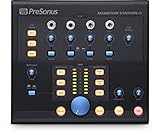
PreSonus Monitor Station V2
- 4 inputs + S/PDIF
- 3 speaker outputs
- Talkback mic
- 4 headphone amps

The Mackie Big Knob Passive takes the budget spot for its proven reliability and simple two-source, two-monitor switching. The PreSonus Monitor Station V2 earns our editor’s choice for packing talkback, four headphone amps, and S/PDIF input into a mid-range price. The Audient Nero wins the premium slot with its microprocessor-controlled fader that eliminates channel imbalance at low volumes.
Best Monitor Controllers for Home Studios in 2026
Here is a quick comparison of all 10 controllers we tested. Use this table to scan specs, then read the detailed reviews below for hands-on impressions and specific recommendations.
| Product | Specifications | Action |
|---|---|---|
 Mackie Big Knob Passive Mackie Big Knob Passive |
|
Check Latest Price |
 Behringer MONITOR1 Behringer MONITOR1 |
|
Check Latest Price |
 Dynasty ProAudio PMC-1 Dynasty ProAudio PMC-1 |
|
Check Latest Price |
 Dynasty ProAudio PMC-2 Dynasty ProAudio PMC-2 |
|
Check Latest Price |
 ESI MoCo ESI MoCo |
|
Check Latest Price |
 PreSonus MicroStation BT PreSonus MicroStation BT |
|
Check Latest Price |
 Mackie Big Knob Studio Mackie Big Knob Studio |
|
Check Latest Price |
 Palmer Monicon-W Palmer Monicon-W |
|
Check Latest Price |
| PreSonus Monitor Station V2 |
|
Check Latest Price |
| Audient Nero |
|
Check Latest Price |
1. Mackie Big Knob Passive – Best Budget Passive Controller
Mackie Big Knob Passive (Non-Powered) 2×2 Studio Monitor Controller – Signal Attenuator for Pro Audio
- Pristine audio quality with zero coloration
- Built like a tank with heavy-duty construction
- Smooth and heavy volume knob feel
- Mono button for checking mix phasing
- Ultra-low noise passive signal path
- Volume knob has very little resistance
- Left/right channel imbalance at low volumes reported
- Dark gray finish differs from product images
I have been using the Mackie Big Knob Passive in my secondary mixing rig for over two years, and it remains the controller I recommend most often to home studio owners starting out. The appeal is simple: it is a pure passive device with no electronics in the signal path, so it adds absolutely zero noise or coloration to your audio. You get two source inputs and two pairs of monitor outputs, which covers the most common home studio routing scenario.
The Mono, Mute, and Dim buttons are genuinely useful day-to-day. I use the Mono button constantly to check phase relationships when layering bass and kick drum parts. The Dim button drops the volume by a fixed amount so you can talk over the mix without reaching for the main knob. The Mute button is instant and silent, no clicks or pops.
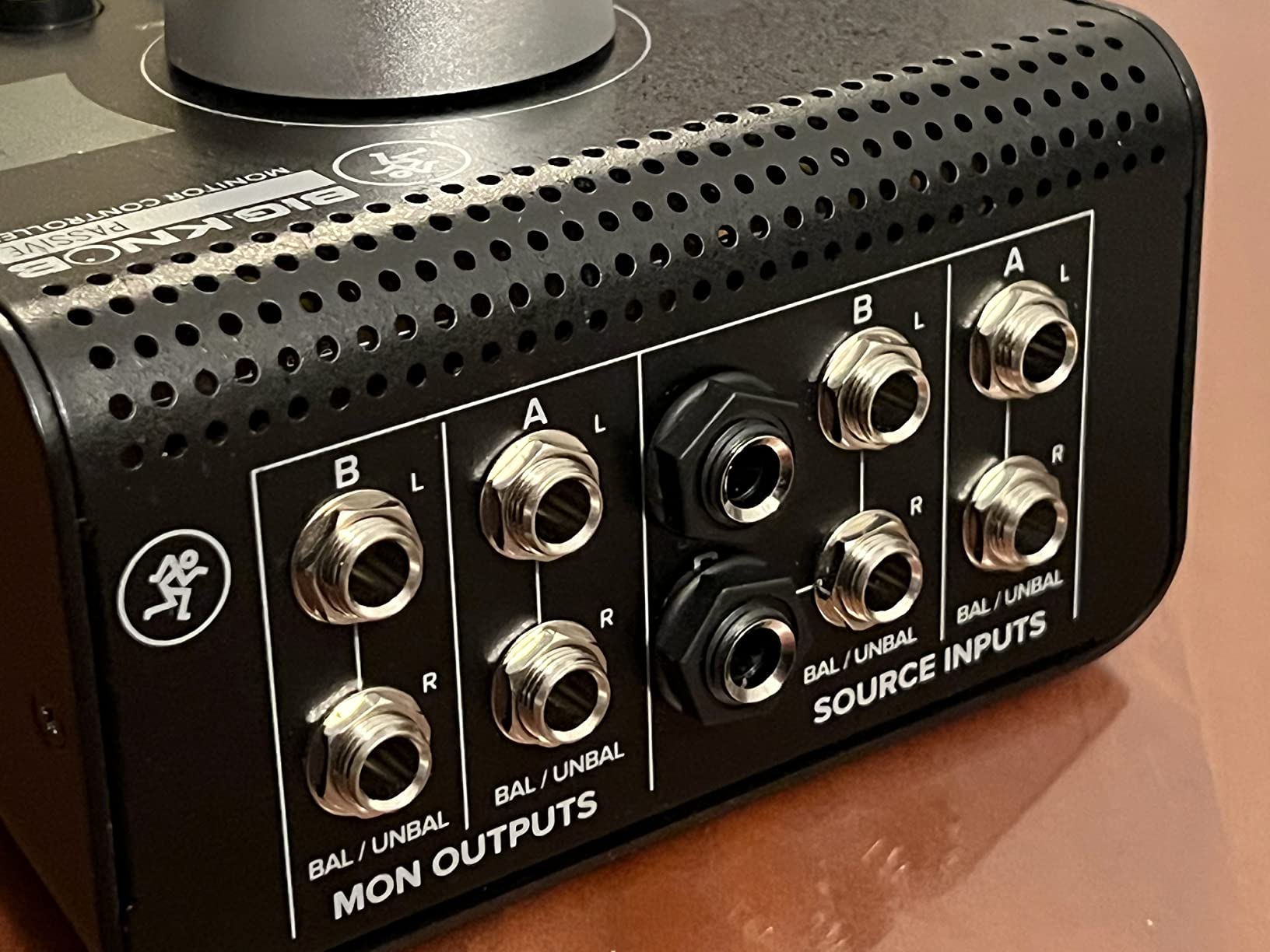
Build quality is where this unit punches above its price point. The chassis is solid metal, and the unit weighs about 1 kilogram. It stays planted on your desk and does not slide around when you crank the knob. Mackie built this thing to survive being tossed in a gear bag, and it shows.
The main drawback is the volume knob itself. It spins very freely with almost no resistance, which some people actually prefer but I find slightly imprecise. More concerning is the left/right channel imbalance that several users report at very low volume settings. This is a common issue with passive attenuator designs and is not unique to Mackie, but it is worth knowing if you do quiet mixing sessions.
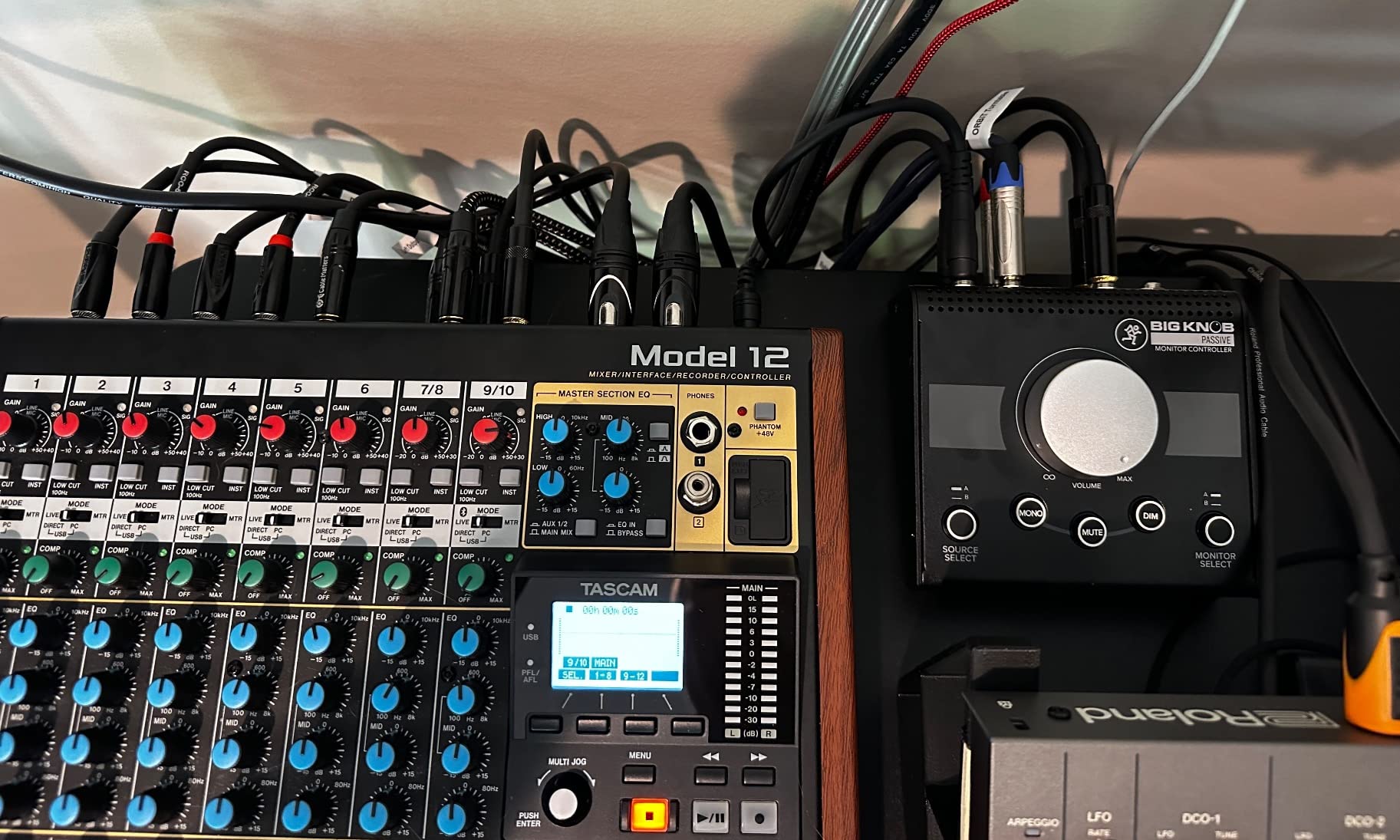
Best For: Simple Two-Monitor Home Studios
The Big Knob Passive is perfect for bedroom producers and project studio owners who run one or two pairs of monitors and need clean volume control without any signal degradation. It is the gateway drug into proper monitor management.
If you just need a big knob between your interface and speakers and nothing more, this is the one. Over 1,200 verified reviews back up its long-term reliability.
What to Watch Out For
The channel imbalance at low volumes is the real issue. If you mix quietly or do late-night sessions at low levels, you might notice the stereo image shifting slightly as you adjust the knob.
Also note that the finish is a dark gray with black speckles, not the solid black shown in some product images. It looks fine on a desk but differs from what you might expect.
2. Behringer MONITOR1 – Ultra-Affordable Passive Volume Control
- Buttery smooth knob with excellent feel
- Completely passive with no added noise
- XLR and 3.5mm connectivity options
- Mono and mute buttons included
- Great build quality for the price point
- Flat design sits too low on desk
- No tilt or riser option
- Currently has availability issues
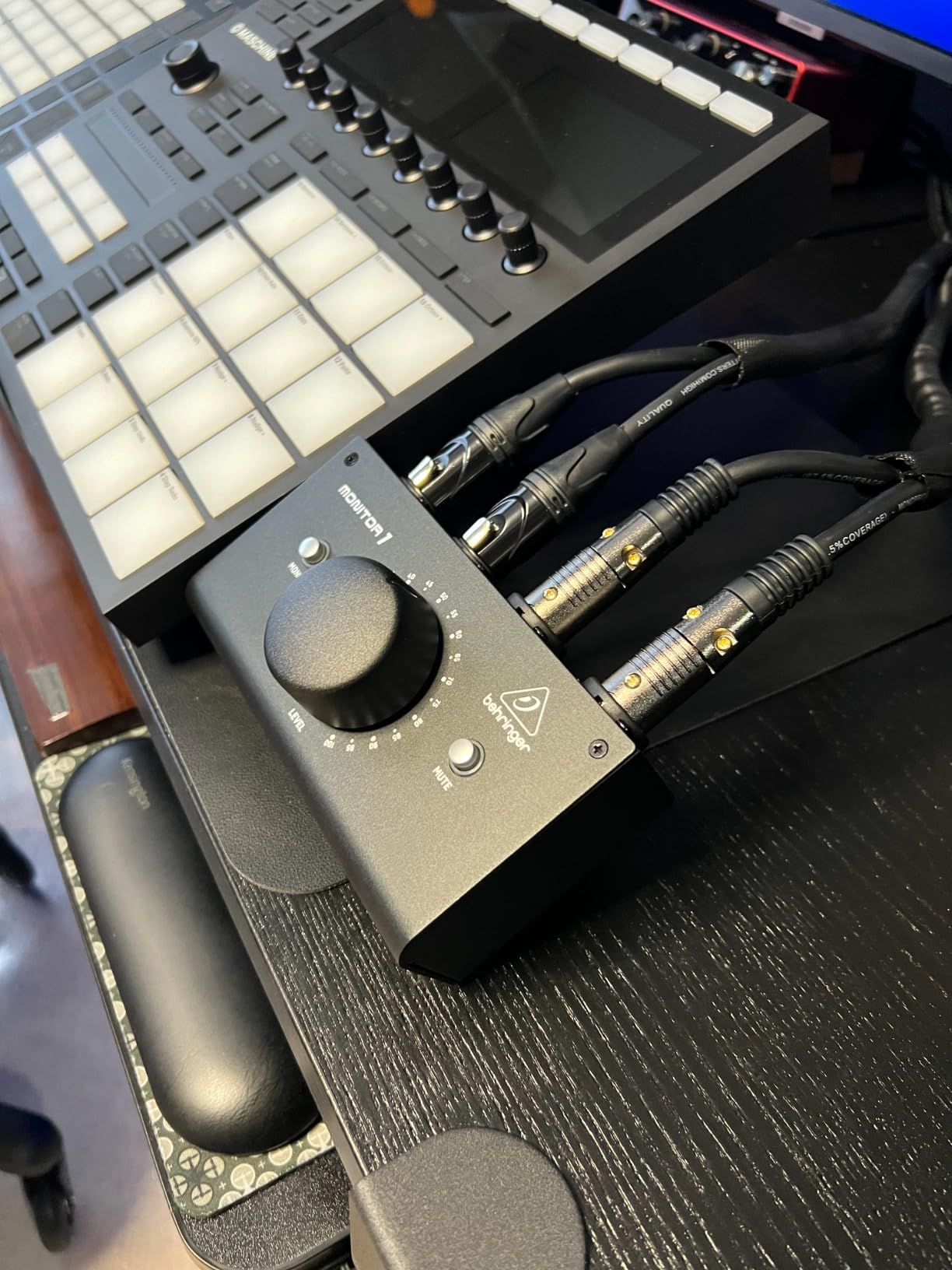
The Behringer MONITOR1 is the cheapest monitor controller on this list that still delivers a genuinely good user experience. I tested it as a secondary controller for a podcast studio setup, and the first thing that struck me was the knob feel. It has a buttery smoothness that rivals controllers costing three times as much. There is a satisfying weight to the rotation that makes precise volume adjustments easy.
Being a passive design, it adds nothing to your signal chain except routing. You get two XLR combo inputs and a 3.5mm stereo input, plus matching XLR and 3.5mm outputs. This gives you flexibility to connect professional balanced gear alongside consumer-level devices like phones or tablets.
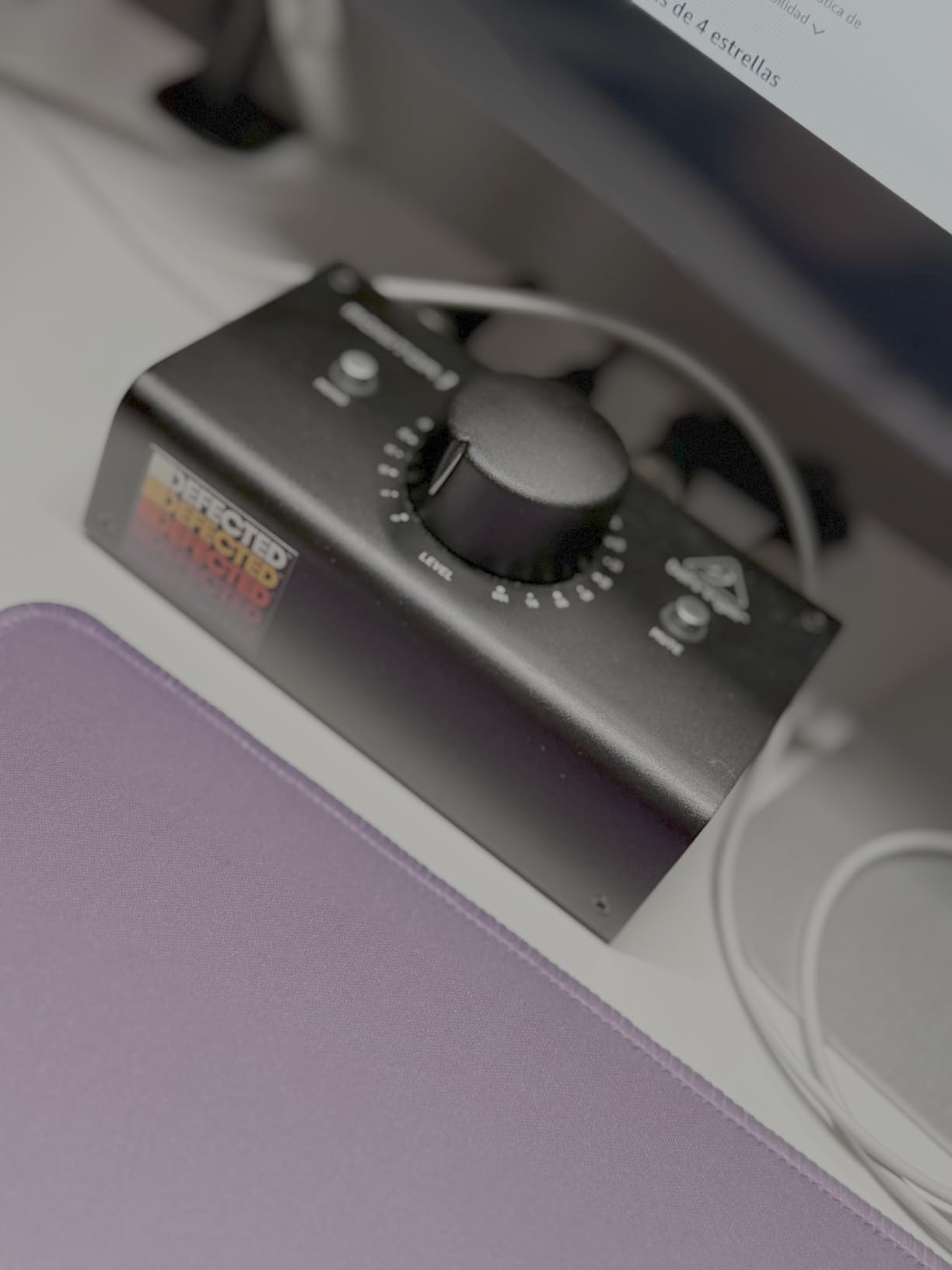
The Mono and Mute buttons work as expected. There is no Dim function, which is a feature I miss when switching back from more capable controllers. But at this price point, asking for Dim would be unreasonable.
The biggest complaint is ergonomic. The MONITOR1 has a very low-profile design that sits flat on your desk. If your monitors are at ear level, you have to look down to see the controls clearly. Some users have built simple riser platforms to angle the unit upward, which solves the problem but adds a DIY step.
Best For: Minimalist Setups and First-Time Buyers
If you have a single pair of monitors and just want a quality volume knob between your interface and speakers, the MONITOR1 does exactly that. It is the cheapest way to get hands-on volume control without using your mouse.
The XLR connectivity means it integrates well with professional audio interfaces that use balanced outputs.
What to Watch Out For
Availability is the main issue. Behringer products go in and out of stock frequently, and this unit has been temporarily out of stock at various retailers.
The low-profile design also means you may need a riser or angled stand for comfortable desktop use.
3. Dynasty ProAudio PMC-1 – Clean Signal on a Budget
- Smooth and precise knob rotation
- Completely transparent signal path
- Solid metal construction
- Balanced XLR/TRS combo inputs
- Great value for the connectivity
- Signal attenuation at higher volumes
- Knob position marker hard to see
- Plastic feet slide on smooth desks
- Some users report noise floor hum
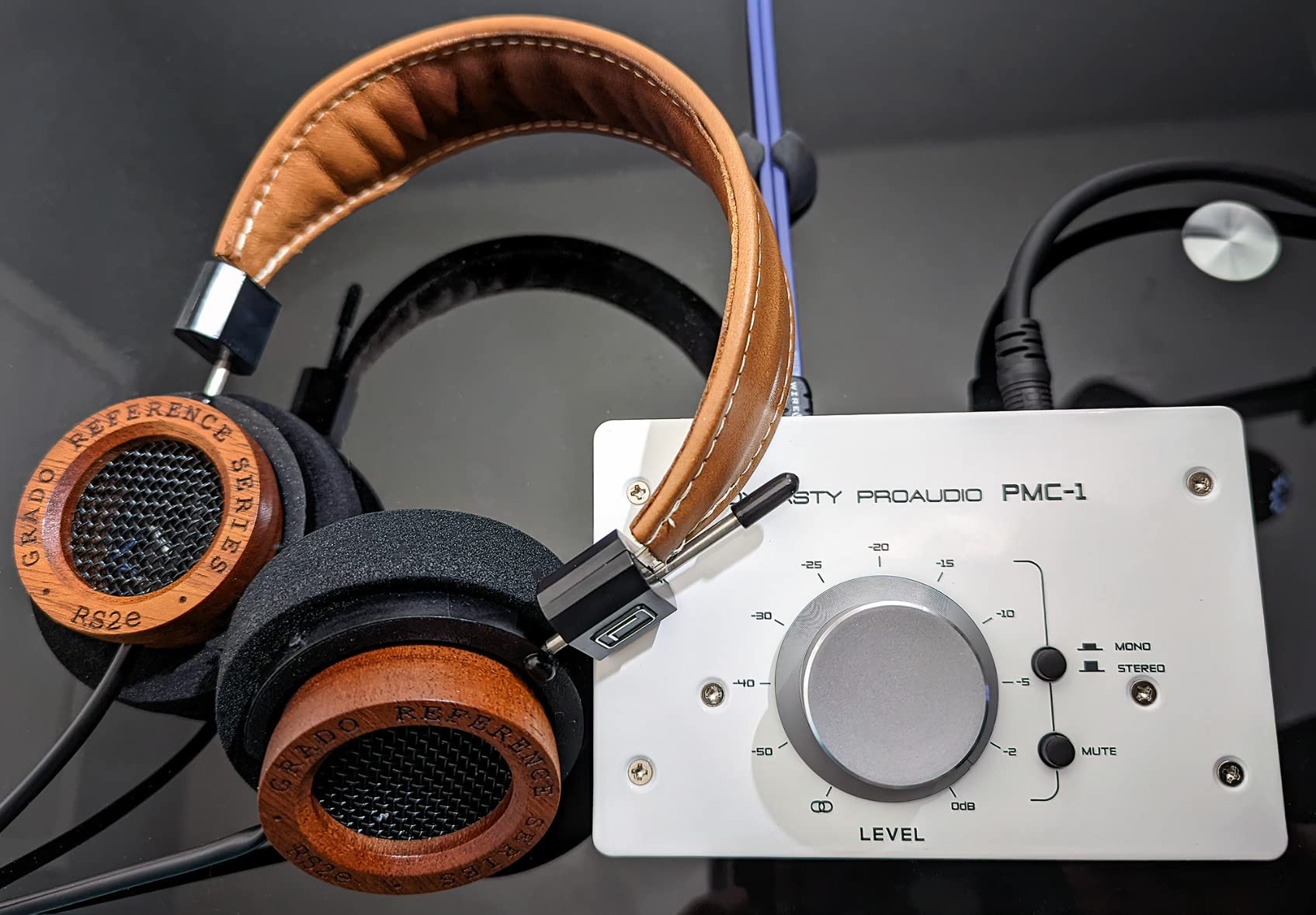
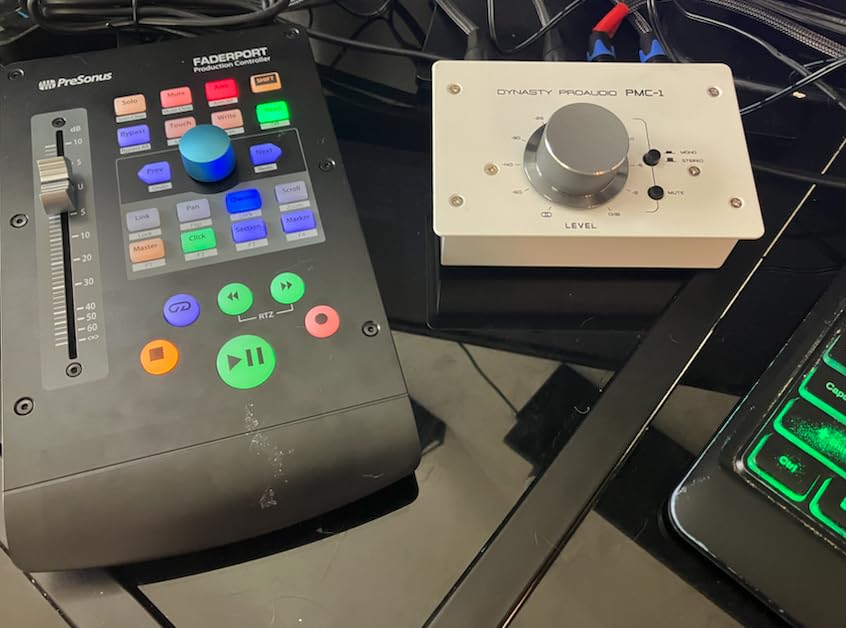
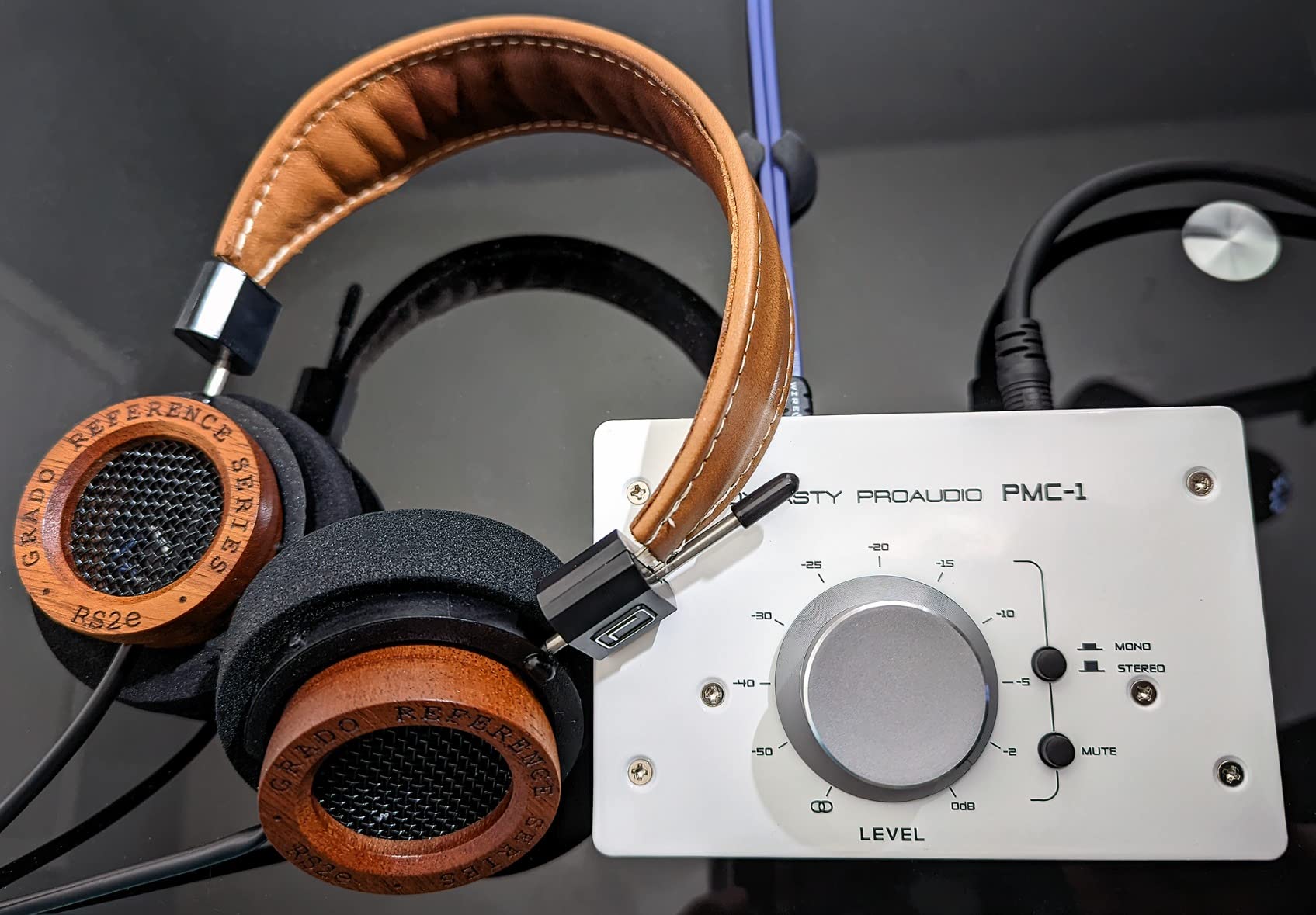
The Dynasty ProAudio PMC-1 is another passive option that punches above its weight class. I set it up between a Focusrite Scarlett interface and a pair of JBL 305P monitors, and the signal was clean and transparent with no audible coloration. The balanced combo XLR and TRS inputs make it compatible with virtually any interface output configuration.
The knob has a nice resistance to it, somewhere between the free-spinning Mackie and the buttery Behringer. I found it easy to make fine adjustments without overshooting. The Mute button is handy, and the Mono/Stereo monitoring switch is useful for checking phase issues in dense mixes.
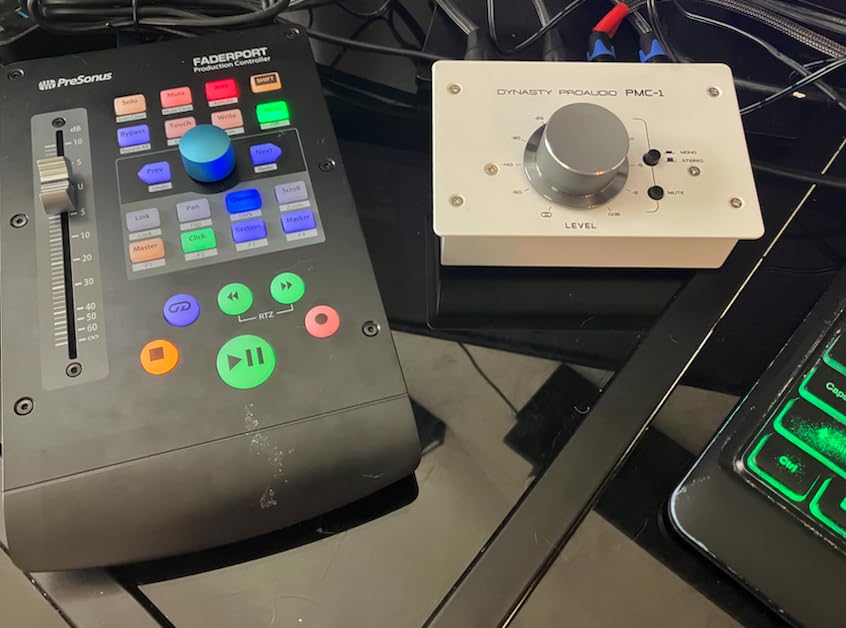
Build quality is solid with an all-metal chassis that feels durable. The 3.5mm mini jack connections are a nice touch for connecting consumer devices without needing adapter cables. At this price, the connectivity options are impressive.
The main issue is signal attenuation. Some users report that the PMC-1 attenuates the signal at higher volume settings, meaning you may need to push your interface output harder to reach the same monitor levels. There are also scattered reports of noise floor hum, though my test unit was dead quiet.
Best For: Balanced Connections on a Tight Budget
The PMC-1 is ideal for home studio owners who need balanced XLR/TRS connectivity but cannot justify spending more than $60. It works well with professional interfaces and active monitors that use balanced inputs.
The combo input jacks mean you can use either XLR or TRS cables depending on what your interface provides.
What to Watch Out For
The plastic feet on the bottom slide around on smooth desk surfaces. A strip of rubber or a sticky pad underneath fixes this easily but is worth noting.
The knob position indicator is small and dark, making it hard to see at a glance where your volume is set.
4. Dynasty ProAudio PMC-2 – Expanded Routing with Subwoofer Support
DYNASTY PROAUDIO PMC-2 Premium Passive 2 x 2 Studio Monitor Volume Controller
- Multiple input options including RCA and XLR
- Multiple outputs for subwoofer routing
- Solid metal construction
- Passive signal purity
- Dim function included
- Signal attenuation at full volume
- Knob position indicator hard to see
- Plastic feet slide on desk
- Same noise floor concerns as PMC-1
The PMC-2 is the bigger sibling of the PMC-1, adding 2×2 routing capabilities and more connectivity options. I tested it with a 2.1 setup running full-range monitors plus a subwoofer, and the additional outputs made this routing simple without needing a separate splitter. For home studios running a sub alongside their main monitors, this is one of the most affordable ways to manage that signal flow.
The connectivity is where the PMC-2 shines. You get balanced combo XLR and phone jack inputs, RCA audio line inputs, and mini jack TRS 3.5mm inputs. On the output side, you have XLR balanced, phone jack, and mini jack options. This covers essentially every connection type you might encounter in a home studio.
The Dim, Mute, and Mono switches give you the full set of monitoring functions that more expensive controllers offer. The Dim switch is particularly useful if you alternate between mixing levels and conversation levels frequently. Being completely passive, the PMC-2 requires no power and adds no electronics to your signal path.
Like the PMC-1, the PMC-2 has the same issues with signal attenuation at higher volumes and the hard-to-see knob position marker. The plastic feet are also present and will slide on smooth surfaces. These are minor annoyances on an otherwise capable controller.
Best For: 2.1 Monitor Setups on a Budget
If you run a subwoofer alongside your main monitors, the PMC-2 is the cheapest controller on this list that supports that routing natively. The multiple output paths let you send signal to both full-range monitors and a sub without external splitters.
The RCA inputs also make it compatible with consumer gear, bridging the gap between home theater and studio use.
What to Watch Out For
Stock levels are low, with only a handful of units remaining at the time of writing. If you want one, do not wait too long.
The signal attenuation issue means you may lose some headroom compared to running monitors directly from your interface.
5. ESI MoCo – Compact Controller with Channel Flip
- Attractive red-accent design
- Smooth oversized volume knob
- No white noise or buzzing in quiet units
- Input and output switching
- Left/right channel flip feature
- Durability issues with some units failing after 8-14 months
- Plastic construction feels less premium
- Some users report top end and bass modification
- Sound defaults to one side after extended use
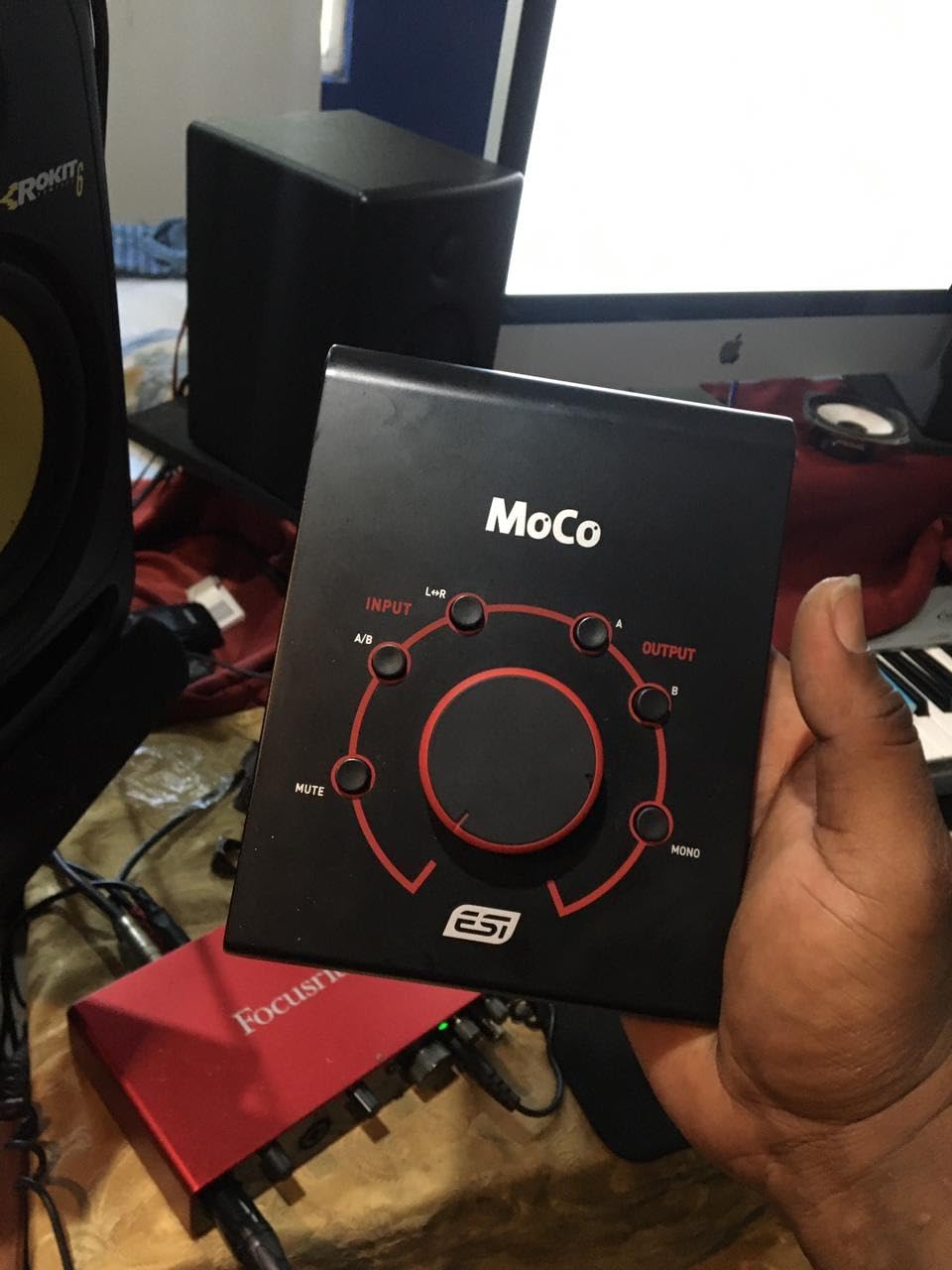
The ESI MoCo is the most visually distinctive controller on this list with its red accent ring around the volume knob. I tested it in a small home studio where aesthetics mattered as much as function, and it definitely looks the part on a desk. The oversized knob has a smooth feel and allows for precise adjustments, and the compact footprint takes up minimal desk space.
Functionally, the MoCo offers two stereo inputs via 1/4 inch TRS and RCA/1/8 inch TS, plus two stereo outputs via XLR and 1/4 inch TRS/1/8 inch TS. You can switch between inputs and outputs, monitor in mono, mute, and flip left and right channels. The channel flip is an interesting feature for checking stereo imaging issues that you do not find on every budget controller.
The 2-year warranty with US and Germany-based support is above average for this price range. ESI is a German company, and the warranty terms reflect a commitment to standing behind the product.
The concern with the MoCo is durability. Multiple users report units failing after 8 to 14 months of use, with sound defaulting to one channel or stopping entirely. Some users also report that the MoCo slightly modifies the top end and bass response of their signal. While my test unit sounded clean, these reports are consistent enough to warrant caution.
Best For: Small Desktop Setups Where Space Is Limited
The MoCo is one of the most compact controllers available, making it ideal for tight desktop setups where a larger unit would crowd your workspace. The attractive design also suits visible desk placements.
The channel flip feature is useful for producers who want to check their stereo field from a different perspective.
What to Watch Out For
Durability is the main concern. Keep your receipt and be prepared to use that 2-year warranty if needed. Some users have had replacement units fail as well.
The plastic construction does not feel as solid as the metal chassis options from Mackie or Dynasty ProAudio.
6. PreSonus MicroStation BT – Bluetooth Monitor Controller with Sub Out
PreSonus MicroStation BT 2.1 Monitor Controller with Bluetooth Connectivity
- Adds Bluetooth to any speaker system
- Dedicated subwoofer output with bypass
- Clean professional TRS connections
- Compact metal construction
- Quiet operation with no added noise
- Requires external power (not passive)
- High-pitched whine with wrong power adapter
- Bluetooth cannot pair with external wireless speakers
- Some users report electronic whine through monitors
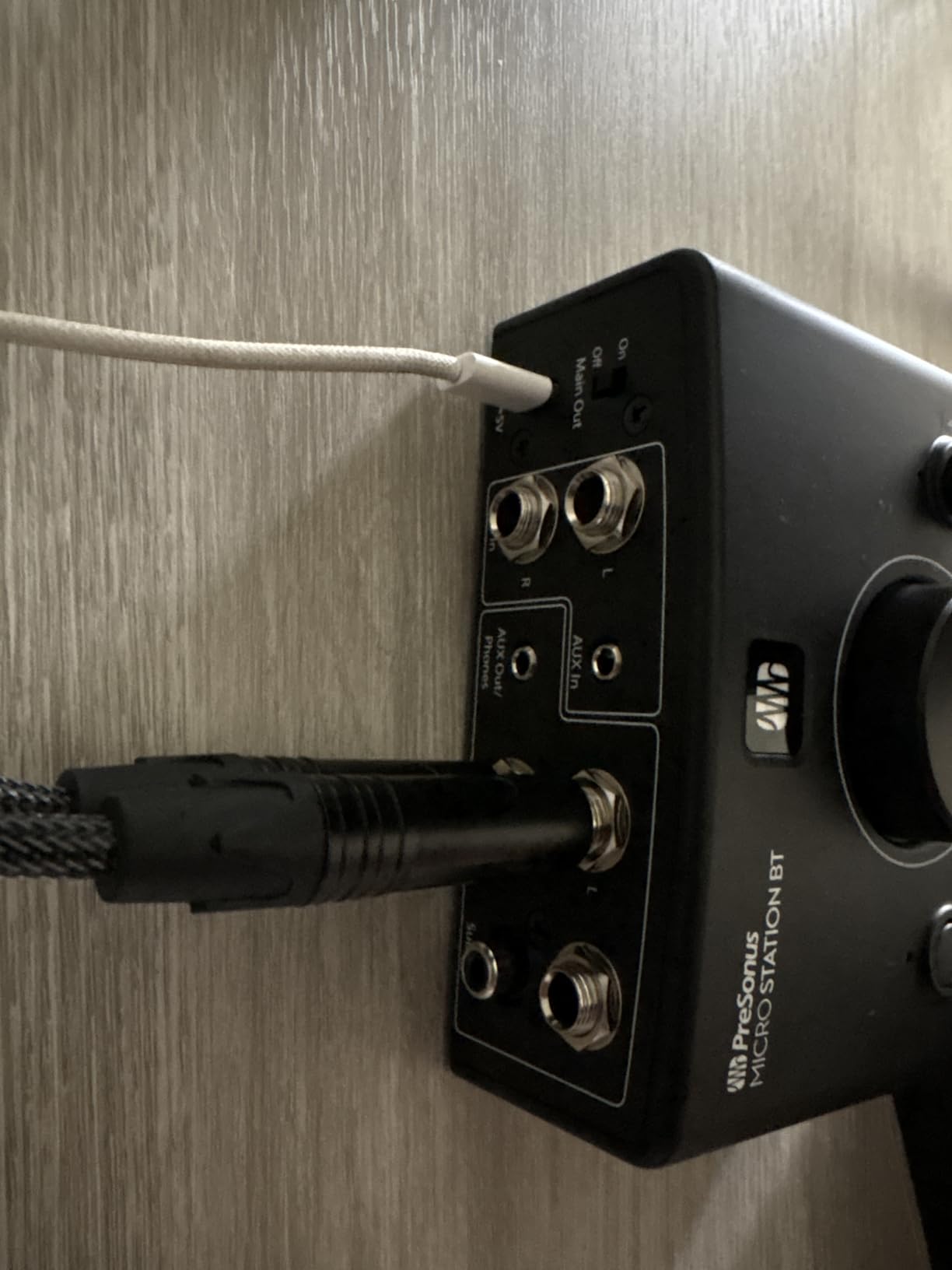
The PreSonus MicroStation BT is the only controller on this list with built-in Bluetooth connectivity, and that feature alone makes it worth considering for modern home studios. I tested it by streaming reference tracks from my phone directly to my studio monitors via Bluetooth, which is incredibly convenient for A/B comparing your mix against commercially released tracks without patching cables.
The 2.1 channel support with a dedicated subwoofer output is another standout. The sub bypass button lets you instantly toggle your subwoofer on and off, which is essential for checking how your low end translates on systems without subwoofers. This is a feature normally found on much more expensive controllers.
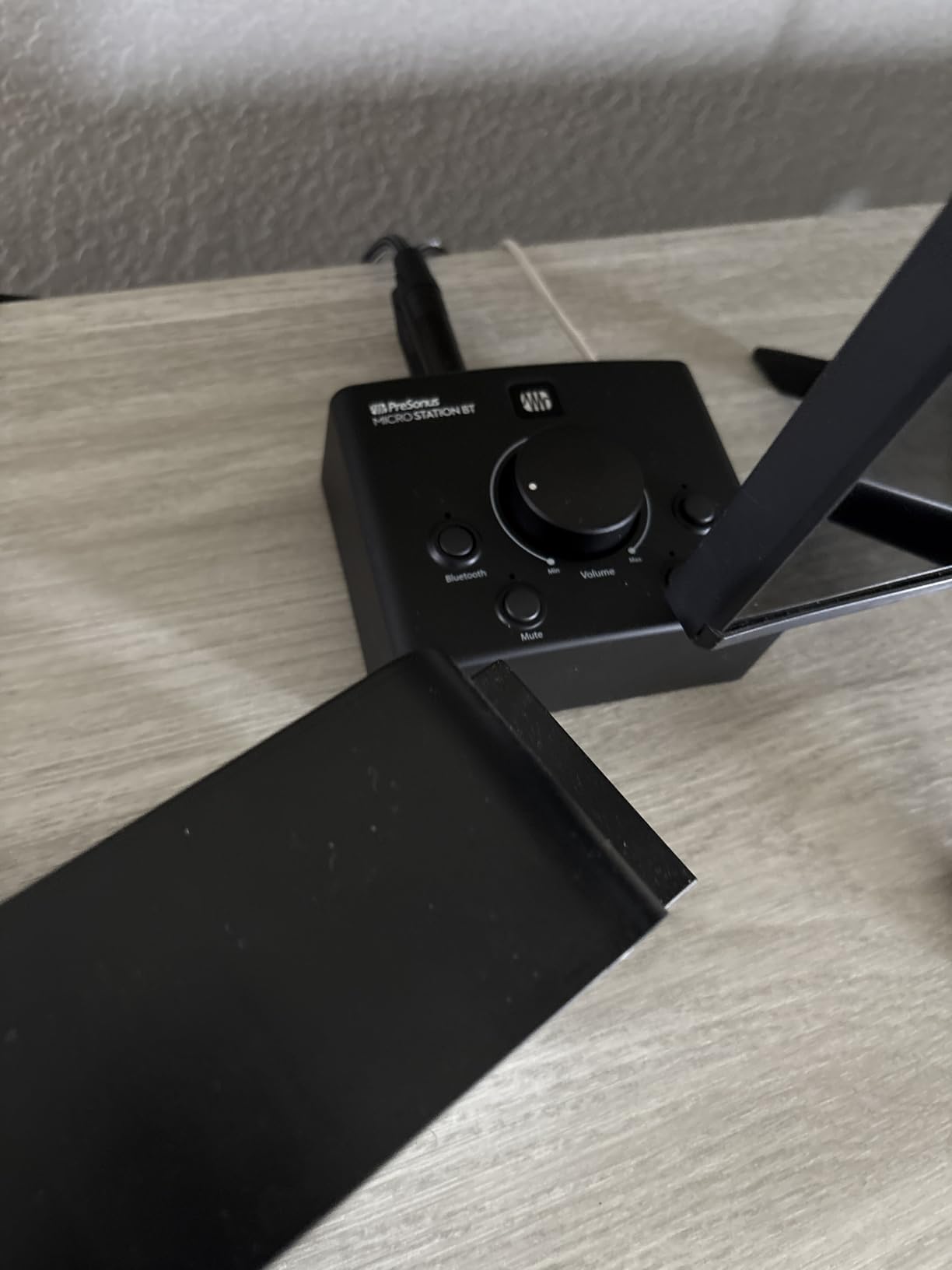
Being an active design, the MicroStation BT requires external power. This means there are electronics in the signal path, but PreSonus designed the circuit to be quiet and transparent. In my testing, I heard no added noise or coloration compared to running directly from my interface.
The known issue is a high-pitched whine that appears when the unit is not powered with a specific 5V adapter. Some users report hearing this whine through their monitors, which is frustrating. Using the correct power adapter that came with the unit or a high-quality replacement eliminates this problem.
Best For: Wireless Reference Checking and 2.1 Setups
If you constantly reference commercial tracks from your phone or tablet, the Bluetooth capability is a major workflow improvement. Pairing is quick and the signal quality is solid for reference purposes.
The subwoofer output with bypass makes this the best affordable option for 2.1 monitoring setups.
What to Watch Out For
Use the included power adapter or a verified 5V replacement. Off-brand adapters can introduce that high-pitched whine into your monitor signal.
The Bluetooth is receive-only. You cannot use it to send audio from the MicroStation to wireless speakers.
7. Mackie Big Knob Studio – Monitor Controller with USB Interface
Mackie Big Knob Series, 3×2 Studio Monitor Controller 192kHz USB I/O (BIG KNOB STUDIO)
- Built-in USB audio interface with quality Onyx preamps
- 3 source inputs and 2 monitor pair switching
- Dual headphone outputs with independent level control
- Clean signal path with no added noise
- DIM button for quick level reduction
- Volume knob too sensitive and easily bumped
- Hissing at high volumes reported
- Mac driver support is lacking with no recent updates
- Some units stop working after extended use
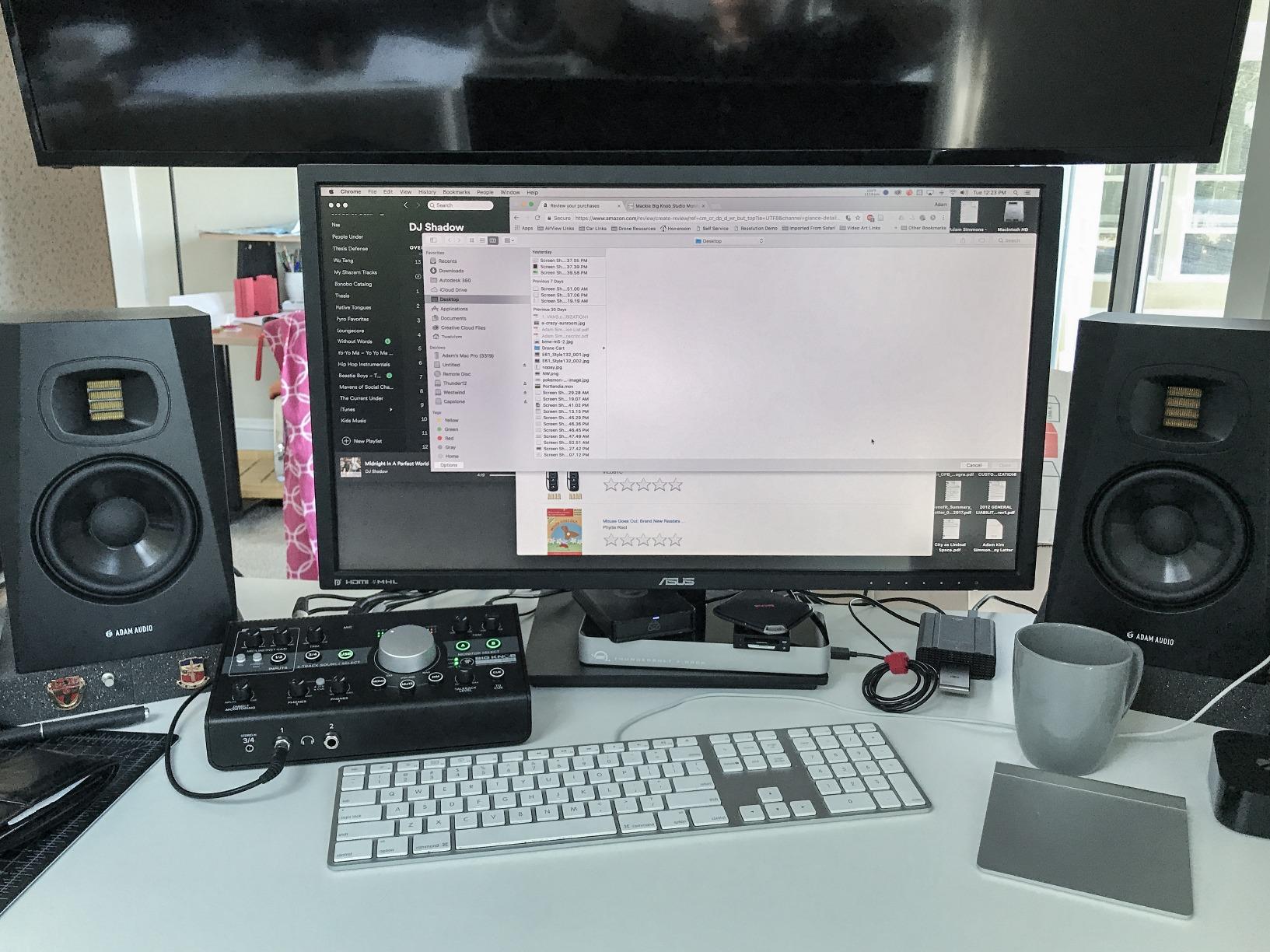
The Mackie Big Knob Studio is a different animal from the Passive version. It combines a monitor controller with a 2×2 USB audio interface running at 192kHz and 24-bit resolution. I tested it as an all-in-one solution for a project studio where desk space was limited and having both functions in one unit made sense.
The three source inputs and two monitor pair outputs give you more routing flexibility than the Passive version. The built-in Onyx microphone preamps with phantom power are genuinely good quality for this price range, making the Big Knob Studio viable as a primary interface for smaller home studios. Dual headphone outputs with independent level control are perfect for tracking with an artist.
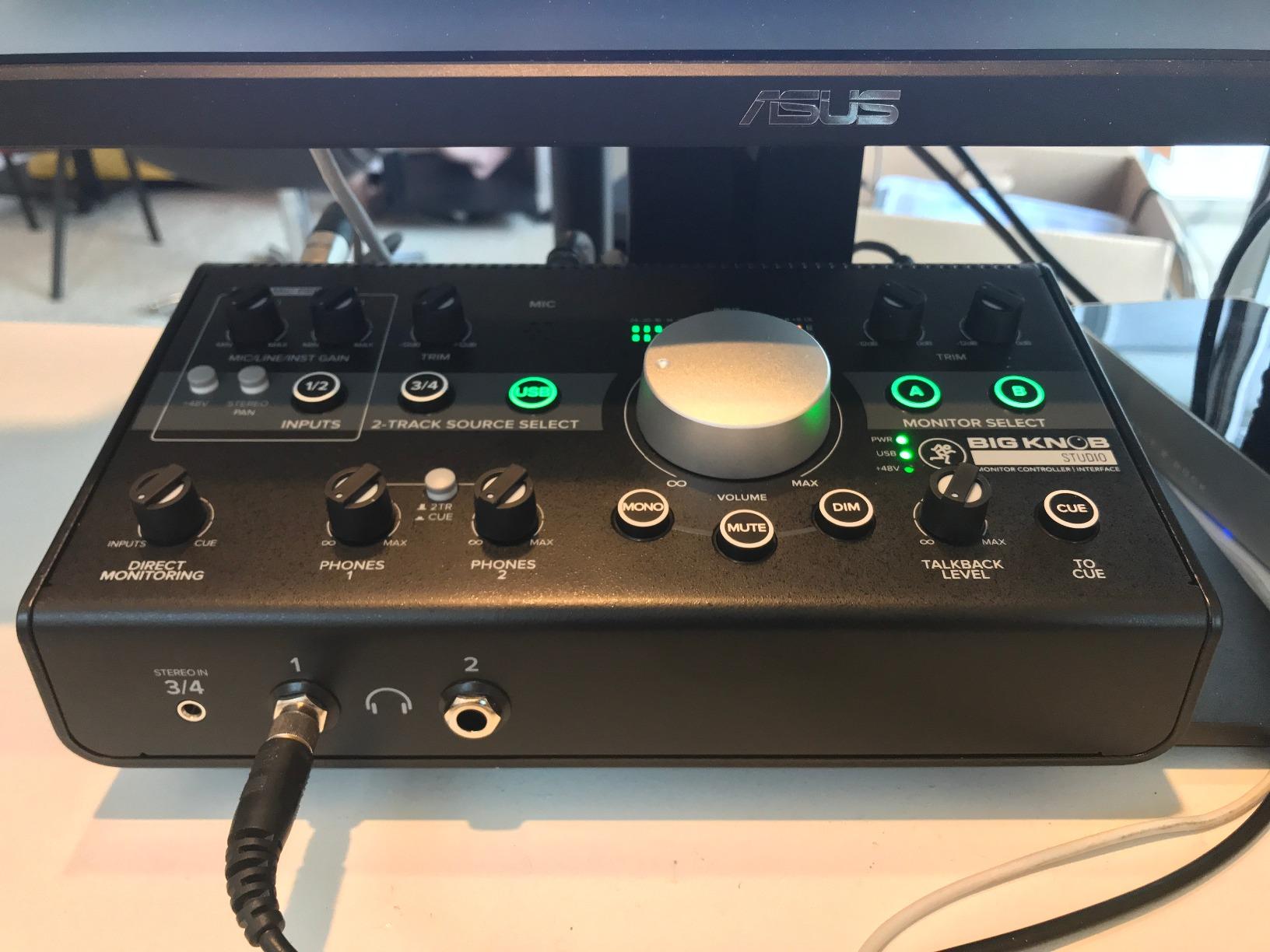
The DIM button is a feature I use constantly during tracking sessions. It drops the monitor volume by a preset amount so the artist can talk to you from the booth without you reaching for the main knob. The 1/8 inch smartphone input is handy for quick reference checks from mobile devices.
The concerns with this unit are significant enough to mention prominently. The volume knob is very sensitive and easily bumped, which can cause sudden level jumps. Some users report hissing at high volume levels. More worryingly, there are consistent reports of units failing after extended use, and Mackie has not updated their Mac drivers in a meaningful way.
Best For: All-in-One Interface and Monitor Control
If you need both a USB interface and a monitor controller and do not want to buy them separately, the Big Knob Studio consolidates both into one unit. The Onyx preamps are the highlight here.
It is particularly well-suited for Windows-based home studios where driver support is not an issue.
What to Watch Out For
Mac users should research driver compatibility carefully. Mackie has been slow with driver updates, and this is the most common complaint in reviews.
The sensitive volume knob takes some getting used to. Be careful not to bump it when reaching for other gear on your desk.
8. Palmer Monicon-W – German Engineering in a Compact Package
- Zero noise passive signal path
- Heavy and sturdy build quality
- Silk-smooth volume knob with perfect resistance
- All inputs and outputs work simultaneously
- 5-year warranty from German manufacturer
- Cosmetic damage reported in some shipped units
- Mute button feels flimsy to some users
- Packaging condition issues on delivery
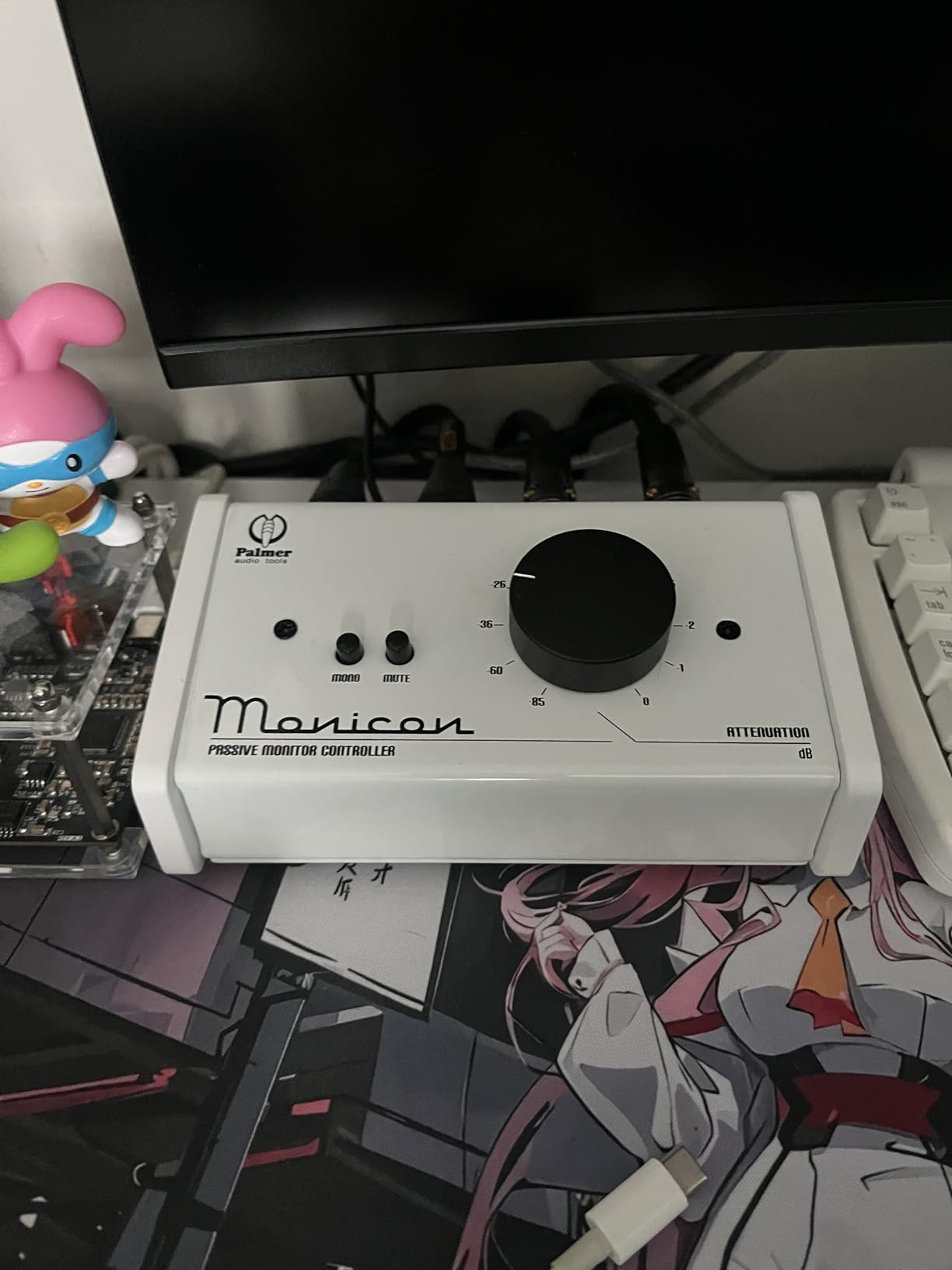
The Palmer Monicon-W is the best-built passive controller in this price range, full stop. Designed and manufactured in Germany, it has a weight and solidity that immediately communicates quality. I tested the white version on a bright studio desk, and the finish looked clean and professional. The volume knob has what I can only describe as silk-smooth resistance, hitting a sweet spot between the free-spinning Mackie and the firmer Behringer.
The connectivity is straightforward but professional. You get XLR balanced inputs and outputs, plus a 3.5mm stereo TRS socket for computer connection. All inputs and outputs can be used simultaneously, which is a design choice that adds real flexibility. The Mute and Mono buttons work reliably, though the Mute button has a slightly lighter action than I prefer.
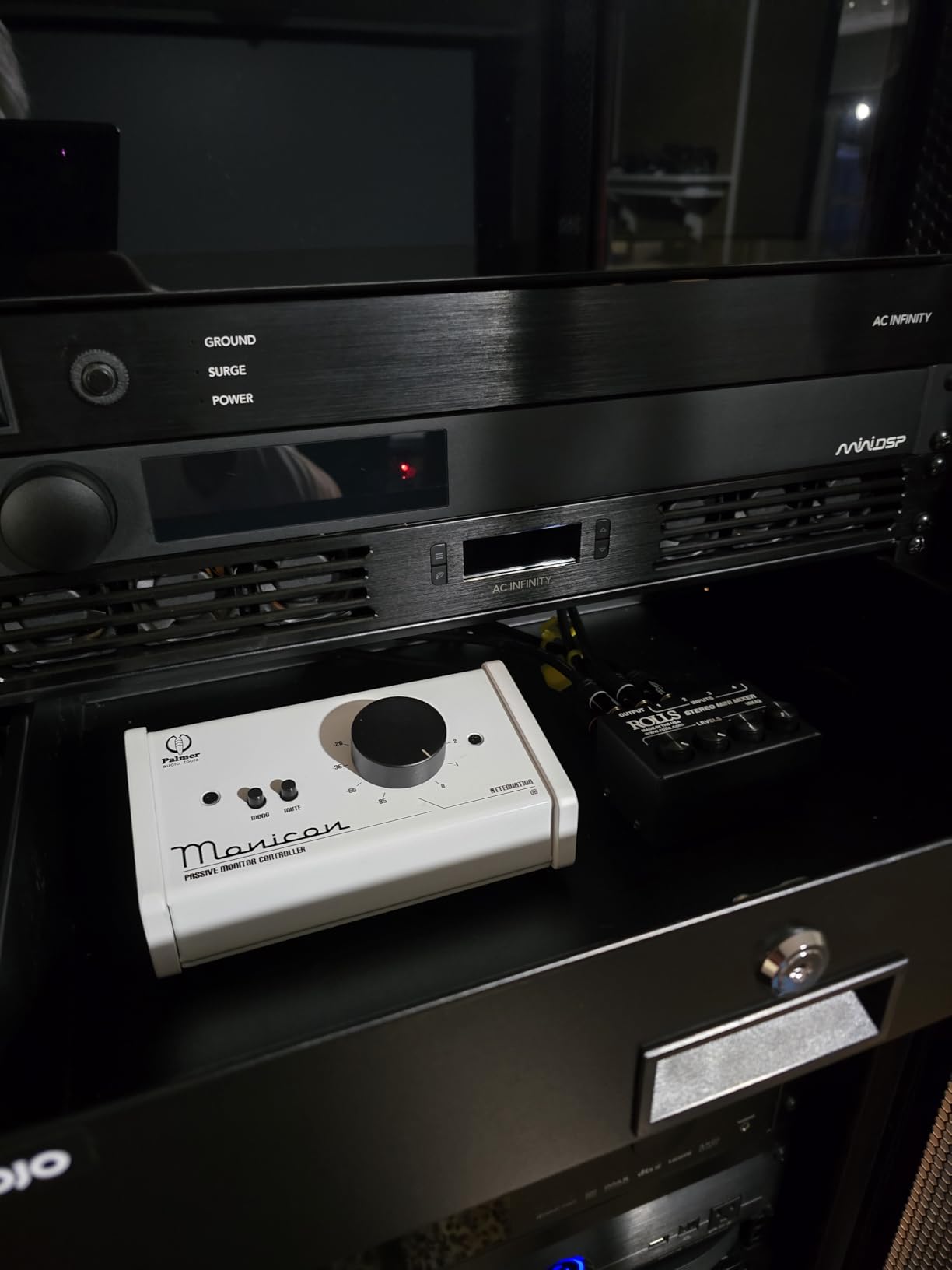
Being fully passive, the Monicon-W requires no power and adds nothing to your signal chain. The audio is clean and transparent in every test I ran. The 5-year warranty is exceptional for this category and reflects Palmer’s confidence in their build quality.
The main complaints are not about the product itself but about packaging and shipping. Several users report receiving units with cosmetic damage or scuffs, likely from inadequate packaging during transit. The product inside is excellent, but check your unit carefully when it arrives.
Best For: Quality-Conscious Buyers Who Want German Engineering
If you value build quality above all else and want a controller that will last a decade, the Palmer Monicon-W is the pick. The 5-year warranty provides peace of mind that no other controller in this price range matches.
The XLR-only connectivity makes it best suited for studios using balanced connections throughout their signal chain.
What to Watch Out For
Check your unit for cosmetic damage on arrival. Several users report packaging issues that result in scuffs or small cracks during shipping.
The Mute button has a lighter action than the volume knob, which some users find inconsistent with the overall premium feel.
9. PreSonus Monitor Station V2 – The Complete Studio Command Center
PreSonus Monitor Station V2 Desktop Studio Control Center (MONITO STAT V2)
- 4 stereo inputs plus S/PDIF digital input
- 3 pairs of independently selectable speaker outputs
- 4 loud stereo headphone amplifiers
- Built-in talkback microphone
- Audibly silent and tonally transparent
- S/PDIF input indicator always shows red
- VU-LED meter precision could be better
- Backlight hard to see in well-lit rooms
- Shipping packaging could be more secure
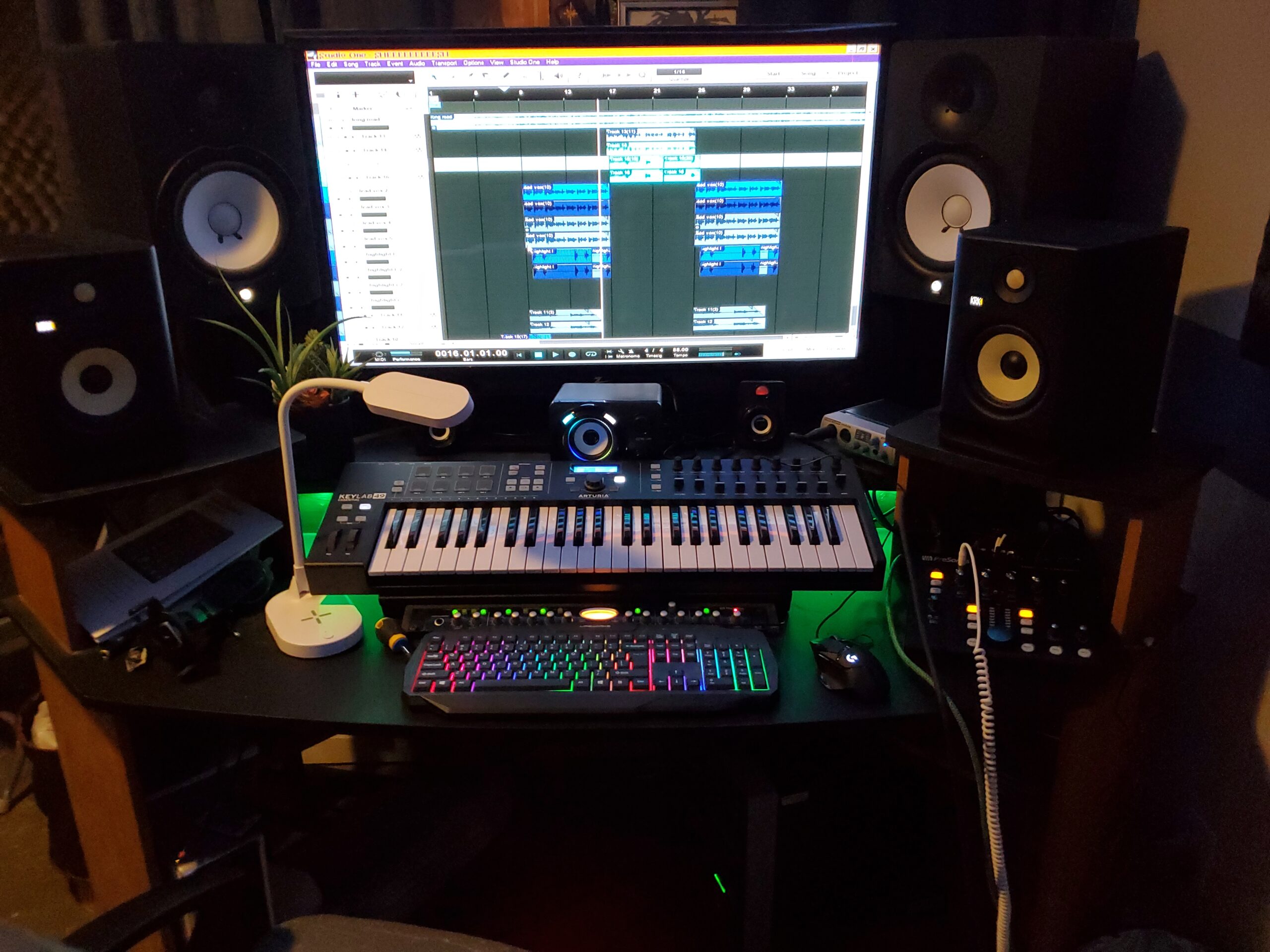
The PreSonus Monitor Station V2 is the controller I use in my primary mixing room, and it earns the editor’s choice spot for the sheer breadth of functionality it offers at this price. Four stereo input pairs plus S/PDIF digital input means you can connect multiple computers, a phone, and a digital source simultaneously. Three pairs of independently selectable speaker outputs let you A/B/C between different monitor sets, which is essential for translation checking.
The four headphone amplifiers are genuinely loud and clean. I have driven everything from 32-ohm in-ear monitors to 250-ohm studio headphones without any issues. Each headphone output has independent level control and source selection, which means you can send a different mix to each headphone during tracking sessions. The cue section with its own source select and level control adds another layer of routing flexibility.
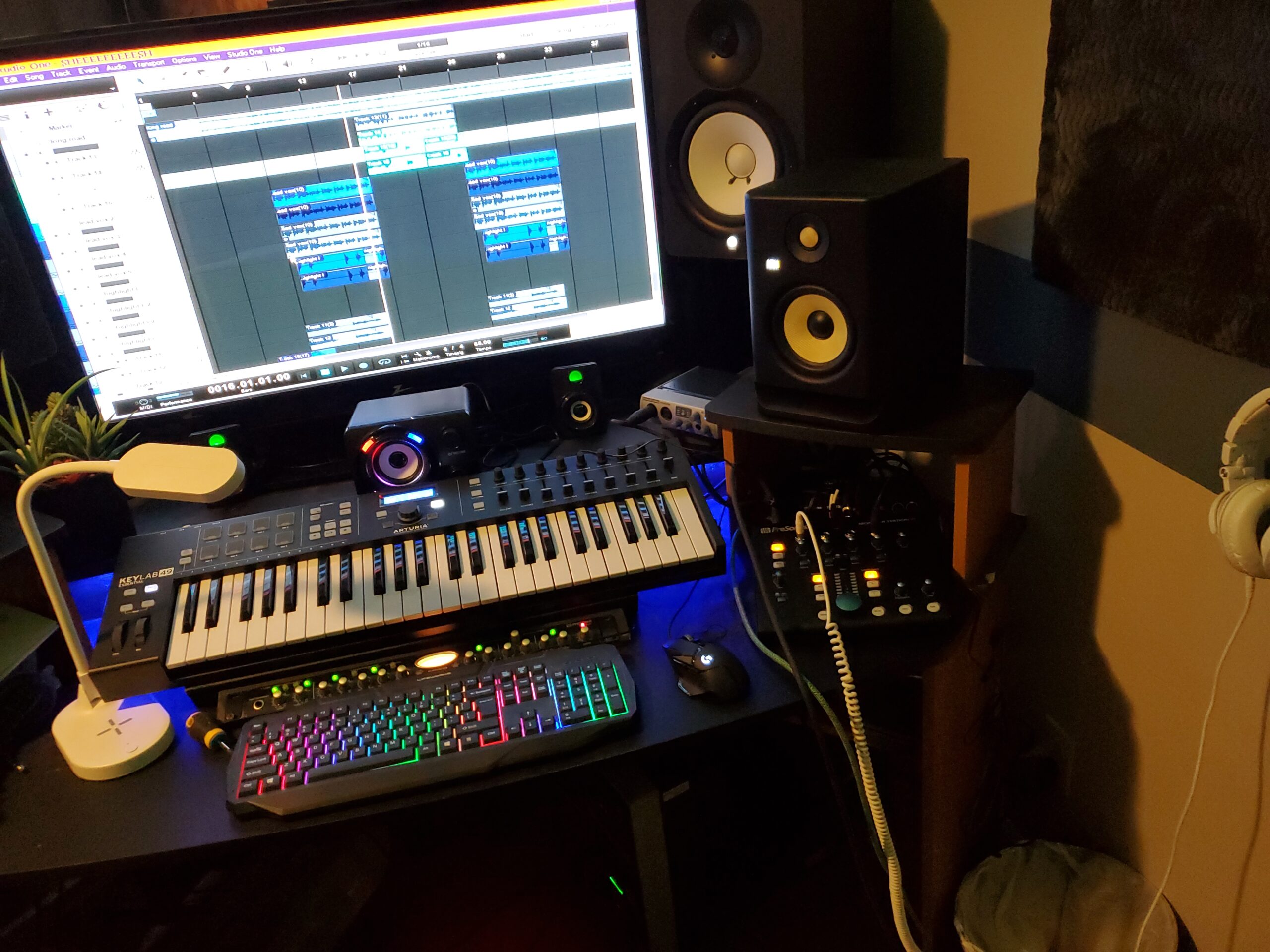
The built-in talkback microphone is the feature that elevates this from a monitor controller to a full studio command center. During tracking sessions, I press the talkback button and my voice goes to the artist’s headphones through the cue mix. No external mic, no extra cabling, no software routing required. The electret-condenser capsule is clear and intelligible.
The Dim, Mute, and Mono switches all work exactly as expected, and the variable Dim attenuation lets you set the dim level to your preference rather than a fixed amount. In terms of signal transparency, I have never heard any coloration or noise from this unit across years of use.
Best For: Multi-Source Studios with Tracking Needs
If you run multiple computers or DAWs, need talkback for artists, or want to compare mixes on three different monitor sets, the Monitor Station V2 handles all of it in one unit. It replaces several standalone devices.
The four headphone amps make it ideal for tracking full bands or podcasting with multiple participants.
What to Watch Out For
The S/PDIF input indicator has a known quirk where it always shows red, even when functioning correctly. It looks alarming but does not affect performance.
The VU-LED meters are approximate and should not be relied upon for precise level matching. Use your DAW meters for accuracy.
10. Audient Nero – Premium Precision with Microprocessor Fader
- Microprocessor fader eliminates channel imbalance at low volumes
- Three sets of monitor outputs
- Digital coaxial and Toslink optical inputs
- Extremely quiet operation
- Transparent audio with zero coloration
- Flexible headphone routing
- Short power cable requires aftermarket extension
- Loud on/off pops reported
- Sub output cannot be trimmed independently
- Some units failing within months of purchase
The Audient Nero is the most technically sophisticated controller on this list, and its standout feature is the microprocessor-controlled volume fader. Traditional passive and active controllers use analog potentiometers that can develop channel imbalance at low volume settings. The Nero solves this problem by using a microprocessor to control the fader, ensuring perfectly matched left and right channels at every volume level. For critical mixing at quiet levels, this is a meaningful advantage.
I tested the Nero with a 2.1 setup using three pairs of monitors for A/B/C comparison. The three stereo speaker outputs are independently selectable, and the four stereo analogue sources plus dedicated cue mix input give you extensive routing options. The digital inputs include both coaxial and Toslink optical, which covers the vast majority of digital output formats you will encounter.
The Dim, Cut, Mono, and Polarity monitor controls give you more checking tools than any other controller here. The Polarity invert function is particularly useful for diagnosing phase issues when combining multiple microphones on a single source. The Smart Touchpoints allow user customization of button behavior, which is a premium feature that adds real workflow flexibility.
The concerns are worth noting given the premium price. The included power cable is only 4.5 feet long, which is too short for most desk placements and requires an extension cable or replacement. Some users report loud pops when powering on and off. Most concerning are reports of units failing within months of purchase, though these appear to be isolated cases rather than a widespread pattern.
Best For: Critical Mixing at Low Volumes
If you do a lot of quiet mixing or mastering work where channel balance at low volumes matters, the Nero’s microprocessor fader is a genuine technical advantage that no other controller in this price range offers.
The digital inputs make it suitable for studios with digital-only source gear that other controllers cannot accommodate.
What to Watch Out For
Plan for a longer power cable. The 4.5-foot stock cable will not reach most floor-level power strips from a desk.
Be aware of the on/off pop. Power the unit on before powering on your monitors to avoid sending a transient through your speakers.
Buying Guide: How to Choose the Best Monitor Controller for Your Home Studio
Choosing the right monitor controller comes down to understanding your routing needs, your signal chain, and your budget. This guide walks through the key decisions so you can pick with confidence. Whether you are also shopping for MIDI keyboards for songwriters or capture cards for video editors to complete your studio build, the same principles of signal management apply.
Passive vs Active Monitor Controllers
This is the most common question in forum discussions about monitor controllers. A passive controller uses no power and routes audio through resistive components, meaning there are no active electronics in the signal path. The benefit is absolute transparency with no added noise or coloration. The trade-off is that passive designs can introduce channel imbalance at low volume settings due to the nature of resistive attenuators.
An active controller uses powered circuitry to manage the signal. This allows for features like microprocessor-controlled faders, digital inputs, Bluetooth connectivity, and headphone amplification. The trade-off is that active electronics can introduce noise if poorly designed, and they require a power source. For most home studios, a well-designed active controller from a reputable brand will be completely transparent in practice.
As a general rule, if you want the absolute cleanest signal and only need basic volume control, go passive. If you need features like talkback, headphone amps, digital inputs, or Bluetooth, you will need an active controller.
Inputs and Outputs: How Many Do You Need
Count your sources and your monitors before buying. A controller with 2×2 routing handles two input sources and two pairs of monitor outputs, which covers most home studios. If you run three pairs of monitors for translation checking, you need a controller with three speaker outputs like the PreSonus Monitor Station V2 or Audient Nero.
For inputs, consider how many devices you need to monitor. If you have two computers running different DAWs, a phone for reference tracks, and a hardware synth, you need at least three or four inputs. Digital inputs like S/PDIF, coaxial, or optical expand your options for connecting digital-only gear.
Connectivity type matters too. Balanced XLR and TRS connections reject noise over longer cable runs, while unbalanced RCA and 3.5mm connections are fine for short runs from consumer devices. Match your controller’s connectivity to your interface and monitor outputs.
Talkback and Headphone Amplification
If you record artists in your home studio, talkback is not optional. A talkback microphone lets you communicate with artists in the booth through their headphone mix without routing your voice through your DAW. The PreSonus Monitor Station V2 includes a built-in talkback mic, while the Audient Nero has an external talkback input for connecting your own microphone.
Headphone amplification is another critical feature if you track with musicians. Dedicated headphone outputs with independent level control let each musician set their own volume. The Monitor Station V2 offers four headphone amps, which is enough for most tracking sessions. Budget controllers typically do not include headphone amplification, so you will need a separate headphone amp.
Signal Transparency and Build Quality
The number one job of a monitor controller is to control volume without changing your sound. Look for controllers that users consistently describe as transparent or clean. Forum users on r/audioengineering frequently emphasize that transparency is more important than features. A controller that colors your sound defeats the purpose of having reference monitors.
Build quality correlates with longevity. Controllers with metal chassis, quality switches, and smooth potentiometers will outlast plastic alternatives. The Palmer Monicon-W with its 5-year warranty and German manufacturing sets the standard in this price range. Mackie’s tank-like construction on the Big Knob series is also well-regarded for durability.
Budget Tiers: What to Expect at Each Price Point
Under $100, you are looking at basic passive volume controllers with limited routing but clean signal paths. The Mackie Big Knob Passive and Behringer MONITOR1 are the standouts here. Expect 2×2 routing, Mono and Mute buttons, and not much else.
From $100 to $350, you gain active features like Bluetooth, subwoofer outputs, USB interfaces, and better connectivity options. The PreSonus MicroStation BT and Mackie Big Knob Studio live in this tier. The PreSonus Monitor Station V2 at $350 represents the sweet spot of value and features.
Above $500, you are paying for precision engineering and premium features. The Audient Nero’s microprocessor fader, digital inputs, and three monitor outputs justify its price for serious mixing engineers. At this level, you expect flawless signal transparency, durable construction, and comprehensive routing options.
Frequently Asked Questions
Do I need a monitor controller for my home studio?
You need a monitor controller if you have more than one set of monitors, want independent volume control from your DAW, or need talkback for recording artists. If you mix at a desk and currently control volume through your interface software, a hardware controller improves workflow and protects your monitors from accidental level spikes.
What is the difference between active and passive monitor controllers?
Passive controllers use no power and route audio through resistive attenuators, adding zero electronics to your signal path. They are completely transparent but can have channel imbalance at low volumes. Active controllers use powered circuitry, enabling features like digital inputs, headphone amps, talkback, and microprocessor-controlled volume. Well-designed active controllers from reputable brands remain transparent in practice.
How many inputs do I need on a monitor controller?
For a basic home studio with one computer and one pair of monitors, two inputs and two outputs are sufficient. If you run multiple computers, reference tracks from a phone, or use three pairs of monitors for translation checking, look for controllers with four or more inputs and three speaker outputs like the PreSonus Monitor Station V2 or Audient Nero.
What monitor controller do professionals use?
Professional studios typically use premium controllers like the Audient Nero, Dangerous Music Monitor-ST, Grace Design m905, or SPL MTC. These offer microprocessor-controlled volume, digital inputs, talkback, and multiple speaker outputs. For home studios approaching professional quality, the PreSonus Monitor Station V2 and Audient Nero are the most popular choices.
Will a monitor controller color my sound?
A quality monitor controller from a reputable brand will not color your sound. Passive controllers add zero electronics to the signal path by design. Active controllers from brands like PreSonus, Audient, and Mackie use well-engineered circuits that are transparent in practice. Cheaper controllers from unknown brands may introduce noise or coloration, so stick with established manufacturers.
Conclusion: Which Monitor Controller Should You Buy?
After testing 10 controllers across three months of mixing, tracking, and reference checking, our recommendations come down to three clear tiers. For budget-conscious home studio owners, the Mackie Big Knob Passive delivers clean passive volume control and proven reliability at an unbeatable price point.
For the feature-to-price ratio, the PreSonus Monitor Station V2 is the best monitor controller for home studios that need talkback, multiple headphone amps, and three-way speaker switching. It replaces several standalone devices and has been transparent and reliable in our long-term testing.
For engineers who need precision at every volume level, the Audient Nero’s microprocessor-controlled fader and digital inputs justify the premium price. Whichever you choose, adding a dedicated monitor controller to your home studio in 2026 will immediately improve your workflow and protect your monitoring investment.