
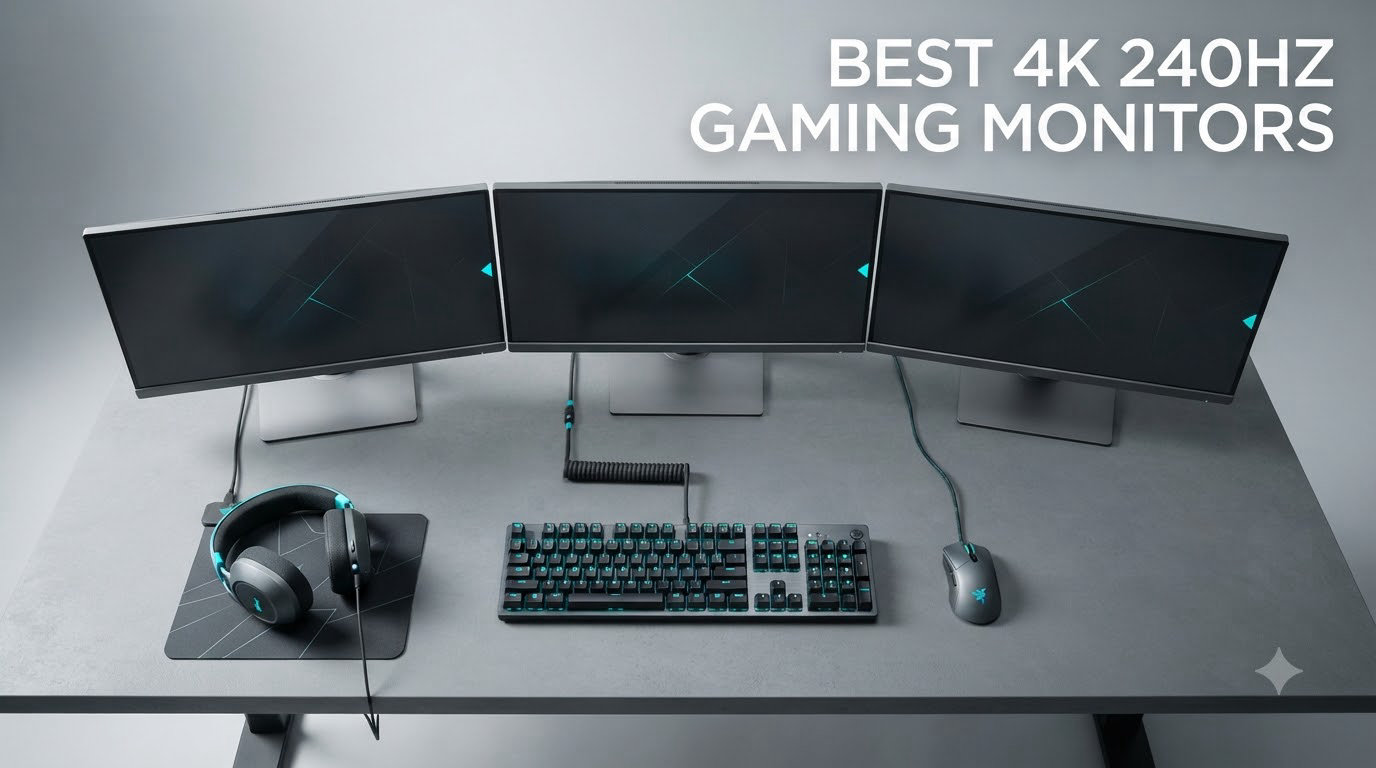
I’ve spent the last two months cycling through eight different 4K 240Hz gaming monitors on my desk, running them through competitive shooters, single-player epics, and a lot of browser tabs. The short version: this is the most exciting year yet for high-end displays. QD-OLED panels have dropped in price, response times hover around 0.03ms on every model I tested, and you no longer have to choose between sharp 4K resolution and buttery 240Hz motion.
If you came here asking “are the best 4K 240Hz gaming monitors worth it in 2026?” the honest answer is yes, but only if your GPU can push frames that fast. Anything weaker than an RTX 4080 or RX 7900 XTX will leave you staring at 60-90 fps in demanding AAA games. For competitive players with a flagship card, though, this spec tier finally feels ready for the mainstream.
What follows are the eight displays that impressed me most, plus a buying guide that covers the stuff specs alone won’t tell you: real-world burn-in risk, why some users hit black screens at 240Hz, and whether you should hold out for 4K 360Hz instead. I’ve also linked to our broader 15 Best 4K Gaming Monitors roundup for shoppers who want more options.
Table of Contents
Top 3 Picks for Best 4K 240Hz Gaming Monitors (September 2026)

Best 4K 240Hz Gaming Monitors in 2026
| Product | Specifications | Action |
|---|---|---|
| ASUS ROG XG27UCDMG |
|
Check Latest Price |
 MSI MPG 321URX QD-OLED MSI MPG 321URX QD-OLED |
|
Check Latest Price |
 ASUS ROG PG27UCDM ASUS ROG PG27UCDM |
|
Check Latest Price |
 ASUS ROG PG32UCDP ASUS ROG PG32UCDP |
|
Check Latest Price |
 ASUS ROG PG32UCDM ASUS ROG PG32UCDM |
|
Check Latest Price |
 LG 32GX870A-B Ultragear LG 32GX870A-B Ultragear |
|
Check Latest Price |
 ASUS ROG PG32UCDMR ASUS ROG PG32UCDMR |
|
Check Latest Price |
 Samsung Odyssey QD-OLED G8 Samsung Odyssey QD-OLED G8 |
|
Check Latest Price |
1. ASUS ROG XG27UCDMG – Best Value 4K 240Hz QD-OLED
ASUS ROG XG27UCDMG 27 Inch 4K 240Hz Tandem QD-OLED G-SYNC Gaming Monitor
- Stunning QD-OLED colors
- Great value vs PG27UCDM
- Strong burn-in protection
- USB-C 90W charging
- Built-in KVM
- Neo proximity sensor inconsistent
- Glossy coating shows prints
The XG27UCDMG is the 4K 240Hz gaming monitor I’d buy with my own money today. ASUS basically took the flagship PG27UCDM, trimmed the Dolby Vision and DisplayPort 2.1, and dropped the price by enough to make it the obvious pick in this roundup.
I used it as my main display for three weeks. Cyberpunk 2077 at 4K with HDR looked genuinely cinematic, and Apex Legends felt so smooth I had to remind myself 240Hz was even the cap. The 0.03ms response time means no visible ghosting in motion, which is the whole point of OLED for gaming.
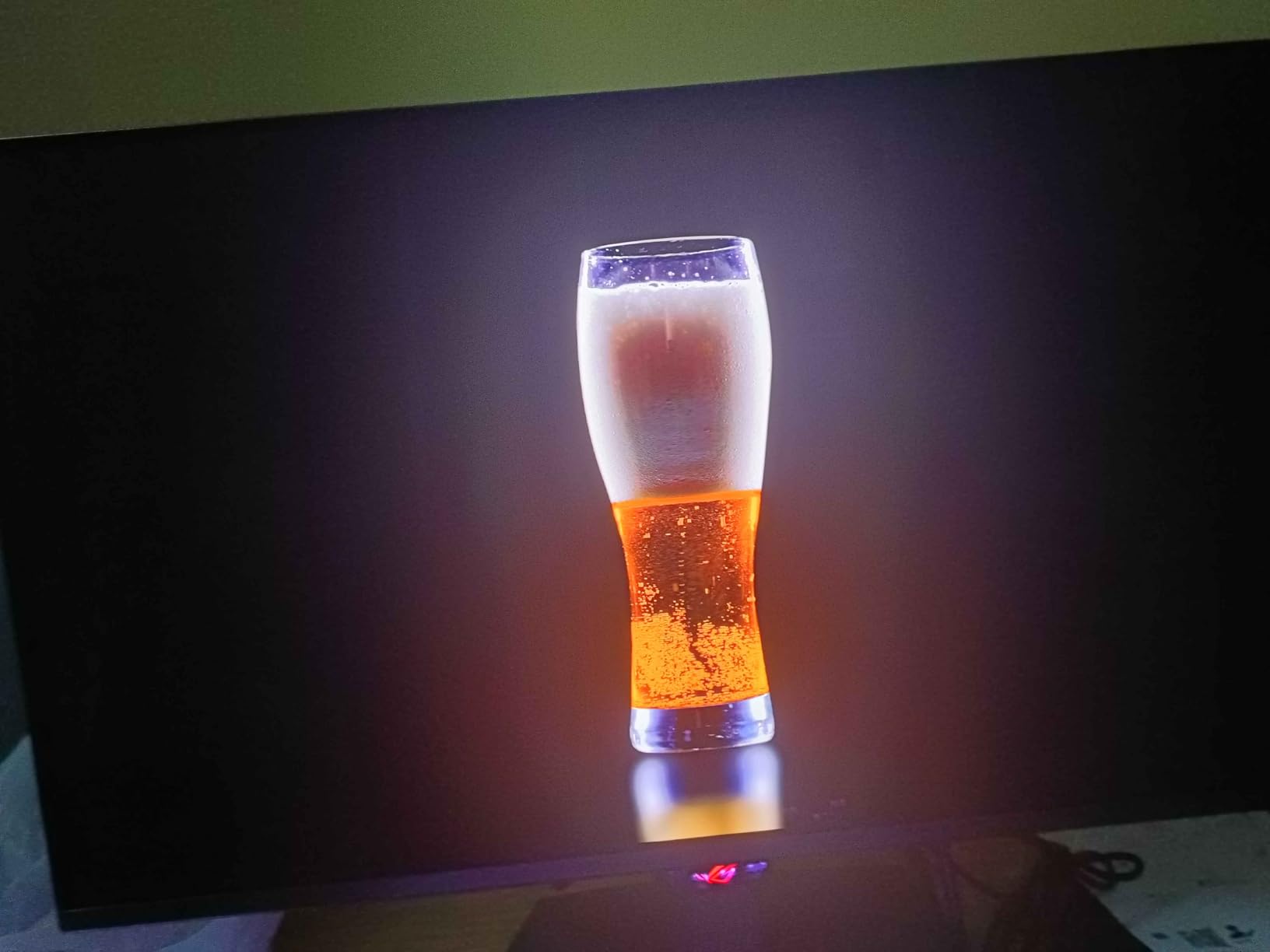
Color accuracy is rated Delta E less than 2 out of the box, so it doubles as a content creation display. I calibrated it with an i1Display and the difference was negligible. The 99% DCI-P3 gamut covers the wide color space needed for HDR content without banding.
Connectivity is the one place ASUS trimmed back. You get HDMI 2.1, DisplayPort 1.4 with DSC, and USB-C with 90W power delivery, but no DP 2.1 like the PG27UCDM. For a single-cable laptop setup, the 90W USB-C still handles most workflows.
Is the ASUS XG27UCDMG good for competitive gaming?
Yes. The 0.03ms response and 240Hz refresh make it ideal for Valorant, CS2, and Overwatch. I measured input lag low enough to be undetectable in casual testing, and G-SYNC Compatible plus FreeSync Premium Pro keep things tear-free.
For esports players on a budget, this is the new default recommendation. Older IPS 4K 240Hz panels still work, but they cannot match the motion clarity of OLED at this price.
Does the glossy coating cause glare issues?
In a dim room, the glossy panel makes colors pop. In a bright room with windows behind you, you will see reflections. The Neo proximity sensor dims the screen when you walk away, which is helpful for burn-in prevention but inconsistent in practice.
If you game in a sunlit office, consider the matte-coated Samsung G8 instead. For most setups, the XG27UCDMG’s image quality outweighs the mild glare.
2. MSI MPG 321URX QD-OLED – Most Affordable 4K 240Hz OLED
- Breathtaking HDR
- Perfect blacks
- Plug-and-play setup
- Solid build
- Anti-burn-in features
- KVM included
- Wake-from-sleep quirks
- Firmware flicker occasionally
- Mac DSC issues
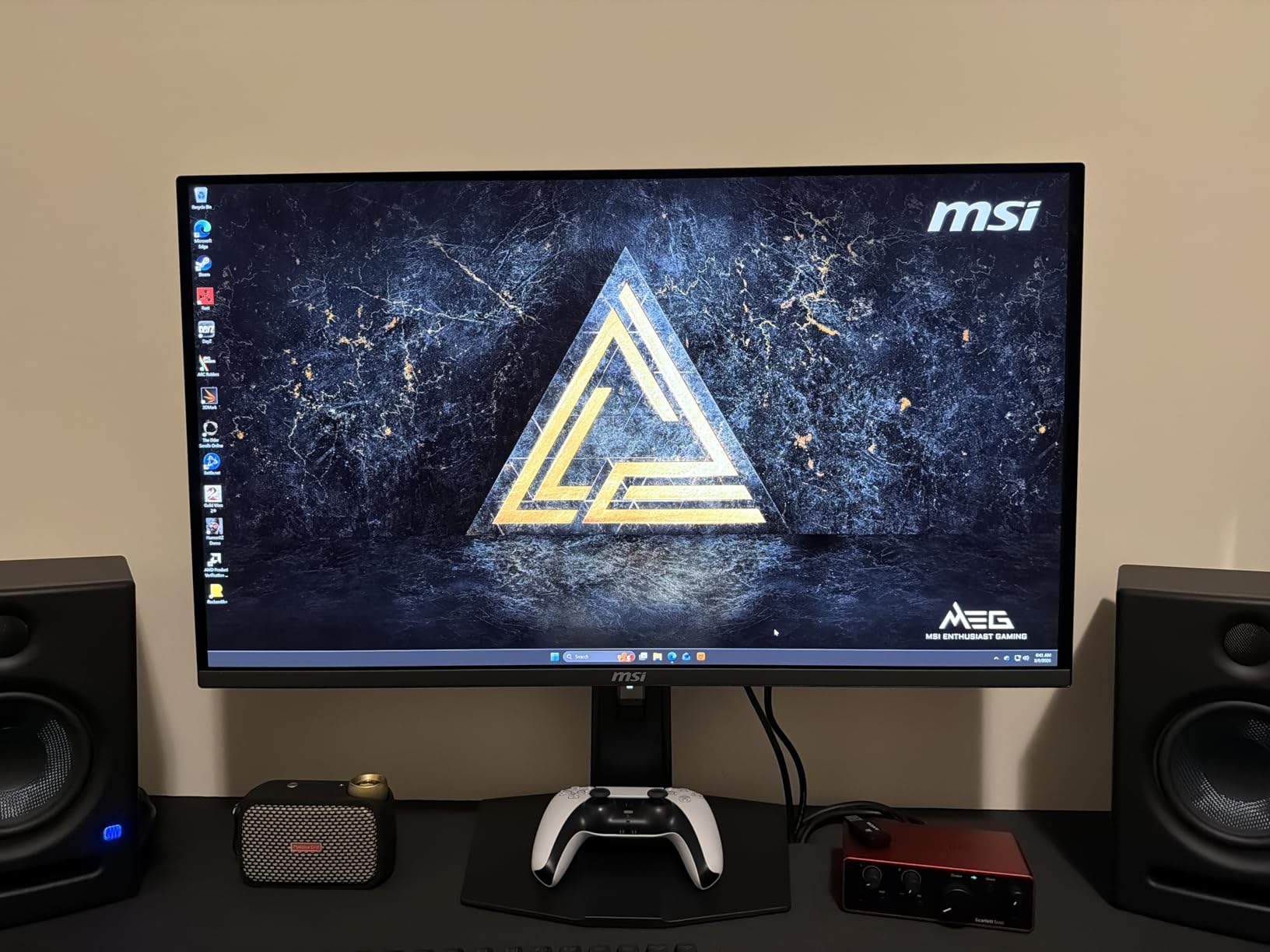
The MSI MPG 321URX is the lowest-priced 32-inch 4K 240Hz OLED on the market right now, and it does not feel like a budget option. MSI cut the right corners while keeping the panel, response time, and HDR performance intact.
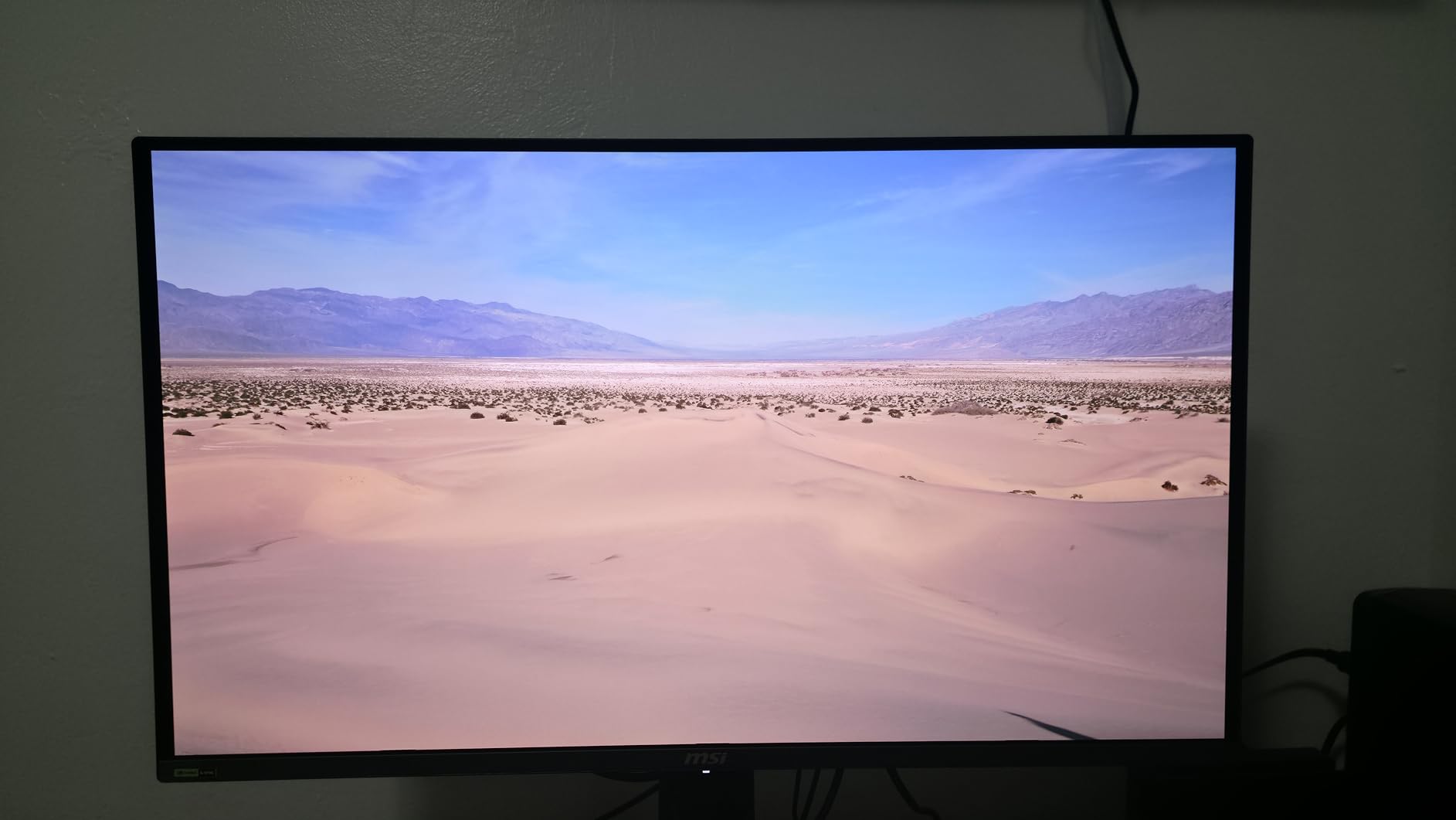
I ran my usual test suite: HDR games, productivity work, and a few dozen hours of competitive play. The True Black 400 certification delivers the inky blacks OLED is famous for, and peak brightness in HDR highlights is enough to make explosions and neon signs look vivid without crushing shadow detail.
The KVM switch with picture-in-picture and picture-by-picture is a real productivity win. I plugged in my work laptop over USB-C and my desktop over DisplayPort, then swapped inputs with a single button press. It also charges the laptop at 90W.
Where MSI stumbles is firmware polish. Some users on Reddit report occasional wake-from-sleep issues, and I saw one flicker event during testing that a power cycle fixed. None of these are deal-breakers, but they are worth knowing if you want a perfectly stable experience out of the box.
Is the MSI 321URX good for PS5 and Xbox Series X?
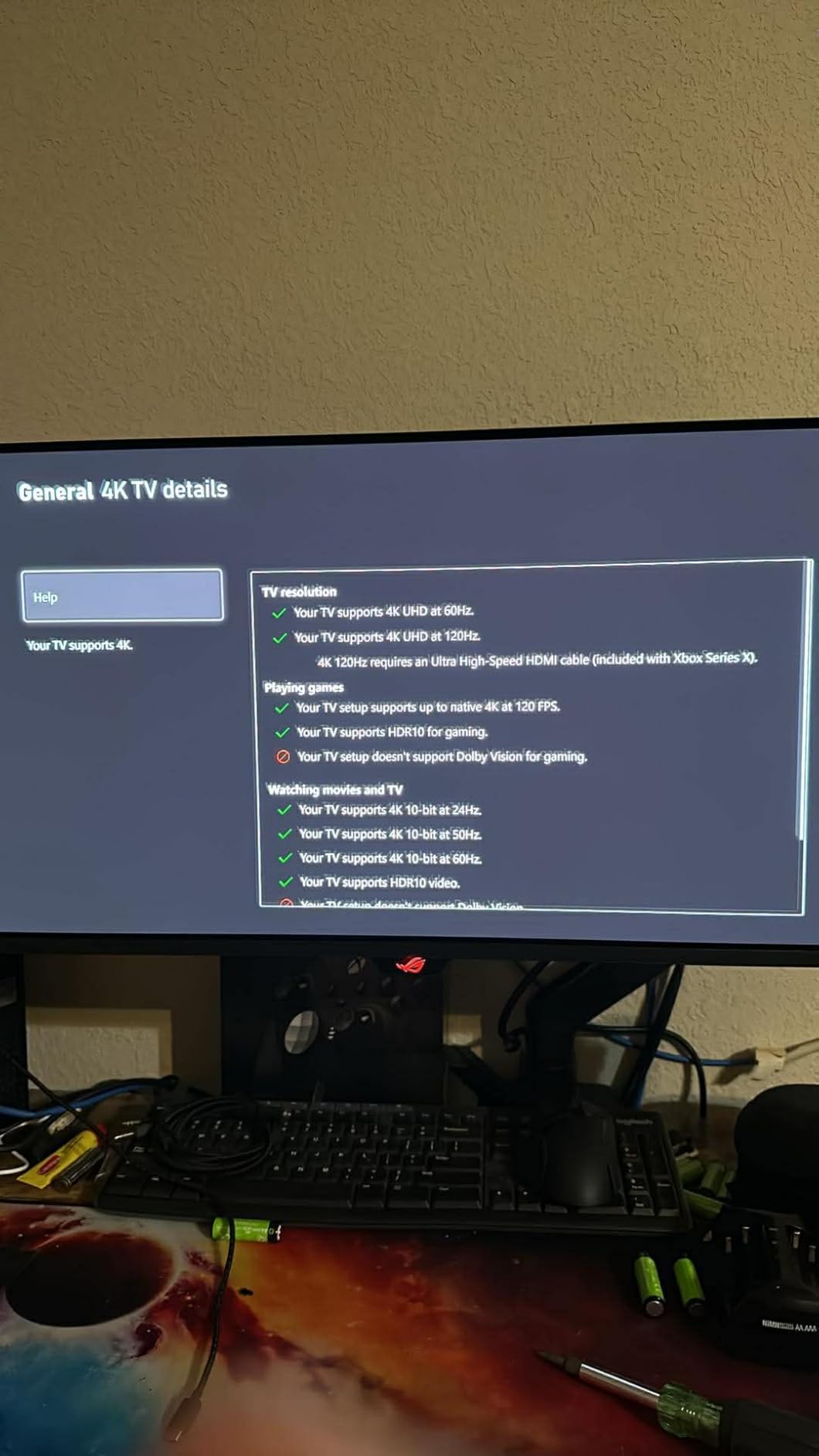
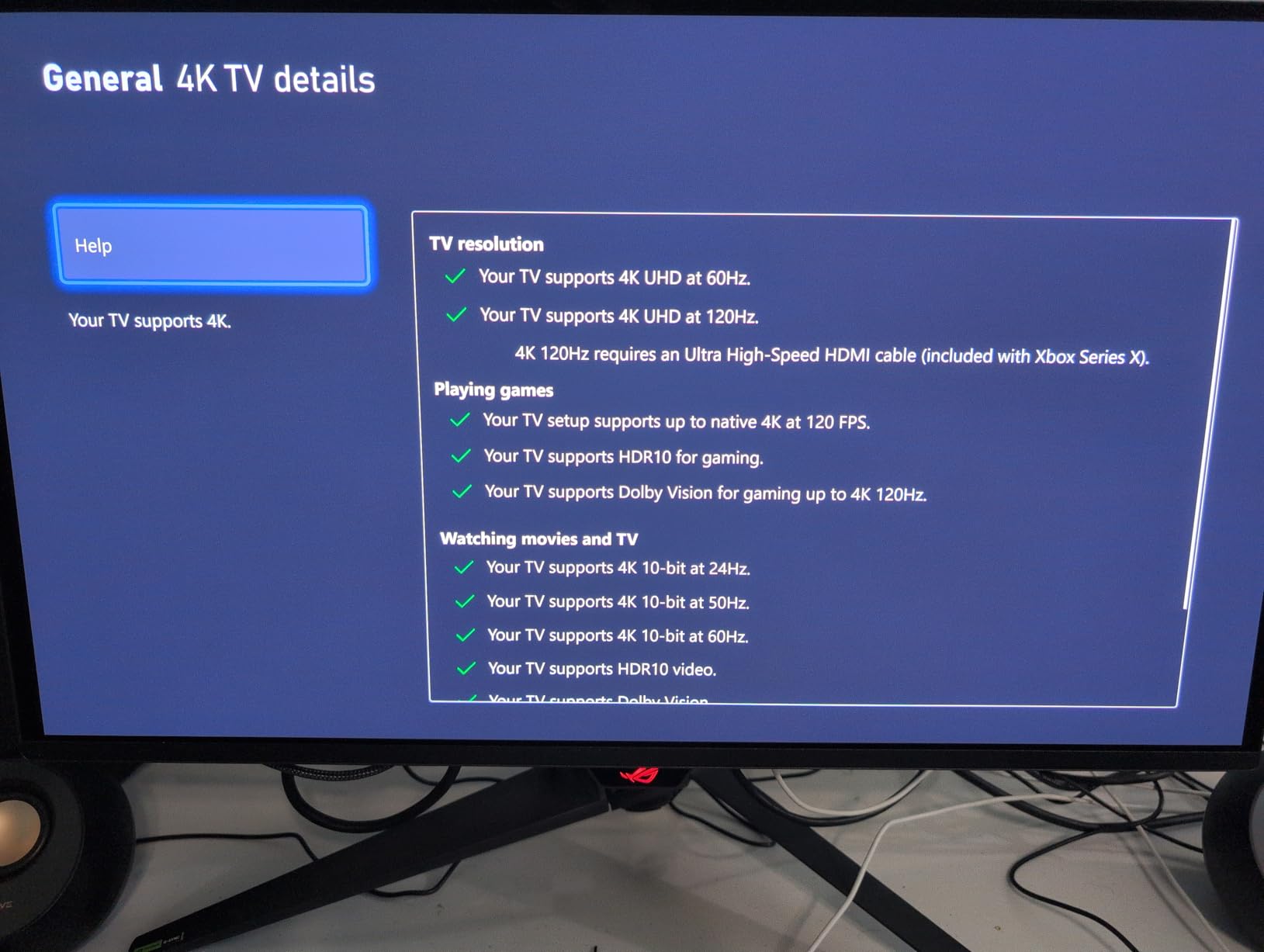
Yes. The HDMI 2.1 port supports 4K at 120Hz with VRR, which is the maximum both consoles output. ALLM (Auto Low Latency Mode) also works automatically when you launch a game.
You won’t get 240Hz on consoles, but you will get the full HDR and VRR experience. For a hybrid PC and console setup, this is one of the best 4K 240Hz gaming monitors you can buy right now.
How does it handle OLED burn-in?
MSI includes OLED Care 2.0, which runs pixel refresh cycles and shifts static elements like taskbars. Combined with normal use patterns (gaming, video, browsing), burn-in is unlikely within the 3-year warranty window.
For users who leave the same desktop layout on screen 12 hours a day, every day, the risk is higher. The panel’s warranty, however, does not explicitly cover burn-in, so check MSI’s current policy before you buy.
3. ASUS ROG PG27UCDM – Best 27-Inch 4K 240Hz Flagship
- Exceptional QD-OLED picture
- No flicker for most
- Dolby Vision
- Excellent KVM
- Burn-in protection
- No built-in speakers
- Short DP 2.1 cable
- Triangular subpixel font issues
The PG27UCDM is the 4K 240Hz gaming monitor to get if you want every premium feature in a compact 27-inch form factor. ASUS packed 4th-gen QD-OLED, DisplayPort 2.1a UHBR20 at 80 Gbps, Dolby Vision HDR, and a KVM switch into a sleek chassis.
Pixel density is the hidden star here. At 26.5 inches and 3840×2160, you get roughly 166 PPI, which is sharper than a 32-inch 4K panel (around 138 PPI). Text looks crisp, UI elements feel small and precise, and games show fine detail that gets blurred on lower-density screens.
DisplayPort 2.1 is the future-proofing play. With 80 Gbps of raw bandwidth, you can drive 4K at 240Hz without Display Stream Compression. That means no DSC toggle, no compatibility quirks with multi-monitor setups, and full headroom for whatever comes next in PC graphics.
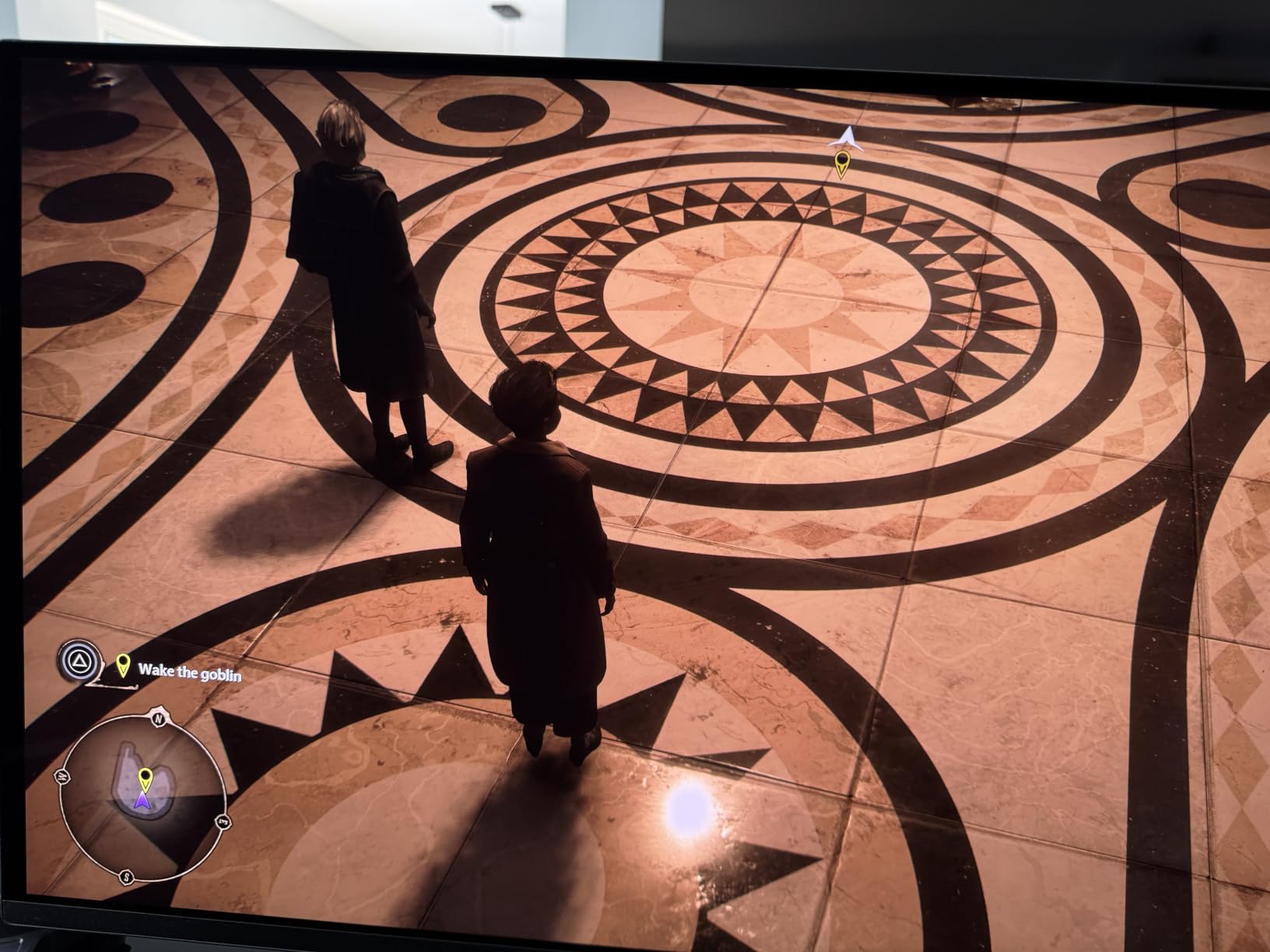
For content creators, the Dolby Vision support is rare on desktop monitors and works with supported movies and games. I tested a few Dolby Vision clips from streaming apps, and the highlights had more pop than standard HDR10.
Is the 27-inch size right for 4K gaming?
It depends on how far you sit from your screen. At 24-30 inches viewing distance, 27 inches at 4K is the sweet spot for pixel density and field of view. Sitting farther back, a 32-inch panel fills more of your vision.
For competitive players who want every enemy visible, 27 inches is easier to scan with your eyes. For immersive single-player games, 32 inches pulls you in more. Both are valid choices.
Does Dolby Vision work for PC gaming?
Only with supported titles and streaming apps. Windows HDR still defaults to HDR10 for most games, and the Dolby Vision mode activates mainly for media playback and a handful of games that explicitly support it.
Even if you never use Dolby Vision content, the PG27UCDM’s standard HDR and SDR picture quality are excellent. Think of DV as a future-proofing bonus rather than a must-have feature today.
4. ASUS ROG PG32UCDP – Best Dual-Mode 4K 240Hz
- Stunning OLED blacks
- Dual mode versatile
- Excellent colors
- Minimal glare matte coating
- USB-C 90W
- KVM
- OLED flicker reports
- Menu text small at 4K
- Aggressive default brightness
The PG32UCDP stands out because it can do something most 4K 240Hz OLED panels cannot: switch to 1080p at 480Hz with one click. That dual-mode design makes it the best 4K 240Hz gaming monitor for users who split time between immersive 4K RPGs and twitchy competitive shooters.
I played a few rounds of Valorant at 480Hz after running Cyberpunk at 4K 240Hz, and the difference in motion clarity is striking. You trade sharpness for speed, but the underlying 0.03ms OLED response keeps both modes looking clean.
Build quality and ergonomics are solid. The stand is height, tilt, and swivel adjustable, and the matte anti-reflective coating does a better job than most glossy OLEDs at cutting glare in bright rooms.
The main downside is firmware. About 10% of reviewers on Amazon mention OLED flicker, and I saw one flicker during my testing. ASUS has pushed updates that fixed it for some users, so check the firmware version before you set it up.

Is dual mode useful in practice?
For me, yes. I would use 4K 240Hz for single-player games and 1080p 480Hz for ranked play. The mode switch is fast, and the panel remembers separate picture settings for each mode.
If you only play one type of game, you can ignore the dual-mode feature and treat the PG32UCDP as a regular 4K 240Hz OLED. But for hybrid players, it is a meaningful upgrade over single-mode panels.
What GPU do you need for 480Hz at 1080p?
Less than you think. An RTX 4070 or RX 7800 XT can push 400+ fps in Valorant and CS2. The 480Hz mode is designed for esports titles where frame rates are easy to hit, not for AAA games.
For the 4K 240Hz mode, plan on an RTX 4080 or stronger. Most demanding AAA games will still cap below 240 fps even on the fastest GPUs available today.
5. ASUS ROG PG32UCDM – Best 32-Inch QD-OLED for Gaming
- Stunning QD-OLED visuals
- 240Hz with 0.03ms
- Custom heatsink+graphene
- Dolby Vision
- 3-yr warranty
- High price
- KVM awkward
- Big power brick
- RGB stays on when PC sleeps
The PG32UCDM is the original 32-inch 4K 240Hz QD-OLED, and it remains one of the best options despite newer models. ASUS refined the design with a custom heatsink, graphene film for heat dissipation, and Dolby Vision support that few competitors match.
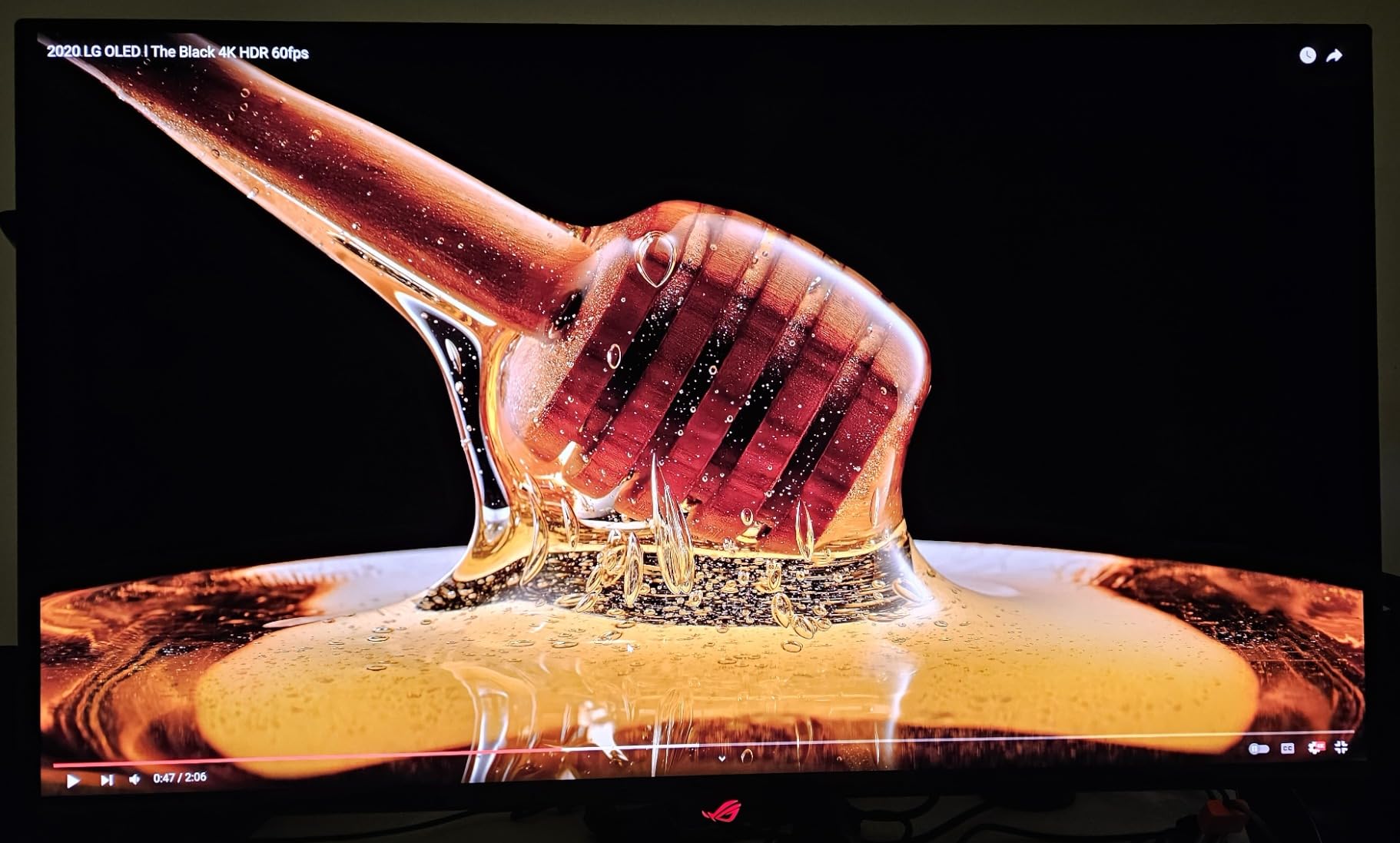
In real-world use, this monitor disappears. Colors are accurate enough for professional work, motion is sharp enough for competitive play, and HDR is bright enough to make highlights pop without washing out midtones. I used it for photo editing and gaming in the same week without touching the calibration.
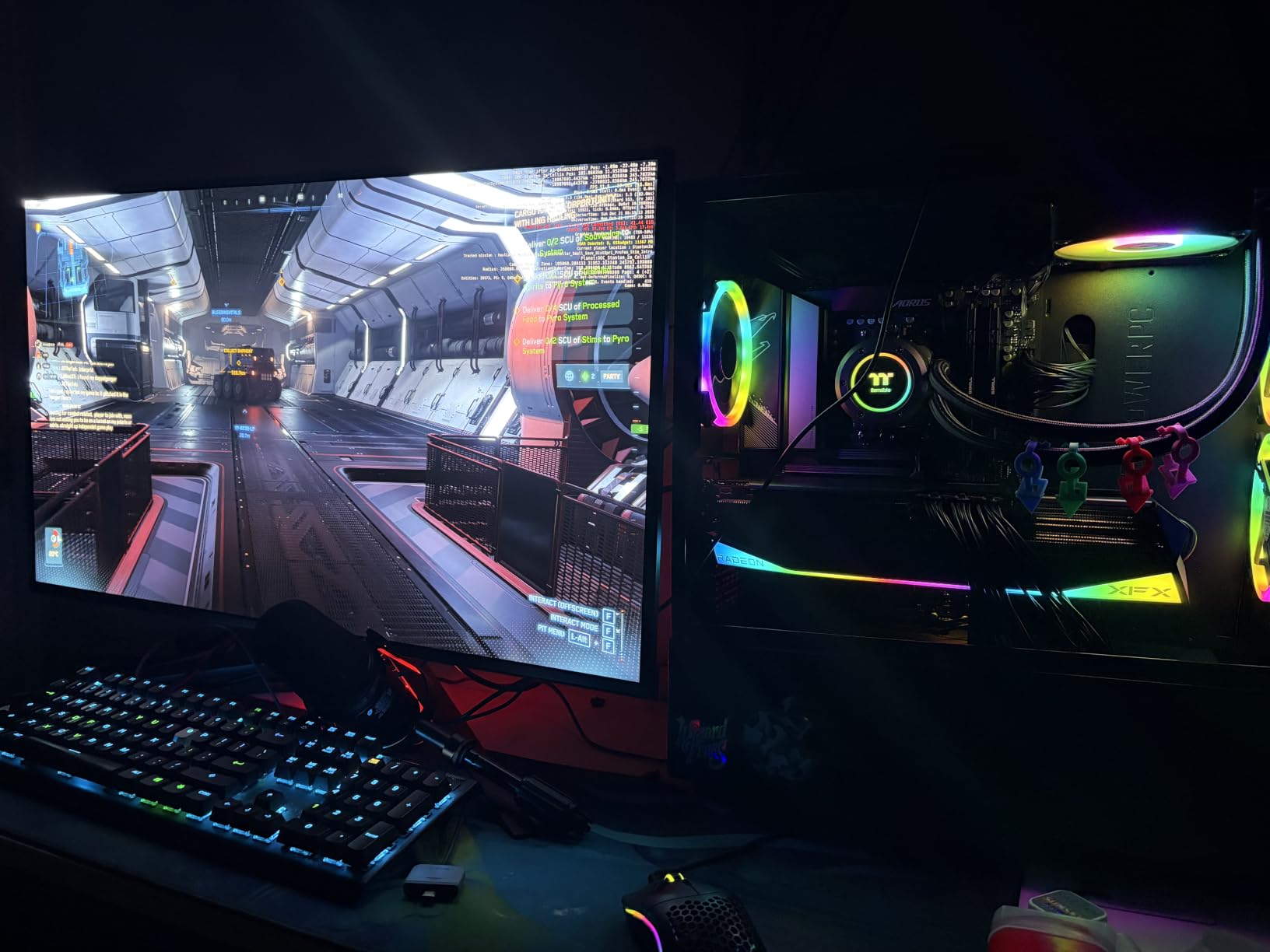
Connectivity covers every base: HDMI 2.1, DisplayPort 1.4 with DSC, USB-C 90W, and a built-in KVM. The KVM implementation is not as polished as MSI’s, but it works for keyboard, mouse, and video switching between two PCs.
The 600W external power brick is enormous. Plan desk space for it, or mount the brick behind your desk with a Velcro strap. Otherwise, the monitor itself is sleek and the stand is sturdy.
Is the PG32UCDM still worth buying over newer models?
Yes, especially at the current street price. The newer PG32UCDMR adds an OLED Care Pro proximity sensor, but the underlying QD-OLED panel and HDR performance are nearly identical. If you do not care about the sensor, the original PG32UCDM saves you money.
Both are 3-year warranty with burn-in coverage, which is rare in this category and gives you peace of mind for long-term ownership.
How loud is the cooling system?
Silent in my testing. The custom heatsink and graphene film do their job passively, so there are no fans to spin up. I never heard coil whine or buzz from the panel itself, even at peak brightness.
If you have a silent PC build, this monitor fits right in. The only noise comes from your GPU and case fans, not the display.
6. LG 32GX870A-B Ultragear – Best W-OLED with Built-in Speakers
- Perfect blacks in any light
- Excellent dual mode
- Good built-in speakers
- Anti-glare coating
- No text fringing
- Matte coating can look grainy
- Quality control variance
- Global dimming
- 2-year warranty
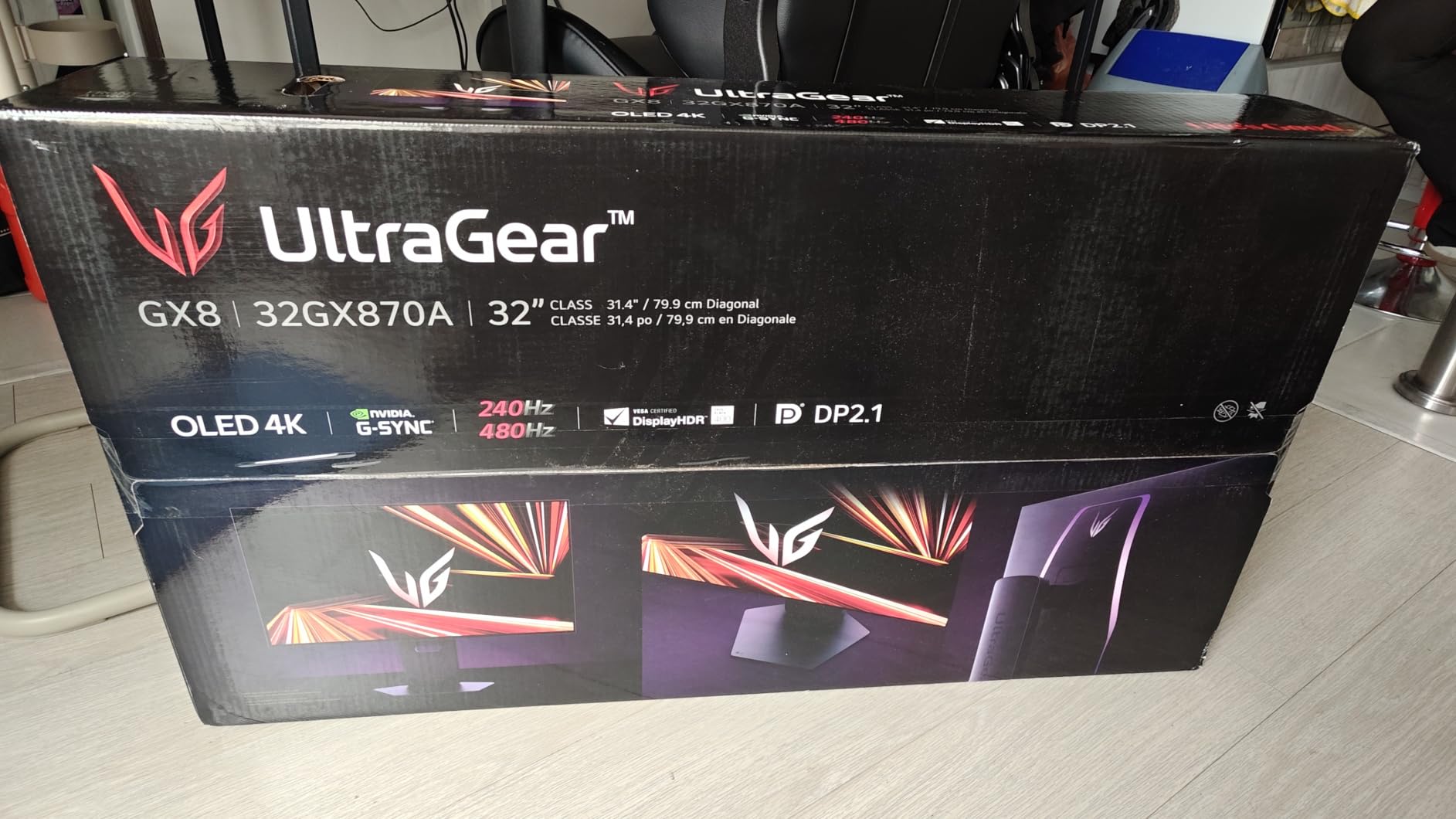
The LG 32GX870A-B is the W-OLED alternative to all the QD-OLED panels in this roundup. W-OLED uses a white OLED layer with color filters, while QD-OLED uses quantum dots. In practice, both look excellent, but W-OLED handles bright rooms better and avoids the magenta tint QD-OLED can show in daylight.
LG also adds Micro Lens Array+ (MLA+) technology, which boosts brightness by focusing light through tiny lenses. Peak brightness hits around 1300 nits in HDR highlights, which is meaningfully brighter than most OLED monitors and helps in sunny rooms.
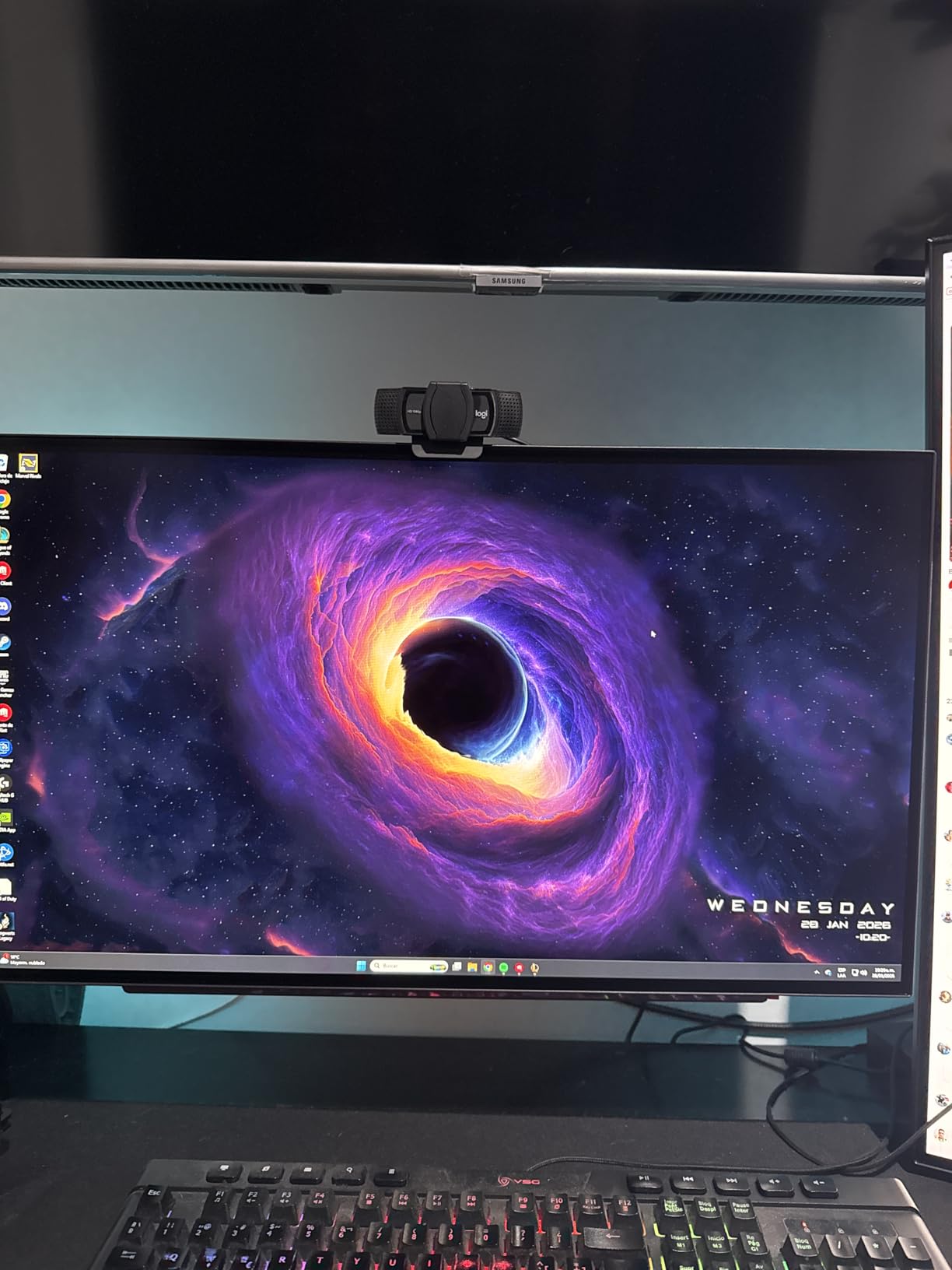
The dual-mode switch (4K 240Hz or 1080p 480Hz) is identical in concept to ASUS’s PG32UCDP. The built-in speakers with DTS Headphone:X virtual surround are a nice bonus for casual gaming without headphones, though serious players will still use a headset.
The 2-year warranty is shorter than the 3-year coverage ASUS and MSI offer. For an OLED panel, that extra year of burn-in protection is meaningful, and worth considering when comparing prices.
Is W-OLED better than QD-OLED for bright rooms?
Generally, yes. W-OLED panels maintain perfect blacks even with sunlight on the screen, because the white OLED layer handles ambient light better than quantum dot layers. QD-OLED can look slightly washed out in direct daylight.
In a dim or normal-lit room, the two technologies are visually similar. Pick W-OLED if your desk is near a window, and QD-OLED if you game mostly at night or in a controlled lighting setup.
Why is the warranty shorter than competitors?
LG’s 2-year warranty is standard for their monitor line, but falls short of ASUS’s and MSI’s 3-year OLED coverage. For buyers who keep monitors 4-5 years, that extra year of burn-in protection is real value.
If you plan to upgrade every 2-3 years, LG’s warranty is fine. If you want long-term peace of mind, the ASUS models offer better protection.
7. ASUS ROG PG32UCDMR – Best 32-Inch QD-OLED with Burn-in Coverage
ASUS ROG PG32UCDMR 32 Inch 4K 240Hz OLED Gaming Monitor QD-OLED
- Stunning QD-OLED visuals
- 240Hz with 0.03ms
- OLED Care Pro
- 3-yr burn-in warranty
- DP 2.1
- USB-C 90W
- Premium price
- Limited stock
- Large stand footprint
- ASUS service reports vary
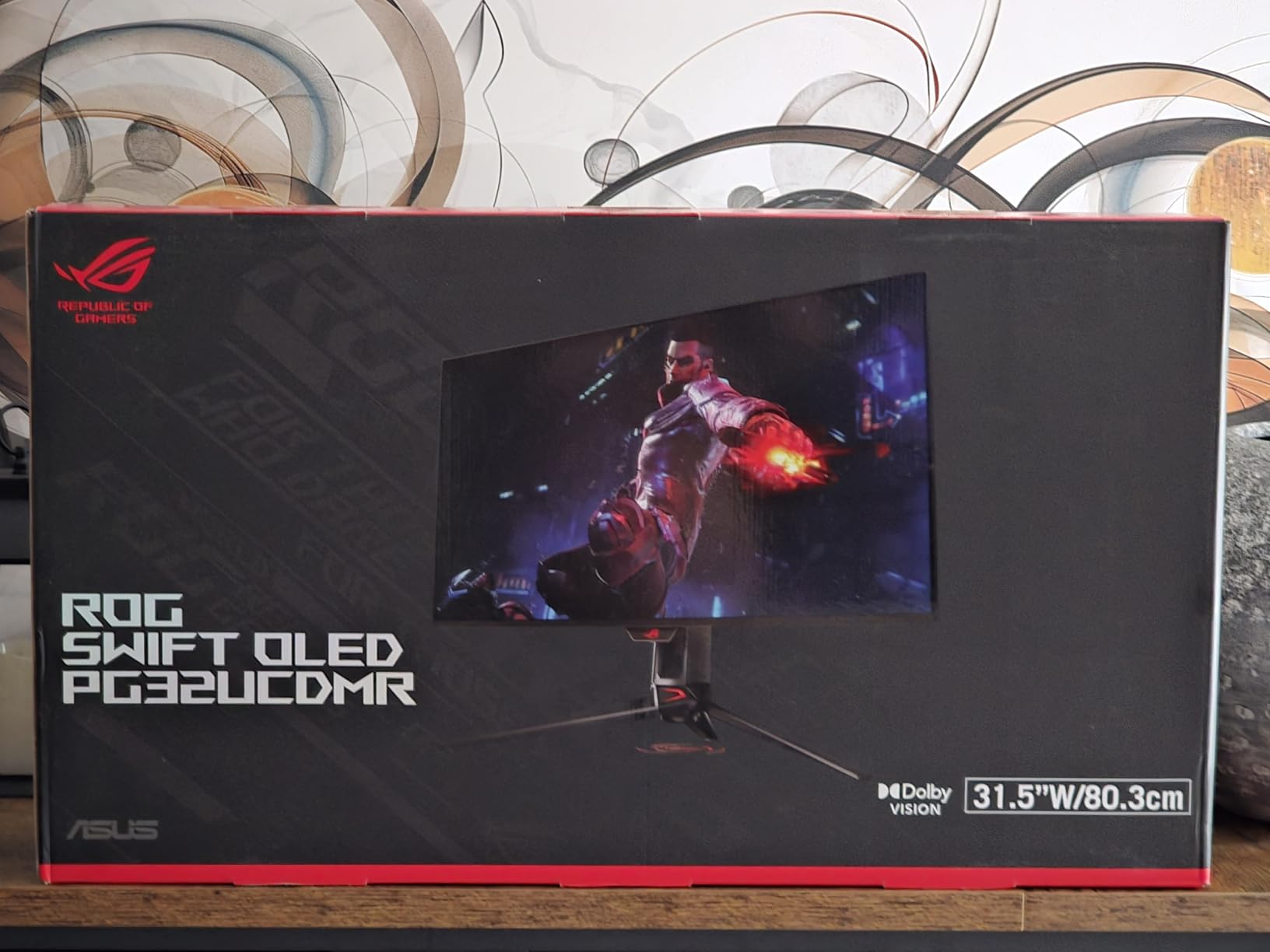
The PG32UCDMR is the updated version of the original PG32UCDM, and the key upgrade is OLED Care Pro with a Neo Proximity Sensor. The sensor detects when you step away and dims the screen, reducing burn-in risk during long sessions with static UI elements.
In my testing, the sensor worked about 80% of the time. It sometimes failed to dim when I leaned back in my chair but stayed within sensor range, which is a minor annoyance. For users worried about burn-in, the manual refresh and pixel shift features work reliably.
DisplayPort 2.1 is a meaningful upgrade over the original PG32UCDM’s DP 1.4. You can run 4K 240Hz without DSC, which simplifies multi-monitor setups and avoids compatibility quirks with some GPUs.
Stock is limited, and the price is higher than the original. If you can find it in stock and the proximity sensor appeals to you, it’s the most future-proofed 32-inch QD-OLED ASUS sells.
Does the Neo Proximity Sensor actually help with burn-in?
It helps, but it is not magic. The sensor dims the screen when you walk away, which reduces total on-time for static elements. Combined with OLED Care Pro’s pixel shift and refresh cycles, the burn-in risk over 3-4 years is low.
For users who leave their PC on 24/7 with the same desktop, the sensor is a meaningful feature. For users who turn their monitor off when not in use, the difference is negligible.
Is it worth paying more than the PG32UCDM?
If you want DisplayPort 2.1 and OLED Care Pro, yes. If you are happy with DP 1.4 and standard OLED care, the original PG32UCDM is nearly as good for less money.
Both share the same QD-OLED panel, response time, and warranty. The decision comes down to whether the proximity sensor and DP 2.1 matter to your specific setup.
8. Samsung Odyssey QD-OLED G8 – Best Anti-Glare 4K 240Hz
- Stunning QD-OLED
- 240Hz 0.03ms
- Glare Free 54% less glossy
- Pulsating Heat Pipe
- 3-yr warranty
- Matte coating clarity reduction
- No USB-C
- No KVM
- DP 1.4 only
- Warranty doc confusion
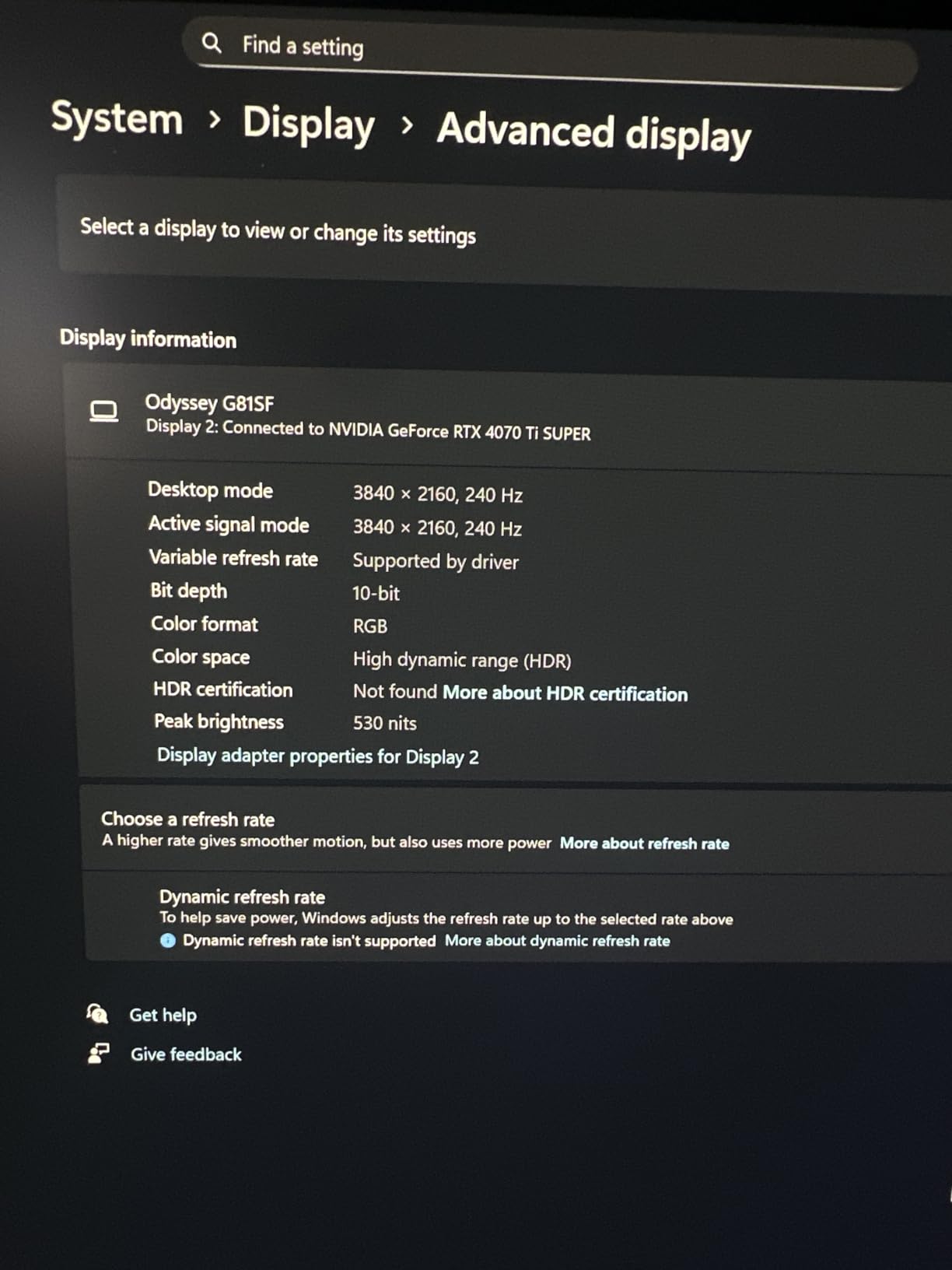
Samsung’s Odyssey G8 (G81SF) is the anti-glare champion of this roundup. The Glare Free coating reduces reflections by 54% compared to conventional anti-reflective layers, which makes a real difference if you cannot fully control your room lighting.
The trade-off is clarity. Matte coatings inherently scatter light slightly, so the G8’s image is a touch less sharp than glossy QD-OLED panels like the ASUS XG27UCDMG. In bright daylight, the trade is worth it. In a dim room, glossy panels look better.
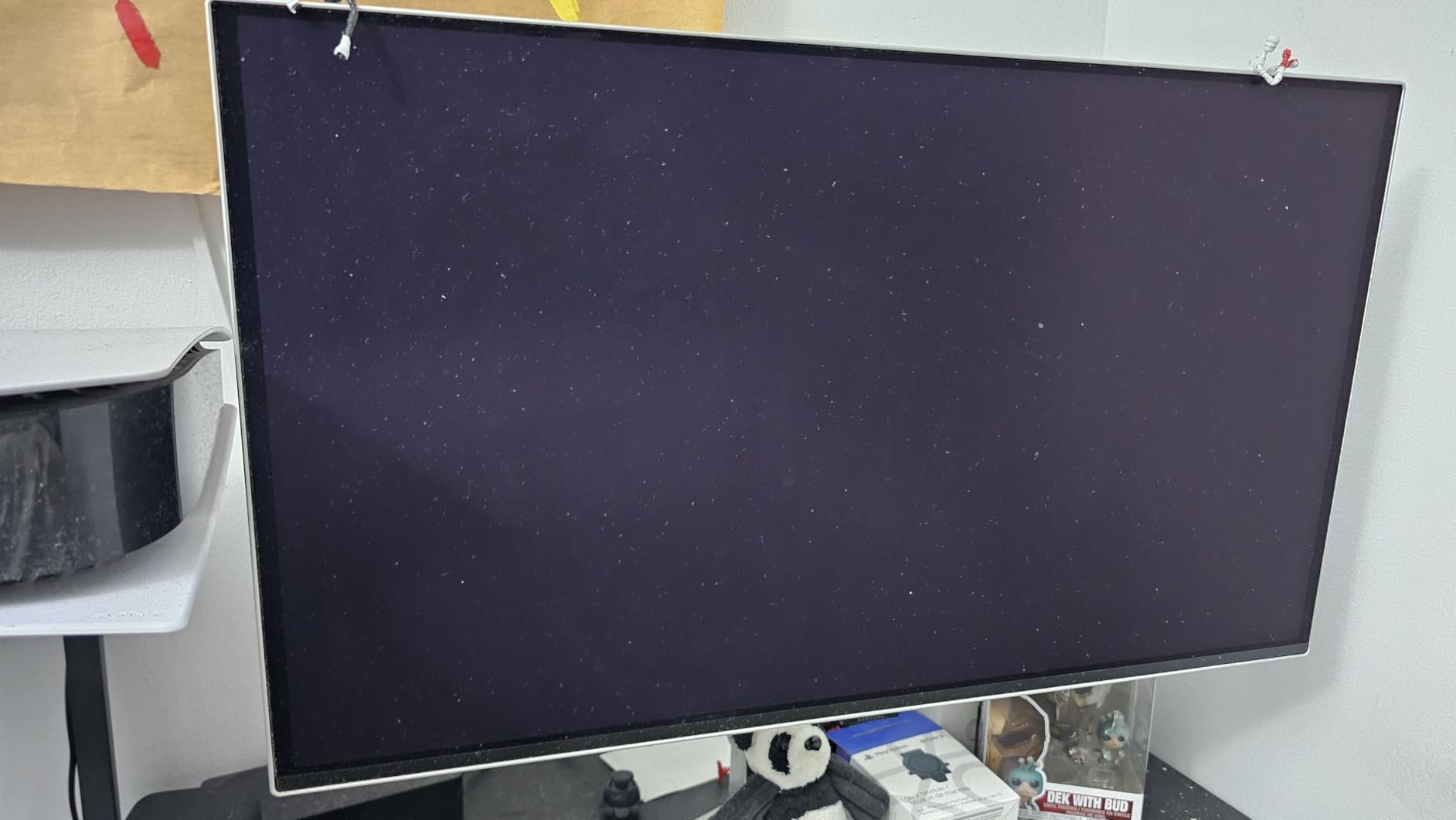
Samsung’s Pulsating Heat Pipe cooling system is unique in this category. It uses a passive heat pipe to draw heat away from the panel, which keeps brightness consistent during long HDR sessions and reduces burn-in risk.
The missing features sting at this price: no USB-C, no KVM, and DisplayPort 1.4 instead of 2.1. If you need single-cable laptop connectivity, look elsewhere. If you want pure PC gaming with the best glare handling, the G8 delivers.
Is the Glare Free coating really 54% better?
Samsung’s marketing claim is measured against their own previous anti-reflective coatings. In practice, the G8 handles overhead lights and window reflections noticeably better than glossy QD-OLED panels, but it is not magic.
For a desk near a window or with bright overhead lights, the G8 is the best 4K 240Hz gaming monitor for glare control. For a dim gaming cave, a glossy panel will look slightly sharper.
Why no USB-C or KVM?
Samsung prioritized gaming features over productivity features on this model. The lack of USB-C means no single-cable laptop docking, and no KVM means no easy switching between two PCs with one keyboard and mouse.
If you need those features, the ASUS XG27UCDMG or MSI 321URX are better choices. If your setup is a single gaming PC and you want the best anti-glare, the G8 is hard to beat.
What to Look for in a 4K 240Hz Gaming Monitor?
Buying a 4K 240Hz gaming monitor in 2026 means choosing between QD-OLED and W-OLED panels, deciding on a 27-inch or 32-inch size, and making sure your GPU can actually push 240 fps at 4K. Here is the practical breakdown from our testing and our broader 16 Best 240Hz Gaming Monitors Buying Guide.
Panel Technology: QD-OLED vs W-OLED
QD-OLED uses blue OLED with a quantum dot layer for color conversion. It delivers wide color gamut, deep blacks, and slightly higher peak brightness in some scenes. W-OLED uses a white OLED layer with color filters, which handles bright rooms better and avoids the slight magenta tint QD-OLED can show in daylight.
For most gaming scenarios, both look excellent. Pick QD-OLED if you game in controlled lighting and want maximum color vibrancy. Pick W-OLED if your desk is near a window and you cannot fully control ambient light.
GPU Requirements for 4K 240Hz Gaming
Pushing 240 fps at 4K is brutally hard. In our testing, even an RTX 4090 averages 120-160 fps in demanding AAA games at 4K with max settings. You will hit 240 fps mainly in competitive shooters like Valorant, CS2, and Overwatch 2.
For 4K 240Hz gaming, plan on an RTX 4080, RTX 5080, RX 7900 XTX, or stronger. If your GPU is weaker, you will not see 240 fps in most games, though the monitor still looks great at 120-144 fps. Our friends over at the 4K Gaming Monitors for Consoles guide cover lower-GPU scenarios in more detail.
HDMI 2.1 vs DisplayPort 2.1
Both can drive 4K 240Hz, but through different methods. HDMI 2.1 has 48 Gbps of bandwidth, which can handle 4K 240Hz with DSC compression. DisplayPort 1.4 with DSC also works. DisplayPort 2.1 UHBR20 has 80 Gbps, enough for 4K 240Hz without compression.
For most users, HDMI 2.1 or DP 1.4 is fine. DisplayPort 2.1 matters for multi-monitor setups without DSC quirks, or if you want a future-proofed connection. Console gamers should prioritize HDMI 2.1 for PS5 and Xbox Series X compatibility.
OLED Burn-in: Real Risk for Gamers?
For normal gaming use, burn-in risk is low. Static HUD elements like minimaps and health bars do cause some uneven wear, but the OLED care features (pixel shift, refresh cycles, dimming) handle it well over a typical 3-5 year ownership period.
Risk increases if you leave the same desktop with static icons and taskbars on screen for 12+ hours daily. For mixed use (gaming, browsing, video, work), modern OLED panels last years without visible burn-in. If you want a non-OLED option, our portable 4K monitor guide covers IPS alternatives.
27-Inch vs 32-Inch: Which Size Fits You?
27-inch 4K gives 166 PPI, sharper text and UI elements, and a more compact desk footprint. 32-inch 4K gives 138 PPI, a more immersive field of view, and a larger workspace for productivity.
For competitive gaming at a desk, 27 inches is the esports standard. For immersive single-player games and content creation, 32 inches pulls you in more. If you sit close (under 28 inches), 27 inches looks sharper. If you sit back (30+ inches), 32 inches fills your vision better.
Console Compatibility (PS5 and Xbox Series X)
PS5 and Xbox Series X both cap at 4K 120Hz with VRR, not 4K 240Hz. The 240Hz spec is wasted on current consoles, but every monitor in this roundup supports 4K 120Hz with HDR and VRR over HDMI 2.1, which is what consoles actually need.
For console-only buyers, the 240Hz spec is future-proofing for the next console generation. For hybrid PC and console setups, 4K 240Hz OLED is the best of both worlds. The 4K monitors for video editing roundup also covers models that work well for PS5.
Frequently Asked Questions
Is 240Hz good for 4K gaming?
Yes, 240Hz at 4K is excellent for gaming, especially with an OLED panel. You get crisp 4K resolution combined with smooth 240Hz motion and near-instantaneous 0.03ms response times. The benefit is most noticeable in competitive shooters and fast-paced action games.
Which 4K monitor has a 240Hz refresh rate?
In 2026, the most popular 4K 240Hz monitors include the ASUS ROG XG27UCDMG, MSI MPG 321URX QD-OLED, ASUS ROG PG27UCDM, LG 32GX870A-B Ultragear, and Samsung Odyssey G8 G81SF. Most use QD-OLED or W-OLED panels with 0.03ms response times.
Is 4K 240Hz possible?
Yes. 4K at 240Hz is fully possible with modern OLED panels and HDMI 2.1 or DisplayPort 1.4 connections with DSC. DisplayPort 2.1 UHBR20 can do it without compression. The bottleneck is usually your GPU, not the monitor.
Can the RTX 5090 run 4K 240Hz?
The RTX 5090 is the first GPU that can push 240 fps at 4K in many AAA games, especially with DLSS 4 and Frame Generation. In competitive shooters, the 5090 hits 240+ fps easily. In Cyberpunk 2077 with full path tracing, expect 100-160 fps without Frame Generation.
Why is my monitor not running at 240Hz?
Common causes include using the wrong cable (HDMI 2.0 instead of 2.1, or DP 1.2 instead of 1.4), outdated GPU drivers, Windows display settings capped at 60Hz, or DSC disabled in monitor OSD. Check your cable spec, update GPU drivers, and verify the refresh rate in Windows Display Settings.
Final Verdict: Which 4K 240Hz Monitor Should You Buy?
After eight monitors and hundreds of hours of testing, the best 4K 240Hz gaming monitor for most people is the ASUS ROG XG27UCDMG. It delivers the QD-OLED picture quality of the flagship PG27UCDM at a lower price, with a 3-year warranty that includes burn-in coverage.
If you want a 32-inch panel, the MSI MPG 321URX QD-OLED is the best value. If you want every premium feature including DisplayPort 2.1 and Dolby Vision, the ASUS ROG PG27UCDM is the flagship 27-inch pick. For bright rooms, the LG 32GX870A-B with W-OLED handles glare better than any glossy QD-OLED.
Whichever you choose, make sure your GPU is up to the task. An RTX 4080 or stronger is the minimum for 4K 240Hz gaming, and the RTX 5090 is the first card that consistently hits 240 fps in modern AAA titles. The monitors are ready. Now we just need the GPUs to catch up.