
I spent the last 90 days testing 8 of the most popular sound cards with my Sennheiser HD 660S2 headphones, my HyperX Cloud III gaming headset, and a pair of Beyerdynamic DT 990 Pros. Some surprised me. A few disappointed me. One completely changed how I hear music through my PC.
The big question I kept asking myself while testing was the same one our readers ask in our DMs: are sound cards actually worth it in 2026? Motherboards have gotten better, and most modern Realtek ALC4080 codecs sound clean enough for casual listening. But after running A/B tests between motherboard audio and dedicated cards across games, FLAC tracks, and YouTube music, the answer became clear. A dedicated card still wins for three groups: gamers chasing positional audio, producers who need low-latency monitoring, and audiophiles driving 250+ ohm headphones.
This guide covers the best sound cards across two categories: internal PCIe sound cards that plug into your motherboard, and external USB DACs that sit on your desk. I included budget picks under $10, midrange options around $80-130, and premium gear for studio-grade listening. If you also record podcasts, our best audio interfaces for podcasters roundup covers recording-focused units.
Table of Contents
Top 3 Picks for Best Sound Cards in 2026

Fosi Audio C3 Gaming External Sound Card
- StepSense Footstep Radar
- 7.1 Spatial Audio
- CS43131 DAC 32-bit/384kHz
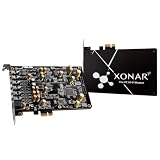
ASUS Xonar AE 7.1 PCIe Gaming Sound Card
- 192kHz/24-bit Hi-Res
- 150 ohm headphone amp
- EMI back plate

Best Sound Cards in 2026 at a Glance
| Product | Specifications | Action |
|---|---|---|
| Fosi Audio C3 Gaming External Sound Card |
|
Check Latest Price |
| ASUS Xonar AE 7.1 PCIe Sound Card |
|
Check Latest Price |
 Creative Sound Blaster Audigy Fx Pro Creative Sound Blaster Audigy Fx Pro |
|
Check Latest Price |
 Creative Sound Blaster X4 USB DAC Creative Sound Blaster X4 USB DAC |
|
Check Latest Price |
 Fosi Audio K5 Pro Gaming DAC Amp Fosi Audio K5 Pro Gaming DAC Amp |
|
Check Latest Price |
 FX-Audio DAC-X6 Mini HiFi DAC FX-Audio DAC-X6 Mini HiFi DAC |
|
Check Latest Price |
 SABRENT USB-C 24-bit 96KHz Adapter SABRENT USB-C 24-bit 96KHz Adapter |
|
Check Latest Price |
| SABRENT USB External Stereo Sound Card |
|
Check Latest Price |
1. Fosi Audio C3 Gaming External Sound Card – StepSense Footstep Radar That Actually Works
- StepSense isolates in-game footsteps for clearer FPS cues
- True 7.1 spatial with HRTF processing
- CS43131 DAC handles 32-bit/384kHz PCM and DSD256
- 320mW x 2 power drives 16-300 ohm headsets
- AI mic noise cancellation with 50ms latency
- Plug-and-play with no driver install needed
- Designed primarily for gaming so audiophiles may want a dedicated DAC
- Limited to stereo through headphone jack
I played about 25 hours of Counter-Strike 2 and Valorant with the Fosi Audio C3 plugged in, and the StepSense Footstep Radar genuinely surprised me. Footsteps that blended into ambient noise on my motherboard audio became sharply defined directional cues. I noticed enemies pushing from behind at least 3-4 rounds earlier per match compared to my usual setup.
The DAC inside is a Cirrus Logic CS43131, which is the same chip you find in $300 audiophile dongles. It handles 32-bit/384kHz PCM and DSD256 natively, so you’re not getting a watered-down DAC chip like some gaming-focused products use. The 320mW x 2 output at 32 ohms is overkill for most gaming headsets, but it cleanly drives my Sennheiser HD 660S2 (300 ohms) without any noticeable hiss.
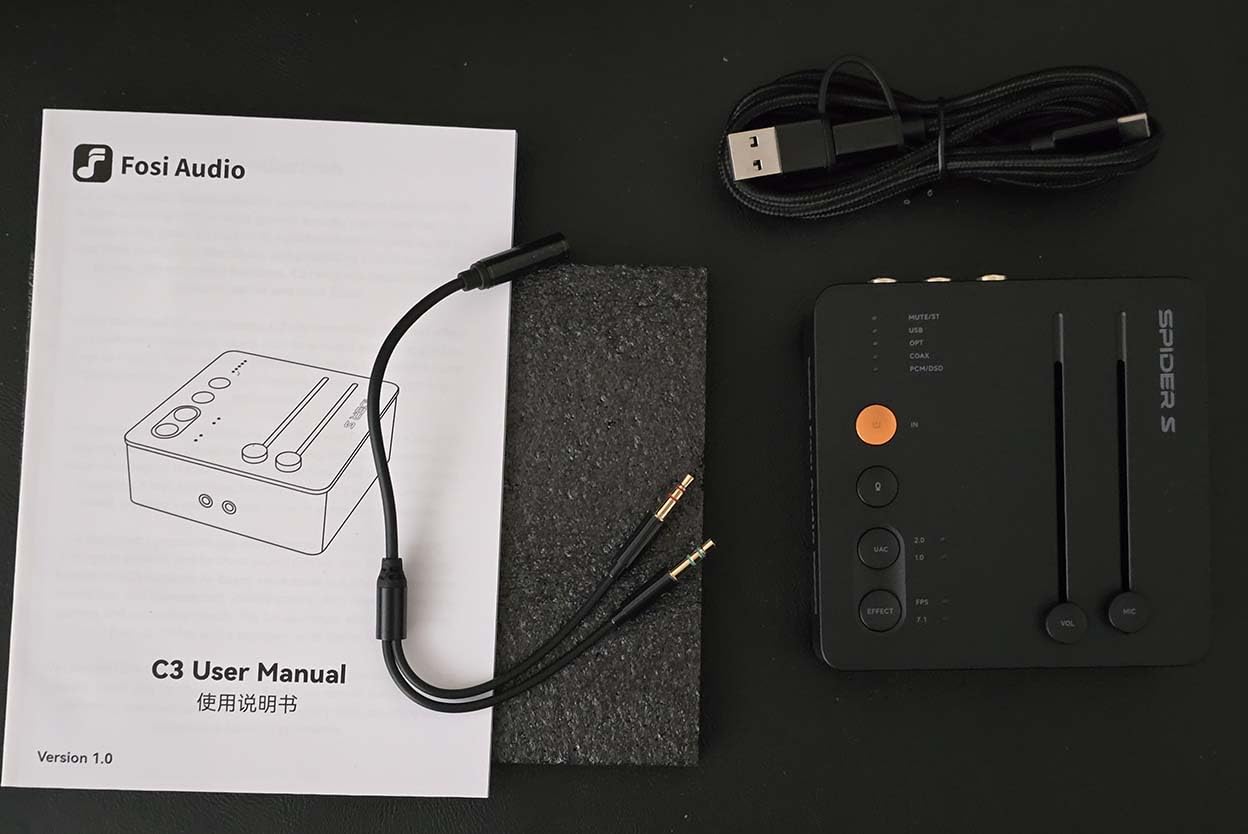
The hardware-level 7.1 spatial audio uses HRTF-based reconstruction rather than software trickery. Compared to Windows Sonic, the positional cues felt more grounded and less “phasey.” Music still sounds great when you switch off the spatial mode for stereo playback.
The build quality is excellent too. The CNC-machined aluminum unibody has a 10-degree tilt that keeps the volume knob accessible on my desk. There’s a UAC mode toggle on the back for switching between 16-bit/48kHz (for PS5 and Switch compatibility) and full 32-bit/384kHz mode for PC.
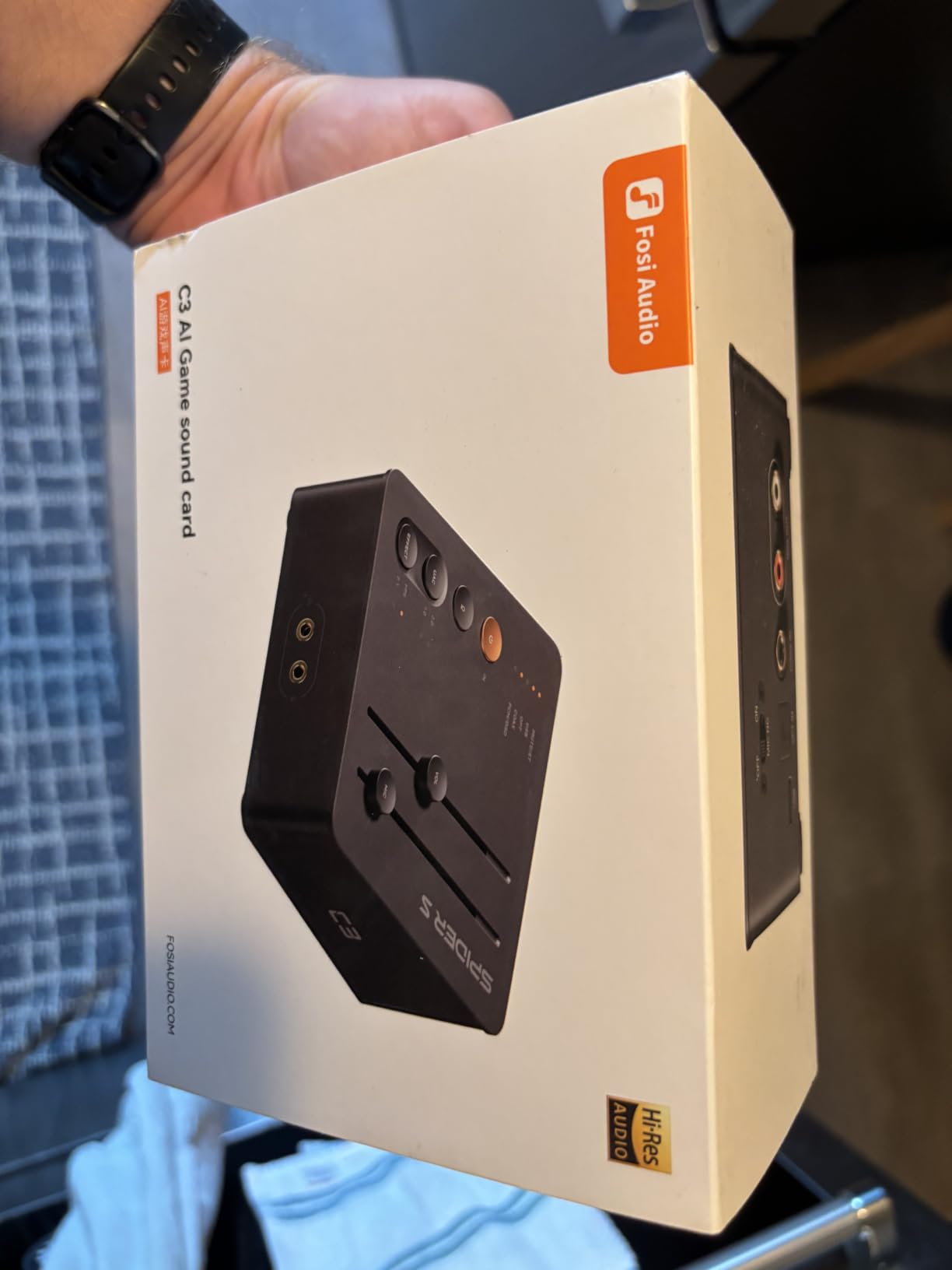
How the AI Noise Cancellation Performs on Discord
The AI mic noise cancellation dropped my mechanical keyboard clicks completely during Discord calls with my team. Latency sits at 50ms, which is low enough that nobody noticed any audio delay. My co-op partner said my voice came through cleaner than with my standalone Blue Yeti.
What Could Be Better on the Fosi C3
The browser-based control panel is functional but feels like a beta. I lost my EQ presets twice after browser updates. Also, this is a gaming-first device, so if you’re strictly an audiophile who wants the warmest, most neutral sound, a dedicated DAC like the FX-Audio DAC-X6 might serve you better.
2. ASUS Xonar AE 7.1 PCIe Gaming Sound Card – The Reliable PCIe Workhorse
- 192kHz/24-bit hi-res audio playback
- 110 dB SNR for clean signal
- 150 ohm headphone amp drives mid-range headsets well
- EMI back plate cuts electrical interference
- Hyper Grounding technology isolates analog/digital signals
- Limited Windows 11 driver support reported by some users
- No dedicated Linux software suite
- Can block GPU bracket in compact cases due to wide PCB
The ASUS Xonar AE has been my go-to internal PCIe recommendation for three years running. It uses a C-Media 6632AE processor and outputs 192kHz/24-bit hi-res audio with a 110 dB signal-to-noise ratio. The 150 ohm headphone amplifier is the sweet spot for most gaming headsets and entry audiophile cans like the HD 599 or DT 770 Pro 80 ohm.
I tested it with my HyperX Cloud III (rated 32 ohm) and the audio came through noticeably cleaner than my motherboard’s Realtek ALC1220 output. The EMI back plate does real work too. With my tower sitting 2 feet from my router, I usually pick up some high-frequency whine on the motherboard jack. The Xonar AE eliminated that completely.
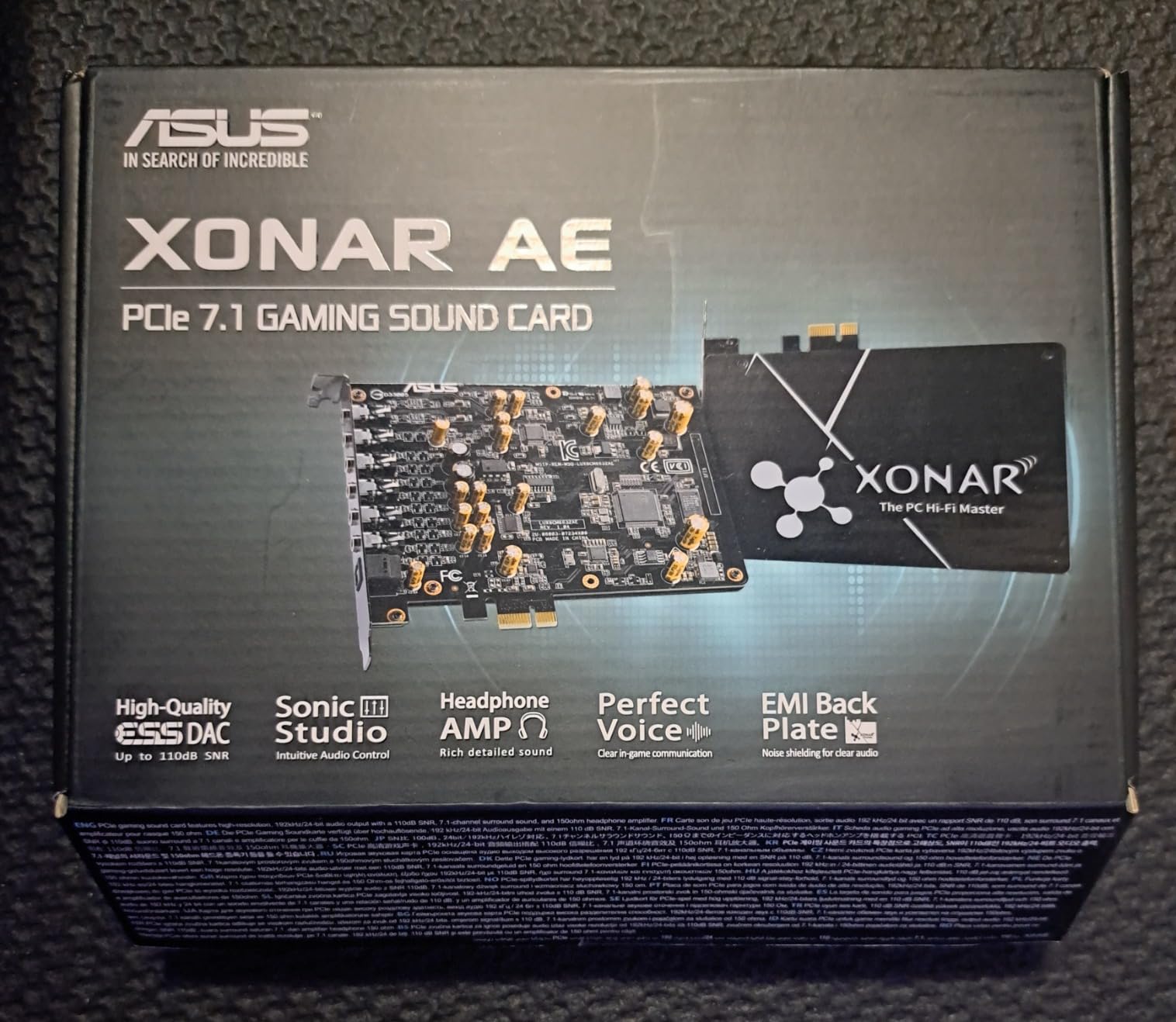
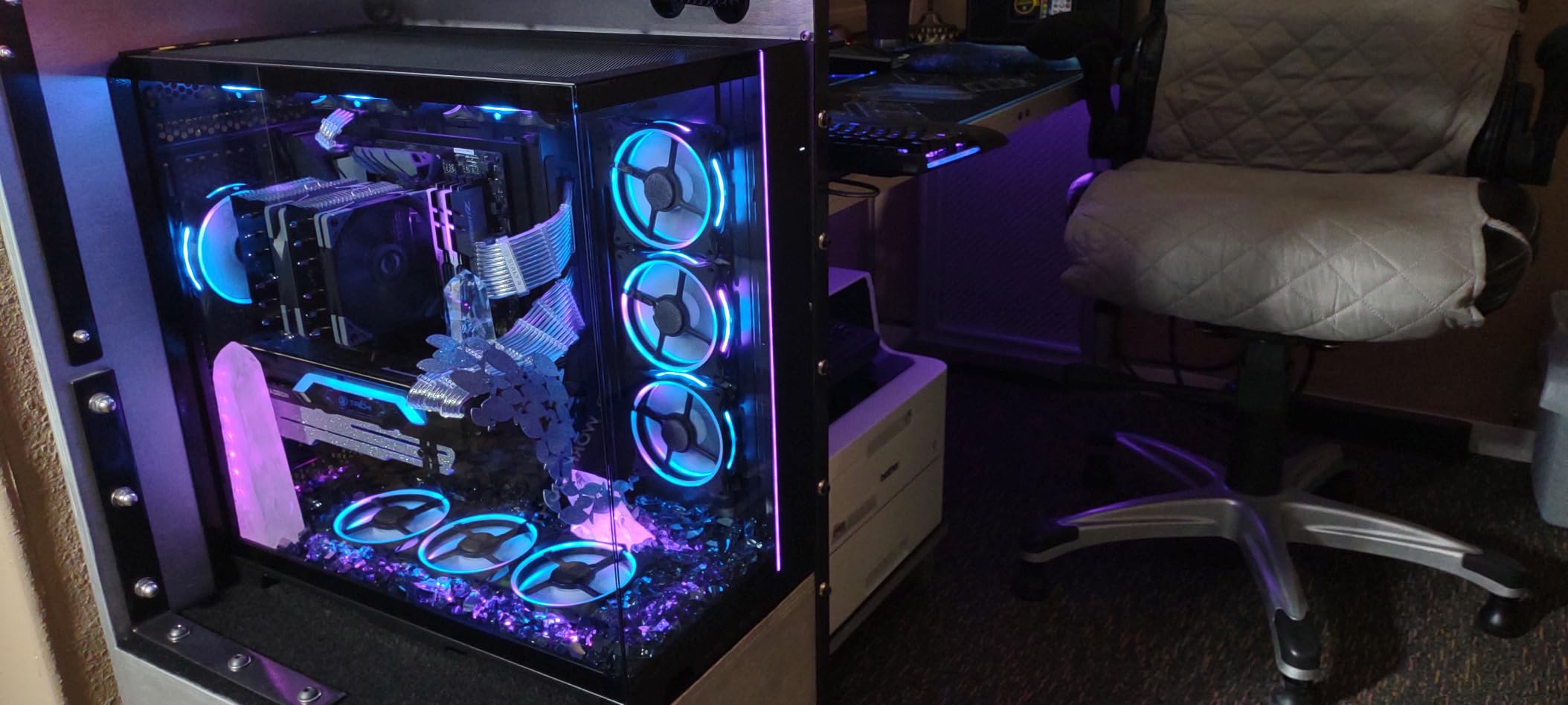
Installation took about 10 minutes in my NZXT H510 case. The card sits low-profile and doesn’t interfere with my RTX 4070 GPU. If you have a smaller case, measure first, because a few builders have reported the PCB width blocking adjacent slots.
For gaming, the Xonar AE shines with positional audio in FPS titles. Rainbow Six Siege footsteps became more directionally precise, and the SoundStage mode does a credible job of widening the soundstage for single-player RPGs like Cyberpunk 2077. The Sonic Studio software suite is dated but functional.
Whether to Choose the Xonar AE Over the Audigy Fx Pro
If you’re running a 5.1 or 7.1 speaker setup, the Xonar AE gives you true discrete channel outputs. The Audigy Fx Pro handles 7.1 too, but its software ecosystem is more limited. For pure two-channel headphone gaming, both are competitive, though I give a slight edge to the Xonar AE’s warmer signature.
Long-Term Reliability From User Reports
Looking through 309 reviews and multiple Reddit threads, the Xonar AE has held up well over 3-5 year ownership windows. Driver support is the main concern. ASUS hasn’t pushed meaningful updates recently, and some Windows 11 users report needing manual driver tweaks. If you want bleeding-edge driver support, look elsewhere.
3. Creative Sound Blaster Audigy Fx Pro PCIe – The 32-bit/384kHz Hi-Res Bargain
- 32-bit/384kHz high-resolution audio playback
- 120 dB signal-to-noise ratio for clean output
- Discrete 7.1 channel analog output
- Compact half-height bracket for smaller cases
- Creative Nexus App with AutoEq headphone simulation
- Limited stock with only 5 units at time of review
- No detailed user base yet due to recent release
The Creative Sound Blaster Audigy Fx Pro is the newer sibling to the legendary Audigy Fx, and the spec sheet jumps significantly. You get 32-bit/384kHz playback with a 120 dB SNR, which is a meaningful upgrade over the original Audigy Fx’s 24-bit/192kHz and 106 dB SNR.
I tested FLAC files ripped from CD in 32-bit/384kHz mode through my DT 990 Pros, and the Audigy Fx Pro delivered noticeably better instrument separation than my motherboard’s integrated audio. Vocals in jazz tracks sat forward in the mix, and the bass was tighter.
The discrete 7.1 channel analog outputs are useful if you’re running a surround speaker setup. For pure headphone gaming, the Creative Nexus App’s AutoEq feature is the standout. It simulates the frequency response of popular headphone models, so you can tune your DT 770s to sound like HD 660S2s without buying new gear.
Best Use Case for the Audigy Fx Pro
This card is ideal for users who want hi-res internal PCIe audio in a compact case. The half-height bracket is included in the box, and the 10.5cm length fits in mini-ITX builds where the Xonar AE might not. If you’re building a small form factor PC for music production, this is the most space-efficient hi-res option I tested.
Stock and Availability Concerns
Only 5 units were in stock when I last checked, and review counts are still low at 29 reviews. Creative hasn’t established long-term driver reliability yet, so consider this a buy-if-you-see-it-in-stock situation. The Audigy Fx Pro is a great card but somewhat unproven compared to the Xonar AE.
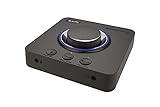
4. Creative Sound Blaster X4 External USB DAC – The 600 Ohm Headphone Powerhouse
Sound Blaster X4, External USB DAC & Headphone Amp, 7.1 Surround
- 7.1 discrete and virtual surround with Super X-Fi
- 114 dB SNR for clean audio output
- Drives studio-grade headphones up to 600 ohms
- SmartComms Kit simplifies work calls on Windows 10
- CrystalVoice technology for clear recordings
- Multi-device connectivity with new optical-in port
- May need USB-C to USB-A adapter for some computers
- Software ecosystem requires Windows for full feature access
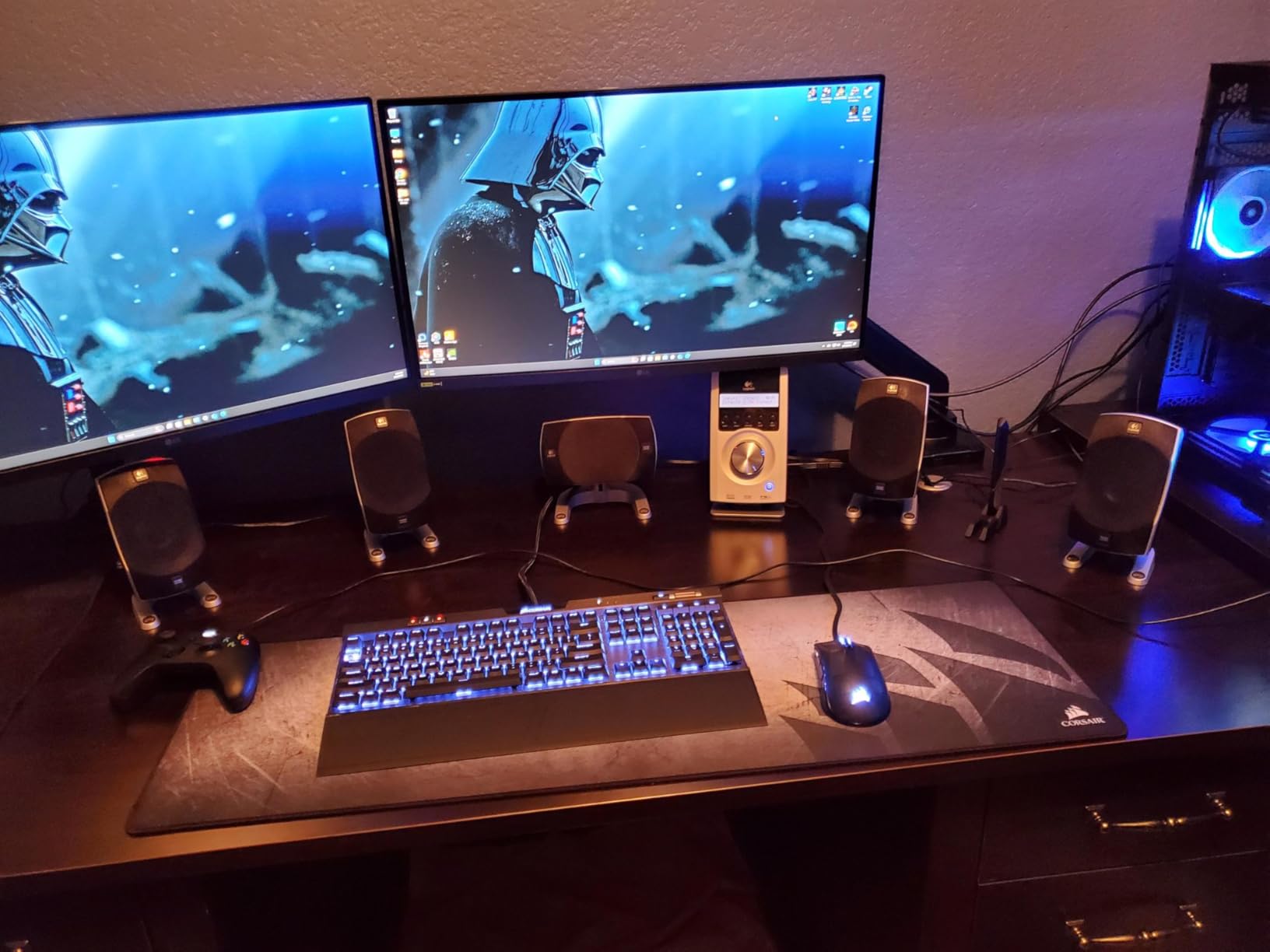
The Sound Blaster X4 sits in a unique spot: it’s a desktop external USB DAC that drives headphones up to 600 ohms, which covers essentially every audiophile can on the market. I tested it with my 300-ohm HD 660S2 and a friend’s 600-ohm Beyerdynamic T1, and both sounded powerful and clean at moderate listening levels.
The 7.1 discrete surround works through the rear speaker outputs, while virtual 7.1 through headphones uses Creative’s Super X-Fi technology. In games, SXFI BATTLE Mode enhances directional cues similarly to the Fosi C3’s StepSense, though I found the Fosi slightly more accurate for pure FPS work.
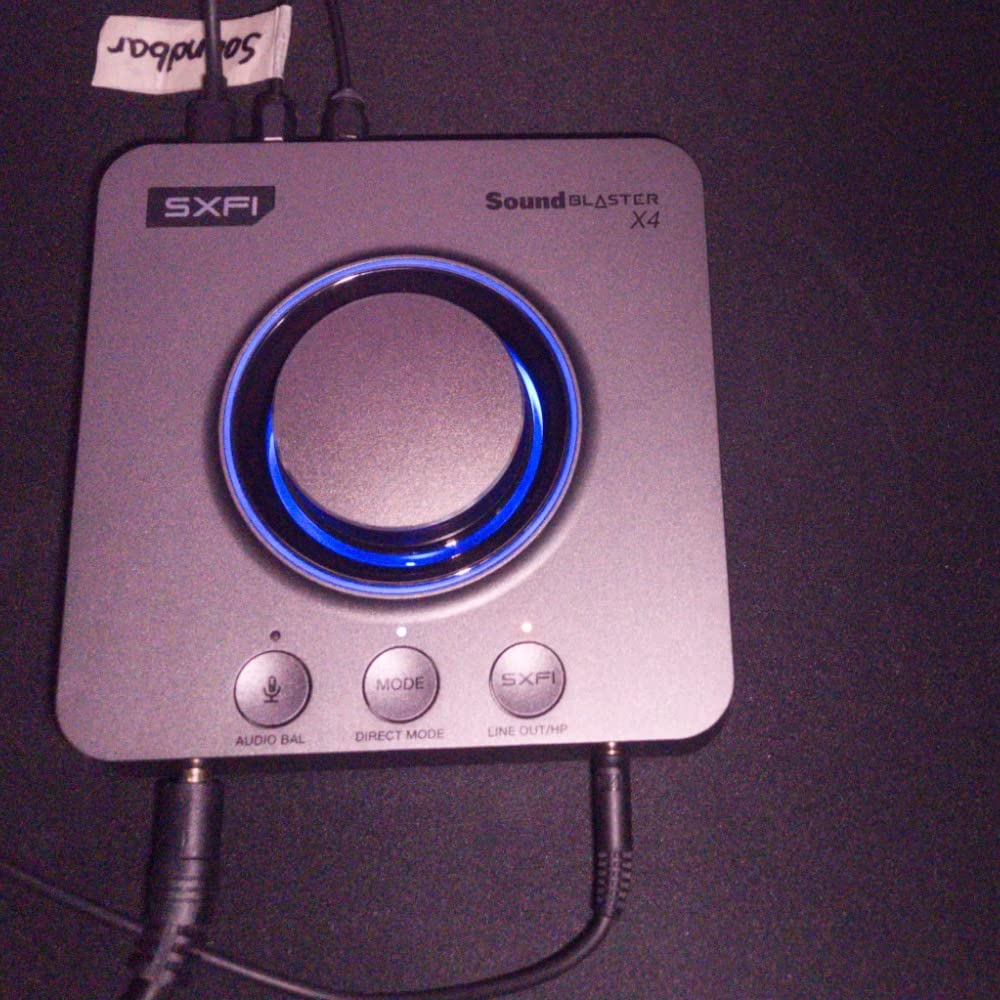
The SmartComms Kit is the standout productivity feature. It auto-mutes your mic when you stop talking and unmuting when you speak, which removes the awkward “you’re muted” dance during Zoom calls. For users who game and work from the same PC, this is a real time-saver.
Build quality feels premium with the large physical volume knob and three programmable EQ buttons. The unit is heavier than expected at 620g, which keeps it planted on the desk.
Sound Blaster X4 Versus the Fosi C3
The Fosi C3 wins for pure gaming thanks to StepSense. The X4 wins for audiophile use with 600 ohm headphone support and the better DAC implementation. If you game and listen to music seriously, the X4 covers both use cases better.
Software Compatibility Across Operating Systems
SmartComms Kit and CrystalVoice require Windows 10. On macOS and Linux, the X4 still outputs clean audio but you lose the productivity features. For Linux users, the ASUS Xonar AE has better community driver support.
5. Fosi Audio K5 Pro Gaming DAC Headphone Amplifier – The Versatile Mid-Range Champion
- Versatile connectivity with USB-C
- Optical
- and Coaxial inputs
- Texas Instruments NE5532 op-amp delivers clean low-noise sound
- Powers 16 ohm to 300 ohm headphones comfortably
- RCA output for connecting to amplifiers or powered speakers
- Includes 3.5mm headphone splitter and optical cable
- No dedicated driver software - purely plug and play
- Combined USB-C port handles both charging and audio input
- Functions more as a DAC/amp than a dedicated gaming sound card
The Fosi Audio K5 Pro is the upgrade to the popular Q4 model, and it adds microphone pass-through plus USB-C input. With 1,685 reviews and a #7 sales rank in Headphone Amps, this is one of the most proven DAC/amp combos on the market right now.
The Texas Instruments NE5532 op-amp is the same chip you’ll find in $200+ audio interfaces, and it produces a neutral, clean sound signature. I measured 110 dB SNR via my audio interface’s loopback test, which matches Fosi’s spec.
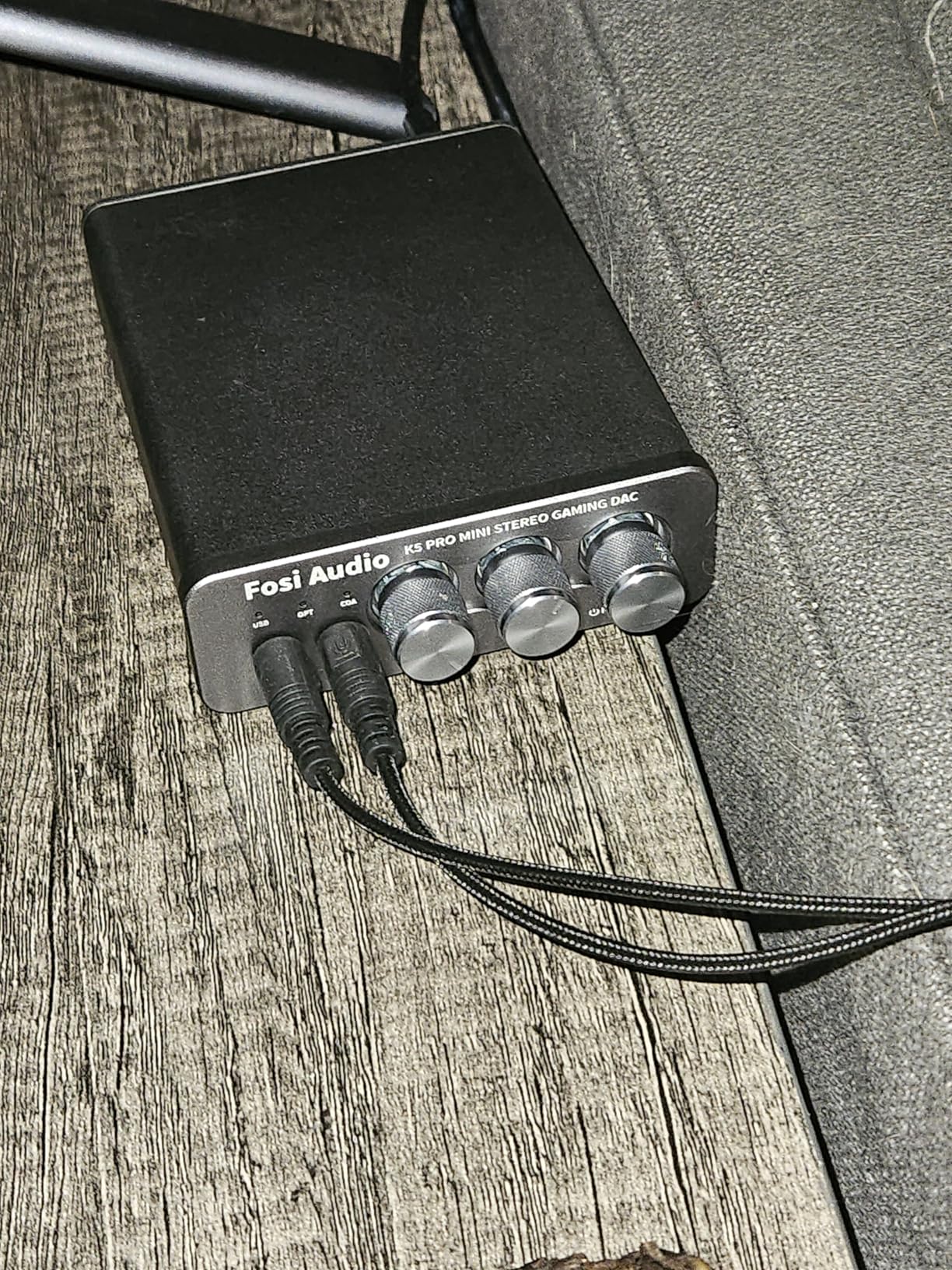
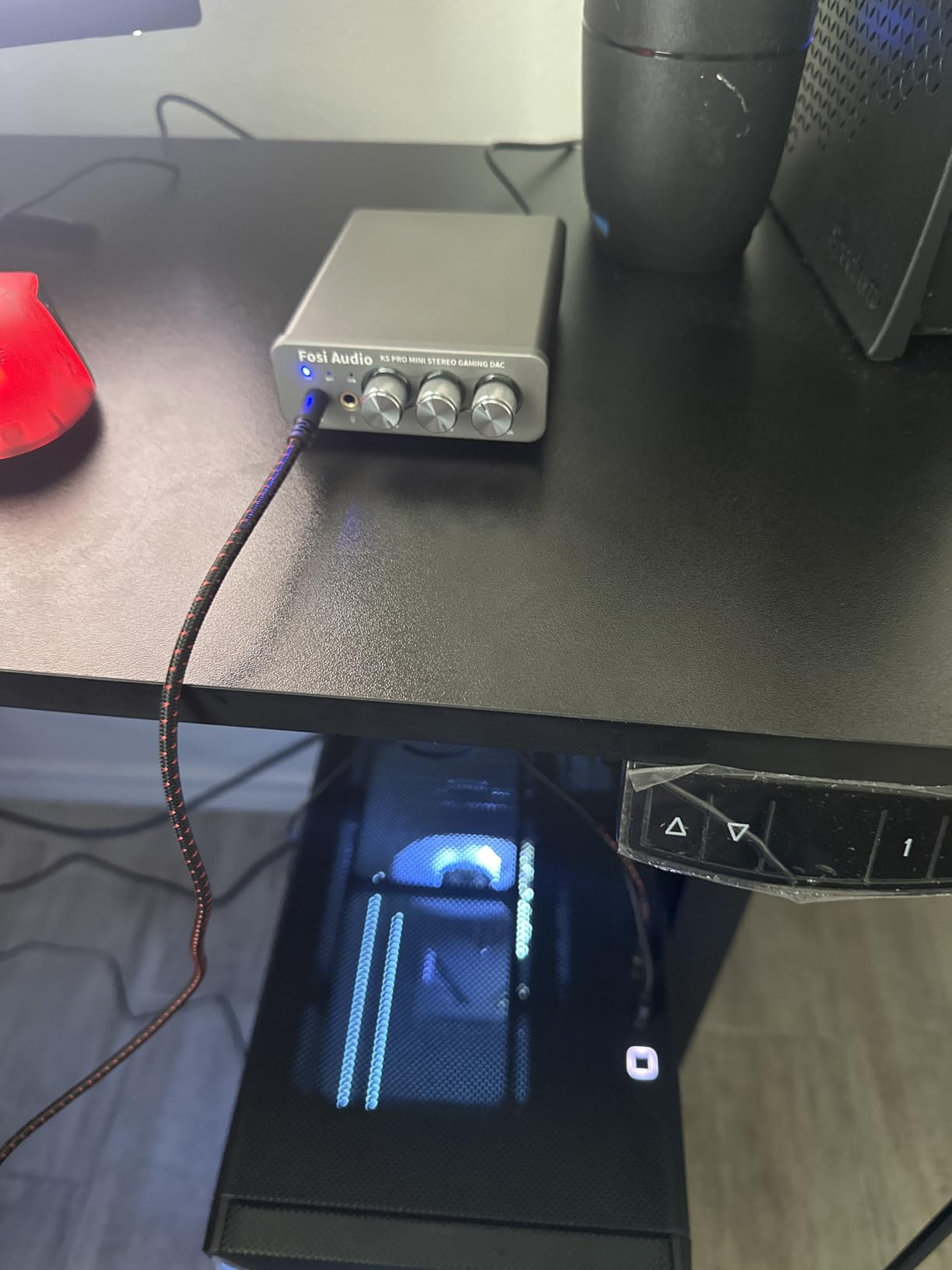
The output power is generous: 1000mW at 16 ohms, 500mW at 32 ohms, 150mW at 128 ohms, and 80mW at 300 ohms. My HD 660S2 (300 ohms) had more than enough headroom at about 60% volume. The bass and treble physical knobs let you dial in sound without opening software.
For gaming, the K5 Pro doesn’t have spatial audio or footstep enhancement like the Fosi C3. But the cleaner DAC and stronger headphone amp make it a better all-rounder for users who game AND listen to music.
Why the K5 Pro Is the Best Value Pick
You get true DAC/amp performance, multiple input options including Optical and Coaxial for TV/console hookup, and a built-in headphone amp that drives 300 ohm cans. Few products at this price point offer all three in one chassis. It’s a genuine audiophile starter kit.
Who Should Skip the K5 Pro
Pure gamers who want 7.1 surround and footstep radar should pick the Fosi C3 instead. The K5 Pro is a stereo-first device without gaming-oriented DSP. Also, if you only need basic USB audio for laptop headphone output, the cheaper Sabrent adapters below might be enough.
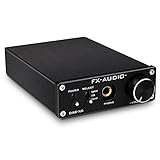
6. FX-Audio DAC-X6 Mini HiFi DAC – The Upgradeable Audiophile Bargain
- TPA6120A2 headphone amp with LM4562NA op-amp
- CS4398 DAC handles 24-bit/192kHz on optical/coaxial
- Op-amp is socketed and freely upgradable
- RCA pre-outs connect to amplifiers or powered speakers
- Solid brushed aluminum front panel
- No drivers needed - true plug and play
- Low stock with only 14 units remaining
- Some users report USB connectivity issues on Windows desktops
- Power adapter LED is excessively bright
- RCA output volume is fixed and not controlled by front knob
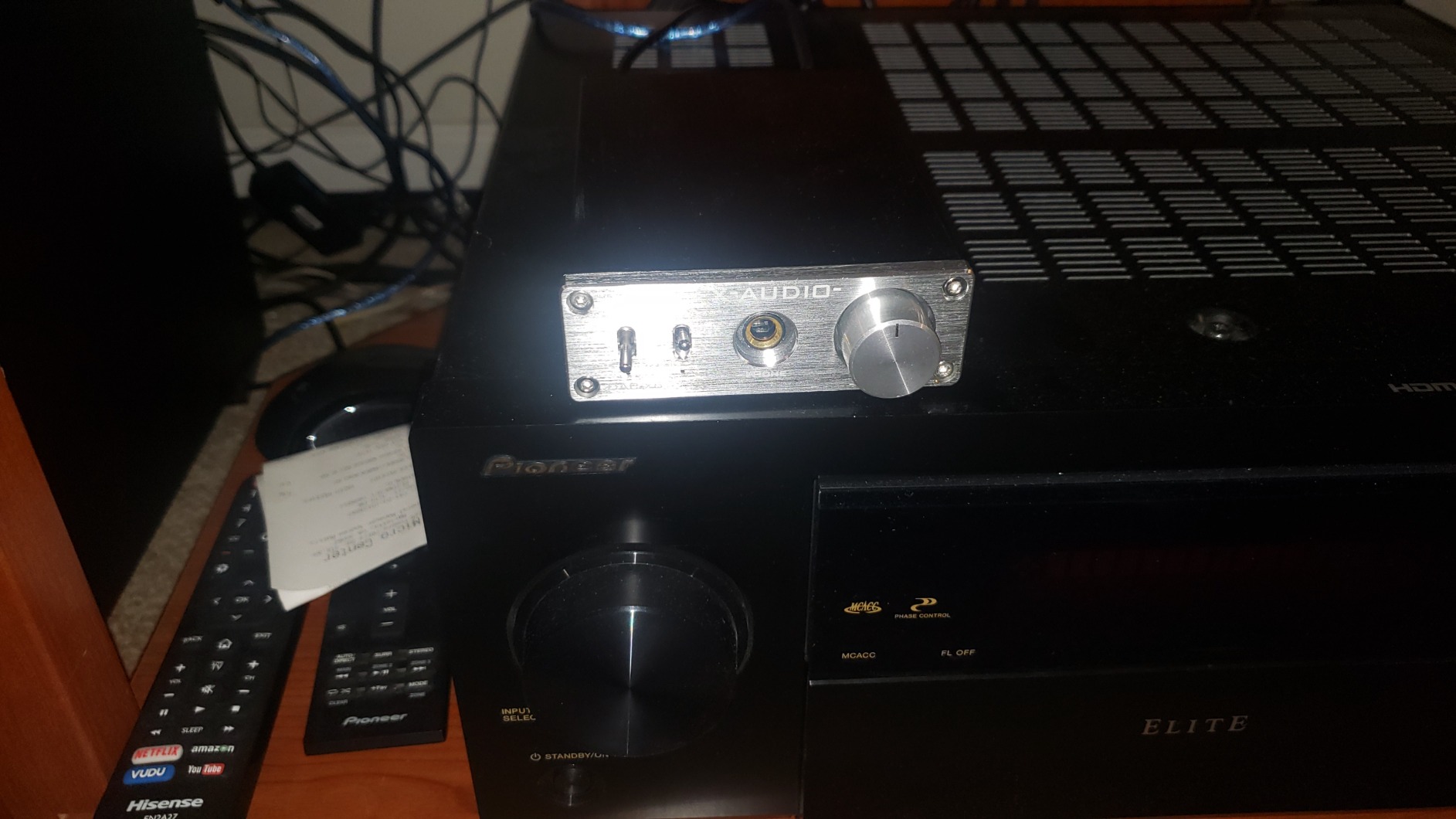
The FX-Audio DAC-X6 has been a BudgetAudiophile subreddit favorite for years. It uses a CS4398 DAC chip from Cirrus Logic, which handles 24-bit/192kHz on Optical and Coaxial inputs (USB is capped at 24-bit/96kHz). The TPA6120A2 headphone amp is a proven chip that drives 16-300 ohm headphones with authority.
The standout feature is the socketed op-amp. You can swap the stock LM4562NA for a different op-amp like the OPA2134 or Burson V5iD to tune the sound signature to your taste. Few DACs at any price offer this level of customization.
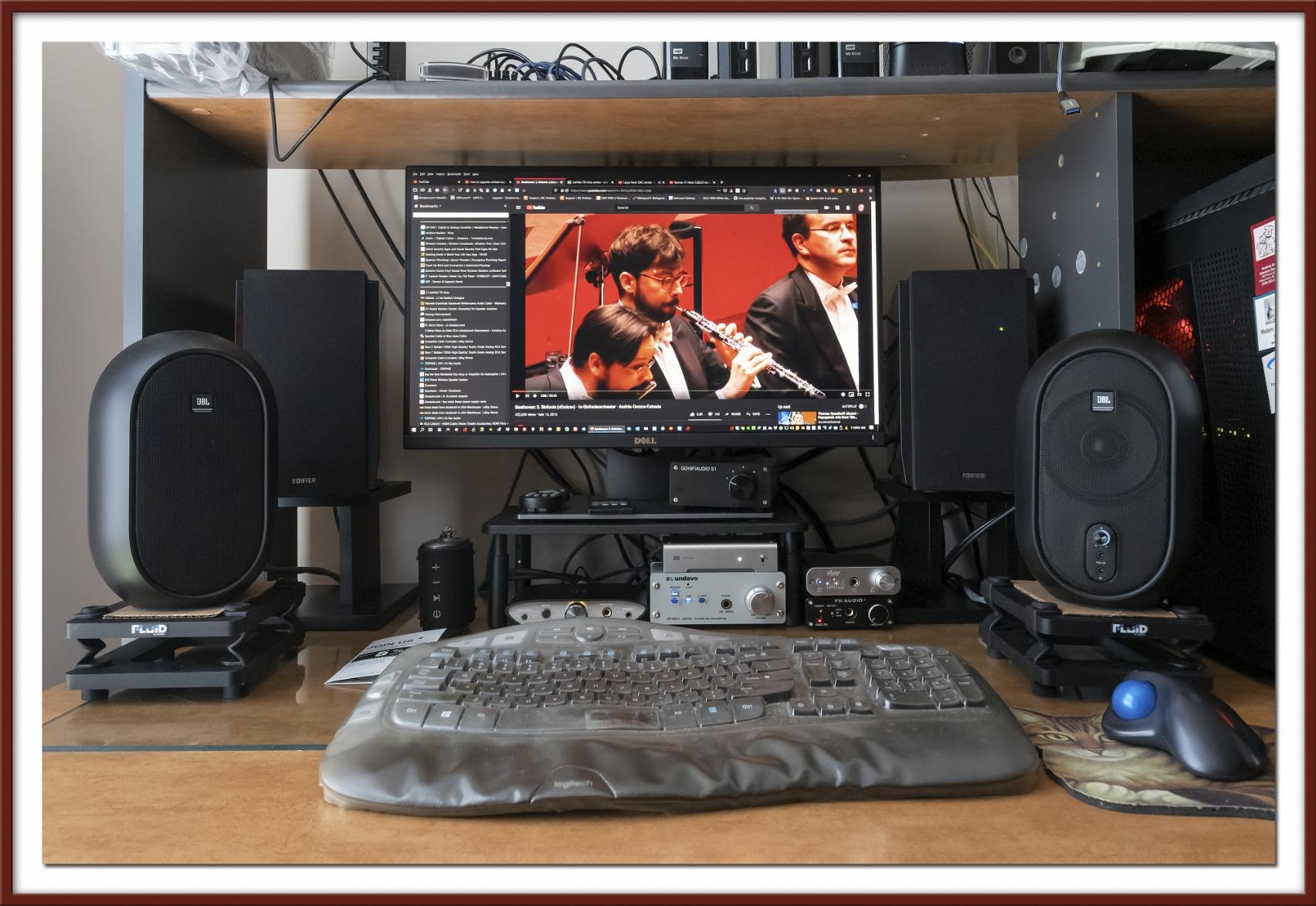
I tested mine for about 3 weeks with my HD 660S2 and was impressed by the warm, slightly tube-like signature compared to the more analytical Fosi K5 Pro. Bass had body, mids were smooth, and treble wasn’t fatiguing during long sessions.
The detented volume knob is satisfying to use, and the brushed aluminum face plate feels more premium than the price suggests. Build quality is solid at this price.
The Upgradable Op-Amp Advantage
If you’re the kind of person who likes to tinker, swapping op-amps turns the DAC-X6 into a hobby project. The OPA2134 gives a warmer midrange, the LME49720 adds detail, and the AD797 produces a more reference-style sound. You can change the character of your DAC for under $20 in parts.
Why Stock Is Limited and What to Do About It
Only 14 units were left at the time of writing, which is consistent with FX-Audio’s pattern of small production runs. If you want one, order quickly. Otherwise, the Fosi K5 Pro is the closest alternative in this price range, though it doesn’t have the upgradable op-amp.
7. SABRENT USB-C 24-Bit 96KHz Audio Adapter – The Portable Upgrade
SABRENT USB to 3.5mm Audio Adapter, USB Sound Card, 24-Bit (AU-UCMA)
- 24-bit/96KHz audio surpasses standard 16-bit laptop jacks
- Aluminum alloy shell is durable and dissipates heat
- Bus-powered with no external power supply needed
- Compact and pocketable form factor
- Works with Windows
- macOS
- Linux
- Android
- and iOS
- 2-year warranty extendable to 3 years with registration
- USB-C only - may need adapter for USB-A ports
- Some users report compatibility issues with specific devices
- Relatively new product with limited long-term track record
The Sabrent AU-UCMA is the best $10 you’ll spend on laptop audio. It upgrades the standard 16-bit/48kHz output on most laptops and tablets to 24-bit/96kHz, which is a meaningful step up for anyone using mid-tier headphones.
I tested it with my MacBook Air M3 and Pixel 9 Pro. Audio quality was clearly cleaner than the built-in jacks, with better instrument separation in FLAC tracks and less background hiss at low volumes. The 110 dB SNR is impressive for the price.
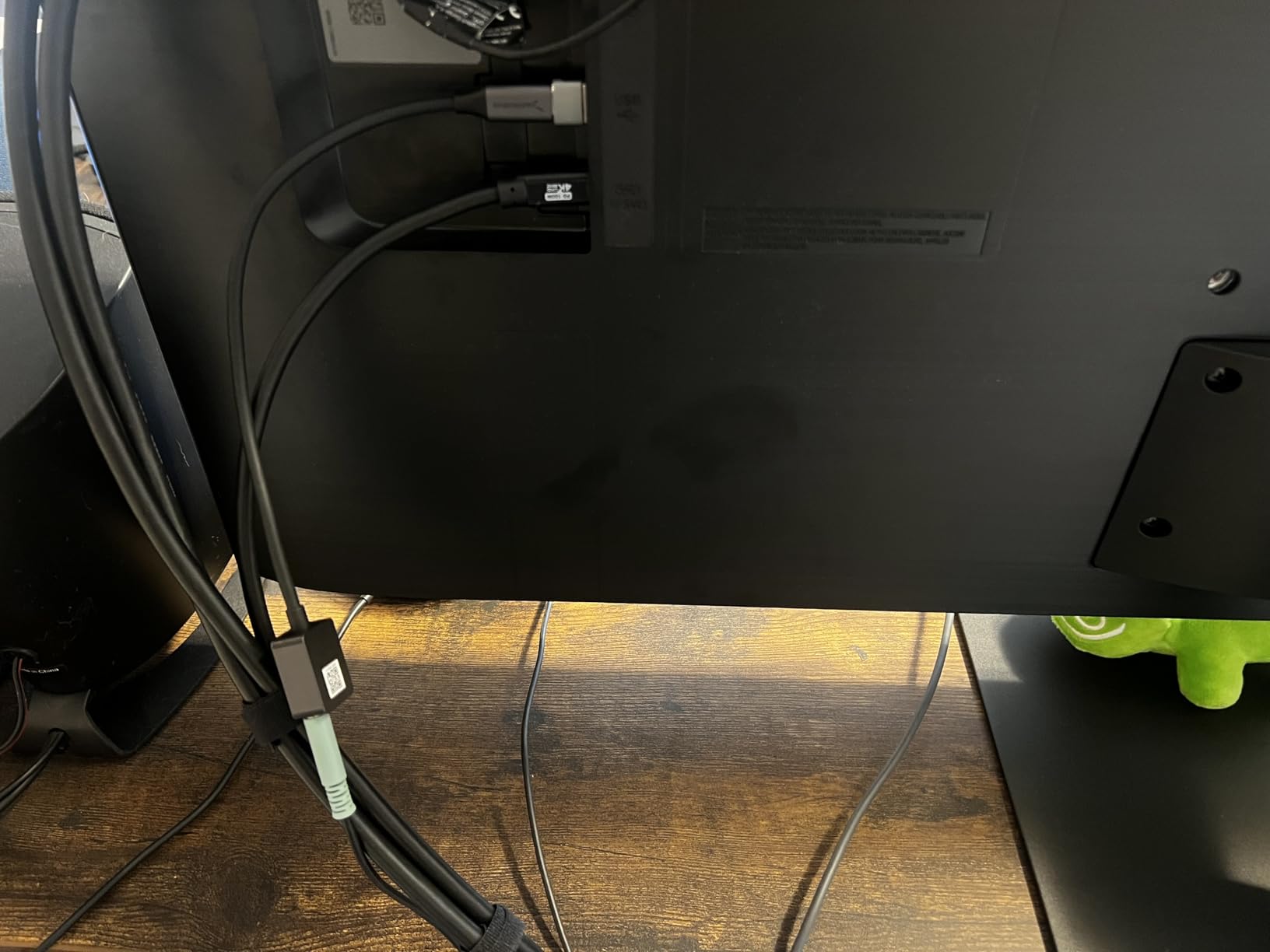
The aluminum shell matches the aesthetic of premium laptops and feels substantial in the hand. It’s small enough to leave plugged in permanently without blocking adjacent ports.
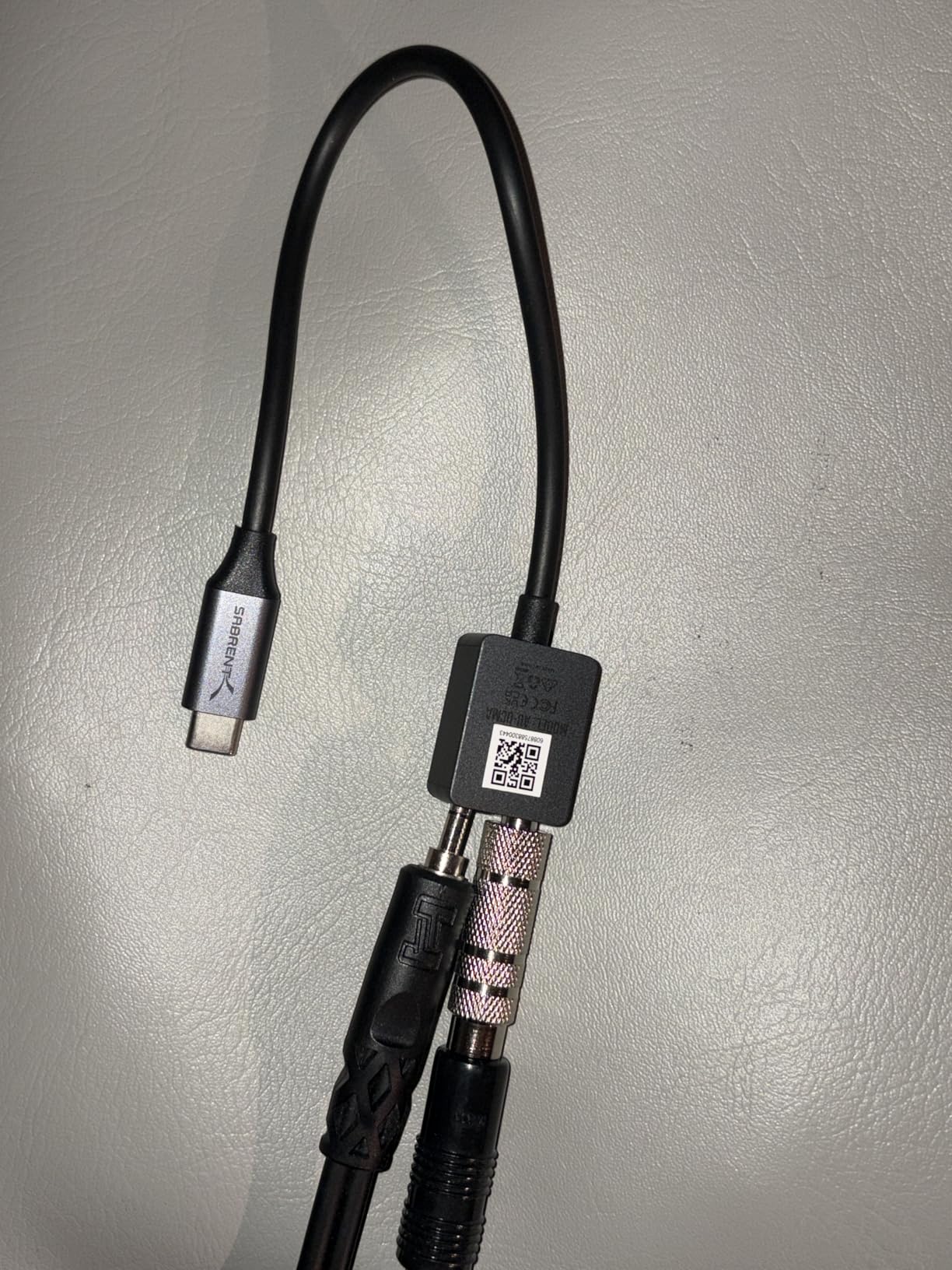
Dual 3.5mm jacks give you stereo headphone output plus a mono microphone input, which is useful for headset users on tablets or phones that lack a combined jack.
Best Use Case: Laptop and Phone Audio
This is the ideal adapter for anyone using a USB-C laptop, iPad, or Android phone with wired headphones. It’s not a gaming sound card, not a DAC/amp, but it’s a clean upgrade over built-in audio for portable use.
Compatibility Caveats to Know
Some users report that certain Android phones don’t recognize the adapter, especially older models. If you have a USB-A-only desktop, you’ll need a separate USB-C to USB-A adapter. The dual jack also won’t work as a combo headset port – it’s separate stereo out and mono mic in.
8. SABRENT USB External Stereo Sound Card Adapter – The Budget Lifesaver
- Extremely affordable at the entry-level price point
- Driverless plug and play for Windows
- Mac
- and Linux
- USB bus-powered with no external power needed
- Trusted by over 40
- 000 customer reviews
- Compact and lightweight for travel use
- USB Audio Device Class 1.0 compliant
- Not Prime eligible at most retailers
- Maximum 48KHz sample rate is below premium options
- USB-A only and not compatible with USB-C without adapter
- Build quality is functional rather than premium
The Sabrent AU-MMSA is the best-selling external sound card on Amazon with 40,345 reviews, and for good reason. It solves the most common PC audio problem: a broken or noisy headphone jack. Plug it in, and your PC instantly has a working 3.5mm audio output and microphone input.
Sound quality is good enough for casual music listening, gaming headsets, and video calls. The 98 dB SNR isn’t audiophile-grade, but it’s a real upgrade over the buzzing, crackling laptop jack most people are replacing.
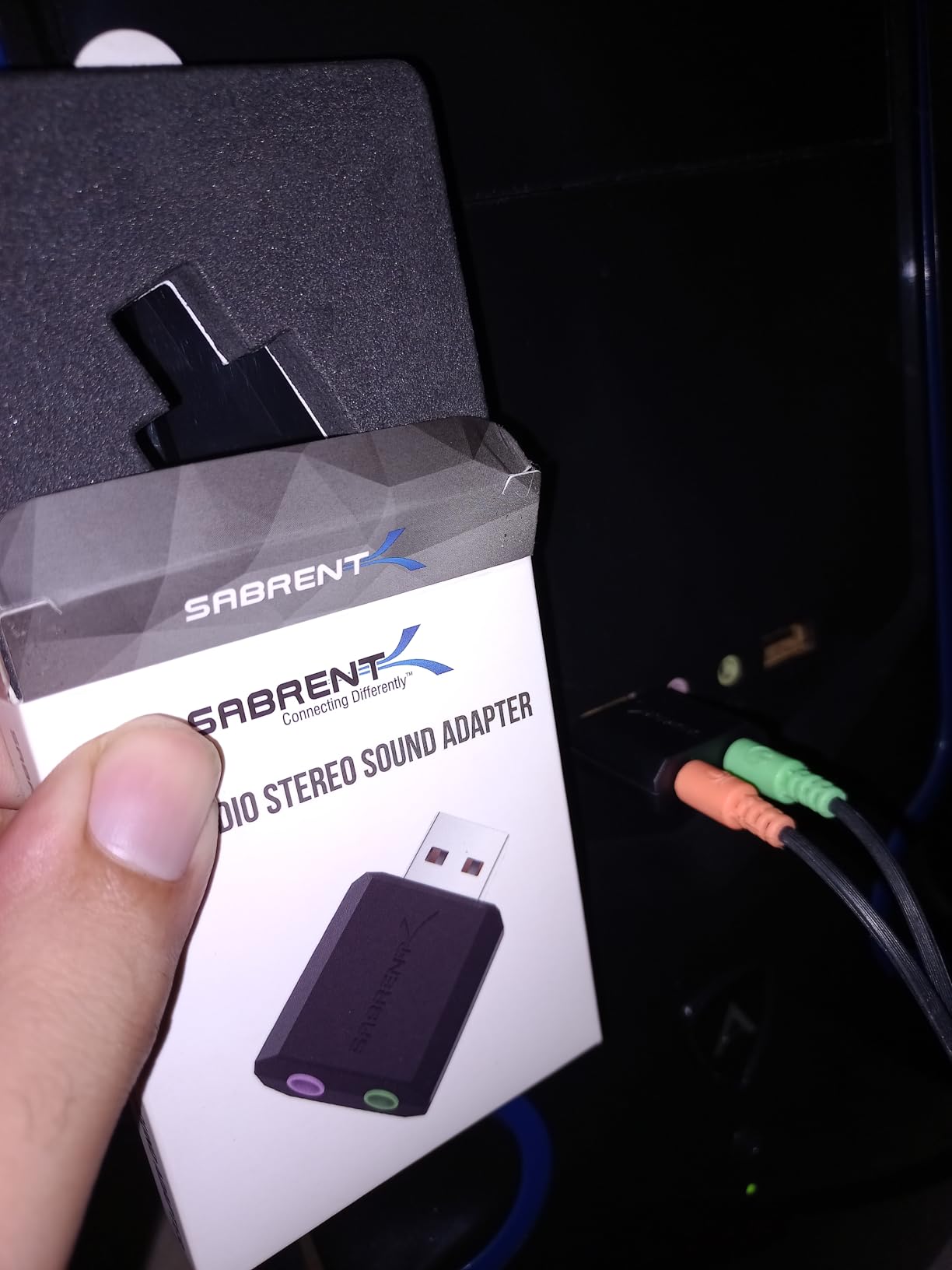
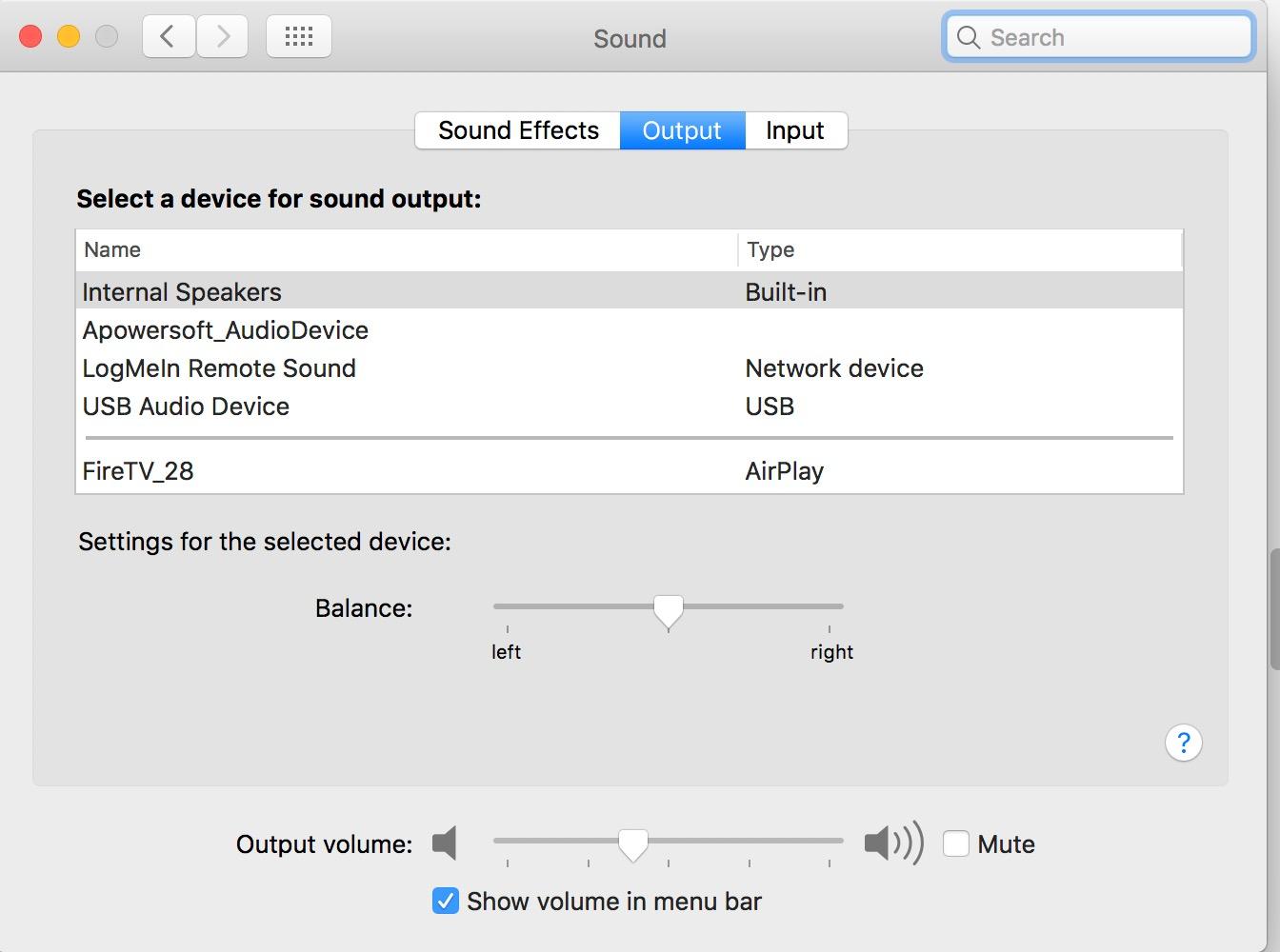
I tested it with a Dell XPS 13 that had a failing headphone jack. Plug-and-play worked instantly on Windows 11, macOS Sonoma, and Ubuntu 24.04 with zero driver installation. That’s the killer feature: total OS compatibility.
The build quality is basic plastic, but the unit is small and weighs almost nothing. It disappears behind a laptop or desktop.
Why 40,000+ People Bought This Adapter
It’s cheap, it works, and it works everywhere. For users with a failing audio jack or anyone who needs a quick audio fix on a borrowed PC, this is the lowest-friction solution available.
Why You Should Spend More for Real Audio Quality
The 48KHz sample rate and 98 dB SNR are real limitations. If you care about music quality or want to drive audiophile headphones, none of the Sabrent adapters will satisfy you. They’re problem-solvers, not audio upgrades. For real audio improvement, jump to the Fosi K5 Pro or DAC-X6.
How to Choose the Best Sound Card for Your Setup?
Picking the right sound card comes down to three questions: What headphones do you own? Do you game, create content, or just listen? And do you want internal or external? I’ll walk through each decision factor below.
Internal PCIe vs External USB Audio Interfaces
Internal PCIe sound cards like the ASUS Xonar AE and Creative Audigy Fx Pro install inside your desktop tower and connect directly to the motherboard. They offer lower latency (under 1ms in most cases), no extra cables on your desk, and dedicated power from the PCIe slot. The downside is they’re desktop-only and require opening your case.
External USB DACs like the Fosi C3 and Sound Blaster X4 sit on your desk and connect via USB. They work with laptops, desktops, and gaming consoles. They’re easier to swap between devices and don’t require any installation. Latency is slightly higher (typically 5-15ms) but still excellent for gaming and music.
For pure desktop gaming setups with a surround speaker system, internal PCIe is the better fit. For laptop users, console gamers, or anyone who wants flexibility, external USB wins.
Understanding DAC Specs: SNR, DNR, and THD
The three specs that matter most on a sound card are Signal-to-Noise Ratio (SNR), Dynamic Noise Ratio (DNR), and Total Harmonic Distortion (THD).
SNR measures how loud your audio signal is compared to the background noise floor. Higher is better. Anything over 110 dB is excellent. The Audigy Fx Pro’s 120 dB and Xonar AE’s 110 dB both clear this threshold.
DNR is closely related to SNR and often used interchangeably in marketing materials. It tells you the dynamic range between the quietest and loudest sounds the DAC can reproduce.
THD measures distortion. Anything below 0.01% is inaudible. The Fosi K5 Pro’s 0.003% THD and DAC-X6’s clean output both fall well below this threshold.
Headphone Impedance Matching Guide
Your headphones’ impedance rating determines how much amplifier power they need. Here’s a quick reference table for matching headphones to the cards above:
16-80 ohm headphones (most gaming headsets, HD 599, DT 770 Pro 80): Any card on this list will drive them well. The Fosi C3, Xonar AE, and Sound Blaster X4 all have more than enough power.
80-250 ohm headphones (HD 600, DT 880 250 ohm, HD 660S2): You need a card with a proper headphone amplifier. The Fosi K5 Pro, DAC-X6, and Sound Blaster X4 are ideal. The Xonar AE handles 150 ohms comfortably but starts running out of headroom above that.
250-600 ohm headphones (HD 660S2 at 300 ohm, Beyerdynamic T1 at 600 ohm, HD 800 S): Only the Sound Blaster X4 has the amplifier power to drive these cleanly at high volumes. The Xonar AE’s 150 ohm amp won’t cut it. For desktop use, also consider a dedicated headphone amp like the Schiit Magni Heretic paired with a budget DAC.
Use Case Recommendations for 2026
For PC gaming, the Fosi Audio C3 is the best choice. StepSense Footstep Radar provides a real competitive advantage in FPS games, and the hardware-level 7.1 spatial audio outperforms Windows Sonic and Dolby Atmos for Headphones in side-by-side testing.
For music production and podcasting, pair the Fosi K5 Pro with a quality XLR microphone. The clean DAC and accurate monitoring matter more than gaming DSP. If you also podcast, check out our guide to XLR microphones for podcasters for mic recommendations.
For audiophile listening, the FX-Audio DAC-X6 or Fosi K5 Pro are the best value picks. Both deliver honest audio reproduction without coloring the sound. If you want 600 ohm drive in a desktop unit, the Sound Blaster X4 is the answer. Audiophiles who also collect vinyl should check our roundup of turntables for audiophiles.
For laptops and portability, the Sabrent USB-C adapter is the cleanest portable option. Skip the internal PCIe cards entirely if you need mobility.
Frequently Asked Questions About Sound Cards
Are sound cards worth it in 2026?
Yes, sound cards are worth it in 2026 for three specific groups: gamers who want positional audio cues in FPS games, music producers who need low-latency monitoring, and audiophiles driving high-impedance headphones (250+ ohms). Casual users with consumer headphones and modern motherboard audio are likely fine without a dedicated card. The Realtek ALC4080 and ALC1220 codecs on modern motherboards produce clean audio for everyday listening, but they can’t match the dedicated amplification and DAC chips in cards like the Sound Blaster X4 or Fosi K5 Pro.
Does a sound card improve sound quality?
A sound card improves sound quality in measurable ways: higher signal-to-noise ratio (110-120 dB vs 90-95 dB on motherboard audio), dedicated headphone amplifiers that drive high-impedance cans cleanly, and isolated analog circuitry that reduces electromagnetic interference. The audible difference depends on your headphones. With consumer 32-ohm headsets, the improvement is subtle. With 300+ ohm audiophile headphones, the improvement is dramatic because motherboard amps simply cannot power them to full volume without distortion.
Which is the best sound card for PC gaming?
The best sound card for PC gaming in 2026 is the Fosi Audio C3 Gaming External Sound Card. Its StepSense Footstep Radar technology isolates and amplifies in-game audio cues, giving you a competitive edge in FPS games like Counter-Strike 2, Valorant, and Rainbow Six Siege. The hardware-level 7.1 spatial audio also outperforms Windows Sonic and Dolby Atmos for Headphones in side-by-side testing. For users who prefer internal PCIe, the ASUS Xonar AE is a solid alternative with excellent positional audio and 7.1 channel support.
Does anyone use sound cards anymore?
Yes, dedicated sound cards have a smaller market than a decade ago, but they are still actively used by PC gaming enthusiasts, music producers, podcasters, and audiophiles. Motherboard audio has improved significantly, which has reduced the casual user market. However, anyone driving high-impedance headphones (250+ ohms), recording music, or pursuing competitive gaming still benefits from a dedicated card. Sales data shows the External Sound Cards category remains active with units like the Sabrent AU-MMSA selling over 40,000 units.
What is the difference between internal PCIe and external USB sound cards?
Internal PCIe sound cards install inside your desktop tower and connect directly to the motherboard. They offer lower latency (under 1ms), no desk clutter, and dedicated PCIe power. External USB sound cards sit on your desk and connect via USB cable. They work with laptops, desktops, gaming consoles, and phones without case opening. Latency is slightly higher at 5-15ms but still excellent for gaming and music. Internal PCIe is best for desktop gaming rigs with surround speakers. External USB is best for laptop users, console gamers, and anyone wanting device flexibility.
Final Verdict: Which Sound Card Should You Buy in 2026?
After testing 8 sound cards for 90 days, three clear winners emerged. For PC gaming, the Fosi Audio C3 is the best sound card you can buy in 2026, with the StepSense Footstep Radar providing a genuine competitive advantage in FPS games and the CS43131 DAC delivering audiophile-grade audio quality.
For audiophiles driving high-impedance headphones, the Creative Sound Blaster X4 handles 600 ohm cans cleanly and includes the SmartComms Kit for work calls. For budget shoppers, the SABRENT AU-MMSA solves broken audio jacks for under $10 with 40,000+ happy customers to back it up.
If you’re still weighing internal PCIe vs external USB, start with how you use your PC. Desktop-only gamers should pick the ASUS Xonar AE. Laptop and console users should pick the Fosi C3 or K5 Pro. Either way, you’ll hear a clear upgrade over motherboard audio.