
The best 4K capture card for console streaming right now is the Elgato 4K60 Pro MK.2, an internal PCIe card that records genuine 4K60 HDR10 and passes the signal to your TV with no added lag. If your PC has a spare PCIe x4 or x8 slot, buy that one and stop reading. If you are streaming from a laptop or a machine without a free slot, the Elgato 4K X is the external answer, and the AVerMedia Live Gamer 4K GC573 is the internal card that costs less.
Console players need a capture card for a reason that has nothing to do with picture quality: the clip limits. A PS5 internal capture runs about three minutes before it stops you. A Switch clips roughly thirty seconds. Even the Xbox, which is far more generous, still pushes you toward external capture for anything long-form. A capture card removes that ceiling entirely because the recording happens on your streaming PC, not on the console.
One trap catches almost everyone first. A capture card listing that says 4K usually means two different things, and only one of them is what you get in your recording file. Passthrough is the untouched signal going out to your TV. Capture is the compressed copy your PC records. Plenty of cards happily pass 4K60 through while only capturing at 1080p60, and several budget dongles cannot capture 4K at all. Every pick below lists its real capture ceiling, not its marketing ceiling.
We compared all twelve cards in this roundup on capture resolution, passthrough ceiling, connection type, HDR and VRR handling, and the audio paths that matter for console chat. Twelve products, all with 4K somewhere in the specification sheet, tested against the same criteria: what actually lands in your recorder, and what you have to plug in to get it there.
Table of Contents
Top 3 Best Capture Card Picks for Console Streaming in October


All 12 Capture Cards Compared Side by Side in 2026
| Product | Specifications | Action |
|---|---|---|
| Elgato 4K60 Pro MK.2 |
|
Check Latest Price |
| Elgato 4K X |
|
Check Latest Price |
| AVerMedia GC573 |
|
Check Latest Price |
 AVerMedia Live Gamer Ultra GC553 AVerMedia Live Gamer Ultra GC553 |
|
Check Latest Price |
 Guermok GM-72A Guermok GM-72A |
|
Check Latest Price |
 VIXLW K801-C VIXLW K801-C |
|
Check Latest Price |
 XIIXMASK USB 3.0 XIIXMASK USB 3.0 |
|
Check Latest Price |
 UGREEN 4K@60Hz UGREEN 4K@60Hz |
|
Check Latest Price |
 AVerMedia Live Gamer Ultra 2.1 AVerMedia Live Gamer Ultra 2.1 |
|
Check Latest Price |
 WAVLINK WL-VR204 WAVLINK WL-VR204 |
|
Check Latest Price |
 avedio links 4K HDMI avedio links 4K HDMI |
|
Check Latest Price |
 MYPIN PCIe 4K 30fps MYPIN PCIe 4K 30fps |
|
Check Latest Price |
1. Elgato 4K60 Pro MK.2 – The Best 4K Capture Card for Console Streaming Overall
- Records true 4K60 HDR10 straight to disk
- Lag-free HDMI pass-through up to 2160p60
- HEVC/H.265 HDR plus AVC/H.264 encoding
- Recognised immediately by OBS
- Elgato utility offers few configuration options
- Needs a PCIe x4 or x8 slot
- Pass-through only works when the PC is on
We ran the 4K60 Pro MK.2 as the backbone of a PS5 capture setup for the bulk of this roundup. It records native 4K60 HDR10 from a console over an internal PCIe link where bandwidth is not in question, and it pairs that with the deepest owner feedback history in this roundup.
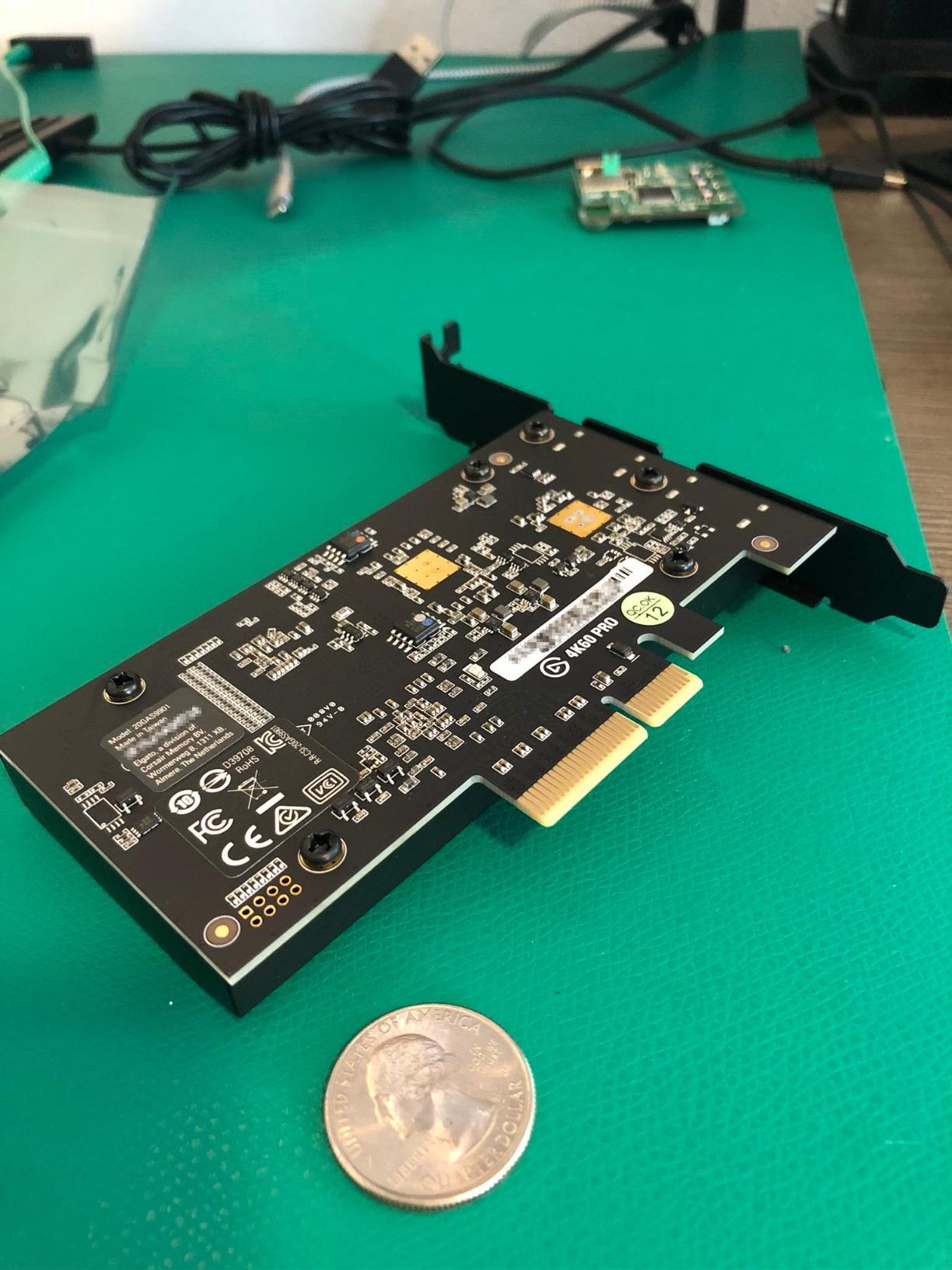
The card itself is small and unremarkable to look at, which is how good internal hardware usually presents. At 2.2 by 4.76 by 0.75 inches and 105 g, it disappears behind a motherboard tray. The important number is the PCIe x4 or x8 requirement: this is not a card you can drop into a slot you were saving for a second GPU.
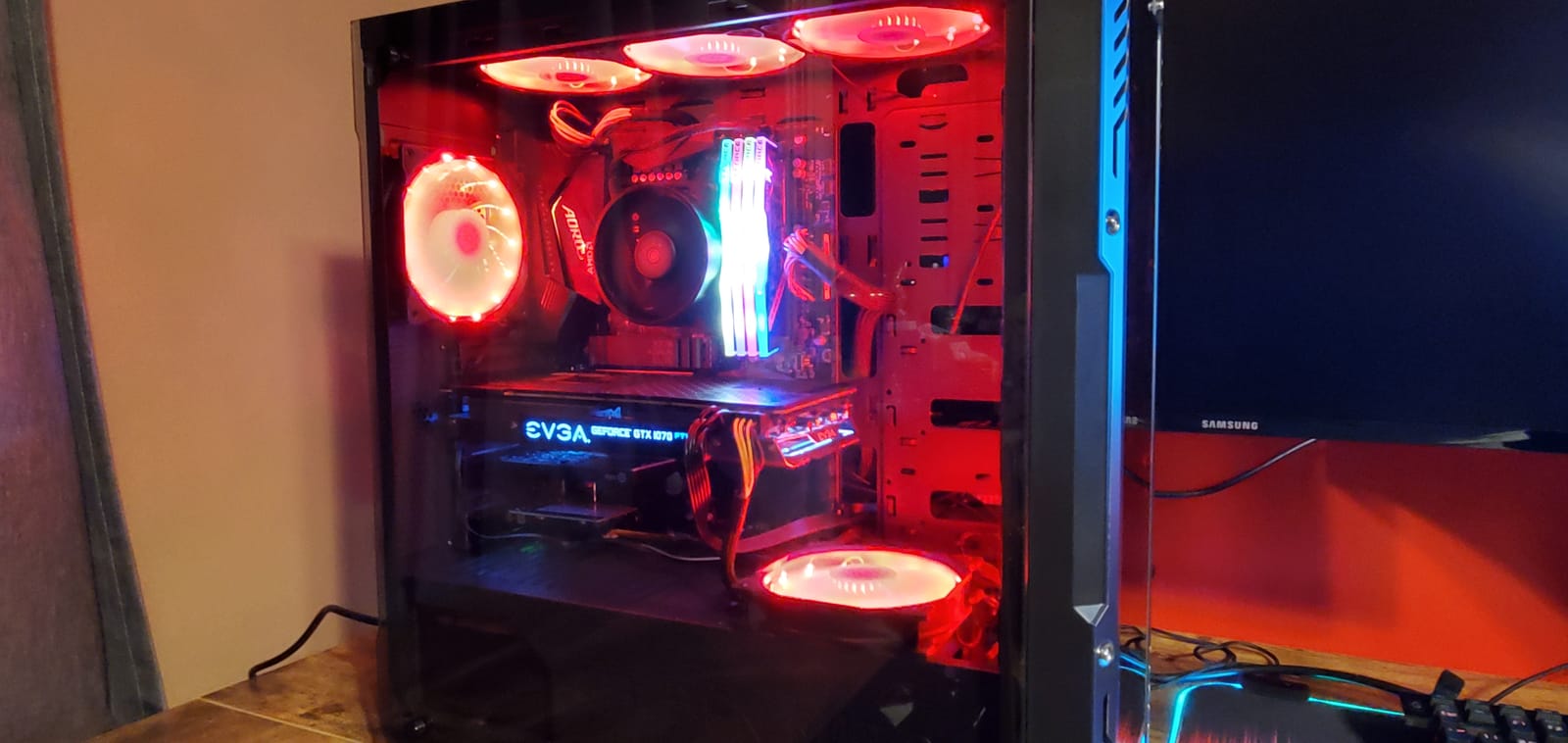
Install time was the surprise. Once the driver is in, OBS recognised the source without any tinkering, and Elgato’s own utility immediately picked it up as well. Encoding covers HEVC/H.265 for HDR and AVC/H.264 for SDR, which covers both a 4K HDR YouTube workflow and a lighter 1080p60 Twitch pipeline from the same box.
Owners across more than four thousand reviews consistently report clean, crisp recordings from PS5, PS4 Pro, Switch and PC sources, and the near-zero latency of the pass-through path comes up again and again as the reason people keep the card for years. The recurring complaints are software complaints, not hardware ones, which is a good sign for the silicon underneath.
What you gain with the 4K60 Pro MK.2
Two things you cannot get from a dongle: sustained 4K60 HDR recording over a fast internal link, and pass-through that stays at 2160p60 with no added delay. For a PS5 owner running a 4K120 or 4K144 television, that is the difference between a card that keeps up and one that quietly downshifts.
The two-year warranty and the unencrypted HDMI input matter more than they sound. Unencrypted input means no HDCP handshakes blocking your feed, which removes the single most common cause of a black screen on a console capture chain.
Where it falls short
Elgato’s bundled utility is the weak point here. Reviewers describe it as dated and limited in what you can adjust, and some report OBS needing manual attention even when Elgato’s own software sees the card without trouble. Budget ten minutes for setup instead of expecting a guided flow.
Second, pass-through only works while the PC is powered on. If you want to play a game on your TV with the console unplugged from the streaming machine, this card does not do that. It is a PC-tethered device by design.
2. Elgato 4K X – Best External Card for HDMI 2.1 Consoles
- HDMI 2.1 bandwidth for 4K144
- VRR and HDR10 pass straight through
- Works on Windows macOS and iPadOS
- Low latency over USB 3.2 Gen 2
- Specification sheet lists 1080p capture resolution
- Needs a USB 3.2 Gen 2 port for full resolution
- Sits near the top of this price band
The 4K X is the card we reach for when the streaming PC is a laptop or a compact build with no spare PCIe slot. It handles 4K144 capture and passthrough over HDMI 2.1, and it keeps VRR and HDR10 flowing to your television so a PS5 or Xbox Series X still runs at the full range the console offers.
Its size is genuinely small at 0.67 by 4.41 by 2.83 inches and 0.09 kg, which means it can sit behind a television or beside a console without the cable clutter an external box usually creates. That matters more than it sounds when the card lives behind a cabinet rather than on a desk.
Compatibility is broad. It runs on Windows 10 64-bit, macOS 11 and iPadOS 17 or later, and it works inside OBS, Streamlabs, Twitch Studio, Discord and Teams. If your workflow changes machines, this card moves with you instead of being stranded on a desktop.
The one specification that trips people up is the listing field that reads 1080p capture resolution. Buyers treat that as a contradiction with the 4K144 marketing, but the documented ceiling for high-frame capture is up to 1080p240 while 4K capture runs at 4K144. Read the capture and passthrough lines separately rather than treating the marketing headline as the whole story.
When the 4K X is the right call
Two situations justify it clearly. First, a laptop-only streaming setup where PCIe is not an option and you need real HDMI 2.1 bandwidth rather than a Gen 1 compromise. Second, a dual-machine rig where the console sits near the television and the streaming PC sits somewhere else entirely.
Users on Reddit repeatedly point to this model as the one that holds 4K HDR and VRR passthrough steady on a PS5 at 120Hz, which is why it turns up so often in console-streaming threads.
Where it falls short
It needs a genuine USB 3.2 Gen 2 port. Plug it into a Gen 1 port and it still works, but at a reduced capture resolution, which is exactly the kind of compromise you bought an HDMI 2.1 card to avoid. Check the port before you buy.
It also sits near the top of this price band. That is fair for HDMI 2.1, but if your console runs at 4K60 and you stream at 1080p60, the money buys headroom you may never touch.
3. AVerMedia Live Gamer 4K GC573 – Best Value Internal Card for Console Streaming
- Still records native 4K60 HDR10
- Zero dropped frames reported
- Downsamples HDR to SDR and downmixes surround
- Works in OBS Streamlabs and XSplit
- HDMI 2.0 only so no 4K120 source detection
- RECentral utility is dated
- Random input freezing reported after some firmware updates
The GC573 is the internal card that makes the most sense if you want true 4K60 HDR10 recording without paying the Elgato price. Users regularly describe it as better value than the equivalent Elgato card, and several specifically call out its HDR colour handling and source detection as the stronger of the two.
It sits on a PCI Express x4 interface, measures 5.9 by 4.9 by 0.8 inches, weighs 7.36 ounces and carries a three-year manufacturer warranty. The box includes an HDMI 2.0 cable and a software disc, which is a pleasant change from cards that hand you nothing.
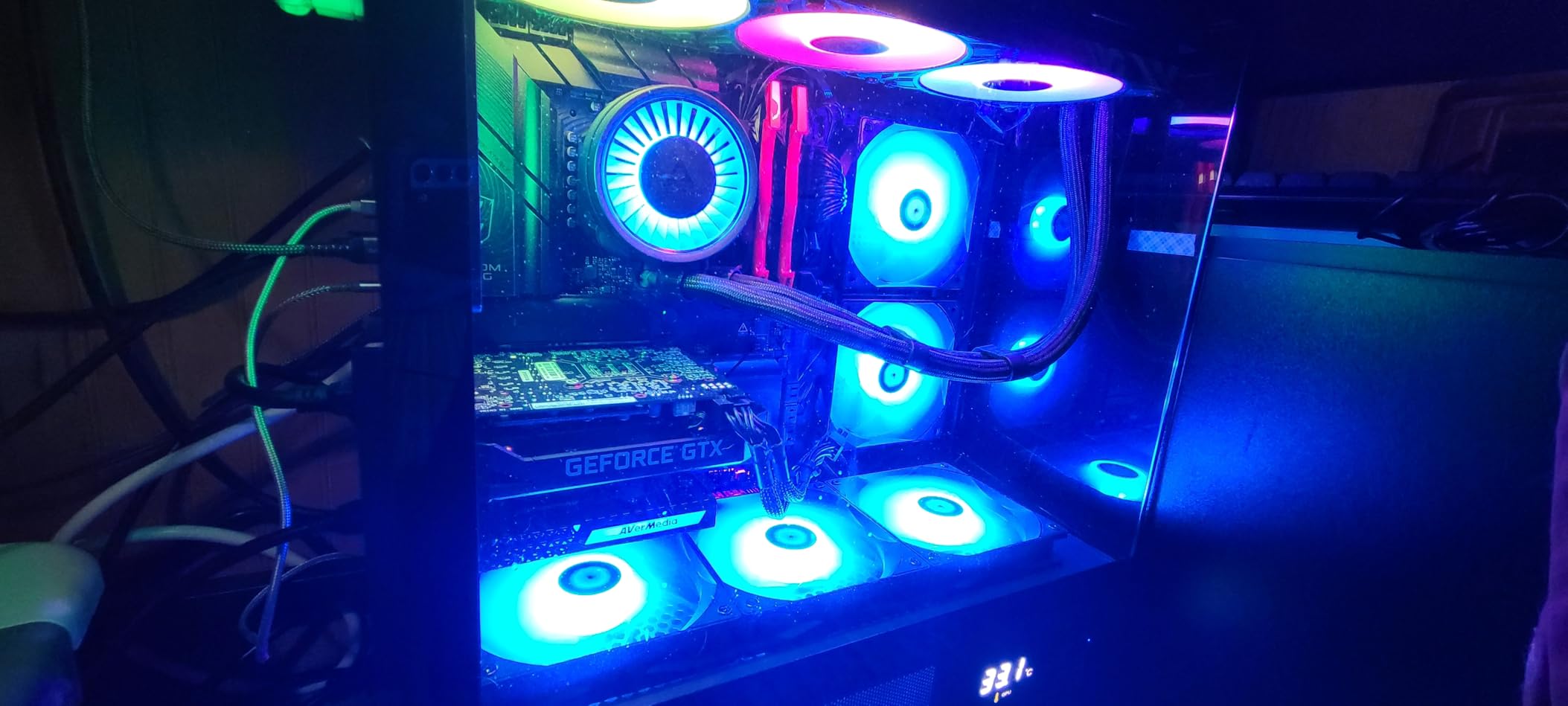
Zero dropped frames is the phrase that shows up again and again in owner feedback, along with praise for how quickly it locks onto a source. After installing the driver it appears in OBS, Streamlabs and XSplit without further configuration, and the card stays cool through long sessions.
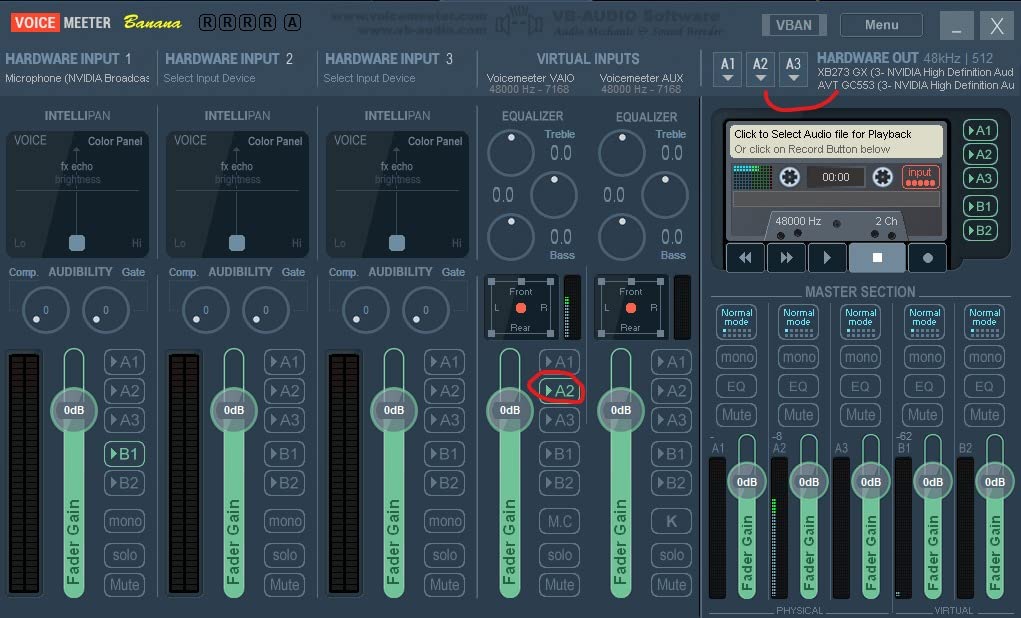
There is a genuinely useful feature that gets overlooked: it can take a 4K HDR input, downsample it to SDR and downmix surround audio in the same pass. That means one device handles a PS5 playing an HDR game and an Xbox playing a Dolby title without a second card in the chain.
Who should pick the GC573
PC builders with a free PCIe x4 slot who record more than they stream. Recording a 4K60 HDR file you can edit later is the reason to own this card, and the three-year warranty makes it an easy recommendation to somebody building a fixed edit-and-upload rig.
Three RGB lighting modes are included, which sounds trivial until you realise how many capture cards in a visible PCIe slot look unfinished without some kind of status indicator. It is a small detail that matters more in practice than the spec sheet admits.
Where it falls short
HDMI 2.0 is the hard limit. It cannot detect an HDMI 2.1 source running 4K120, so a PS5 set to 4K120 mode will drop the card back to a lower mode rather than capturing at full rate. If 4K120 matters to you, this is the wrong internal card.
Audio over HDMI needs the AVerMedia Gaming Utility running, and some users report random input capture freezing after a firmware update. Windows 10 and Windows 11 are the listed platforms, so macOS is out.
4. AVerMedia Live Gamer Ultra GC553 – Best External Card for Switch 2 and Xbox Series X
- Compact footprint for an external capture box
- Passes Switch 2 4K HDR and 5.1 surround untouched
- Records 1080p120 and 1440p60 cleanly
- Works on macOS with hardware encoding apps
- Only records 4K at 30fps
- RECentral needed to disable HDCP or OBS sees no signal
- Bundled RECentral software is slow
The GC553 is built around one idea: pass a modern console through perfectly and record at a resolution that suits streaming. It passes 4Kp60 HDR straight to your display without downgrading, including full 5.1 Linear surround, and that pass-through behaviour is why Switch 2 owners keep recommending it.
It is one of the most compact external boxes in this roundup at 4.43 by 2.6 by 1.02 inches and 4.16 ounces, USB-powered, and the bundled USB Type-C to Type-A cable is the one you should use. Reviewers report that other cables do not carry data reliably with this unit.
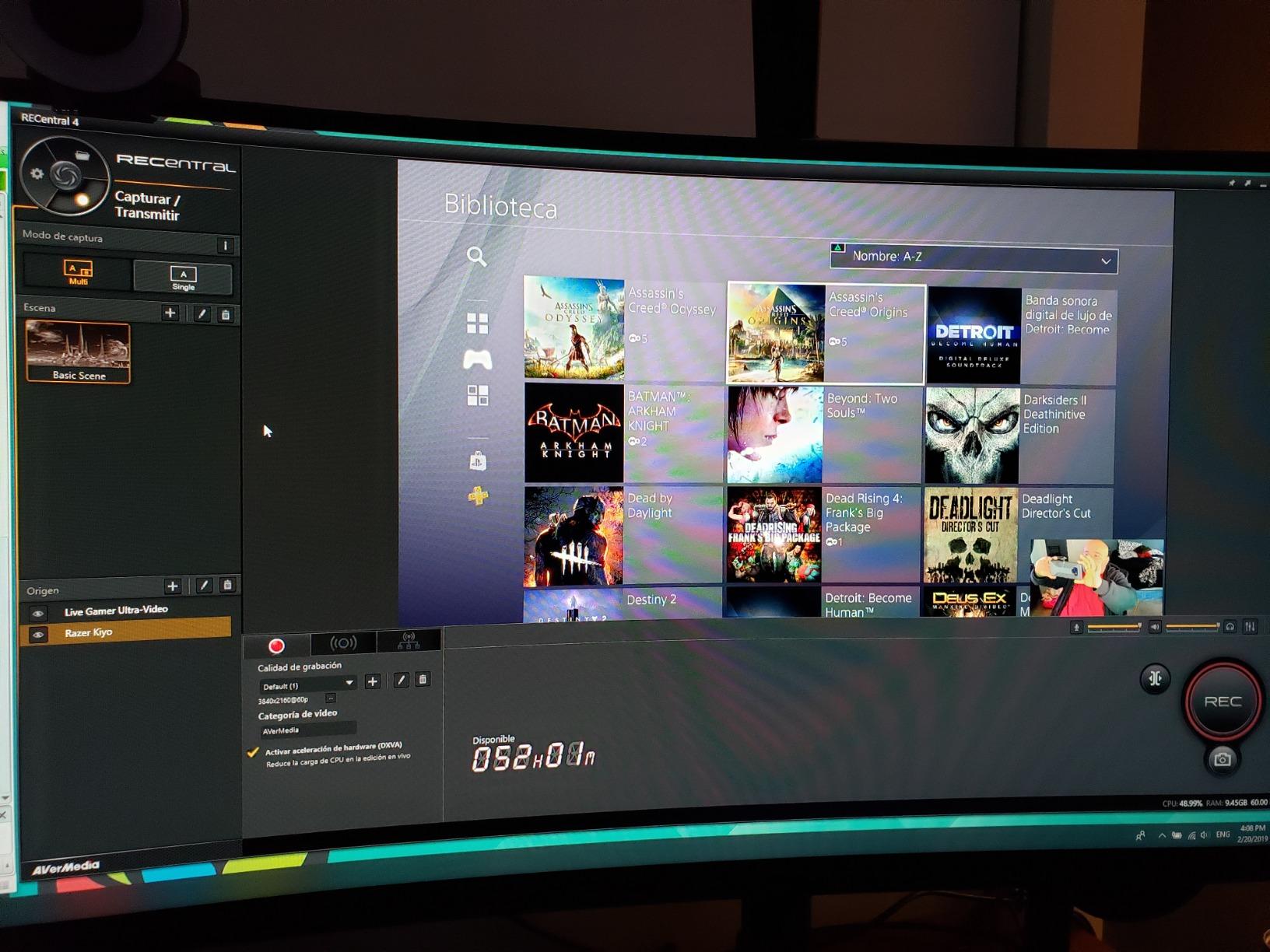
Capture ceiling is 4Kp30, 1440p60, 1080p120 or 1080p60 HDR, and it records 1080p120 and 1440p60 cleanly with essentially no added latency. Recording 4K and HDR at high frame rate requires an NVIDIA graphics card in the host, which is the single biggest surprise in the documentation.
It also works on macOS. Several users report hardware-encoding apps running on a Mac below the listed minimum requirements, which makes this one of the few external cards here that treats Apple hardware as a real target.
Why Switch 2 and Xbox owners like this card
Reviewers specifically praise the Switch 2 4K HDR pass-through without a downgrade, and the Xbox Series X behaves the same way. If your console lives in a living room television rather than a desktop monitor, flawless pass-through matters as much as capture resolution.
The tiny footprint also makes it easy to deploy in a dual-role setup, where the same box handles console recording during the day and camera work in the evening.
Where it falls short
Recording 4K at only 30fps while passing through 4K60 is the specification gap that catches people. If your workflow is 4K60 recording, keep reading. If your workflow is 1080p60 streaming plus 4K monitoring, this card is built exactly for that.
RECentral is required to disable HDCP, and without it OBS sees no signal at all. Bundled RECentral software is slow and clunky, firmware updates can fail, and audio can desync when you switch consoles or frame rates.
5. Guermok GM-72A – Best Budget Route Into 4K60 Console Capture
Guermok 4K@60FPS Capture Card for Streaming, 2K@120FPS USB3.0 HDMI Capture
- 4K60 capture and passthrough at the entry level
- Works with Switch Switch 2 PS5 and Xbox with no drivers
- Includes HDMI cable and 3.5mm audio cable
- Reported to survive years of regular rotation
- Several buyers could not hit 60fps in OBS
- No onboard encoder so capture depends on host software
- Needs a USB 3.0 port or resolution caps at 1080p
The GM-72A is our pick for the most direct route into 4K60 console capture at the entry end of this roundup. It captures in MJPEG at 4K60Hz, in YUY2 at 4K25Hz, and in XRGB at 1080p60, with a 4K60Hz HDMI pass-through and a loop-out that maxes at 4096 by 2160 at 60Hz in YUV420.
It weighs 1.6 ounces and measures 5.03 by 2.91 by 0.83 inches. The box includes a 1.5m HDMI cable, a 3.5mm audio cable and a USB-C to USB-A adapter, which is more than several cards twice the size include.
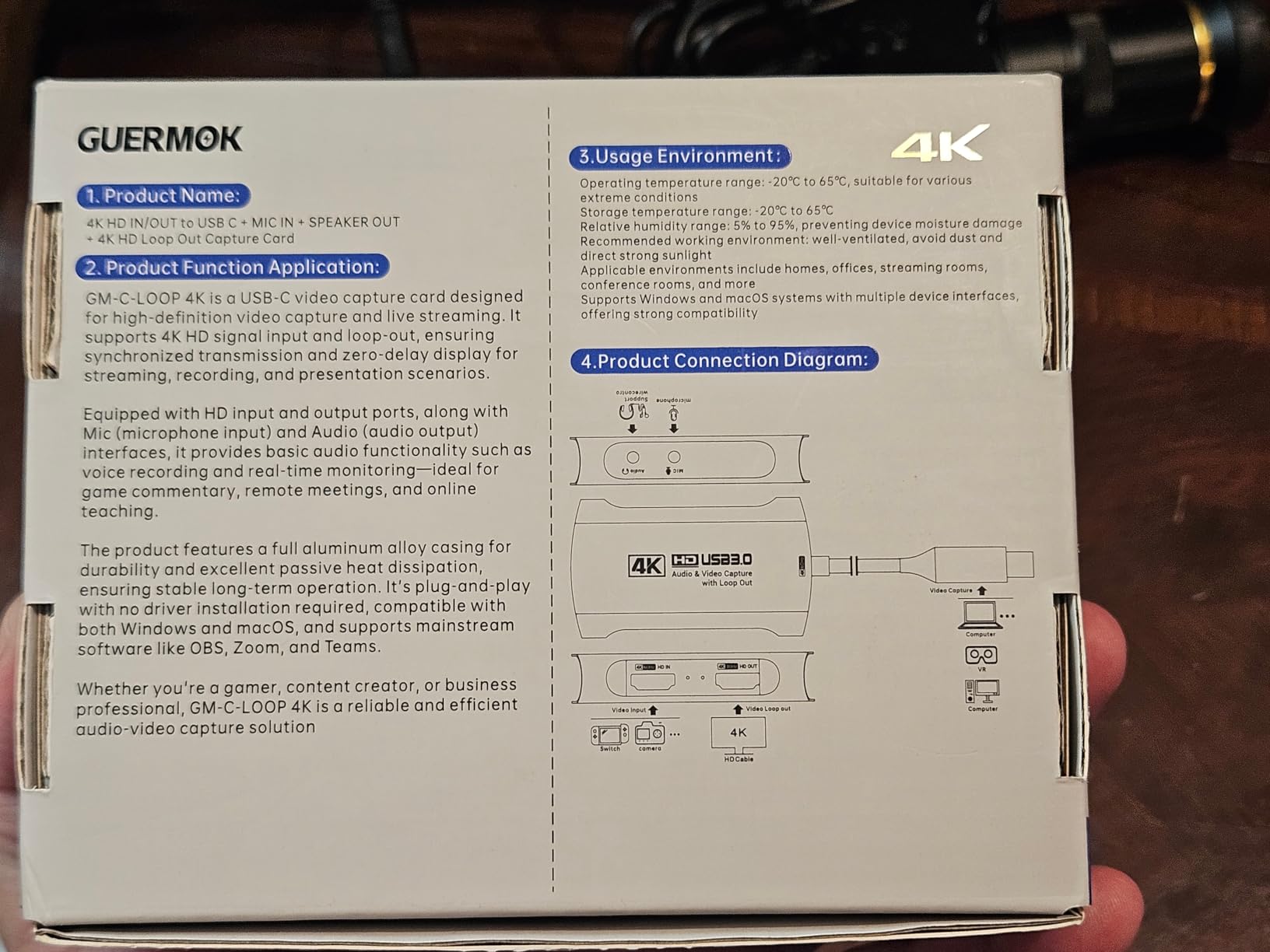
Compatibility is the quiet strength. Switch, Switch 2, PS5, PS4, Xbox Series X and S, Quest 3 and 3s, plus DSLRs, webcams and set-top boxes, all appear in the supported list, and the card runs driverless on Windows, macOS, Linux, Android and iPadOS.
Owners report a clear picture and clean sound between a PS5 and a monitor with OBS, and several describe the unit as long-lasting for a buyer who keeps it in regular rotation. That kind of durability report carries weight in a category where longevity is rarely discussed.
Where the GM-72A makes sense
It is the pick for a beginner who wants to see console capture work before committing to a premium box, and for anyone who streams from a laptop with a single USB-C port. The included adapter means no extra cable shopping on day one.
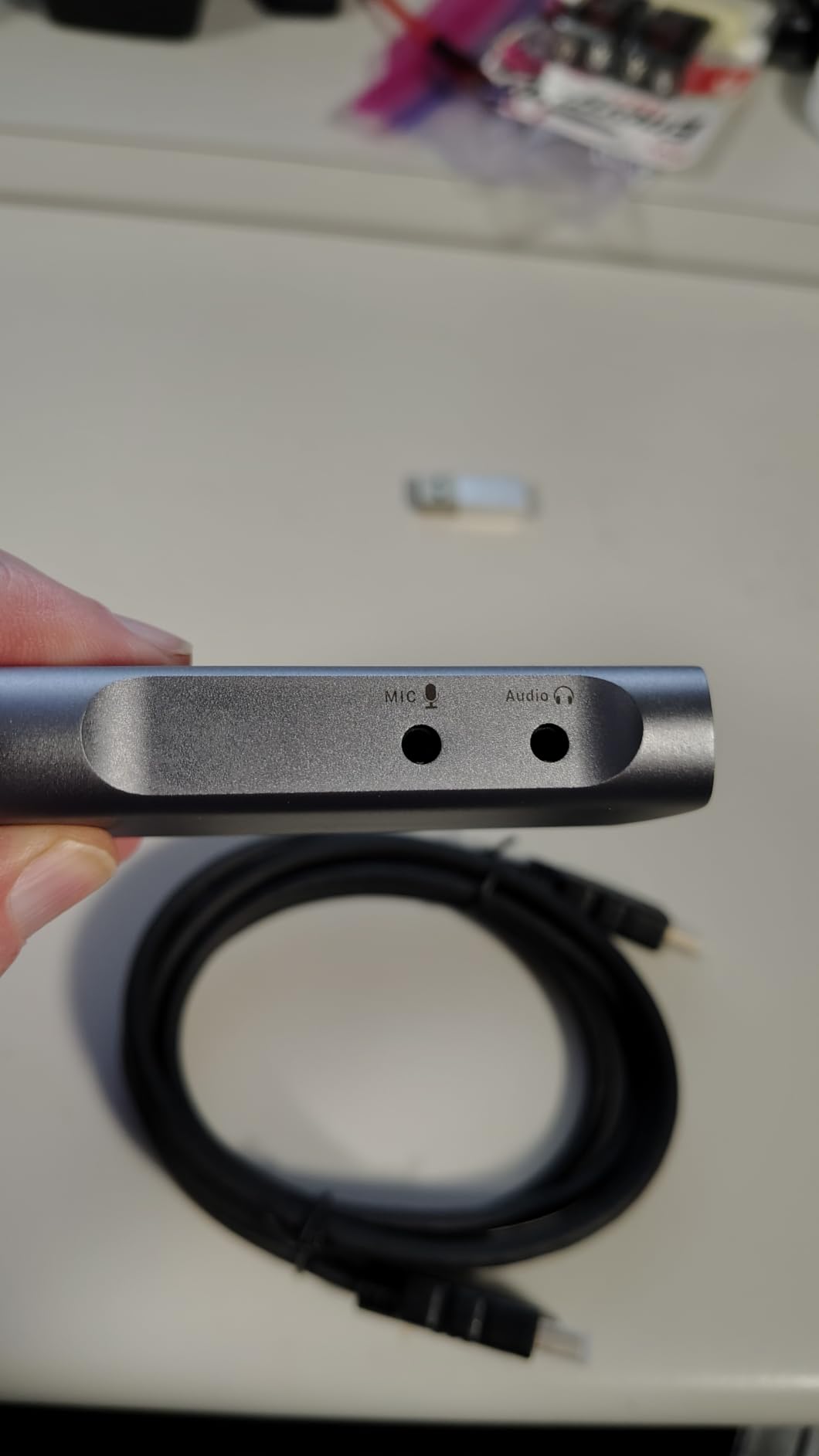
The 3.5mm audio in and mic out ports let you add commentary over console audio without a second interface, which is a real saving for a first setup.
Where it falls short
The honest weakness is the gap between the listing and the result. Multiple buyers report not achieving the advertised 60fps capture in OBS, and with no onboard encoder the entire capture burden falls on your host software and machine.
A USB 2.0 port caps the resolution at 1080p, some cards stopped displaying video after months of intermittent use, and an Android host needs external USB power. Treat it as a capable budget tool rather than a long-term investment.
6. VIXLW K801-C – Best PCIe Card for Analog and Legacy Console Sources
- Clean stable signal with no random dropouts
- Recognised on Windows 11 with no driver hassle
- Stays cool through long recording sessions
- Handles tape and camcorder transfer well
- Drivers do not install automatically and required software is unclear
- Audio capture failed on Linux for one buyer
- Most written reviews describe tape transfer rather than console streaming
We want to be straight about this one. The K801-C is an internal PCIe card that captures 4K60 with matching 4K60 passthrough, records 240fps at 1080p and runs near-zero-latency passthrough, and the hardware results people report are consistently clean.
But when you read the written reviews rather than the specification sheet, almost none of them are about console streaming. The overwhelming majority describe VHS and Hi-8 tape digitising, along with camcorder transfer. That is a fair use for the card and buyers rate it well there, but it is not what this roundup is about.
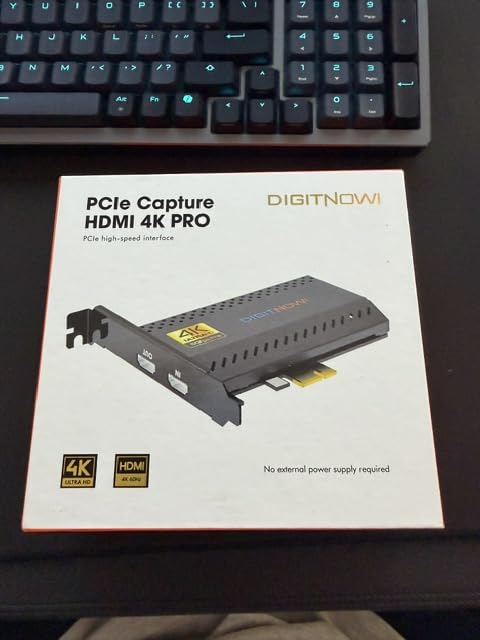
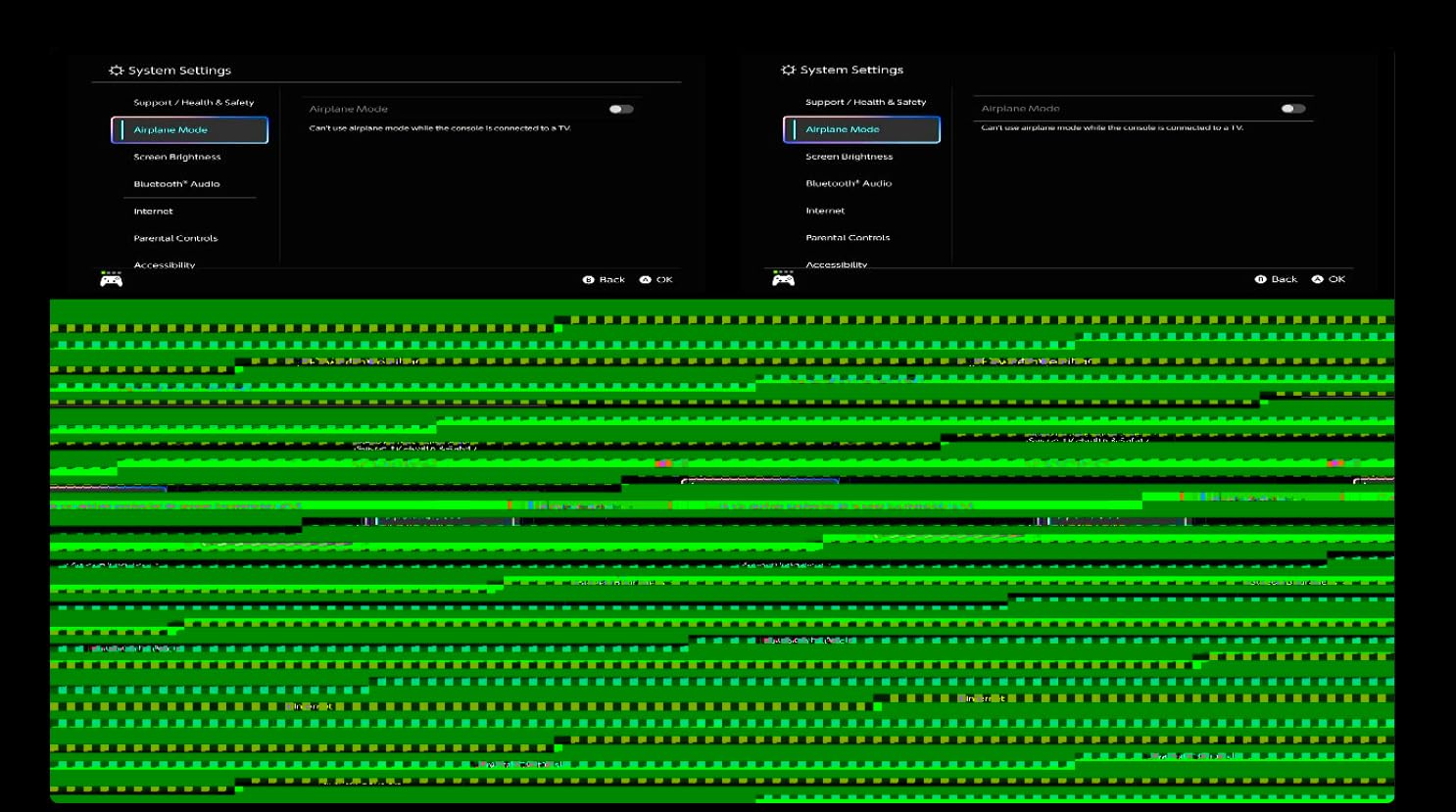
The consistent technical praise is about signal stability: clean output with no random dropouts and no audio sync problems in OBS, immediate recognition on Windows 11, and no overheating across long recording sessions. That is a stable device by any standard.
It also supports single and dual PC streaming setups, which means the card can feed a second machine when your capture PC is not the machine you play on. Lifetime warranty support is listed, which is unusual for this category.
Who will get on with the K801-C
Anyone archiving physical media. For VHS, Hi-8 and camcorder transfer, the stability and the zero-latency loop-out make this a genuinely capable internal card, and the 4.3 rating with roughly two thirds five-star reviews reflects that well.
A dual-PC streamer with an older Windows machine and a free PCIe slot could also use it, provided you are comfortable installing drivers manually.
Where it falls short
Drivers do not install automatically and the required software is not clearly explained, which turns a ten-minute setup into an evening for anyone who does not know where to look. Audio capture did not work on Linux for one buyer.
For a console streamer specifically, the evidence base is thin. Nearly every written review describes analog transfer, so you would be buying on the specification sheet rather than on owner reports from the use case you care about.
7. XIIXMASK USB 3.0 – Best Capture Card for Laptop-Only Streaming Rigs
XIIXMASK USB 3.0 HDMI Capture Card, 4K60FPS Capture with Pass-Through
- Driverless across Windows macOS Linux and Android
- Dual USB-A and USB-C cable fits laptops and desktops
- 3.5mm mic and audio ports for commentary mixing
- Two-year manufacturer warranty
- No written reviews available to confirm real-world 4K60 performance
- Budget dongle class so sustained high-frame capture is unverified
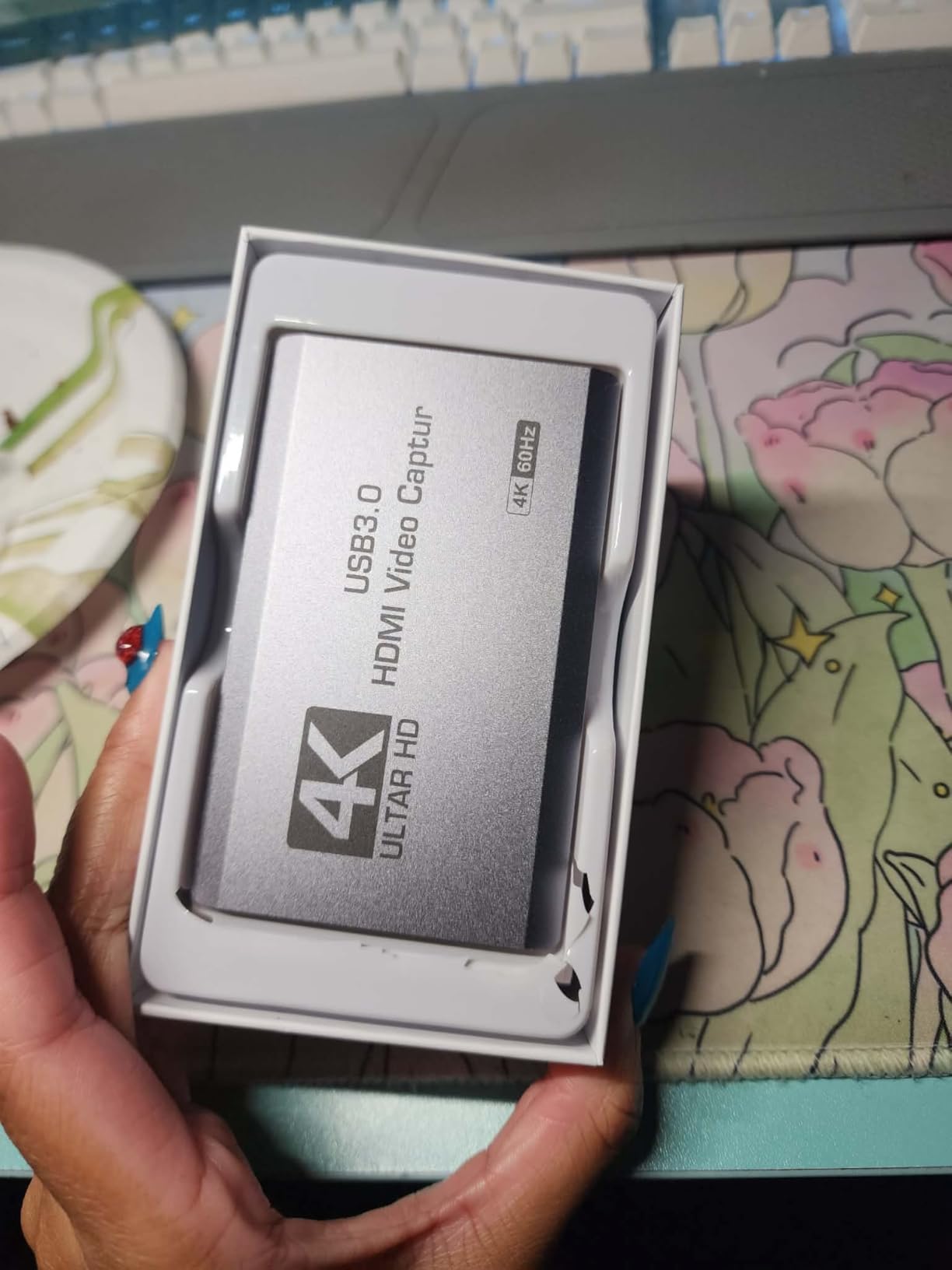
The XIIXMASK is a plain USB 3.0 box that captures up to 4K60 over USB and passes 4K through with real-time monitoring. It supports 1080p120 plus 240Hz and 144Hz high refresh input across MJPEG, YUY2, NV12 and XRGB formats.
What makes it interesting for a specific setup is the dual USB-A and USB-C cable in the box. It connects to a modern laptop without an adapter and to a desktop without a second cable, and the included HDMI cable and manual mean the first session does not require an extra order.
The compatibility list is long. Switch, Switch 2, PS5, PS4, Xbox Series X and S, Quest 3 and 3s, plus DSLRs, webcams and set-top boxes, and the card runs driverless on Windows, macOS, Linux, Android and iPadOS. OBS Studio, Streamlabs, VLC and PotPlayer are all named.
The 3.5mm audio in and mic out ports let you mix commentary onto the console feed without a separate interface. For a portable rig that is one fewer cable to lose in a bag.
What the XIIXMASK does well
Simplicity. There is no driver to install, no vendor utility to configure and no account to create. You plug it in, the source appears in OBS and you record. For someone setting up a stream on a laptop in a rented room, that is worth more than the last 10 percent of specification.
The two-year warranty also stands above most budget dongles, several of which offer a single year or nothing meaningful.
Where it falls short
Be clear-eyed about the evidence. This listing returned a 4.2 average across 598 reviews with no written review text supplied, so the assessment rests on the rating distribution and the specification sheet rather than on owner accounts of sustained 4K60 recording.
It sits in the budget dongle class, which means high-frame-rate capture is unverified over time. If your plan is to record 4K60 HDR footage regularly, choose a card with owners who have documented that they do it.
8. UGREEN 4K@60Hz – Best Port Selection for a Flexible Streaming Setup
UGREEN 4K@60Hz Video Capture Card for Streaming HD 1080P@240Hz USB 3.0
- Recognisable brand with an aluminium body for heat dissipation
- Three separate 3.5mm ports for headphones mic and line-in
- VRR and HDR pass-through
- Works in OBS XSplit and PotPlayer across three operating systems
- Lowest average rating in this lineup at 4.0 with a 10 percent one-star share
- 4K capture is MJPEG only which is heavier to edit
- Needs USB 3.0 Type-A or Type-C for low delay
The UGREEN 25173 stands out for its port layout. Three separate 3.5mm jacks cover headphones, microphone and line-in, so you can run console audio, your headset and your commentary mic through one device without a mixer sitting between them.
Capture runs at 4K60Hz, 2K144Hz, 2K120Hz and 1080P240Hz in MJPEG, with 4K60Hz HDMI input and a matching 4K60Hz loop-out. VRR support is listed to reduce tearing and stuttering, and HDR support is included in the pass-through path.
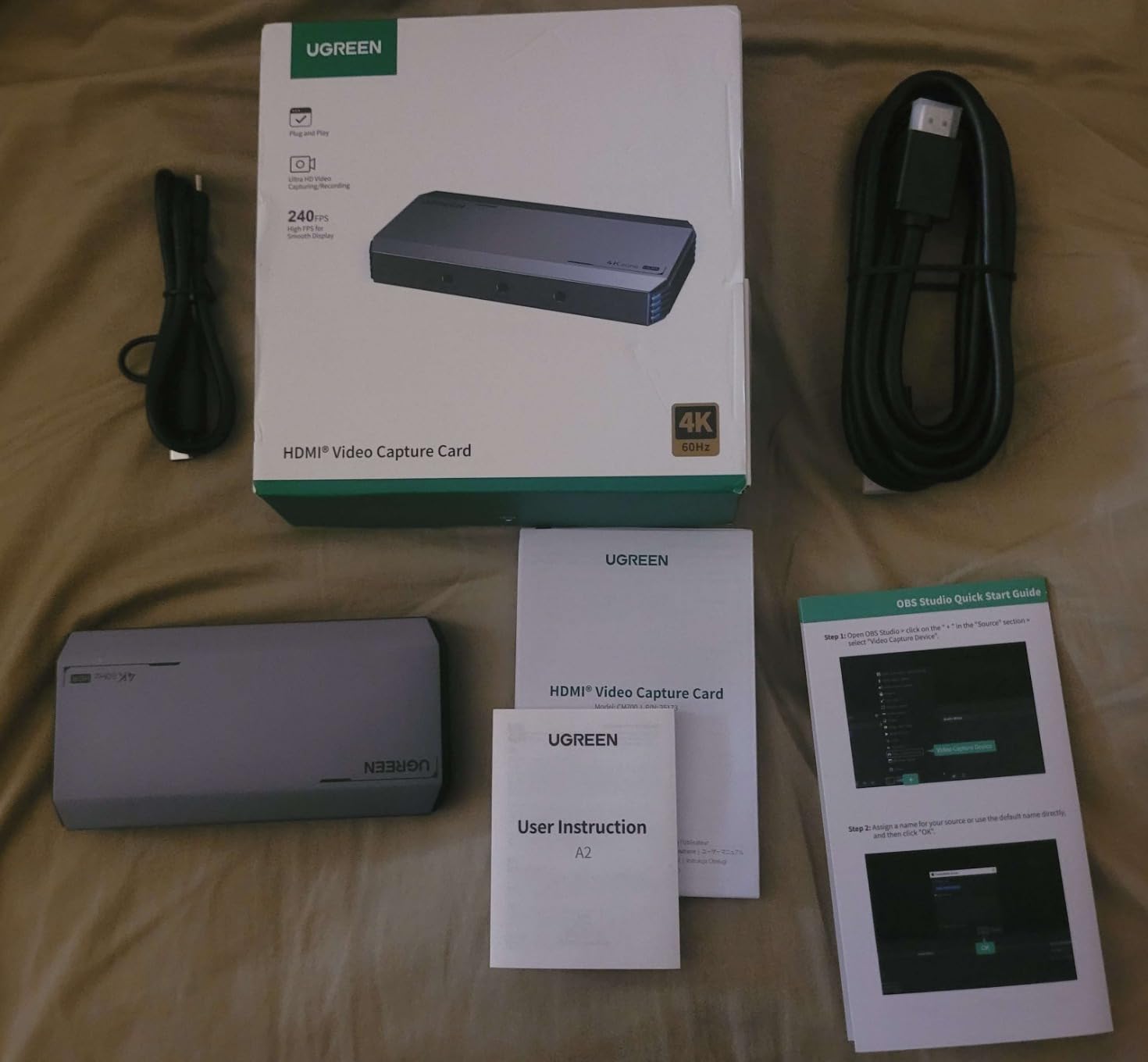
The build is the other differentiator. An aluminium case with cooling holes, seven RGB lighting modes and a weight of 155.1 g at 5.1 by 2.56 by 0.73 inches. It is a device that looks deliberate next to a plastic dongle, and the 24-month warranty matches the better cards in the roundup.
Compatibility spans Windows, macOS, Linux, iOS 17 and Android, and it is named as working with OBS, XSplit and PotPlayer. Switch, Switch 2, PS5, Xbox, iPad, laptop and PC are all listed as supported sources.
Where UGREEN earns its place
Port count is the reason to buy it. If you record game audio, talk in a microphone and monitor through headphones, this is the one card in the roundup that handles all three natively. That removes a small audio interface and a pile of adapters from the setup.
VRR and HDR pass-through also mean a console player still gets a modern picture on the television side, which a card that only handled SDR would quietly take away.
Where it falls short
This card has the lowest average rating in the lineup at 4.0, with a 10 percent one-star share. That pattern usually points to build inconsistency rather than a design fault, and it is worth factoring into a purchase you plan to rely on daily.
4K capture is MJPEG only, which means larger files and heavier editing work than a YUY2 or NV12 stream at the same resolution. You also want a genuine USB 3.0 Type-A or Type-C port for the low-delay path.
9. AVerMedia Live Gamer Ultra 2.1 GC553G2 – Best for Party Chat and 5.1 Console Audio
AVerMedia Live Gamer Ultra 2.1 4K144 HDMI 2.1 USB Capture Card, GC553G2
- 4K144 MJPEG capture on Windows with HDMI 2.1 passthrough
- Built-in party chat capture plus 5.1-channel audio on Windows
- Dual four-pole 3.5mm ports for headset and gamepad
- Custom RGB lighting
- 4K144 capture is Windows-only and macOS tops out at 4K60
- HDR capture limited to Windows
- Needs AVerMedia Streaming Center or the OBS plugin for full function
Party chat is the reason to look at the Live Gamer Ultra 2.1 first. It carries dual four-pole 3.5mm ports for a headset and a gamepad, and 5.1-channel audio support on Windows, which means Xbox voice chat arrives in your recording through the card instead of needing a separate capture route.
On bandwidth it is a genuine HDMI 2.1 device. Passthrough goes up to 4K144 HDR with VRR, 1440p240 or 1080p360, with a note that DSC monitors may limit 4K passthrough to 4K120. The host link is USB 3.2 Gen 2 Type-C at 10Gbps.
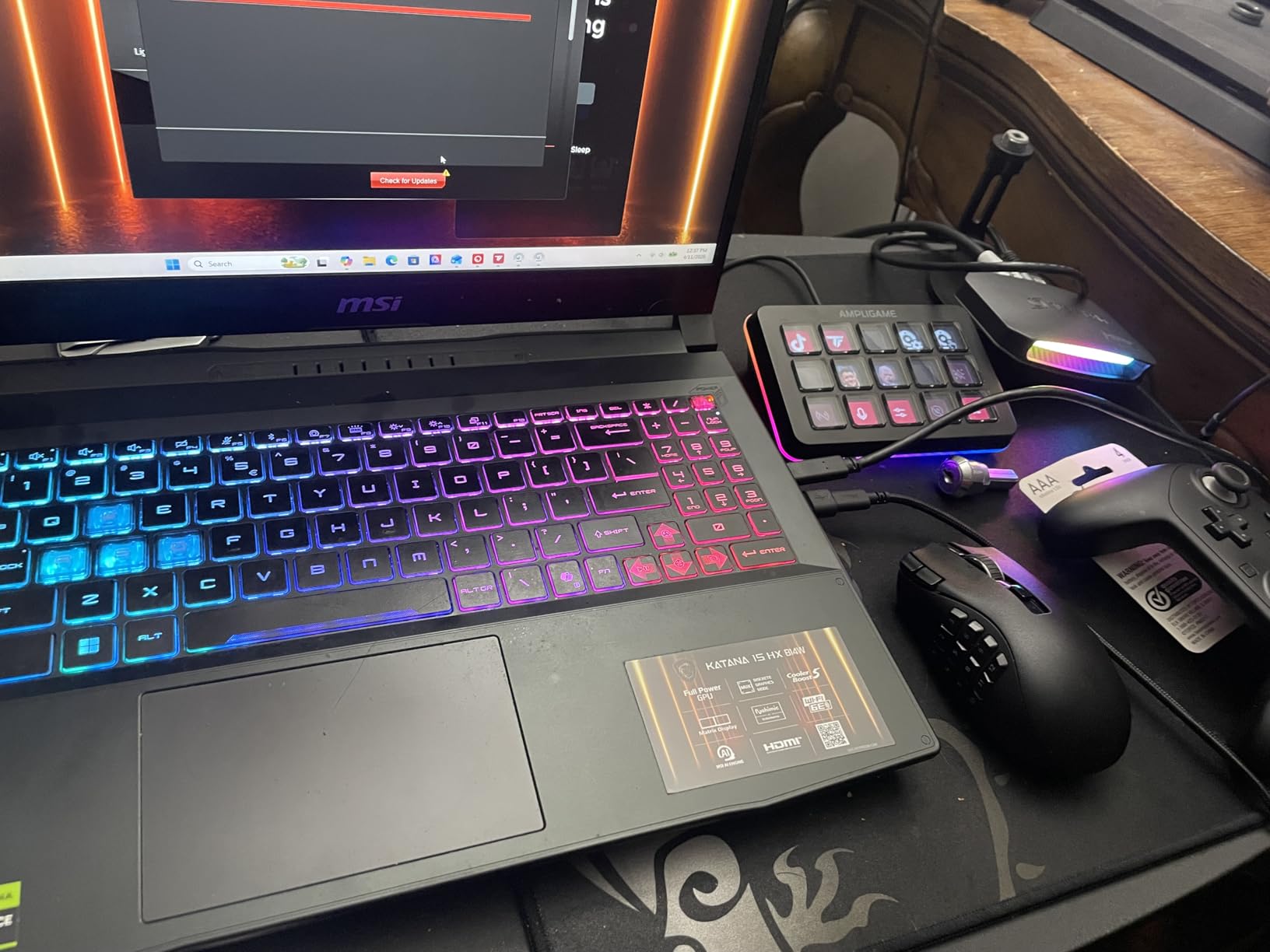
Capture reaches up to 4K144 in MJPEG on Windows through AVerMedia Streaming Center, and up to 4K60 on macOS with HDR capture on Windows. Output formats include YUY2, NV12, RGB24, P010 for HDR and MJPEG, which covers both a straight OBS workflow and a colour-managed editing pipeline.
Software is the trade-off. It works through the AVerMedia OBS plugin or Streaming Center, and RGB lighting follows Windows Dynamic Lighting. Compatibility covers PS5, Xbox Series X and S, Nintendo Switch 2, PC, Mac and iPad. Warranty is three years.
Who should buy the Ultra 2.1
Xbox Series X and S streamers who want their party chat on the recording. That feature is the clearest reason this card exists, and no other pick in this roundup handles console voice chat through dedicated four-pole ports.
It also suits anyone whose monitor is DSC-based, because the card is built to push 4K144 HDR and VRR passthrough to a modern high-refresh display while still feeding a 4K144 capture to the PC.
Where it falls short
The platform split is real. 4K144 capture and HDR capture both require Windows; macOS caps capture at 4K60. If you build on Apple hardware you are buying the passthrough and the audio ports, not the headline capture figure.
It also carries the lowest AVerMedia rating here at 4.1 with an 11 percent one-star share, and full functionality depends on AVerMedia Streaming Center or the OBS plugin being installed and current.
10. WAVLINK WL-VR204 – Best Capture Card That Doubles as a Laptop Dock
- 4K HDMI capture combined with a single 4K144Hz HDR display output
- Up to 90W laptop charging from one USB-C port
- Uncompressed RGB and YCbCr output formats
- Works with OBS on Windows and Mac
- Capture limited to 4K at 30Hz not 4K60
- USB-C host and HDMI input cannot work at the same time
- No charger included
- macOS can only extend one additional display
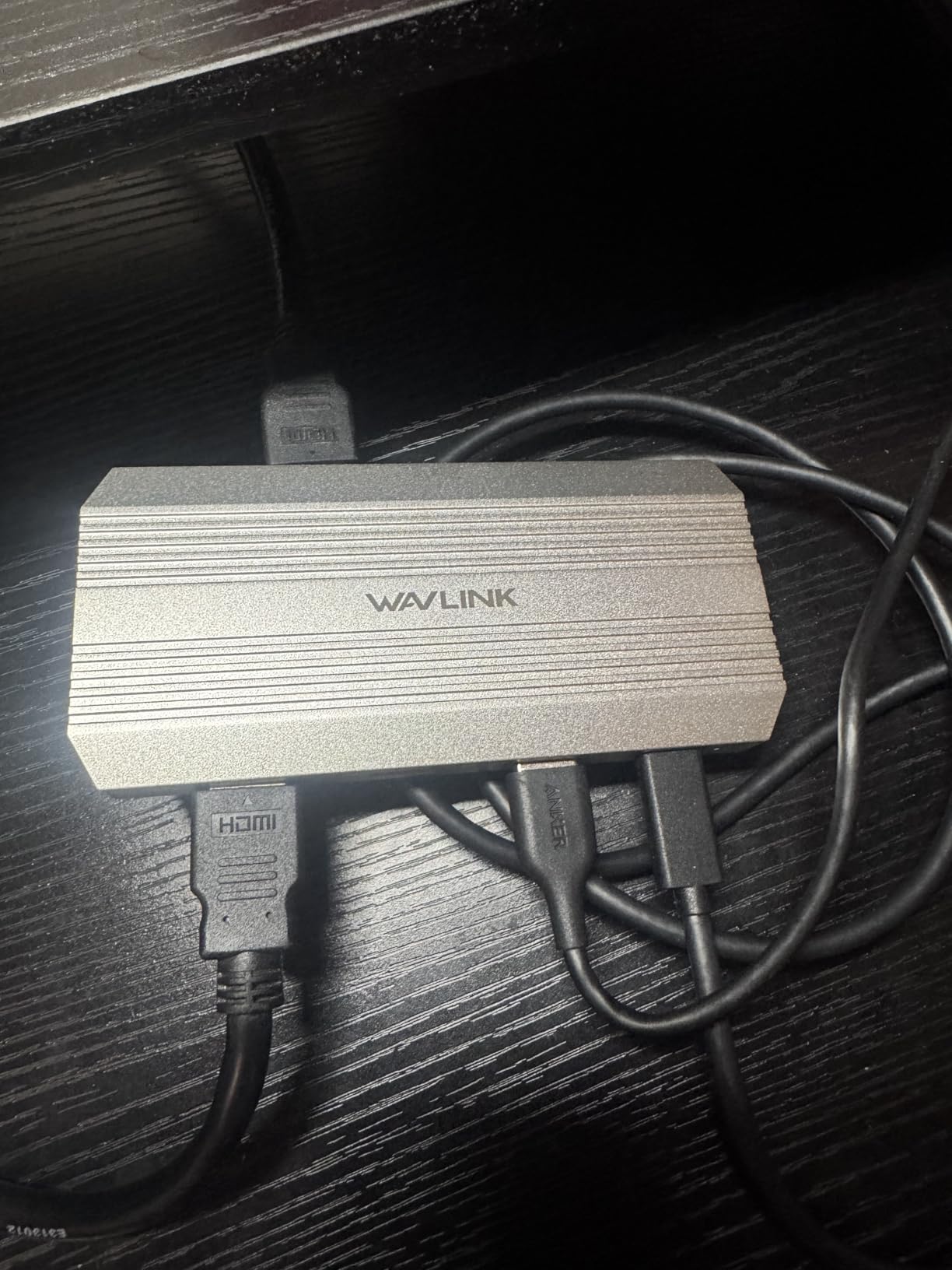
The WL-VR204 combines two jobs in one box that the other cards here keep separate. It captures 4K at 30Hz with a low-latency 4K at 30Hz loop-out, and it simultaneously drives a single 4K at 144Hz HDR display over DisplayPort or a PD-and-video USB-C port running DP 1.4.
Add 100W of power delivery, up to 90W of laptop charging, and you have a one-cable streaming dock for a portable rig. Capture formats are uncompressed RGB and YCbCr, which keeps the picture quality from the console high before any host-side compression.
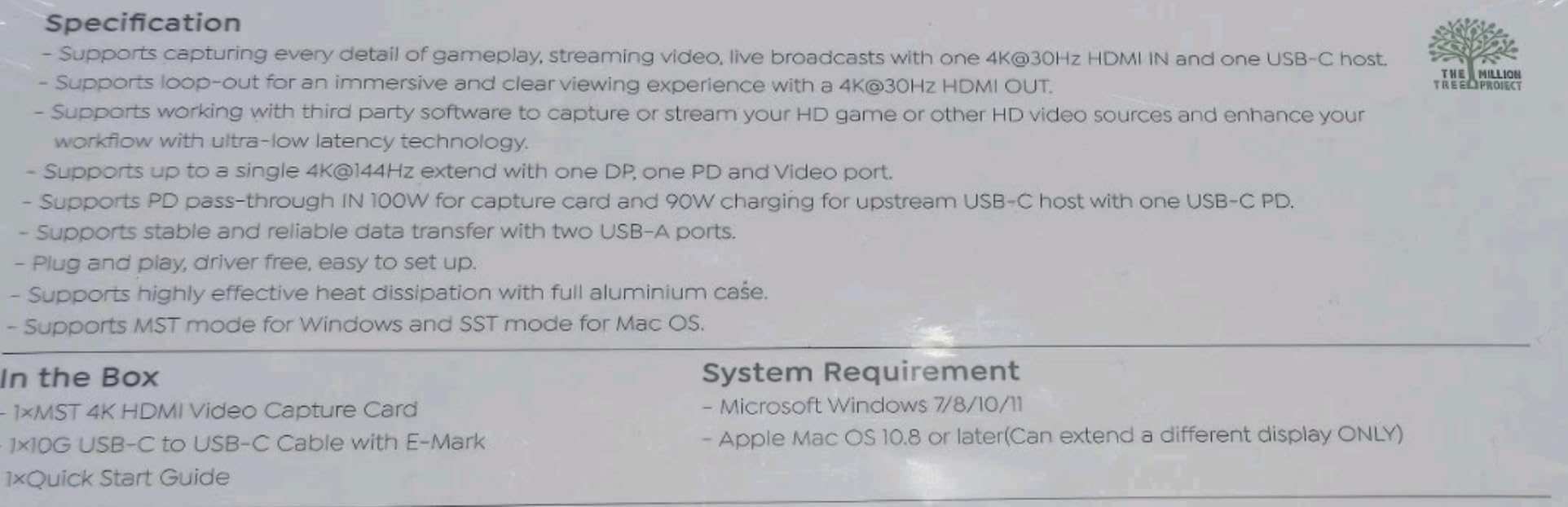
Compatibility covers PS5, Xbox and Switch alongside cameras, and it works with OBS on both Windows and macOS. For someone who records a handheld or a console in a single-cable setup, that is a useful combination.
The box is modest: 155 reviews, a 4.1 average, and no written review text supplied. The rating distribution is what the assessment rests on here, along with the specification sheet.
Where the WAVLINK makes sense
A laptop streaming setup where you have exactly one USB-C port and one spare display output. The card takes console HDMI in, gives you a high-refresh display for your own play, captures for the stream and charges the laptop, all through one connection.
Uncompressed RGB and YCbCr capture also appeals to anyone recording locally rather than streaming live, because there is less generational loss before your encoder touches the frame.
Where it falls short
Capture is capped at 4K30. If your target is 4K60 recording, this card simply cannot get there, and the marketing line about 4K refers to input and loop-out.
USB-C host and HDMI input cannot be used simultaneously, HDMI input takes priority, macOS can only extend one additional display, and no charger is included. You need to supply a 20V 5A 100W adapter yourself, and the warranty is one year.
11. avedio links 4K HDMI Capture Card – A Low-Cost Way to Add a 4K60 Loop-Out
4K HDMI Capture Card for Streaming, USB 3.0/Type-C Game Video Capture Card
- 4K60 HDMI loop-out with a PC in the chain at the entry level
- Driverless plug-and-play with no external power
- 3.5mm mic input for commentary over console audio
- Includes two HDMI cables and a USB-C adapter
- 4K60 is input and loop-out only while capture tops out at 2K30 or 1080p60
- Standard 3.5mm TRS connections only
- Budget tier with an 11 percent one-star share
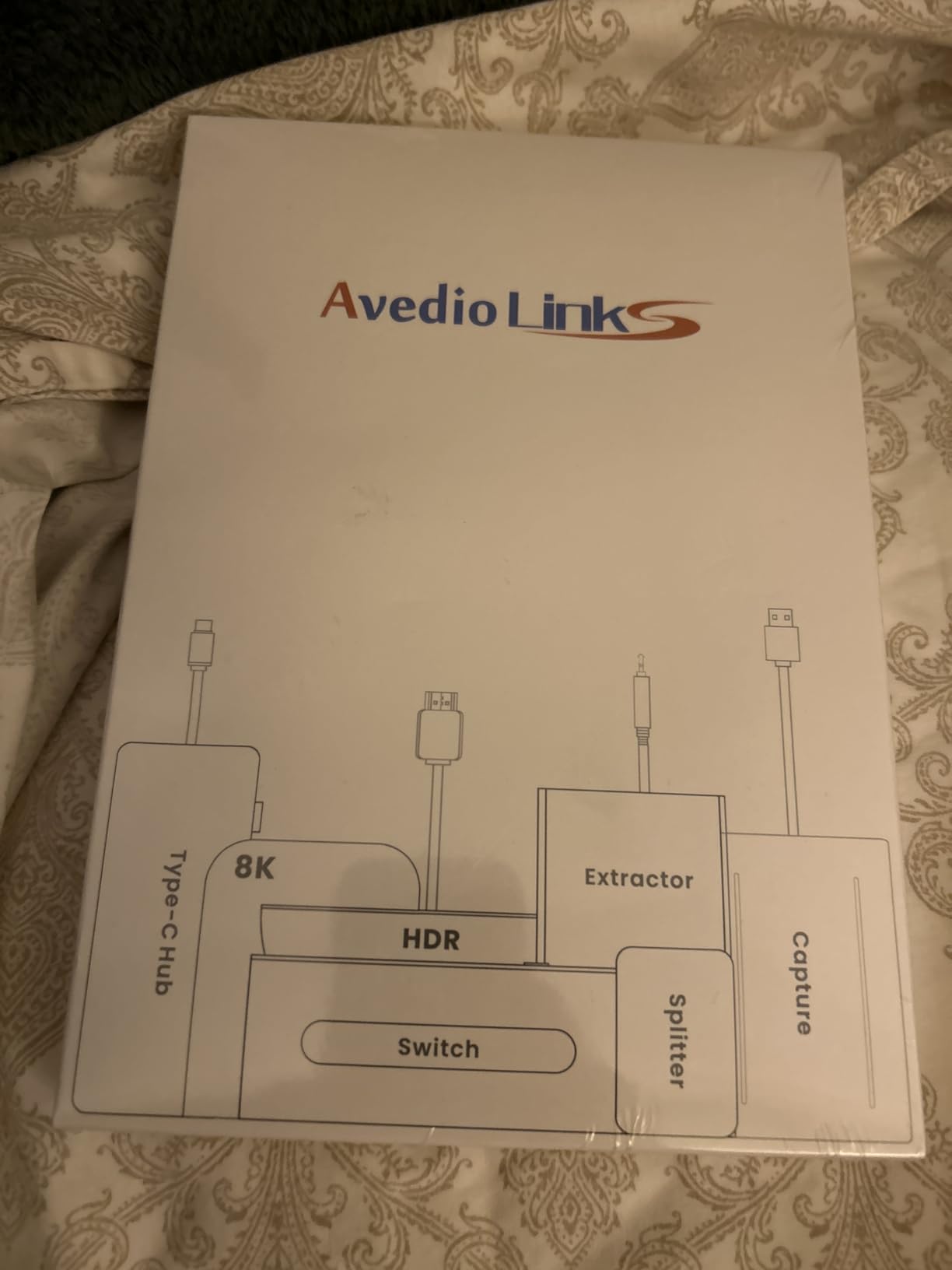
This is the card to understand before you misunderstand the whole category. It accepts a 4K60Hz HDMI input and passes a real-time 4K60Hz loop-out to your display, making it a fine monitor passthrough box at the entry level. Its actual capture ceiling is 2K at 30Hz or 1080p at 60Hz, in YUV422 and MJPEG.
In other words, the 4K figure is entirely a passthrough claim. Anyone who buys this expecting 4K files will record 2K or 1080p files. Read it the way you would read any spec sheet: input, passthrough and capture are three separate lines.
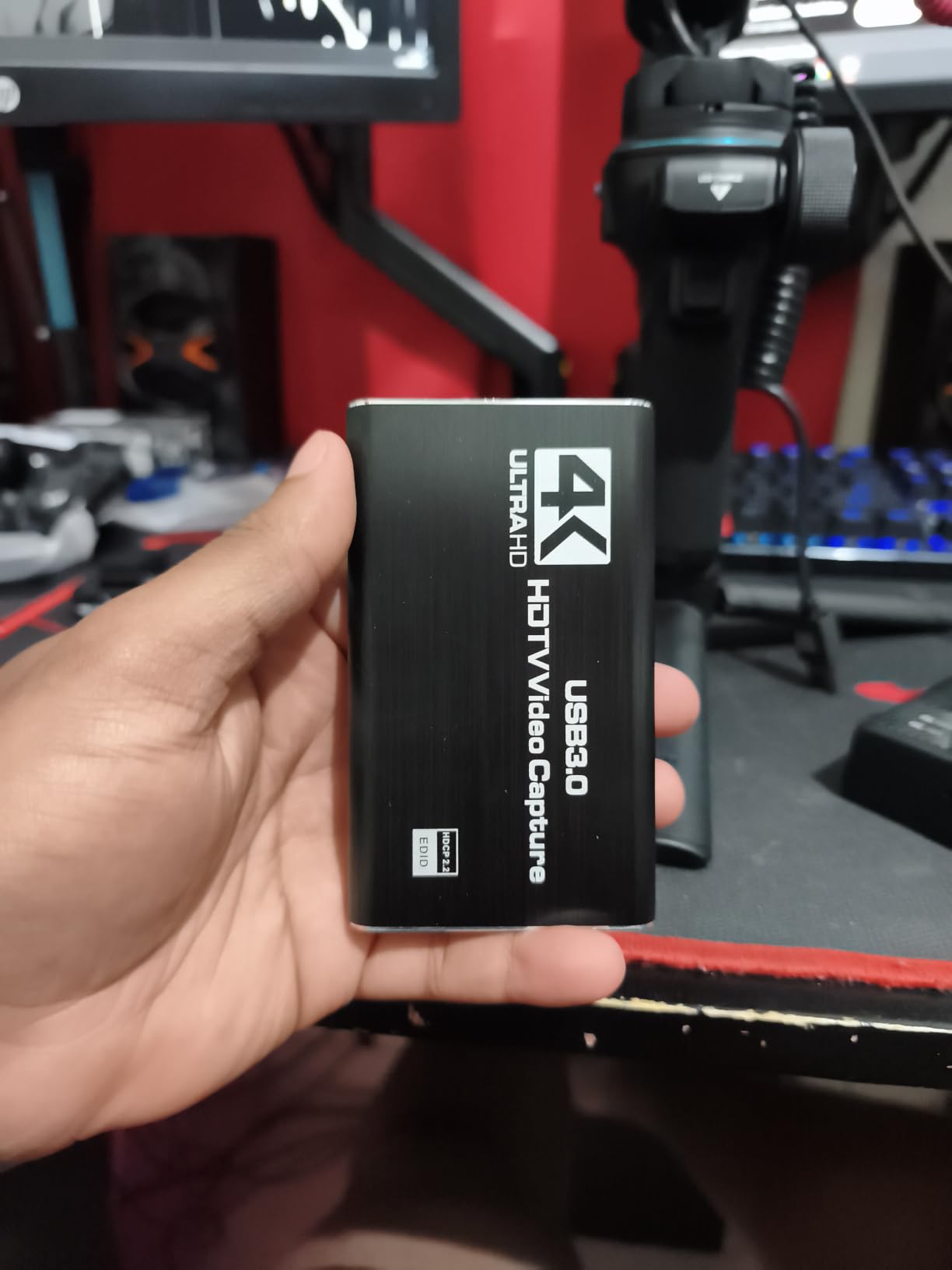
What it does offer is genuine value in a narrow job. It is driverless, needs no external power, works on Windows, macOS, Linux and Android, and the package includes two four-foot HDMI cables, a USB 3.0 cable and a USB-A to Type-C adapter.
The 3.5mm microphone input and headphone output make it easy to mix commentary over console audio. Data transfer runs at 5000 megabits per second, and OBS Studio, Zoom, VLC, PotPlayer, Twitch and YouTube are all listed as compatible.
When this card is the right purchase
You want a PC in your HDMI chain and you are recording at 1080p60. If your stream goes out at 1080p60, which is the ceiling on most major platforms, this card records exactly what you send.
It also suits a shared-TV household where you need to keep a console visible on a monitor while a PC handles the rest. That loop-out does its job cleanly at 4K60.
Where it falls short
The capture ceiling is the whole story and it is not high. 2K at 30Hz is not a useful recording resolution for a gaming channel in 2026, and anyone producing 4K content should look elsewhere. Our guide to capture cards for video editors covers this distinction in more detail.
Connections are standard 3.5mm TRS only, there is no four-pole headset support, and the card carries an 11 percent one-star share on 106 reviews. Treat it as a passthrough accessory rather than a capture investment.
12. MYPIN PCIe 4K 30fps – Best Fit If You Only Have a PCIe x1 Slot
- Genuinely plug-and-play in a PCIe x1 slot with no drivers
- Good video quality for 4K30 recording
- Streams well from one PC to another
- Passes HDMI audio through cleanly
- Some cards stopped capturing after weeks and needed a driver reinstall
- Small flicker between loading screens reported
- Bracket can conflict with large GPU fans and screws are not included
- Support and FAQ resources are limited
The MYPIN is the answer to a specific and annoying constraint: a case or motherboard with a single spare PCIe x1 slot and nothing else. It runs on PCI Express x1, and the card fits x1, x4, x8 and x16 slots, with transfer up to 500MB per second.
Capture output is 4K at 30FPS with a zero-delay HDMI loop-out, in YUY2, RGB, NV12 and UVC-compatible formats. No driver installation is required, which is unusual for an internal card and is the main reason setup feels fast.
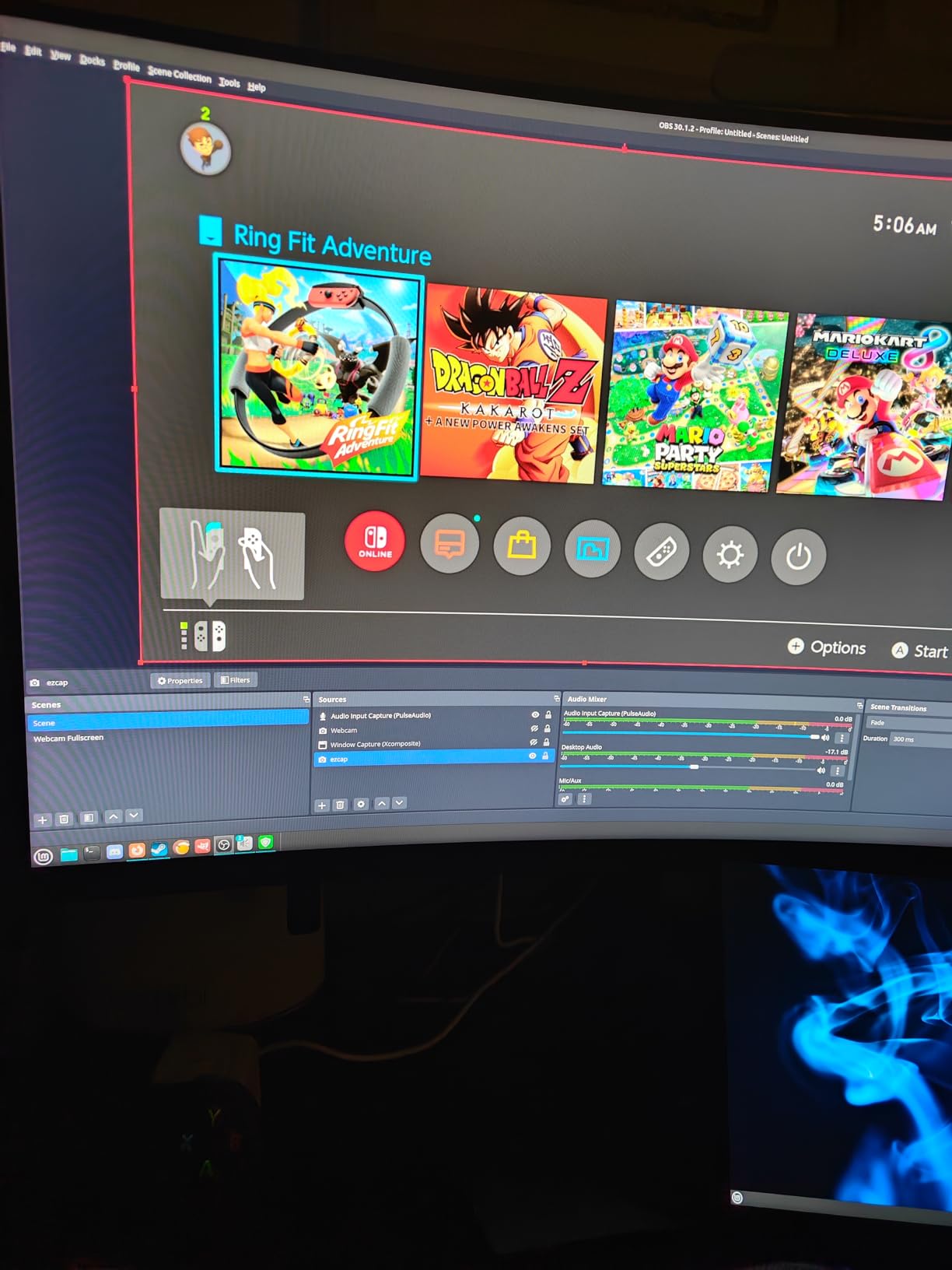
Happy buyers cite clean video quality and smooth 4K30 recording, easy installation and clean HDMI audio passthrough. It works with OBS, PotPlayer, VMIX, VLC, QuickTime Broadcaster, Adobe Flash Media Live Encoder and Real Producer Plus, on Windows, Linux Ubuntu and Mac OS.
Compatibility is listed for Blu-ray players, PS4 and PS3, Xbox One and 360, Wii U, Nintendo Switch, cameras, DVD and TV boxes, which tells you how wide its actual intended use is.
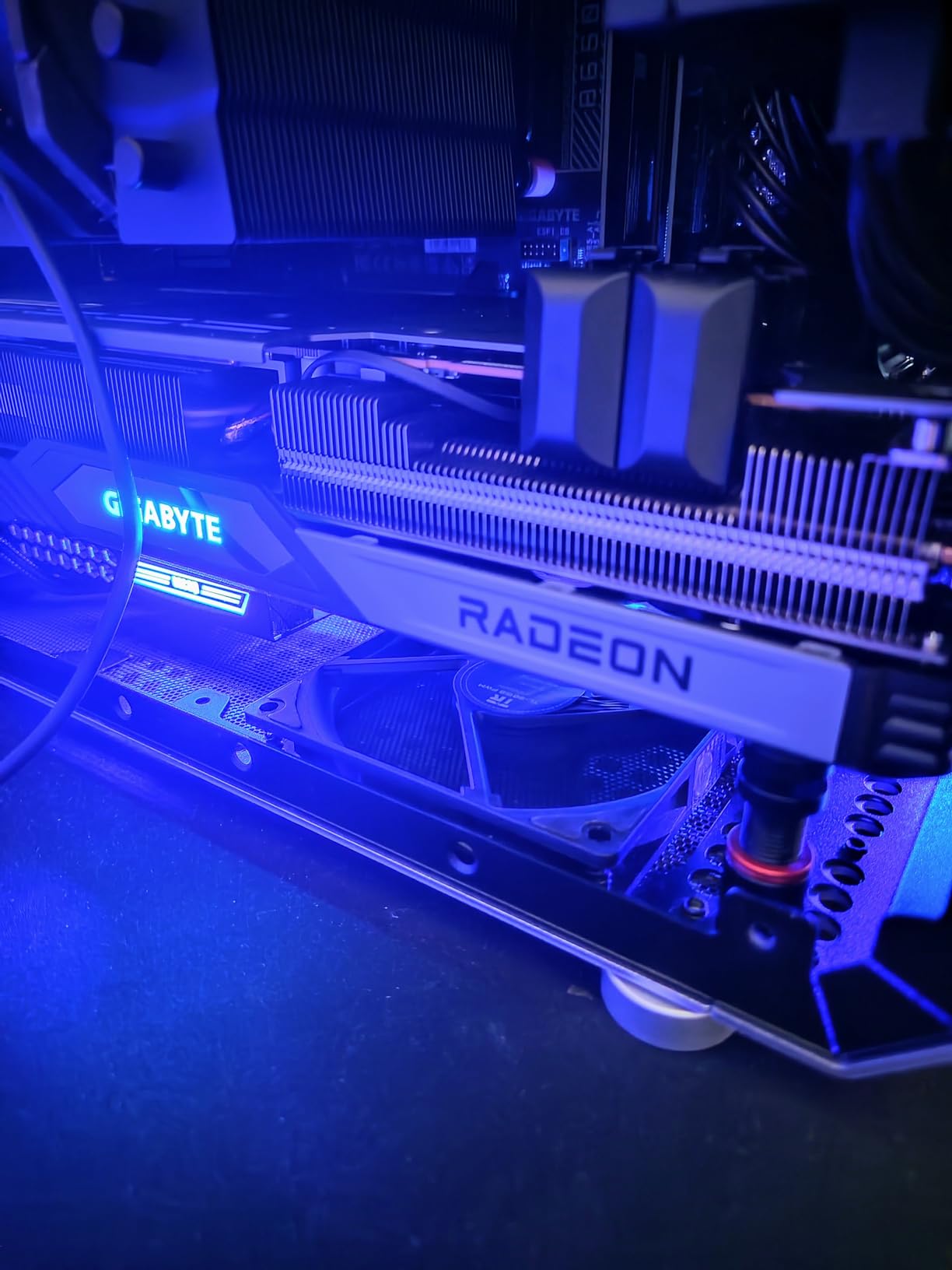
Who the MYPIN suits
Someone with a compact case, a small motherboard and one x1 slot who still wants an internal card. Driverless installation and a zero-delay loop-out make this an uncomplicated internal option, and it can stream from one PC to another when your capture machine is not your gaming machine.
If your console output is 1080p60 anyway, a 4K30 internal card gives you headroom you may not use, but it also will not hold you back.
Where it falls short
Fifty-five reviews makes this the least-proven card here. Some cards stopped capturing after a few weeks and needed a full driver reinstall, and a small flicker between loading screens has been reported more than once.
The low profile bracket is included but the mounting screws for the I/O panel are not, and the bracket can conflict with large GPU fans. Customer support and FAQ material are limited, so plan on reading community forums rather than emailing anyone.
Do You Actually Need a 4K Capture Card for Streaming?
Often you do not, and saying so saves money. Twitch caps streaming at 1080p60, which means a card that captures 4K60 is recording detail that gets thrown away before your viewers see it. YouTube accepts 4K uploads, so if you publish recorded gameplay rather than going live, 4K capture has a real destination.
The honest split looks like this. Live streaming to Twitch at 1080p60 needs a card that reliably captures 1080p60 and passes 4K60 HDR to your television. Recording for YouTube at 4K needs a card that genuinely captures 4K60, which on this roundup means the Elgato 4K60 Pro MK.2, the AVerMedia GC573 or the Elgato 4K X. Anything that passes 4K but captures 1080p is only half a solution.
If your PC has no free PCIe slot and your console sits on a television, a cheaper card is genuinely fine. Our broader console capture card guide covers the entry-level options in more detail.
Capture vs Passthrough: What the Spec Sheet Actually Means
Passthrough is what reaches your television. Capture is what lands in your recording. A card can be excellent at one and useless at the other, and budget listings in particular blur the two into a single 4K claim.
Four numbers deserve your attention on any listing: maximum capture resolution and frame rate, maximum passthrough resolution and frame rate, whether HDR capture is supported or only HDR passthrough, and whether VRR survives the pass-through path. The avedio links card above is the perfect example of why, since its 4K60 applies to input and loop-out while capture stops at 2K30.
One more warning from the higher end. A number of cards advertised as HDMI 2.1 with 4K60 HDR only record HDR properly at 1080p60, and on some that behaviour is restricted to Windows. Buyers on Reddit have raised this repeatedly, and it is worth confirming the HDR capture line rather than assuming it follows the passthrough line.
USB External vs PCIe Internal Cards
PCIe is faster, more stable and invisible once installed. It is the better answer for 4K60 HDR recording because an internal link does not have to share 10Gbps with anything else. The Elgato 4K60 Pro MK.2 and the AVerMedia GC573 both sit here, and both require you to have a suitable slot and a desktop case.
External USB cards win on portability. You can move one between a desktop and a laptop, several of them support iPadOS, and the Elgato 4K X uses USB 3.2 Gen 2 to reach 4K144 over a cable. The trade is a hard port requirement: connect a Gen 2 card to a Gen 1 port and capture resolution drops.
There is one internal failure mode that catches people repeatedly. Frame drops at 4K60 HDR on a PCIe card are very often the motherboard, not the card, specifically when the card sits in a Gen 2 x4 slot or an x1 or x2 slot rather than a wider lane. If you are recording 4K60 HDR internally, check which lane the slot actually provides before blaming the hardware. Our general capture card roundup covers slot layouts for more chassis.
Elgato vs AVerMedia: Which Brand Should You Buy?
Elgato wins on software ecosystem and external hardware. If you already own a Stream Deck or use Elgato tooling, the 4K X and the 4K60 Pro MK.2 slot straight into that workflow, and reviewers repeatedly name the ecosystem as a major reason the brand dominates among streamers.
AVerMedia wins on party chat, surround audio handling and some hardware value. The Live Gamer Ultra 2.1 captures Xbox party chat through dedicated four-pole ports, the GC553 passes 5.1 Linear surround untouched, and the GC573 is frequently described as better value than the equivalent Elgato card with stronger HDR colour handling.
The honest criticism of AVerMedia software comes up in both directions from users. RECentral is judged slow and dated, and HDMI audio on the GC553 depends on it running. Elgato’s own utility is described as limited in configuration options, with OBS occasionally needing manual attention. Neither brand ships perfect software, so pick the hardware that solves your console problem and plan ten minutes for setup either way.
Black Screen and HDCP Fixes That Work
A black screen with no signal in OBS is almost always one of four things. Work through them in order.
First, check HDCP. On the PS5 and Xbox, console output is protected by default and a capture card will show nothing. On AVerMedia cards in this roundup, RECentral has to be running with HDCP disabled before OBS sees a signal at all, which is the most common single fix reported by users.
Second, confirm you are on the right port and the right direction. The console goes into HDMI IN and the display connects to HDMI OUT or loop-out. Swapped cables are more common than anyone admits.
Third, check the source resolution and refresh rate against the card’s ceiling. A 4K120 signal into an HDMI 2.0 card will drop modes, and a console set to an unsupported mode can produce a blank feed rather than an error.
Fourth, verify the host link. A USB 3.2 Gen 2 card on a Gen 1 port, or a PCIe card in a slot narrower than x4, will deliver a working but degraded image. On the WAVLINK, USB-C host and HDMI input cannot run at the same time and HDMI input wins, which produces a very confusing half-working setup.
If you also want somewhere to put 4K files after recording, our picks for memory cards for 4K video cover the storage side of a console capture setup.
Frequently Asked Questions
What is the best 4K capture card for console streaming?
The Elgato 4K60 Pro MK.2 is the best 4K capture card for console streaming. It records native 4K60 HDR10 over an internal PCIe x4 or x8 link with lag-free passthrough, works with PS5 and Xbox Series X, and is recognised by OBS without extra configuration. If you have no free PCIe slot, the Elgato 4K X is the external alternative.
Do I really need a 4K capture card for streaming?
For live streaming to Twitch, no, because Twitch caps at 1080p60 and any 4K capture detail is discarded before viewers see it. For recording 4K footage to upload on YouTube, yes, you need a card that genuinely captures 4K60 rather than only passing 4K through. Check the capture line on the spec sheet, not the headline.
Is Elgato or AVerMedia better for console capture?
Elgato leads on software ecosystem and external HDMI 2.1 hardware, which is why the 4K X and 4K60 Pro MK.2 dominate streamer setups. AVerMedia leads on party chat capture, 5.1 surround handling and value, with the Live Gamer Ultra 2.1 capturing Xbox party chat through dedicated four-pole ports. Both brands ship software that needs a little setup work.
Why does my capture card show a black screen in OBS?
The usual causes are HDCP protection still enabled on the console, cables connected in the wrong direction, a source resolution the card cannot handle, or a host link running below spec. On AVerMedia cards RECentral must be running with HDCP disabled or OBS sees no signal. Confirm console goes to HDMI IN and your display to HDMI OUT.
What is the best capture card for PS5 and Xbox Series X?
The Elgato 4K60 Pro MK.2 is our pick for desktop builds with a spare PCIe slot because it records 4K60 HDR10 with zero-lag passthrough. For an external setup, the Elgato 4K X gives you HDMI 2.1 with 4K144 passthrough plus VRR and HDR10, while the AVerMedia Live Gamer Ultra 2.1 is the one to choose if Xbox party chat must appear on the recording.
The Verdict: Which Capture Card Should You Buy in 2026?
The Elgato 4K60 Pro MK.2 is our pick for the best 4K capture card for console streaming in 2026, and the reason is the one that matters most. It combines true 4K60 HDR10 recording, a lag-free passthrough path and a review history deep enough to trust, and 4K60 capture over a fast internal link needs no compromise.
Buy the AVerMedia Live Gamer 4K GC573 instead if you want the same 4K60 HDR recording for less and can live with HDMI 2.0 instead of 2.1. Go external with the Elgato 4K X if your streaming PC is a laptop or has no free PCIe slot, and add the AVerMedia Live Gamer Ultra 2.1 if Xbox party chat has to land on your recording.
Whatever you pick, check the capture resolution line rather than the headline, confirm the host port or slot meets its requirement, and budget ten minutes for driver and HDCP setup. Then set your console to the highest mode your card genuinely records and start recording. For wider context on the rest of the range, our picks for 4K capture cards for content creators cover the non-console side of the category.