
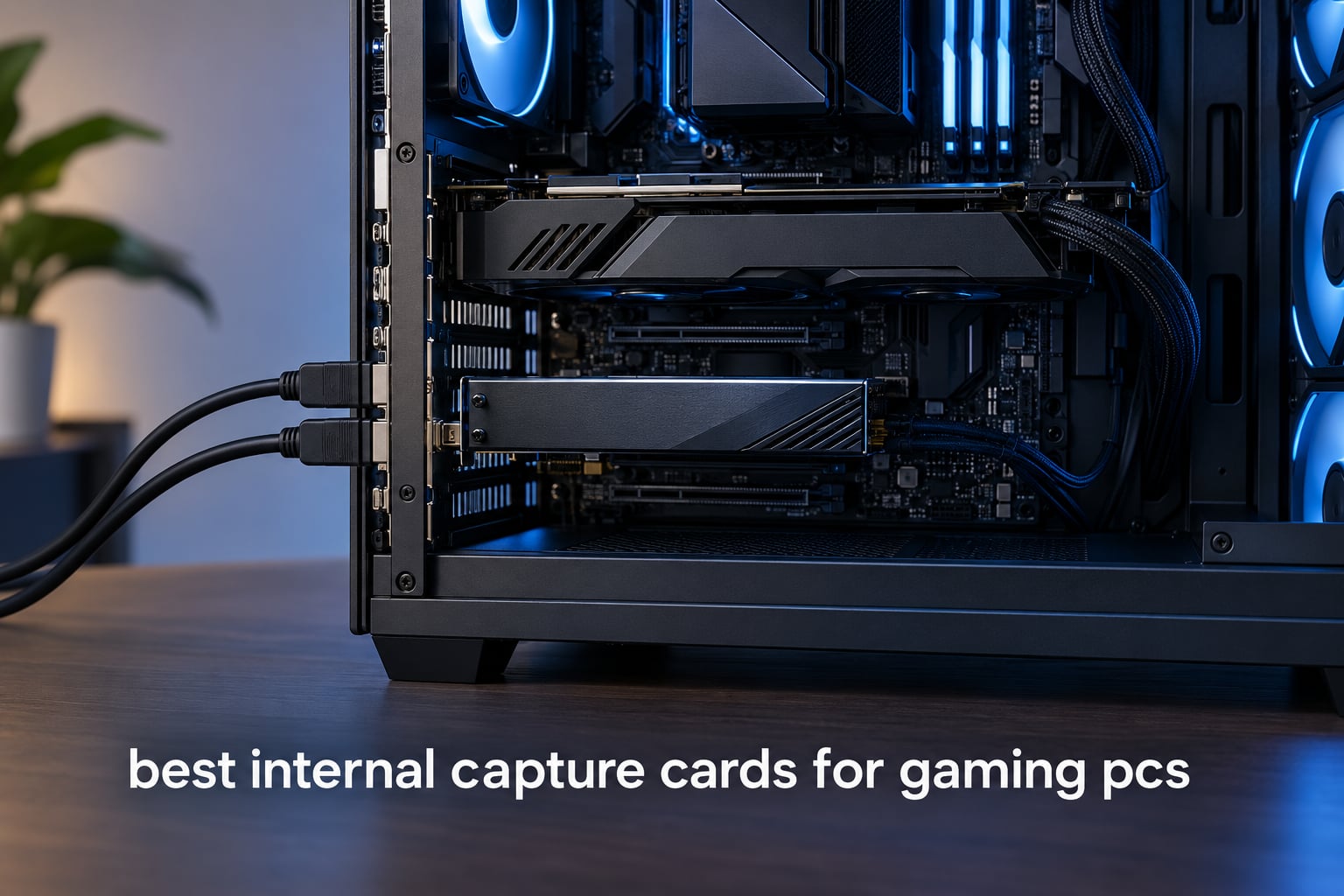
An internal capture card is a PCIe expansion card that lives inside your desktop PC. Your console or gaming PC feeds HDMI into the card, the card splits that signal, sends an untouched copy to your monitor and hands the recording feed to OBS Studio. That split is the whole point: the game never notices the card is there, and your streaming PC does not have to render and encode its own gameplay at the same time.
For gamers, that matters most in a dual PC setup, where one machine plays and the other streams. It also matters on a single rig, because a dedicated capture chip takes the encode load off a CPU or GPU that is already busy drawing frames. If you want the wider picture of capture hardware first, our guide to the best capture cards overall covers USB and PCIe options side by side.
What follows is our full roundup of the best internal capture cards for gaming PCs in 2026. We looked at ten PCIe cards, from four-input broadcast decks down to a cheap analog digitiser, and read through thousands of owner reviews to separate what works from what only looks good on a spec sheet. Every card here was judged on the same three things: capture quality at real console output, whether passthrough stays truly lag free, and whether it cooperates with OBS instead of demanding a vendor app.
Table of Contents
Top 3 Best Internal Capture Cards for Gaming PCs in 2026
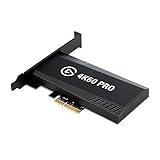
The Elgato 4K60 Pro MK.2 takes the top spot because it is the card most people on our team would actually install, with the largest review base of any PCIe card we examined. The AVerMedia Live Gamer 4K GC573 edges it on HDR colour accuracy and high frame rate capture. The original Elgato HD60 Pro stays the cheapest way into clean 1080p60 streaming without giving up zero-lag passthrough.
Best Internal Capture Cards for Gaming PCs in October
| Product | Specifications | Action |
|---|---|---|
| Elgato 4K60 Pro MK.2 |
|
Check Latest Price |
 AVerMedia Live Gamer 4K GC573 AVerMedia Live Gamer 4K GC573 |
|
Check Latest Price |
 VIXLW 4K Internal Capture Card VIXLW 4K Internal Capture Card |
|
Check Latest Price |
 AVerMedia Live Gamer HD 2 GC570 AVerMedia Live Gamer HD 2 GC570 |
|
Check Latest Price |
 Elgato 4K Pro Elgato 4K Pro |
|
Check Latest Price |
 AVerMedia Live Gamer Duo GC570D AVerMedia Live Gamer Duo GC570D |
|
Check Latest Price |
 ACASIS 4-Input HDMI Capture Card ACASIS 4-Input HDMI Capture Card |
|
Check Latest Price |
 DigitPro PCIe Analog Capture Card DigitPro PCIe Analog Capture Card |
|
Check Latest Price |
 Elgato HD60 Pro Elgato HD60 Pro |
|
Check Latest Price |
 Blackmagic Design DeckLink Quad HDMI Blackmagic Design DeckLink Quad HDMI |
|
Check Latest Price |
Two things stand out in that table. Only three of these ten cards can record actual 4K60 HDR, which is what a PS5 or Xbox Series X outputs in the mode most creators actually use. And the physical footprint varies wildly, from a short x1 card to a full-length board that needs a free slot below the graphics card.
1. Elgato 4K60 Pro MK.2: the best all-round internal capture card
- Very low latency 4K60 HDR10 capture
- Zero-lag passthrough keeps audio in sync
- Recognised by OBS without manual tinkering
- Low-profile bracket and HDMI cable in the box
- Needs a full-length PCIe slot on some boards
- Bundled Elgato software is awkward
- OBS settings must match for 4K capture
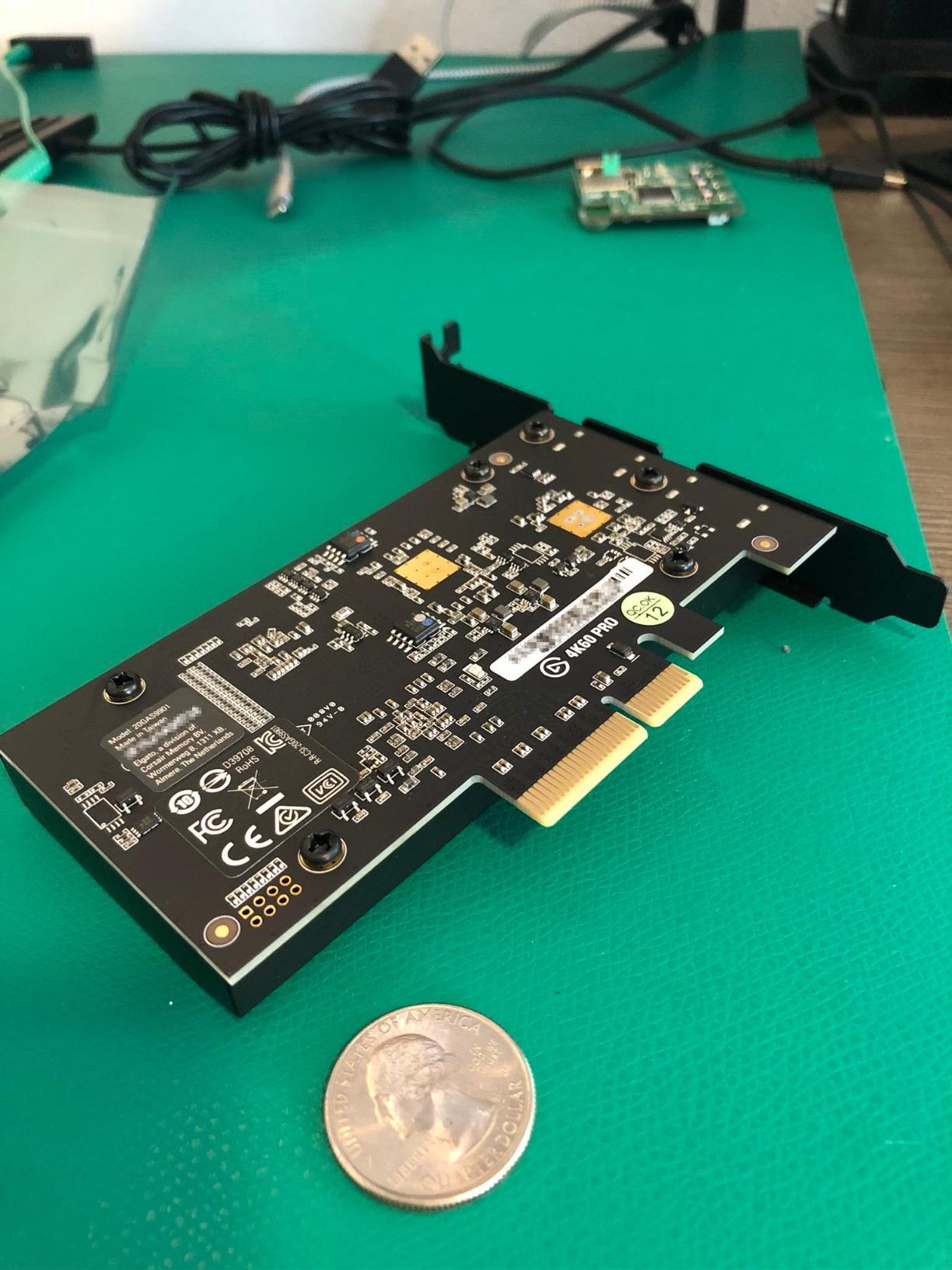
This is the card we keep coming back to. It sits in a PCIe x4 or x8 slot, takes HDMI in and HDMI out, and passes 2160p60 through untouched while recording 10-bit HDR. Owners consistently describe the passthrough as indistinguishable from running the console straight into the monitor.
The capture side is where the 4135 reviews do their talking. Picture quality is described as crisp and clean, and the card is recognised immediately by OBS on most systems. Audio on the card’s own HDMI path stays in sync with the video, which removes an entire category of stream complaints.
Frustration is never about the hardware. It is about configuration. Owners report that Elgato’s bundled capture utility demands trial and error, and that OBS refuses 4K capture until specific resolution and frame rate options are set correctly. One recurring note is that a few users end up recording 4K at 30 fps because they never changed that setting.
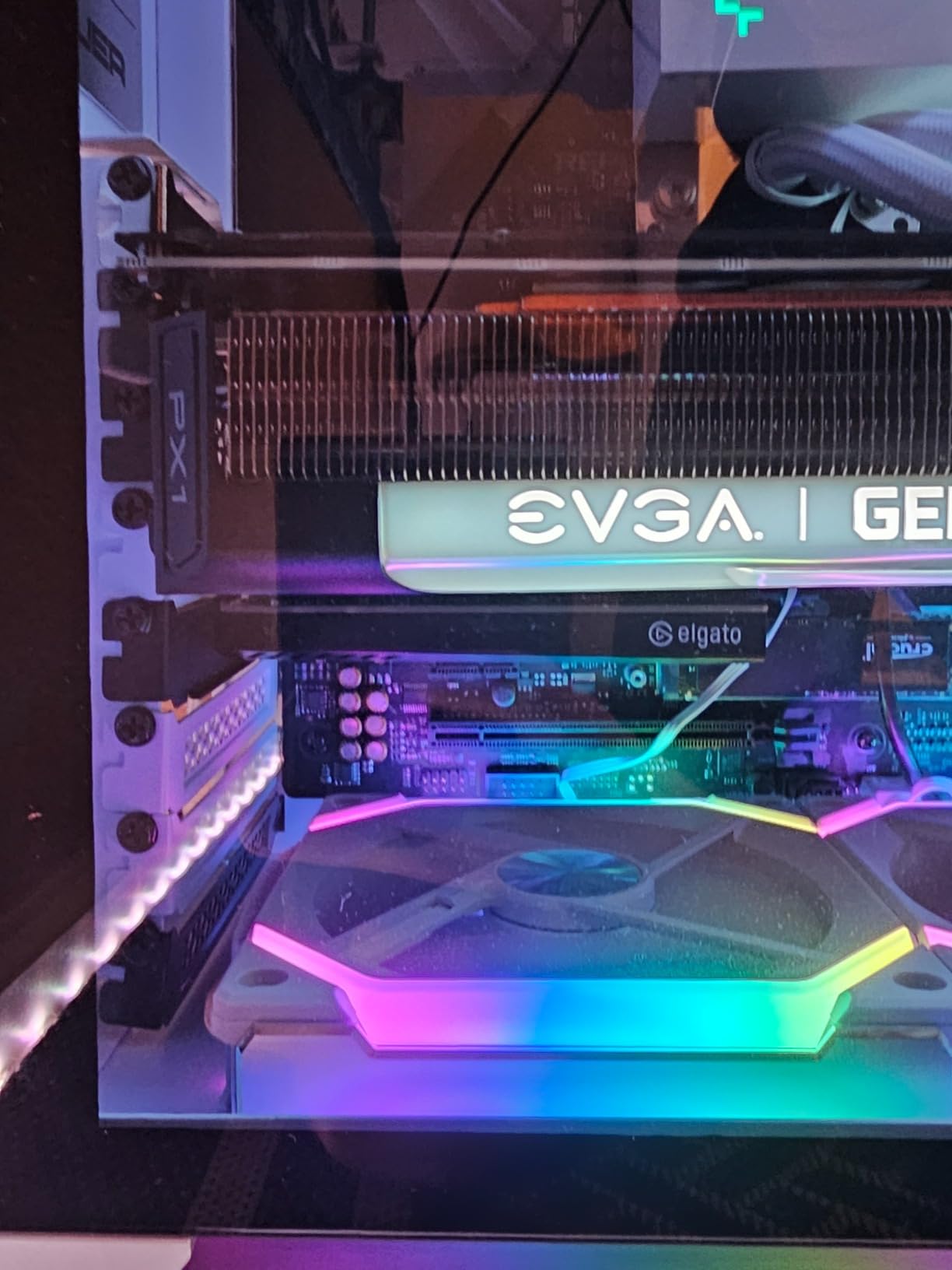
Physical fit is the other wrinkle. The MK.2 needs a full-length card slot, and on some boards the first PCIe slot sits under a thick graphics card. Check your case and board layout before ordering, and if you are still choosing hardware, our gaming PC picks list boards where this slot layout works cleanly.
What makes it easy to live with
Two years of warranty cover and a two-year track record of driver support mean this card still receives firmware updates years after launch. For anyone who plans to keep the same streaming PC for more than a couple of seasons, that continuity is worth more than a headline spec on the box.
It also handles every current console generation without special cables. PS5, PS4 Pro, Xbox Series X/S and Xbox One X are all listed as compatible, and the card has seen sustained use in dual PC streaming rigs without the frame pacing complaints that show up with cheaper cards.
Where owners report trouble
The pass-through only works while the PC is powered on, so you cannot use the card as a simple HDMI switch with the machine off. There is also no onboard audio output jack for extracted audio, which means routing game audio separately needs a virtual cable or a mixer.
Users on Reddit and the OBS forums describe long-term dual PC judder on this card after a year or two of use, which is exactly the pattern we would want you to weigh before a long-term purchase. If your source never leaves 1080p, the card below gives you the same latency behaviour for less money.
2. AVerMedia Live Gamer 4K GC573: best HDR colour accuracy
- Accurate native HDR colour from the source
- Driver-only setup takes minutes
- Accepts OSSC and RetroTINK output
- Zero-lag passthrough
- RECentral software is dated
- No HDMI 2.1 so 4K120 is unsupported
- Driver must be downloaded by hand
The GC573 is the value alternative to the Elgato flagships, and on picture fidelity it often wins. Owners repeatedly single out more accurate native HDR colour and better HDMI source detection than Elgato’s PCIe cards provide, which is a real advantage if you are grading footage after recording.
Capture runs to 4K60 HDR10, with high frame rate capture up to 240 fps at 1080p for slow-motion content. The card also accepts a broader range of signals than most competitors, including upscaler output from OSSC and RetroTINK devices that other cards refuse.
Installation is driver-only for basic capture work, and it usually takes minutes. That simplicity is why several owners report it as the card that simply works in OBS without a vendor app running in the background.
Three caveats appear again and again. RECentral is dated and awkward, one owner reported a firmware update freezing the input until the card was reset, and anyone expecting HDMI 2.1 sources at 4K120 will be disappointed. A few motherboards also need a BIOS update before the card is detected at boot.
Why colour accuracy matters here
When a card misreads the HDR metadata coming out of a console, the recording ends up washed out or crushed compared with what you saw on screen. That gap between gameplay and file is what makes a capture feel cheap, and it is the single most common reason owners of other cards end up colour correcting before upload.
The three onboard RGB lighting modes are a small touch, but they matter in a glass-sided build where you want to confirm at a glance that the card is powered and receiving a signal.
Where it falls short for some setups
Because it lacks HDMI 2.1, a PS5 or Xbox Series X running at 4K120 cannot be captured directly. You can still record 4K60, but if you plan to record in the highest bandwidth mode those consoles offer, this is the wrong card.
Forum discussions in r/AverMedia and obsproject.com also note that the manual driver download trips people up, since the card will not do anything until that step is done. Budget a few minutes for it before you start configuring OBS.
3. VIXLW 4K Internal Capture Card K801-C: steady 4K60 on a modest budget
4K Internal Capture Card, PCIe Capture Card, HDMI, 4K60 Passthrough, Ultra-Low Latency for Streaming & Recording, for PS4,PS5, Xbox, in OBS, YouTube, Single & Dual PC Setups, Black
- Stable through long recording sessions
- Clean stable signal for the money
- Connects cleanly to OBS Zoom and Teams
- Several buyers use it for tape digitising
- Driver install is not automatic
- Linux audio reported broken by one owner
This is the card we would trust for an all-day stream or a long capture session. Across 616 reviews the most consistent theme is stability: owners report long recording runs without overheating or signal dropouts, which is exactly what you want from a card that lives in a warm chassis next to a graphics card.
Core specifications cover 4K60 passthrough with near-zero latency and 240 fps recording at 1080p. It is marketed for both single and dual PC streaming setups, and it connects to Zoom, Teams and OBS without a proprietary layer.
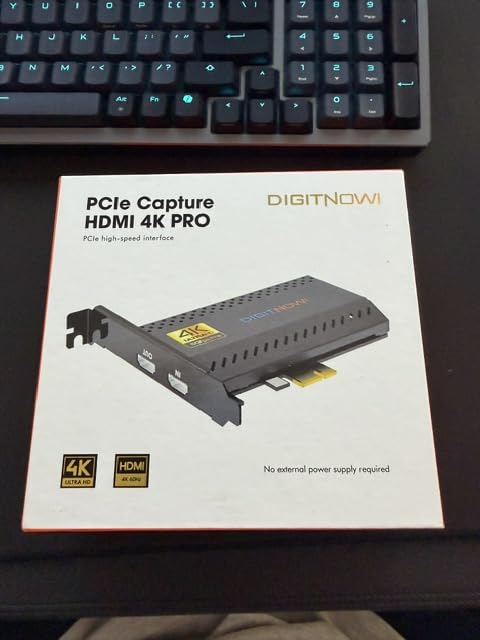
The model number is K801-C and it ships in black or carbon finishes. A lifetime warranty support policy is unusual in this category and worth noting for anyone planning a long-term build.
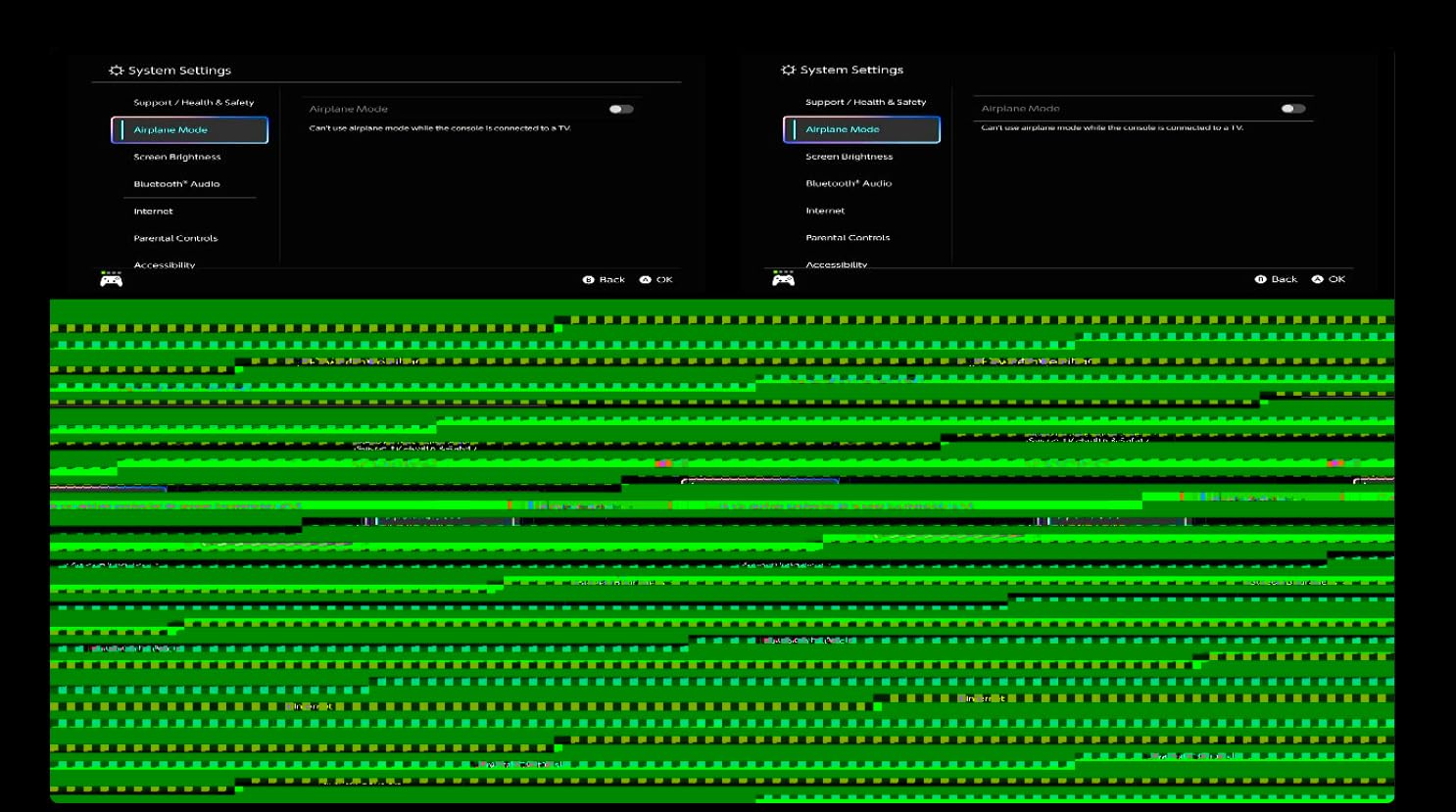
Where expectations need adjusting: a good share of reviews describe digitising VHS and camcorder tapes rather than gaming capture, and those owners consistently note that image quality is capped by the source material. Audio handling on Linux was reported as non-functional by at least one owner, so check your operating system before committing.
What this card does well for streaming
Stability under sustained capture is the feature that separates this from cheaper cards in the same bracket. When a card drops signal in hour three of a stream, the recording is gone and so is the evidence of the problem. That has not been the recurring complaint here.
The 240 fps at 1080p mode also gives you a usable slow-motion path without leaving the internal card format, which is handy if you cut highlight reels.
Where to be cautious
Documentation is thin. Owners report uncertainty about which software to use and a driver install that does not happen automatically, so budget time for setup rather than assuming a plug-and-play experience.
If your main sources are current consoles running 4K120, check the source mode first. This card lists 4K60 passthrough as its ceiling, so higher bandwidth console modes are outside its range.
4. AVerMedia Live Gamer HD 2 GC570: best budget 1080p60 card
- Fits short PCIe x1 slots
- Supports up to four cards in one system
- Plug-and-play UVC on Windows 10 and 11
- Dependable low-latency passthrough
- 1080p60 only with no 4K or HDR
- RECentral 4 software is dated
- Audio routing needs work on dual PC setups
The GC570 solves a physical problem the other cards here ignore. It sits in a PCIe x1 slot, so it fits in builds where a full-length card will not, including compact cases and boards where the graphics card covers the primary slot.
It captures uncompressed Full HD 1080p60 in real time with low latency passthrough. On Windows 11 and 10 it works through UVC, so there is no driver to install, and the card reports straight into OBS as a standard video capture device.
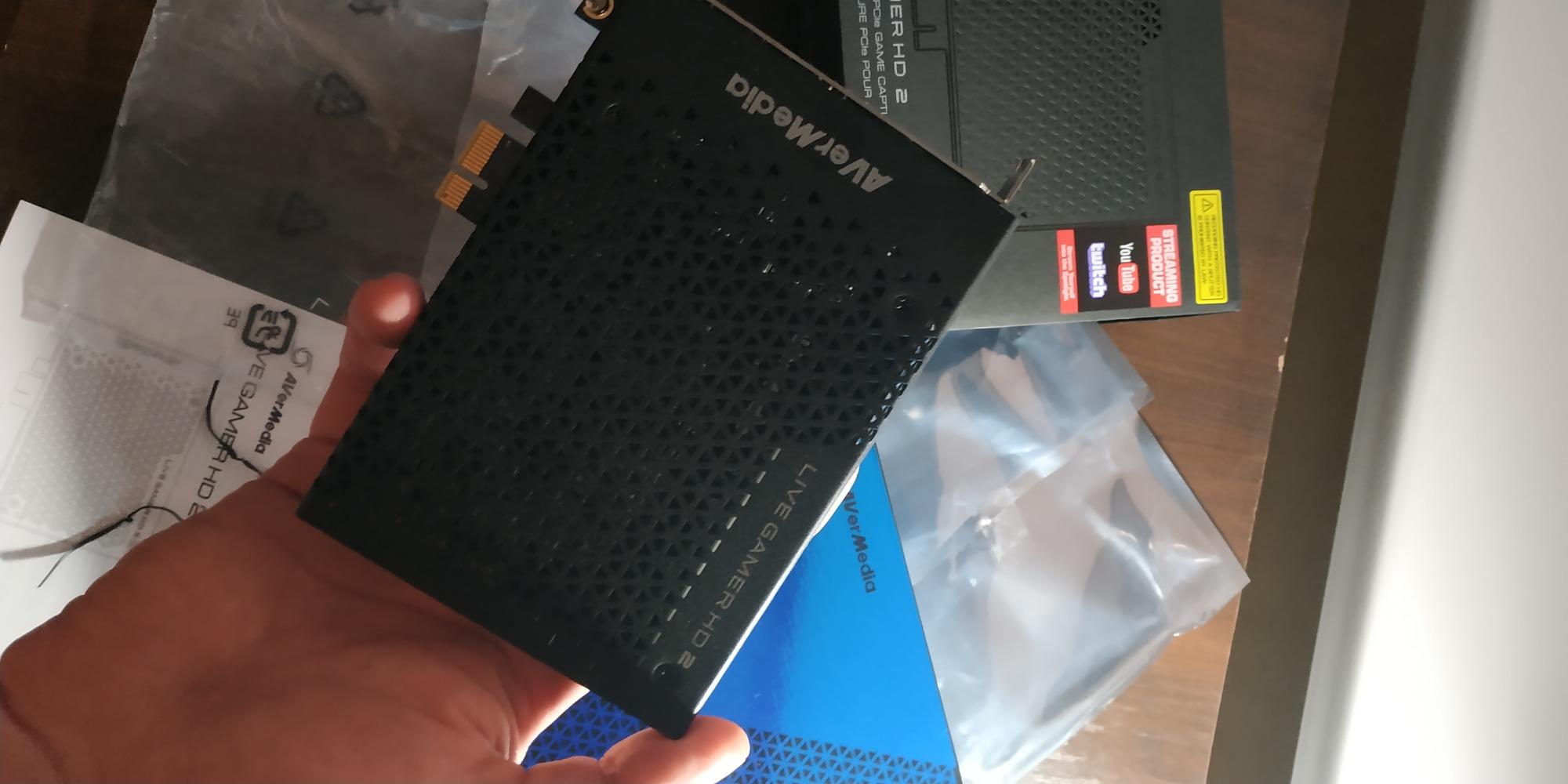
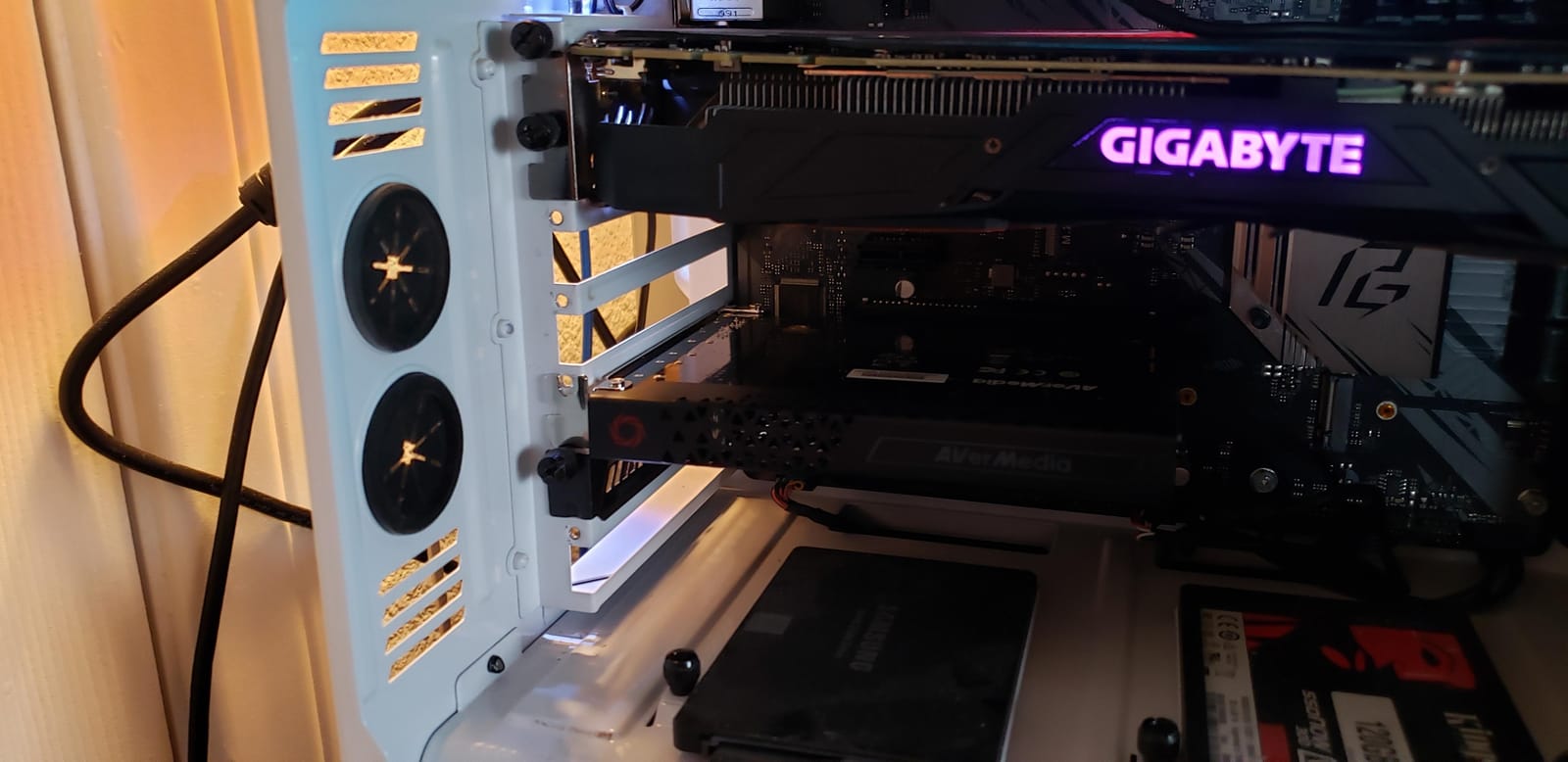
Multi-card support is the standout capability. Up to four GC570 cards can run in a single gaming PC, including on AMD Ryzen platforms, which makes it the natural choice for multicam or multi-source setups where you want one capture feed per angle.
The limits are clear. 1080p60 is the ceiling, so HDR and 4K recording are off the table entirely, and RECentral 4 remains dated software. Owners running two PC setups also report that audio routing across machines takes extra configuration.
When four cards make sense
If you are recording a tournament bracket, a live event, or anything with multiple camera angles, the four-card ceiling is the reason to buy this over a single-input card. One slot each, one feed per source, all visible as separate OBS devices.
For console streaming and light content creation it is overkill, and you would be leaving resolution on the table. In that case step up a generation rather than sideways.
Where the compromise bites
There is no HDR passthrough and no 4K capture, so a PS5 in 4K mode will be downscaled by the source or ignored by the card. Owners who upgraded from a 4K card report this as the main disappointment.
The dated RECentral software and the need for separate audio routing work are the two most repeated complaints across r/streaming threads about this card. Both are solvable, neither is free.
5. Elgato 4K Pro: best for HDMI 2.1 and 8K passthrough
- HDMI 2.1 input with 8K60 passthrough
- VRR passthrough for tear-free play
- 4K60 HDR10 capture with 1080p240 high frame rates
- Works in OBS Streamlabs Zoom and Teams
- Full-length PCIe slot required
- Highest cost among gaming-focused cards
- Listed capture resolution field reads 1080p
The 4K Pro is the current-generation Elgato flagship and the only card in this roundup with HDMI 2.1 on both input and output. That means 8K60 passthrough to a compatible display, 4K60 HDR10 capture, and up to 240 fps recording in 1080p for high frame rate content.
Variable refresh rate passthrough is the feature competitive players ask about most. With VRR passed through cleanly, a console or PC at high refresh rates stays tear free on screen while you record, which is the behaviour external cards often flatten.
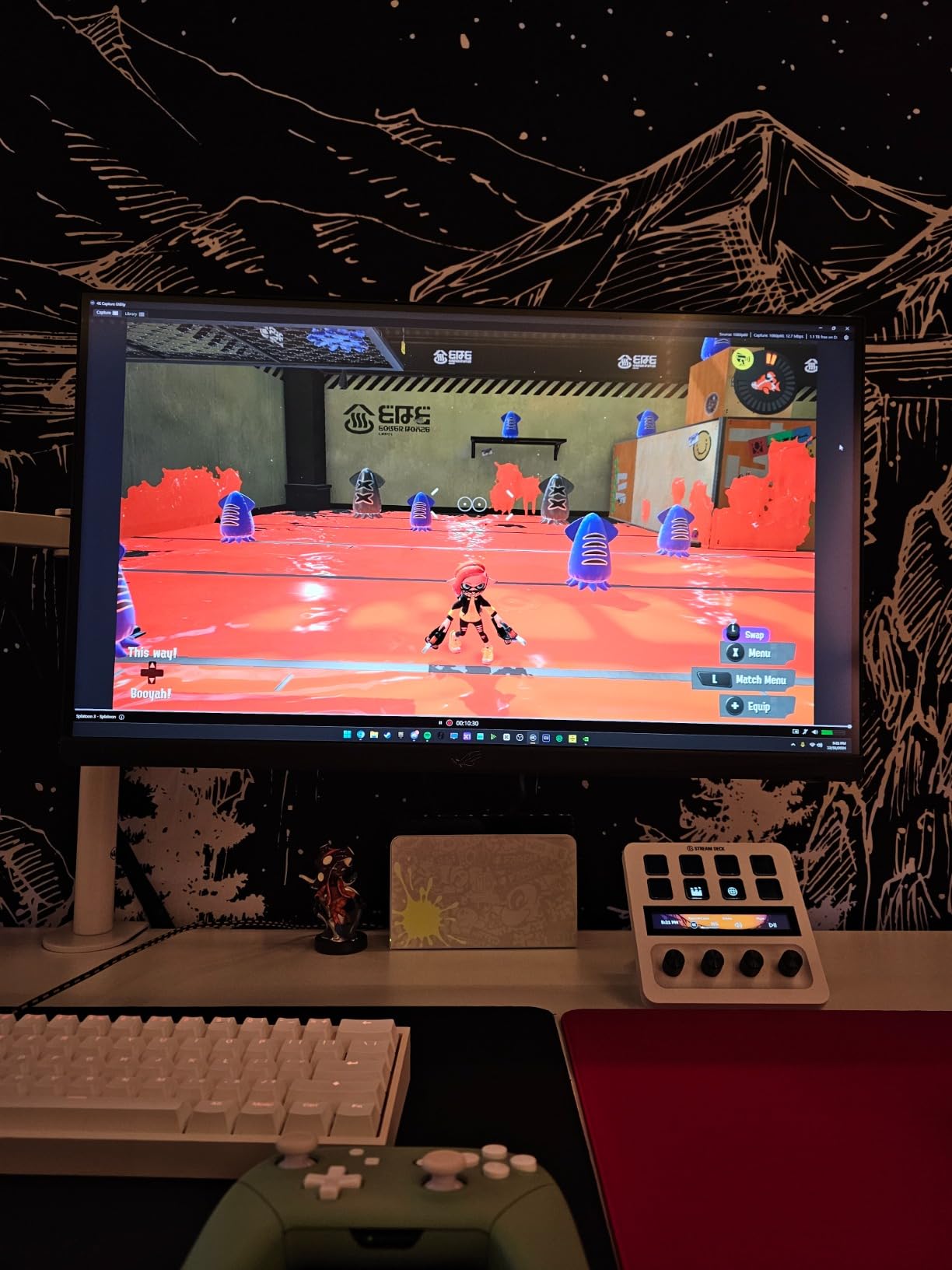
Software support is broad. The card is listed as working with OBS, Streamlabs, Twitch Studio, Restream, Zoom and Teams, so it drops into an existing workflow without retooling your scenes.
It shares the 4K60 Pro MK.2 physical profile at 110 g and the same 2.2 by 4.76 by 0.75 inch footprint, so if you are upgrading you will need the same full-length slot and the same clearance check.
Where HDMI 2.1 actually pays off
You need a source that outputs above the 18 Gbps of HDMI 2.0. A PS5 or Xbox Series X in its highest 4K mode, or a PC GPU pushing 4K at high refresh, is where the difference becomes visible. If your sources never leave 4K60, the MK.2 already covers you.
Capture itself remains 4K60 HDR10. The 8K figure applies to passthrough to your monitor, not to what lands in your recording folder, and one owner flagged the listing field that still reads 1080p as confusing.
Where the cost shows up
This is the most expensive of the gaming-focused cards in the roundup, and the premium buys headroom you may not use. The full-length slot requirement is the practical constraint, not the price.
If you are not running high refresh console modes and your display is not 8K, the value calculation does not favour this card. Our capture card picks for video editors cover what matters if your priority is footage quality over gaming latency.
6. AVerMedia Live Gamer Duo GC570D: two HDMI sources in one slot
- Two independent HDMI sources in one slot
- Onboard HDR to SDR conversion and downscaling
- Zero-lag 4K60 HDR and 1080p240 passthrough
- Records both inputs simultaneously
- Capture capped at 1080p60 per input
- Needs a PCIe x4 slot near the GPU
- Larger footprint than single-input cards
The Live Gamer Duo exists for one scenario: capturing a console or gaming PC plus a camera in a single slot. Two independent HDMI inputs sit on one PCIe x4 card, and both record uncompressed Full HD 1080p60 at the same time.
The onboard processing is the quiet hero. The card tone maps HDR to SDR, downscales 4K to 1080p and converts frame rate to 60 fps on the capture path only, while your passthrough stays untouched at 4K60 HDR or 1080p240.
That makes broadcast-style workflows much smoother. A console plus a DSLR or mirrorless camera can feed two OBS video capture devices without a separate downscaler in the chain, and the card is listed as compatible with RECentral 4, Streamlabs, OBS, vMix and XSplit.
The catch is resolution. Recording stays at 1080p60 per input even when the passthrough signal is 4K60 HDR, and owners who came in expecting 4K files report exactly that frustration.
When two inputs in one slot is worth it
A dual PC streaming rig is the classic case. One HDMI input takes the gameplay PC, the second takes the camera, and you avoid buying a second card and hunting down a second slot that your motherboard may not have.
It is also a clean fit for hybrid events and remote production, where a slide deck or a second camera shares the frame with the game feed.
Where the footprint gets in the way
This card needs a PCIe x4 slot, and on some boards that means rebalancing lanes around the graphics card or rearranging drives to free space. Owners also note a larger footprint than single-input models, so check case clearance.
If you only need one source and want 4K files, a single-input 4K60 card is the better purchase. This one earns its slot count only when you genuinely need both feeds.
7. ACASIS 4-Input HDMI Capture Card: best for four-source 1080p capture
- Four simultaneous 1080p60 inputs in one slot
- Clean driver install with all channels in OBS
- Picture quality above cheap HDMI to USB adapters
- Works on Windows and Linux
- Does not capture 4K despite the title
- Windows drivers not bundled
- Bracket gap can clash with some cases
The ACASIS takes four HDMI sources and records all of them simultaneously at uncompressed 1080p60, with no compression and low latency. That is the whole proposition: one slot, four camera angles or four machines, all visible as separate devices in OBS.
Buyers running broadcast work report noticeably better picture quality than inexpensive HDMI to USB adapters, and clean driver installation with all four channels appearing in OBS without fuss. It is also used with cameras, AJA Ki Pro decks and PTZ cameras.
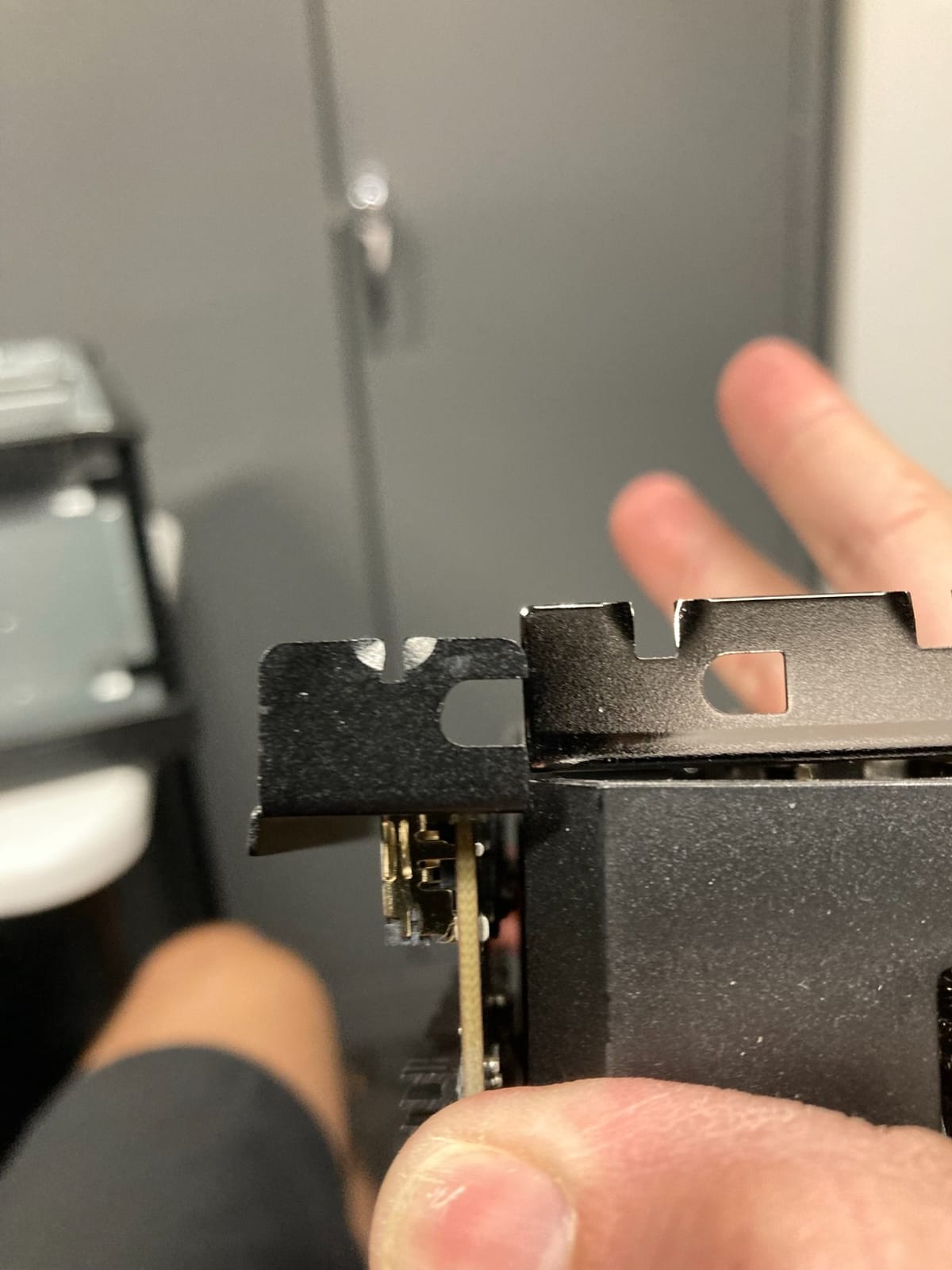
Two details stand out. The card includes a built-in turbo fan for active heat dissipation, which makes sense for four simultaneous streams sharing one enclosure. It also lists support for Linux alongside Windows, which is rare at this input count.
Against that, the 4K in the product title is misleading: capture is 1080p60 only. Windows drivers are not bundled and must be downloaded from the vendor site, and support responsiveness is reported as poor by some buyers.
When four inputs changes the maths
Buying four separate single-input cards means four slots, four cards and four sets of drivers. This card collapses that into one PCIe x4, x8 or x16 slot and one installation, which is the entire argument for it.
For trade show and event recording, for multi-angle tournament capture, or for a four-PC streaming setup, it removes real logistical friction rather than just saving money.
Where buyers get caught out
The branding is the main complaint. Several owners expected 4K capture based on the listing name and found 1080p60 instead, so read the specification rather than the title.
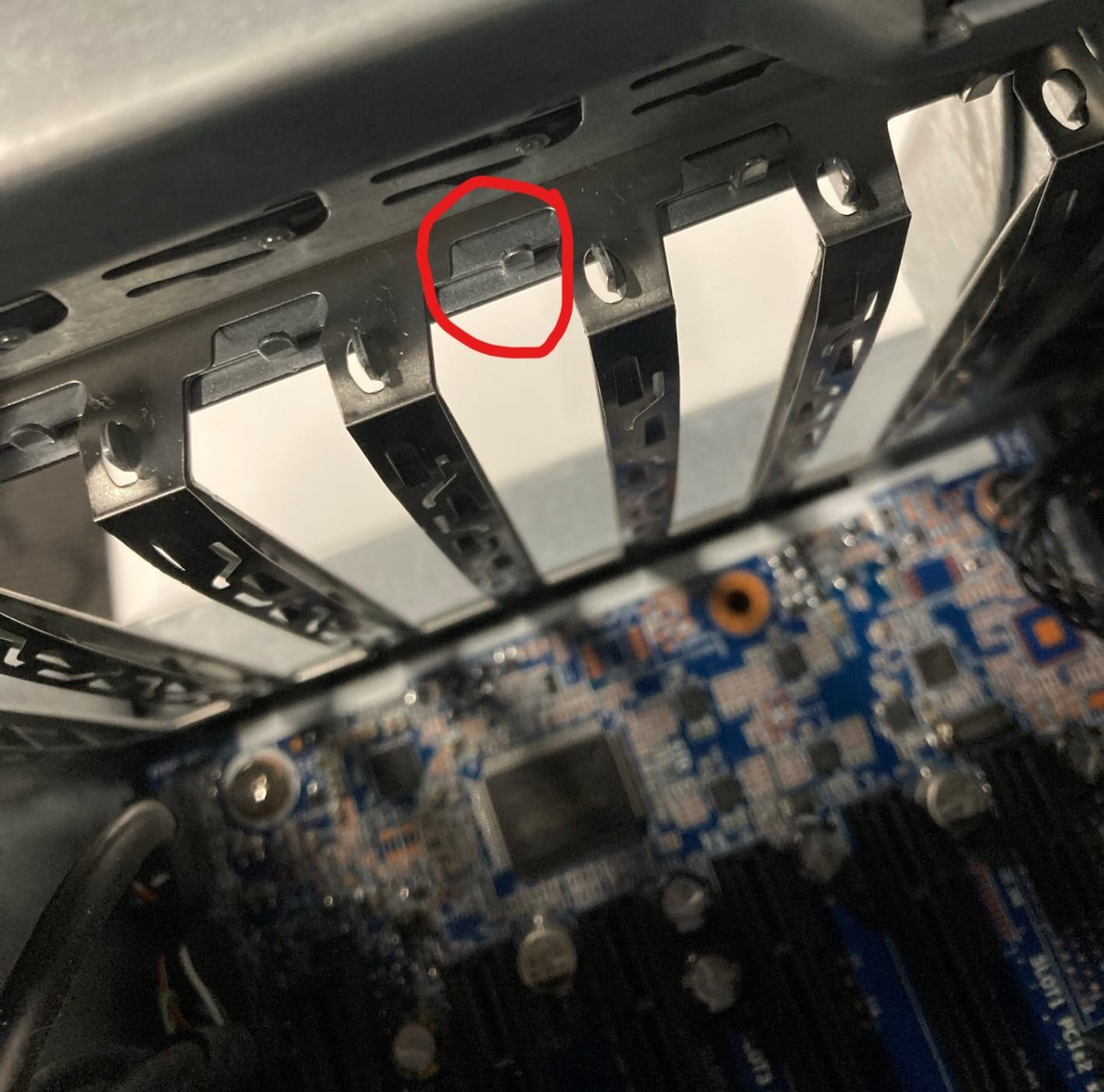
A narrower mounting bracket gap can also cause fitment issues in some workstation cases, and Linux audio stream access was reported as unreliable. Warranty cover is one year, the shortest here.
8. DigitPro PCIe Analog Capture Card: best for digitising old tapes
- Inexpensive way to digitise VHS and MiniDV
- No drivers needed
- Single tidy rear cable instead of a USB box
- Works on Windows and Linux
- OBS and TVTime compatibility is unreliable
- Output looks over-bright and oversaturated
- Maximum resolution is 1080p30
- Poor deinterlacing
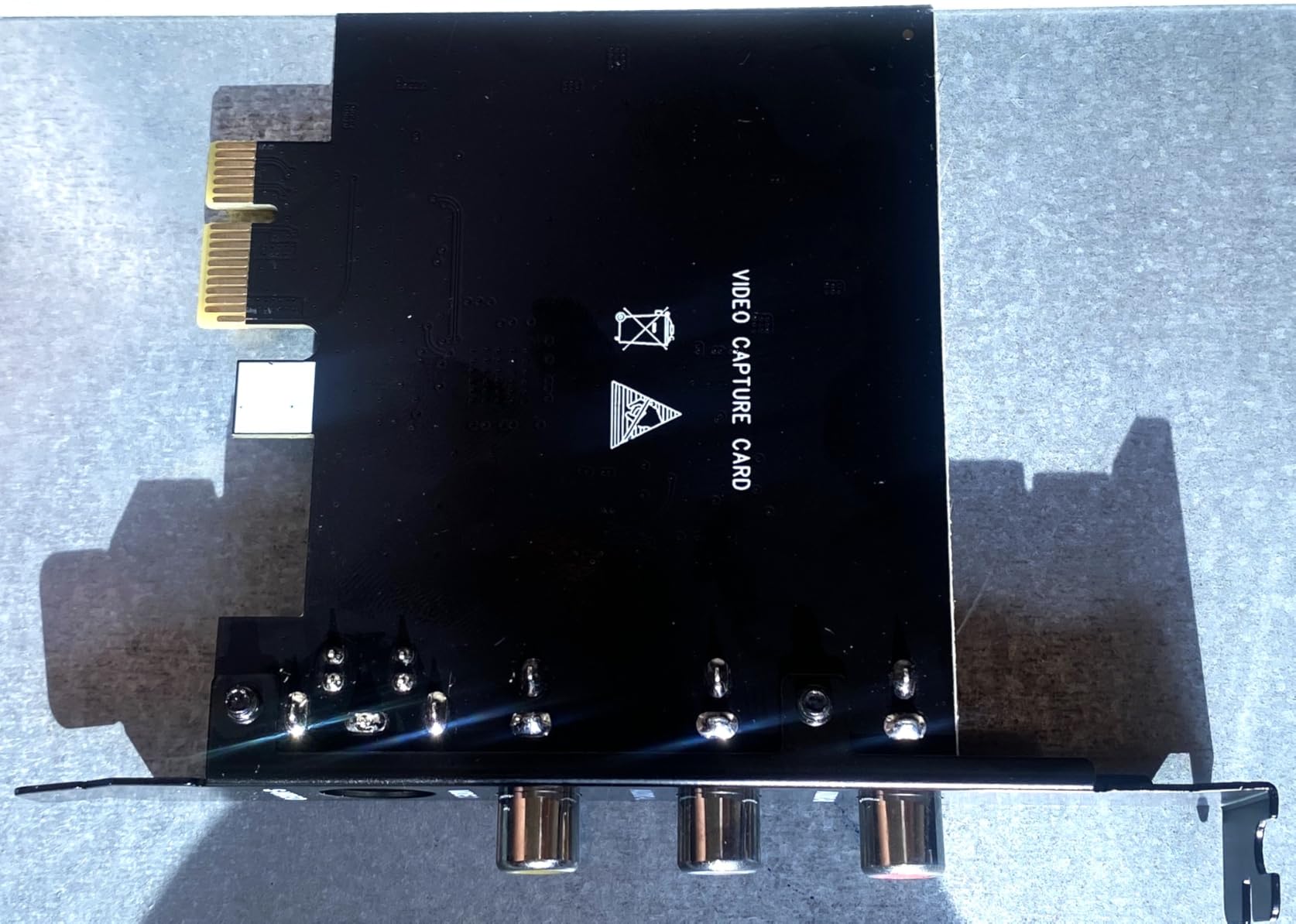
This card is not a console capture solution and we would not recommend it as one. It takes CVBS and S-Video input with automatic NTSC and PAL detection, which makes it a digitiser for VHS, 8mm and MiniDV tapes rather than a gaming capture device.
Where it earns its place is cost and tidiness. It installs in a PCIe x1 slot with no drivers at all, and it replaces a USB grabber with a single connection at the back of the case. Owners digitising large tape collections value both.
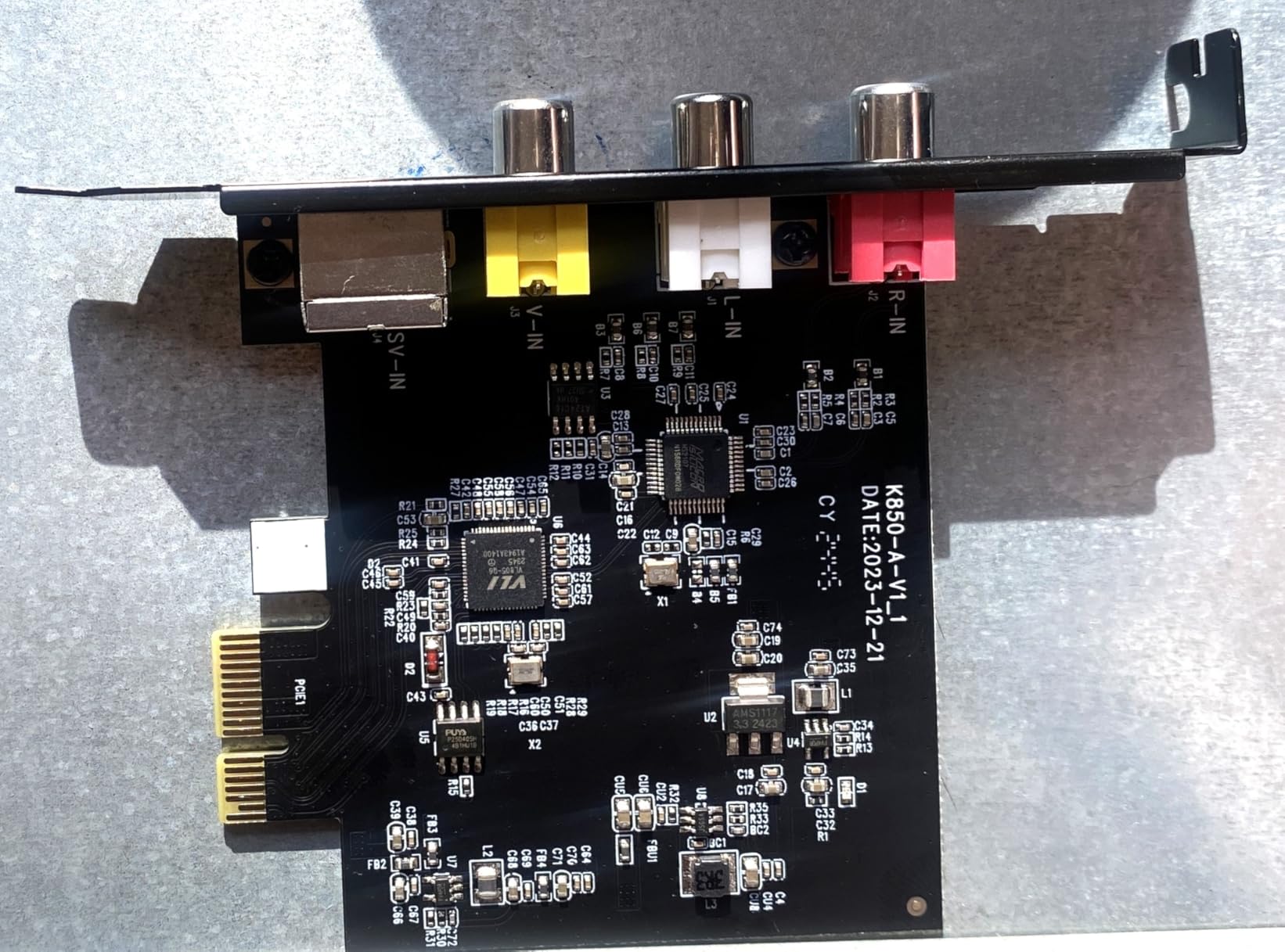
Output is MJPEG and YUV422 up to 1080p30, and it is compatible with OBS, VLC and Amcap on Windows 8, 10, 11 and Linux. It suits full and half height brackets, though brackets are not included.
The reports are blunt about the trade-offs. Owners report that OBS and TVTime did not work and guvcview was required instead, the picture comes out over-bright and oversaturated enough to need manual colour correction, and deinterlacing is poor so interlaced sources arrive as progressive video.
Why anyone still buys an analog card
A PCIe x1 analog input is inexpensive, needs no driver and leaves one tidy cable at the rear of the machine. For someone transferring a shelf of tapes, that is a small, self-contained job rather than a streaming project.
It also works on Linux without hunting for hardware support, which several owners confirm alongside their Windows use.
Why it will not work for gaming
There is no HDMI input. A console or gaming PC cannot feed this card without an external converter, and even then the 1080p30 ceiling and weak deinterlacing would undercut any modern capture pipeline.
Owners also note the card can draw residual power when the PC is off unless ErP is enabled in BIOS, and some report the system stopped detecting it after a few transfers. For gaming, look at any of the HDMI cards earlier in this list instead.
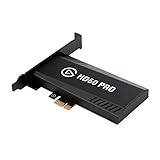
9. Elgato HD60 Pro: the most proven 1080p60 internal card
- Very low latency with true zero-lag passthrough
- Compact card that fits almost any build
- Largest installed user base of any card here
- Unlimited recording plus flashback capture
- 1080p60 only with no 4K or HDR
- Older generation compared with HDMI 2.1 cards
- One year limited warranty
The HD60 Pro is not new, and that is its strength. With 4253 reviews averaging 4.6 stars, it is the most thoroughly proven internal capture card we looked at, and the problems that plague newer models have already been found, documented and mostly fixed by the community.
It captures 1080p60 with true passthrough at zero lag, using Instant Gameview for a low latency preview. Recording length is unlimited, straight to your hard drive, and Flashback Recording lets you scroll back and save a moment you already played.
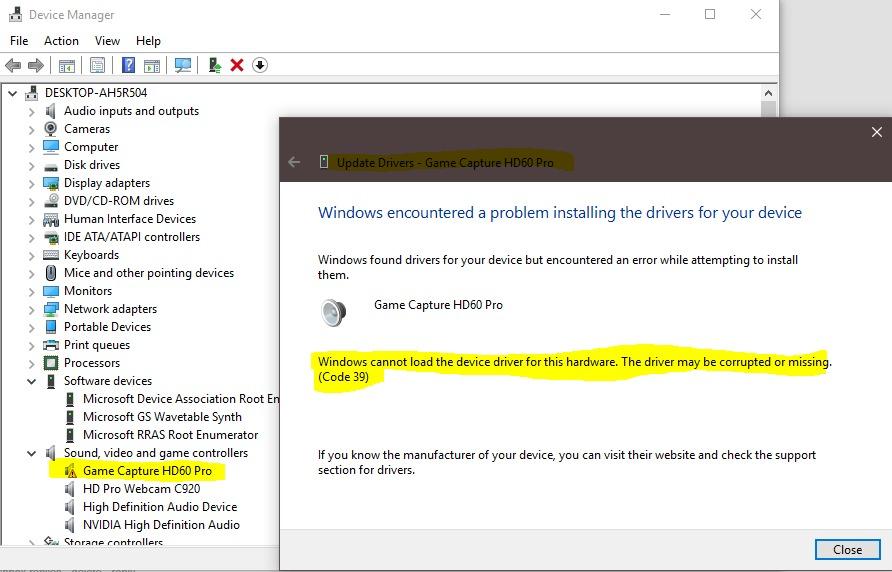
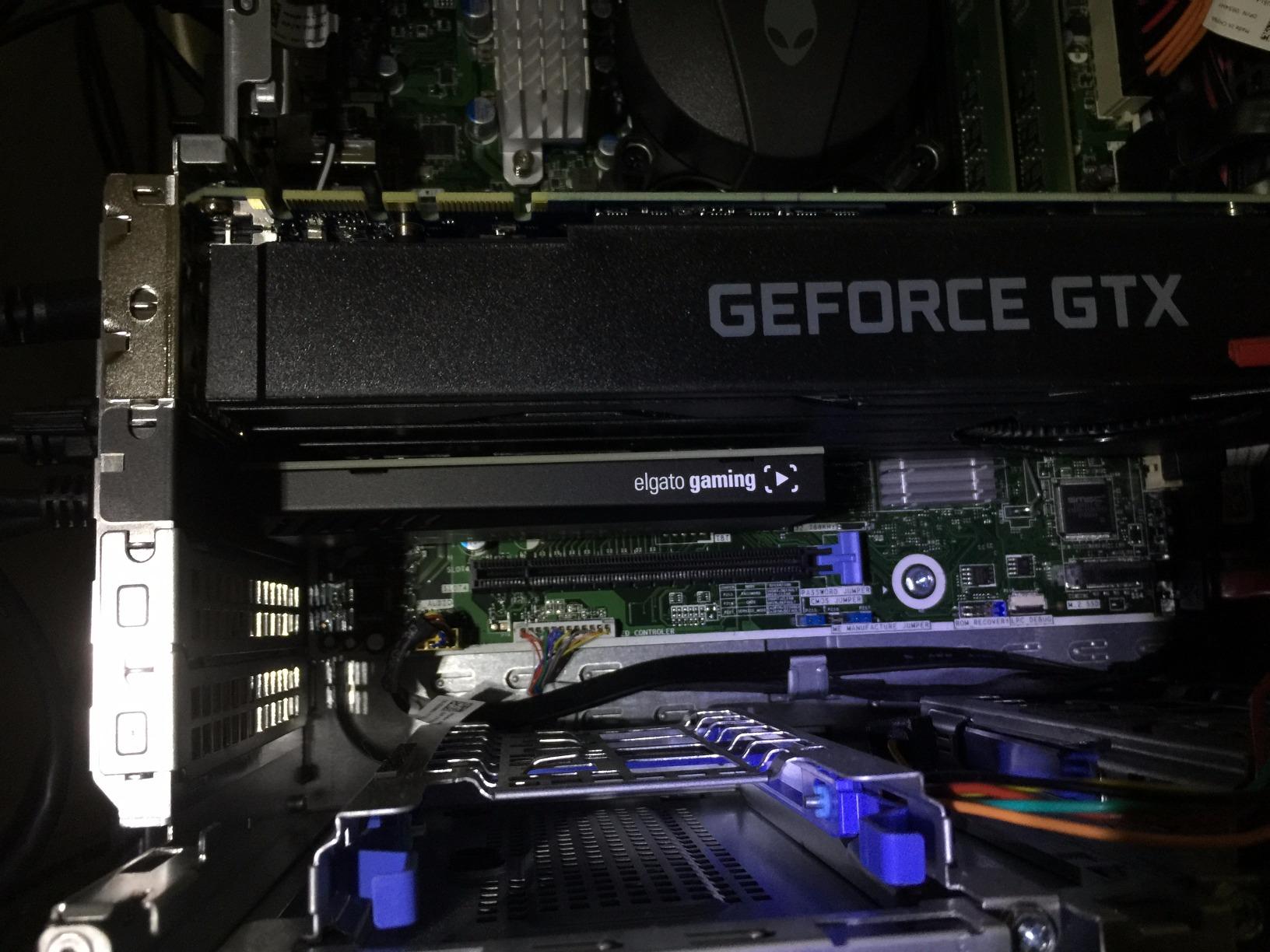
It is also a PCIe x1 card at 4.8 by 0.55 by 2.2 inches, so it fits in nearly any build without the slot gymnastics the full-length cards demand. That physical simplicity is genuinely useful in a finished PC.
The trade-off is generational. There is no 4K capture, no HDR and no HDMI 2.1, so a modern console in 4K mode is out of reach. Warranty cover is one year, which is the shortest of the Elgato cards here.
Where an older generation still wins
The platform has been supported for so long that drivers, firmware and OBS configuration guides are abundant. When something goes wrong, the answer already exists somewhere in r/elgato or on the OBS forums, which reduces downtime when you are about to go live.
For 1080p60 streaming to Twitch or YouTube, the image quality this card delivers is still entirely adequate, and the price gap to the current generation is real.
Where the ceiling shows
Anyone recording long-form or 4K content will hit the 1080p60 wall immediately, and there is no firmware update that removes it. Higher refresh console modes are equally out of reach.
If you want one card for the next few years of console releases, the GC573 or the Elgato 4K Pro buys more headroom for a modest step up. This card suits a fixed 1080p workflow that you know will not change.
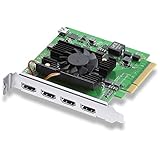
10. Blackmagic Design DeckLink Quad HDMI: best for 4K60 multi-source production
Blackmagic Design DeckLink Quad HDMI PCIe Capture Card, Up to 4K60, 4 HDMI 2.0b inputs (BDLKDVQDHDMI4K)
- Four 4K60 sources captured in one slot
- Uncompressed capture with negligible lag
- Rock solid in live production
- vMix Wirecast and OBS on Mac Windows Linux
- Requires PCIe 3.0 with eight lanes
- Driver download and setup can take days
- No strain relief on the HDMI ports
- Cannot capture copy-protected sources
The DeckLink Quad is the only card here that captures four sources at 4K60 uncompressed, which puts it in a different category from everything else on this list. Four HDMI 2.0b inputs sit behind a PCIe 3.0 x8 interface, and the card handles SD, HD and 4K with Deep Color and HDR.
Colour handling is genuinely professional. It supports 8, 10 and 12-bit RGB 4:4:4 up to 4Kp30 DCI, 8 and 10-bit YUV 4:2:2 in all modes, and Rec. 601, Rec. 709 and Rec. 2020 colour spaces. Audio comes through as eight channels of embedded 24-bit 48 kHz.
Professional users running vMix and OBS describe it as rock solid across multiple cameras in live production, and several consider it better value than competing quad-input capture hardware. It works on Mac, Windows and Linux with Media Express, Wirecast and vMix.
The barriers are practical rather than electronic. It needs PCIe generation 3 with eight lanes, which limits which systems accept it. The driver download and setup process is poorly signposted and can take multiple days for some buyers, and the HDMI ports have no strain relief, so heavy cables pull on them.
Where uncompressed 4K60 earns its cost
Uncompressed capture gives you the full data to grade later with no generation loss, and eight channels of embedded audio replace a separate audio interface in many multi-camera rooms. For a production PC rather than a gaming PC, that is a real saving in signal chain complexity.
Capture runs across Mac, Windows and Linux, so a studio moving between platforms keeps the same card.
Where it is the wrong choice
Copy-protected HDMI sources cannot be captured, which rules out some streaming and disc playback use cases. Enterprise pricing for a single-consumer gaming setup is also hard to justify, and this is a gaming roundup.
Our 4K capture card guide for content creators covers the more consumer-priced alternatives if you need 4K sources without four inputs.
How to Choose an Internal Capture Card
Start with the PCIe slot, because that decision rules out cards before any feature matters. A PCIe x1 card fits almost anywhere and is the right choice for 1080p60. An x4 or x8 card is needed for 4K60 capture, and it must physically fit under your graphics card. On many motherboards a large GPU sags down over the first PCIe slot, which is the single most common install problem owners report. Count free slots from your manual before you order, and check whether your board shares lanes between the GPU and the second PCIe slot.
Lane sharing is the quiet performance trap. If your graphics card runs on x16 and the chipset offers x4 downstream, you are usually fine. If you plan to drop the GPU to x8 to free bandwidth, check that the card you want still receives x4. Several cards list x4 and x8 slot support, which means the card is happy either way, but the link speed drops with the slot.
Next, decide between capture resolution and passthrough resolution, because they are separate numbers and marketing blurs them together. Capture is what lands in your recording file. Passthrough is what your monitor sees. The Elgato 4K Pro passes 8K60 to the display while recording 4K60, and the Live Gamer Duo passes 4K60 HDR while recording 1080p60 per input. Both are correct designs; only one of them matches a 4K recording workflow.
For most gaming PC owners in 2026, the decision matrix is simple. If your sources are 1080p60, the Elgato HD60 Pro or the AVerMedia GC570 will do everything you need at the lowest cost. If you record from a current console or a 4K PC output, you want 4K60 HDR capture, which narrows the field to the Elgato 4K60 Pro MK.2, the AVerMedia GC573 and the Elgato 4K Pro. If you run more than one source, the Live Gamer Duo, the ACASIS quad or the DeckLink Quad are the ones with the inputs for it.
Internal versus external is the other big question. An internal card keeps the encoding off your USB bus and off your desk, which is cleaner and more stable under sustained load. An external card is the right answer if your machine is a laptop, if you move between PCs, or if you only stream occasionally and would rather not open a case. Our console streaming capture card guide covers the portable side in detail.
On software, know that every card here works as a standard video capture device in OBS. What differs is the vendor layer on top. Elgato’s 4K Capture Utility and AVerMedia’s RECentral both draw frequent complaints about stability and interface age, and owners on the OBS forums generally recommend installing the card, confirming the feed in OBS, and only touching vendor software if you need a feature OBS cannot do.
Elgato versus AVerMedia is the brand question most people actually ask. Elgato generally offers longer support windows and cleaner documentation. AVerMedia typically delivers more accurate HDR colour and accepts a broader range of odd HDMI signals, and it includes onboard processing on some models. For pure gaming latency and passthrough quality the two are close enough that slot availability should decide.
Finally, consider whether you need a capture card at all. If you are streaming from a single PC, your GPU encoder already handles the job inside OBS with no extra hardware and no extra slot. Capture cards exist for dual PC setups, console capture, and for offloading encode work from a machine that needs every cycle for the game itself. If none of those describe you, the money is better spent elsewhere.
Frequently Asked Questions
What is the best internal capture card for PC gaming?
The Elgato 4K60 Pro MK.2 is the best all-round internal capture card for gaming PCs, with 4K60 HDR10 capture, zero-lag passthrough and the largest review base of any PCIe card. The AVerMedia Live Gamer 4K GC573 is the alternative to consider when HDR colour accuracy matters more than Elgato software support.
Are internal capture cards better than external ones?
Internal cards are better for sustained capture on a desktop because encoding happens on the card rather than over USB, and nothing occupies a port on your desk. External cards win for laptops, for people who move between machines, and for anyone who streams occasionally and does not want to open a case.
What PCIe slot do I need for an internal capture card?
A PCIe x1 slot is enough for 1080p60 cards such as the Elgato HD60 Pro and the AVerMedia GC570. 4K60 cards generally need x4 or x8, and the DeckLink Quad requires PCIe generation 3 with eight lanes. Check whether your graphics card blocks the slot before ordering, since a sagging GPU is the most common install problem.
What is the best capture card for dual PC streaming?
For a dual PC setup with one gameplay source and one camera, the AVerMedia Live Gamer Duo GC570D provides two HDMI inputs in a single slot. For two PC sources at 1080p60 you can run multiple cards, and the AVerMedia GC570 supports up to four cards in one system.
Is Elgato or AVerMedia better for internal capture cards?
Elgato generally wins on support longevity and documentation, while AVerMedia is often praised for more accurate native HDR colour and for accepting unusual HDMI signals from devices like the OSSC and RetroTINK. Both work as standard capture devices in OBS without vendor software.
Do I need a capture card if I stream from a single PC?
Usually not. A modern GPU encoder can handle streaming inside OBS without a capture card. Capture cards matter most in dual PC setups, for capturing consoles and handhelds, and when you want to offload encoding so the game keeps every CPU and GPU cycle.
Final Verdict
The Elgato 4K60 Pro MK.2 remains our pick for the best internal capture cards for gaming PCs, because it handles current console output, holds passthrough at zero lag and has the deepest support network of any PCIe card we examined. Pick the GC573 if HDR colour accuracy is your priority, and the HD60 Pro if 1080p60 is genuinely all you need.
Check your free PCIe slot before you order, set aside an evening for OBS configuration rather than assuming plug and play, and expect to spend that evening well once the feed is clean.