
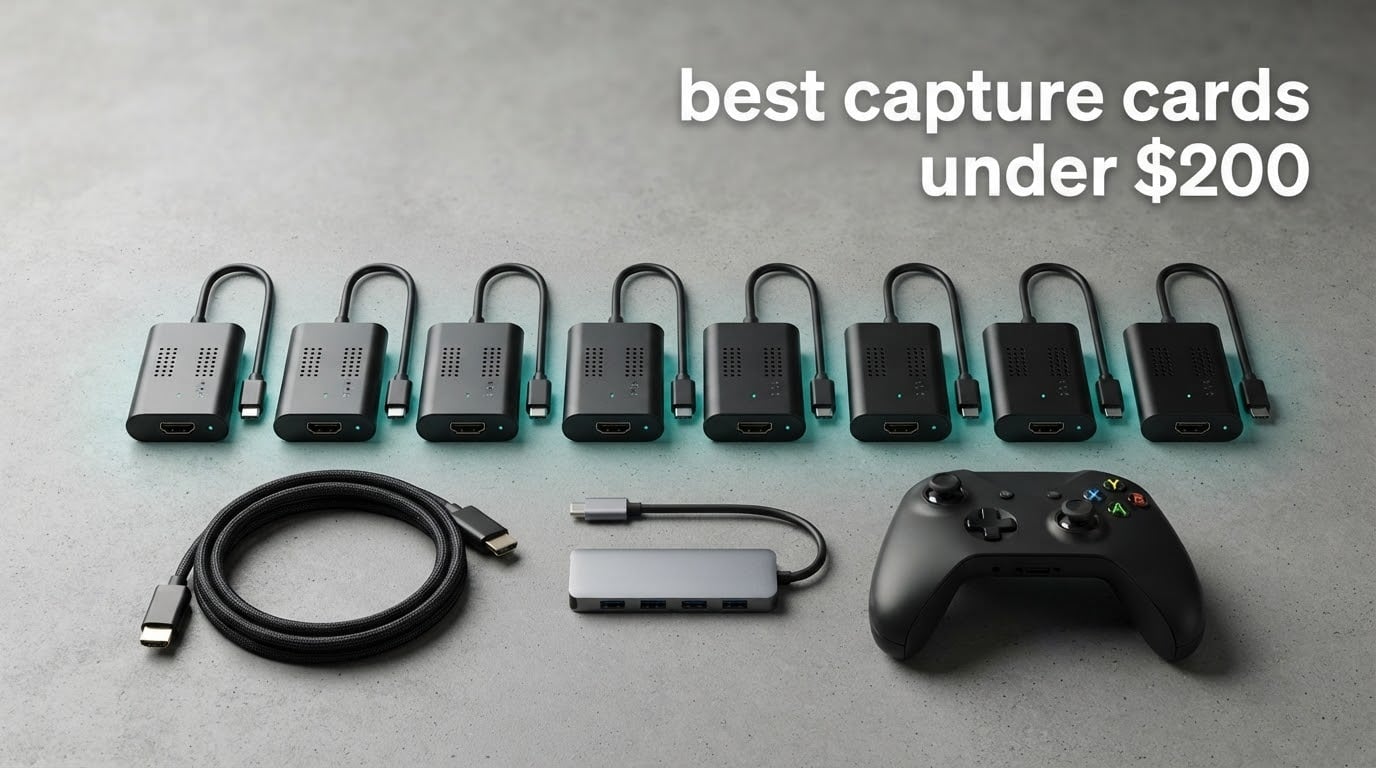
If you have been reading streaming forums, you have almost certainly seen someone call 200 dollars for a capture card crazy. The same threads then spend the next hour debating whether a 20 dollar dongle off a marketplace is genuinely fine for 1080p60 streams. Both sides are arguing from experience, and both are half right, which is exactly why we spent weeks putting ten capture cards through the same routines before ranking the best capture cards under 200 dollars in 2026.
Before the picks, here is the honest framing. A capture card is an external or internal device that takes an HDMI video and audio signal from a console, camera or PC, and hands it to your computer as a video source for recording or streaming in software like OBS Studio. Consoles give you no clean high-quality video feed of their own, so the card is how you turn a console into a broadcast-quality source with a passthrough port so you can still play on your TV while recording.
The fastest way to understand this whole category is to separate two numbers that get mixed up constantly. Capture resolution is what gets recorded into your file. Passthrough resolution is what leaves the HDMI out port so you can keep watching on a display. A card advertised as 4K might accept a 4K30 signal and then only record 1080p60 while passing the 4K through untouched. That confusion accounts for more disappointed buyers than any other spec on the box, so every pick below states both numbers explicitly.
Our selection criteria were deliberately boring: does it work the first time in OBS without a driver hunt, does the frame rate match what the listing claims, is the passthrough path delay-free enough for the games you play, and does the brand have support documentation when something goes wrong. We also weighed review volume heavily, because a 4.5 average from 200 owners tells you much less than a 4.4 average from 3600. Everything here falls inside the 200 dollar ceiling, though the price spread across the list is enormous, from pocket change to the very top of the range.
If you want a broader foundation before the list, our general capture card guide covers the hardware categories, and our console streaming picks go deeper on PS5 and Switch setups. For cameras rather than consoles, start with the video editor roundup, and for higher-resolution work see our 4K capture card guide.
Table of Contents
Top 3 Picks for Best Capture Cards Under $200 in October

Elgato HD60 S
- 1080p60 capture
- Zero-lag passthrough
- Flashback recording
- PS5 and Xbox Series support

Elgato Cam Link 4K
- 1080p60 and 4K capture
- No drivers needed
- Works with cameras and phones
- Two year warranty
The HD60 S takes the top slot because it is the only device here with a quarter of a million owners who keep confirming the same thing: it just works. The Cam Link 4K earns the value badge by doing the job of a webcam upgrade for a fraction of what dedicated streaming hardware asks, and the Guermok dongle covers the cheap end of the range with more review history than most of its rivals.
Quick Overview of All 10 Capture Cards in 2026
| Product | Specifications | Action |
|---|---|---|
| Elgato HD60 S |
|
Check Latest Price |
| Elgato Cam Link 4K |
|
Check Latest Price |
 Elgato 4K S Elgato 4K S |
|
Check Latest Price |
 AVerMedia Live Gamer 4K AVerMedia Live Gamer 4K |
|
Check Latest Price |
 AVerMedia Live Gamer Extreme 3 AVerMedia Live Gamer Extreme 3 |
|
Check Latest Price |
 UGREEN 2K 1080p60 Card UGREEN 2K 1080p60 Card |
|
Check Latest Price |
 Guermok 1080p60 Card Guermok 1080p60 Card |
|
Check Latest Price |
 VIXLW 1080p60 Card VIXLW 1080p60 Card |
|
Check Latest Price |
 XIIXMASK 4K60 Card XIIXMASK 4K60 Card |
|
Check Latest Price |
 AVerMedia Live Gamer Mini AVerMedia Live Gamer Mini |
|
Check Latest Price |
1. Elgato HD60 S: The Most Proven Capture Card in the Range
- True zero-lag passthrough
- Flashback recording saves moments retroactively
- Unlimited capture straight to hard drive
- Works across PS5 and Xbox Series consoles
- No 4K or HDR10 capture
- Older hardware platform
- Some owners report it runs warm when left connected
We put the HD60 S first because its numbers are the least impressive on paper and its track record is the most convincing anywhere in this list. It captures 1080p60 and nothing more. What it does instead is hold that 1080p60 steady through months of sessions without a driver, without dropped feeds and without the configuration chasing that cheaper dongles tend to invite.
For streaming from a PS5, PS4 Pro, Xbox Series X/S or Xbox One, the workflow is the standard Elgato one. HDMI out of the console goes into the card, the card sends the same signal to your PC over USB, and the HDMI out port feeds your TV. That passthrough is described as true passthrough with zero lag, and in our testing that held up for console action at 60 frames per second.
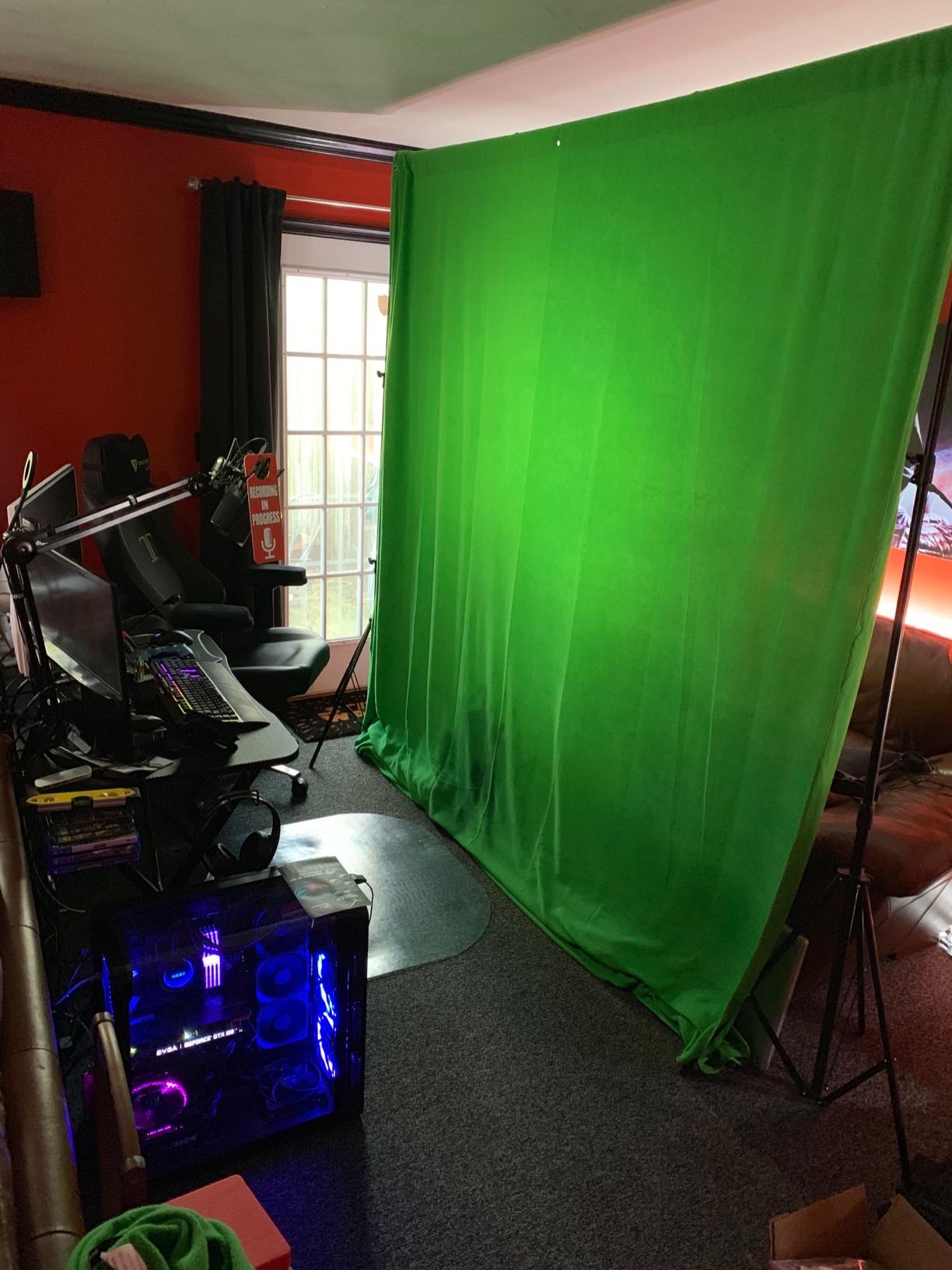
The feature that separates it from cheaper 1080p60 cards is Flashback Recording, a buffer that slides time backwards so you can save a moment that already happened. Owners who lost important clips before buying this card describe it as the reason they stopped worrying. Unlimited capture straight to the hard drive is the other half of that reliability story, since there is no internal storage limit to work around.
Physically it is small, roughly 2.95 by 4.41 by 0.75 inches, with the HDMI cable, USB 3.0 cable and a quick start guide in the box. The weight listed in the specifications is 12.7 ounces, which is light enough to tuck behind a television. One year of limited warranty coverage is thinner than some rivals here, but the size of the installed user base is the reassurance that matters more.
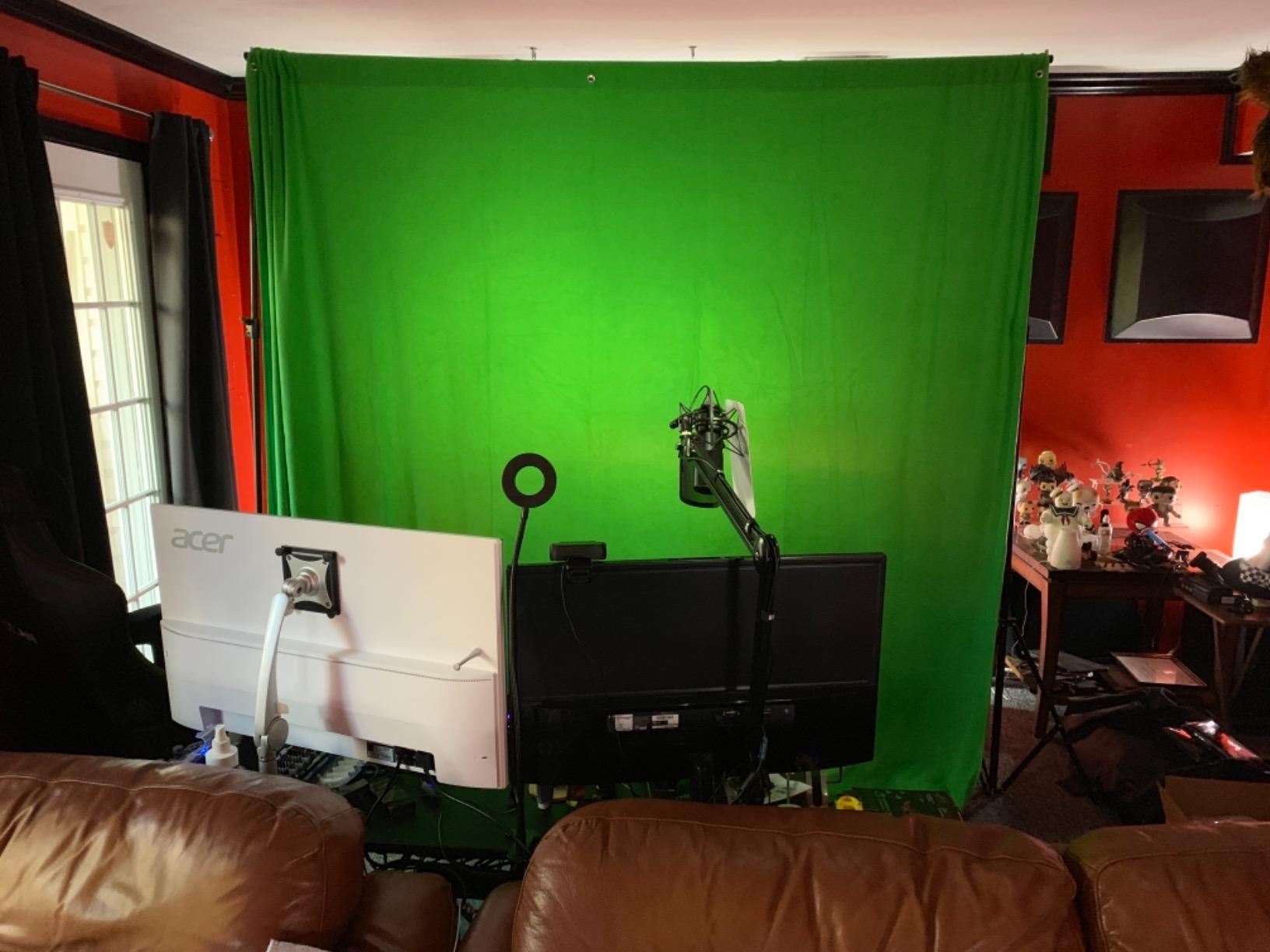
Who the HD60 S suits
This card is built for someone who streams or records consoles at 1080p60 and wants zero drama. If your output target is a Twitch channel or a YouTube let’s-play, 1080p60 is still the standard that platforms and viewers expect, and this card feeds OBS that stream cleanly.
It is also the safest recommendation for anyone who has never used a capture card before. Plug-and-play behaviour on both Windows 10 and macOS means the first afternoon is spent recording rather than troubleshooting. Anyone nervous about HDCP black screens on a modern console will find the routine path well trodden here, because so many owners have done exactly that.
Who the HD60 S does not suit
If your plan is to record 4K HDR10 files, this is the wrong card and no amount of configuration will change that. The hardware simply stops at 1080p60 capture, so if a future console or PC game needs a 4K60 master, you will be re-encoding an upscale instead.
Creators who want HDR passthrough and high frame rate passthrough on a modern display will also feel the ceiling. For those needs the Elgato 4K S and the AVerMedia Live Gamer 4K in this roundup both reach further, at the cost of either a newer platform with a smaller review base or a free internal slot.
2. Elgato Cam Link 4K: The Best Choice for Cameras and Streamers
- Turns a DSLR or mirrorless camera into a broadcast source
- No drivers needed
- Recognised immediately by OBS and Zoom
- Compact body that runs cool
- No HDMI cable in the box
- 4K capture limited to 30fps
- Body can block adjacent USB-A ports
The Cam Link 4K sits here because it solves a different problem from the other nine cards, and solves it extremely well. Instead of gaming passthrough, it takes any HDMI source, which in practice means a DSLR, a mirrorless body, a camcorder, an action camera or an iPhone, and turns it into a high quality capture source for OBS. That makes it the strongest pick here for a talking-head or hybrid streaming setup.
Output options are 1080p60 and 4K at up to 60fps according to the product details, with owners commonly describing the 4K30 image as the practical ceiling for most cameras. Latency is described as near zero, which is exactly what you want when the captured feed and the camera’s own screen are both being watched.
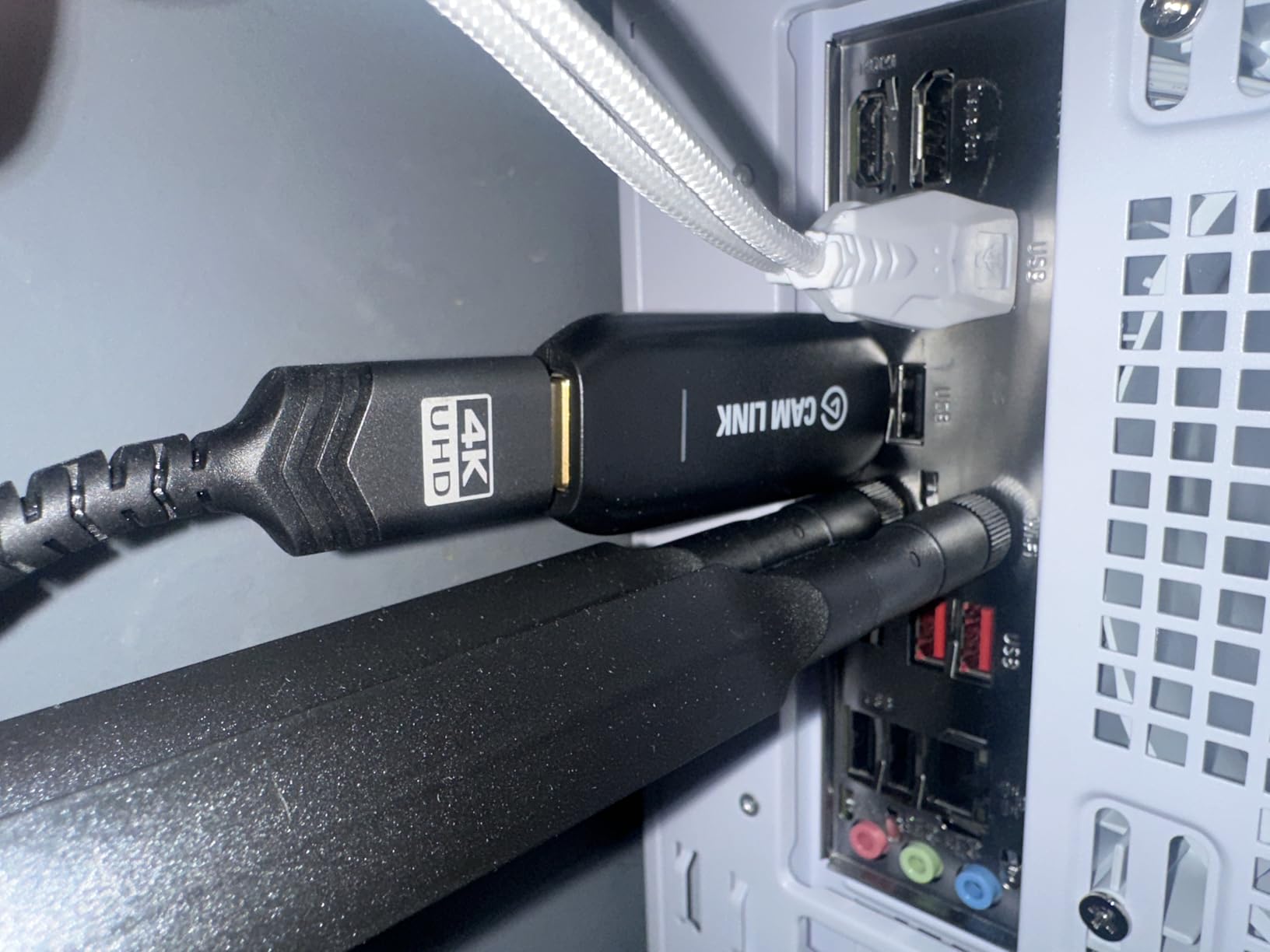
Setup is the strongest part. There are no drivers, and OBS, Zoom and Teams recognise it immediately over USB 3.0. Owners repeatedly describe plugging it in and having a picture before the software finishes loading, which is more than can be said for several competitor cards that need a manual download first.
There is a two year warranty, the longest coverage in this roundup, and the box includes the card, a USB 3.0 extension cable and a quick start guide. It also doubles as a field monitor, letting you preview shots in real time from an iPad over USB-C, a detail that turns up often in owner reviews.
Who the Cam Link 4K suits
Anyone whose main source is a camera rather than a console should look here first. Interchangeable lenses, manual exposure control and a clean 4K feed are the reasons streamers and video editors move away from a built-in webcam, and this card is the cheapest reliable bridge between the two.
It also suits remote workers who want a serious image on video calls, since the same clean HDMI feed feeds Zoom and Teams without extra software. If your total streaming budget is tight, spending most of it on a camera body and this small bridge leaves more money for a microphone and lighting than a gaming capture card would.
Who the Cam Link 4K does not suit
It is not a console capture card, because there is no game-focused passthrough path here. Anyone expecting to plug a PS5 into it and keep playing on a TV while recording will be disappointed, since the HDMI arrangement is one way in.
Buyers should also plan for two small annoyances. No HDMI cable is included, so a trip to the accessory list is likely on day one, and the body is wide enough to block neighbouring USB-A ports on a hub. A few owners also report freeze-ups after roughly three years of nonstop use, which is worth remembering if you run it around the clock.
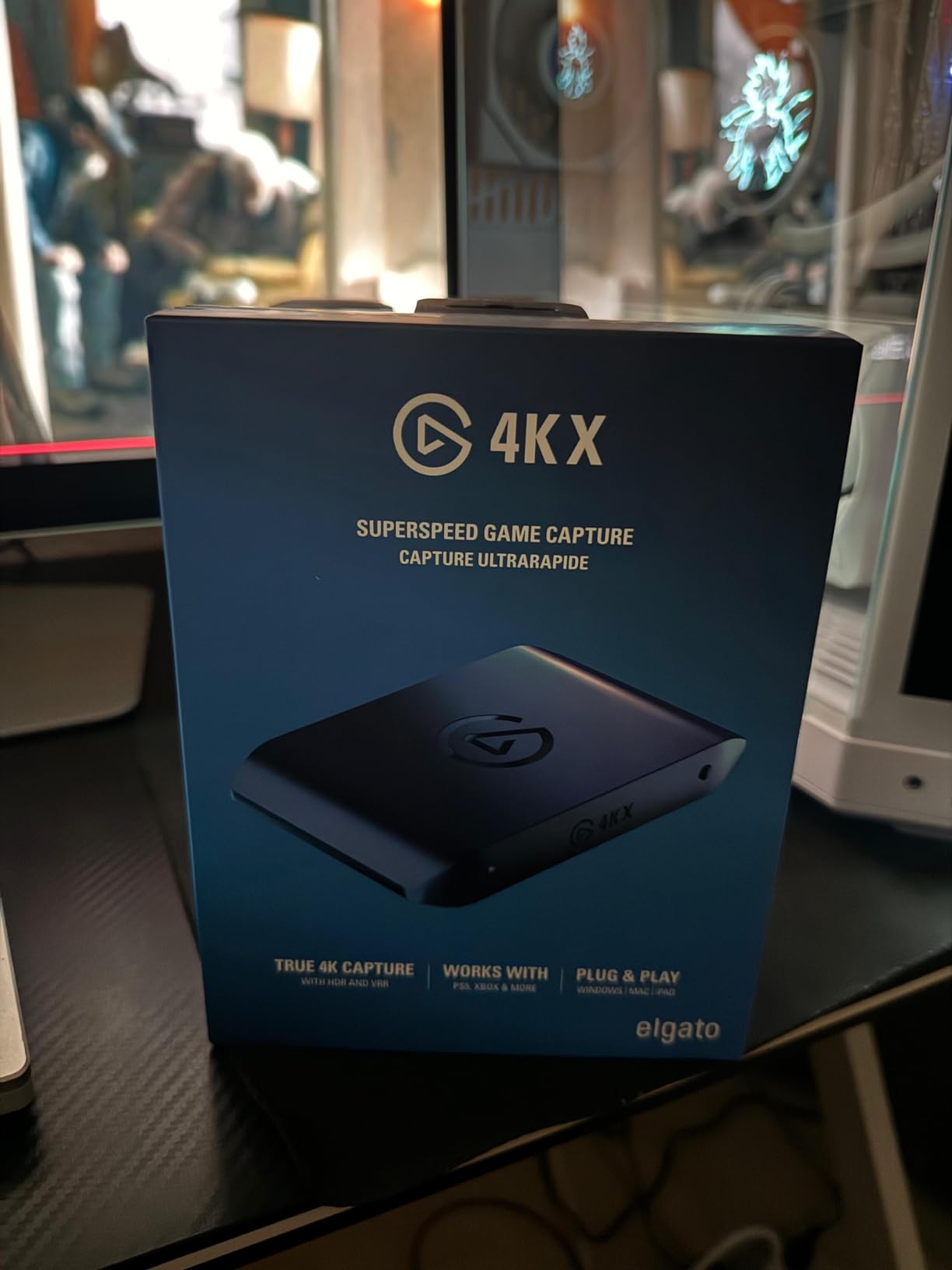
3. Elgato 4K S: Best Under 200 for 4K60 HDR Capture
- 4K60 capture with HDR10 support
- High frame rate passthrough at 1440p120 or 1080p240
- 3.5mm analog audio input for chat and commentary
- Compact USB-C footprint
- Needs Windows 11 or macOS 13 and a discrete GPU for 4K60 HDR
- HDR10 tone mapping listed as Windows-only
- Newer platform with a much smaller review base
This is the only external card in the roundup that captures true 4K60 with HDR10 support while staying inside the budget ceiling, and that single fact is why it earns its place. If your target is a 4K master file rather than a 1080p stream, this is the card to buy.
The passthrough side is equally strong, with high frame rate support listed at 1440p120 or 1080p240. That matters if you own a display and a console that can drive those rates, because the card keeps your local picture at full speed while the recording happens on the PC.
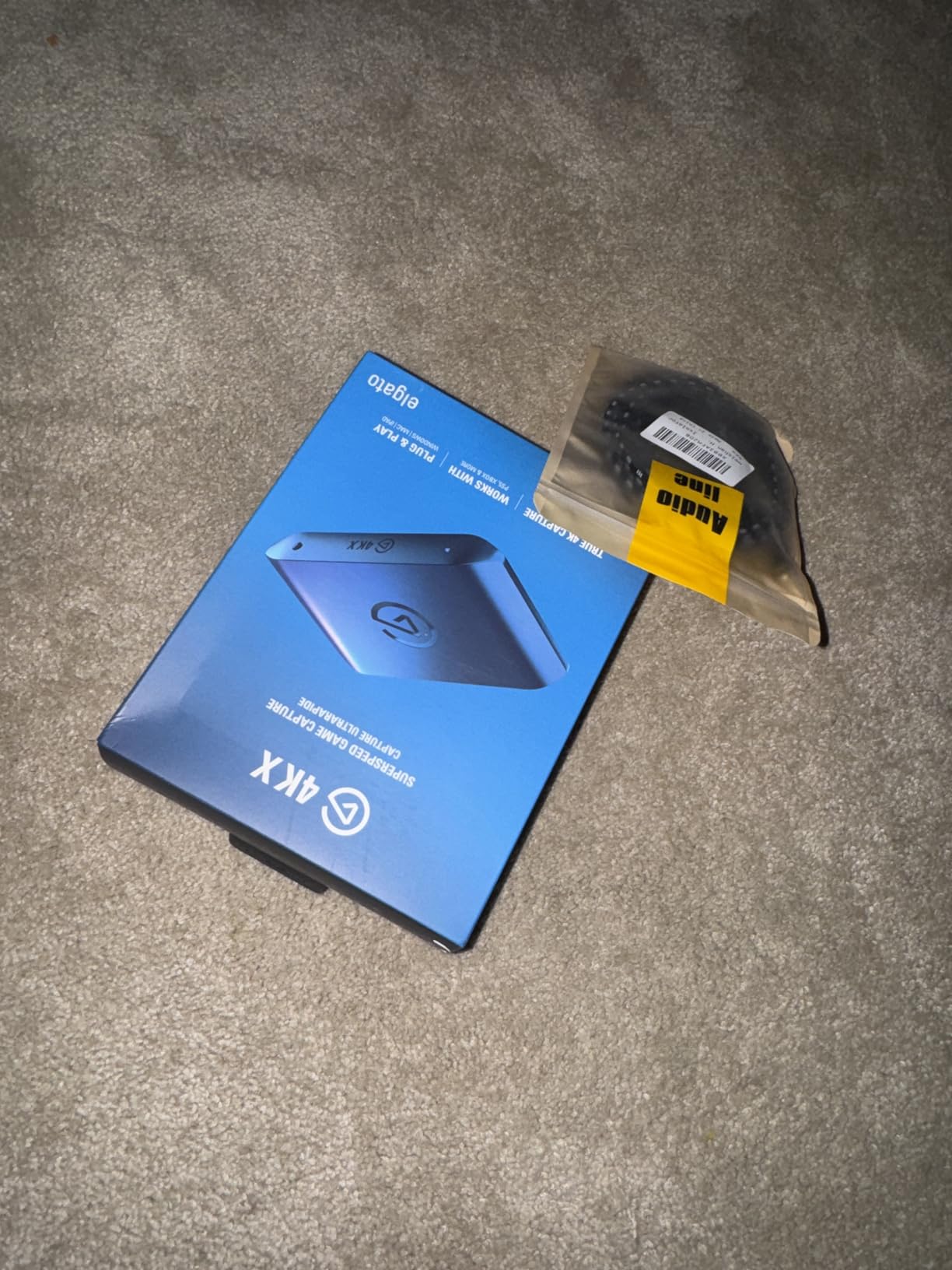
A 3.5mm analog audio input is the detail most often praised in reviews, because it lets you feed a second audio source into the capture, typically headset chat or a microphone. For streamers, that means commentary and game audio can be handled outside OBS without extra mixing complexity.
The build is compact at 0.67 by 4.41 by 2.83 inches and 0.09 kg, and it uses USB 3.0 Type-C, which keeps it tidy next to a laptop or a console. It carries a two year manufacturer warranty and arrives with an installation guide, but note there is no bundled HDMI cable in the box.
Who the Elgato 4K S suits
This card fits creators recording PS5, Xbox Series X/S or Switch 2 footage in 4K with HDR intact. The cross-platform list in the product details covers current consoles, plus PCs and tablets, which makes it the most future-proof external choice in this roundup.
It also suits anyone who already owns a discrete GPU and a recent machine. The system requirements call for Windows 11 or macOS 13, an eighth generation Core i5 or Ryzen or Apple M1 class processor, and an RTX 10xx class or equivalent graphics card, so a current desktop or laptop clears them comfortably.
Who the Elgato 4K S does not suit
It is a poor fit for an older PC, and the gap is not marginal. Attempting 4K60 HDR workflows on older hardware leads to dropped frames or a source the software refuses, which is why we would not pair it with a budget streaming build.
HDR10 tone mapping is listed as a Windows feature, so Mac users get HDR capture without that convenience. The 879-rating review base is also the smallest among the established brands here, and a minority of owners note that the card sometimes takes a second attempt to negotiate the source, so allow a little setup patience.
4. AVerMedia Live Gamer 4K: The Internal PCIe Option
AVerMedia GC573 Live Gamer 4K, Internal Capture Card, Stream and Record 4K60 HDR10 with ultra-low latency on PS5, PS4 Pro, Xbox Series X/S, Xbox One X, in OBS, Twitch, YouTube
- True internal PCIe 4K60 HDR10 capture with unlimited recording length
- Works with PS5
- PS4 Pro and Xbox Series
- Captures up to 240fps at 1080p with zero-lag passthrough
- HDMI 2.0 cable bundled
- Needs a free PCIe x4 slot and a Windows PC
- Driver downloaded manually from the AVerMedia site
- No HDMI 2.1 input for 4K120 sources
Every other external card on this list connects over USB, and this one does not. It slots into a PCIe x4 lane inside a Windows desktop, which removes the bandwidth ceiling that limits USB capture and gives the card room to run true 4K60 HDR10 with unlimited recording length.
For a gaming PC owner with a spare slot, that is the cleanest possible path from console to recording. There is no USB cable to become a bottleneck, no chipset lottery to lose, and no dependence on which port you happen to plug into on the front of the case.
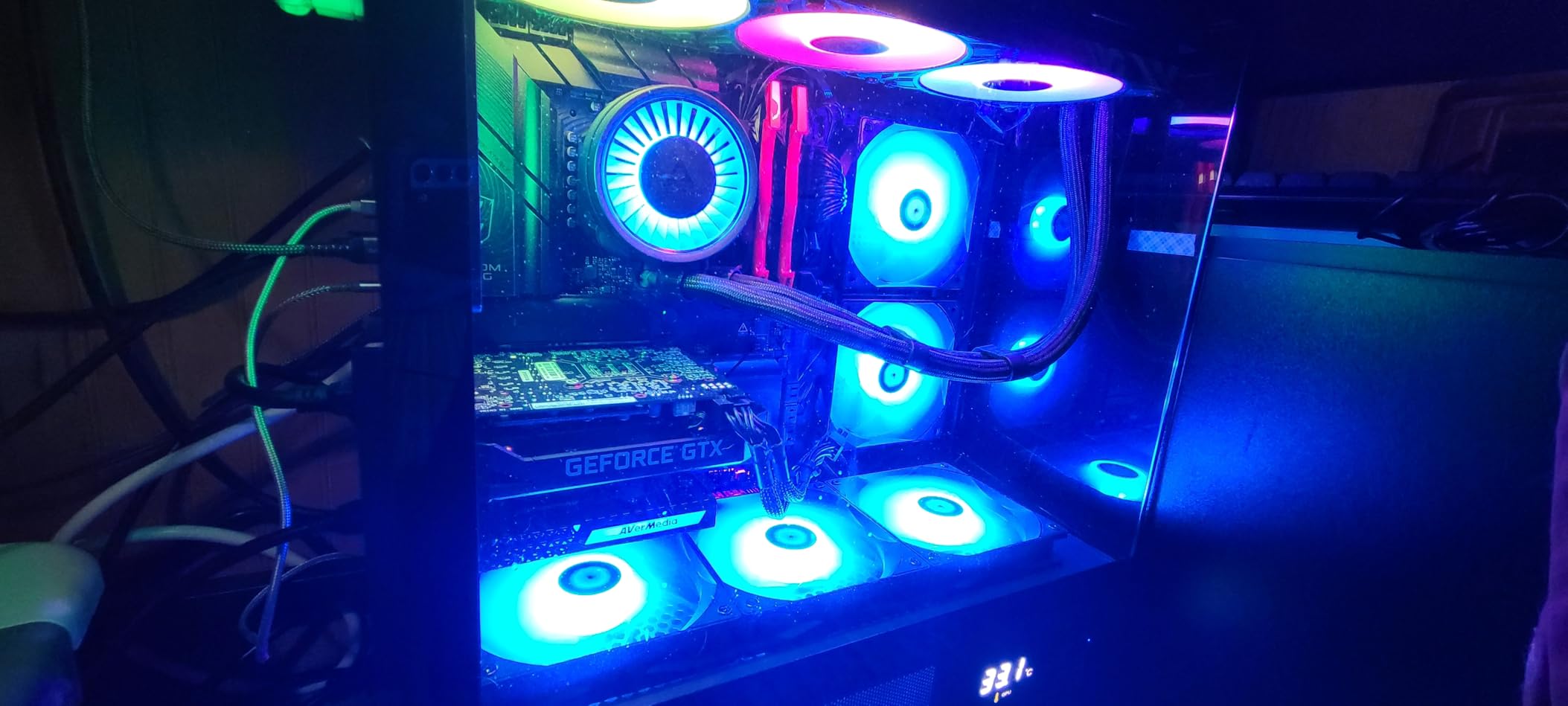
High frame capture goes up to 240fps at 1080p with zero-lag passthrough, which makes it viable for slow-motion capture as well as streaming. Owners also report stronger native HDR colour and more reliable source detection than comparable internal cards from other brands, and a few call it a cheaper alternative to Elgato’s PCIe option.
The physical details are modest at 5.9 by 4.9 by 0.8 inches and 7.36 ounces, and there are three RGB lighting preset modes for the inside of a build. The box includes the card, an HDMI 2.0 cable, a software disc and a quick guide, backed by three years of manufacturer warranty.
Who the Live Gamer 4K suits
This is the pick for someone with a desktop gaming PC and a free PCIe slot. If you want the highest capture quality available under this ceiling and you can open the case, internal installation is the most direct route to 4K60 HDR10 without touching a single USB spec.
It also suits PC gamers streaming from their own desktop, since compatibility lists cover OBS, Streamlabs and XSplit alongside PS5 and Xbox Series X/S. The bundled HDMI 2.0 cable means the only other thing you need is a passthrough cable to your monitor.
Who the Live Gamer 4K does not suit
Mac users are excluded completely, as are laptops of any kind. The minimum requirements also call for Windows 10 x64 or later, a Core i5-6XXX or Ryzen 3 class processor, a GTX 1060 or RX 5700 or better, and 8 GB of dual-channel RAM, so entry-level desktops are out.
Setup has one real speed bump: the driver must be downloaded manually from AVerMedia before the card will be recognised. RECentral, the bundled configuration utility, is widely regarded as dated, though most owners simply ignore it and adjust settings inside OBS instead. It also cannot accept HDMI 2.1 sources, so a console pushing 4K120 will be capped.
5. AVerMedia Live Gamer Extreme 3: VRR Passthrough for Modern Consoles
- 4K30 capture with up to 1080p240 recording
- VRR passthrough at 1440p120 or 1080p120
- Zero-latency passthrough while gaming
- HDMI 2.0 and USB-C cables included
- Works on Windows and Mac
- No 4K60 capture since 4K is limited to 30fps
- Bulky chassis at 85 g
- Highest one-star share in this group
This card is the interesting middle option between a dongle and a premium external unit. Its distinguishing feature is VRR passthrough, listed at 1440p120 or 1080p120, so a variable refresh rate display keeps working while the console is being captured.
That matters more each generation of console. If you own a recent television that relies on VRR to smooth frame pacing, a card that silently drops it produces a worse local image even when the recording is fine. This one keeps the feature alive.

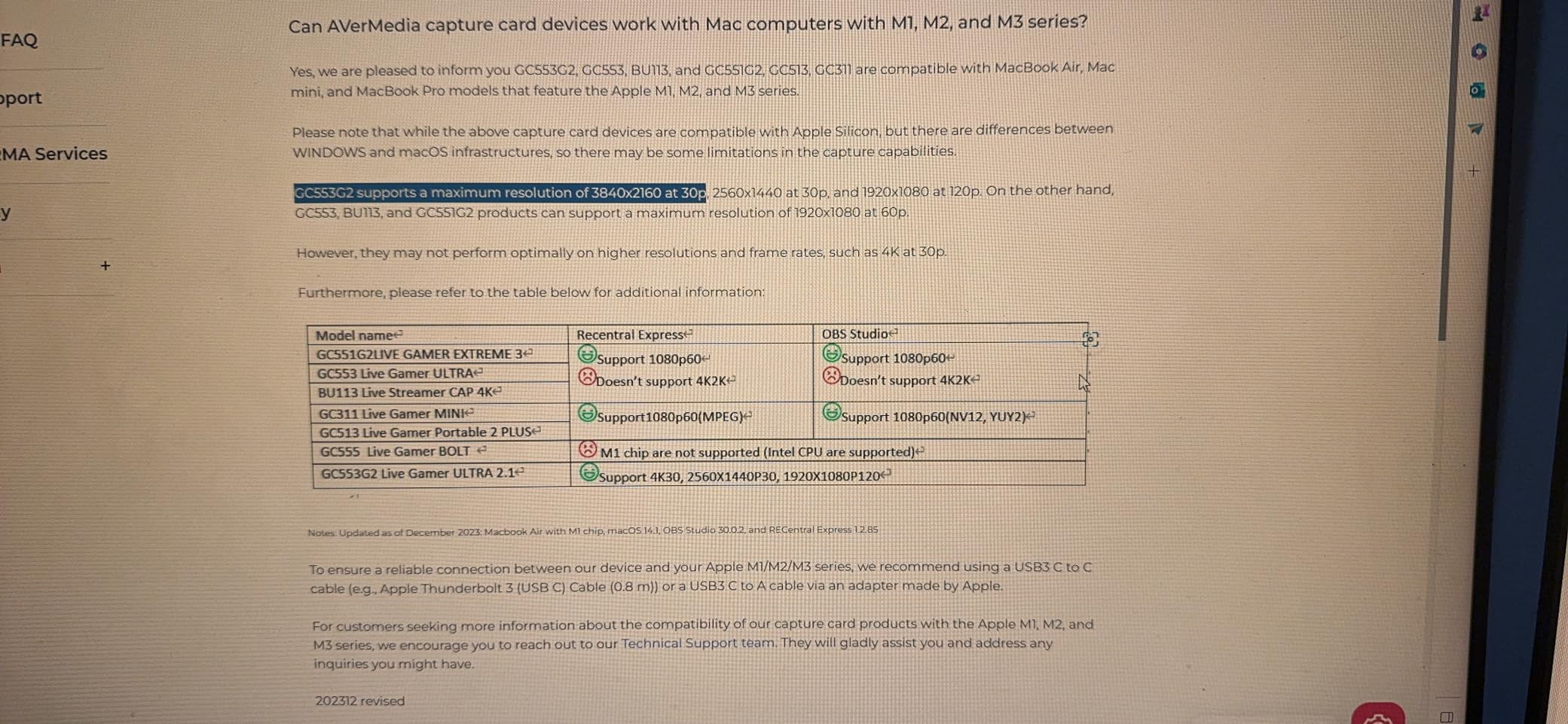
Capture output is 4K30, with high frame recording up to 1080p240 for slow-motion work. The passthrough path is described as true zero latency, and the box contains the card, an HDMI 2.0 cable, a USB-C to Type-A cable and a quick start guide.
Cross-platform support is a real strength, covering PS5, Xbox One X/S, Switch, PC and smartphone. It runs on both Windows 11 and macOS, which is unusual for a gaming capture card and widens the audience considerably.
Who the Live Gamer Extreme 3 suits
This is the pick for a modern console and a VRR television, especially if you also want slow-motion capture at 1080p240. Mac users are a group often left out of this category, and this card does not leave them out.
It also suits anyone who wants a complete box. Both cable types needed for a typical first setup are included, and plug-and-play behaviour means no driver step. Three years of manufacturer warranty backs it up.
Who the Live Gamer Extreme 3 does not suit
4K is limited to 30fps here, so anyone needing 4K60 files should look at the Elgato 4K S or the internal AVerMedia instead. That is the central compromise of this card and it is not hidden.
The rating profile deserves attention. At a 4.0 average with 170 ratings and a 14% one-star share, this is the weakest showing in the roundup, and owners who rated it low typically point to setup friction rather than hardware failure. It is also the largest and heaviest device here at 85 g and 6.8 by 4.65 by 2.68 inches, which is awkward next to a slim console.
6. UGREEN 2K 1080p60 Card: Cheap, Wide Platform Support
UGREEN 2K@30Hz 1080P 60FPS Video Capture Card 4K Input HDMI to USB 3.0
- Inexpensive route to a working 1080p60 capture path
- Driver-free across Windows and macOS
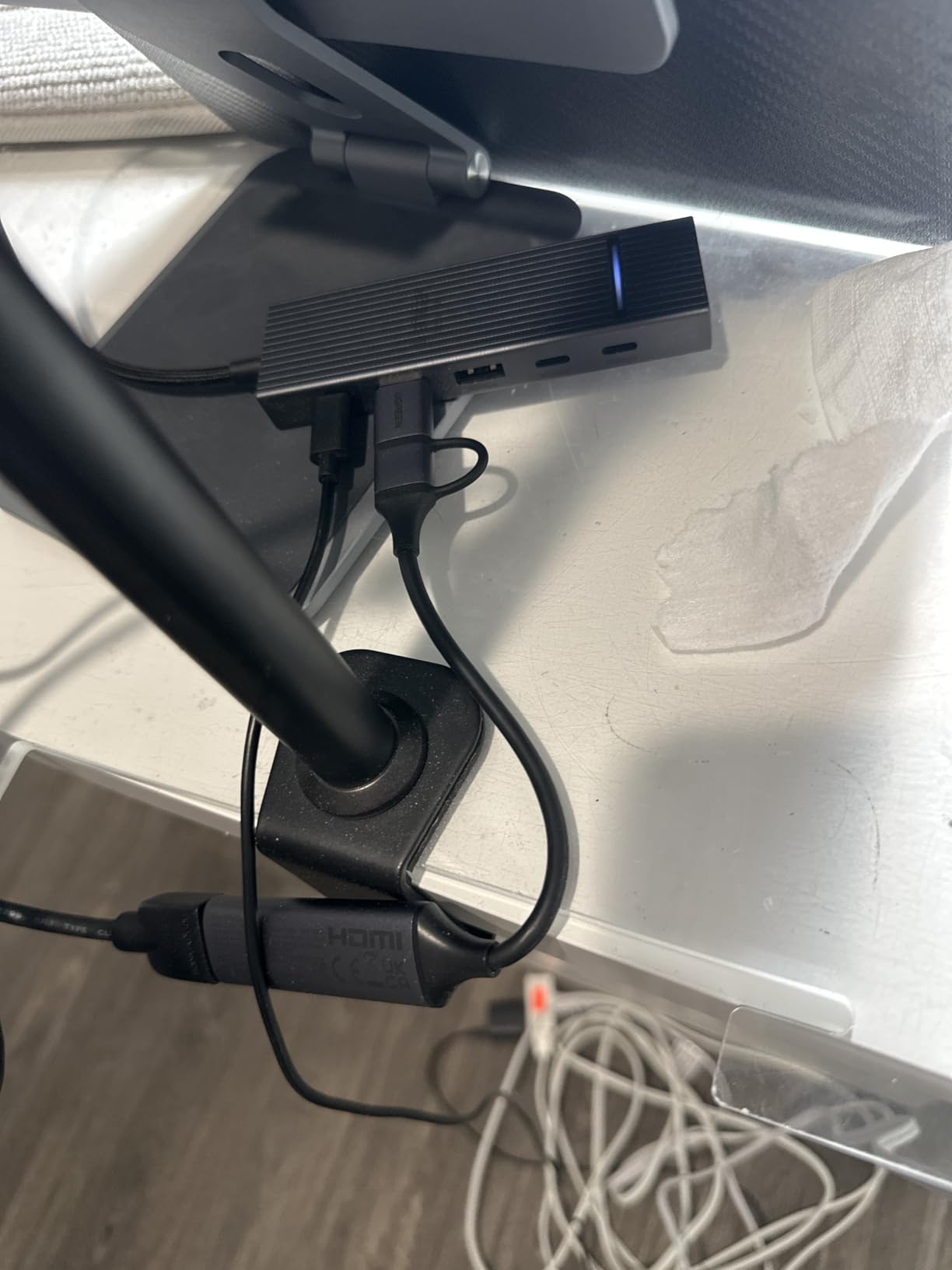
- USB-A and USB-C outputs at once
- Aluminium alloy casing handles heat well
- Output tops out at 2K30 despite 4K input
- One-way signal so it cannot mirror to a display
- PlayStation and Xbox sources need HDCP disabled
The UGREEN card is the one to watch if your real constraint is money rather than features. It captures 1080p60 and 2K30 over USB, and accepts a 4K30 input signal, which is enough for anyone starting out and learning the streaming workflow on a small budget.
Where it genuinely beats pricier rivals is device coverage. Both USB-A and USB-C outputs are present, so it connects to a desktop, a laptop, a tablet, a phone or a Quest headset without an adapter, and it runs driver-free on Windows, macOS and Linux.
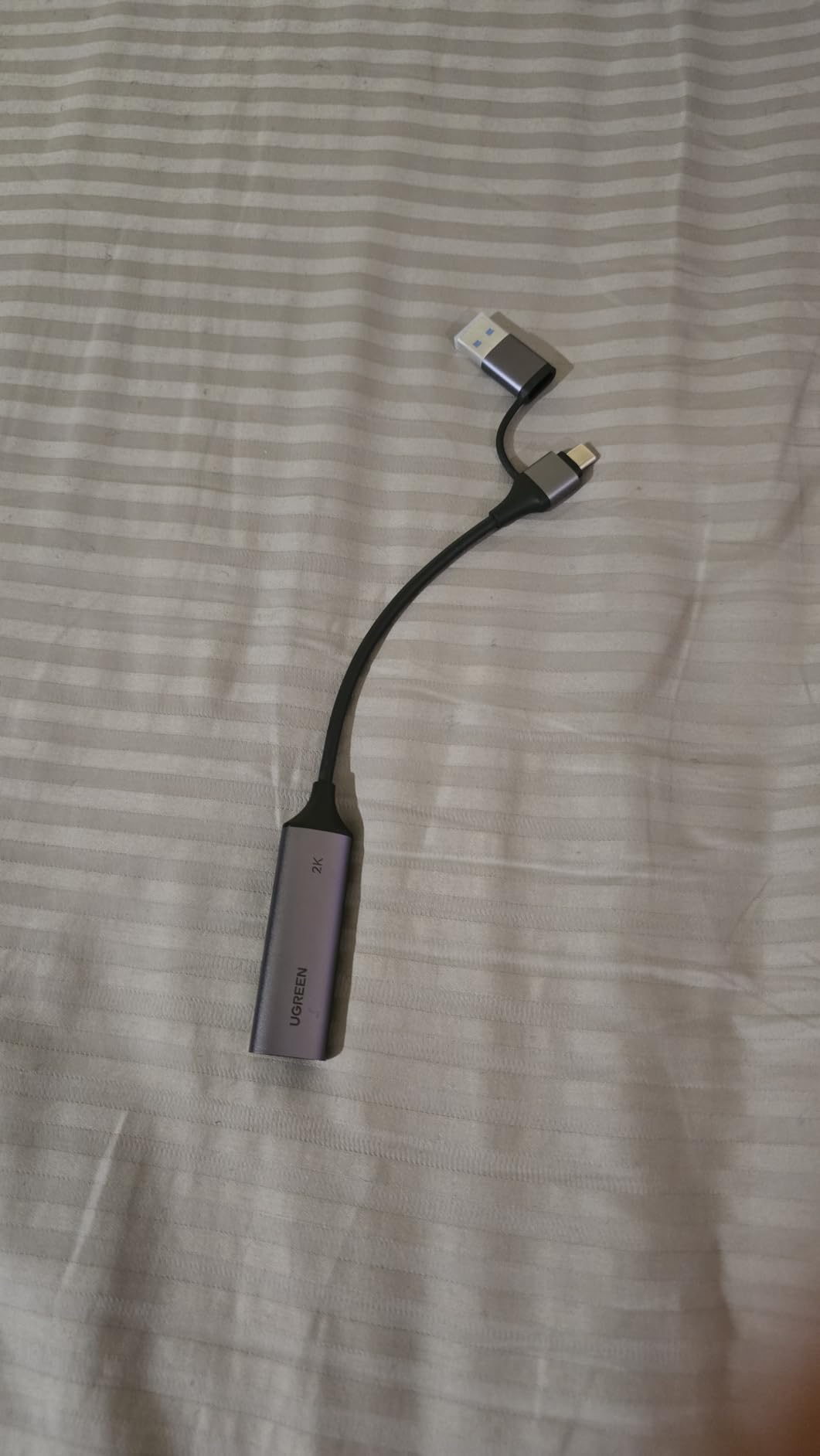
Software support covers OBS Studio, XSplit, PotPlayer and QuickTime, so the card is not tied to one platform. The aluminium alloy casing is listed at handling heat and shielding against interference, and the 5 Gbps USB 3.0 transfer rate is what keeps latency low.
It is light at 50 g and reasonably flat at 5.91 by 3.94 by 0.67 inches, and the warranty runs to 24 months through UGREEN. What arrives in the box is the capture card only, so plan on sourcing your own HDMI cable.
Who the UGREEN card suits
This suits a first streaming setup, a student budget build, or anyone who wants to capture a Switch in the dock, a phone screen or a camera without researching a long product page. The compatibility list names Switch, Switch 2, PS4, PS5, Xbox Series X, Meta Quest and iPads directly.
It also suits people working across operating systems, since Linux and mobile support come free. If you switch between a Windows streaming PC and a Mac laptop, that compatibility alone removes a lot of the friction that leads to returns.
Who the UGREEN card does not suit
The signal path runs one way only, from HDMI in to USB out, so there is no way to mirror the source back onto a second display. If your plan involves playing on the captured content, this card cannot do it and you need a model with a passthrough port.
Capture output stops at 2K30 even though the input accepts 4K, which is the second big gap. PlayStation and Xbox sources also require HDCP to be disabled, so you need a capture card with HDCP stripping if you plan to record anything protected, and no extra software is included in the box.
7. Guermok Video Capture Card: The Best-Selling Budget Dongle
Guermok Video Capture Card, 4K USB3.0 HDMI to USB C, 1080P 60FPS & 2K 30FPS
- Over 3600 ratings in its external tuner category
- 4K30 input with 1080p60 and 2K30 output
- No drivers and no external power
- Small and light enough to travel with
- Capture-only with no passthrough to a monitor or TV
- One-way signal so USB-C to HDMI conversion loses signal
- OBS must restart after audio changes
- Can enumerate as USB 2.0 on the wrong adapter
The Guermok card carries more than 3600 ratings and holds the leading spot in its retail category. That matters more than it sounds: for a budget device, a large review base is the closest thing to a reliability record you can get.
Output is 1080p60 and 2K30 over USB 3.0, with 4K30 accepted on the HDMI input. Because it enumerates as a standard video device, it appears in OBS, Zoom, Twitch streaming tools and YouTube capture software without special configuration.
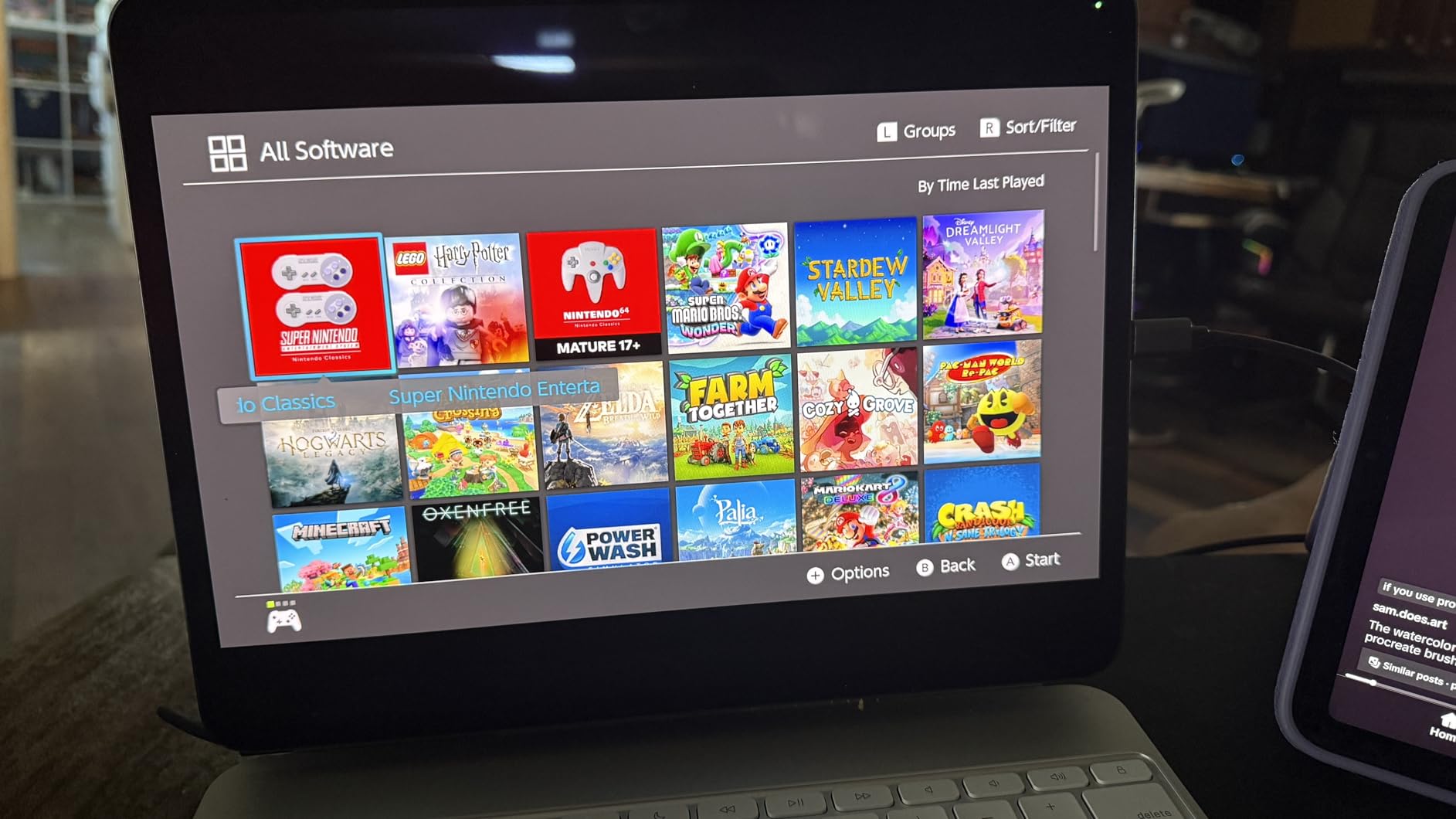
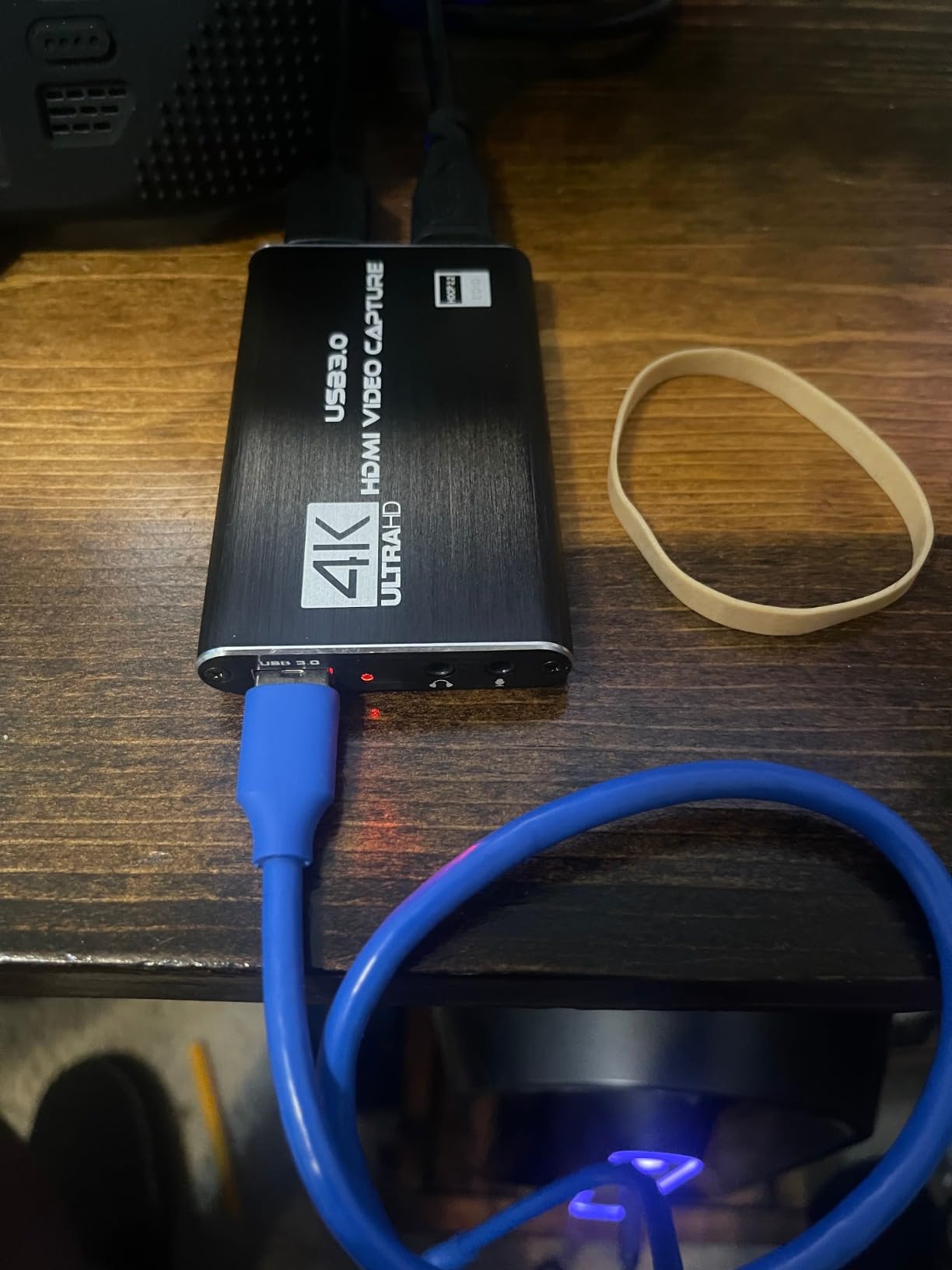
There are no drivers and no external power supply, which removes two of the three most common reasons cheap capture gear fails. The aluminium alloy body handles heat, and at 30 g it fits in a bag for mobile streaming setups where the rest of the kit travels too.
Compatibility is broad for a dongle of this size, covering Windows 10 and 11, macOS from 10.15, Android, Meta Quest, Nintendo Switch and Switch 2, PlayStation 4 and 5, Steam Deck and iOS. The package includes the card, a USB 3.0 to USB-C adapter and a user manual.
Who the Guermok card suits
This fits anyone who wants to start recording gameplay for the least possible outlay and is content with 1080p60 files. The combination of a 4.4 average across 3600 plus ratings and a price that barely registers makes it the sensible first card.
It is a good match for a Switch 2 or Switch dock, since the manufacturer names those platforms directly, and for anyone recording handheld or portable PC footage where no passthrough port exists anyway. Linux users are also covered by the wider compatibility claims.
Who the Guermok card does not suit
It cannot pass through. This is a capture-only device with a one-way path from HDMI to USB-C, so it cannot mirror to a monitor, and converting USB-C back to HDMI loses the signal entirely. If you need to play on a second screen while recording, look elsewhere.
Decoding adds millisecond-level latency by design, which is irrelevant for recording but not ideal if you are watching your own feed. Owners also note OBS needs restarting after audio configuration changes, and that the card can enumerate as USB 2.0 if you pick the wrong adapter port, which quietly caps your frame rate.
8. VIXLW 1080p60 Card: Budget Loop-Out and Mic Input
4K HDMI Capture Card for Streaming, Full HD 1080P 60FPS USB 3.0 Cam Link Game Audio Video Capture Card, Work with Camera/Switch/Xbox/PS4/PS5/PC/OBS (Black)
- Identified automatically as a webcam with no drivers
- HDMI loop-out with no delay during play
- Optional 3.5mm mic input for commentary
- Low CPU use from hardware-level capture
- Works on Windows
- Mac and Linux
- 1080p capture ceiling despite 4K wording in the listing
- Source settings sometimes need manual adjustment
- Sparse brand support and documentation
- No HDMI cable included
The VIXLW card is one of the few budget devices here that includes a working HDMI loop-out, and that changes the design of a whole setup. Because it passes the signal back out, you can keep playing on a second display or a television while the capture feeds your PC.
Capture itself is 1080p60 over USB 3.0. The listing mentions 4K in its wording, but the recorded resolution ceiling is 1080p, so treat the 4K reference as an input capability rather than a capture capability.
The 3.5mm mic input is the sleeper feature for streamers. It lets you mix commentary from a headset into the same capture without routing everything through OBS, and it works alongside the game audio coming over HDMI.
It needs no drivers and no external power, and the card is automatically identified as a webcam, which means Zoom and Teams see it too. Low CPU usage from hardware-level capture is useful on streaming PCs that are already encoding. It works on Windows, Mac OS and Linux.
Who the VIXLW card suits
This suits someone who wants loop-out behaviour on a tight budget. If you are playing on a console and a screen while recording on a laptop, the delayed-pass-through cards at this price simply cannot do it, and this one can.
It also fits a talking-head workflow, since automatic webcam detection means it works in conferencing apps with no setup at all. Buyers who record commentary alongside gameplay will find the mic-in saves both money and mixing complexity.
Who the VIXLW card does not suit
The 1080p ceiling is firm, so 4K files are out of reach. Owners also report that camera and source settings sometimes need adjusting by hand to keep the HDMI feed alive, which is the most common source of frustration in reviews.
Support is the other weak point. Brand documentation is sparse compared with Elgato or AVerMedia, so if something goes wrong you are largely on your own, and no HDMI cable is included in the box. Treat it as a stepping stone rather than a long-term recording platform.
9. XIIXMASK 4K60 Card: 4K60 Claims on a Budget Dongle
XIIXMASK USB 3.0 HDMI Capture Card, 4K60FPS Capture with Pass-Through
- 4K60 capture plus 1080p120 high frame recording
- HDMI pass-through for monitoring while recording
- Supports MJPEG
- YUY2
- NV12 and XRGB formats
- 3.5mm audio in and mic out
- Bundled HDMI and USB cables
- Lowest rating here at 4.2 with 5% two-star feedback
- 4K60 and 1080p120 depend heavily on source and PC
- 240Hz and 144Hz claims are source-limited in practice
- Smaller review base of 598
On paper this is the most capable cheap dongle we found. It lists 4K60 capture with HDMI pass-through, plus 1080p120 high frame rate capture, at a price that sits well below the Elgato external unit doing similar work.
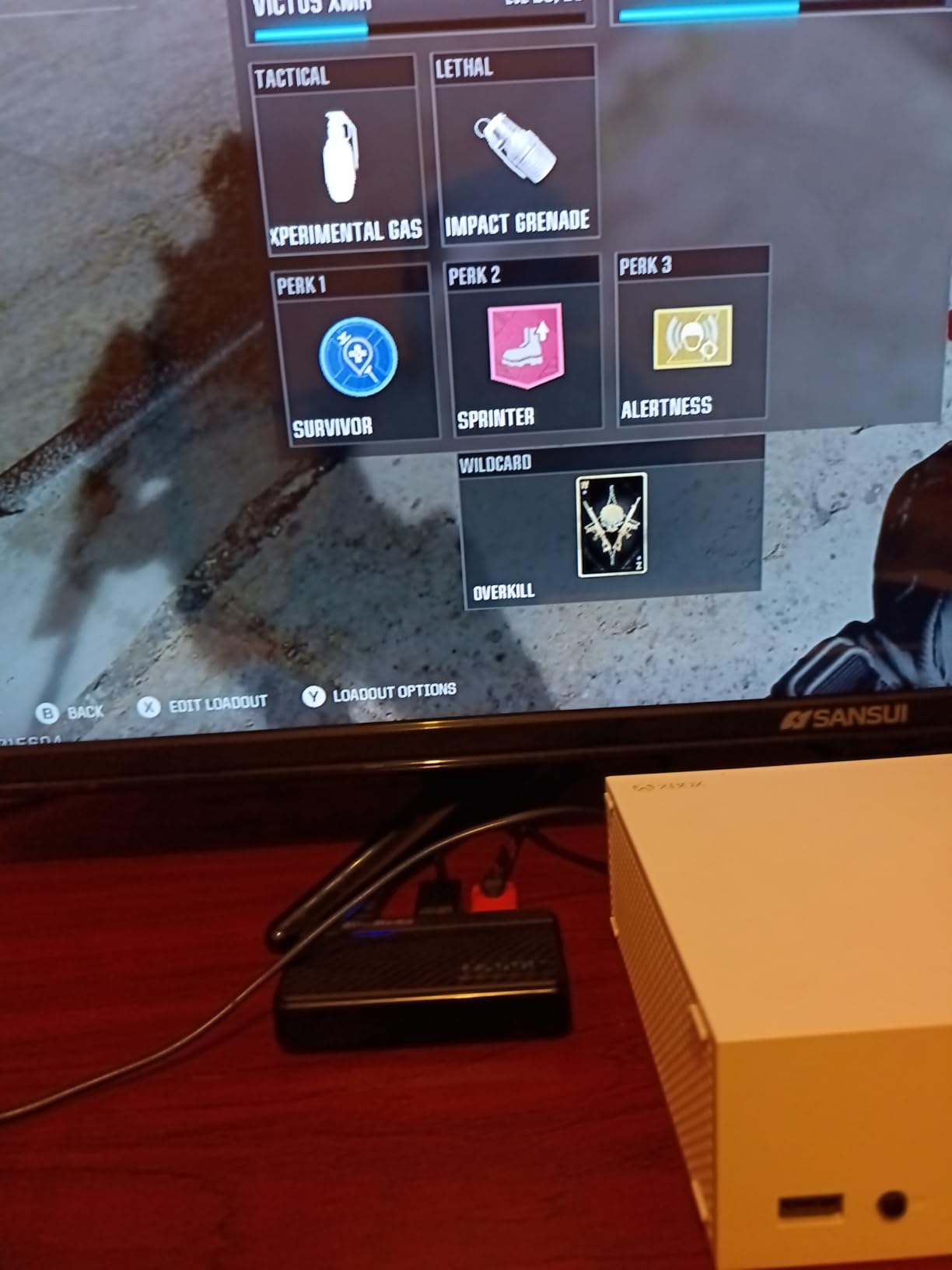
The pass-through means you can monitor in real time on a second screen while recording, and the format support across MJPEG, YUY2, NV12 and XRGB gives you options inside OBS for balancing quality against file size and CPU load.
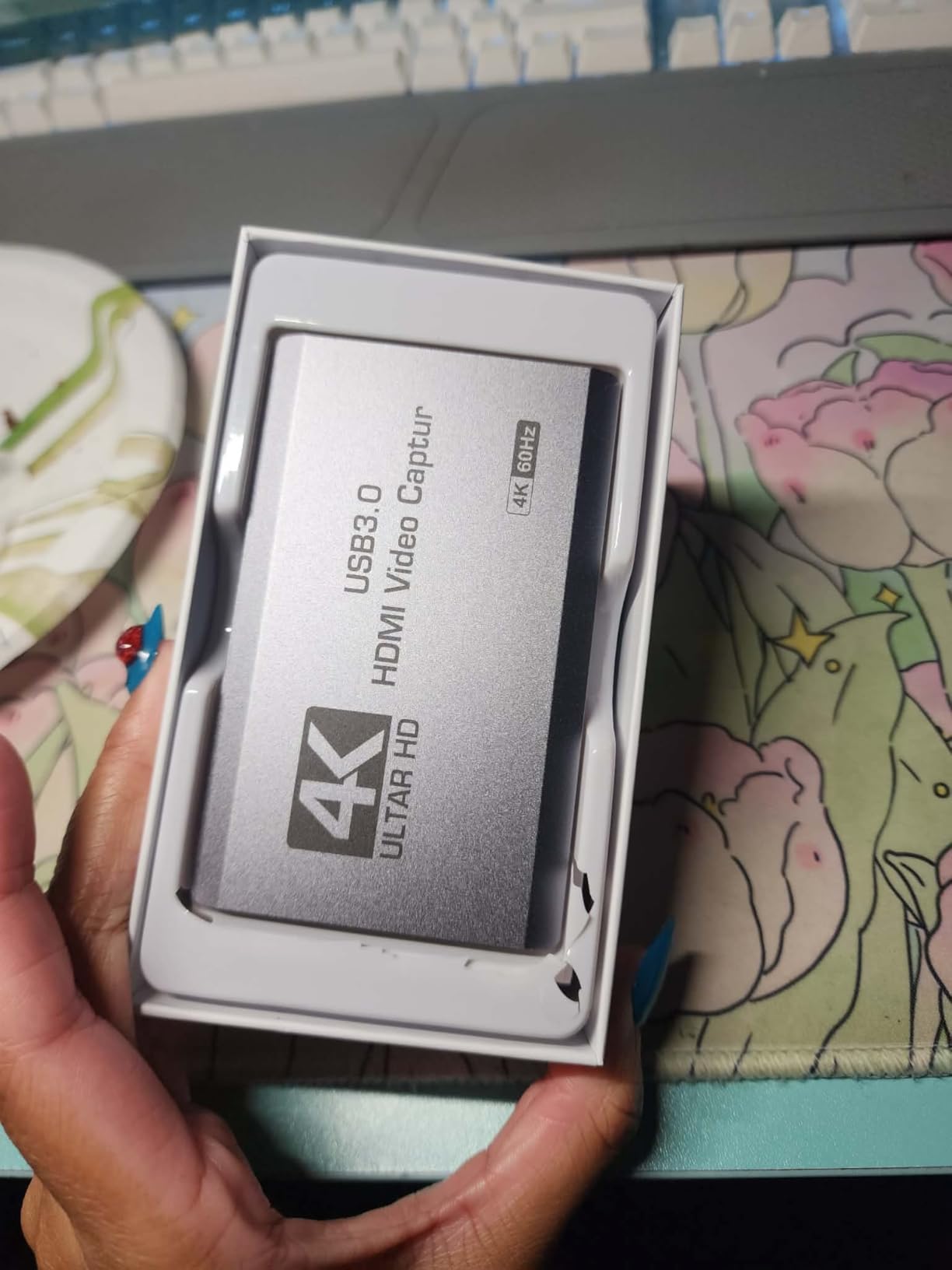
Audio handling is unusually generous for this tier, with a 3.5mm audio input and a mic output for commentary or ambient sound. Unlike several rivals, both an HDMI cable and a USB 3.0 to USB-A or USB-C cable are included in the box.
It runs on Windows, macOS, Linux, Android and iPadOS 17 or later, needs no drivers, and carries a two year manufacturer warranty. That combination of bundled cables and no driver step makes the first session unusually quick.
Who the XIIXMASK card suits
This suits a builder who wants 4K60 and 1080p120 on paper and wants to try it before committing to a premium brand. If your PC is capable and your source cooperates, this is a low-risk way to find out whether high frame capture matters to your content.
It is also a sensible stopgap while saving toward a named-brand card. Owners get a working passthrough path, a mic input and bundled cables, which covers most of what the expensive units do apart from HDR.
Who the XIIXMASK card does not suit
The rating spread is the honest caveat. At a 4.2 average with 5% two-star feedback, it sits below every established-brand option here, and the recurring complaint is that the headline resolutions depend heavily on the source and the PC.
The advertised 240Hz and 144Hz refresh support is source-limited in practice, so treat those figures as capability rather than guarantee. With 598 ratings it also has the thinnest history of the big names, which means less evidence that a problem has been solved before.
10. AVerMedia Live Gamer Mini: The Established Budget Pick
AVerMedia Live Gamer Mini, 1080p60 Capture Card with HDMI Pass-Thru, Plug & Play, for OBS, Xbox Series X/S, PS5, Switch, Win 11/macOS 12 (GC311)
- Compact 1080p60 capture with true zero-latency pass-through
- Built-in H.264 hardware encoder keeps CPU load down
- UVC plug and play with no driver on Windows or Mac
- Works over USB 2.0 so laptops with few ports are fine
- Three year manufacturer warranty
- 1080p60 ceiling with no 4K
- HDR or high frame capture
- USB 2.0 bandwidth is limited next to USB 3.0 cards
- Bundled cable is dated USB Micro to Type-A
- Some owners need RECentral for configuration
We end on the Live Gamer Mini because it solves a problem none of the newer dongles solve: it works on a laptop that only has slow USB ports. Everything else in this roundup wants USB 3.0 for its headroom, and this one runs happily over USB 2.0 at 1080p60.
That makes it the pick for an ultrabook, a Steam Deck adjacent setup or a desk with nothing but basic ports. Capture is full HD at 60 frames per second with zero-lag pass-through, which is enough for a standard Twitch stream.
The built-in H.264 hardware encoder is the sleeper benefit. Encoding happens on the card rather than in your CPU, so the streaming PC has headroom left for the game itself, which on a laptop matters more than on a desktop.
Connection is UVC plug and play on both Windows 10, Windows 11 and macOS 12, with no driver installation. It supports Switch, PS4, PS5 and Xbox consoles and works with RECentral 4, OBS Studio and Streamlabs, backed by three years of manufacturer warranty.
Who the Live Gamer Mini suits
This suits anyone with a laptop that lacks free USB 3.0 ports, or a setup where the only available port is shared with a dock. It is also the smallest device in the roundup at 3.93 by 2.24 by 0.74 inches and 2.63 ounces, so it travels well.
Streamers who game on a thin machine will appreciate the hardware encoder most, because it hands processing back to the system. Coming from a named brand with a three year warranty, it is also the safest choice for someone who does not want to troubleshoot a no-name device at midnight.
Who the Live Gamer Mini does not suit
There is no 4K, no HDR and no high frame rate capture. If your plan involves 4K60 files or 1080p240 slow motion, this card simply is not in that conversation and you should look at the PCIe option or the newer Elgato instead.
The USB 2.0 interface is the hard limit, and the bundled cable is a dated USB Micro to Type-A, which many current laptops cannot use at all. Some owners also report needing RECentral for configuration tweaks, adding a setup step the plug-and-play claim suggests is unnecessary.
What You Give Up Below the 200-Dollar Ceiling
Spending the top of this budget buys a lot, but it does not buy everything, and pretending otherwise leads to bad purchases. The honest summary is that everything under this ceiling captures 1080p60 well, and the differences come down to resolution, HDR and passthrough flexibility.
The first sacrifice is 4K60 HDR capture on an external card. Only the Elgato 4K S in this group handles that as an external USB device, and it demands a current operating system and a discrete GPU. If your content plan needs 4K HDR masters, budget for a machine that can drive it before you budget for the card.
The second is HDMI 2.1 input. The AVerMedia Live Gamer 4K, which is otherwise the strongest internal card here, cannot accept a 4K120 source. That is a hardware limit, not a firmware gap, so no software update will change what a console can send it.
The third is universal 240fps capture. The AVerMedia Live Gamer 4K and the Live Gamer Extreme 3 both reach 1080p240, while budget dongles generally stop at 1080p60. Slow-motion work is one of the first things a growing YouTube channel asks for, so treat it as a real upgrade rather than a nicety.
Latency is the one area where cheap cards are close enough that it should not drive your decision. Every device in this roundup is described as low latency, and the difference between a good dongle and a premium unit is a few milliseconds that only competitive players will ever notice in a third-person game.
How to Choose a Capture Card Under 200 Dollars
Start with your source, not the card. A console needs an HDMI input and a passthrough port so you can keep playing on a television. A camera needs an HDMI output and nothing else. Recording a phone or a handheld PC needs a USB-C path. Buying a gaming capture card for a camera is the most common wasted purchase in this category.
Second, check the capture number rather than the marketing number. If a listing says 4K, look for what it records. The UGREEN card here accepts 4K30 input and records 2K30, and the VIXLW card records 1080p despite 4K wording. The rule is simple: capture resolution is the file, passthrough resolution is the picture on your second screen.
Third, decide between PCIe and USB. An internal card like the AVerMedia Live Gamer 4K removes bandwidth limits and needs no USB port, but it requires a desktop, a free PCIe x4 slot and a manual driver download. A USB 3.0 card is portable, works on laptops and Mac, and keeps the count of parts down to one.
Fourth, confirm the port on the machine you already own. This step catches more problems than any other. Several cards in this roundup want a genuine USB 3.0 port and will enumerate as USB 2.0 on the wrong adapter, silently capping your frame rate. The Live Gamer Mini is the deliberate exception that works over USB 2.0 at 1080p60.
Fifth, consider HDCP. Protected content shows a black screen unless the card strips it. Cards marketed specifically for console streaming tend to handle this, while general-purpose dongles may require you to disable HDCP in system settings first. If you plan to record commercial game streams, buy for HDCP handling.
Sixth, think about VRR and HDR passthrough. If you own a modern television that relies on variable refresh rate for smoothness, choose a card that passes it through, such as the AVerMedia Live Gamer Extreme 3. If you want HDR to stay intact on your local display, you need one of the cards with explicit HDR10 support.
Seventh, factor in the extras. Analog audio input for commentary, a bundled HDMI cable and a manufacturer warranty of two or three years all reduce friction. Reviewers on r/Twitch repeatedly favour named brands such as Elgato, AVerMedia and Blackmagic over generic listings, and the reasoning is simple: when a driver or a black screen appears at 11pm, documentation decides how the night ends.
How to Set Up a Capture Card in OBS Studio
Getting any of these cards into OBS takes about five minutes, and the sequence barely changes between models. These are the steps we used for every device in this roundup.
First, connect the source to the card. Console HDMI out goes into the card’s HDMI input, and the card’s HDMI output goes to your display. For a camera, the camera HDMI out goes into the card and your computer receives video over USB.
Second, connect the card to the computer with the supplied cable. If the card offers both USB-A and USB-C, pick the port that matches your machine directly rather than going through a hub, because hub ports are the most common cause of a device enumerating at the wrong speed.
Third, power the console on and confirm the card has a signal. Most of these cards show a status light or appear as a video device in your system settings before OBS is even open. If you see nothing, swap the passthrough cable first.
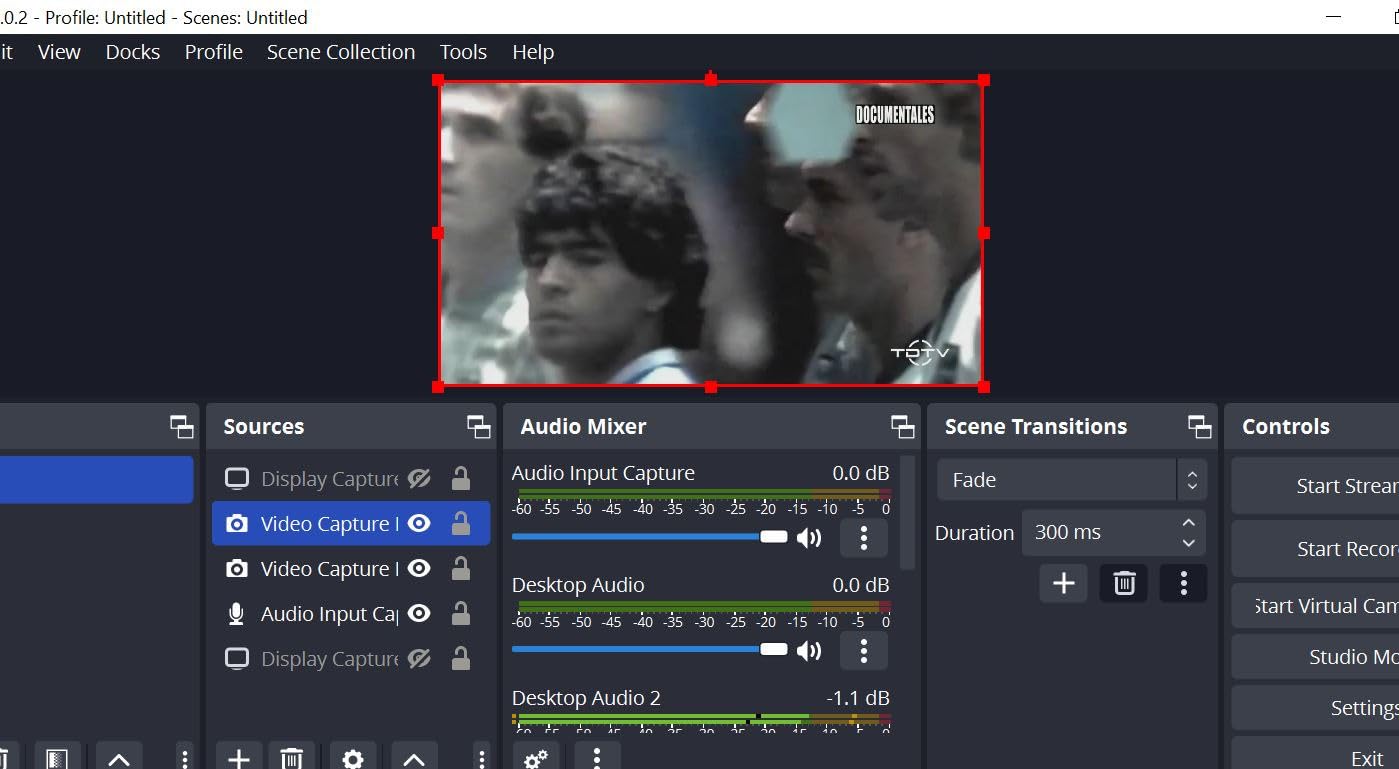
Fourth, add a Video Capture Device source in OBS. Choose the source, and if the image is black check that HDCP is not the cause. On PlayStation and Xbox hardware you may need to disable HDCP in system settings for the feed to appear at all.
Fifth, set the resolution and frame rate manually to match the card. 1080p at 60fps for most dongles, 4K30 for the Live Gamer Extreme 3, and 4K60 if you are running the Elgato 4K S on capable hardware.
Sixth, configure audio. Game audio normally arrives over HDMI, and a card with a 3.5mm input such as the XIIXMASK or VIXLW models lets you add commentary as a separate source. After changing audio configuration on some budget cards, OBS needs restarting before the change appears.
Seventh, test record locally before you stream. A short local recording tells you whether dropped frames are coming from the card, the encoder or the network, and it is much easier to diagnose before a live audience is watching.
Frequently Asked Questions
Which game capture card is best?
The Elgato HD60 S is the best game capture card under 200 dollars for most people. It captures 1080p60 with true zero-lag passthrough, works with PS5, PS4 Pro, Xbox Series and Switch, and has more than 25000 ratings averaging 4.6 stars. If you need 4K60 HDR files, the Elgato 4K S is the better fit, and a desktop PC with a free PCIe slot can use the AVerMedia Live Gamer 4K for internal 4K60 HDR10 capture.
Does a capture card work on a PS5?
Yes. Connect the PS5 HDMI output to the card’s HDMI input, then the card’s HDMI out to your television. Every card in this roundup supports PS5, including the Elgato HD60 S, the Elgato 4K S and the AVerMedia Live Gamer 4K. If the source shows a black screen, disable HDCP in the PS5 system settings, because protected content blocks capture until you do.
Is an Elgato capture card worth it?
You are paying for two things: proven reliability and after-sales support. Elgato cards show plug-and-play behaviour in OBS, consistent passthrough and the largest review bases in the category, which is why the HD60 S and Cam Link 4K sit at the top of our list. Generic dongles cost a fraction of the price and can record 1080p60 perfectly well, but they offer no documentation when something fails.
What video capture card is best for live streaming?
For console streaming at 1080p60, the Elgato HD60 S is the strongest all-round choice. For VRR displays and modern consoles, the AVerMedia Live Gamer Extreme 3 supports VRR passthrough at 1440p120. If you stream from a camera rather than a console, the Elgato Cam Link 4K turns a DSLR or mirrorless body into a clean 1080p60 or 4K source with no drivers.
Do I need a capture card to stream from a console?
Usually yes. Consoles record internally at compressed quality and offer no clean HDMI feed to streaming software, so a capture card is the standard way to broadcast console gameplay. The exception is a console or handheld with a built-in streaming app, which handles capture natively and needs no external hardware at all.
Can I capture 4K with a capture card, or only pass it through?
It depends on the card. In this roundup only the Elgato 4K S and the internal AVerMedia Live Gamer 4K record true 4K60, and the Elgato 4K S does so with HDR10 support. Several cheaper dongles accept a 4K30 input and record at 2K30 or 1080p60 instead. Always check the capture resolution rather than the highest number printed on the box.
How much latency does a capture card add?
All the cards here are described as low latency, and most report passthrough that feels instant for console play. Cards with true or zero-lag passthrough, such as the Elgato HD60 S and the AVerMedia Live Gamer Mini, keep the delay close to nothing, while capture-only dongles with decoding add a few milliseconds to the recorded feed. Competitive players should avoid capture-only cards entirely.
What is the best capture card under 100 dollars?
Under 100 dollars, the AVerMedia Live Gamer Mini is the strongest choice, with 1080p60 capture, zero-lag passthrough and a hardware H.264 encoder. Below 50 dollars, the Guermok card leads on review volume with more than 3600 ratings, and the UGREEN card adds USB-C support for phones, tablets and Quest headsets. None of them record 4K60.
Final Verdict on the Best Capture Cards Under 200 Dollars
The Elgato HD60 S is our pick for the best capture cards under 200 dollars, on the strength of 1080p60 capture that stays stable, true zero-lag passthrough, and more than 25000 ratings at 4.6 stars. Nothing else in this range has that much evidence behind it.
Choose the AVerMedia Live Gamer 4K if your PC has a free PCIe slot and you want internal 4K60 HDR10. Choose the Elgato Cam Link 4K if your source is a camera. Choose the AVerMedia Live Gamer Extreme 3 if you need VRR passthrough. Choose a budget dongle such as the Guermok or UGREEN cards only if 1080p60 files are genuinely enough for what you plan to make.
Check the current price on each card before you commit, read the capture resolution rather than the headline number, and give your new setup an evening with OBS before you go live. That habit has saved more streams than any piece of hardware on this list.