
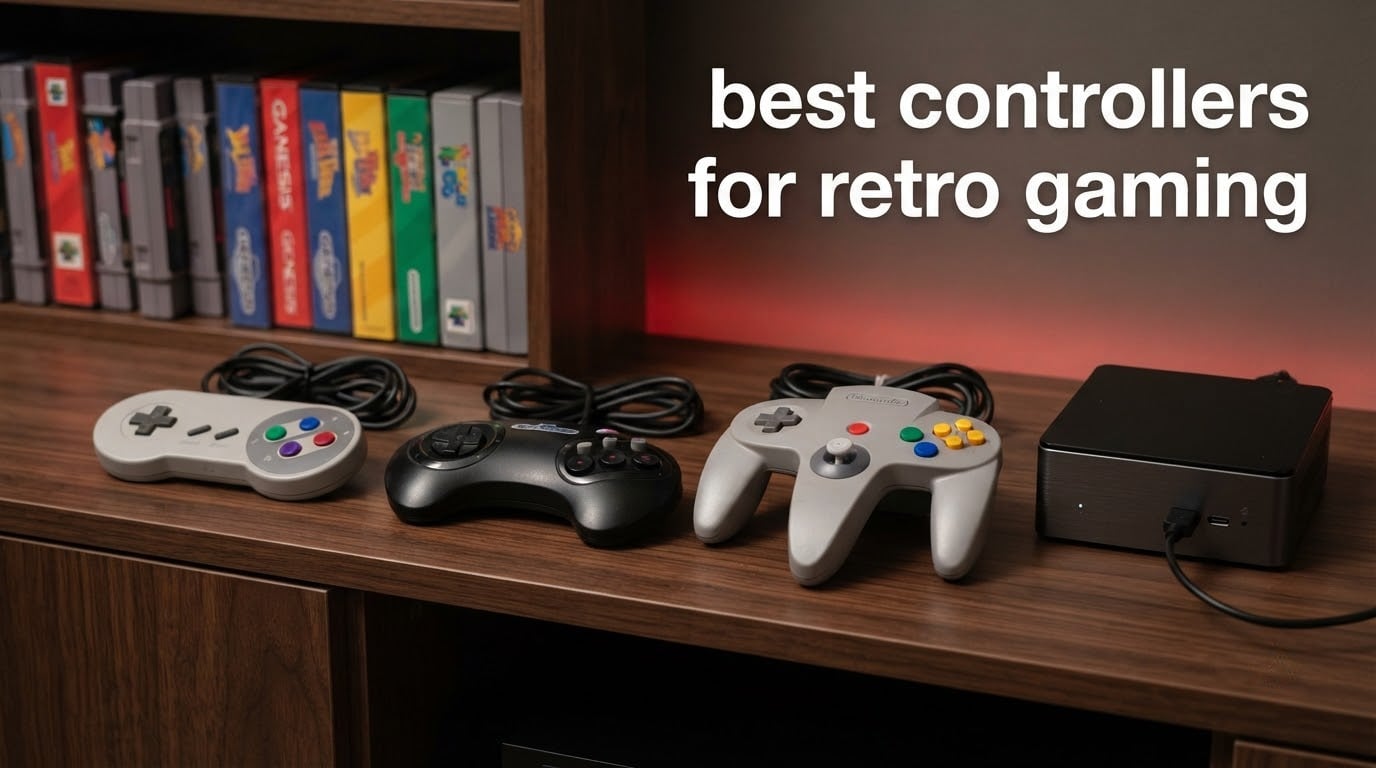
The best controllers for retro gaming are the ones that get out of the way. That means a D-pad that clicks cleanly in all eight directions, face buttons that do not wobble, and a connection method your emulator recognises without a fight. I have spent months swapping pads across SNES, Genesis, N64 and PC libraries, and the pattern never changes: the controller you forget about while playing is the right one.
This guide covers twelve pads that earn a place on a real setup, from wired SNES-shaped basics to wireless N64 replicas that also work with Nintendo Switch Online. Each entry lists who it suits, who should skip it, and what the D-pad and sticks actually feel like. Every one of them runs on a PC, a Batocera or RetroPie mini-PC, a Raspberry Pi, or a handheld, so nothing here needs a special front end to work.
What makes a controller good for retro gaming is the feel of its cross-shaped D-pad, the placement of Start and Select within thumb reach, and whether the sticks use sensors that cannot drift. A standard layout with two sticks, a D-pad, four face buttons, four shoulder buttons and a Home button also means zero manual remapping in RetroArch, Batocera or EmulationStation.
Updated for 2026. If you want the hardware side of a retro shelf instead, start with our guide to retro consoles for nostalgia, then come back here once you know which systems you are targeting.
Table of Contents
Top 3 Best Controllers for Retro Gaming in 2026

8BitDo SN30 Pro
- Hall Effect sticks
- Retro cross D-pad
- Bluetooth and USB-C
- 16 hours per charge

Retro-Bit Genesis 8-Button
- Official SEGA licence
- 8-button layout
- D-pad and X-Input switch
- 1.5M USB cable
All 12 Best Retro Controllers Compared in October
| Product | Specifications | Action |
|---|---|---|
| 8BitDo SN30 Pro |
|
Check Latest Price |
 8BitDo M30 8BitDo M30 |
|
Check Latest Price |
| 8BitDo Sn30 Pro USB |
|
Check Latest Price |
| Retro-Bit Genesis 8-Button |
|
Check Latest Price |
 KIWITATA 2X Classic SNES KIWITATA 2X Classic SNES |
|
Check Latest Price |
 KIWITATA Classic N64 KIWITATA Classic N64 |
|
Check Latest Price |
 SAFFUN Classic N64 USB SAFFUN Classic N64 USB |
|
Check Latest Price |
 GameSir Tegenaria Lite GameSir Tegenaria Lite |
|
Check Latest Price |
 Retro-Bit Genesis 2.4 GHz Retro-Bit Genesis 2.4 GHz |
|
Check Latest Price |
 Retro-Bit Tribute 64 Retro-Bit Tribute 64 |
|
Check Latest Price |
 iNNEXT 2 Pack Wireless SNES iNNEXT 2 Pack Wireless SNES |
|
Check Latest Price |
 SAFFUN 2 Pack Wireless N64 SAFFUN 2 Pack Wireless N64 |
|
Check Latest Price |
1. 8BitDo SN30 Pro – Best Overall Retro Controller
8Bitdo SN30 Pro Bluetooth Controller with Hall Effect Joystick (G Classic)
- Hall Effect sticks that resist drift
- Retro cross D-pad with a crisp snap
- Works on Switch Windows Steam Deck Android and Raspberry Pi
- Rechargeable battery with USB-C and wireless
- Rumble and motion controls included
- Costs more than a simple wired retro pad
- Clear shell shows fingerprints and scuffs
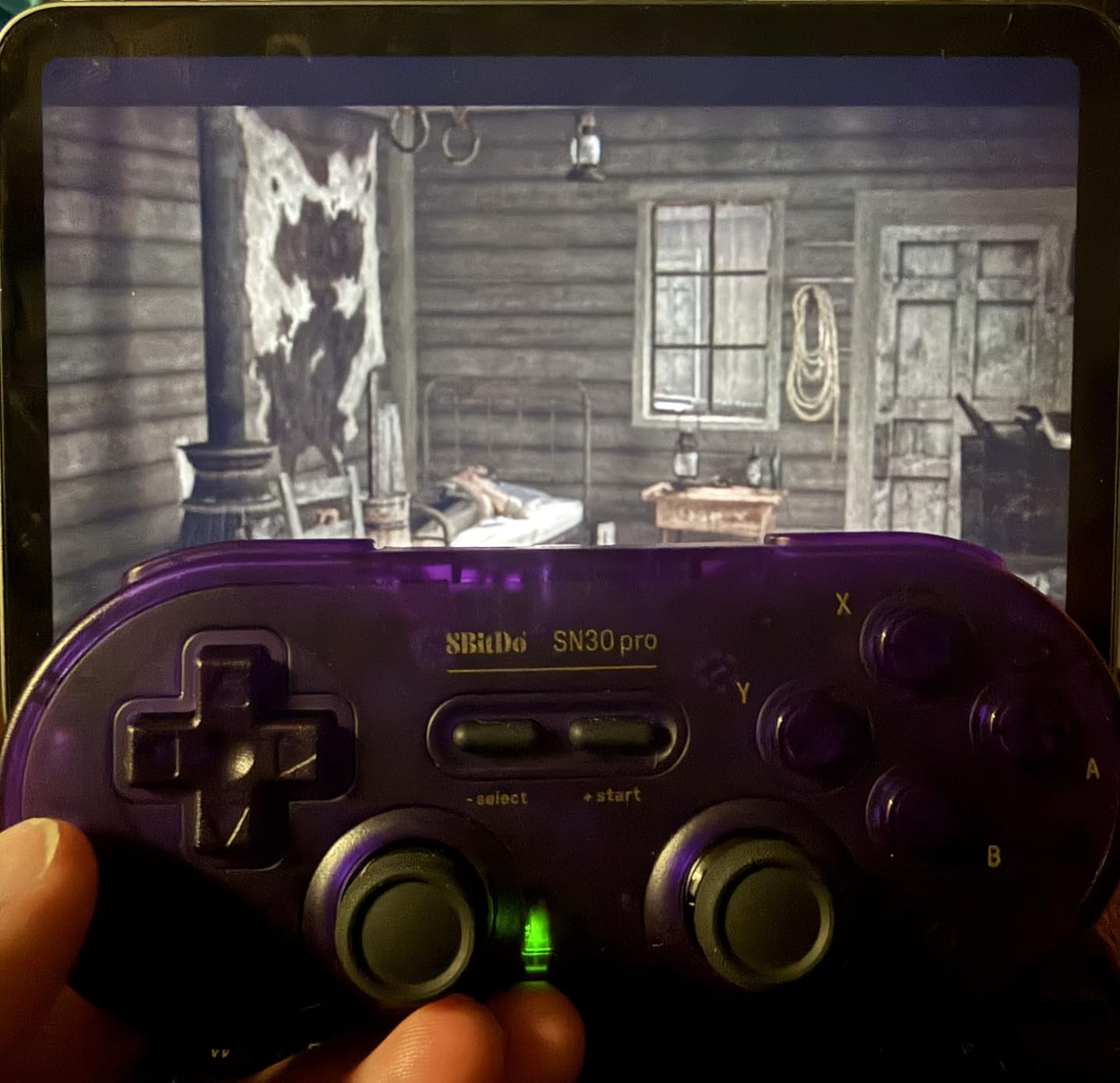
The 8BitDo SN30 Pro is the best overall retro controller because it pairs a genuinely good cross D-pad with sticks that will not develop drift in year two. It is the pad I keep on the front of my own setup, and it is the one I hand to friends who are new to emulation.
The cross D-pad clicks in all eight directions with a consistent centre. That single detail is what separates it from a modern pad with a thin flat disc, and it is why platformers and shmups feel right on it rather than merely playable.
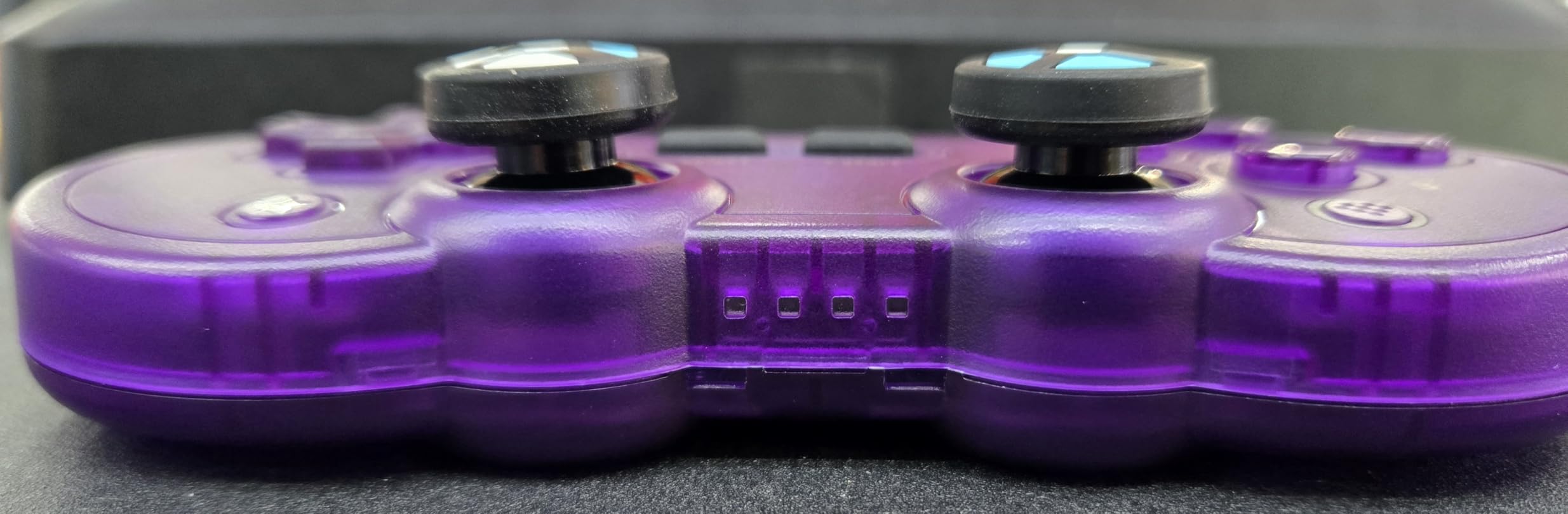
The sticks are clickable Hall Effect units, so there is no potentiometer sweep to wear out. They also push inward when pressed, which some N64 and GameCube fans appreciate and others dislike entirely. If you want a flat stick, this is not it.
Battery life is listed at up to 16 hours per charge, and it runs over Bluetooth or USB-C. Device support covers Windows, macOS, Android, Raspberry Pi, Switch and Switch 2. Owners on r/retrogaming rate it as the safest all-round pick for the same reason.
Who the SN30 Pro suits
It suits anyone who wants one pad for 8-bit, 16-bit, N64 and Switch libraries without learning a remapping menu. Front ends see a standard layout, so Batocera and RetroPie pick it up as soon as it is paired.
Rumble, motion controls and turbo functions make it a good crossover pad for indies too, not just 8-bit games.
Who should skip it
Skip it if you are running on original N64 or GameCube hardware, since it will not plug into those ports. It is also overkill if your library is two-player SNES and nothing else, where the wired option below costs far less and does the same job.
2. 8BitDo M30 – Best for Sega and Arcade Games
8Bitdo M30 Bluetooth Controller for Switch, Windows and Android, 6-Button Layout for SEGA’s Classic Games (Black)
- Excellent 8-direction clicky D-pad for shooters and 2D classics
- Faithful six-button Mega Drive and Saturn layout
- Comfortable plastic build reviewers compare to the originals
- Sega button order clashes with Switch labels and remaps are undocumented
- Some emulators report scrambled or stuck D-pad inputs
- Not supported in the 8BitDo Ultimate software
The 8BitDo M30 is the best controller for retro gaming when six buttons matter. Six-button layouts are what arcade and fighting games need, and no standard modern pad gives you that without a remap layer that rarely behaves itself.
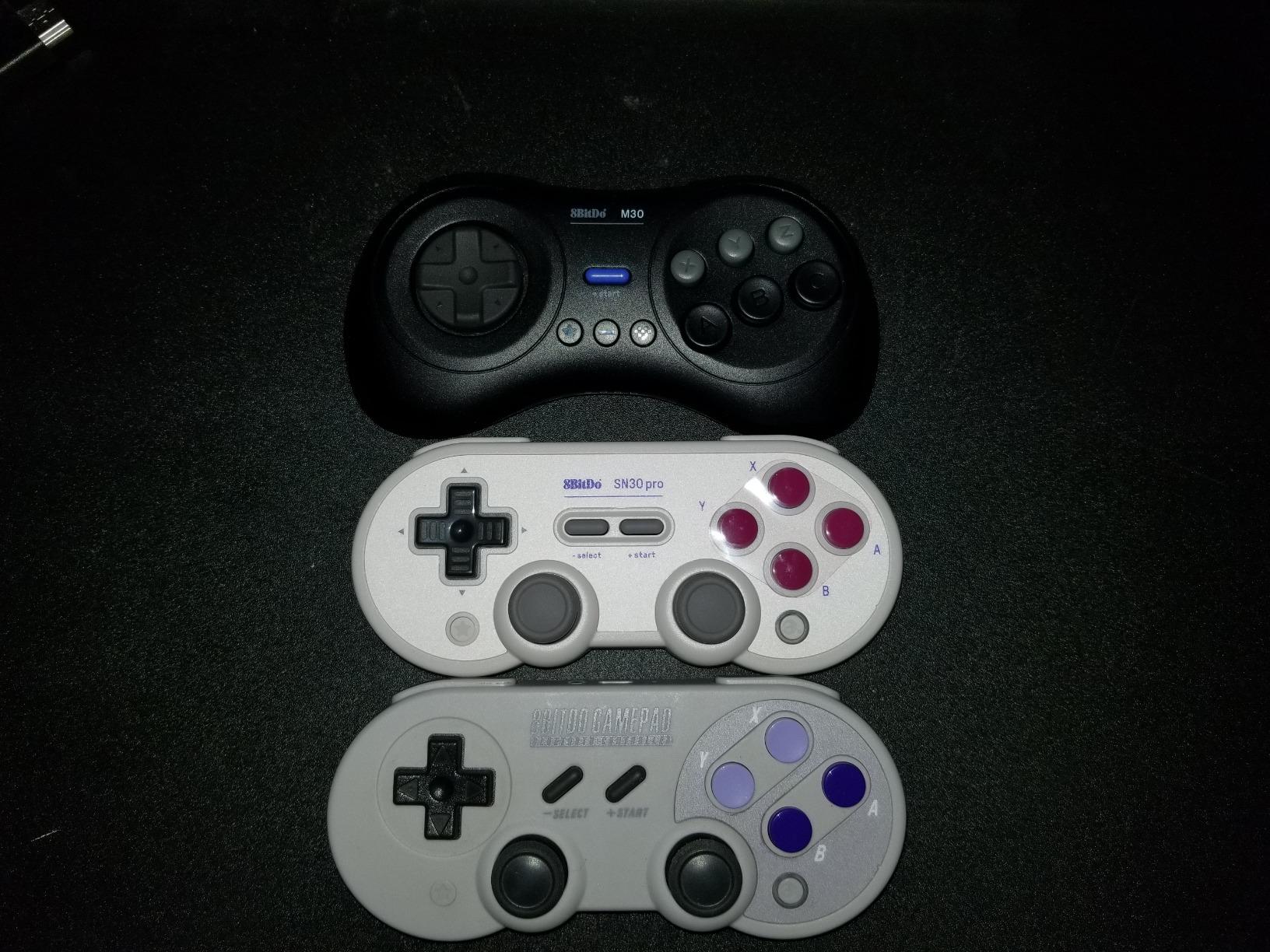
Its D-pad gets called out as clicky and accurate in eight directions, which is exactly what shoot-em-ups and 2D classics ask for. Reviewers regularly describe the build as more solid than the original Sega pads.
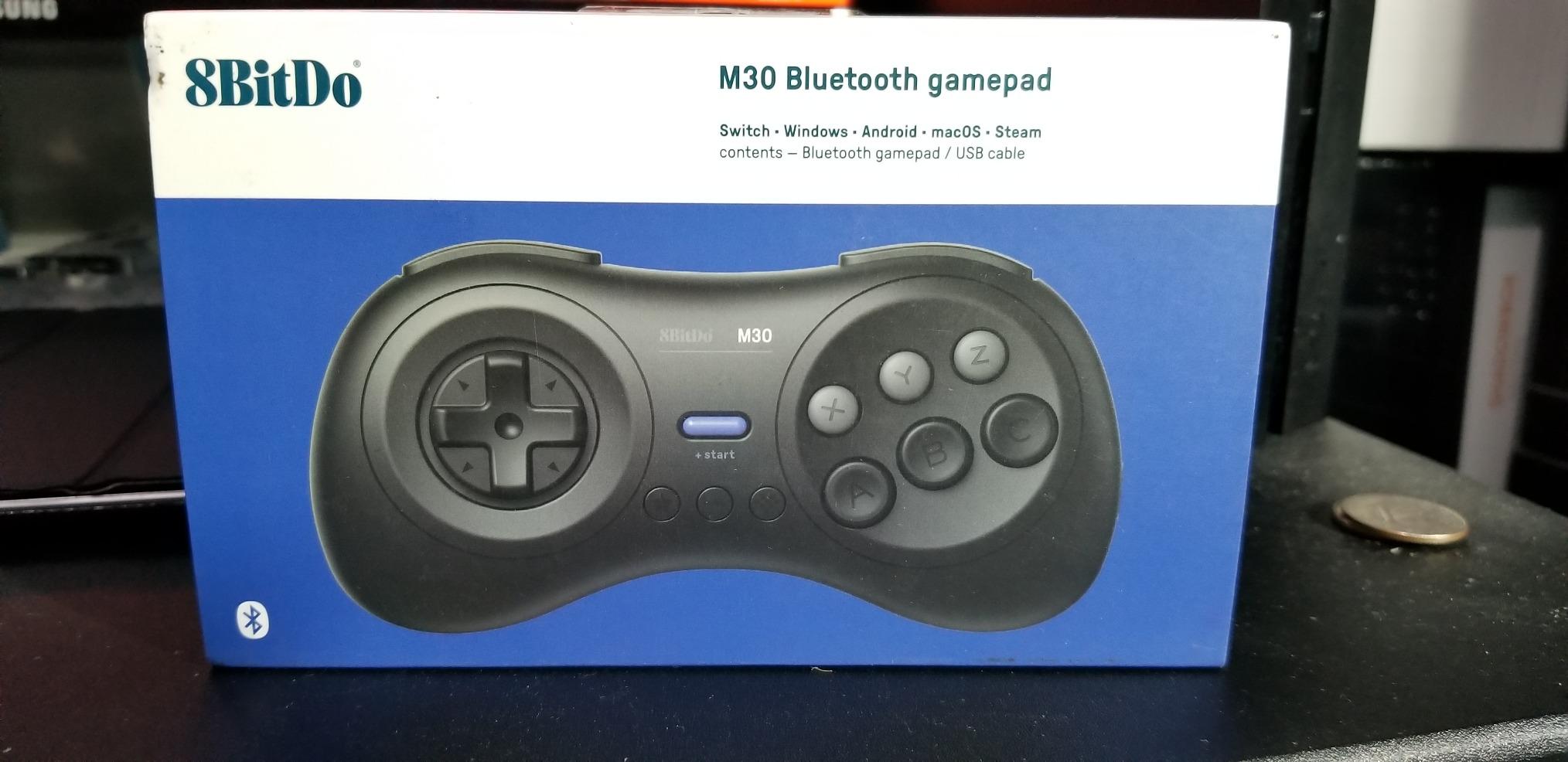
It works over Bluetooth with Windows 10 or later, Android, Raspberry Pi and Switch, and the firmware is upgradeable. The turbo function is there too, though it does not function on Switch hardware.
For six-button Sega games on a PC emulator this is the shortest path. It also answers the forum question about whether the M30 is still worth buying, which it is.
Who the M30 suits
It suits players of Street Fighter II Special, Streets of Rage, Eternal Champions and similar titles where the extra buttons are part of the game. Two of them make a complete two-player Sega setup on a laptop.
It also suits anyone tired of re-mapping shoulder buttons on a standard pad every time they launch a Mega Drive game.
Who should skip it
Skip it if you mostly play Nintendo-style games, because the A and B order feels wrong until you switch the labels or set up a remap. And skip it if you rely on 8BitDo configuration software for remapping, since it does not support this pad.
3. 8BitDo Sn30 Pro USB – Best Value Wired Retro Controller
8Bitdo Sn30 Pro USB Wired Gamepad for Switch, Windows & Raspberry Pi(Gray Edition)
- Superb SNES-style D-pad and face buttons
- Zero-latency wired connection with no pairing
- Rumble and turbo functions on a modest price
- Recognised as an Xbox 360 pad on Windows
- Diagonal D-pad inputs can feel oversensitive on precision platformers
- Right analog stick sits close to the face buttons
- Not supported by 8BitDo configuration software
The 8BitDo Sn30 Pro USB is the best value retro controller because a cable removes an entire category of problems. No pairing, no dropped receivers, no dead battery on a Saturday night.
Its SNES-style D-pad and face buttons recreate the original feel closely enough that I default to it for 8-bit and 16-bit sessions. Reviewers call it the definitive wired SNES-shaped pad, and the numbers back that up with a 4.5 average across more than 3,000 ratings.
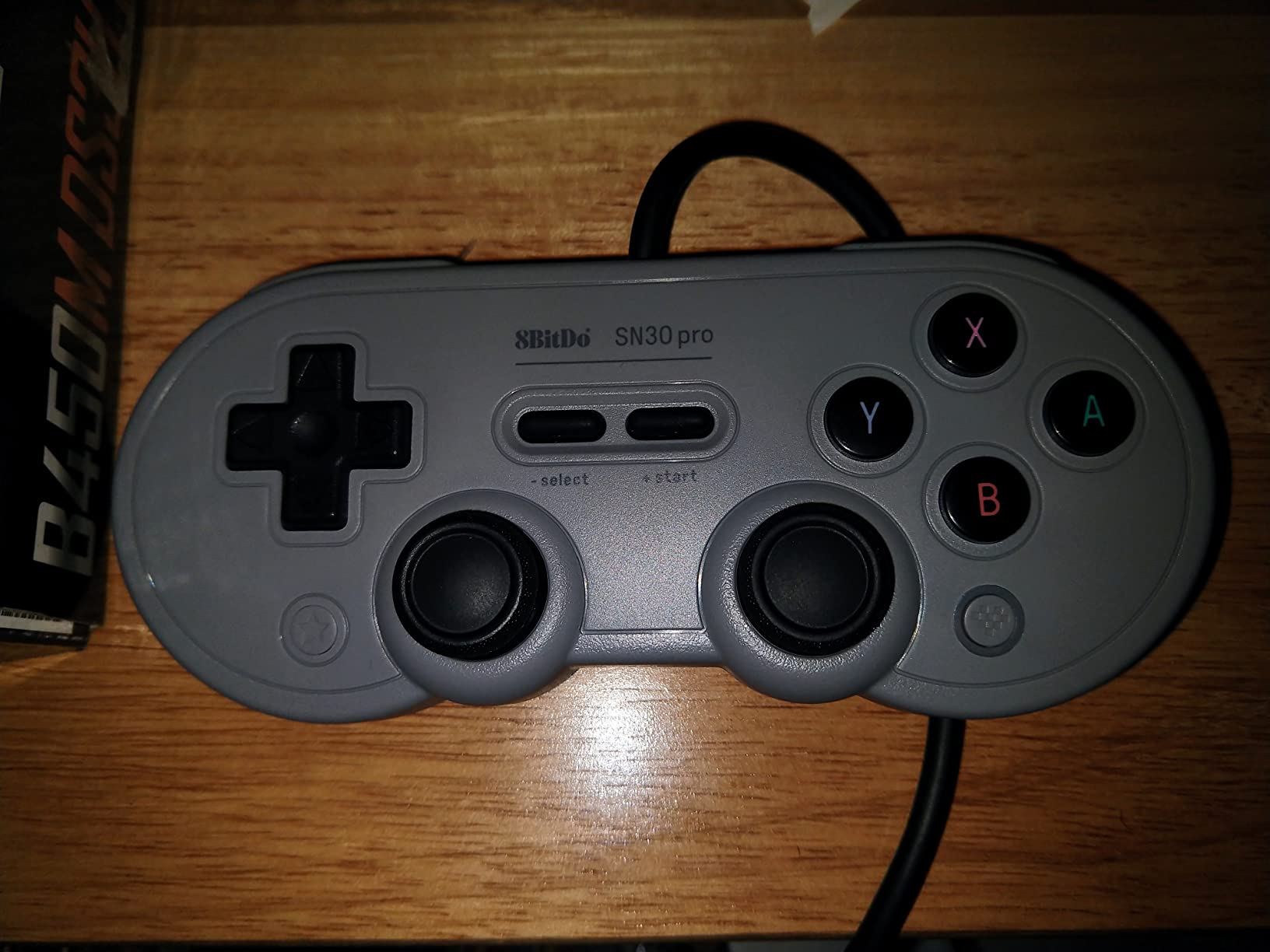
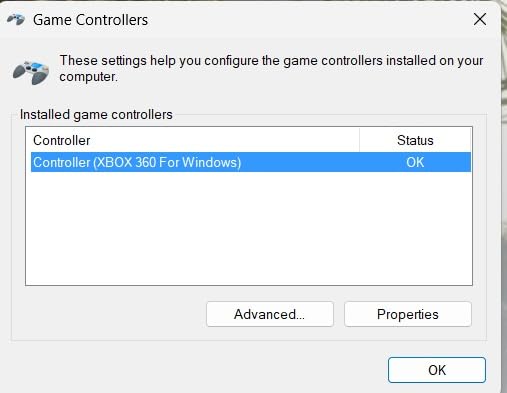
The 1.8 metre cable reaches across a desk to a mini-PC or a CRT setup without an extension. Windows recognises it as an Xbox 360 pad, which is why front ends and emulators pick it up with no driver work.
Rumble and turbo are both present. It also works on Switch with firmware 3.0.0 or later and on Raspberry Pi.
Who the Sn30 Pro USB suits
It suits anyone building a permanent cabinet or a living-room setup where a wireless dropout would mean crawling behind a console. Latency is effectively zero over a wired link.
It also suits people who do not own a Switch but want one pad that covers PC emulation and a console in the same house.
Who should skip it
Skip it if you want programmable back buttons or a Home button for reaching a front end from inside a game. Also skip it if you play diagonal-heavy precision platformers, where reviewers report the diagonal inputs can be oversensitive.
4. Retro-Bit SEGA Genesis 8-Button USB – Top Rated Retro Controller
- Highest average rating in this roundup at 4.7 out of 5
- Considered the most accurate D-pad in the category
- Responsive eight-button layout that doubles as a Saturn pad
- Long flexible cable with instant lag-free response
- No turbo function unlike the original Model 3 pads
- Light in the hand compared with an original Sega pad
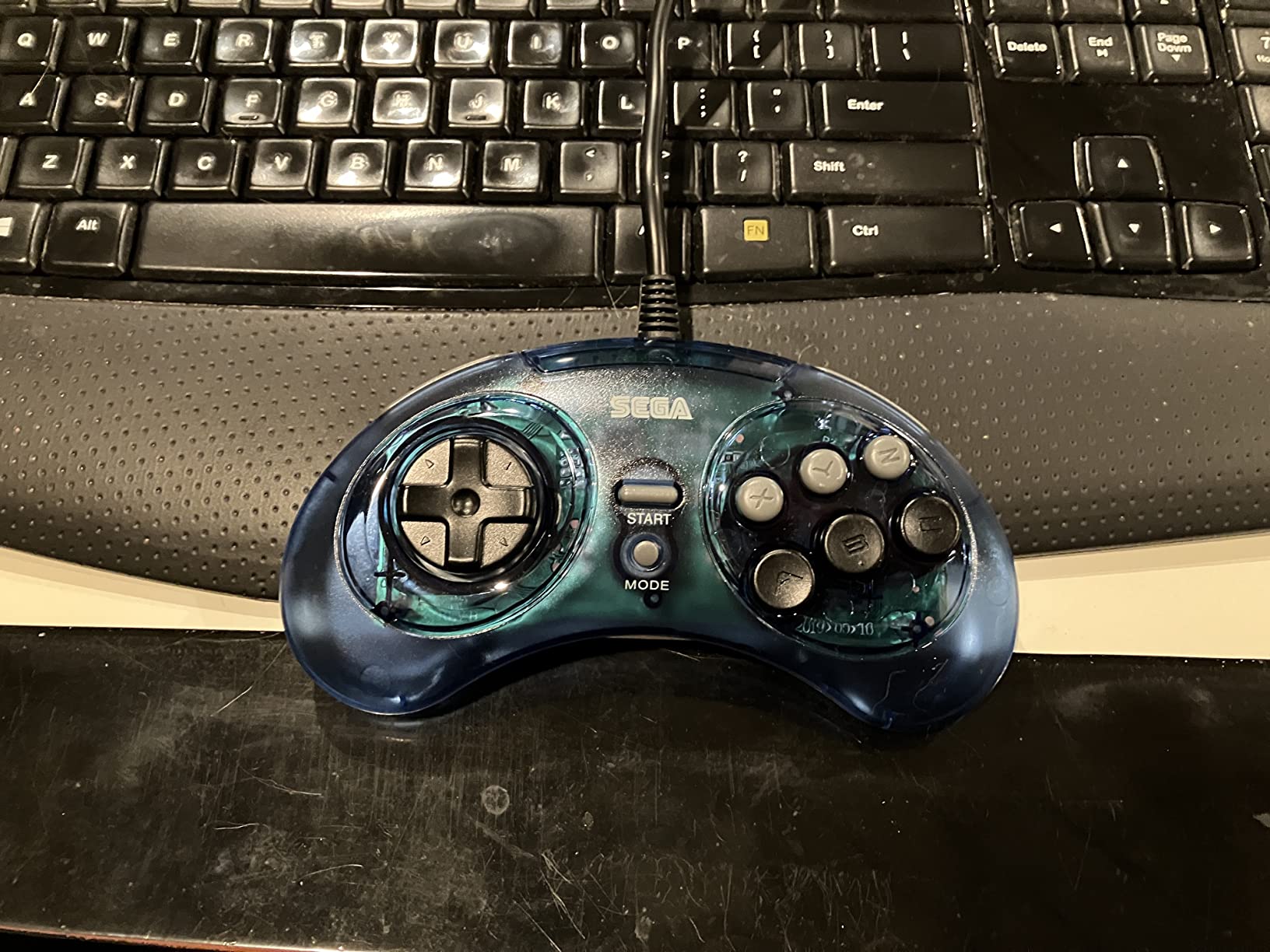
The Retro-Bit SEGA Genesis 8-Button USB is the most accurate retro controller here, and it holds the highest average rating in the group at 4.7 out of 5 from more than 2,600 ratings. Owners describe it as an outstandingly faithful reproduction of the original.
Its D-pad is the reason to buy it. If you play Sonic, Streets of Rage or any 16-bit game where the cross matters, this is the closest modern feel to a genuine Sega pad.
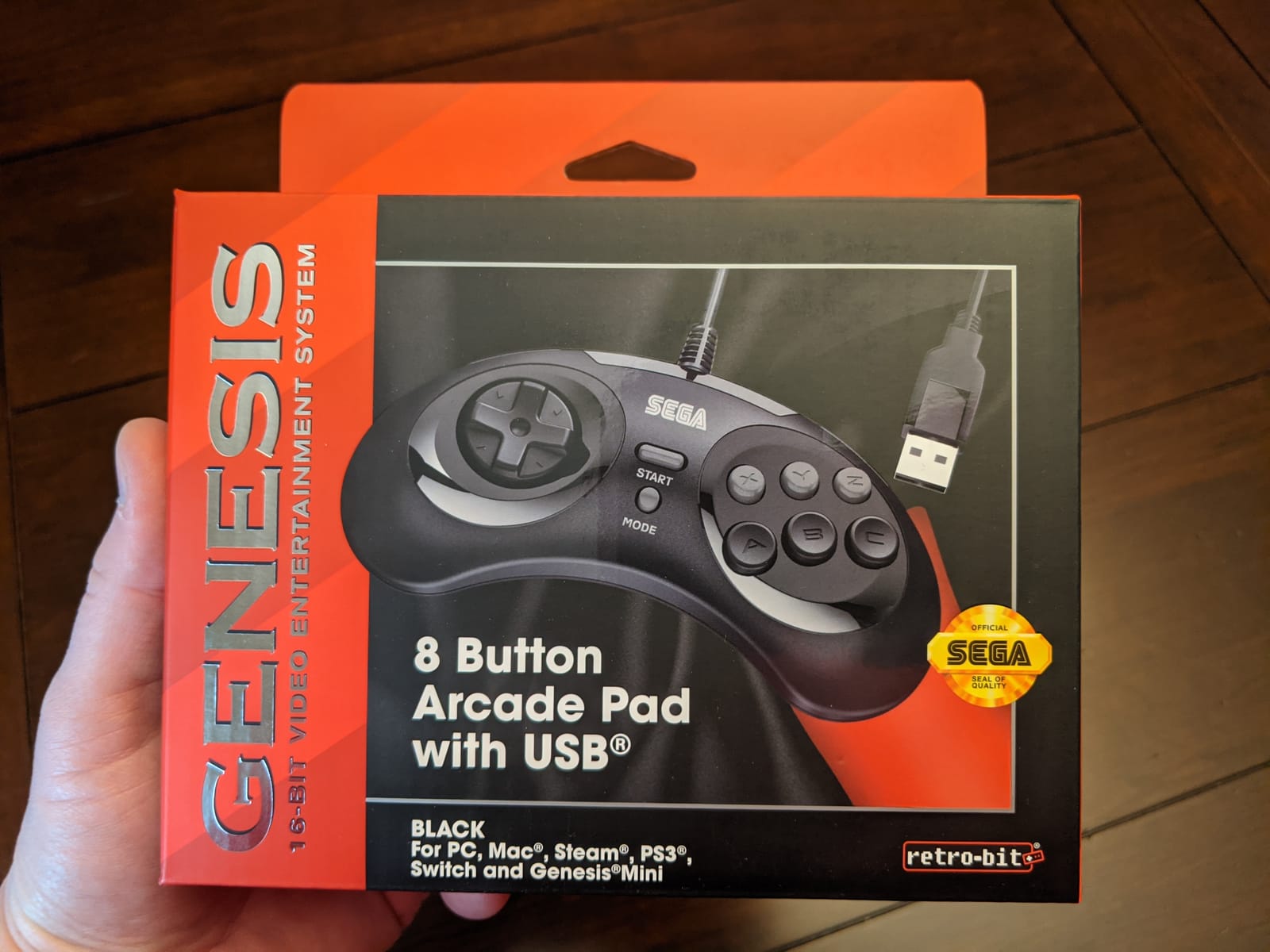
Holding START for five seconds toggles between DInput and XInput, which means it works in both retro front ends and PC games that expect an Xbox pad. It is officially licensed and lists Sega Genesis Mini, Switch, PC, Mac, Steam, RetroPie and Raspberry Pi support.
The eight-button layout doubles as a Saturn-style pad for Sega arcade titles, which is a small detail that saves buying a second controller.
Who the Genesis 8-Button suits
It suits anyone who cares about authenticity above all else and wants a licensed shape rather than a modern approximation. The licensed shell also makes it the one I am happiest to leave plugged into a display shelf.
Two-player Genesis sessions are straightforward, since two pads and one PC cover it.
Who should skip it
Skip it if you need turbo, because the original Model 3 Sega pads had it and this one does not. It is also strictly wired, with no wireless or battery option.
5. KIWITATA 2X Classic SNES – Best Two-Pack for Couch Play
KIWITATA 2X Classic SNES USB Controller for PC Gamings, Retro SNES Wired USB Game Emulator Controller for Windows XP 7 8 11 Mac Raspberry Pi
- Two controllers included for two-player play
- Frosted concave D-pad and buttons that feel smooth
- Plug and play with RetroArch and snes9x
- Responsive customer service when defects appear
- D-pad precision is not strong enough for competitive fighting execution
- Stiff buttons and average build quality
- Noticeable input lag in fast-paced titles
The KIWITATA 2X Classic SNES is the best retro controller when two players are the plan. Each box holds two pads, so a couch multiplayer setup on an SNES library costs one purchase rather than two.
The concave D-pad is smooth and comfortable, with an anti-sweat texture that helps in longer sessions. It uses a standard USB 2.0 connection with a 1.5 metre cable and needs no drivers at all.
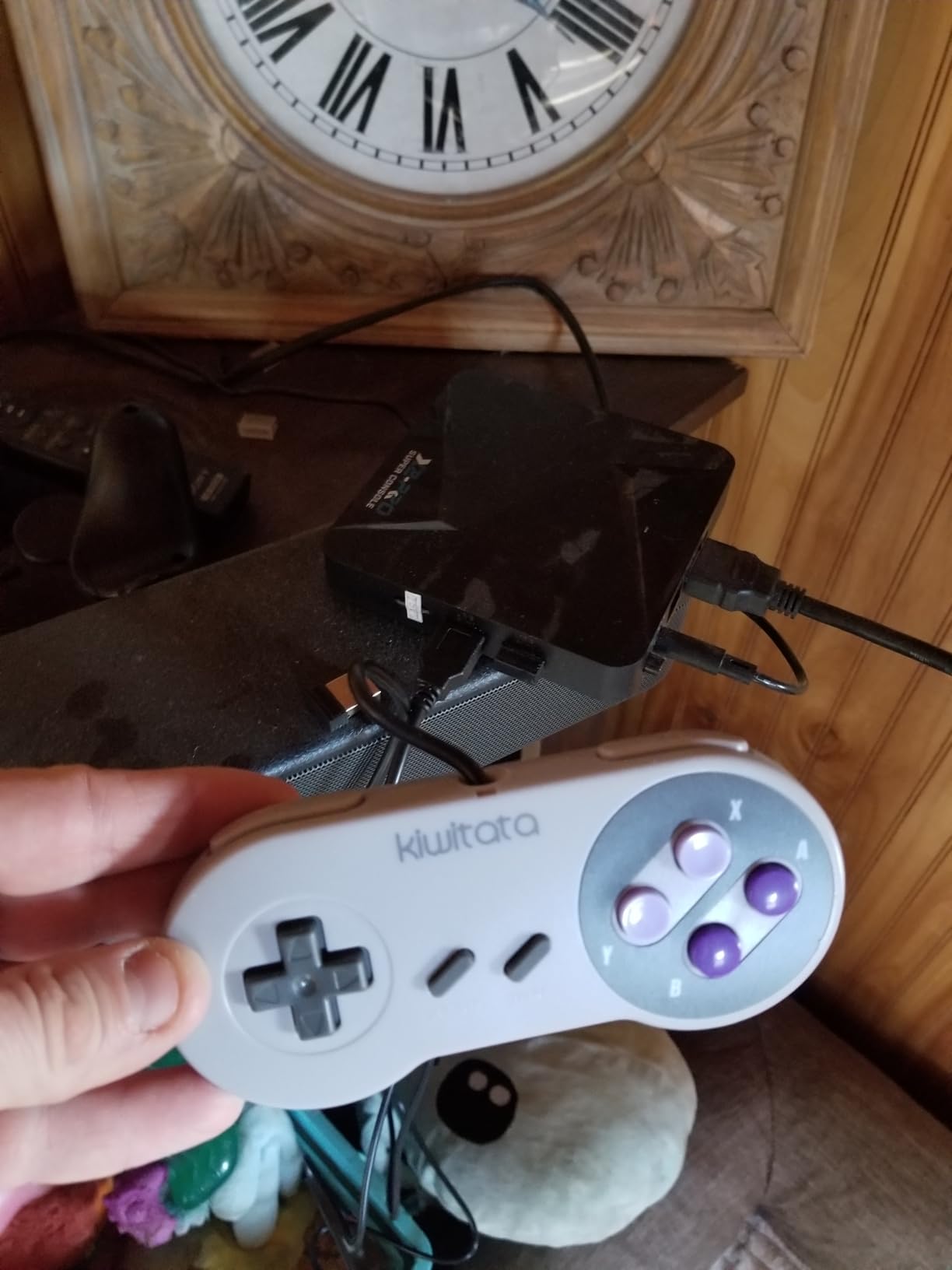
It is listed for Raspberry Pi, Windows, Linux and Mac emulators, so RetroArch and snes9x pick it up immediately. It does not work with original SNES consoles or with Switch.
With a 4.3 average across more than 2,500 ratings, buyers mainly praise the two-pack convenience and emulator compatibility.
Who the KIWITATA 2X suits
It suits families or flatmates who want to play a 16-bit co-op game without splitting money across two purchases. It also suits anyone moving a setup between a desktop and a laptop, since both pads are wired.
If you need one excellent pad rather than two adequate ones, this is not the right shape of purchase.
Who should skip it
Skip it for competitive fighters, because the D-pad precision and button feel are honest but not sharp enough for tight execution. Reviewers also note some input lag in fast games, so it suits single-player more than tournament play.
6. KIWITATA Classic N64 – Best for Original N64 Hardware
Wired Classic N64 Controller Joystick Remote for Original N64 Console Gray
- True plug and play on original N64 consoles with no adapter
- Responsive buttons and analog stick
- Rumble pak and memory card compatibility
- Replaceable joystick module
- Analog stick modules can loosen or fail after light use
- Feel is not identical to an original Nintendo pad
- Slight input delay reported by some buyers
The KIWITATA Classic N64 is the best controller for retro gaming on real Nintendo 64 hardware because it uses the original N64 connector. Plug it into a console, cartridge or N64 portable, and it works with no adapter at all.
That matters more than it sounds. Forum consensus on avoiding original N64 pads comes down to stick drift, and a fresh replacement module sidesteps the problem rather than gambling on a thirty-year-old stick.
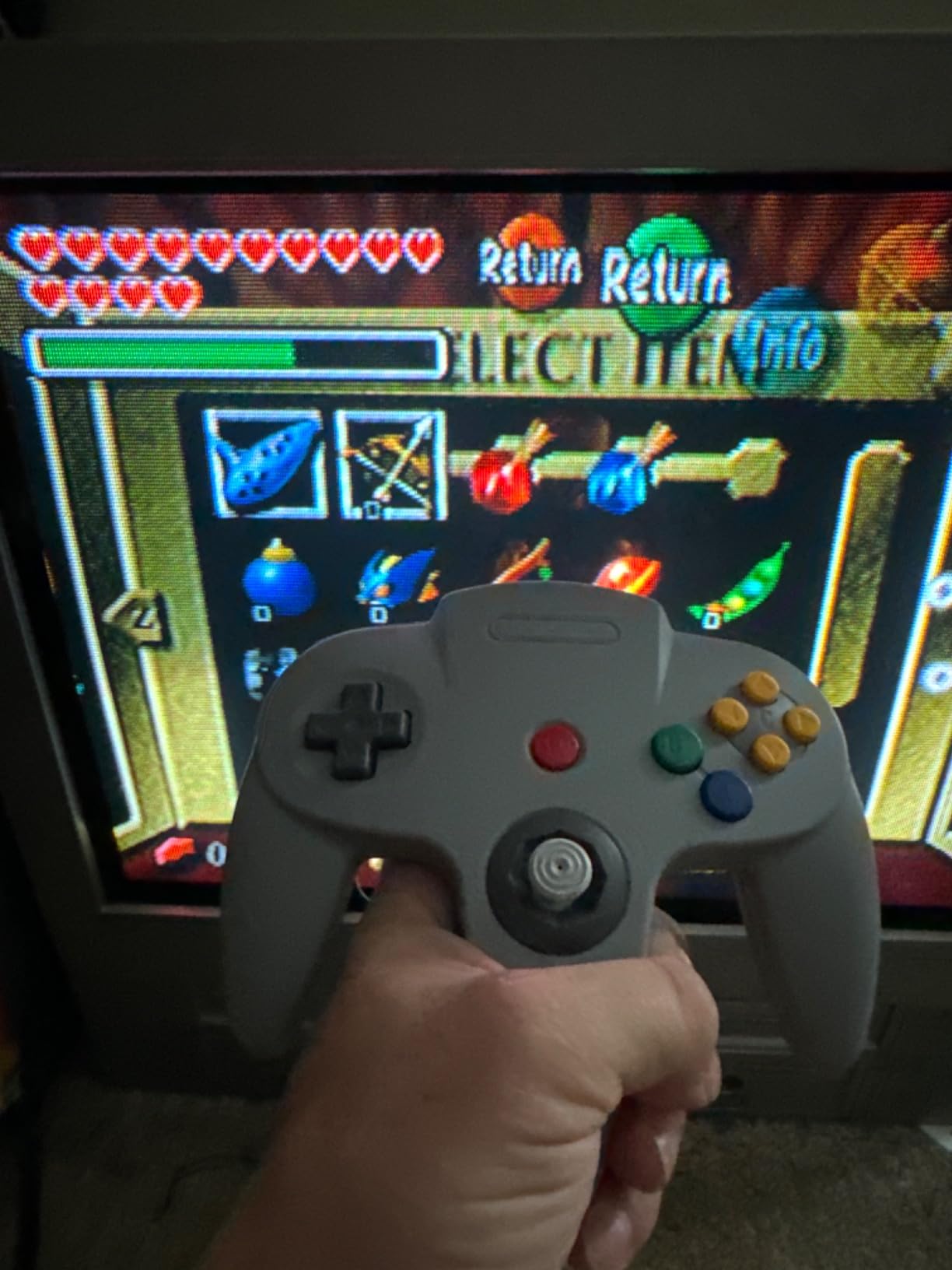
It has ten function buttons including the L, R and Z trigger, plus a rumble pak slot and a memory card port. The 1.7 metre cord allows play across a room and works with an extension cable.
The joystick module is replaceable, which is the detail that makes this a long-term purchase rather than a novelty.
Who the KIWITATA Classic N64 suits
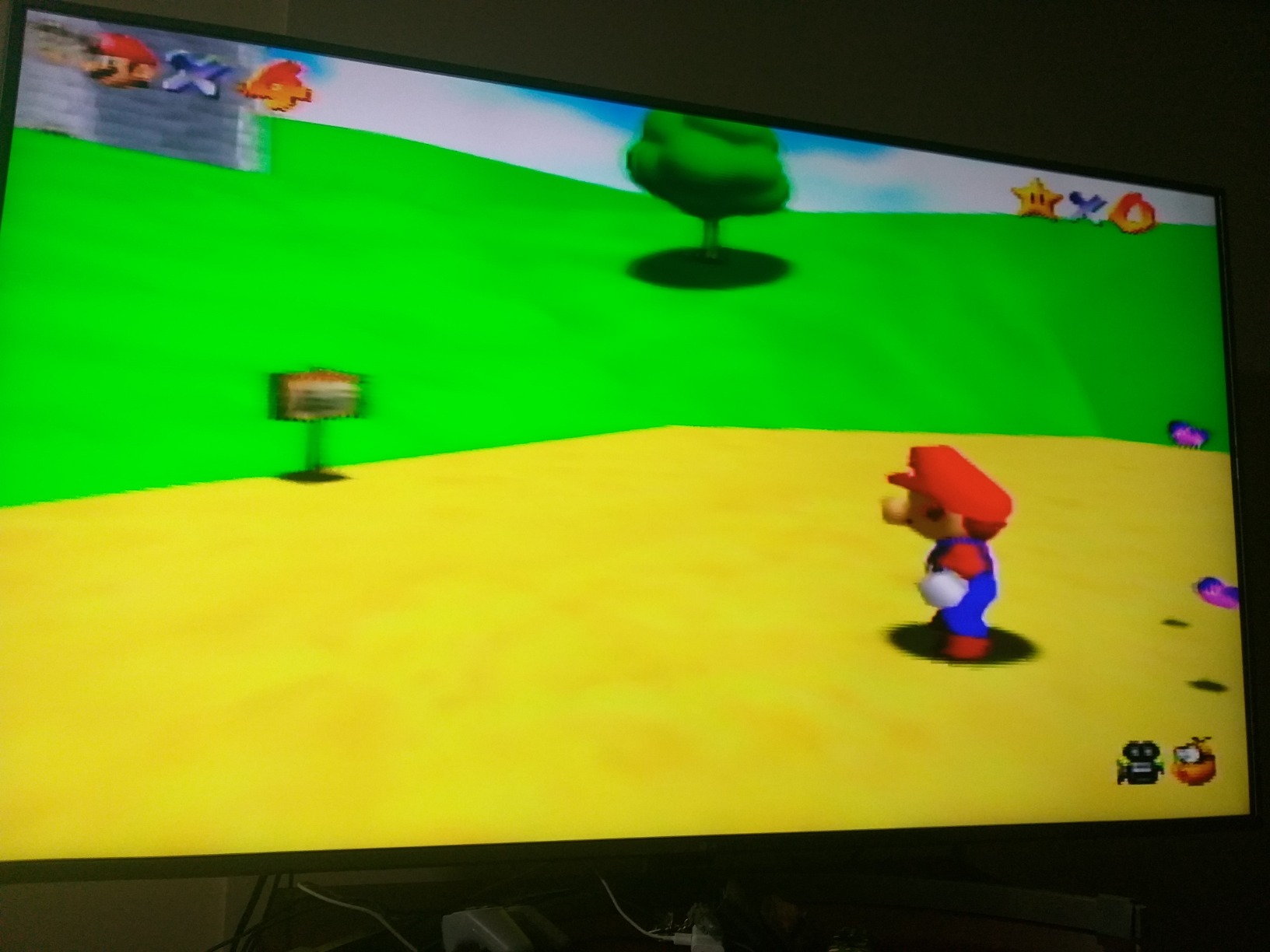
It suits anyone with a working N64 or an N64 cartridge adapter who wants a comfortable pad without hunting for a clean original. Mario Kart 64 and GoldenEye both feel right on the classic three-prong shape.
It is also the pad I recommend for CRT setups where a physical N64 is part of the display.
Who should skip it
Skip it if your games run on a PC emulator only, because the N64 connector will not fit a USB port. Also note that reviewers report slight input delay and stick modules that can loosen with use.
7. SAFFUN Classic N64 USB – Cheapest N64 Shape for PC Emulation
Classic N64 Controller, Wired USB PC Gamepad for Windows PC, macOS (Gray)
- Driver-free USB on Windows macOS Linux and Raspberry Pi
- Iconic M-shaped N64 layout with a 3D analog stick
- 6-foot cable for playing at a distance
- Eight colour options including clear shells
- Lowest average rating here at 4.1 out of 5 with 11 percent one-star reviews
- Not compatible with Switch Android TV boxes Chromebooks or SteamOS
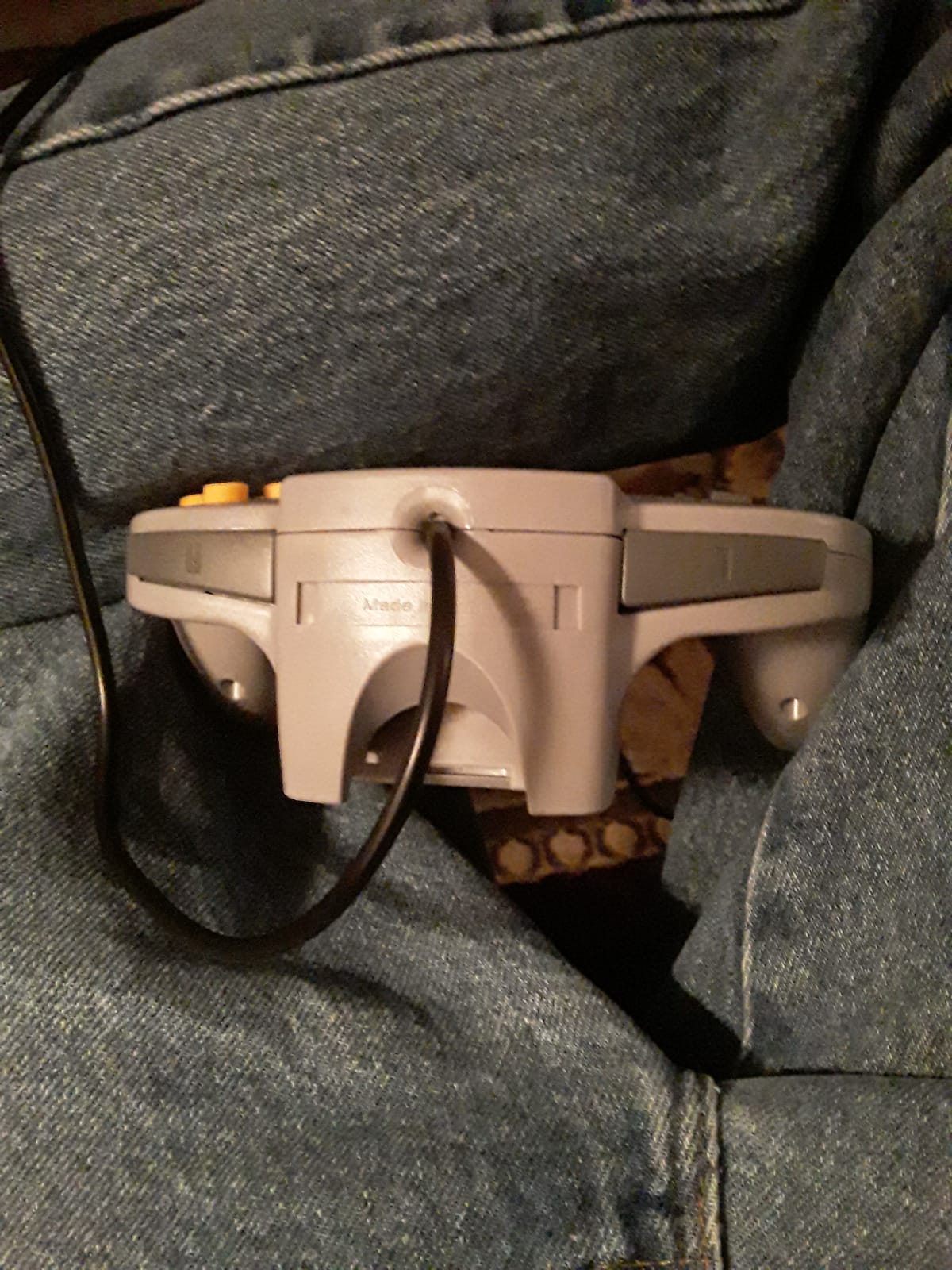
The SAFFUN Classic N64 USB is the cheapest way to put an authentic N64 shape on a PC. It is a standard USB gamepad, so it plugs into Windows, macOS, Linux or a Raspberry Pi with no drivers.
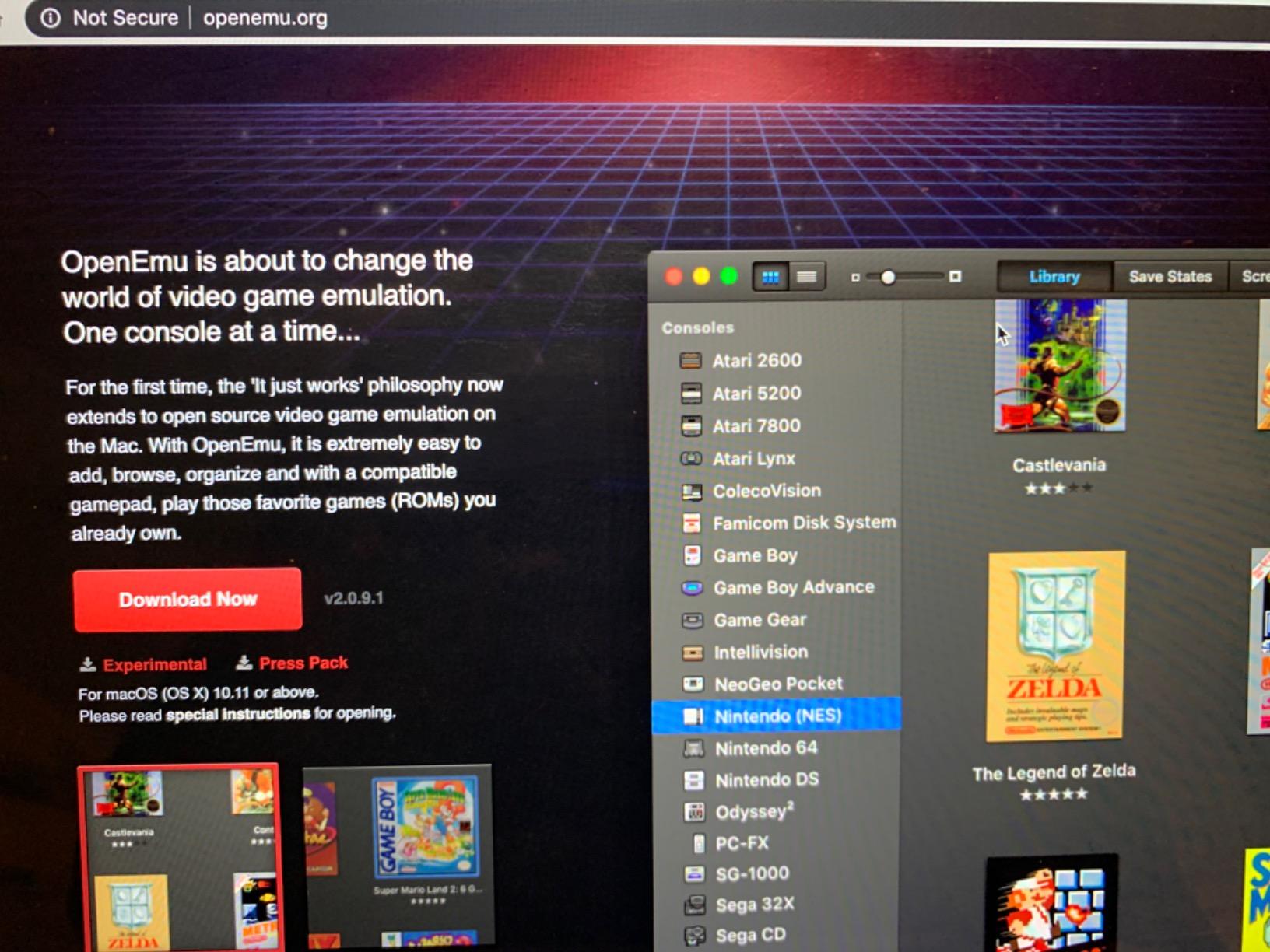
It carries ten action buttons, a precision analog stick and an 8-way D-pad inside the familiar three-prong shell. The listing calls out Project 64, OpenEmu and Linux compatibility directly.
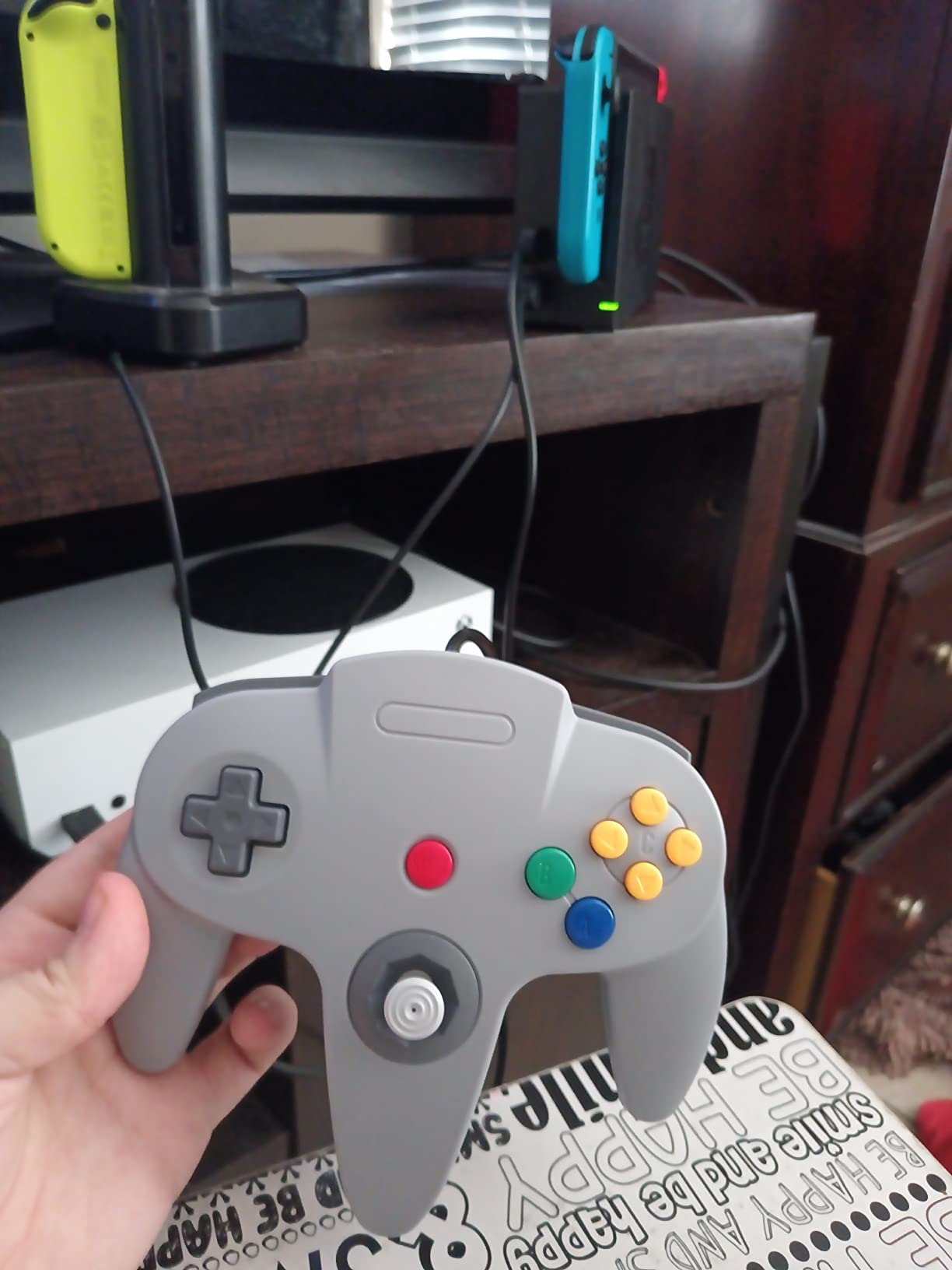
The 6-foot cable gives you room to sit back from a television, and eight colour options mean it can match a themed shelf. It is a straightforward plug-and-play pad with no batteries and no pairing.
Its 4.1 average is the lowest here, with more complaints about D-pad and button durability than the other options, so it is worth treating as an entry-level pick.
Who the SAFFUN Classic N64 suits
It suits beginners who want an N64-shaped pad for Project 64 or a similar emulator without paying for a wireless model. Two-player N64 emulation works immediately with two pads and a hub.
It also suits anyone testing whether they like the three-prong shape before spending more on a premium version.
Who should skip it
Skip it if you own a Switch or an Android TV box, since it is not compatible with those platforms. If you want a pad built to last years of daily use, the higher-rated wired and wireless N64 options are worth the difference.
8. GameSir Tegenaria Lite – Best Hall Effect Sticks for Low Latency
- Hall Effect sticks that resist drift with 360-degree precision
- 1000Hz polling rate and a low-latency wired link
- Dual asymmetric rumble motors for strong and subtle feedback
- Two programmable back buttons plus custom turbo
- Membrane triggers feel less crisp than mechanical alternatives
- Retro-styled shell may not suit those wanting modern ergonomics
The GameSir Tegenaria Lite is the best retro controller for low-latency play because its 1000Hz wired polling rate samples far more often than a typical budget pad. On fast 2D games the difference is small, but it is there.
The sticks are Hall Effect units, so drift is designed out rather than cleaned out. Reviewers highlight those sticks and the wired link as the standouts across more than 1,400 ratings.
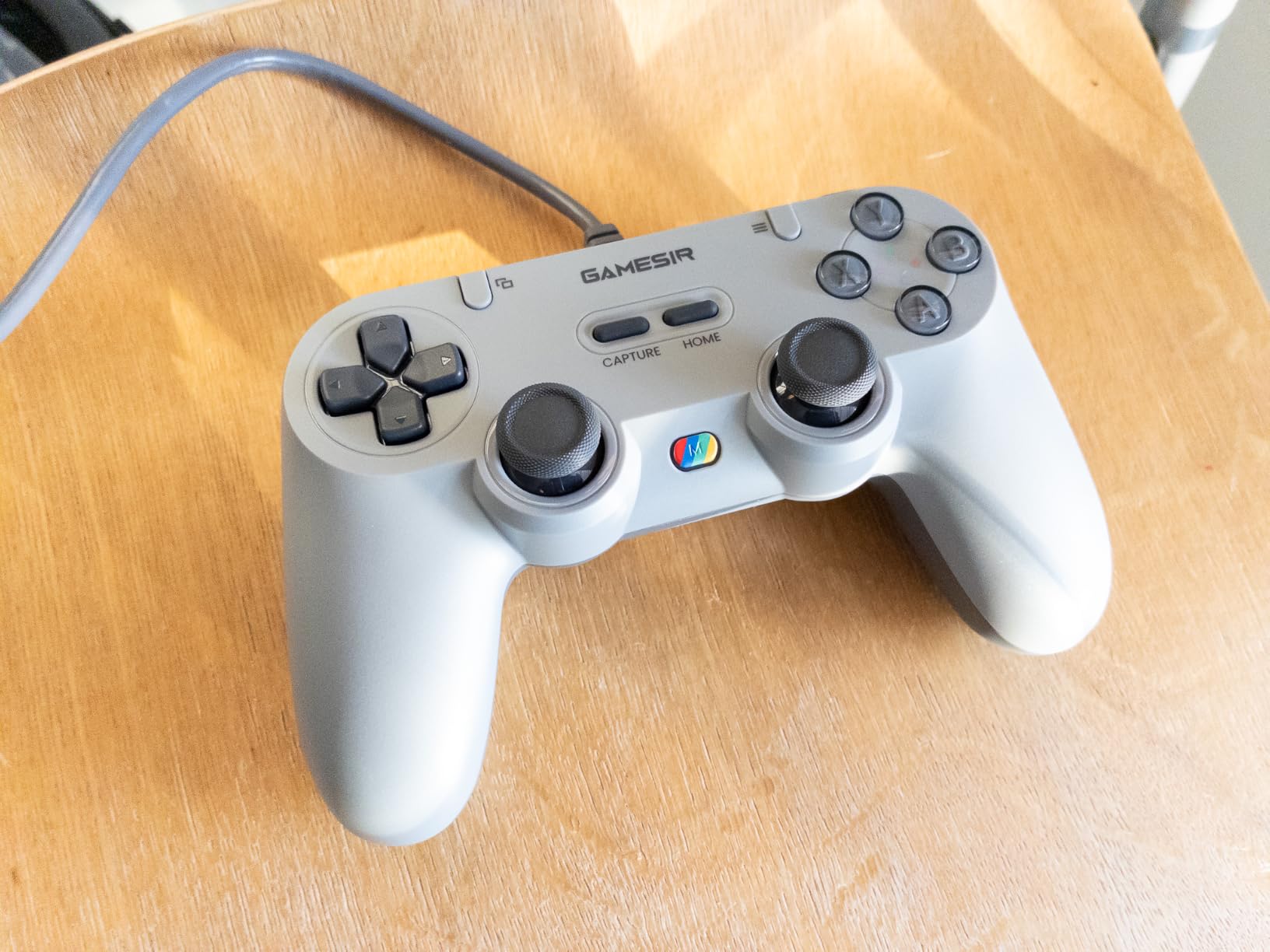
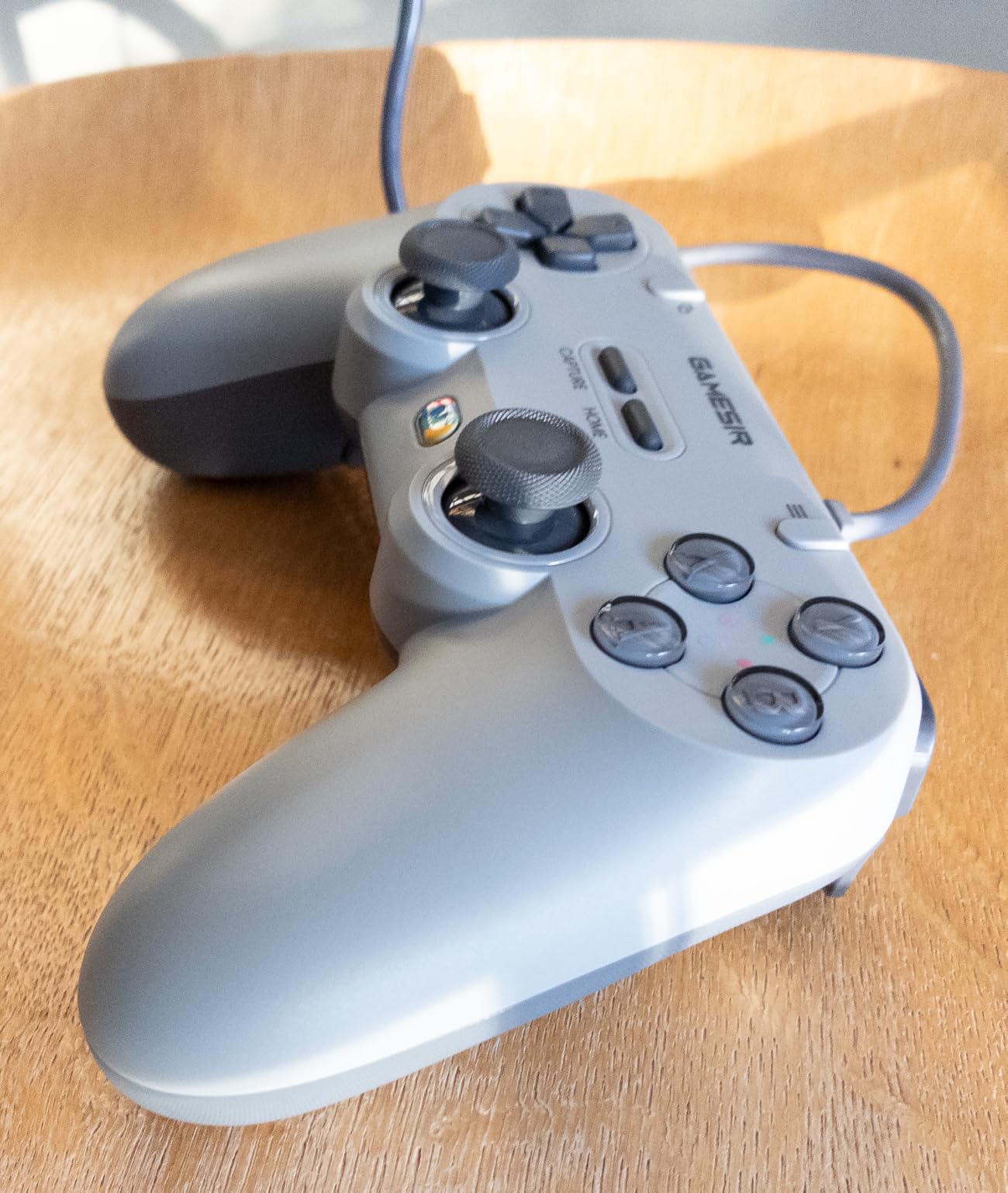
Two back buttons are programmable and the turbo function is customisable, which makes it more flexible than the era-accurate pads in this list. Dual asymmetric rumble motors give fine control over light and heavy feedback.
It measures 6.42 by 3.9 by 2.36 inches and works as a plain USB gamepad, so any front end that accepts a standard pad will accept this one.
Who the Tegenaria Lite suits
It suits players who bounce between retro emulation and modern PC games and want one pad with remappable extras. The Hall Effect sticks also suit anyone tired of opening a pot to clean drift.
It suits handheld and mini-PC setups too, since a wired USB connection needs no pairing on a device that may lack convenient Bluetooth menus.
Who should skip it
Skip it if you want the look and feel of an original SNES or Sega pad, because the shell is a modern take rather than a reproduction. Membrane triggers also feel softer than mechanical alternatives if you are used to clicky ones.
9. Retro-Bit SEGA Genesis 2.4 GHz Wireless – Best Wireless Sega Pad
Retro-Bit SEGA Genesis 2.4 GHz 8-Button Wireless Controller – (Black)
- Plays nearly identically to the original six-button Genesis pad
- Fast 2.4GHz syncing with no perceptible input delay
- Works with original Genesis hardware Genesis Mini Switch PC and Mac
- Storage case and strong battery life
- Glossy plastic shell scratches easily
- Charges over micro-USB rather than USB-C
- No remapping for the added shoulder buttons
The Retro-Bit SEGA Genesis 2.4 GHz wireless pad is the best cord-free Sega option, and it is officially licensed. It feels and plays close enough to the original six-button pad that most people stop noticing the difference within a session.
It syncs over 2.4GHz with a stated range of up to 30 feet, and owners report no perceptible input delay. That makes it a good fit for a couch setup where a cable across the floor is not welcome.
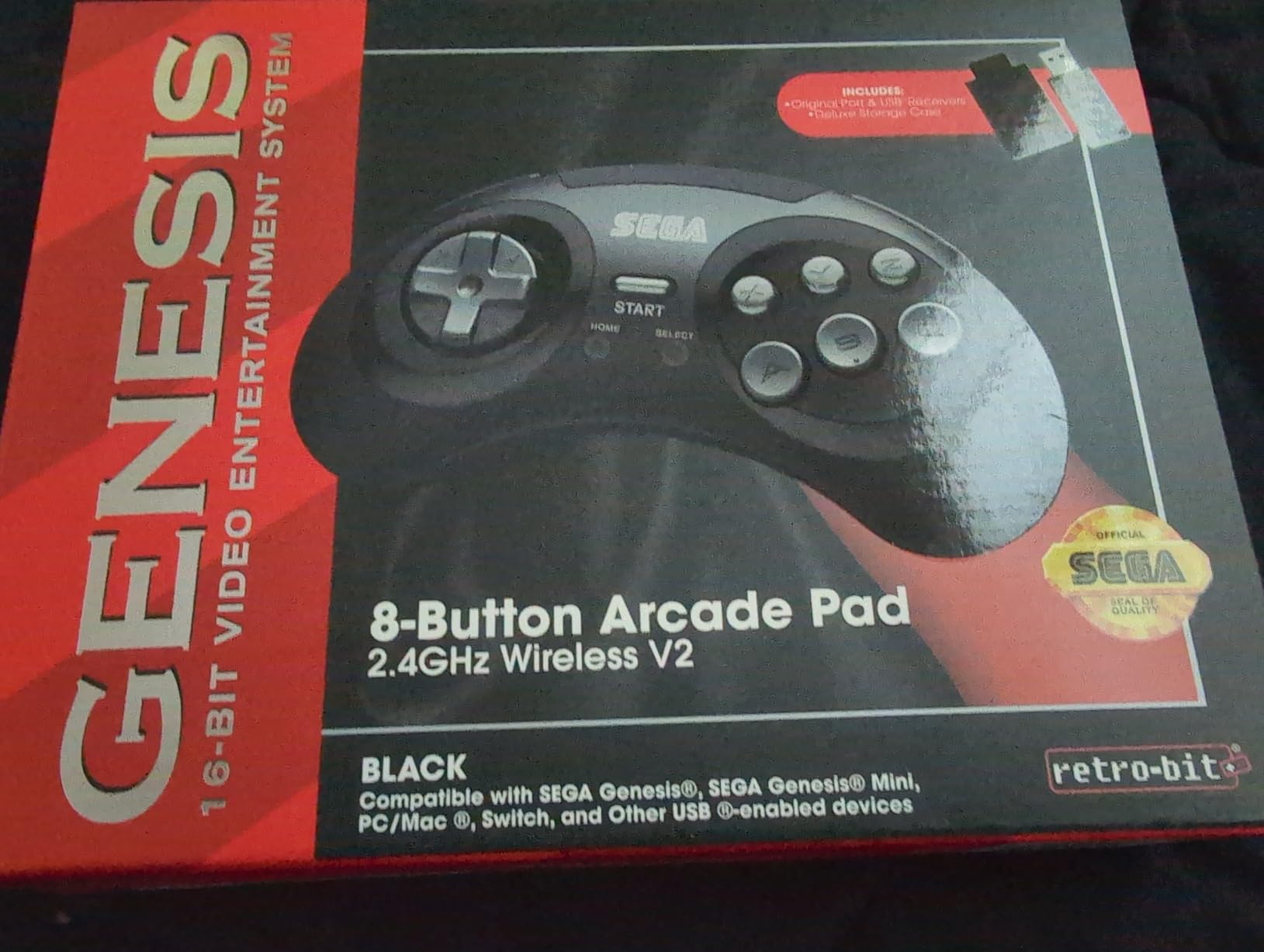
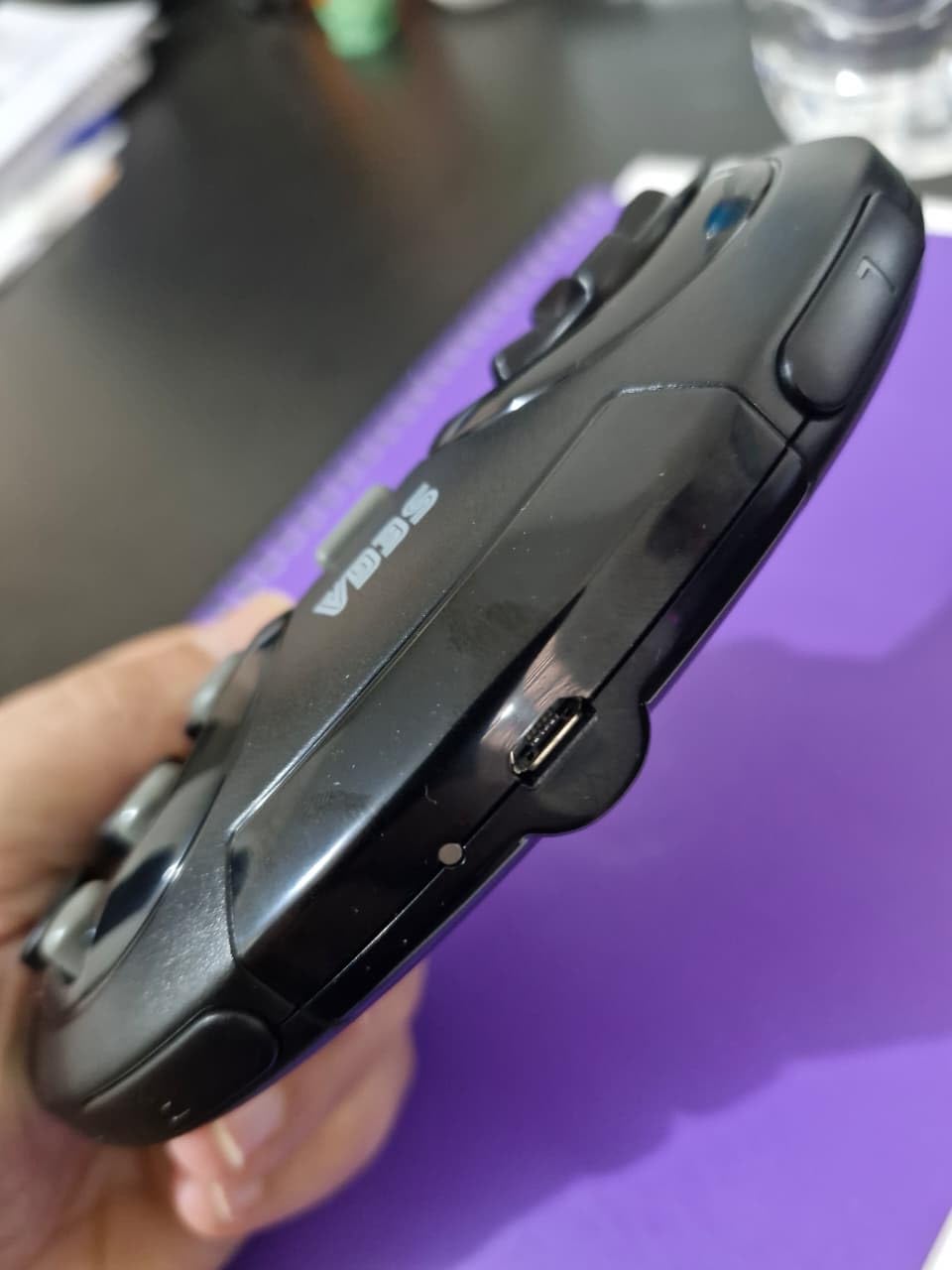
Two receivers are included, one USB and one for the original Genesis port, plus a storage case. It also covers Switch, PC, Mac and PS3, which is more platform coverage than most licensed Sega replicas offer.
Forum threads regularly single out the Sega line as the most convincing six-button solution, and this is the wireless version of that pick.
Who the wireless Genesis pad suits
It suits people who play on original Genesis hardware or a Genesis Mini but want to sit away from the console. It also suits PC players who want six buttons without a cable trailing across the desk.
Because two receivers are in the box, adding a second player on Sega hardware is straightforward.
Who should skip it
Skip it if you need modern USB-C charging or programmable shoulder buttons, as it uses micro-USB and offers no remapping. Reviewers also note the glossy shell marks easily.
10. Retro-Bit Tribute 64 – Best N64 Stick Feel on a Wireless Pad
Retro-Bit Tribute 64 2.4 GHz Wireless Controller for N64 & More (Orange)
- 8-way gated stick with a range and feel close to the original N64 pad
- Built-in rumble pak and memory card port plus dual Z buttons
- Works with N64 hardware Switch Online PC Mac and RetroPie
- Substantial shell reviewers compare favourably to Nintendo plastic
- Firmware update is required before it works out of the box
- L and R sit low in the shell and can feel mushy
- Some owners report stick misalignment or button failures within weeks
The Retro-Bit Tribute 64 is the best retro controller for stick accuracy, and that is why it earns a place despite a 4.1 average. The 8-way gated analog stick reproduces the original N64 range and feel far better than a modern flat pad can.
Reviewers who care about GoldenEye aiming and Mario Kart steering rate it highly. The shell feels substantial, with a weight closer to Nintendo plastic than most replicas.
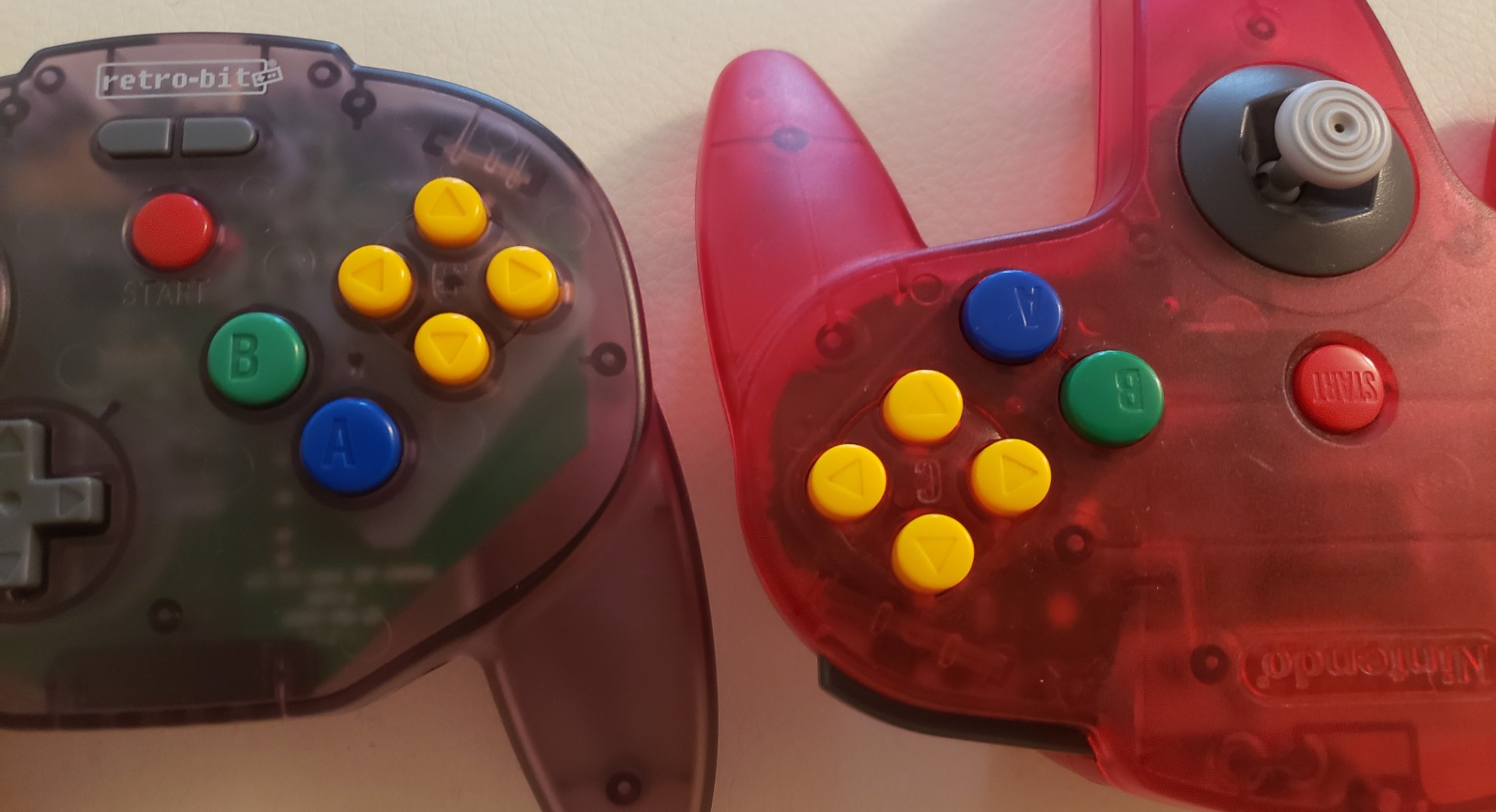
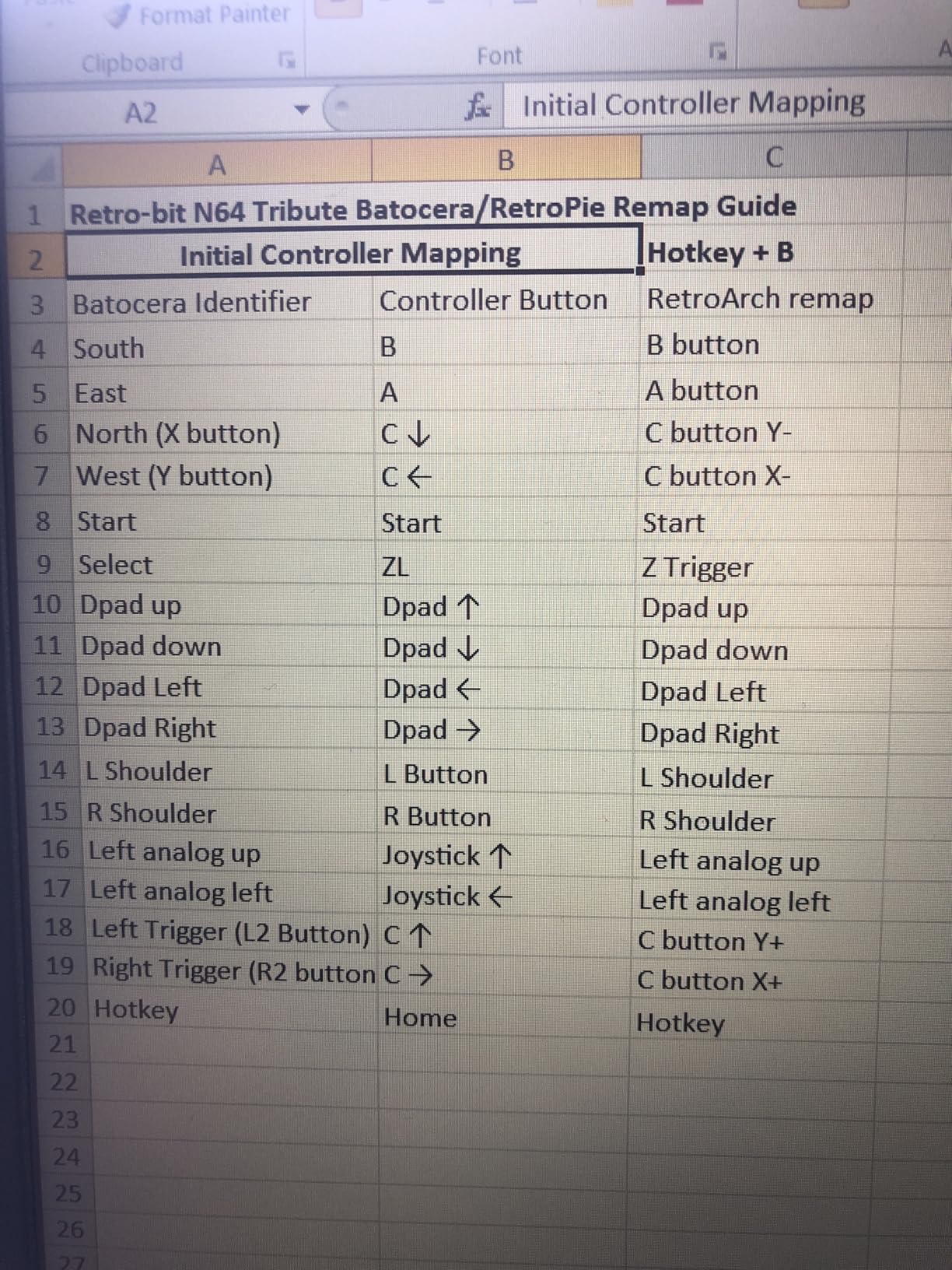
It includes both an N64 original port receiver and a USB receiver, so it covers original hardware, Switch Online N64 games, PC, Mac, RetroPie and Raspberry Pi. Rumble is built in through a rumble pak slot, and there is a memory card port plus dual Z shoulder buttons.
The catch is setup. Firmware updating is recommended before first use, and skipping it is the most common source of the complaints in the reviews.
Who the Tribute 64 suits
It suits players who play a lot of N64 emulation and want the gated stick, particularly for anything requiring analog precision. It also suits owners with original N64 hardware who want wireless without giving up the original port.
For Switch Online N64 titles, the included receivers handle it directly.
Who should skip it
Skip it if you want a pad that works the instant it is unboxed, because the firmware step is mandatory. Owners also report the L and R buttons sitting low in the shell and feeling mushy, plus occasional stick misalignment.
11. iNNEXT 2 Pack Wireless SNES – Best Wireless Pair for PC
2 Pack Wireless USB SNES Controller for Windows PC, macOS (Purple/Gray)
- Two wireless controllers with USB receivers in the box
- Stable 33 foot range with low lag for retro emulators
- Rechargeable batteries with roughly 10 hours of runtime
- Driver-free plug and play on Windows macOS Linux and Raspberry Pi
- Not compatible with Switch Android TV boxes or Chromebooks
- Basic plastic build compared with premium retro pads
The iNNEXT 2 Pack Wireless SNES is the best retro controller choice when you want two wireless pads for a PC. Both controllers and both USB receivers come in one box, so two-player SNES libraries are ready out of the box.
Each pad connects over 2.4GHz with a stated range of 10 metres, or 33 feet, and owners report stable performance with low lag in retro emulators.
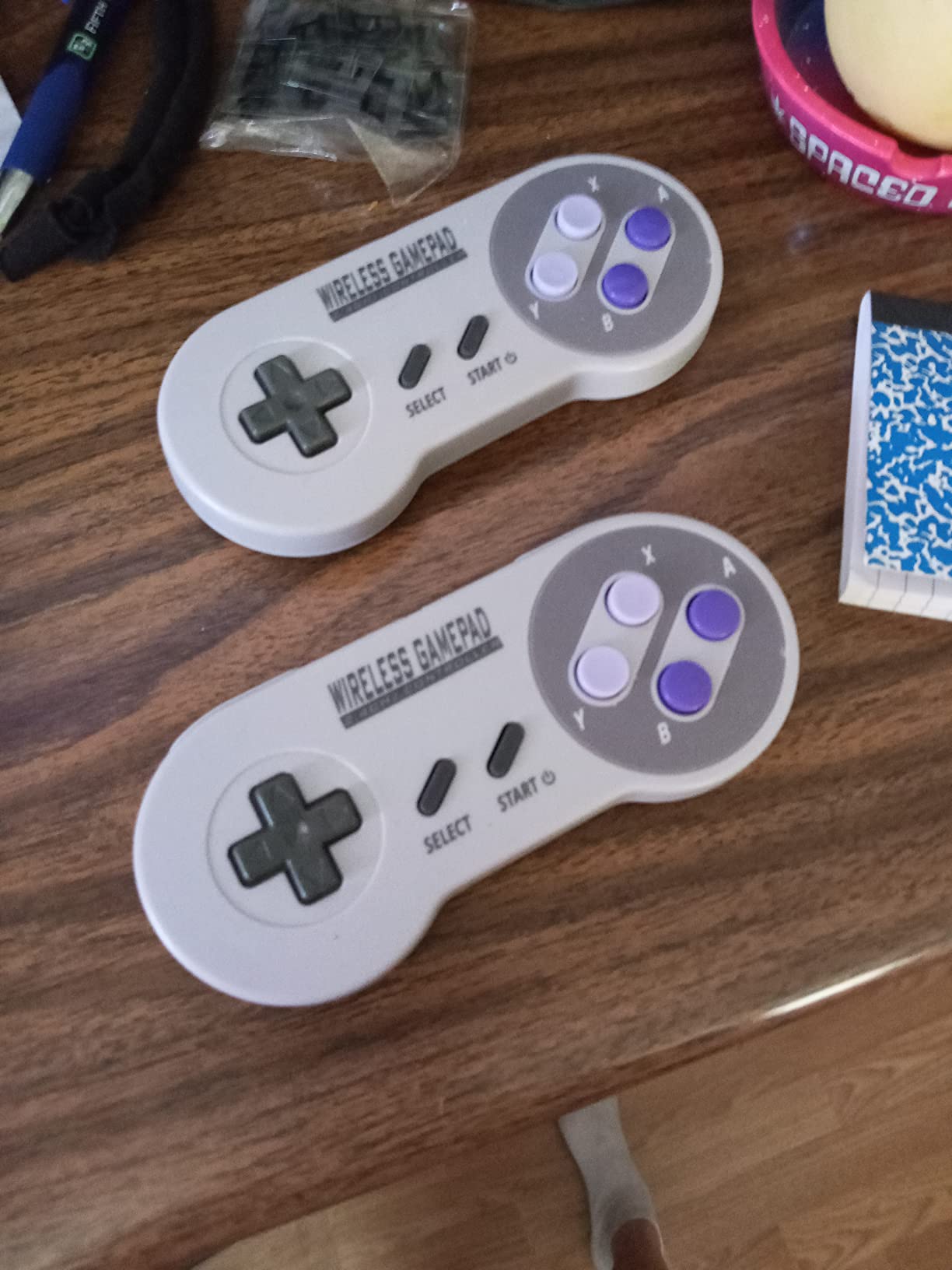
The batteries are built-in and rechargeable with roughly 10 hours of runtime, and charging cables are included. Pairing is driver-free on Windows, macOS, Linux and Raspberry Pi.
With a 4.3 average from just under 1,000 ratings, the feedback centres on two-pack value and quick pairing rather than premium feel.
Who the iNNEXT pair suits
It suits anyone setting up a shared living-room PC where two players want wireless freedom without a hub or a second purchase. It works with Snes9X, OpenEmu and Linux builds straight away.
It also suits people who move their setup between rooms, since the wireless link removes the cable length problem entirely.
Who should skip it
Skip it if you own a Switch, an Android TV box or a Chromebook, because it is not compatible with those devices. The basic plastic also feels a step below the licensed Sega and N64 pads if build quality matters to you.
12. SAFFUN 2 Pack Wireless N64 – Best for Switch Online N64 Games
2 Pack Wireless N64 Controller for Switch 1 & 2, N64 Console, Black/Gray
- Two wireless controllers covering original N64 and Switch 1 and 2
- Built-in rumble so no separate rumble pak is needed
- Rechargeable with roughly 10 hours of battery life
- Fast reliable reconnection after the first pairing
- Pairing can take two or three attempts
- Some platforms do not detect every button and need manual remapping
- Higher cost than other pads in this roundup
The SAFFUN 2 Pack Wireless N64 is the best retro controller for Nintendo Switch Online N64 games, because it ships with both USB and N64 receivers. One box covers a Switch, a Switch 2 and original N64 hardware.
Unlike the original N64 pad, it has rumble built into the shell, so you do not need a separate rumble pak to feel Mario Kart or Perfect Dark.
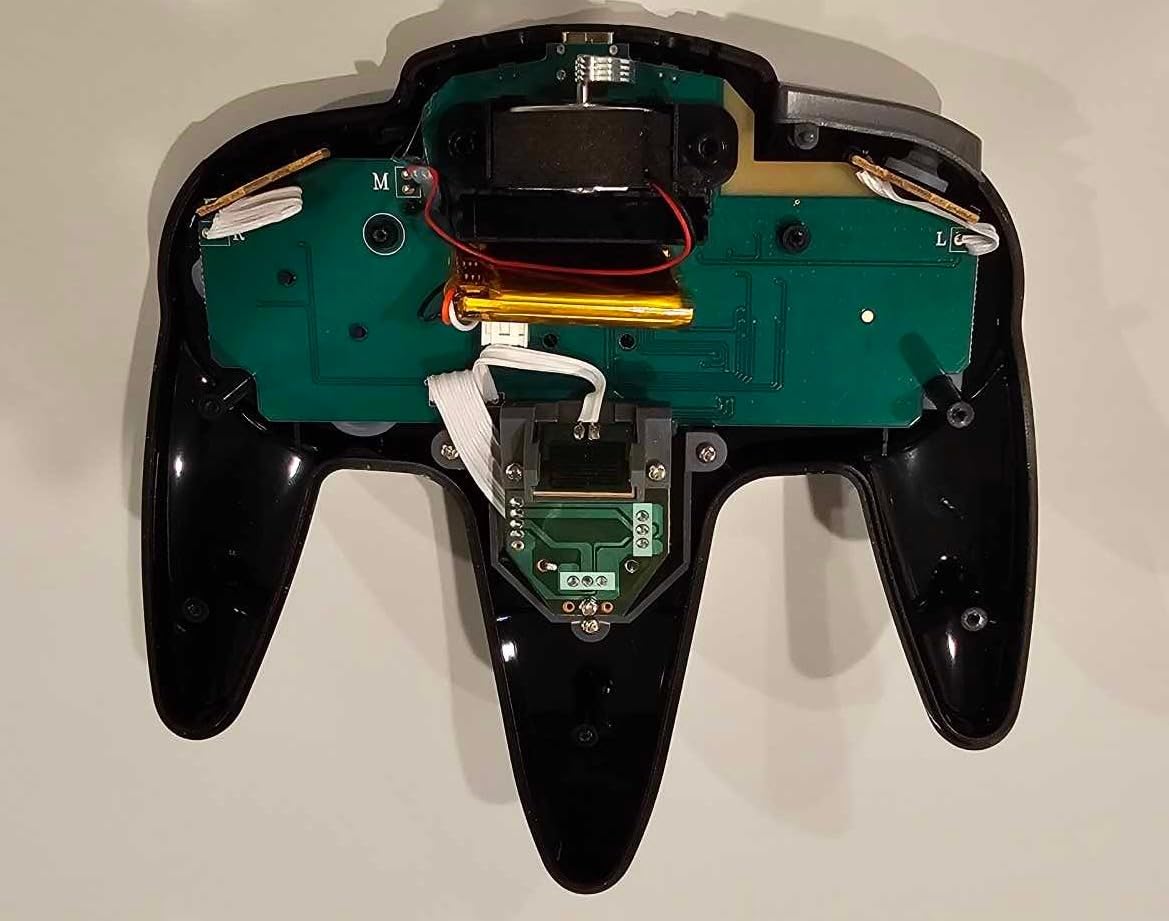
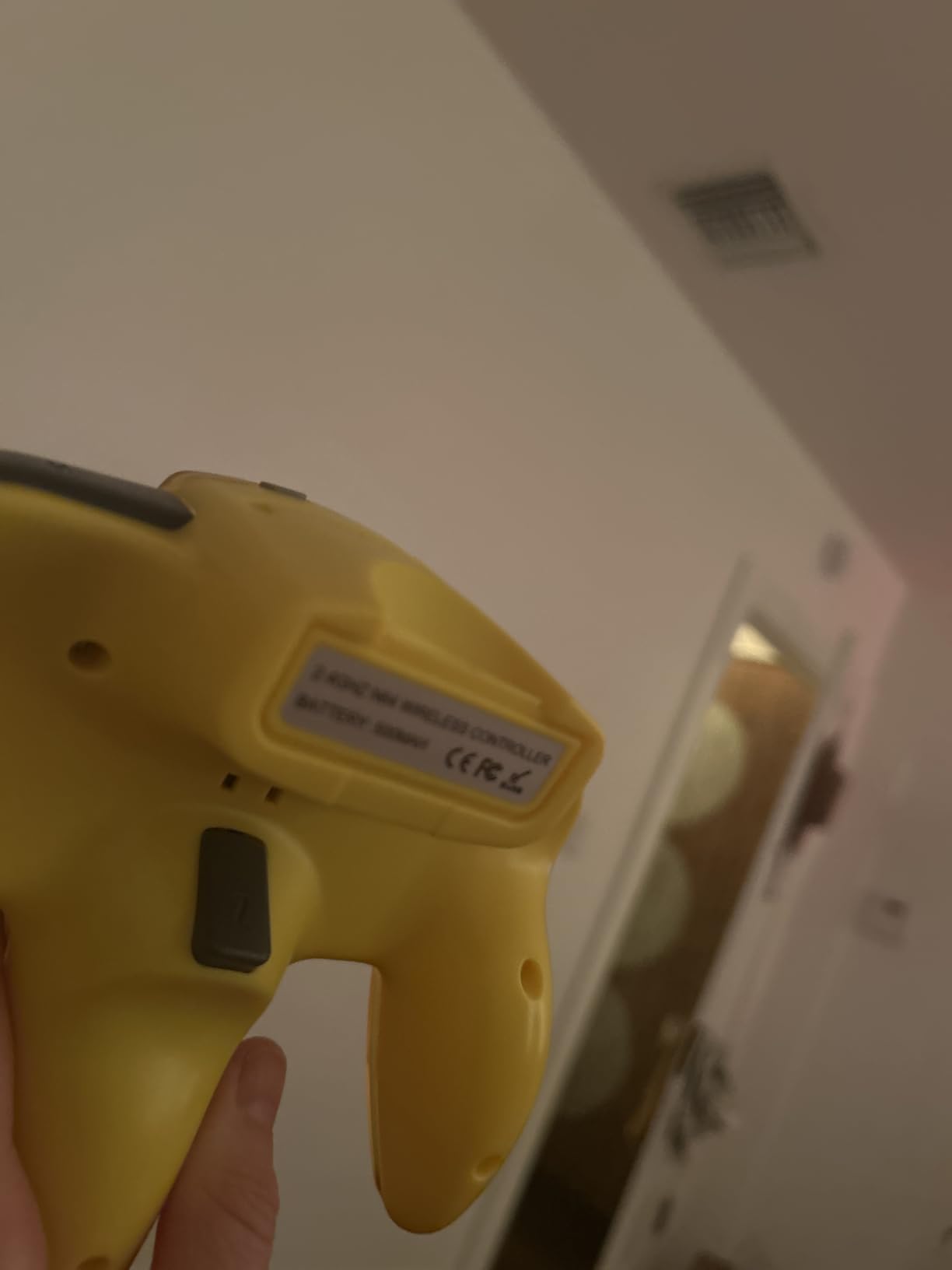
Status LEDs show player number and give a battery warning, and the 2.4GHz link has a stated 10 metre range. The pair is rechargeable with roughly 10 hours of runtime each.
Its 4.3 rating comes from around 500 ratings, so treat it as a smaller sample than the leaders here. A minority of owners needed remapping or replacements.
Who the SAFFUN N64 pair suits
It suits households split between Nintendo hardware and PC emulation, since the same pads work on both without adapters. Two controllers make it a ready-made two-player N64 setup for Switch Online.
It also suits anyone who wants a giftable pair rather than tracking down two matching used originals.
Who should skip it
Skip it if patience is thin during setup, because pairing can take two or three attempts on some platforms. If your platform does not detect every button out of the box, budget time for manual remapping.
How to Choose a Retro Controller in 2026
D-pad feel beats every other feature
A cross-shaped D-pad that clicks in all eight directions is the single thing that makes a retro controller feel right. Cheap pads use a thin disc that rocks under your thumb, which turns precise platforming into guesswork. The SN30 Pro, the wired Sn30 Pro USB and the licensed Genesis pad all use a proper cross.
Check whether the pad recentres instantly when you let go. If it stays angled, diagonals will register when you did not press them.
Hall Effect and TMR sticks versus potentiometers
Traditional analog sticks use a potentiometer, a pair of contact surfaces that wear and begin reading a small offset even when untouched. That drift is why original N64 and DualShock pads get replaced. Hall Effect sticks read position through magnetic fields instead, so there is no contact surface to wear.
TMR sticks work the same way with a different sensing principle and even tighter tolerances. Neither appears across every pad here, which is why the SN30 Pro and the GameSir Tegenaria Lite stand out for longevity rather than shape.
Wired, 2.4GHz or Bluetooth
Wired USB gives zero latency, no pairing and no batteries, and it is the right default for a fixed PC or mini-PC setup. The catch is cable length across a room.
2.4GHz dongles pair once and behave predictably, which makes them safer than Bluetooth on front ends that are awkward to pair. The Retro-Bit Genesis wireless and Tribute 64 both work this way. Bluetooth gives you a cable-free pad with no dongle to lose, but budget Bluetooth controllers are the ones forum threads report dropping connections or failing to re-pair after a Batocera reboot.
Standard layout versus six buttons
Emulators map a pad automatically when it reports a standard layout: two analog sticks, a D-pad, four face buttons, four shoulder buttons, Start and Select, and ideally a Home button. Anything missing a Home button makes it hard to reach the front end menu from inside a game without a keyboard.
Six-button pads break that pattern on purpose. If your library includes Sega arcade or fighting titles, accept a small remapping step in exchange for the buttons. Our fighting game controller picks go deeper on that side.
Which pad matches which era
For NES, SNES and Mega Drive libraries, a SNES-shaped or Sega-shaped pad is the natural fit. For Sega arcade and fighter games, go six-button. For N64, only a three-prong replica reproduces the gated stick and Z trigger properly. For original PlayStation and PS2 hardware, you need an adapter rather than a new pad, since those consoles expect a proprietary plug.
For collectors who want licensed shells and modern gamers who just want something that works, our broader PC controller roundup covers the non-retro end.
Why Your Retro Controller Is Not Working
Why is RetroArch not detecting my controller?
RetroArch sees controllers through the driver layer, so the fix is usually in the driver, not the pad. First, confirm the pad works on another machine or another program. Then, in RetroArch, disconnect it and reconnect it, and restart the front end rather than just the core.
Next, check Settings, then Input, then the driver for your platform, since Windows pads sometimes load as DirectInput while a game expects XInput. Finally, plug in only one controller while you test. RetroArch assigns devices in order, and a second pad left connected can take the slot you expected.
Why is my controller not working in EmulationStation?
EmulationStation usually detects a standard USB pad automatically on first launch. If it does not, hold a button during startup to bring up the configuration prompt, then map Start to select the port and press Start to save. RetroPie and Batocera both use this flow.
If the front end sees the pad but a game does not, the core is running a different driver than the front end, and you need to set the input driver inside the core menu. Per-emulator detection differences are the reason many owners report a pad working fine in PS1 and PSP emulators but failing in NES or SNES cores.
Why is my controller on but not responding?
A lit controller with no response usually means the buttons are reaching the device but not the emulator. Begin by rebooting the front end so it re-enumerates devices, then press a button to wake the pad if it has a sleep mode. Wireless pads are the usual culprits here, so recharge fully and re-pair rather than assuming a dead controller.
If it is wired, reseat the USB plug at both ends and try a different port, since some front ends enumerate ports in order and a pad on port three can land on player two. Finally, test the pad in a simple USB diagnostic page or a keyboard-mapped game to separate hardware from configuration.
How do I assign player 2?
Connect both controllers, then start the front end with both plugged in. Most front ends show a join prompt during startup, and pressing Start on the second pad claims the next player slot. In Batocera and RetroPie you can also assign player numbers from the controller settings menu.
If the second player cannot join, the pad is probably reporting a duplicate or non-standard layout, which is another argument for two matching controllers from the same two-pack.
What to Avoid When Buying Retro Controllers
Avoid used original DualShock and N64 pads unless you can test the stick. Drift is the single most cited reason owners on r/retrogaming replace originals, and it is not visible from the outside.
Avoid no-name pads advertised mainly for PS1 and PSP. They often work in those emulators while failing in 8-bit and 16-bit cores because of driver differences.
Avoid pads with no Home or Guide button if you plan to use a front end. Reaching the menu from inside a game then requires a keyboard.
Avoid six-button pads with undocumented remapping if your front end needs correct labels, since the Sega button order does not match Nintendo conventions. And avoid Bluetooth budget pads for Batocera or mini-PC builds, where re-pairing after a reboot is a recurring complaint.
Frequently Asked Questions
What is the best PC controller for retro gaming?
The 8BitDo SN30 Pro is the best all-round pick because its cross D-pad clicks cleanly in eight directions, its Hall Effect sticks do not drift, and it is recognised by Windows, Batocera, RetroPie and Steam Deck without remapping. If you want zero setup and no wireless, the wired 8BitDo Sn30 Pro USB is the cheaper alternative.
What is the best controller for Batocera?
Batocera accepts any standard USB gamepad, so a wired pad with a cross D-pad is the safest choice because there is no pairing step to fail. Hold a button at boot to reach the EmulationStation configuration prompt, map Start, and save. A 2.4GHz dongle pad works well if you need cable-free play.
Which games should I play with a controller?
Everything from 8-bit and 16-bit platformers through N64 games is designed around a D-pad, and Sega arcade and fighting titles specifically need six buttons. A SNES-shaped or Sega-shaped pad covers most retro libraries, while a three-prong N64 replica is the only shape that reproduces the gated analog stick properly.
Do I need Hall Effect sticks for retro emulation?
Not strictly, because most 8-bit and 16-bit games never touch the analog sticks. Hall Effect or TMR sticks matter most if you play N64, GameCube or PlayStation emulation, where drift ruins aiming and steering within a few years of ownership.
Should I buy original or replica retro controllers?
Originals feel authentic but carry drift risk and wear, especially on N64 and PlayStation pads. Replicas with Hall Effect sticks, USB-C and modern wireless give you the same shape with fewer long-term problems, which is why most players and forum regulars choose them for regular play.
The Best Controllers for Retro Gaming in 2026
The 8BitDo SN30 Pro remains the pick I recommend first, because its cross D-pad and Hall Effect sticks cover the widest range of libraries with no configuration. Buy the wired Sn30 Pro USB if you want zero pairing and a lower outlay, the M30 if six-button Sega games are in your rotation, and a three-prong N64 replica if GoldenEye or Mario Kart 64 is the main event.
Whichever you choose, buy two. Two-player retro is the reason most people get into this hobby, and every two-pack on this list covers it without a second purchase. Our competitive gaming controller picks are worth a look if you also want something tuned for modern shooters.