
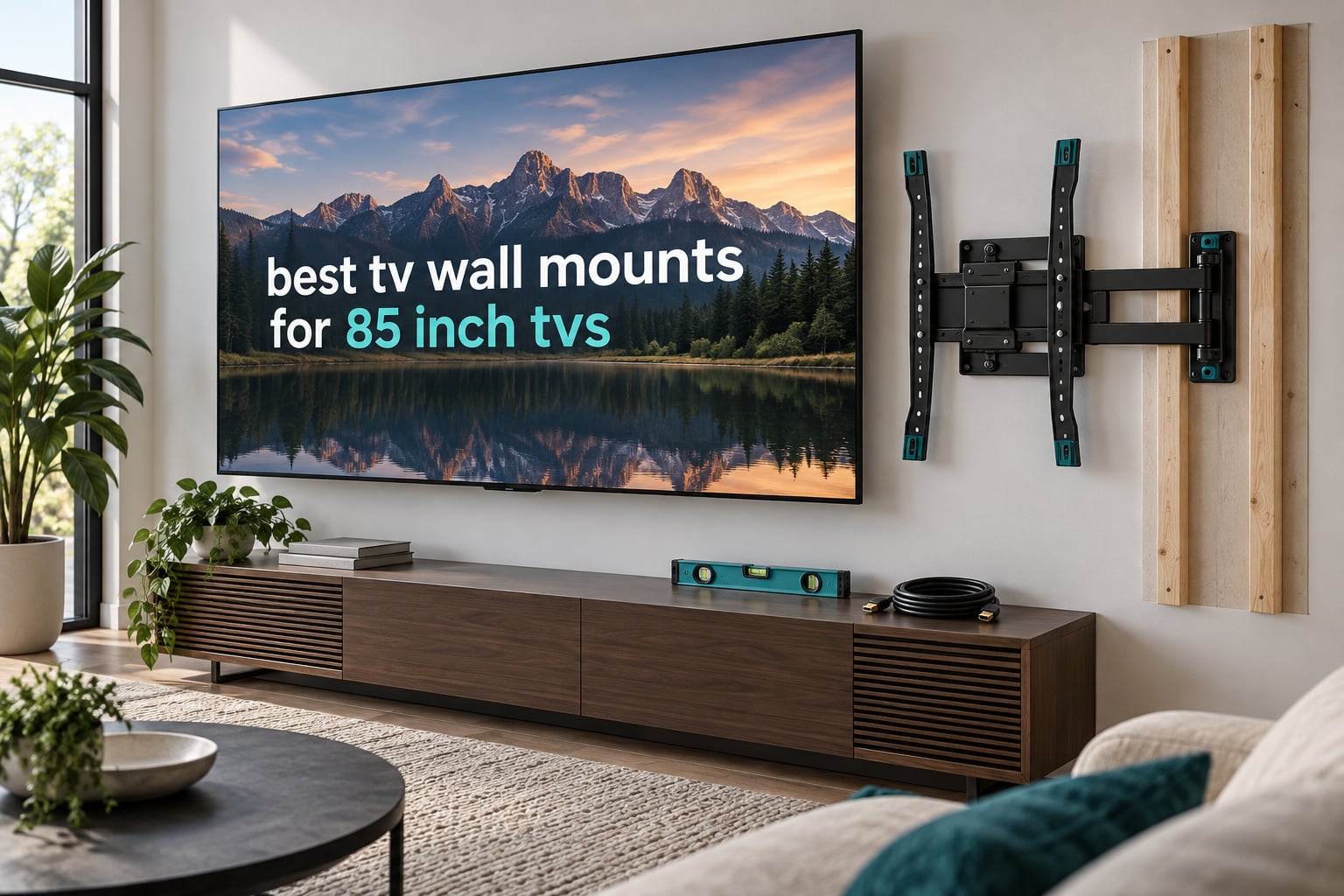
Yes, an 85 inch TV needs a mount rated well above its weight. Most 85-inch sets land between 85 and 100 lbs and use wide VESA hole patterns such as 600x400mm, so the best TV wall mounts for 85 inch TVs in 2026 all carry a load rating of at least 125 lbs and cover VESA up to 600x400mm or wider. Mount to studs only, and leave roughly 20 percent capacity headroom above the TV’s actual weight.
That is the short version. The longer version is that at 85 inches you are not really choosing a bracket, you are choosing a wall strategy, a load path and an access plan. A mount that looks adequate in a product photo can fail quietly when it is extended 16 inches from the wall, because leverage multiplies every pound the TV weighs.
We compared ten of the highest-rated mounts that genuinely cover 85-inch sets, read through more than 690k owner reviews between them, and weighted the specs that actually decide whether a screen hangs safely. We also leaned on what owners report after the box is open and the TV is up, since the gaps between spec sheets and real installs are where problems show up.
A note on how we make money: this article contains affiliate links, and we may earn a commission if you buy through them. It does not change what we write. Readers on home theater forums repeatedly say they distrust undisclosed recommendations, so we test against the data rather than against a sponsorship.
Table of Contents
Top 3 TV Wall Mounts for 85 Inch TVs in 2026

Mounting Dream Tilting Mount
- Rated to 132 lbs
- 1.5 inch wall clearance
- 8 degree tilt
- 24 inch stud spacing

Mounting Dream Full Motion
- Rated to 154 lbs
- Extends 16.6 inches
- Swivel and tilt
- Leveling adjustment

BONTEC Full Motion Mount
- Rated to 132 lbs
- Plus or minus 45 degree swivel
- VESA 600x400mm
- Retracts to 2.6 inches
The Mounting Dream tilting mount takes the top slot because it does the least amount of moving and that is exactly what a heavy screen wants. More than 120k reviews at 4.7 stars tell you the steel holds and the install is genuinely quick.
The full-motion Mounting Dream earns the highest average rating in the group and carries the biggest load rating among the articulating mounts here, so it is our pick when you want to reach the HDMI ports after hanging.
The BONTEC mount is the budget-friendly way into swivel and tilt at 85 inches, and it carries more than 63k reviews from owners who confirm it handles large screens. The trade-off is a shorter warranty than its rivals.
Every TV Wall Mount We Compared for an 85 Inch TV in 2026
| Product | Specifications | Action |
|---|---|---|
| Mounting Dream Tilting Mount 37-90 Inch |
|
Check Latest Price |
| Mounting Dream Full Motion 42-90 Inch |
|
Check Latest Price |
| BONTEC Full Motion 37-85 Inch |
|
Check Latest Price |
 USX Mount Full Motion 42-90 Inch USX Mount Full Motion 42-90 Inch |
|
Check Latest Price |
 ECHOGEAR MaxMotion 42-90 Inch ECHOGEAR MaxMotion 42-90 Inch |
|
Check Latest Price |
 Pipishell Low Profile Tilt 37-90 Inch Pipishell Low Profile Tilt 37-90 Inch |
|
Check Latest Price |
 HOME VISION Heavy Duty Fixed 32-86 Inch HOME VISION Heavy Duty Fixed 32-86 Inch |
|
Check Latest Price |
 Perlegear Full Motion 45-95 Inch Perlegear Full Motion 45-95 Inch |
|
Check Latest Price |
 ECHOGEAR Tilting 40-90 Inch ECHOGEAR Tilting 40-90 Inch |
|
Check Latest Price |
 USX Mount Long Arm 50-100 Inch USX Mount Long Arm 50-100 Inch |
|
Check Latest Price |
1. Mounting Dream Tilting Mount for 37-90 Inch TVs – Best Overall for an 85 Inch TV
Mounting Dream Tilting TV Wall Mount for Most 37-90 Inch TVs up to 132lbs
- Rated to 132 lbs with support for 16
- 18 and 24 inch stud spacing
- 1.5 inch profile keeps the screen near the wall
- 8 degree tilt fixes glare from high or above-fireplace installs
- Three-step install with wall template and bubble level included
- 10 year warranty
- No lateral movement so cables must be connected before lifting
- Tilt range shrinks if the spacers are left out
- Release straps are visible and less secure than a tool-secured lock
Simple, rigid and rated 50 percent above the weight of most 85-inch sets. That combination is why this is the first mount I would install rather than the flashiest one in the lineup.
The bracket is a two-piece design with no moving joints between the wall plate and the TV plate, which means there is no arm to flex and no pivot to wear out. Owners with 65 and 75 inch panels report zero wobble, and the design logic scales cleanly to 85 inches.
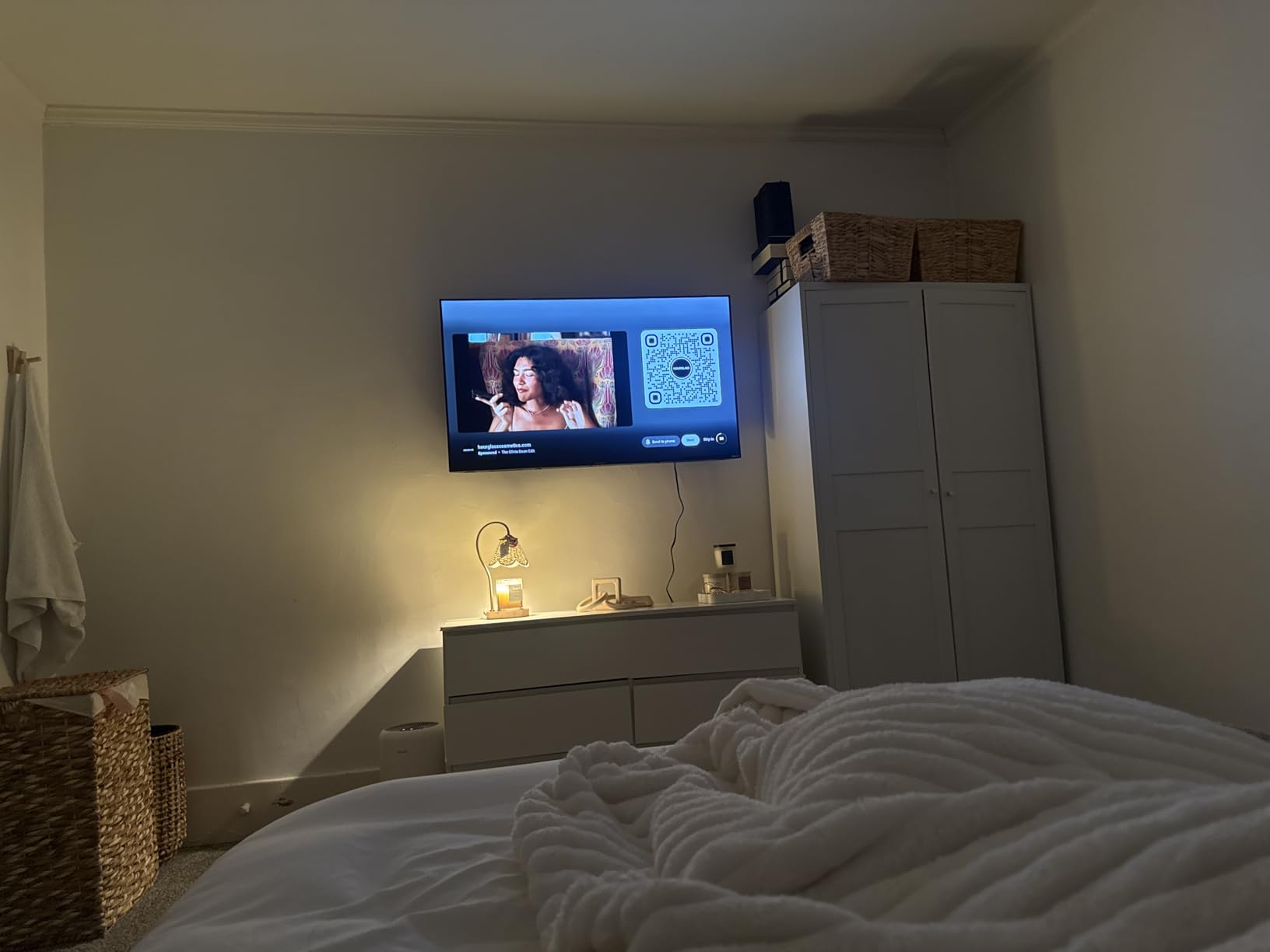
The spec that matters most here is stud spacing. This mount fits 16, 18 and 24 inch on-center framing, so it works in almost any standard American interior wall without relocating studs or cutting new blocking.
Owners also single out the installation itself: a paper template, a bubble level in the box and a genuine three-step sequence. You mark, drill, level and hang. With an 85-inch panel you will want a second person lifting, but the bracket work itself is short.
Why the 20 percent headroom rule favors this bracket
A typical 85-inch set weighs somewhere between 85 and 100 lbs. A 132 lb rating leaves roughly 30 percent headroom even at the heavy end, which is the margin we want to see before a 77-inch screen ever leaves the box.
Fixed geometry also means the load path is direct. Leverage only builds when an arm pushes the screen out from the wall, and this bracket never does that. On a screen this size, removing that variable is worth more than any swivel range.
Where this mount disappoints you
Zero lateral movement is the trade-off, and it is not a small one. The most common complaint in the reviews is that cables must be plugged in before the TV is lifted, because once it is up you cannot reach around the panel.
The 8 degree tilt is also tighter than most above-fireplace installers would like, and the pull straps are visible from the side of the room. Neither is a safety problem, but both show up in a room you look at every day.
2. Mounting Dream Full Motion Mount for 42-90 Inch TVs – Best for Reaching Cables
- Highest load rating among the articulating mounts here at 154 lbs
- Dual cold-formed steel arms hold position without drift
- Extends 16.6 inches so side-mounted HDMI ports are reachable
- Retracts to 2.5 inches when you want a clean look
- Post-installation leveling of plus or minus 4 degrees
- Arm hardware arrives very tight and can strip
- Factory power cord can be too short at full extension
- Two people are required for installation
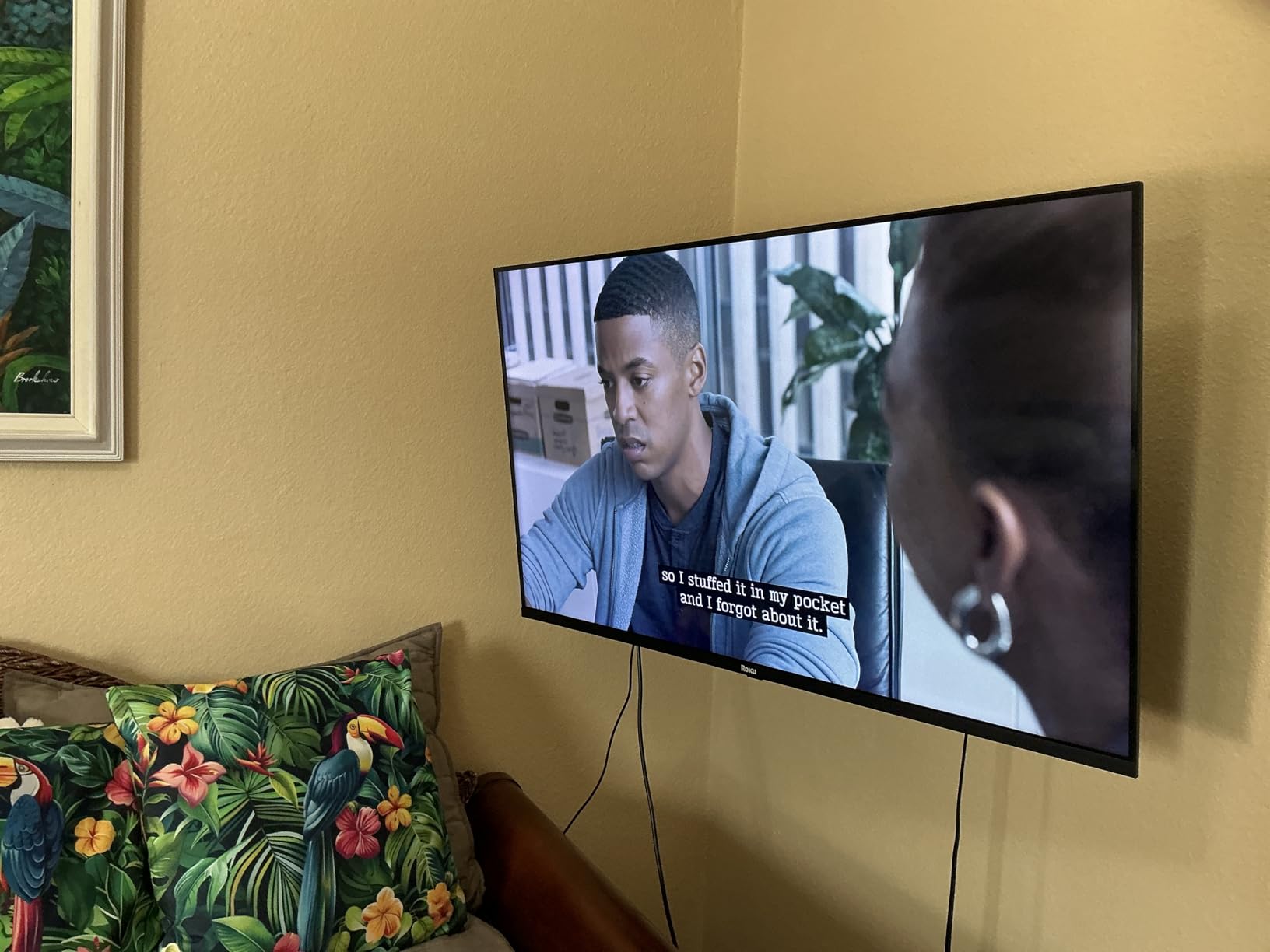
If your 85-inch set has its HDMI ports on the side, cable access stops being a nice-to-have. This mount extends 16.6 inches and retracts to 2.5 inches, so you can pull the panel out, plug in, and push it back flush.
It carries a 154 lb rating, the highest in the articulating group, on a dual-arm design with six articulating points in cold-formed steel. That is a meaningful margin over a heavy 85-inch panel.
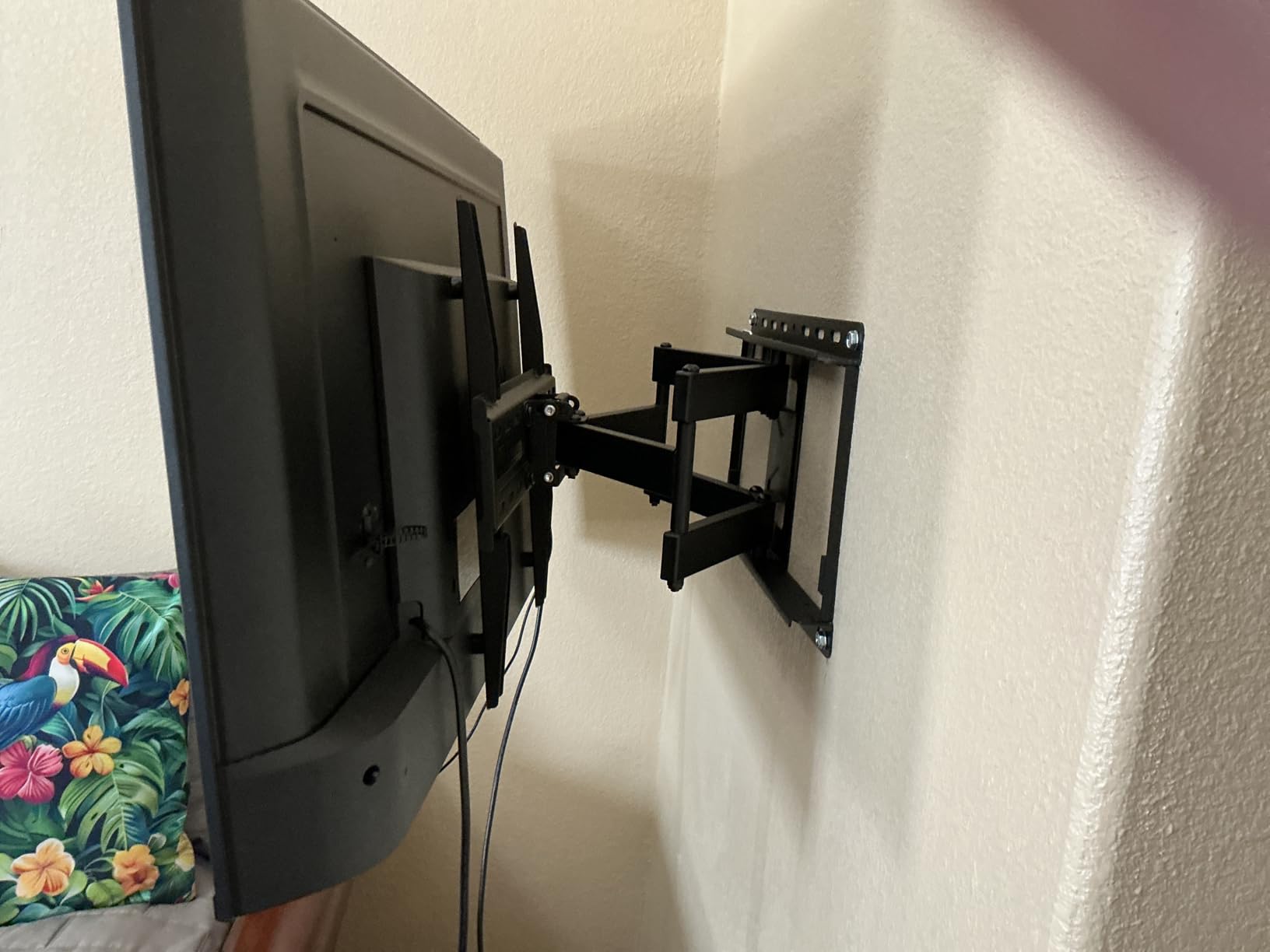
The 4.8 average is the highest of the ten mounts we looked at, and the review volume behind it is enormous. Buyers consistently describe the arms as feeling more substantial than hardware costing several times as much.
Post-installation leveling of plus or minus 4 degrees is the sleeper feature. Walls are never perfectly plumb, and being able to correct a crooked install without pulling the TV off the wall saves hours.
Why cable access drives the buying decision for 85 inch sets
An 85-inch panel is physically awkward to handle behind. Most owners who regret a mount regret the one that put the screen 1.5 inches off the wall, because they needed a ladder and a helper every time they swapped a device.
Buying an articulating mount up front removes that recurring tax. You will use the ports far more often than you expect the first time you plan the install.
Where this mount disappoints you
The arm nuts arrive very tight and can strip when loosened, which is a real annoyance during first-time assembly. Budget a few extra minutes and the right driver size.
At full extension the factory power cord may not reach your outlet, and a two-person lift is mandatory on a panel this size. Both are planning problems rather than design flaws, but they are real.
3. BONTEC Full Motion TV Wall Mount for 37-85 Inch TVs – Best Value
BONTEC Full Motion TV Wall Mount for 37-85 Inch TVs, Heavy Duty Swivel Tilt
- Reinforced cold-rolled steel dual-arm build suits large screens
- Plus or minus 45 degree swivel covers off-axis seating
- Retracts to 2.6 inches for a tidy finished look
- Level adjustment of plus or minus 3 degrees corrects crooked installs
- Cable ties and a video guide included in the box
- Only a 6 month warranty
- shorter than every rival here
- Not rated for drywall-only walls
- Five percent one-star reviews
- the highest share in this group
The cheapest route to real articulation on an 85-inch screen, and the specs back it up. A 132 lb rating against VESA up to 600x400mm is exactly the pairing an 85-inch set needs.
The reinforced dual-arm structure in cold-rolled steel is what separates it from thin generic brackets. It is not the heaviest build in the group, but at this load rating the steel gauge is honest.
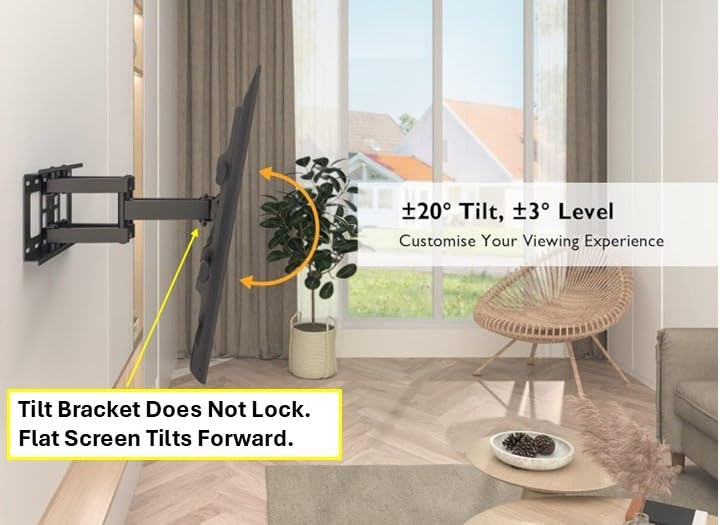
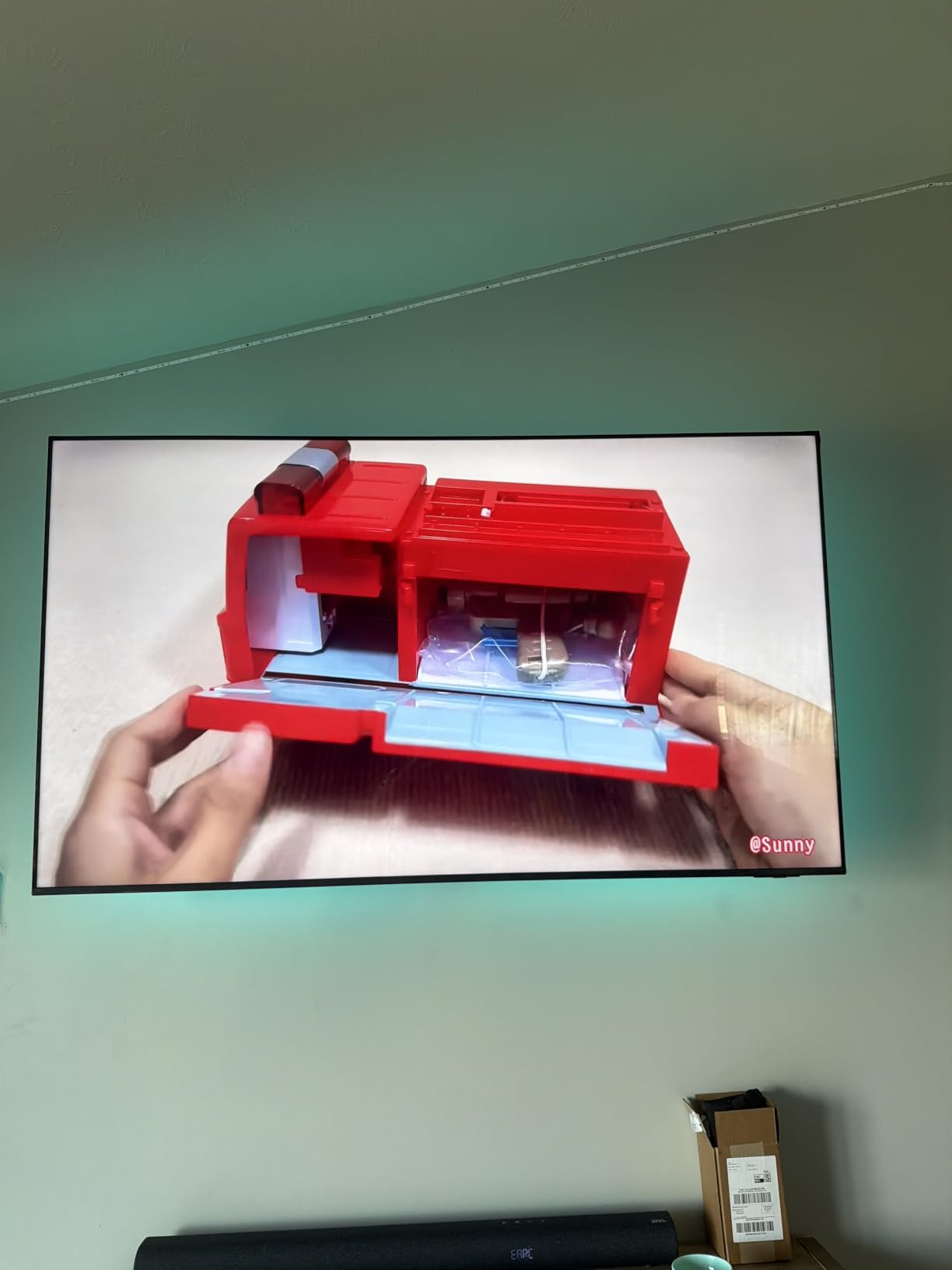
Buyers confirm across the reviews that it handles 65 through 85 inch panels without complaint about flex. The 45 degree swivel is wide enough to solve glare from a window or a side seating position.
It fits 16 inch wood studs plus concrete and brick, so it adapts to basement and exterior walls as well as standard framing. Cable ties are included, which is a small courtesy most brackets skip.
What you give up to hit this weight class
The 6 month warranty is the headline weakness. Every other mount in this group carries years of coverage, and a 6 month window on a bracket holding a very expensive screen is a genuine gap.
The 4.6 average is also among the lowest here, with a 5 percent one-star share, and reviewers attribute that to durability doubts and installation fit issues for a minority of buyers. The rating is still strong, just less unanimous.
Whether it suits above-fireplace or corner installs
Ten degrees of tilt and 45 degrees of swivel is enough for most living rooms, including a high or above-fireplace position where you are fighting downward reflections.
For a true corner seat you would want more reach than 15.4 inches offers. If your room needs the screen 20 inches or more off the wall, move up to the long-arm picks further down.
4. USX Mount Full Motion Dual Arm Bracket for 42-90 Inch TVs – Best for Stable Articulation
- Viewing angle stays where you set it with no creep
- VESA range runs from 200x100mm to 600x400mm
- Pre-labeled hardware bags make assembly straightforward
- Bubble level
- peel-and-stick template and cable ties included
- Owners report mounting two 75 inch sets
- Extended arms can show flex with very large screens
- Supplied bolts may be too short for some TV backs
- Concrete anchors must be sourced separately
The defining trait in the reviews is that the angle you set is the angle it keeps. Drift over months is the most common complaint about articulating mounts, and this one does not have it.
With 132 lb of capacity, 45 degrees of swivel and 16.49 inches of extension, it covers the same ground as the BONTEC with a better ownership record and a 4.7 average.
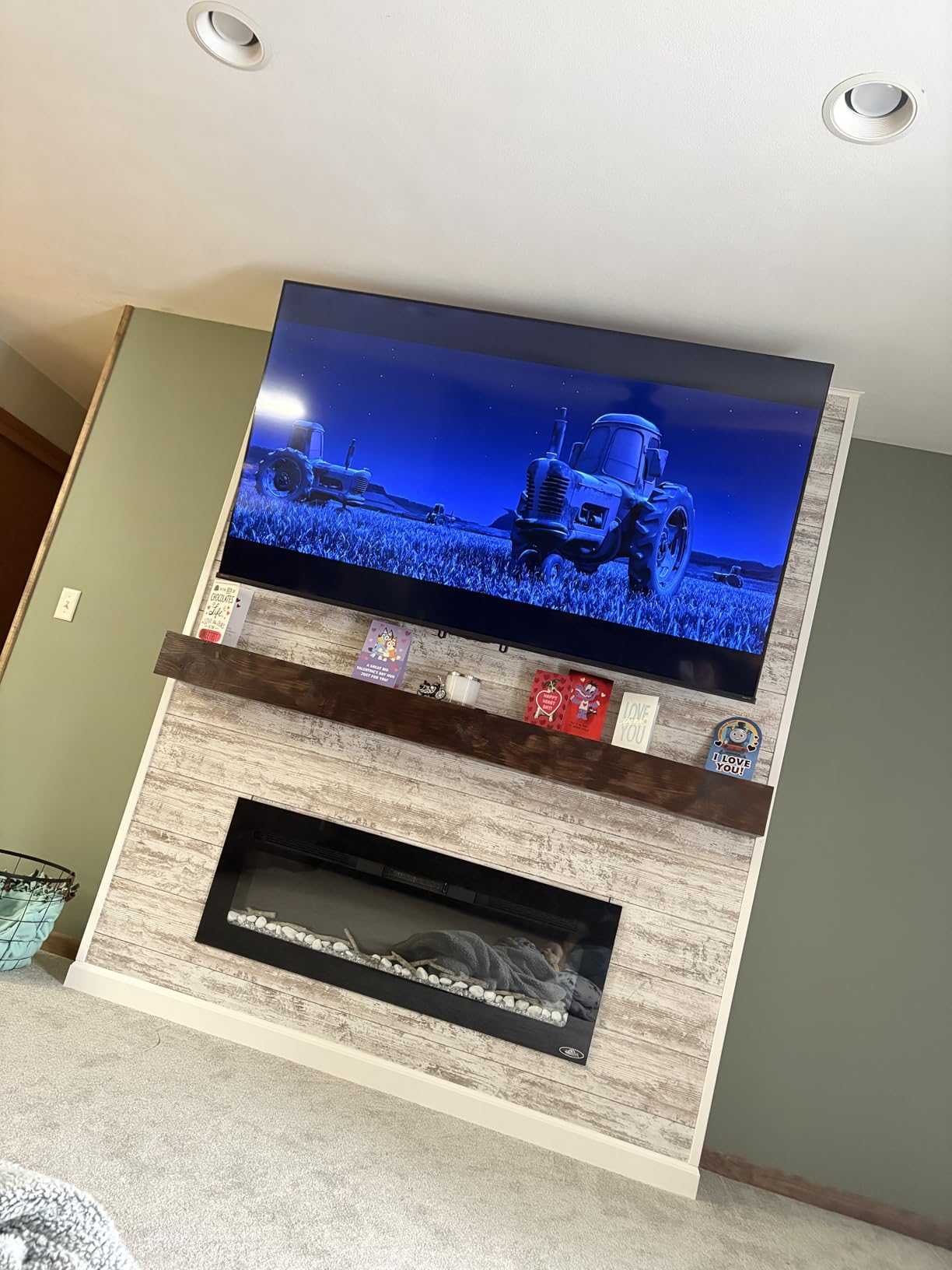
Hardware arrives in individually labeled bags, and the box includes two bubble levels plus a peel-and-stick mounting template. That level of organization matters on a bracket that has to be precisely aligned between two studs.
The VESA range starts at 200x100mm, so it is genuinely universal rather than nominal. Owners with mixed brand households report using it on everything from smaller sets to large panels.
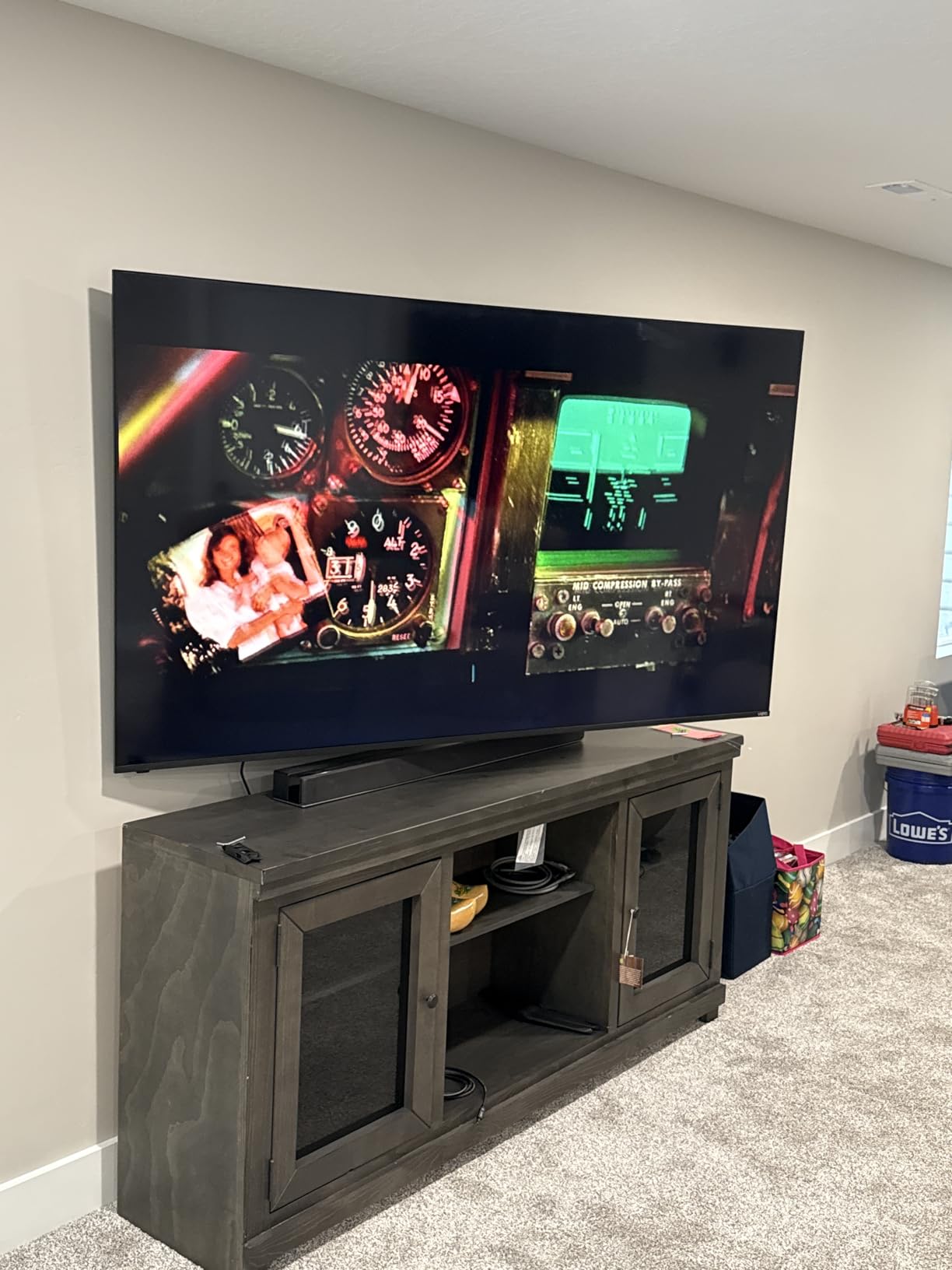
Why 132 lb matters more than the swivel number
Owners of 65 inch and larger sets describe the arms as having a little flex when pulled fully out. The load rating is still well clear of an 85-inch panel’s weight, but it tells you the arm is working near its design range rather than far below it.
If you are never going to extend the mount, that flex is irrelevant and you get the stability benefit at full retraction. The flex question only becomes real if extension is a daily habit.
What to check before you commit
Some owners found the supplied TV-side bolts too short to reach through their panel’s mounting holes. Measure the depth of your bolt holes and compare before you start, or plan to source longer bolts.
Concrete anchors are not included, and accurate stud location with clean pilot holes matters more on this design than on a fixed bracket. Take an extra five minutes with the template and it goes in cleanly.
5. ECHOGEAR MaxMotion TV Wall Mount for 42-90 Inch TVs – Best for the Longest Reach
- Heaviest steel frame in the group with no flex at the pivots
- 22 inch extension is the longest reach here
- Handles unusually wide stud spacing found in older homes
- UL listed construction
- One owner has used the same mount since 2016
- No vertical adjustment once the TV is hung
- Back of the screen sits about 2.4 inches off the wall fully retracted
- Concrete anchors must be bought separately
Twenty-two inches of extension is the reach that changes what you can do with a room. It pulls the screen far enough off the wall to reach ports, to angle away from a window, or to watch from an adjacent seating area.
The build is noticeably heavier than its price band suggests. Reviewers describe a solidly constructed steel frame with no play in the swivel points, which is why the 4.8 average holds.
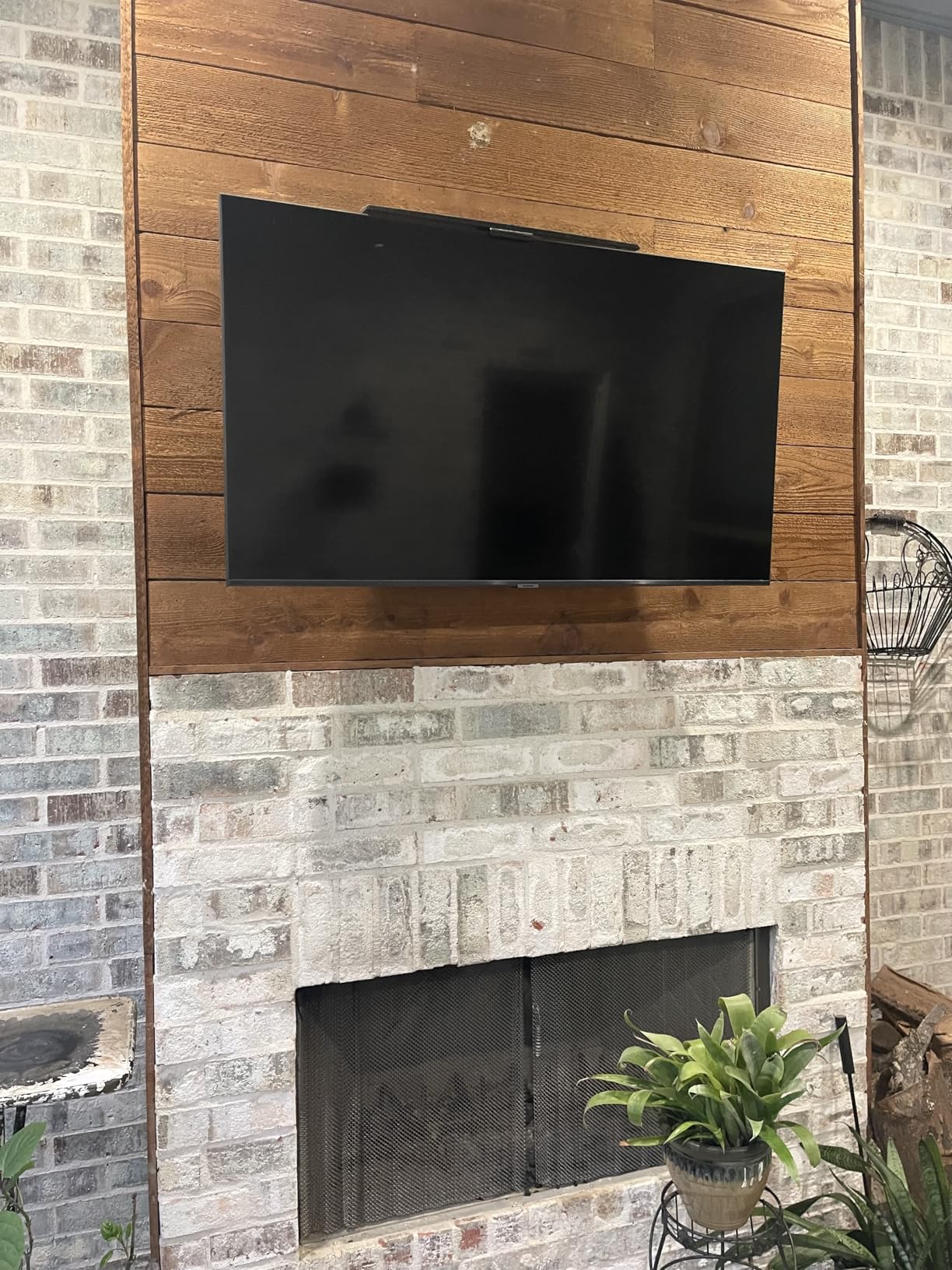
It also accommodates unusually wide stud spacing, a real problem in older homes where framing does not follow modern conventions. That single feature resolves a headache that otherwise forces you to cut new blocking.
Owners report it carrying an 86 inch TCL and an 83 inch OLED without drama, and one has had the same mount in daily use since 2016 without sag. Longevity is the strongest argument for this bracket.
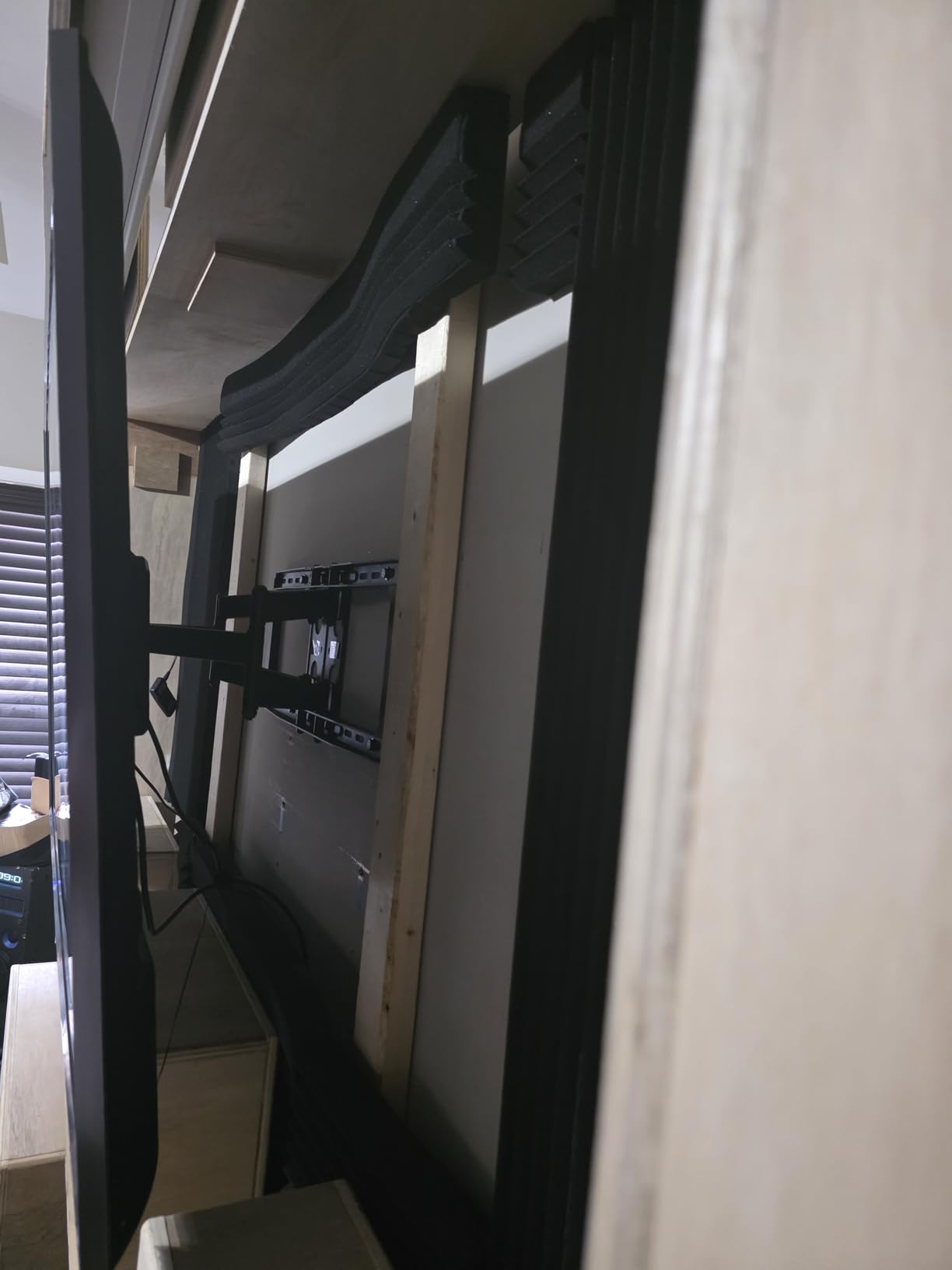
What 130 degrees of swivel actually buys you
It lets you swing the screen to face a side seat, a window or a second row of seating without moving the bracket. In an open-plan room that is the difference between a TV you watch and a TV you angle.
The extension also solves the cable problem outright. At 22 inches there is real hand clearance behind a 77-inch wide panel, which no fixed or short-profile mount can offer.
The vertical movement gap and the 125 lb ceiling
Buyers consistently want up and down movement after installation and this mount does not provide it. If you are not confident in your mounting height, solve that before you drill rather than after.
At 125 lbs it is the lowest load rating among the articulating mounts here. That still covers a typical 85-inch set, but the headroom is thinner than the 150 and 154 lb mounts, and the back of the TV still sits about 2.4 inches off the wall even fully retracted.
6. Pipishell Low Profile Tilt Mount for 37-90 Inch TVs – Best for a Flush Look
Pipishell Tilt TV Wall Mount Bracket Low Profile for Most 37-90 Inch LED LCD OLED Plasma Flat Curved TVs, Large Tilting Mount Fits 16″-24″ Wood Studs Max VESA 600x400mm Holds up to 132lbs
- 1.44 inch wall clearance is among the tightest available
- Open wall plate design lets it mount over an electrical outlet
- Fits 16 to 24 inch stud spacing
- the widest range here
- 5 year manufacturer warranty
- Pull-cord lock with chamfered edges to prevent slipping
- Fixed tilt design with no swivel or extension
- Concrete and brick walls need separate anchors
- No lateral adjustment so studs must line up with the holes
The largest review base we looked at, and a thin 1.44 inch profile that makes an 85-inch panel look like a built-in rather than a hung object. For a flush aesthetic this is hard to beat at any budget.
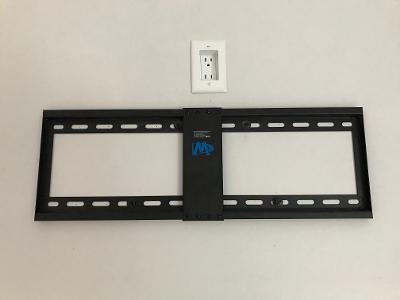
The open wall plate design is a genuinely clever detail. Because the plate is open in the middle, you can mount it directly over an existing outlet and plug the set in without routing a cable sideways.
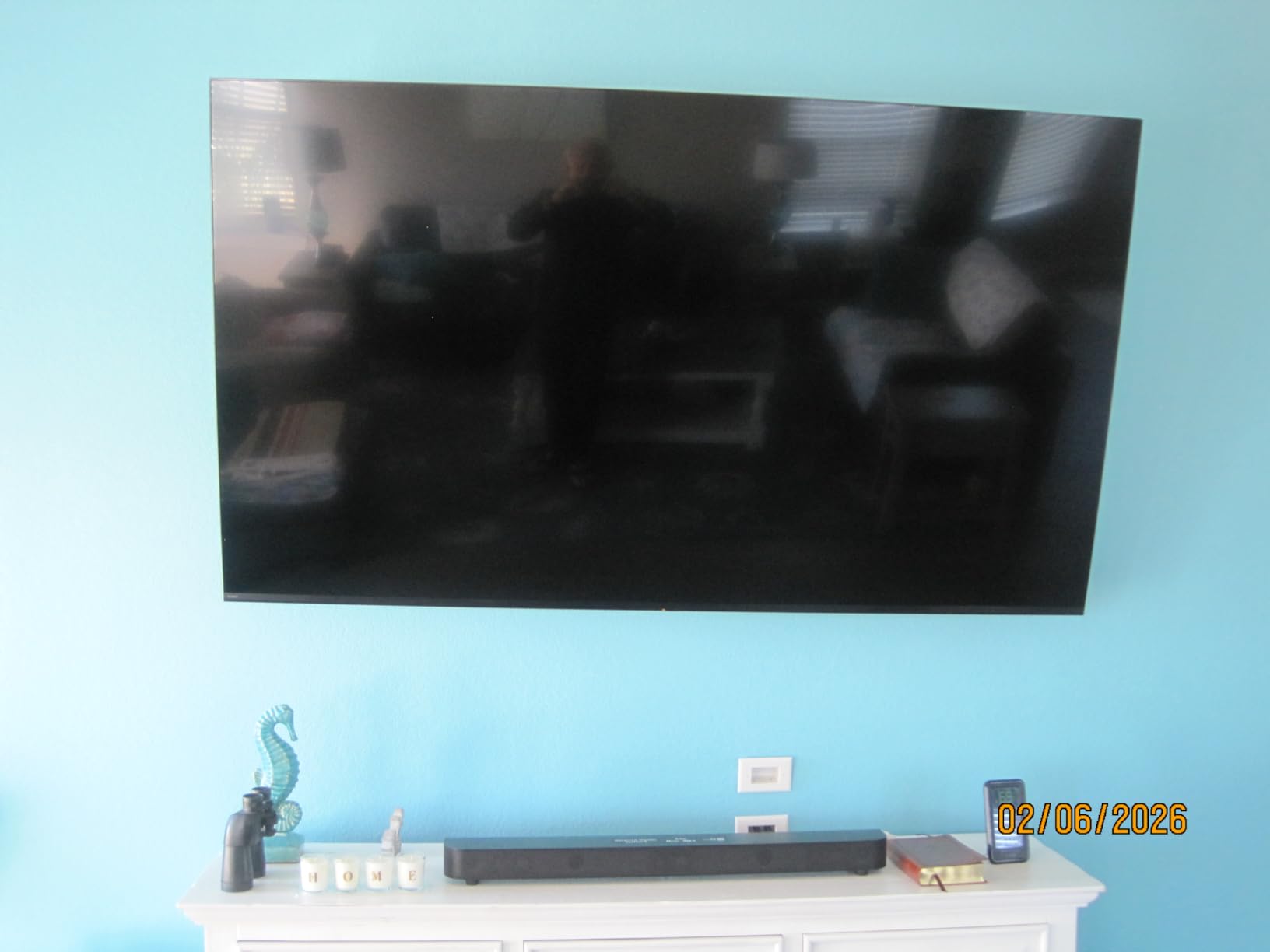
Seven degrees of tilt is enough to tame reflections when the screen sits high, and the chamfered panel edges plus pull-cord lock keep the panel from slipping on the brackets.
On an Audioholics thread about an 85-inch Sony, Pipishell long-arm options came up as a recommended name. The brand has a track record with exactly the size class people ask about here.
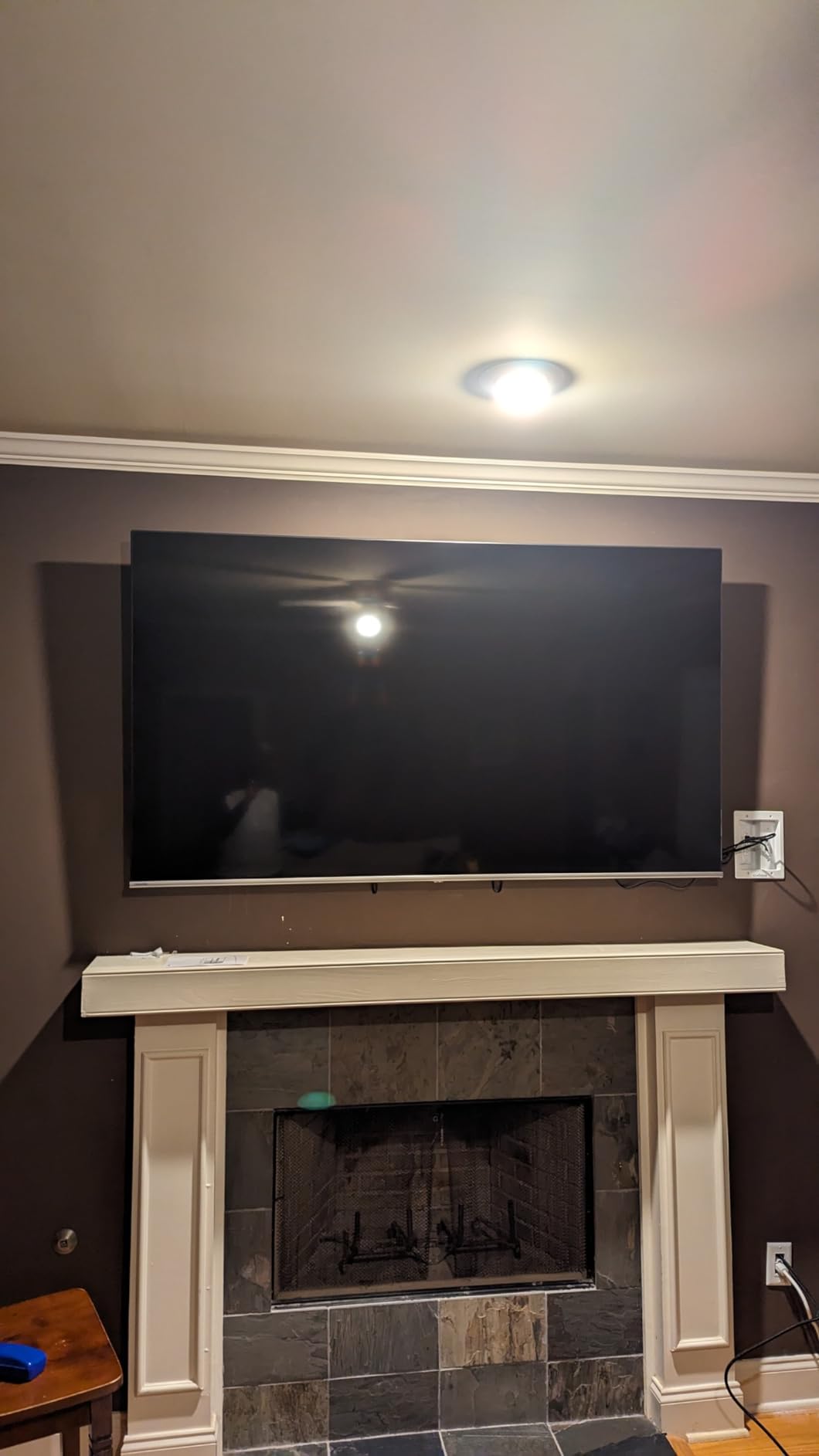
Why 1.44 inches changes how a room looks
A 77-inch wide panel viewed from an angle projects a large shadow gap on the wall if the mount is deep. At 1.44 inches that shadow nearly disappears, which matters most in a room with seating off to the side.
This is the mount I would choose for an OLED where the design of the room is the point. The fixed mounts for OLED TVs guide covers the flush-mount side of the same decision.
The size-rating discrepancy to be aware of
The listed maximum supported screen size in the specification is 75 inches even though the fit range covers 90 inches, and the weight rating of 132 lbs and VESA ceiling of 600x400mm both clear an 85-inch set comfortably.
Check both numbers against your specific panel before you buy, and confirm the VESA pattern in the TV manual rather than relying on the size range alone. That habit applies to every mount in this list.
7. HOME VISION Heavy Duty Fixed Mount for 32-86 Inch TVs – Best for the Heaviest Sets
HOME VISION Heavy Duty Fixed TV Wall Mount for 32-86 Inch Flat Screen
- Highest weight capacity here at 165 lbs
- 1 inch wall clearance is the tightest in the group
- Fits 8
- 16
- 18 and 24 inch stud spacing
- Installs in about ten minutes
- 10 year warranty with spare part availability
- No tilt
- swivel or extension of any kind
- Cables must be connected before the TV is lifted
- A second person is required for a panel this size
At 165 lbs this carries the highest load rating of the ten, which means roughly 65 percent headroom over a 100 lb 85-inch panel. If your set is one of the heavier flagship models, that margin is the reason to pick it.
It is also the thinnest mount in the group at 1 inch from the wall, so the panel sits almost flush and casts a minimal shadow. The trade is that nothing moves at all.
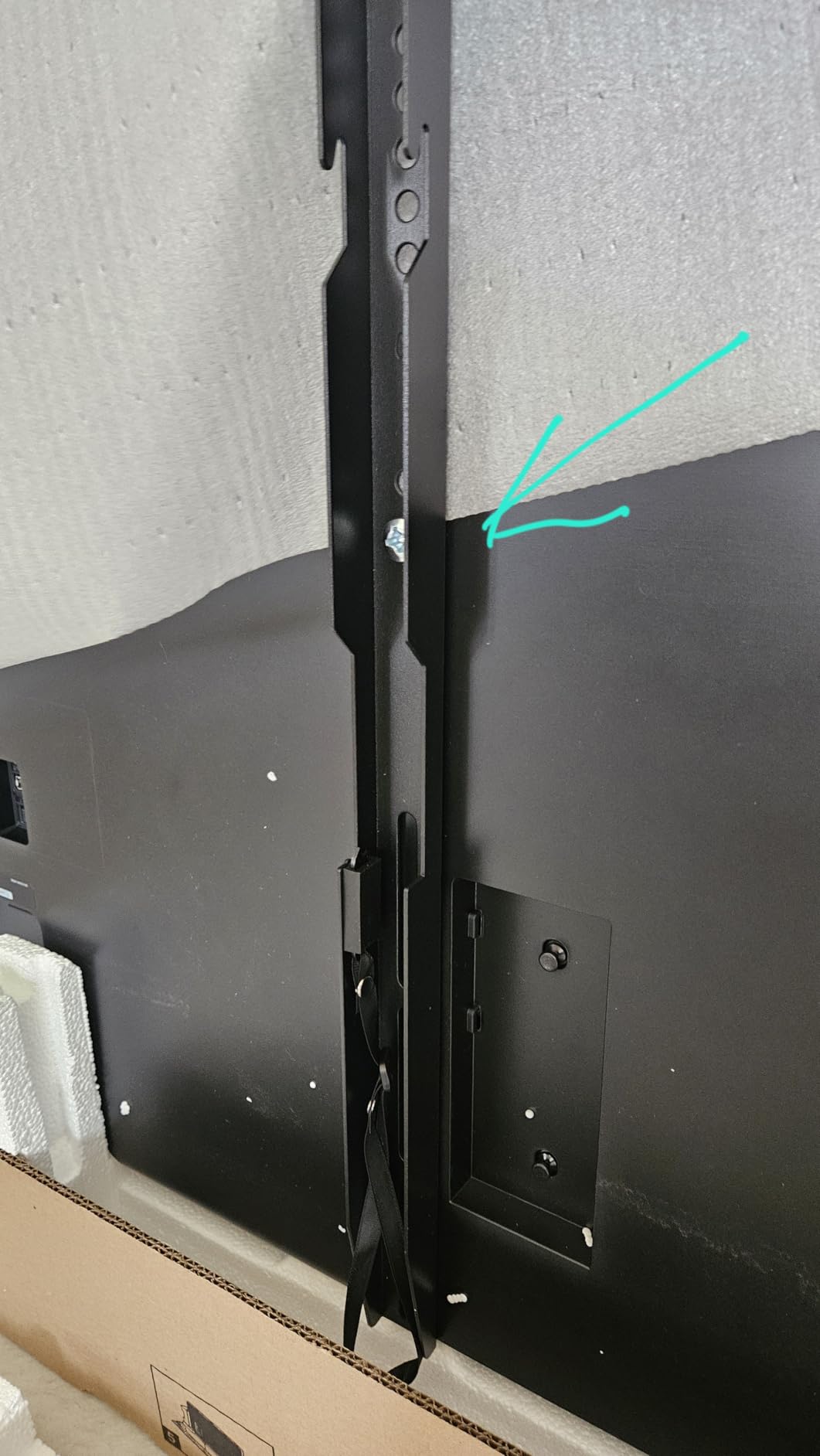
Owners with large Vizio and Samsung sets report successful 86 inch installations, and the multiple stud hole positions on the plate make it unusually forgiving of imperfect framing.
The pull-lock release straps are adjustable, so you can position them where they are hidden from the room but still reachable if you ever need to drop the screen. The 10 minute install claim is realistic for the bracket alone.
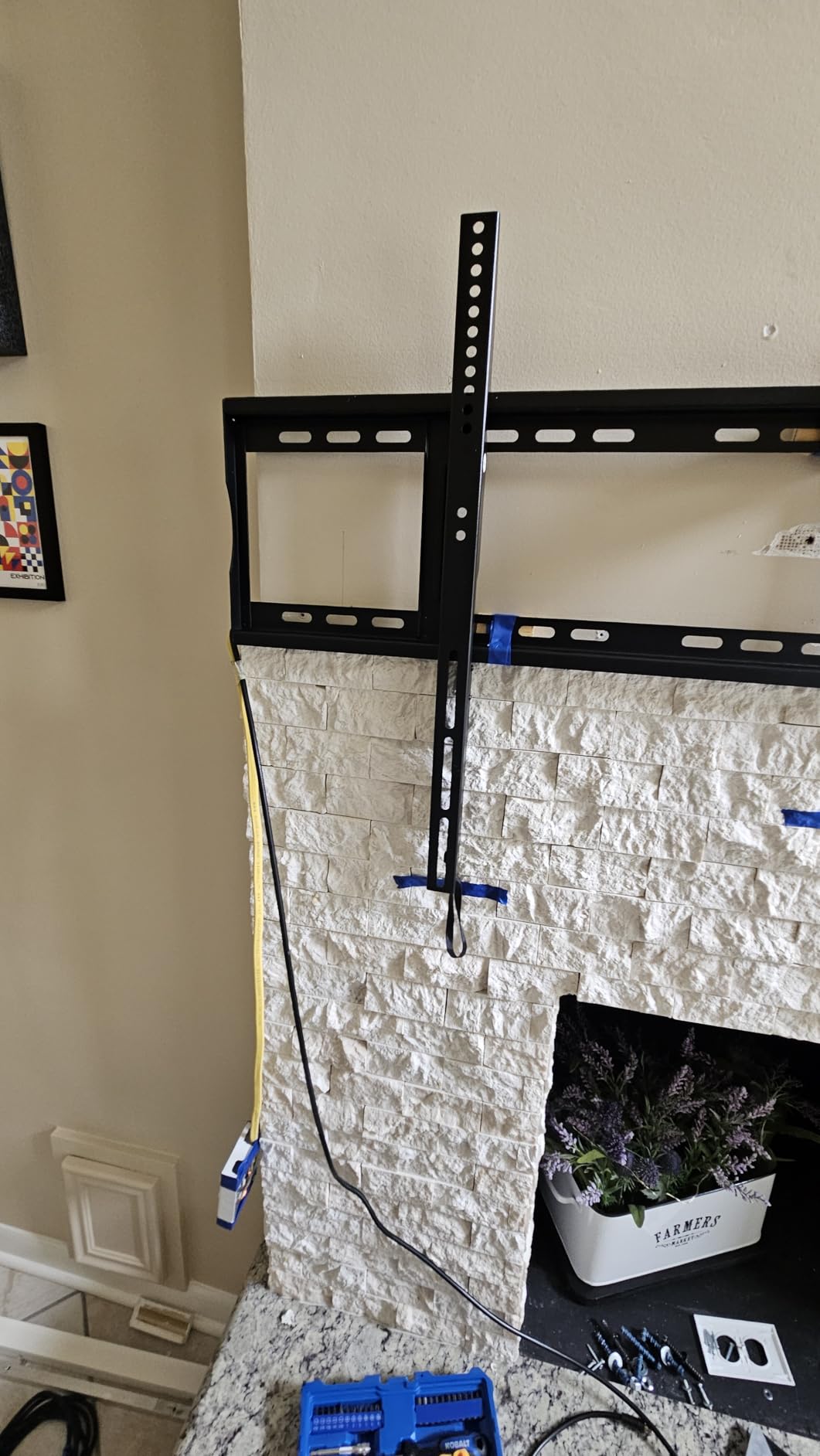
Why a fixed mount is often the right call at 85 inches
No moving joints means no flex, no drift and no pivot bolts loosening over years. On the largest screens most people buy, a rigid mount simply lasts longer, and the 10 year warranty with spare part availability reflects that thinking.
It is also the simplest install, which reduces risk on the one job where risk is highest. Fewer steps, fewer alignment variables, fewer ways for a 100 lb panel to end up in the wrong hands.
What you lose by going fully rigid
No tilt, no swivel, no extension. If the mount height or the room lighting is not right on the first attempt, correcting it means removing the TV from the wall entirely.
The 1 inch clearance also means every cable must be connected before the panel is lifted, and once it is up you are committed. Plan your cable path first, including a recessed box if you have one.
8. Perlegear Full Motion TV Wall Mount for 45-95 Inch TVs – Best for Tool-Free Adjustment
Perlegear Full Motion TV Wall Mount for 45–95 inch TVs up to 150 lbs
- Widest swivel range listed here at plus or minus 65 degrees
- 150 lb rating suits a heavy 85-inch set
- Pre-assembled design cuts installation steps by 30 percent
- Tool-free tilt knob makes everyday adjustment fast
- UL listed steel with 50 percent higher strength
- Fits 8
- 12
- 16 and 24 inch stud spacing
- Only a 2 year manufacturer warranty
- the shortest here
- Not rated for drywall-only walls
- Retracted depth of 2.89 inches is deeper than fixed mounts
The 45-95 inch size range is unusually honest for a large-screen mount, and 150 lbs of capacity puts real headroom behind an 85-inch panel that many articulating brackets skip.
The tool-free tilt knob is the feature owners mention first. You can adjust the screen angle after it is hung without finding a driver, which matters when the last person to touch the room had an opinion about glare.
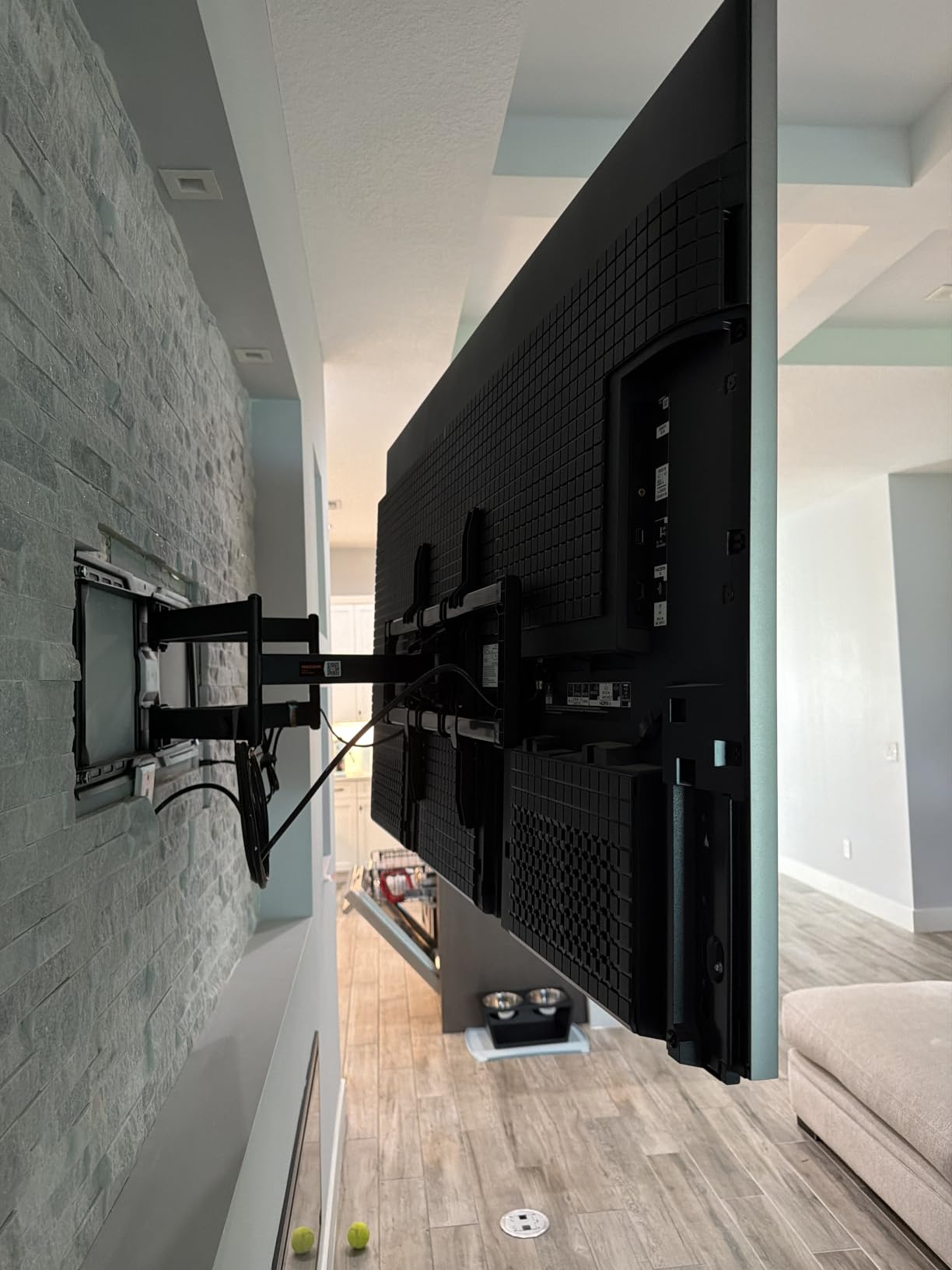
The frame arrives pre-assembled, which cuts the step count by roughly 30 percent. Combined with the included paper template and labeled accessories, it makes this one of the faster articulating installs.
Stud compatibility across 8, 12, 16 and 24 inch spacing is the broadest listed here, so it will work in older homes and tighter framing where a standard 16 inch pattern leaves you stuck.
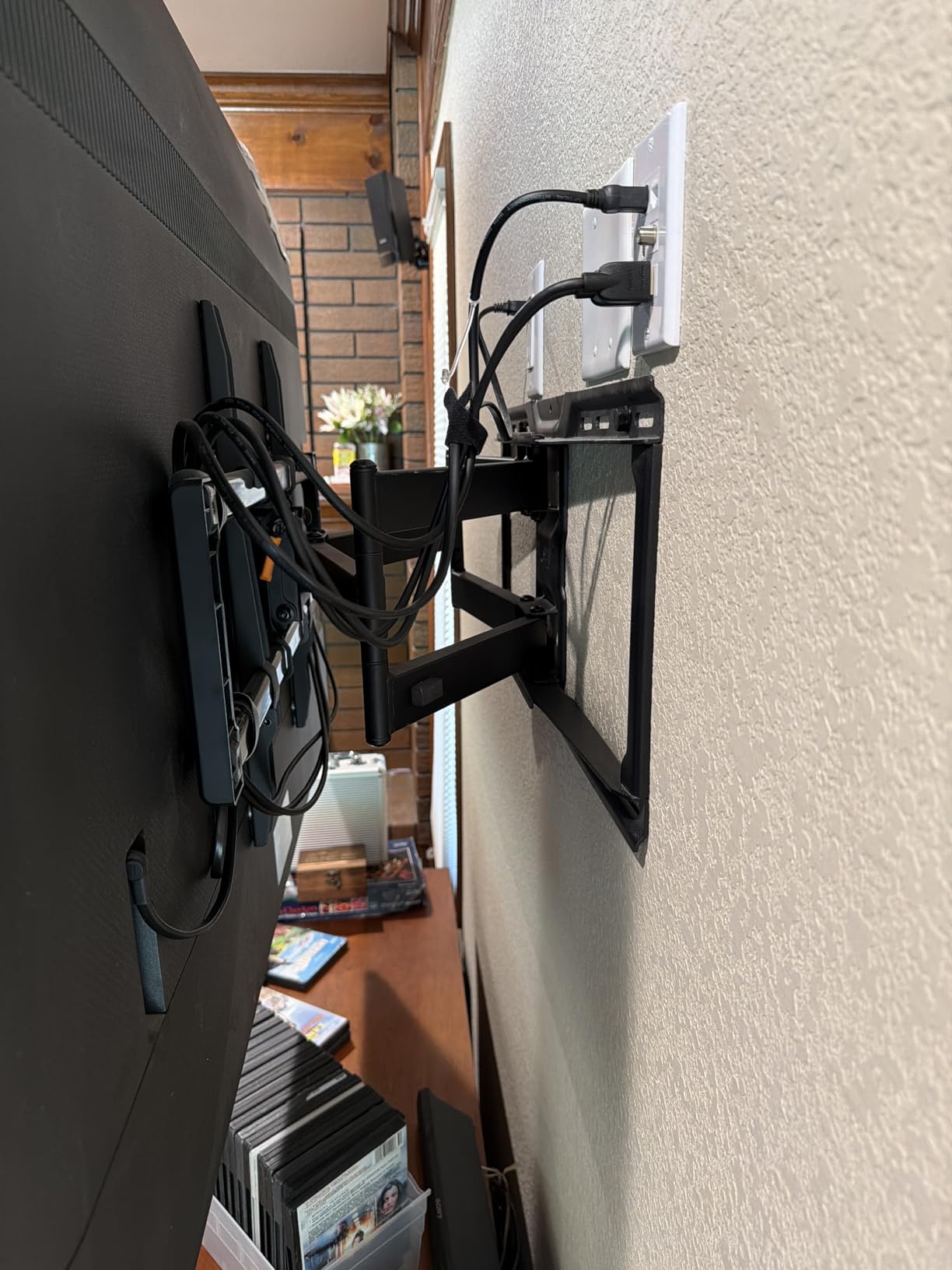
How far a 65 degree swivel changes seating options
That range is enough to point the screen at a second seating area in an L-shaped room or catch reflections off a side window without moving anything. For a corner-adjacent install it removes the guesswork.
Because it extends to 22 inches, cable access is not a problem either. Pull the set forward, work behind it, push it back to a 2.89 inch gap and leave it.
Two compromises to weigh
The 2 year warranty is the shortest in this lineup, and buyers note it as the main disappointment. A UL listing and stronger steel offset some of that, but the coverage difference is real and worth weighing.
At 2.89 inches retracted it still protrudes visibly compared with a 1 inch fixed mount, and it can never sit truly flush. If the design of the wall matters more than movement, a fixed bracket is the better answer.
9. ECHOGEAR Tilting TV Wall Mount for 40-90 Inch TVs – Best Above a Fireplace
ECHOGEAR Tilting TV Wall Mount for 40” – 90” TVs up to 135lbs, 10 deg Tilt
- Thick-gauge stainless steel
- roughly double the weight of many rivals
- 5 degrees of leveling corrects a crooked wall without remounting
- Smooth tilt mechanism
- UL listed
- Included cable management set
- 5 year warranty
- Tilt adjustment screws sit behind the TV and are hard to reach
- No swivel or extension
- Concrete anchors bought separately
Ten degrees of tilt is the most forward angle in this group, which is precisely what a mantel position needs. A fireplace throws light and heat upward, and the tilt is what keeps the screen readable.
The stainless steel is thick gauge, roughly double the weight and gauge of many competing tilting brackets. Reviewers confirm zero wobble even on 75 inch sets, and the 135 lb rating clears an 85-inch panel.
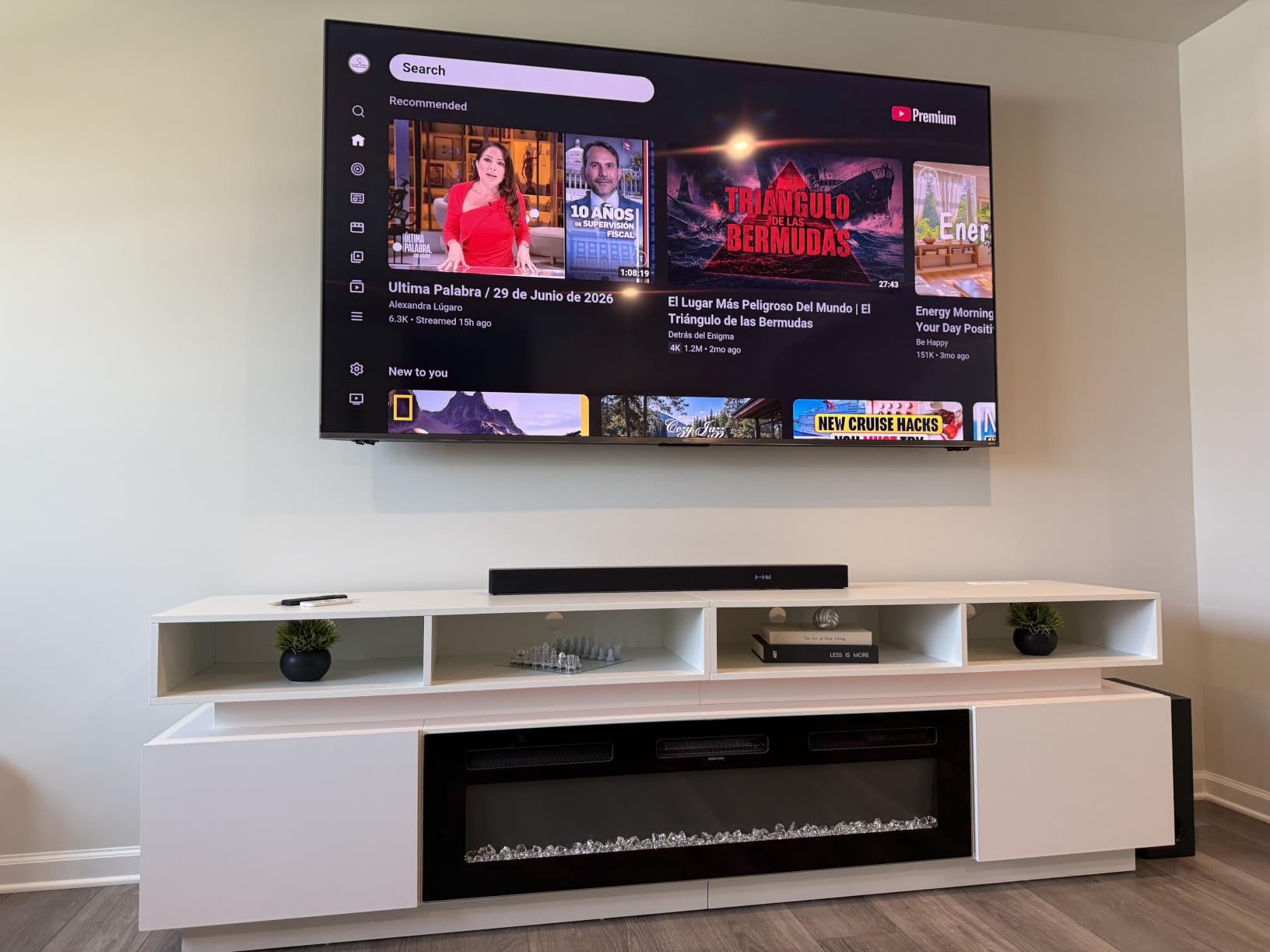
Five degrees of post-install leveling is the feature that saves the most time. If the wall is a fraction out of plumb, you correct it with the mount hung rather than re-drilling holes into framing.
The instructions are unusually well written and illustrated, and a cable management set is included. Owners report repeat purchases across 55, 65 and 75 inch TVs, which is a good sign about how the product ages.
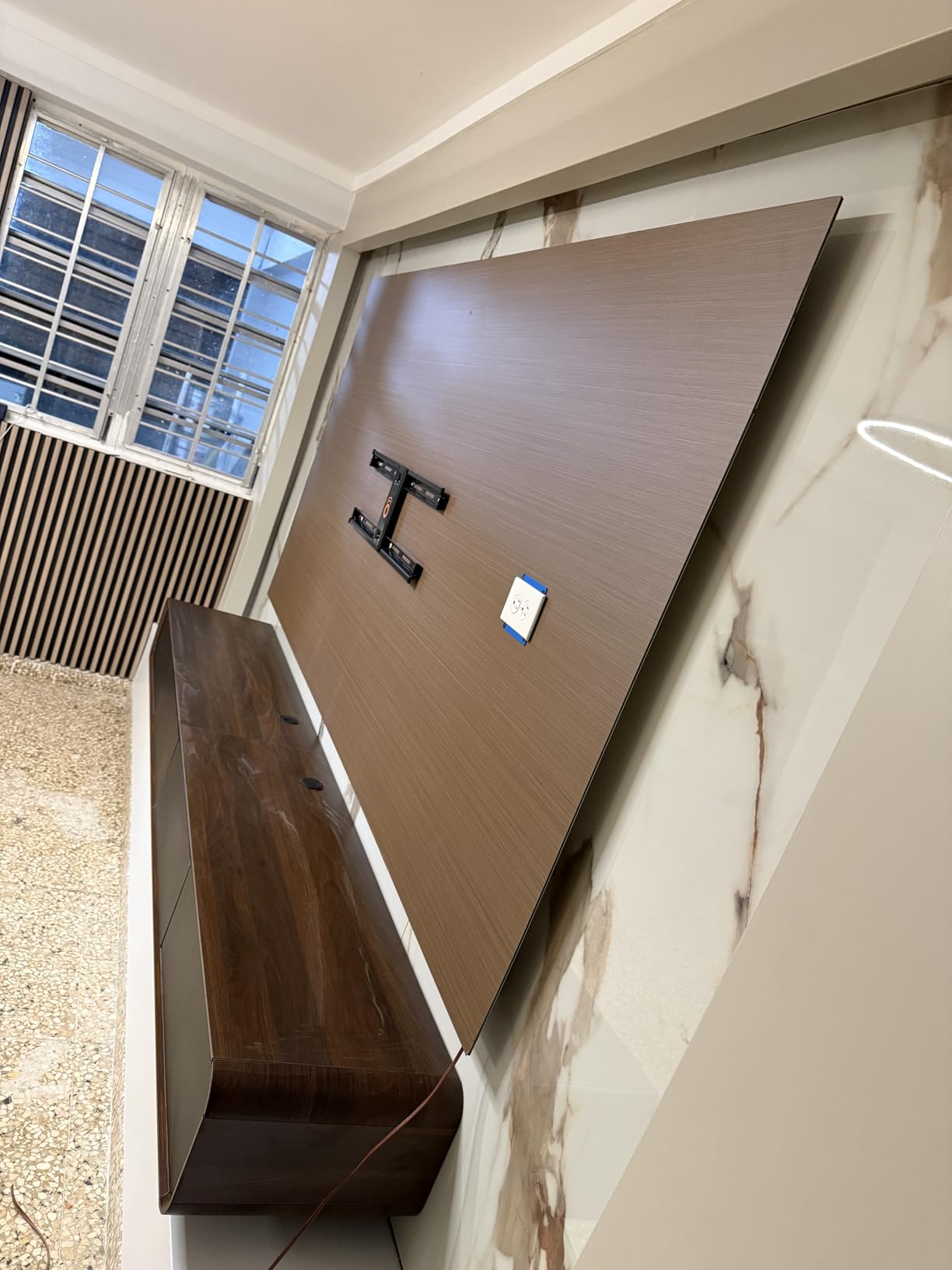
Why tilt beats articulation above a mantel
Once a screen is high on a wall, a swivel mostly changes the viewing angle rather than the reflection problem. Tilt is the movement that actually changes what the panel sees.
Going full-motion up there also pushes the load onto the arm at exactly the moment leverage is worst. A rigid tilting plate transfers that moment straight into the studs instead, which is the safer geometry.
The ergonomic problem nobody mentions until install day
The tilt adjustment screws sit behind the TV. On a 65 inch or larger panel that means a long driver, an extension, or a second person holding the screen steady while you work.
Set the tilt before the panel goes on, and confirm the wall is level first, because the fine adjustment is genuinely awkward to reach afterwards.
10. USX Mount Long Arm TV Wall Mount for 50-100 Inch TVs – Best for Corner Mounting
- 40 inch reach is the longest here
- by a wide margin
- Sliding wall plate centers the TV even with badly placed studs
- Verified by owners carrying 82 and 85 inch Samsung sets
- VESA range up to 900x600mm is the widest listed
- Pre-assembled with template
- level and velcro cable ties
- Tilt screws have no locking notches so the screen is hard to set flat
- Arms feel very stiff out of the box
- Retracted depth of 3.35 inches is the deepest here
Forty inches of arm reach plus a 90 degree swivel in each direction is the only mount here that can genuinely put an 85-inch screen around a corner and keep it usable. If your room is not a straight-on rectangle, this solves problems the others cannot.
The sliding wall plate is the underrated feature. It lets the panel be centered horizontally even when your studs are badly placed, which on a 77 inch wide screen is the difference between aligned and obviously crooked.
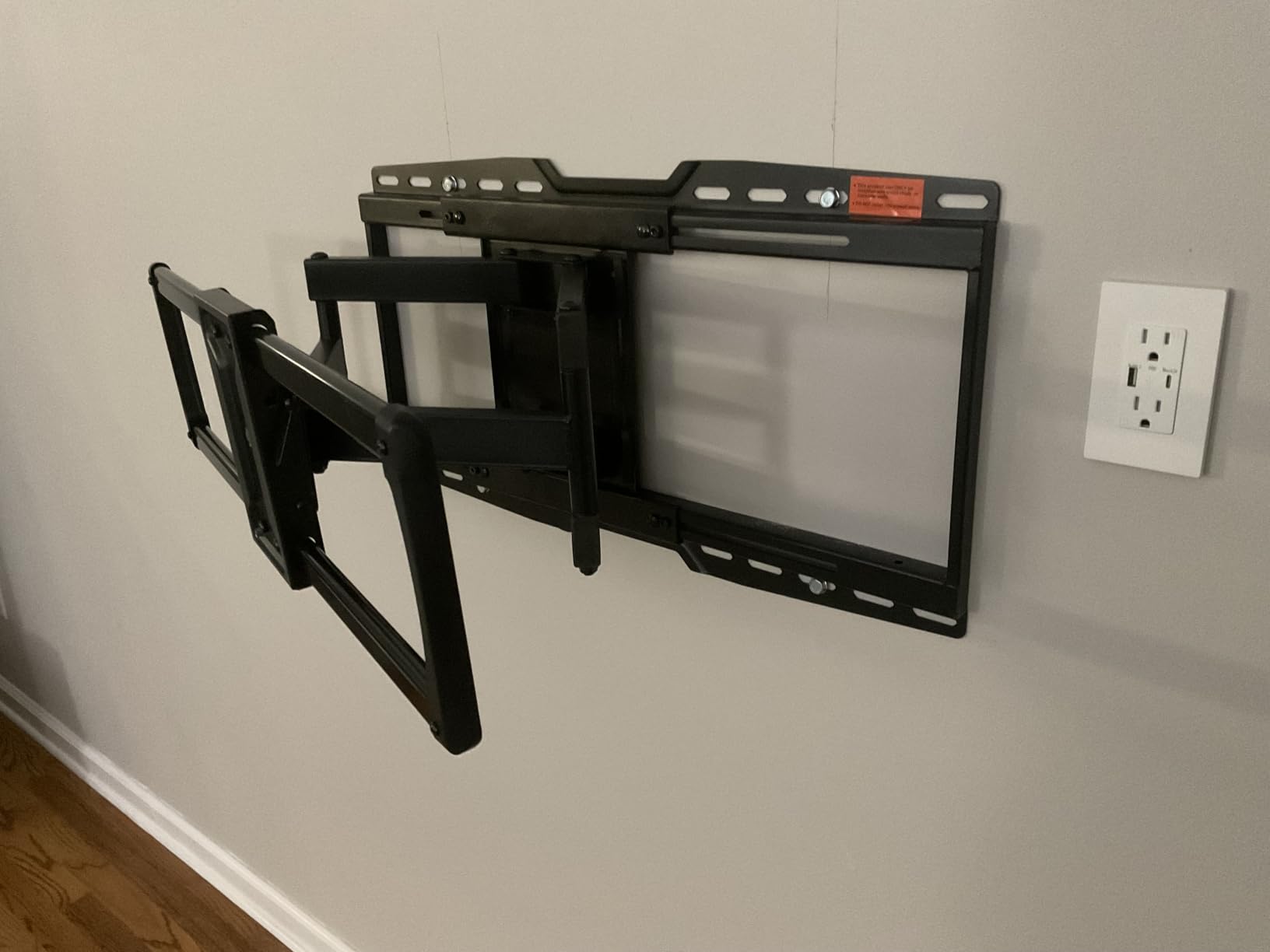
VESA coverage extends to 900x600mm, the widest of any mount in this list. If your 85-inch panel has an unusually large hole pattern, this is the one most likely to accommodate it without an adapter.
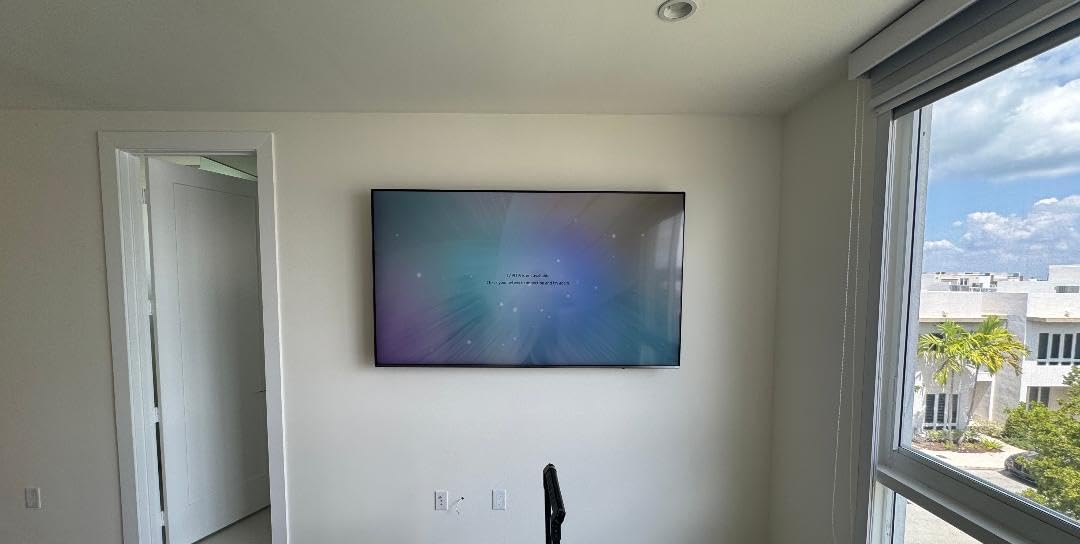
Owners have hung 82 and 85 inch Samsung panels weighing 95 lbs on it, and the pre-assembled design keeps the install under an hour for two people. It is the mount to buy when reach is the actual problem.
When a 40 inch arm is the only answer
Corner seating, a column or fireplace chimney in the way, a viewing position offset from the wall, or a screen that needs to move for a door to open. Any of those situations makes a short-arm mount a compromise you will live with daily.
Extending that far also puts a lot of leverage on the arm, so the mount has to be genuinely heavy-duty. At 150 lbs with a 40 inch arm, the build is matched to the demand, unlike thin brackets that creep at half the reach.
The mechanical complaints worth knowing
Owners report the arms are very stiff out of the box, stiff enough that some were unsure about pulling their TV out. That stiffness is a mixed blessing, since it is also what keeps the screen from creeping.
The tilt screws have no locking notches, which makes it hard to set the screen perfectly flat, and the 3.35 inch retracted depth is the deepest in the group. If a flush look matters more than reach, this is the wrong mount.
How to Choose a TV Wall Mount for an 85 Inch TV in 2026?
Start with your panel’s VESA pattern, not the screen size. VESA is the FDMI standard that defines the square or rectangle of holes on the back of your TV, measured in millimetres between hole centres. Most 85-inch sets use 400x400mm or wider patterns, and 600x400mm is the common ceiling you should insist on.
The pattern has to match exactly on both axes. A mount that covers up to 600x400mm handles most 85-inch panels, and if you can find one rated to 800x400mm or 900x600mm you have headroom for a future set. The 85-inch TV model guide covers the panel side of this if you have not chosen your TV yet.
Next, apply the headroom rule: multiply your TV’s shipping weight by about 1.2 and buy a mount rated above that number. An 85-inch set listed around 95 lbs should hang on a bracket rated 114 lbs or more, and every mount here clears 125 lbs. The margin exists because published weights vary by region and model, and because dynamic load during lifting is higher than static load.
Now check the wall. Standard North American interior framing uses studs at 16 inches on center, and 85-inch screens are heavy enough that the mount must fasten into those studs and never into drywall alone. On an Audioholics thread about an 85-inch Sony, the strongest advice was to fasten three-quarter inch plywood to the wall and mount to that, sizing the plywood a few inches wider than the mount so it catches nearby studs the mount holes miss.
That plywood trick is worth understanding properly. Cut a backing board wide enough to span and overlap studs on both sides, fasten the board into each stud it crosses, and the mount then bolts into solid board no matter where its own holes land. If your studs are concrete or you are in a basement, use masonry anchors and skip the board. In our view, no product in this list substitutes for a wall that has been checked, which is why we also cover mount types in our full motion mounts for large TVs guide.
Finally, choose the movement you will actually use. Fixed brackets are rigid, thin against the wall and the most reliable long term. Tilting brackets add enough forward angle to fix glare from a high or above-fireplace position. Full-motion brackets extend and swivel for cable access and off-axis seating, at the cost of a visible gap behind the panel. Long-arm brackets reach 16 to 40 inches, which solves corner placement and obstacles but needs a genuinely heavy build. Pull-down mounts fold a screen down over a mantel and are niche enough that we left them out of this roundup.
On installation, plan for two people on anything over 70 inches. That is not negotiable on a panel this size. Connect every cable before lifting, or buy a mount that extends, and check your TV for impact damage before it goes on the wall. Screens this large take the worst of a bad day in transit, and inspecting first is the only way to catch a cracked corner before it is behind a bracket.
Buying from the same retailer as the television is worth considering too. It simplifies a return if the mount turns out not to match your panel, and forum readers repeatedly mention retailer matching as a risk-reduction step rather than a pricing one.
Frequently Asked Questions
What are the best wall mounts for an 85 inch TV?
For most people the Mounting Dream tilting mount is the best pick, rated to 132 lbs with VESA up to 600x400mm and a 1.5 inch wall gap. If you need to reach HDMI ports after hanging, the Mounting Dream full-motion mount extends 16.6 inches and carries 154 lbs. For corner seating or obstructions, the USX Mount long arm reaches 40 inches with VESA coverage to 900x600mm.
Does an 85 inch TV need a special wall mount?
Yes. An 85 inch set typically weighs 85 to 100 lbs and uses VESA patterns up to 600x400mm or wider, so a standard small-screen bracket is not enough. Choose a mount rated to at least 125 lbs, covering VESA to 600x400mm, with about 20 percent capacity headroom over the TV’s actual weight.
What is the best heavy-duty TV wall mount for an 85 inch TV?
Heavy-duty options here include the HOME VISION fixed mount rated to 165 lbs, the Mounting Dream full-motion mount rated to 154 lbs, and the USX Mount long arm rated to 150 lbs with 40 inches of extension. All three cover VESA patterns large enough for an 85-inch panel and leave meaningful headroom above a 100 lb set.
How much weight can a wall stud hold for a TV?
A standard 2×4 wood stud has far more capacity than an 85-inch TV requires, so the wall is rarely the limit when you fasten into two studs. If the mount holes do not line up with your studs, fasten three-quarter inch plywood to the wall across both studs and bolt the mount to the board. Never rely on drywall anchors alone.
Is it safe to wall mount an 85 inch TV?
It is safe when three conditions are met: the mount is rated at least 20 percent above the TV’s weight, its VESA range matches your panel exactly, and it is fastened into studs, a plywood backing board or masonry anchors. Fail any one of those and the risk rises sharply, which is why we prioritize load rating over swivel range.
Can I mount an 85 inch TV myself?
A confident DIY installer can do it, but two people are effectively required for anything over 70 inches. The drilling is straightforward if you hit studs; the physical handling is the hard part. Hire a professional if your studs do not align with the mount holes, if you are cutting new backing board, or if you want cables run inside the wall.
Final Verdict: the Best TV Wall Mounts for 85 Inch TVs in 2026
The Mounting Dream tilting mount is our pick as the best TV wall mount for an 85 inch TV, because a rigid bracket rated to 132 lbs with a 1.5 inch gap is exactly what a heavy panel wants. Choose the Mounting Dream full-motion version instead if cable access after hanging is a daily need, and the USX Mount long arm if your room needs real reach.
Whatever you choose, verify three numbers before you order: the VESA pattern in your TV manual, the TV’s listed weight, and where your studs actually are. Those three checks account for nearly every failed 85-inch install we read about. If you are still narrowing down the television itself, our Samsung 85 inch TV guide and 85 inch TV roundup cover the panel choices that pair with these mounts.