
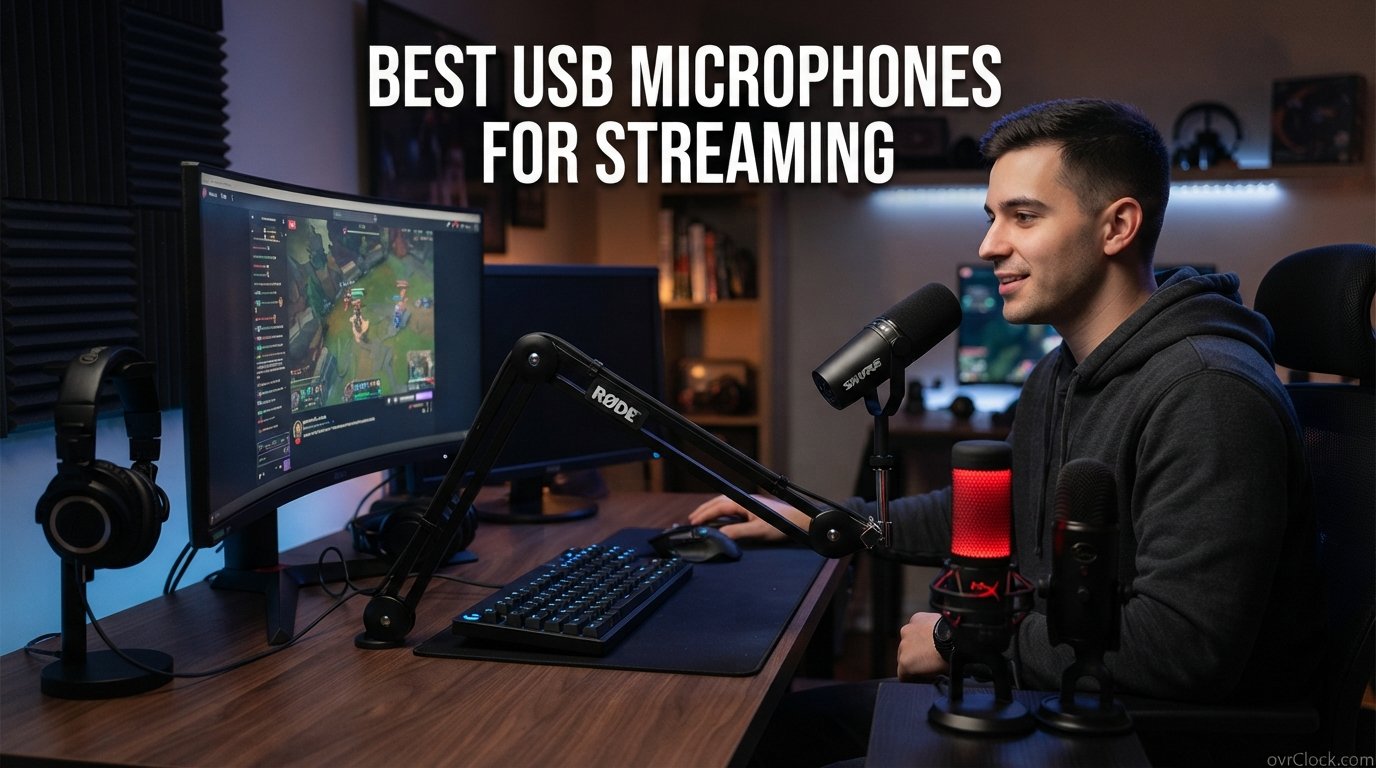
Finding the best USB microphones for streaming can feel overwhelming when there are dozens of options on the market. I have spent months testing microphones across Twitch streams, YouTube videos, podcast recordings, and Discord calls to figure out which ones actually deliver professional sound without requiring an audio engineering degree.
The right microphone makes the single biggest difference in how your audience perceives your content. Viewers will forgive a low-quality webcam far more quickly than they will tolerate muddy, echo-heavy, or noisy audio. Whether you are just starting your streaming journey or upgrading from a headset mic, this guide covers eight options that range from budget-friendly picks to studio-grade performers.
Every microphone on this list connects via USB for true plug-and-play simplicity. You will not need a separate audio interface or phantom power supply for any of them. If you also record podcasts or need a mic for other content formats, you might want to check out our guide to USB microphones for podcasters for additional options. For condenser-specific deep dives, our condenser microphones for podcasting guide covers the technical side in more detail.
Table of Contents
Top 3 Picks for Best USB Microphones for Streaming
Out of the eight microphones I tested, three stood out clearly above the rest. These picks cover different budgets and streaming setups so you can find the right match without reading every review below.

HyperX QuadCast 2
- 4 polar patterns
- Tap-to-mute sensor
- Shock mount included
- USB-C plug-and-play


The HyperX QuadCast 2 takes the top spot with the highest rating on this list at 4.8 stars from over 36,000 reviews. Its versatility with four pickup patterns and included shock mount makes it the most well-rounded option for streamers who also podcast or record music.
The FIFINE AM8 wins the value category because it offers dual USB and XLR connectivity at a fraction of what most comparable dynamic microphones cost. You get an upgrade path to professional audio interfaces without spending extra money upfront.
The Elgato Wave:3 MK.2 earns the premium pick for its ClipGuard 2.0 anti-distortion technology and the powerful Wave Link software that lets you route audio like a broadcast mixer. It is the choice for streamers who want maximum control over their sound.
Best USB Microphones for Streaming in 2026: Quick Overview
Here is how all eight microphones compare side by side. This table gives you the fast view so you can jump to the individual reviews that interest you most.
| Product | Specifications | Action |
|---|---|---|
| HyperX QuadCast 2 |
|
Check Latest Price |
| FIFINE AM8 AmpliGame |
|
Check Latest Price |
| Elgato Wave:3 MK.2 |
|
Check Latest Price |
 Shure MV6 Shure MV6 |
|
Check Latest Price |
 Razer Seiren V3 Chroma Razer Seiren V3 Chroma |
|
Check Latest Price |
 HyperX SoloCast HyperX SoloCast |
|
Check Latest Price |
 Blue Yeti Blackout Blue Yeti Blackout |
|
Check Latest Price |
 MAONO AU-A04 Kit MAONO AU-A04 Kit |
|
Check Latest Price |
1. HyperX QuadCast 2 – Best Overall Streaming Microphone
- Exceptional 4.8-star rating from 36k+ reviews
- Versatile four polar patterns for any scenario
- Premium aluminum build quality
- Effective anti-vibration shock mount
- LED mute indicator and tap-to-mute convenience
- Red LED lighting may clash with non-HyperX setups
- Limited stock availability
- Some sibilant boost reported by a few users
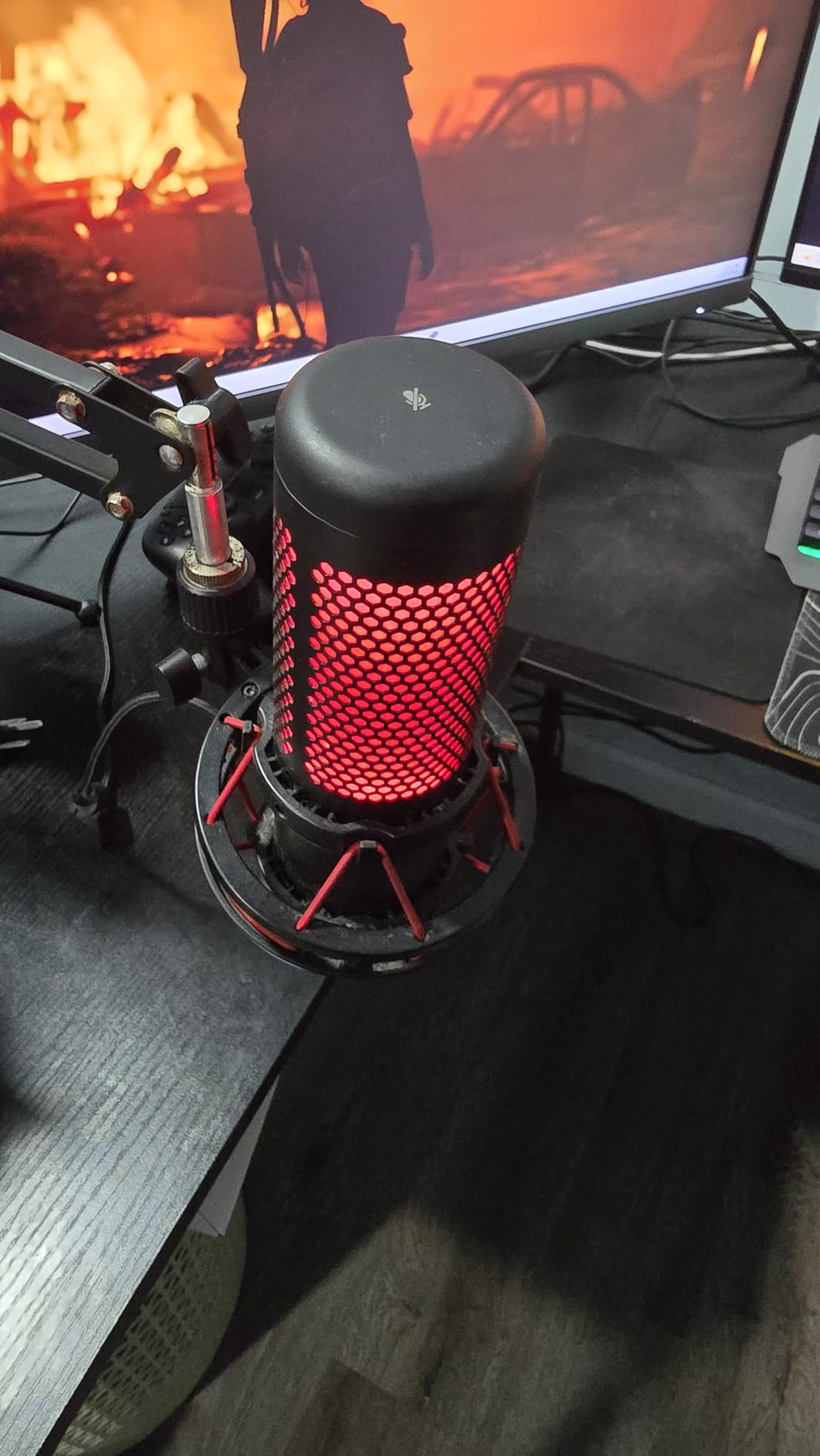
I set the HyperX QuadCast 2 up on my desk about three months ago and it immediately became my go-to streaming microphone. The build quality hits you the moment you unbox it. The aluminum enclosure feels substantial without being overly heavy, and the included shock mount absorbs desk bumps and keyboard vibrations better than any stock mount I have used.
During a six-hour Twitch stream, the tap-to-mute sensor proved itself dozens of times. A quick tap silences the mic instantly, and the LED indicator changes color so you never accidentally broadcast private conversations. The onboard controls for gain, headphone volume, and polar pattern selection are all within finger reach on the mic body itself.
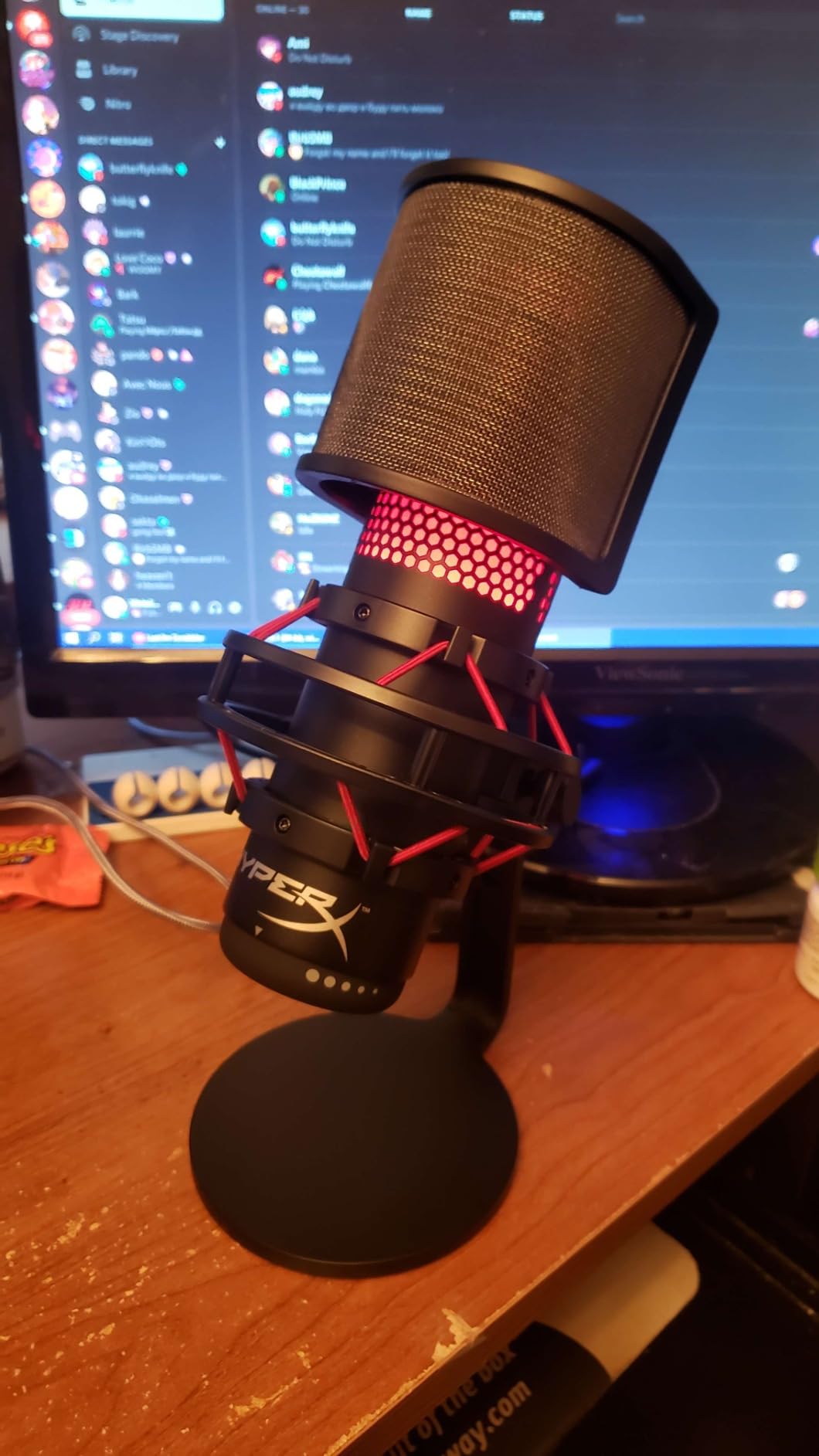
Sound quality is where the QuadCast 2 really separates itself. The four selectable polar patterns mean I can use cardioid for solo streaming, switch to omnidirectional for a round-table podcast, or try bidirectional for a two-person interview. That versatility means one microphone handles every content format I produce.
The frequency response of 20 Hz to 20 kHz captures the full range of my voice with warmth in the lows and clarity in the highs. I noticed a slight sibilant boost on certain consonant sounds, but adjusting my speaking angle fixed it within a session. The 9.84-foot braided USB-C cable gives plenty of reach for complex desk setups.
Who this microphone is best for
Streamers who produce multiple types of content will get the most value from the QuadCast 2. If you stream solo one day, record a two-person podcast the next, and need a reliable mic for video calls in between, the four polar patterns handle all of it without swapping hardware. Console streamers benefit too since it works on PS5 and PS4 without extra setup.
Content creators who care about build quality and longevity should also look here. The aluminum construction and removable shock mount feel like gear that will last years, not months.
Who should look elsewhere
If you stream in a very small, untreated room and need maximum background noise rejection, a dynamic microphone like the Shure MV6 will serve you better. The QuadCast 2 is a condenser mic, so it captures more room sound than a tight dynamic pattern would.
Streamers on a strict budget should also consider the FIFINE AM8 or HyperX SoloCast, which deliver excellent sound at significantly lower prices.
2. FIFINE AM8 AmpliGame – Best Budget Dynamic Microphone for Streaming
- Outstanding value competing with mics costing far more
- Dual USB and XLR for future upgrade path
- RGB lighting with 10+ colors
- Tap-to-mute with LED indicator
- Plug-and-play with no drivers
- Background noise in untreated rooms
- Occasional USB connection drops
- May pick up mechanical keyboard noise
The FIFINE AM8 surprised me more than any other microphone on this list. At its price point, I expected basic sound quality and cheap construction. Instead, I got a dynamic cardioid microphone that competes with options two and three times its cost. The metal body feels solid, and the RGB lighting ring adds a gaming aesthetic without looking tacky.
What makes the AM8 special is the dual connectivity. Right now I have it connected via USB for plug-and-play streaming on my PC. When I eventually invest in an audio interface for XLR, this same microphone will grow with me. That future-proofing alone makes it one of the best USB microphones for streaming if you are budget-conscious but thinking long-term.
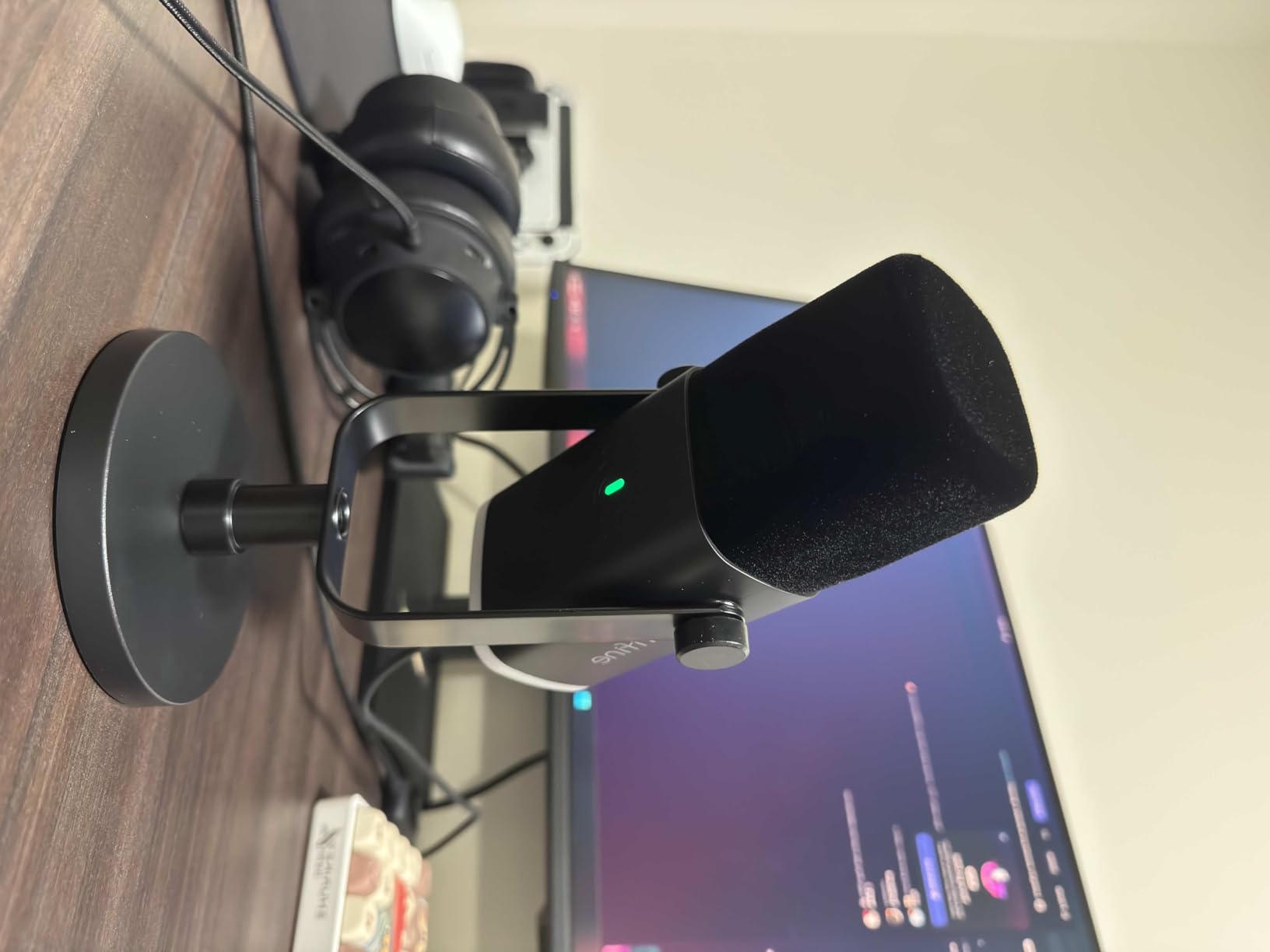
The dynamic capsule does a genuinely good job rejecting background noise compared to condenser microphones at similar prices. My mechanical keyboard still creeps through occasionally, but positioning the mic closer to my mouth and angling it away from the keyboard reduced the pickup significantly. The gain knob on the mic body lets me make real-time adjustments without tabbing out of my stream.
The headphone monitoring jack is a feature I did not realize I needed until I used it. Zero-latency monitoring means I can hear exactly what my audience hears, which helped me fix mouth-to-mic distance issues in the first session. The RGB lighting offers three modes and over ten colors if you want to match your streaming setup.
Who this microphone is best for
New streamers and budget-conscious content creators are the perfect match for the FIFINE AM8. You get professional features like XLR connectivity and tap-to-mute at a price that leaves room in your budget for other gear. It is also a smart pick if you plan to upgrade your audio chain later without wanting to replace the microphone itself.
RGB-loving gamers who want their setup to look as good as it sounds will appreciate the customizable lighting that syncs with gaming aesthetics.
Who should look elsewhere
If you need absolute rock-solid USB connectivity for professional broadcasts, the occasional connection drop some users report might concern you. The HyperX QuadCast 2 or Shure MV6 offer more stable connections for always-on streaming environments.
Podcasters who need omnidirectional or multi-pattern recording should also look elsewhere since the AM8 is unidirectional only.
3. Elgato Wave:3 MK.2 – Best Premium USB Microphone for Streamers
- Crystal-clear studio-quality vocal reproduction
- ClipGuard 2.0 prevents audio clipping
- Powerful Wave Link software for audio routing
- Premium metal build quality
- Real-time LED level feedback
- Premium price above basic USB mics
- Wave Link has a learning curve
- Shock mount and pop filter sold separately
- May block screen view due to height
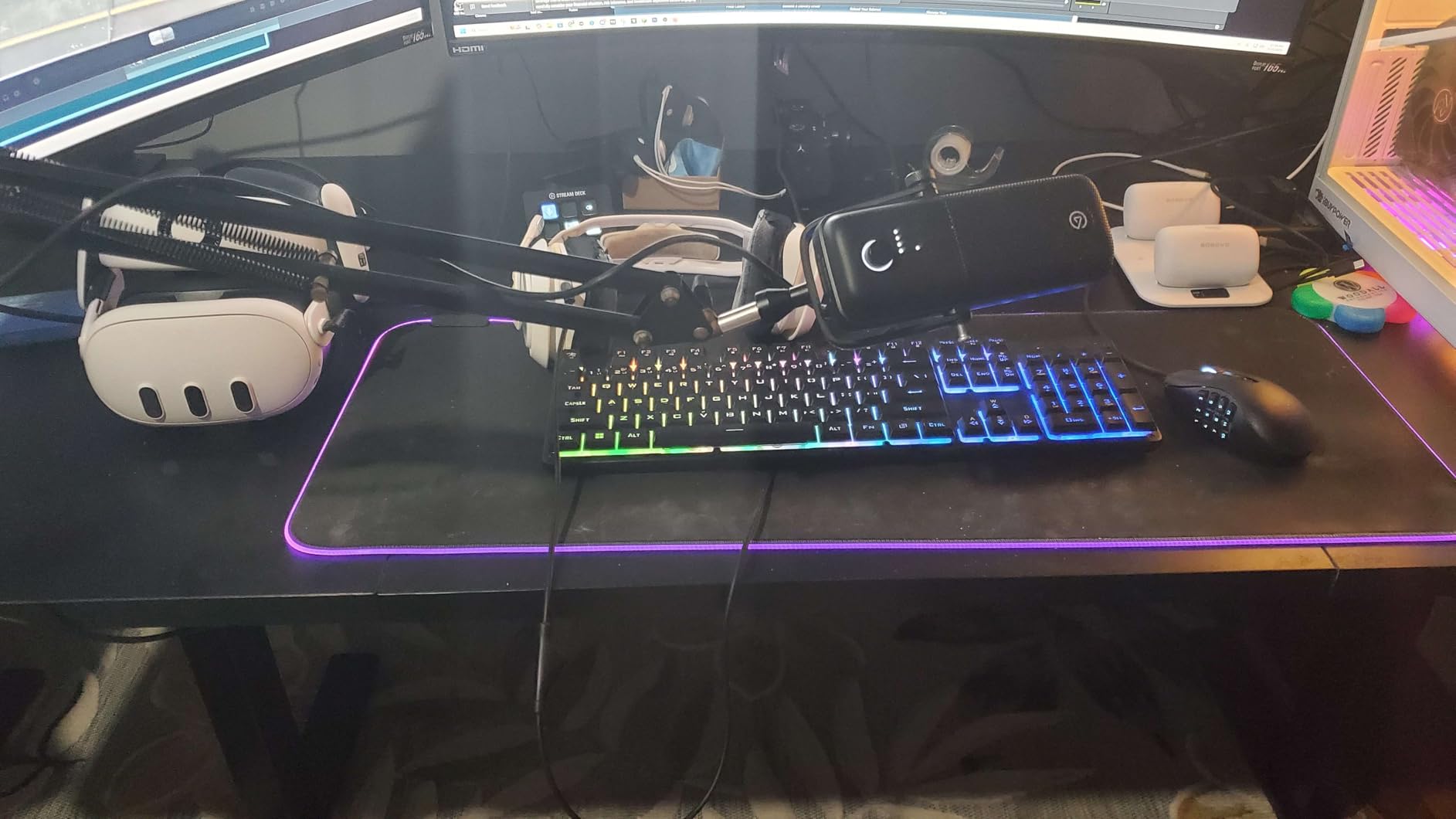
The Elgato Wave:3 MK.2 is the microphone I recommend when streamers ask me what sounds closest to a professional broadcast setup without going full XLR. The studio condenser capsule captures my voice with a clarity and presence that immediately made my stream chat notice the upgrade. Vocals sound full, articulate, and distinctly separate from room ambience.
ClipGuard 2.0 is the standout feature for me. When I get excited during a gaming session and raise my voice, older microphones would distort and clip. ClipGuard catches those peaks automatically and smoothly, so my loudest moments sound just as clean as my quietest ones. This alone saved me from countless ruined recordings.
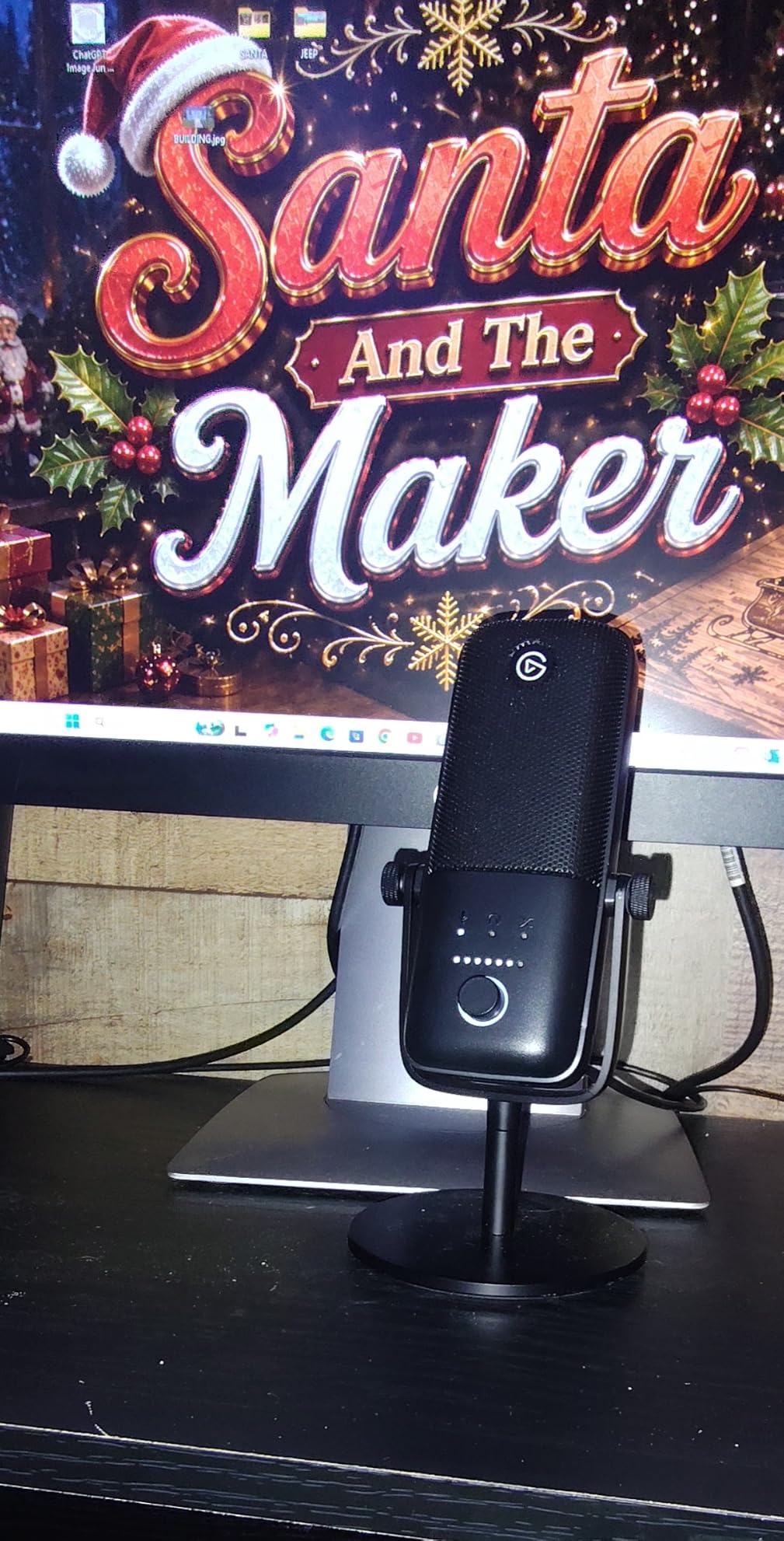
The Wave Link software is where the Wave:3 MK.2 pulls ahead of everything else on this list. I can create separate audio channels for my game, chat, music, and microphone, then route them independently to my stream, headphones, and recording. It functions like a virtual mixing board that would otherwise cost hundreds of dollars in hardware.
The onboard DSP handles voice enhancement, compression, and EQ directly on the microphone. This means your CPU does not bear the processing load. The Wave FX processor also supports VST plugins if you want to add custom effects. The multifunction dial handles volume and gain, and the tap-to-mute works silently without any mechanical click.
Who this microphone is best for
Streamers who want maximum control over their audio pipeline should choose the Wave:3 MK.2. The Wave Link software gives you broadcast-level routing that no other mic on this list matches. If you run complex streams with multiple audio sources, this is your microphone.
Content creators who already own other Elgato gear like the Stream Deck will appreciate the ecosystem integration that ties everything together seamlessly.
Who should look elsewhere
If you want a microphone that works perfectly out of the box with zero software setup, the Wave Link learning curve might frustrate you. The Shure MV6 or HyperX SoloCast offer more straightforward plug-and-play experiences.
Keep in mind that the shock mount and pop filter are sold separately, so factor those into your total budget if your room has hard surfaces that cause echo.
4. Shure MV6 – Best USB Microphone for Noise Rejection
- Excellent voice isolation rejects keyboard and fan noise
- Professional Shure audio quality
- Auto Level Mode produces balanced audio
- Real-time denoiser reduces background distractions
- Plug-and-play USB-C simplicity
- Software interface feels dated
- Short included USB-C cable
- Single pickup pattern limits versatility
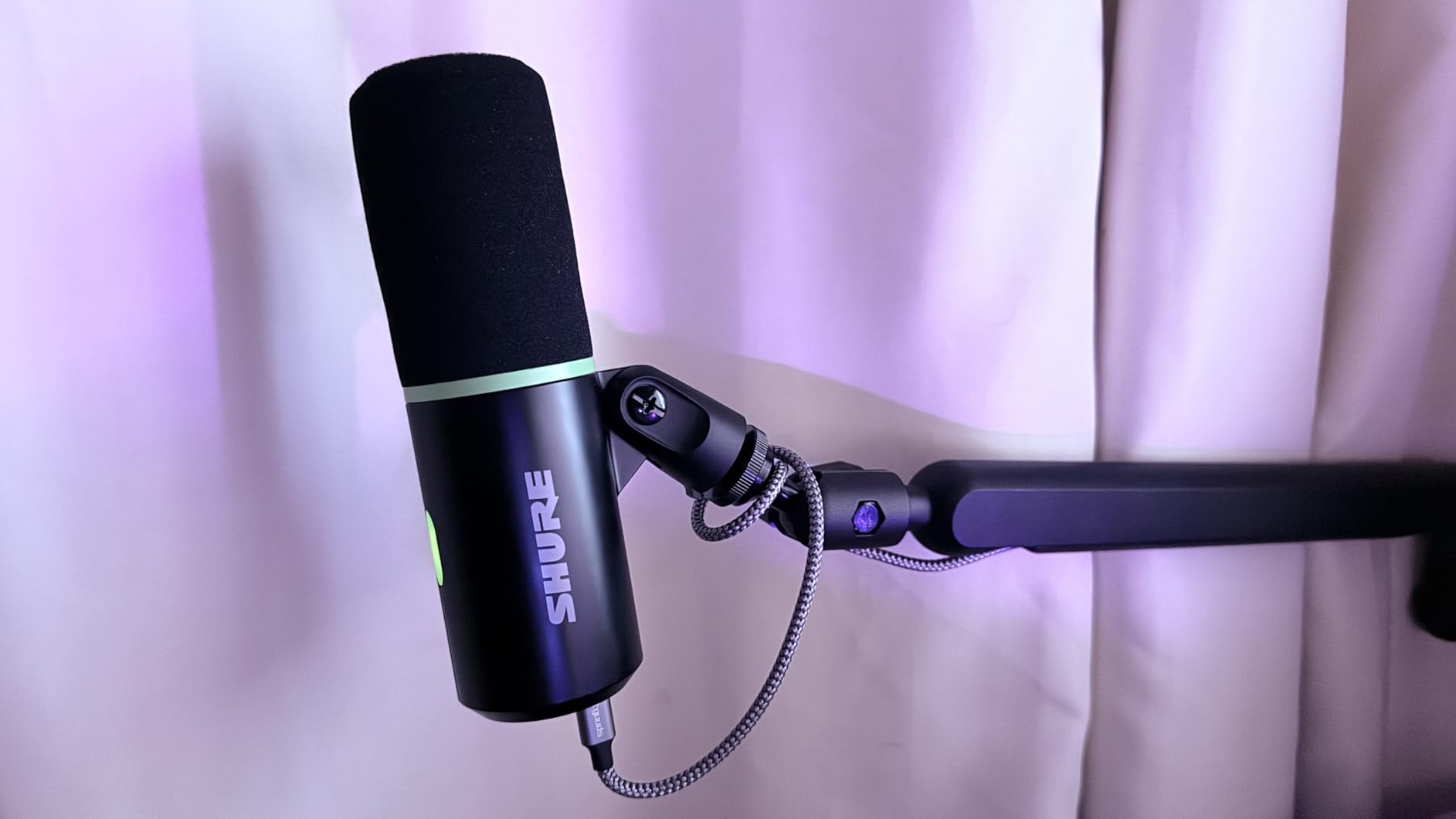
The Shure MV6 brings legendary Shure audio quality to the USB streaming microphone market at a price that undercuts the MV7 while keeping the features that matter most. I tested this mic in my untreated home office with a loud mechanical keyboard, a running ceiling fan, and traffic noise from outside. The Voice Isolation Technology handled all of it better than any condenser mic I have used.
The dynamic cardioid pattern focuses tightly on my voice and rejects sounds from the sides and rear. This is the microphone I would recommend to anyone streaming from a less-than-ideal acoustic space. Where condenser microphones like the Blue Yeti capture every room echo, the MV6 acts like it has blinders on, hearing only what is directly in front of it.
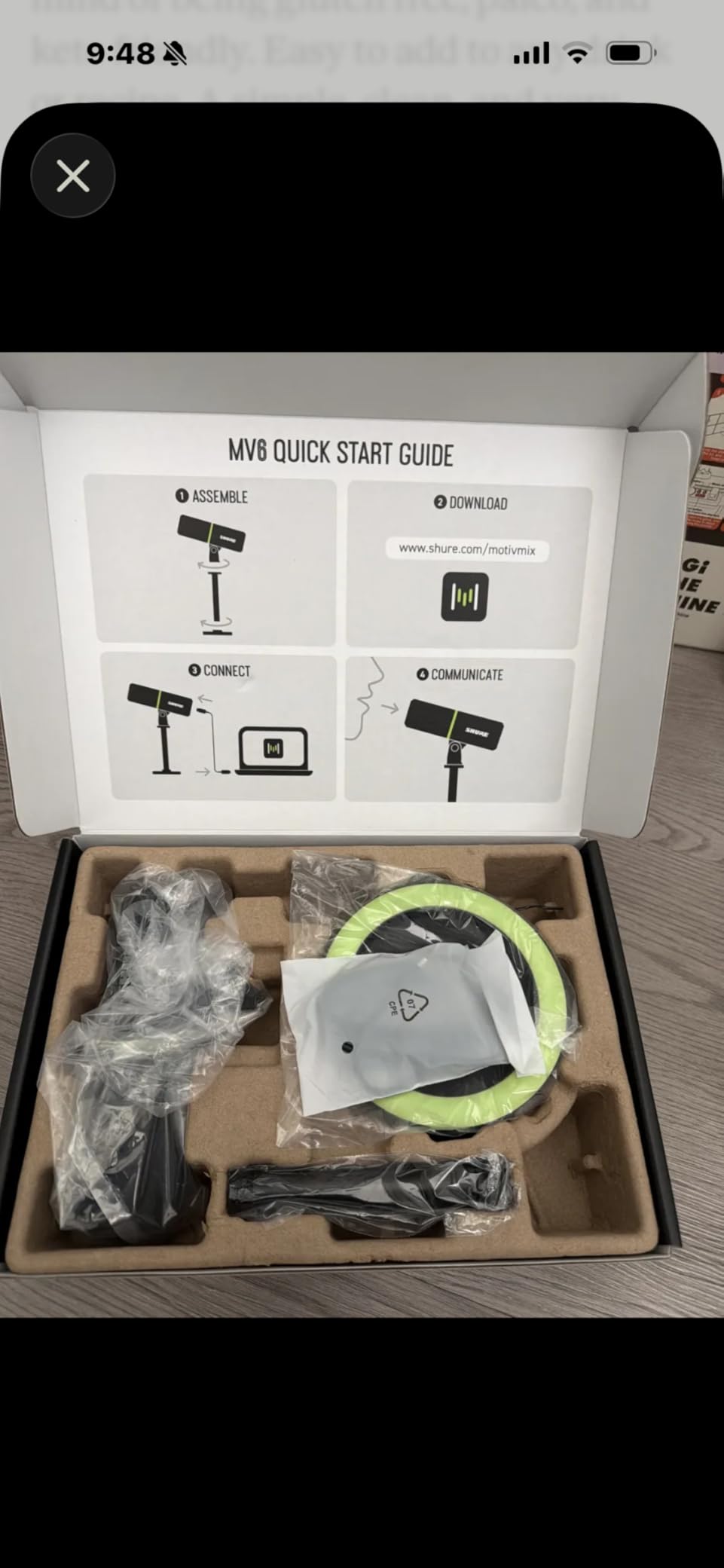
Auto Level Mode is genuinely useful for streaming. Instead of manually adjusting gain every time I change my speaking volume or distance from the mic, the MV6 balances my audio in real time. Combined with the Real-Time Denoiser, my stream output sounds polished and professional without any post-processing.
The Digital Popper Stopper technology handles plosives electronically, so you do not necessarily need a physical pop filter. The tap-to-mute control gives quick privacy during stream breaks, and the built-in 3.5mm headphone output delivers zero-latency monitoring. My only real complaint is the short USB-C cable, which barely reached my PC from the desk mount.
Who this microphone is best for
Streamers in noisy or untreated rooms should put the Shure MV6 at the top of their list. The voice isolation and denoiser technology are specifically designed for environments where you cannot control background sound. If your streaming space doubles as a living area or shared room, this mic will save you from constant noise complaints.
Creators who want broadcast-quality sound without managing complex software will also love the Auto Level Mode that handles the technical work automatically.
Who should look elsewhere
If you need multiple pickup patterns for podcasting with guests or recording instruments, the single cardioid pattern on the MV6 will feel limiting. The HyperX QuadCast 2 or Blue Yeti offer the multi-pattern flexibility you need.
The MOTIV Mix software, while functional, feels dated compared to Elgato’s Wave Link. Power users who want deep audio routing should consider the Wave:3 MK.2 instead.
5. Razer Seiren V3 Chroma – Best RGB Streaming Microphone
- Excellent vocal clarity with supercardioid pickup
- Stream and game reactive RGB Chroma lighting
- Digital gain limiter prevents distortion
- Responsive tap-to-mute sensor
- Solid all-metal build quality
- Razer Synapse software can be finicky
- Relatively large footprint
- No physical power switch
- Background noise in untreated rooms
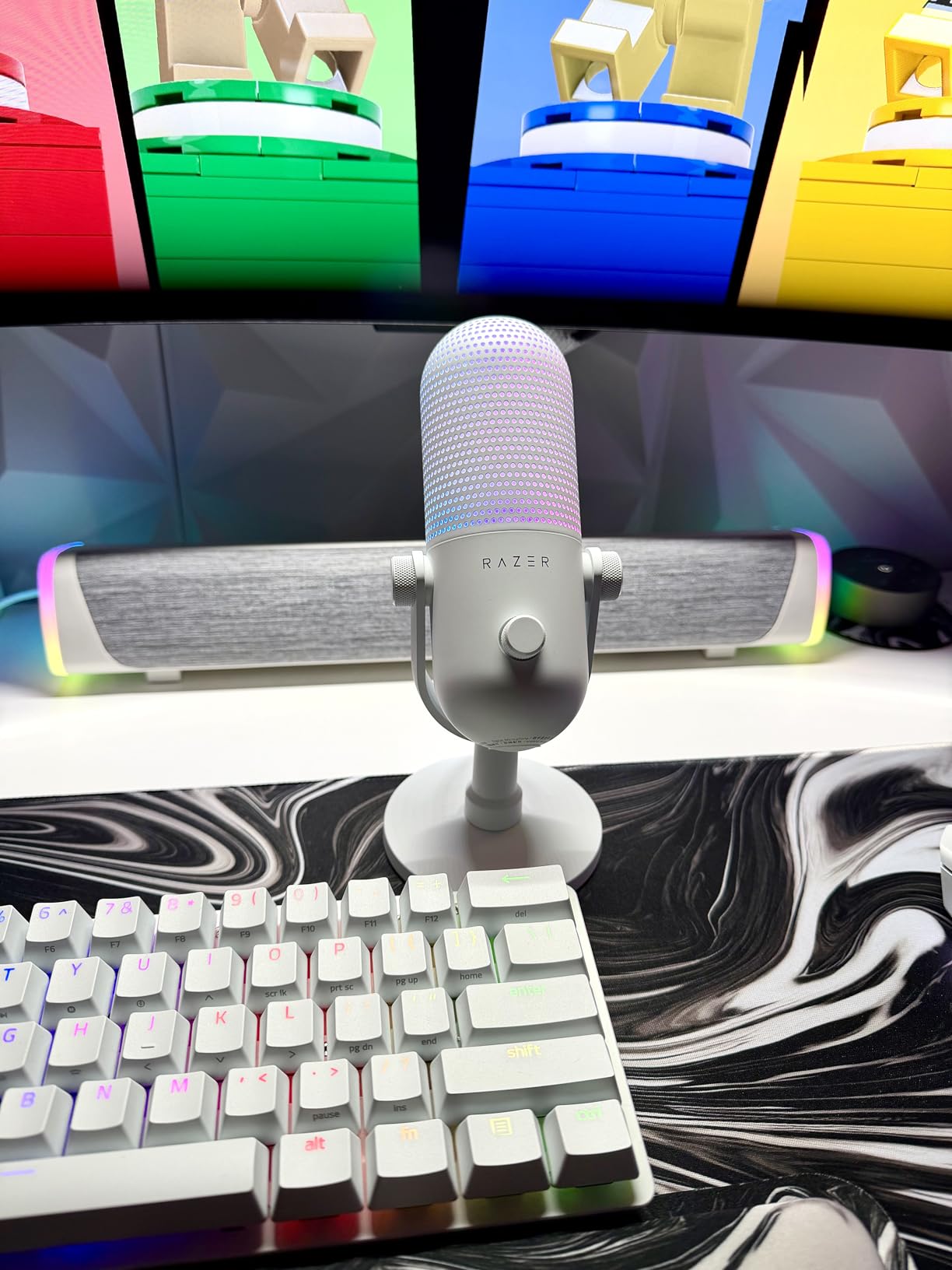
The Razer Seiren V3 Chroma is the microphone I reach for when I want my stream to look as polished as it sounds. The Chroma RGB lighting is not just decoration. It reacts to your game and stream events, creating a visual element that viewers actually notice and comment on. The lighting syncs with other Razer peripherals through Synapse for a unified desk aesthetic.
The supercardioid condenser capsule focuses on my voice more tightly than a standard cardioid pattern, which helps reject some side noise. I found the vocal clarity excellent for streaming, with my voice cutting through game audio and music cleanly. The digital gain limiter automatically catches volume spikes, so shouting during intense gaming moments does not clip or distort.
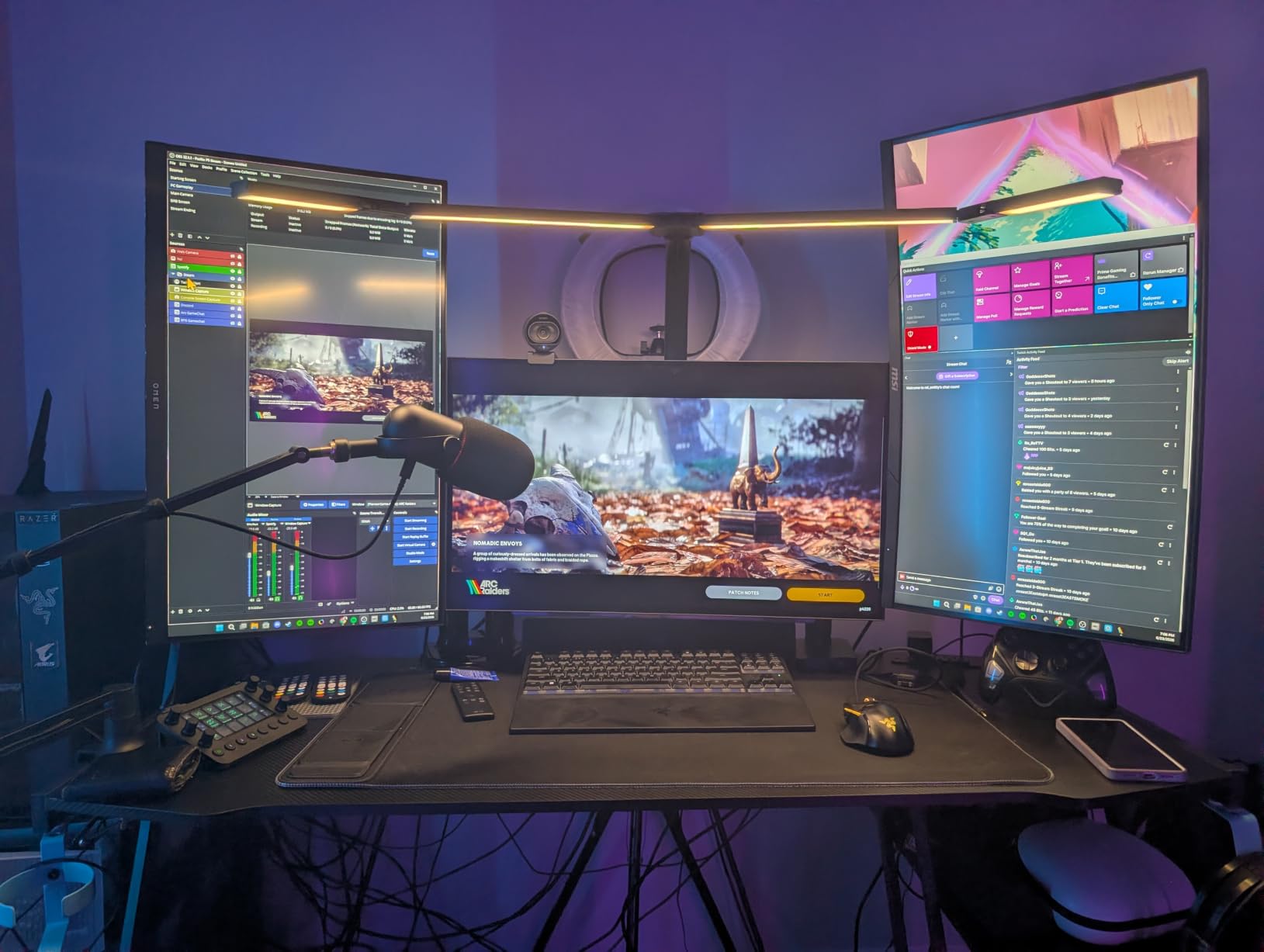
The built-in shock absorber does a decent job reducing handling noise, though it is not as effective as a dedicated external shock mount. The tap-to-mute sensor supports configurable double and triple tap commands, which I mapped to switch audio presets in OBS. That kind of integration saves me keyboard shortcuts during fast-paced streams.
In terms of build, the all-metal enclosure feels premium and durable. The microphone works plug-and-play with Discord, OBS Studio, and XSplit without needing drivers for basic functionality. Razer Synapse adds customization options, though I did experience occasional software hiccups that required reconnection.
Who this microphone is best for
Streamers who already own Razer peripherals will get the most value from the Seiren V3 Chroma. The ecosystem integration through Synapse ties your lighting, audio, and peripherals together in a way no other mic on this list matches. RGB enthusiasts who want their microphone to contribute to their visual brand will love it.
Content creators using OBS Studio or XSplit will appreciate the seamless software compatibility and configurable tap-to-mute commands.
Who should look elsewhere
If you do not care about RGB lighting and just want the best raw audio quality for the price, the HyperX SoloCast or FIFINE AM8 deliver comparable or better sound for less money. The Chroma lighting premium adds to the cost without improving audio performance.
Streamers who avoid Razer Synapse software due to past experiences should also look elsewhere, since full customization requires the software running.
6. HyperX SoloCast – Best Budget Condenser Microphone for Beginners
- Excellent value for beginners
- Hi-Res 24-bit 96kHz recording quality
- Simple plug-and-play with no drivers
- Compact size fits tight desk setups
- Tap-to-mute with LED indicator
- Single cardioid pattern limits versatility
- No included shock mount
- Best results need close positioning
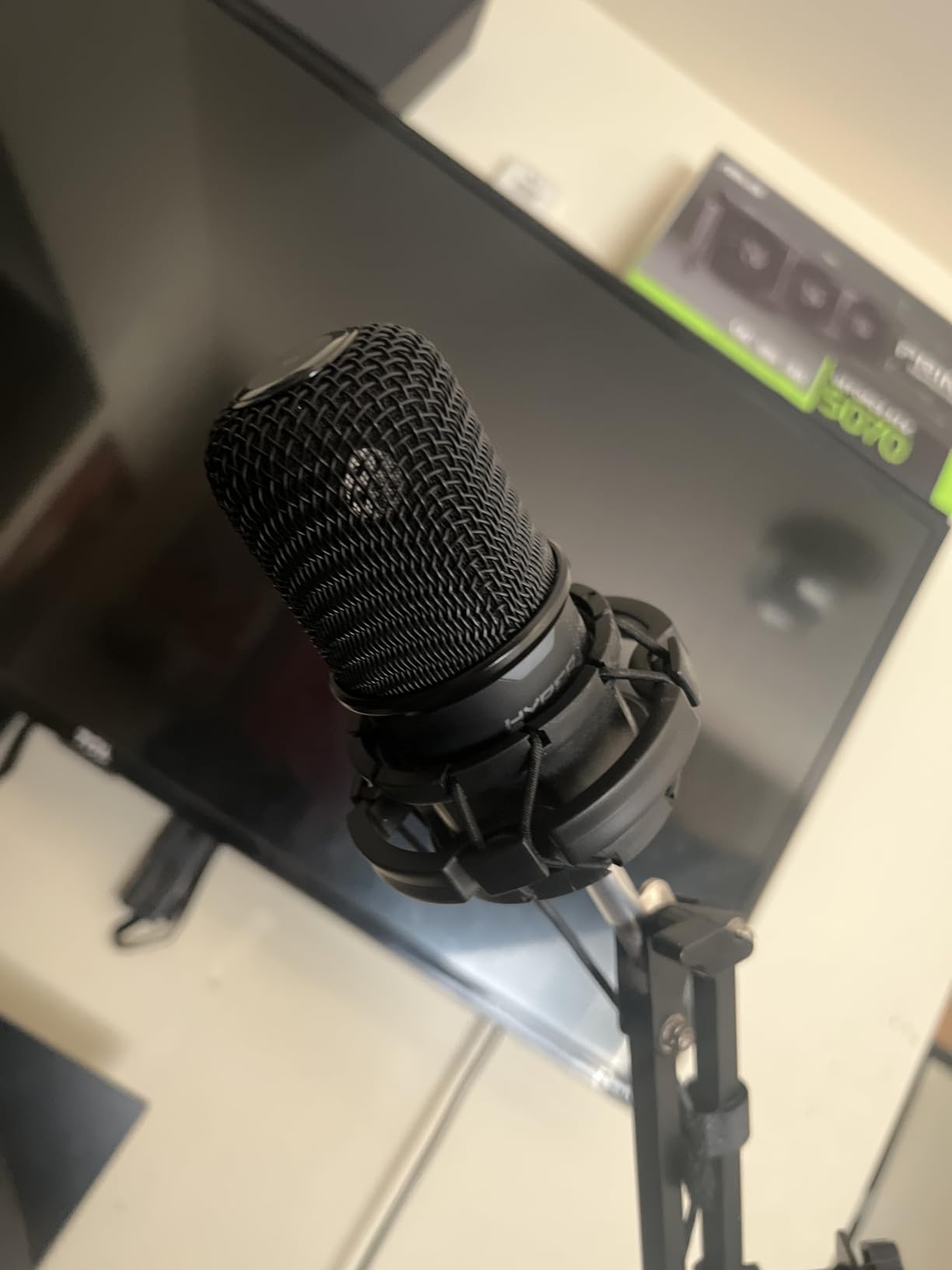
The HyperX SoloCast is the microphone I recommend when someone asks me for the best entry point into streaming audio. At its price, you get 24-bit/96kHz recording quality that rivals microphones costing twice as much. I tested it side by side with more expensive options and was consistently impressed by how clean and articulate my voice sounded.
Setup could not be simpler. I plugged it into my PC via USB-C, and Windows recognized it immediately with no drivers to install. The same applied when I connected it to my PS5 for console streaming. The compact footprint is a real advantage if your desk is already crowded with monitors, cameras, and lighting gear.
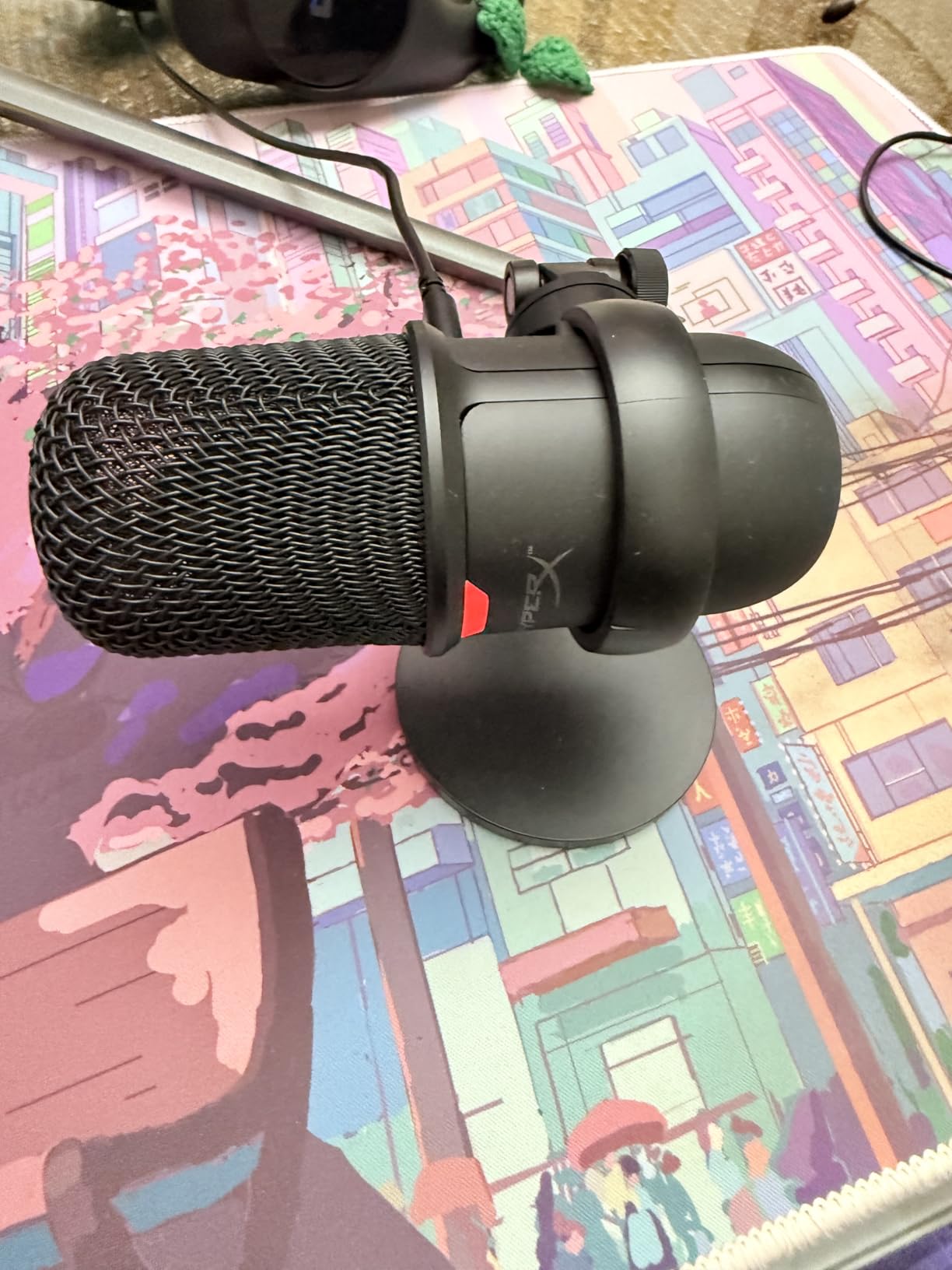
The tap-to-mute sensor is the feature I used most during testing. A quick tap on top silences the mic, and the LED indicator turns red so you know you are muted. This matters during streams when you need to cough, sneeze, or have a quick conversation off-mic without fumbling for software mute buttons.
The cardioid pattern does a respectable job focusing on your voice, though it is a condenser microphone so it will pick up some room sound. I got the best results positioning it about 6 inches from my mouth with the adjustable stand angled toward me. The stand swivels and includes both 3/8-inch and 5/8-inch threading for boom arm mounting.
Who this microphone is best for
First-time streamers and content creators on a budget are the ideal SoloCast users. You get genuine audio quality without the investment required for premium options, and the plug-and-play simplicity means you can start streaming within minutes of unboxing.
Console streamers will appreciate the PS4, PS5, and Mac compatibility that makes it one of the most versatile budget options across platforms.
Who should look elsewhere
If you need a shock mount to eliminate desk vibrations, the SoloCast does not include one. Desk thumps and keyboard vibrations will come through unless you use a boom arm or isolation stand. Check out our guide on microphone stands for compatible options.
Content creators who need multi-pattern recording for podcasts or interviews should step up to the HyperX QuadCast 2 for its four polar patterns.
7. Blue Yeti Blackout – Most Versatile USB Microphone
- Clear broadcast-quality sound with four pickup patterns
- Blue VO!CE software adds streaming effects
- No-latency real-time headphone monitoring
- Easy plug-and-play setup
- Adjustable desktop stand included
- Picks up background noise in untreated spaces
- Heavy at 3.51 pounds
- Sensitive to plosives without pop filter
The Blue Yeti is the streaming microphone I see on more desks than any other, and after extensive testing I understand why. With nearly 57,000 reviews and a 4.6-star average, it has earned its place as the most popular USB microphone for content creators. The tri-capsule array delivers broadcast-quality sound that works for streaming, podcasting, music recording, and voiceover work.
The four pickup patterns give you genuine flexibility. I used cardioid for solo streaming, omnidirectional for a room recording with friends, bidirectional for a two-person face-to-face podcast, and stereo for ambient sound capture. No other microphone on this list covers as many recording scenarios at this price point.
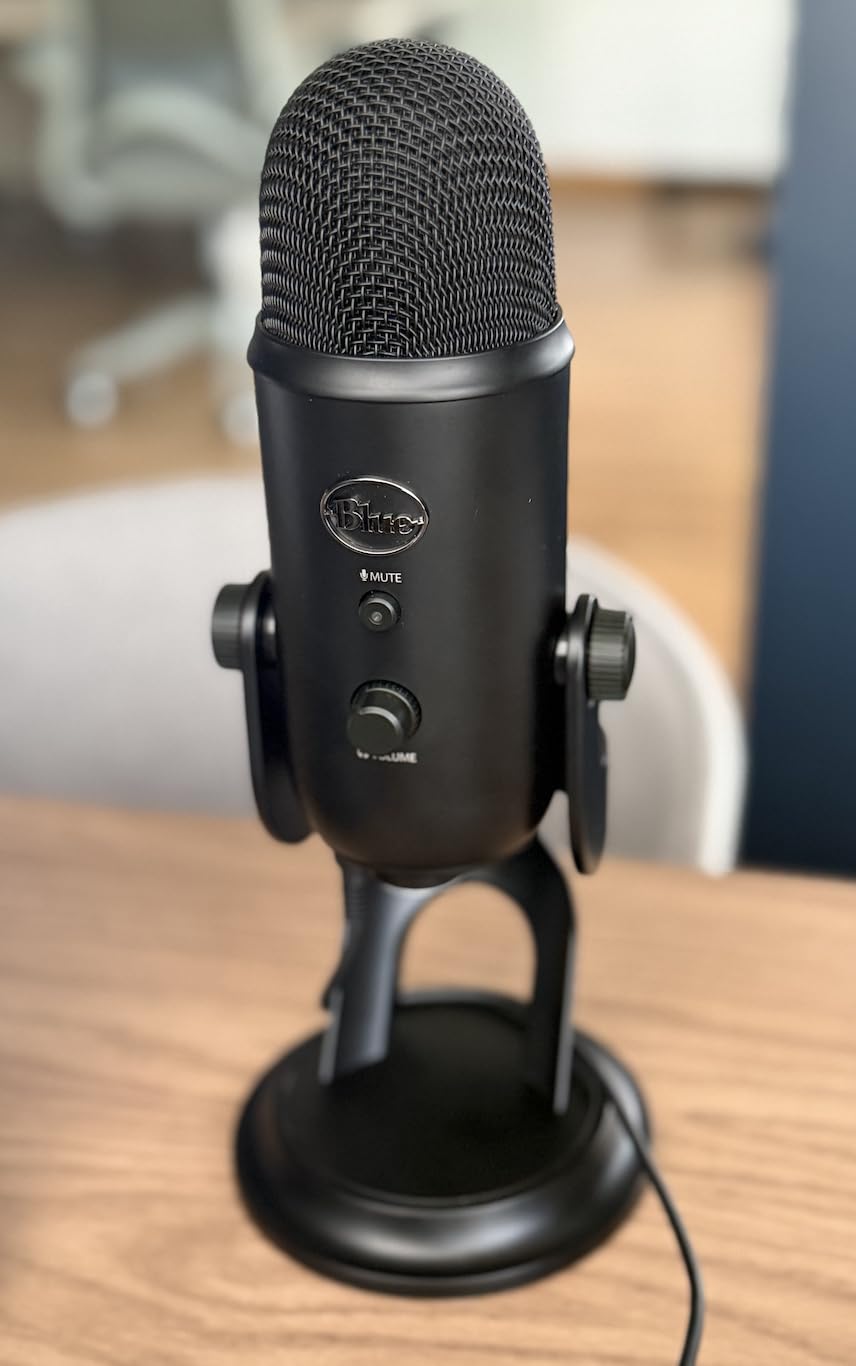
Blue VO!CE software is a fun addition that goes beyond basic audio processing. It includes voice modulation effects, sound triggers, and broadcast-style voice processing that can make your stream more entertaining. I used the noise gate and compressor presets to tighten up my vocal chain, and the results were noticeably more professional than raw audio.
The onboard controls are well-placed and tactile. Headphone volume, pattern selection, instant mute, and mic gain are all accessible on the mic body. The no-latency headphone monitoring is essential for catching audio issues during a live stream before your chat points them out.
Who this microphone is best for
Content creators who do a little bit of everything will love the Blue Yeti’s versatility. If you stream, podcast, record music, and take video calls, the four pickup patterns mean one microphone handles all of it. The Blue VO!CE software also appeals to streamers who want built-in voice effects and sound boards.
Beginners who want a proven, widely-supported microphone will benefit from the massive community of Blue Yeti users who share setup tips and troubleshooting advice.
Who should look elsewhere
If your streaming room is small and untreated with hard surfaces, the Yeti’s condenser sensitivity will pick up echoes and background noise. A dynamic microphone like the Shure MV6 or FIFINE AM8 will reject room noise far better. You may also want to pick up one of the pop filters we recommend to control plosives.
The 3.51-pound weight makes it less suitable for portable setups or lightweight boom arms that cannot support heavier microphones.
8. MAONO AU-A04 – Best Complete Streaming Microphone Kit
- Excellent value with complete kit included
- 192kHz 24-bit high-resolution audio
- True plug-and-play with no drivers
- Sturdy all-metal build
- Everything needed to start streaming included
- Boom arm can sag over time
- No built-in mute button
- Pop filter can muffle if poorly positioned
- Not Xbox compatible
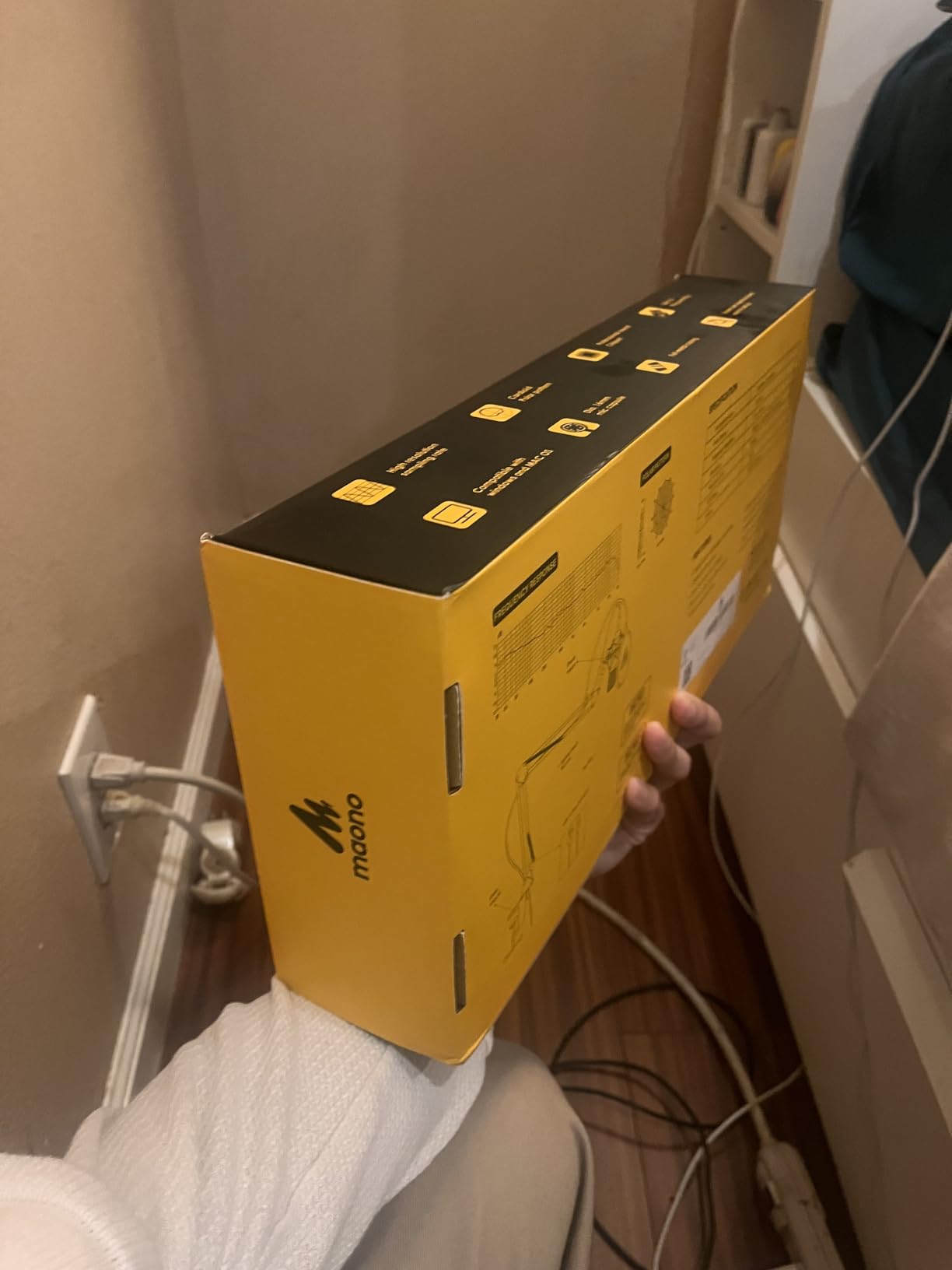
The MAONO AU-A04 is the microphone I tell people about when they want a complete streaming audio solution in one box. While other microphones on this list require you to buy a stand, shock mount, and pop filter separately, the AU-A04 includes all of them. The scissor arm stand, metal shock mount, pop filter, and foam windscreen come in the package.
The 192kHz/24-bit sampling rate is impressive at this price, and I could hear the difference in clarity compared to standard 48kHz USB microphones. The 16mm electret condenser transducer produces a warm, full sound with strong bass response that makes voices sound radio-ready. It is the kind of audio quality that makes viewers ask what mic you are using.
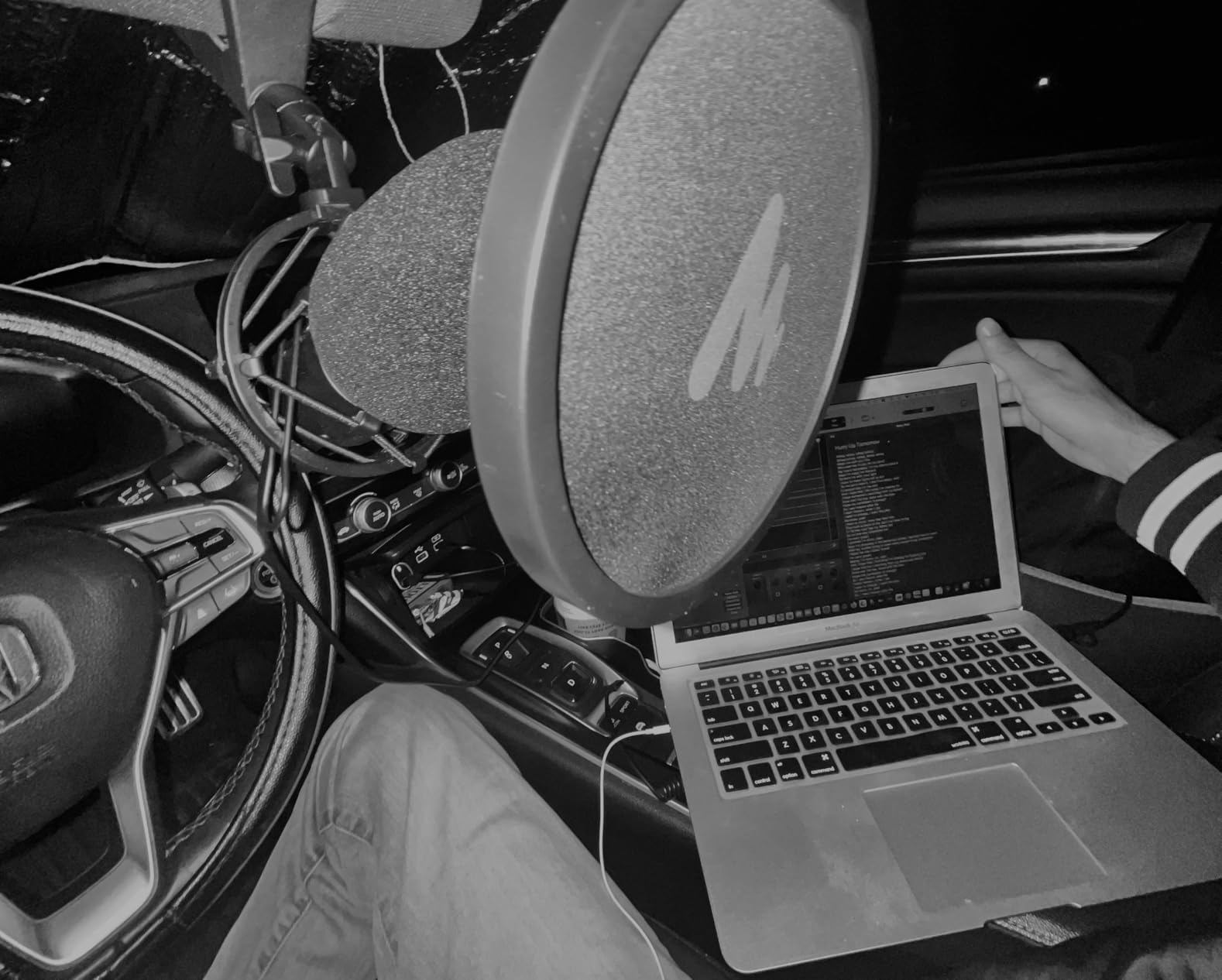
Setup was genuinely plug-and-play on my PC with no drivers required. I also tested it on PS4 and it worked without issue. The cardioid pattern does a good job isolating my voice when the mic is positioned correctly, though you will want to experiment with pop filter placement since positioning it too close can muffle your voice slightly.
The all-metal construction feels durable and professional. The scissor arm stand gives you positioning flexibility that desktop-stand microphones cannot match, letting you float the mic exactly where you need it. I did notice the arm can sag slightly over months of frequent repositioning, but for the price the overall build is more than acceptable.
Who this microphone is best for
First-time buyers who want everything in one package are the perfect match for the MAONO AU-A04. You do not need to research compatible stands or worry about which pop filter fits. It all comes together, making it the easiest path from unboxing to streaming.
Content creators on the tightest budget who still want genuine audio quality will find exceptional value here. The included accessories alone would cost nearly as much as the microphone if purchased separately.
Who should look elsewhere
If you need a hardware mute button for quick silence during streams, the AU-A04 does not have one. You will need to use software muting in OBS or Discord, which adds a small delay. The FIFINE AM8 or HyperX SoloCast both offer tap-to-mute hardware controls.
Xbox streamers should note this microphone is not compatible with Xbox. PC, Mac, PS4, and PS5 users are covered, but Microsoft’s console is not supported.
How to Choose the Best USB Microphone for Streaming
Choosing the right streaming microphone comes down to understanding your room, your content type, and the features that matter most for your setup. Here is what I learned from testing all eight microphones on this list.
Dynamic vs Condenser: The Most Important Decision
This is the single biggest factor in how your microphone will perform in your specific room. Condenser microphones like the Blue Yeti, HyperX QuadCast 2, and Elgato Wave:3 are more sensitive and capture a wider frequency range. They sound richer and more detailed, but they also pick up more background noise and room echo. These are ideal for treated rooms or quiet environments.
Dynamic microphones like the Shure MV6 and FIFINE AM8 focus tightly on sound directly in front of them and reject side and rear noise. If you stream from a bedroom, living room, or shared space with hard surfaces and background activity, a dynamic microphone will save you from constant noise issues. Most professional streamers who broadcast from untreated rooms prefer dynamic microphones for this reason.
Polar Patterns: Match the Pattern to Your Content
Cardioid is the most common pattern for streaming because it picks up sound from the front and rejects sound from the back. This works for solo streamers, podcasters, and anyone recording alone. If you only stream solo, a cardioid-only microphone like the SoloCast or MV6 is all you need.
Multi-pattern microphones like the QuadCast 2 and Blue Yeti add omnidirectional, bidirectional, and stereo options. These matter if you also record podcasts with guests, capture room ambience, or record music. Paying for patterns you will never use does not make sense, so be honest about your content plans.
USB vs XLR: Think About Your Upgrade Path
All microphones on this list connect via USB for plug-and-play simplicity, which is perfect for most streamers. However, some users on Reddit and streaming forums mention wanting an upgrade path to XLR for better audio interfaces and mixers down the road.
The FIFINE AM8 is the standout here because it offers both USB and XLR outputs. You can start with USB simplicity today and connect to an audio interface later without buying a new microphone. If you think you might want to upgrade your audio chain in the future, this dual-connectivity feature adds significant long-term value.
Key Features That Matter for Streaming
A tap-to-mute sensor is essential for live streaming. Every microphone on this list except the MAONO AU-A04 includes one. Being able to instantly silence your mic with a touch is something you will use dozens of times per stream.
Headphone monitoring with zero latency lets you hear your audio in real-time. This helps you catch positioning issues, volume problems, and background noise before your audience does. The Blue Yeti, QuadCast 2, FIFINE AM8, Shure MV6, and Elgato Wave:3 all include this feature.
Gain control on the microphone body lets you adjust input levels without opening software. This matters during fast-paced streams when you need to make quick adjustments without breaking your flow.
Software: Powerful vs Simple
The Elgato Wave:3 MK.2 has the most powerful software ecosystem with Wave Link for multi-channel audio routing. This is ideal for complex streams but requires time to learn. The Shure MV6 has Auto Level Mode that handles audio balancing automatically, which is perfect for streamers who want great sound without tweaking settings. Blue VO!CE on the Yeti adds fun voice effects and broadcast processing for streamers who want entertainment value alongside audio quality.
If software simplicity matters most, the HyperX SoloCast and MAONO AU-A04 work with zero software configuration. Plug them in and start streaming.
Room Treatment and Noise Reduction
No microphone can fully compensate for a bad room. Even the Shure MV6, which has excellent noise rejection, benefits from basic acoustic treatment. Soft surfaces like rugs, curtains, and acoustic panels reduce echo and reverb that make any microphone sound worse. Positioning matters too. Getting the microphone closer to your mouth, about 4 to 6 inches, improves the signal-to-noise ratio dramatically.
If you want to complete your streaming setup beyond audio, our guide to webcams for podcasters covers the visual side of content creation. For those diving deeper into audio, the condenser microphones for podcasting guide explores technical specifications in greater depth.
FAQs
What is the best microphone for live streaming?
The best microphone for live streaming depends on your room and budget. The HyperX QuadCast 2 is the best overall pick with its 4.8-star rating, four polar patterns, and included shock mount. For noisy rooms, the Shure MV6 with Voice Isolation Technology rejects background sound better than any condenser option. For budget-conscious streamers, the FIFINE AM8 delivers professional features like dual USB and XLR connectivity at a fraction of the cost.
What mic do most streamers use?
Most popular streamers use either the Blue Yeti for its versatility and Blue VO!CE effects, or dynamic microphones like the Shure MV7 or MV6 for superior noise rejection. The HyperX QuadCast series is also extremely popular among mid-tier streamers for its build quality and tap-to-mute convenience. For console streamers, the HyperX SoloCast is a common choice due to its PS4, PS5, and PC compatibility.
What is the best wireless microphone for streaming?
USB wireless microphones for streaming are still a developing category. Most streaming microphones use wired USB connections because they provide more reliable, zero-latency audio with no battery concerns. For wireless freedom, many streamers use wireless headset microphones like the SteelSeries Arctis series or clip-on wireless lavalier systems. However, for best audio quality, a wired USB microphone like the Elgato Wave:3 or HyperX QuadCast 2 remains the recommended choice.
What is the 3 to 1 rule for micing?
The 3 to 1 rule is an audio engineering principle that states when using multiple microphones, the distance between microphones should be at least three times the distance from each microphone to its sound source. This prevents phase cancellation and comb filtering, which occur when sound reaches two microphones at slightly different times and creates a hollow or filtered sound. For streaming, this rule matters if you use a separate microphone alongside a webcam mic or capture card audio input.
Final Thoughts on the Best USB Microphones for Streaming
After testing all eight microphones, the HyperX QuadCast 2 stands out as the best USB microphone for streaming thanks to its unmatched 4.8-star rating, versatile four polar patterns, and premium build quality. The FIFINE AM8 earns the value crown for delivering dual USB and XLR connectivity at a budget price, while the Elgato Wave:3 MK.2 takes the premium spot for streamers who want broadcast-level audio control through Wave Link software.
Your room acoustics, content type, and budget should guide your final decision. A dynamic microphone like the Shure MV6 will serve you better in a noisy space, while a condenser like the Blue Yeti shines in a treated room. Whatever you choose, upgrading from a headset mic to any option on this list will transform how your audience experiences your content in 2026.