
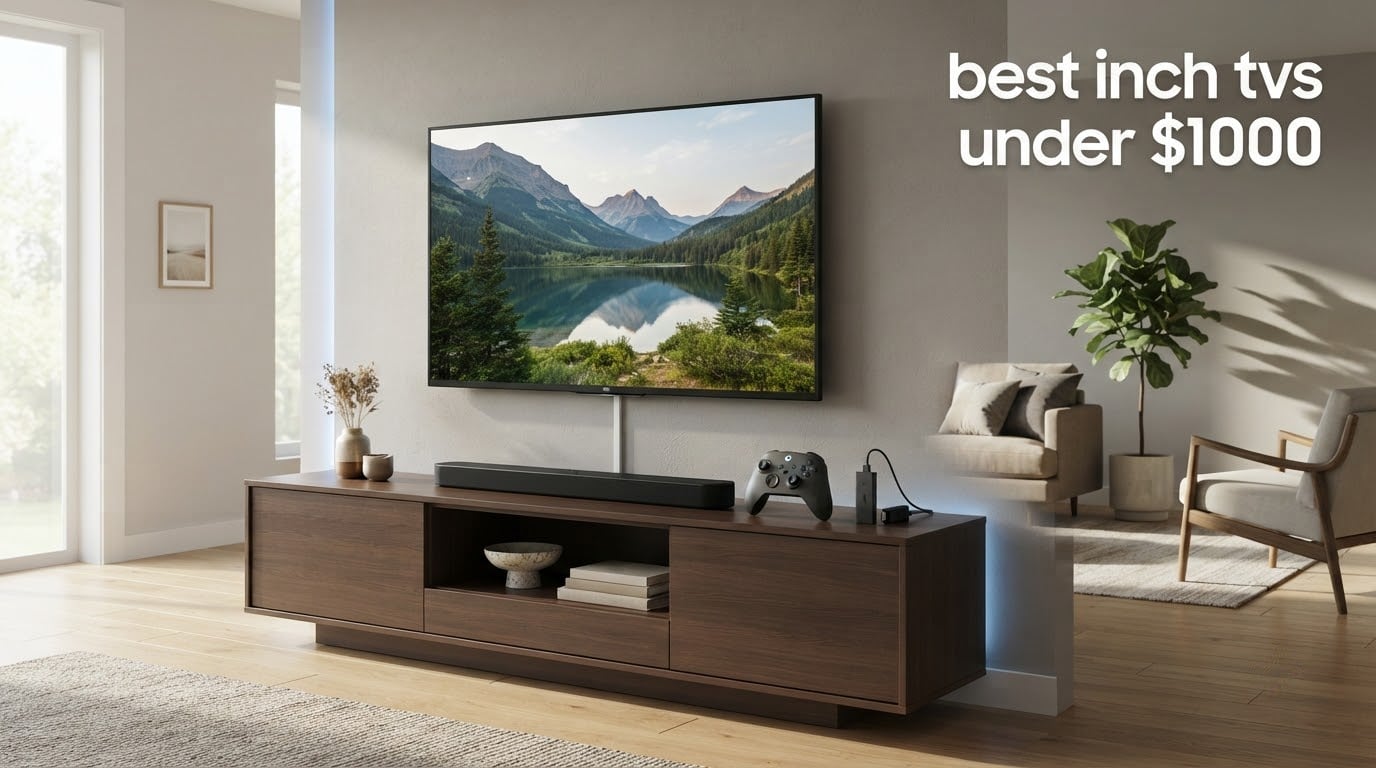
Hands up if you have spent the last two weeks staring at 65-inch listings that all look identical in a thumbnail. That is because the specification that actually decides whether a television looks premium is the one buried in the fine print: the backlight and the native refresh rate.
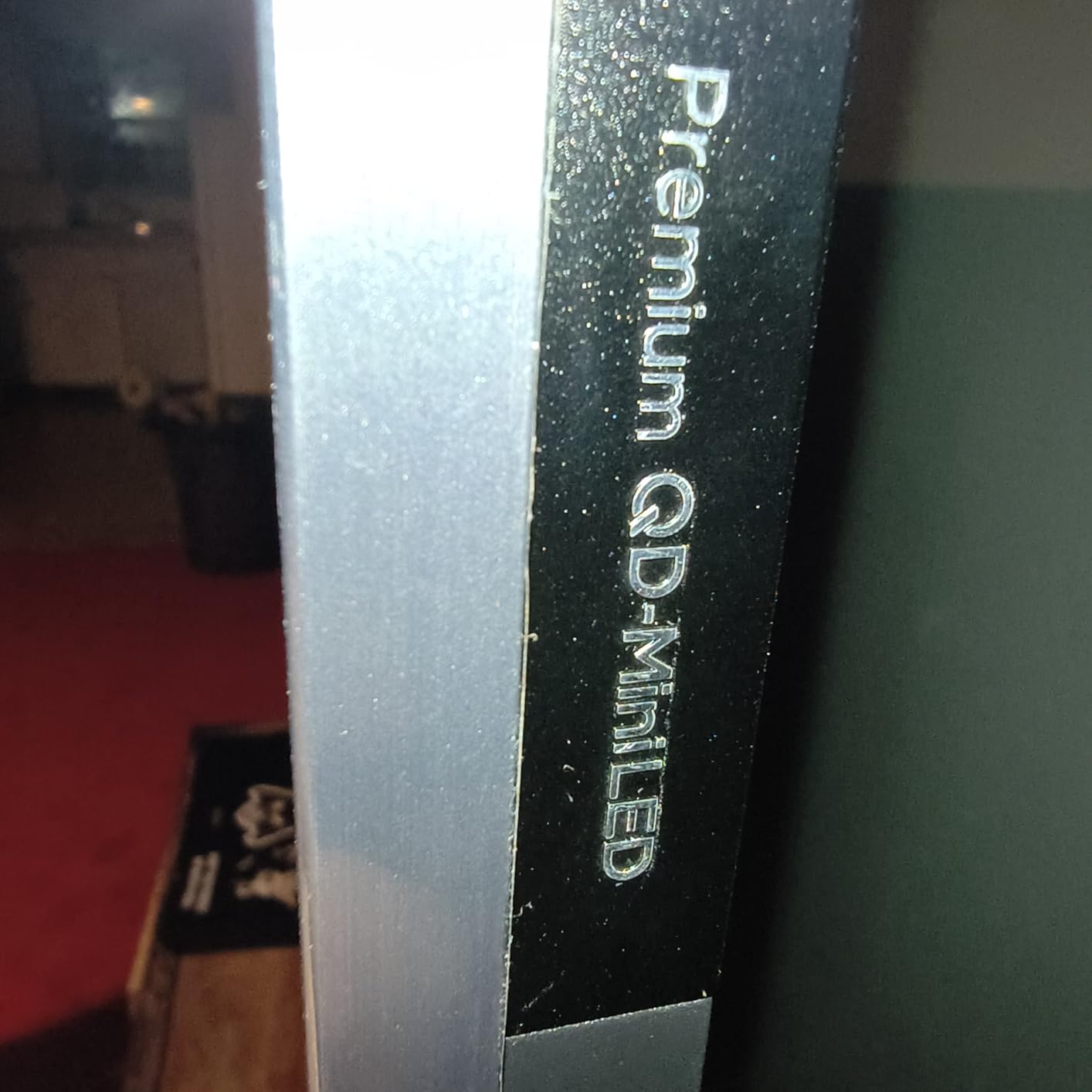
A Mini-LED TV is a 4K LCD panel with thousands of tiny micro-LEDs behind it, grouped into dimming zones that switch off independently, which is what gives you deep blacks and real contrast. A QLED TV is a cheaper step: a standard LED backlight with a quantum dot colour filter that widens the colour range but does nothing for black levels. Every set in this roundup is 4K, so resolution is not the differentiator. The backlight is.
That is good news in 2026. A budget of roughly a thousand dollars now buys Mini-LED local dimming, 144Hz native panels, Dolby Vision and all four major HDR formats, features that were flagship-only a few years ago. I compared the ten sets below on panel type, native refresh, dimming, HDR formats, port selection, weight, mount pattern and owner review sentiment, and these are the ones I would put on a shortlist for the best 65 inch tvs under 1000 in 2026.
If your room is smaller, our 55 inch TV roundup covers the same panel generation one size down, and the 43 inch TV picks are the sensible option for a bedroom or a rental.
Table of Contents
Top 3 Picks for Best 65 Inch TVs Under $1000 in 2026

TCL 65QM6K Mini LED QLED
- QD-Mini LED with full array local dimming
- 144Hz native refresh
- Onkyo 2.1 audio with subwoofer

Roku 65R6C7 Mini LED QLED
- Full array local dimming
- Dolby Vision and HDR10+
- Dolby Atmos with built-in subwoofer

TCL 65T7 QLED 144Hz
- 144Hz native refresh with 288Hz VRR
- Dolby Vision and HDR10+
- Near full DCI-P3 colour coverage
The TCL QM6K takes the top slot because it is the only set in this group that pairs genuine Mini-LED local dimming with a 144Hz native panel and a full complement of HDR formats. The Roku Plus Series earns its place for picture quality and sound. The TCL T7 is the one to buy if a PC or console at high refresh is the main reason you are upgrading.
Quick Overview: Best 65 Inch TVs Under 1000 in 2026
| Product | Specifications | Action |
|---|---|---|
| TCL 65QM6K Mini LED QLED |
|
Check Latest Price |
| Roku 65R6C7 Mini LED QLED |
|
Check Latest Price |
| TCL 65T7 QLED 144Hz |
|
Check Latest Price |
 Roku 65R5D5 Select QLED Roku 65R5D5 Select QLED |
|
Check Latest Price |
 Sony K-65S30 BRAVIA 3 Sony K-65S30 BRAVIA 3 |
|
Check Latest Price |
 Samsung 65M70H Mini LED Samsung 65M70H Mini LED |
|
Check Latest Price |
 Hisense 65A6H 4K Google TV Hisense 65A6H 4K Google TV |
|
Check Latest Price |
 Samsung 65U8000H Crystal UHD Samsung 65U8000H Crystal UHD |
|
Check Latest Price |
 Sony K-65S20M2 BRAVIA 2 II Sony K-65S20M2 BRAVIA 2 II |
|
Check Latest Price |
 INSIGNIA NS65-UQFL26 QF Series INSIGNIA NS65-UQFL26 QF Series |
|
Check Latest Price |
Two things stand out immediately in that table. Only three of the ten have a native refresh rate above 60Hz, and only three have real local dimming. Everything else in this price band is a 60Hz panel with a marketing number attached to it.
1. TCL 65QM6K Mini LED QLED – The Best 65 Inch TV Under 1000 Overall
- Mini LED local dimming at a budget price
- Only 144Hz native panel in a class full of 60Hz sets
- Onkyo 2.1 audio with a real subwoofer
- Dolby Vision plus HDR10+ HDR10 and HLG
- Google TV home screen is heavy on promoted content
- Dimmer than some rivals in very bright rooms
- No OLED-level black detail off axis
This is the set I kept coming back to while building the list. The TCL Halo Control system drives the local dimming, and the difference in letterbox bars and dark scenes against a flat LED backlight is immediate on a 65-inch panel. It is the panel most owners describe as the value benchmark in this band, and the review data backs that up: buyers consistently call it the best value Mini LED in its class.
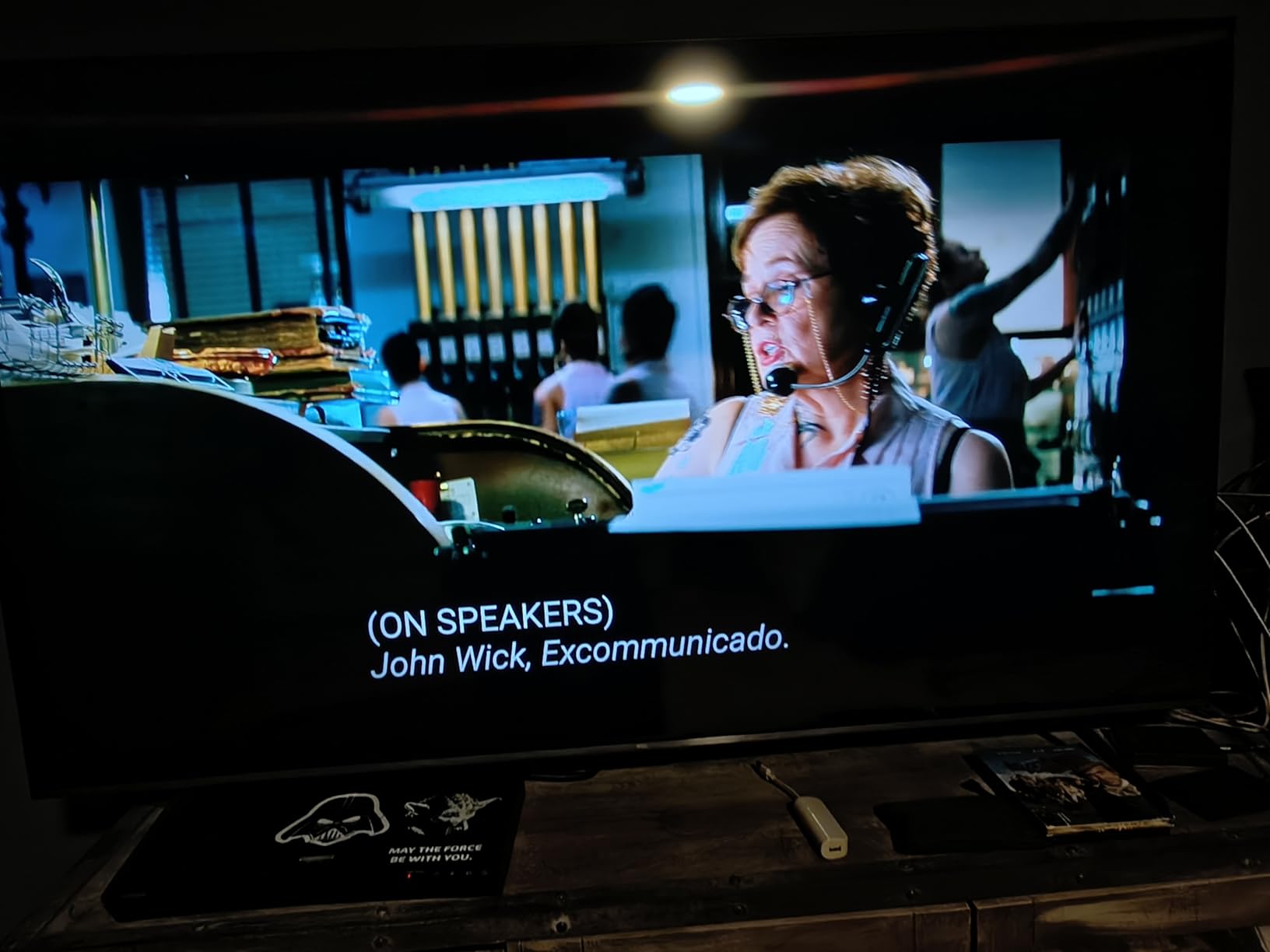
What surprised me was the audio. An ONKYO 2.1 speaker system with a built-in subwoofer and Dolby Atmos is unusual at this budget, and it means the first evening with the set does not immediately require a soundbar.
The 144Hz native refresh is the number that matters for anyone with a current generation console or a gaming PC, and the Game Accelerator extends variable refresh support to 288Hz. Owners report a firmware update cleared the early app and performance complaints that a minority raised after launch, which is worth knowing if you are reading older reviews.
Ports are generous for a budget set: four HDMI, USB 2.0 and USB 3.0, Ethernet and Bluetooth 5.4. The 178-degree viewing angle specification is also better than most LCD panels in this group manage.
It weighs 37.8 pounds with the stand, so it is not a casual solo lift. A two-person mount with a VESA 300 x 300 mm bracket is the sensible approach.
What to check before you buy the QM6K
Look at the smart platform first. Google TV is the most capable of the budget platforms, and it is also the one most owners complain about, with promoted content and recommendation rows across the home screen. If that bothers you, plan on adding a third-party launcher or pairing a streaming stick later, which is a common owner workaround.
Second, judge it in your own lighting. Owners note the picture runs dimmer than some competing sets in very bright rooms, so a heavily sunlit living room may suit a brighter panel better.
Who should skip the QM6K
Anyone who sits far off to the side of the screen should look elsewhere. LCD viewing angles remain the weak point of the technology, and black level detail drops compared with an OLED, which we cover in our 65 inch OLED roundup for buyers whose budget stretches further.
It is also not the right set for a very dark room where absolute black matters more than brightness and colour volume.
2. Roku 65R6C7 Plus Series Mini LED QLED – Best for Movie Nights
- Highest rated set in this roundup
- Mini LED dimming and Dolby Vision at a low price
- Dolby Atmos with a built-in subwoofer
- 6.5ms response time suits console gaming
- 60Hz panel limits high-refresh gaming appeal
- Personalised home screen divides some users
- Dolby Vision needs a subscription on some services
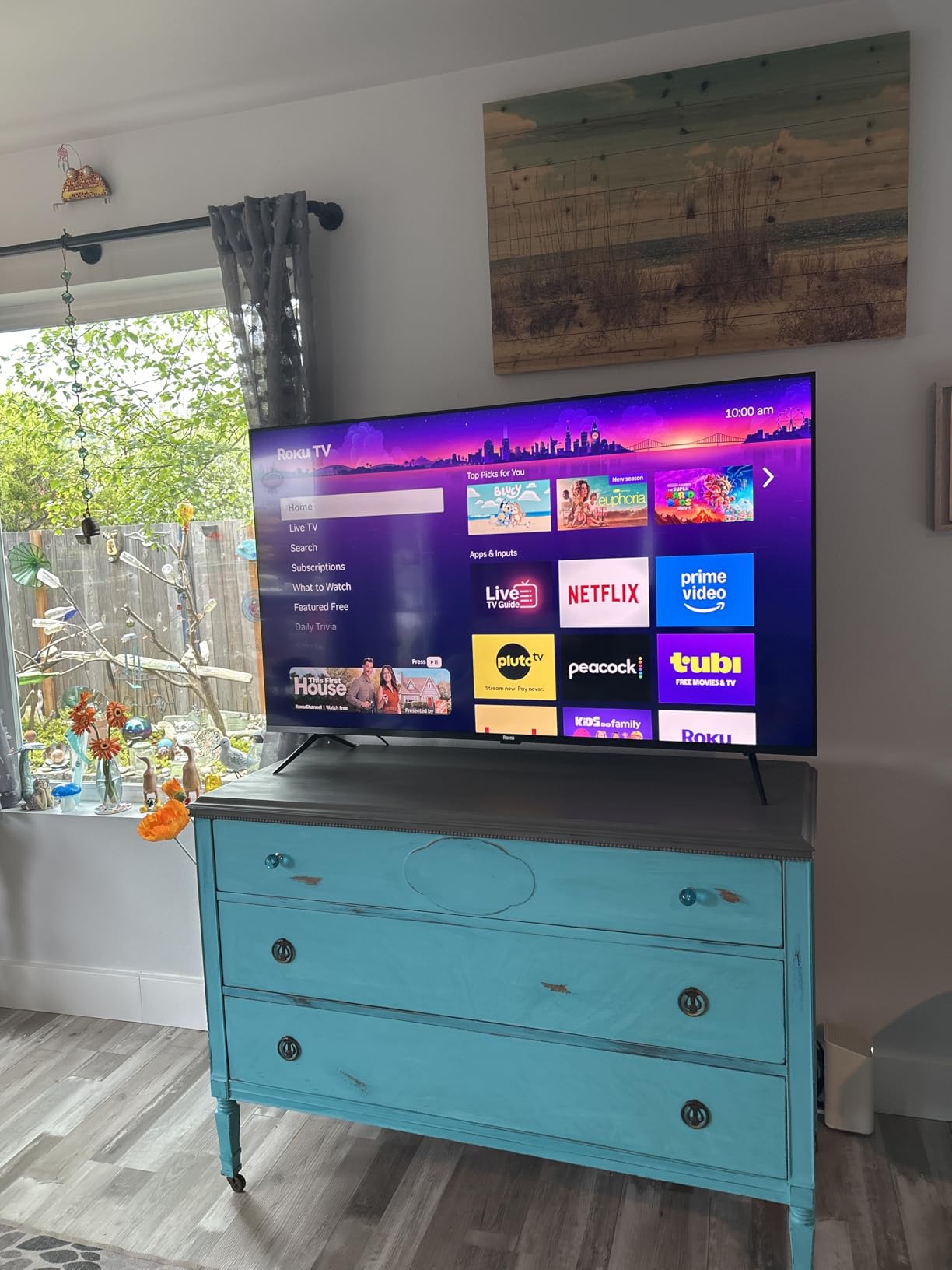
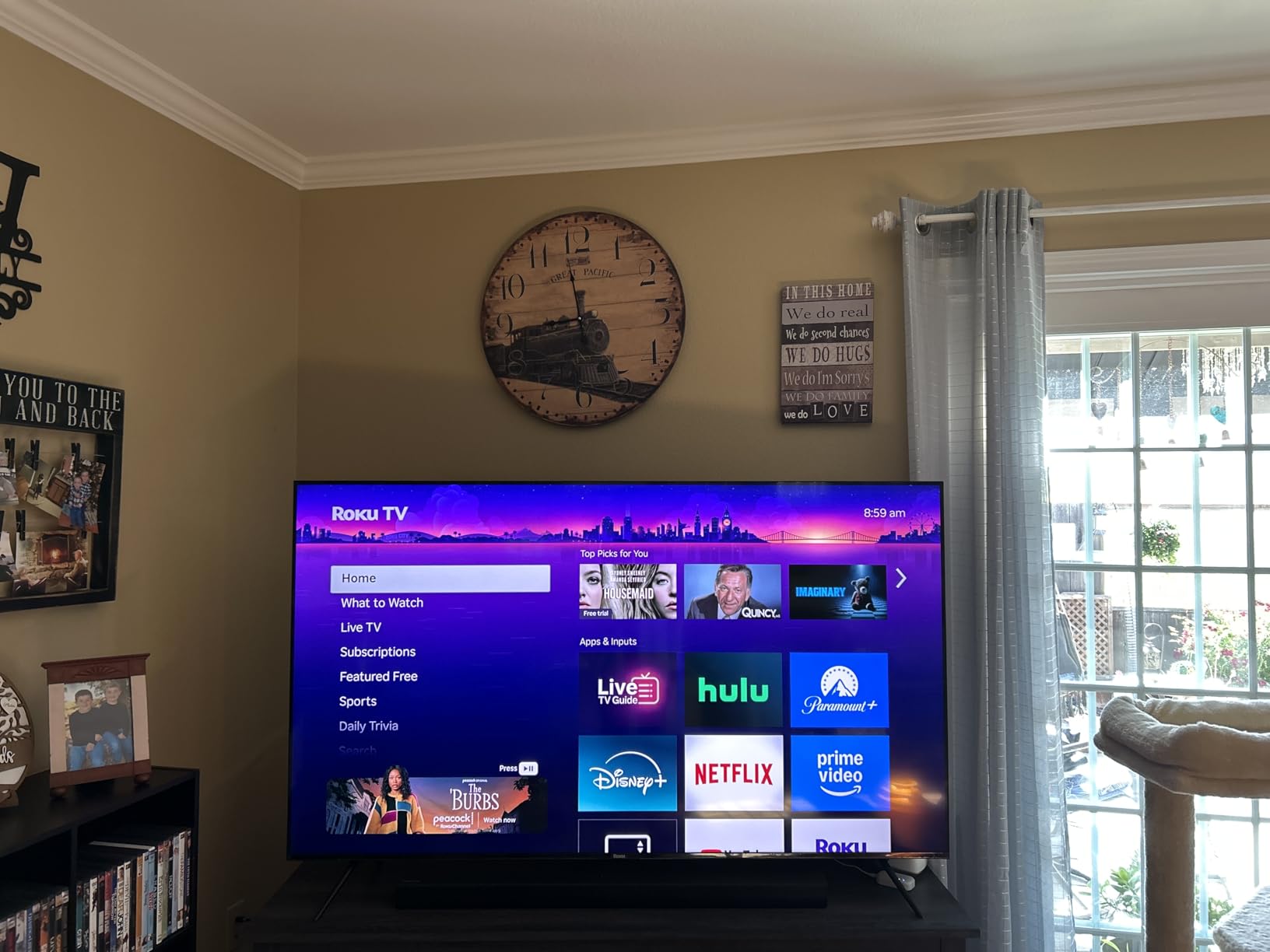
The Roku Plus Series is the one I recommend when the television is going to be used for films first and everything else second. Reviewers give it the highest average rating of the group, with a large share of five-star scores, and the reason is consistent: Mini LED local dimming and Dolby Vision on a panel this size, backed by the platform most owners describe as the least troublesome of the four.
Roku Smart Picture Max handles the signal cleanup and does scene-by-scene tuning in the background. You do not have to think about picture settings to get a clean image out of a mediocre stream, which is a genuine advantage over the cheaper sets here.
Sound is the other surprise. A 4.1 channel Dolby Atmos system at 50W with a built-in subwoofer is a specification you normally associate with a soundbar, and it is the reason this set ranks so highly for movie nights.
For gaming the 6.5ms response time is respectable, but the 60Hz native panel is the ceiling. Console players are fine; anyone chasing 120Hz or 144Hz should read the next section.
Connectivity is well specified: four HDMI, USB 2.0, USB 3.0, Ethernet and optical out. The panel weighs 39.7 pounds and mounts to a 400 x 300 mm VESA pattern.
What to check before you buy the Roku Plus Series
Decide how you feel about personalised home screens. Roku’s layout and quick-access shortcuts are faster than the alternatives, and its mobile app is widely considered the best in the category, but a minority of owners dislike the promotional shortcuts on the new layout.
Check your streaming subscriptions too. Dolby Vision only engages on services you pay for, so if your viewing is mostly free ad-supported channels you are paying for a format you will rarely see.
Who should skip the Roku Plus Series
PC gamers and owners of high-refresh monitors should skip it. A 60Hz panel cannot deliver 4K at 120Hz no matter how good the processing is, and the response time, while fine, is the reason it does not lead the gaming category here.
It is also the heaviest set in the group at 39.7 pounds, so budget properly for a mounted installation.
3. TCL 65T7 QLED 144Hz – Best for High Refresh Gaming
- Strongest native refresh rate at this budget
- Colour coverage close to the full DCI-P3 space
- Every major HDR format including Open HDR
- Height adjustable feet on a bezel-less design
- Motion processing lags on very fast sports action
- Google TV home screen pushes promoted content
- Infrared remote backlight drains batteries
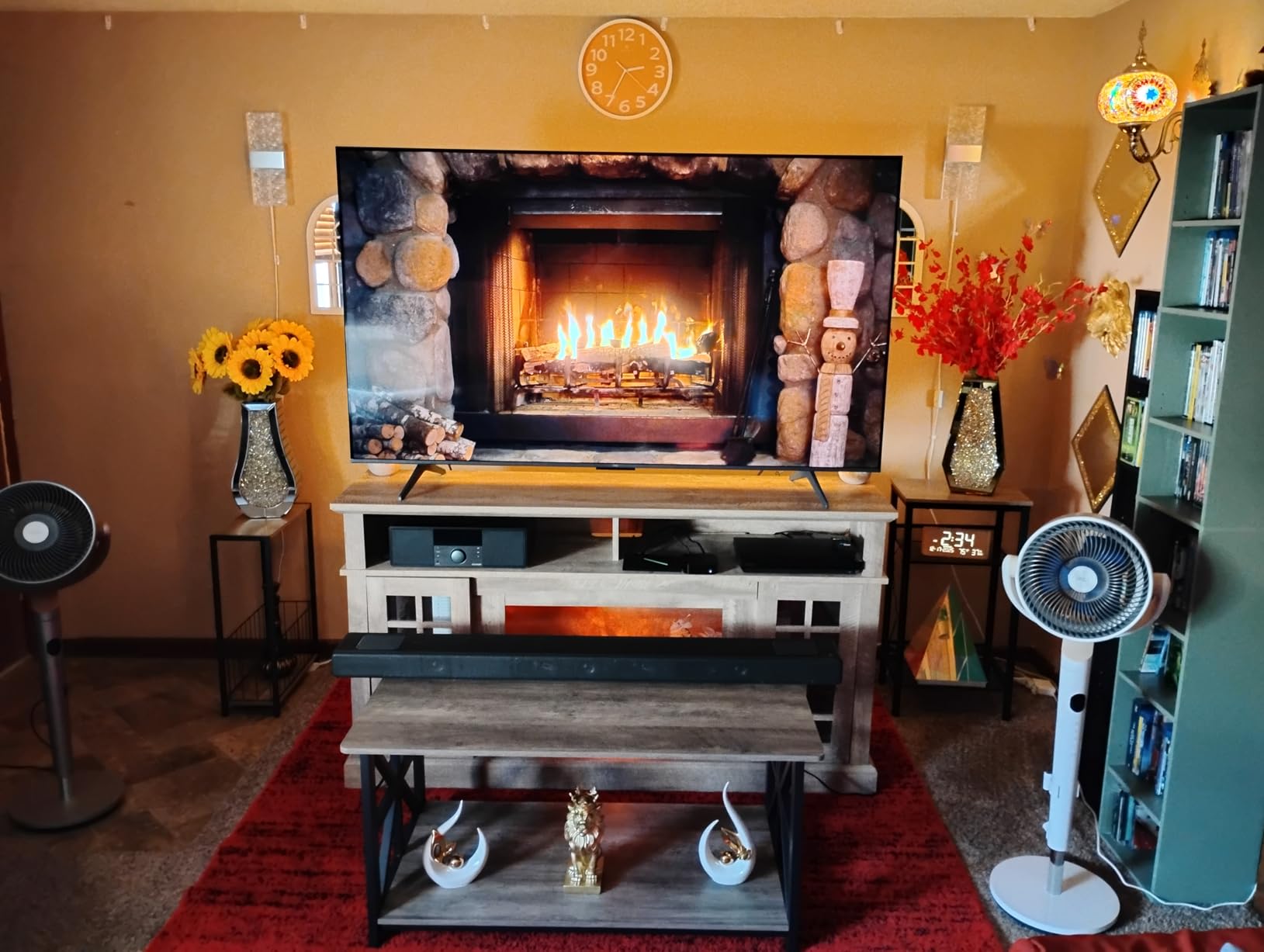
The T7 is the gaming answer in this list. A 144Hz native panel is rare at this budget, and owners describe the difference on a PlayStation 5 or a PC as dramatic rather than incremental. Variable refresh support extends to 288Hz, which matters for the frame-rate swings you get from console titles.
Colour is the other strength. The quantum dot layer covers nearly the entire DCI-P3 space, which is the widest gamut figure most buyers will see quoted on a set at this price.
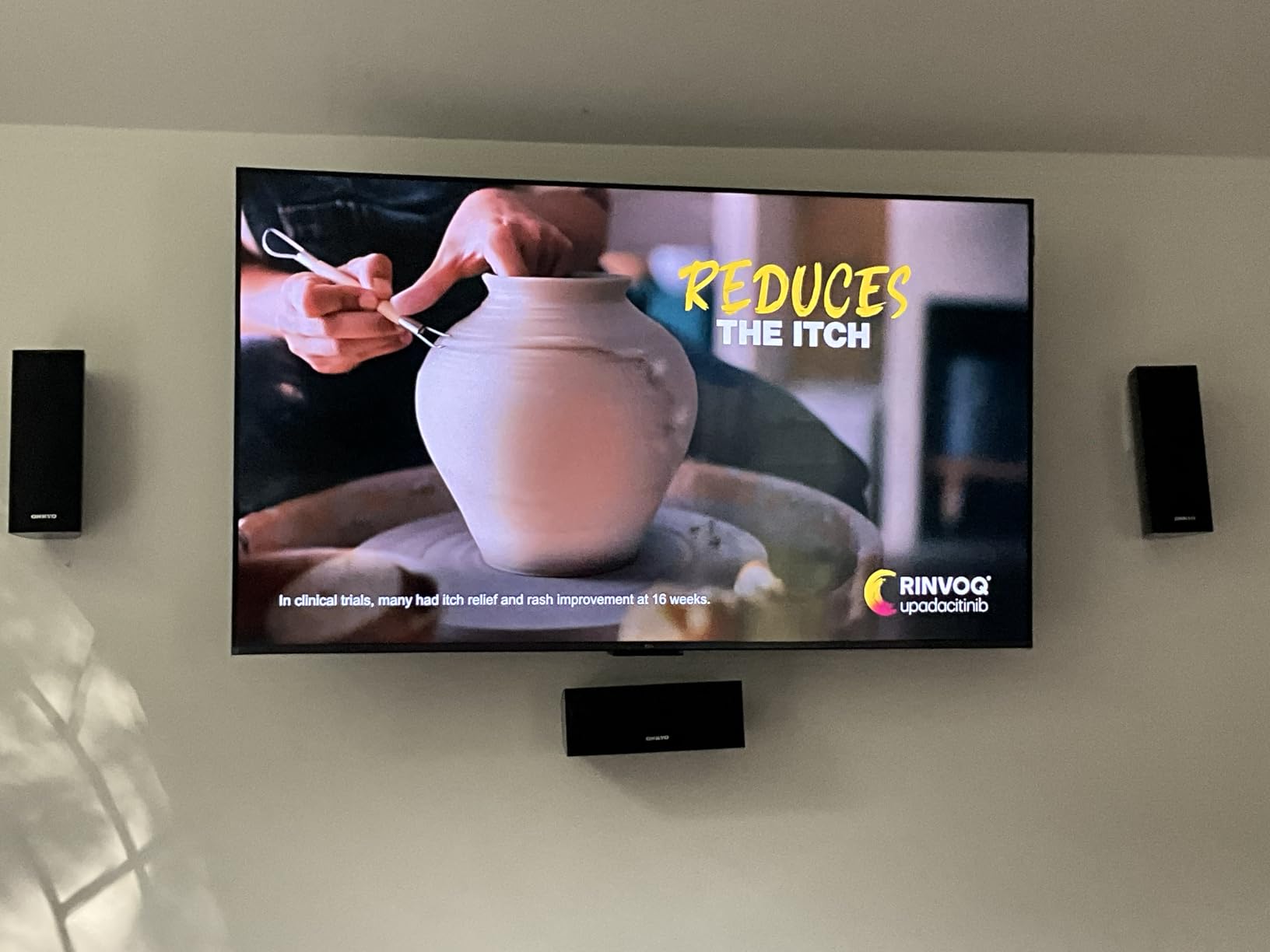
HDR coverage is as complete as it gets here: Dolby Vision, HDR10+, HDR10, HLG and Open HDR, handled by the AIPQ Pro processor and the HDR PRO+ feature. Audio is Dolby Atmos and DTS:X, which is more than most rivals in this group manage.
Four HDMI inputs including one with eARC, plus Ethernet, optical, RF and two USB, is a generous port list. At 36.6 pounds it sits mid-range for weight.
One owner review highlighted TCL customer service resolving an issue with a fast replacement unit, which is useful context when support quality comes up.
What to check before you buy the T7
Understand the Motion Rate 480 label before you get excited by it. That figure comes from MEMC frame insertion, not from the panel. The real number is 144Hz native, which is the one to compare across brands.
Test motion handling with fast sport if you care about it. Some owners report the motion processing does not keep up with very fast action, which is the most common reservation beyond the interface complaints.
Who should skip the T7
Skip it if you watch live sport in daylight rather than play games. Its native panel strength is wasted in that scenario, and the set reports some glare in bright rooms.
It is also a poor choice for anyone who hates advertising on the home screen, because it runs Google TV with all that implies.
4. Roku 65R5D5 Select Series QLED – Best for Simple Setup
- Roku OS is the most praised smart platform in this roundup
- Quantum dot colour is a clear step over standard LED
- Quick setup with apps transferred from an existing Roku account
- Light enough to wall mount without a second person
- 60Hz panel with only basic VRR support
- Speakers are adequate rather than good for movies
- New home screen layout annoys some users
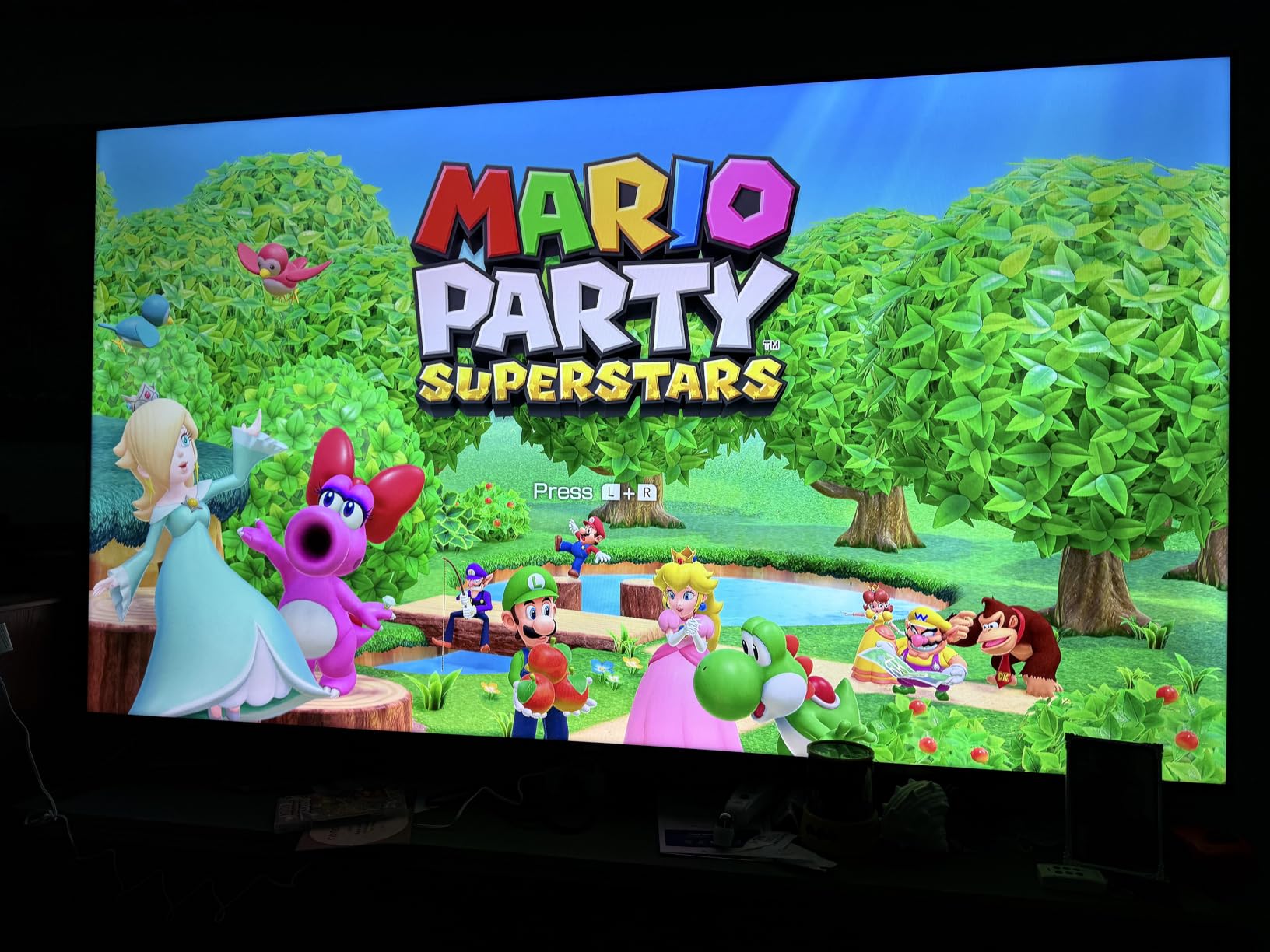
Not every upgrade needs Mini-LED. The Roku Select Series is a QLED set with a quantum dot colour layer, and reviewers describe the picture as far better than expected at this price, with clean 4K detail and solid motion handling for a 60Hz panel.
What makes it a genuinely good recommendation is the platform. Roku OS is described by owners as fast, intuitive and the least troublesome of the smart TV systems, and several buyers report replacing a Google TV that had been giving them trouble. If you want a television that works without a learning curve, this is the one.
Setup is quick, with apps transferring from an existing Roku account, and the enhanced voice remote includes a remote finder, which sounds trivial until you have lost it behind the cushions twice.
It also runs Art Mode and Bluetooth Headphone Mode, and it weighs just 30.9 pounds, which makes it the easiest set here to mount. The VESA pattern is 400 x 300 mm.
Four HDMI, optical audio out, two USB, Ethernet and Bluetooth 5.2 cover most needs, and AirPlay 2 and Miracast handle mirroring.
What to check before you buy the Select Series
You are buying colour, not contrast. A quantum dot layer widens the gamut, but there is no local dimming here, so black levels in a dark room will not match a Mini-LED set. If night-time film watching is your priority, spend the difference on one of the two sets above.
Look at the on-screen layout first if you can. Roku’s updated home screen and personalised recommendations are a common point of friction for owners who preferred the older arrangement.
Who should skip the Select Series
Console players looking for high refresh should skip it. It is 60Hz, and VRR support is basic rather than class-leading.
It is also a weak match for anyone who wants to hear films on the built-in speakers, since 20W of Dolby Audio is functional rather than enjoyable at 65 inches.
5. Sony K-65S30 BRAVIA 3 – Best for PlayStation 5 Owners
- Accurate natural colour from the X1 processor
- PlayStation 5 specific features and Game Menu
- Included high-bitrate 4K films in Sony Pictures CORE
- Dolby Vision and Dolby Atmos support
- 60Hz panel with no gaming refresh rate
- Direct LED backlight gives limited local contrast
- Modest speaker output for films
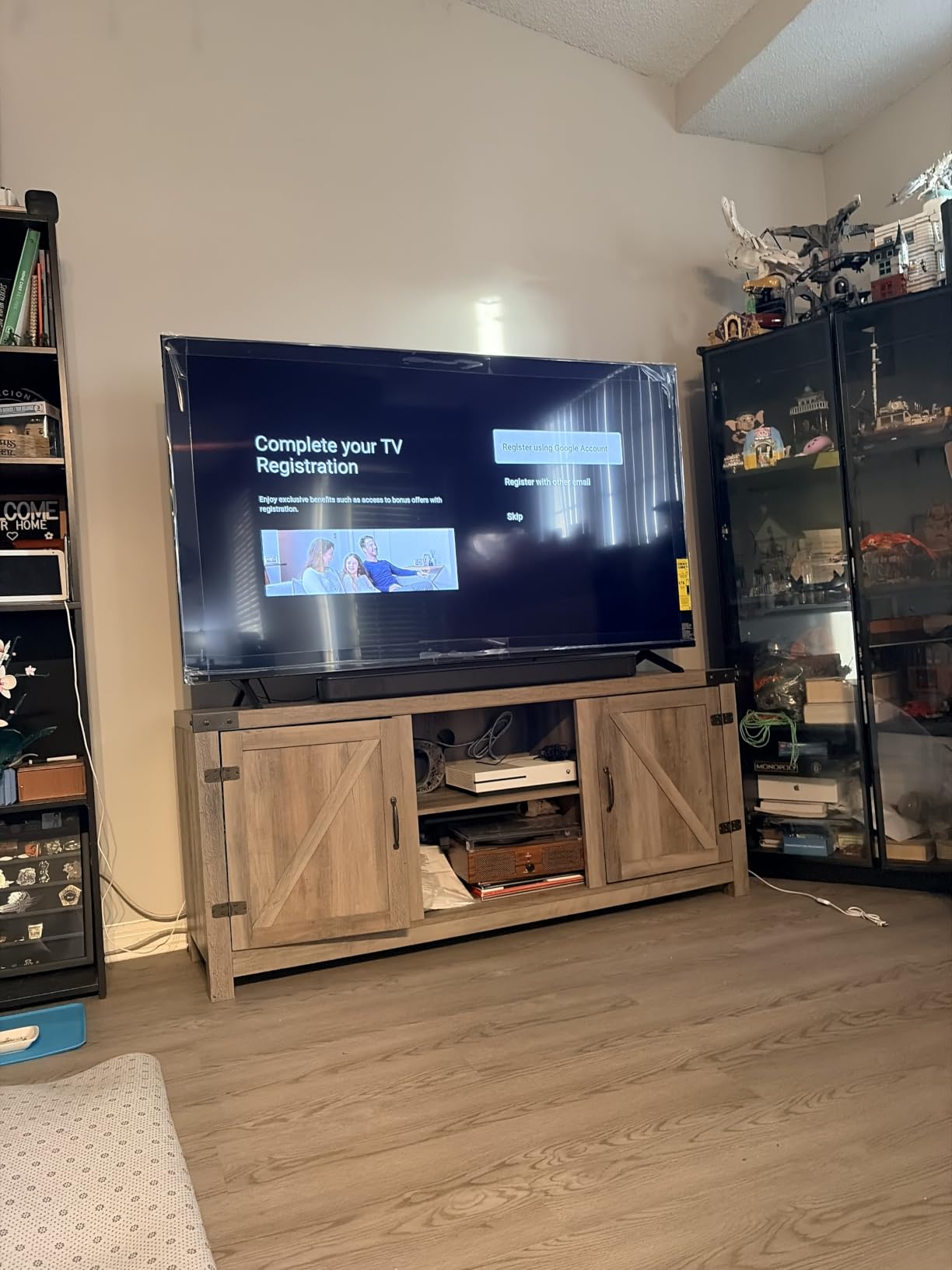
The BRAVIA 3 is the pick for anyone whose living room revolves around a PlayStation 5. It carries the PlayStation 5 exclusive features including Game Menu and Auto HDR Tone Mapping, and owners single out that integration, along with the picture processing, as the standouts.
Picture accuracy is the Sony argument. The 4K HDR Processor X1 with real-time scene enhancement, Triluminos Pro colour and 4K X-Reality PRO upscaling produce what reviewers describe as accurate and natural colour rather than saturated colour.
There is a bonus most brands skip: the Sony Pictures CORE app with five movie credits and twelve months of classics, which owners consistently mention as a welcome extra.
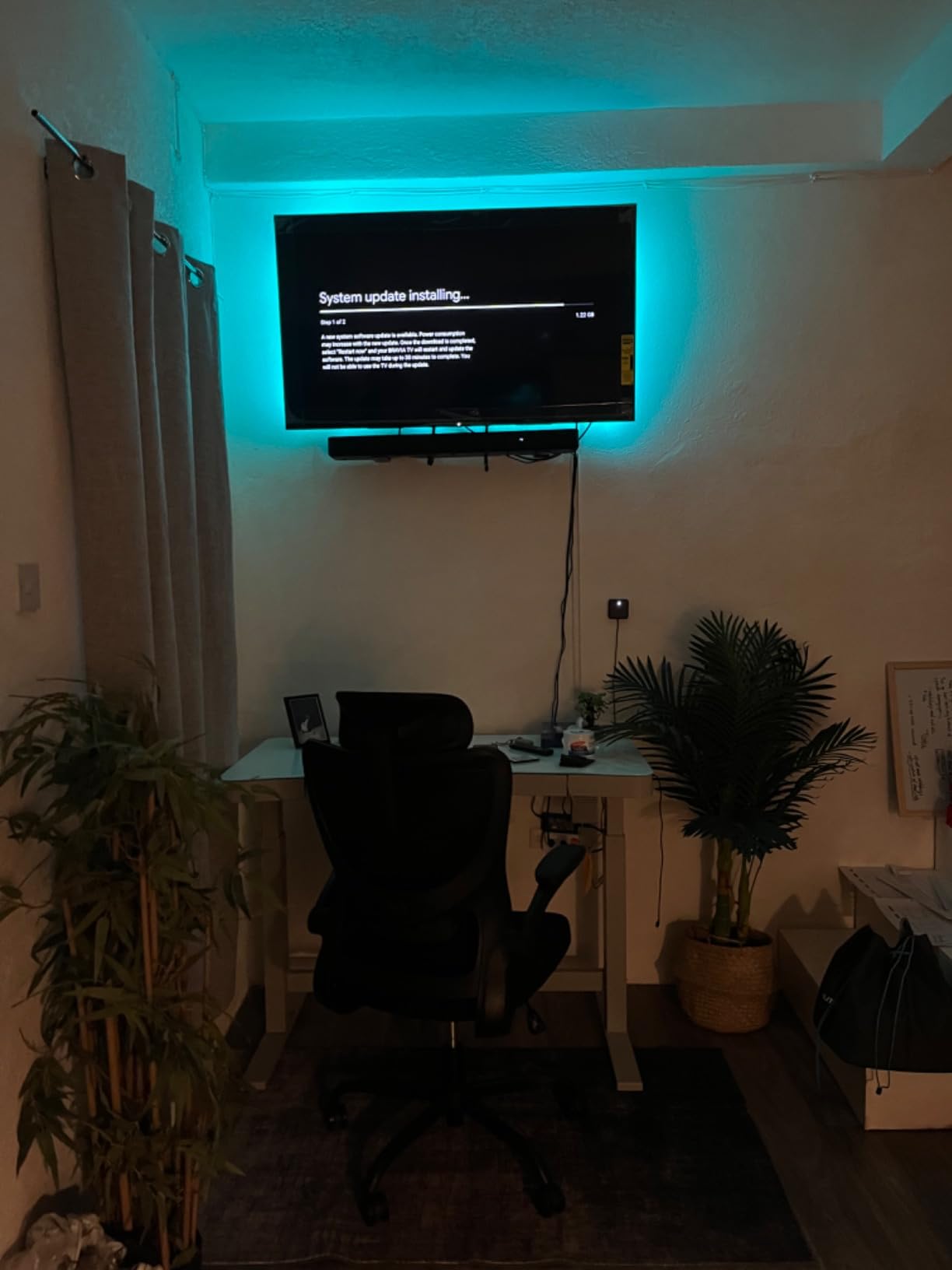
It weighs 47.8 pounds, the heaviest panel in this roundup, and uses a 300 x 300 mm VESA pattern. Plan a two-person lift and a bracket rated for the weight. Four HDMI, two USB, AirPlay 2, Chromecast and Bluetooth 5.3 are all present.
Audio is X-Balanced Speakers with Dolby Atmos and Dolby TrueHD, which is fine for news and general viewing.
What to check before you buy the BRAVIA 3
Accept that this is a 60Hz direct LED panel. The Motionflow XR 240 label describes processing, not refresh rate, and there is no high-refresh gaming capability to unlock. It is a picture-quality purchase, not a gaming one.
Contrast is the other trade. With no local dimming, letterbox bars and dark scenes sit grey rather than black, which is visible in a dim room on a 65-inch screen.
Who should skip the BRAVIA 3
Skip it if you play competitive shooters or a PC at high refresh, where native panel rate and input response decide the experience.
It is also a poor fit for a dark home cinema room, where the flat grey black level of an edge-lit LED panel is at its most obvious.
6. Samsung 65M70H Mini LED – Best for Sports and Live Viewing
Samsung 65-Inch Class M70H Series, Mini LED, 4K, Smart TV, 2026 Model
- Mini LED contrast in a mid-range Samsung
- 120Hz motion handling helps with fast action
- Gaming Hub and Soccer Mode are genuinely useful
- Bluetooth included
- which some budget sets omit
- 60Hz native panel
- so 120Hz is simulated
- No Dolby Vision
- limited to HDR10+
- VESA 200 x 200 mm limits bracket options
The M70H is the one Samsung here with real Mini-LED backlighting, and Supreme Mini LED dimming delivers the contrast and brightness gain that separates it from the entry LED sets. Owners consistently describe the picture quality and colour intensity as clear upgrades over basic LED, and rate the software as noticeably better than budget alternatives.
For live sport the Motion Xcelerator Turbo+ with DLG 120Hz is the selling point, and Soccer Mode adds what Samsung claims is 40 percent clearer motion and 30 percent more vibrant greens. Treat that as a manufacturer figure, but the feature is there if you want it.

The Gaming Hub gathers console, cloud and app games in one place, which is convenient if you play across several systems.
Its review base is the smallest in this roundup, so read the owner feedback with slightly more caution. Trade-offs are clear: a 60Hz native panel and HDR10+ only, with no Dolby Vision.
Mounting is the practical snag. The VESA pattern is 200 x 200 mm, which is smaller than most brackets accommodate, so check compatibility before you buy. It weighs 31.7 pounds, which is manageable.
What to check before you buy the M70H
Understand the 120Hz claim. This is a 60Hz native panel using Motion Xcelerator Turbo+ processing, so you get smoother-looking motion on sport but not the input response improvement that a true high-refresh panel delivers.
Confirm your bracket fits the 200 x 200 mm pattern. This is the narrowest mount on the list and it eliminates a lot of popular wall brackets.
Who should skip the M70H
Skip it if Dolby Vision is on your must-have list. It supports HDR10+ only, which is a narrower format library than the Roku, Sony and TCL sets here.
It is also not the right choice for a gamer chasing a native high refresh rate, given the 60Hz ceiling.
7. Hisense 65A6H 4K Google TV – Best for Casual Streaming
- Dolby Vision on a genuinely affordable panel
- AI upscaler improves non-4K sources
- Four HDMI and two USB ports
- Game Mode Plus includes VRR and auto low latency mode
- 60Hz panel with no local dimming
- Entry-level direct LED backlight
- 8W x 2 speaker output is modest
The A6H has the largest review base in this roundup at over 4,700 owner ratings, and the pattern in those reviews is consistent: a strong value 65-inch 4K Google TV, with Dolby Vision, Chromecast and voice control as the most-praised features. Roughly seven in ten ratings are five stars.
It handles streaming sources well. The AI UHD upscaler improves non-4K content, which matters because a good share of what people watch still arrives below 4K. Dolby Vision and HDR10 are supported, and Google Cast with Chromecast built-in covers the mirroring side.
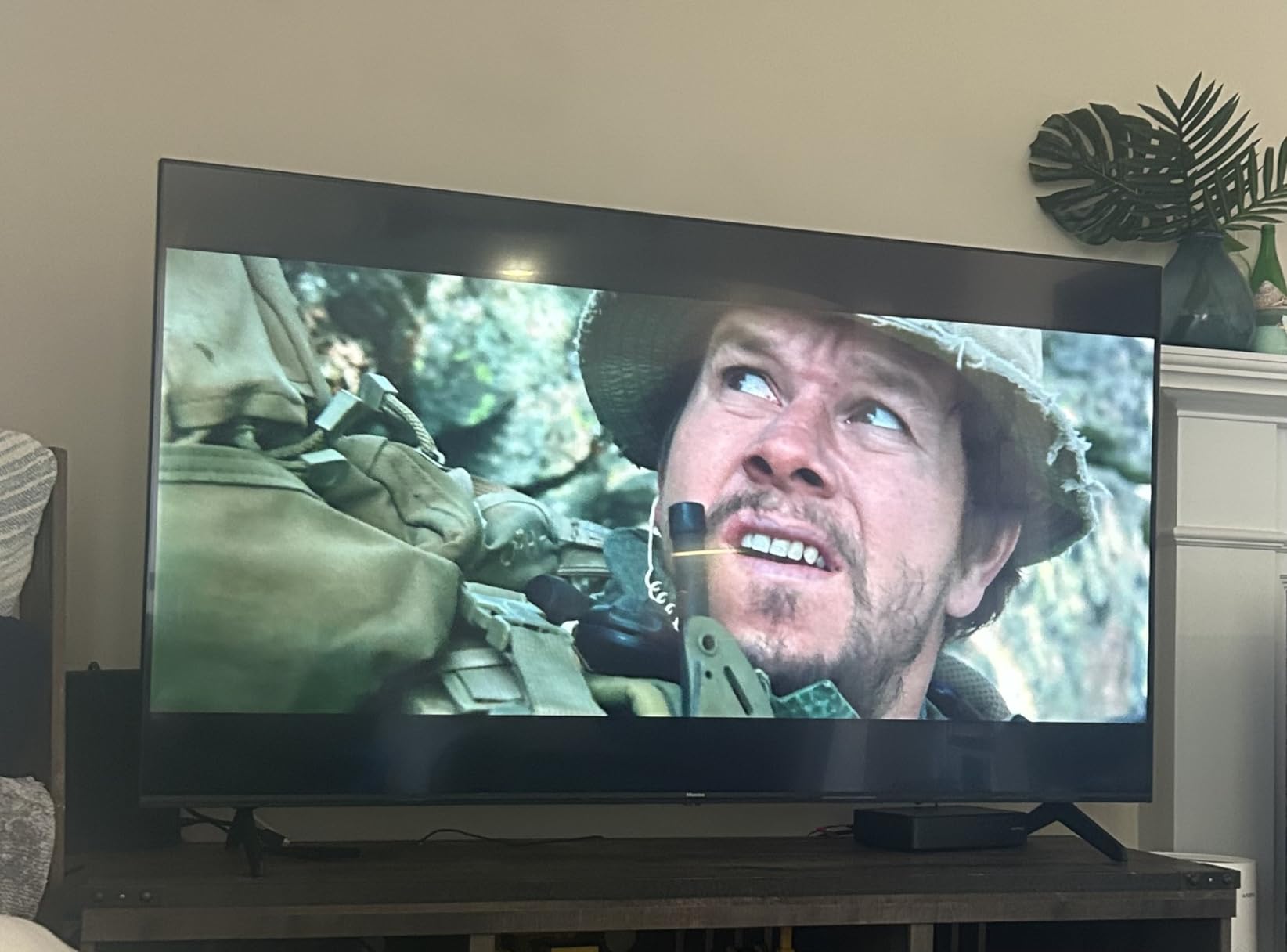
For casual console play, Game Mode Plus brings variable refresh rate and auto low latency mode to a set that would not otherwise qualify. The 60Hz panel means you will not see the benefit as clearly as on a high-refresh set, but the features are there.
Connectivity is genuinely good for the money: four HDMI, two USB, Bluetooth 5.2, Wi-Fi and Ethernet. The one-star reviews tend to reflect picture and sound limits typical of the budget tier rather than build problems.
At 56.9 pounds with the stand it is the heaviest set here, and the panel dates from an earlier model year, so expect older platform software and fewer long-term updates than a current model year set.
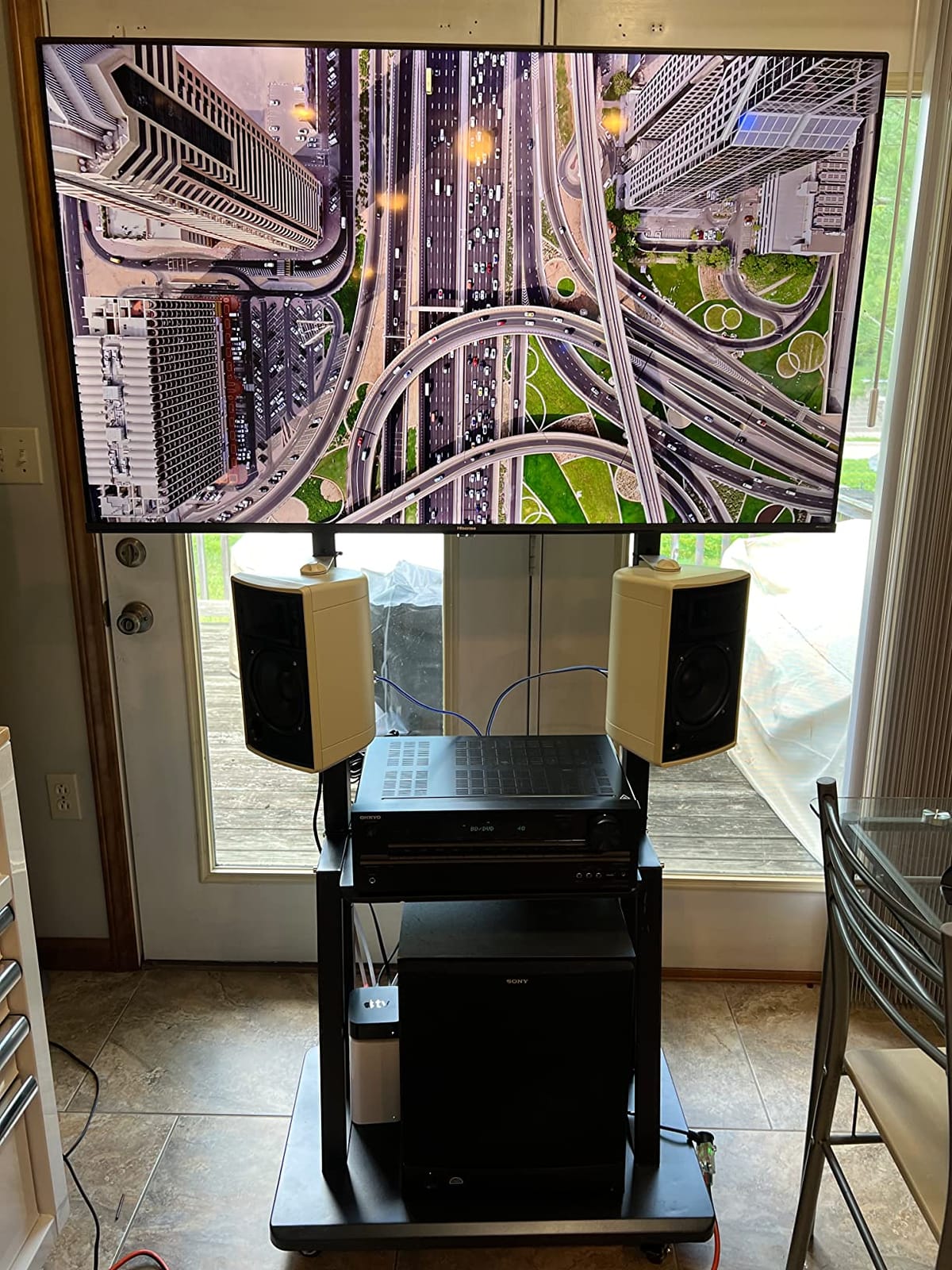
What to check before you buy the A6H
Check the viewing conditions. With no local dimming, the backlight is direct LED and black levels will be noticeably grey compared with the Mini-LED sets in this list. In a bright room that matters far less than it does in a dark one.
Budget for audio. Two 8W speakers are fine for news and talk, and nothing more.
Who should skip the A6H
Gamers should skip it. There is no native refresh rate above 60Hz and no HDMI 2.1 bandwidth, so high-refresh consoles and PCs are out of reach.
Movie watchers in a dark room should also skip it, because the grey black level on a 65-inch screen is the first thing you notice with content that should be black.
8. Samsung 65U8000H Crystal UHD – Best for Free Content
- Thousands of free streaming options with no subscription needed
- Tizen is fast with quick app launches
- Ambient light sensor adjusts to evening viewing
- Two year warranty is the longest here
- Only two HDMI inputs and no RCA connections
- Washes out in bright daylight
- Limited app catalogue and no Dolby Vision
- Awkward redesigned remote
The U8000H stands out for something no other set here offers in quantity: more than 2,700 free streaming options, including over 750 subscription-free channels. If your household watches live and ad-supported content rather than subscribing, that library is a genuine saving every month.
Tizen itself is fast and smooth, with quick app launches, and setup can be completed in under five minutes by skipping the Samsung account step. The ambient light sensor adapts brightness for evening viewing, which is a small feature that makes a family room easier to live with.
Colour is handled by the Crystal Processor 4K with 4K upscaling, Color Booster and an HDR10+ panel rated at 400 nit with a 4000:1 contrast ratio. Those are modest figures next to a Mini-LED set, and you can see the gap in daylight.
The port selection is the weak point and the most repeated complaint. Three HDMI, two USB, Bluetooth 5.2, Wi-Fi 5 and Ethernet is fine, but the stripped-down approach with no composite or RCA connections catches people out with older cable boxes and soundbars.
It weighs 31.8 pounds and mounts to a 400 x 300 mm pattern, so it is one of the easier installations here.
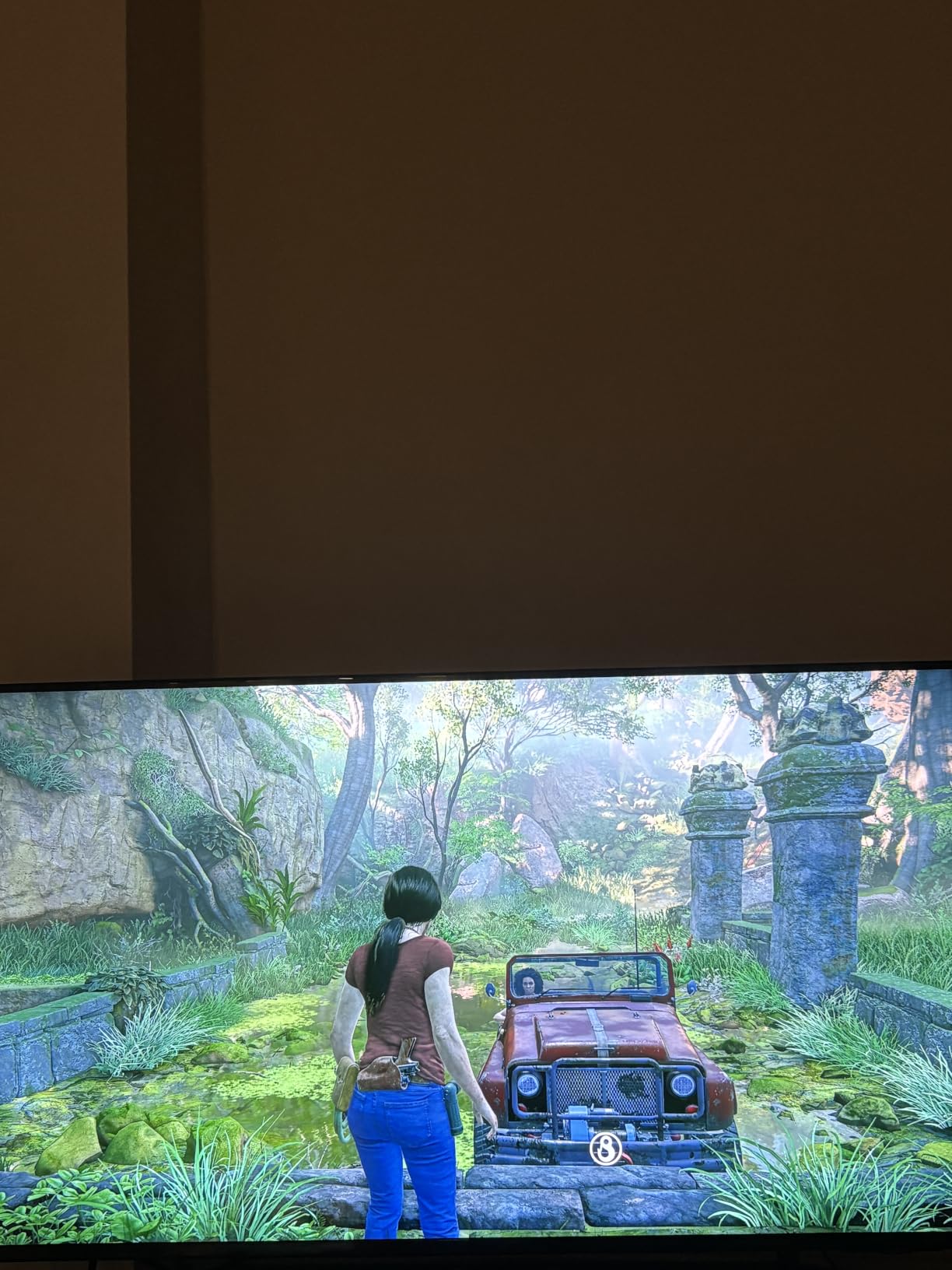
What to check before you buy the U8000H
Count your HDMI sources before you commit. Two inputs in practice, on a set that reviewers describe as stripped-down, will not satisfy a console, a soundbar on eARC and a streaming stick at the same time.
Test it in daylight if your room is bright. The most repeated picture complaint is washing out and losing detail in bright light, with reds clipping to flat areas.
Who should skip the U8000H
Skip it if Dolby Vision matters to you, since it is not supported here, and be cautious if you depend on a wide app catalogue, because the Tizen store on this model is sparse compared with Roku and Google TV.
People who dislike fiddling with a new remote design should skip it too, since input switching is buried and the volume control is reported as hard to press.
9. Sony K-65S20M2 BRAVIA 2 II – Best for Bright Rooms
Sony 65 Inch BRAVIA 2 II LED 4K HDR Smart Google TV (K-65S20M2)
- Matte finish cuts reflections better than gloss panels
- Sharp natural picture with strong 4K upscaling
- PlayStation 5 features and 16 GB storage
- Solid build with Sony's reliability reputation
- No Dolby Vision
- only HDR10 and HLG
- Occasional HDMI handshake delay at power-on
- Small thin remote is awkward for larger hands
The defining feature of the BRAVIA 2 II is the matte screen finish. Almost no other set in this price band uses an anti-reflection coating, and in a room with a window opposite the screen or strong overhead lighting, that difference is bigger than any processor upgrade.
Reviewers also praise the upscaling. The 4K Processor X1 with 4K X-Reality PRO delivers sharp, natural picture quality, particularly with a high-quality source, and several owners report repeat purchases plus typical Sony reliability.
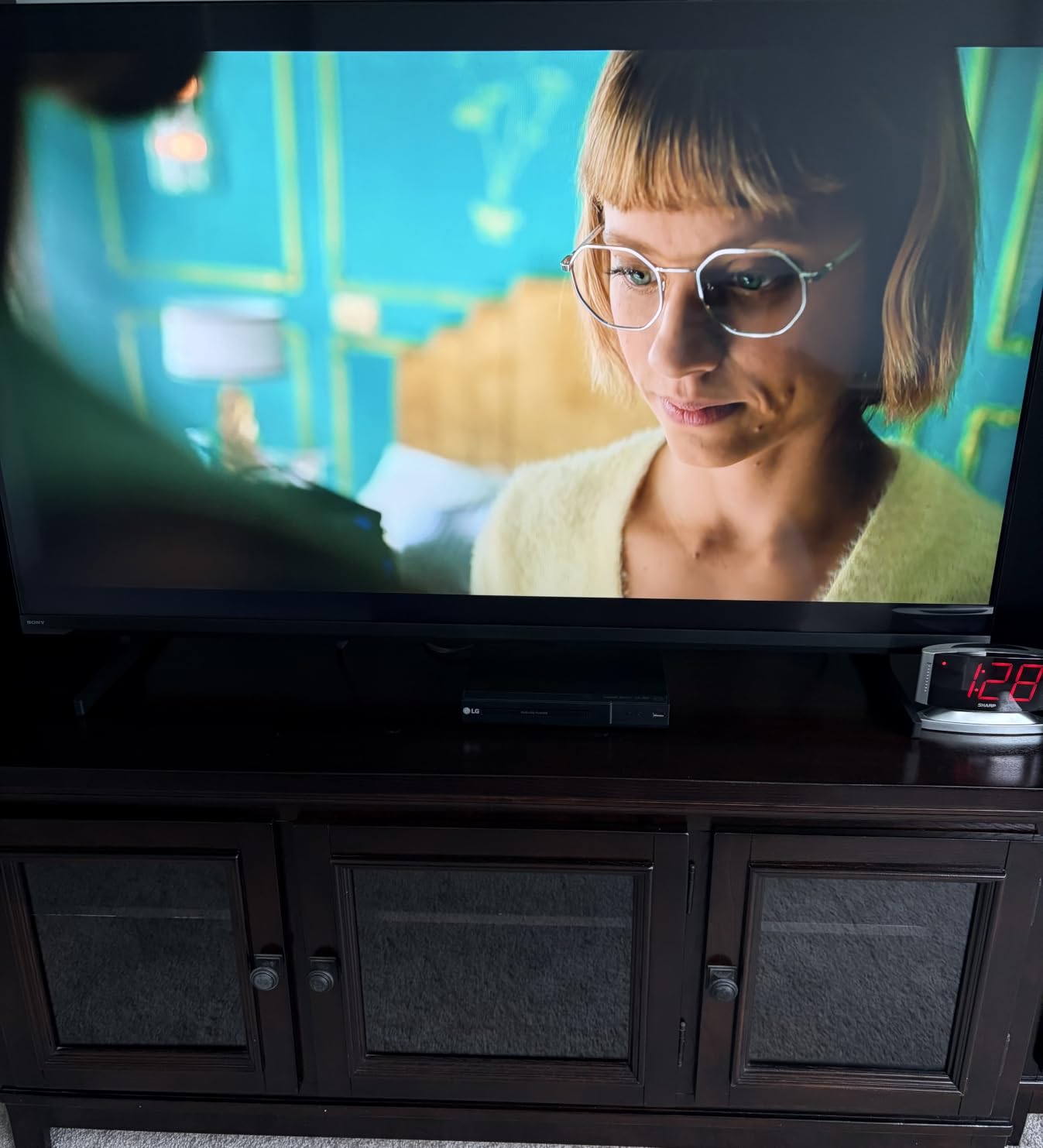
It is also good value on features: PlayStation 5 exclusive features including Auto HDR Tone Mapping and Auto Genre Picture Mode, a Game Menu, an Eco Dashboard, 16 GB of storage, four HDMI, two USB, optical out, Bluetooth 5.3 and a confirmed Ethernet port.
Setup took most owners about ten minutes. It weighs 43.4 pounds and uses a 300 x 300 mm VESA pattern, so a mounted install needs two people.
Audio is an Open Baffle Speaker system with Dolby Atmos, DTS Digital Surround and DTS:X. Sony Pictures CORE with included movies is bundled.
What to check before you buy the BRAVIA 2 II
Accept the HDR format limitation. This set supports HDR10 and HLG only, with no Dolby Vision, and that is the most common spec complaint in the owner reviews. It matters most if you watch a lot of Dolby Vision streaming.
Be aware of the startup behaviour. A minority of owners report a delayed HDMI handshake at power-on, taking several minutes to detect a connected cable box, plus occasional freezing and Wi-Fi dropouts that require a power cycle.
Who should skip the BRAVIA 2 II
Skip it if you game competitively or want high refresh, because it is a 60Hz panel with Motionflow XR 240 processing rather than native speed.
It is also a poor choice for anyone who is not comfortable with a dense Google TV interface, since it does not simplify the home screen for older users.
10. INSIGNIA NS65-UQFL26 QF Series – Budget Pick
INSIGNIA 65-inch Class QF Series LED 4K UHD QLED Smart Fire TV with Alexa Voice Remote (NS65-UQFL26)
- QLED colour is a real step up from standard LED at this price
- Dolby Vision and Dolby Atmos on the lowest cost set here
- Thin bezels and a metal frame look modern
- Quick phone-based setup for most owners
- Fire OS is slow and laggy in menus
- Picture settings locked unless actively watching
- Only 60Hz with mediocre gaming motion clarity
- Visible backlight wash in some conditions
The QF Series is the cheapest way into a 65-inch quantum dot panel with Dolby Vision, and owners are consistently happy with the picture quality and value for money. Many set it up from a phone in minutes, and the metal bezel-less design looks more expensive than it is.
Colour is the real upgrade over a standard LED set of the same size. Dolby Atmos processing on 5.1 channels is also unusual at the bottom of the price range, and an eARC-enabled HDMI means a soundbar connects cleanly.
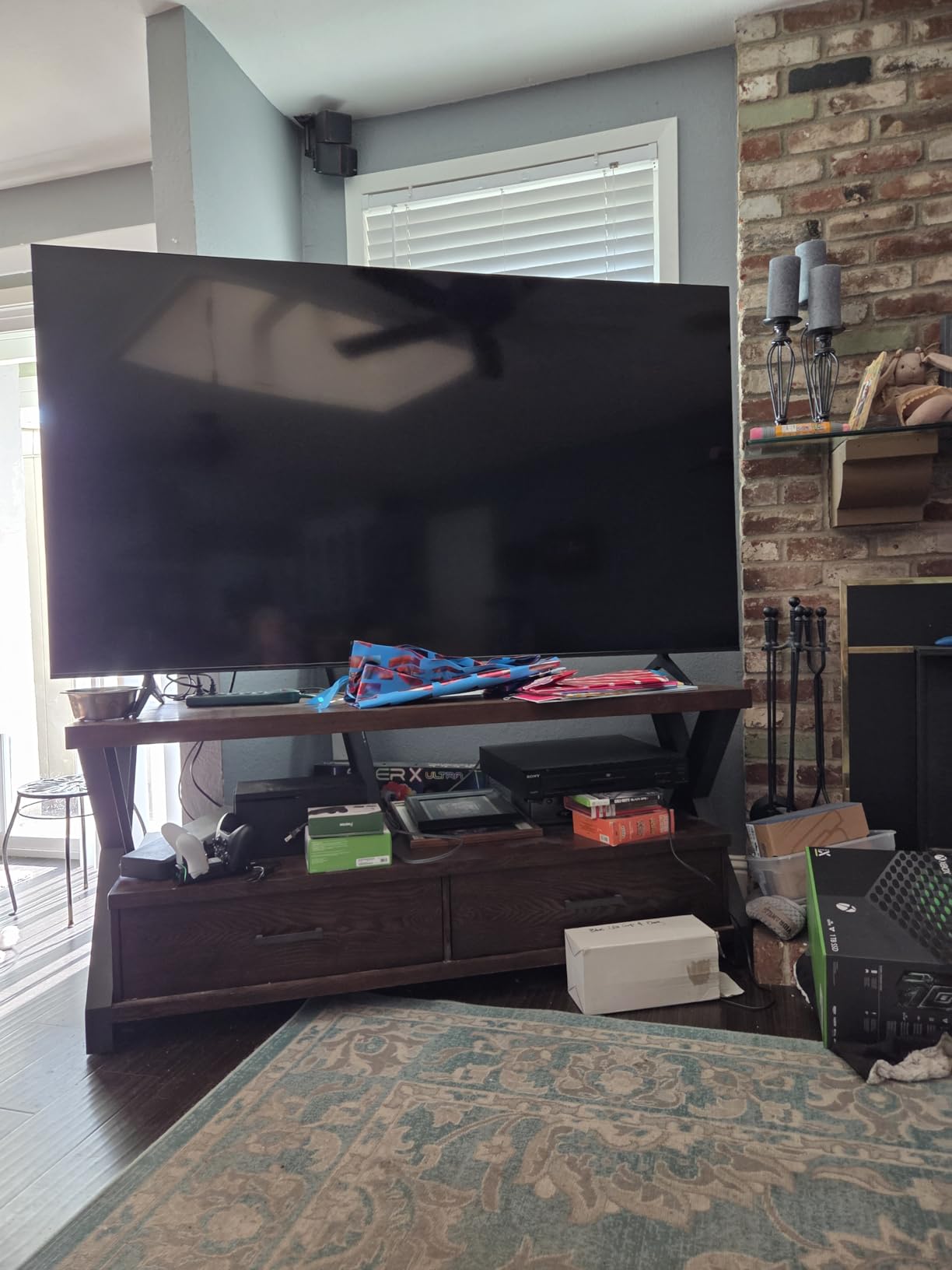
The problem is the software, and it is a consistent one across reviews: Fire OS is described as slow and clunky, particularly when navigating menus. Several owners plug in a Roku or another streaming stick to bypass the interface entirely, which defeats some of the saving.
A second, sharper frustration is that picture settings are often locked unless you are actively watching content, and a child profile blocks them completely.
Mounting is straightforward with a 400 x 400 mm VESA pattern, and there are three HDMI inputs, one USB 3.0, optical and RCA audio, plus AirPlay, Bluetooth and Wi-Fi.
What to check before you buy the QF Series
Decide whether you are willing to add a streaming stick. That is the single most common owner workaround, and if you are going to add one anyway, a set with a better built-in interface is the better buy for a similar outlay.
Test the interface yourself during the return window, and check the picture settings are unlocked on your account before the set is mounted where access is awkward.
Who should skip the QF Series
Skip it if you are a gamer. It is 60Hz only, with no HDMI 2.1 bandwidth for 1080p at 120Hz or above, and motion clarity is mediocre.
Skip it if your room is dark, since some backlight wash is visible under the right viewing conditions, and the panel has no local dimming to control it.
How to Choose a 65 Inch TV Under $1000 in 2026?
LED, QLED or Mini-LED: what actually changes the picture
Every set in this roundup is 4K, so resolution tells you nothing about quality. The backlight does. A standard LED uses a single layer of LEDs across the whole panel, which means black levels are the light level of the backlight and cannot go below it. QLED adds a quantum dot colour filter over that backlight, widening the gamut without touching contrast. Mini-LED replaces each backlight LED with thousands of micro-LEDs grouped into dimming zones that switch off independently, which is why the two Mini-LED sets here look different from everything else in a dark room.
Samsung’s Neo QLED naming and TCL’s QD-Mini LED branding both describe variations on this. Judge the specification, not the badge: full array local dimming with a stated zone count, and a peak brightness figure in nits, tell you far more than a marketing name.
Native refresh rate versus Motion Rate: read the real number
This is the single most misunderstood specification in the category. A label like Motion Rate 480, Motionflow XR 240 or Motion Xcelerator Turbo+ describes interpolation processing, not the panel. It is generated by synthesising frames between real ones, which makes motion look smoother in a demo and often look worse in practice. The Samsung M70H is the clearest example: it is a 60Hz native panel marketed with 120Hz motion handling.
The number that matters is the native refresh rate. In this roundup, only the TCL QM6K and TCL T7 exceed 60Hz, at 144Hz native. If you own a current generation console or a PC, that is the spec to filter on.
Gaming: HDMI 2.1, VRR, ALLM and input lag
Variable refresh rate lets the TV match its refresh to your frame rate, which removes tearing without adding input lag. Auto low latency mode switches to game settings automatically when it detects a console. Both are useful; neither is any substitute for a high native panel.
For 4K at 120Hz you need full HDMI 2.1 bandwidth, and note that several sets here do not have it. The INSIGNIA QF Series in particular has no HDMI 2.1 bandwidth, which rules out high-refresh PC gaming entirely. Response time is quoted on the Roku Plus Series at 6.5ms, which is respectable for a 60Hz panel.
Smart TV platforms compared: Roku OS, Google TV, Fire TV and Tizen
Roku OS is described by owners as the fastest and least troublesome of the four, and reviewers commonly point to its mobile app for setup and control. Google TV has the widest app catalogue and Chromecast built in, but it also carries the heaviest promoted content and recommendation rows, which owners work around with a third-party launcher. Fire TV is familiar and Alexa-friendly, but is repeatedly criticised for sluggish menu navigation, and locked picture settings on budget models add to that friction. Tizen is smooth and quick, and pairs with Samsung’s large free channel library, though the app store on budget models is narrower and it omits Dolby Vision on the sets here.
If you already own a streaming stick, the built-in platform matters much less. If you do not, it matters a great deal.
Viewing distance and room brightness
For a 65-inch 4K panel, a seated viewing distance of roughly 2.5 to 3 metres suits most living rooms. Closer than about 1.8 metres and you start to see the structure of the pixel grid during normal viewing. If your sofa is further back than that or your room is very wide, a larger screen would serve you better, and our 85 inch TV guide covers what changes at that end.
Brightness matters more than most buyers expect. A set rated at 400 nit, like the Samsung U8000H, washes out in daylight and clips reds to flat areas, which owners report directly. If your screen faces a window, prioritise brightness and anti-reflection over colour accuracy. The Sony BRAVIA 2 II is the only set here with a matte anti-reflection finish, and that is a bigger real-world advantage than it sounds on a spec sheet.
The costs buyers forget: soundbars, mounts and cables
Built-in speakers across this price band are adequate and no more, and owners describe them as universally inadequate for films. A soundbar is effectively part of the cost of this purchase rather than an optional extra. The TCL QM6K and Roku Plus Series are the exceptions, each shipping with a genuine subwoofer.
Weight is the other hidden cost. Panels in this roundup run from 30.9 pounds on the Roku Select to 47.8 pounds on the Sony BRAVIA 3, and owner reports of cracked screens from solo installs are a recurring warning. Budget for a two-person mount, and check the VESA pattern: 200 x 300 mm on the Samsung M70H, 300 x 300 mm on the Sony sets, 400 x 300 mm on the Roku models, 400 x 400 mm on the INSIGNIA. Finally, confirm your HDMI cable supports the bandwidth you need, because eARC and high-refresh gaming both depend on it.
Panel lottery, return windows and what owners report
Dead pixels, backlight banding and uneven black are real risks in this category, and they are more likely on sets with more dimming zones because each zone is an independent failure point. The practical protection is the return window, so confirm its length before you buy and inspect the panel in a dark room during daylight hours rather than at night, when you cannot see banding.
Owner sentiment is consistent on the value question: the TCL 6-Series and QM6K are repeatedly described as the benchmark in this band, and the Hisense U-series as the enthusiast alternative for brightness and gaming. Bright-room shoppers gravitate towards Mini-LED specifically for peak brightness rather than colour accuracy, and budget gamers consistently prioritise input lag and variable refresh over smart platform polish. Roku OS is reported to stay snappier over time as apps get heavier, which matters if you intend to keep the set for five years or more. Against that, Hisense customer support is repeatedly cited as a downside when warranty claims are needed, and smart TV app support on budget platform versions is reported to degrade over a three to four year ownership horizon.
Frequently Asked Questions
What is the best 65 inch TV under $1000?
The TCL 65QM6K is our pick for the best 65 inch TV under 1000 in 2026. It is the only set in this price band that combines QD-Mini LED full array local dimming with a 144Hz native refresh rate, all four major HDR formats and Onkyo 2.1 audio with a built-in subwoofer.
What is the best 65-inch TV for value for money?
Value depends on which feature you are short of. The TCL QM6K is the all-rounder, the Roku Plus Series 65R6C7 scores highest with owners and adds Dolby Atmos with a subwoofer, and the Roku Select Series 65R5D5 is the cheapest route to a large quantum dot panel with the most trouble-free smart platform.
What is the best 65 inch smart TV for the money?
For platform quality, the Roku Select Series and Roku Plus Series run Roku OS, which owners rate as the fastest and least troublesome of the budget smart TV systems. Google TV on the TCL sets has the widest app catalogue but the heaviest promoted content, Fire TV on the INSIGNIA is criticised for sluggish menus, and Tizen on the Samsung sets is smooth but has a narrower app store.
Do I need 120Hz if I don’t play games?
You do not need it, but you notice it. The sets here that exceed 60Hz natively, the TCL QM6K and TCL T7 at 144Hz, also handle fast sport and scrolling content noticeably more smoothly. Marketing figures like Motion Rate 480 describe interpolation rather than panel speed, so filter on native refresh rate only.
What is the best 65 inch TV under 1000 according to Reddit?
Owner consensus in the enthusiast community points to the TCL 6-Series and QM6K as the value benchmark in this band, with the Hisense U-series named as the alternative for peak brightness and gaming. Roku OS is reported to stay snappier over time than Google TV or Fire TV, and Hisense customer support is repeatedly cited as a downside for warranty claims.
Is OLED or Mini-LED better for bright rooms?
Mini-LED. An OLED panel produces true black but at lower sustained brightness, which is why OLED sets are dimmer in daylight. Mini-LED backlights reach far higher peak brightness in nits, and the TCL QM6K and Roku Plus Series both pair Mini-LED dimming with a full local dimming array for dark-room contrast as well.
How much should you spend on a 65 inch TV?
At this budget the money is best spent on the backlight rather than the brand badge. Spending on a 60Hz set with a familiar name buys less picture than spending the same on a Mini-LED panel with local dimming, and adding a soundbar and mount in the same budget will affect your experience more than a small processor upgrade.
Do I need a soundbar with my new TV?
Almost certainly, with two exceptions. Most sets in this band ship with 8W to 20W speakers that are fine for news but thin for films, and the TCL QM6K with Onkyo 2.1 and the Roku Plus Series with 4.1 channel Dolby Atmos are the two that include a real subwoofer. Treat a soundbar as part of the cost of a 65-inch purchase.
Final Verdict: The Best 65 Inch TV Under 1000 in 2026
The TCL 65QM6K is the pick. In a category where most sets at this budget are 60Hz panels with an interpolation number attached, it delivers genuine QD-Mini LED local dimming, a 144Hz native refresh rate, every major HDR format and the best onboard audio in the group, for the kind of money most brands charge for a name badge on a basic LED set.
Buy the Roku Plus Series 65R6C7 instead if films come first and you will accept 60Hz. Buy the TCL T7 if high refresh gaming is the reason you are upgrading. Buy the Roku Select Series if you want the least troublesome smart platform at 65 inches, and the Sony BRAVIA 2 II if reflections from a window are the problem rather than contrast.
Whatever you choose, check the native refresh rate, the dimming specification and the VESA pattern before you order, and confirm the return window so you can inspect the panel in a dark room. Those three checks prevent most of the disappointment people report with sets in this band.