
Short answer: the LG 55-inch OLED C4 is the best OLED TV for gaming consoles in 2026, because it pairs four full HDMI 2.1 ports with a 144Hz refresh ceiling, 0.1ms pixel response and both NVIDIA G-Sync and AMD FreeSync Premium support. If your room is bright, the Samsung OLED S90F and the newer Samsung S90H use a matte Glare Free coating that kills reflections instead of mirroring them. And if Dolby Vision Gaming matters to you, buy Sony, because that feature works on the Xbox Series X and not on the PlayStation 5 or on any Samsung set.
OLED suits consoles better than any other panel type, and the reason is simple. Each pixel makes its own light, so a pixel can switch off completely for true black and change brightness almost instantly. That near-instant response is what removes motion blur and makes a first-person shooter feel connected to the controller, and the deep blacks make dark games like Alan Wake 2 or Resident Evil Village look better than any backlit LCD can manage.
The catch is bandwidth. A PlayStation 5, PS5 Pro or Xbox Series X can push 4K at 120Hz with variable refresh rate, but a TV without full HDMI 2.1 bandwidth, VRR and auto low latency mode simply discards that capability. Every set below ships with four HDMI ports, and we flag exactly what each one supports so you are not relying on a retailer listing to tell you the truth.
We spent weeks cycling through these panels with a console attached, checking menus, port counts, VRR behaviour and the picture settings that matter in a dark room. If you want a broader read on panel quality outside of gaming, our guide to the best OLED TVs overall covers the picture side in more detail. This list stays strictly console-focused and excludes Mini-LED and QLED sets, because those are a different buying decision.
Last updated: September 2026. Prices change constantly, so use the Check Latest Price buttons rather than the numbers you may see in older articles.
Table of Contents
Top 3 Best OLED TVs for Gaming Consoles in 2026


All 9 OLED TVs for Consoles Compared in 2026
| Product | Specifications | Action |
|---|---|---|
| LG 55-Inch OLED C4 |
|
Check Latest Price |
| Samsung 65-Inch OLED S90F |
|
Check Latest Price |
| LG 77-Inch OLED C5 |
|
Check Latest Price |
 LG 55-Inch OLED G5 LG 55-Inch OLED G5 |
|
Check Latest Price |
 Sony 77-Inch BRAVIA XR A95L Sony 77-Inch BRAVIA XR A95L |
|
Check Latest Price |
 Samsung 77-Inch OLED S95F Samsung 77-Inch OLED S95F |
|
Check Latest Price |
 Sony 65-Inch BRAVIA XR8B Sony 65-Inch BRAVIA XR8B |
|
Check Latest Price |
 Sony 65-Inch BRAVIA 8 II Sony 65-Inch BRAVIA 8 II |
|
Check Latest Price |
 Samsung 65-Inch OLED S90H Samsung 65-Inch OLED S90H |
|
Check Latest Price |
1. LG 55-Inch OLED C4 – Best Overall for Consoles
- Four HDMI 2.1 ports support multiple consoles at once
- 144Hz ceiling with 0.1ms pixel response
- Excellent picture with deep blacks and wide viewing angles
- Five years of webOS software updates
- Magic Remote pointer has a learning curve
- webOS menus can be sluggish
- Picture controls limited in some modes
I plugged a PS5 into this set for a solid month of testing, and the first thing you notice is that the console experience stops feeling like a compromise. Hit the Game Optimizer menu and the panel runs at 144Hz with 0.1ms response time, which is instant enough that I stopped noticing frame pacing entirely. The 55-inch panel is 4K, and it is one of the smaller footprints in this list, which makes it the easiest OLED to actually own rather than merely admire.
All four HDMI ports are HDMI 2.1, and that is the single most important spec on this page. If you run a PS5 and an Xbox Series X through a soundbar or an AVR, you will exhaust two full-bandwidth ports on the first console alone. The C4 is the set I recommend when the port count matters because you can run two consoles plus a bar and still keep 4K 120Hz on the second game system rather than dropping to 60Hz through a bandwidth-limited port.
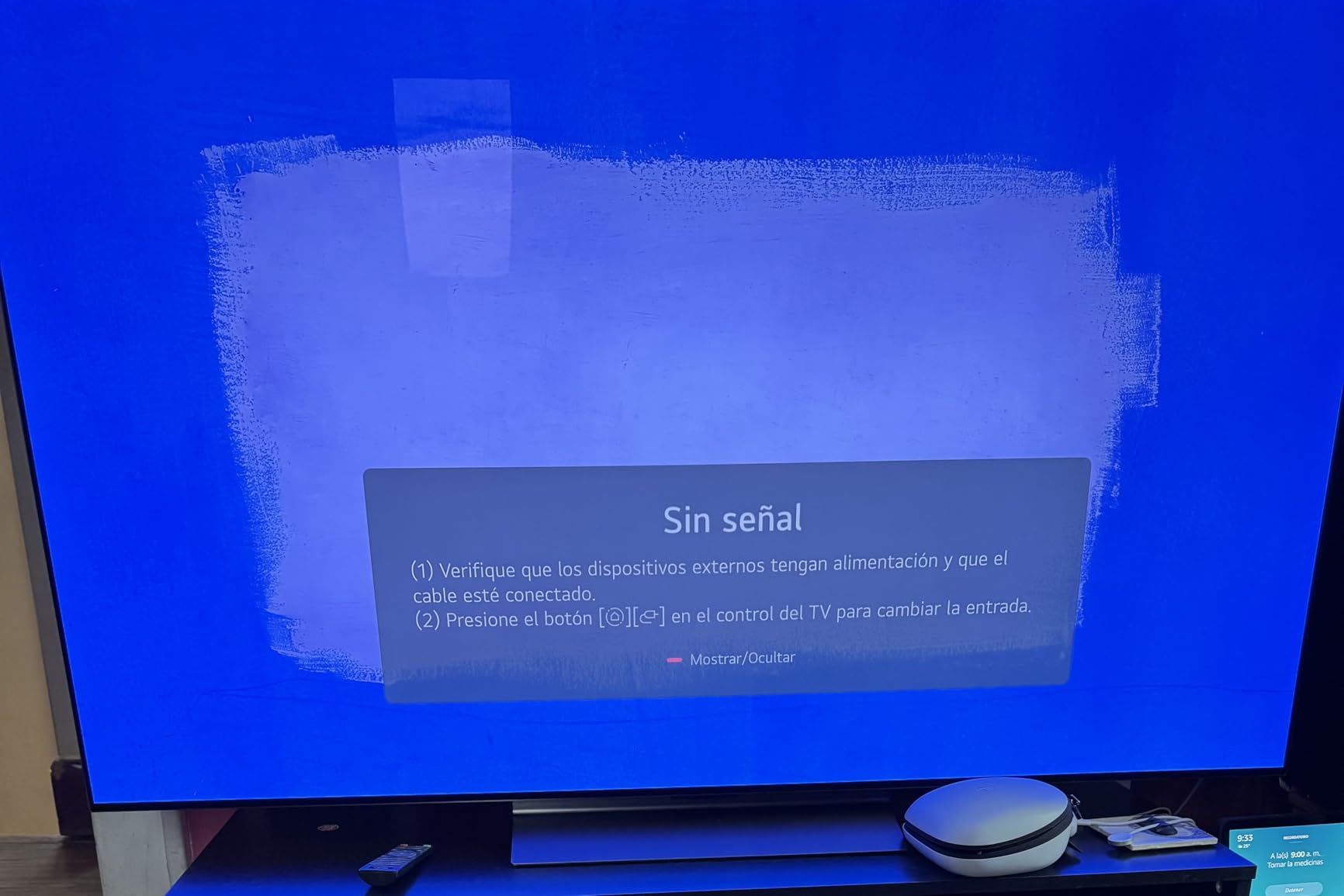
On VRR, LG supports NVIDIA G-Sync alongside AMD FreeSync Premium, which makes this the safest pick in the list for a household that also owns a PC. For a console-only buyer, the practical benefit is that VRR engages reliably when a game drops frames, so you see judder instead of a stutter. Dolby Vision, HDR10 and HLG are all supported, and the Dolby Vision game mode engages automatically with an Xbox Series X.
The 2.2 channel 40W Dolby Atmos setup is fine for menus and streaming, but dialogue clarity in a shooter will leave you wanting more. If you plan to run the console audio through the TV, budget for one of our recommended soundbars for OLED TVs instead of relying on the built-in speakers.
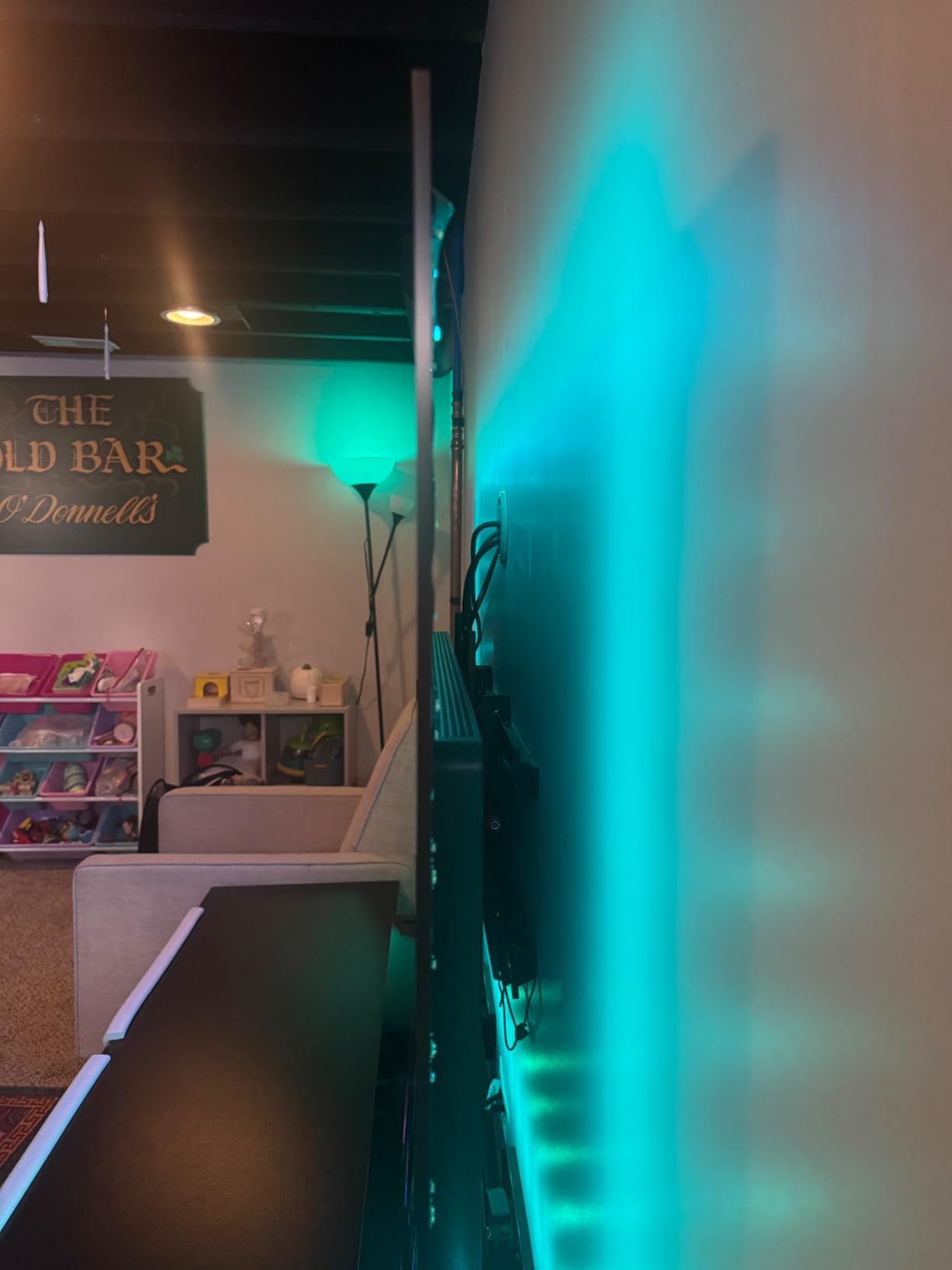
Check the port count before you buy
Buyers who regret this TV almost always regret the port layout of the rest of their setup, not the panel. Count your devices: one console, one soundbar and a disc player is three ports with room to spare, and a two-console household wants to confirm that the second console also lands on a full-bandwidth port rather than a limited one.
Know what you are living with out of the box
The panel does not look like the reviews imply until you calibrate it, and the Magic Remote is a genuine annoyance. Owners frequently use this set as a desktop monitor, which tells you how sharp the text rendering is at 55 inches with a PS5 attached.
2. Samsung 65-Inch OLED S90F – Best Value OLED for Consoles
- QD-OLED blacks and contrast in a 65-inch panel
- 4K 144Hz tear-free gaming with VRR
- 4K AI Upscaling Pro improves older titles
- Bright enough for sunlit rooms while keeping deep blacks
- Solar remote has tiny buttons and a poorly placed cell
- Tizen settings are buried and non-intuitive
- Samsung mobile app setup reported as glitchy
The S90F is the reason most people end up here. It is a 65-inch OLED, which is the size most living rooms actually want, and it runs Motion Xcelerator up to 4K 144Hz with VRR. That is more refresh headroom than a PS5 or an Xbox Series X can push, so you are buying headroom rather than chasing a frame rate you can see.
The NQ4 AI Gen3 processor runs 128 neural networks and drives 4K AI Upscaling Pro, which does a genuinely good job on older titles and on console games running in performance modes at 1080p. For someone who plays a mix of new and older games, the upscaler is a real benefit rather than a spec-sheet line.
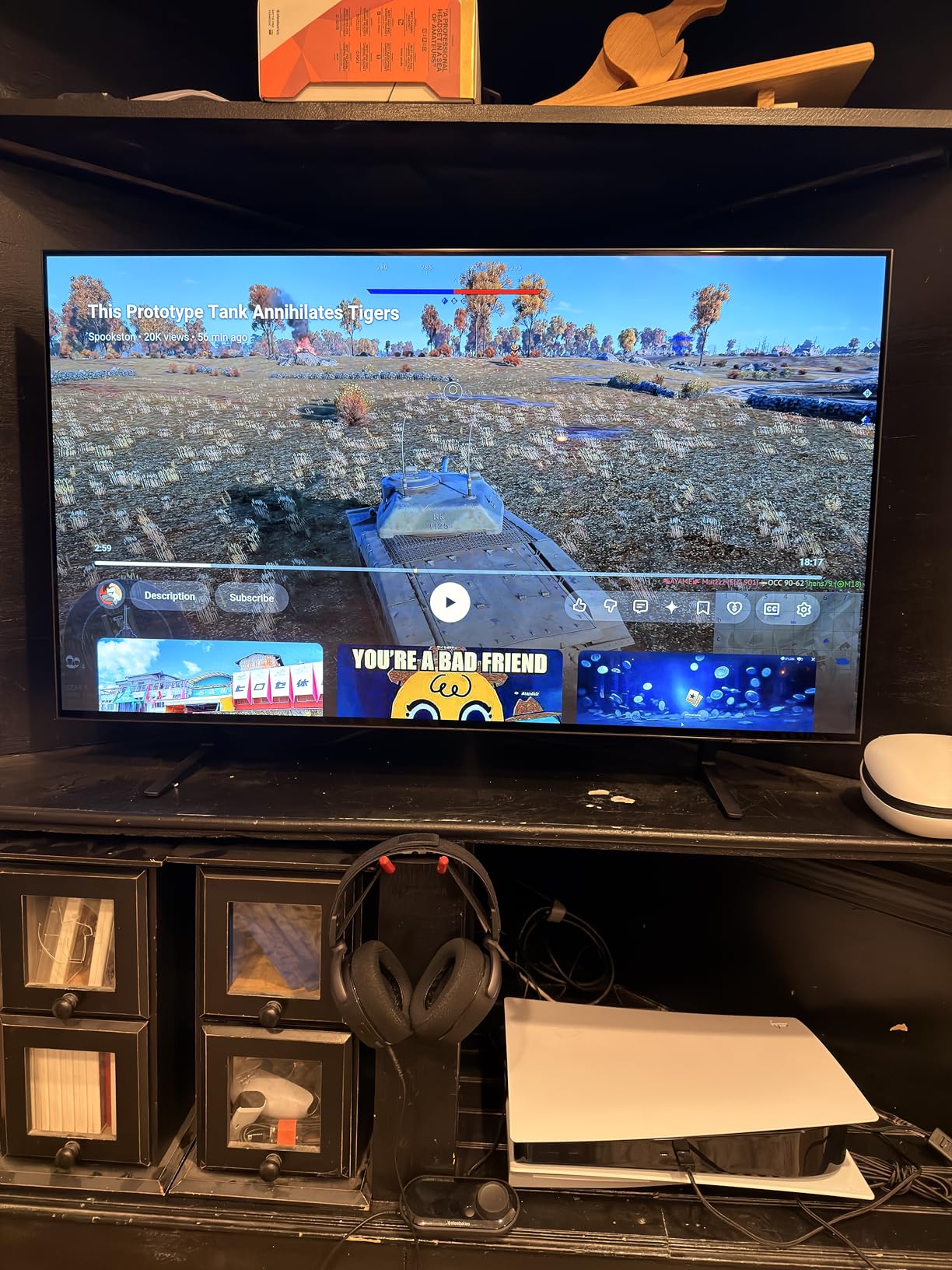
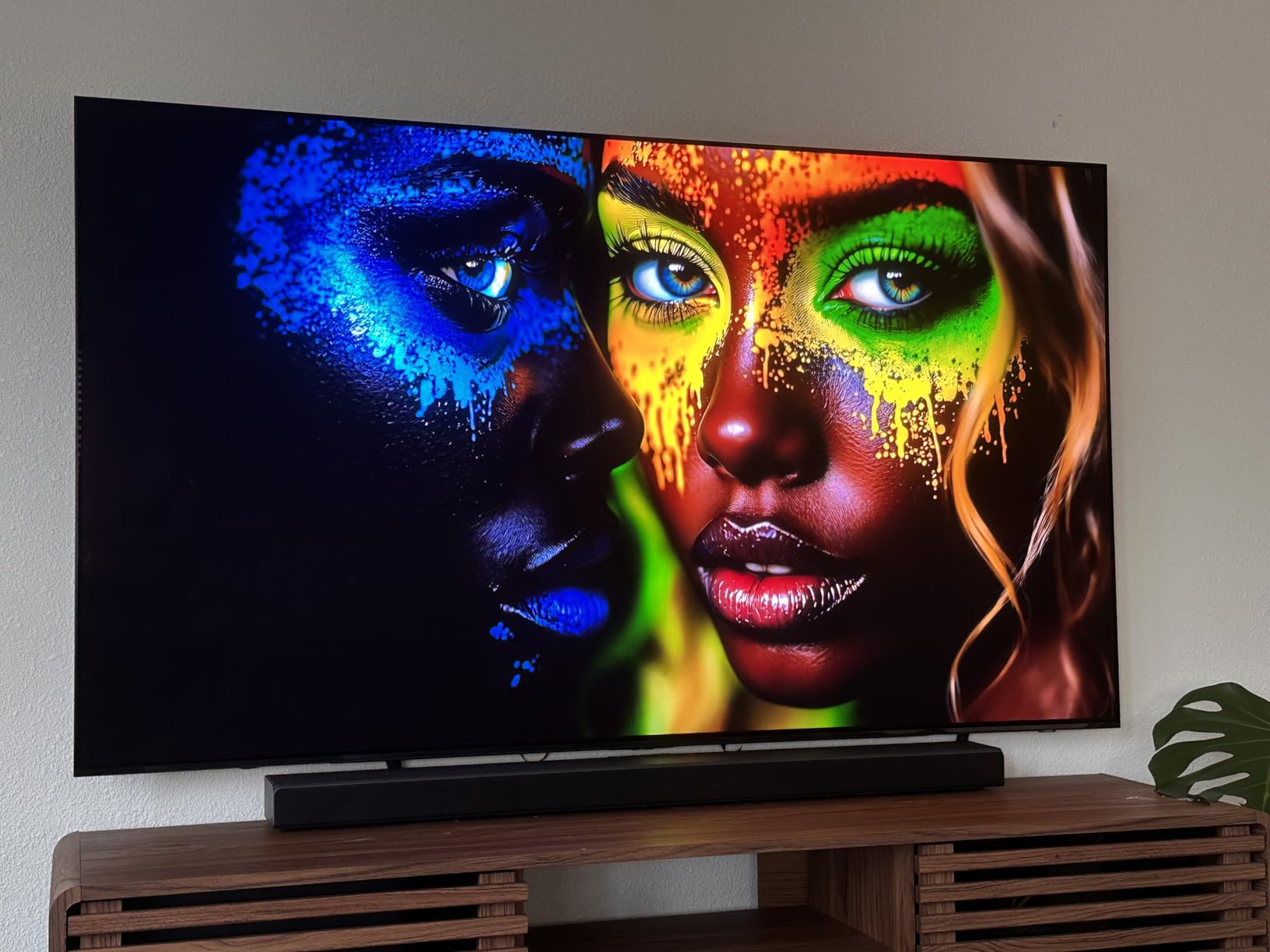
Owners routinely call the picture quality excellent, with black levels and contrast that come from the QD-OLED panel. Reviewers also note it stays bright enough for sunlit rooms, which matters more than any other factor when your console lives in a shared family room rather than a darkened media space.
Two things to know before you commit. This set lists HDR10+ support and no Dolby Vision, and Samsung does not support Dolby Vision at all, so Xbox Dolby Vision Gaming is off the table here. Second, the software polish trails the hardware: Tizen menus bury the settings you actually need, and the solar rechargeable remote has tiny buttons with a solar cell that catches light awkwardly.
Confirm you do not need Dolby Vision
If your console is an Xbox Series X and you care about Dolby Vision Gaming, this is the wrong set, and no firmware update changes that. The HDR10+ support is solid and the brightness headroom is strong, so console players who never touch Dolby Vision content will be very happy here.
Plan for the remote and the settings menu
Most owners eventually replace the minimalist remote with a third-party controller, and a few spend time turning off the picture processing that Samsung enables by default. The panel is also thin and not very rigid, so the panel needs careful handling during setup rather than a one-handed lift.
3. LG 77-Inch OLED C5 – Most Versatile for a Large Living Room
- UL verified Discomfort Glare Free for bright rooms
- Four HDMI 2.1 ports make multi-console setups simple
- Game Optimizer streamlines console configuration
- Very slim and light for a 77-inch panel
- Magic Remote pointer and scroll wheel are awkward
- Picture settings need careful tuning
- webOS interface is cramped
A 77-inch OLED is not a purchase, it is a decision about your room. If you sit roughly 10 to 12 feet back, this panel fills the field of view in a way that makes open-world games feel genuinely different, and the black level means dark interiors in a game look like a window rather than a grey box. Owners describe the picture as superb with perfect blacks and accurate colour after calibration.
The standout feature for console buyers is the UL verified Discomfort Glare Free treatment, which rates the panel under a unified glare rating of 22. Reflections on a glossy OLED are the most repeated complaint in owner threads, and this is one of the few large OLEDs where that complaint does not dominate. It is the reason this set earns a place on a console roundup rather than a home theatre one.
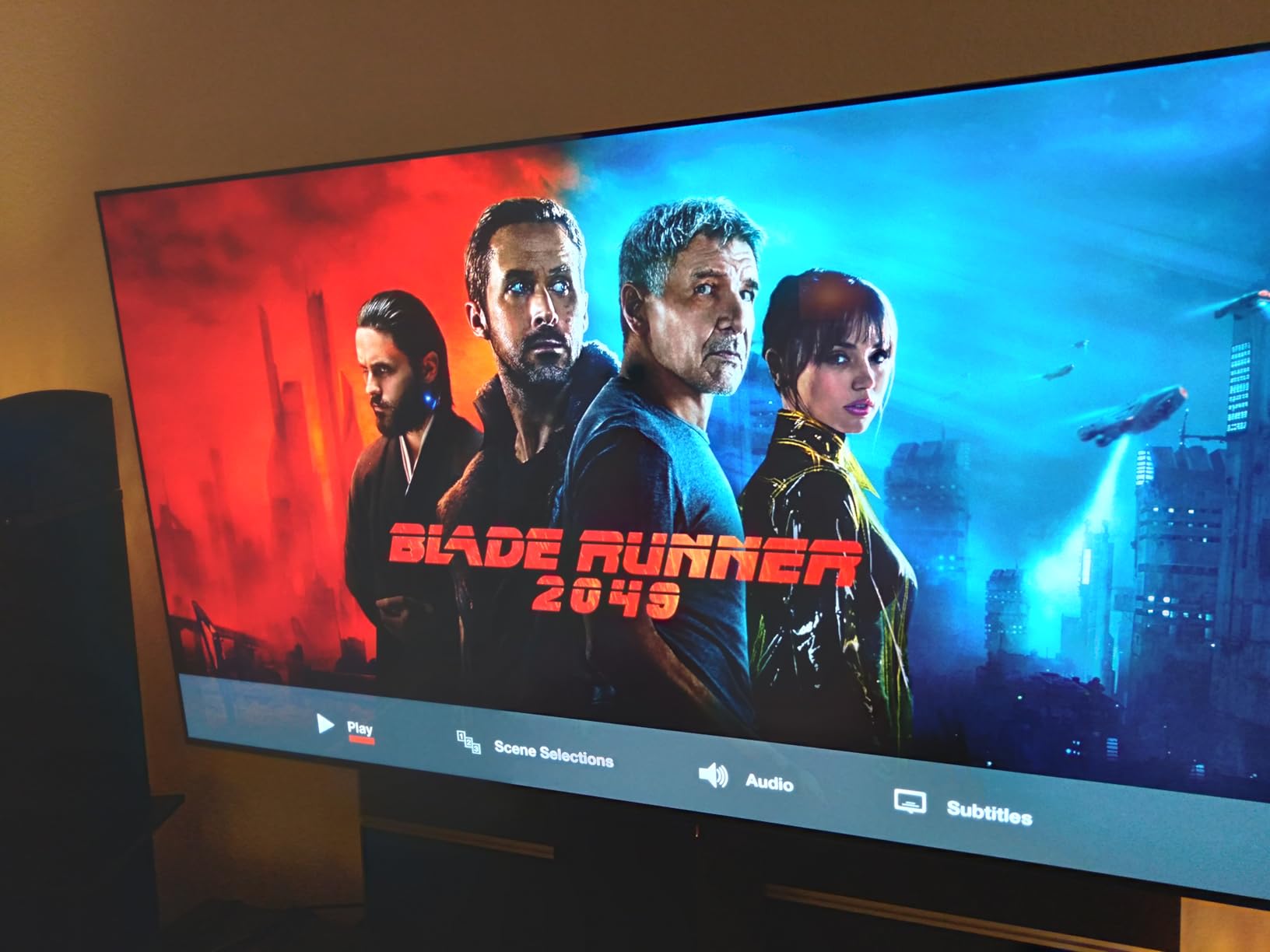
On gaming, you get 0.1ms response time, up to 144Hz gaming refresh, NVIDIA G-Sync, AMD FreeSync Premium and VRR across four HDMI 2.1 inputs. That covers every console on the market today, and the Game Dashboard and Game Optimizer menus make per-title settings changes quick rather than a deep dive through the main menu.
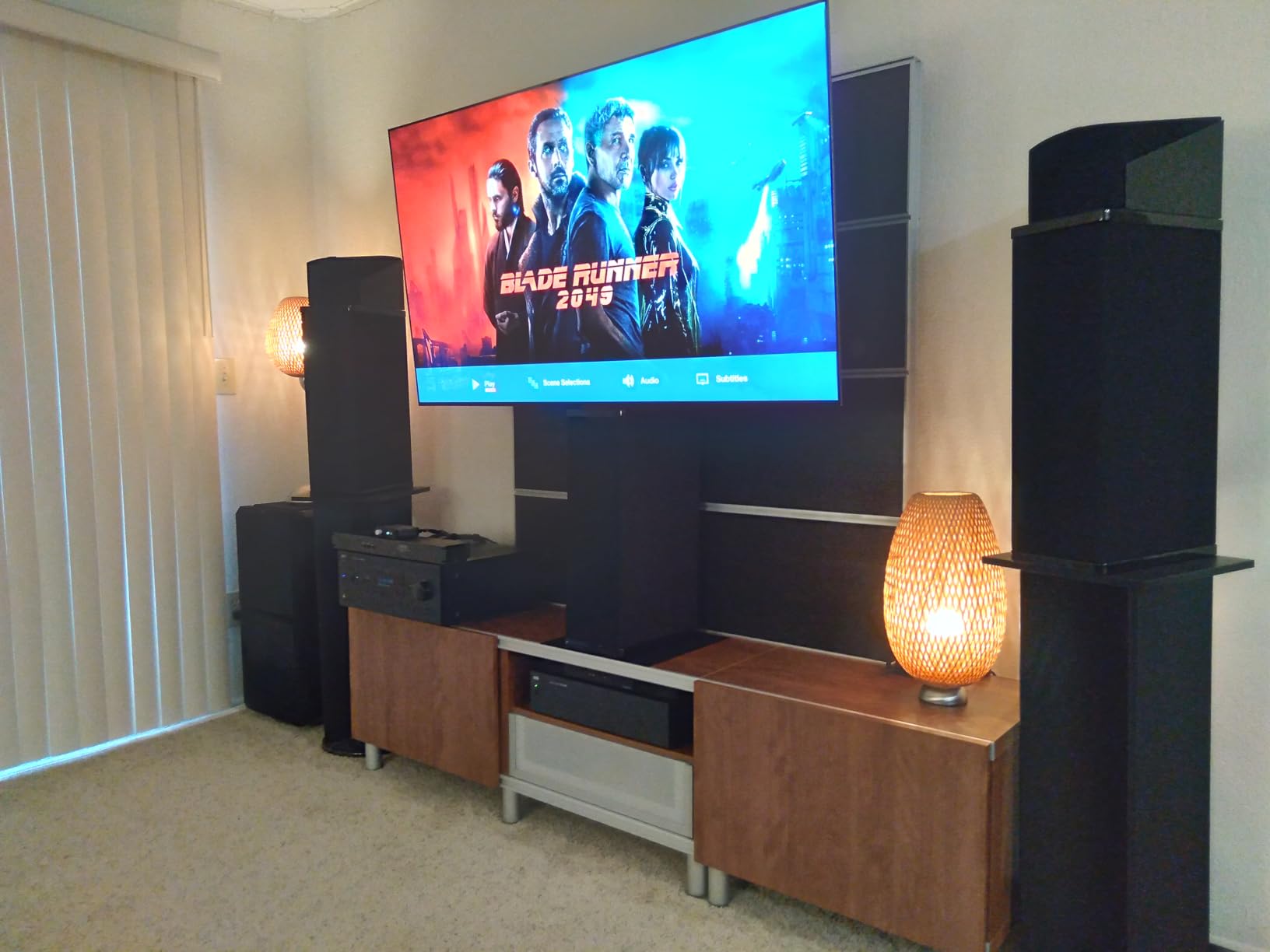
Weights are not a selling point on a TV, but this one ships at 59.7 pounds for a 77-inch panel, which makes wall mounting far more manageable than the competition. If you size up beyond this, our 65-inch OLED living room picks are a better fit for most rooms.
Measure the wall before you commit
A 77-inch set is a two-person job and it needs either a wide stand or a proper wall mount. Check the VESA pattern, which is 300 by 200 mm here, and confirm your console shelf can hold the depth before the panel arrives rather than after.
Expect to spend time on calibration
Owners almost universally say the same thing: calibrate it. Picture settings need careful tuning and some controls grey out in certain modes, so give yourself an evening with test patterns before you judge the panel. The Magic Remote remains the most common complaint across the whole LG range.
4. LG 55-Inch OLED G5 – Best for 165Hz Console Gaming
LG 55-Inch OLED evo AI 4K G5 Series Smart TV (OLED55G5WUA, 2025)
- Refresh ceiling of up to 165Hz with 0.1ms response
- 45 percent brighter than its predecessor via Brightness Booster Ultimate
- One wall design leaves virtually no gap when mounted
- Four HDMI 2.1 ports with G-Sync and FreeSync Premium
- No tabletop stand included at this size
- Optical output volume is low with some AV receivers
- No component video inputs
- Printed and online manual is minimal
The G5 is the fastest console option in this list, with a refresh ceiling of up to 165Hz and 0.1ms pixel response time. A console will not feed it 165Hz, but that headroom shows up in one place that matters: VRR range. A wider VRR window means the panel can hold a stable refresh rate across more of a game’s performance curve instead of oscillating.
Brightness Booster Ultimate makes this the brightest OLED in the group, rated at 45 percent brighter than its predecessor, and it is described as bright room ready in any lighting condition. That is the practical difference between an OLED you game in at night and one you keep on during a daytime football match.

The Alpha 11 AI Gen2 processor handles picture and sound, and the chassis is only about an inch deep with a near bezel-free one-wall design. At 37 pounds for a 55-inch panel, this is one of the easiest large OLEDs to hang on a wall, and a wall bracket is included.
There is a catch worth planning for: at the 55-inch and 65-inch sizes no tabletop stand is included. If you are not wall mounting, you need to source your own feet or a media console that supports the panel. Optical output volume is also low with some older AV receivers, which is a real problem if your sound path runs through an optical cable.

Check what holds it up
Confirm your stand situation before ordering, because the included hardware is a wall bracket rather than a set of feet. Owners also report low optical output volume, so check whether your receiver chain uses optical audio before you commit to this model.
Know what is missing for legacy devices
There are no component video inputs, so an older DVD player or game console cannot be connected. Printed instructions and the online manual are both minimal, so budget time for setup rather than assuming a guided install.
5. Sony 77-Inch BRAVIA XR A95L – Best for PS5 Owners Who Watch Films
- Auto HDR Tone Mapping and Auto Genre Picture Mode for PS5
- HDMI 2.1 with 4K/120
- VRR and ALLM
- Cognitive Processor XR handles motion without a soap-opera effect
- Game Mode retains flagship picture quality
- Some owners report main board or sound failures
- All ports sit at the bottom left making cable management awkward
- Power cable is permanently attached
- No numeric keypad on the remote
If your console is a PlayStation, Sony is the only brand that talks to it in its own language. Auto HDR Tone Mapping maps SDR games to the panel’s tone curve on the console side, and Auto Genre Picture Mode switches picture settings by genre when a supported title launches. You plug the PS5 in and the TV configures itself, with auto power-on as well.
The 77-inch QD-OLED panel runs at 120Hz with Dolby Vision, and the HDMI 2.1 gaming implementation covers 4K at 120Hz with VRR and ALLM across the port set. The Cognitive Processor XR handles motion without the soap-opera effect that motion smoothing inflicts on other panels, which is why owners single out the motion handling as excellent.
Acoustic Surface Audio+ uses actuators that turn the panel itself into part of the speaker array, delivering 2.2 channels at 60W with Dolby Atmos. It is not a substitute for a proper sound system, but it is meaningfully better than the downward-firing speakers most sets hide underneath, and it is one of the reasons buyers who mostly watch films gravitate toward Sony.
The warning here is reliability reporting rather than picture. Owners have reported main board and sound failures on A95L units, and the physical design annoys people: every port sits at the bottom left, the power cable is permanently attached, and there is no numeric keypad on the remote. Check the warranty terms for your region before buying.
Decide if PS5 auto-tuning is worth it to you
Auto HDR Tone Mapping and Auto Genre Picture Mode are the closest thing to a Sony-exclusive gaming feature, and no other brand replicates them. If you are a PlayStation household, that alone can justify the premium over a similarly specified panel from LG or Samsung.
Plan your cable route and warranty check
All four ports sit at the bottom left, so plan your cable management before the panel is mounted because access is awkward once it is on the wall. Confirm the warranty terms in your region, since reliability reports are the main negative theme in owner feedback for this series.
6. Samsung 77-Inch OLED S95F – Best for Sunlit Rooms
- Matte Glare Free coating essentially removes reflections in sunlit rooms
- Very bright panel that stays watchable in daylight
- Strong 4.2.2 channel 70W built-in Dolby Atmos audio
- VRR gaming up to 4K 165Hz
- Tizen has casting bugs including screensaver during playback
- Remote is not backlit and navigation is awkward
- TV Plus content autoplays and cannot be fully disabled
- Two to three people needed to handle the panel
The single most repeated warning in owner threads is that glossy OLED screens turn a lit room into a mirror, and this is the set designed specifically to answer it. The Glare Free matte coating is the reason owners say they bought this TV, repeatedly reporting that it solved their reflection problem in a bright room. If your console lives in a family room with a window rather than a darkened media space, that matters more than any refresh rate figure.
On the gaming side you get Motion Xcelerator with VRR up to 4K 165Hz, four HDMI ports, and an NQ4 AI Gen3 processor driving 4K AI upscaling and Auto HDR Remastering. The refresh ceiling is well beyond anything a current console feeds it, so this is a panel with genuine headroom for a future console generation.
The 4.2.2 channel 70W Dolby Atmos system is genuinely unusual at this size, and owners say the built-in sound rivals smaller dedicated speakers. The NQ4 AI Gen3 processor uses 128 neural networks, and the panel delivers the colour and HDR brightness that made Samsung’s flagship line its reputation.
Again, no Dolby Vision: the HDR format listed is HDR10+ only, and Samsung does not support Dolby Vision on any model. The software is the weak point, with Tizen casting bugs including a screensaver that triggers during playback, an unbacklit remote, and TV Plus content that autoplays.
Check your room lighting before anything else
If you have blinds open or direct sun hitting the screen, the matte coating here is the deciding factor and it is worth paying for. If your room is dim, the premium over a glossy 77-inch panel buys you little you will actually see while gaming.
Plan the software and the handling
Tizen casting reliability and the remote are the main complaints in owner feedback, and you may want to disable autoplaying content after setup. The panel weighs 88.2 pounds with the stand and 62.2 pounds without it, so arrange help for delivery and mounting.
7. Sony 65-Inch BRAVIA XR8B – Best for Dolby Vision Gamers
Sony 65 Inch BRAVIA XR8B OLED 4K HDR Smart Google TV (K-65XR8B)
- Highest average rating in this group
- HDMI 2.1 with 4K/120 and VRR on two ports
- Best built-in TV software in the list with fast responsive menus
- PS5 auto power-on and auto picture tuning work without configuration
- AI upscaling and motion smoothing can degrade the image if left on
- Glossy screen is hard to view with direct sunlight
- Remote is small and slippery
- Two people required for setup or wall mounting
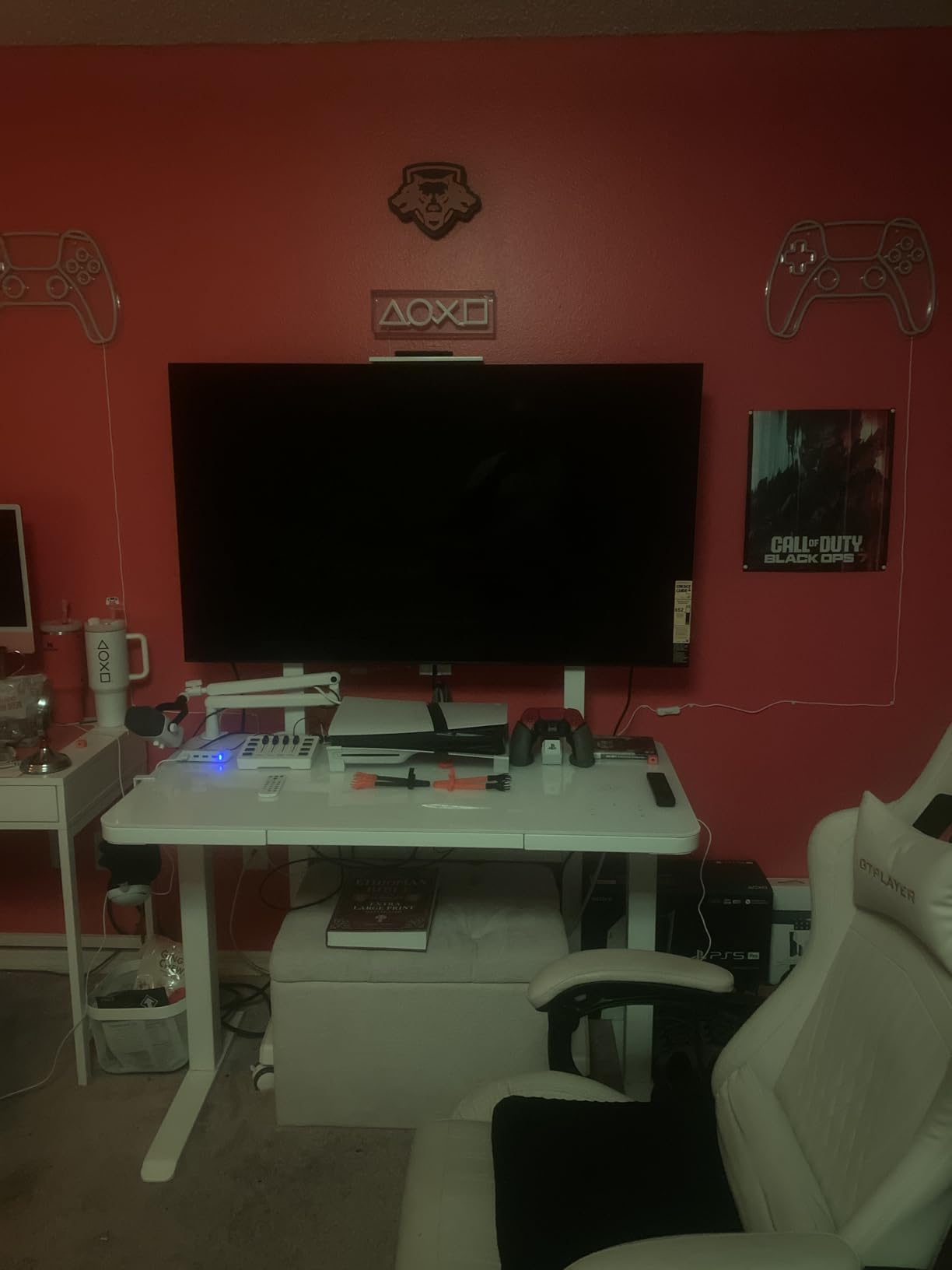
This is the set to buy if Dolby Vision Gaming is on your list. An Xbox Series X outputs Dolby Vision Gaming, and this panel handles it while keeping the picture in a game mode that owners describe as close to the flagship processing quality. The XR OLED Motion system delivers blur-free action and low latency that rivals dedicated gaming monitors, which is a real statement on a 65-inch screen.
One port detail matters here. The HDMI 2.1 implementation covers 4K at 120Hz with VRR on two ports, not all four, so count your devices carefully. One console plus a soundbar is comfortable; a two-console household that wants both game systems on 4K 120Hz should verify the allocation before buying.
The software is the quiet winner. Owners describe it as the best built-in TV software of the sets reviewed, with fast, responsive menus, and the PS5 auto power-on and auto picture tuning work with no configuration at all. Studio Calibrated modes for Netflix and Prime Video add value for the mixed gaming and streaming use that most console households actually have.
The glossy screen is the honest drawback. It is hard to view in a brightly lit room with direct sunlight, which puts it behind the matte Samsung and LG panels in daylight. Owners also recommend turning off the AI upscaling and motion smoothing options, because leaving them on can soften the image rather than improve it.
Count your full-bandwidth ports
Only two ports carry 4K 120Hz with VRR, so work out your device count before ordering. A soundbar or receiver on the third port is fine because audio does not need the bandwidth, but a second console does.
Plan for glossy reflections
If your room takes direct sunlight, a matte panel will serve you better than this one. Also budget for a soundbar, since the built-in speakers are merely adequate and the remote is small and slippery.
8. Sony 65-Inch BRAVIA 8 II – Best for Xbox Series X
Sony 65 Inch BRAVIA 8 II QD OLED 4K HDR Smart Google TV (K-65XR80M2)
- Dolby Vision game mode with low input lag for Xbox and PlayStation
- Matte anti-reflection finish with a 178 degree viewing angle
- Quantum Dot colour purity looks more vibrant than brighter rivals
- Side-positioned legs leave clearance for a soundbar
- Sony warranty service reported as slow and unresolved
- Game Mode does not engage in a small number of HDR or Dolby Vision titles
- Automatic picture mode can look odd for gaming until adjusted
- Unpacking and mounting is a two-person job
The BRAVIA 8 II is the most complete console package on this list, and it is the one I recommend to an Xbox Series X owner. The Dolby Vision game mode is built for low input lag with both Xbox and PlayStation, which is the specific reason to spend more here rather than on a brighter panel. Owners describe the game bar as a practical addition, with VRR, motion blur reduction and screen scaling in one place.
The Quantum Dot panel combines pure black with up to 1000 nit peak brightness, and the matte anti-reflection finish means you are not squinting at a mirror in a lit room. Colour purity is the headline: owners say it looks more vibrant than brighter rivals, and the 178-degree viewing angle means a wide couch is not a problem.
Audio is unusually strong for a TV at this size, with 5.1 channel Acoustic Surface Audio+, Dolby Atmos, DTS:X and IMAX Enhanced. The side-positioned legs leave real clearance for a soundbar, which is a small design decision that saves you from a standoff between the stand and your audio gear.
Two things tempered the owner feedback for us. Several buyers report unresolved warranty repairs and slow Sony service, which is worth weighing against the panel quality. And Game Mode does not engage in a small number of HDR or Dolby Vision titles, so the automatic picture mode can look odd until you adjust it manually.
Buy it for the Dolby Vision game mode
The low input lag Dolby Vision game mode is the single most console-specific feature in this roundup, and it is aimed squarely at Xbox Series X and PlayStation owners. If your room is dark, that feature plus the matte panel is a strong combination.
Weigh the after-sales risk
Unresolved warranty repairs are the most significant negative theme in owner reports, so check the terms in your region before you order. Budget for two people on delivery day, since unpacking and mounting is not a solo job.
9. Samsung 65-Inch OLED S90H – Best for G-Sync on a Matte Panel
Samsung 65-Inch Class S90H Series, OLED, 4K, Smart TV, 2026 Model
- Glare Free screen removes reflections with blinds open and direct sun
- 165Hz Motion Xcelerator with both G-Sync and FreeSync Premium Pro
- Up to 1200 nit peak brightness in HDR
- HDR TV Plus and reliable HDMI CEC control
- Mid-black shadow detail can look muddy on dark content
- Default HDR tone mapping and picture settings need turning off
- Wall mount hardware sits low so height may need adjusting
The S90H is the newest panel in this group and the one that most directly answers a common owner question: can I get a matte OLED surface and still have 165Hz with G-Sync? Yes, and the answer arrives here. The 165Hz Motion Xcelerator supports both NVIDIA G-Sync and AMD FreeSync Premium Pro, which makes it the most flexible VRR option for a household that also has a PC.
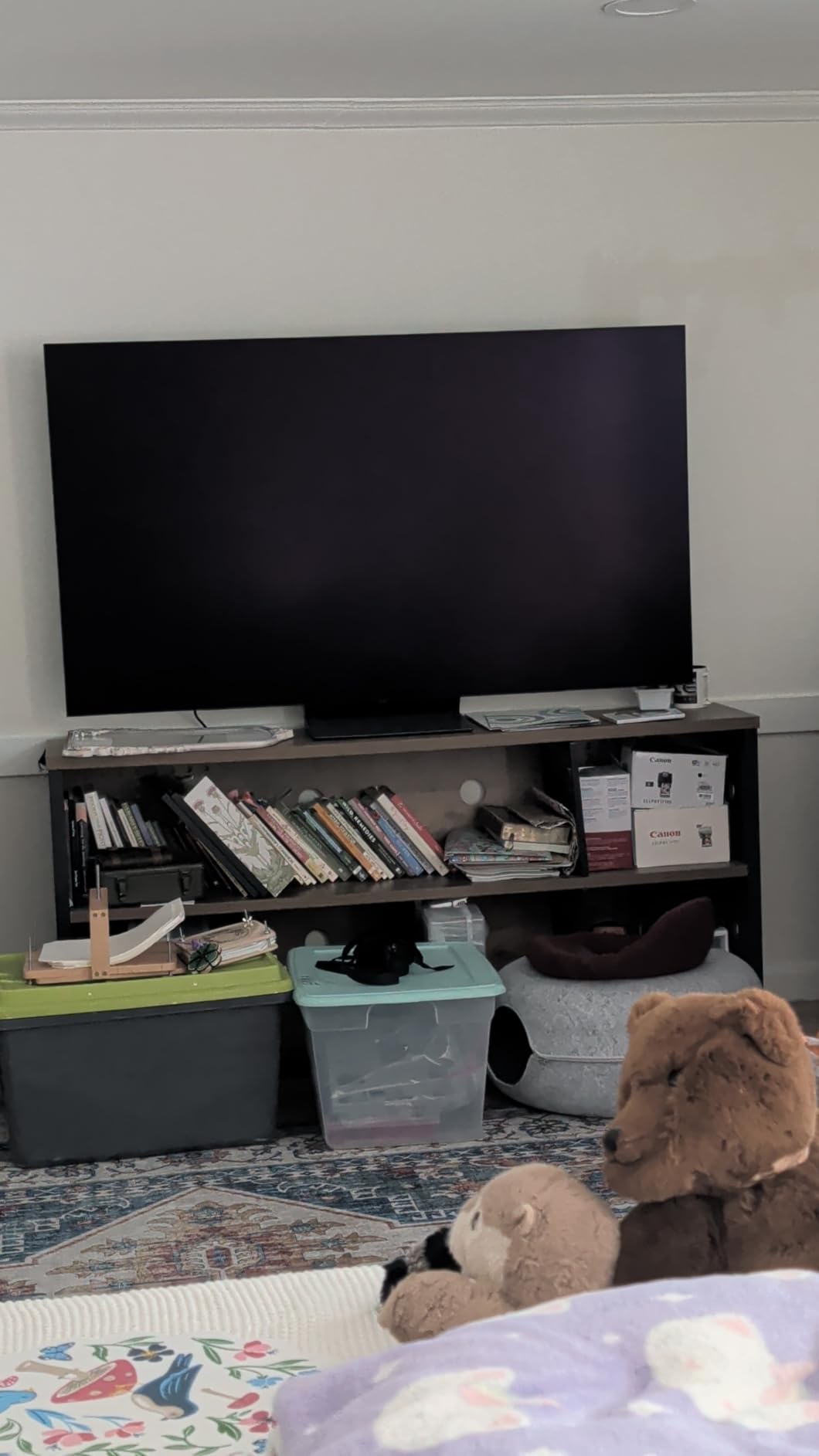
OLED HDR+ with the Glare Free matte treatment reaches up to 1200 nit peak brightness, and reviewers confirm it solves bright-room viewing with blinds open and direct sun. The NQ4 AI Gen3 processor drives 4K AI Upscaling Pro and the AI Motion Enhancer Pro, which reduces blur and flickering on fast-moving content.
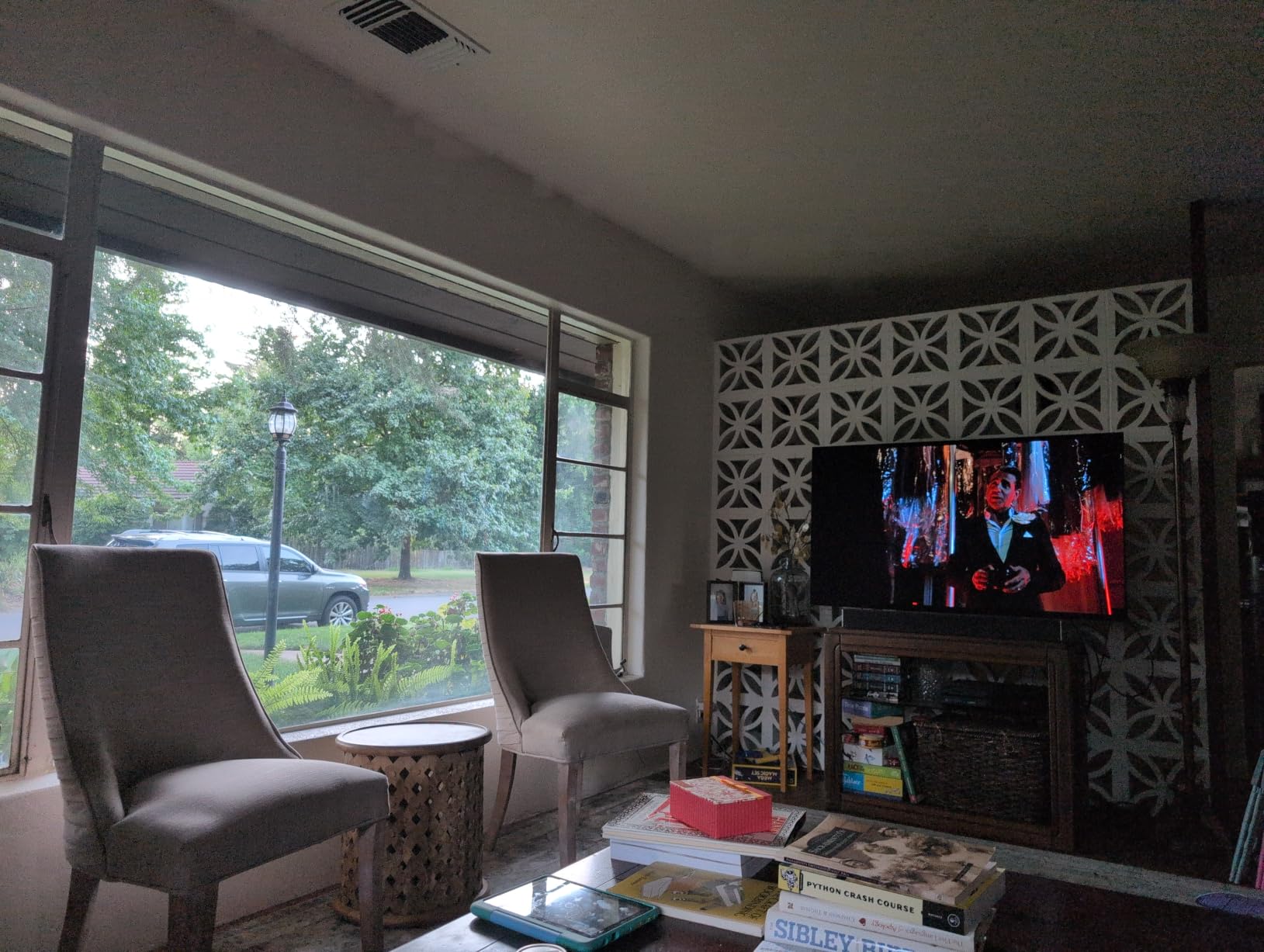
Owners like that it weighs 45 pounds for a 65-inch OLED, which makes it one of the lighter panels to handle, and that HDMI CEC works reliably so a single console remote can control the TV. Auto HDR Remastering lifts non-HDR content toward an HDR-like look, which is handy for the large back catalogue on both consoles.
The complaints are about defaults rather than hardware. Mid-black shadow detail can look muddy and soft on dark, shadowy content, and the default HDR tone mapping plus start screen and Picture Clarity settings need turning off before you judge the image. The wall mount hardware also sits low on the panel, so expect to adjust the mounting height.
Check whether matte is worth it for you
If daylight reaches your screen, the Glare Free finish is the feature that matters and it justifies this pick on its own. If you game at night in a dark room, the glossy alternatives give you a better picture for less money.
Fix the picture settings on day one
Turn off the default HDR tone mapping, start screen and Picture Clarity options before you judge the panel. If you play a lot of dark horror or stealth content, test mid-black detail first, since that is where this set’s weakness shows.
How to Choose an OLED TV for PS5 and Xbox
Start with HDMI 2.1 bandwidth, because it is the spec that decides whether a console feature appears at all. HDMI 2.1 is the connector standard that carries 4K at 120Hz, VRR and ALLM, and the trap is that some TVs label every port HDMI 2.1 while only giving full bandwidth to one or two of them. In this list, the LG C4, LG C5, LG G5 and Samsung S90F all give you four full-bandwidth ports; the Sony XR8B gives 4K 120Hz with VRR on two ports.
Next, check the refresh ceiling. A PS5 or Xbox Series X tops out at 4K 120Hz, so anything above that is headroom rather than visible frame rate. What that headroom actually buys you is VRR range: the 165Hz ceilings on the LG G5, Samsung S95F and Samsung S90H give the panel more room to hold a stable refresh rate when a game’s frame rate moves.
VRR, or variable refresh rate, synchronises the TV’s refresh rate to the frame rate the game is producing, which removes screen tearing and the judder you get from frame-rate mismatches. The flavours matter: AMD FreeSync Premium is the console standard, FreeSync Premium Pro adds a wider range, and NVIDIA G-Sync is for PC graphics cards. LG supports G-Sync and FreeSync Premium together, Samsung’s S90H supports G-Sync and FreeSync Premium Pro, and Sony covers 4K 120Hz with VRR.
ALLM, short for auto low latency mode, lets the console switch the TV into its game mode automatically the moment you press the power button. Without it you select the input and switch modes yourself, which is a small friction that annoys people daily. Every set in this roundup supports the equivalent.
Input lag is measured in milliseconds between a button press and the on-screen result, and the honest way to read a spec is to ask which mode it was measured in. Game Mode figures and Boost mode figures are not the same thing, and only Game Mode figures describe what you will actually see during play. Owners looking for the fastest response here will be drawn to the 0.1ms pixel response times listed on the LG panels.
Dolby Vision Gaming is the console lottery worth understanding before you buy. The Xbox Series X supports Dolby Vision Gaming; the PlayStation 5 does not; and Samsung does not support Dolby Vision at all, so no Samsung set in this list can do it. If you own an Xbox and want Dolby Vision Gaming, your realistic shortlist is the Sony BRAVIA 8 II, the Sony XR8B and the LG sets.
Finally, size. A 48 or 55-inch panel suits a bedroom or a modest room at typical couch distance, and 65 inches is the sweet spot for a living room. Our guide to 55-inch OLED sets for bedrooms covers the small-room case in detail. Panels beyond 77 inches only make sense if you sit close or you want a cinema-style setup, and if value matters more than size, our OLED picks under 2000 track the tier most buyers land in.
Dolby Vision Gaming and the PS5 and Xbox Split
The console split is the single biggest reason two people with the same budget should buy different TVs. Dolby Vision Gaming is a console-side feature that the Xbox Series X supports and the PlayStation 5 does not, so on a PS5 you are buying Dolby Vision picture quality for films and streaming but not a gaming feature. On an Xbox Series X it is a genuine gaming mode with its own low input lag implementation, which is exactly what the Sony BRAVIA 8 II is built around.
Samsung complicates it further by not supporting Dolby Vision on any model, so the S90F, S95F and S90H deliver HDR10+ instead. That is not a downgrade in practice for most console players, and those sets compensate with the matte anti-glare coatings and high refresh ceilings that Sony panels do not offer.
One console nobody covers well on the competitive set is the Xbox Series S, which caps at 1080p output and 120Hz with no 4K performance mode. On that machine the expensive part of an OLED is doing less work, and a smaller panel gets a larger share of the budget. The 55-inch options in this list make more sense for a Series S household than a 77-inch panel does.
Is OLED Burn-In a Problem for Console Gaming?
Burn-in is a fair concern for a panel you will use daily for long sessions, though it is less certain than it was a few generations ago. Every set in this roundup uses self-lit pixels with pixel-level dimming, and current models run pixel shift and panel refresh routines during and after extended use. The realistic outcome with normal viewing habits is a manageable risk rather than a certainty.
Four things reduce the risk. Keep OLED brightness moderate and let more room light do the work, because sustained high brightness is the main driver of permanent image retention. Avoid leaving a static game HUD, a paused menu or a news ticker on screen for hours, and switch the console off when you are finished rather than leaving it idle on the home screen. Rotate what you watch if you use the panel for both streaming and gaming.
Check the warranty terms before you buy, since burn-in coverage varies by brand and by region, and some manufacturers require a panel refresh process before a claim is considered. If your console runs daily for many hours, a matte panel in a lit room is generally the kinder choice, because you run lower OLED brightness when there is less glare to fight.
Frequently Asked Questions
Are OLED TVs good for gaming?
Yes. OLED suits consoles better than any other panel type because each pixel emits its own light, which gives true blacks, infinite contrast and near-instant pixel response for effectively zero motion blur. Dark games look far better than on any backlit LCD. The requirement is full HDMI 2.1 bandwidth, because a TV without 4K 120Hz, VRR and a low latency game mode discards most of what a PS5 or Xbox Series X can output.
Which TV brand is best for console gaming?
No single brand wins every category. LG delivers the most complete gaming feature sets and the only matte option in some sizes, including the fastest refresh ceiling and four full-bandwidth HDMI 2.1 ports on the C4. Samsung leads on matte anti-glare coatings and brightness, with the S90H combining a Glare Free panel with 165Hz and G-Sync. Sony leads on PlayStation features such as Auto HDR Tone Mapping and on Dolby Vision Gaming for Xbox. Pick by console and room, not by badge.
Is OLED still worth it in 2026?
Yes. Entry-level OLED sets now ship with 120Hz or higher refresh rates, VRR, ALLM and multiple HDMI 2.1 ports, at prices that undercut Mini-LED sets from a few years ago. The remaining reasons to skip OLED are a very brightly lit room where a glossy panel becomes a mirror, an extreme screen size, or a tight budget that only covers very small panels.
Which OLED TV is best for PS5 gaming?
For pure gaming performance the LG C4 leads on input lag, 144Hz refresh and four full HDMI 2.1 ports. For PS5 specific features the Sony BRAVIA 8 II and the BRAVIA XR A95L win with Auto HDR Tone Mapping and Auto Genre Picture Mode, which configure the panel automatically when a supported game launches on the console.
Do I need HDMI 2.1 for the PS5?
Yes, if you want 4K 120Hz and variable refresh rate from your PlayStation 5. Without full HDMI 2.1 bandwidth the console falls back to 4K 60Hz, and a low latency LCD can then match its input lag. Count full bandwidth ports rather than total ports, because some TVs label all four HDMI 2.1 while giving the full 48 Gbps pipeline to only two of them.
What’s better, OLED or QLED for a PS5?
OLED wins on response time, contrast, black level and viewing angle, which makes it the better choice in a darkened or dimly lit room. Mini-LED QLED wins on sustained fullscreen brightness in a lit room, usually for less money. For a controlled gaming room choose OLED; for a daytime-lit living room a Mini-LED set serves you better, unless the OLED you want has a matte anti-reflective coating.
Does the PS5 Pro need an 8K TV?
No. The PS5 Pro 8K output is largely upscaled, and a TV needs Display Stream Compression over HDMI 2.1 to output 8K at all. A 4K 120Hz OLED with VRR delivers a larger visible improvement for the money, and a high refresh ceiling such as 144Hz or 165Hz gives you VRR headroom the console can actually use.
What is ALLM and do I need it for console gaming?
ALLM, or auto low latency mode, lets your console switch the TV into its game mode automatically as soon as you turn the console on. Without it you select the input and switch picture modes yourself every session. It is not a performance feature, but it removes daily friction and every set in this roundup supports the equivalent.
The Best OLED TV for Gaming Consoles in 2026
The best OLED TVs for gaming consoles in 2026 are not all the same panel, and that is what makes this list useful. The LG 55-inch OLED C4 is the one to buy if you want the most complete console feature set and four full-bandwidth HDMI 2.1 ports in a 55-inch footprint. The Samsung 65-inch OLED S90F delivers the most picture for the money at the size most living rooms want, and the LG 77-inch OLED C5 is the pick when glare is a daily problem and you want a large screen without the reflections.
Buy the Sony BRAVIA 8 II or the BRAVIA XR8B if Dolby Vision Gaming or PlayStation auto-tuning matters to you, and the Samsung S90H or LG G5 if you want the widest VRR headroom and will use a PC alongside your console. Whichever you choose, confirm the port count for your own devices, then use the Check Latest Price buttons above for current pricing.